
Packshot alternative
Packshot or RAWSHOT: choosing an apparel content workflow
Compare Packshot and RAWSHOT for apparel imagery when product pages and campaigns need a clear production route.
Published: Updated:
The short answer
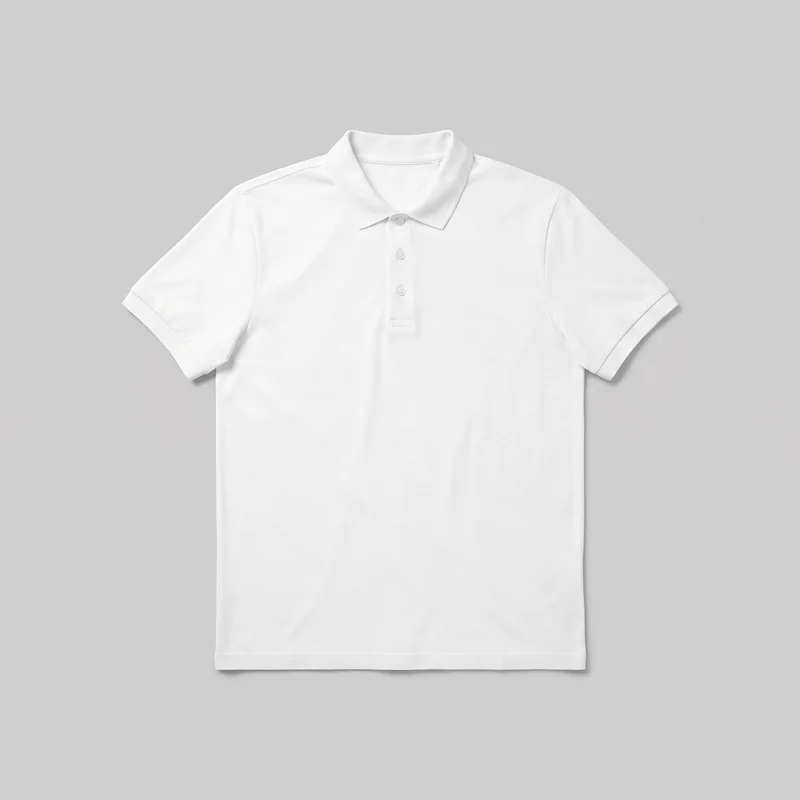
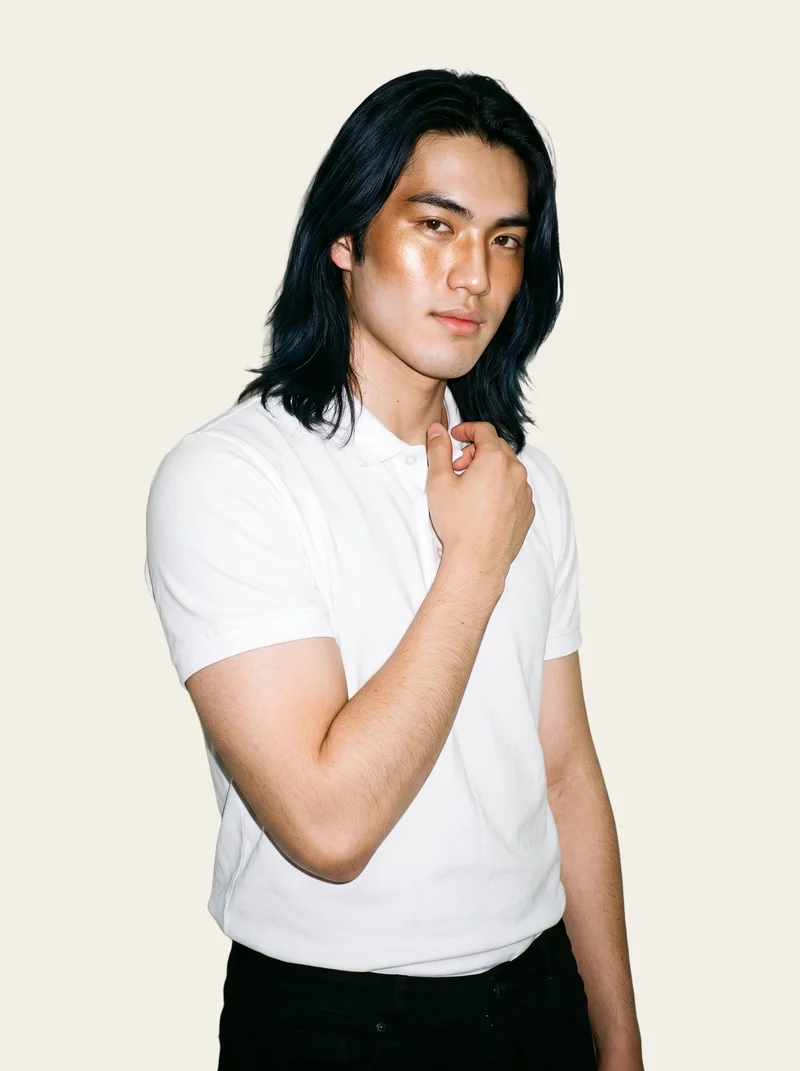
Packshot and RAWSHOT both start from a clothing-item photo. Packshot can also combine AI fashion content with traditional production, including imagery of a real person. RAWSHOT uses synthetic models, keeps a selected model consistent within a composition, and adds C2PA content credentials to every output.
- Packshot is built for
- Managed campaign, editorial and commerce content with production support.
- RAWSHOT is built for
- Repeatable on-model collection imagery directed in the browser.
Packshot facts checked on packshot.com, 24 September 2026 · RAWSHOT facts from the app
Decide in three questions
Answer the three questions to see which workflow fits better.
Strengths
Where Packshot is a strong fit
Hybrid AI and traditional production
Packshot supports AI fashion content alongside photography, videography, creative direction, post-production and content strategy.
SourceManaged commerce-content workflow
Packshot provides product, campaign, editorial and e-commerce content with retouching, colour correction and post-production support.
SourceProduction support beyond image generation
Packshot documents photography, videography, creative direction, retouching and content strategy alongside its AI fashion offering.
SourceDifferences
How RAWSHOT takes a different approach
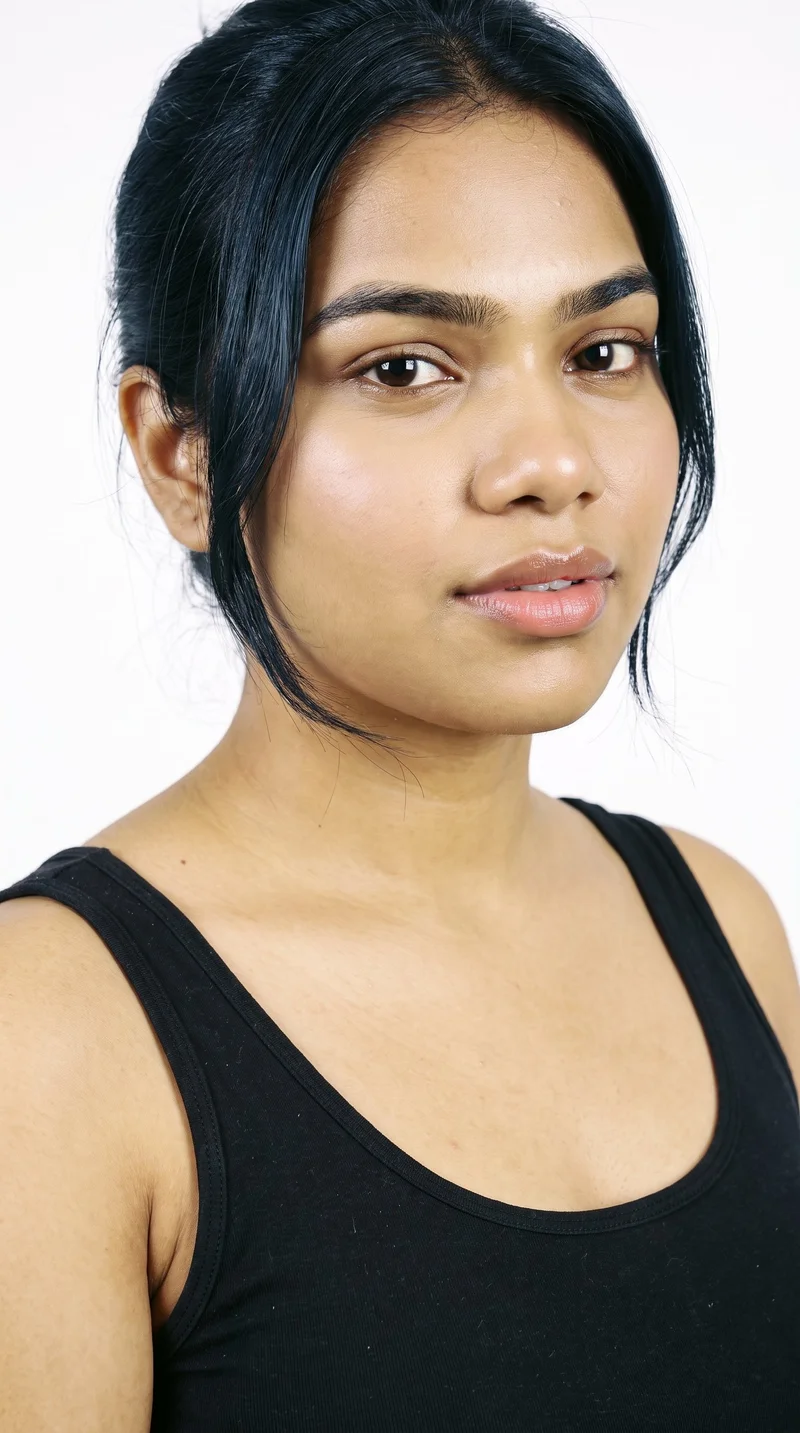
Keep a model identity consistent
RAWSHOT offers 1,197 models and a private model builder. Select the model within a composition, then change another element while keeping that model selected.
See the feature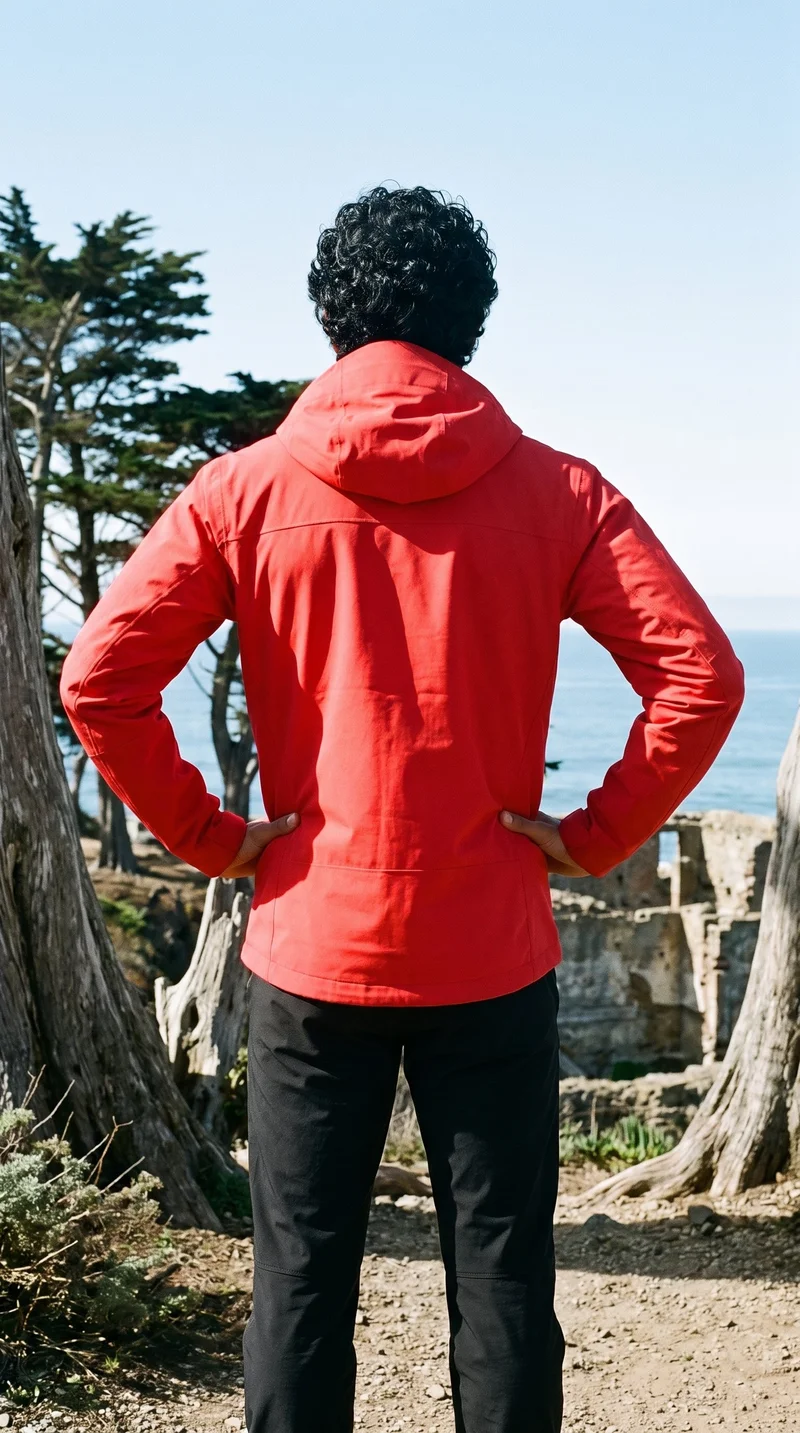
Change one decision without rebuilding the composition
RAWSHOT treats the image as selected decisions. Change the model, light or crop while the other composition choices remain set.
See the feature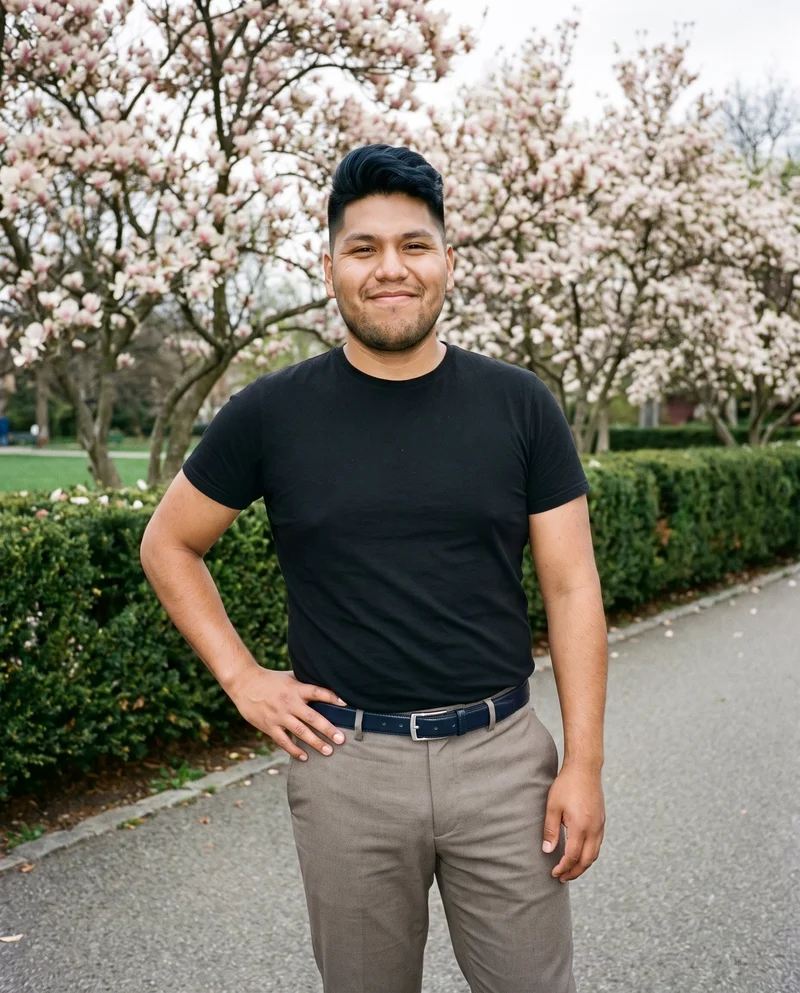
Direct the light before the image is taken
RAWSHOT provides four photography directions: studio cut-out, clean catalogue, natural e-commerce and flash editorial.
See the featureFrom the catalog
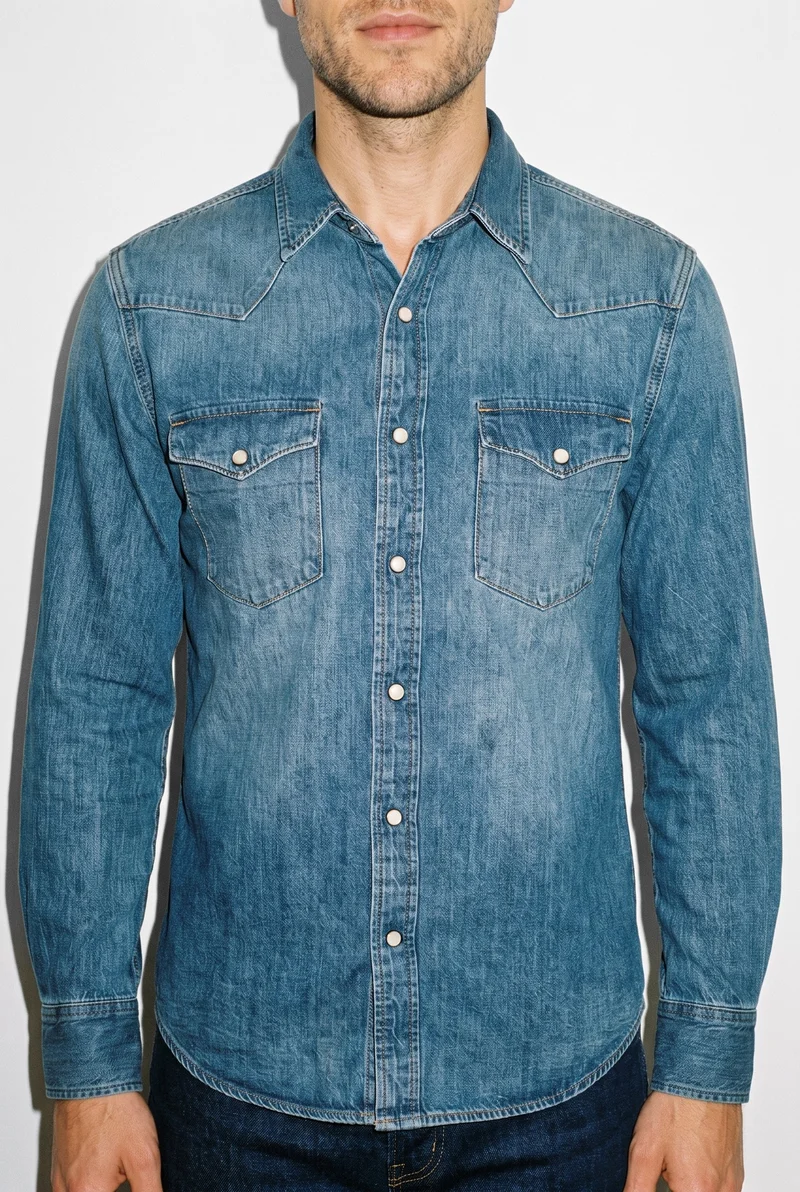
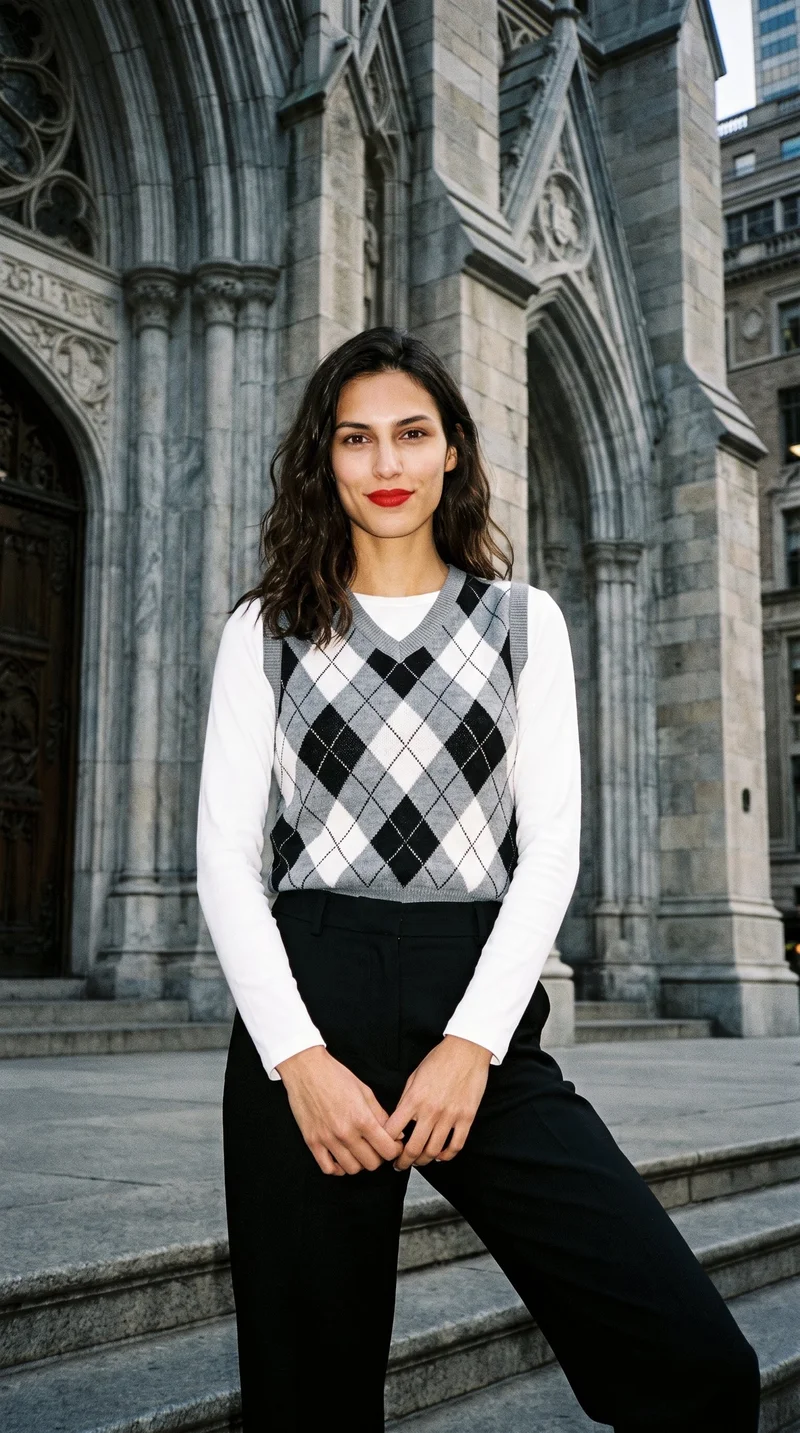
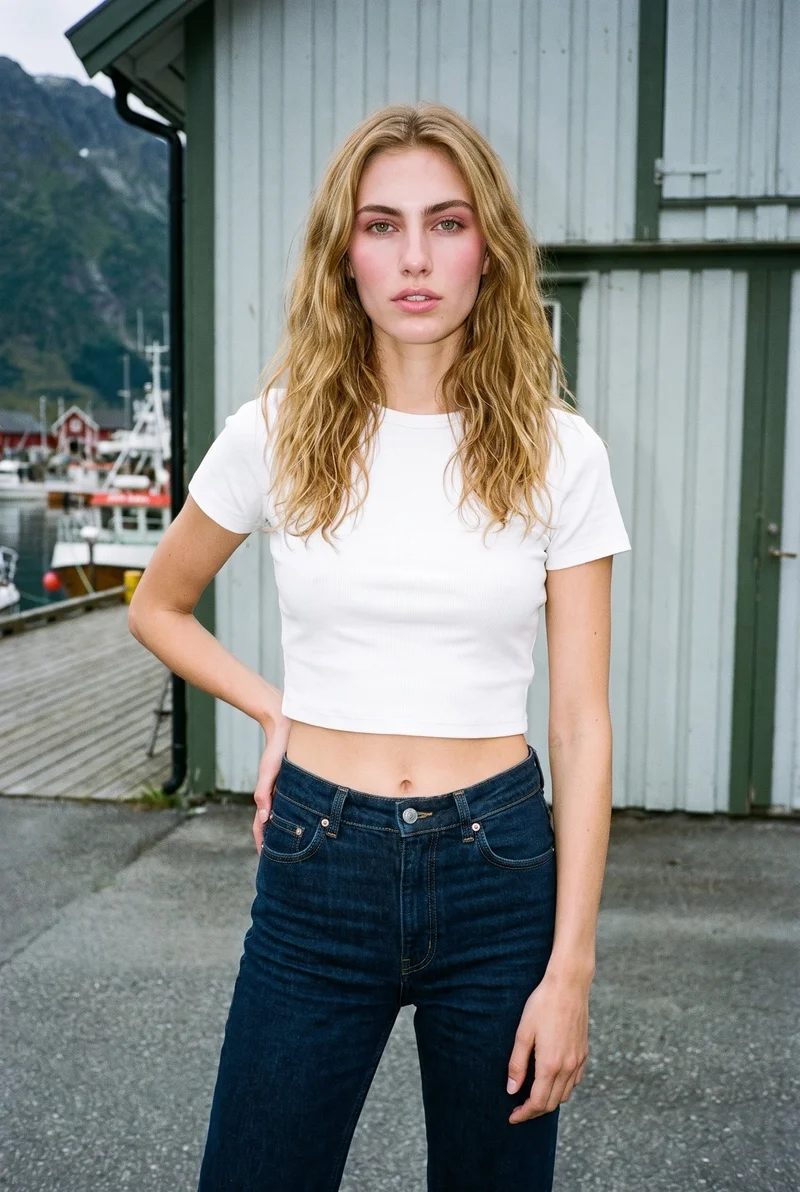
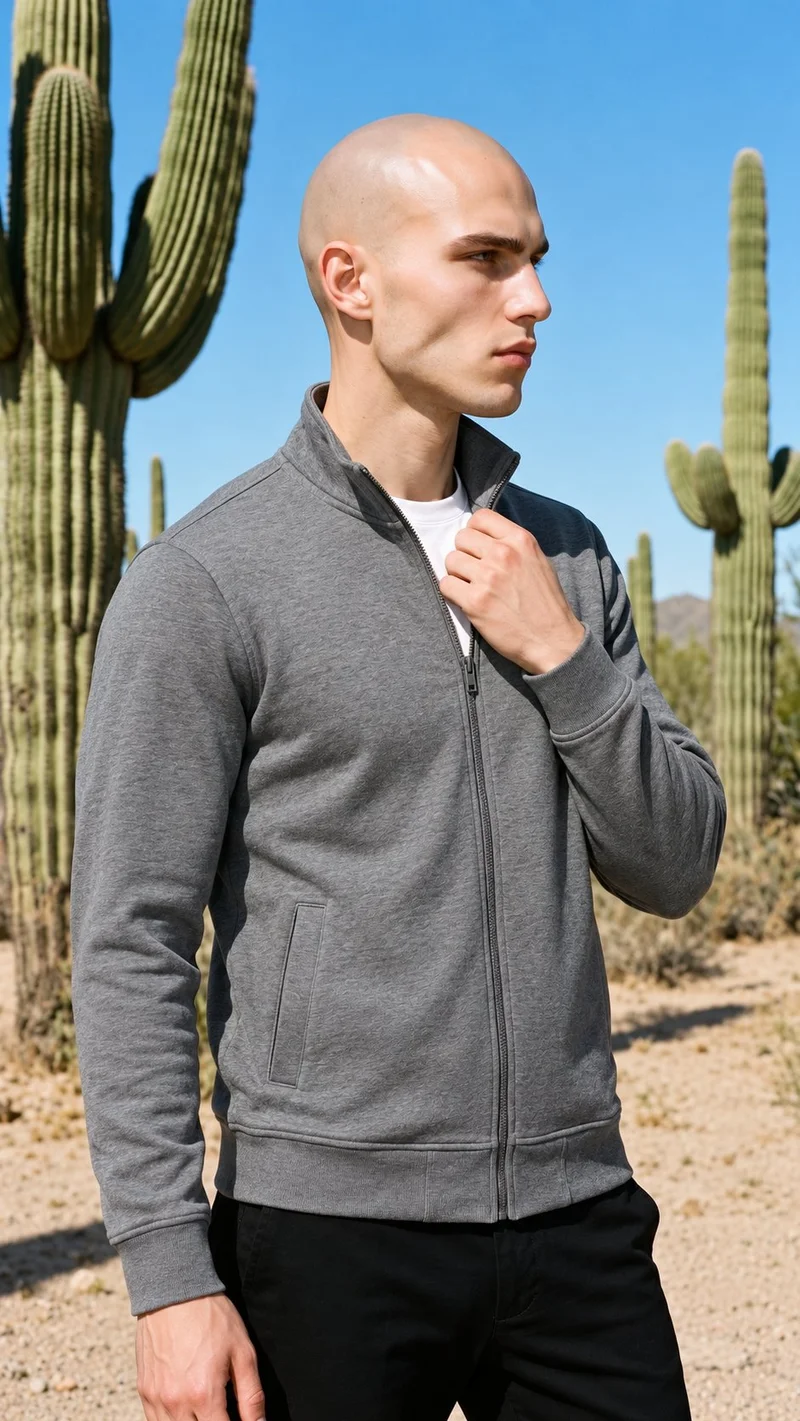
More finished shoots
Side by side
Packshot alternative: how the workflows compare
Packshot documents a managed production service with AI and traditional options. RAWSHOT is documented as a browser-based fashion photo studio with selectable composition controls.
| Comparison | RAWSHOT | Packshot |
|---|---|---|
| Starting point | Product photos, flat-lays, mockups or technical sketches. | Clothing-item photo is the comparison baseline; other accepted inputs are not specified. |
| Creative controls | Seven selectable steps cover the composition before generation. | Campaign, editorial, e-commerce and marketing content; specific controls are unspecified. |
| Models | Synthetic models only, with library selection or private model building. | AI fashion-model imagery and traditional fashion photography are documented. |
| Products per image | Up to four products in one composition. | Not documented on the official AI page. |
| Video | Any finished still can become a short video. | Traditional production can capture stills and video on one set. |
| Rights and provenance | C2PA credentials, visible and cryptographic watermarking, and AI labelling. | Delivery-material rights assigned after payment, subject to third-party rights. |
Packshot statements follow its official cited pages; RAWSHOT statements use the supplied product facts.
Use cases
Who each approach suits
Marketing and brand managers
Packshot
The campaign must show a real person the brand already works with.
Packshot documents traditional fashion photography alongside AI fashion content, while RAWSHOT uses synthetic models only.
E-commerce managers filling product pages before a drop goes live
RAWSHOT
The team needs product-page imagery with one consistent model identity.
RAWSHOT provides model selection and private model building for consistency within a photoshoot.
See the solutionPerformance marketers
RAWSHOT
The bottleneck is producing controlled creative variants from existing products.
RAWSHOT lets users change individual composition decisions while keeping the rest selected.
See the solutionWholesale and sales teams building lookbooks and linesheets before samples land
RAWSHOT
The range needs on-model presentation before physical samples arrive.
RAWSHOT can generate from product photos, flat-lays, mockups or technical sketches.
See the solutionMore options
Other ways to plan fashion content

The Line Studios
Compare The Line Studios’ documented production and AI extensions with RAWSHOT’s configurable fashion studio, synthetic models, and C2PA credentials.
Compare with RAWSHOT

StudioShot
Compare StudioShot and RAWSHOT for fashion imagery, from product-photo workflows and scene guidance to model options, video, rights, and content credentials.
Compare with RAWSHOT

Hyperblack Studios
Compare Hyperblack Studios’ studio-led fashion production with RAWSHOT’s configurable product shoots, including models, creative control, video, and rights.
Compare with RAWSHOT

Squareshot
Compare Squareshot and RAWSHOT for apparel imagery, from campaign direction and model options to collection consistency and image provenance.
Compare with RAWSHOT
Rights
You own every image. Every image says what it is.
Yours
- Full commercial rights to every image, permanently.
- No recurring licence fees on any model in the library.
- Every model is a synthetic composite, so there is no real-person likeness.
Labelled
- C2PA content credentials on every image.
- AI-labelled output, aligned with EU AI Act Article 50.
Checked
- Every image is checked against your model, frame, view and pose before delivery; one that misses is made again.
- A safety filter screens every upload and blocks nude or explicit images.
EU-based hosting, GDPR-compliant handling.
- Aligned with EU AI Act Article 50
- C2PA
- Full commercial rights
- Quality-checked images
- Safety-filtered uploads
- GDPR-compliant handling
- EU-based hosting
Questions
Packshot and RAWSHOT questions
What is the difference between Packshot and RAWSHOT for apparel photos?
Packshot and RAWSHOT both start from a clothing-item photo. Packshot documents a managed service spanning AI fashion content, photography, videography, creative direction and post-production. RAWSHOT is a browser-based photo studio where you select the model, product, styling, light and composition. RAWSHOT uses synthetic models only and adds C2PA content credentials to every output. Choose RAWSHOT when directed, consistent apparel imagery is the central job.
When is Packshot a better choice than RAWSHOT?
Packshot is better suited when the brief depends on a real person you already work with, photography or videography on a production set, creative direction, retouching or content strategy. It documents those services alongside AI fashion content. RAWSHOT is more focused on synthetic-model fashion imagery. Select Packshot when managed production capabilities are essential to the brief.
Which models can I use in Packshot and RAWSHOT?
Packshot documents AI fashion-model imagery and traditional fashion photography, including a possible route for working with an existing real person, but it does not publish a model library or synthetic-only rule on the cited page. RAWSHOT uses synthetic composites only, with 1,197 models and a private model builder. Use Packshot for a real-person production requirement; use RAWSHOT for controlled synthetic casting.
Can I use Packshot and RAWSHOT images commercially?
Packshot’s terms provide for assignment of intellectual-property rights in delivery materials after payment, subject to applicable third-party rights. RAWSHOT provides full and permanent commercial rights to every generation, with no ongoing licensing fees on library models. RAWSHOT also provides C2PA content credentials and AI-labelled output metadata. Review Packshot’s applicable terms; choose RAWSHOT when permanent rights and provenance are central requirements.
How do I switch from Packshot to RAWSHOT?
Bring product photos, flat-lays, mockups or technical sketches into RAWSHOT, then select the model, styling, background, light and composition. RAWSHOT returns a 2K image in roughly 30 to 40 seconds. Start with one product and an approved composition, then create the remaining individual photoshoots from that direction.
Get started
Direct the next apparel shoot yourself
Bring a real product into RAWSHOT and set the model, styling, light and composition in the browser.