
Veeton alternative
Veeton and RAWSHOT: two approaches to apparel shoots
Compare clothing-photo workflows for tops, dresses, bottoms, outerwear and knitwear.
Published: Updated:
The short answer
Both Veeton and RAWSHOT start photoshoots from clothing-item photos. Veeton also offers Editorial from a visual reference that may show a real person, but does not support importing one as a model. RAWSHOT uses synthetic models, holds composition when one element changes, and adds C2PA credentials to every output.
- Veeton is built for
- Clothing teams creating product-photo shoots, editorial-reference compositions and product video.
- RAWSHOT is built for
- Fashion teams directing on-model product imagery with a consistent composition across a collection.
Veeton facts checked on veeton.com, 24 September 2026 · RAWSHOT facts from the app
Decide in three questions
Answer the three questions to see which workflow fits better.
Strengths
Where Veeton offers distinct options
Editorial work can start from a reference
Veeton’s photoshoot workflow starts with an uploaded product. Its separate Editorial feature can start from a visual reference and cast products and models from the user’s library.
SourceReady-made or custom model choices
Users can choose from Veeton’s model library or generate custom AI models. Veeton’s documentation says importing a real person as a model is not supported.
SourceVideo from images and product views
Veeton documents video generation from an image and a separate 360-degree product video workflow built from uploaded product views.
SourceDifferences
What RAWSHOT puts in your hands
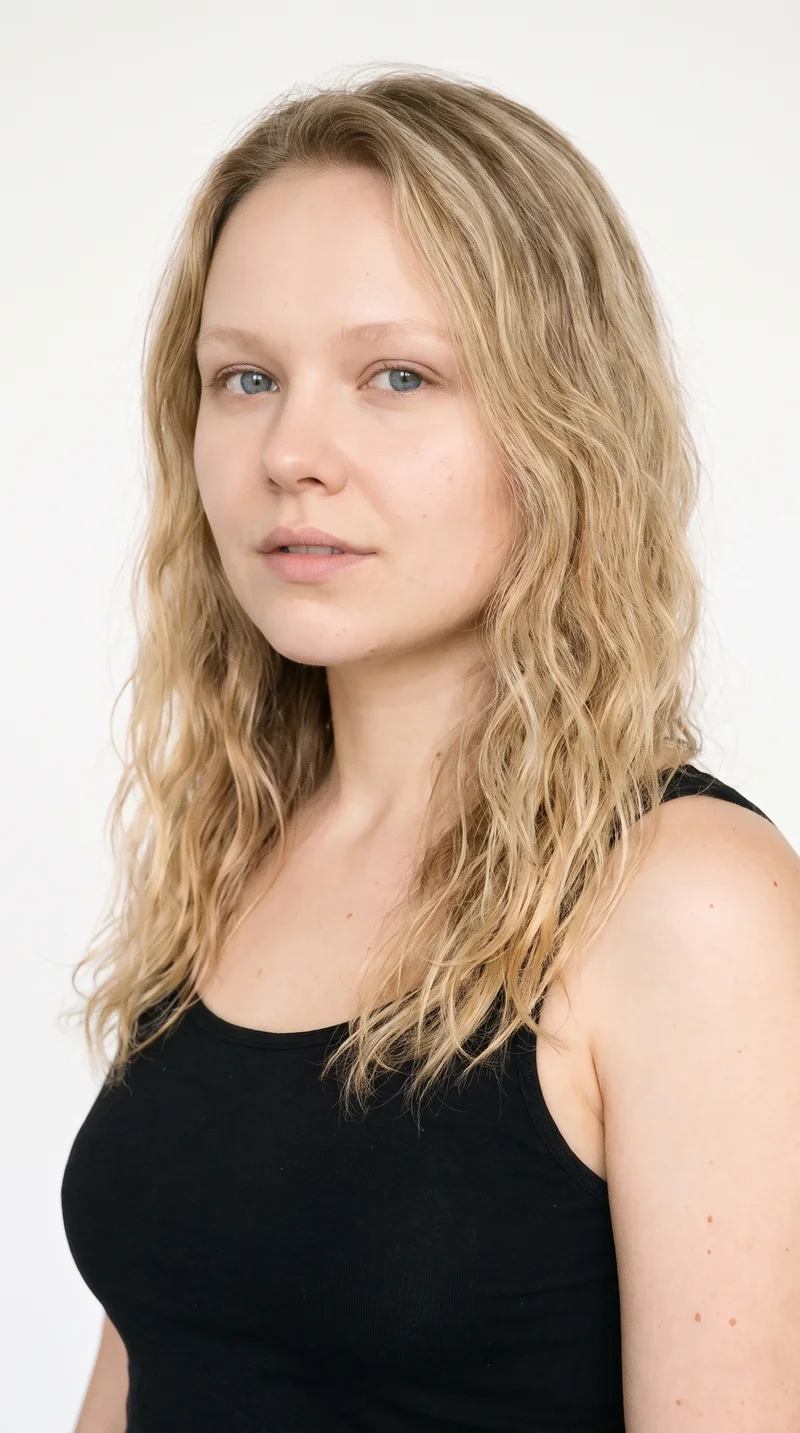
Build a private model
RAWSHOT’s private model builder offers visible attribute choices. All models are synthetic composites; no real-person likeness is referenced.
See the feature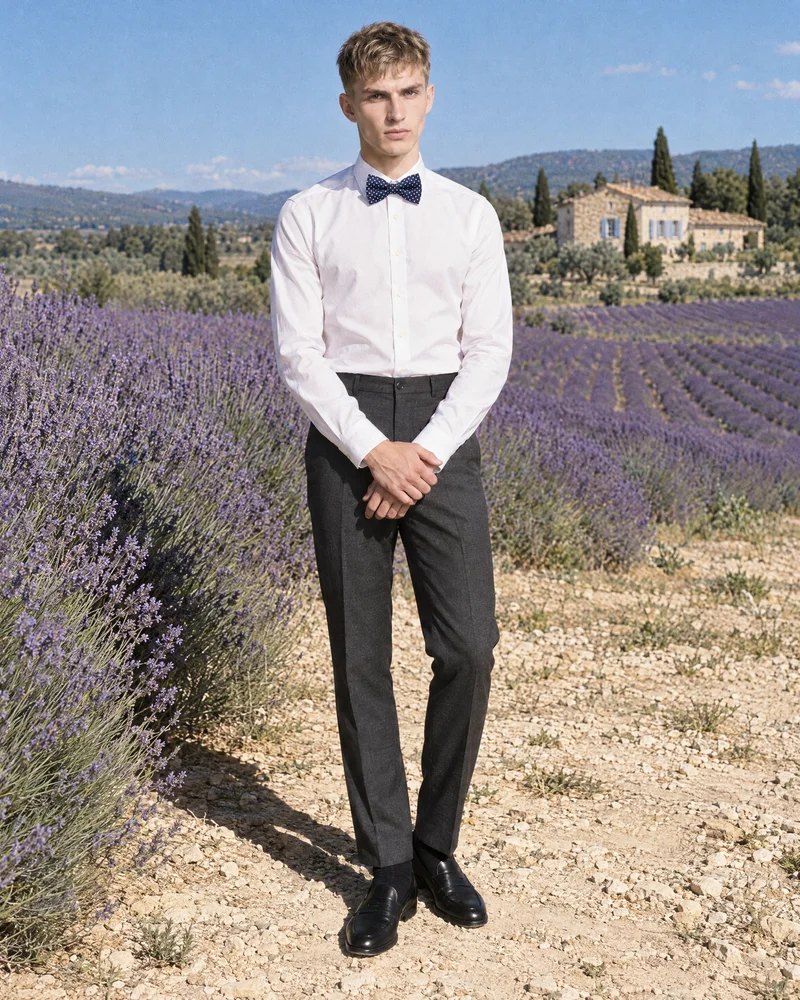
Represent the real product faithfully
One image style is engineered to represent the product’s cut, colour, pattern, logo, drape, material, finish and hardware.
See the feature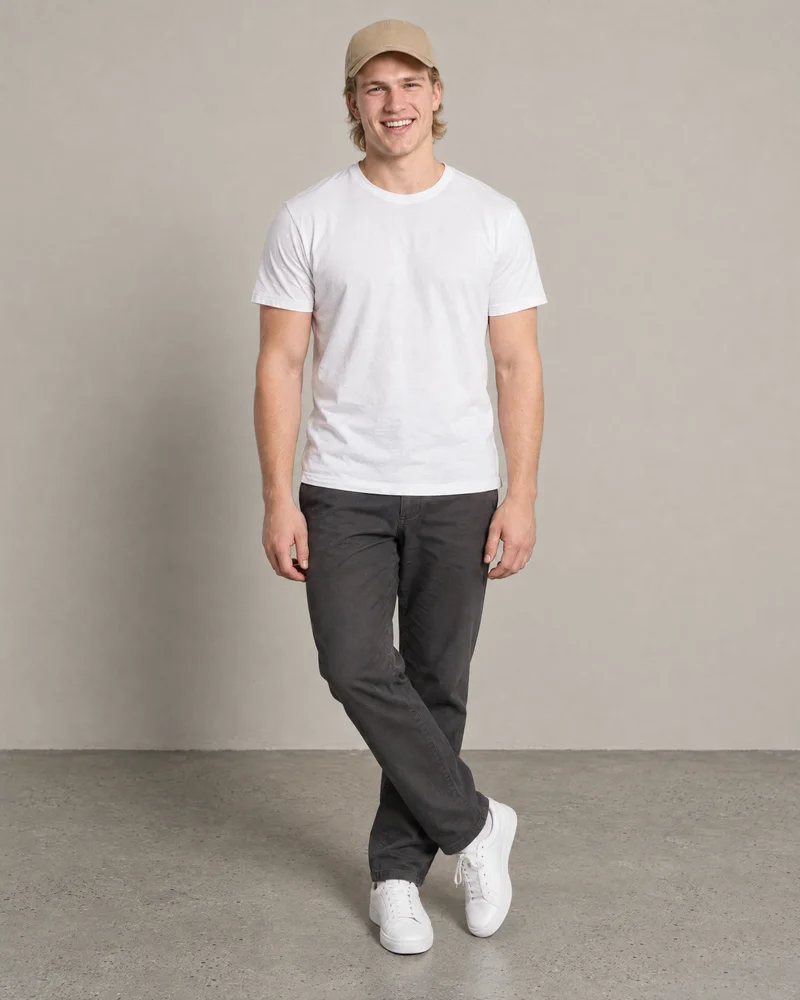
Review suggested settings before generation
AI pre-selects settings you can change. 30+ frame-pose pairings are never suggested but remain selectable.
See the featureFrom the catalog
More finished shoots
Side by side
Is Veeton an alternative to RAWSHOT for apparel photography?
Both tools support clothing-photo workflows. Their documented starting points, controls and output workflows differ.
| Comparison | RAWSHOT | Veeton |
|---|---|---|
| Starting point | Product photos, flat-lays, mockups or technical sketches across fashion categories. | Product photos; Editorial can also start from a visual reference image. |
| Creative controls | Set styling, background, light, frame, camera view, pose, expression, ratio and resolution. | Choose models, angle shots, optional outfit items and backgrounds. |
| Models | 1,000+ models and a private model builder; all are synthetic composites. | Choose library models or generate custom AI models; importing real-person models is not supported. |
| Products per image | Up to four products: one main product and three supporting products. | One main product per shoot row, with optional outfit garments and accessories. |
| Video | Create video from a finished still, as a silent 10-second clip in the source image’s aspect ratio at 720p or 1080p. | Animate an image or create a 360-degree product video from uploaded product views. |
| Rights and provenance | C2PA credentials on every output; full, permanent commercial rights with no ongoing licensing fees on library models. | Veeton says exported images carry signed C2PA metadata identifying them as AI-generated and produced by Veeton. |
Veeton details use its help-center articles; RAWSHOT details use verified product facts.
Use cases
Which workflow may fit your team
E-commerce managers filling product pages before a drop goes live
RAWSHOT
You need coordinated imagery for a clothing collection.
RAWSHOT lets you change one element while the rest of the composition holds.
See the solutionMarketing and brand managers
Veeton
Your creative work starts from a visual reference.
Veeton’s separate Editorial feature can start from a visual reference image.
Wholesale and sales teams building lookbooks and linesheets before samples land
RAWSHOT
You need imagery to present a range before physical samples are available.
RAWSHOT accepts product photos, flat-lays, mockups and technical sketches.
See the solutionMore options
Other apparel photography options to consider

Shootify
Compare Shootify and RAWSHOT for apparel imagery, from product inputs and catalogue consistency to model control, video and provenance.
Compare with RAWSHOT

Lalaland
Compare Lalaland and RAWSHOT for apparel imagery, model control, collection consistency, video, and verifiable content credentials.
Compare with RAWSHOT

PicJam
Compare PicJam and RAWSHOT for apparel imagery, model control, collection consistency, product video, and verifiable content credentials.
Compare with RAWSHOT

Mocky
Compare Mocky and RAWSHOT for apparel imagery, model selection, collection consistency, short videos, and verifiable content credentials.
Compare with RAWSHOT
Rights
You own every image. Every image says what it is.
Yours
- Full commercial rights to every image, permanently.
- No recurring licence fees on any model in the library.
- Every model is a synthetic composite, so there is no real-person likeness.
Labelled
- C2PA content credentials on every image.
- AI-labelled output, aligned with EU AI Act Article 50.
Checked
- Every image is checked against your model, frame, view and pose before delivery; one that misses is made again.
- A safety filter screens every upload and blocks nude or explicit images.
EU-based hosting, GDPR-compliant handling.
- Aligned with EU AI Act Article 50
- C2PA
- Full commercial rights
- Quality-checked images
- Safety-filtered uploads
- GDPR-compliant handling
- EU-based hosting
Questions
Questions about Veeton and RAWSHOT
How do Veeton and RAWSHOT create apparel photos?
Both Veeton and RAWSHOT start apparel photoshoots from clothing-item photos. Veeton also offers a separate Editorial workflow that can begin from a visual reference. RAWSHOT lets you configure the shoot and keeps the rest of the composition in place when you change one element. For a product-photo shoot with direct control over the composition, consider RAWSHOT.
When might Veeton be a better choice?
Veeton may fit better if you need a separate Editorial workflow that starts from a visual reference, or a 360-degree product video created from uploaded product views. Veeton also documents animating an image into video. RAWSHOT creates video from a finished still, but its documented capabilities do not include a 360-degree product video workflow. If rotation from uploaded views is central to your work, consider Veeton.
Which models can I use in Veeton and RAWSHOT?
Veeton offers library models and custom AI models; its help material says importing a real person as a model is not supported. RAWSHOT offers 1,000+ models and a private model builder. RAWSHOT models are synthetic composites, with no real-person likeness referenced. Review the documented model options against the casting requirements for your shoot.
Can I use Veeton and RAWSHOT images commercially?
RAWSHOT grants full and permanent commercial rights to every generation, with no ongoing licensing fees on library models. Veeton says exported images carry signed C2PA metadata identifying them as AI-generated and produced by Veeton; the cited material does not establish its commercial-use terms. Check Veeton’s current terms before commercial use.
How do I switch from Veeton to RAWSHOT?
The supplied information does not establish direct project migration from Veeton. You can start a new RAWSHOT photoshoot with product photos, flat-lays, mockups or technical sketches, then configure the shoot in the browser application. Plan to prepare your product inputs and recreate the desired choices there; check your Veeton account for any exports you need before switching.
Get started
Set up your next apparel shoot
Choose the product, model and composition, then review the image before planning the next shoot.