
Visboom alternative
Visboom and RAWSHOT take different routes to apparel imagery
See how Visboom and RAWSHOT approach clothing-photo inputs, model workflows, and directed apparel imagery.
Published: Updated:
The short answer
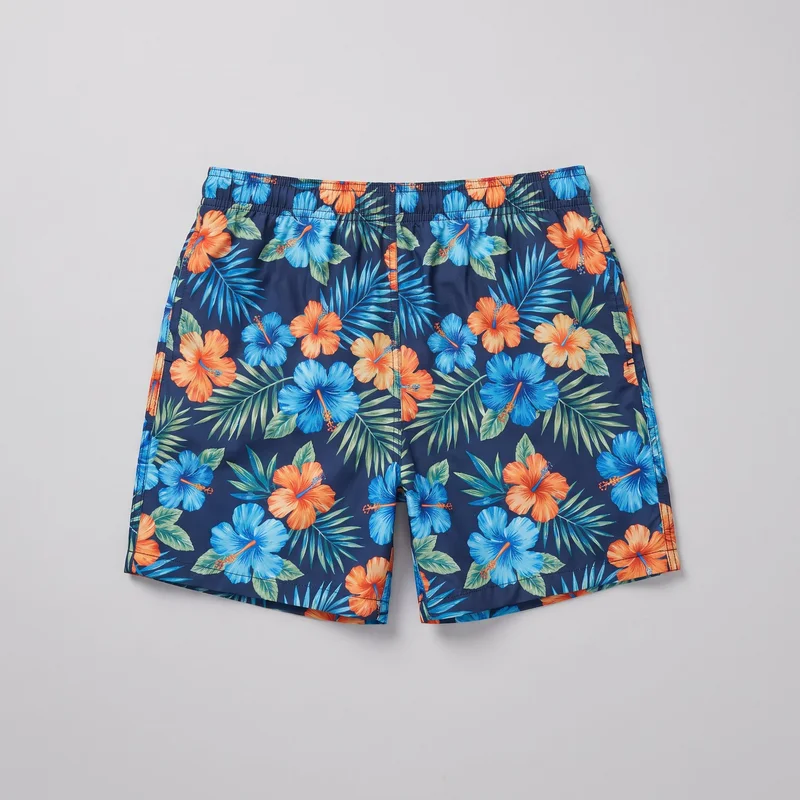
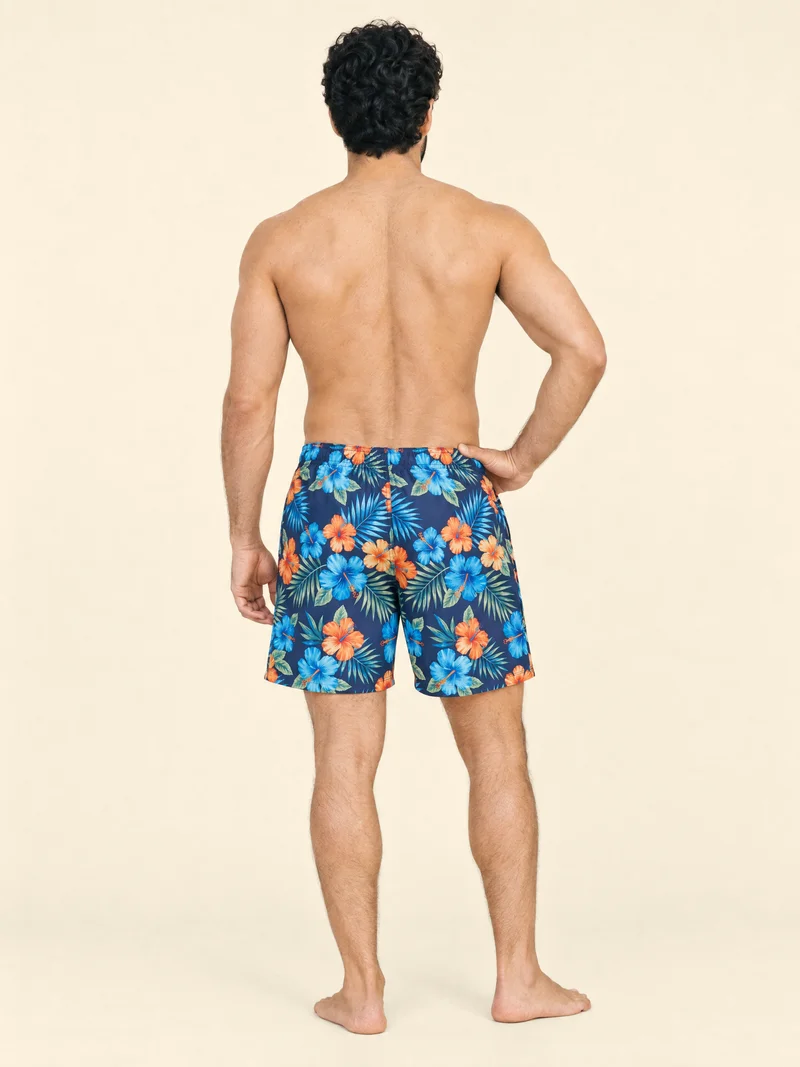
Both tools start from clothing-item photos. Visboom also documents transforming photos of people already wearing clothing; RAWSHOT uses synthetic models. Within a RAWSHOT shoot, changing one element leaves the rest of the composition in place, and every output carries C2PA content credentials.
- Visboom is built for
- Teams adapting clothing photos, including photos of a person already wearing the garment.
- RAWSHOT is built for
- Teams directing original on-model apparel imagery with a consistent composition and documented provenance.
Visboom facts checked on visboom.com, 19 October 2026 · RAWSHOT facts from the app
Decide in three questions
Answer the three questions to see which workflow fits better.
Strengths
Documented Visboom workflows
Start from several clothing-photo formats
Visboom documents clothing try-on from flat-lay, on-model, and mannequin photos.
SourceWork with outfits or one-piece clothing
Visboom documents both top-and-bottom outfit workflows and one-piece clothing workflows.
SourceUse a photo with someone already wearing clothing
Visboom's Model Swap page describes transforming photos of people already wearing clothing.
SourceDifferences
Direct a complete fashion composition
Adjust one part of the composition
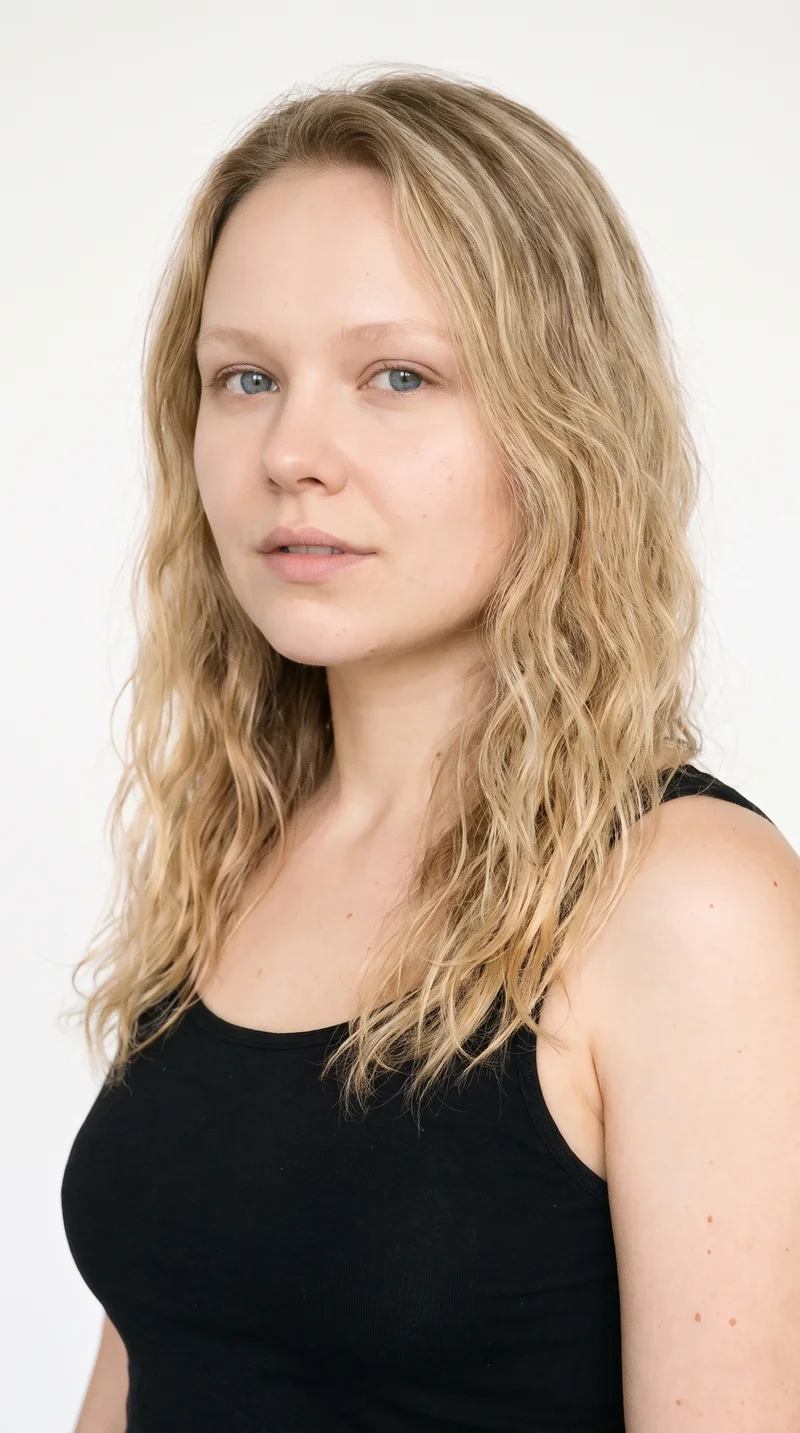
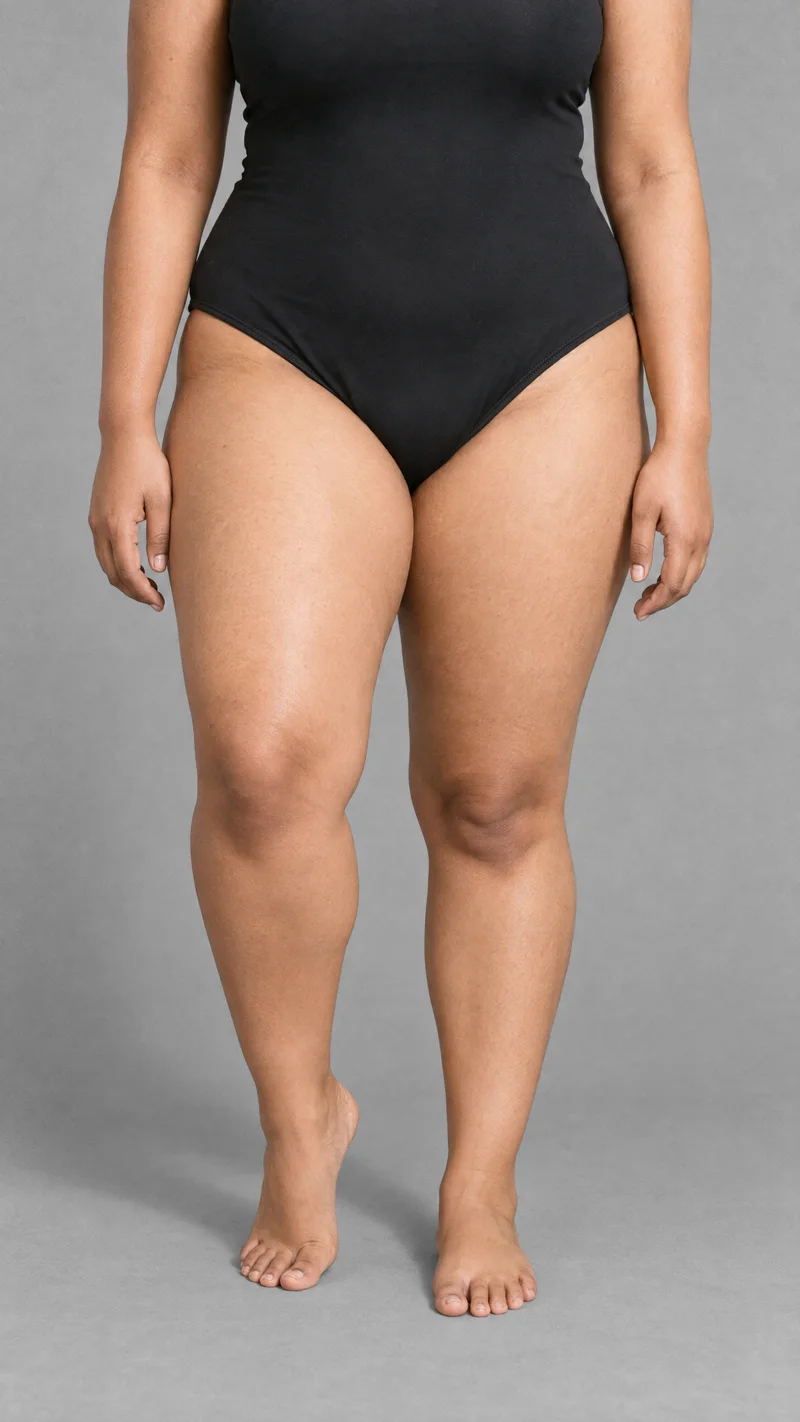
Change one element and the rest of the composition holds within a shoot.
See the feature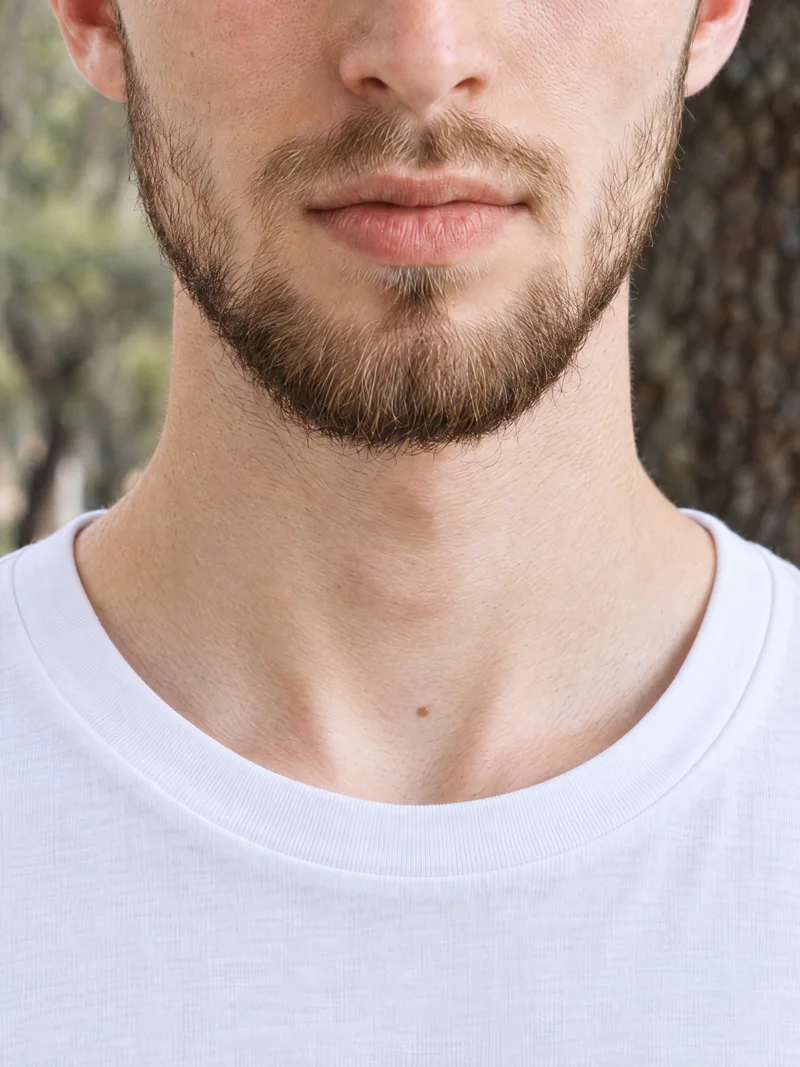
Build the scene around your product
Start from product photos, flat-lays, mockups, or technical sketches. Upload checks explain what could improve the result.
See the featureFrom the catalog
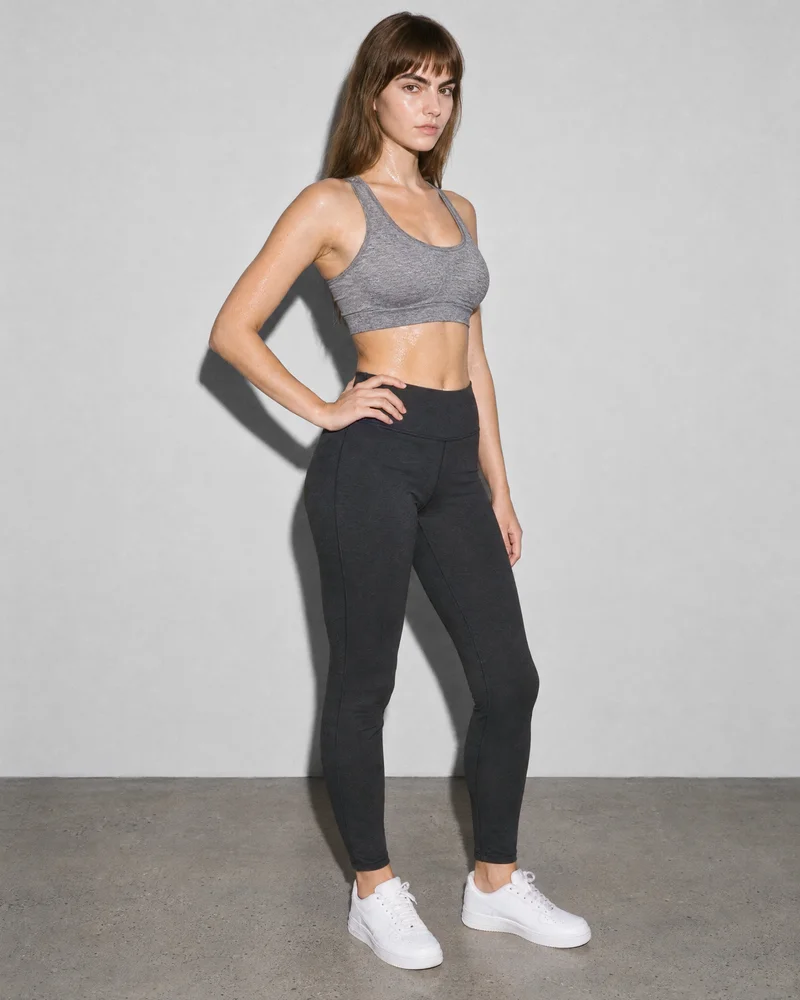
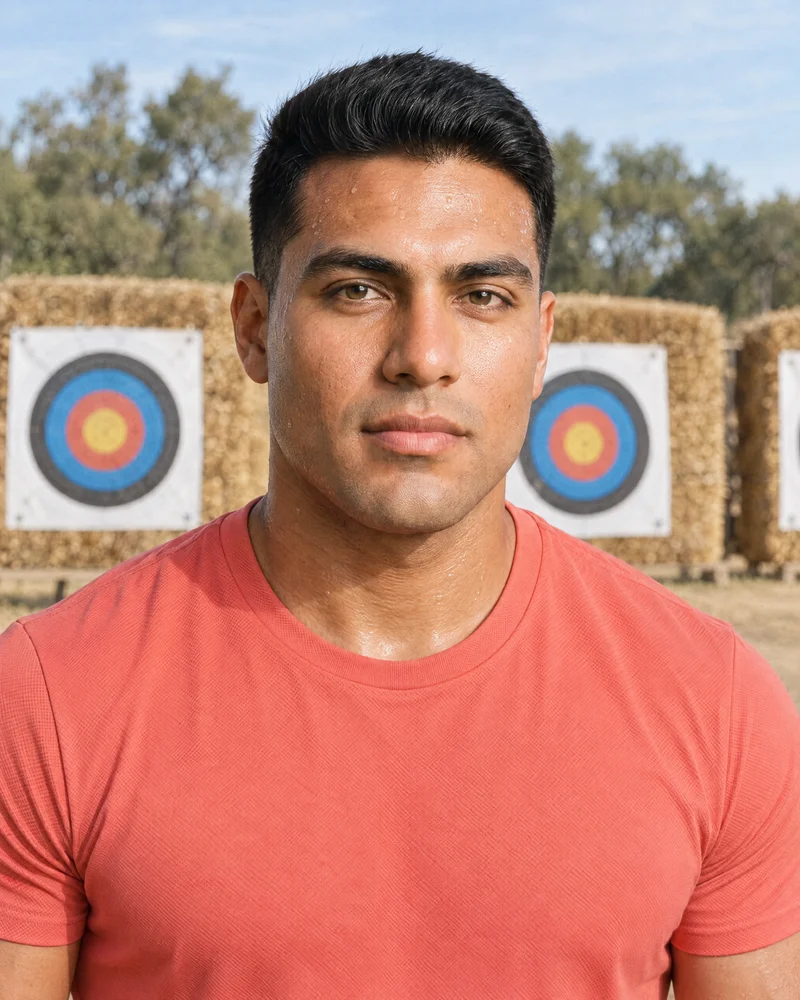
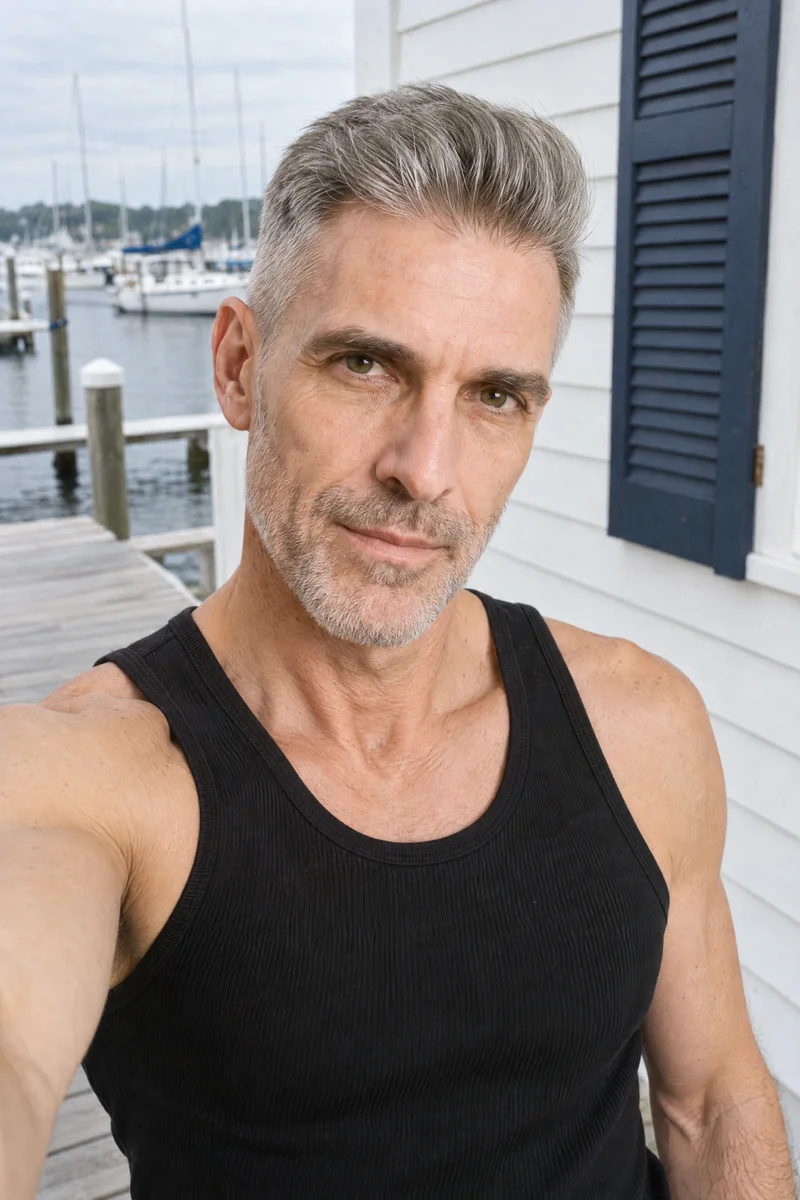
More finished shoots
Side by side
Could RAWSHOT be a Visboom alternative for apparel imagery?
The documented workflows differ in starting inputs, model approach, and available production controls. Where a cited Visboom page does not establish a capability, the comparison says so rather than assuming it is absent.
| Comparison | RAWSHOT | Visboom |
|---|---|---|
| Starting point | Product photos, flat-lays, mockups, or technical sketches; synthetic models. | Flat-lay, on-model, and mannequin clothing photos. |
| Creative controls | Choose the model, styling, background, light, frame, view, pose, and expression. | Model Swap transforms photos of people already wearing clothing; other controls are not asserted here. |
| Models | Synthetic composites only; no real-person likeness is referenced. | Documents a workflow using photos of people already wearing clothing. |
| Products per image | Up to four products in one composition. | Documents top-and-bottom and one-piece clothing workflows. |
| Video | Any finished still can be turned into video. | The cited clothing try-on page does not establish video output. |
| Rights and provenance | C2PA content credentials on every output. | The cited Model Swap page does not document verifiable content credentials on finished images. |
Sources are Visboom's clothing try-on and Model Swap pages; statements are limited to workflows those pages document.
Use cases
Which workflow fits your team?
Marketing and brand managers
Visboom
A campaign needs to show a familiar person already wearing the clothing.
Visboom's Model Swap page documents transforming photos of people already wearing clothing.
E-commerce managers filling product pages before a drop goes live
RAWSHOT
A product range needs a consistent composition within one shoot.
RAWSHOT lets you change one element while the rest of the composition holds.
See the solutionWholesale and sales teams building lookbooks and linesheets before samples land
RAWSHOT
The team needs imagery based on a product representation before a physical sample is available.
RAWSHOT can start from product photos, flat-lays, mockups, or technical sketches.
See the solutionMore options
Other apparel imagery options

Shootify
Compare Shootify and RAWSHOT for apparel imagery, from product inputs and catalogue consistency to model control, video and provenance.
Compare with RAWSHOT

Lalaland
Compare Lalaland and RAWSHOT for apparel imagery, model control, collection consistency, video, and verifiable content credentials.
Compare with RAWSHOT

PicJam
Compare PicJam and RAWSHOT for apparel imagery, model control, collection consistency, product video, and verifiable content credentials.
Compare with RAWSHOT

Mocky
Compare Mocky and RAWSHOT for apparel imagery, model selection, collection consistency, short videos, and verifiable content credentials.
Compare with RAWSHOT
Rights
You own every image. Every image says what it is.
Yours
- Full commercial rights to every image, permanently.
- No recurring licence fees on any model in the library.
- Every model is a synthetic composite, so there is no real-person likeness.
Labelled
- C2PA content credentials on every image.
- AI-labelled output, aligned with EU AI Act Article 50.
Checked
- Every image is checked against your model, frame, view and pose before delivery; one that misses is made again.
- A safety filter screens every upload and blocks nude or explicit images.
EU-based hosting, GDPR-compliant handling.
- Aligned with EU AI Act Article 50
- C2PA
- Full commercial rights
- Quality-checked images
- Safety-filtered uploads
- GDPR-compliant handling
- EU-based hosting
Questions
Questions about apparel imagery
How do Visboom and RAWSHOT approach apparel photos?
Both start from clothing-item photos. Visboom documents flat-lay, on-model, and mannequin inputs, as well as outfit and one-piece workflows. RAWSHOT starts from product imagery and configures an original shoot with synthetic models; every output carries C2PA content credentials. For transforming a photo of someone already wearing clothing, consider Visboom; for directed imagery with synthetic models, consider RAWSHOT.
When might Visboom be a better choice?
Visboom may suit a project where the image needs to feature a particular person already wearing the clothing. Its Model Swap page describes transforming photos of people already wearing clothing, while RAWSHOT uses synthetic composites and does not reference real-person likenesses. If that existing person is essential to the image, Visboom is the more directly documented fit.
Which model options are documented?
Visboom's Model Swap page describes a workflow using photos of people already wearing clothing; the cited pages do not establish a model-library count. RAWSHOT uses synthetic composites only and has 1,000+ models, with a private model builder also available. Choose based on whether your starting image needs to feature a particular person or a synthetic model.
What commercial-use terms are documented?
The cited Visboom pages do not establish its commercial-use terms, so check its current terms before publishing or licensing output. RAWSHOT grants full and permanent commercial rights to every generation, with no ongoing licensing fees on library models. Confirm Visboom's terms directly if you are considering its imagery for commercial use.
How can I start making imagery in RAWSHOT?
Start with product photos, flat-lays, mockups, or technical sketches, then configure a new shoot in RAWSHOT's seven-step flow. The cited Visboom pages do not establish a transfer workflow for an image or setup, so plan to configure the composition in RAWSHOT and check that your product image is suitable. Begin with one item and review the result.
Get started
Direct an apparel shoot in RAWSHOT
Start with a product image, configure the composition, and review the result with its C2PA content credentials.