
Shootify alternative
Shootify and RAWSHOT: two ways to direct apparel imagery
Compare Shootify and RAWSHOT for tops, dresses, bottoms, outerwear and knitwear imagery.
Published: Updated:
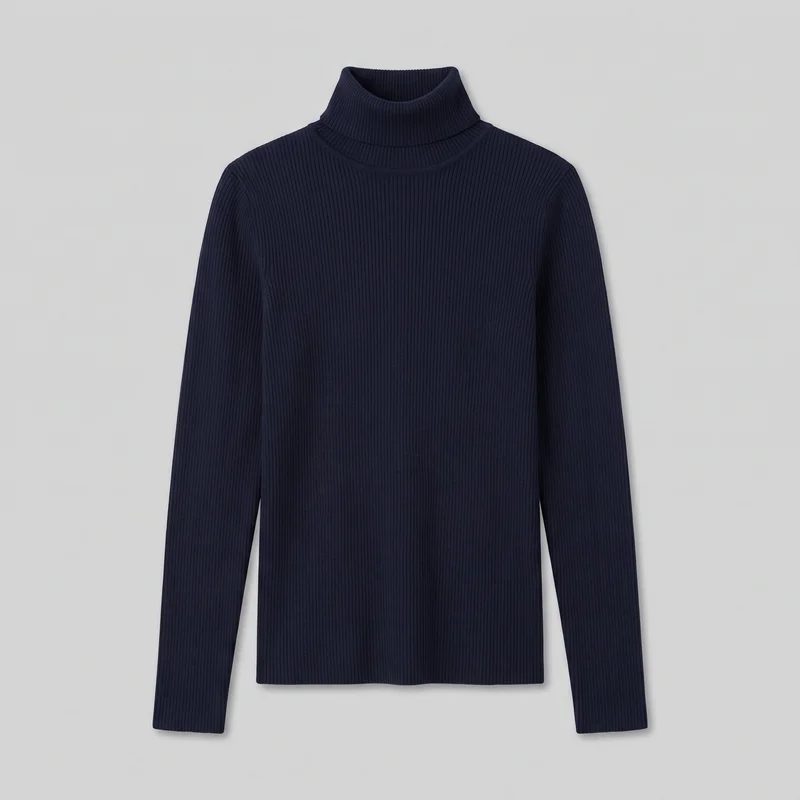
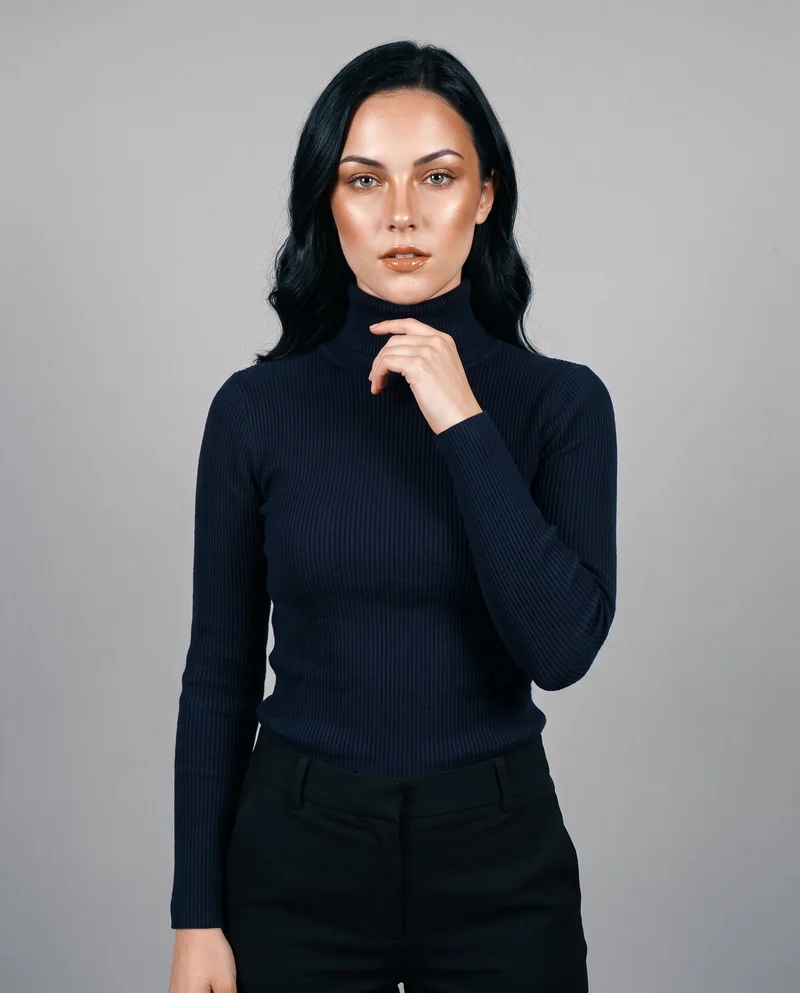
The short answer
Shootify and RAWSHOT both start from clothing-item imagery. Shootify describes managed catalogue production, while RAWSHOT provides a browser-based shoot with synthetic models and selectable composition controls. Both document collection consistency and C2PA credentials, but their production models differ.
- Shootify is built for
- Teams governing catalogue production through brand rules, approvals and connected operations.
- RAWSHOT is built for
- Teams directing apparel imagery one composition at a time in the browser.
Shootify facts checked on shootify.io, 24 September 2026 · RAWSHOT facts from the app
Decide in three questions
Answer the three questions to see which workflow fits better.
Strengths
Where Shootify is strongest
Works from several existing asset types
Shootify accepts flat lays, hanger shots, ghost mannequins, three-dimensional assets and product data. Physical samples are described as optional.
SourceGoverns catalogue production
Shootify describes configured brand guidelines, channel rules, shot lists, crops, backgrounds and metadata applied across production.
SourceSupports managed review and production
Shootify documents custom synthetic-model creation, test shootings, approval workflows, human review and connected production systems.
SourceDifferences
Where the workflows diverge
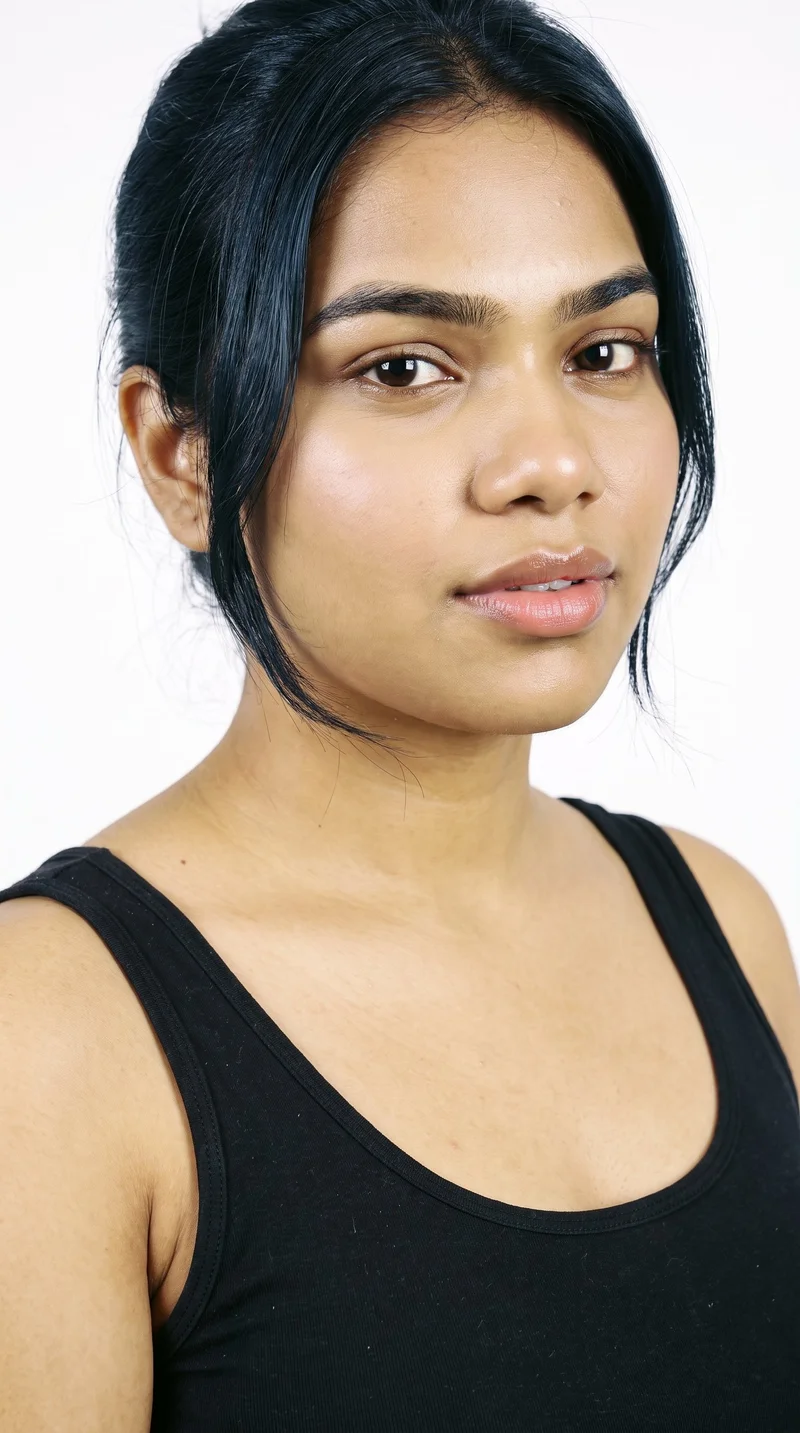
Keep model identity under your direction
Choose from 1,197 models or build a private model with selectable attributes. The model remains part of each composition.
See the feature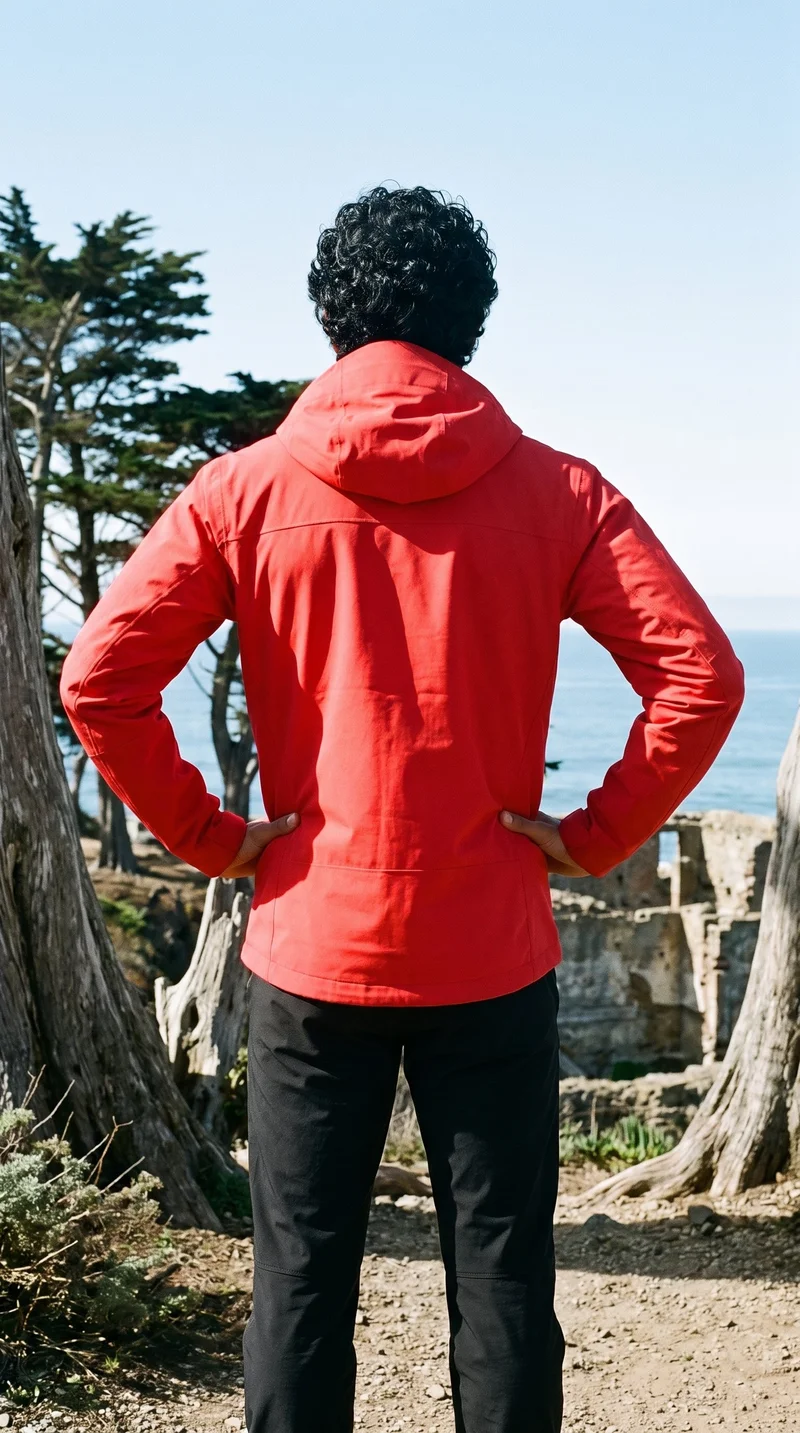
Change one choice while the composition holds
Change the model, light or product while the rest of the composition holds, including the same crop and framing.
See the feature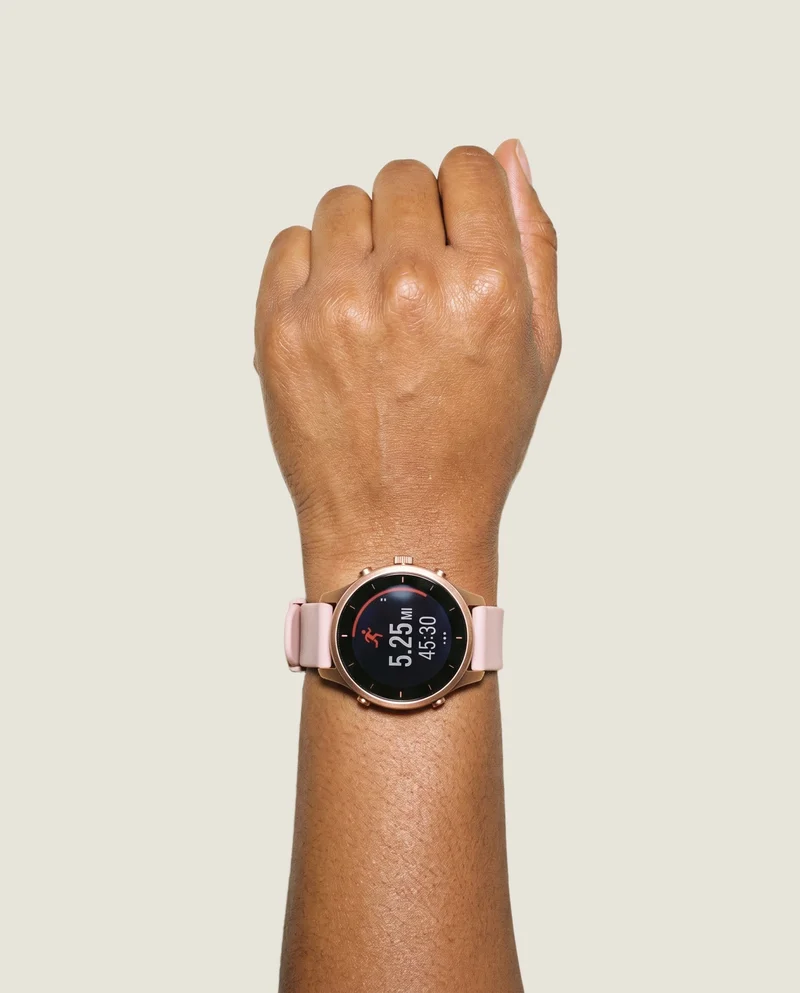
Start with the item you actually sell
Upload a product photo, flat-lay, mockup or technical sketch, then direct the item in the scene across fashion categories.
See the featureFrom the catalog
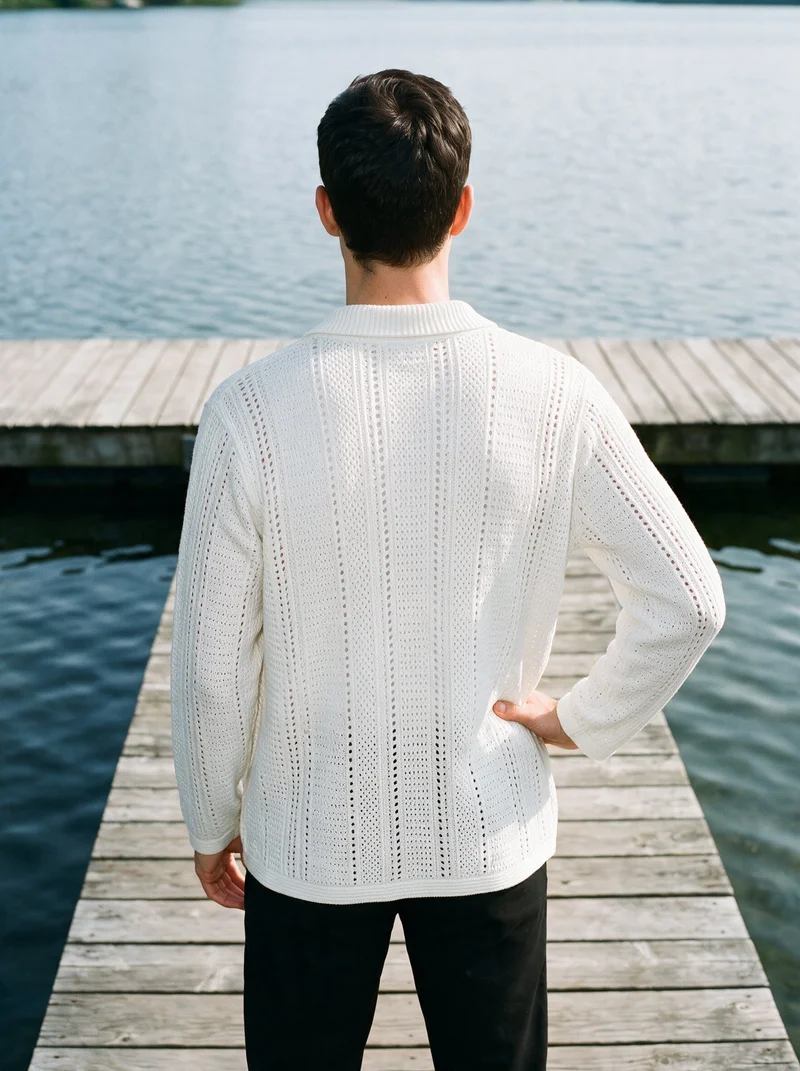
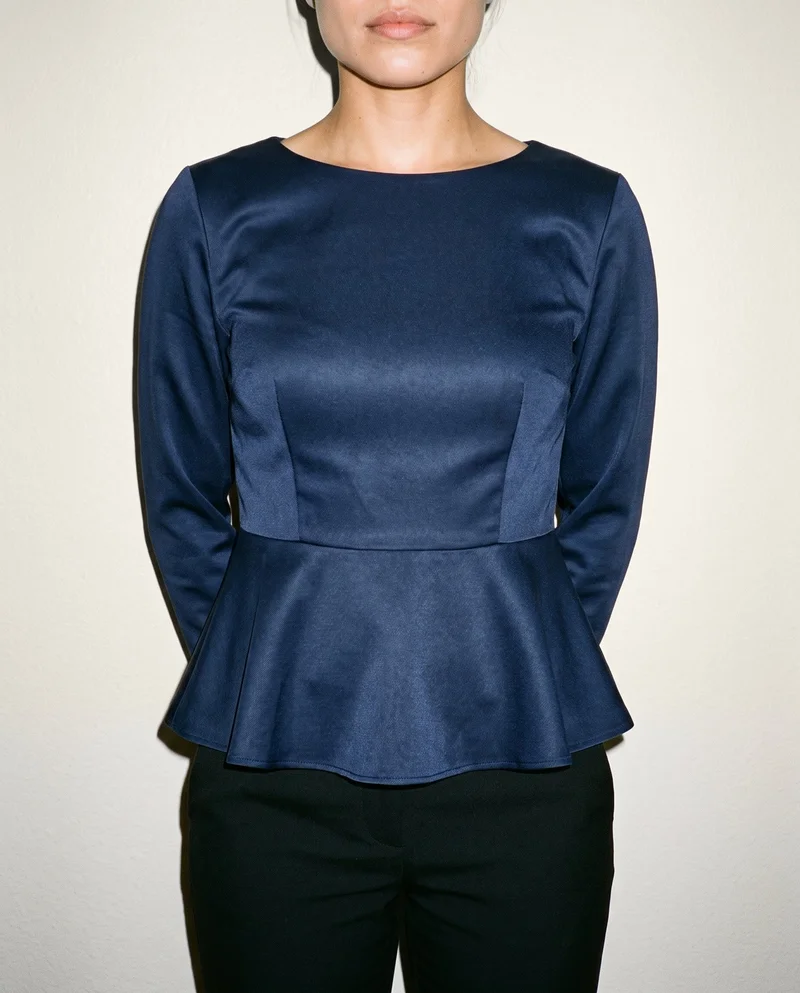
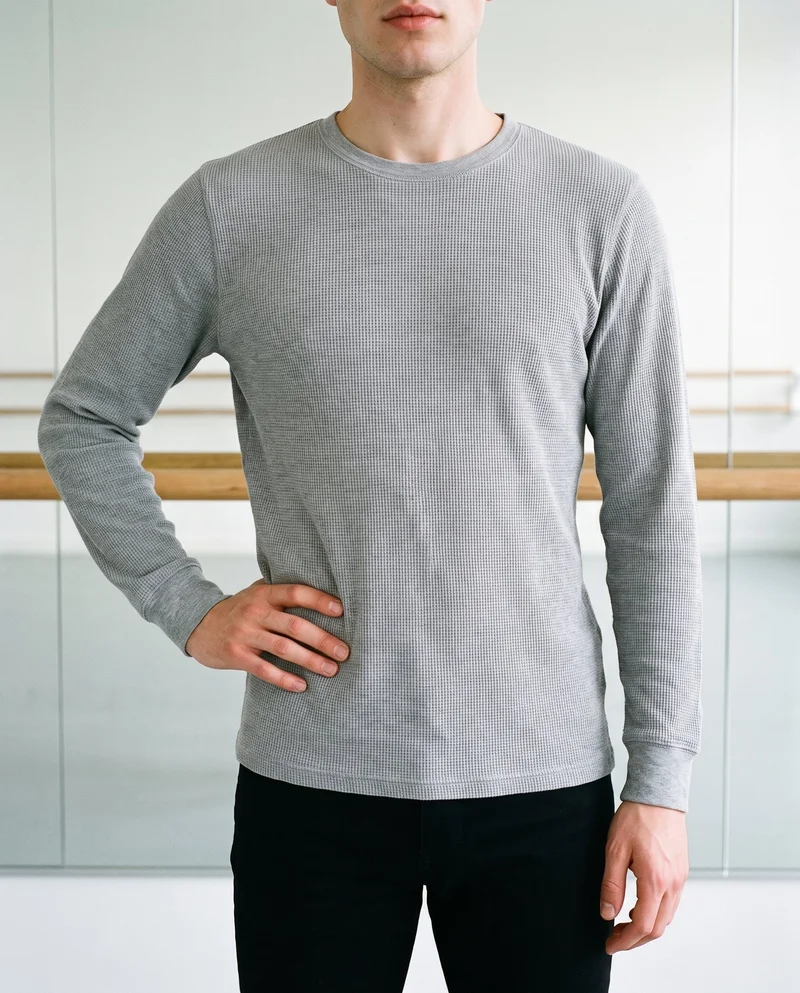
Start from a finished look
RAWSHOT's Inspiration Gallery provides editable compositions. Swap in your product, model, background or makeup, then keep directing the shoot.
Side by side
A Shootify alternative for directing fashion imagery
Shootify's official material presents managed production through brand rules and operations. RAWSHOT presents a configurable photo studio for individual shoots. The distinction is whether production is governed as a system or directed on screen.
| Comparison | RAWSHOT | Shootify |
|---|---|---|
| Starting point | Product photos, flat-lays, mockups or technical sketches; up to four products. | Flat lays, hanger shots, ghost mannequins, 3D assets, product data; samples optional. |
| Creative controls | Seven-step controls cover model, styling, background, light and composition. | Brand books govern set design, lighting, poses, framing, styling and channel rules. |
| Models | 1,197 models and a private builder; synthetic composites only. | Custom synthetic models; no real-person photographs or likenesses. |
| Products per image | Up to four products in one composition, with styling controls. | Multi-product sessions and catalogue variants across colour, fabric and background. |
| Video | Any finished still becomes video: up to three five-second scenes. | Documents image-to-video production within its catalogue workflow. |
| Rights and provenance | C2PA credentials, multi-layer watermarking, AI-labelled metadata and permanent rights. | C2PA, EXIF, XMP, imperceptible watermark and permanent image ownership. |
Shootify claims were checked against its official workflow and product pages; RAWSHOT details come from its current product documentation.
Use cases
Which workflow fits the job
E-commerce managers filling product pages before a drop goes live
Shootify
A catalogue team needs one governed process for channels, crops and brand rules.
Shootify documents configured brand books, channel rules, shot lists and production operations.
Marketing and brand managers
RAWSHOT
A brand team needs campaign imagery directed around a consistent model and composition.
RAWSHOT lets you select the model, light, frame, pose and styling while keeping the composition coherent.
See the solutionPerformance marketers
RAWSHOT
A team needs controlled creative variations from the same apparel composition.
RAWSHOT lets you change one composition element while other selected decisions hold.
See the solutionWholesale and sales teams building lookbooks and linesheets before samples land
RAWSHOT
A sales team needs on-model imagery from product assets before physical samples arrive.
RAWSHOT accepts product photos, flat-lays, mockups and technical sketches for configurable on-model shoots.
See the solutionMore options
Other ways to approach fashion imagery

Lalaland
Compare Lalaland and RAWSHOT for apparel imagery, model control, collection consistency, video, and verifiable content credentials.
Compare with RAWSHOT

PicJam
Compare PicJam and RAWSHOT for apparel imagery, model control, collection consistency, product video, and verifiable content credentials.
Compare with RAWSHOT

Mocky
Compare Mocky and RAWSHOT for apparel imagery, model selection, collection consistency, short videos, and verifiable content credentials.
Compare with RAWSHOT

Looklet
Compare Looklet and RAWSHOT for apparel imagery: inputs, models, styling controls, video, collection consistency, and content provenance.
Compare with RAWSHOT
Rights
You own every image. Every image says what it is.
Yours
- Full commercial rights to every image, permanently.
- No recurring licence fees on any model in the library.
- Every model is a synthetic composite, so there is no real-person likeness.
Labelled
- C2PA content credentials on every image.
- AI-labelled output, aligned with EU AI Act Article 50.
Checked
- Every image is checked against your model, frame, view and pose before delivery; one that misses is made again.
- A safety filter screens every upload and blocks nude or explicit images.
EU-based hosting, GDPR-compliant handling.
- Aligned with EU AI Act Article 50
- C2PA
- Full commercial rights
- Quality-checked images
- Safety-filtered uploads
- GDPR-compliant handling
- EU-based hosting
Questions
Shootify and RAWSHOT questions
What is the difference between Shootify and RAWSHOT for apparel photos?
Shootify and RAWSHOT both turn clothing-item imagery into apparel visuals, but they organize the work differently. Shootify documents managed production built around brand books, shot lists, approvals and catalogue operations. RAWSHOT is a browser photo studio where you select model, product, styling, light and composition; outputs carry C2PA credentials. For apparel photos, choose Shootify for governed production or RAWSHOT for direct control of each shoot.
When is Shootify a better choice than RAWSHOT?
Shootify is a better choice when a team needs managed catalogue production rather than an individual browser-configured shoot. Its official workflow describes brand-book rules, approval steps, human review and connected production systems. That can suit collections requiring one governed process across channels. Confirm the workflow scope with Shootify before committing.
Which models can I use in Shootify and RAWSHOT?
Shootify describes custom synthetic models created for a brand and says it does not upload, reference or process real-person photographs or likenesses. RAWSHOT provides 1,197 models plus a private model builder; all models are synthetic composites and adults only. Choose Shootify for managed custom-model production, or RAWSHOT for direct model selection in each shoot.
Can I use Shootify and RAWSHOT images commercially?
Shootify states permanent image ownership and documents C2PA, EXIF, XMP and watermarking on outputs. RAWSHOT provides full and permanent commercial rights to every generation, with no ongoing licensing fees on library models, alongside C2PA credentials and multi-layer watermarking. Review the applicable terms and choose the service matching your legal and channel requirements.
How do I switch from Shootify to RAWSHOT?
A practical switch begins with existing clothing-item imagery. Upload product photos, flat-lays, mockups or technical sketches to RAWSHOT, then select the model, styling, background, light and composition for each shoot. The supplied material does not document automatic migration from Shootify. Start with representative apparel assets, check product fidelity and provenance, then expand the workflow.
Get started
Direct the next apparel shoot yourself
Bring a product image into RAWSHOT, select the composition and prepare tops, dresses, bottoms, outerwear or knitwear for review.