
BEST LIST
Best AI Clothing Generator
RAWSHOT configures the whole shoot before generation; explore AI clothing generator workflows for controlled shoots, garment swaps, product editing, and managed production.
- 10 tools
- 4 approaches
- no rankings · no scores
By the RAWSHOT team · Updated
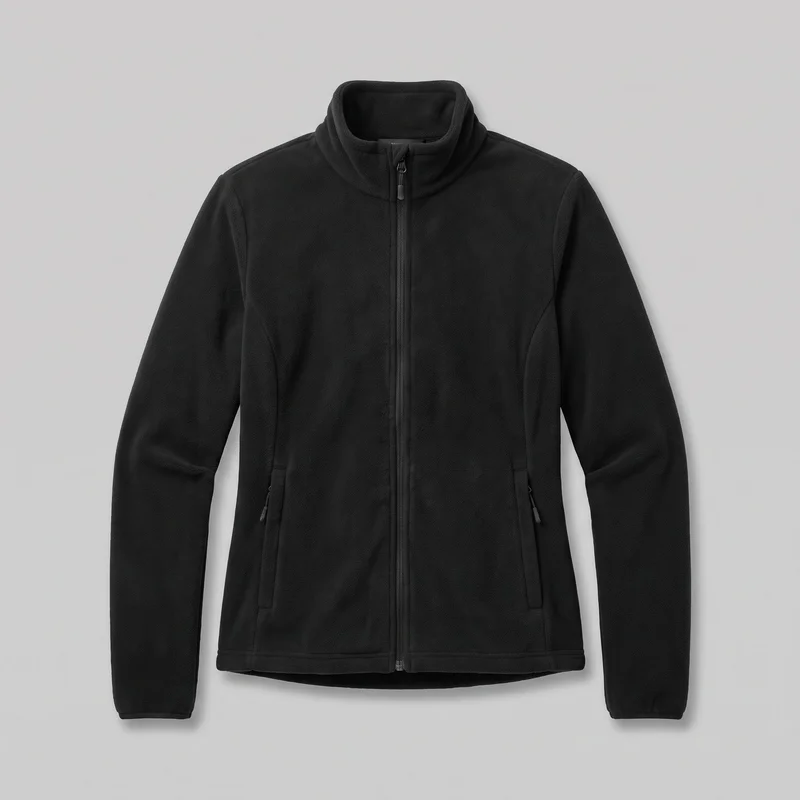
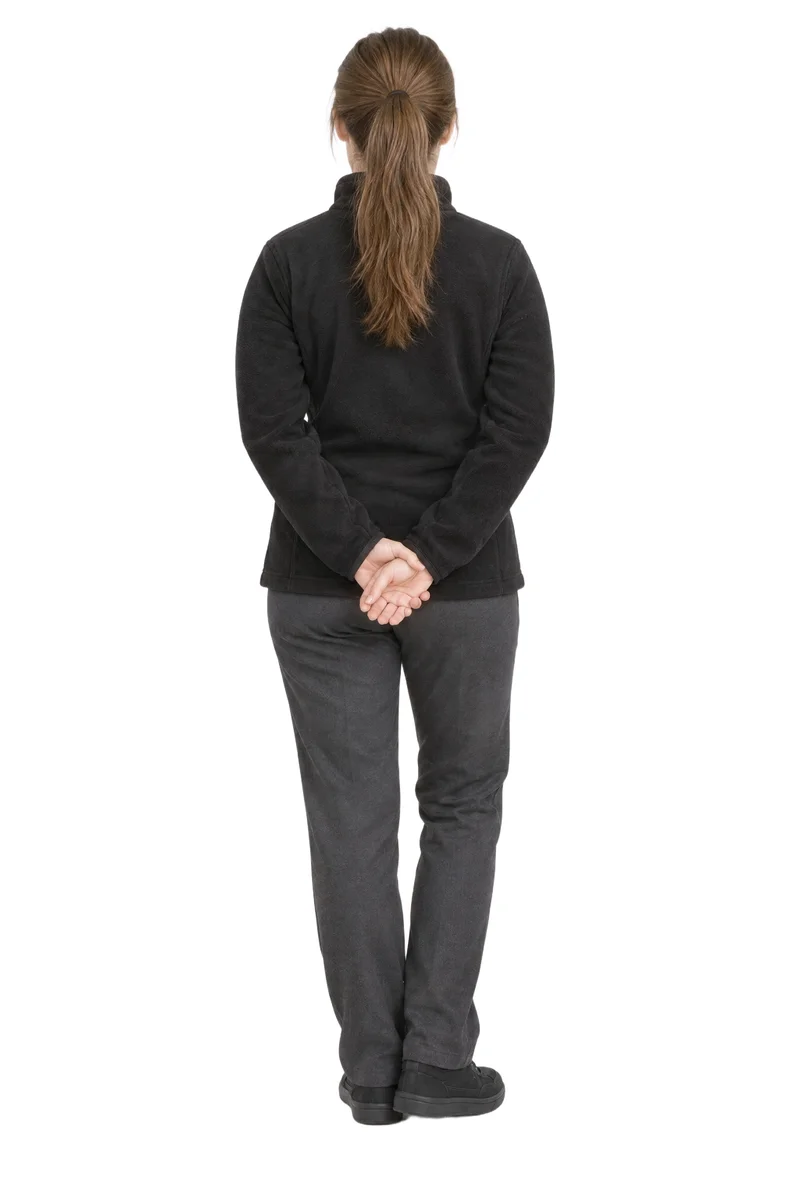 AI-generated · C2PA
THE SHORT ANSWER
RAWSHOT sets the model, outfit, styling, light, background, pose, frame, and output before creating the image; other selected workflows transform existing assets or manage production. The main decision is how much direct control your clothing workflow requires.
The tools on this list
- 01
RAWSHOT AIour productControl-based generatorsBest for: Strongest when a brand wants to direct the complete composition before generating each clothing image.
- 02
Ayna / Ayna StudioControl-based generatorsBest for: Strongest when the available assets are flat lays or existing on-model catalog photographs.
- 03
SHOWZ.AIControl-based generatorsBest for: Strongest when outfit items need defined models, poses, backdrops, and lighting before generation.
- 04
CatalogXModel and product swap toolsBest for: Strongest when garments begin as flat-lay, hanger, mannequin, or ghost-mannequin photographs.
- 05
FASHNModel and product swap toolsBest for: Strongest when product, mannequin, or model images already exist and need connected fashion workflows.
- 06
ModeliaModel and product swap toolsBest for: Strongest when flat-lay apparel needs model and background customization through repeatable production workflows.
- 07
BotikaProduct photo editorsBest for: Strongest when clothing photographs need on-model conversion with attention to fabric flow and fit.
- 08
PhotoroomProduct photo editorsBest for: Strongest when a product-photo editing workflow also needs reusable model, pose, and background choices.
- 09
Hyperblack StudiosAI-assisted servicesBest for: Strongest when a provider should photograph flat lays, manage production, and correct supplied product samples.
- 10
MetaModelsAI-assisted servicesBest for: Strongest when delivered fashion imagery requires specialist review for garment accuracy before publication.
Control-based generators
- How it works
- You usually choose the model, garment, pose, setting, framing, and other controls before generating the image.
- Fits
- Teams that need repeatable fashion images and want to see every creative decision before they generate.
RAWSHOT AIour product
rawshot.ai
Software photo studio that creates original on-model fashion imagery and video from a brand’s real clothing and accessories.
Best for
Strongest when a brand wants to direct the complete composition before generating each clothing image.
Strong at
- The control surface includes 15 frames, 5 camera views, 100+ poses, and 10 expressions.
- A composition can combine up to four products, with 4 photography directions controlling the light.
Requirements
- Input:
- Product photo and shoot settings
- Output:
- Newly generated images
- Models:
- Synthetic, licence-free models
Navy Tailored Jumpsuit · Full body
Women's Navy Windbreaker · Full body
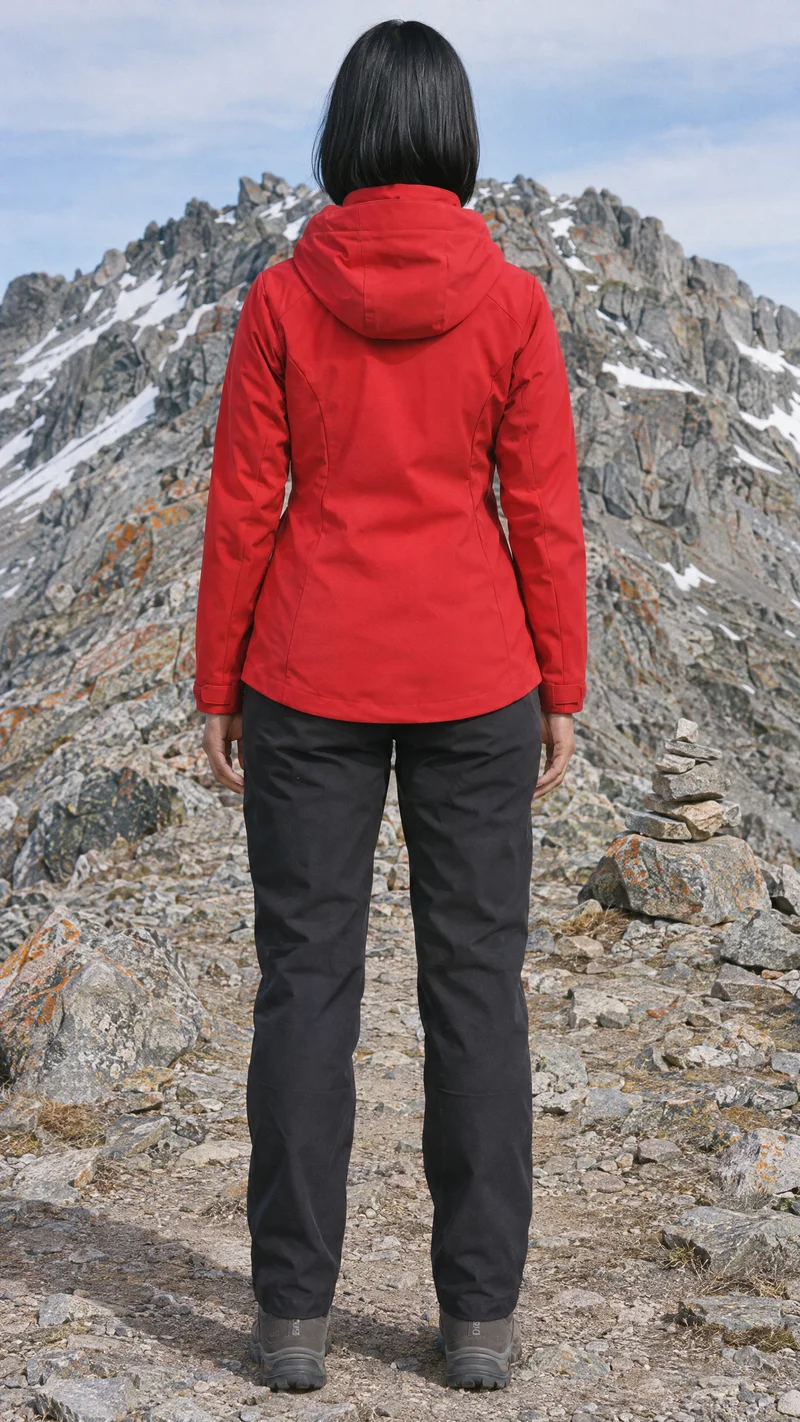
Women's Red Insulated Ski Jacket · Full body
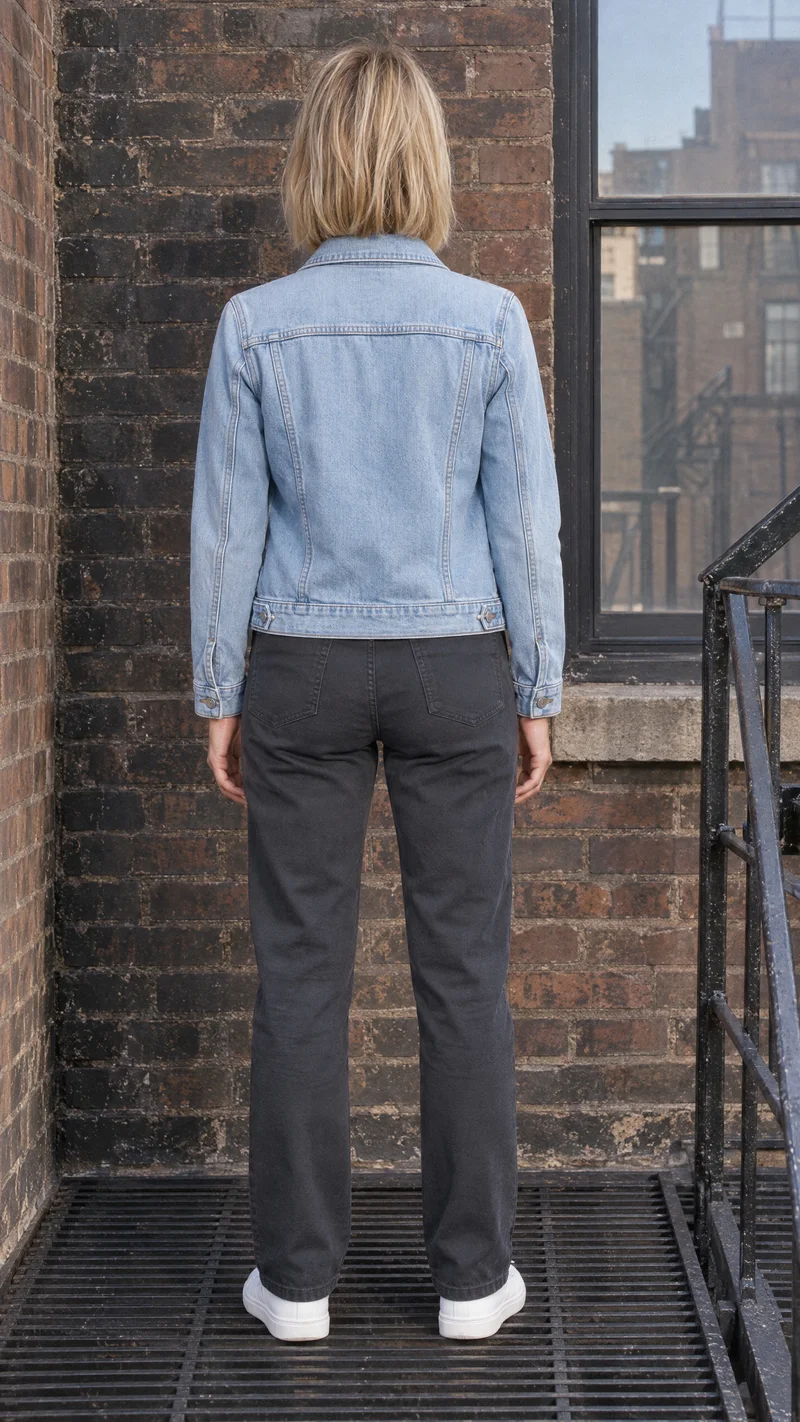
Women's Light Wash Denim Jacket · Full body
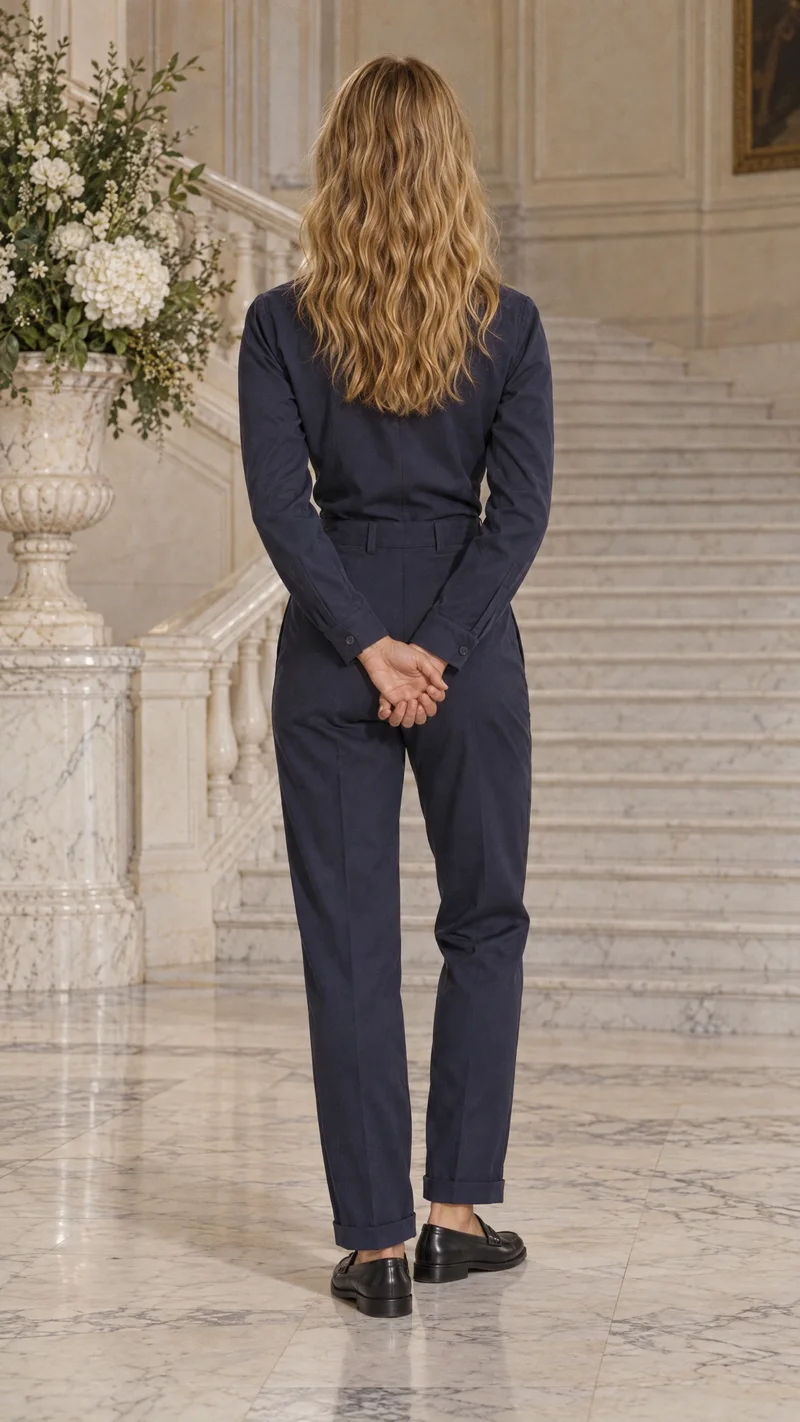
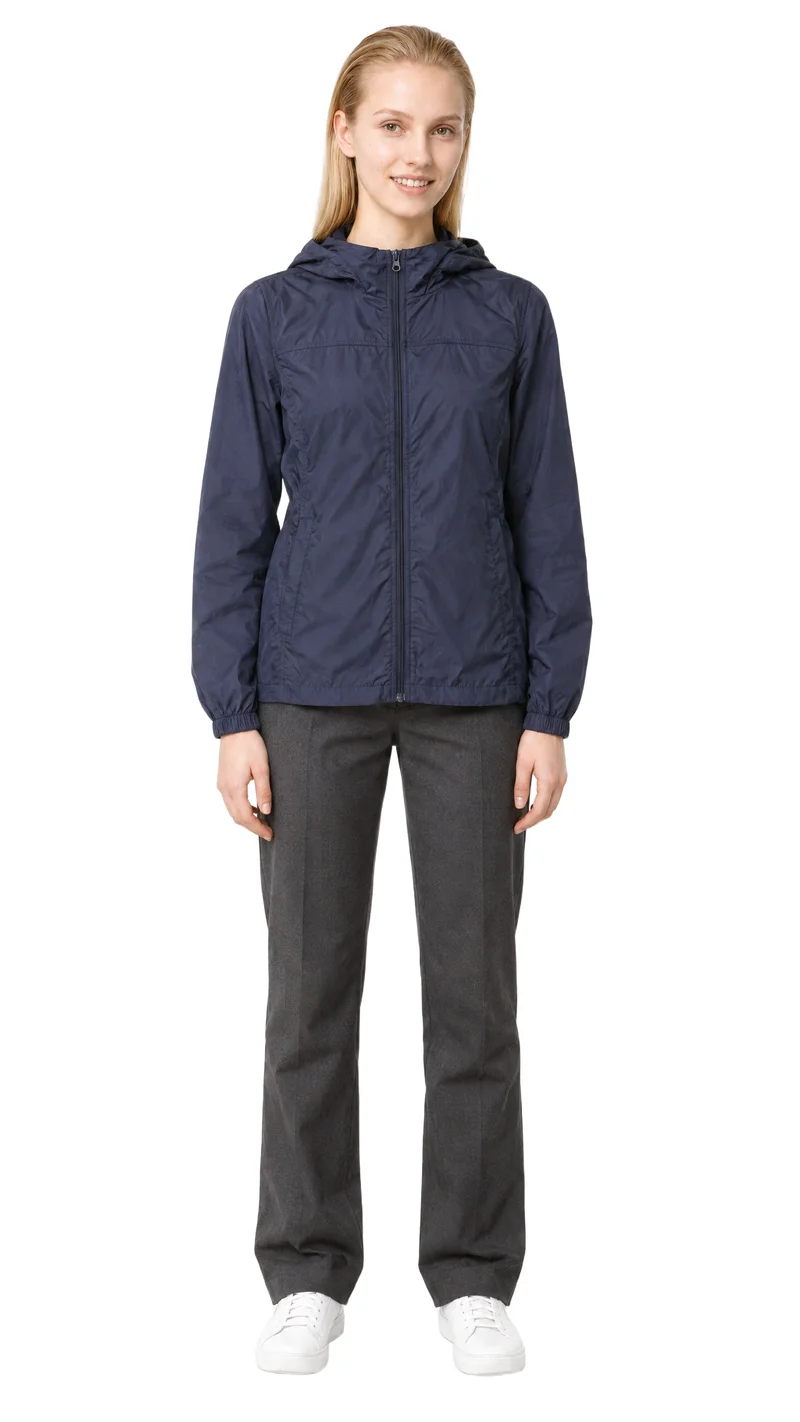
Ayna / Ayna Studio
getayna.com
Self-serve fashion tool that turns uploaded apparel images into photoshoot imagery and refreshes existing on-model catalog images.
Best for
Strongest when the available assets are flat lays or existing on-model catalog photographs.
Strong at
- Flat-lay garments can be converted into on-model photoshoot images.
- Users can replace models and backgrounds or work with custom brand models.
Requirements
- Input:
- Product photo and shoot settings
- Output:
- Newly generated images
- Models:
- Models from a library
SHOWZ.AI
showz.ai
Self-service AI photo studio that creates ecommerce clothing images for fashion brands from selected outfit items and visual settings.
Best for
Strongest when outfit items need defined models, poses, backdrops, and lighting before generation.
Strong at
- Users drag and drop outfit items before choosing a model, pose, backdrop, and lighting setup.
- The workflow returns a coordinated set of ready-to-use ecommerce images.
Model and product swap tools
- How it works
- You typically upload a garment or model image and combine it with an existing photo, template, or model from a library.
- Fits
- Teams that already have a useful source image and need quick variations without rebuilding the full scene.
CatalogX
catalogx.app
Self-service product photography tool that turns garment and accessory photos into images of those products on models.
Best for
Strongest when garments begin as flat-lay, hanger, mannequin, or ghost-mannequin photographs.
Strong at
- The workflow accepts flat-lay, hanger, mannequin, and ghost-mannequin garment images.
- Quality Mode checks color, pattern, and embroidery against the source before a reviewed retry.
FASHN
fashn.ai
Fashion-content app that creates on-model product photos, virtual try-ons, edits, and videos from product or model images.
Best for
Strongest when product, mannequin, or model images already exist and need connected fashion workflows.
Strong at
- Virtual try-on preserves prints, logos, colors, textures, and finishes from the product image.
- Studio connects fashion workflows and supports iteration with previously generated assets.
Requirements
- Input:
- Brief and product samples, text prompt
- Models:
- Synthetic, licence-free models, your own model or the shopper
- Labelling:
- Watermark
Modelia
modelia.ai
Fashion-visual creation platform that turns flat-lay apparel into on-model imagery with customizable models and backgrounds.
Best for
Strongest when flat-lay apparel needs model and background customization through repeatable production workflows.
Strong at
- Flat-lay garments become on-model images with documented fit, texture, and lighting handling.
- Reusable AI characters support a consistent identity across fashion imagery.
Requirements
- Input:
- Product photo and shoot settings, text prompt
- Output:
- Newly generated images
Product photo editors
- How it works
- You typically upload a product shot, then remove or replace the background, retouch details, or resize it for different channels.
- Fits
- Teams with finished product photos that need clean backgrounds, consistent retouching, or channel-ready formats at volume.
Botika
botika.com
Self-service fashion image tool that converts clothing photos into on-model imagery and supports related retouching workflows.
Best for
Strongest when clothing photographs need on-model conversion with attention to fabric flow and fit.
Strong at
- The fashion workflow handles fabric flow, garment fit, and model poses.
- Flat-lay and mannequin assets can be converted into on-model clothing images.
Photoroom
photoroom.com
AI photo-editing and product-photography platform with a fashion workflow that places uploaded clothing onto selected models.
Best for
Strongest when a product-photo editing workflow also needs reusable model, pose, and background choices.
Strong at
- Users can choose a preset model or upload a custom model for recurring fashion imagery.
- The workflow combines a selected pose and background with an uploaded clothing photo.
Requirements
- Input:
- Product photo and shoot settings, text prompt
- Output:
- Newly generated images
- Models:
- Synthetic, licence-free models, models from a library, your own model or the shopper
- Labelling:
- Watermark
AI-assisted services
- How it works
- You usually send a brief and product assets to a managed team, which runs the production process and returns selected final images.
- Fits
- Teams that want finished work without operating the image tool or production workflow themselves.
Hyperblack Studios
hyperblackstudios.com
Studio-run ecommerce photography and AI image service producing on-model fashion imagery from photographed flat lays.
Best for
Strongest when a provider should photograph flat lays, manage production, and correct supplied product samples.
Strong at
- Studio-photographed flat-lay garments become on-model images with attention to drape, fit, and fabric.
- Sample correction can adjust colors, materials, damage, or missing product details.
Requirements
- Input:
- Brief and product samples
- Output:
- Real photography
MetaModels
metamodels.ai
AI-assisted fashion production service that delivers reviewed images and video from product packshots and guided look-building workflows.
Best for
Strongest when delivered fashion imagery requires specialist review for garment accuracy before publication.
Strong at
- Fashion specialists review outputs for garment accuracy before delivery.
- The service manages imagery production across products, regions, and seasons.
Requirements
- Input:
- Product photo and shoot settings, text prompt
- Output:
- Your product on library photos
- Models:
- Synthetic, licence-free models, models from a library
Criteria and tests
What to check for apparel photography
What to look for
- 1Product fidelity: seams, closures, prints, and proportions stay faithful to the garment.
- 2Fit and drape: the fabric falls naturally across standing, seated, and moving poses.
- 3Model consistency: the same person remains recognizable across a complete image set.
- 4Production control: framing, poses, backgrounds, and output ratios can be repeated intentionally.
Test these shots
- 1A plain light garment with subtle seams and low-contrast construction details.
- 2A patterned garment whose print must align across folds, sleeves, and closures.
- 3A layered outfit with overlapping hems, collars, and accessories.
- 4The same garment and model in front, back, seated, and walking views.
- 5One product adapted into a clean PDP crop, a marketplace ratio, and a campaign frame.
Crops to check: Full-length front and back views, Waist-up fit view, Close crop of fabric, seams, and closures, Movement crop with hands and garment edges visible
Questions
Frequently asked questions
What does an AI clothing generator create from garment photos?
An AI clothing generator turns garment photos or written creative direction into clothing imagery for catalogs, product pages, and campaigns. Control-based generators such as RAWSHOT AI, Ayna Studio, and SHOWZ.AI establish visual choices before generation. Model and product swap tools such as FASHN, CatalogX, and Modelia transform existing garment or model assets. Product photo editors and AI-assisted services cover editing, review, and managed delivery. Choose the workflow according to the assets and approvals already available.
Which AI clothing generator fits flat lays, edits, or managed production?
Match the tool to the starting asset and the amount of production ownership your team wants. For directing the composition, use control-based generators such as RAWSHOT AI, Ayna Studio, or SHOWZ.AI. For flat lays, mannequin images, or existing model photos, consider FASHN, CatalogX, or Modelia. Botika and Photoroom fit editing-centered workflows, while Hyperblack Studios and MetaModels handle managed production. Start with the group that matches your current photography process.
Can a small clothing retailer use AI images for product pages?
A small clothing retailer can use AI images when it has clear product references and someone responsible for visual approval. Prepare clean flat lays, mannequin shots, packshots, or existing model images showing the garment’s color, construction, and pattern. Control-based generators provide direct scene decisions, while model and product swap tools work from useful source photography. Assign one person to compare every output with the physical product before publication. Begin with a limited product range and document the accepted visual standard.
How do I verify garment accuracy in AI clothing images?
Verify every generated image against the source garment before it enters a product page or campaign. Check seams, closures, print alignment, logos, color, sleeve length, hem shape, proportions, layering, fit, and fabric drape. Review front, back, seated, and walking views at close zoom, then compare repeated details across crops and backgrounds. CatalogX checks color, pattern, and embroidery, while FASHN preserves documented product details. Reject any image that changes information a shopper uses to judge the garment.
Where should AI clothing images enter an ecommerce photo workflow?
AI clothing images should enter after product references are approved and before channel formatting and merchandising review. The product team supplies clean garment assets and identifies required views. A creative operator selects the model, composition, or transformation workflow, then generates candidate images. Merchandising checks garment accuracy, brand presentation, and whether each crop serves its product-page, marketplace, or campaign role. The channel owner exports and publishes approved files. Keep original product references beside final images for later audits and updates.
What should a brand measure after adopting an AI clothing generator?
Measure whether the workflow improves publishing operations without reducing product accuracy. Track time from approved garment asset to published image, internal rejection frequency, revision cycles, missing-view delays, and the share of products receiving complete image sets. Monitor product-page conversion, engagement with alternate views, and returns or customer-service messages mentioning unexpected color, fit, length, or material appearance. Separate results by product type and image workflow. Continue using the process where operational gains and shopper expectations remain aligned.
When is a conventional shoot preferable for clothing campaigns?
A conventional shoot is the better route when the concept depends on a specific performer, physical location, complex interaction, exact art direction, or documentary authenticity. A managed provider such as Hyperblack Studios or MetaModels also fits when specialist review and production ownership are required. Generated images are enough for many controlled catalog, product-page, marketplace, and supporting campaign needs when reliable garment references exist. Keep photographers involved for work where human performance, physical styling, and on-set judgment define the creative result.
How does RAWSHOT differ from FASHN for clothing product imagery?
RAWSHOT AI and FASHN organize clothing production around different workflows. RAWSHOT establishes the model, outfit, styling, background, light, frame, camera view, pose, expression, ratio, and resolution before taking the picture. FASHN centers on product-to-model imagery, virtual try-on, editing, video, and connected reuse of existing assets. Both begin with real product references. Choose RAWSHOT when the job is directing a complete composition, and choose FASHN when the job begins with transforming or extending existing fashion images.
Get started
See your products on a model.
Upload a product, choose the model, pose, setting, and framing, then generate the shot with every decision visible.