
BEST LIST
Best AI Male Model Photography Generator Tools for Fashion Brands
We make RAWSHOT, so we start with it; then 11 more tools, sorted by how they work.
- 12 tools
- 4 approaches
- checked Sep 2026
- no rankings · no scores
By the RAWSHOT team · Updated
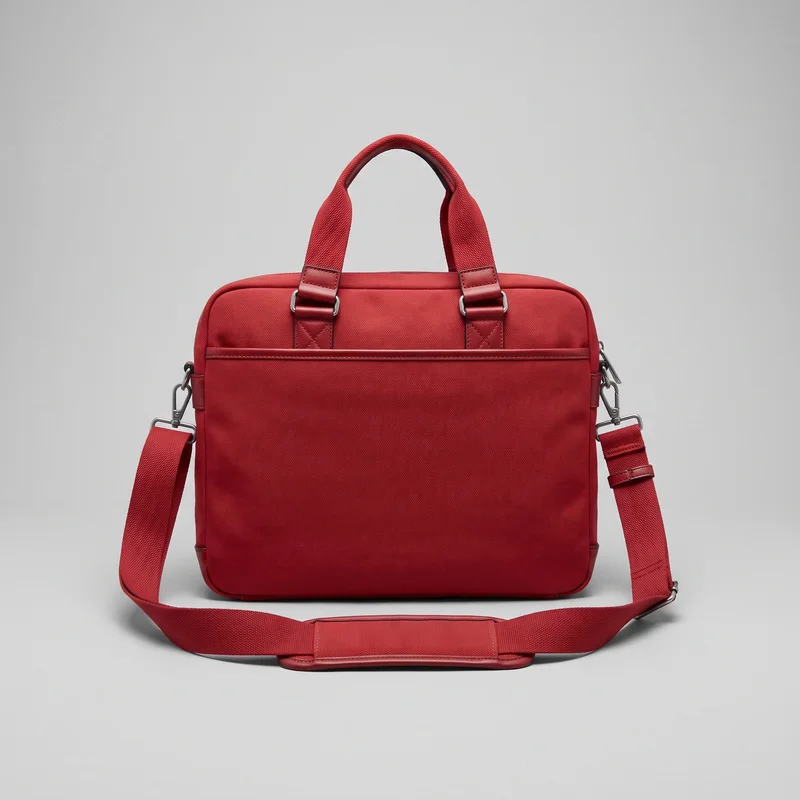
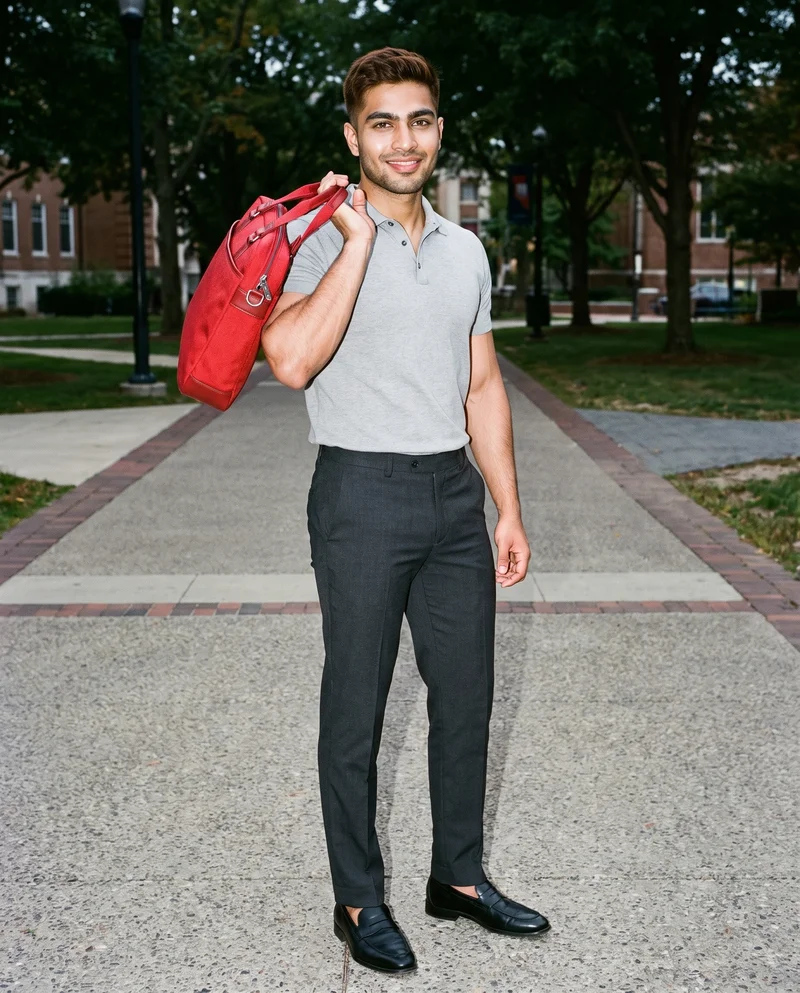 AI-generated · C2PA
THE SHORT ANSWER
The main decision is whether you want to direct a complete male-model scene, turn an existing garment photo into model imagery, or edit a finished product shot.
The tools on this list
- 01
RAWSHOT AIour productControl-based generatorsBest for: Fashion brands that want to configure a complete on-model scene and check how their products read before choosing a production workflow.
- 02
Ayna / Ayna StudioControl-based generatorsBest for: Brands making apparel photoshoot and catalog images from uploaded apparel photos.
- 03
Claid.aiControl-based generatorsBest for: Fashion brands converting flat-lay or ghost-mannequin garment photos into on-model imagery.
- 04
grace aiControl-based generatorsBest for: Fashion teams creating on-model product imagery, campaigns, lookbooks, and video from their own garments.
- 05
CatalogXModel and product swap toolsBest for: Sellers and brands turning flat, hanger, or mannequin garment images into model and accessory imagery.
- 06
FASHNModel and product swap toolsBest for: E-commerce brands creating on-model product imagery from product or model images.
- 07
Genera SpaceModel and product swap toolsBest for: Fashion brands creating PDP, lookbook, and campaign images from product inputs.
- 08
ImagineCreate AIModel and product swap toolsBest for: E-commerce brands creating on-model product imagery from uploaded product photos.
- 09
ProductAIProduct photo editorsBest for: Teams turning product shots into product photos with templates and editing tools.
- 10
remove.bgProduct photo editorsBest for: Businesses that need to isolate a product or create a transparent image or custom backdrop.
- 11
Clothing and Product Photography StudioTraditional production servicesBest for: Businesses seeking prepared, photographed, and edited clothing or product images.
- 12
eCom Fashion PhotographyTraditional production servicesBest for: Fashion brands looking for full-service e-commerce photography in several image formats.
Men's Black Tracksuit Top · Bust
Men's Cream Oversized Crewneck Sweatshirt · Selfie
Men's Gold Brooch · Upper body
Men's Navy Waterproof Parka · Three-quarter length
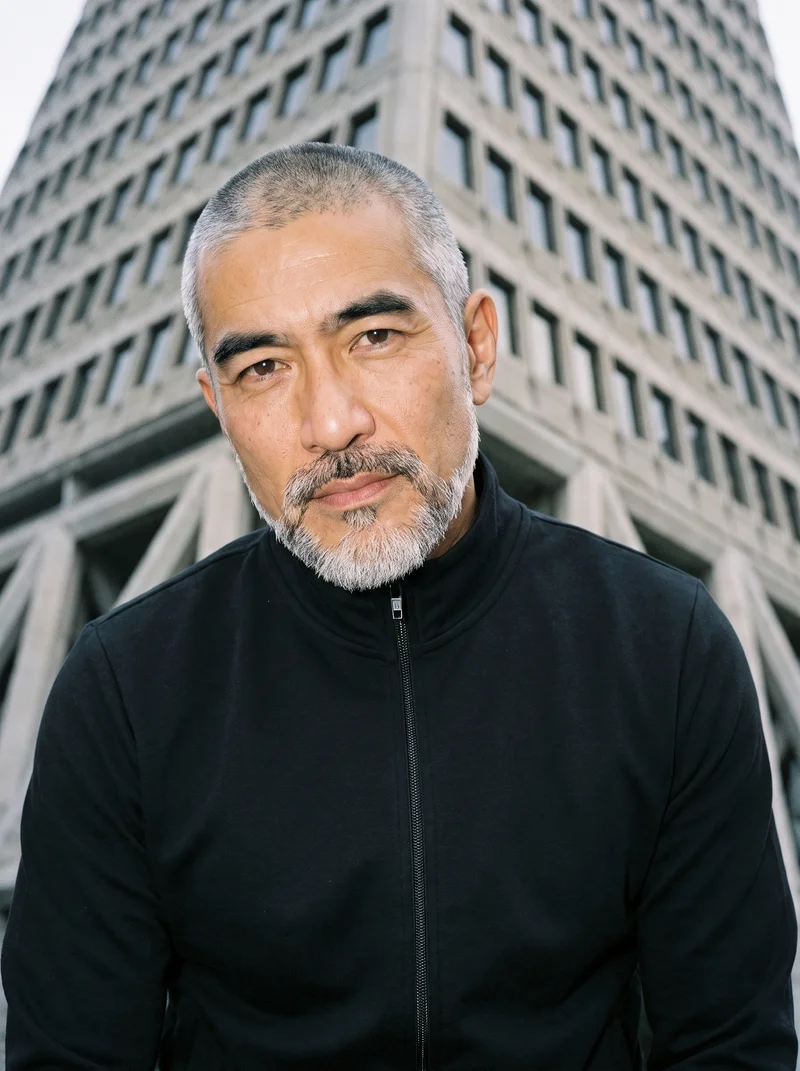
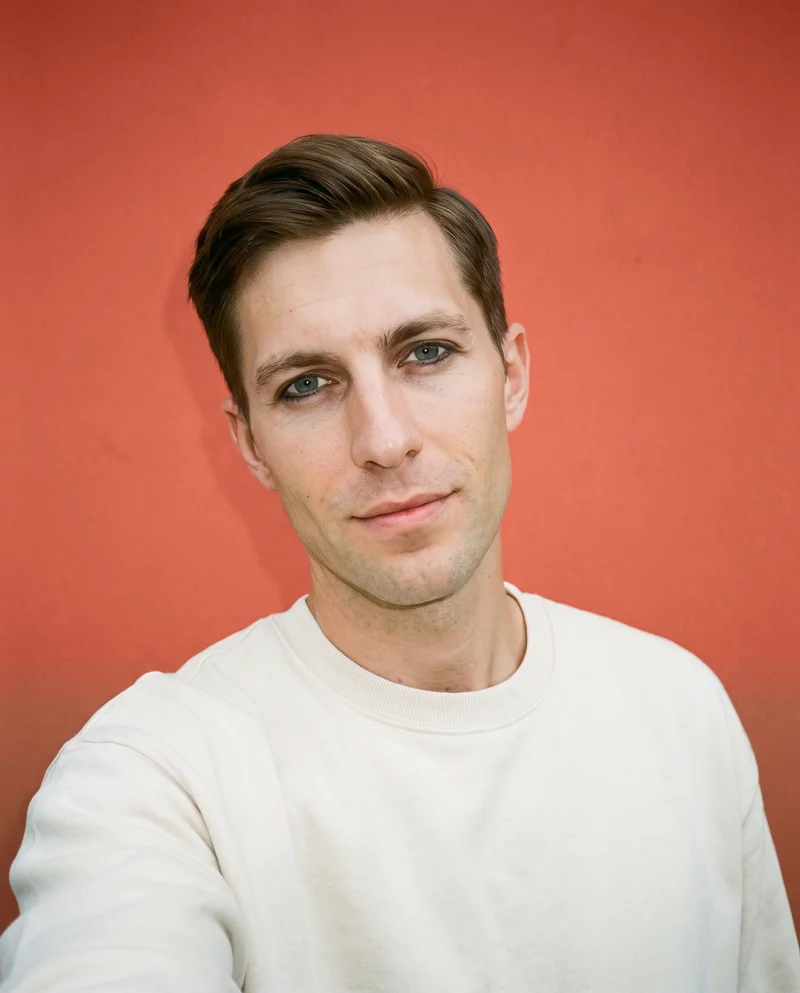
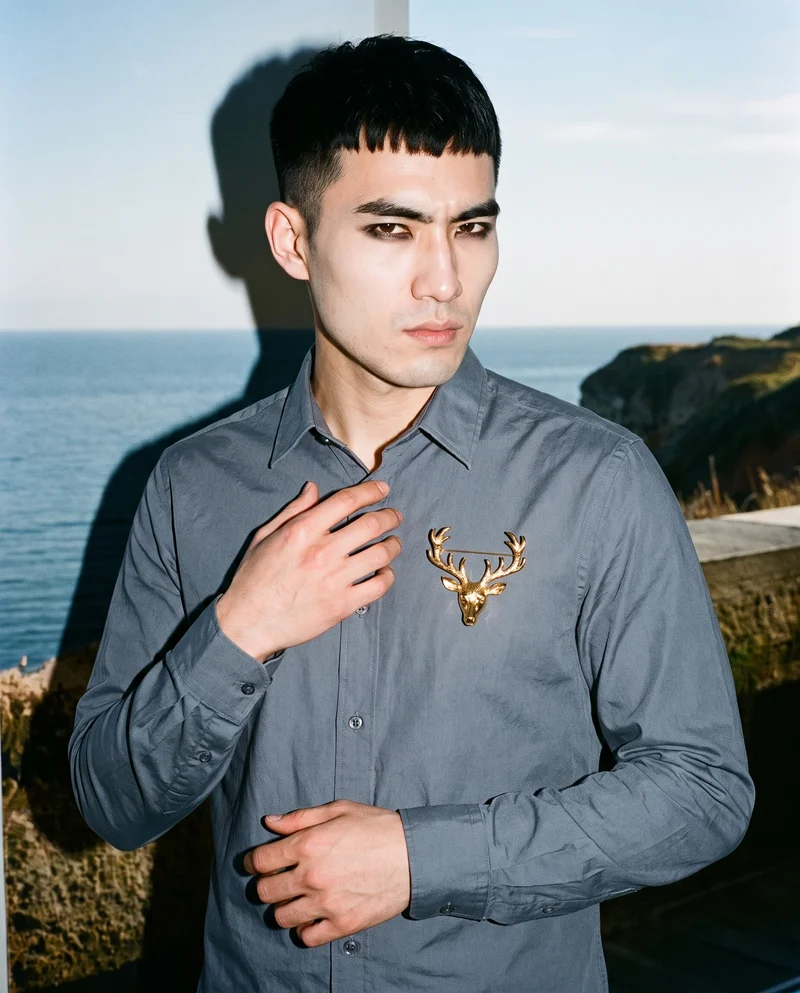
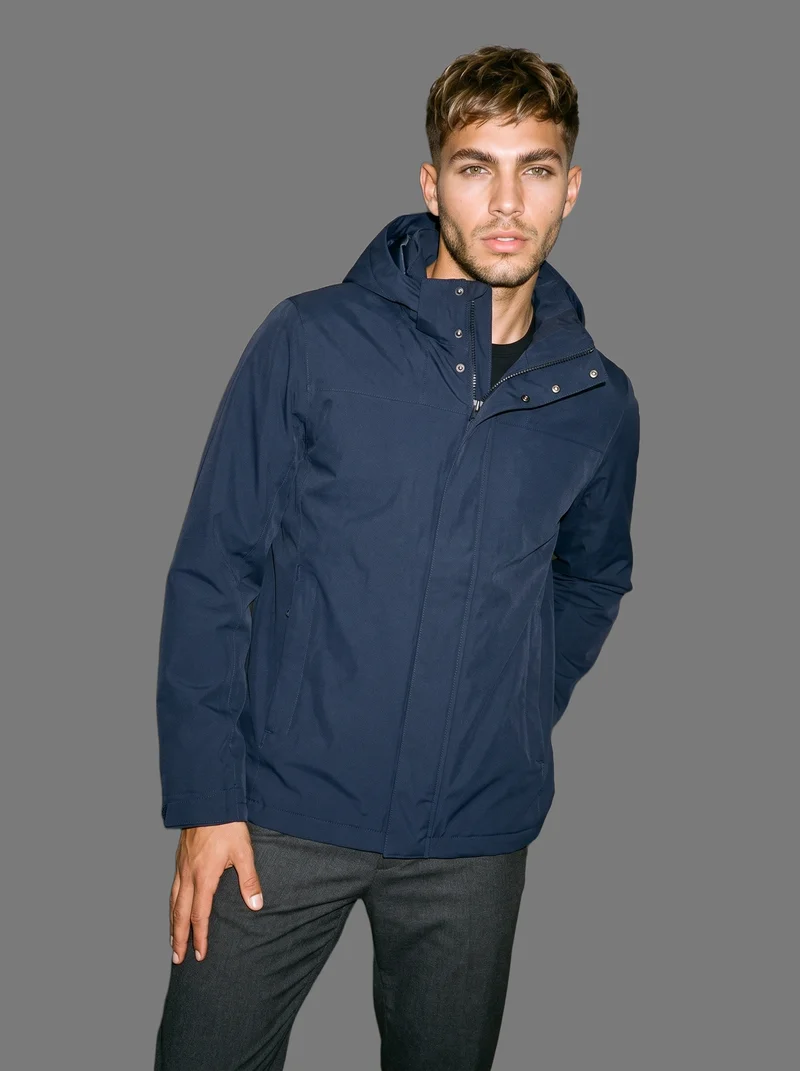
RAWSHOT AI our product
Control-based generators
Best for: Fashion brands that want to configure a complete on-model scene and check how their products read before choosing a production workflow.
Direct the full composition
Set the model, up to four products, styling, background, light, frame, camera view, pose, expression, ratio, and resolution before the image is taken.
Hold the composition while changing one element
Change one choice while the rest of the composition holds, including the model and light. That makes a set feel like a collection.
Engineered for product accuracy
One accuracy-first image style represents product cut, colour, pattern, logo, drape, material, finish, and hardware. AI suggests settings you can change. Models are synthetic composites, not real-person likenesses.
Control-based generators
- How it works
- You usually choose the model, garment, pose, setting, framing, and other controls before generating the image.
- Where it struggles
- The setup often takes more decisions than a one-line request, and the available controls shape what can be made.
- Fits
- Teams that need repeatable fashion images and want to see every creative decision before they generate.
Ayna / Ayna Studio
getayna.com
Best for: Fashion brands creating apparel photoshoot and catalog images from apparel photos.
Ayna Studio is built for brands creating AI fashion photoshoot and catalog images from apparel photos.
Strong at
- Supports flatlay-to-model photoshoots and workflows using existing on-model apparel images.
- Documents model and background replacement, plus custom brand models.
Check for your products
- Try a clear garment image and check whether male-model choices, garment details, and the intended framing are available in the workflow.
Claid.ai
claid.ai
Best for: Fashion brands turning flat-lay or ghost-mannequin images into on-model visuals.
Claid.ai is built for fashion brands creating on-model marketing imagery from garment photos.
Strong at
- Converts flat-lay or ghost-mannequin shots into on-model visuals.
- Aims to preserve the garment's design, colour, and construction.
Check for your products
- Use a garment with visible seams or a print, then inspect how well its details carry through poses and male-model options.
grace ai
gracefashion.ai
Best for: Fashion teams making on-model product imagery, campaigns, lookbooks, and video from their garments.
Fashion brands and their teams creating on-model product imagery and creative from their own garments.
Strong at
- Describes preservation of details such as seams, buttons, prints, and logos.
- Supports consistent models across scenes and images from product files.
Check for your products
- Check a subtle construction detail and whether the same model identity holds across the different scenes your brand needs.
Model and product swap tools
- How it works
- You typically upload a garment or model image and combine it with an existing photo, template, or model from a library.
- Where it struggles
- Results usually depend on the source image, and difficult poses, layers, hands, or garment edges can reveal the swap.
- Fits
- Teams that already have a useful source image and need quick variations without rebuilding the full scene.
CatalogX
catalogx.app
Best for: Brands turning garment images into model photography, including presentations of accessories.
CatalogX is built for sellers and brands creating model photography for garment and accessory listings.
Strong at
- Lists flat-lay, hanger, mannequin, and ghost-mannequin starting points.
- Describes model, pose, and scene choices, plus on-model presentations for several accessory categories.
Check for your products
- Try a garment photo and an accessory image; inspect product proportions, male-model availability, and the selected pose.
FASHN
fashn.ai
Best for: E-commerce brands creating on-model product imagery from flat-lay, mannequin, or other product photos.
FASHN is built for e-commerce brands creating fashion product imagery and virtual try-ons through an AI app.
Strong at
- Creates model imagery from flat-lay, mannequin, and other product photos.
- Documents preservation of prints, logos, colours, textures, and finishes.
Check for your products
- Use a garment with a recognizable print or logo and compare its placement with the source image.
Genera Space
generaspace.ai
Best for: Fashion brands creating PDP, lookbook, and campaign imagery from garment inputs.
It is built for e-commerce fashion brands and solo creators creating imagery from apparel product inputs.
Strong at
- Describes clothing replication across colours, textures, patterns, silhouettes, proportions, and product details.
- Supports multiple product inputs, including flat lays, ghost-mannequin shots, samples, and tech packs.
Check for your products
- Test a distinctive garment detail and see whether it remains recognizable in the selected male-model scene.
ImagineCreate AI
imaginecreate.ai
Best for: E-commerce brands producing on-model imagery from product photos across fashion and accessory categories.
ImagineCreate AI is built for ecommerce brands creating on-model product imagery and videos from uploaded product photos.
Strong at
- Generates imagery designed to preserve garment logos, patterns, textures, and stitching.
- Supports reusable AI models for consistent imagery.
Check for your products
- Compare the garment details with the source and check whether a reusable model suits the set you want to make.
Product photo editors
- How it works
- You typically upload a product shot, then remove or replace the background, retouch details, or resize it for different channels.
- Where it struggles
- Starts from a photo you already have; the core workflow edits the product shot rather than creating a new model scene.
- Fits
- Teams with finished product photos that need clean backgrounds, consistent retouching, or channel-ready formats at volume.
ProductAI
productai.photo
Best for: Teams editing product photos or generating product imagery from adaptive templates.
ProductAI's self-service Studio is for teams producing product photos and videos.
Strong at
- Offers adaptive templates for generating product photos from an uploaded product.
- Provides background swapping, drawing-based editing, object removal, and image upscaling.
Check for your products
- Start with a finished product photo and inspect background edges, garment detail, and the edit options needed for your sales channels.
remove.bg
remove.bg
Best for: Brands that need to remove a product-photo background or make a transparent image.
General design tool, not built for fashion.
Strong at
- Automatically removes image backgrounds and isolates the subject.
- Supports transparent PNGs and custom backdrops.
Check for your products
- Try a garment with loose or fine edges and inspect the isolation before using the result in a listing.
Traditional production services
- How it works
- You usually brief a photographer or studio, ship products or arrange a shoot, and receive edited final images after production.
- Where it struggles
- Scheduling, logistics, reshoots, and per-shoot costs often make rapid iteration or large numbers of variants harder.
- Fits
- Brands that need physical sets, specific talent, tactile art direction, or a fully managed conventional shoot.
Clothing and Product Photography Studio
clothingphotographystudio.com
Best for: Businesses that want a studio to prepare, photograph, and deliver finished clothing or product images.
It is built for businesses that need a studio to photograph and prepare finished clothing and product images.
Strong at
- Offers product preparation, including steaming, before photography.
- Documents on-model and ghost-mannequin photography.
Check for your products
- Ask how the studio will handle male talent, garment construction details, art direction, and any reshoot needs.
eCom Fashion Photography
ecomfashionphotography.com
Best for: Fashion brands wanting a studio team to produce e-commerce photography and video.
Fashion brands seeking professional e-commerce photography produced by a studio team.
Strong at
- Provides on-model, flat-lay, ghost-mannequin, product photography, and video.
- Allows customers to direct shoots remotely and provide feedback.
Check for your products
- Discuss casting, male-model availability, the required image formats, and how feedback will be handled during production.
Criteria and tests
What to check for apparel photography
What to look for
- 1Product fidelity: seams, closures, prints, and proportions stay faithful to the garment.
- 2Fit and drape: the fabric falls naturally across standing, seated, and moving poses.
- 3Model consistency: the same person remains recognizable across a complete image set.
- 4Production control: framing, poses, backgrounds, and output ratios can be repeated intentionally.
Test these shots
- 1A plain light garment with subtle seams and low-contrast construction details.
- 2A patterned garment whose print must align across folds, sleeves, and closures.
- 3A layered outfit with overlapping hems, collars, and accessories.
- 4The same garment and model in front, back, seated, and walking views.
- 5One product adapted into a clean PDP crop, a marketplace ratio, and a campaign frame.
Crops to check: Full-length front and back views, Waist-up fit view, Close crop of fabric, seams, and closures, Movement crop with hands and garment edges visible
Questions
Frequently asked questions
Which AI tool fits ai male model photography generator?
The right fit depends on whether you need a directed scene or a conversion from a product image. Control-based generators suit teams choosing model, pose, light, and framing before generation. Model and product swap tools suit teams turning an existing garment photo into model imagery. Product photo editors handle background cleanup and channel preparation. Traditional production services fit physical sets, specific talent, or tactile direction. Compare male-model controls and product fidelity in the workflow that matches your starting assets.
How is RAWSHOT different from FASHN?
RAWSHOT and FASHN start from different workflows. RAWSHOT presents a configurable shoot: select the model, up to four products, styling, background, light, frame, camera view, pose, expression, ratio, and resolution before generating. FASHN is a model and product swap tool for creating on-model imagery from product or model images, with connected workflows for iteration and asset reuse. Check whether you want to direct a complete scene or work from an existing image.
Can AI keep ai male model photography generator details accurate?
It can be evaluated, but do not assume that a generated image will preserve every detail. Check seams, closures, prints, proportions, fit, and drape against the real product. Start with a light garment with subtle seams, a patterned garment with folds and closures, and a layered outfit. Compare the same garment across front, back, seated, and walking views, then inspect crops for your product page and campaign use.
Do I still need a photoshoot for ai male model photography generator?
A conventional shoot remains a sensible choice when you need physical sets, specific human talent, tactile art direction, or hands-on handling of samples. Generated images may suit product-page or campaign needs when an on-model scene can represent the actual product and your team can review the details. Try the intended images with your own garments first. If the result cannot meet your casting, material, or creative requirements, hand production to a studio.
How should I test a tool before switching?
Use the test cases on this page with your own products: a light garment with subtle seams, a patterned garment, and a layered outfit. Try the same garment and model in front, back, seated, and walking views, then compare a product-page crop with a campaign frame. Keep the source files and review each output for colour, construction, print alignment, fit, and model consistency. Make the same checks in each workflow before deciding.
Get started
See your products on a model.
Upload a product, choose the model, pose, setting, and framing, then generate the shot with every decision visible.