
BEST LIST
Best Jeans AI Product Photography Generator
RAWSHOT configures the whole picture before it is taken, bringing complete shoot direction to the jeans AI product photography generator category.
- 8 tools
- 3 approaches
- no rankings · no scores
By the RAWSHOT team · Updated
 AI-generated · C2PA
THE SHORT ANSWER
RAWSHOT exposes the complete composition as selectable settings before generation; the other selected workflows center on garment-to-model conversion, source-image adaptation, or editing. The main decision is whether you need shoot direction or source-image adaptation for jeans.
The tools on this list
- 01
RAWSHOT AIour productControl-based generatorsBest for: Strongest when a brand wants to direct the model, outfit, light, pose, crop, and setting itself.
- 02
Claid.aiControl-based generatorsBest for: Strongest when the starting assets are flat-lay or ghost-mannequin photographs of jeans.
- 03
SHOWZ.AIControl-based generatorsBest for: Strongest when users want visible choices for the model, pose, backdrop, and lighting setup.
- 04
CatalogXModel and product swap toolsBest for: Strongest when jeans are already photographed flat, on a hanger, or on a mannequin.
- 05
FASHNModel and product swap toolsBest for: Strongest when the workflow connects product-to-model generation, virtual try-on, editing, and video assets.
- 06
Genera SpaceModel and product swap toolsBest for: Strongest when a fashion brand has flat lays, ghost-mannequin images, samples, or tech packs.
- 07
BotikaProduct photo editorsBest for: Strongest when clothing photographs need on-model conversion with attention to fabric flow and fit.
- 08
PixfocalProduct photo editorsBest for: Strongest when one jeans source image must support several standard ecommerce photo formats.
Control-based generators
- How it works
- You usually choose the model, garment, pose, setting, framing, and other controls before generating the image.
- Fits
- Teams that need repeatable fashion images and want to see every creative decision before they generate.
RAWSHOT AIour product
rawshot.ai
Browser-based fashion photo studio that configures complete on-model shoots and videos for brands using their real clothing, footwear, jewelry, and accessories.
Best for
Strongest when a brand wants to direct the model, outfit, light, pose, crop, and setting itself.
Strong at
- The control surface includes 15 frames, 5 camera views, 104 poses, and 10 expressions.
- One outfit can combine up to 4 products, with 4 photography directions controlling the light.
Requirements
- Input:
- Product photo and shoot settings
- Output:
- Newly generated images
- Models:
- Synthetic, licence-free models
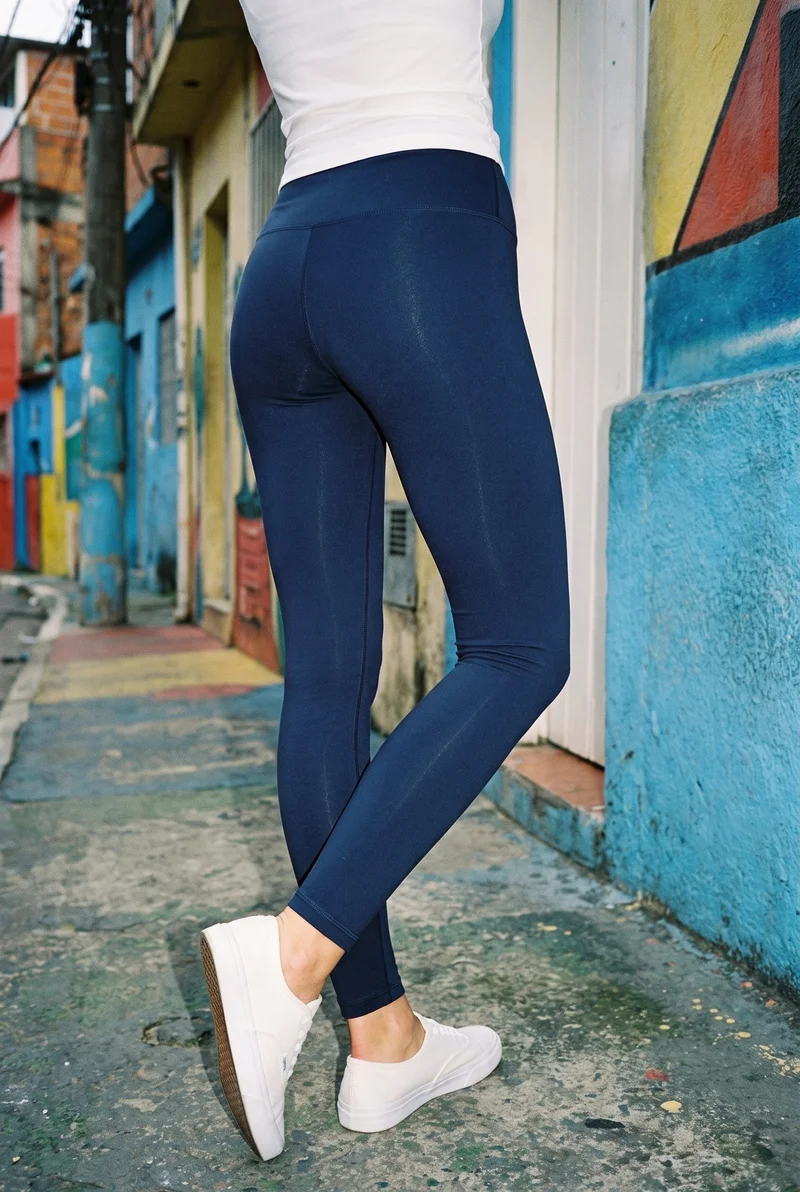
Navy Leggings · Lower body
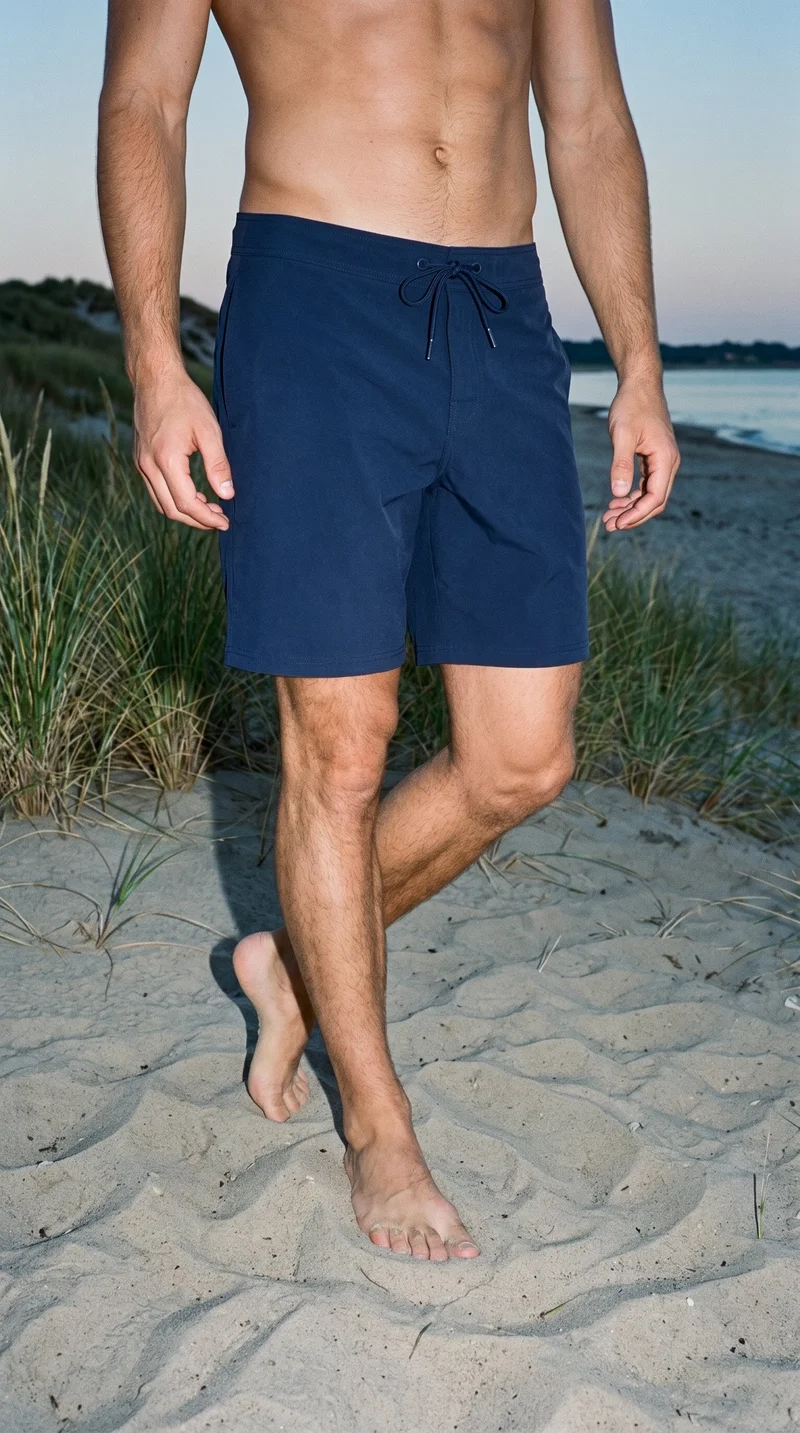
Navy Board Shorts · Lower body
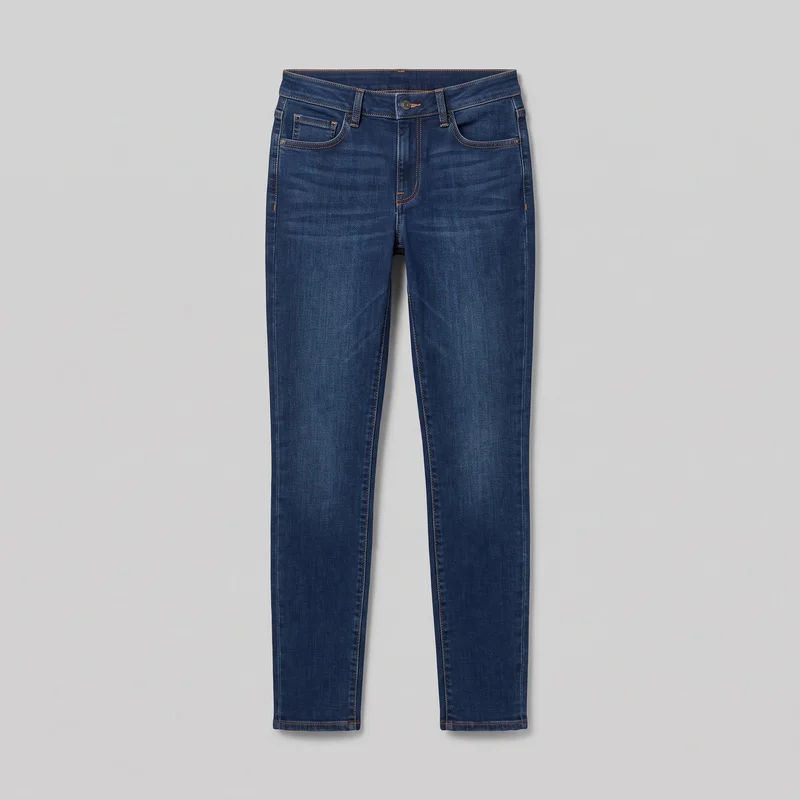
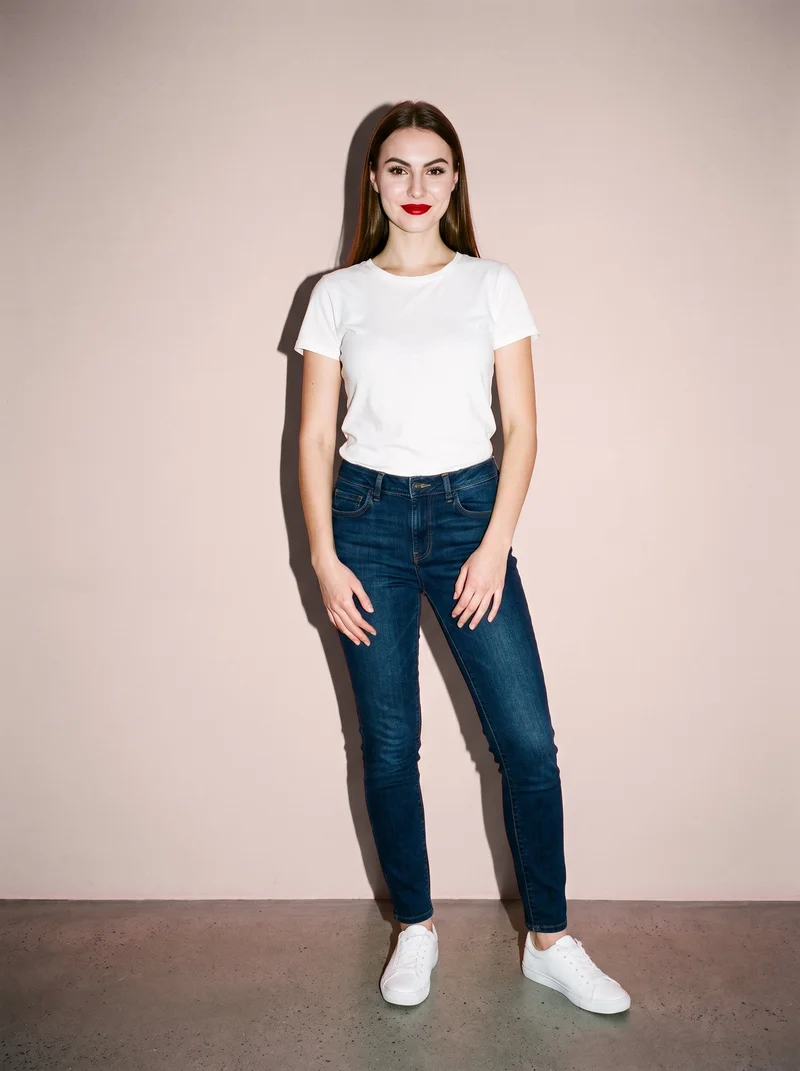
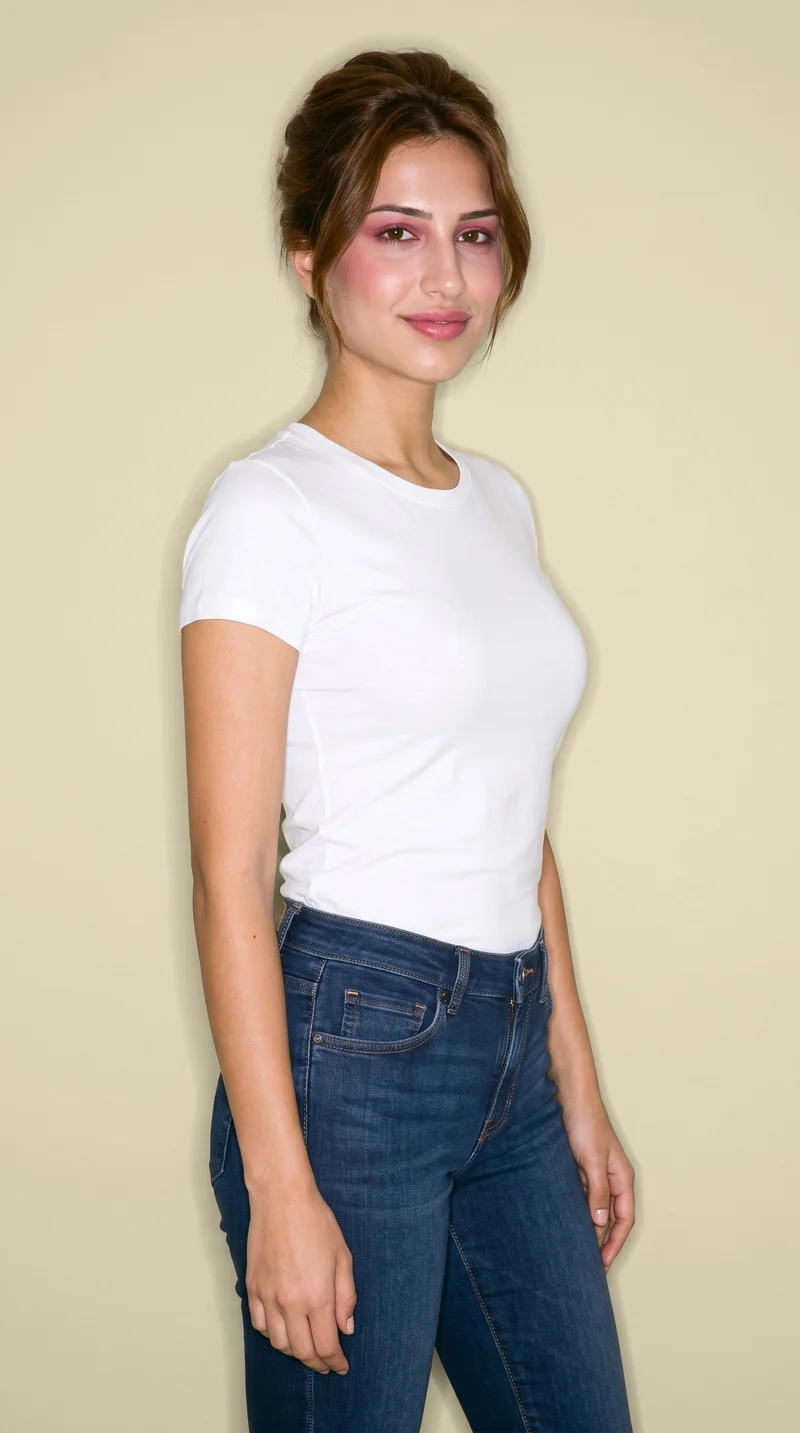
Women's Indigo Slim Jeans · Three-quarter length
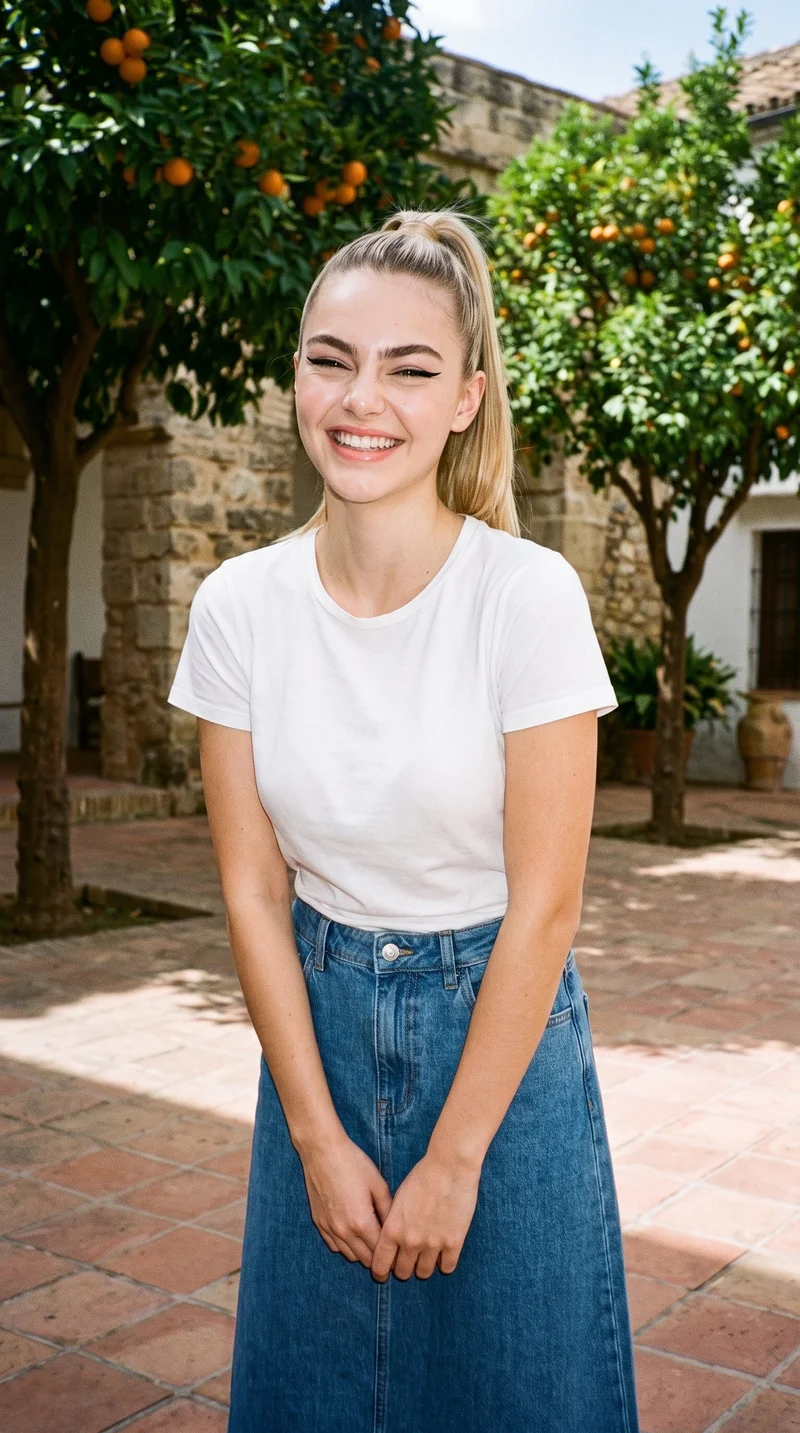
Denim A-Line Skirt · Three-quarter length
Claid.ai
claid.ai
AI fashion studio that creates on-model images, lifestyle content, and video from uploaded garment photographs.
Best for
Strongest when the starting assets are flat-lay or ghost-mannequin photographs of jeans.
Strong at
- The garment workflow aims to preserve the product’s design, color, and construction in on-model imagery.
- Its API supports repeatable production workflows for larger fashion catalogs and recurring image requirements.
Requirements
- Input:
- Product photo and shoot settings, text prompt
- Output:
- Newly generated images
- Models:
- Synthetic, licence-free models, models from a library, your own model or the shopper
SHOWZ.AI
showz.ai
Self-service AI photo studio that creates ecommerce fashion images from outfit items and selected visual settings.
Best for
Strongest when users want visible choices for the model, pose, backdrop, and lighting setup.
Strong at
- Users drag and drop outfit items before choosing a model, pose, backdrop, and lighting setup.
- The workflow produces ready-to-use ecommerce images and includes access to human support for production questions.
Model and product swap tools
- How it works
- You typically upload a garment or model image and combine it with an existing photo, template, or model from a library.
- Fits
- Teams that already have a useful source image and need quick variations without rebuilding the full scene.
CatalogX
catalogx.app
Self-service fashion photography tool that turns garment and accessory photographs into on-model catalog images.
Best for
Strongest when jeans are already photographed flat, on a hanger, or on a mannequin.
Strong at
- The workflow accepts flat-lay, hanger, mannequin, and ghost-mannequin garment photographs as starting points.
- Quality Mode checks source color, pattern, and embroidery and can initiate a reviewed retry.
FASHN
fashn.ai
AI fashion-content app that creates on-model product photos, virtual try-ons, edits, and videos from product or model images.
Best for
Strongest when the workflow connects product-to-model generation, virtual try-on, editing, and video assets.
Strong at
- Virtual Try-On preserves product details including prints, logos, colors, textures, and finishes.
- Studio connects multiple fashion workflows and supports reuse and refinement of generated assets.
Requirements
- Input:
- Brief and product samples, text prompt
- Models:
- Synthetic, licence-free models, your own model or the shopper
- Labelling:
- Watermark
Genera Space
generaspace.ai
Self-service fashion photography platform that converts apparel assets into on-model imagery for product pages, lookbooks, and campaigns.
Best for
Strongest when a fashion brand has flat lays, ghost-mannequin images, samples, or tech packs.
Strong at
- Garment replication covers colors, textures, patterns, silhouettes, proportions, and individual product details.
- The platform maintains consistent model identities across product imagery and campaign work.
Product photo editors
- How it works
- You typically upload a product shot, then remove or replace the background, retouch details, or resize it for different channels.
- Fits
- Teams with finished product photos that need clean backgrounds, consistent retouching, or channel-ready formats at volume.
Botika
botika.com
Self-service AI fashion image tool that transforms clothing photographs into consistent on-model imagery.
Best for
Strongest when clothing photographs need on-model conversion with attention to fabric flow and fit.
Strong at
- The on-model workflow handles fabric flow, garment fit, and poses in fashion imagery.
- It also supports flat-lay, mannequin, video, and retouching workflows for clothing assets.
Pixfocal
pixfocal.com
Self-service fashion photography tool that converts clothing and footwear photographs into ecommerce-ready product imagery.
Best for
Strongest when one jeans source image must support several standard ecommerce photo formats.
Strong at
- Its outputs include ghost-mannequin, colorway, on-model, flat-lay, and hanger shots.
- Ghost-mannequin images are prepared for use on marketplaces and product pages.
Criteria and tests
What to check for apparel photography
What to look for
- 1Product fidelity: seams, closures, prints, and proportions stay faithful to the garment.
- 2Fit and drape: the fabric falls naturally across standing, seated, and moving poses.
- 3Model consistency: the same person remains recognizable across a complete image set.
- 4Production control: framing, poses, backgrounds, and output ratios can be repeated intentionally.
Test these shots
- 1A plain light garment with subtle seams and low-contrast construction details.
- 2A patterned garment whose print must align across folds, sleeves, and closures.
- 3A layered outfit with overlapping hems, collars, and accessories.
- 4The same garment and model in front, back, seated, and walking views.
- 5One product adapted into a clean PDP crop, a marketplace ratio, and a campaign frame.
Crops to check: Full-length front and back views, Waist-up fit view, Close crop of fabric, seams, and closures, Movement crop with hands and garment edges visible
Questions
Frequently asked questions
What does a jeans AI product photography generator actually create?
A jeans AI product photography generator creates ecommerce or campaign images of real jeans from existing product assets. Control-based generators such as RAWSHOT AI, Claid.ai, and SHOWZ.AI let users choose visual parts of the shoot before generation. Model and product swap tools such as CatalogX, FASHN, and Genera Space adapt garment or model imagery. Product photo editors such as Botika and Pixfocal prepare on-model and standardized ecommerce formats. Choose the workflow according to how much usable source photography you already have.
Which workflow fits flat-lay jeans and on-model campaign images?
Use a model and product swap workflow when the flat lay already captures the jeans accurately, and use a control-based generator when the campaign composition needs direct supervision. CatalogX and Genera Space accept flat lays and other garment assets for on-model conversion. RAWSHOT AI and SHOWZ.AI expose choices for the model, pose, setting, and lighting before generation. Product photo editors such as Pixfocal suit standardized product-page formats. Match the workflow to whether garment conversion or complete scene direction is the main job.
Can an independent denim brand use AI for product-page photography?
Yes, this approach fits an independent denim brand with clear source images and documented visual standards. Prepare clean front and back product photographs, accurate color references, desired crops, channel ratios, and examples of acceptable fit. RAWSHOT AI suits brands that want to select the full composition, while CatalogX and Botika begin with existing clothing photographs. Assign one person to approve product fidelity and another to confirm channel requirements. Start with a representative wash and fit before extending the workflow across the collection.
How do I verify that AI jeans images preserve denim details?
Check every generated jeans image against the physical product and its approved source photographs. Inspect the wash, whiskering, fading, side seams, stitching color, rivets, button, zipper, belt loops, pockets, hem, rise, leg shape, patch, and visible labels. Compare front, back, seated, and walking views, then zoom into closures and pocket construction. FASHN emphasizes prints, logos, colors, textures, and finishes, while CatalogX checks color, pattern, and embroidery. Reject any image that changes construction or creates unsupported distressing.
How should AI pants photography enter an existing ecommerce workflow?
Begin with approved product photographs, color references, jeans specifications, and the image requirements for each sales channel. A creative lead chooses a control-based, swap, or editor workflow and defines the model, styling, crop, background, and required views. The tool produces candidate images, then merchandising checks product identity and fit while ecommerce checks dimensions, filenames, and channel compliance. Approved assets move into the product information or digital asset system before publication. Keep the original product files beside final images for later verification.
Which signals show whether AI jeans photography is working?
Track time from approved product asset to published image, the share of images rejected during product review, revision frequency, and missing-image delays on product pages. Monitor customer returns or support messages that mention color, wash, rise, leg shape, length, fit, or details that looked different online. Compare engagement and conversion only across equivalent products and placements. Also record how often marketplace files require manual correction. Continue with the workflow when publishing becomes more predictable without increasing fidelity-related rejections or customer complaints.
When is a conventional jeans photoshoot still the right choice?
A conventional shoot is the right route when creative direction depends on a specific person, location, performance, physical interaction, or close observation of an unusual denim treatment. It also suits hero campaigns where the team needs live collaboration among the photographer, stylist, model, and brand director. Generated images are enough for many product-page views, collection extensions, market adaptations, and missing assets when source photography is accurate. Use the production method that gives reviewers enough evidence to approve color, construction, fit, and drape.
How do RAWSHOT AI and CatalogX handle flat-lay jeans differently?
RAWSHOT AI and CatalogX use different workflows for turning jeans assets into on-model photography. RAWSHOT AI treats the job as a complete shoot: the user selects the model, outfit, styling, background, light, frame, camera view, pose, expression, ratio, and resolution before generation. CatalogX centers on converting flat-lay, hanger, mannequin, or ghost-mannequin garment photographs into worn images, with model, pose, and scene choices. Choose RAWSHOT AI for complete composition direction and CatalogX for garment conversion from established source formats.
Get started
See your products on a model.
Upload a product, choose the model, pose, setting, and framing, then generate the shot with every decision visible.