
BEST LIST
Best Tie AI On-Model Photography Generator
RAWSHOT configures the whole picture before generation; these tie AI on-model photography generators cover controlled shoots and product-to-model swaps.
- 8 tools
- 2 approaches
- no rankings · no scores
By the RAWSHOT team · Updated
 AI-generated · C2PA
THE SHORT ANSWER
RAWSHOT sets the model, outfit, light, frame, pose, expression, ratio, and resolution before generation; swap workflows combine tie inputs with existing imagery. The main decision is whether to direct the complete composition or transform a product or model image.
The tools on this list
- 01
RAWSHOT AIour productControl-based generatorsBest for: Strongest when every part of the tie composition needs visible, selectable direction before generation.
- 02
CaimeraControl-based generatorsBest for: Strongest when fashion teams need selectable models, poses, and backgrounds for catalog or editorial imagery.
- 03
Outfit.fmControl-based generatorsBest for: Strongest when a fashion brand wants photos and videos from the same uploaded product asset.
- 04
ProvamodaControl-based generatorsBest for: Strongest when an uploaded accessory photo needs selectable model, pose, location, and camera choices.
- 05
CatalogXModel and product swap toolsBest for: Strongest when the starting asset is a flat-lay, hanger, mannequin, or ghost-mannequin image.
- 06
FASHNModel and product swap toolsBest for: Strongest when product-detail preservation matters across product-to-model, virtual try-on, editing, and video workflows.
- 07
ModeliaModel and product swap toolsBest for: Strongest when flat-lay apparel needs a customized model and background within a repeatable production workflow.
- 08
SellerPicModel and product swap toolsBest for: Strongest when a seller wants fashion-model images, shoppable videos, and editing tools in the same toolkit.
Control-based generators
- How it works
- You usually choose the model, garment, pose, setting, framing, and other controls before generating the image.
- Fits
- Teams that need repeatable fashion images and want to see every creative decision before they generate.
RAWSHOT AIour product
rawshot.ai
Browser-based fashion photo studio that generates original on-model imagery and video with the full composition exposed as selectable controls.
Best for
Strongest when every part of the tie composition needs visible, selectable direction before generation.
Strong at
- The composition can include up to four products with controls for model, styling, light, frame, pose, expression, ratio, and resolution.
- It provides 1,197 license-free adult models and 104 poses for still-image direction.
Requirements
- Input:
- Product photo and shoot settings
- Output:
- Newly generated images
- Models:
- Synthetic, licence-free models
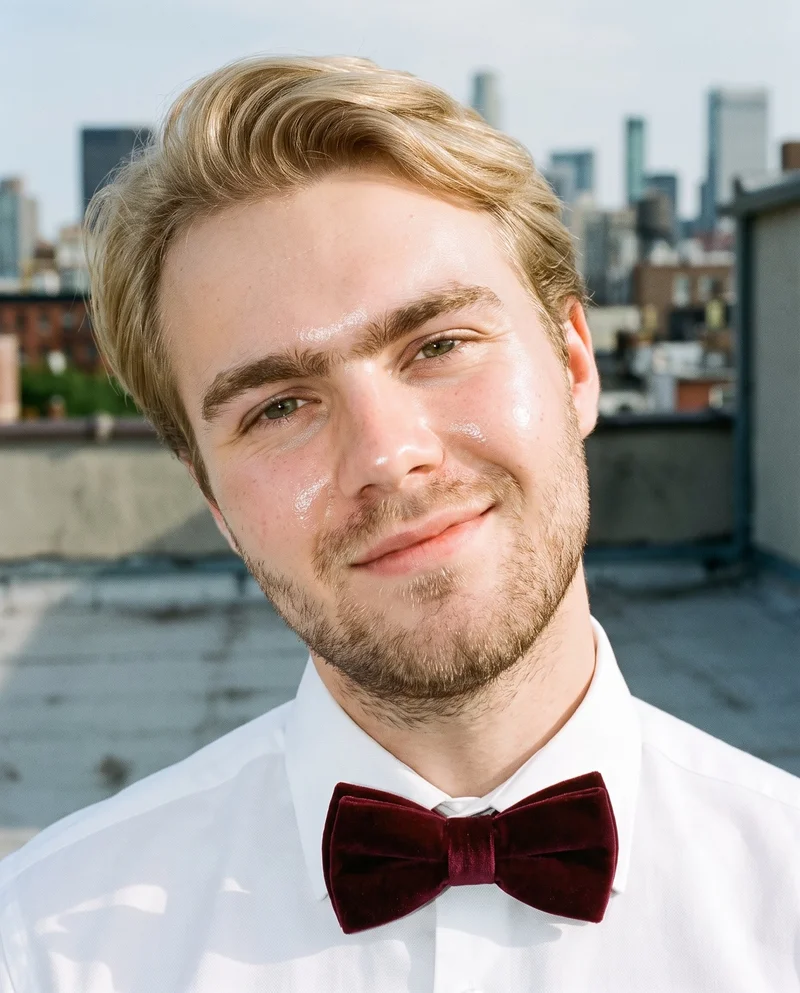
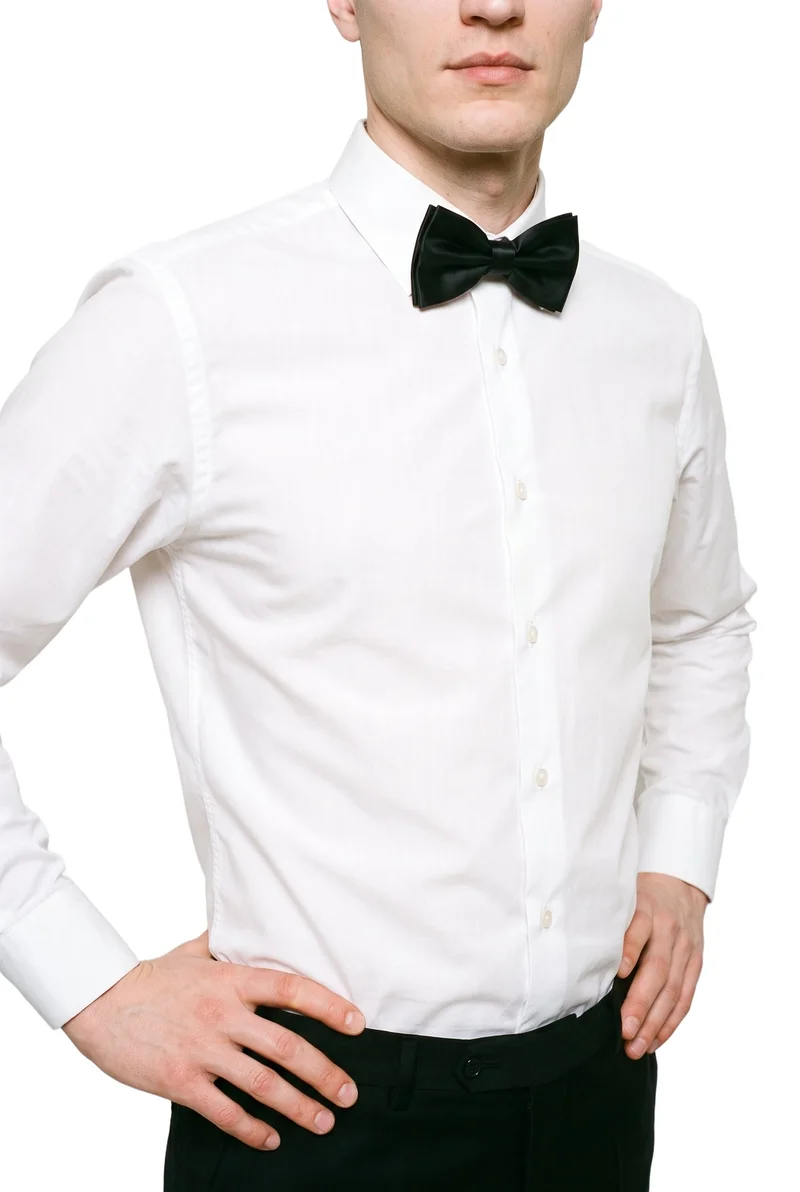
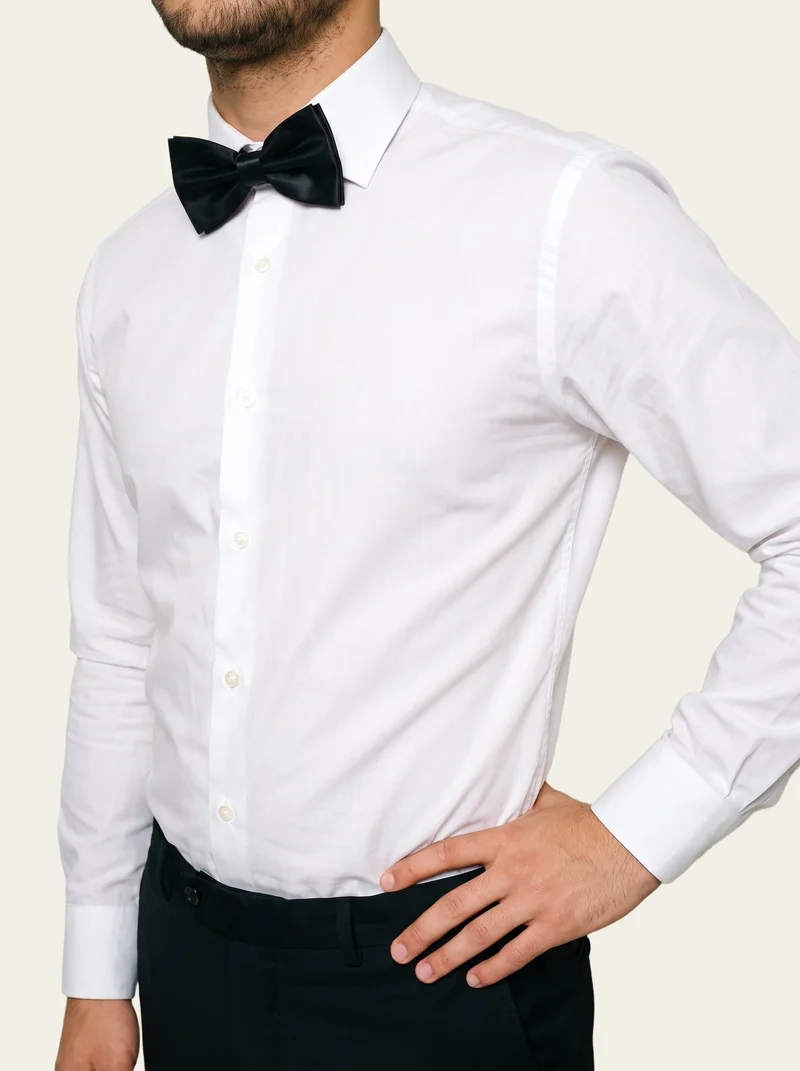
Burgundy Velvet Bow Tie · Bust
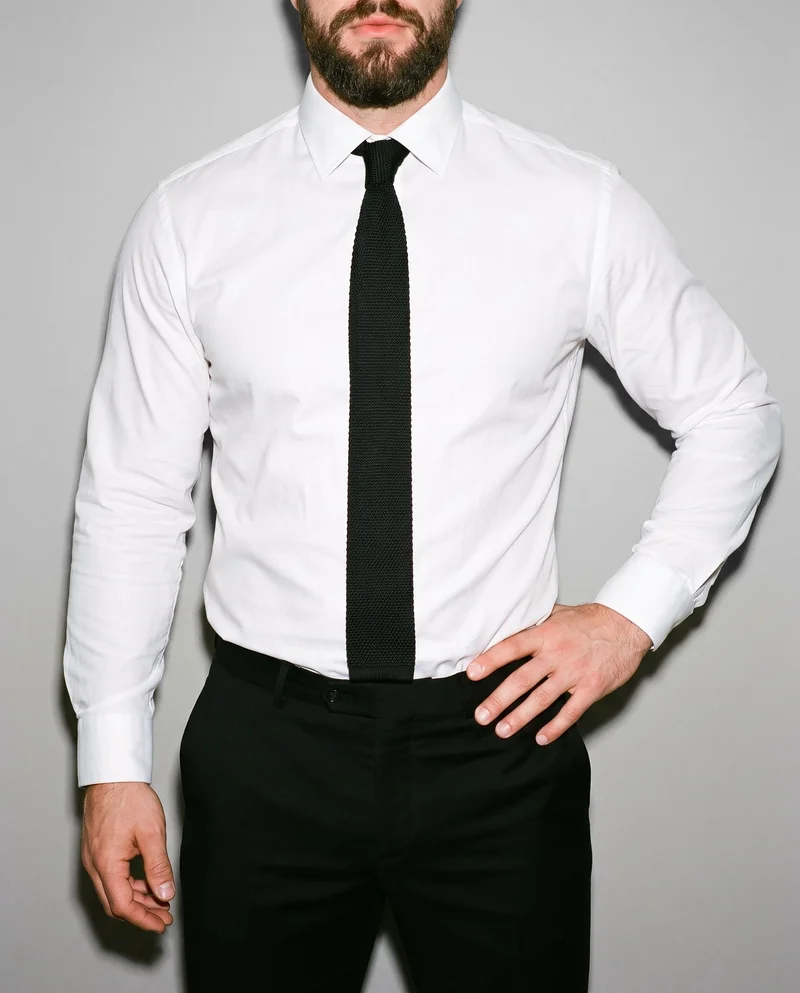
Black Knitted Tie · Torso
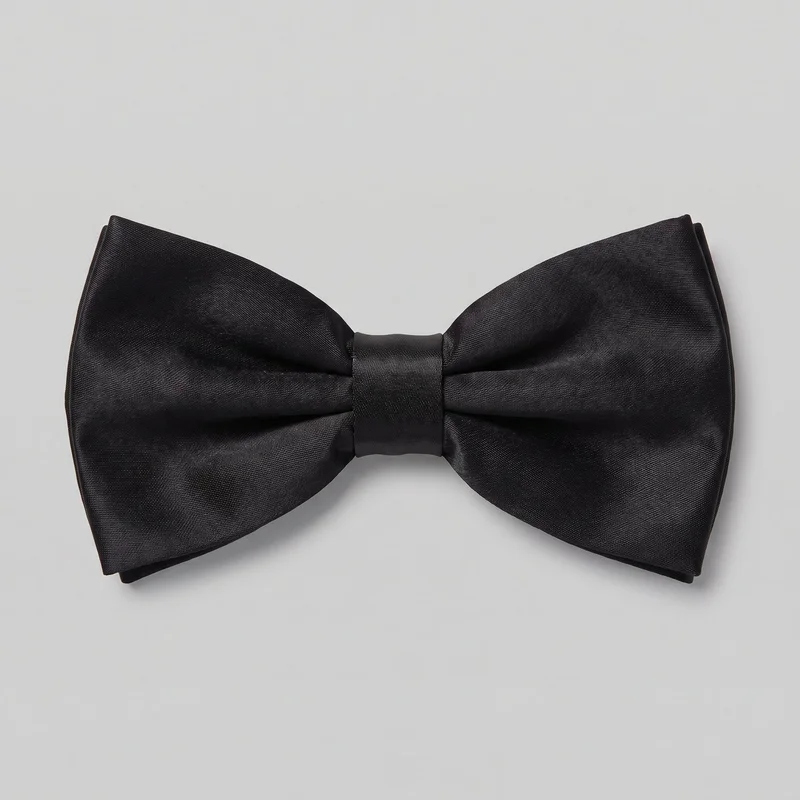
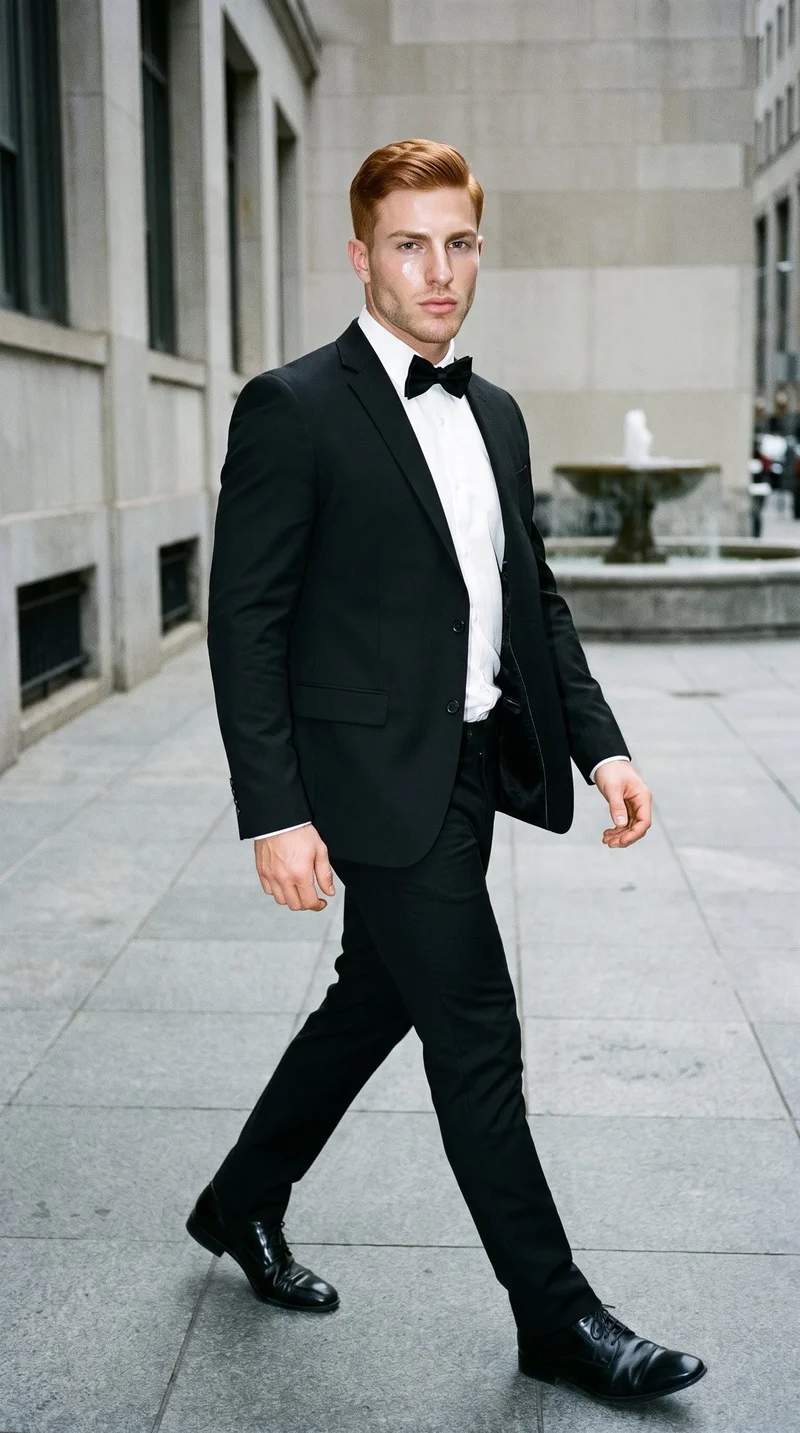
Black Satin Bow Tie · Torso
Black Satin Bow Tie · Torso
Caimera
caimera.ai
AI visual production platform for fashion teams creating catalog imagery, editorial images, fashion concepts, and edited visuals.
Best for
Strongest when fashion teams need selectable models, poses, and backgrounds for catalog or editorial imagery.
Strong at
- Flat-lay product images become catalog images with selectable models, poses, and backgrounds.
- Editorial workflows cover multiple product categories and can reuse products stored in a library.
Requirements
- Input:
- Product photo and shoot settings, text prompt
- Output:
- Newly generated images
- Models:
- Models from a library
- Labelling:
- AI label, watermark
Outfit.fm
outfit.fm
Self-service platform for fashion brands generating on-model product photos and videos from uploaded product photography.
Best for
Strongest when a fashion brand wants photos and videos from the same uploaded product asset.
Strong at
- An uploaded product photo becomes on-model imagery after the customer chooses a model and customizes the shoot.
- Each session can return multiple variations with customized models and backgrounds.
Provamoda
provamoda.ai
Self-service AI fashion photography tool that places uploaded products into selected model and scene imagery.
Best for
Strongest when an uploaded accessory photo needs selectable model, pose, location, and camera choices.
Strong at
- Flat lays and product shots can become campaign imagery after the model and scene settings are selected.
- Controls include body type, skin tone, location, camera style, pose, and model selection.
Model and product swap tools
- How it works
- You typically upload a garment or model image and combine it with an existing photo, template, or model from a library.
- Fits
- Teams that already have a useful source image and need quick variations without rebuilding the full scene.
CatalogX
catalogx.app
Self-service AI product photography tool that turns garment and accessory photos into images showing those products on models.
Best for
Strongest when the starting asset is a flat-lay, hanger, mannequin, or ghost-mannequin image.
Strong at
- Garment inputs can come from flat-lay, hanger, mannequin, and ghost-mannequin photography.
- Quality Mode checks color, pattern, and embroidery against the source and can trigger a reviewed retry.
FASHN
fashn.ai
AI fashion-content app that creates on-model product photos, virtual try-ons, edits, and videos from product or model images.
Best for
Strongest when product-detail preservation matters across product-to-model, virtual try-on, editing, and video workflows.
Strong at
- Virtual Try-On preserves prints, logos, colors, textures, and finishes from the product image.
- Flat-lay, mannequin, and other product photos can become on-model fashion imagery.
Requirements
- Input:
- Brief and product samples, text prompt
- Models:
- Synthetic, licence-free models, your own model or the shopper
- Labelling:
- Watermark
Modelia
modelia.ai
AI fashion-visual creation platform whose flat-lay workflow turns apparel references into on-model imagery.
Best for
Strongest when flat-lay apparel needs a customized model and background within a repeatable production workflow.
Strong at
- Flat-lay apparel becomes on-model imagery with customized model and background choices.
- Reusable AI characters can appear across repeatable, multi-step production workflows.
Requirements
- Input:
- Product photo and shoot settings, text prompt
- Output:
- Newly generated images
SellerPic
sellerpic.ai
Self-service ecommerce toolkit that generates fashion-model product imagery, product photos, and shoppable videos.
Best for
Strongest when a seller wants fashion-model images, shoppable videos, and editing tools in the same toolkit.
Strong at
- The fashion workflow generates product imagery with AI fashion models and includes a model-swapping option.
- Downloaded images can use UHD resolution and commercial usage terms under the Starter plan.
Criteria and tests
What to check for product photography
What to look for
- 1Product fidelity: shape, proportions, logos, and hardware stay faithful to the real item.
- 2Material rendering: leather, metal, fabric, and glossy surfaces keep their texture and finish.
- 3Scale and placement: the product sits at a believable size on the model, hand, or surface.
- 4View consistency: the same item keeps its details across wide, close, and alternate angles.
Test these shots
- 1An item with a printed or embossed logo that must stay sharp and correctly placed.
- 2A product with metal hardware, zips, or buckles under directional light.
- 3A soft or structured item whose silhouette must hold when worn or carried.
- 4The same item in front, side, and three-quarter views.
- 5One product adapted into a clean PDP crop, a marketplace ratio, and a campaign frame.
Crops to check: Full product view showing scale, In-use crop on the model or in the hand, Close crop of logos, hardware, and material, Alternate angle of the same item
Questions
Frequently asked questions
What does a tie AI on-model photography generator actually create?
A tie AI on-model photography generator turns a product image of a necktie or bow tie into an image showing it worn by a model. Control-based generators such as RAWSHOT AI, Caimera, Provamoda, and Outfit.fm let the user set visual choices before generation. Model and product swap tools such as CatalogX, FASHN, Modelia, and SellerPic start from product or model imagery and combine the elements. Choose based on whether the job begins with a composition to direct or a source image to transform.
Which workflow fits bow tie images with controlled poses and lighting?
For a bow tie campaign requiring deliberate pose, crop, background, and light choices, use a control-based generator such as RAWSHOT AI, Caimera, Provamoda, or Outfit.fm. For replacing a product on an existing model or converting a flat-lay image, use a model and product swap tool such as CatalogX, FASHN, Modelia, or SellerPic. Prepare a clear product image and decide whether the photographed knot must be preserved. Pick the workflow from the source material and creative decisions already approved.
Can a small neckwear brand use AI for seasonal tie product pages?
Yes, this approach fits a small neckwear brand with clear product photos, defined visual standards, and someone responsible for image approval. Control-based generators suit brands that want to select the model, pose, setting, and framing before creating each image. Model and product swap tools suit brands that already have flat lays, mannequin shots, or approved model photography. Have accurate color references, pattern close-ups, tie dimensions, crop rules, and marketplace requirements ready. Begin with representative silk, knit, patterned, and bow tie products.
How do I verify bow tie knot shape and pattern accuracy?
Verify the generated image against the product photo or physical sample before approving it. Check knot symmetry, wing shape, neck-band placement, blade width, tip shape, pattern spacing, logo position, stitching, fabric grain, color, and sheen. Review a full view, a side view, and a close crop, then compare repeated details across every approved angle. FASHN documents preservation of prints, logos, colors, textures, and finishes, while CatalogX checks color, pattern, and embroidery. Reject any image where product-defining details shift.
How do AI tie images enter a retailer's product-page workflow?
The workflow starts with an approved tie product image, followed by model and composition selection, image generation, product review, channel formatting, and publication. A merchandiser chooses the SKU and required views; a creative lead sets the model, knot presentation, pose, light, crop, and background. A product specialist checks color, pattern, width, stitching, logo placement, and material finish. Approved files then move into the retailer's asset library, product information system, marketplace feed, or campaign folder. Keep source images and approvals linked to each published asset.
Which metrics show whether AI tie imagery is working?
Track production and commerce signals rather than judging the images in isolation. Useful production measures include time from product input to publication, initial approval rate, rejected outputs, correction requests, missing views, and late product-page launches. Commerce measures include product-page engagement, add-to-cart activity, conversion, and returns mentioning unexpected color, pattern, width, texture, or drape. Compare products from the same tie assortment and sales channel under similar merchandising conditions. Continue when publication becomes more predictable without increasing product-detail complaints or review workload.
When should a tie brand still book a conventional photoshoot?
Prefer a conventional photoshoot when the campaign depends on a specific person, bespoke set construction, physical interaction, or a stylist forming exact knots on set. A managed provider also fits projects requiring extensive sample correction, human retouching, or external production oversight. Generated images are enough for many repeatable product-page, marketplace, lookbook, and seasonal merchandising views when accurate source assets and clear approval rules exist. Use the production route that matches the creative judgment, physical detail, and approval process required by the campaign.
How do RAWSHOT AI and CatalogX handle tie product photos differently?
RAWSHOT AI and CatalogX use different workflows for turning tie product photos into on-model images. RAWSHOT AI sets the complete composition before generation, including model, styling, light, frame, camera view, pose, expression, ratio, and resolution. CatalogX converts flat-lay, hanger, mannequin, or ghost-mannequin inputs into worn images and supports accessory presentation with a specified size. CatalogX also checks color, pattern, and embroidery in Quality Mode. Choose RAWSHOT for directing the complete composition; choose CatalogX when its supported starting formats and reviewed retry workflow match production.
Get started
See your products on a model.
Upload a product, choose the model, pose, setting, and framing, then generate the shot with every decision visible.