
Product photography
Underwear photography
Build coherent on-model underwear imagery.
Build product-page imagery through Underwear photography: start with your actual product source, choose the model and composition, then keep the visual direction coherent across the range.
7-day free trial • 50 tokens (10 images) • Cancel anytime
271 images in this range · AI-labelled with C2PA content credentials
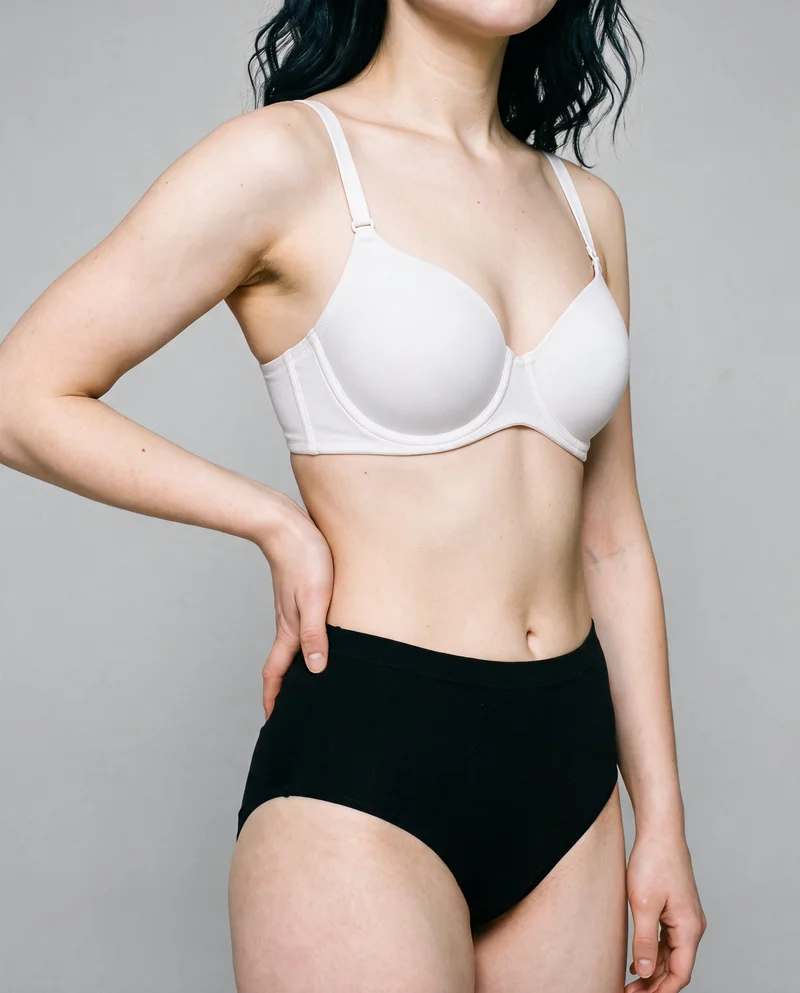
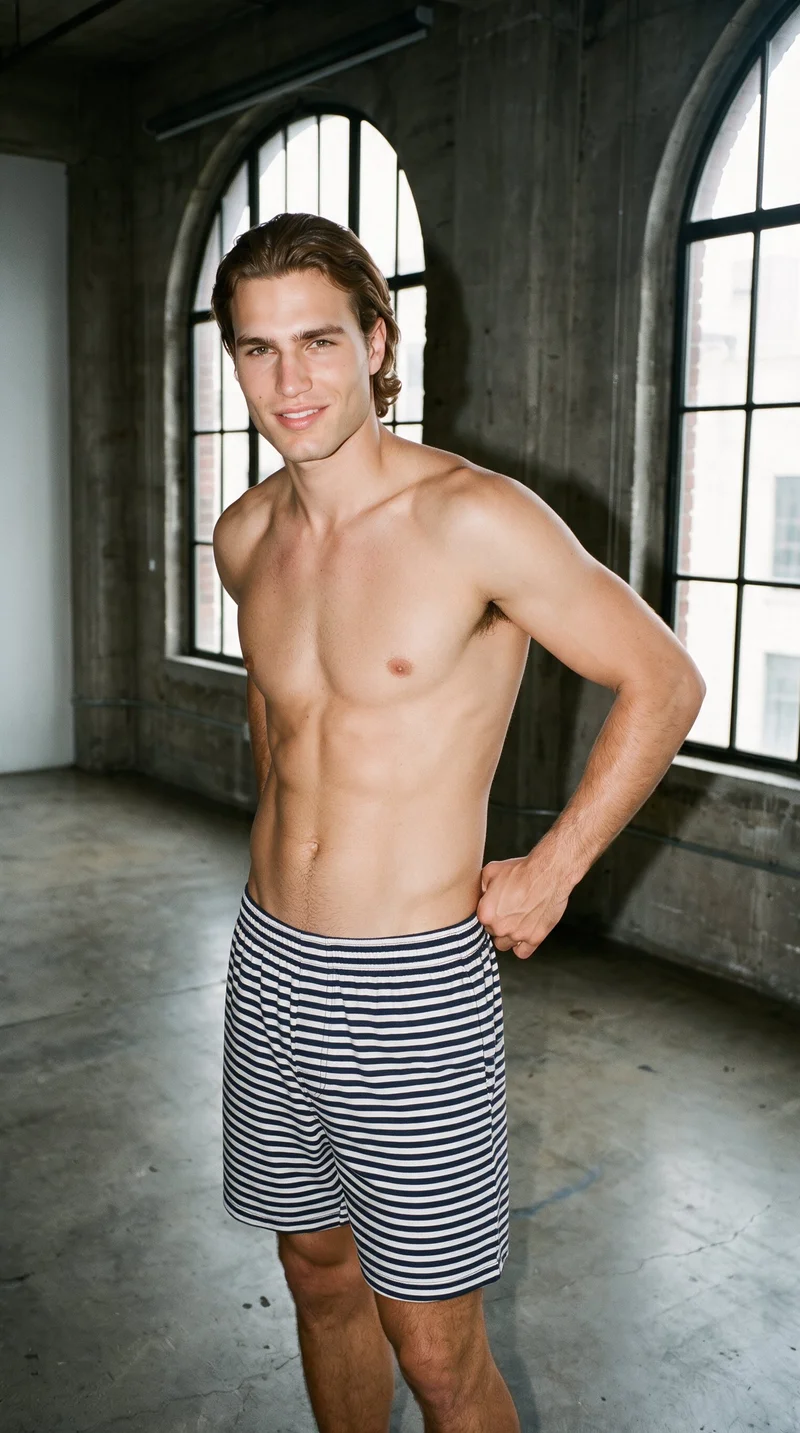
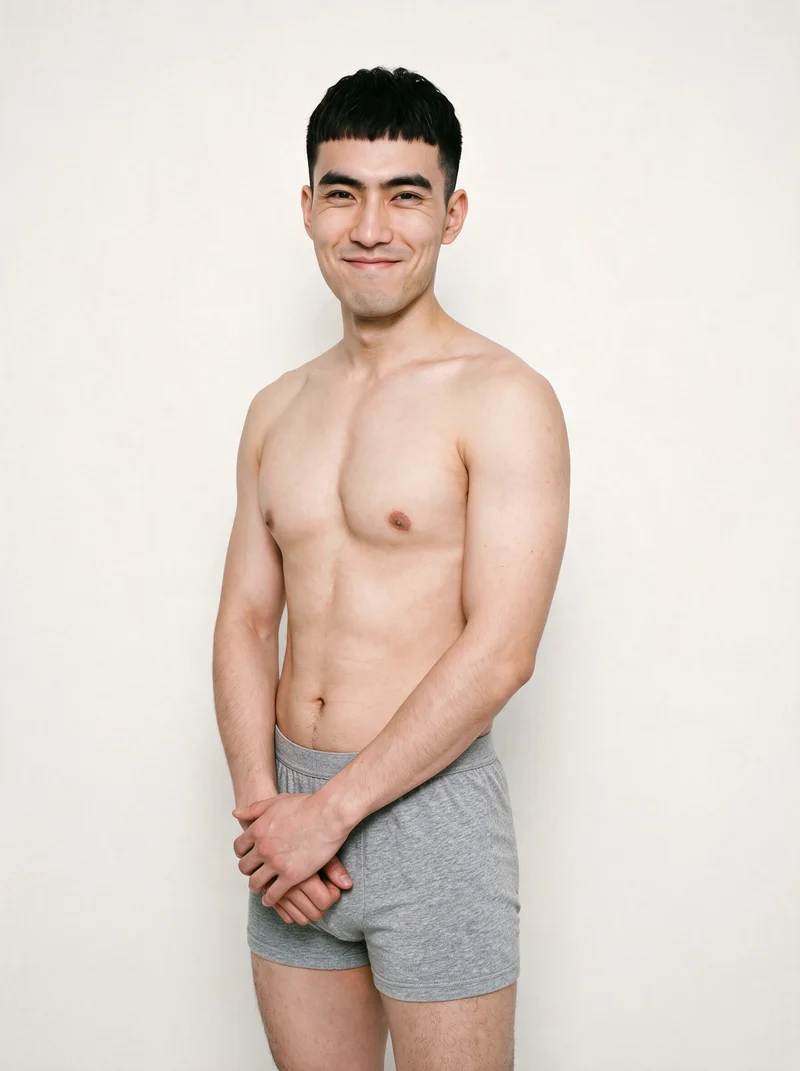
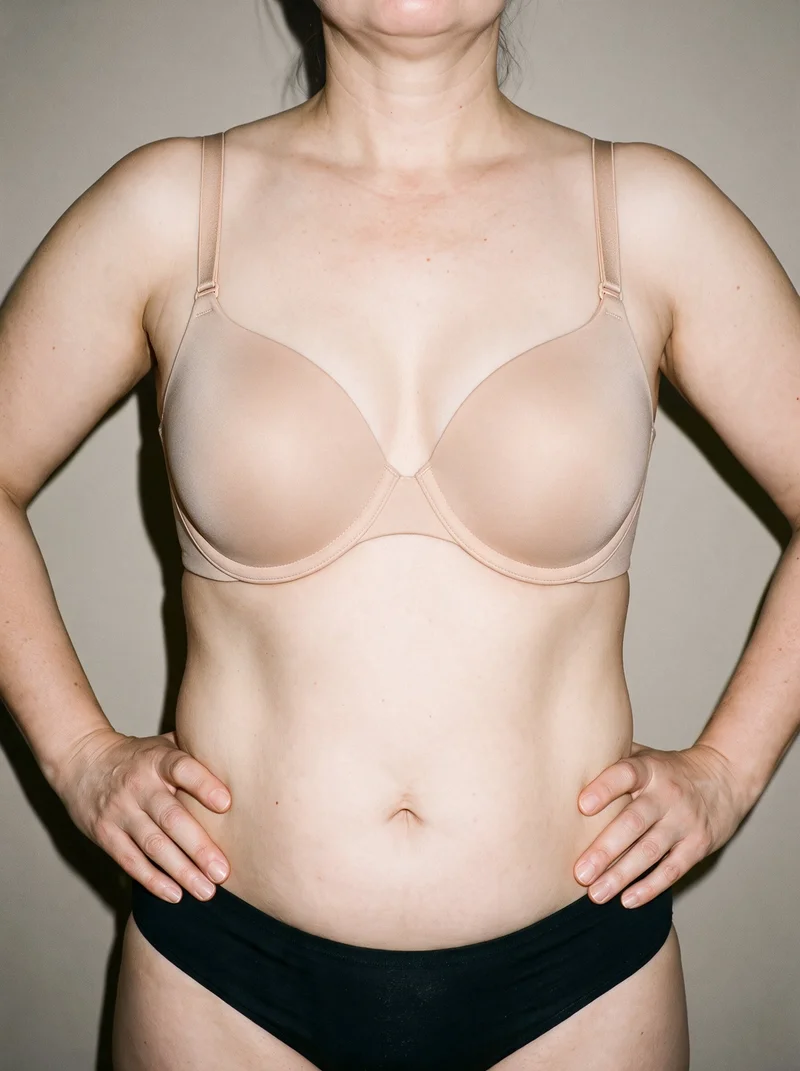
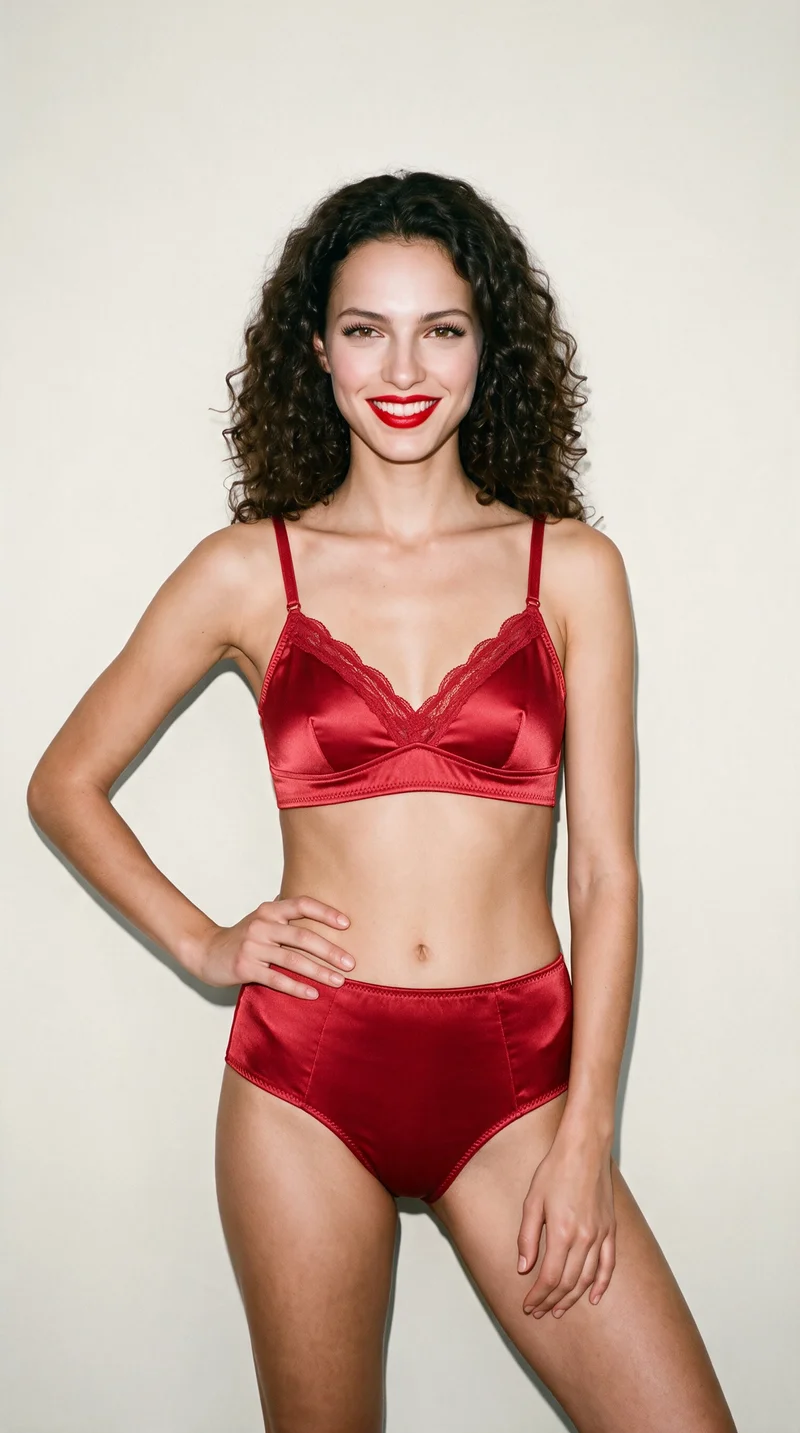
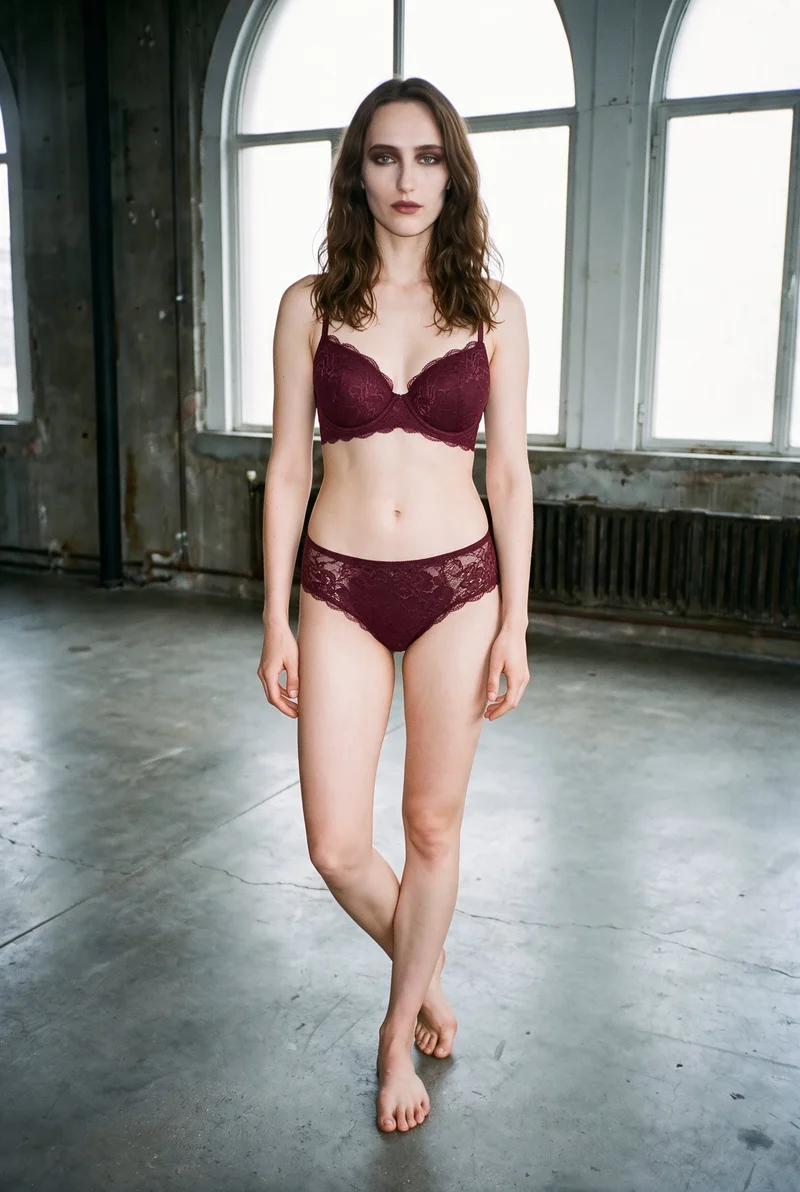
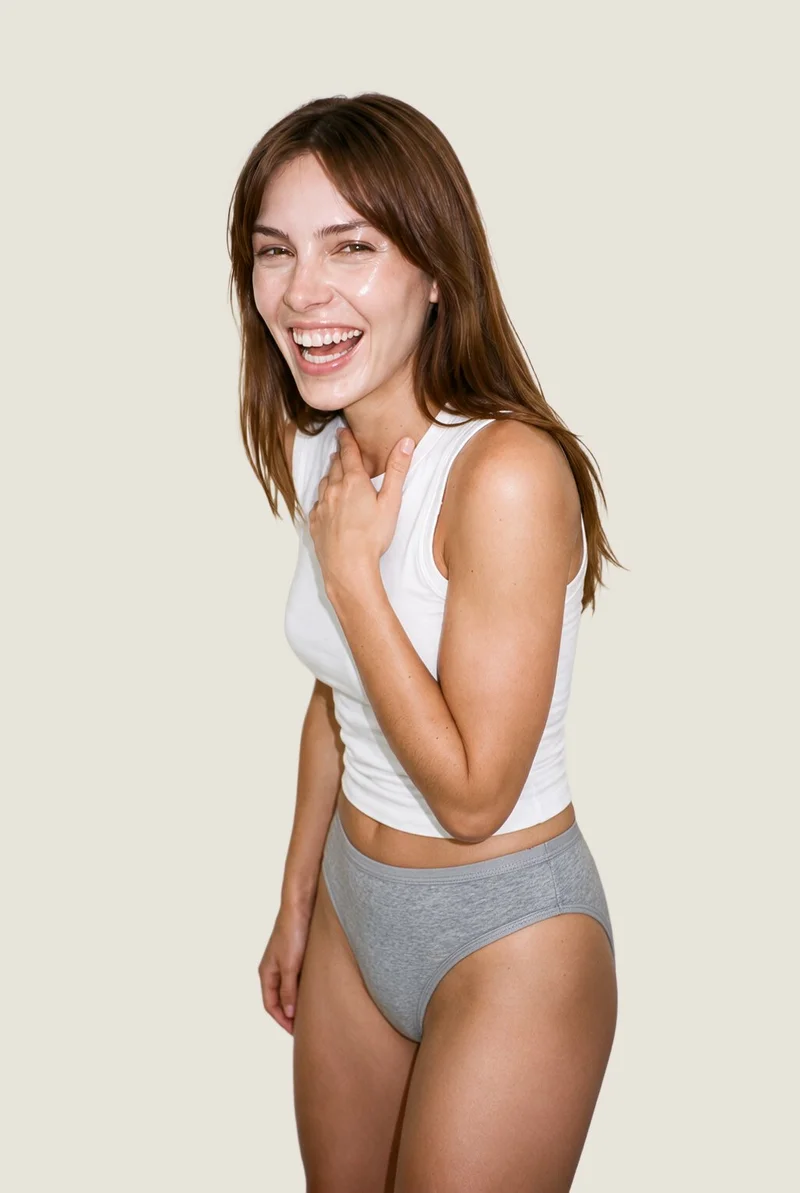
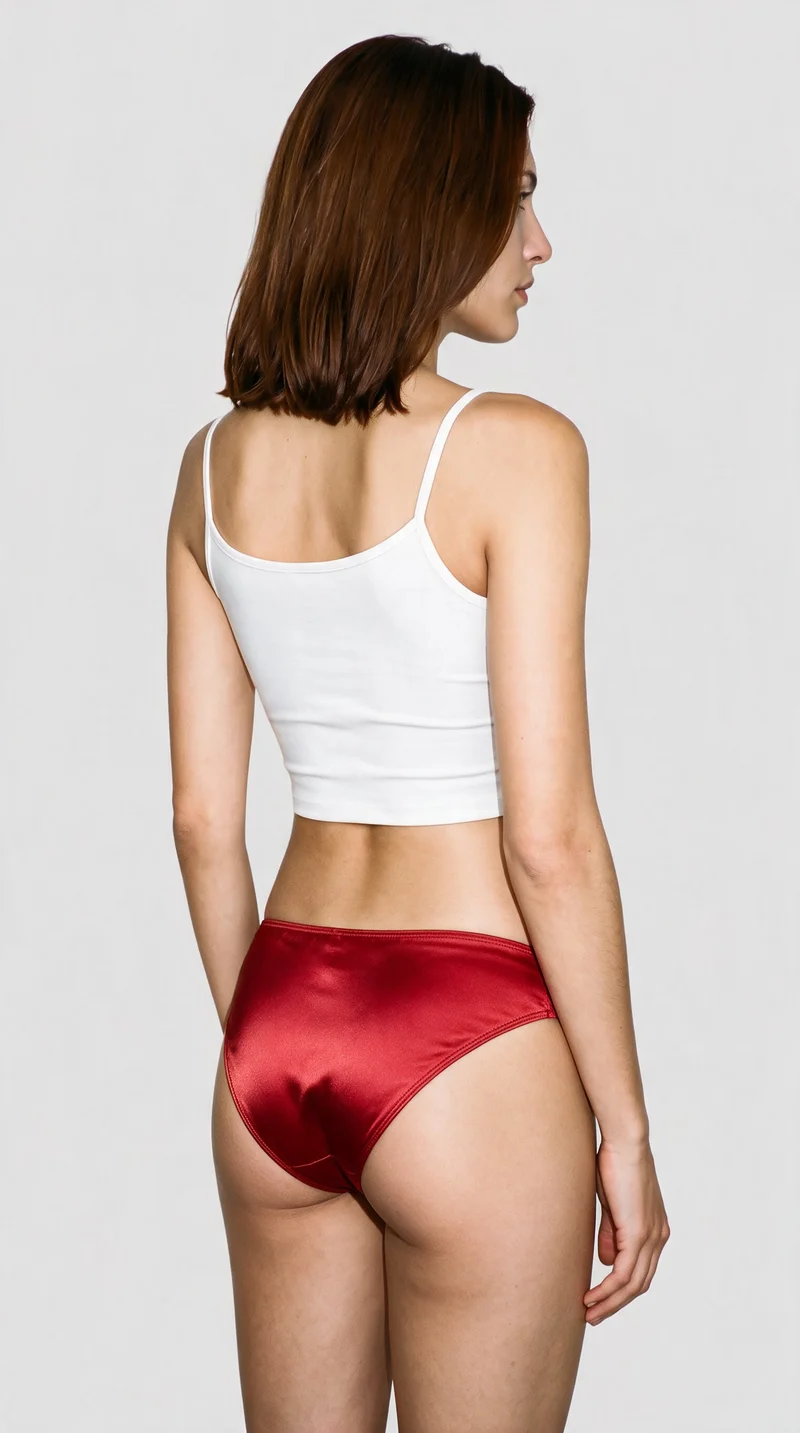
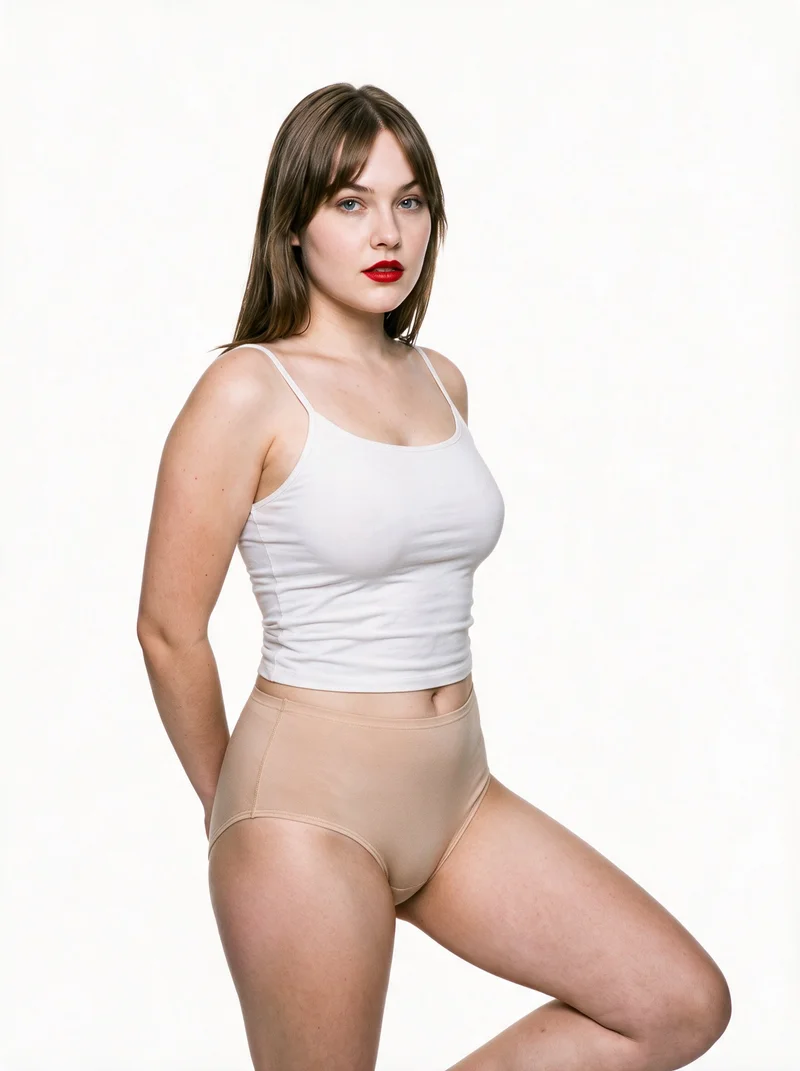
Showing 9 of 271, shot in RAWSHOT
Gallery
On-model views suit pages and social formats.
Explore controlled on-model compositions for product pages, linesheets, social formats, and campaign planning.
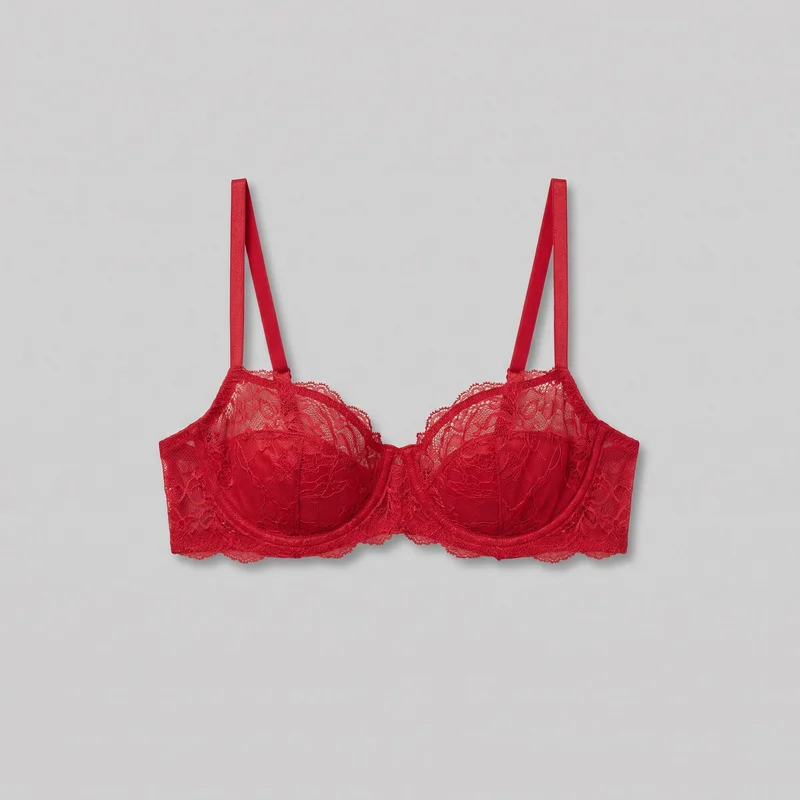 Red Balconette Bra
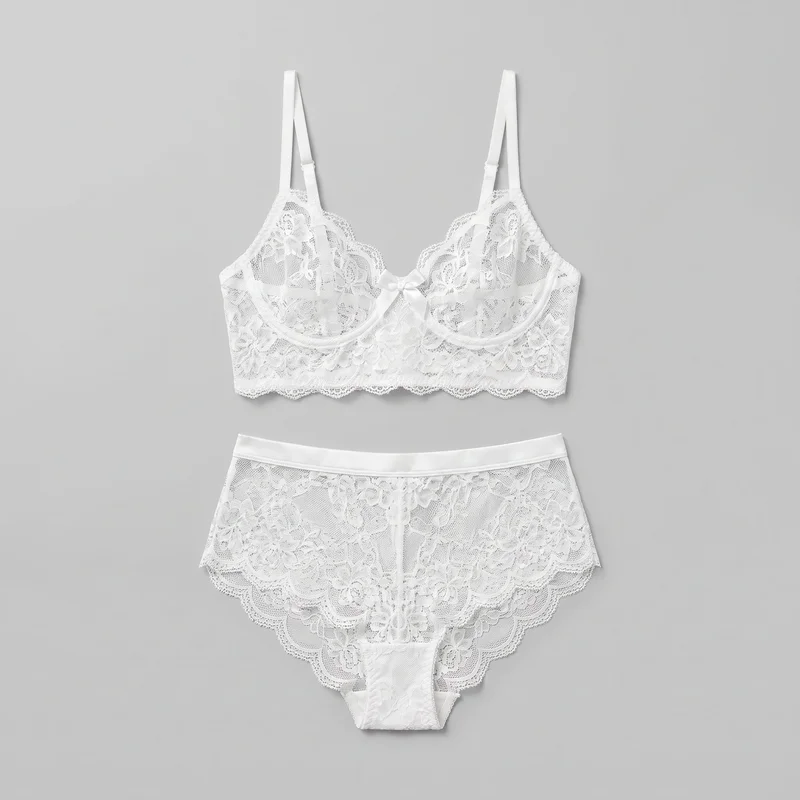 White Bridal Lingerie Set
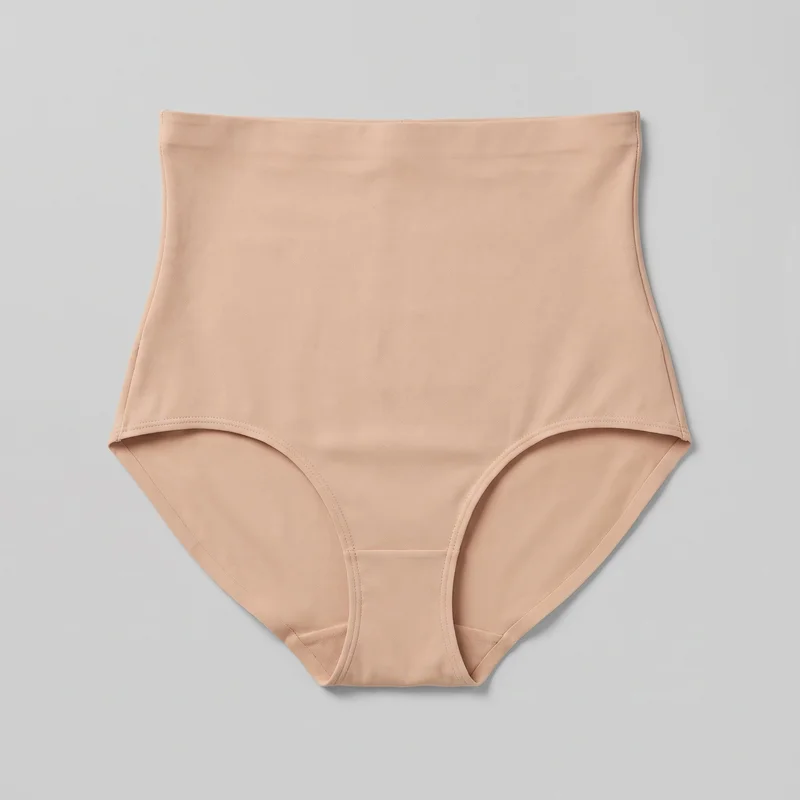 Nude High-Waist Shapewear
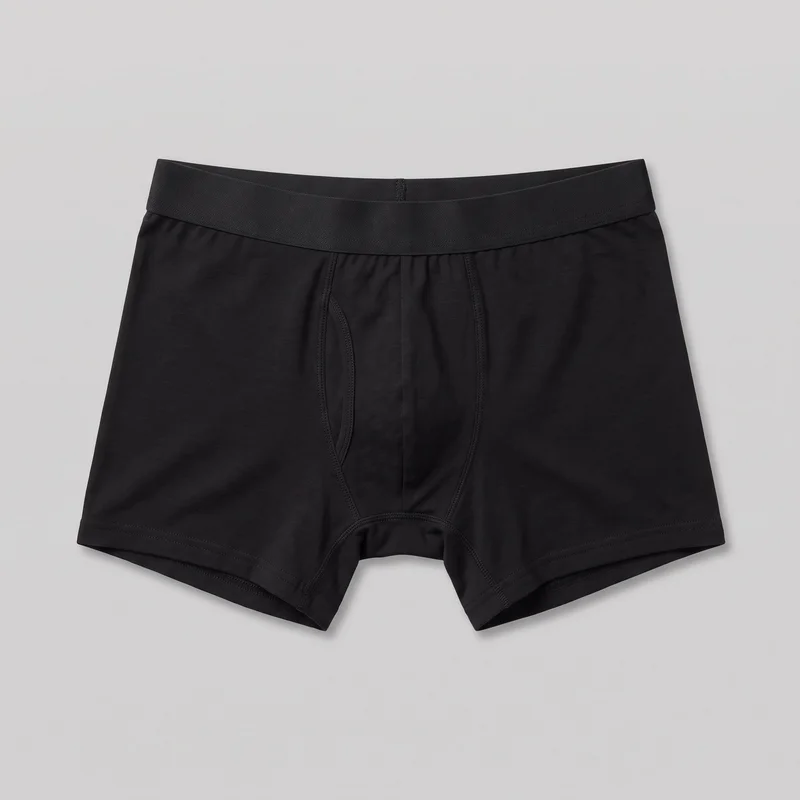 Black Boxers
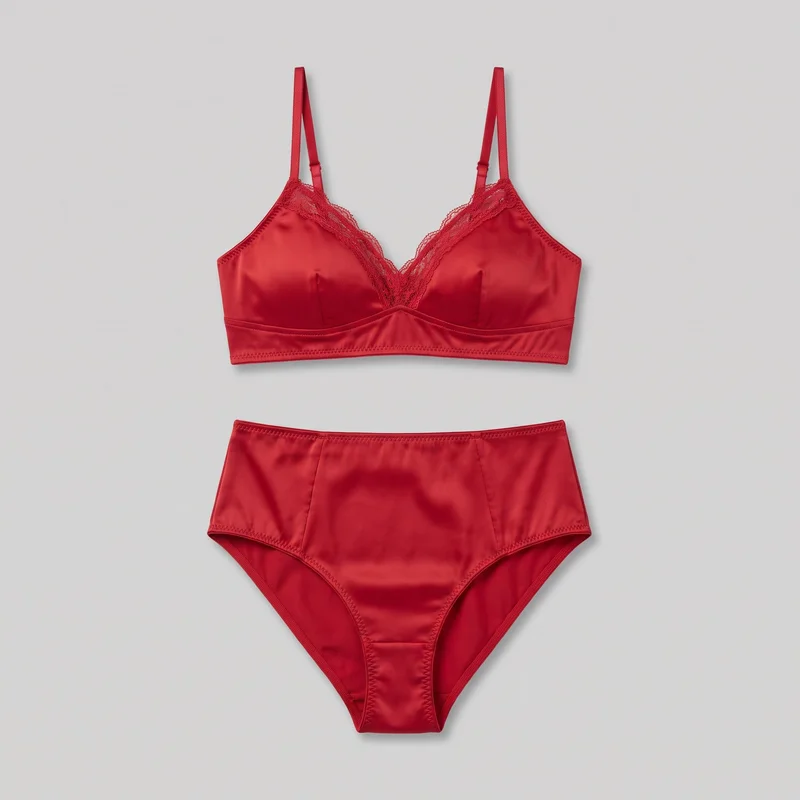 Red Satin Lingerie Set
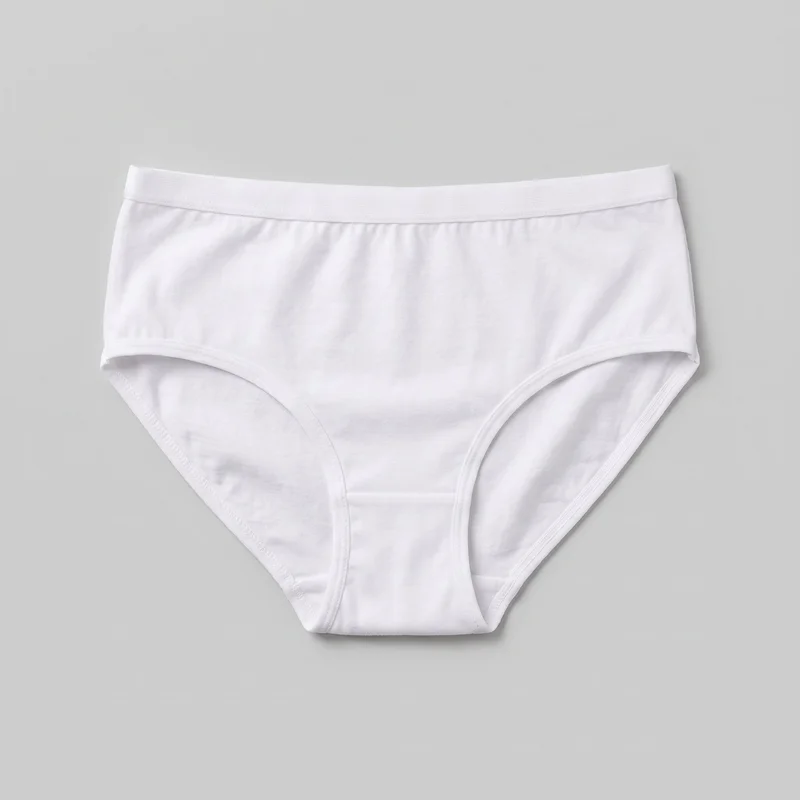 Women's White Cotton Briefs
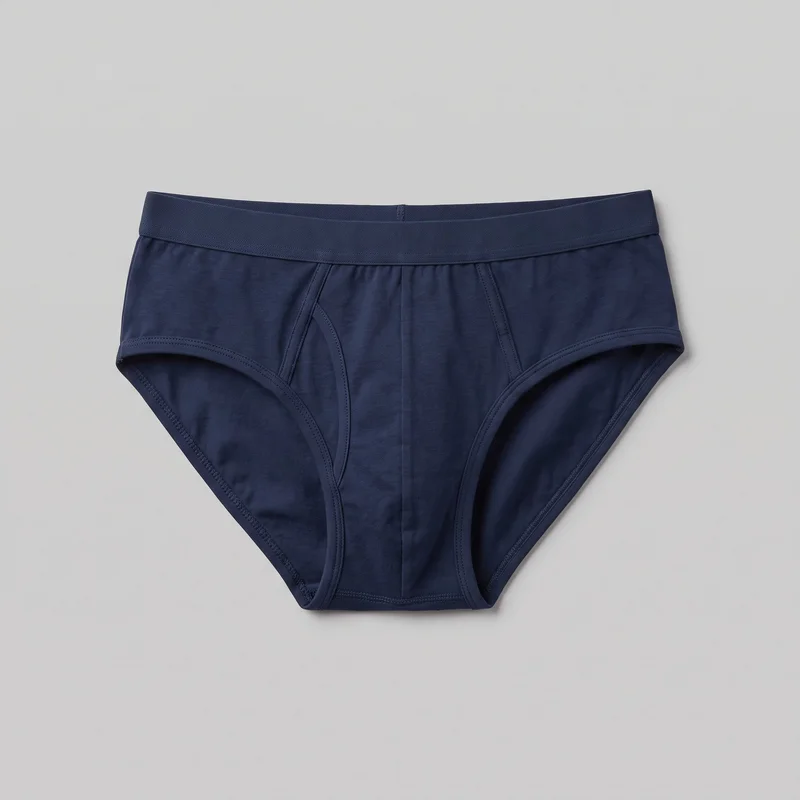 Men's Navy BriefsRed Satin Lingerie Set
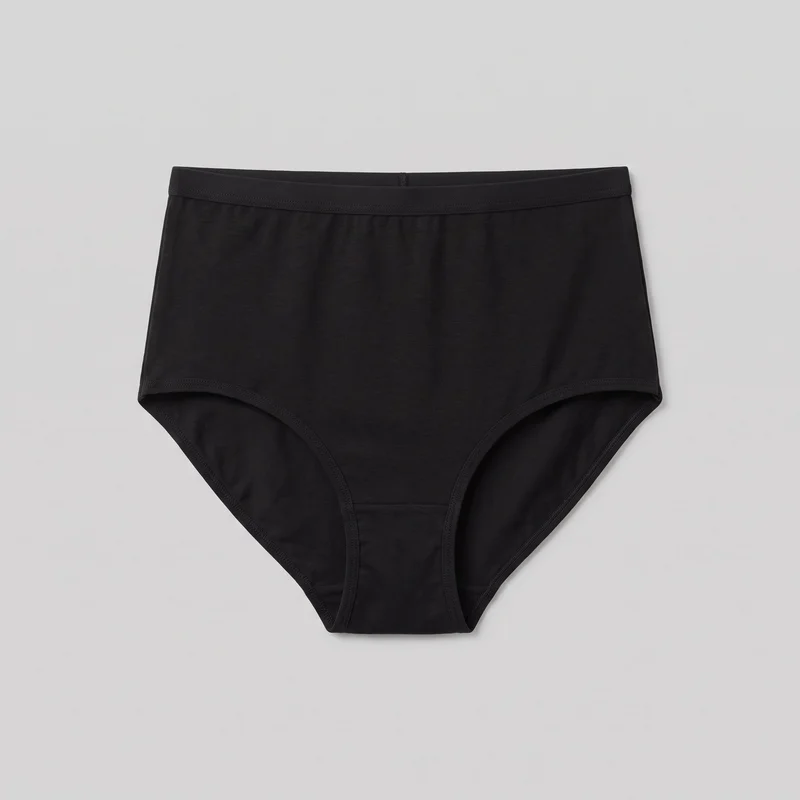 Black High-Waisted Knickers
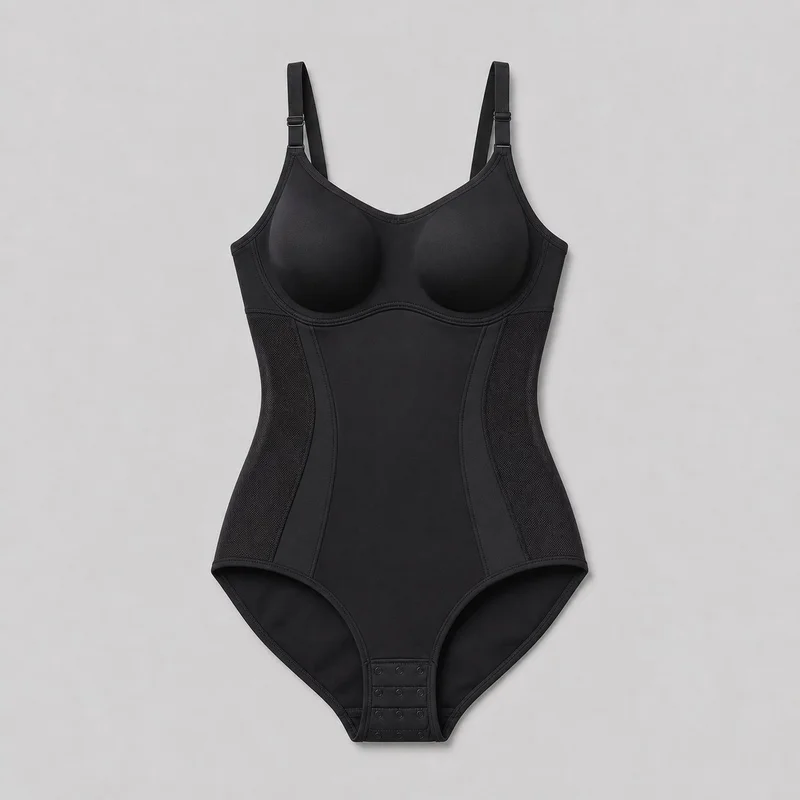 Black Bodysuit Shapewear
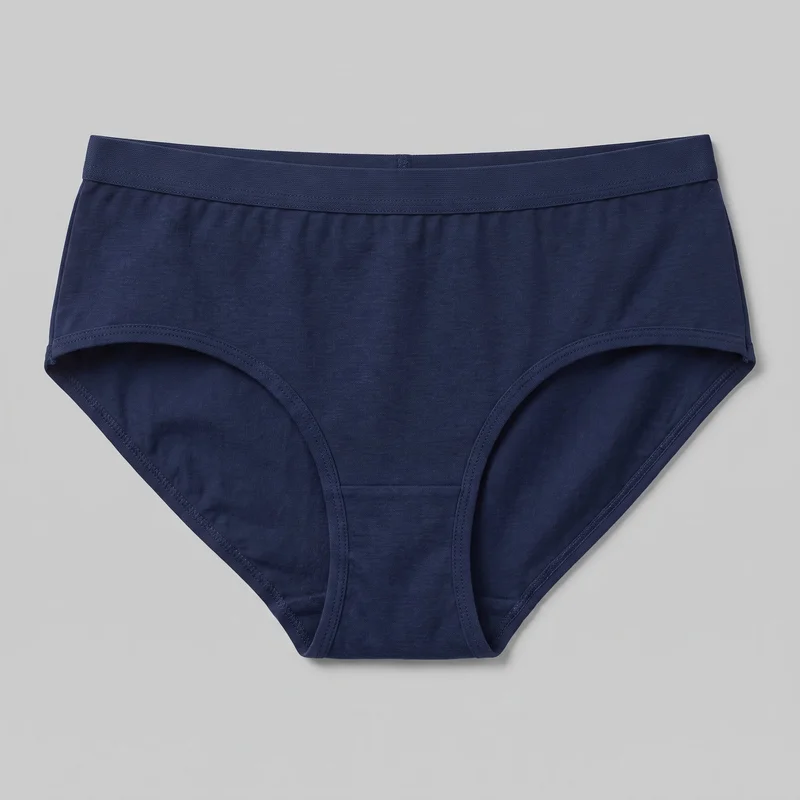 Women's Navy BriefsRed Satin Lingerie Set
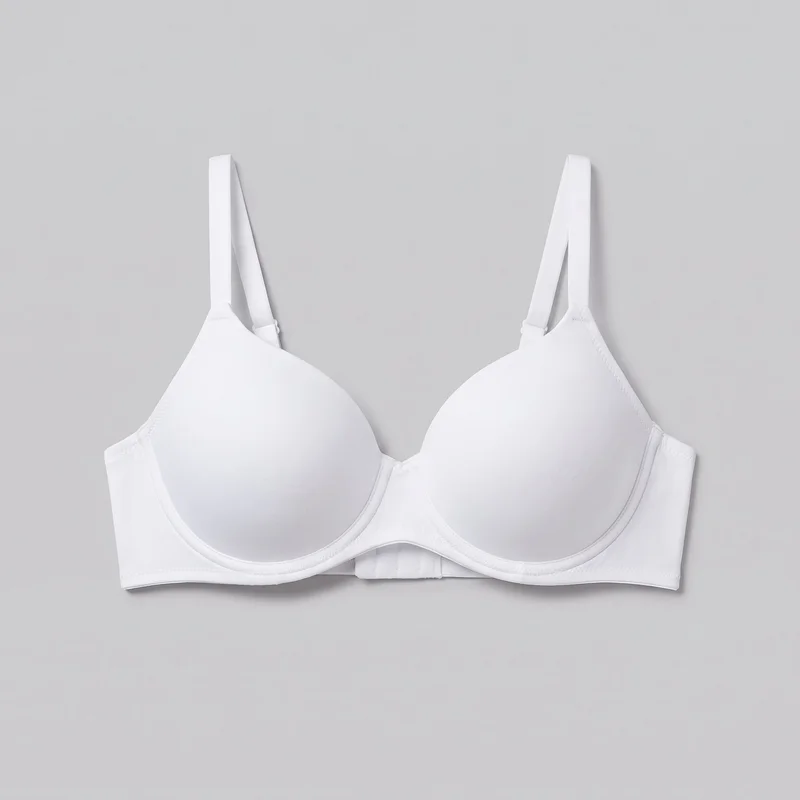 White T-Shirt BraBlack High-Waisted Knickers
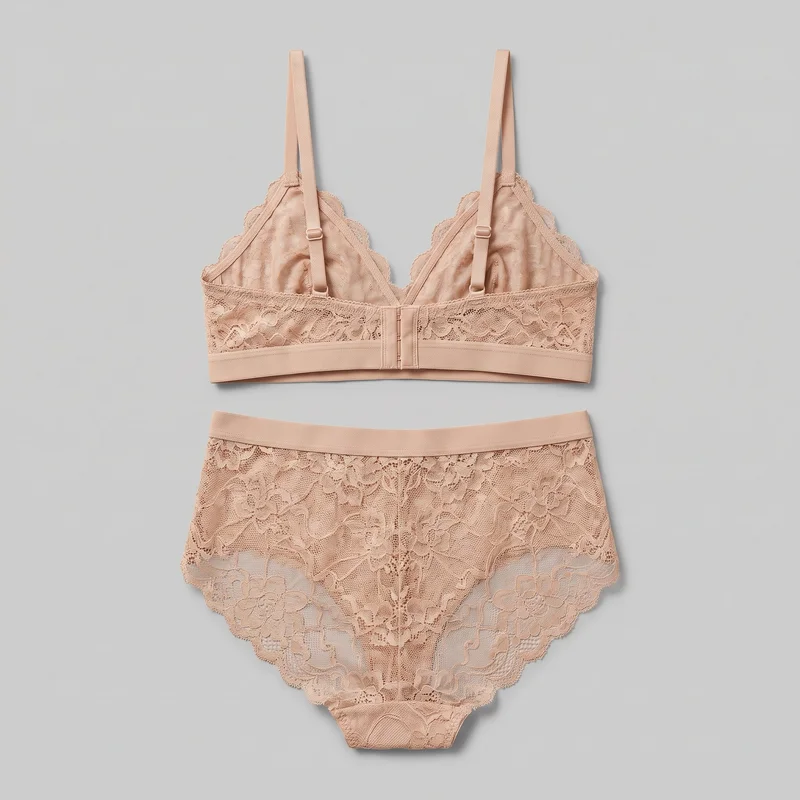 Nude Lace Lingerie SetRed Balconette Bra
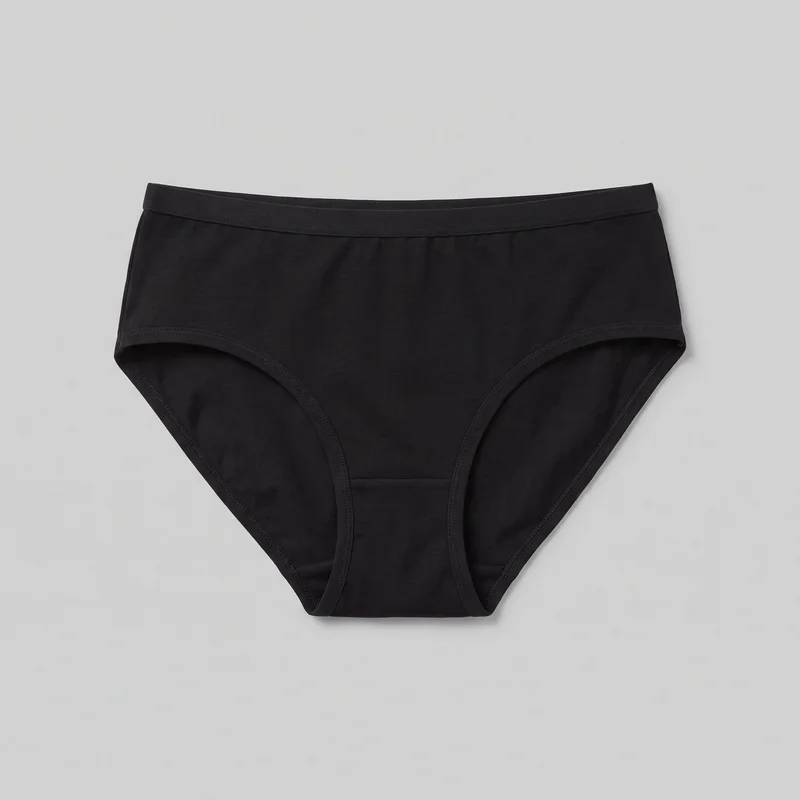 Women's Black BriefsWomen's Navy Briefs
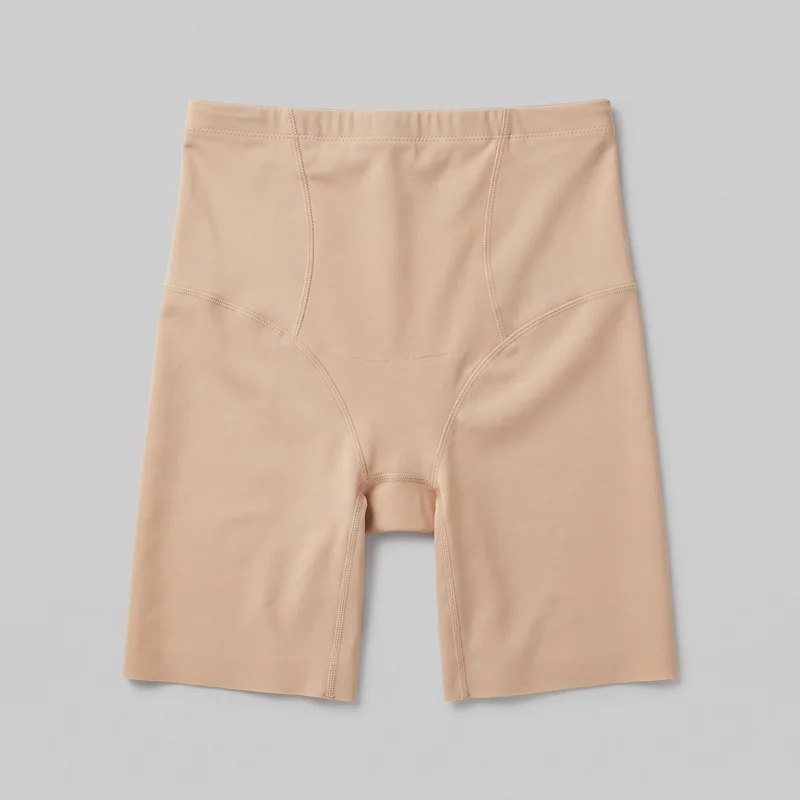 Beige Shaping Shorts
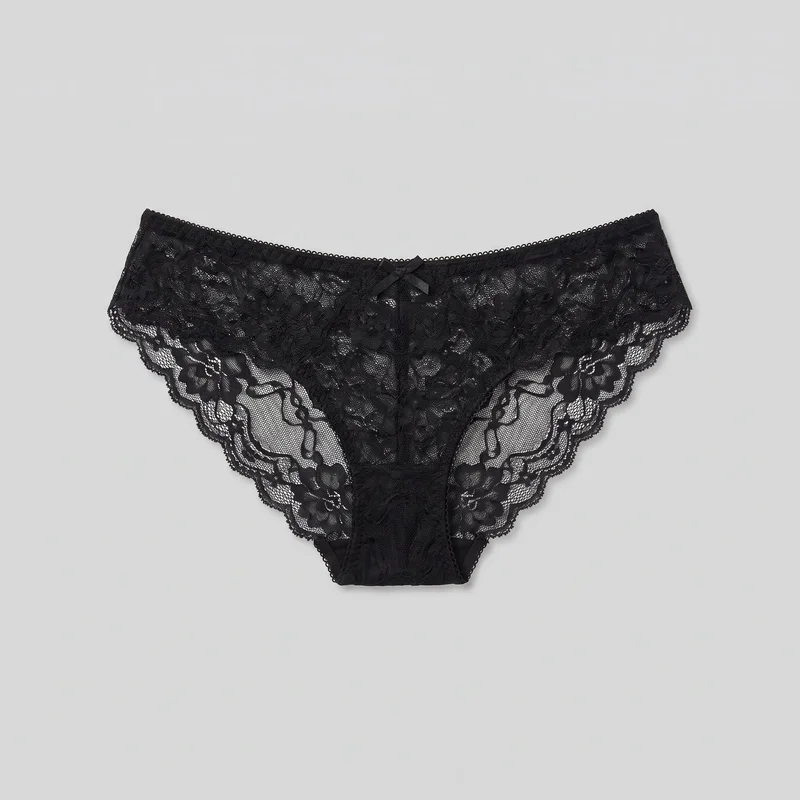 Black Lace Knickers
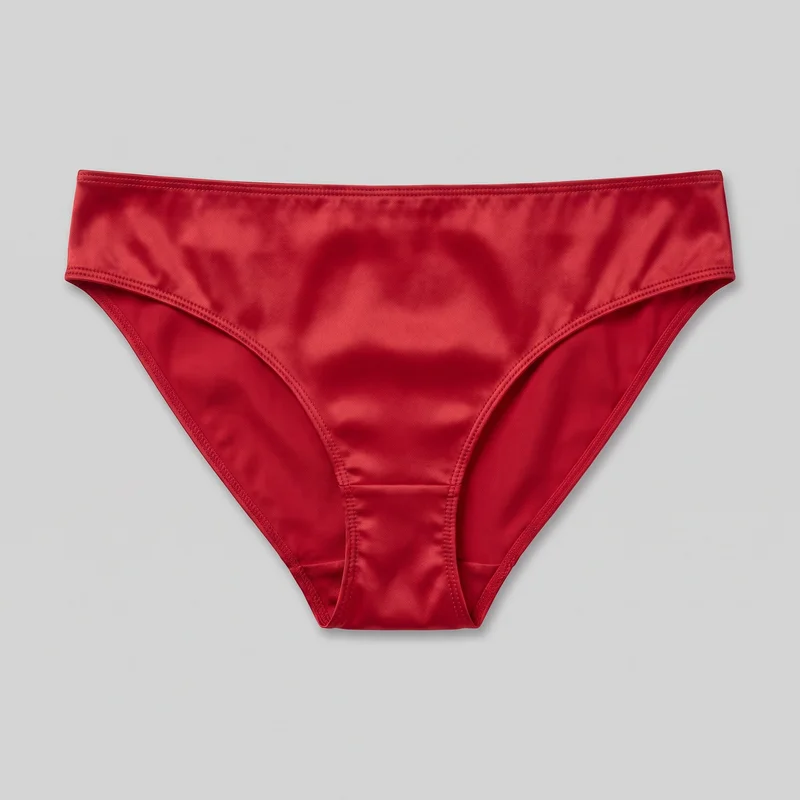 Red Satin Knickers
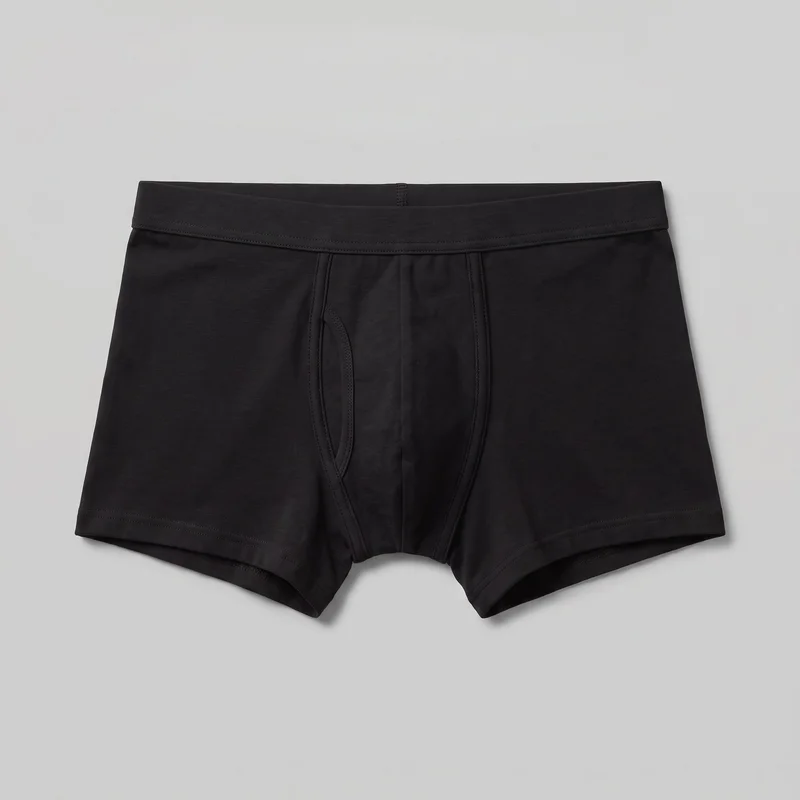 Black TrunksNude Lace Lingerie Set
Showing 23 of 271
Catalog
Browse the catalog
By product
Direct the shoot
Choose frames, views and poses for each piece.
Image frame
4
Pose
22 poses on this frame
Camera view
4
Format
9
Pose style
4
Facial expression
10
Photography direction
4
Create photoshoot
Step 7 of 7 · Composition
Image 1 · readyGallery image from this pageProduct
Your product
Model
From the library
Composition
Full Body · Front View · Catalog pose · Neutral
Delivery
2K · 1:1
Light
Studio Cutout
Total cost
5 tokens
Rawshot Features
Keep the real piece, model and light aligned.
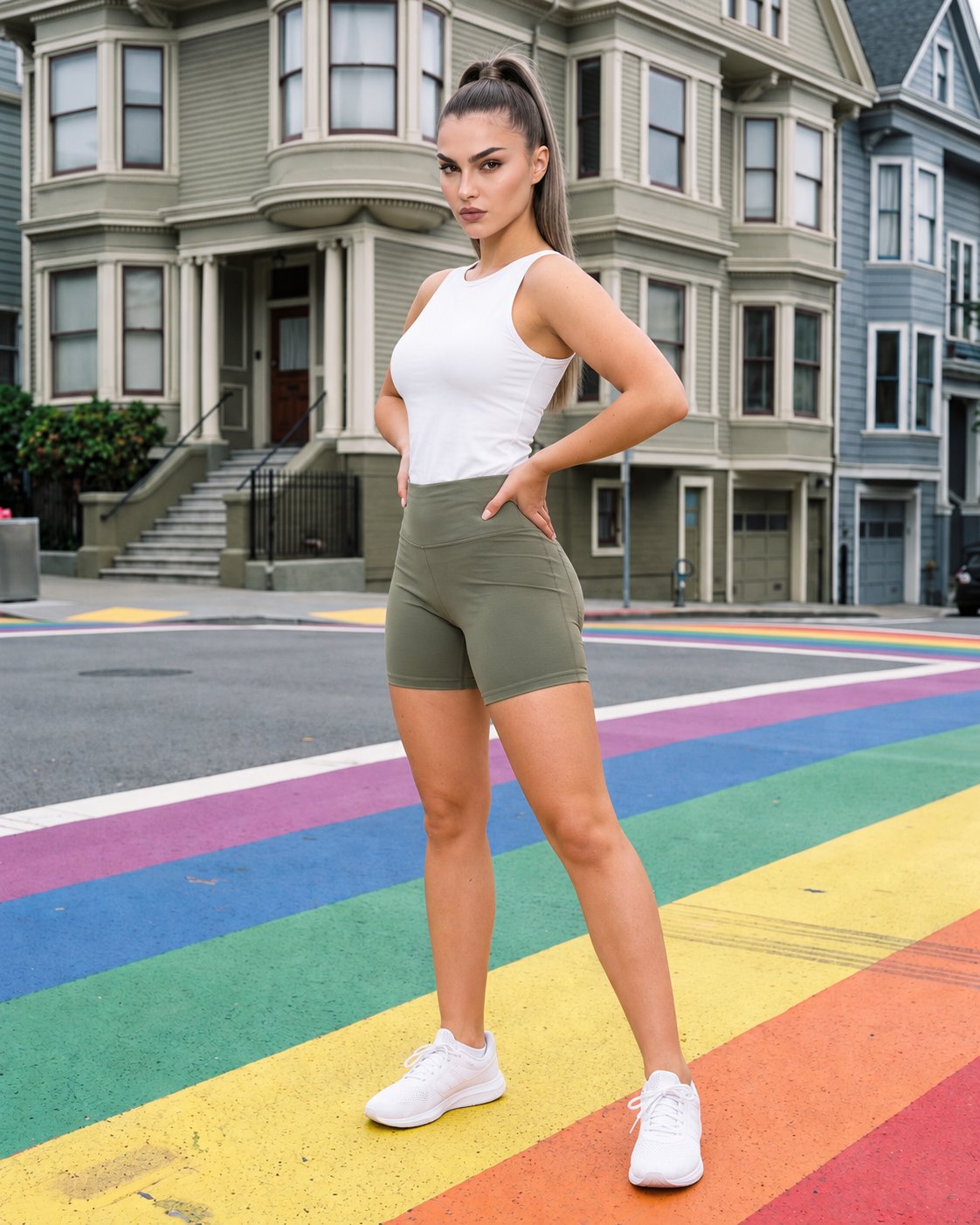
Direct Clear Catalogue Coverage
Supported frames, views, and poses help you cover the product-page moments this category needs.
22 poses on a full-body shot · 104 in total
See the feature →
Start From Your Product
Starting from the real piece keeps the scene grounded in its construction, colour, and finish.
Start from your real item and keep product fidelity while building the scene.
See the feature →
Choose A Consistent Model
A considered model choice gives the range a deliberate visual thread from one product to the next.
Library filters plus private model building for consistent identity across the set.
See the feature →
Review Before You Publish
Reviewing each composition against its selected settings helps catch issues before publication review.
Every generated image is checked against your model, frame, view and pose before you see it.
See the feature →AI image to image generator
Change one decision and keep the rest of the composition stable.
AI image to video generator
17 model actions on a full-body shot · 132 in total
AI makeup generator
Branch-aware named options applied without altering casting or scene setup.
AI outfit generator
Combine the main piece with neutral supporting items in one coherent frame.
AI photo background generator
Swap scene context while keeping model, product, and framing stable.
AI suggestions
Preselected control values you can always override in the same configurator.
Garment styling
Choose how the garment is worn and keep brand presentation consistent.
Inspiration gallery
Load editable finished looks as fast starting points for new shoots.
Photography direction
4 named choices that set mood and shadow the same way across a shoot.
Use cases
Plan drops, linesheets and campaign scenes.
Drop-Ready Product Pages
The situation
When an underwear drop needs consistent product-page views before launch, the range must feel organised from the first listing.
With RAWSHOT
Use frame, view, and pose controls to map the range into deliberate catalogue coverage. The outcome is a coherent product-page sequence you can review before launch.
Wholesale Linesheet Review
The situation
For an underwear linesheet awaiting buyer review, each piece needs a clear on-model presentation before samples reach the sales team.
With RAWSHOT
Bring in the actual piece through product import and handling, then set a lower-body or upper-body presentation. That gives wholesale buyers a clear view of construction and colour in the sales material.
Paid-Social Variations
The situation
During an underwear paid-social test, approved product imagery needs distinct compositions for different placements and audience checks.
With RAWSHOT
Choose model attributes and adjust the composition around the selected piece for each test direction. The outcome is a controlled group of social variants built from the same product reference.
Campaign Pre-Visualisation
The situation
Before an underwear campaign is planned, the creative team needs to assess model, pose, frame, and light decisions together.
With RAWSHOT
Before campaign planning advances, use image quality control to check each selected model, frame, view, and pose. You can then bring a reviewable visual board into the production discussion.
Social Content Planning
The situation
With an underwear content calendar approaching, approved imagery must adapt cleanly to feed, story, and advertising placements.
With RAWSHOT
Set camera view and ratio controls around the intended placement, keeping the garment legible in each composition. The outcome is a practical social asset group ready for scheduled review.
Range Launch Coverage
The situation
At an underwear range launch, the team needs a consistent presentation while working from product sources with different levels of detail.
With RAWSHOT
Set a named photography direction and pair it with a suitable background choice for each source. This creates a controlled catalogue presentation while keeping upload limitations visible during review.
Consistency
The piece stays central as your choices shift.
A deliberate composition gives each product a shared visual language without asking you to measure garment fit through the imagery. Review the selected model, frame, view, pose, and product before publication.
You change one
- Frame
- Pose
- Camera view
- Model
The rest holds
Model choice
The selected model remains part of the composition while you adjust other decisions.
Frame and view
Your chosen framing and camera view guide the presentation of each product.
Product direction
The uploaded piece stays central as styling, light, and background are set separately.
Who it's for
Is RAWSHOT right for recurring on-model underwear work?
A good fit
This fits you when recurring underwear drops need clear on-model product imagery through visible composition choices. It suits product pages, linesheets, social assets, and campaign planning where consistency matters.
Work it handles well
- You can direct recurring underwear drops through visible choices.
- You can keep product-page imagery coherent across colourways.
- You can review each composition before publishing product imagery.
Outside this scope
This page does not measure garment fit or replace size charts and fit notes. Sensitive-product shoots also use a dedicated path with capped output resolution.
Where this stops
- You cannot measure garment fit through generated imagery.
- You need clear product sources for accurate carry-through.
- You cannot use every frame and pose pairing together.
Rights
You own every image. Every image says what it is.
Yours
- Full commercial rights to every image, permanently.
- No recurring licence fees on any model in the library.
- Every model is a synthetic composite, so there is no real-person likeness.
Labelled
- C2PA content credentials on every image.
- AI-labelled output, aligned with EU AI Act Article 50.
EU-based hosting, GDPR-compliant handling.
- Aligned with EU AI Act Article 50
- C2PA
- Full commercial rights
- GDPR-compliant handling
- EU-based hosting
Questions
What matters before an underwear shoot?
Can RAWSHOT show underwear photography accurately on a model for product pages and range launches?
You can use RAWSHOT to show underwear photography on a model with controlled product presentation for product pages and range launches. Start from your actual product source, then direct the model, styling, pose, light, and background. This helps you keep colourways visually coherent while reviewing the composition before publication. The imagery supports clear catalogue presentation without claiming to measure garment fit.
Where does underwear photography work best across product pages, wholesale linesheets, social channels and campaign planning?
You can use underwear photography for product pages, wholesale linesheets, paid social, campaign planning, and social content. Product teams can organise a range for launch, while wholesale teams can present construction and colour clearly to buyers. Creative teams can also review model, pose, frame, and light decisions before production, keeping related assets aligned across channels.
Which crops and ratios suit underwear photography for product pages, feed posts, stories and advertising placements?
You can use 4:5 crops for product pages and feed placements, 9:16 frames for stories and vertical advertising, and adaptable catalogue framing for linesheets. Choose the crop around the garment’s legibility, camera view, and intended channel. Keeping the product prominent helps you review social variants without losing the shared visual direction across the range.
What product source does RAWSHOT need to begin underwear photography for a listing, linesheet or range preview?
You need a clear product photo, flat-lay, mockup, or technical sketch to begin underwear photography with RAWSHOT. Use the strongest source available so the garment’s shape, colour, panels, and construction carry through accurately. You can then select a model and presentation, set the background and light, and review the product composition before using it in a listing or linesheet.
How does RAWSHOT keep underwear photography consistent across colourways while varying model, pose and light?
You can keep underwear photography coherent across colourways by holding the selected model, product direction, and composition choices steady while reviewing each variant. Adjust pose, styling, light, camera view, or background deliberately rather than changing everything at once. This gives you a shared visual language for the range while keeping each garment’s colour and presentation easy to assess.
Where does RAWSHOT stop with underwear photography when you need measured fit, unrestricted frame and pose pairings, or weak source recovery?
RAWSHOT stops short of measuring garment fit, recovering every detail from a weak source, or guaranteeing every frame and pose pairing together. You should use size charts and fit notes for measurement decisions, and provide a clear product source for accurate carry-through. Sensitive-product work follows a dedicated path with capped output resolution, so review the intended use before publication.
What usage rights apply to underwear photography created with RAWSHOT for product pages, linesheets and campaigns?
You get full commercial rights to every image, permanently, with no recurring licence fee. Every image carries C2PA content credentials and is labelled as AI-generated.
Get started
Take your next underwear shoot to RAWSHOT.
Start with a 7-day free trial including 50 tokens, then move to the plan that matches your production volume.