
Campaigns
Ad creative testing
A focused paid-social test set starts from approved images.
Ad creative testing is stalled when the same three assets have been re-cut until they fatigue. Production, not budget, is holding back an useful comparison.
7-day free trial • 50 tokens (10 images) • Cancel anytime
A 2K image in roughly 35 seconds · AI-labelled with C2PA content credentials
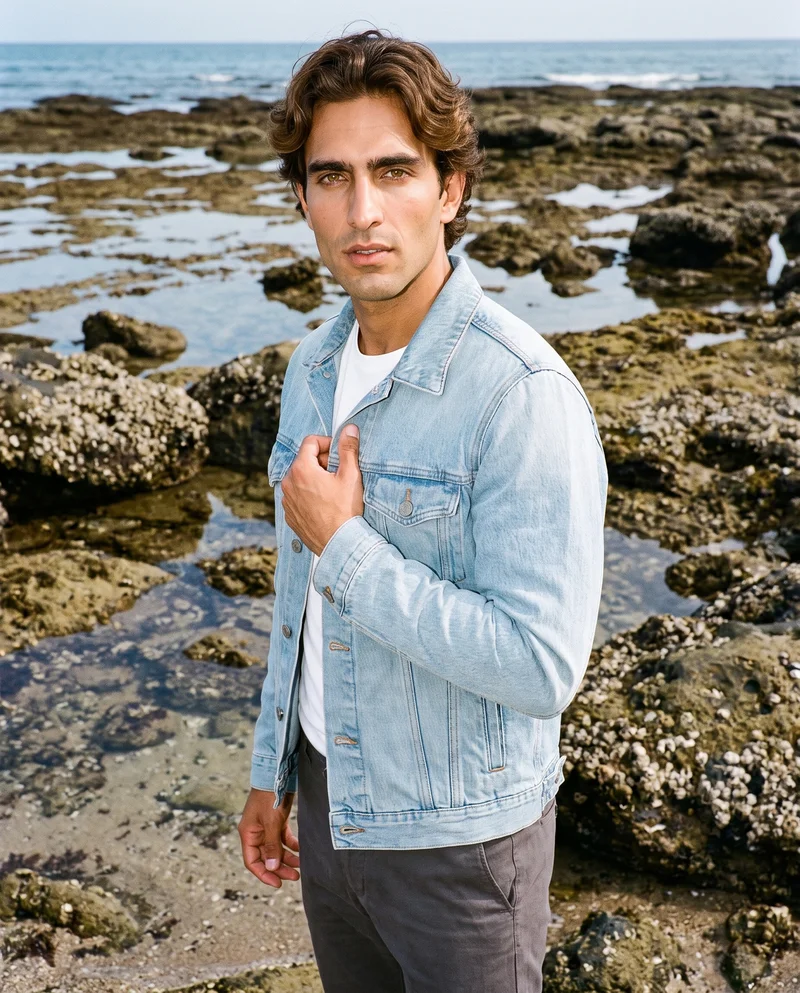
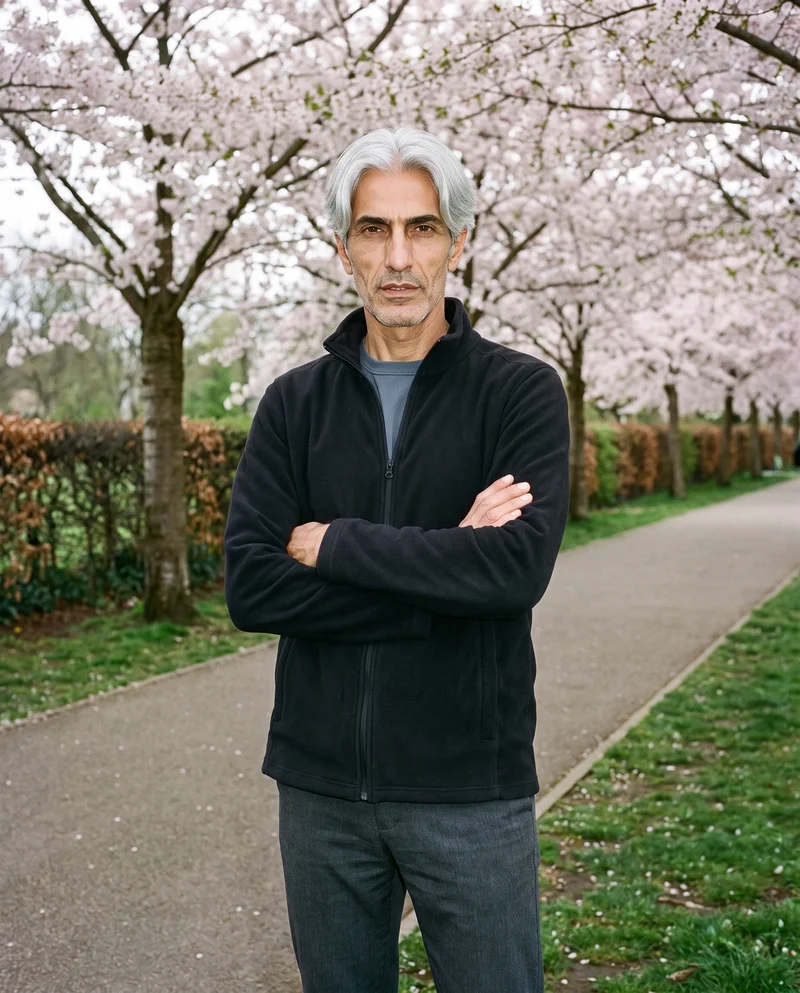
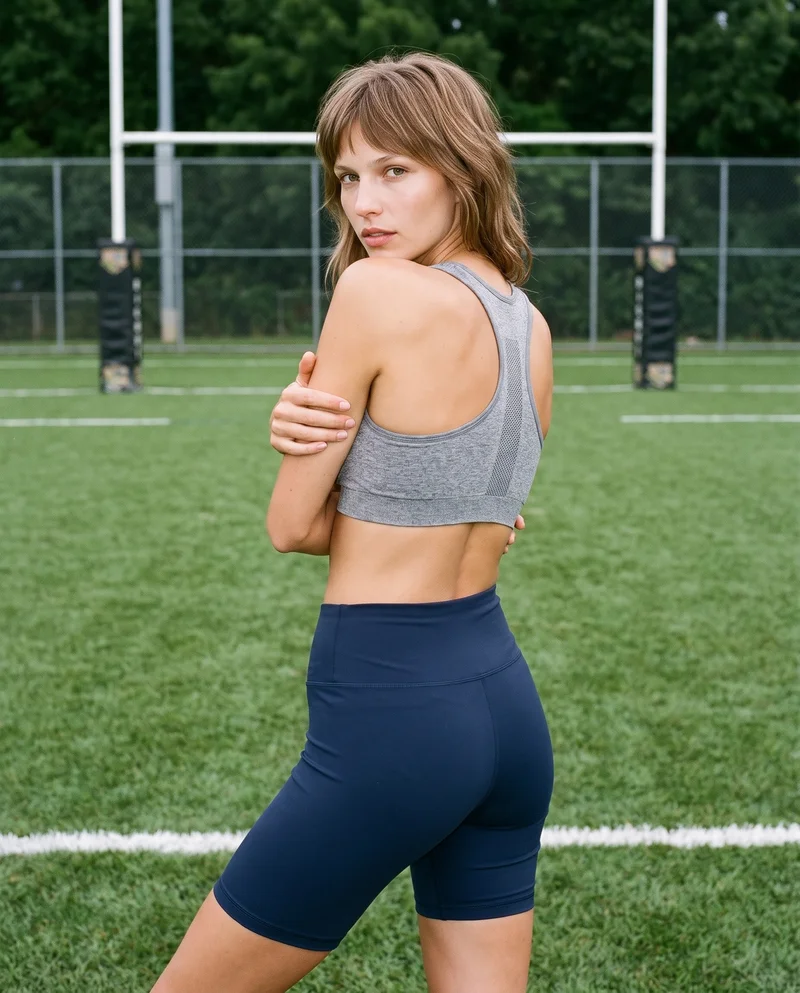
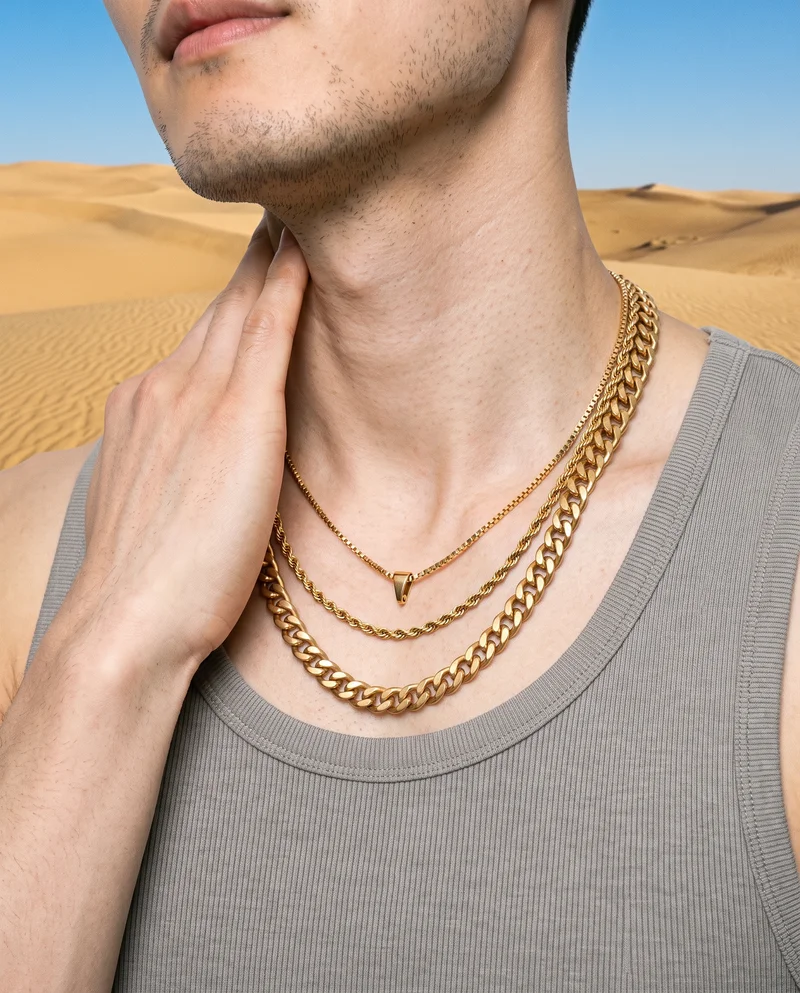
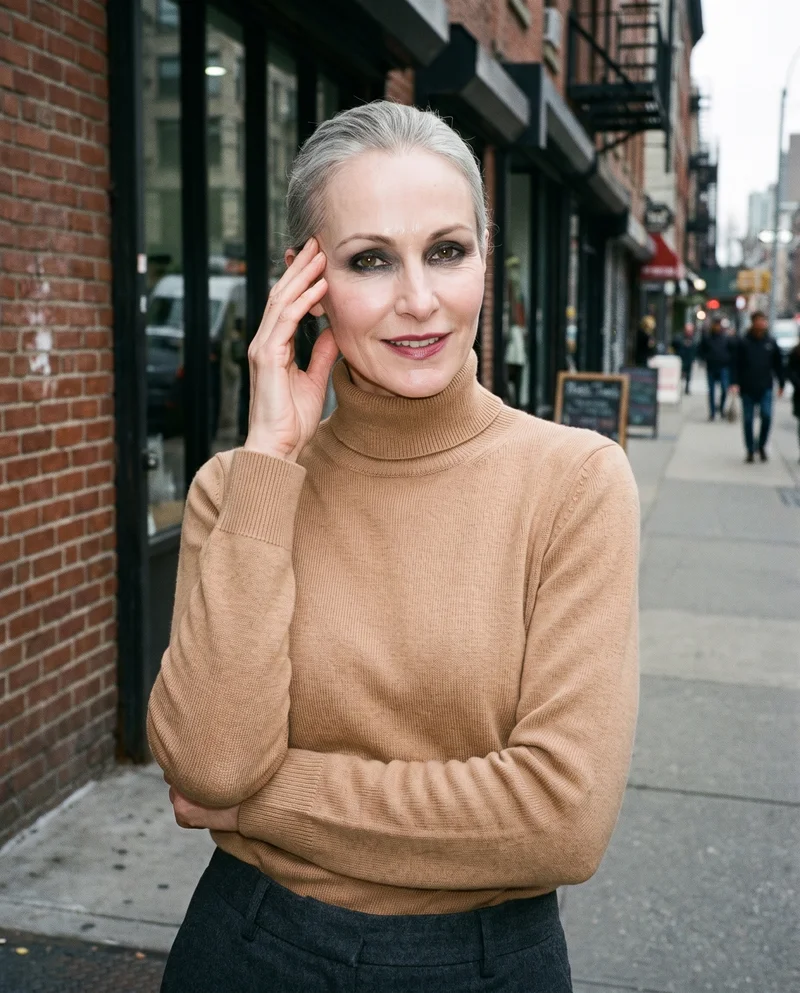
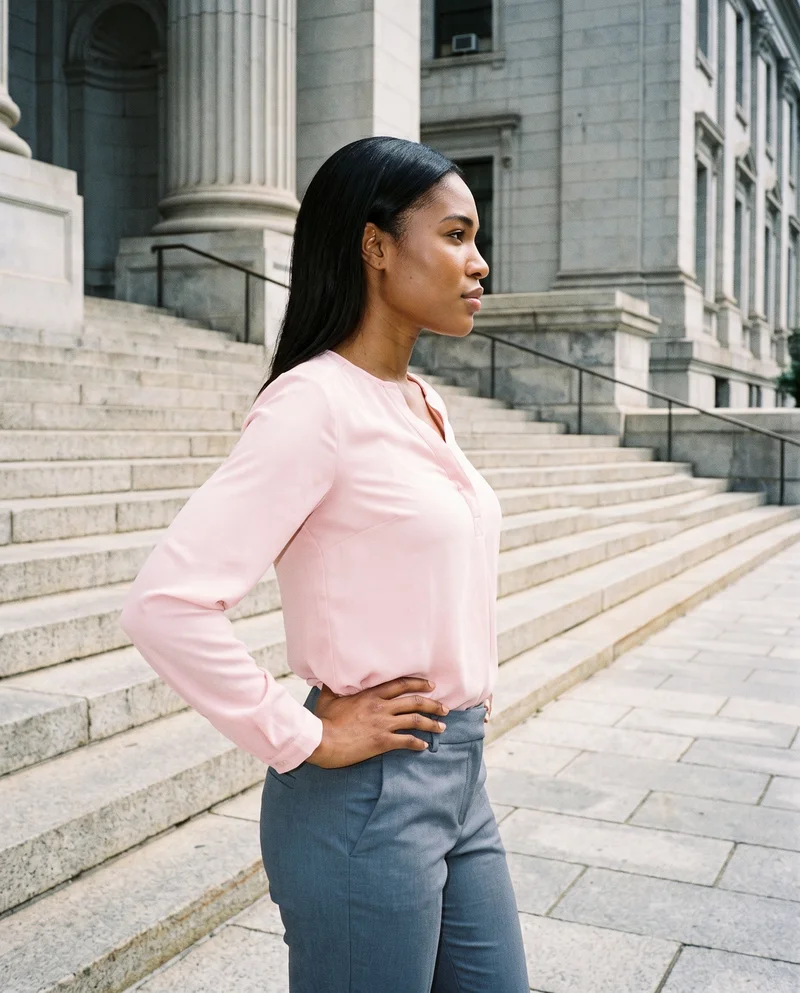
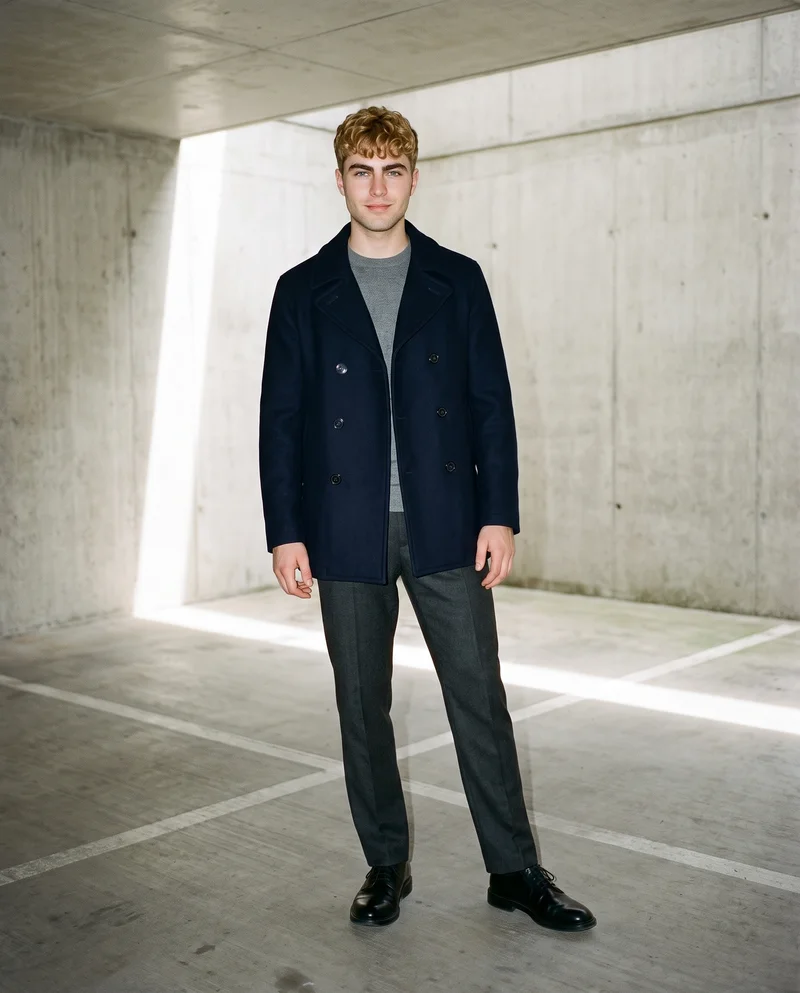
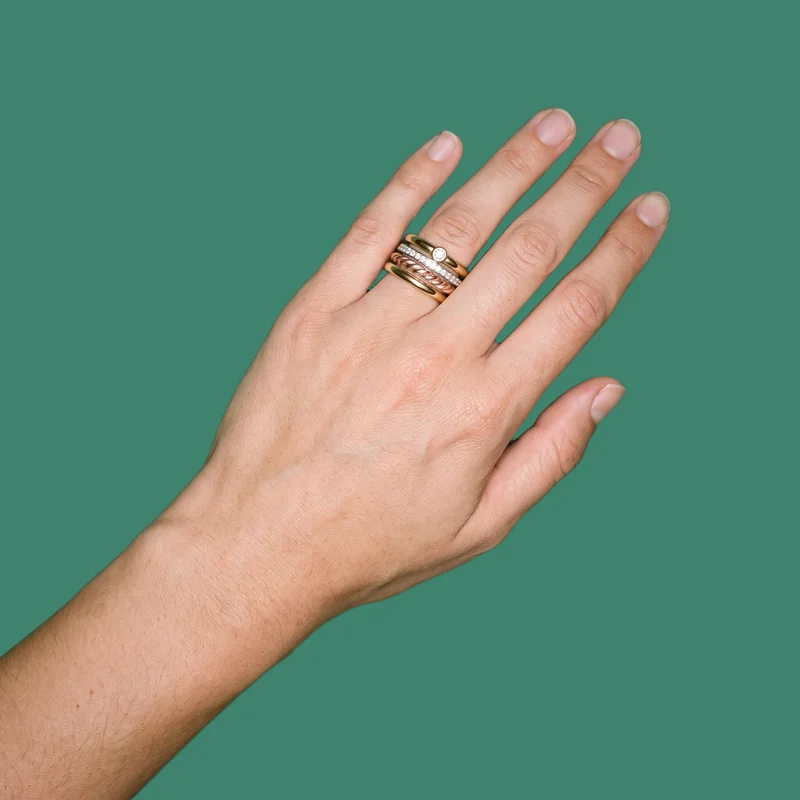
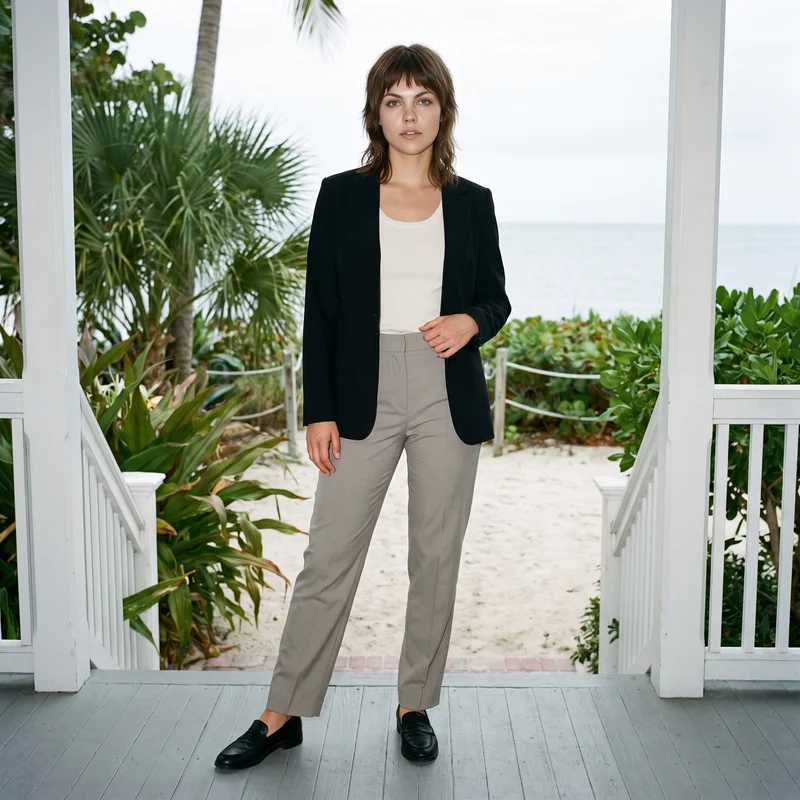
Showing 9 of 1,891, shot in RAWSHOT
Use cases
When paid-social production blocks the next test.
Casting comparison
The situation
A performance marketer has approved product imagery, but a paid-social test needs a different face without changing the product.
With RAWSHOT
Choose an alternate model, pose, view and expression while keeping the product and composition steady. You get static variants that isolate casting as the creative change.
Campaign setting test
The situation
A marketing and brand manager needs campaign variants that compare a studio context with a location context.
With RAWSHOT
Set the background separately from the photography direction, then hold the model, product and framing steady. You get comparable fashion ads for different audience contexts.
Placement format set
The situation
A social media manager needs feed, story and vertical short-video versions for a content calendar slot.
With RAWSHOT
Choose the supported frame and format for each placement while keeping the approved product presentation coherent. You get a practical set of static crops and a short-video starting point.
Motion beside static
The situation
A performance marketer wants motion creatives built from the same product images as the static ads.
With RAWSHOT
Select a defined camera movement and a frame-matched model action for the approved still. You get a short motion variant that can sit beside the static creative in the test.
What you get
Static, motion and placement variants support campaign testing.
A focused ad-creative test set from the same approved product images: alternate adult models, settings, crops and paid-social formats, plus static and short-motion variants for a campaign test.
Alternate model variants
Create static ad versions with different adult models while holding the approved product and core composition steady for a cleaner casting comparison.
Setting comparisons
Build studio wall and floor or location versions so the campaign can test different audience contexts around the same fashion product.
Placement-ready crops
Prepare feed, story and vertical short-video formats from the approved product image, using the available frame and format choices for each placement.
Static and motion set
Keep the static ad beside a short motion variant with a defined camera movement or product-handling action for a paid-social test.
Direct the shoot
Frame, view, pose and light shape each test.
Image frame
15
Pose
22 poses on this frame
Camera view
4
Format
9
Pose style
4
Facial expression
10
Photography direction
4
Create photoshoot
Step 7 of 7 · Composition
Image 1 · readyGallery image from this pageProduct
Your product
Model
From the library
Composition
Full Body · Front View · Catalog pose · Neutral
Delivery
2K · 1:1
Light
Studio Cutout
Total cost
5 tokens
AI fashion models
1,197 adult models can wear the product.
1,197 licence-free grown models across ages and body types. Or build a private model from visible attributes.
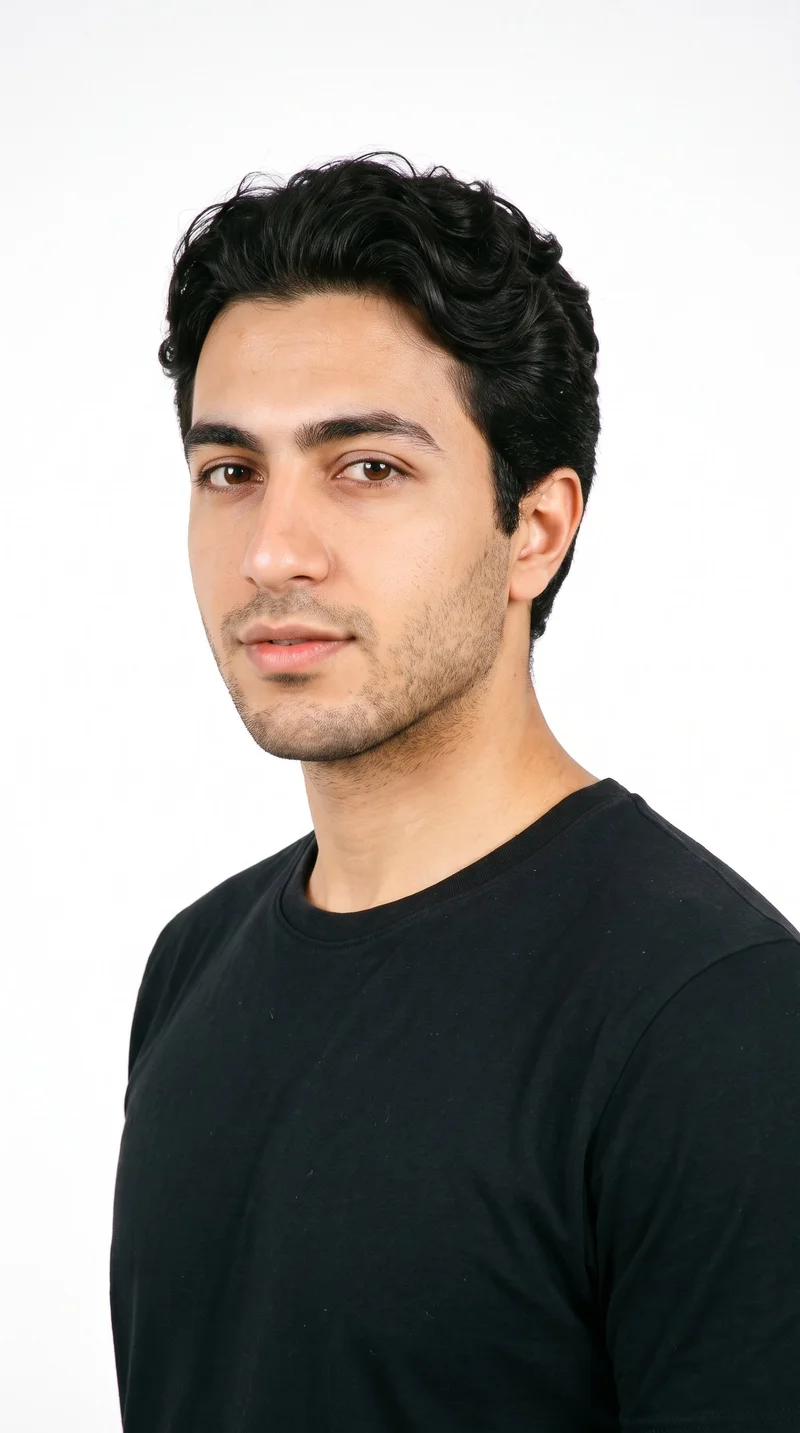
Male · 22
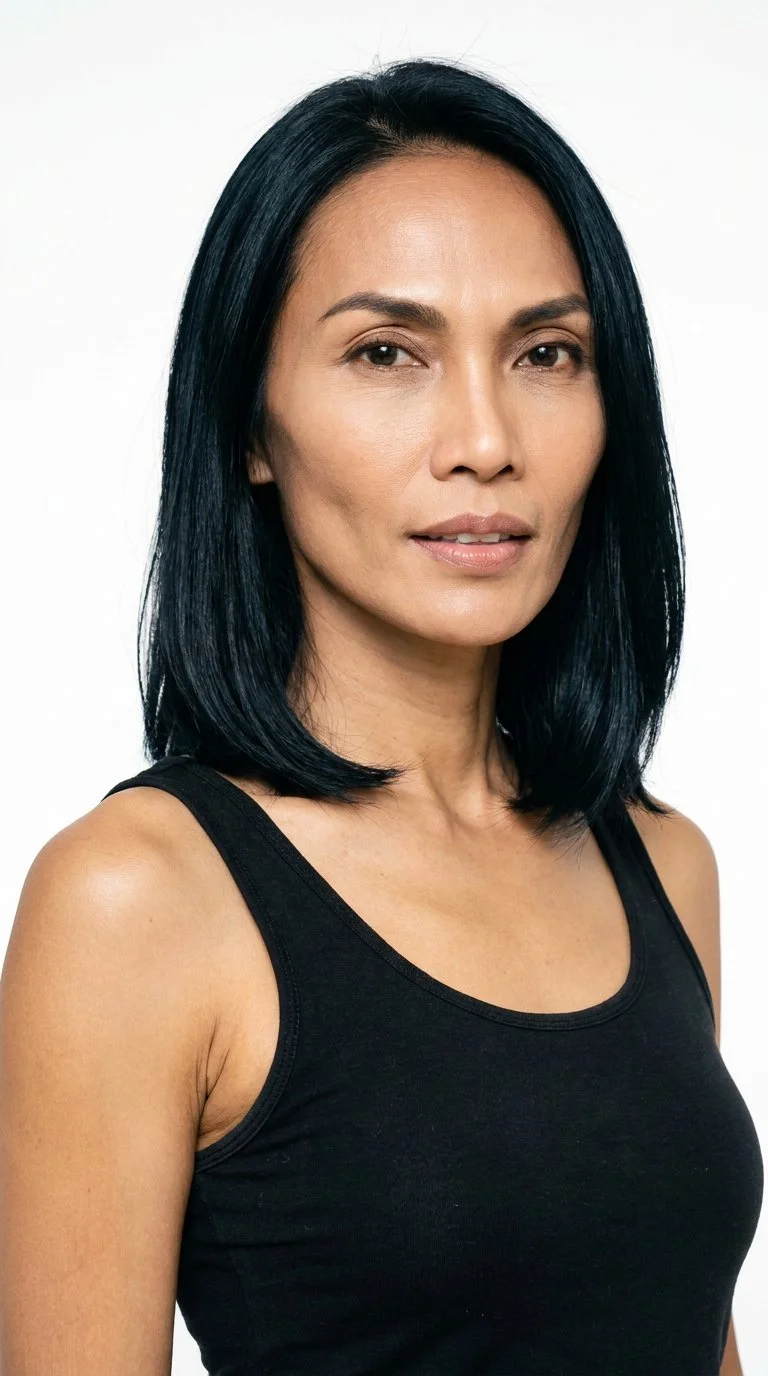
Female · 46
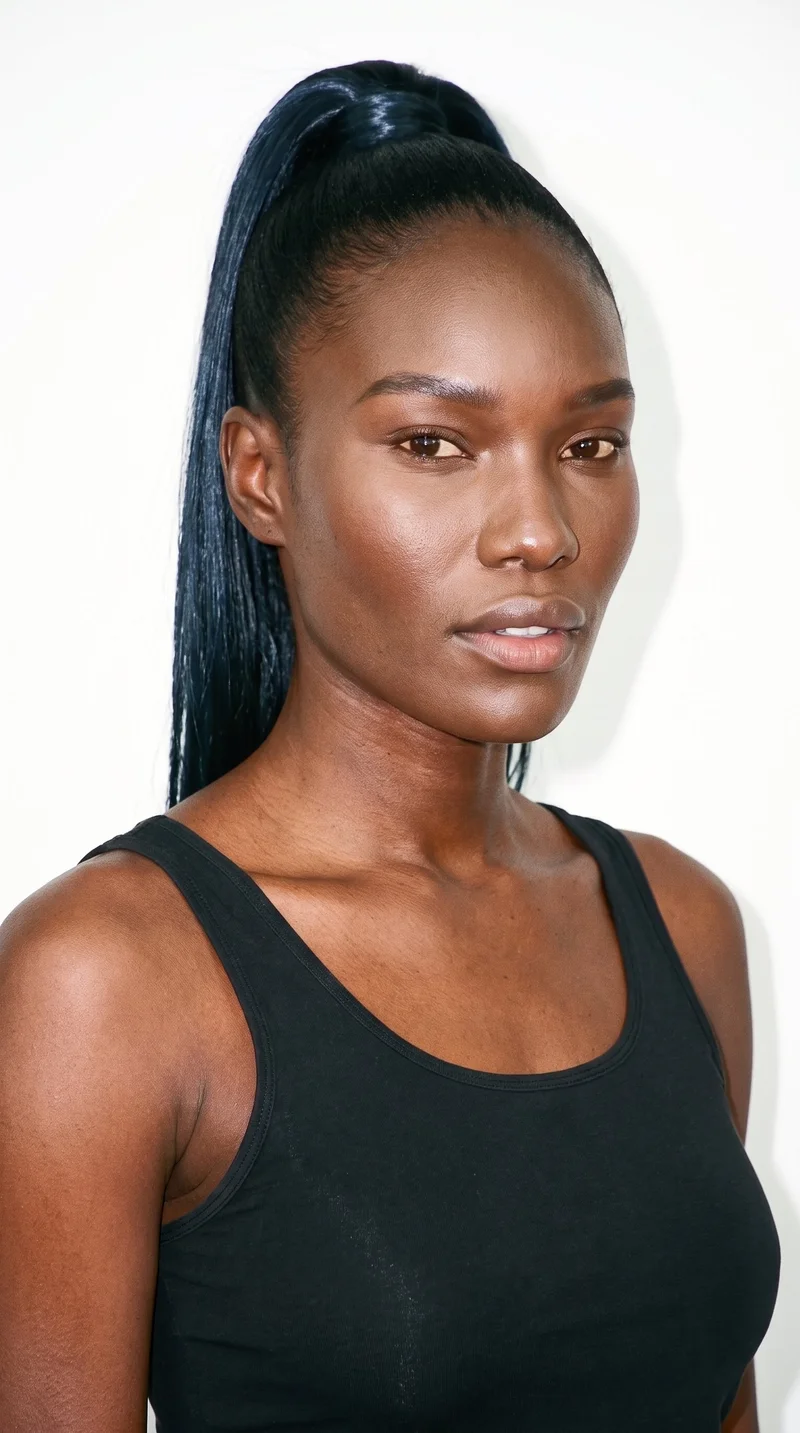
Female · 31
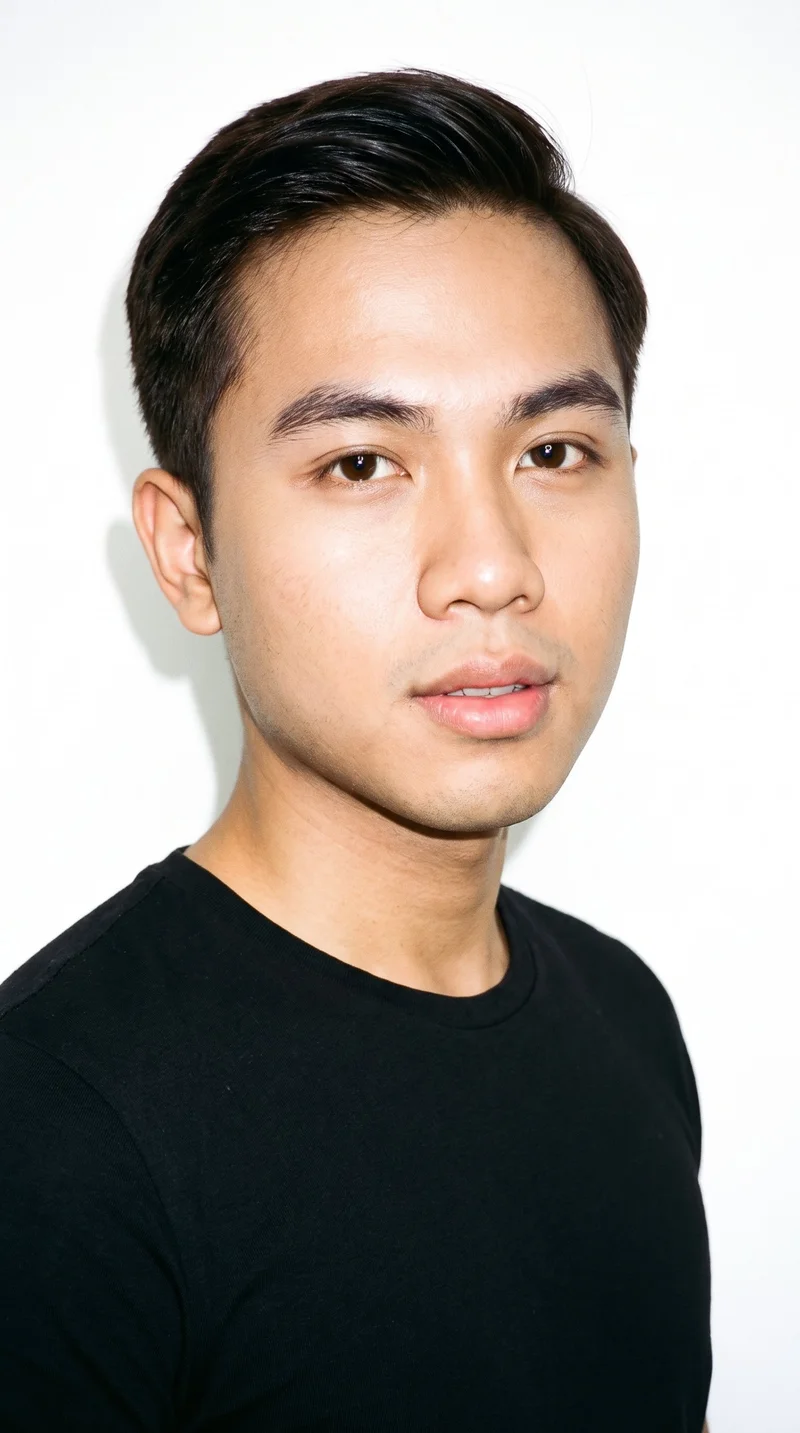
Male · 21
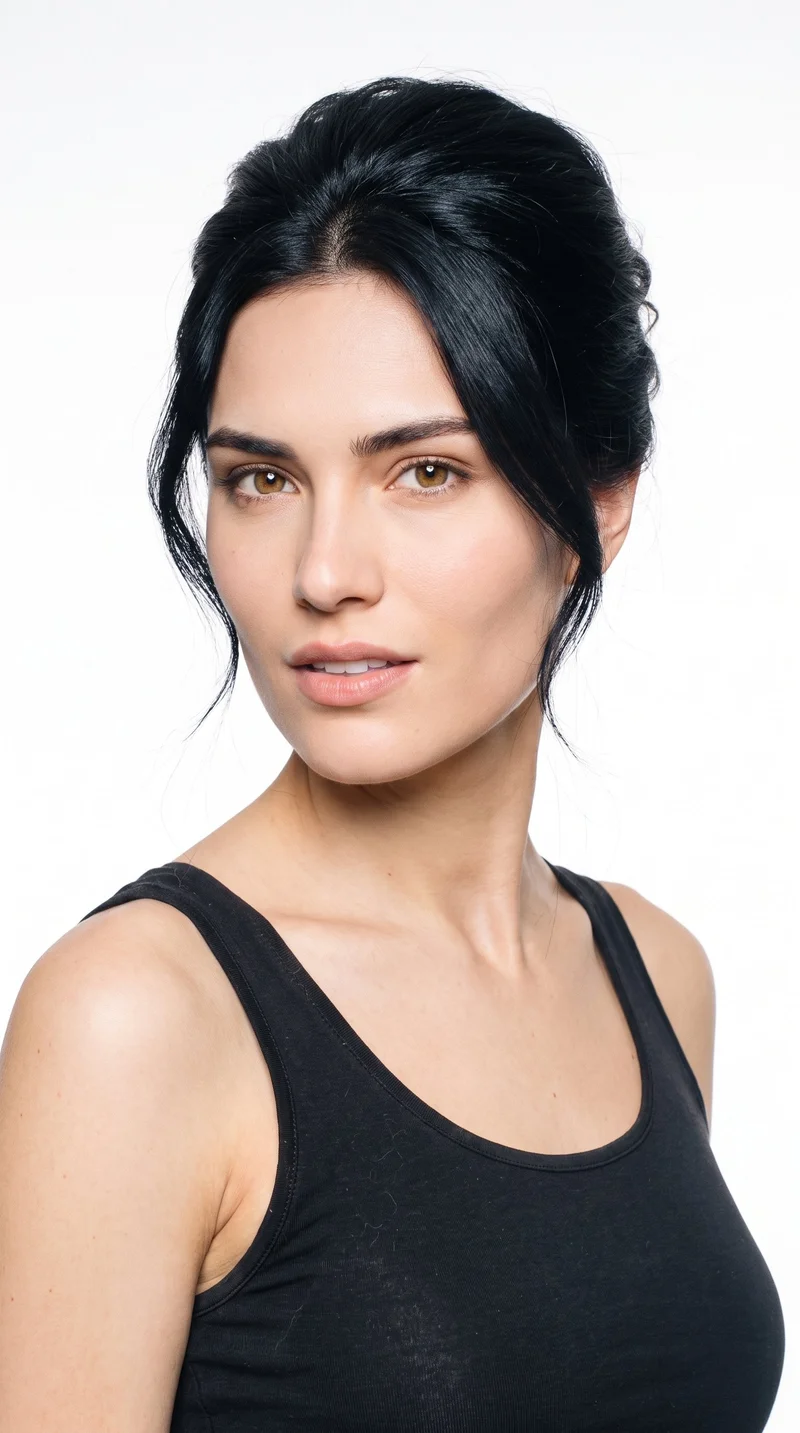
Female · 23
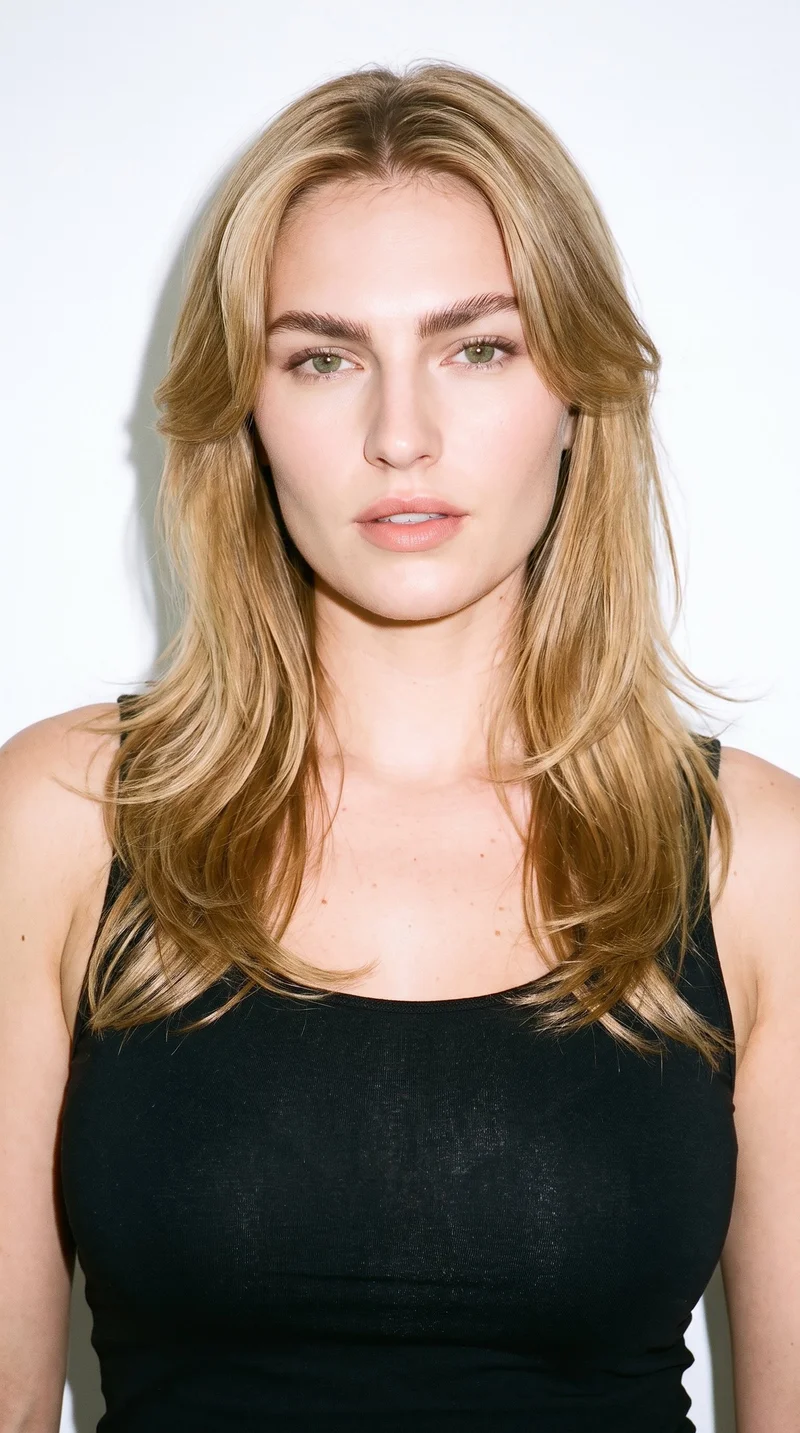
Female · 23
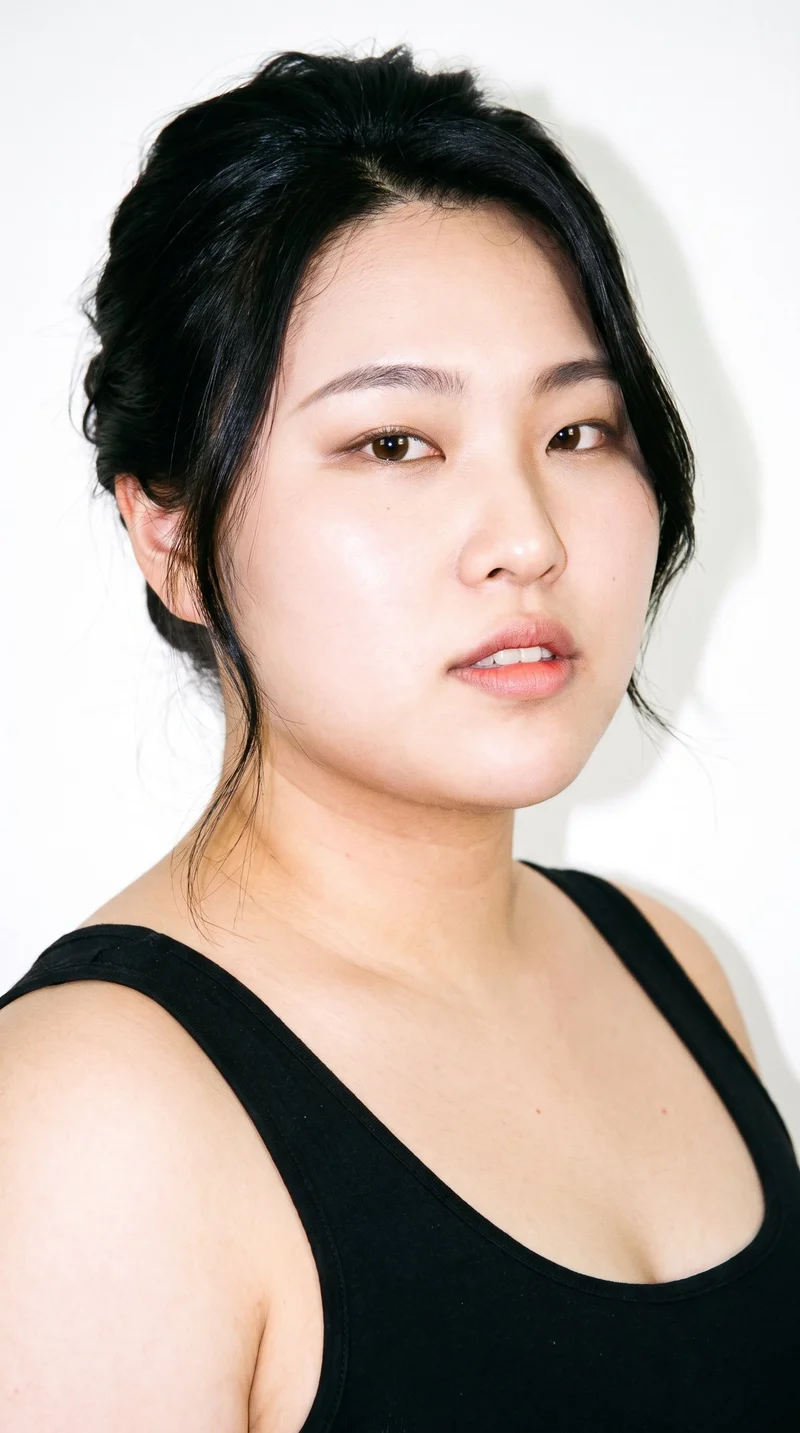
Female · 21
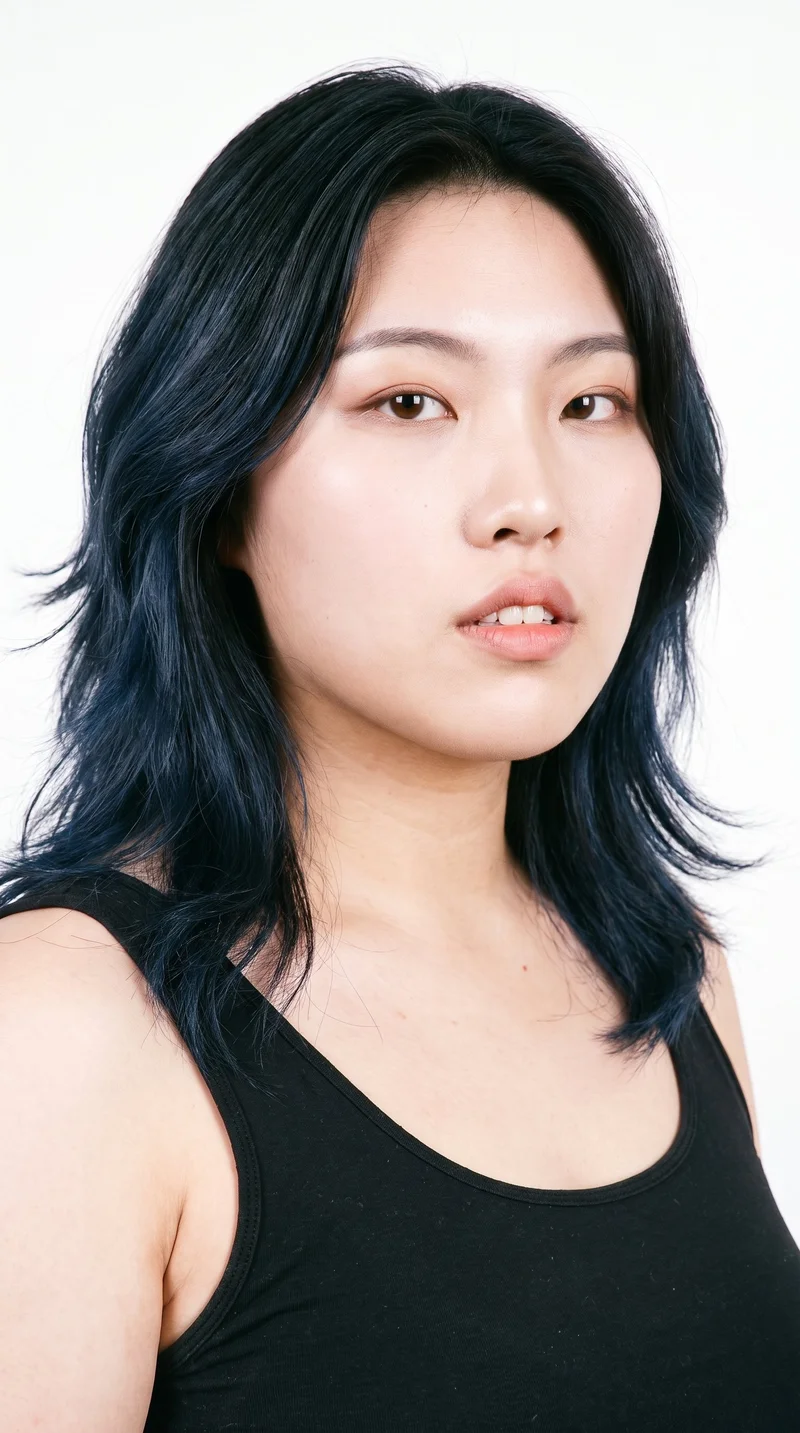
Female · 22
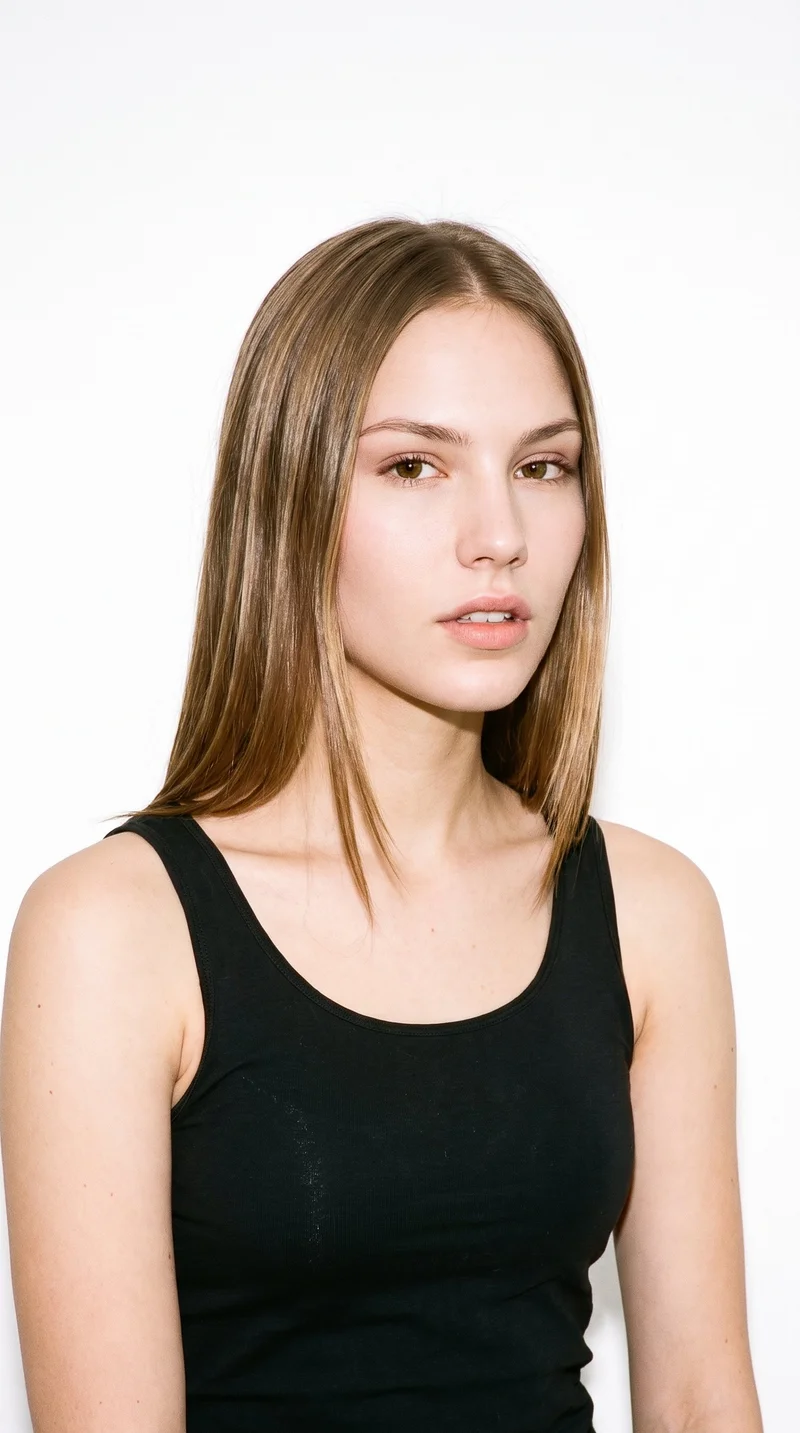
Female · 19
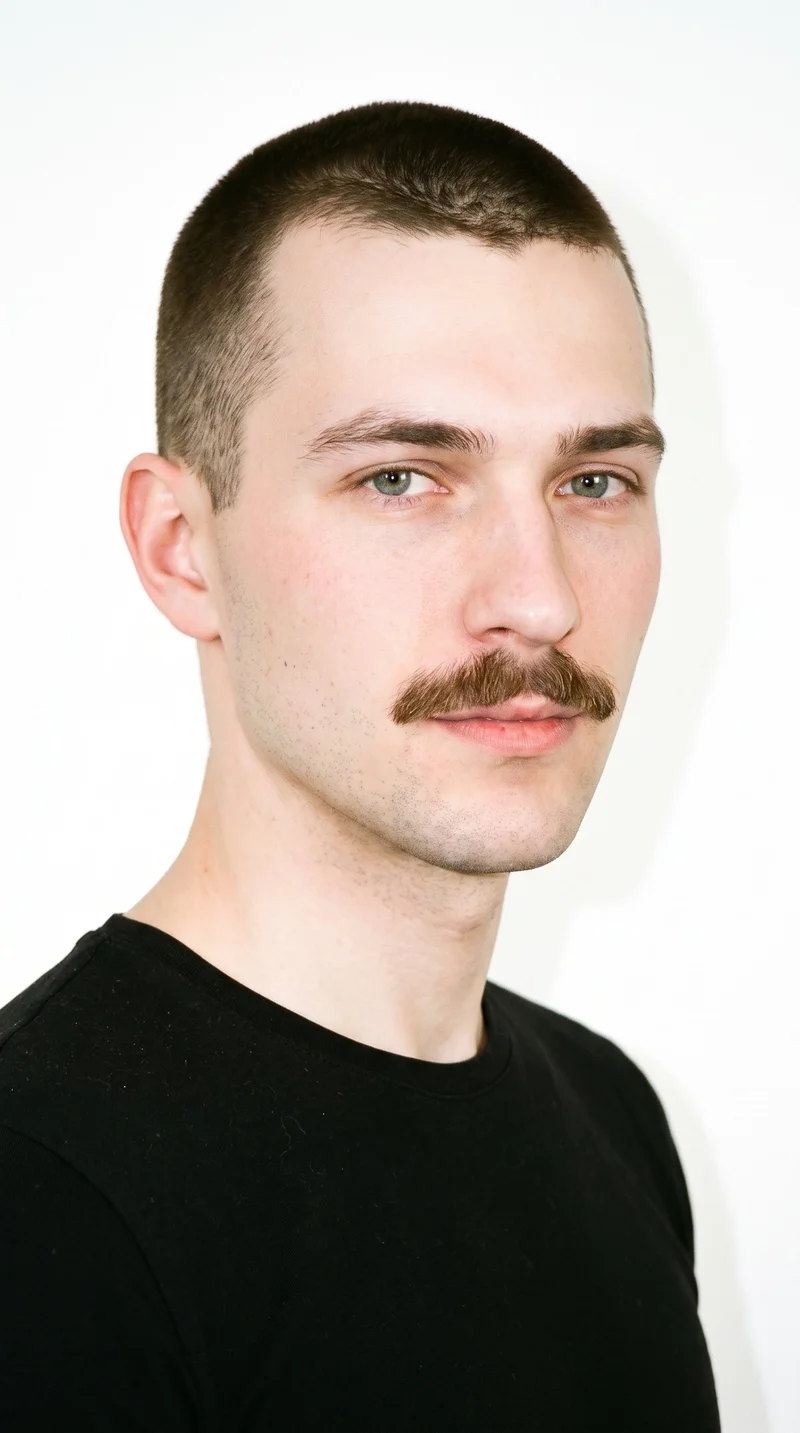
Male · 22
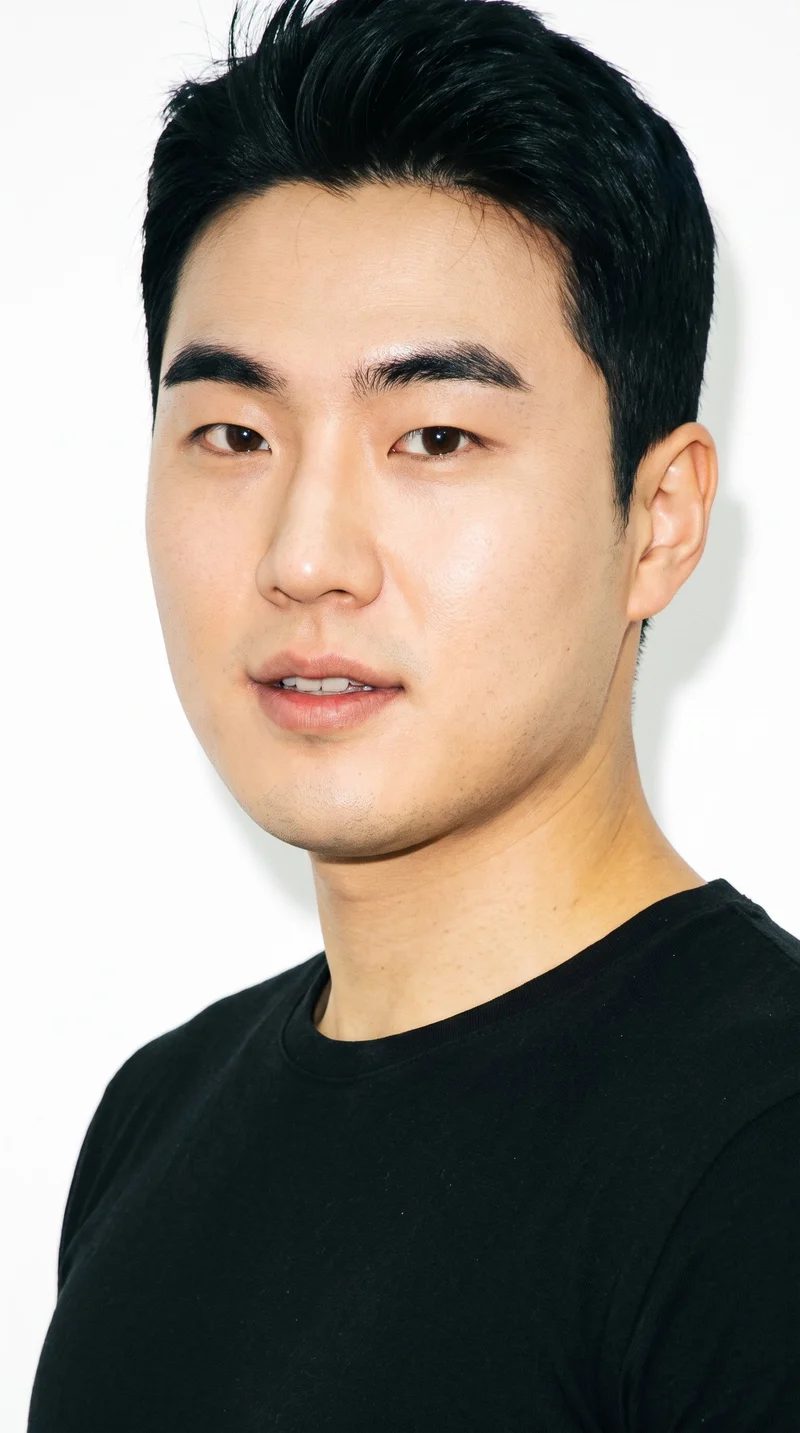
Male · 34
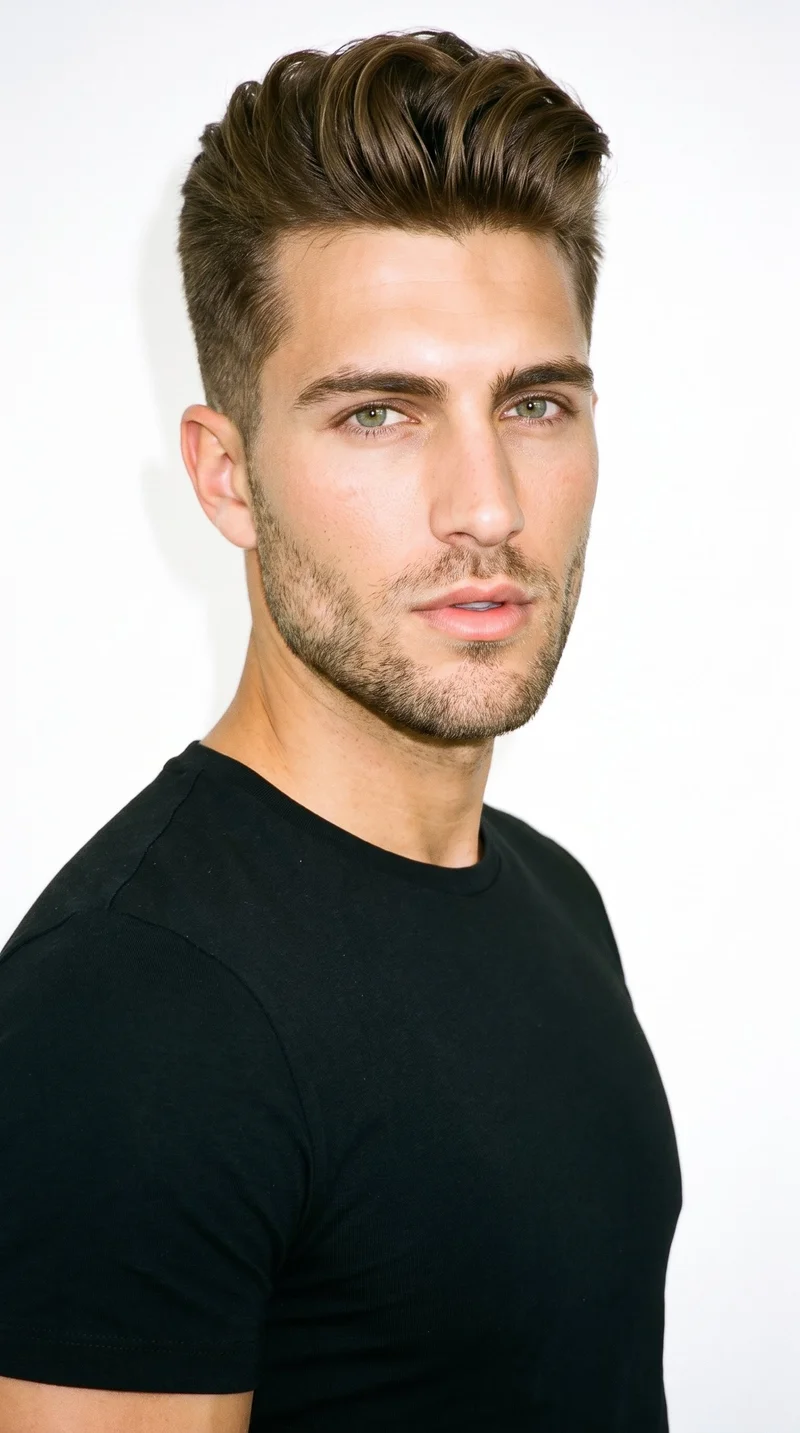
Male · 25
Showing 12 of 1,197
Cast your modelRawshot Features
RAWSHOT holds product choices steady across variants.
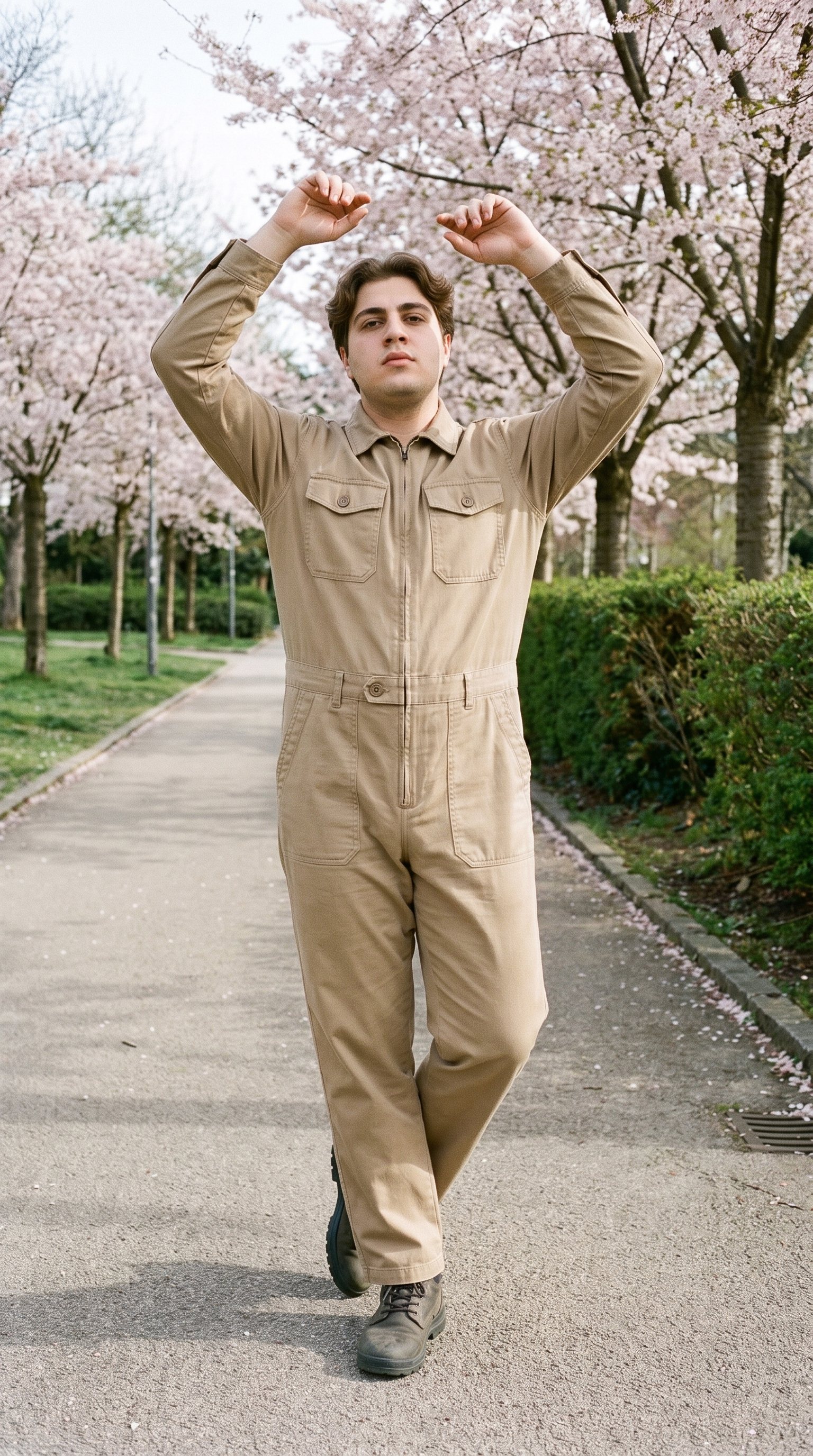
Fashion model poses
Direct the body language and framing so each paid-social variant tests a deliberate presentation of the same product.
22 poses on a full-body shot · 104 in total
See the feature →
AI image to image generator
Change the model, setting or format while the approved product composition stays steady for a clearer creative comparison.
Change one decision and keep the rest of the composition stable.
See the feature →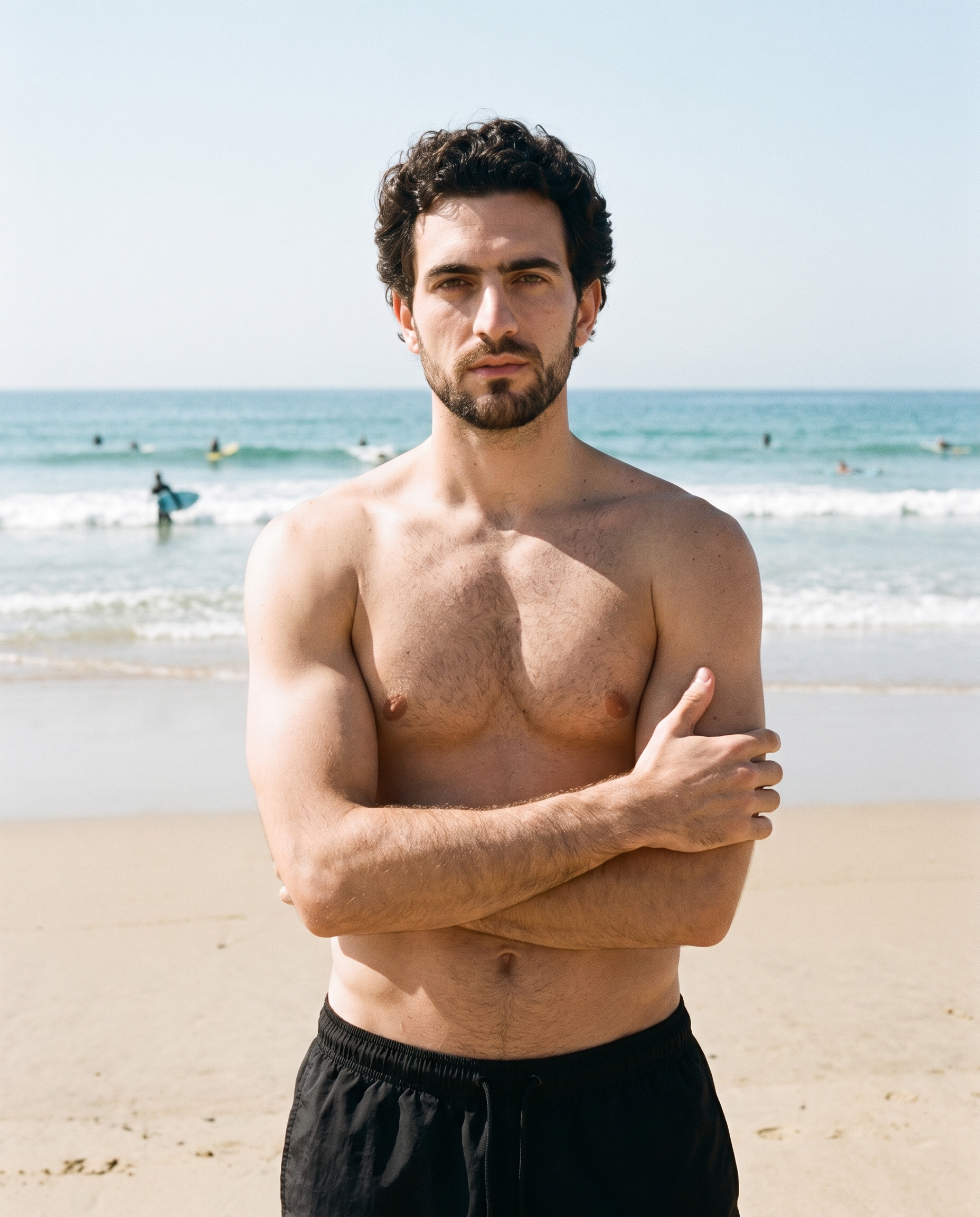
AI image to video generator
Extend an approved still into a short motion variant when the test needs movement beside the static creative.
17 model actions on a full-body shot · 132 in total
See the feature →
AI model generator
Compare alternate adult model casting against the same real product when audience response may depend on who presents it.
Library filters plus private model building for consistent identity across the set.
See the feature →AI image quality control
Every generated image is checked against your model, frame, view and pose before you see it.
AI makeup generator
Branch-aware named options applied without altering casting or scene setup.
AI outfit generator
Combine the main piece with neutral supporting items in one coherent frame.
AI photo background generator
Swap scene context while keeping model, product, and framing stable.
AI suggestions
Preselected control values you can always override in the same configurator.
Garment styling
Choose how the garment is worn and keep brand presentation consistent.
Inspiration gallery
Load editable finished looks as fast starting points for new shoots.
Photography direction
4 named choices that set mood and shadow the same way across a shoot.
Product import and handling
Start from your real item and keep product fidelity while building the scene.
Gallery
Shot in RAWSHOT, views span campaign contexts.
Review fashion compositions for model, setting, framing and motion ideas before building your paid-social test set.
Looks & backgrounds
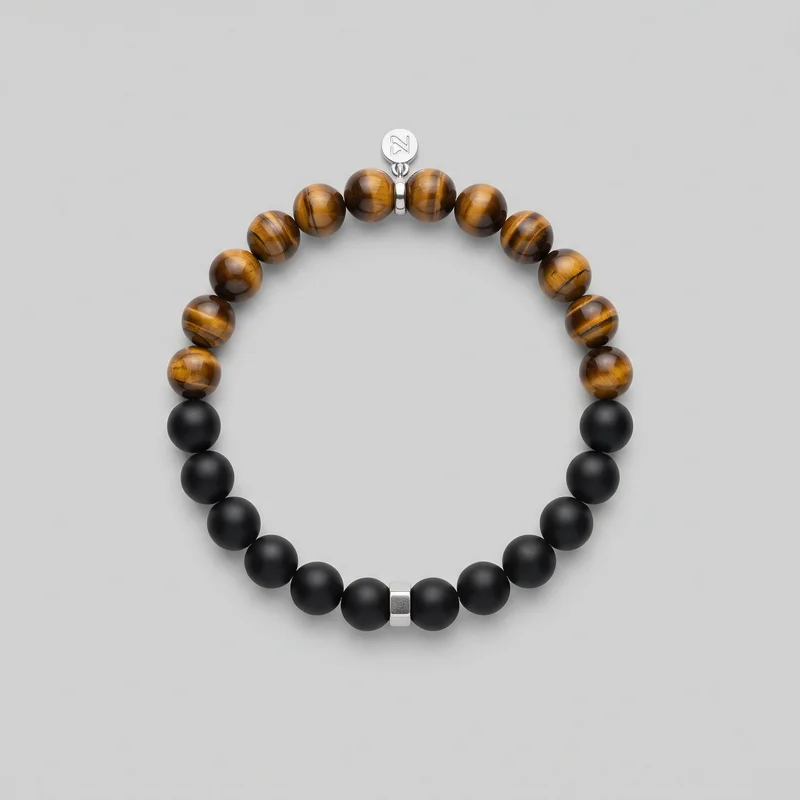 Men's Gemstone Beaded Bracelet
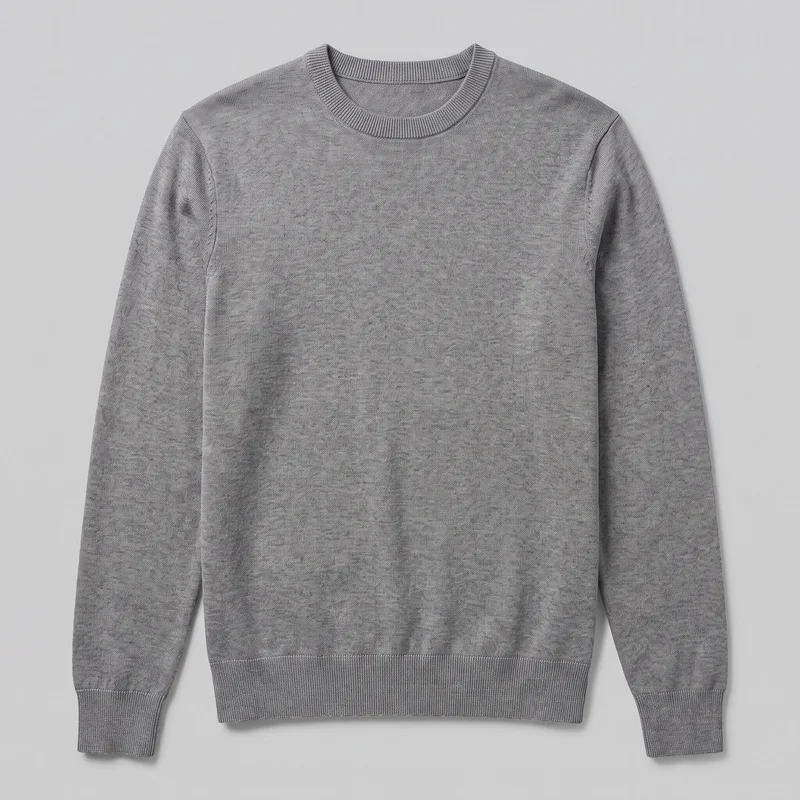 Men's Grey Crewneck Pullover Jumper
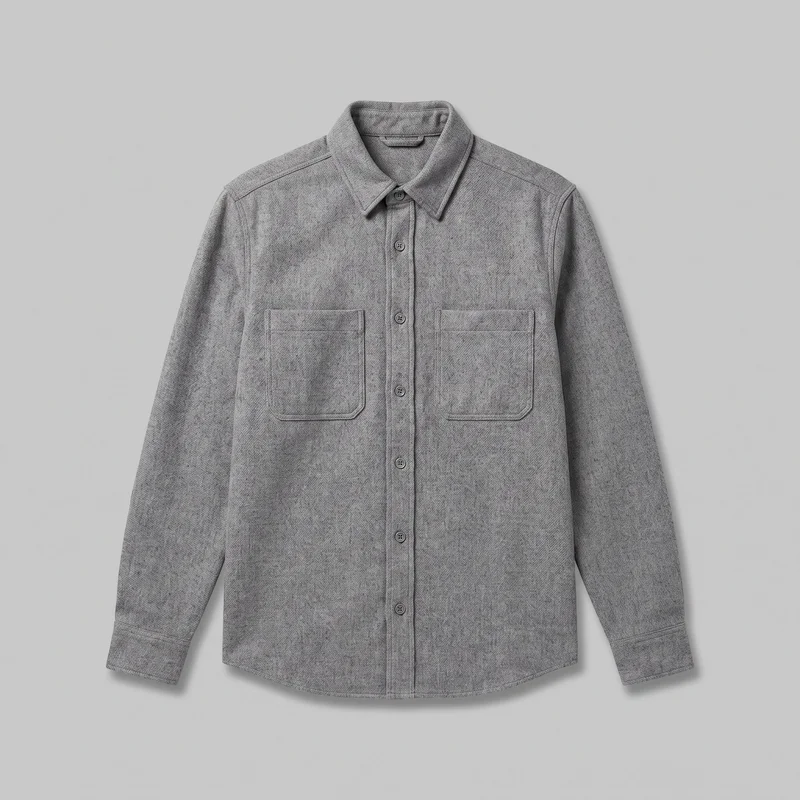 Grey Wool Overshirt
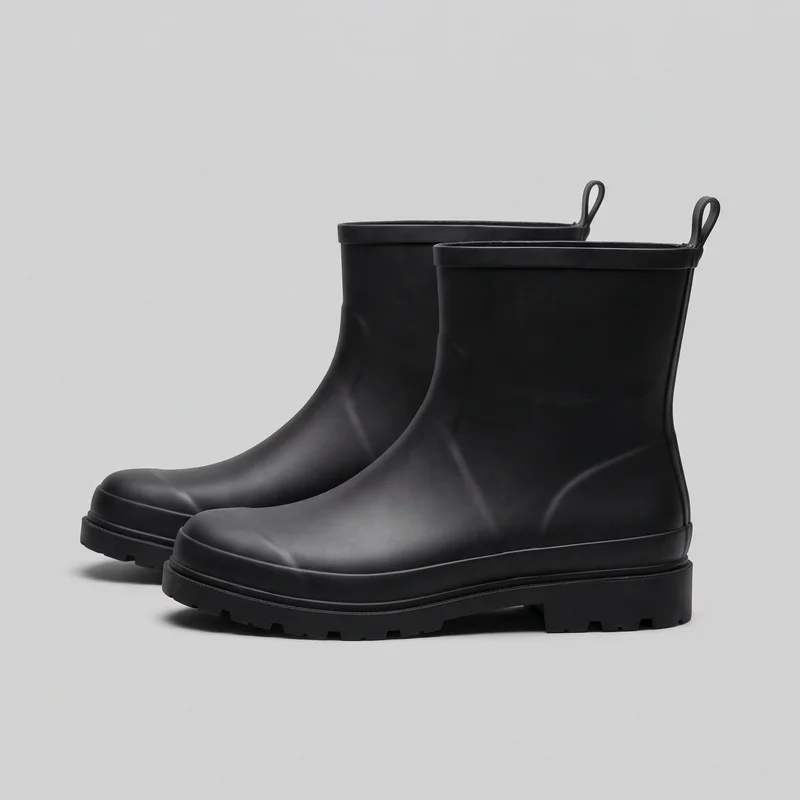 Men's Black Rain Boots
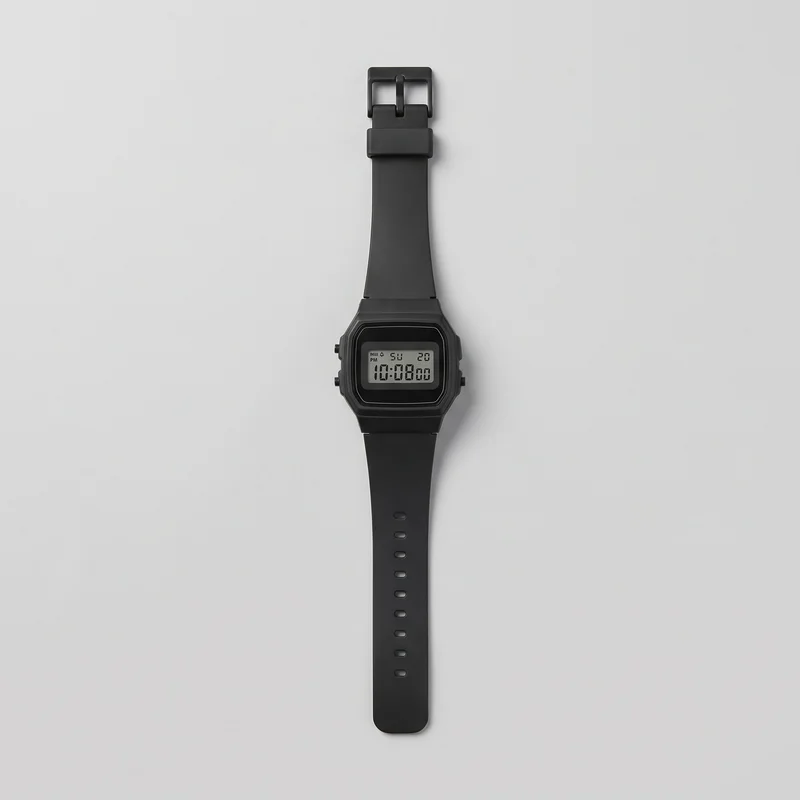 Women's Black Digital Sports Watch
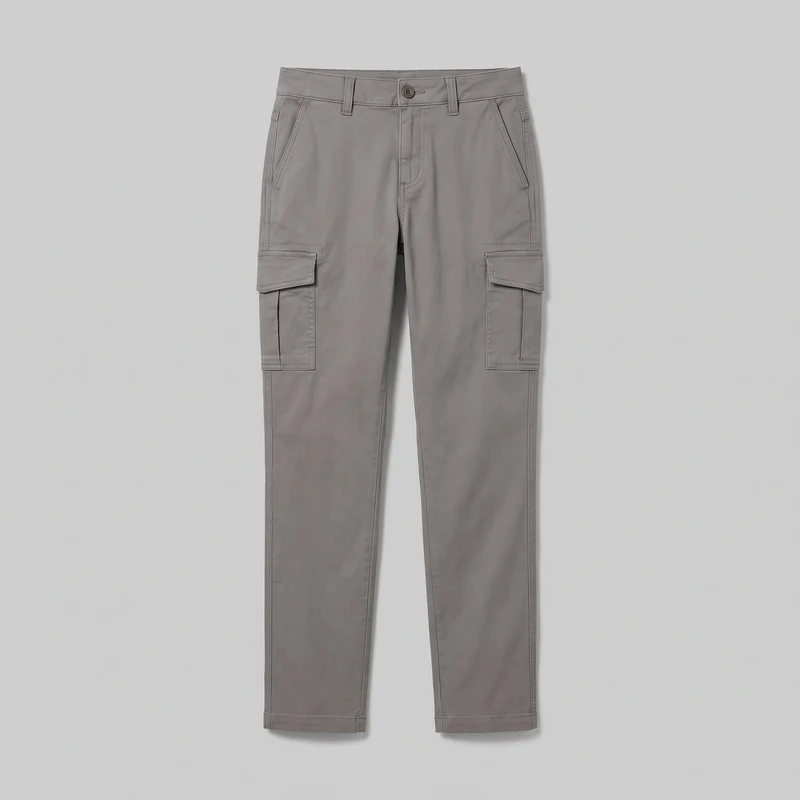 Women's Grey Cargo Pants
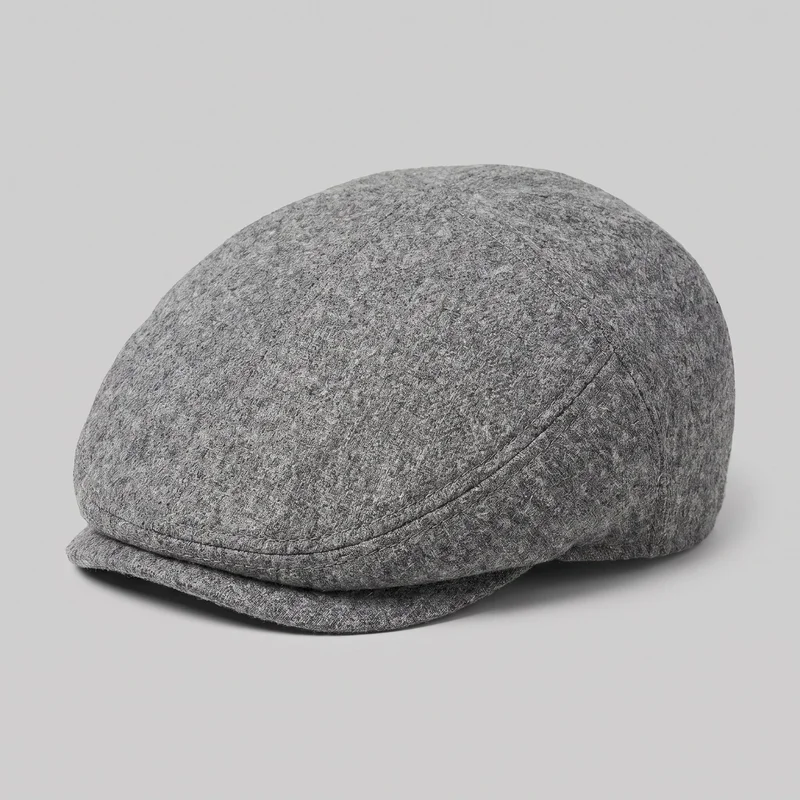 Men's Grey Wool Flat Cap
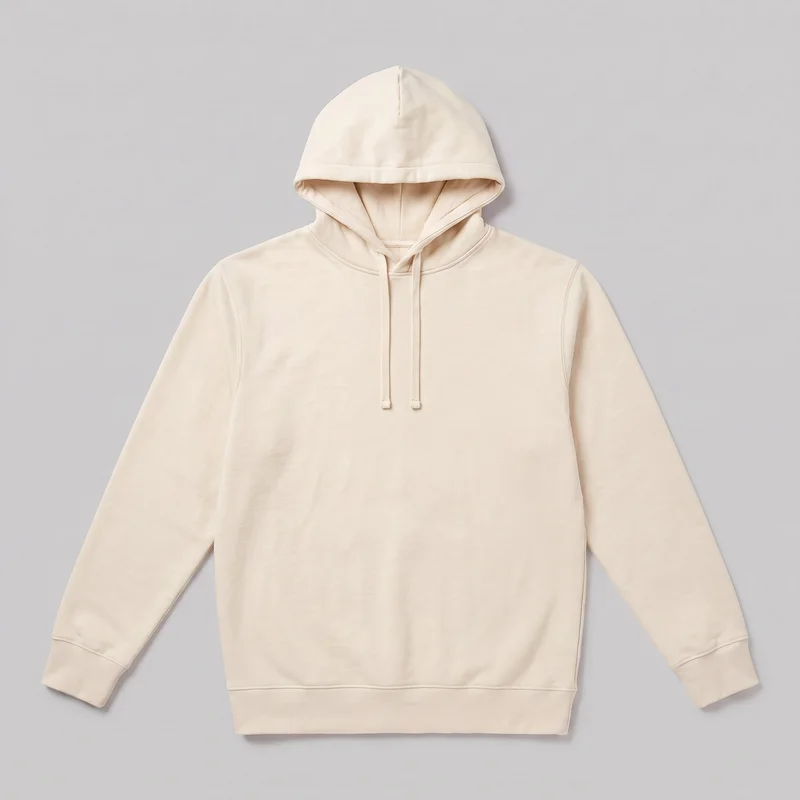 Men's Cream Pullover Hoodie
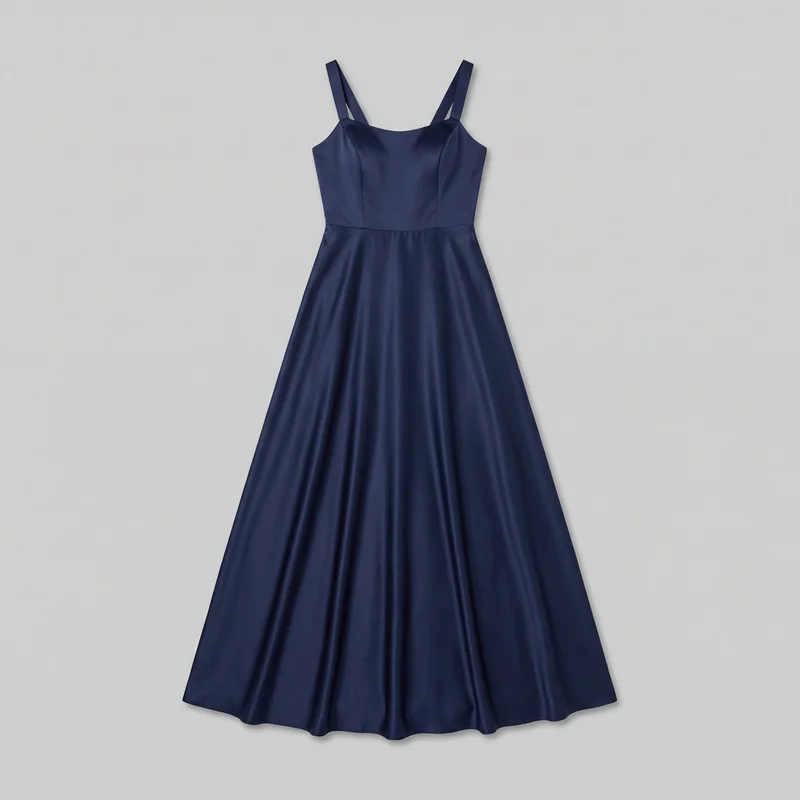 Navy Satin Evening Gown
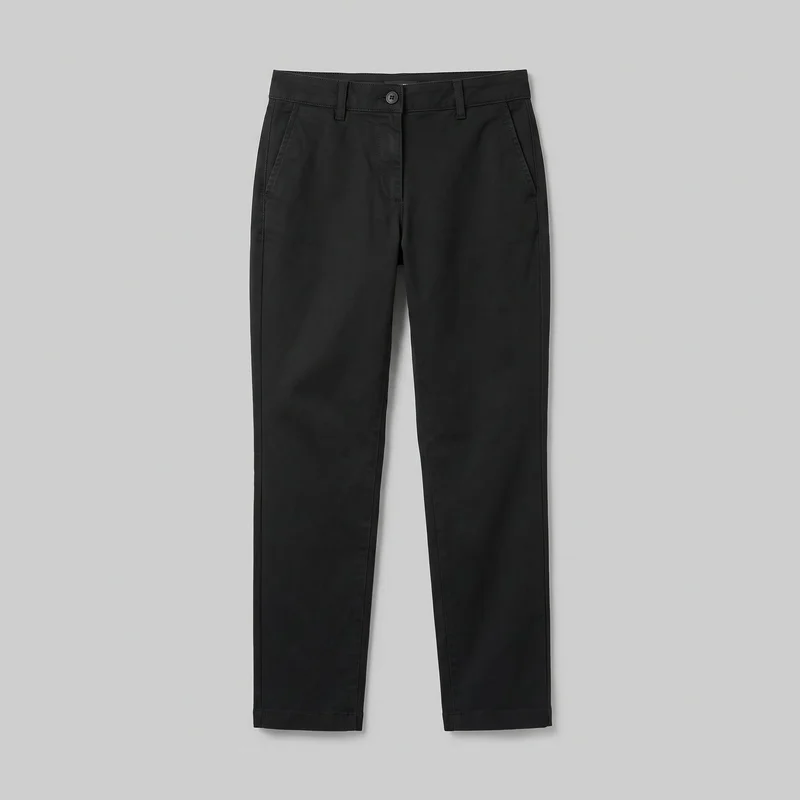 Women's Black Chinos
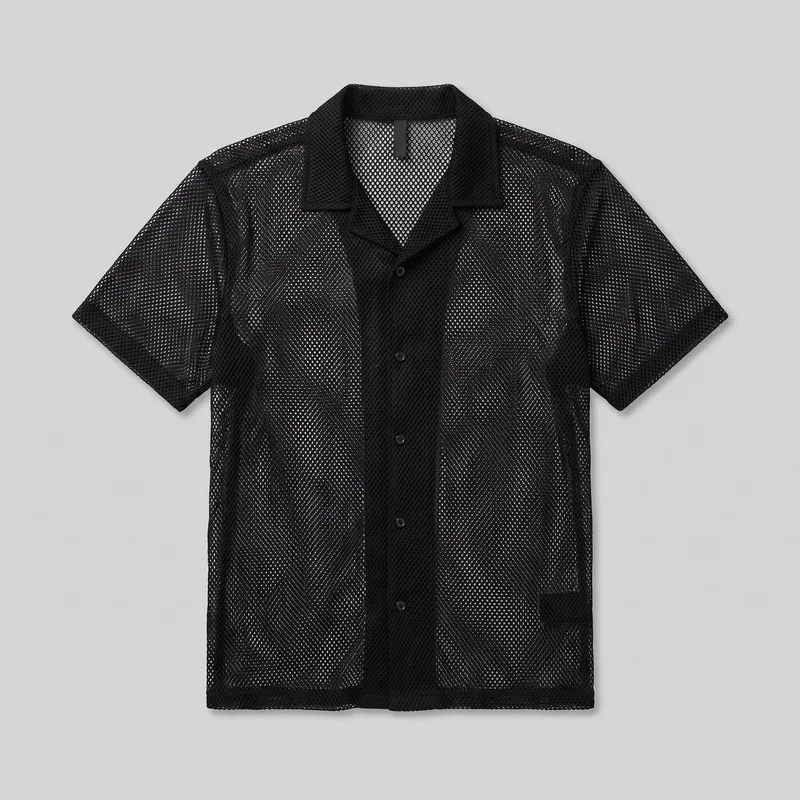 Men's Black Mesh Cover-Up
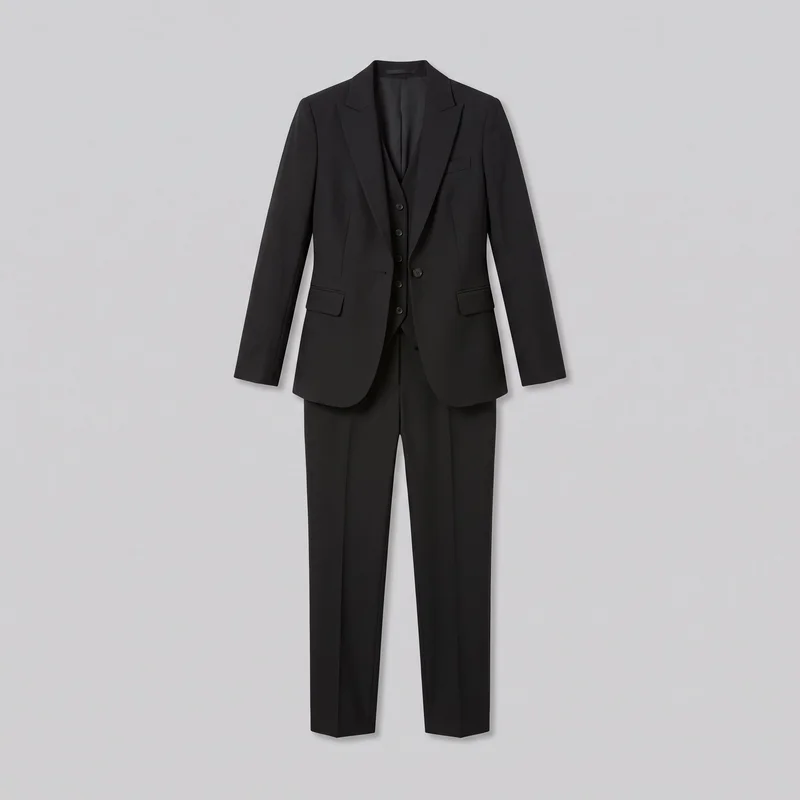 Women's Black Three-Piece Suit
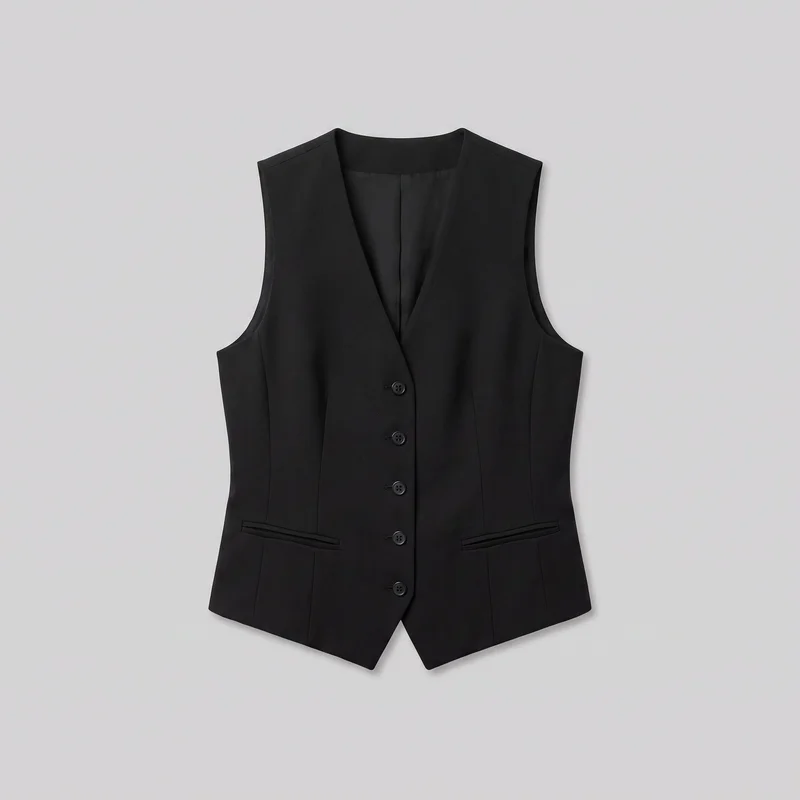 Women's Black Waistcoat
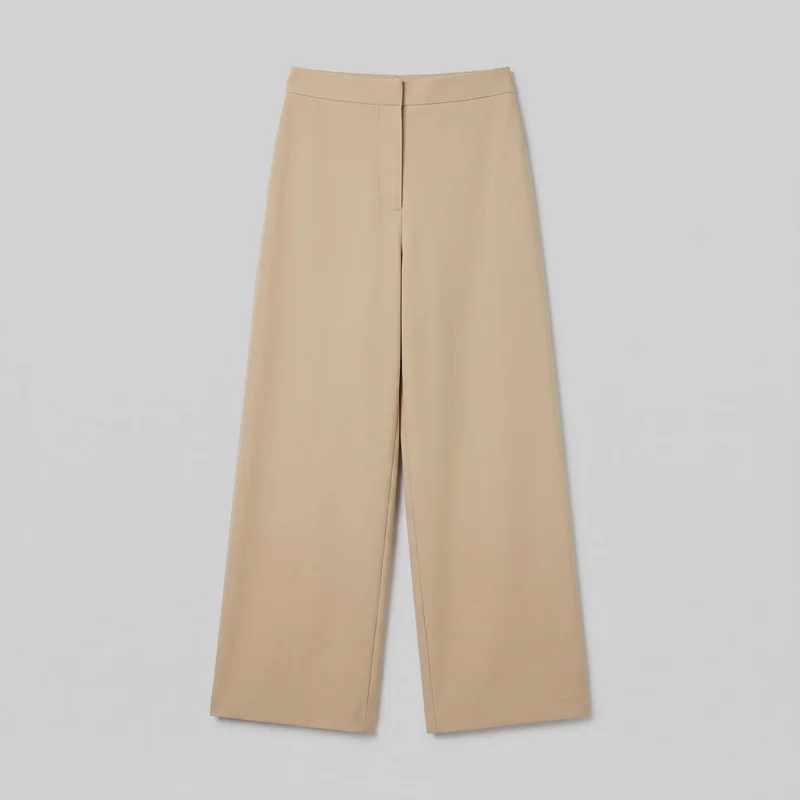 Beige Wide-Leg Trousers
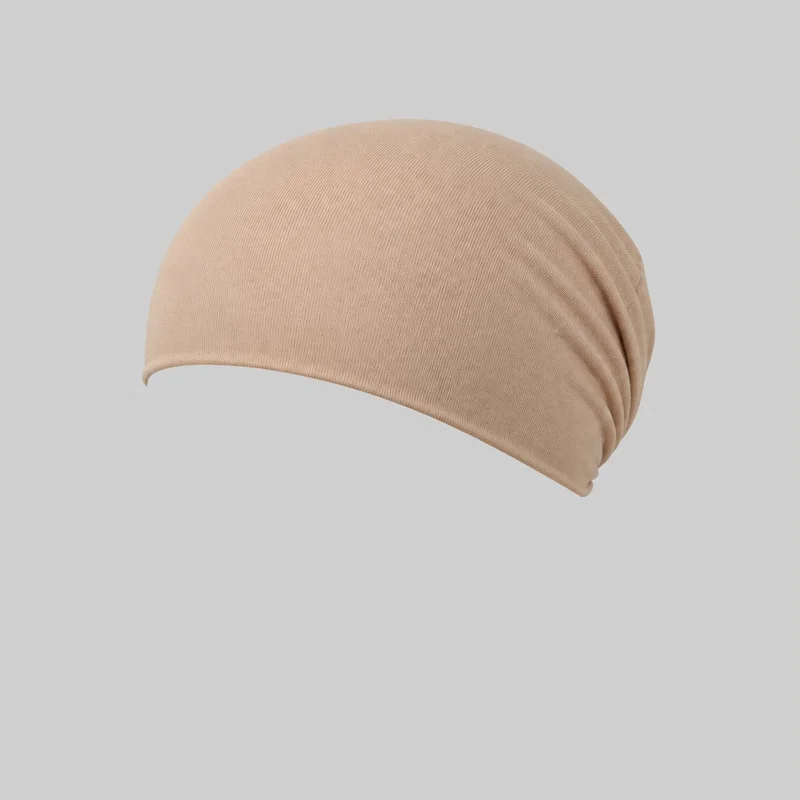 Beige Cotton Underscarf
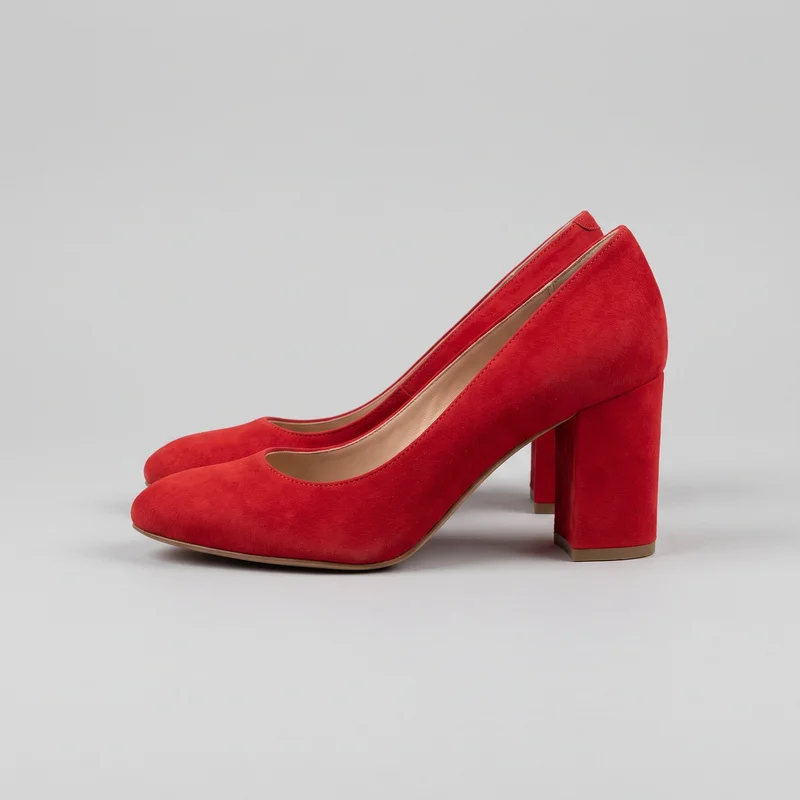 Red Block Heels
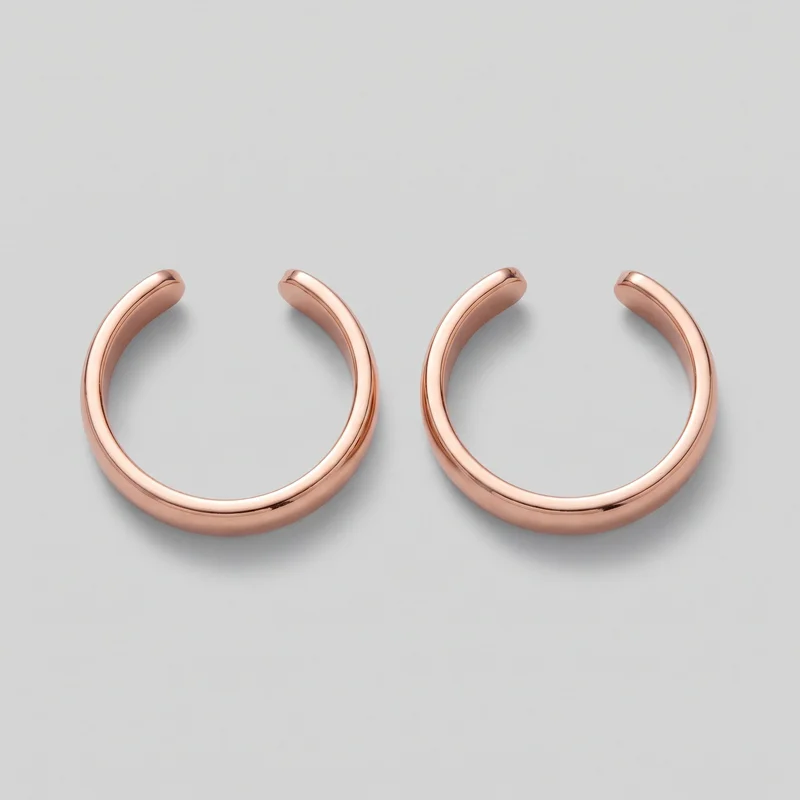 Men's Rose Gold Ear Cuffs
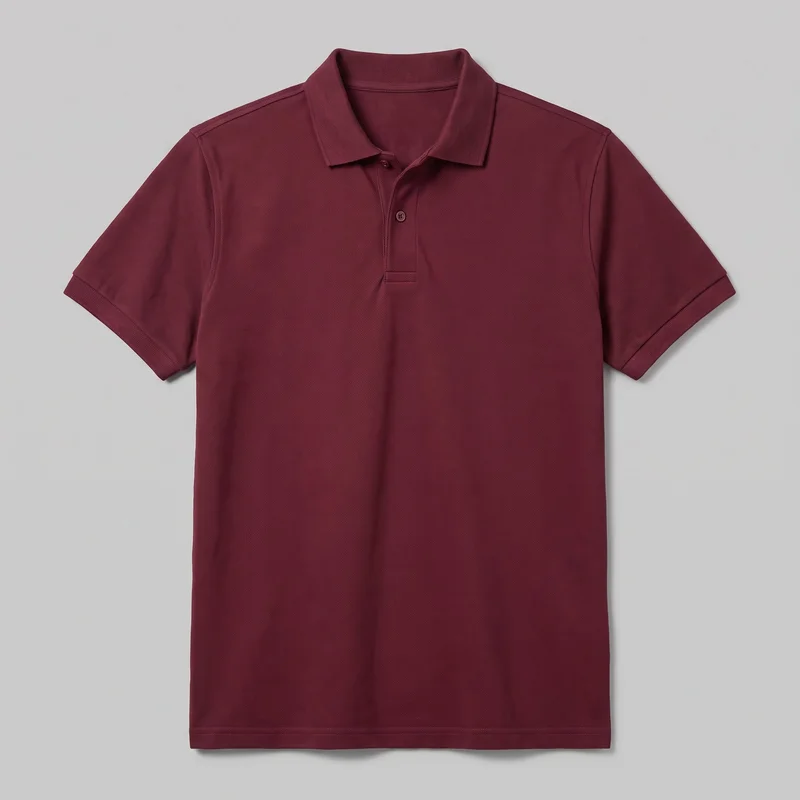 Men's Burgundy Pique Polo Shirt
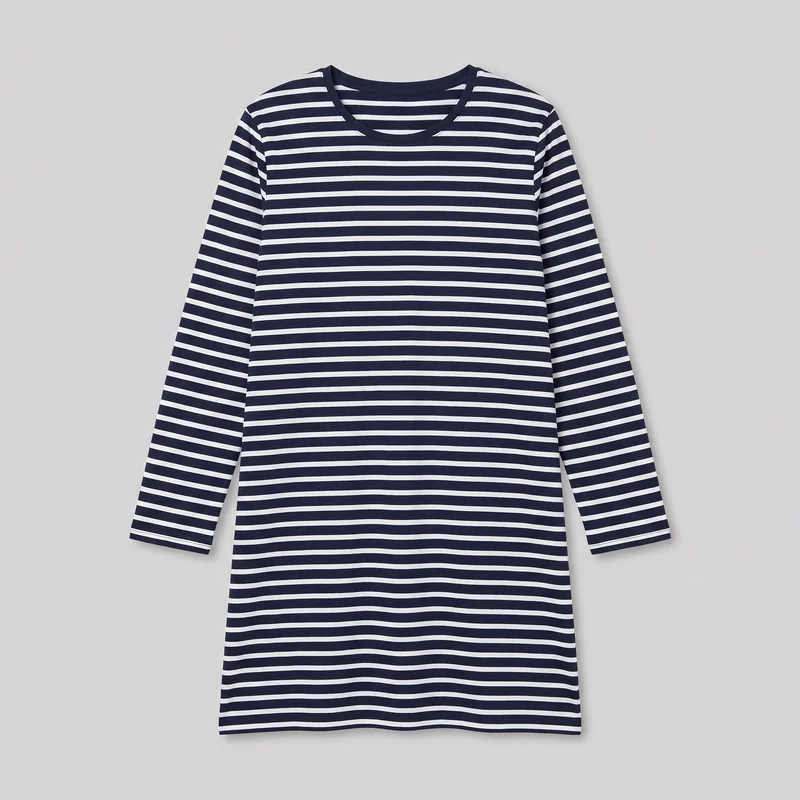 Striped Nightdress
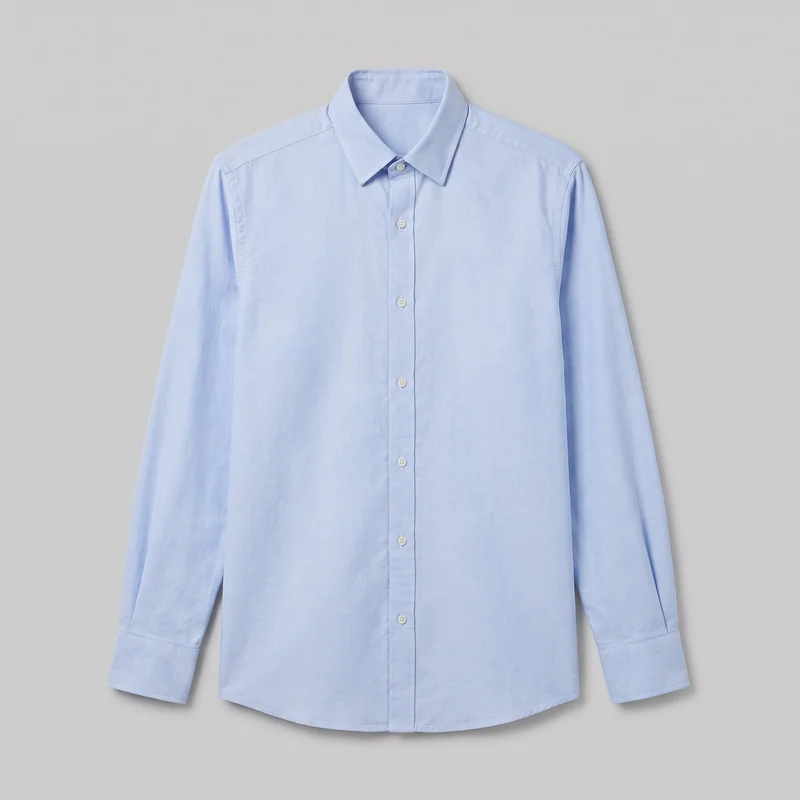 Light Blue Oxford Shirt
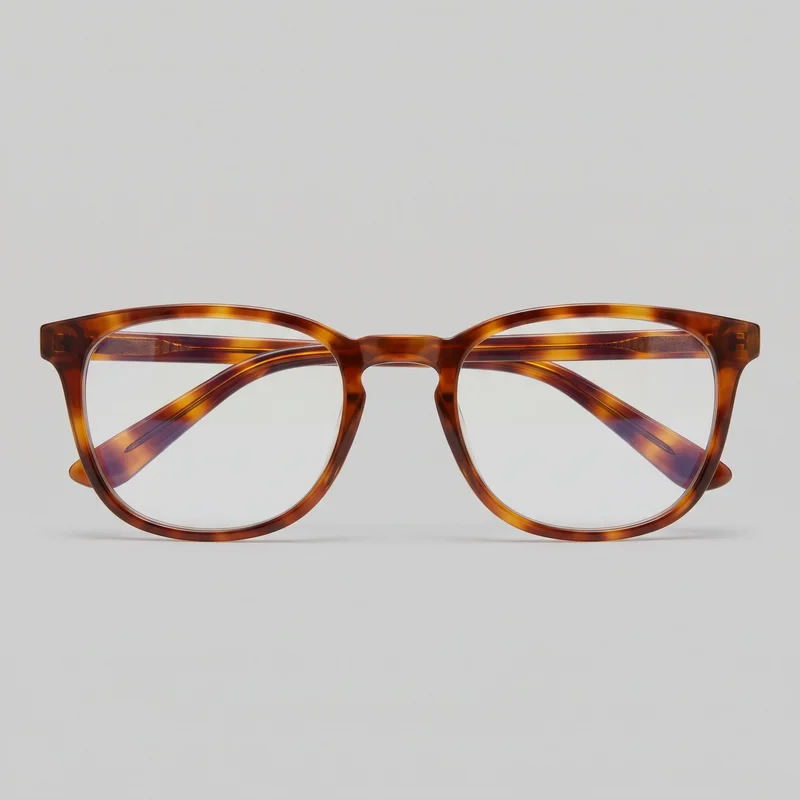 Men's Tortoiseshell Blue-Light Glasses
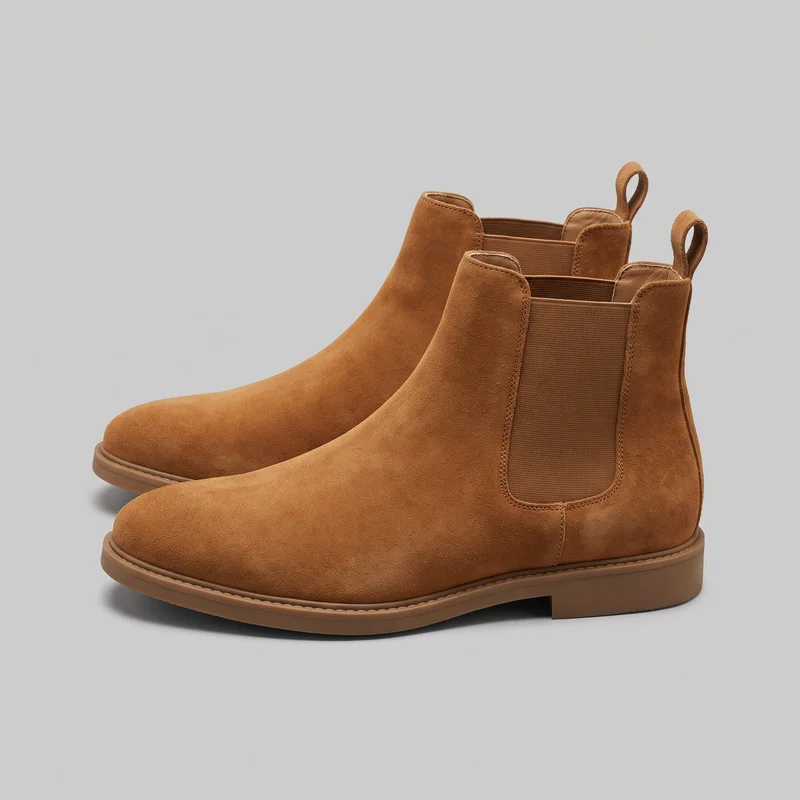 Men's Tan Suede Chelsea Boots
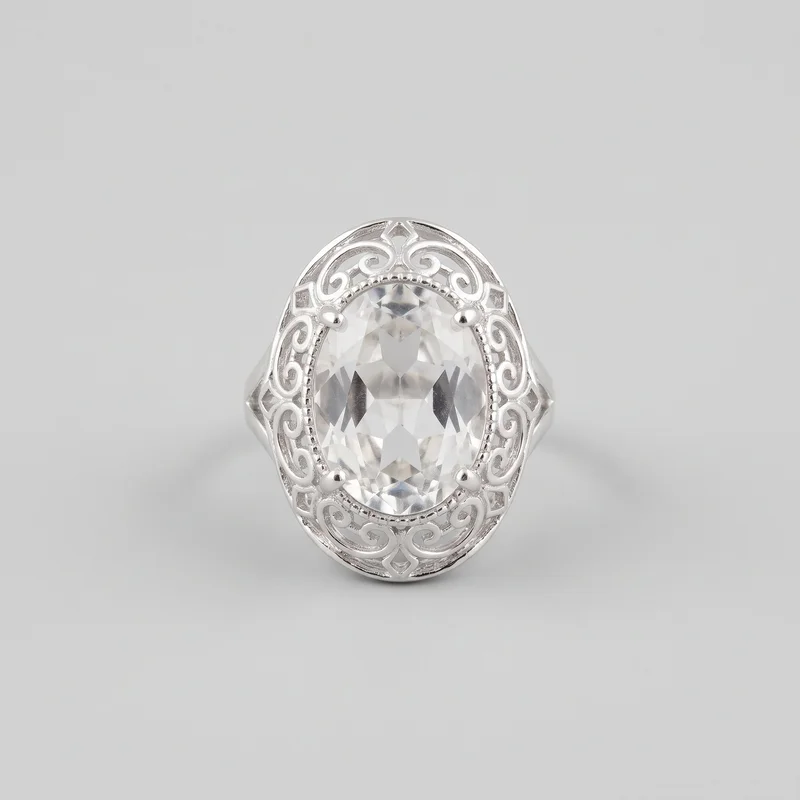 Silver Cocktail Ring
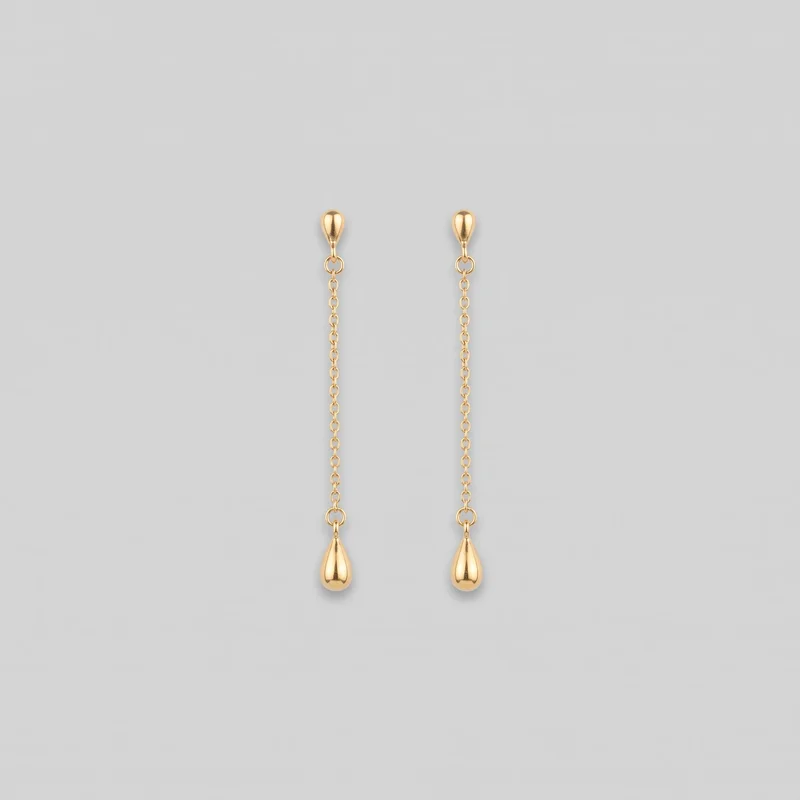 Gold Drop Earrings
Showing 24 of 1,891
Catalog
Browse the catalog
By product
Consistency
One changed choice leaves the rest of the composition steady.
Change one element and the rest of the composition holds, which makes the comparison easier to read. Keep the product, model, light, crop or pose steady while testing another setting, casting choice, placement format or short motion treatment.
You change one
- Frame
- Pose
- Camera view
- Model
The rest holds
Product
Keep the approved product presentation steady while testing another creative decision.
Model
Hold the selected model when comparing settings, crops or motion.
Composition
Preserve the chosen frame, view and pose when isolating a variable.
Who it's for
Is RAWSHOT right for controlled campaign comparisons?
A good fit
This fits you as a performance marketer or marketing manager when paid-social work needs fashion variants from approved products. It also suits social managers preparing formats for campaign calendars.
Work it handles well
- You can compare creative variables from approved product images
- You can prepare paid-social formats and motion variants
- You can keep composition choices steady between tests
Outside this scope
This is less suitable when one image needs extensive free-form editing or when every detail must be improvised beyond the available choices. It also does not measure garment fit or support a specific real-person likeness.
Where this stops
- You cannot edit pixels through free-form instructions
- You cannot upload a reference pose
- You need to check hands and hardware before publishing
Rights
You own every image. Every image says what it is.
Yours
- Full commercial rights to every image, permanently.
- No recurring licence fees on any model in the library.
- Every model is a synthetic composite, so there is no real-person likeness.
Labelled
- C2PA content credentials on every image.
- AI-labelled output, aligned with EU AI Act Article 50.
EU-based hosting, GDPR-compliant handling.
- Aligned with EU AI Act Article 50
- C2PA
- Full commercial rights
- GDPR-compliant handling
- EU-based hosting
Questions
Before your first paid-social campaign test.
Can RAWSHOT create a campaign image set from approved product images for paid-social testing?
RAWSHOT can create a focused campaign image set from approved product images for paid-social testing. You can vary adult models, settings, crops, paid-social formats, and short-motion treatments while keeping the product presentation controlled. This suits performance marketers, marketing managers, and social managers who need creative alternatives without improvising beyond available choices. Use the selected model, outfit, styling, light, frame, and camera view to shape each ad direction.
Which campaign crops, frames, and aspect ratios work for feed, story, and vertical short-video placements?
Feed, story, and vertical short-video crops can use supported frames such as 4:5 and 9:16, with a selected frame for each campaign placement. You can keep the product, model, pose, and camera view coherent while adapting the composition to the channel. Static ads can sit beside a short-motion starting point using a defined camera movement or frame-matched model action. Review the available frame options before publishing.
What do I need to start building a campaign image set with RAWSHOT from approved product assets?
You need an approved product photo, flat-lay, mockup, or technical sketch, plus a clear choice of model, outfit, styling, setting, light, frame, and camera view. RAWSHOT uses those inputs to build campaign variants while you hold selected composition choices steady. Decide which creative variable you want to change first, then check hands, garment hardware, and product presentation before publishing the resulting static or motion asset.
How does RAWSHOT compare with a studio shoot for campaign creative testing from approved products?
RAWSHOT gives you controlled campaign variants from approved product images, while a studio shoot captures the product, model, setting, and motion directly on set. You can select alternate adult models, backgrounds, crops, frames, and defined actions without arranging a new physical shoot for every creative direction. A studio shoot remains useful when you need unrestricted physical direction, measured garment fit, or direct control over every production detail.
How can RAWSHOT keep campaign model, product, pose, and light choices consistent across variants?
RAWSHOT keeps campaign variants coherent by letting you hold the selected product, model, light, crop, pose, view, and composition steady while changing one creative decision. You can switch the setting while retaining the model and frame, or test casting while preserving the product presentation. Each variant is a new generation, so inspect hands, hardware, styling, and other details before treating the set as final.
What can't RAWSHOT do for a campaign image set when I need measured fit or unrestricted studio control?
RAWSHOT cannot measure garment fit, follow a reference pose, edit pixels through free-form instructions, or guarantee a specific real-person likeness for a campaign image set. It works within supported model, styling, setting, frame, camera, and action choices rather than unlimited studio direction. You also need to review hands and hardware, and motion options remain tied to the selected frame and defined model action.
Which usage rights apply when I publish RAWSHOT imagery for a campaign?
You get full commercial rights to every image, permanently, with no recurring licence fee. Every image carries C2PA content credentials and is labelled as AI-generated.
Get started
Your first campaign test starts from approved images.
Start with a 7-day free trial including 50 tokens, then move to the plan that matches your production volume.