
Product pages
Boutique photoshoot
Turn wholesale pieces into a distinct product-page set.
For you as an e-commerce manager, boutique photoshoot work is unfinished when wholesale pieces still rely on the same vendor photos as every other online stockist. You need a distinct, consistent product-page set for publication.
7-day free trial • 50 tokens (10 images) • Cancel anytime
A 2K image in roughly 35 seconds · AI-labelled with C2PA content credentials
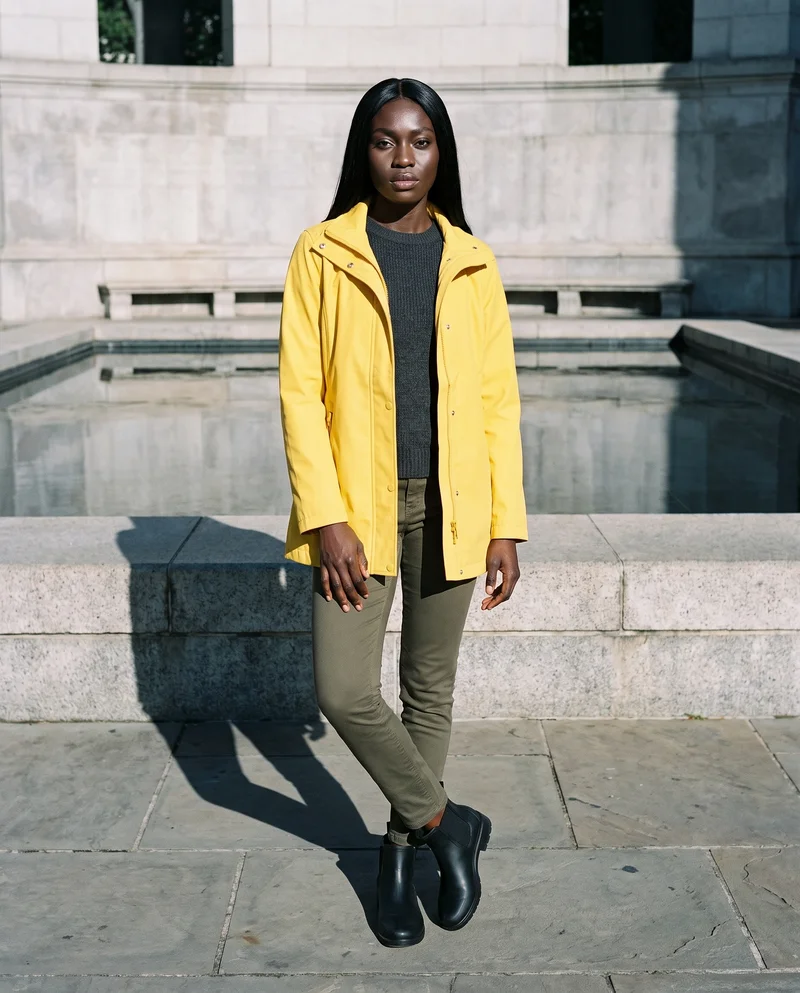
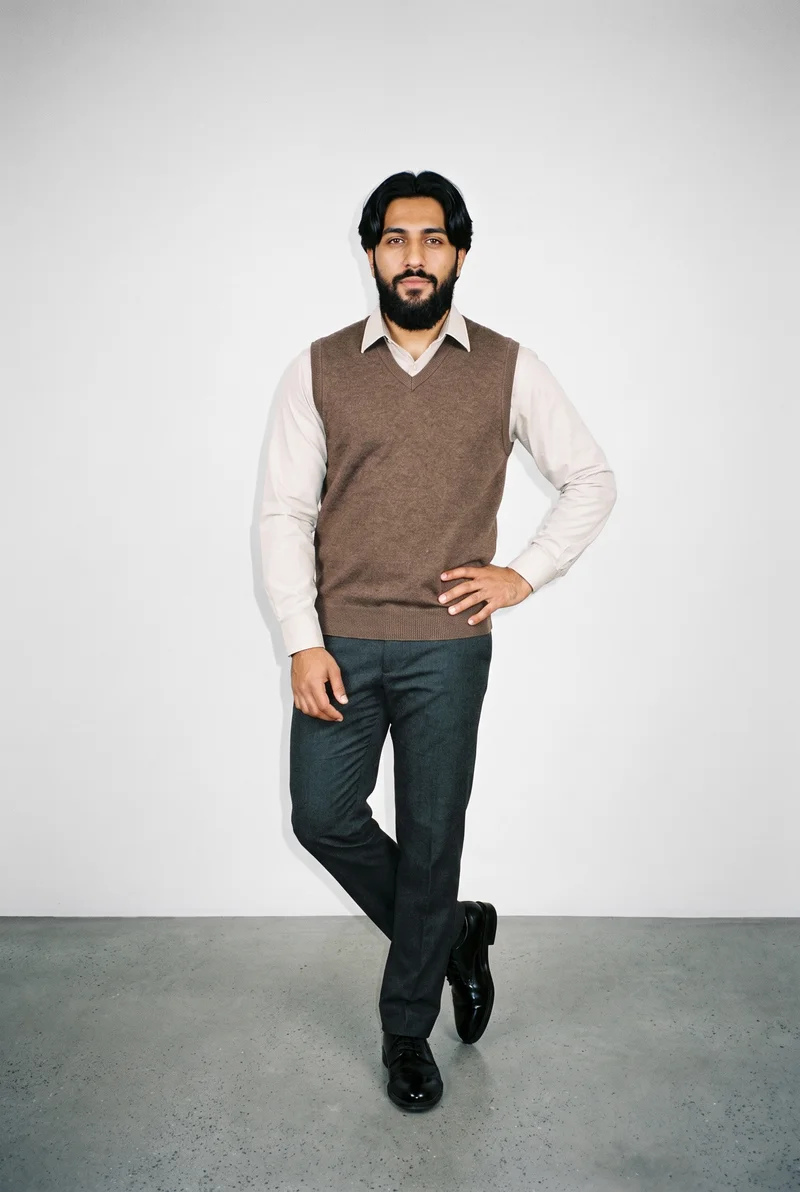
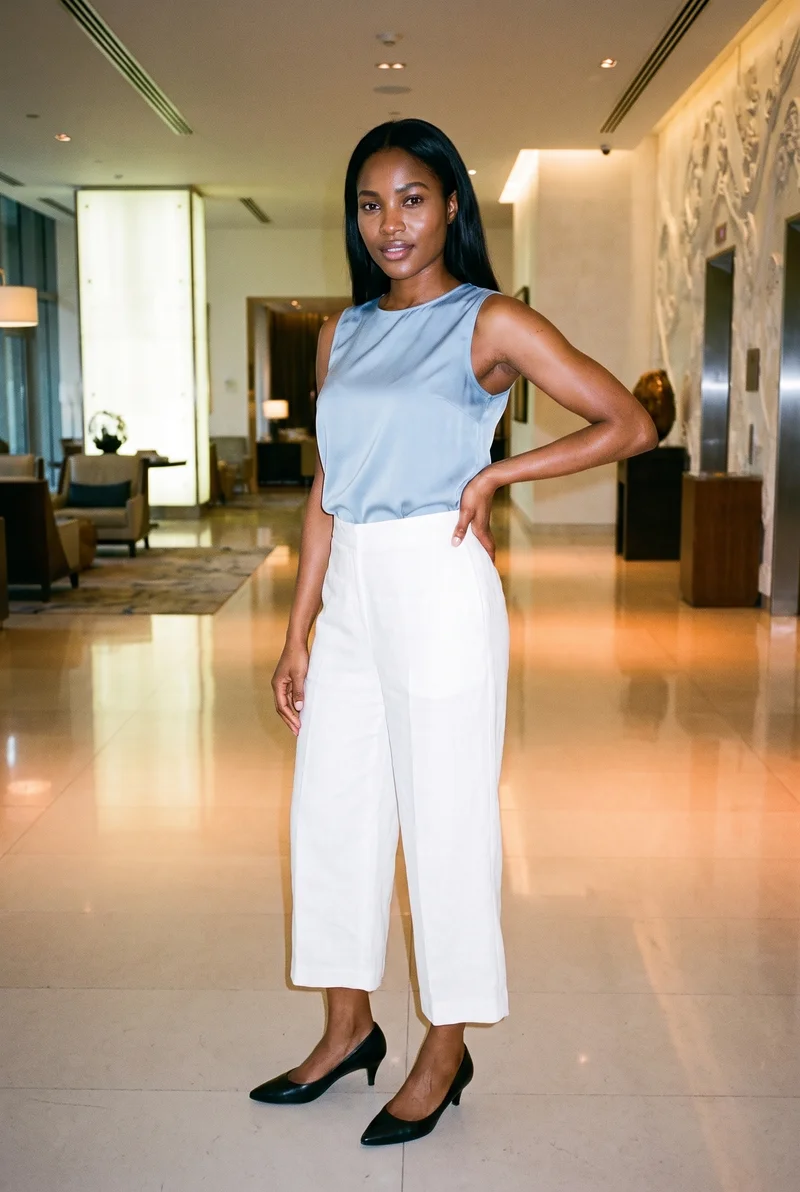
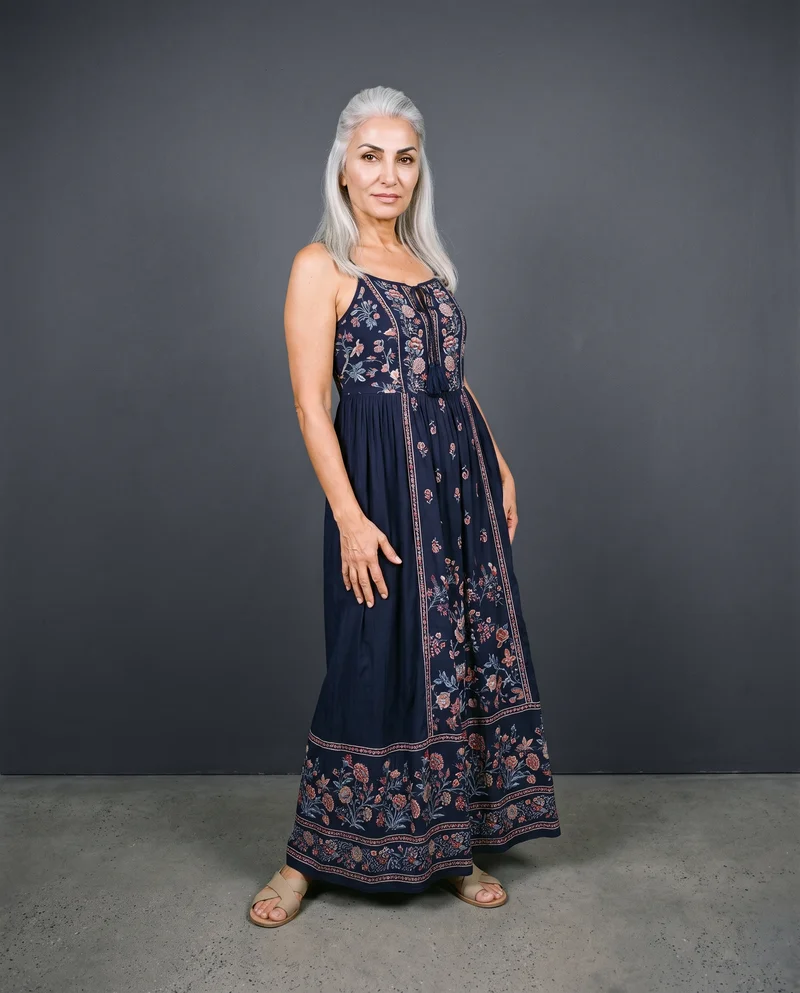
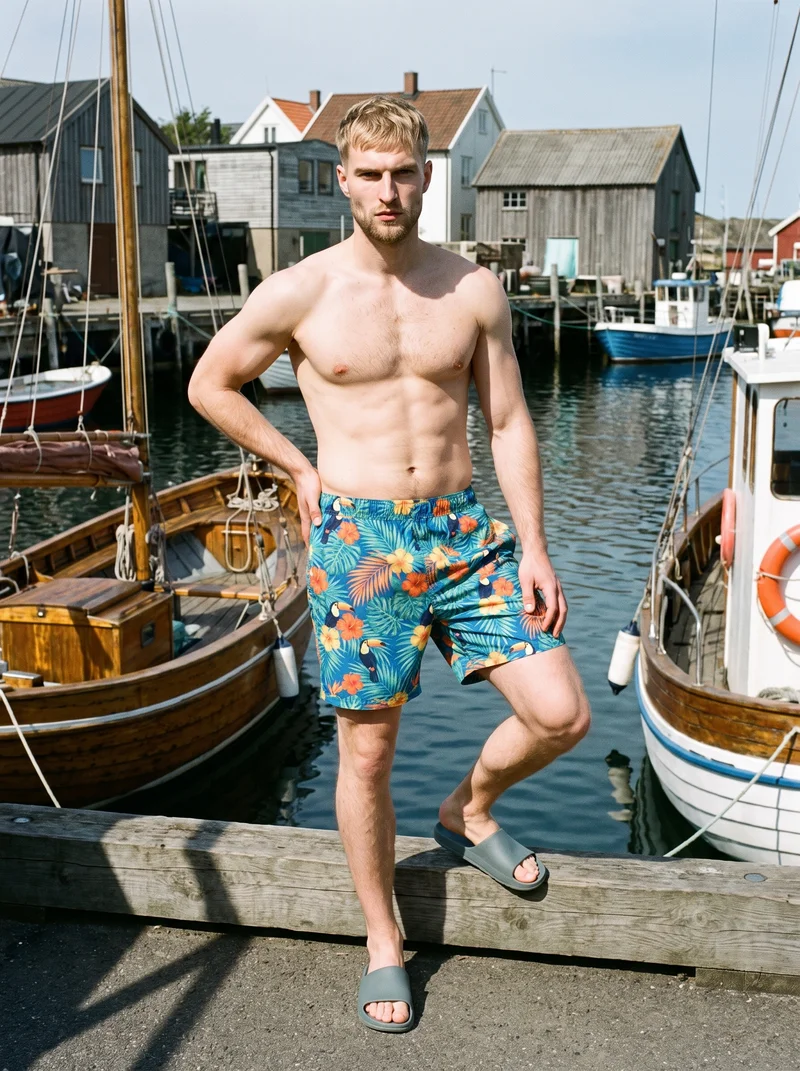
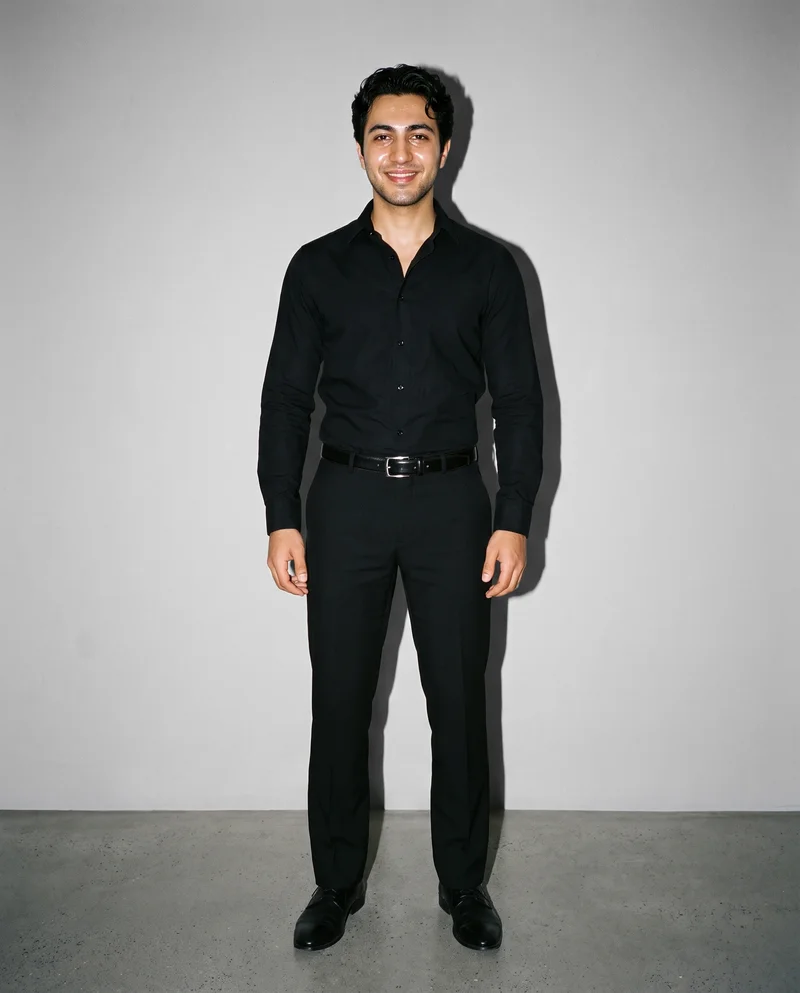
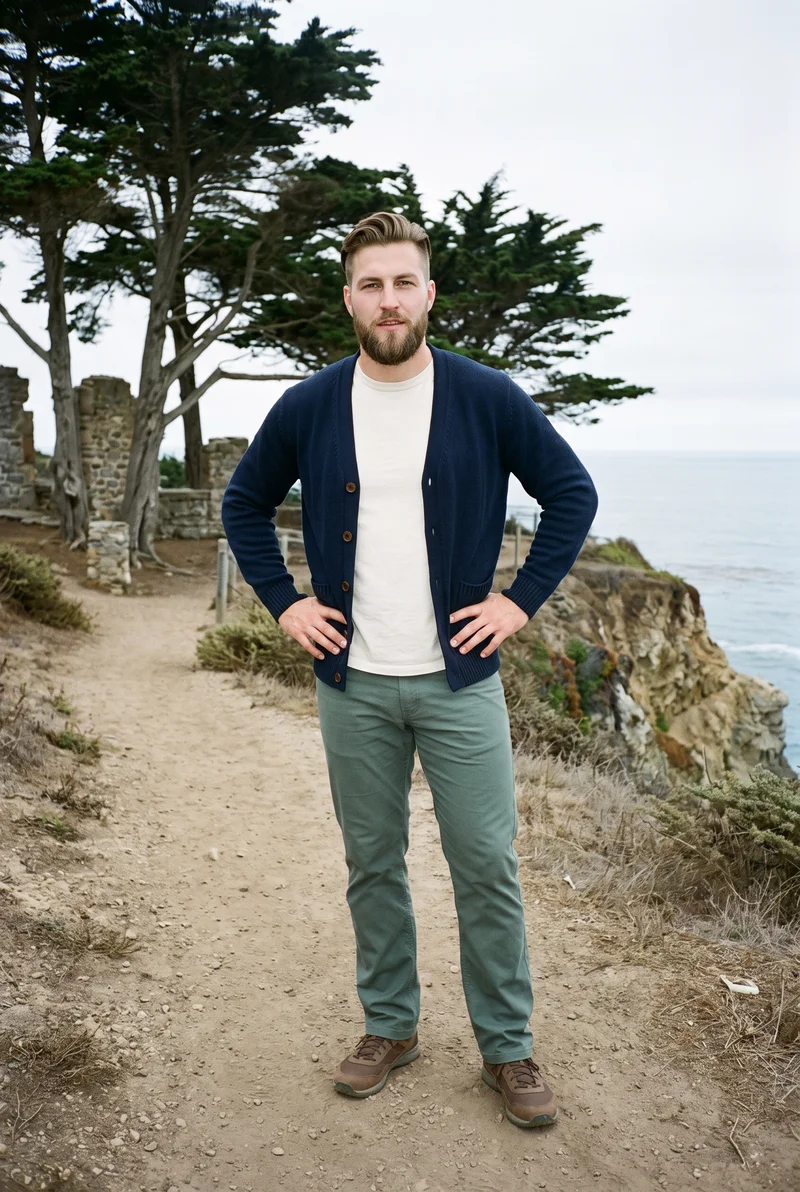
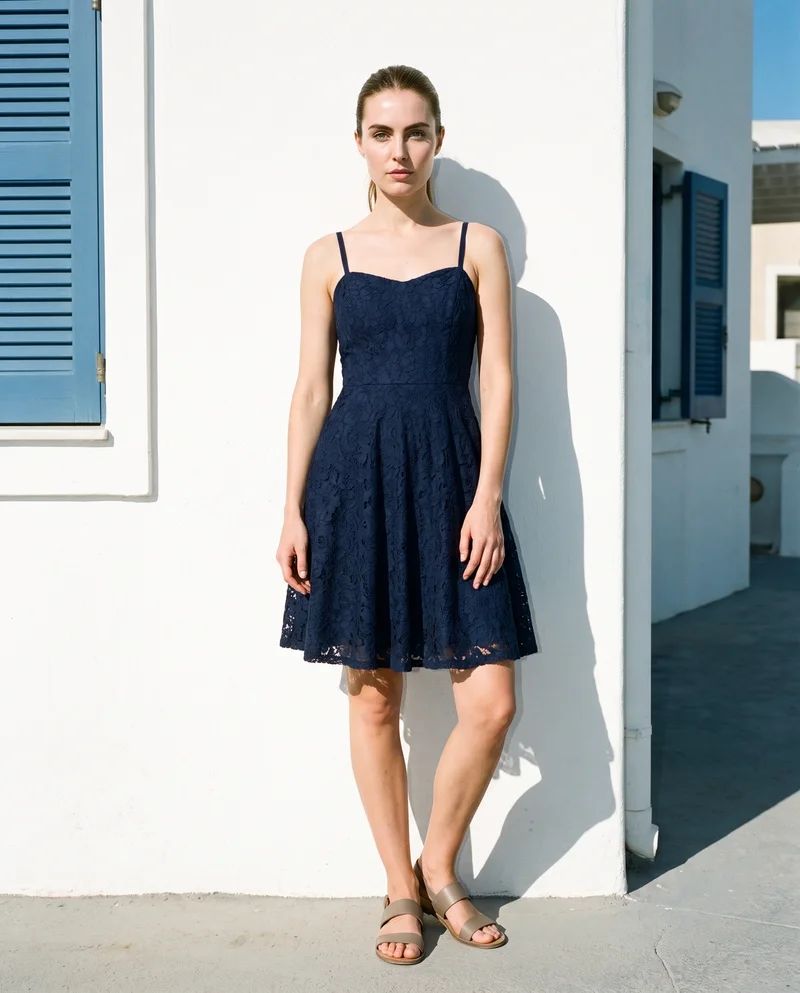
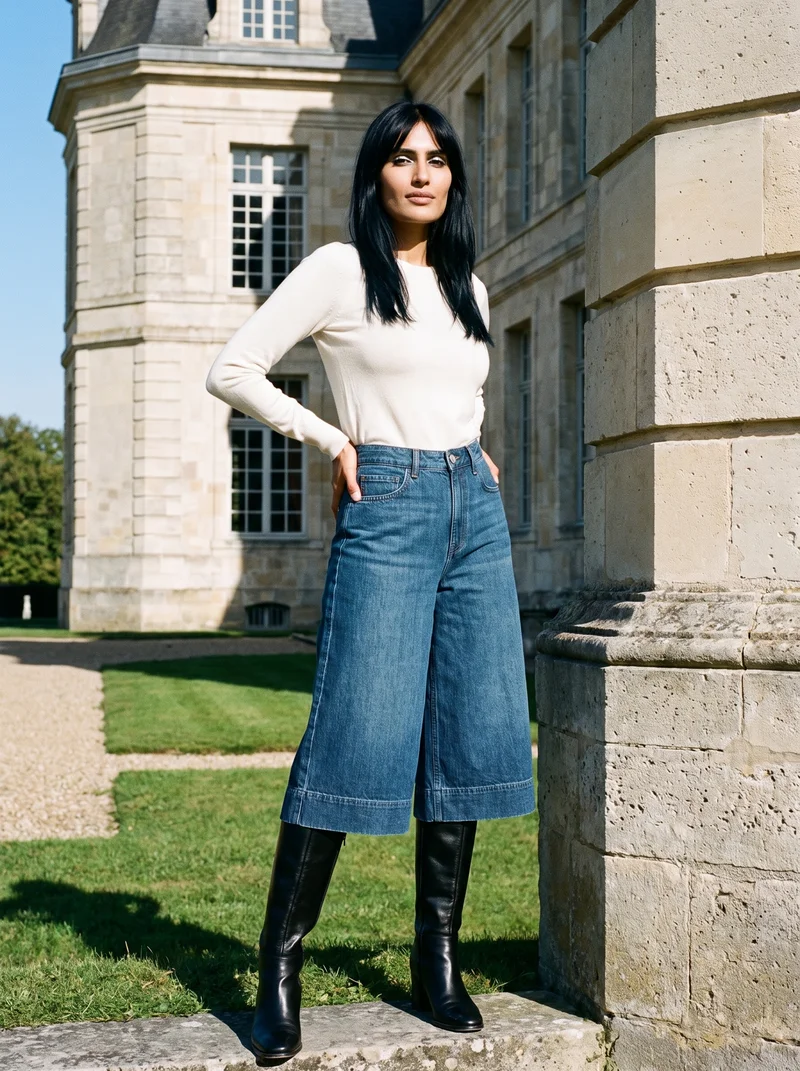
Showing 9 of 41, shot in RAWSHOT
Use cases
When vendor photos make every stockist look alike.
Supplier Images To Listings
The situation
Supplier flat-lays make the range look like every other stockist’s product page.
With RAWSHOT
If you are an e-commerce manager, use supplier flat-lays with a shared model, pose language, and setting. You get coherent on-model imagery for every product page.
Distinct Boutique Presentation
The situation
The garments are recognizable, but generic vendor imagery gives the boutique no coherent environmental presentation.
With RAWSHOT
For an indie designer, keep garments recognizable while setting a lifestyle environment, consistent framing, and a distinct presentation. The finished set gives the range a coherent look beyond vendor imagery.
Product Detail Series
The situation
Product details need to lead, so a studio-style series matters across wholesale pieces.
With RAWSHOT
For a wholesale and sales team, choose studio context, matching framing, and direction when product details need to lead. You get a clear set for linesheets and product pages.
Reviewed Range Set
The situation
The boutique has product photos for a range and needs each variant reviewed for publication.
With RAWSHOT
For a social media manager, prepare a distinct set from your own product photos and review each variant. You get approved product imagery for publication.
What you get
Publish a coherent on-model set across product pages.
Build a consistent on-model product-page image set from the boutique’s real pieces, with a distinct presentation that keeps the range coherent for publication.
Real product presentation
Use the boutique’s own product photos or flat-lays so the finished pages represent the actual wholesale pieces.
Shared visual direction
Keep a selected model, pose language, and framing approach aligned so shoppers can compare products within one visual range.
Distinct page context
Use an environmental or studio context to move beyond identical vendor imagery while keeping the product central.
Reviewed variants
Review each generated variant for product details, hands, hardware, and overall suitability for publication.
Direct the shoot
Frame, view, pose and light shape each piece.
Image frame
15
Pose
22 poses on this frame
Camera view
4
Format
9
Pose style
4
Facial expression
10
Photography direction
4
Create photoshoot
Step 7 of 7 · Composition
Image 1 · readyGallery image from this pageProduct
Your product
Model
From the library
Composition
Full Body · Front View · Catalog pose · Neutral
Delivery
2K · 1:1
Light
Studio Cutout
Total cost
5 tokens
AI fashion models
The wearer comes from 1,197 library models.
1,197 licence-free grown models across ages and body types. Or build a private model from visible attributes.
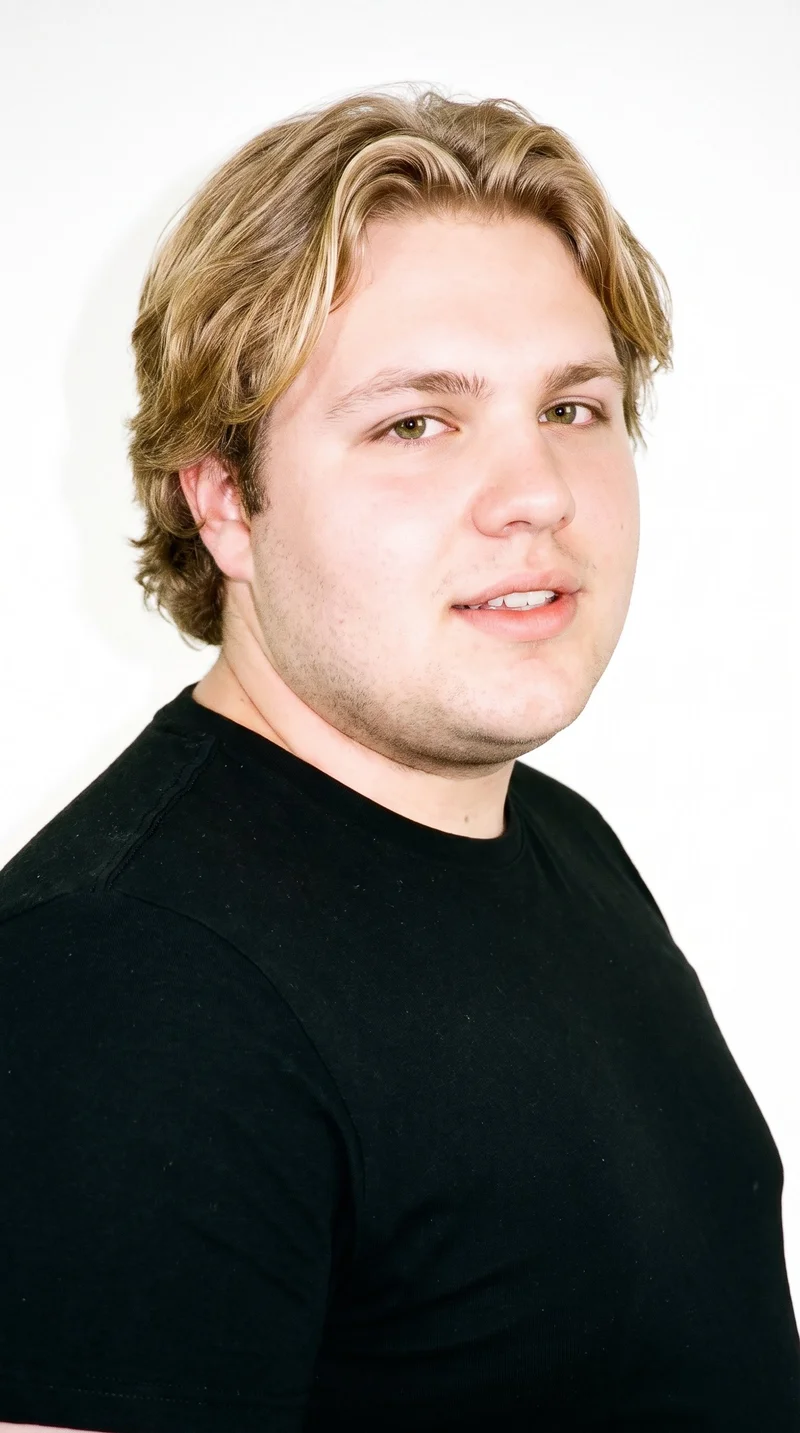
Male · 21
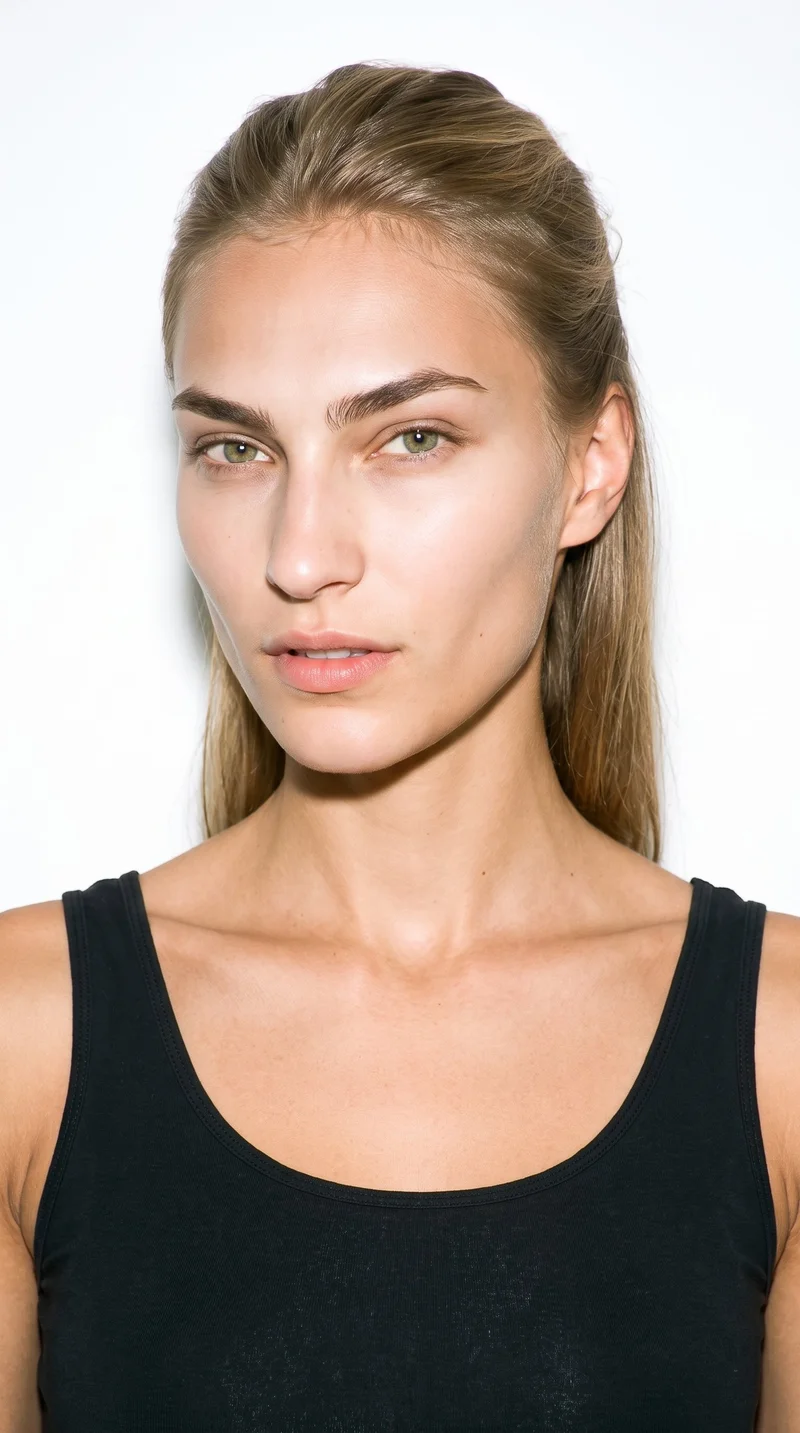
Female · 19
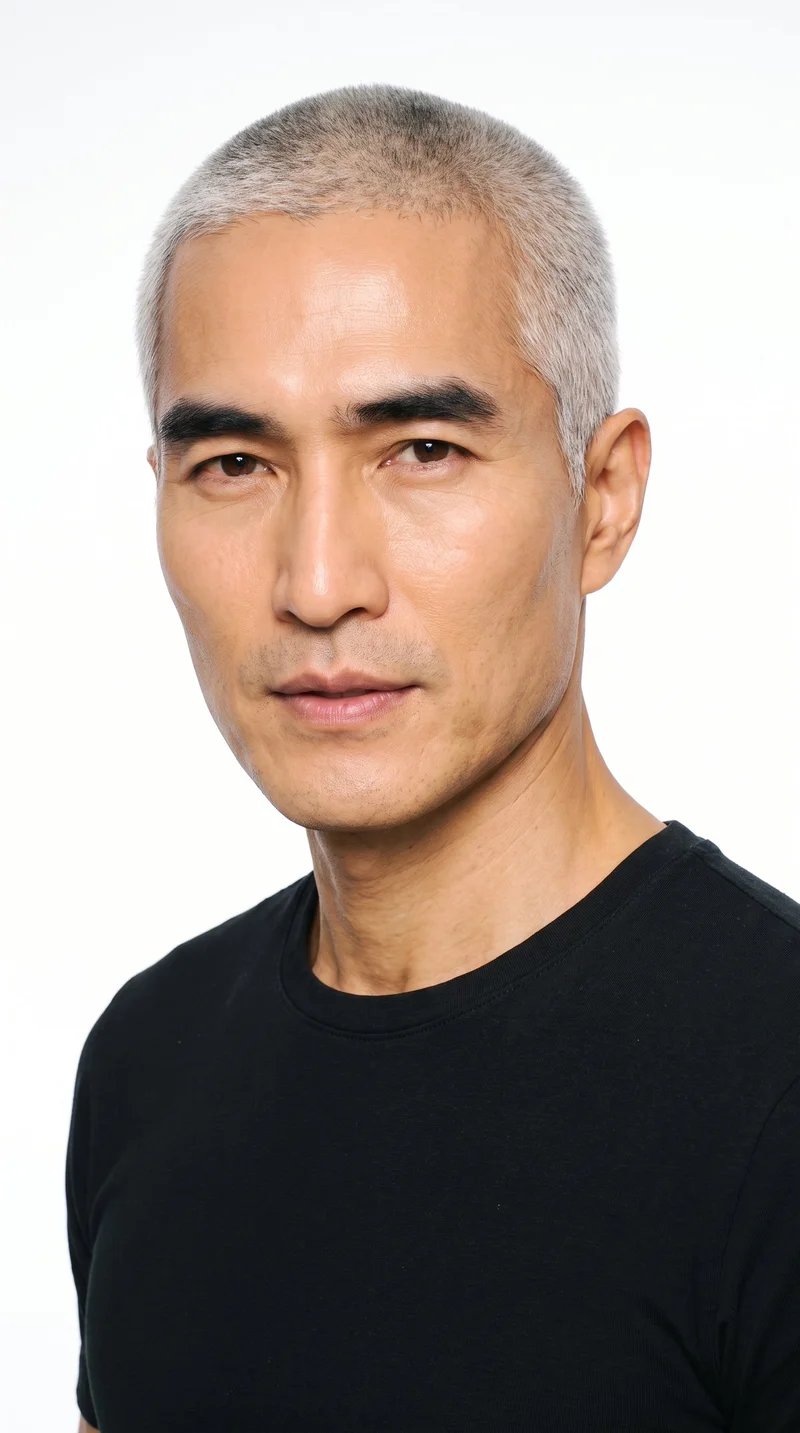
Male · 54
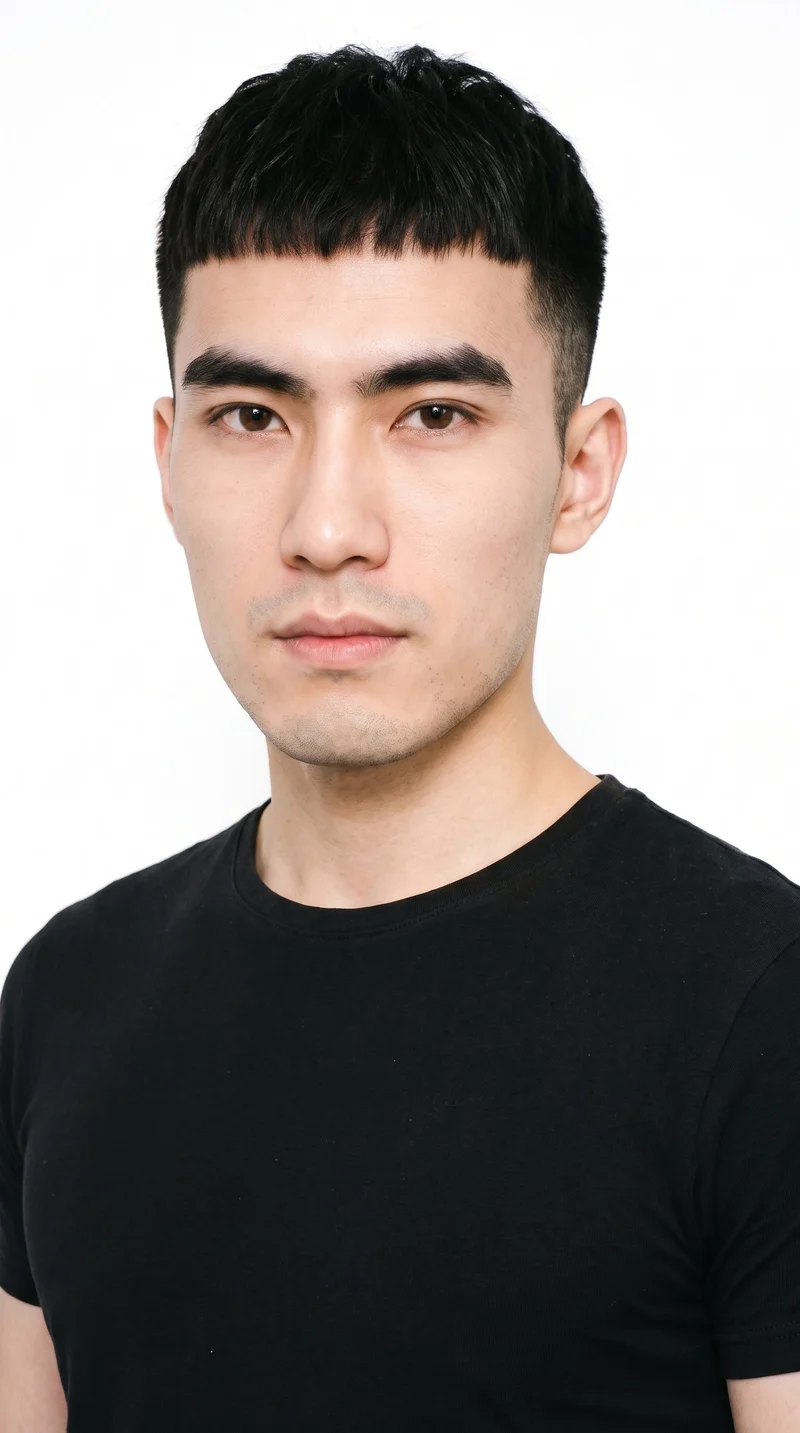
Male · 24
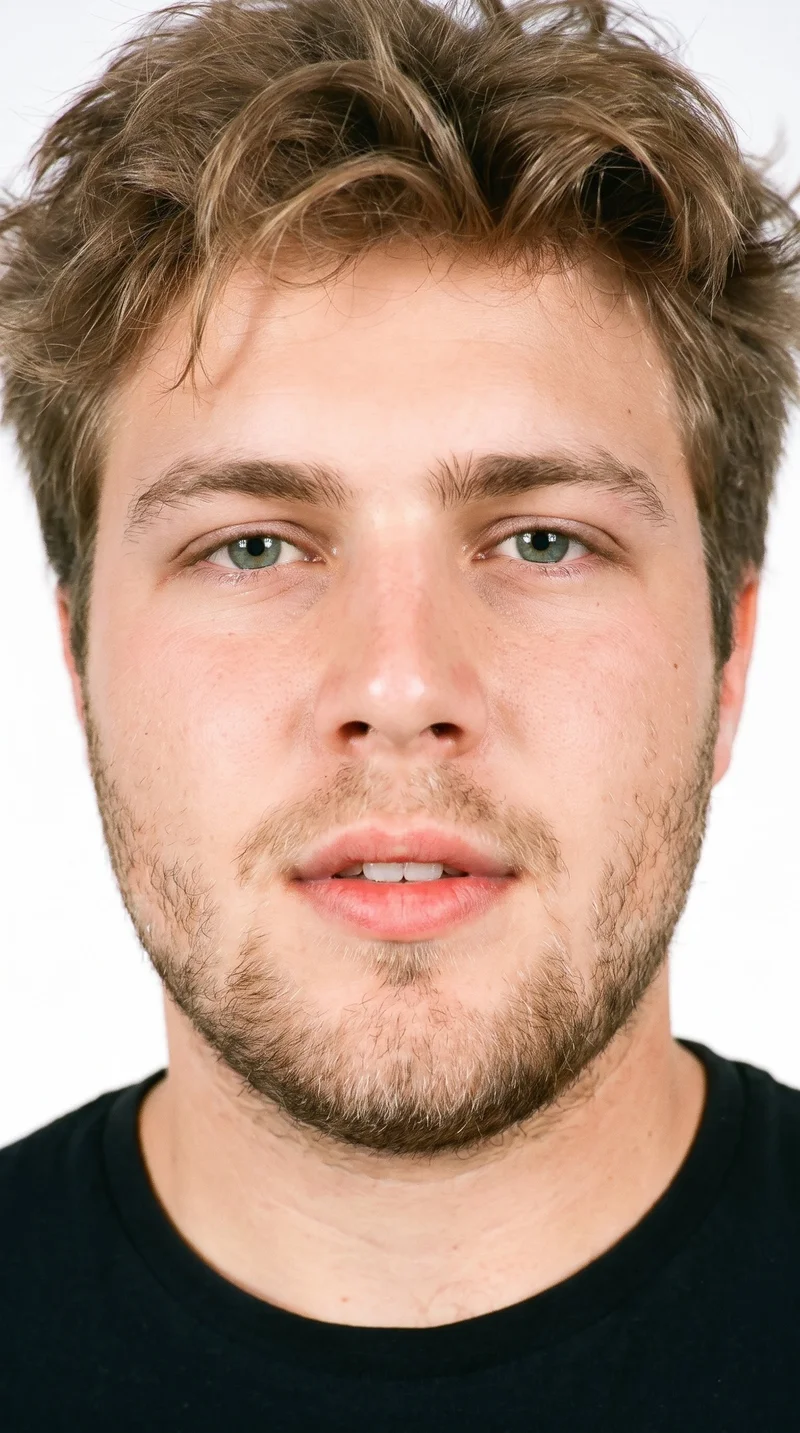
Male · 18
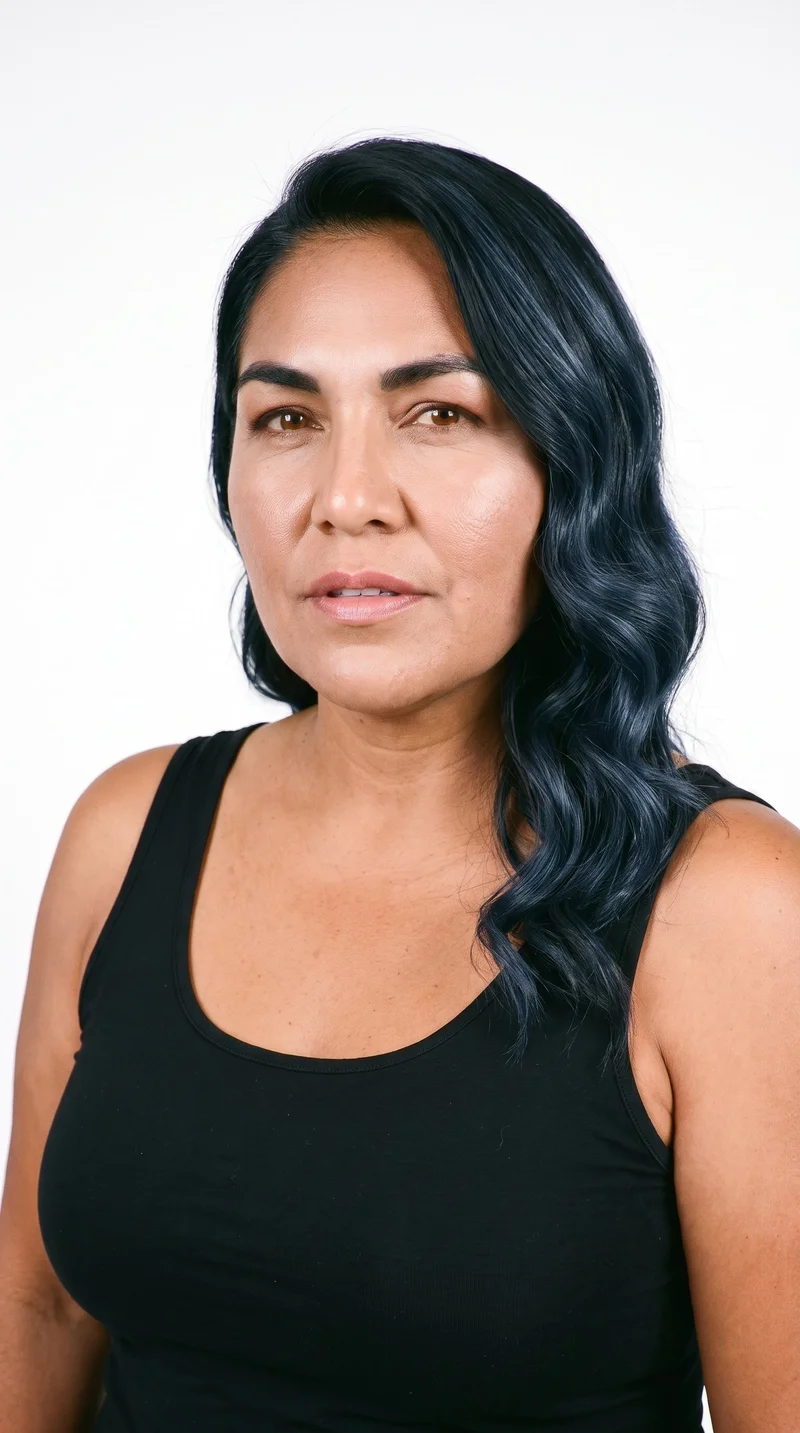
Female · 58
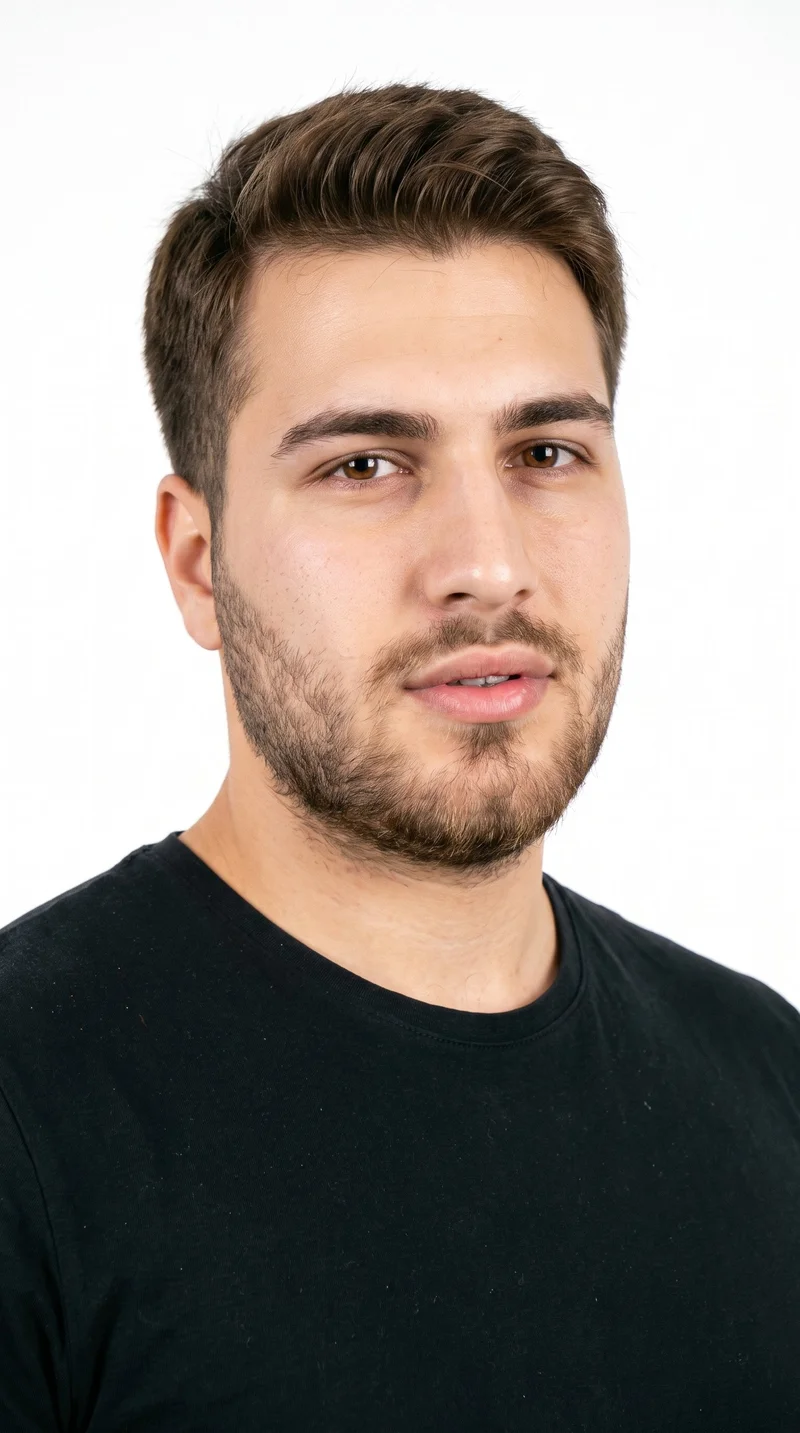
Male · 20

Male · 20
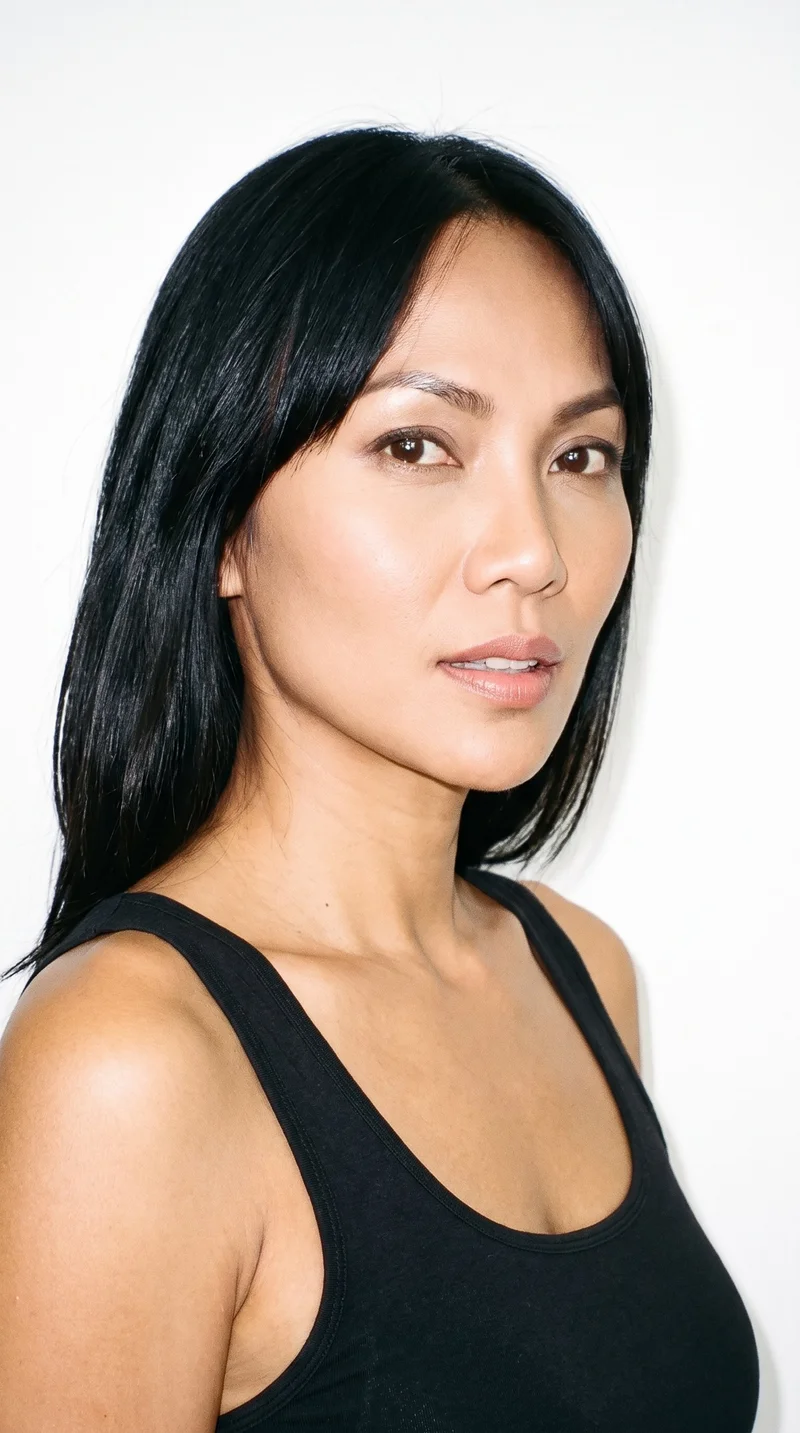
Female · 40
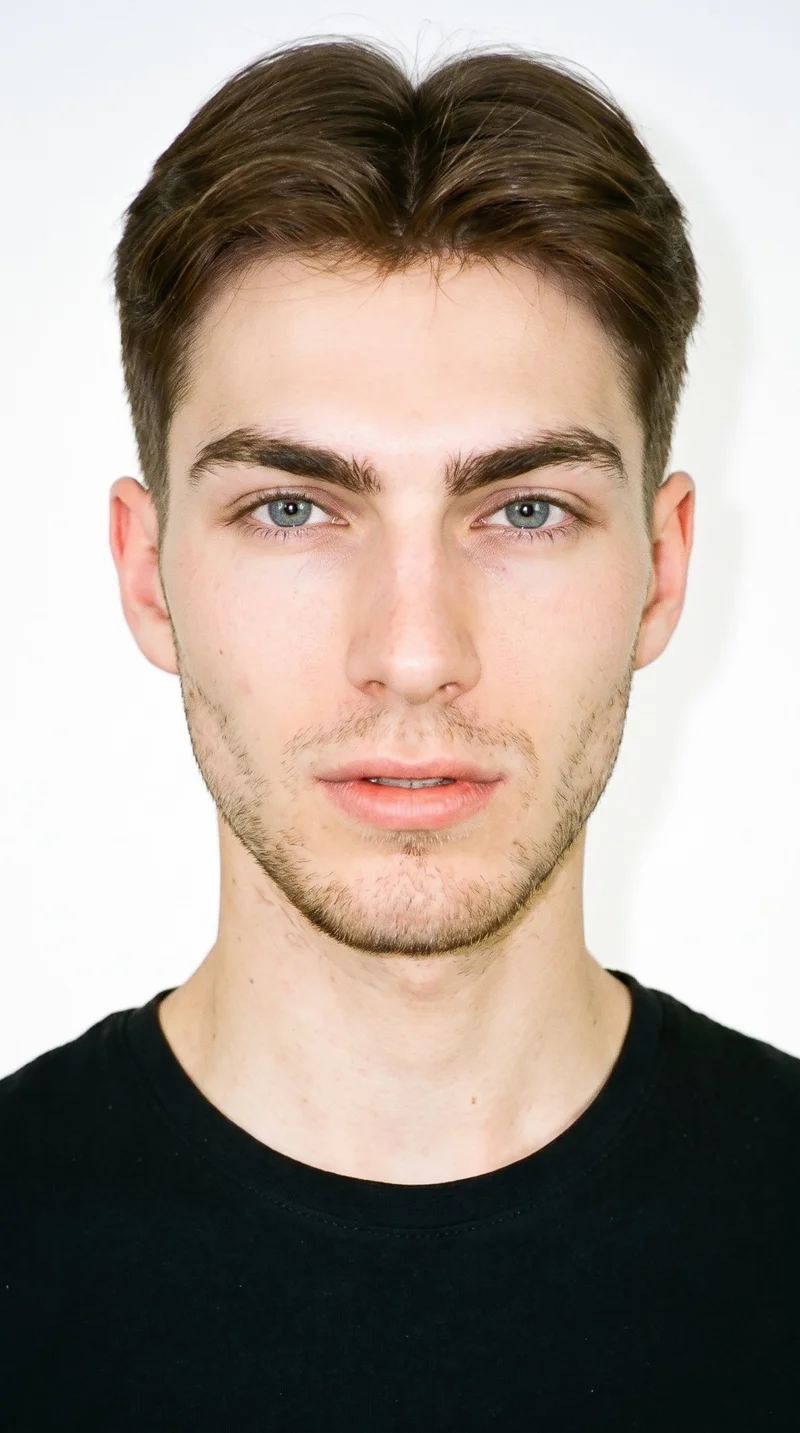
Male · 19
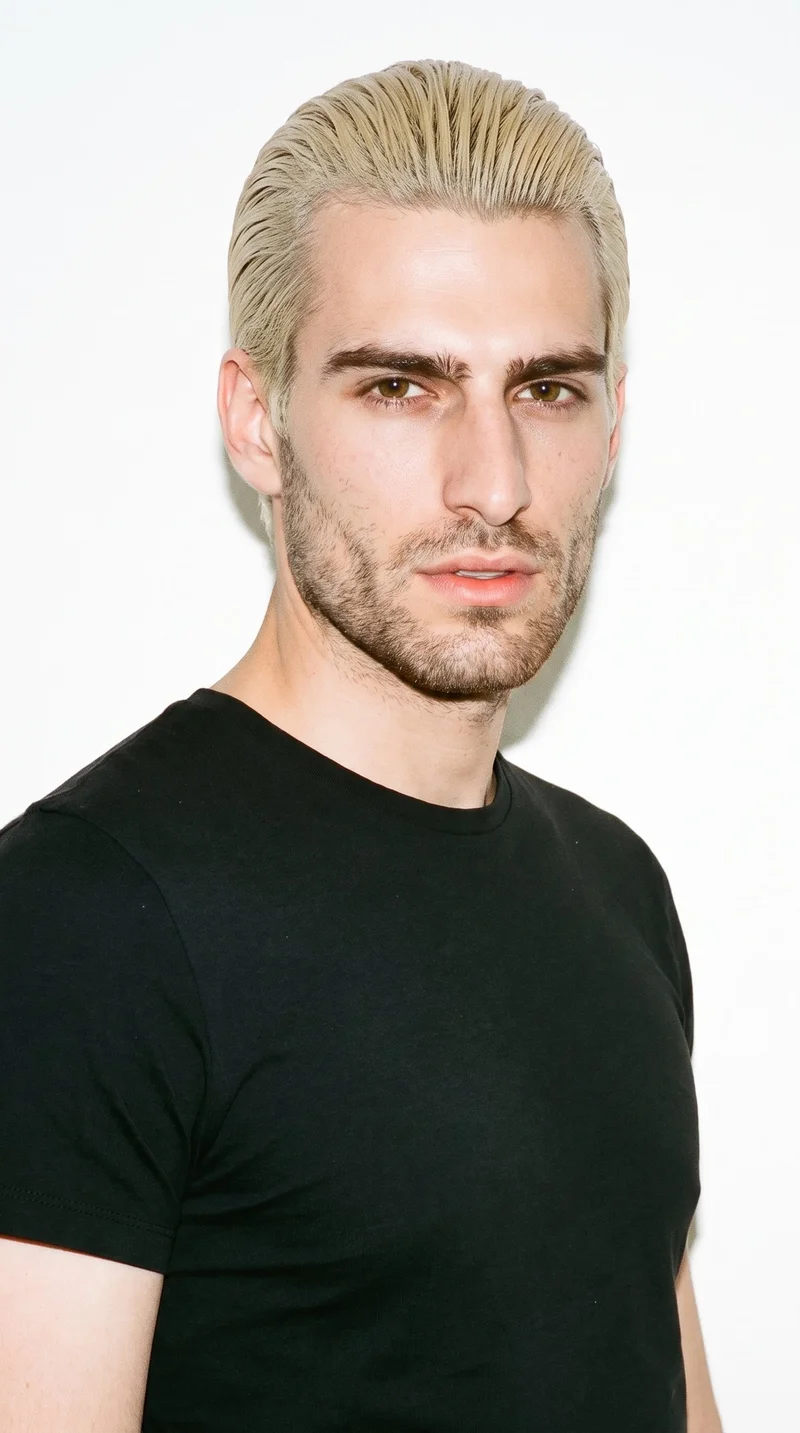
Male · 23
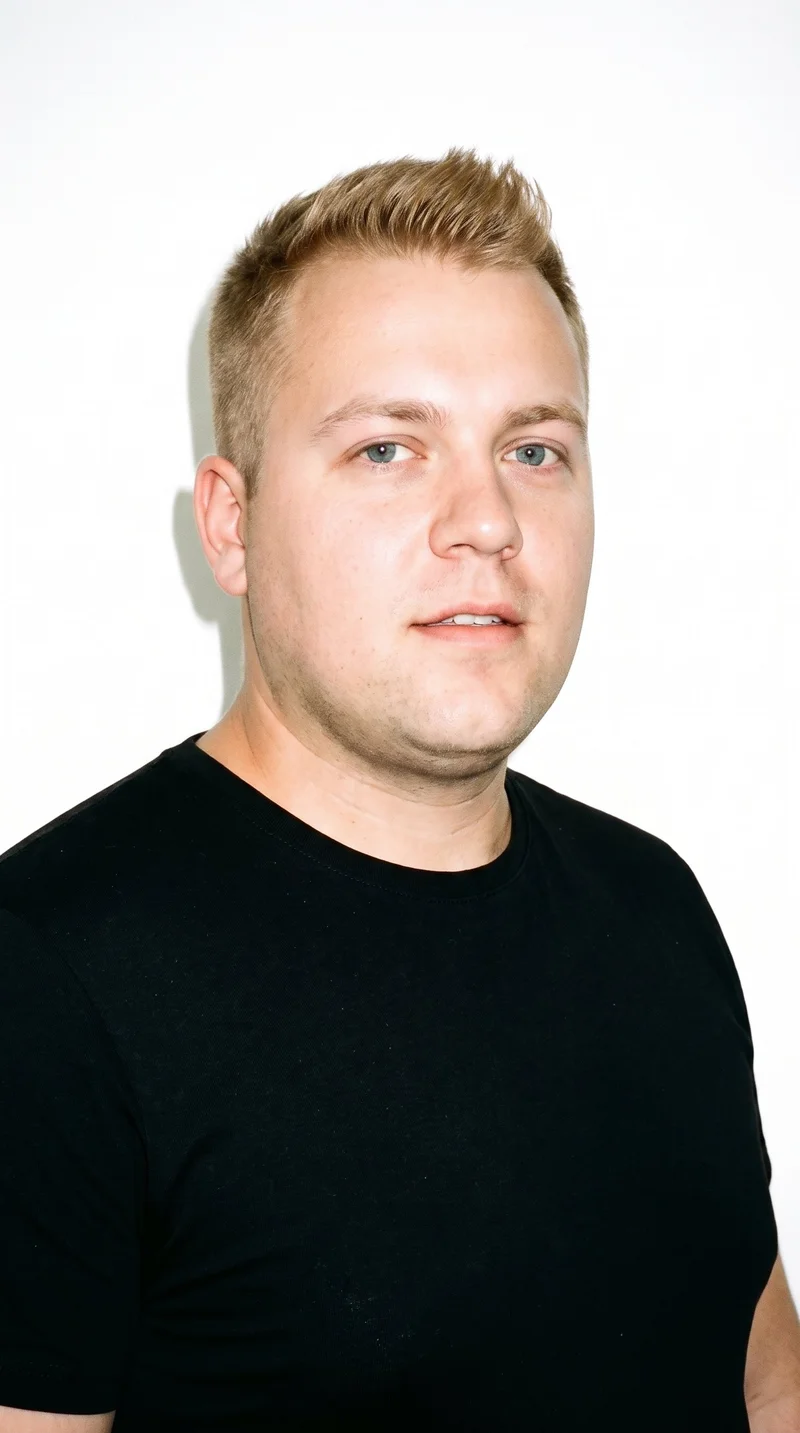
Male · 33
Showing 12 of 1,197
Cast your modelRawshot Features
Direct each piece into one visual range.
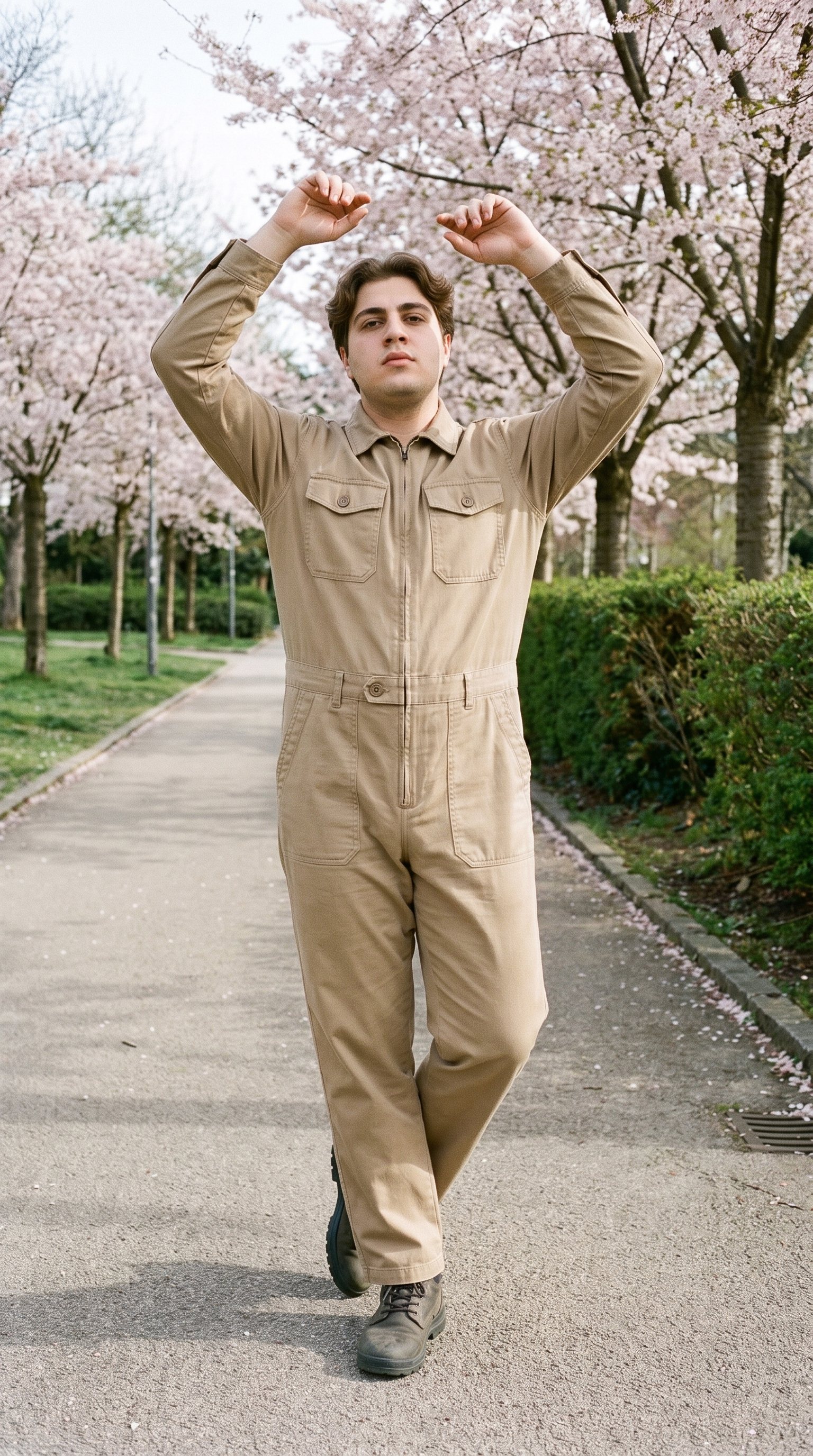
Fashion model poses
Choose a shared pose language and framing approach so each wholesale piece reads as part of the same product-page presentation.
22 poses on a full-body shot · 104 in total
See the feature →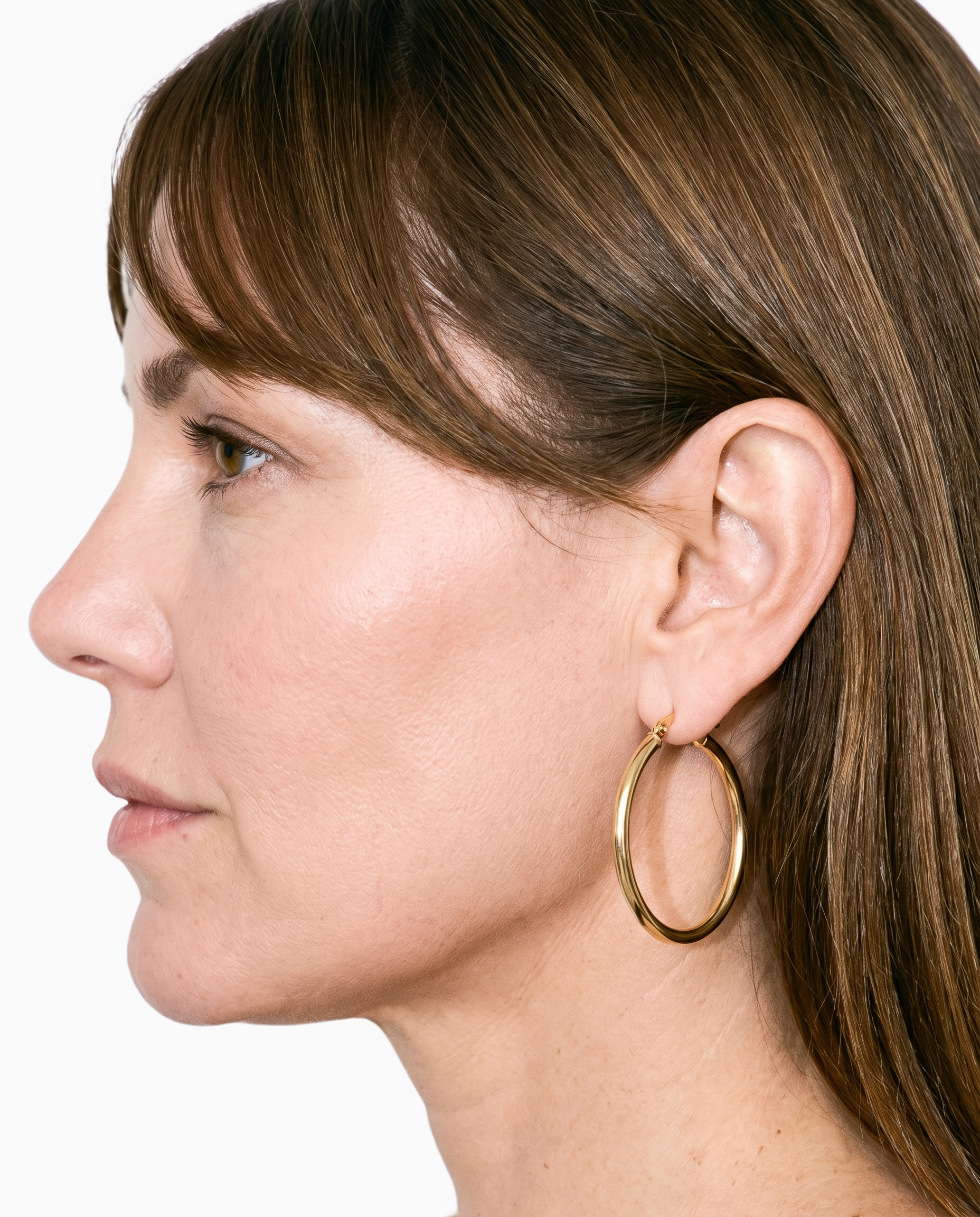
Product import and handling
Starting from your own product source keeps the page focused on the actual piece, not the generic supplier context.
Start from your real item and keep product fidelity while building the scene.
See the feature →
AI model generator
A selected model identity gives shoppers a stable visual reference when they compare pieces across the boutique range.
Library filters plus private model building for consistent identity across the set.
See the feature →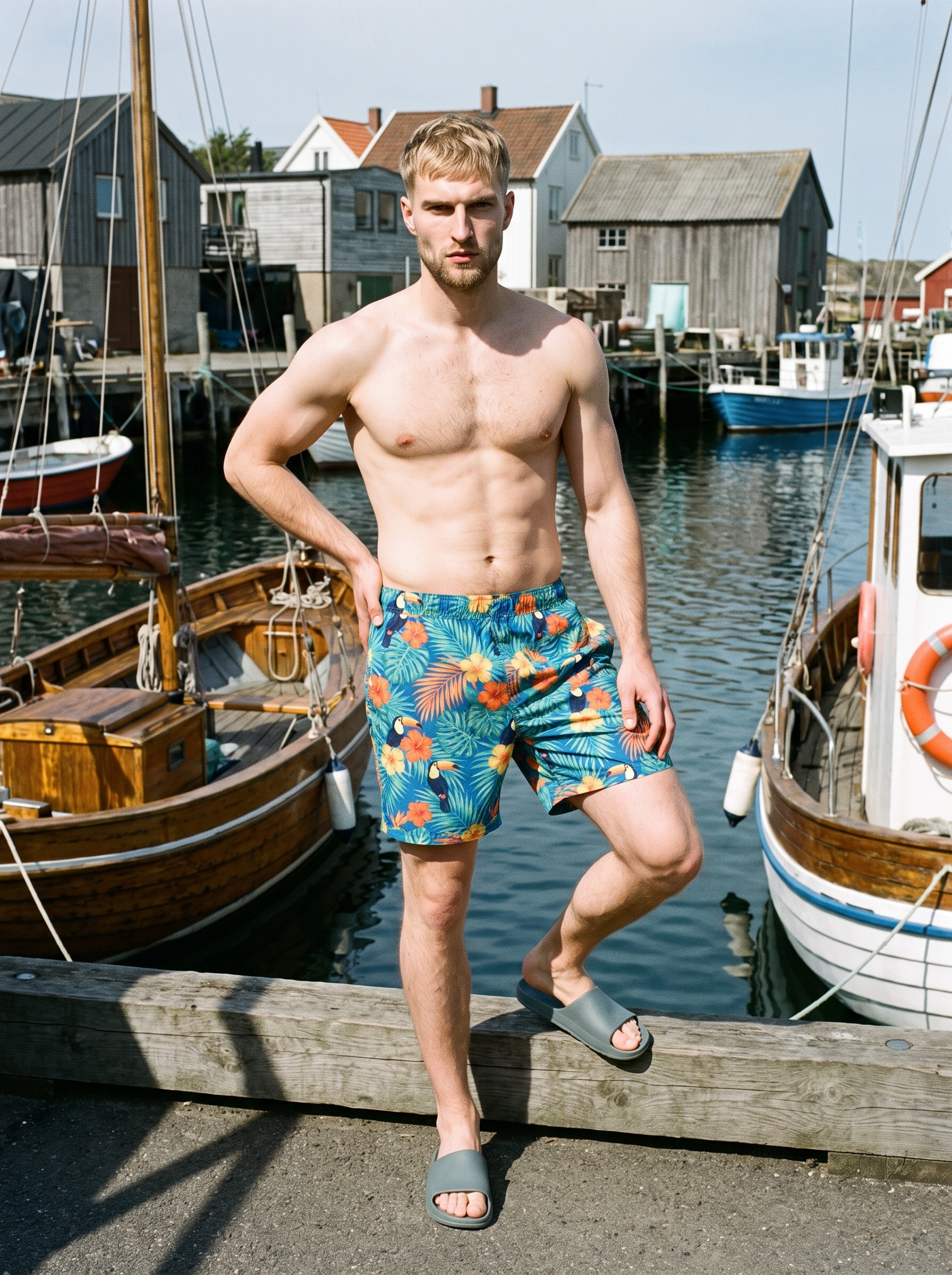
AI photo background generator
Set the surrounding scene to give wholesale pieces a distinct environmental or studio context while keeping the product central.
Swap scene context while keeping model, product, and framing stable.
See the feature →AI image quality control
Every generated image is checked against your model, frame, view and pose before you see it.
AI image to image generator
Change one decision and keep the rest of the composition stable.
AI image to video generator
17 model actions on a full-body shot · 132 in total
AI makeup generator
Branch-aware named options applied without altering casting or scene setup.
AI outfit generator
Combine the main piece with neutral supporting items in one coherent frame.
AI suggestions
Preselected control values you can always override in the same configurator.
Garment styling
Choose how the garment is worn and keep brand presentation consistent.
Inspiration gallery
Load editable finished looks as fast starting points for new shoots.
Photography direction
4 named choices that set mood and shadow the same way across a shoot.
Gallery
The range gains its own product-page look.
See how a selected model, real product, and coherent setting can give a boutique range its own product-page presence.
Looks & backgrounds
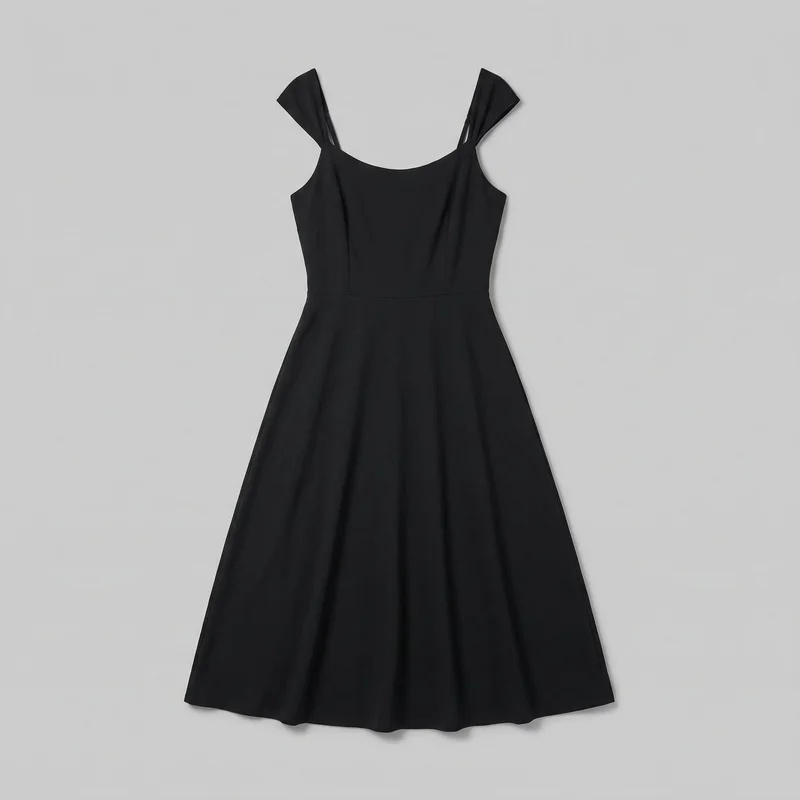 Black Midi Dress
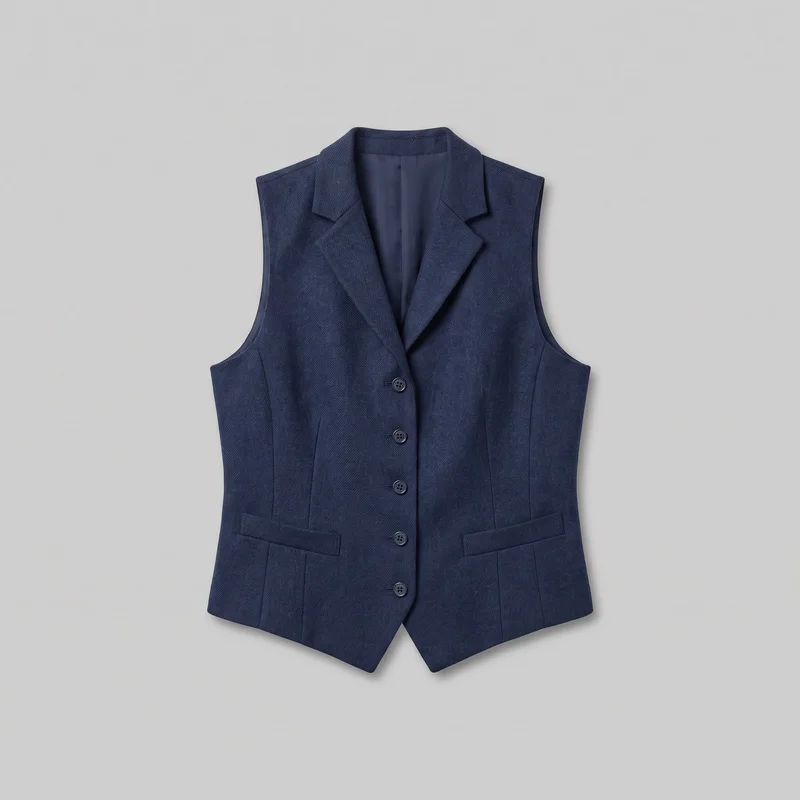 Women's Navy Wool Waistcoat
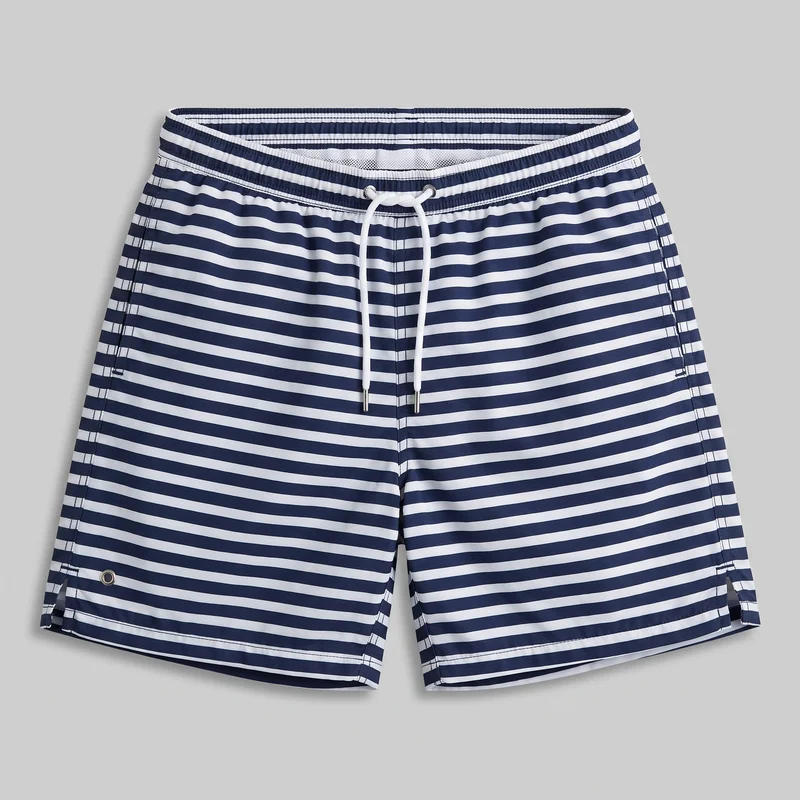 Striped Swim Shorts
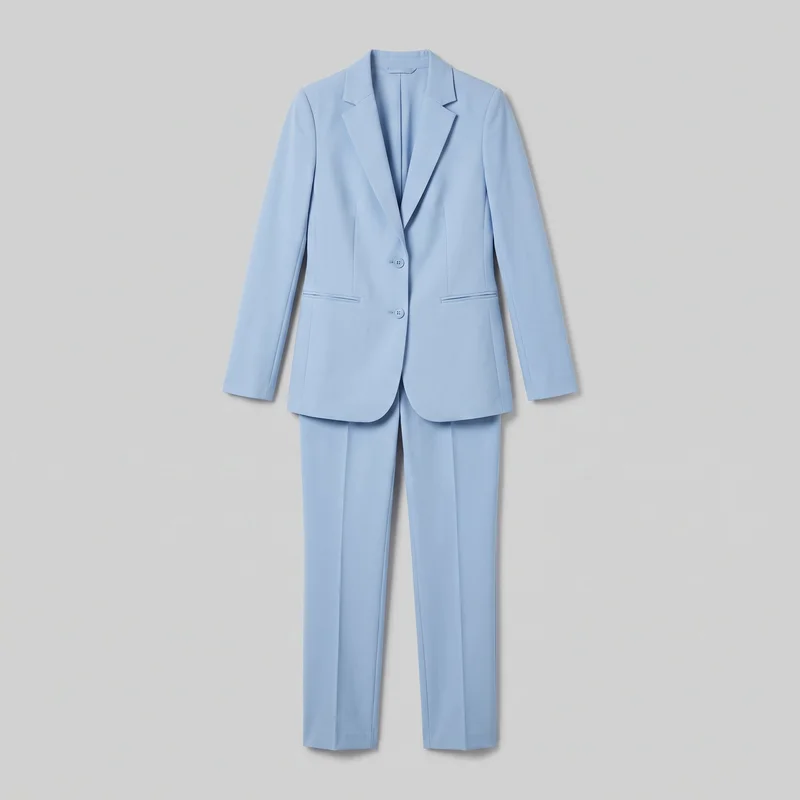 Powder Blue Trouser Suit
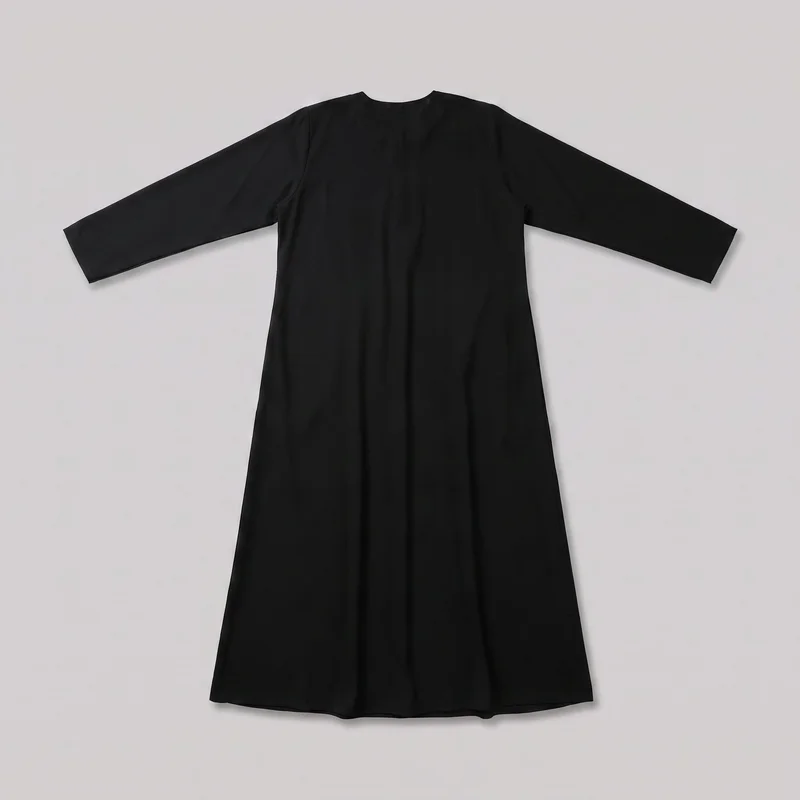 Black Classic Abaya
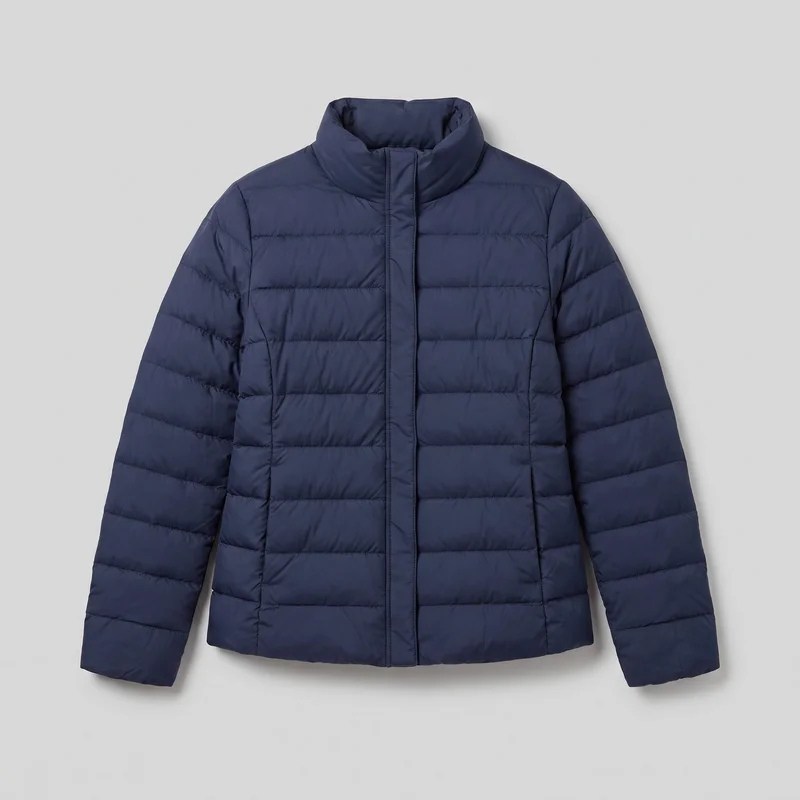 Women's Navy Padded Jacket
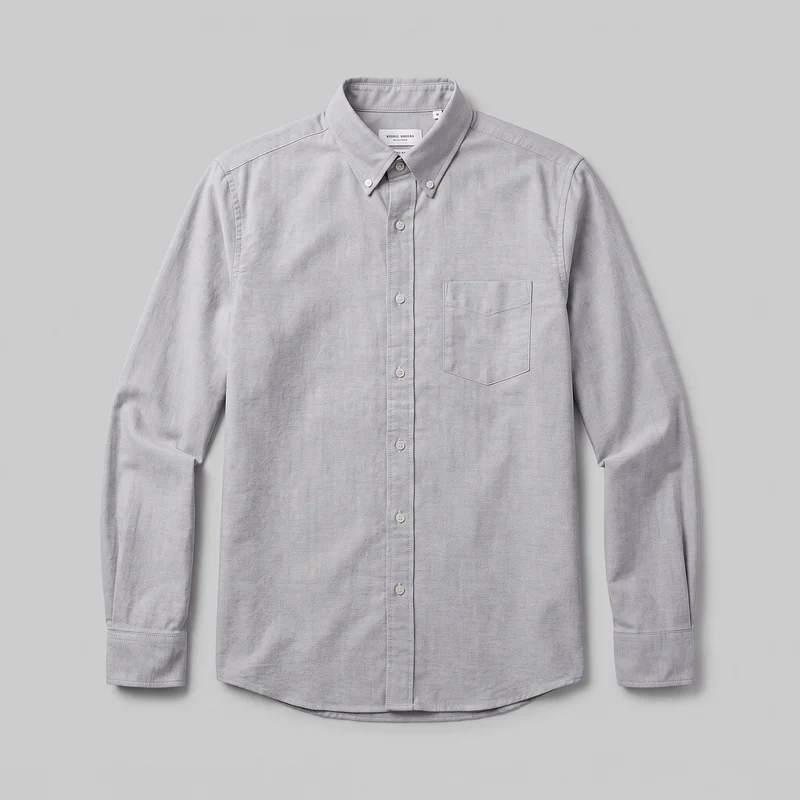 Grey Cotton Oxford Shirt
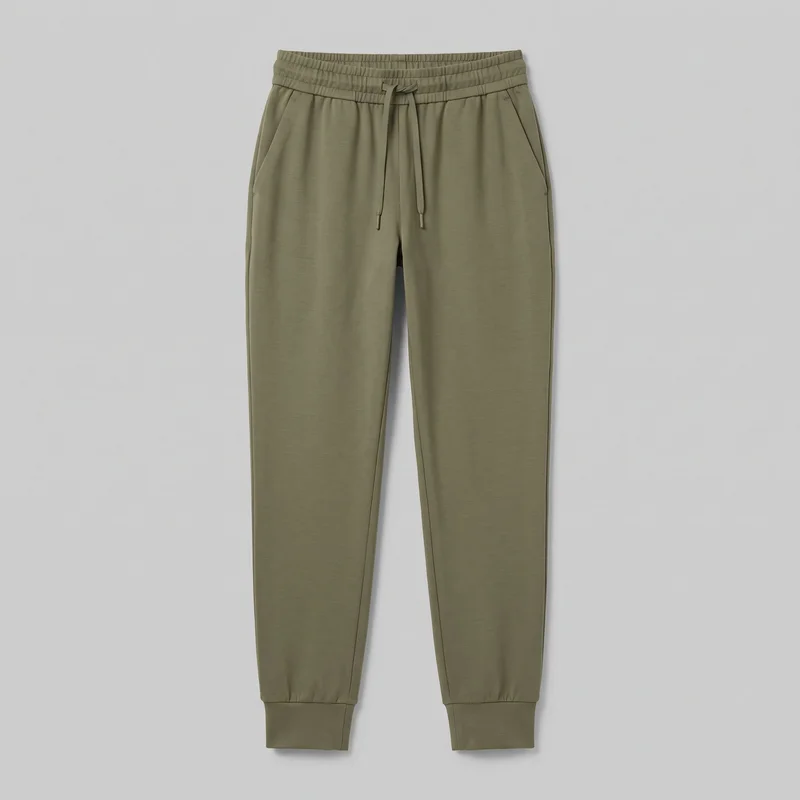 Women's Olive Cuffed Joggers
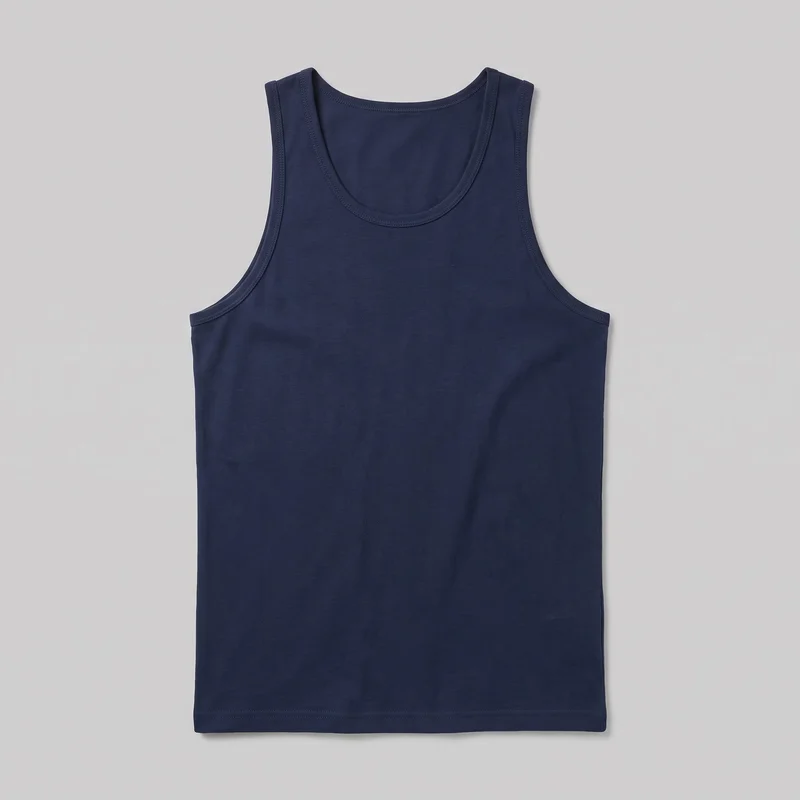 Men's Navy Blue Tank Top
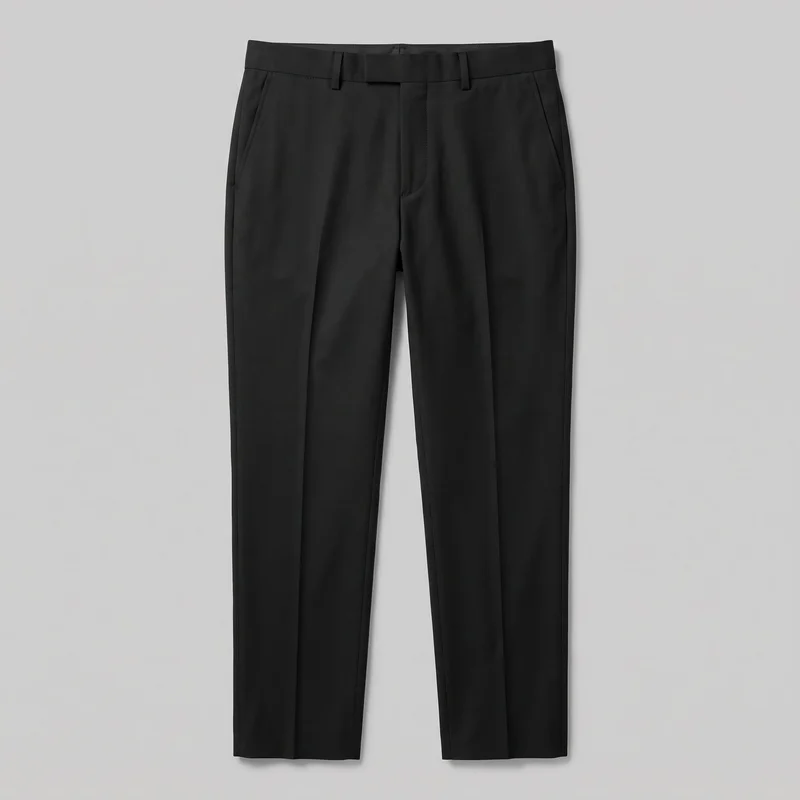 Men's Black Suit Trousers
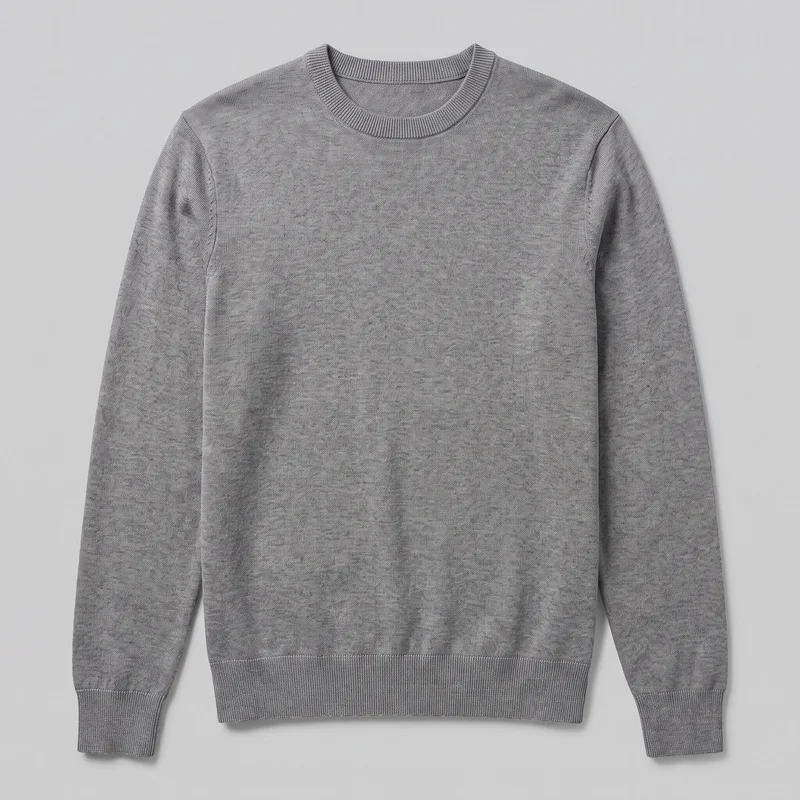 Men's Grey Crewneck Pullover Jumper
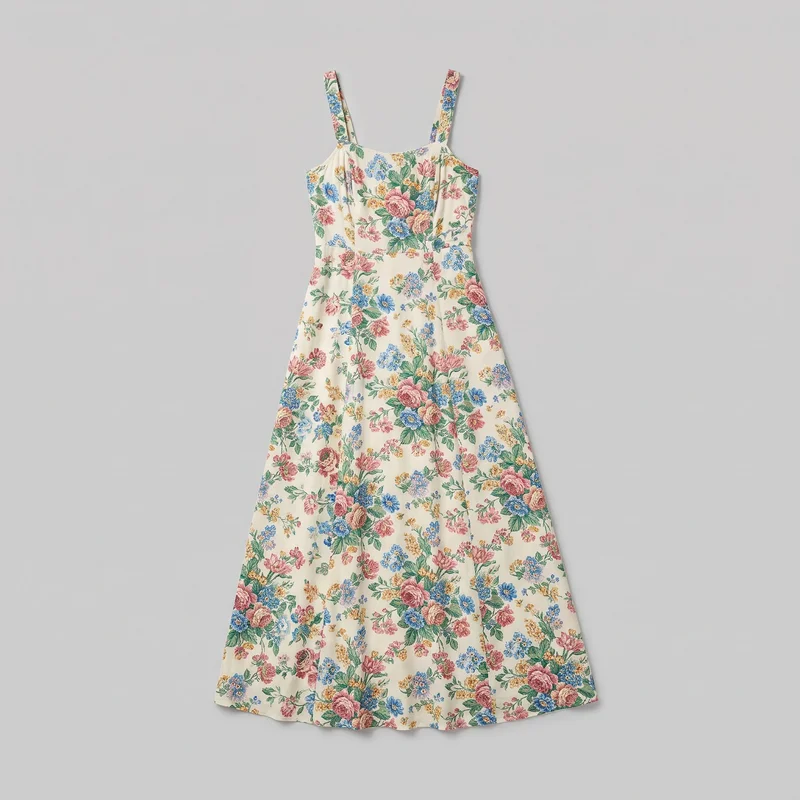 Floral Print Maxi Dress
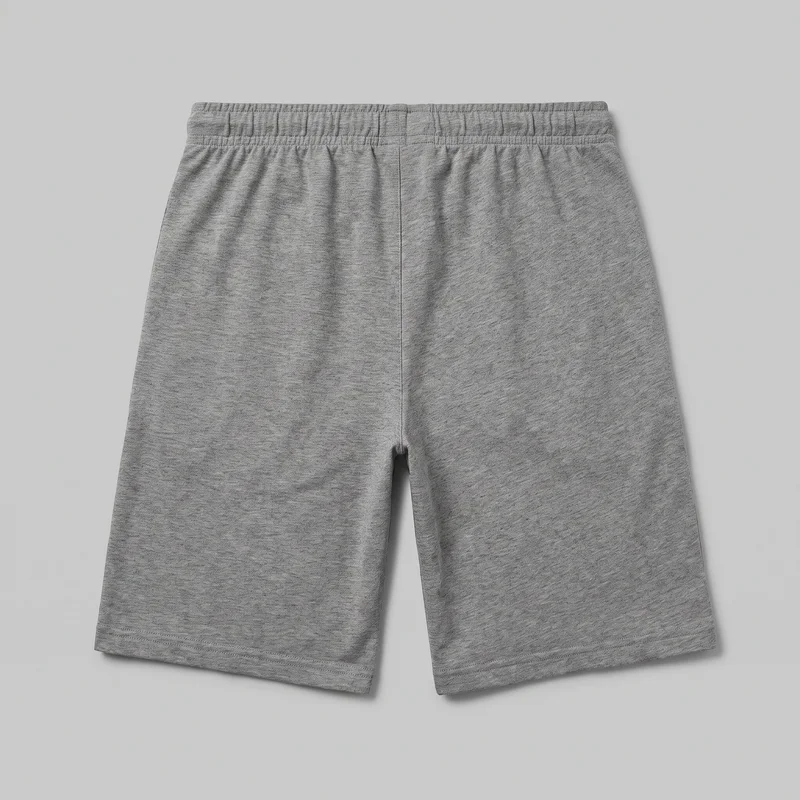 Men's Grey Jersey Shorts
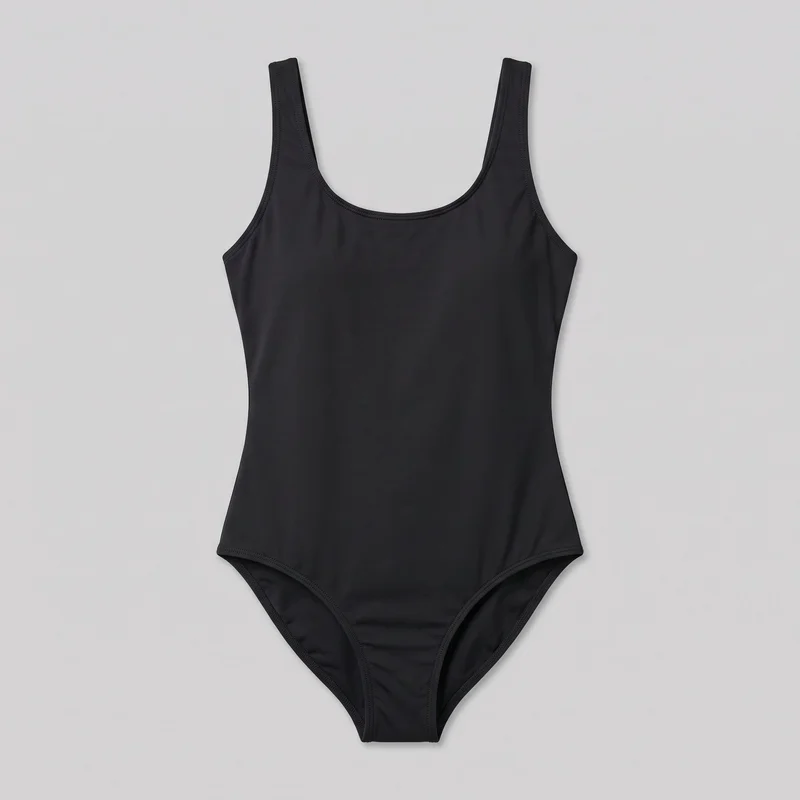 Black One-Piece Swimsuit
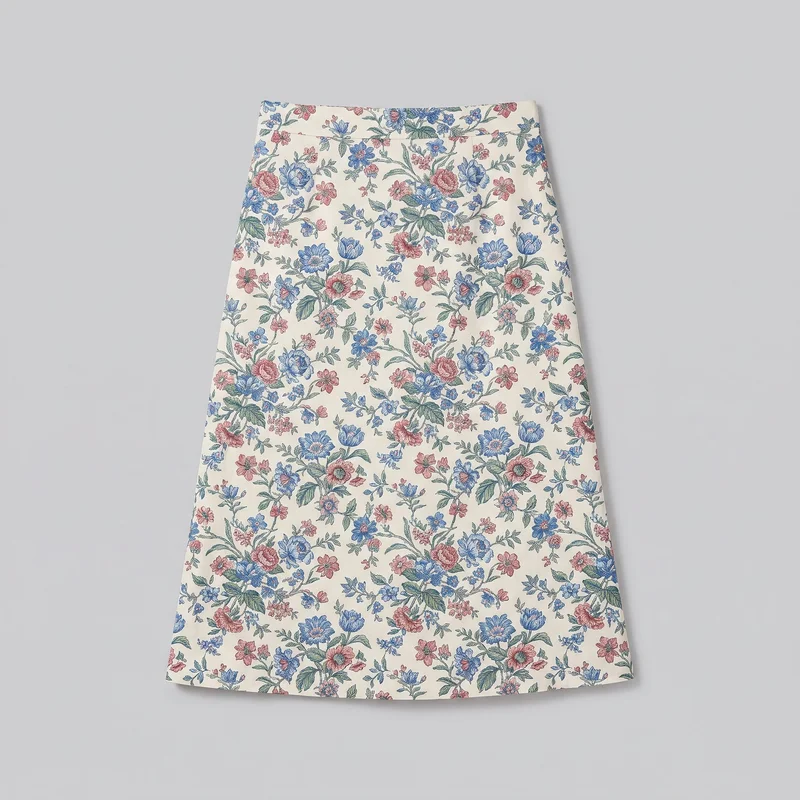 Floral Print Midi Skirt
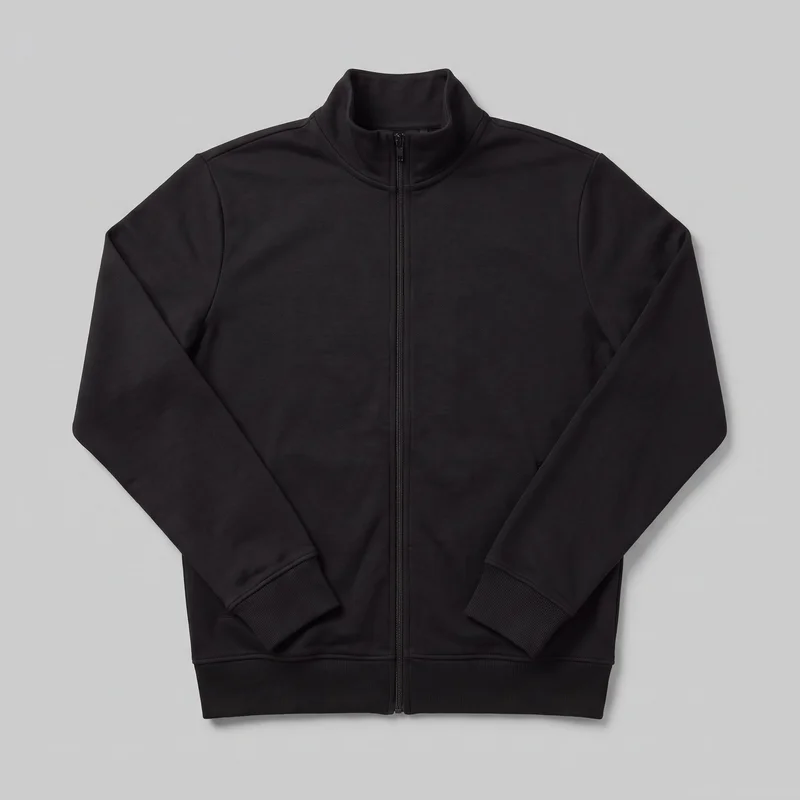 Men's Black Tracksuit Top
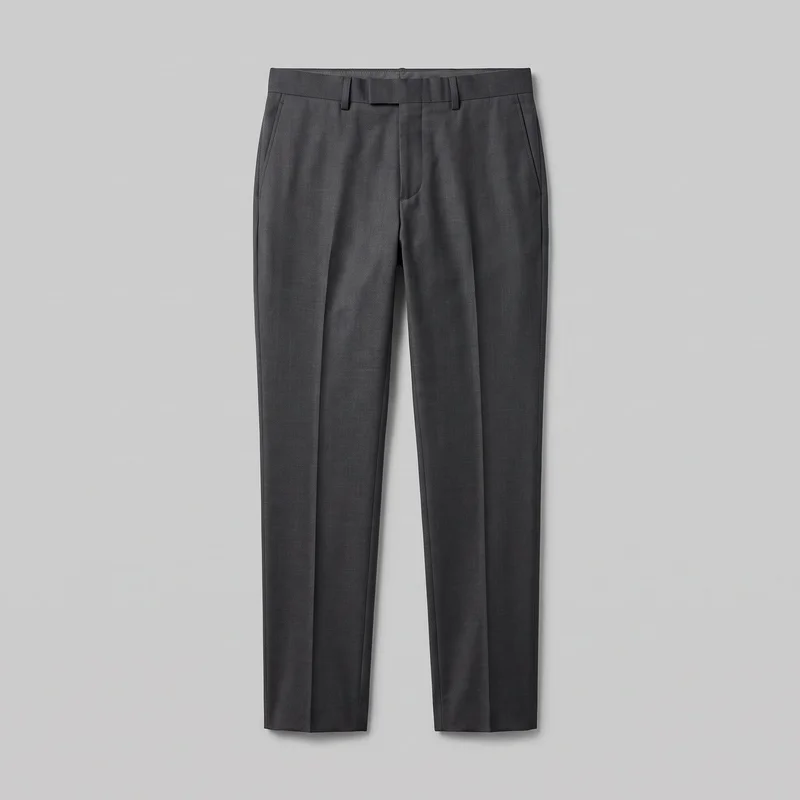 Men's Charcoal Suit Trousers
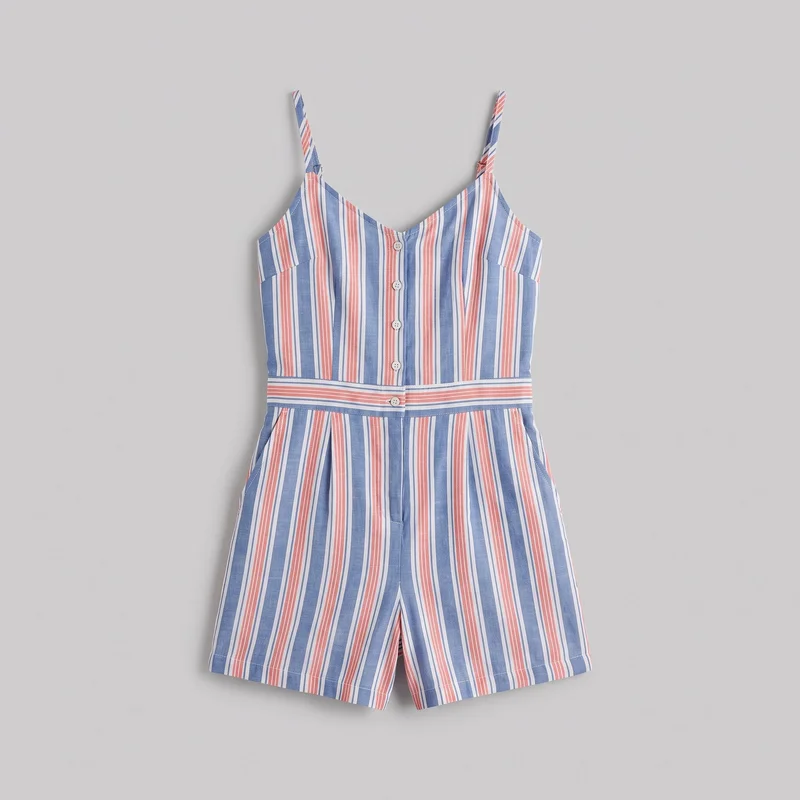 Striped Playsuit
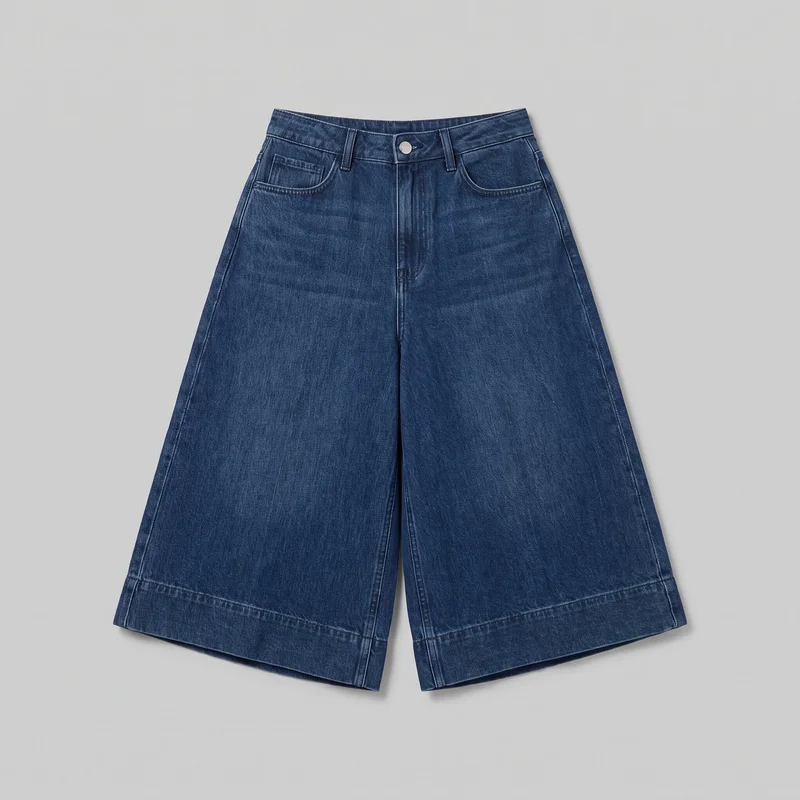 Wide-Leg Denim Culottes
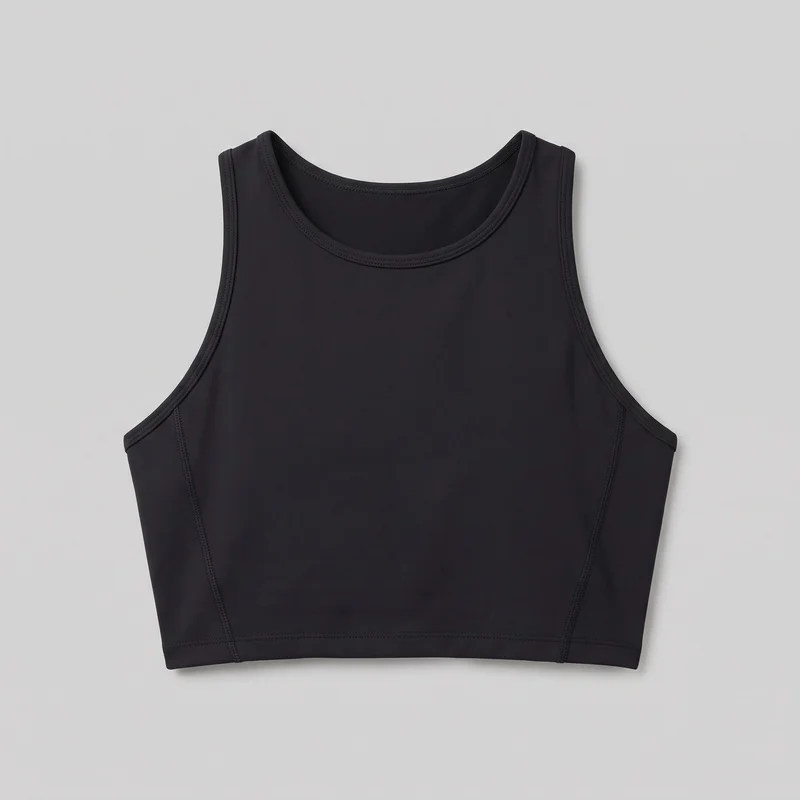 Women's Black Performance Top
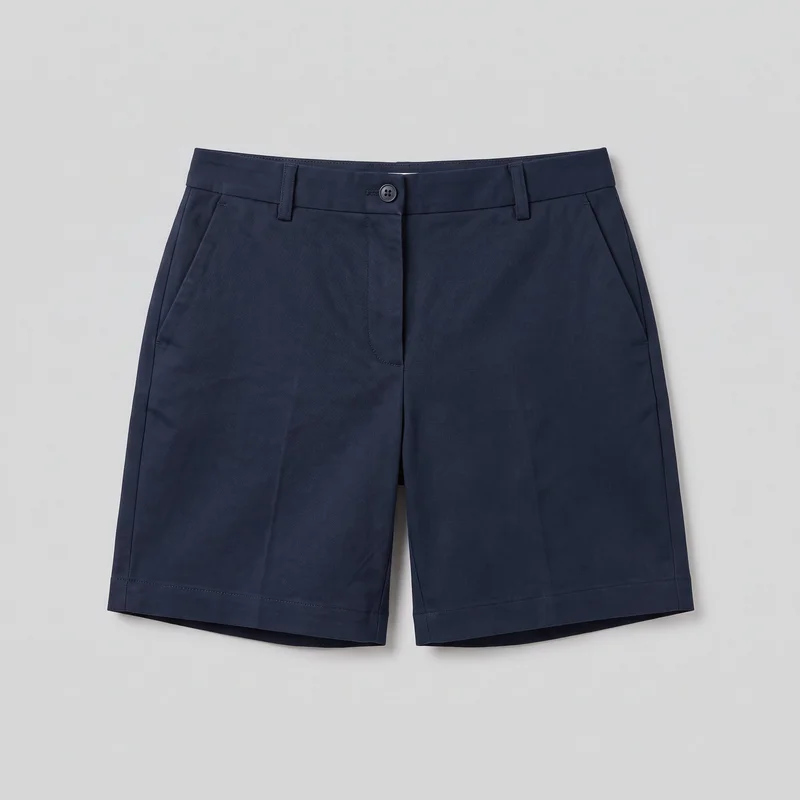 Women's Navy Tailored Shorts
Showing 21 of 41
Catalog
Browse the catalog
By product
Consistency
One changed choice keeps the range connected.
Set the model, product context, background, framing, and pose direction around each real piece. Change a selected element while the rest of the composition holds, so product pages read as one range.
You change one
- Frame
- Pose
- Camera view
- Model
The rest holds
Model identity
The same selected model keeps comparisons clear across the range.
Product context
Each composition keeps the boutique’s actual piece central to the page.
Framing direction
Shared framing and pose language make the presentation feel connected.
Who it's for
Is RAWSHOT right when fit needs measured proof?
A good fit
This fits when you need recurring product-page imagery from real pieces, with visible choices that keep model, setting, and presentation coherent.
Work it handles well
- You can serve an e-commerce manager preparing every colourway consistently.
- You can support an indie designer launching a collection.
- You can equip a social media manager with directed product imagery.
Outside this scope
This fits poorly when you need measured garment fit, free-form draping, or a specific real-person likeness.
Where this stops
- You cannot measure garment fit for an e-commerce manager.
- You need defined options, not free-form draping, as an indie designer.
- You cannot reference a specific real person as a social media manager.
Rights
You own every image. Every image says what it is.
Yours
- Full commercial rights to every image, permanently.
- No recurring licence fees on any model in the library.
- Every model is a synthetic composite, so there is no real-person likeness.
Labelled
- C2PA content credentials on every image.
- AI-labelled output, aligned with EU AI Act Article 50.
EU-based hosting, GDPR-compliant handling.
- Aligned with EU AI Act Article 50
- C2PA
- Full commercial rights
- GDPR-compliant handling
- EU-based hosting
Questions
Before you publish the product-page set.
Can RAWSHOT create a consistent on-model product-page image set from a boutique’s real pieces?
RAWSHOT can create a consistent on-model product-page image set from your boutique’s real pieces. Start with product photos or flat-lays, then direct the selected model, outfit presentation, setting, framing, and pose language. The resulting imagery gives each product page a distinct presentation while keeping the range visually connected. Review every variant for product details, hands, hardware, and publication suitability before your images go live.
Which jobs and channels suit a product-page image set for boutique ecommerce and wholesale publishing?
Ecommerce listings, wholesale linesheets, collection launches, social publication, and product-page updates are the main jobs and channels for this image set. You can move beyond supplier flat-lays, give an indie collection a recognisable environment, or support sales teams with clear product-led imagery. Shared model direction, framing, and setting help shoppers compare pieces across the range while preserving a distinct boutique presentation.
Which crops, frames, and aspect ratios suit a product-page set for front, back, side, and detail coverage?
Portrait 4:5 crops, vertical 9:16 frames, square crops, and detail-oriented close frames suit a product-page set. Use full-body views for overall presentation, front, back, and side views when the garment needs comparison, and closer framing for visible construction or hardware. Keep the camera view, subject placement, and surrounding space aligned so different crops still read as one coherent range.
What do you need to start preparing a product-page set with RAWSHOT from the boutique’s actual products?
You need clear product photos or flat-lays, the intended product-page purpose, and direction for the model, outfit presentation, background, framing, and pose. Supply the real piece from a useful angle and identify details that must remain visible, such as hardware, seams, or surface treatment. Then review generated variants against the source product before approving imagery for publication.
How does RAWSHOT compare with a studio shoot when building a distinct product-page image set?
RAWSHOT gives you directed on-model product-page imagery from supplied product references, while a studio shoot captures the physical pieces, person, set, and lighting directly. You can hold a selected model, pose language, setting, and framing approach steady across a range without arranging a new physical setup for every presentation. A studio shoot remains the stronger method when measured fit, unrestricted draping, or exact physical lighting control is essential.
How can RAWSHOT keep product-page variants consistent across model, product context, pose, and framing?
RAWSHOT keeps product-page variants consistent by setting the model, product context, background, framing, and pose direction around each real piece. You can change a selected element while holding the rest of the composition steady, helping shoppers compare colourways and styles across one range. Use shared camera views and styling choices, then inspect each result for product accuracy, hands, hardware, and other details before publication.
What can’t RAWSHOT do for a product-page set when garment fit and unrestricted presentation matter?
RAWSHOT cannot verify measured garment fit, provide unrestricted free-form draping, or reproduce a specific real person for a product-page set. Results also depend on the quality and clarity of your product references, and available backgrounds and framing follow defined options rather than unlimited studio control. Treat each variant as publishable only after checking product details, hands, hardware, silhouette, and suitability for the intended page.
What usage rights apply when you publish RAWSHOT imagery for a boutique product-page set?
You get full commercial rights to every image, permanently, with no recurring licence fee. Every image carries C2PA content credentials and is labelled as AI-generated.
Get started
Your next step is publication review.
Start with a 7-day free trial including 50 tokens, then move to the plan that matches your production volume.