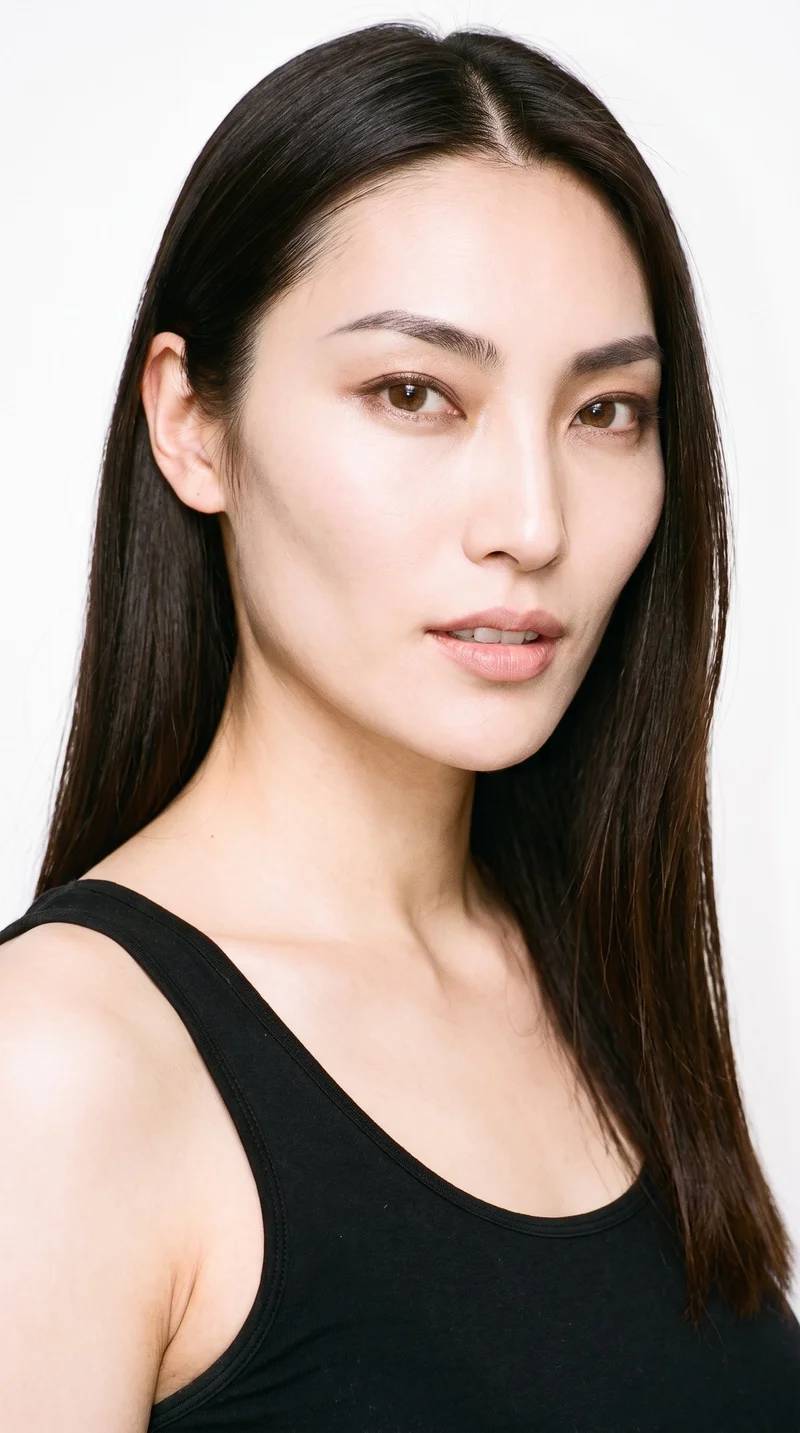
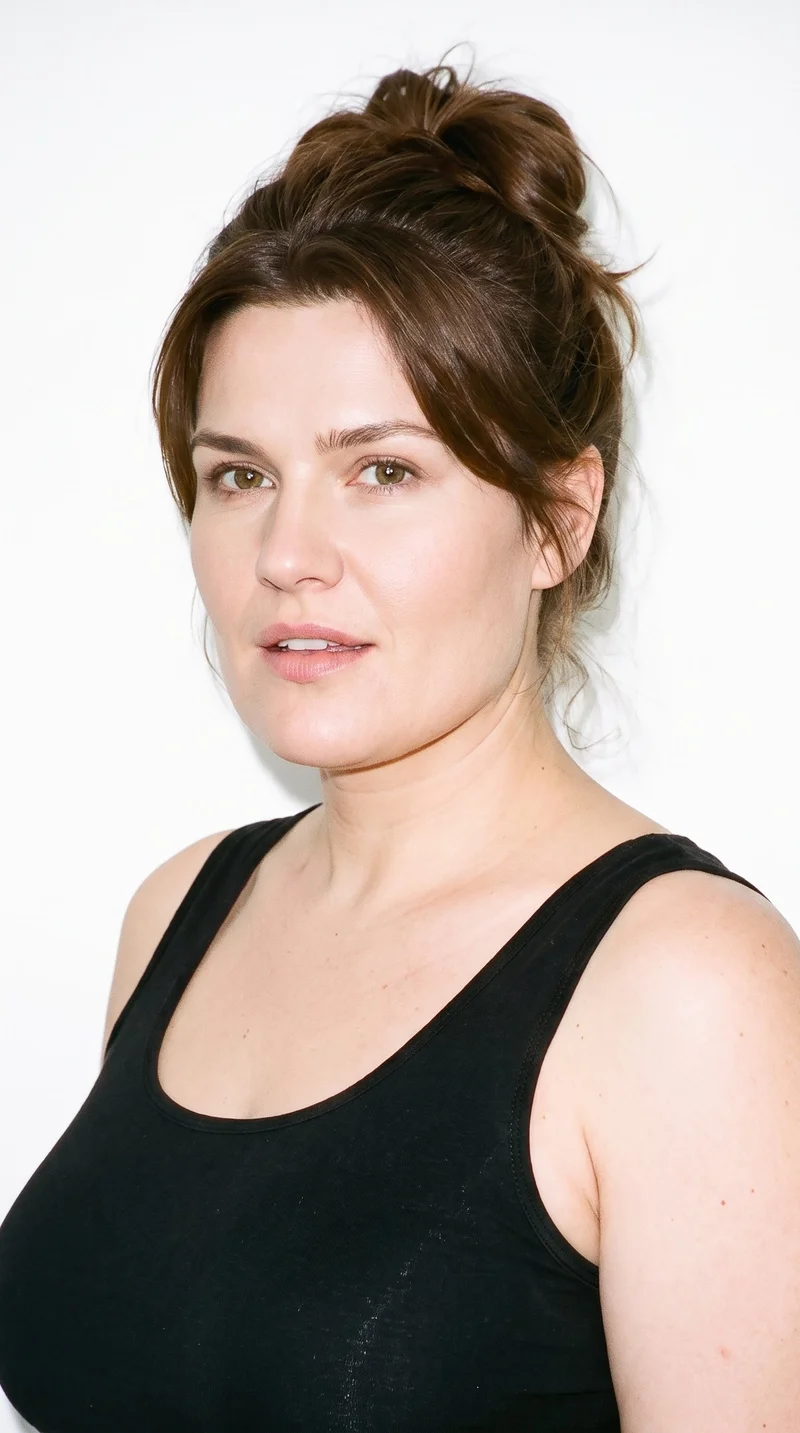
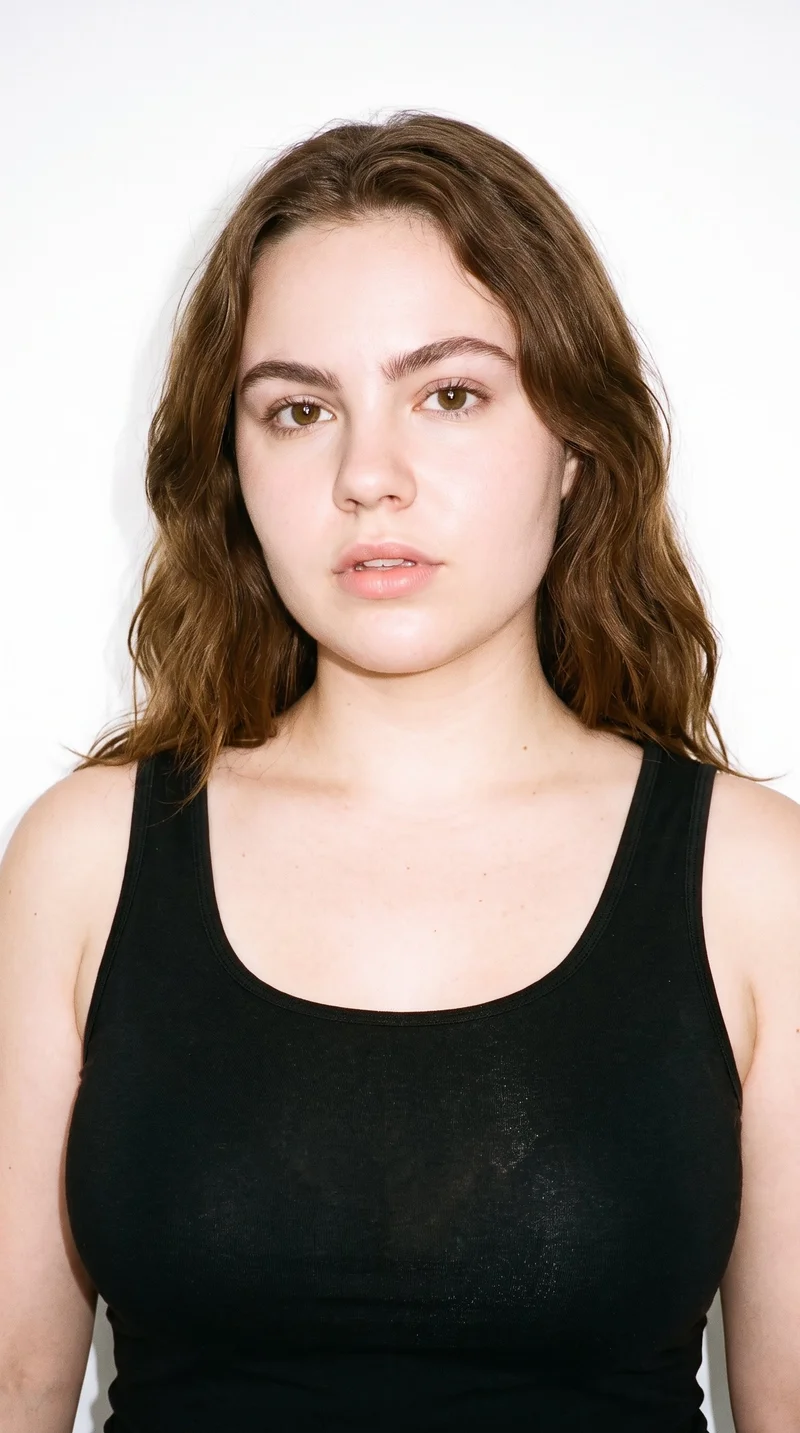
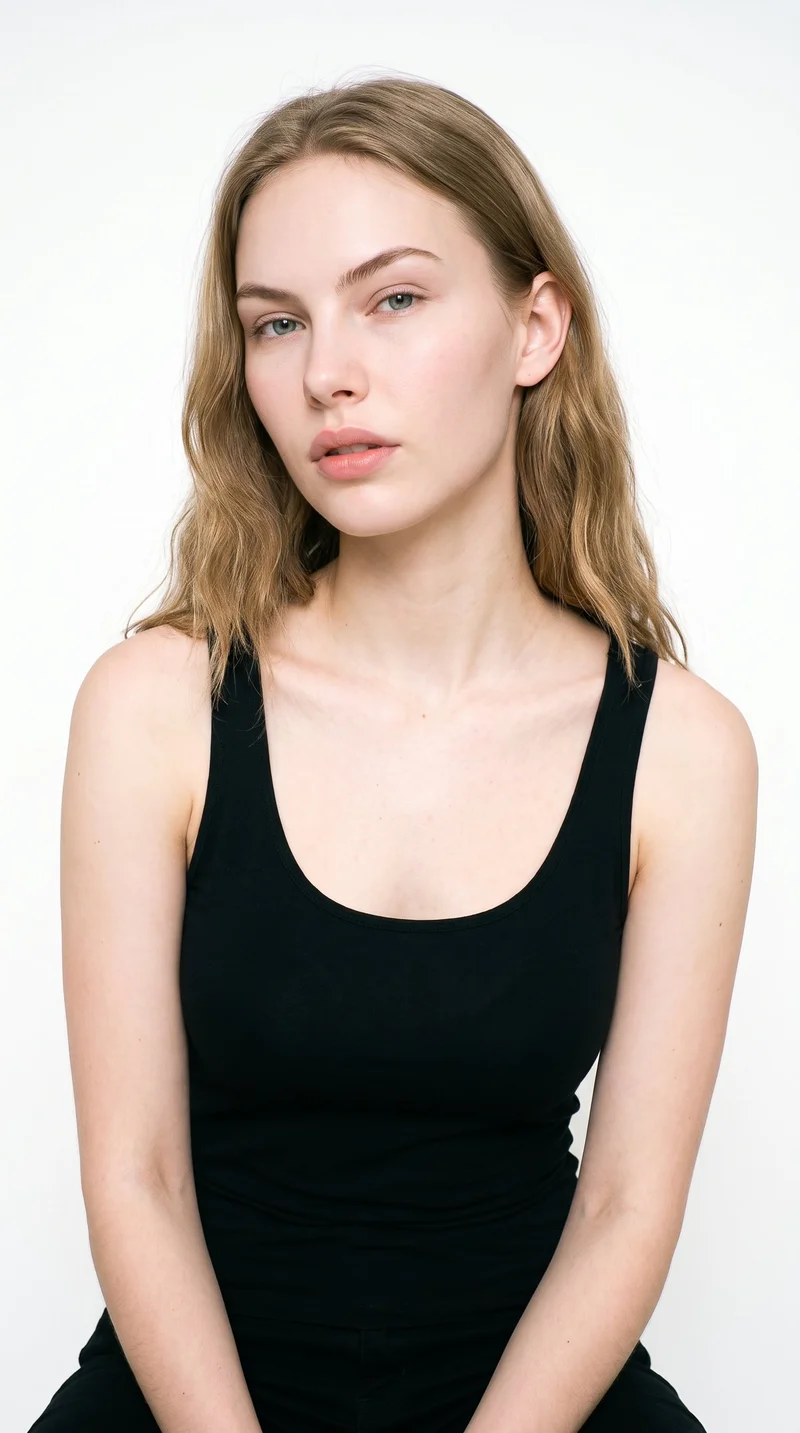
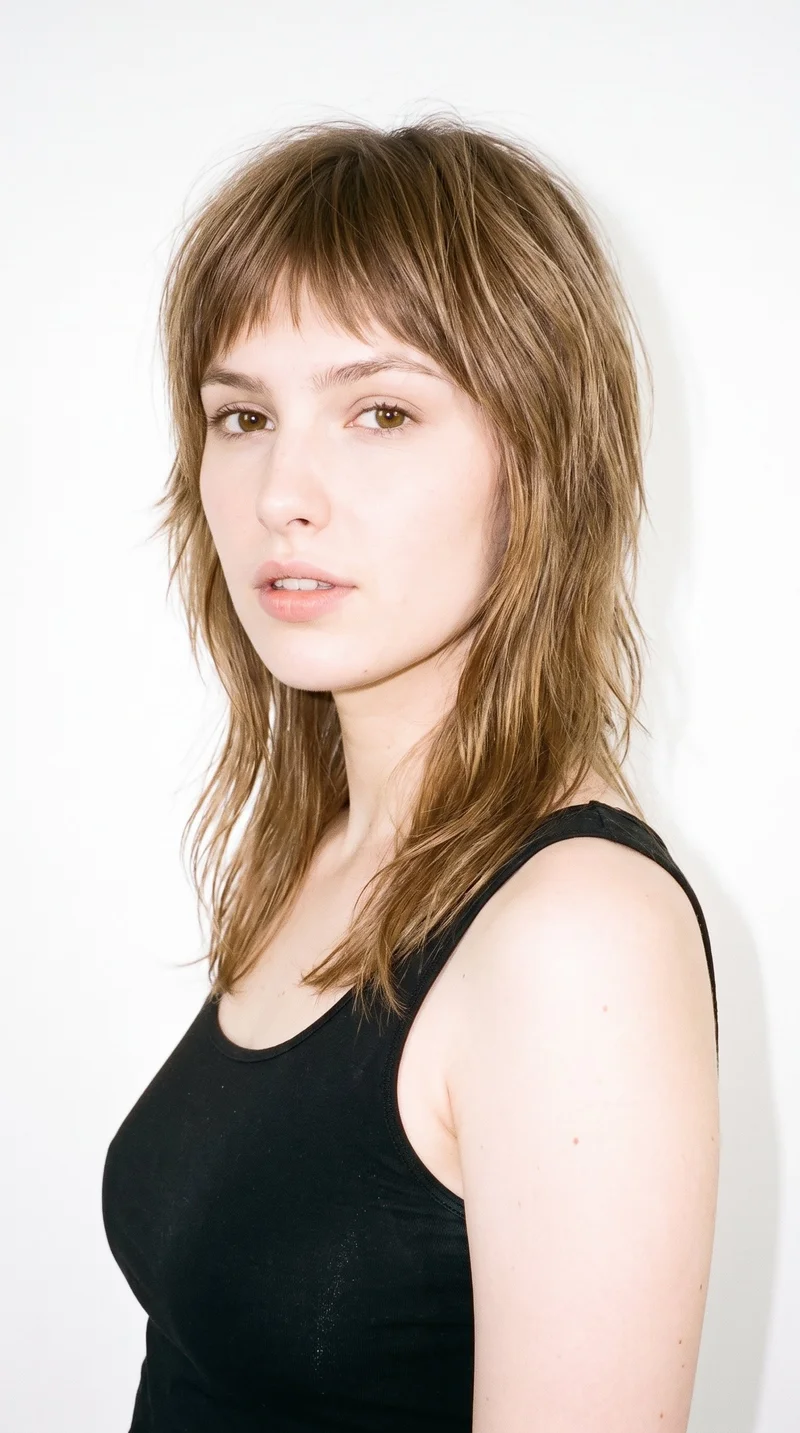
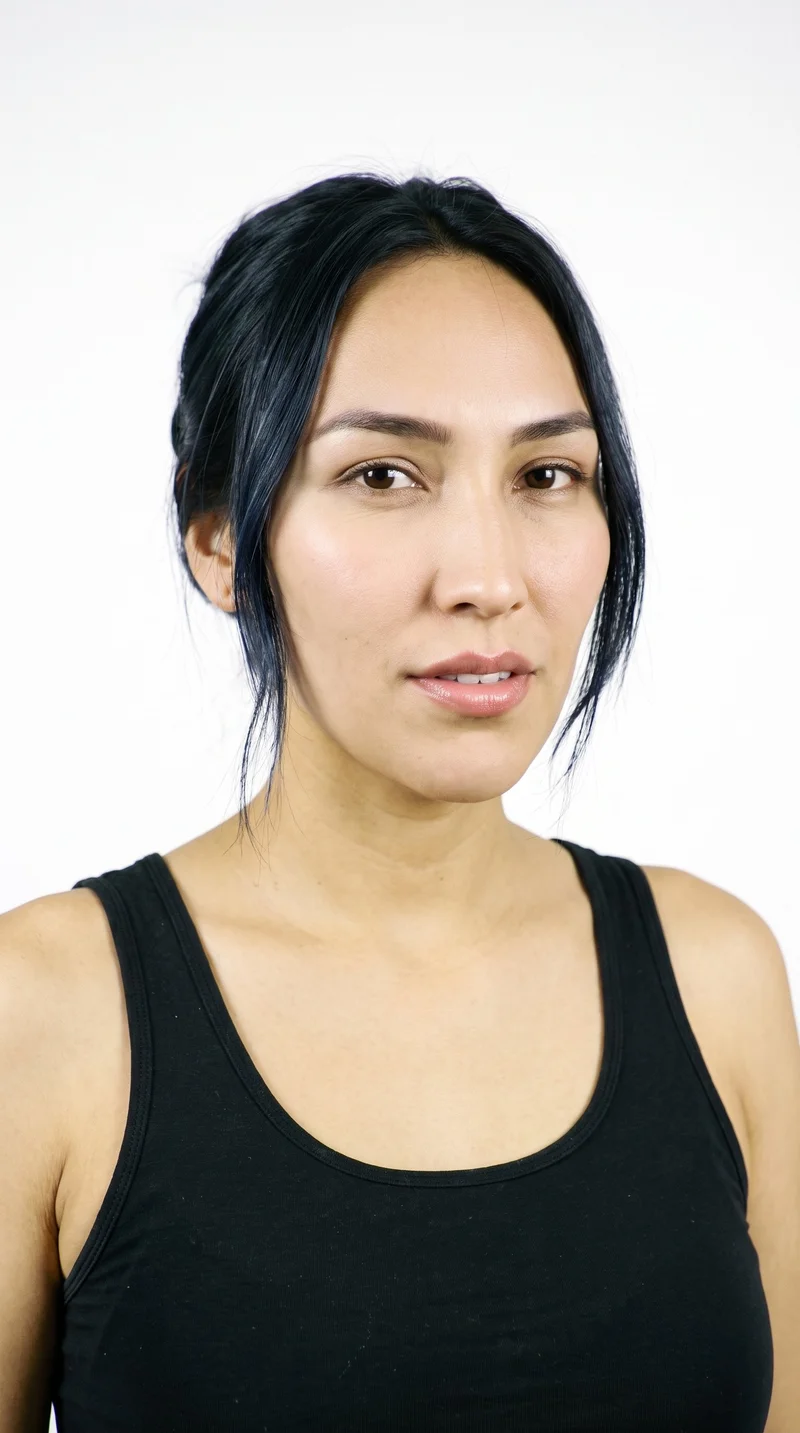
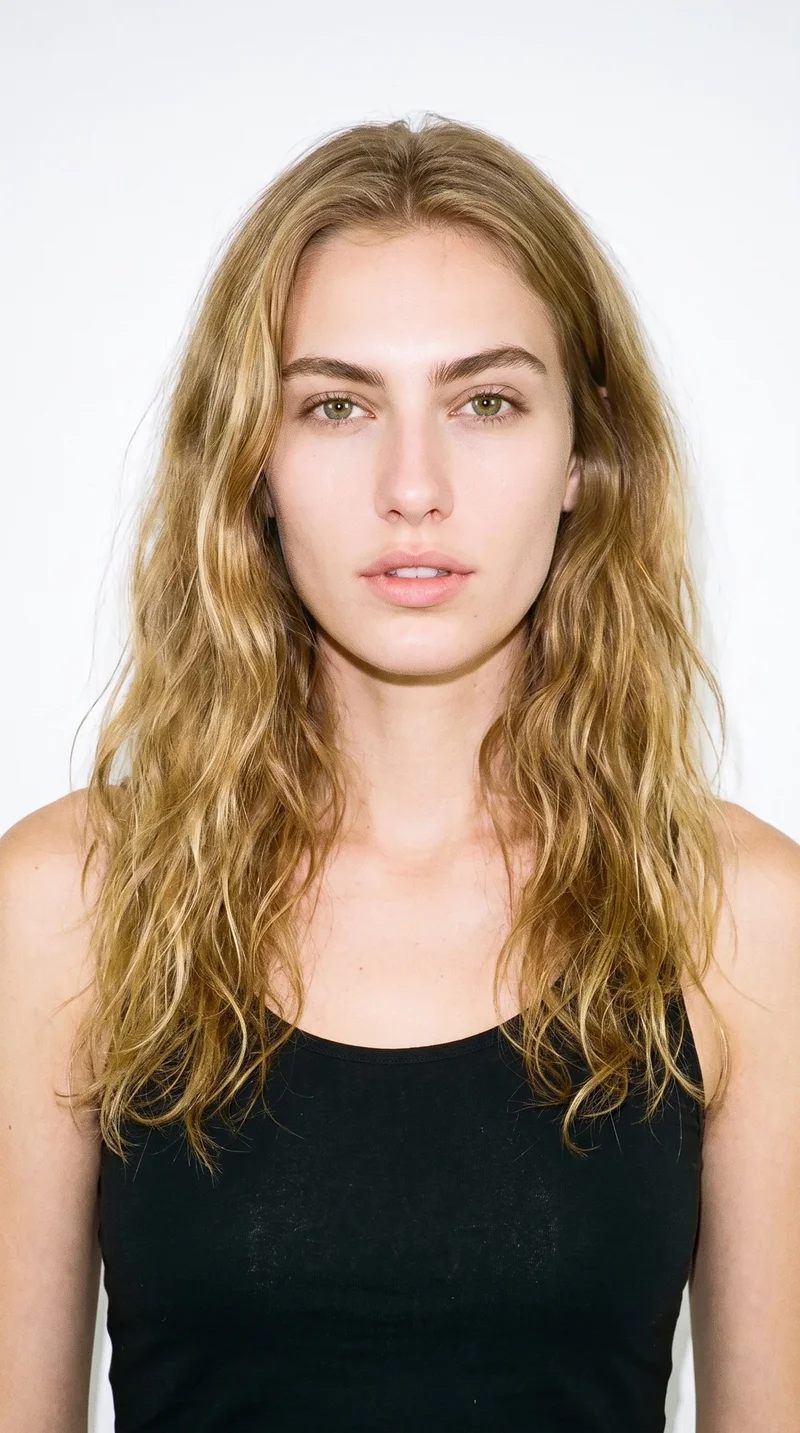
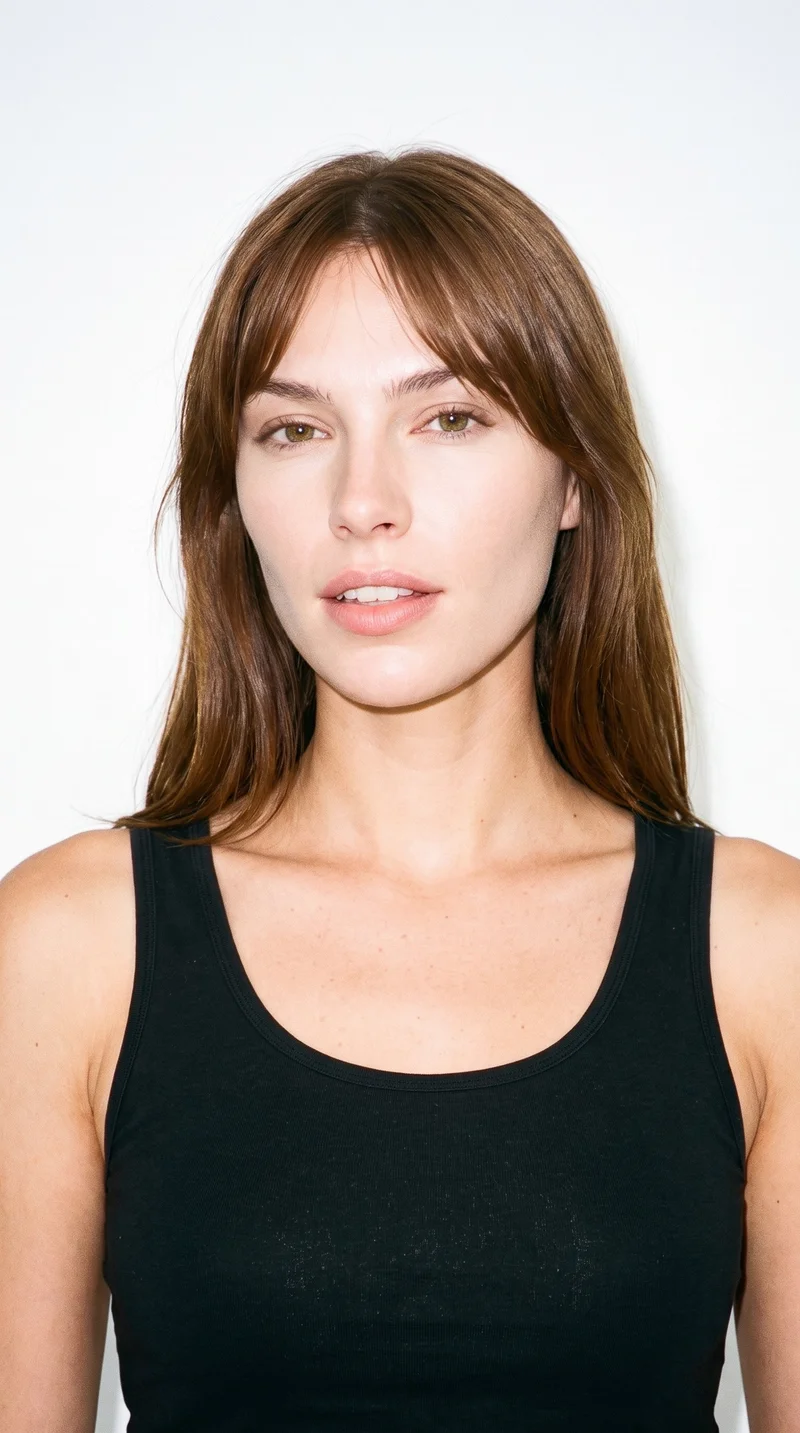
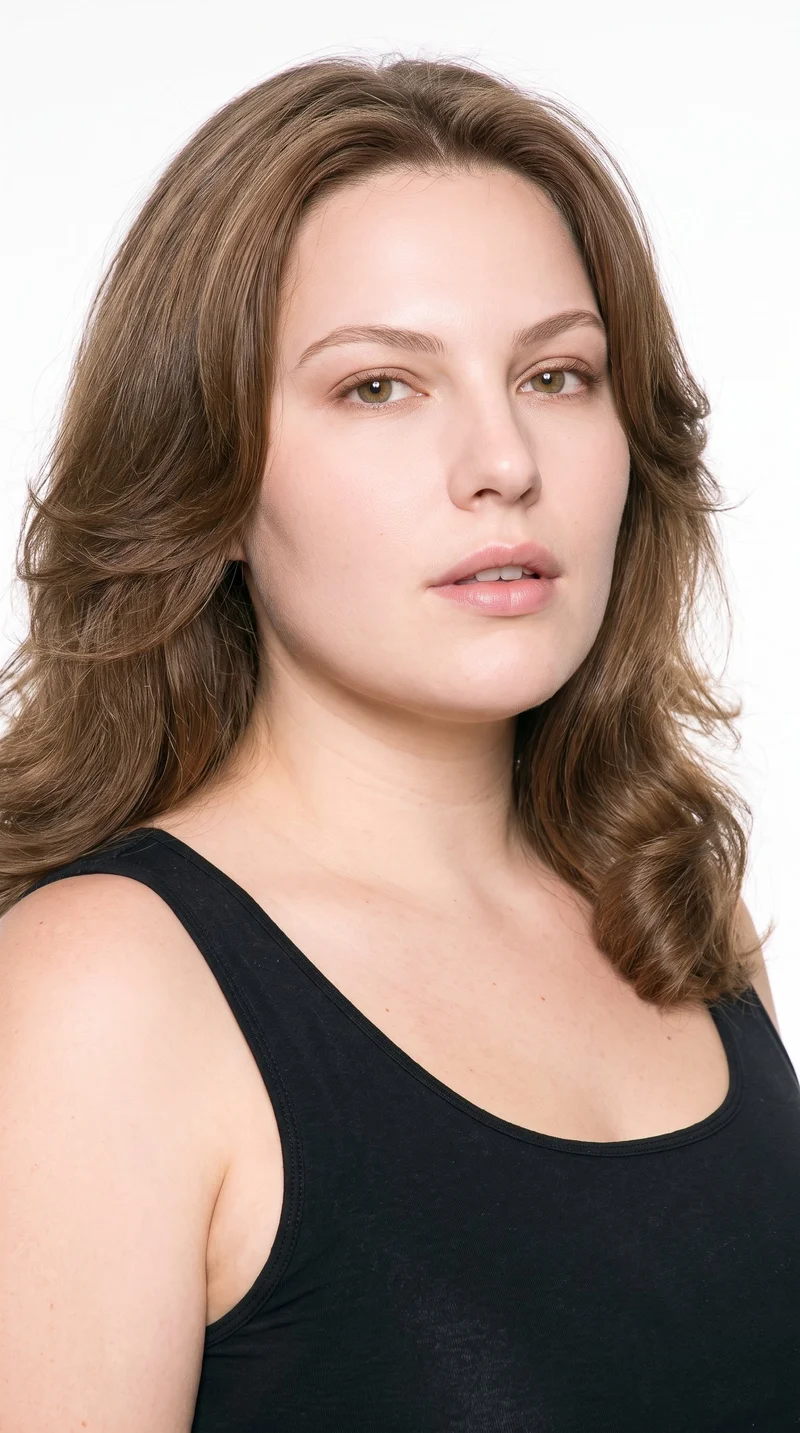
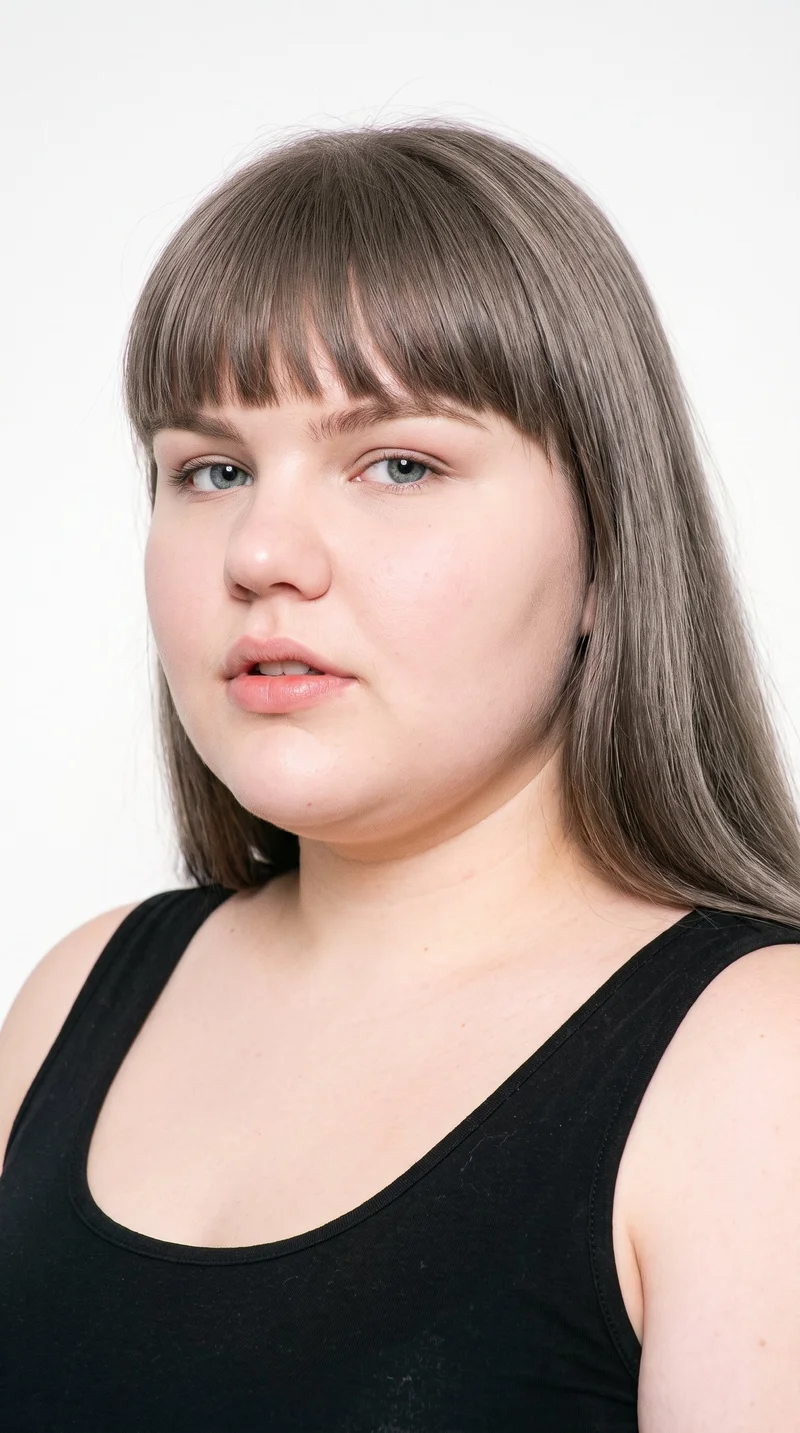
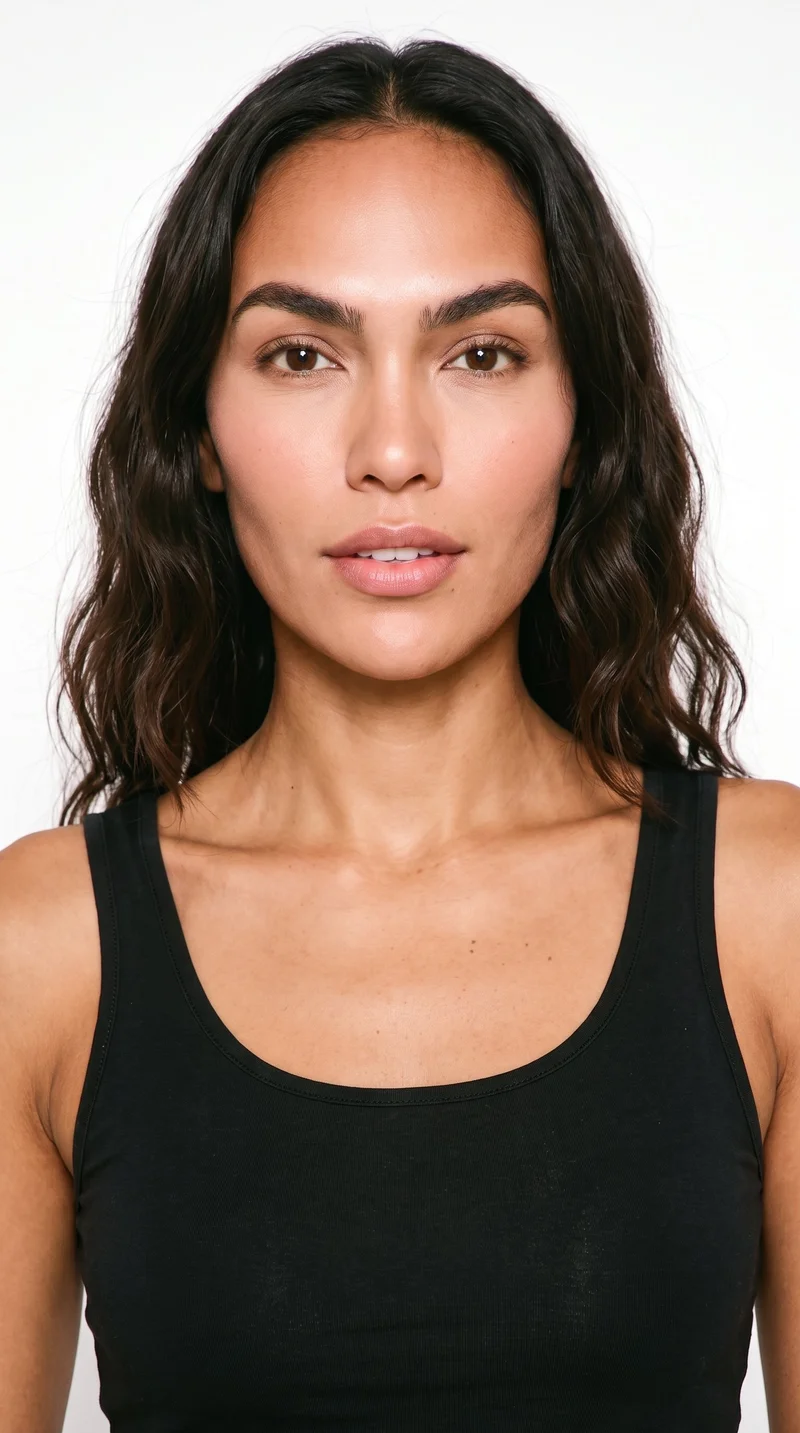
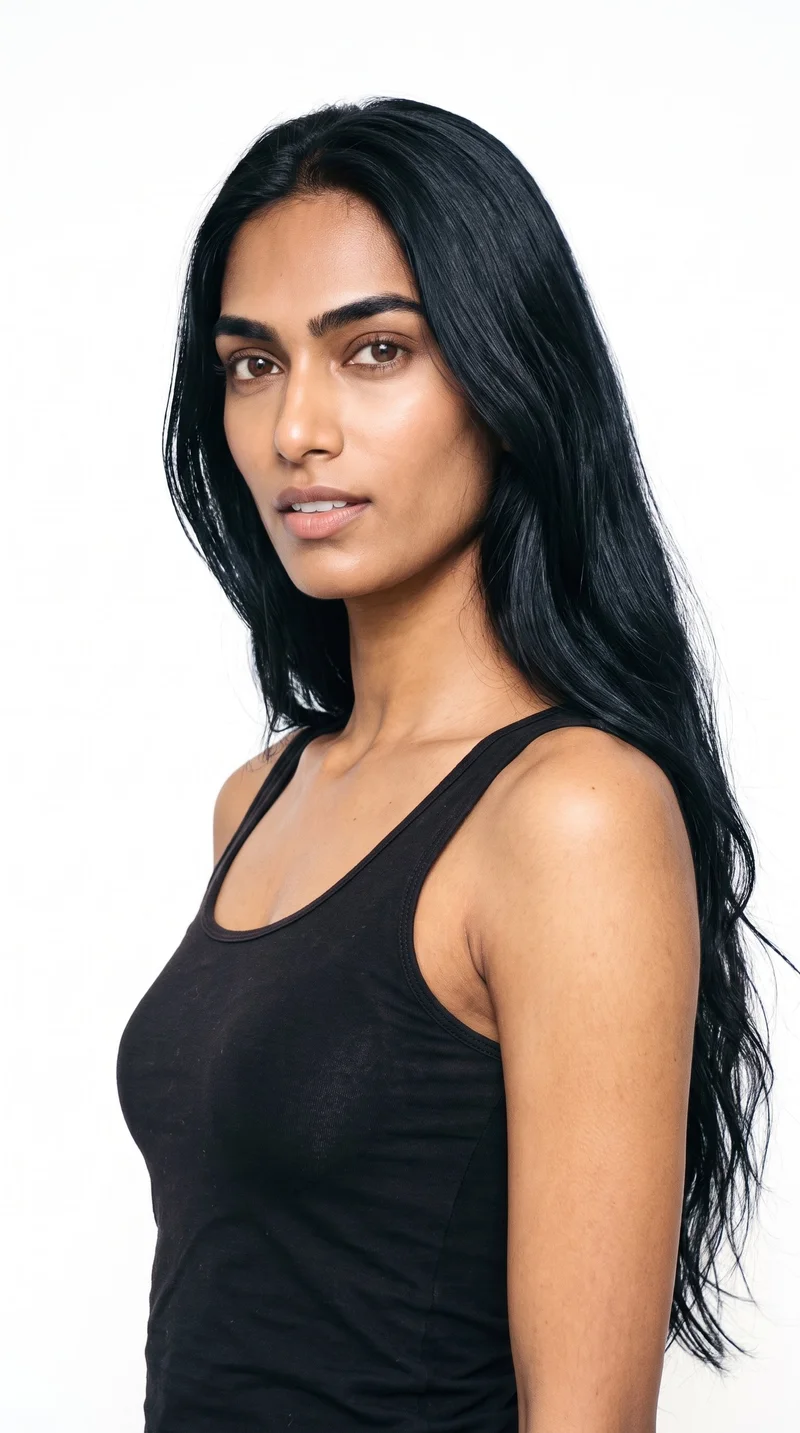
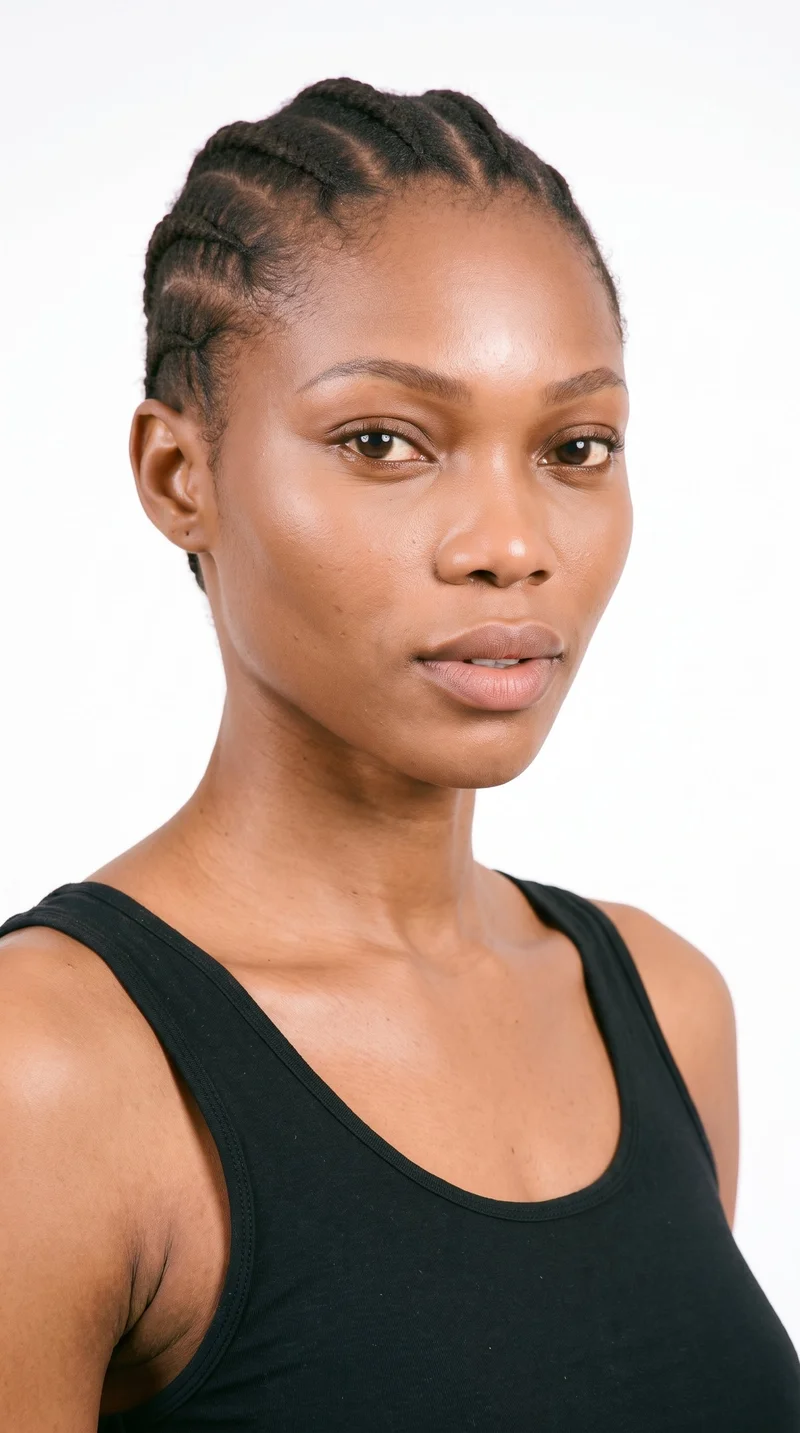
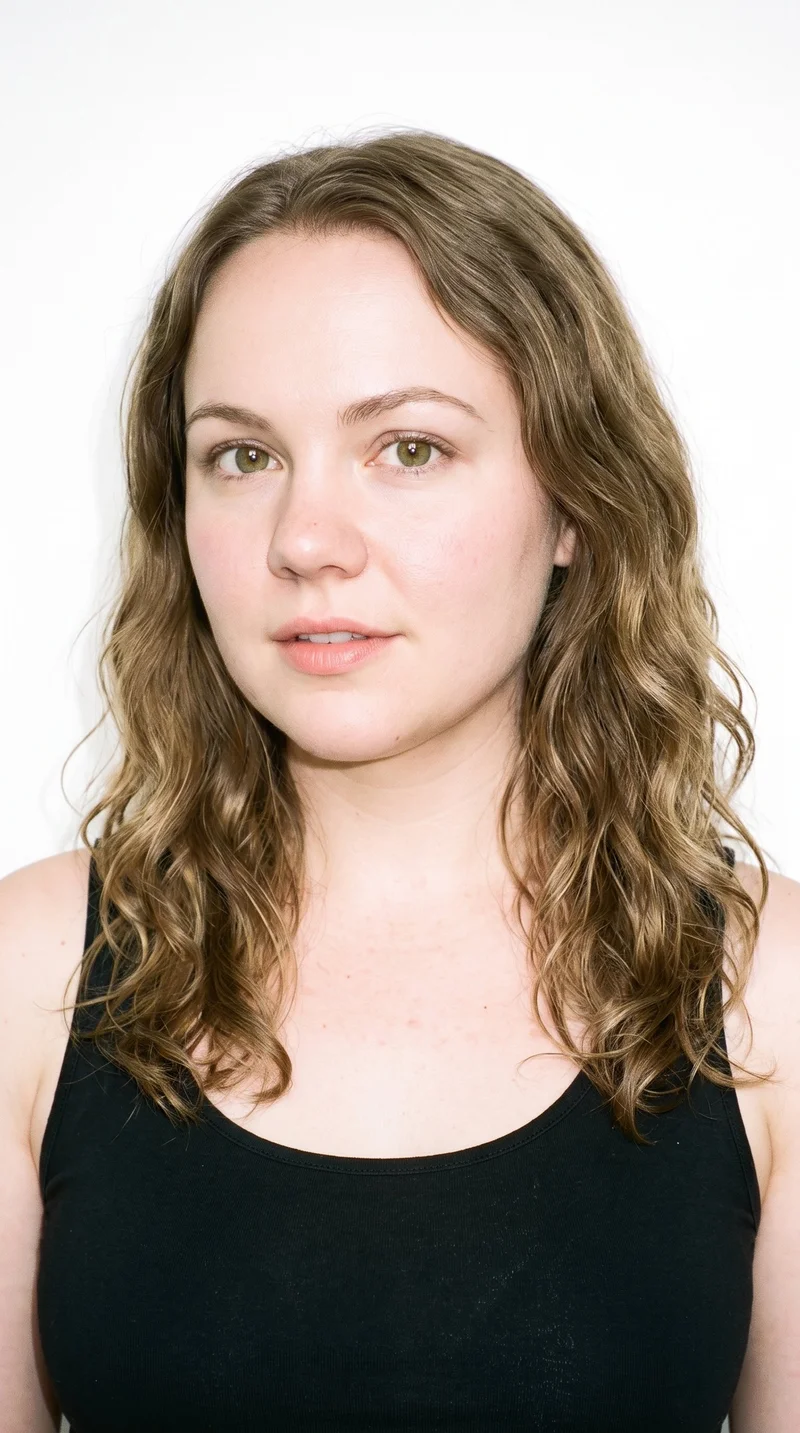
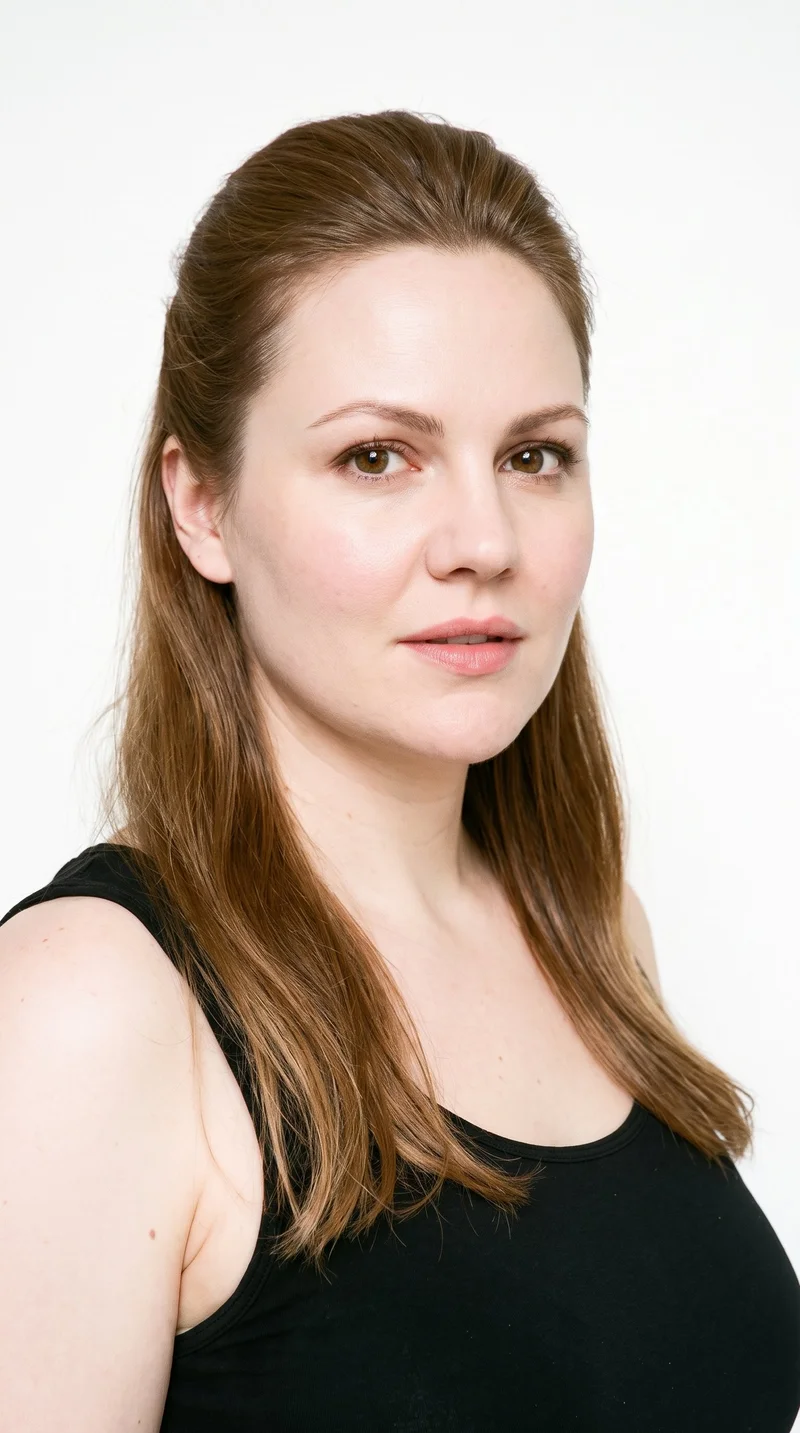
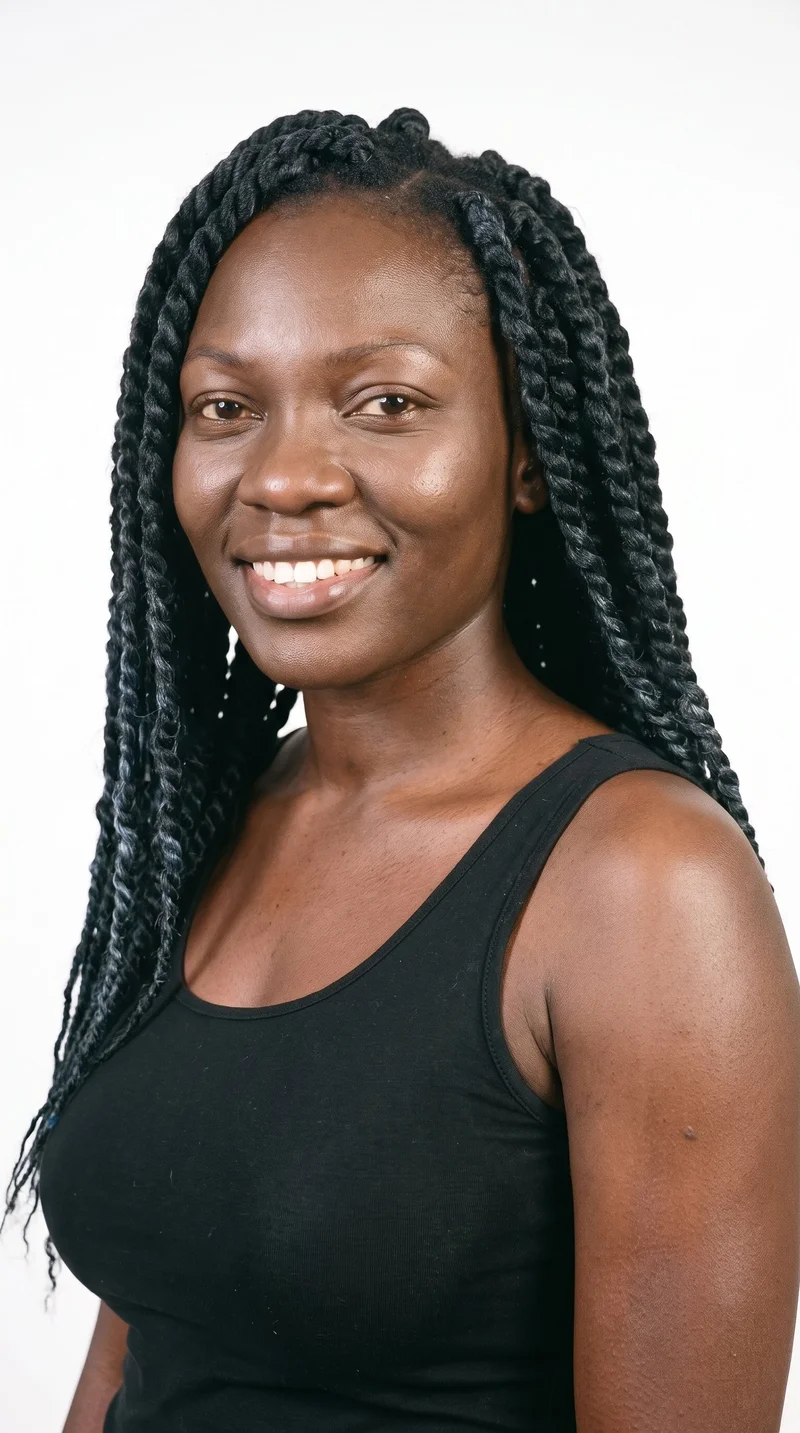
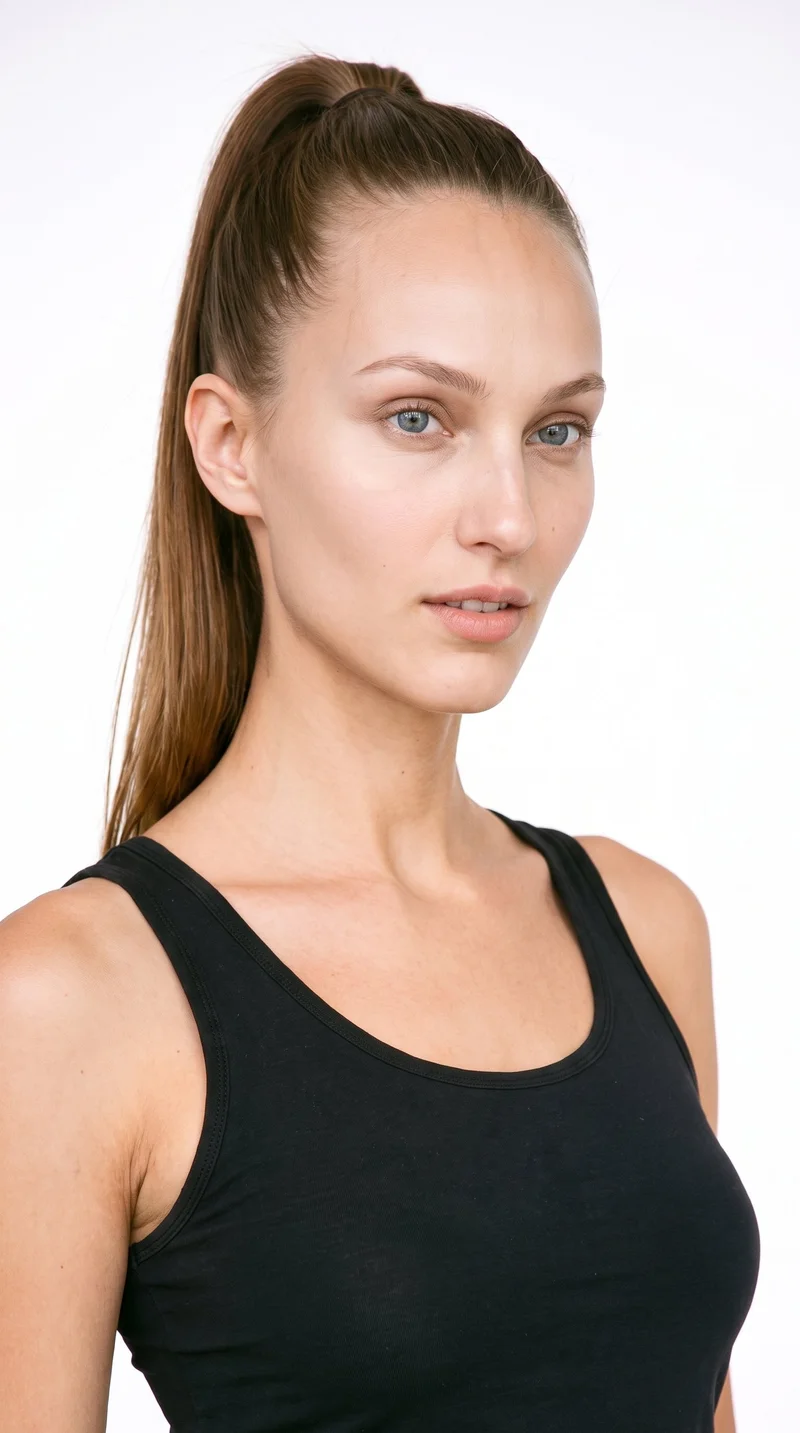
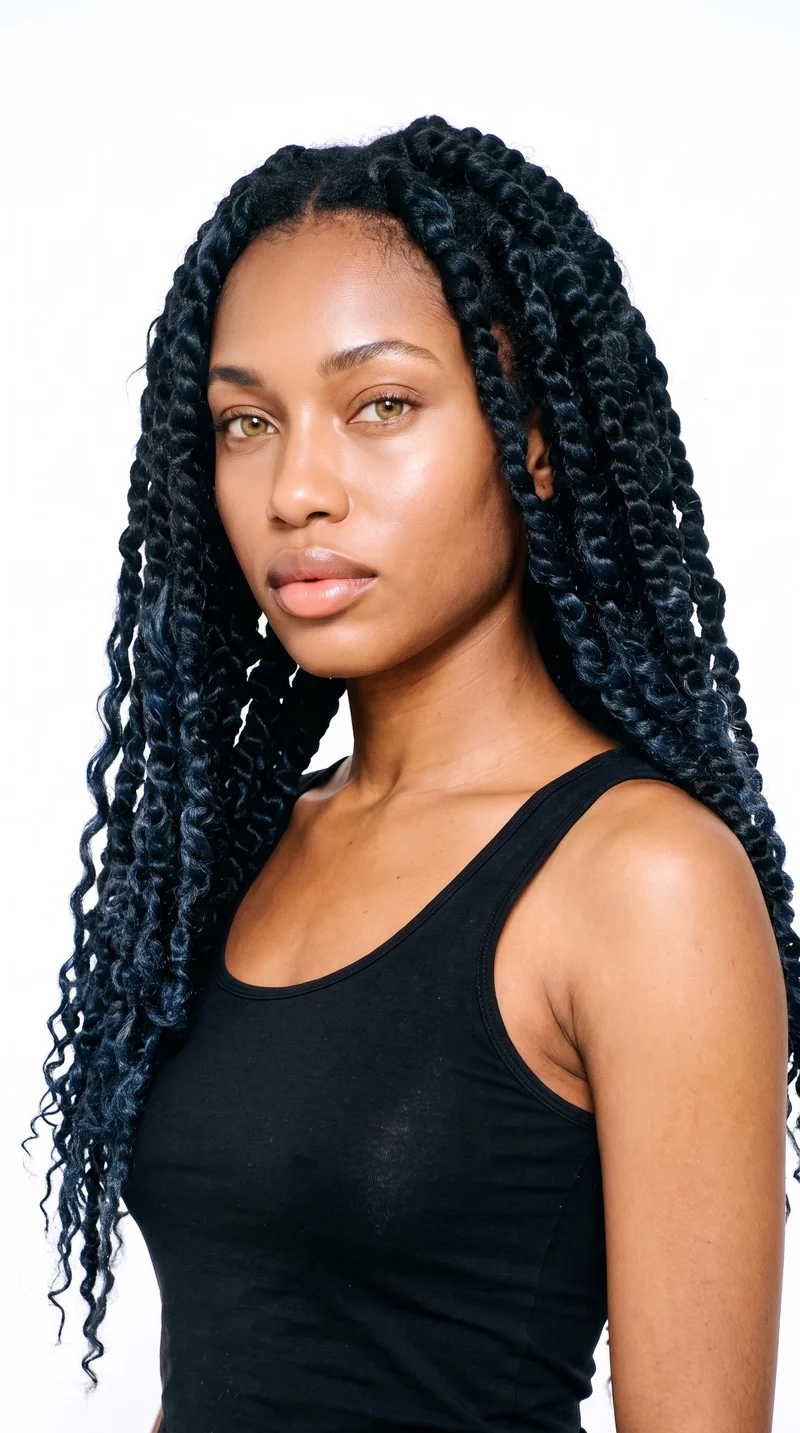
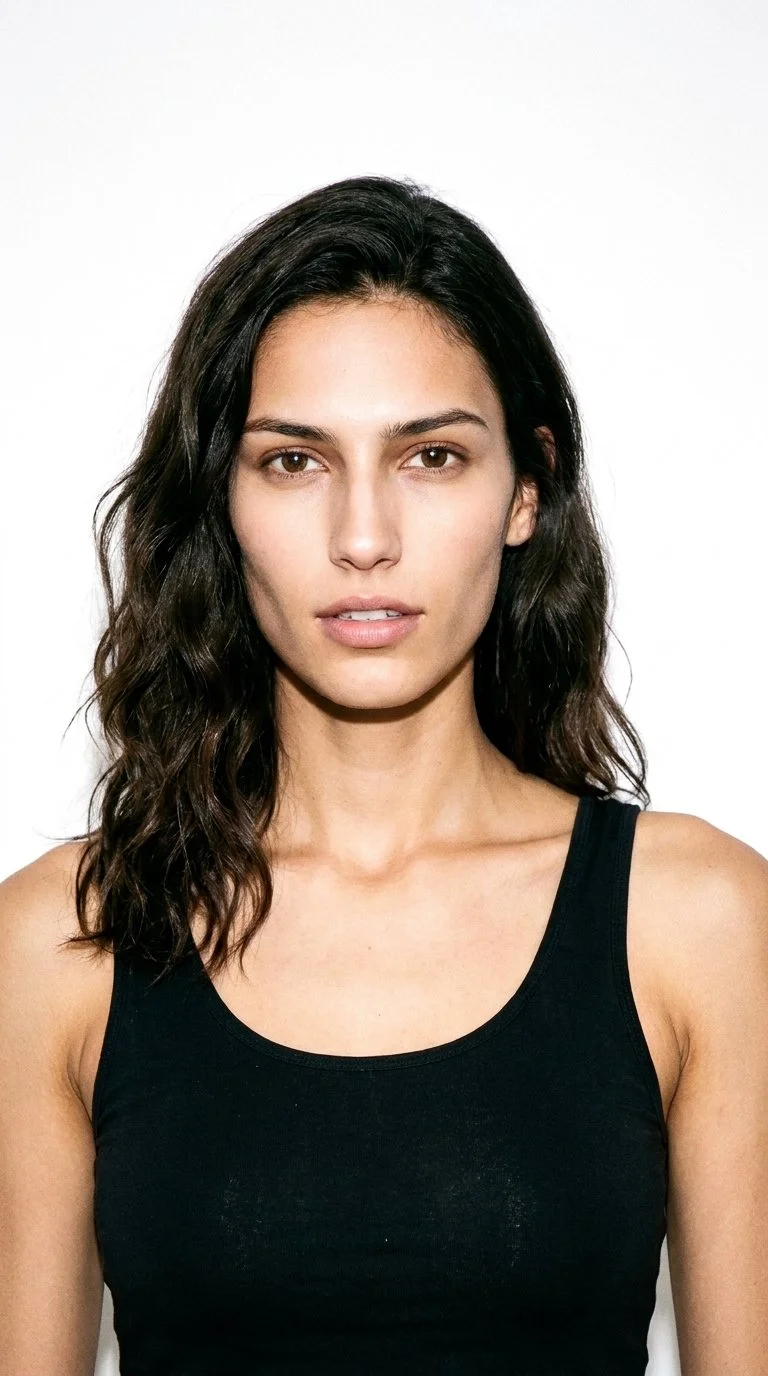
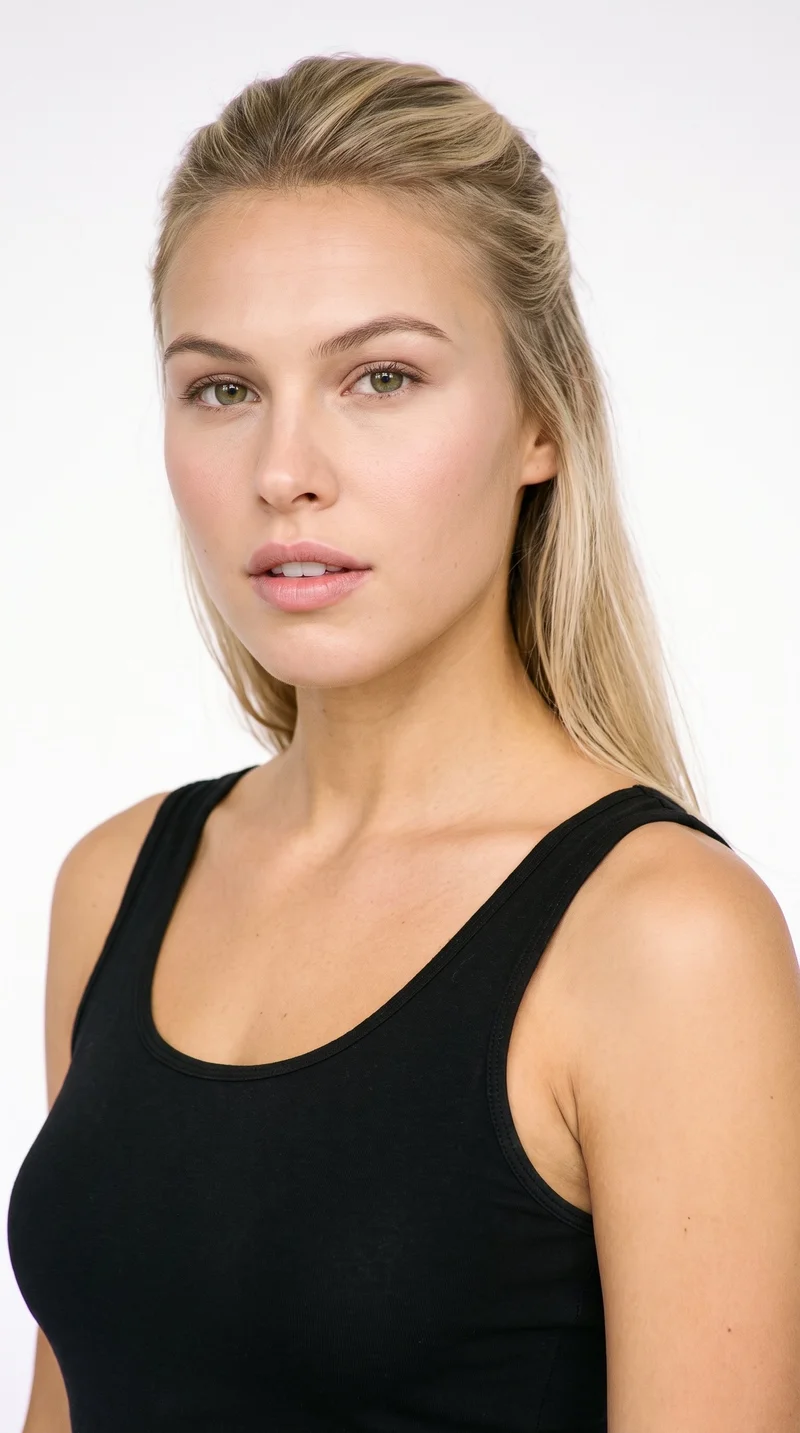
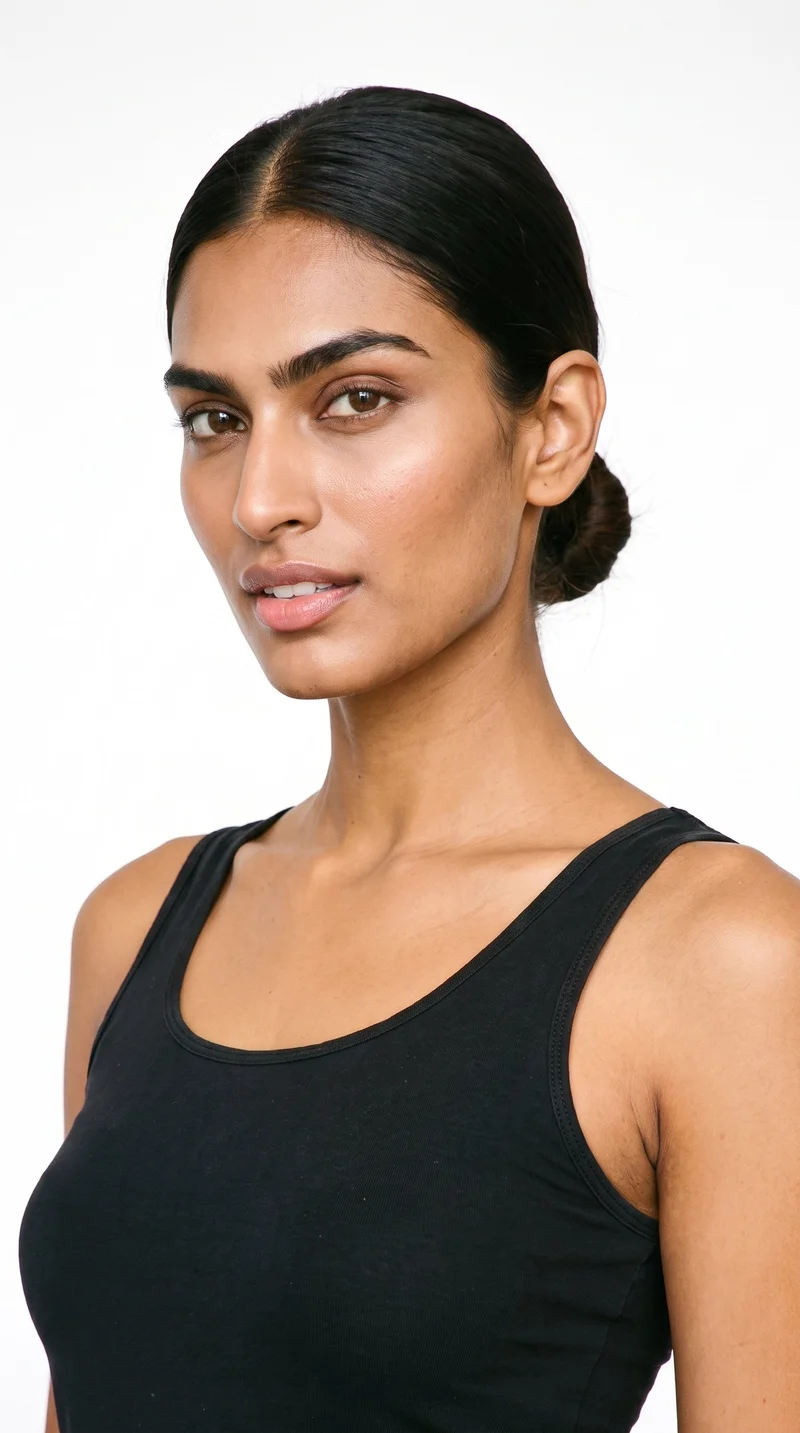
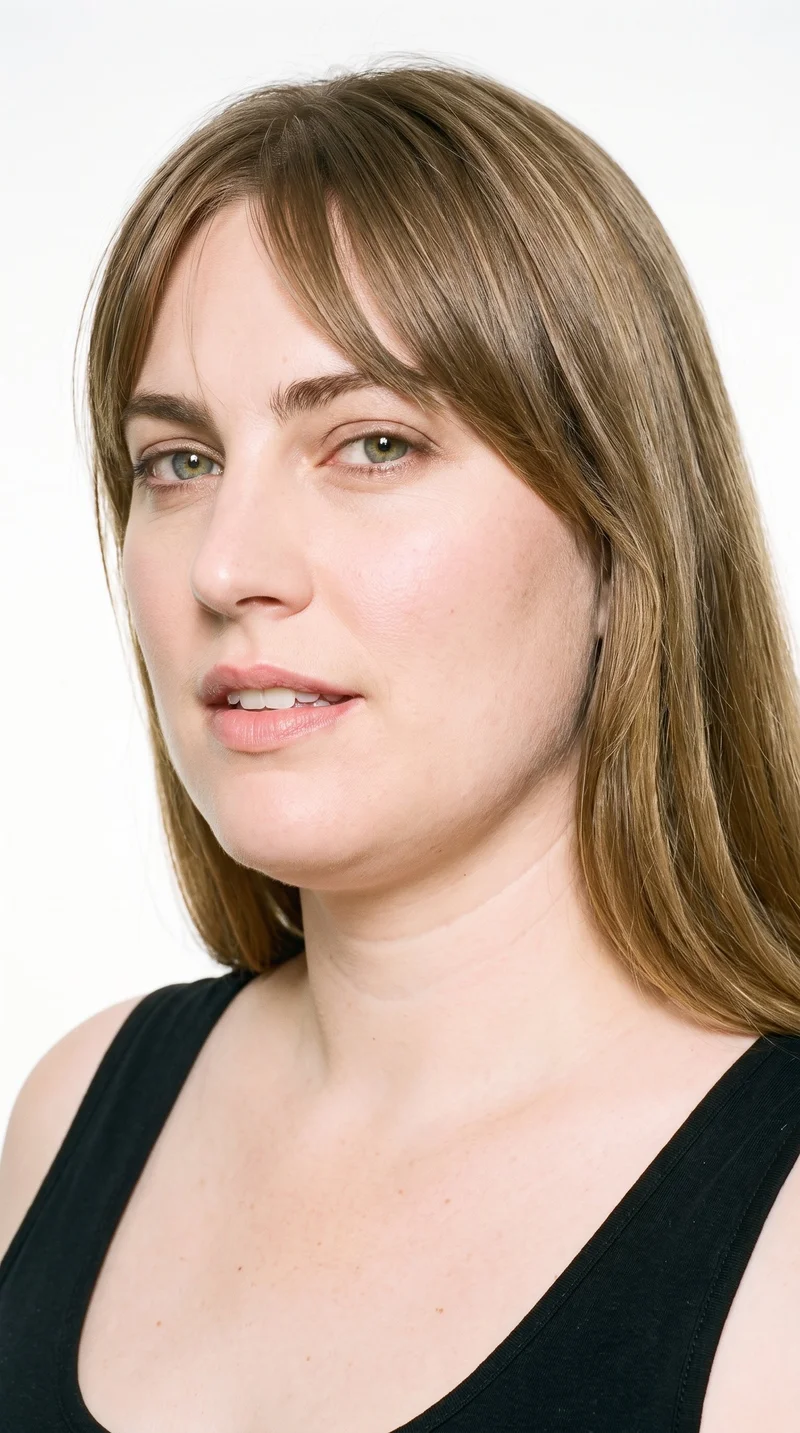
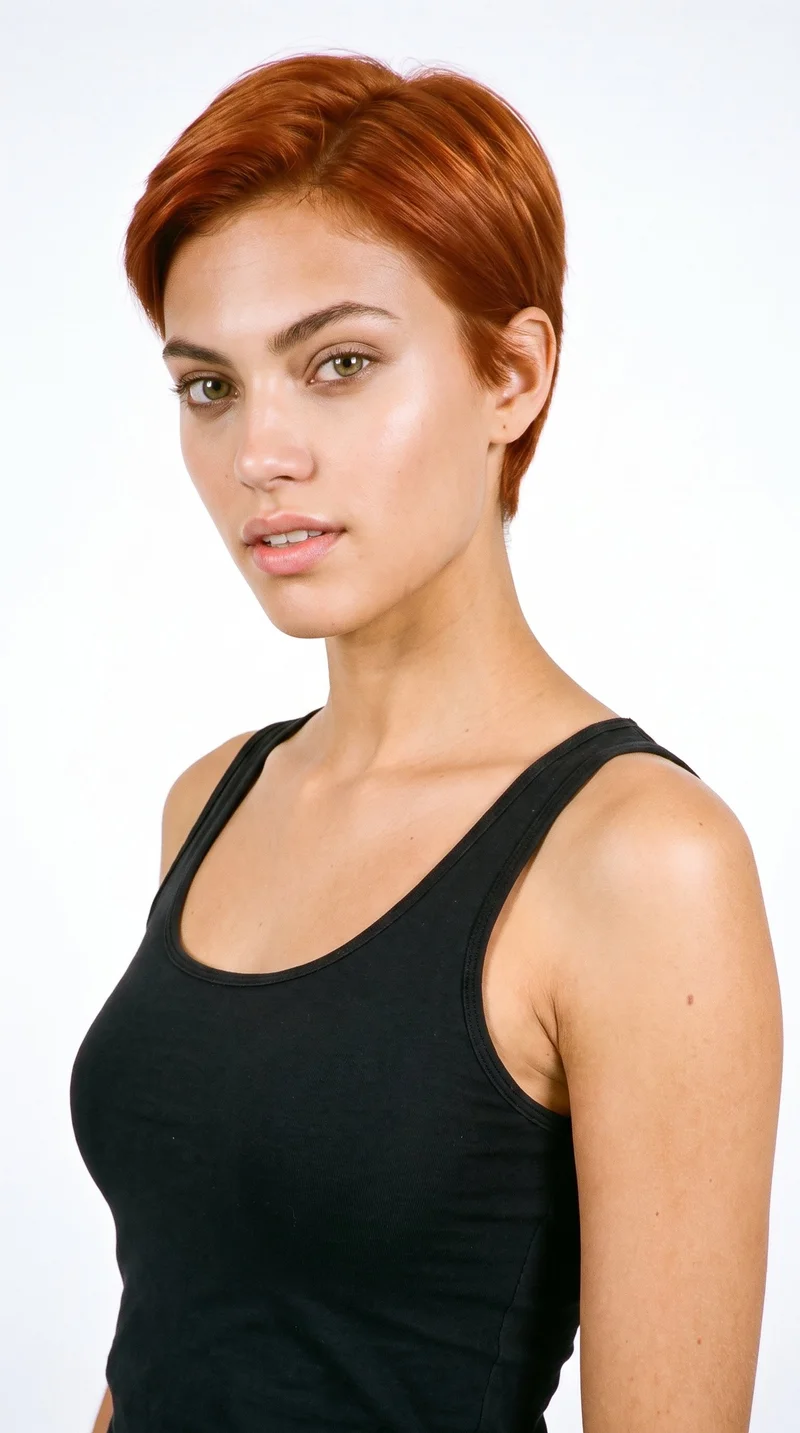
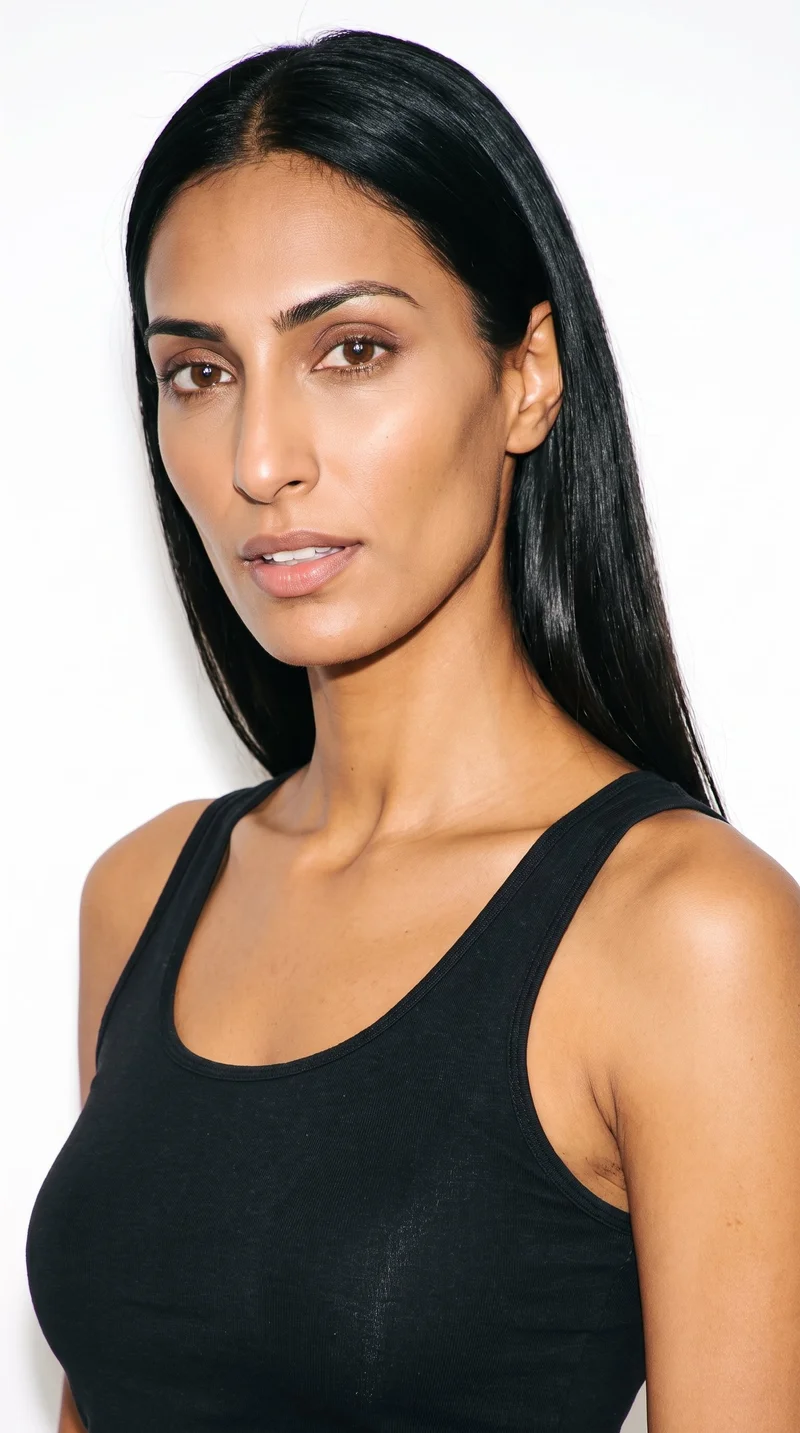
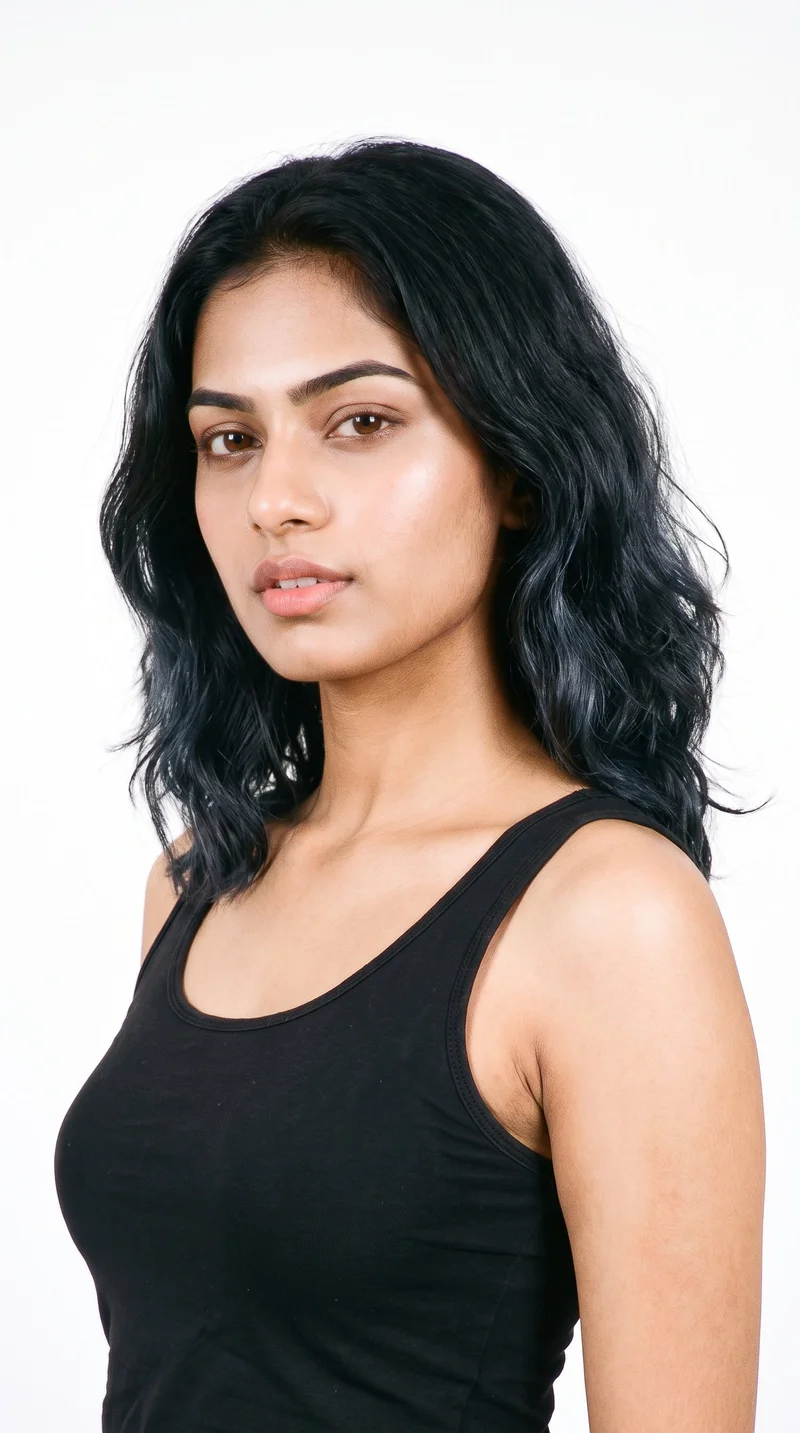
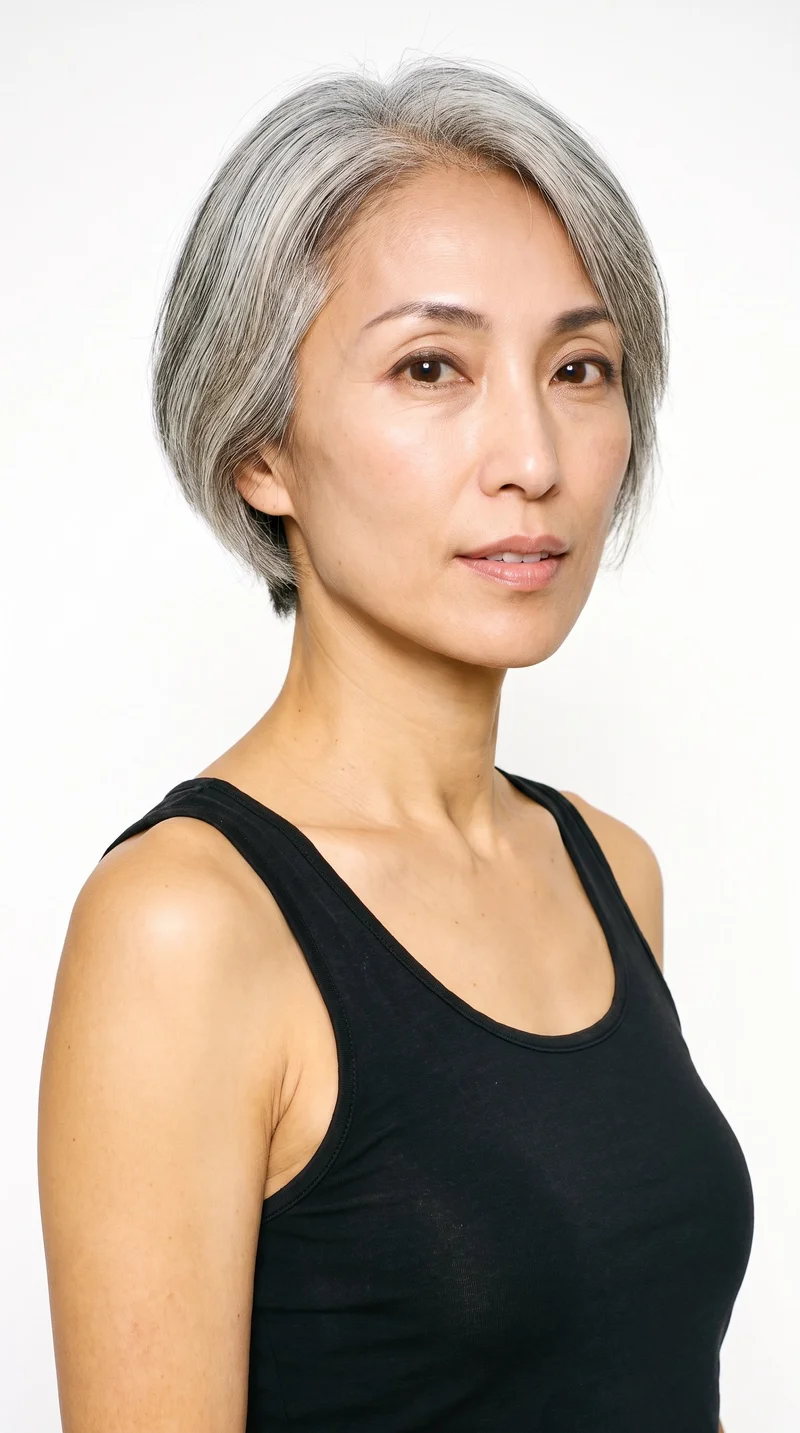
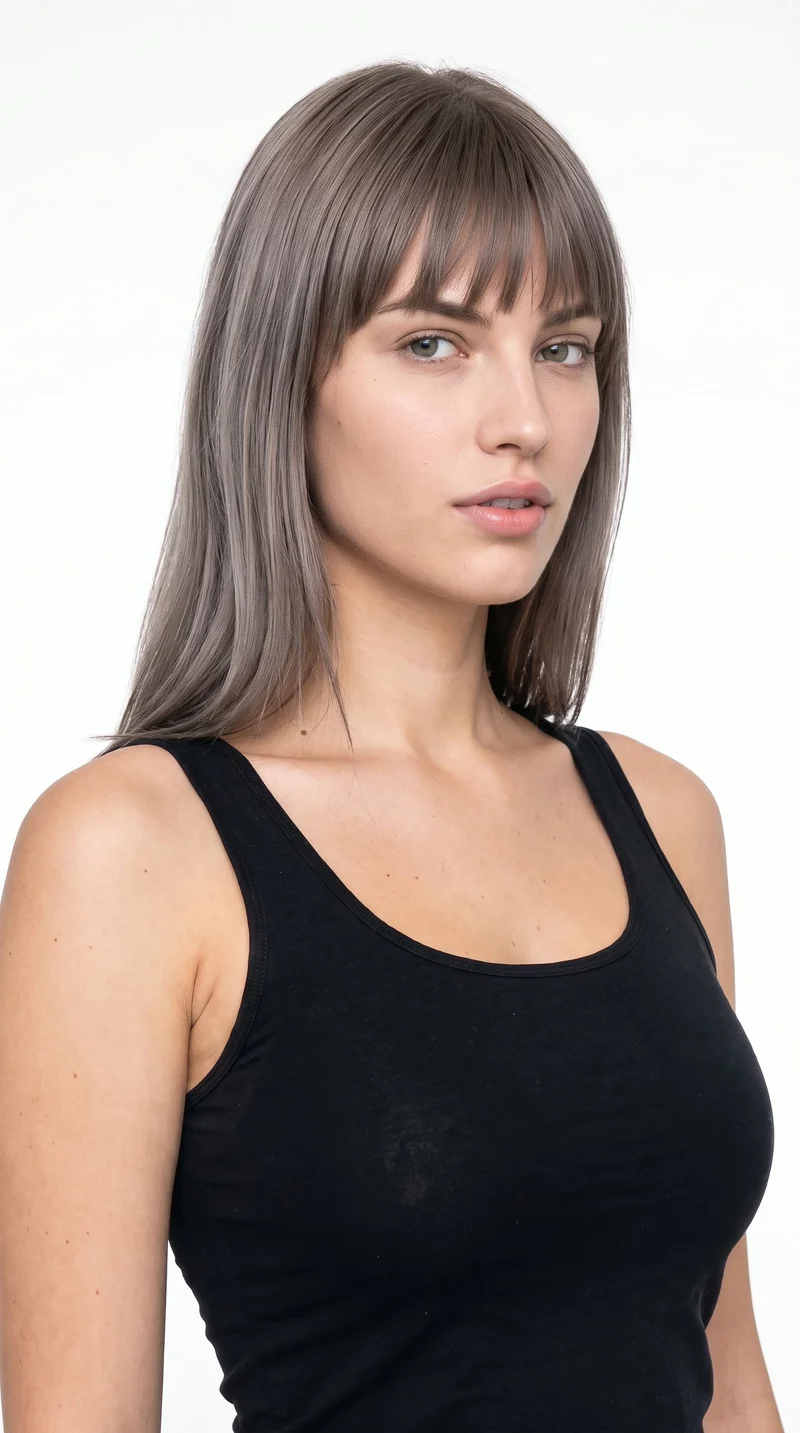
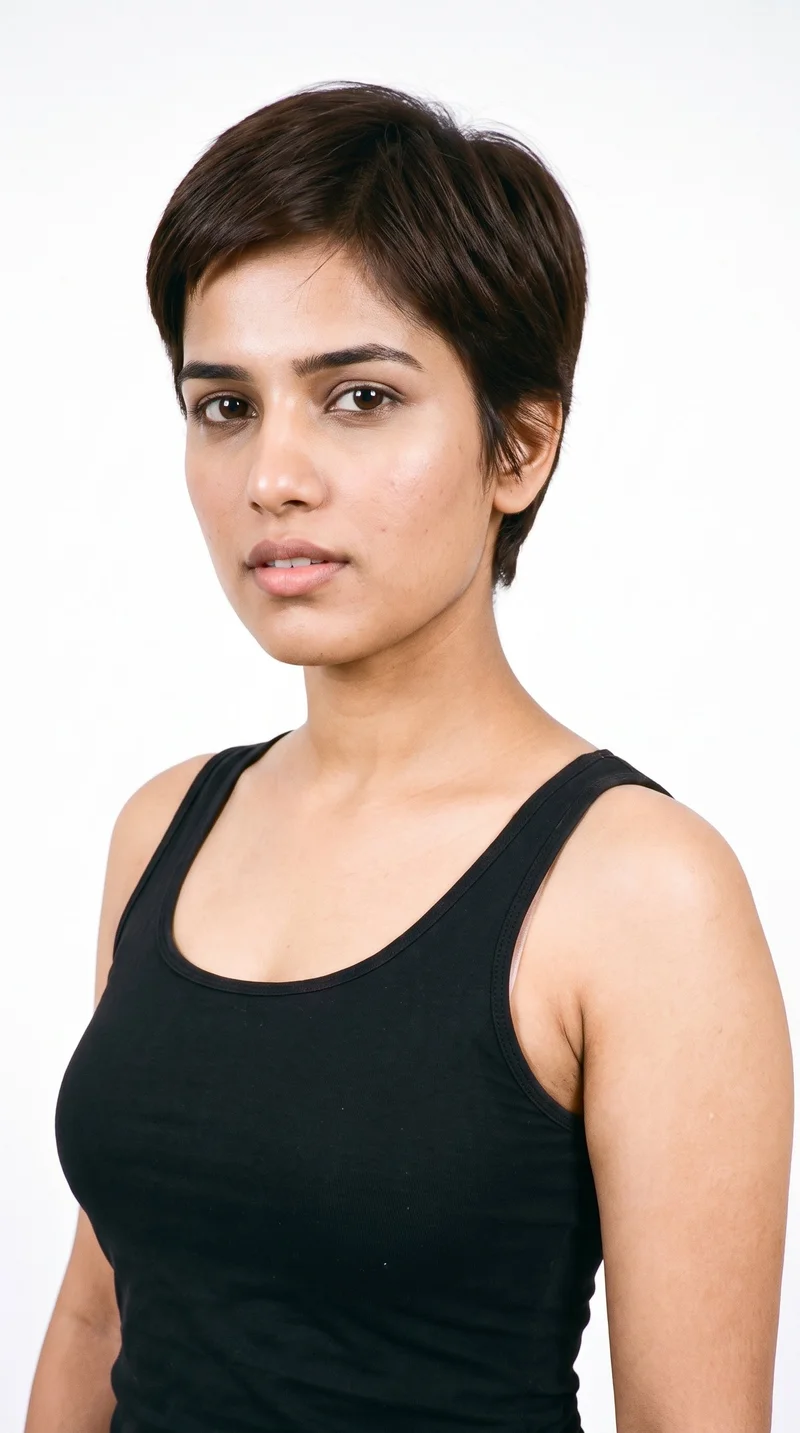
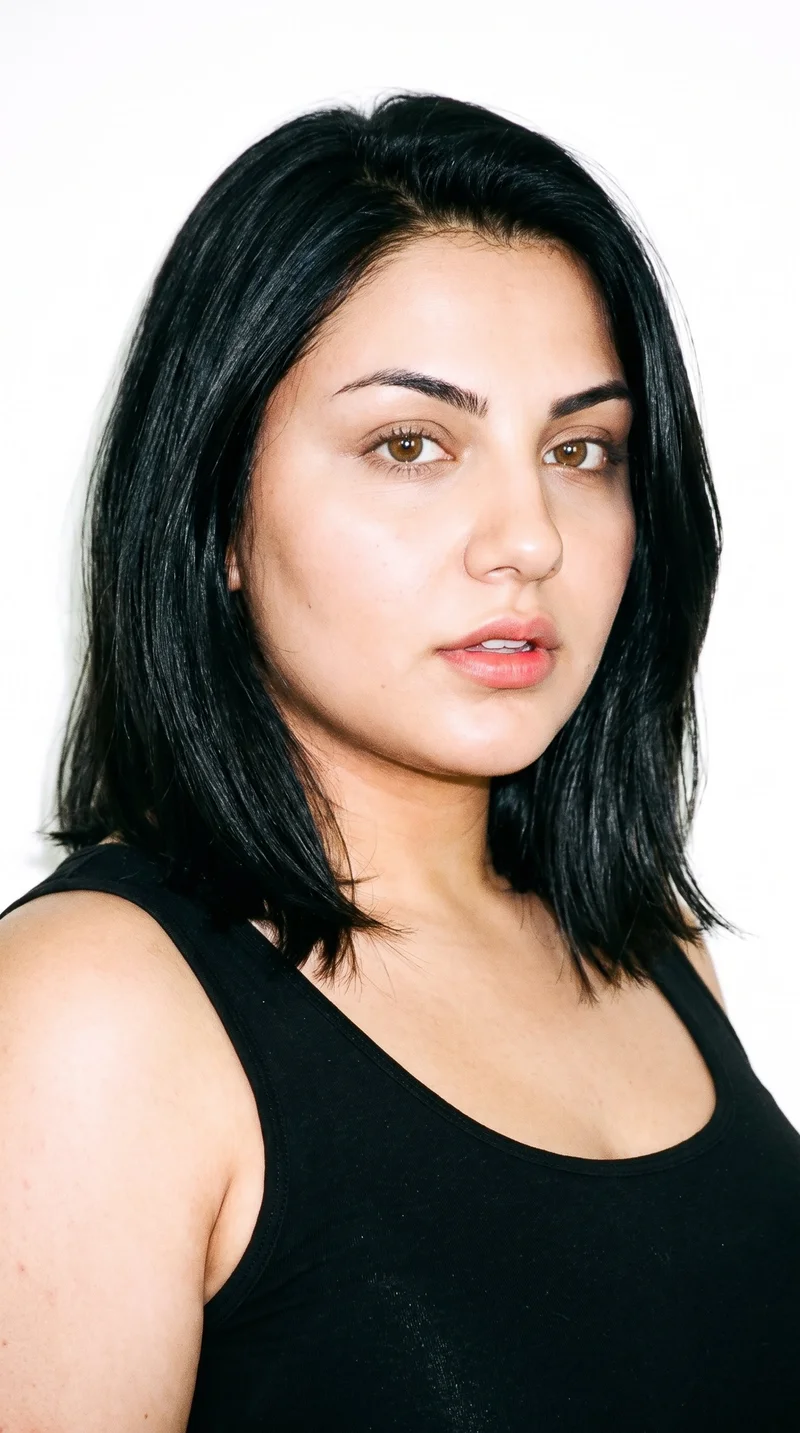
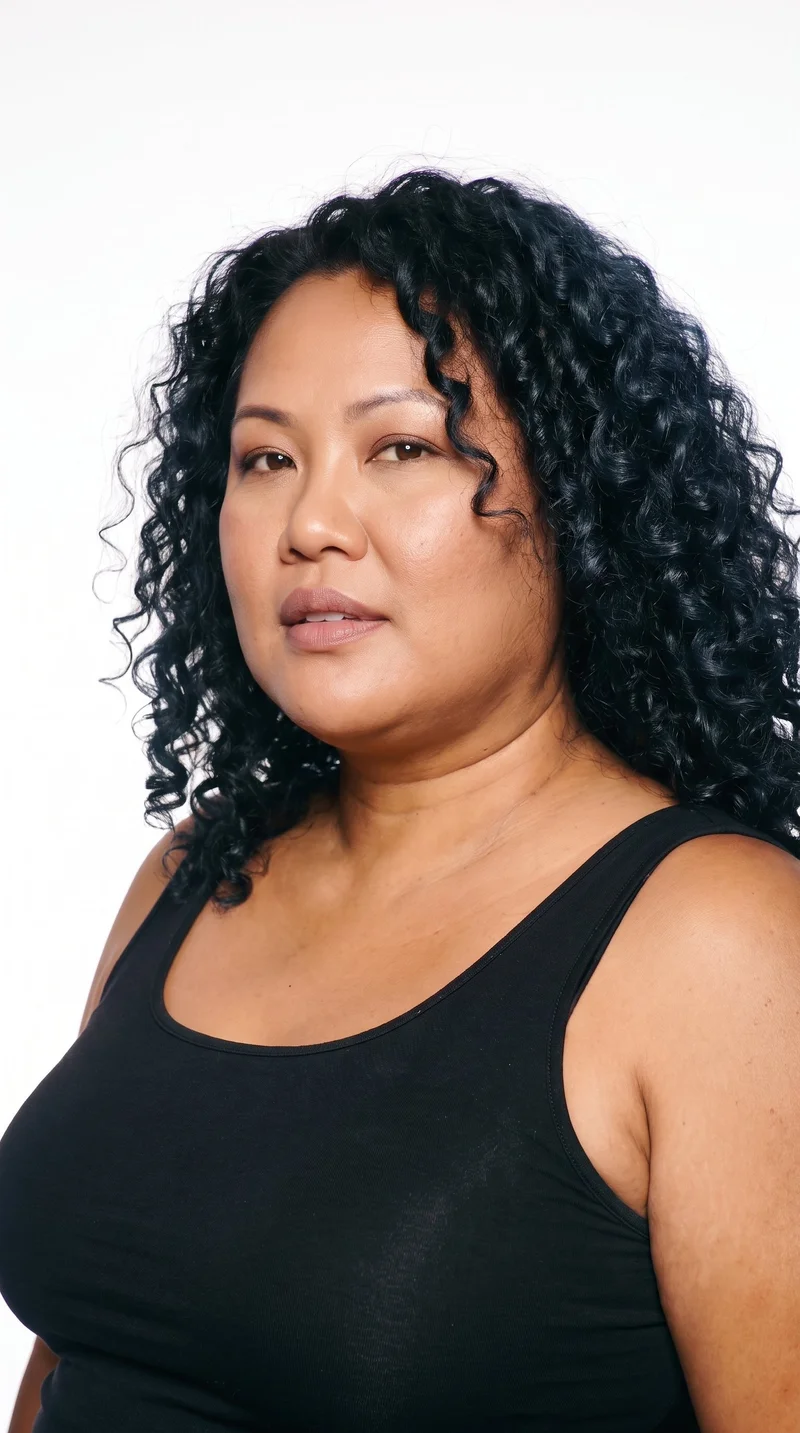
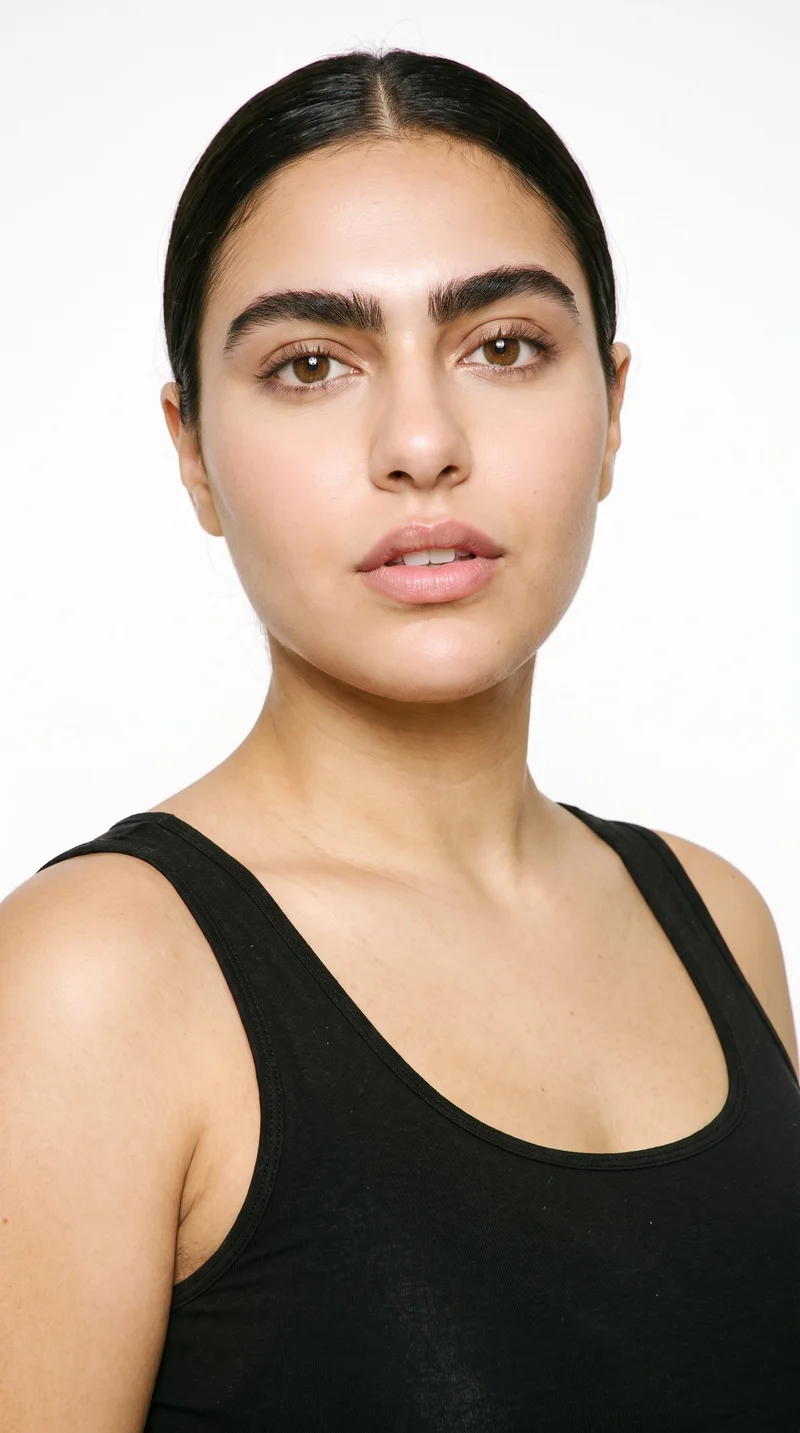
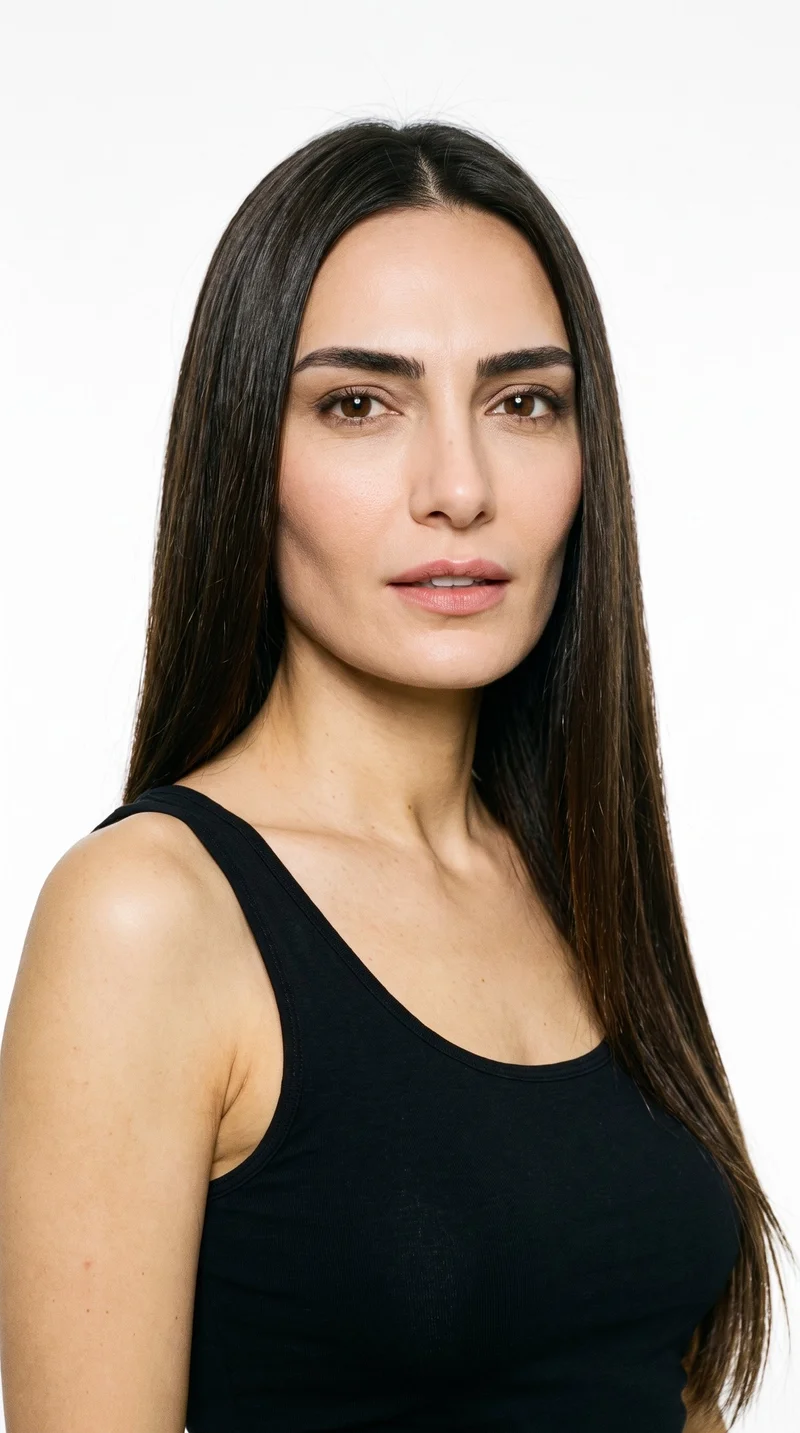
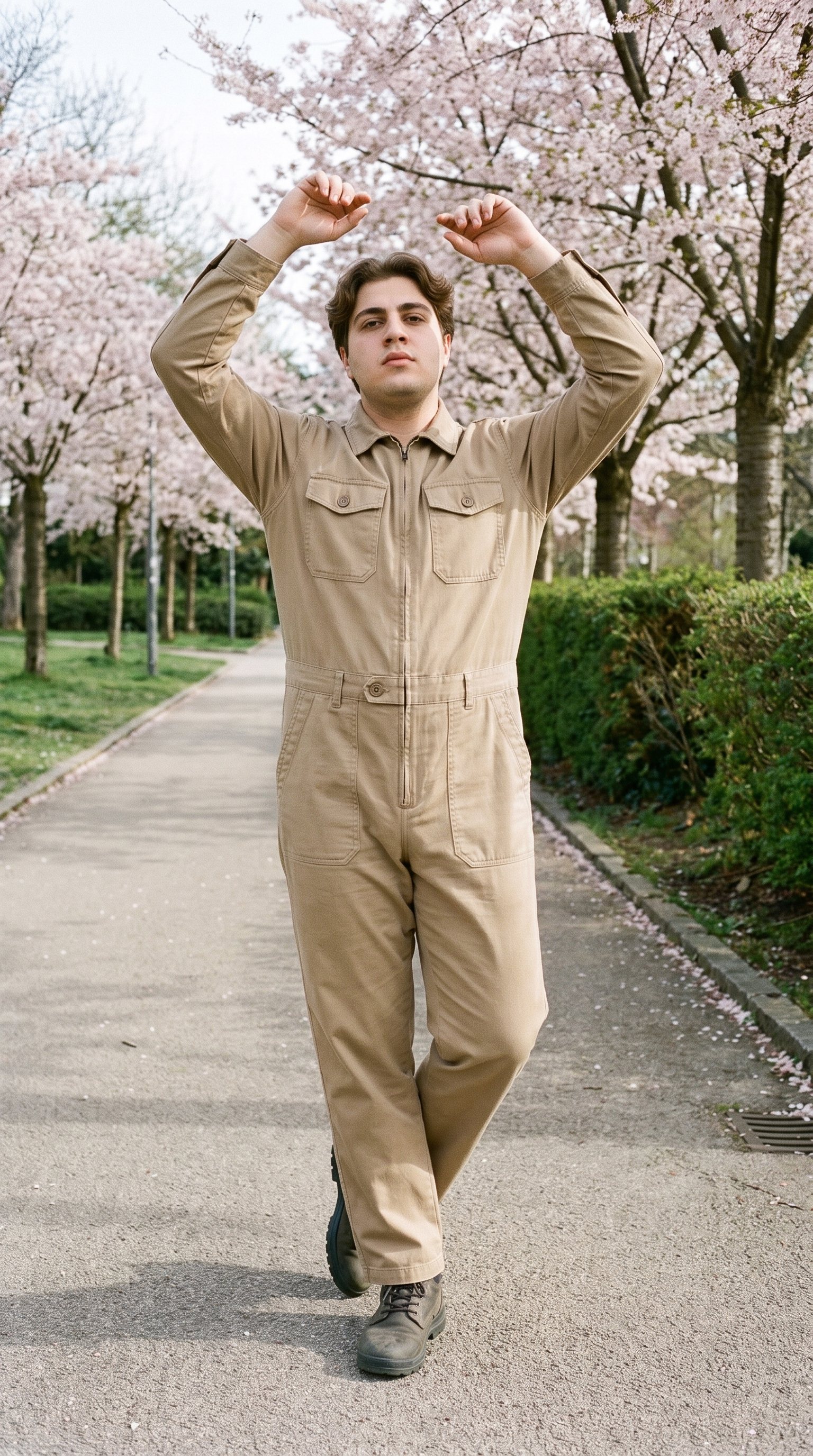
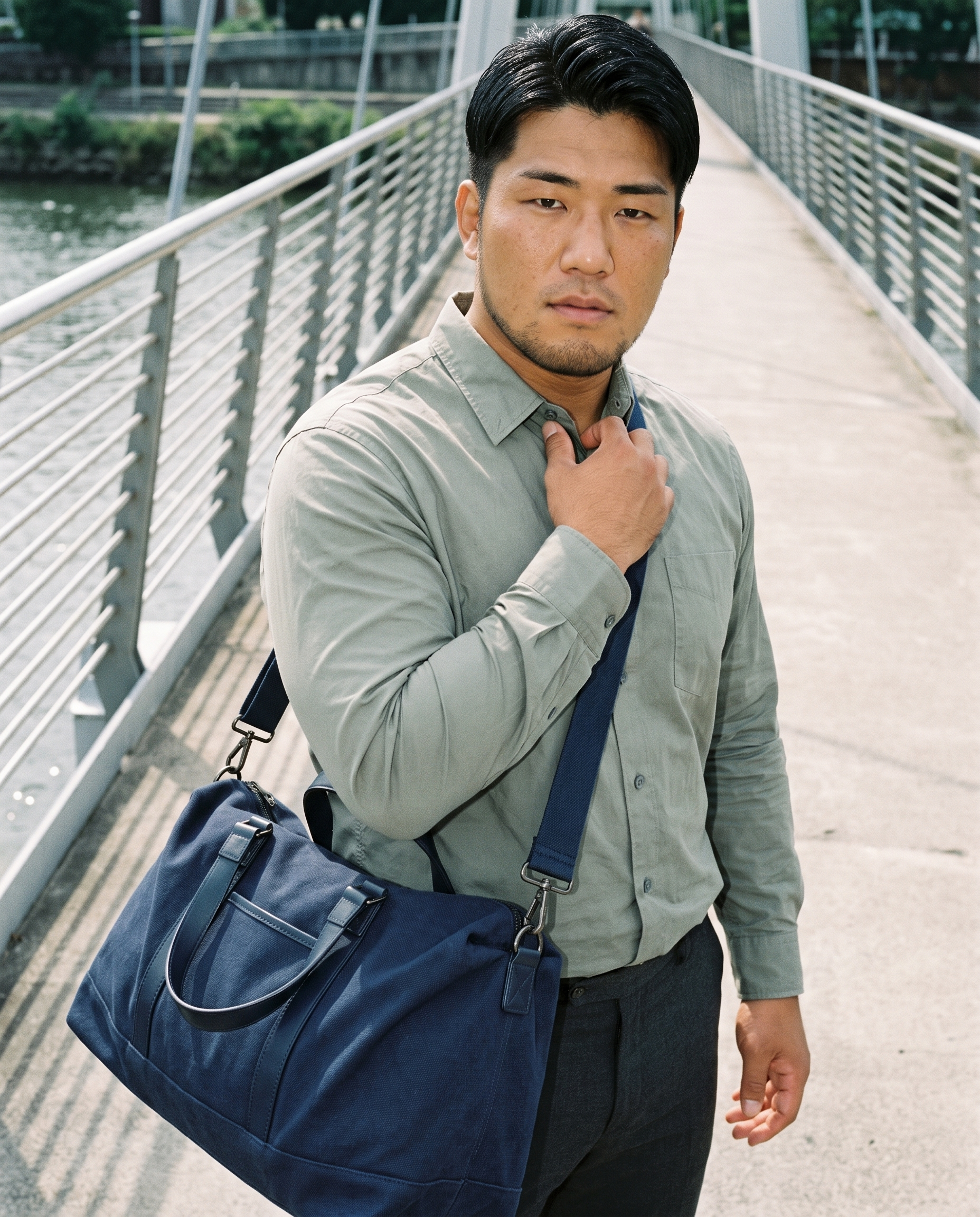
— Brown Hair · Catalog Identity · Reusable Model
AI Brown Hair Female Generator — with click-driven control over every attribute.
Brown hair is often the anchor of a brand face, especially when you need the same model identity to hold across launches, PDPs, and campaign variants. You select hair colour, hair style, age, body type, skin tone, expression, and more across 28 body attributes with 10+ options each, then save that model once and reuse it across the whole catalog. Every model is a transparently labelled synthetic composite, designed to avoid real-person likeness and ready for C2PA-signed outputs.
- ~$0.99 per model
- ~50–60s per generation
- 150+ styles
- 28 attributes × 10+ options
- Save once, reuse across catalog
- EU-hosted
7-day free trial • 50 tokens (10 images) • Cancel anytime


Saved model setup
Female · 26–35 · Dark brown · 175cm
Build a model. Zero prompts.
This setup starts with a female presentation, dark brown hair, long wavy styling, and a neutral expression so you can build a reusable brown-hair model identity for catalog work. Every decision is made with visible controls, then saved to your library for repeatable shoots. 28 attributes · 10+ options each
- 5 clicks · 0 keystrokes
- app.rawshot.ai / build_model
How it works
Build Once, Reuse Across Every SKU
For brown-hair model selection, the point is stability: choose the identity once, then keep it consistent across all future outputs.
- Step 01
Set the Base Identity
Choose the brown-hair model characteristics with buttons, sliders, and selectors. You define the face, hair, body, and expression before a single garment shoot starts.
- Step 02
Save the Model to Your Library
Generate the model, review the result, and save it as a reusable asset. That gives your team one stable identity to use across lookbooks, PDPs, and seasonal updates.
- Step 03
Reuse Across Every Shoot
Apply the saved model in the browser GUI or through the API at catalog scale. The same face and body stay consistent while you change garments, framing, lighting, and styles.
Spec sheet
Proof for Consistent Brown-Hair Model Workflows
These twelve points show how RAWSHOT keeps model identity, garment accuracy, provenance, rights, and scale explicit for fashion teams.
- 01
Built From Attribute Control
Each model is assembled from 28 body attributes with 10+ options each, giving you structured control instead of guesswork. The synthetic composite design keeps accidental real-person likeness statistically negligible by design.
- 02
Every Setting Is a Click
You choose hair colour, hairstyle, age range, body type, expression, and more through a real interface. No empty text box, no syntax, and no translation layer between intent and output.
- 03
Garment-Led Representation
RAWSHOT is engineered around the product, so cut, colour, pattern, logo, fabric, drape, and proportion stay central. The garment remains the brief, even when you swap models or styles.
- 04
Diverse Synthetic Model Library
Build and save model identities across a wide range of presentations and body attributes. That gives smaller brands access to inclusive imagery without arranging repeated physical casting.
- 05
Consistent Faces Across SKUs
Save one brown-hair model and reuse it across hundreds or thousands of garments. Your catalog keeps a stable identity instead of drifting from image to image.
- 06
150+ Visual Style Presets
Move the same saved model through catalog, editorial, campaign, studio, street, Y2K, vintage, noir, and more. Style changes do not require rebuilding the underlying identity.
- 07
2K, 4K, and Any Ratio
Generate outputs in 2K or 4K and frame for every channel you need. That covers PDP crops, paid social, marketplaces, lookbooks, and widescreen campaign assets from the same model base.
- 08
Labelled and Compliance-Ready
Outputs are AI-labelled, C2PA-signed, and protected with visible plus cryptographic watermarking. RAWSHOT is built for EU-hosted compliance workflows, including Article 50 and California labelling requirements.
- 09
Signed Audit Trail per Image
Every output carries a traceable record of what it is and how it was produced. That matters when brand, legal, and marketplace teams need provenance instead of ambiguity.
- 10
GUI for One Shoot, API for Scale
Use the browser app for hands-on creative direction or the REST API for nightly catalog pipelines. The same model library and output logic apply at both ends.
- 11
Fast, Clear, Non-Expiring Usage
Model generations are about $0.99 and usually complete in about 50–60 seconds. Tokens never expire, failed generations refund their tokens, and access stays straightforward.
- 12
Permanent Worldwide Commercial Rights
Every output comes with full commercial rights, permanent and worldwide. You can publish across ecommerce, marketplaces, ads, and brand channels without separate relicensing layers.
Outputs
One Saved Model, many fashion contexts.
Start from a single brown-hair model identity, then direct different garments, framings, and channels without losing continuity. The result is a cleaner catalog story and less operational drift.


Browse all 600+ models →
Comparison
RAWSHOT vs category tools vs DIY prompting
Three lenses on every dimension — what you optimize for in RAWSHOT versus typical category tools and blank-box AI workflows.
01
Interface
RAWSHOT
Buttons, sliders, and presets replace text-led trial and error.Category tools + DIY
Often mix lightweight controls with vague text-led direction for key decisions. DIY prompting: You type everything manually and reword requests to chase usable results.02
Model consistency
RAWSHOT
Save one model identity and reuse it reliably across catalog outputs.Category tools + DIY
Consistency often depends on manual matching and repeated regeneration. DIY prompting: Faces drift between outputs, so the same model rarely stays stable.03
Garment fidelity
RAWSHOT
Product-first engine keeps cut, colour, logo, and drape central.Category tools + DIY
Often prioritise scene mood over strict garment representation. DIY prompting: Garments drift, trims mutate, and logos get invented or distorted.04
Provenance
RAWSHOT
C2PA-signed, AI-labelled, with visible and cryptographic watermarking built in.Category tools + DIY
Labelling and provenance support vary widely or stay minimal. DIY prompting: No standard provenance metadata and no dependable labelling trail.05
Commercial rights
RAWSHOT
Permanent worldwide commercial rights are stated clearly for every output.Category tools + DIY
Rights can depend on plan level, vendor terms, or negotiated usage. DIY prompting: Rights clarity is often unclear, especially across models and source tools.06
Pricing transparency
RAWSHOT
Per-model pricing is visible, tokens never expire, refunds are explicit.Category tools + DIY
Plans may add seat limits, volume gates, or opaque credit rules. DIY prompting: Costs sprawl across subscriptions, retries, upscalers, and manual fixes.07
Catalog scale
RAWSHOT
Same product works in browser GUI and REST API for 10,000-SKU pipelines.Category tools + DIY
Scale features are often pushed behind enterprise packaging or separate tiers. DIY prompting: No structured catalog pipeline, just repeated manual generation and sorting.08
Iteration overhead
RAWSHOT
Change a visible control and regenerate with predictable model settings.Category tools + DIY
Iterations can still require reinterpreting creative intent between attempts. DIY prompting: Prompt-engineering overhead slows every revision and compounds inconsistency.
Prompting does not scale
Stop writing essays. Direct the shoot.
Most AI photo tools start with a blank text box. Rawshot turns the shoot into repeatable controls, so creative teams can produce consistent fashion imagery without prompt syntax or one-off hacks.
Category norm
ManualCreate a premium editorial fashion photograph of a model wearing the exact navy oversized wool coat from SKU-1842, full-body crop, realistic hands, consistent facial identity, clean e-commerce lighting, subtle Paris street background, 85mm lens, no logo distortion, no fabric hallucination, same pose as last campaign, repeatable for all colorways...
A prompt can describe one image. It cannot become a shared production system for hundreds of products, models, angles and markets.
Rawshot
ClicksSaved shoot recipe
Apply to 1 SKU or 10,000 via GUI, CSV or REST API.
Rawshot makes creative direction visible: buttons, presets and sliders instead of hidden prompt craft. The result is easier to teach, faster to approve and built for repeat production.
Use cases
Where a Reusable Brown-Hair Model Pays Off
Operator archetypes and how click-directed, garment-first output fits the way they actually work.
- 01
Indie Womenswear Labels
Build one recognisable brown-hair brand face, then reuse it across each drop without booking repeated shoots.
Confidence · high
- 02
DTC Basics Brands
Keep product pages visually consistent by applying the same saved female model across core styles and colour updates.
Confidence · high
- 03
Marketplace Sellers
Standardise listing imagery with one reusable model identity while swapping garments, crops, and aspect ratios by channel.
Confidence · high
- 04
Pre-Launch Designers
Photograph garments before physical sampling is practical, using a stable brown-hair model to present early collections clearly.
Confidence · high
- 05
Crowdfunding Teams
Show a coherent on-model story across campaign pages, social assets, and press materials from one saved identity.
Confidence · high
- 06
Resale and Vintage Stores
Use one consistent female model across one-off pieces so the shop feels branded even when inventory changes daily.
Confidence · high
- 07
Adaptive Fashion Brands
Test multiple garment presentations on the same saved model identity to compare fit storytelling without rebuilding the cast each time.
Confidence · high
- 08
Lingerie DTC Teams
Maintain a familiar model presence across launches while directing different framings, moods, and product groupings responsibly.
Confidence · high
- 09
Factory-Direct Manufacturers
Generate customer-ready model imagery from one approved identity and push it through catalog pipelines at volume.
Confidence · high
- 10
Editorial Commerce Teams
Move the same brown-hair model from clean PDP shots into seasonal stories without losing continuity between channels.
Confidence · high
- 11
Students and Portfolio Builders
Create a consistent female model for fashion projects without arranging a studio, a casting process, or repeated reshoots.
Confidence · high
- 12
Kidswear Parent Brands
Use a stable adult female model for caregiver-led styling stories, lookbooks, and accessories marketing around the collection.
Confidence · high
— Principle
Honest is better than perfect.
A saved brown-hair model identity only works for a brand if teams can trust what they are publishing. RAWSHOT labels outputs as AI-made, adds C2PA-signed provenance metadata, and applies visible plus cryptographic watermarking so catalog, legal, and marketplace workflows stay clear. Every model is a synthetic composite rather than a captured real person, which is exactly the kind of honesty commerce teams need when consistency scales.
Rights & provenance
Full commercial rights. Forever.
- C2PA-signed on every image — EU AI Act Article 50 compliant
- 28-attribute synthetic models — real-person likeness statistically impossible
- Full commercial rights to every generation — no recurring licensing fees
- Tokens never expire · One-click cancel · Transparent pricing
EU AI Act
C2PA
Commercial use
Pricing
~$0.99 per model generation.
~50–60 seconds per generation. Save the model once, reuse it across your entire catalog.
- 01Tokens never expire. Cancel in one click.
- 02Same face, same body, every SKU — no drift between shoots.
- 03No per-seat gates. No 'contact sales' walls for core features.
- 04Failed generations refund their tokens.
FAQ
Practical answers on control, rights, pricing, scale, and compliant publishing.
Do I need to write prompts to use RAWSHOT?
Never—you direct every output with sliders, presets, and clicks on the garment, not typed prompts. That matters because fashion teams do not need another tool that turns every shoot into a writing task for buyers, marketers, or ecommerce operators. In RAWSHOT, model attributes, framing, lighting, style, and output format are visible controls, so the work feels like directing a shoot inside software rather than negotiating with a chat interface.
For catalog teams, reliability matters more than clever wording. RAWSHOT keeps token pricing, generation timings, refunds for failed generations, commercial rights, provenance signalling, watermarking, and reuse workflows explicit, so operations can plan launches without hidden rules. You can build a brown-hair female model in the browser, save it to your library, and then reuse that identity through the GUI or REST API with the same click-driven logic every time.
What does AI-assisted fashion model building change for SKU-scale catalogs?
It changes who gets access to consistent on-model imagery. Instead of arranging repeated casting, shoot days, and reshoots just to keep a familiar face across a catalog, you build a reusable synthetic model once and apply it across the full range. That gives smaller operators the kind of identity continuity larger brands usually reserve for bigger budgets and more operational staff.
In practice, RAWSHOT lets you define a model through 28 body attributes with 10+ options each, save that identity, and reuse it across product photography and video workflows. The same system supports single-shoot browser work and catalog-scale REST API pipelines, so the setup does not break when your SKU count grows. For commerce teams, the key gain is not novelty; it is stable visual consistency that can be planned, repeated, and audited.
Why skip reshooting every SKU when seasonal styling changes?
Because the expensive part is often not the garment change but the repeated logistics around people, studios, timing, and continuity. When the same product line needs new crops, new visual styles, or a fresh seasonal mood, brands end up paying again to rebuild a look they already had. That slows launches and narrows who can afford to update their imagery properly.
RAWSHOT separates the reusable model identity from the styling layer. You can keep the same saved female model, then adjust lighting, framing, background, and style presets across catalog, editorial, or campaign outputs without rebuilding the cast. For operators managing seasonal refreshes, the practical move is simple: lock the model identity once, then iterate around the product and channel requirements instead of restarting the entire production chain.
How do we turn flat garments into catalogue-ready imagery without prompting?
You start with the product and direct the outcome through controls instead of typed instructions. In RAWSHOT, the garment stays central while you choose the model, camera framing, aspect ratio, lighting system, visual style, and output resolution through a structured interface. That means a merchandiser or ecommerce manager can work from the same visible settings as a creative lead without learning special syntax.
Once your brown-hair model is saved, you apply it to the garment shoot and adjust only the variables you need for the channel. The platform supports upper-body, lower-body, full-outfit, footwear, accessories, and multi-product compositions, so the workflow extends beyond a single PDP format. For operations teams, the takeaway is that catalogue-ready imagery becomes a repeatable process: select, adjust, generate, review, and publish.
Why does garment-led control beat ChatGPT, Midjourney, or generic image tools for fashion PDPs?
Because PDP imagery fails when the garment stops being the source of truth. Generic image tools are good at broad visual interpretation, but fashion commerce needs exactness in cut, colour, logo handling, pattern placement, and proportion. When the system is not built around the product, teams spend time correcting drift, rejecting invented details, and trying again with different wording rather than moving inventory live.
RAWSHOT is designed as a fashion application, not a general chat workflow. You choose model attributes, lighting, style, framing, and other decisions through controls, while the engine is built to represent real garments faithfully and keep model identity stable across outputs. The operational advantage is straightforward: fewer unpredictable retries, clearer provenance, and a workflow that fits apparel teams rather than forcing apparel teams to adapt to generic image behaviour.
Is the ai brown hair female generator safe for commercial brand use?
Yes, if your standard is clear labelling, explicit rights, and documented provenance rather than vague realism claims. RAWSHOT gives full commercial rights to every output, permanent and worldwide, so teams can publish across ecommerce, paid media, marketplaces, and brand channels without negotiating separate usage terms for each asset. Just as importantly, the platform treats honesty as a product feature, not a legal afterthought.
Outputs are AI-labelled, C2PA-signed, and protected with visible plus cryptographic watermarking. The models themselves are synthetic composites built from structured attributes rather than scans of a single real person, which reduces likeness risk by design. For brand teams, that means the right way to use the system is also the straightforward way: publish labelled assets with a traceable record and a clean rights position.
What should our QA team check before publishing model-based fashion images?
Start with the garment, not the model. Confirm that cut, colour, print, logo placement, trims, drape, and proportions match the source product, then review framing and styling for the intended channel. After that, check whether the saved model identity remains consistent across the set, because brand continuity matters just as much as individual image quality when shoppers move from one SKU to the next.
RAWSHOT also makes provenance review part of normal QA. Teams should verify that outputs are labelled appropriately, that watermarking cues are present where expected, and that the C2PA record aligns with internal publishing requirements. In operational terms, the best QA workflow is a short checklist covering garment fidelity, model consistency, channel formatting, and provenance before assets are pushed into PDPs, ads, or marketplace feeds.
How much does an ai brown hair female generator cost in RAWSHOT?
Model generation is about $0.99 per model and usually completes in about 50–60 seconds. That price covers building the reusable identity you can save to your library and apply across future shoots, which is why the economics work differently from commissioning a new physical production every time you need continuity. For teams comparing stills, motion, and model-building workloads, RAWSHOT keeps each unit type priced separately and plainly.
Tokens never expire, failed generations refund their tokens, and core features are not blocked behind seat gates or a forced sales conversation. That matters for smaller operators because experimentation stays possible without guessing whether credits will vanish at month end. The practical budgeting approach is to create approved base models first, then spend image or video tokens on the outputs you actually want to publish.
Can we plug saved models into Shopify-scale or ERP-linked catalog pipelines?
Yes. RAWSHOT supports browser-based work for hands-on creative direction and a REST API for catalog-scale production, so saved model identities are not trapped inside one manual interface. That makes it practical to move from a one-off test to a repeatable production workflow without switching products or rebuilding assets from scratch.
For commerce operations, the important detail is consistency between the interactive and automated layers. The same reusable model logic can feed larger SKU pipelines, including environments that need structured approvals, product data alignment, and repeatable publishing steps. If your team already thinks in terms of nightly jobs, catalog refreshes, and downstream handoffs, RAWSHOT is built to fit that operating rhythm rather than interrupt it.
How do creative and ecommerce teams share the same brown-hair model workflow at scale?
They share it by working from the same saved identity and the same explicit controls. Creative teams can define the model and approve the look in the browser, while ecommerce or catalog operators reuse that approved model across larger production runs without reinterpretation. That reduces the usual friction where brand intent lives in one place and production reality lives somewhere else.
RAWSHOT supports that handoff because the system is the same whether you are generating one asset or orchestrating thousands. The saved model remains stable, the rights position stays clear, the provenance layer stays attached, and the pricing rules do not change just because more people are involved. For scale, the winning pattern is simple: approve once, reuse everywhere, and keep the model identity as infrastructure rather than a one-time creative accident.
Keep exploring