
Campaigns
Fashion campaign photography
Your directed images are ready before launch.
You need fashion campaign photography before a fixed launch date, but the campaign still needs directed products, suitable models and a finished visual set for review.
7-day free trial • 50 tokens (10 images) • Cancel anytime
A 2K image in roughly 35 seconds · AI-labelled with C2PA content credentials
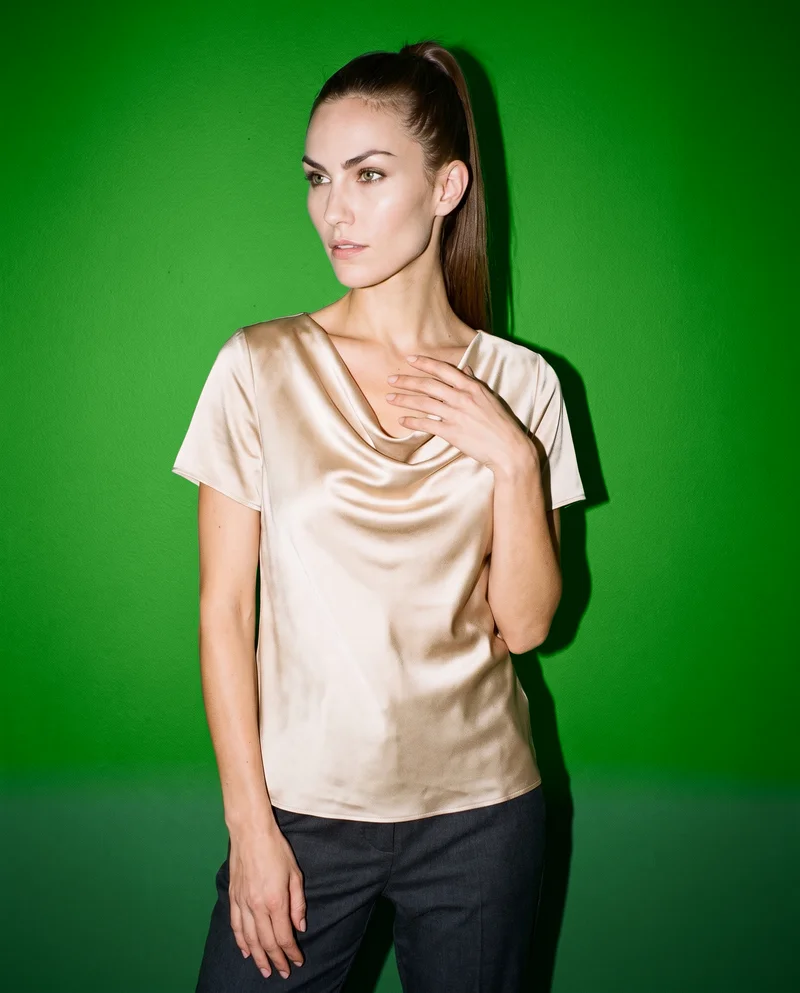
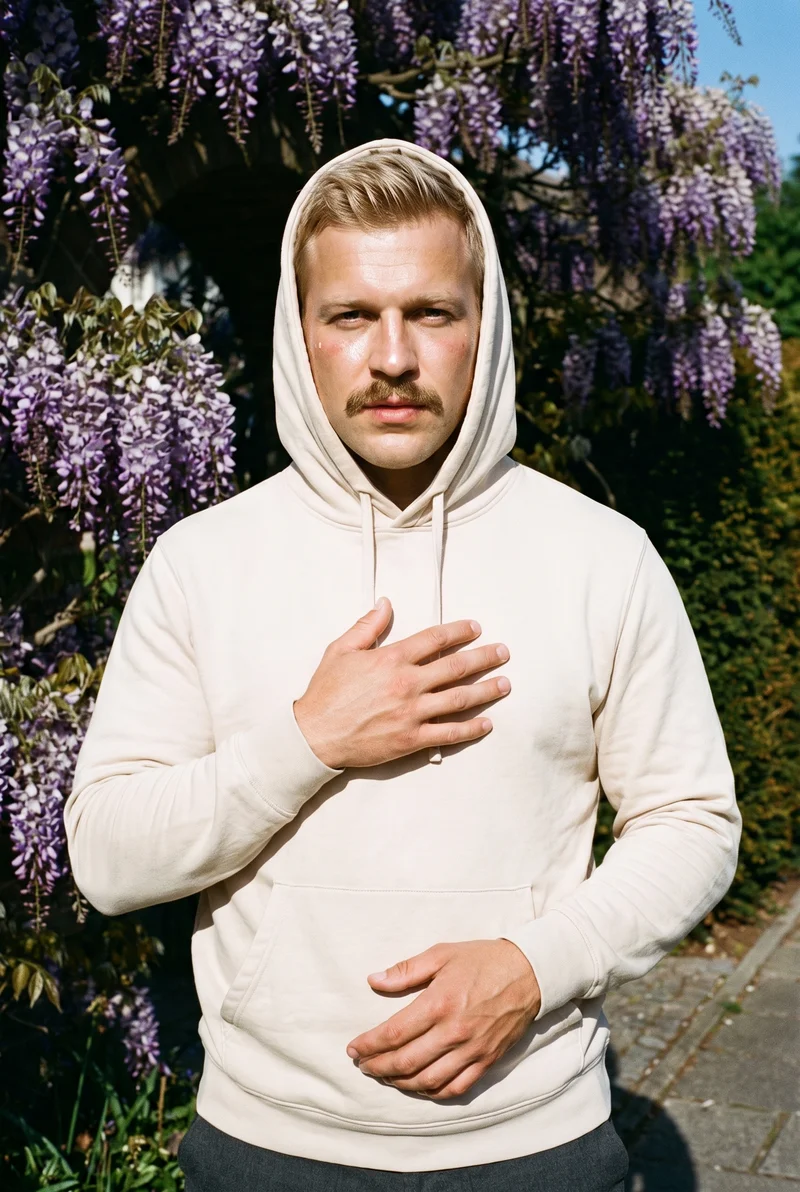
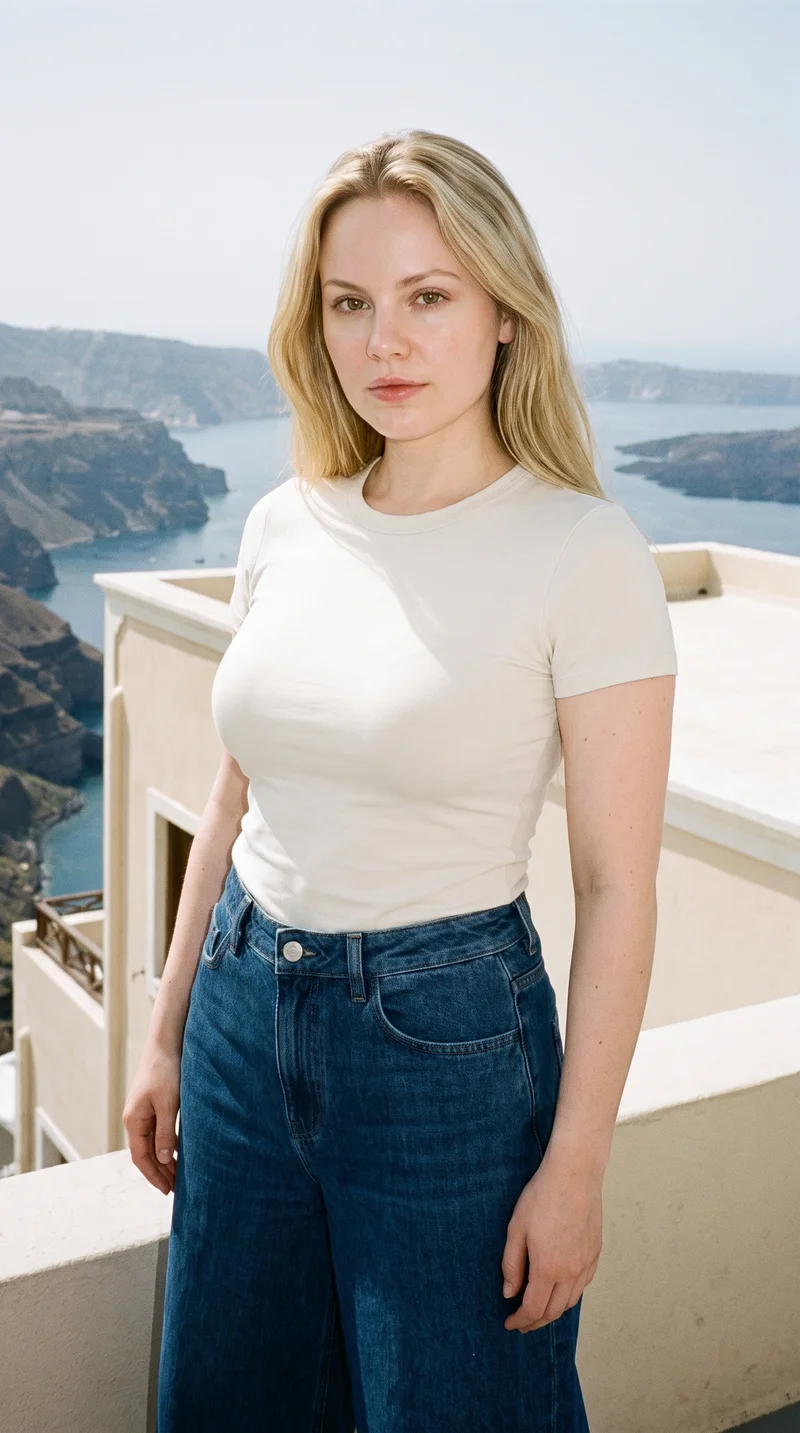
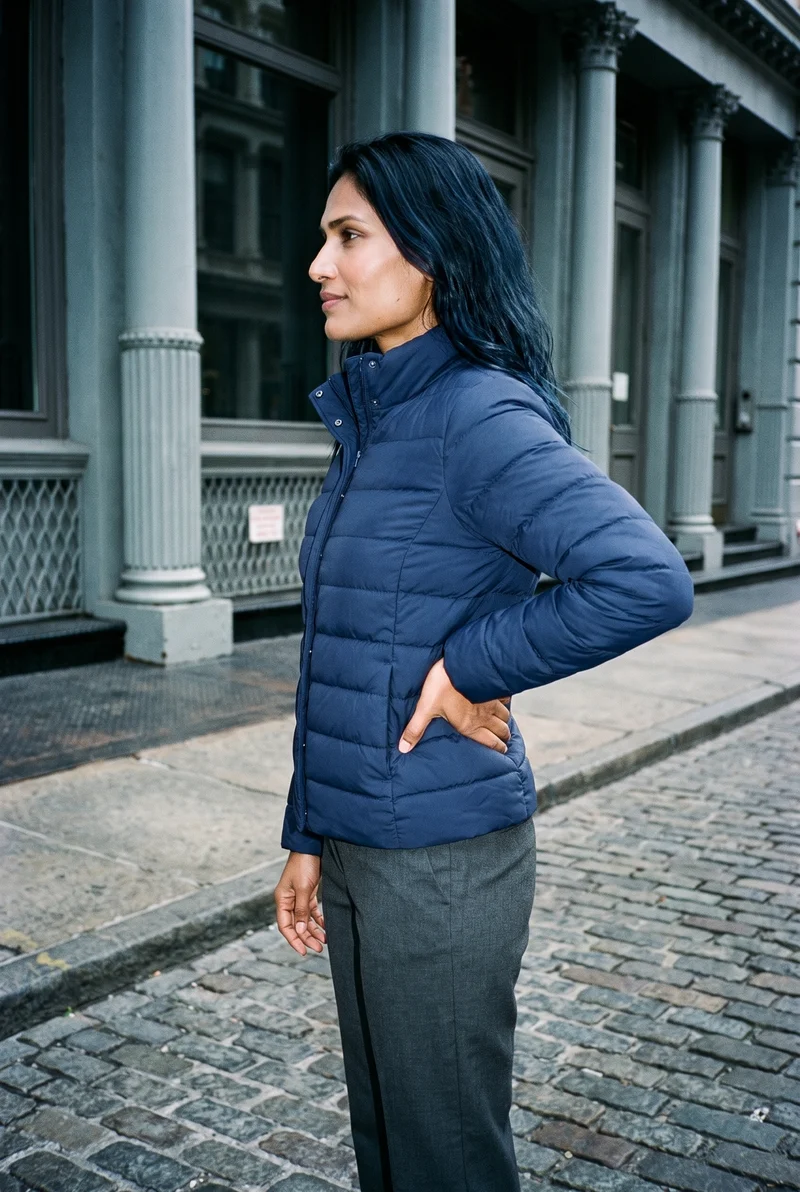
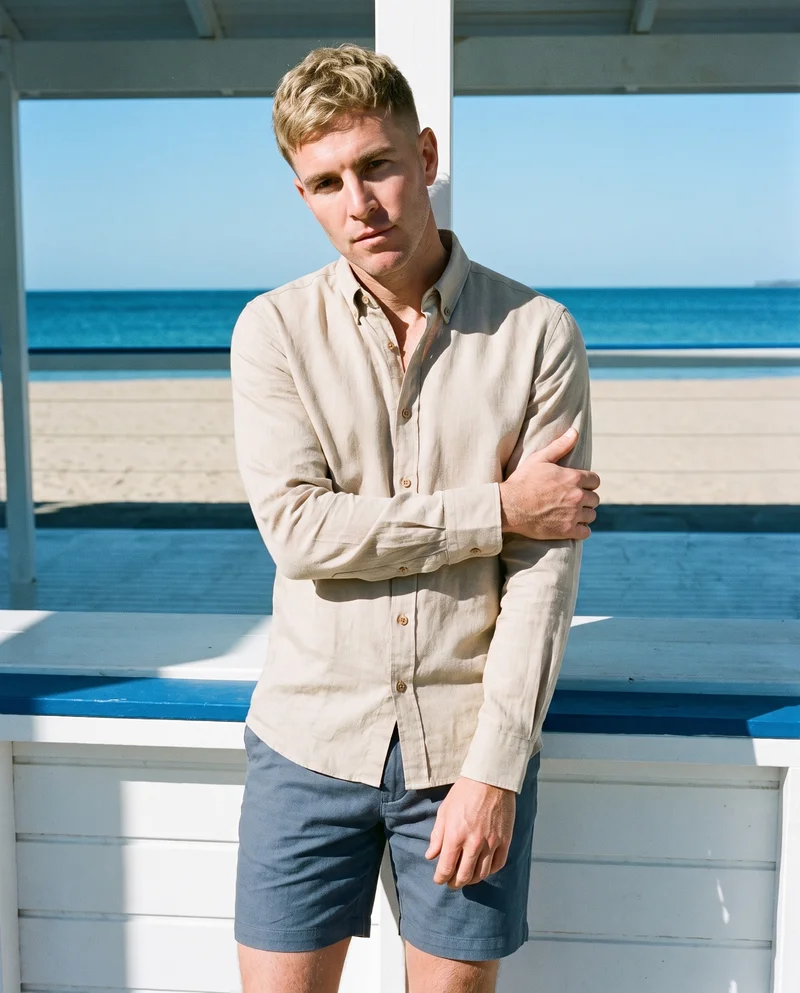
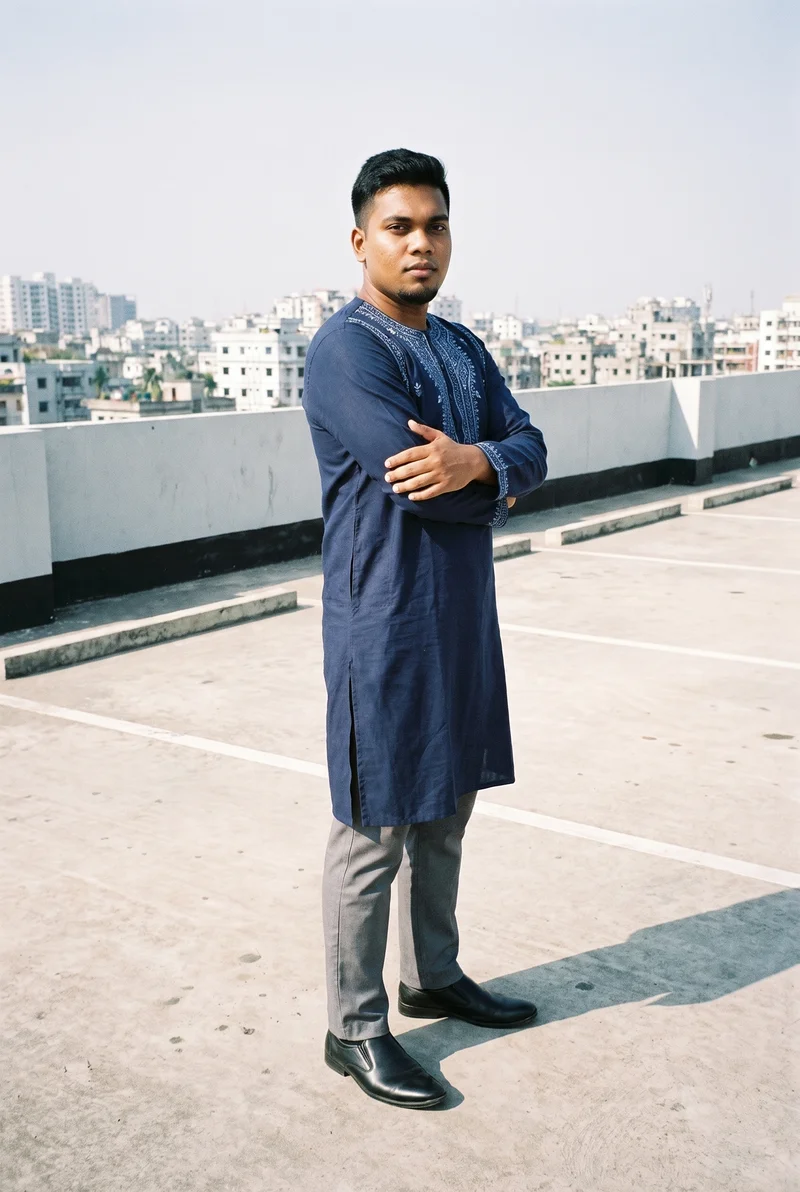
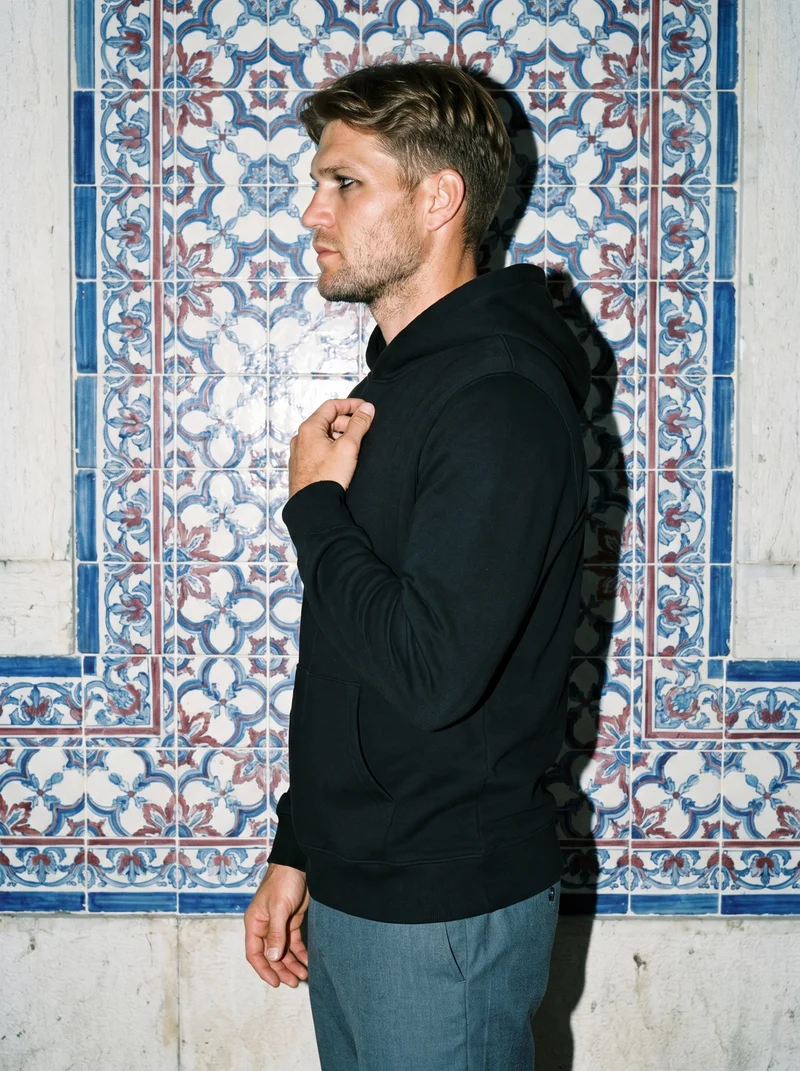
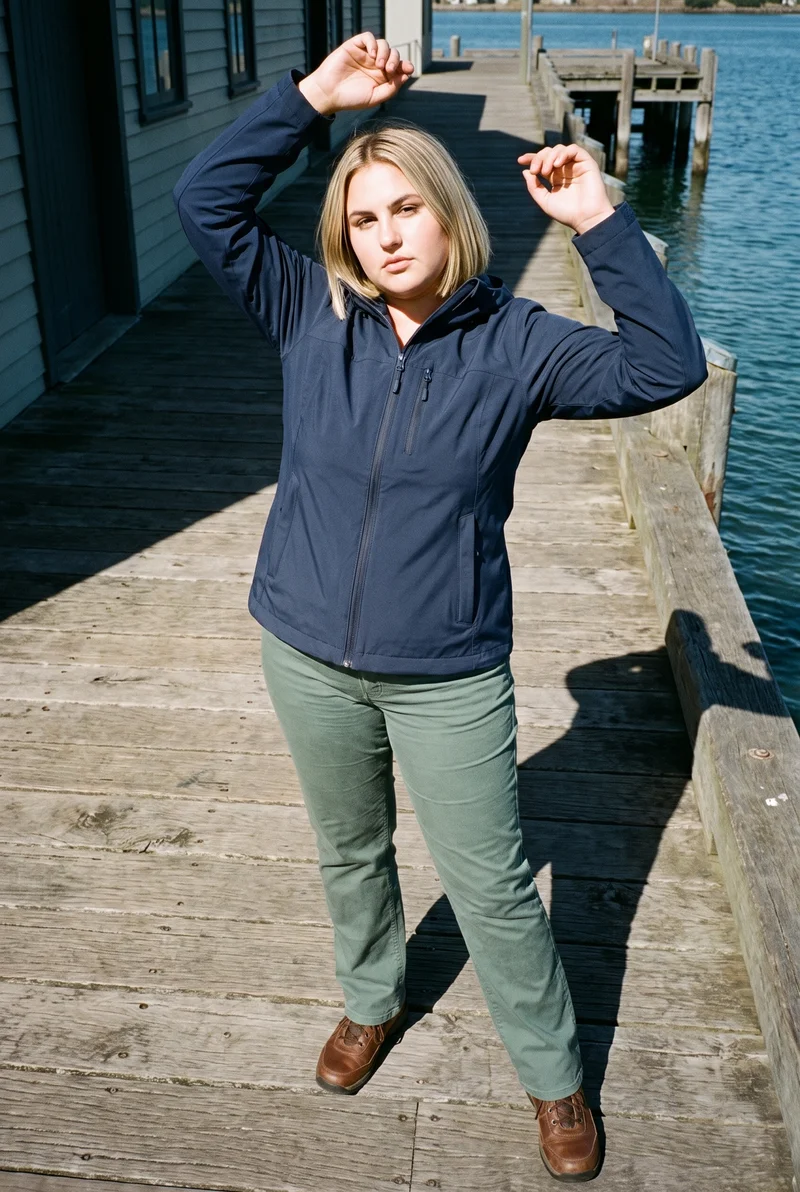
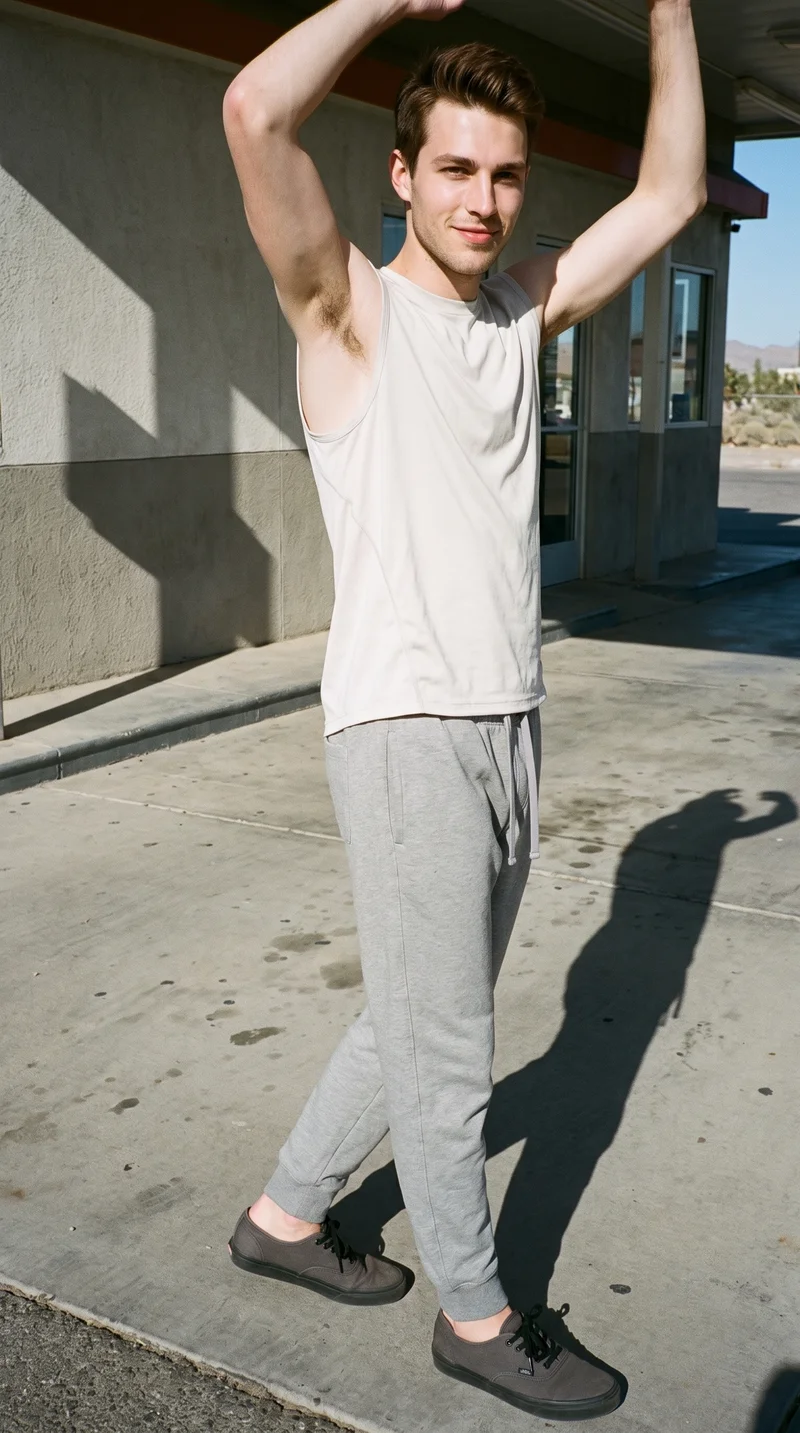
Showing 9 of 496, shot in RAWSHOT
Use cases
When launch timing outruns agency production.
Fixed launch date
The situation
A seasonal campaign must be ready before the launch date, but agency lead time extends beyond the planning window.
With RAWSHOT
Set the model, outfit, pose, photography direction, background and format around each hero product. You get a directed campaign image set ready for review and launch planning.
Campaign pre-visualisation
The situation
The campaign direction is clear, but the visual set needs shape before production is booked.
With RAWSHOT
Choose the adult model, garment styling, frame, camera view and light direction for the key pieces. You get campaign stills that clarify the intended look before scheduling a physical shoot.
Product variant planning
The situation
Several key products need campaign variants that feel related across formats and internal review rounds.
With RAWSHOT
Keep the selected model, light and composition choices in view while changing the product or format. You get a connected set of directed product images for planning and comparison.
Social campaign extensions
The situation
Approved campaign stills also need to support short social placements around the same product direction.
With RAWSHOT
Set the frame, pose, camera view and campaign styling for the still. Use the finished image as the basis for short social clips, giving you still and motion-ready campaign material from the same visual direction.
What you get
The set covers hero frames and launch formats for social review.
Build a directed campaign image set around real products, selected adult models, styled outfits, hero frames, backgrounds, light and launch-ready formats. The set gives your team a clear visual basis for planning, review and social placements.
Hero campaign frames
Create directed on-model hero images with selected poses, camera views and formats suited to launch planning, review and campaign selection.
Styled product outfits
Present real products with deliberate model, outfit and garment styling choices that support the intended campaign mood.
Background and light direction
Set the scene context separately from the named photography direction, giving the campaign a clear visual treatment for internal review.
Launch-ready formats
Prepare campaign stills in the formats your team needs for social placements, planning documents and selected short social clips.
Direct the shoot
Frame, view, pose and light are yours to set.
Image frame
15
Pose
22 poses on this frame
Camera view
4
Format
9
Pose style
4
Facial expression
10
Photography direction
4
Create photoshoot
Step 7 of 7 · Composition
Image 1 · readyGallery image from this pageProduct
Your product
Model
From the library
Composition
Full Body · Front View · Catalog pose · Neutral
Delivery
2K · 1:1
Light
Studio Cutout
Total cost
5 tokens
AI fashion models
A 1,197-model adult cast gives each product a wearer.
1,197 licence-free grown models across ages and body types. Or build a private model from visible attributes.
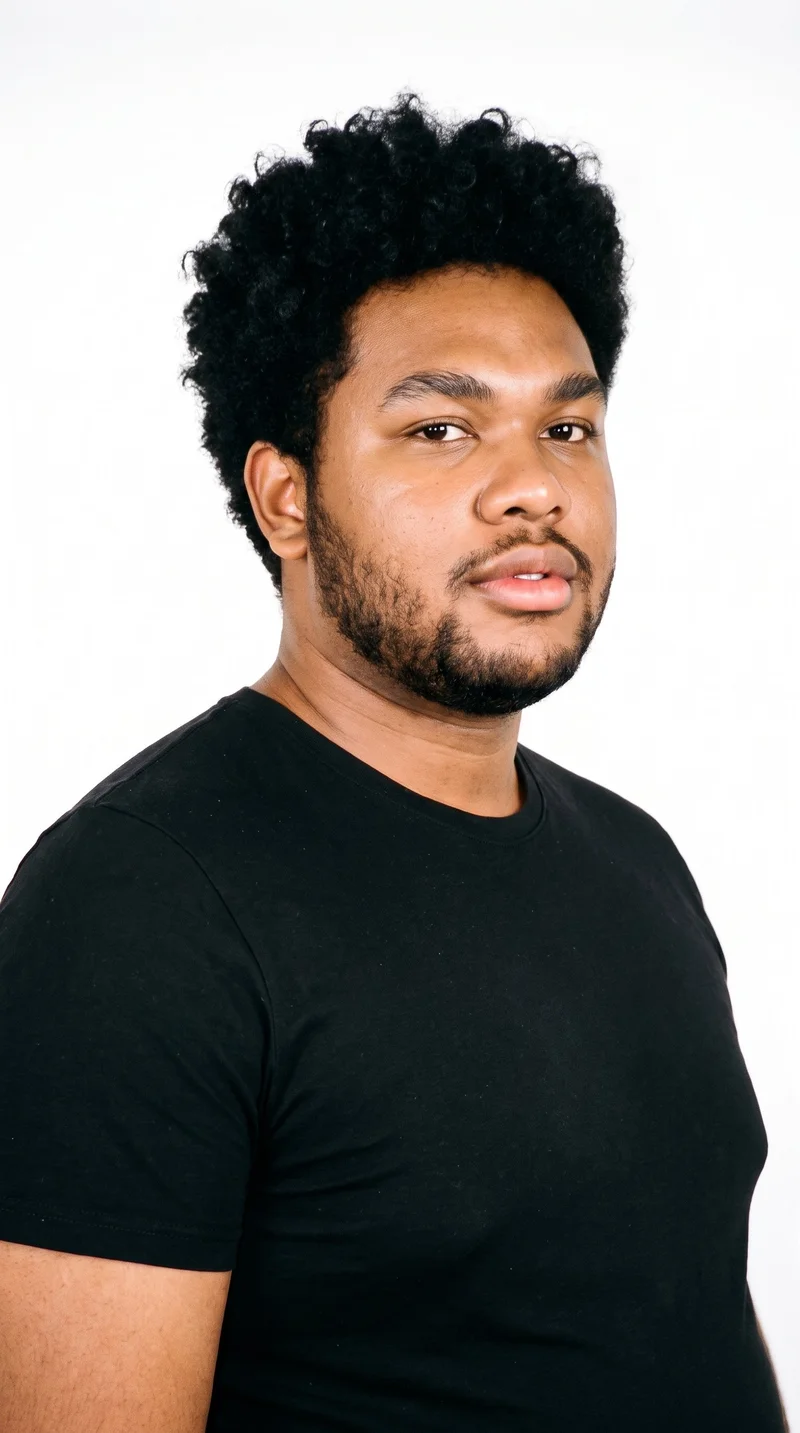
Male · 23
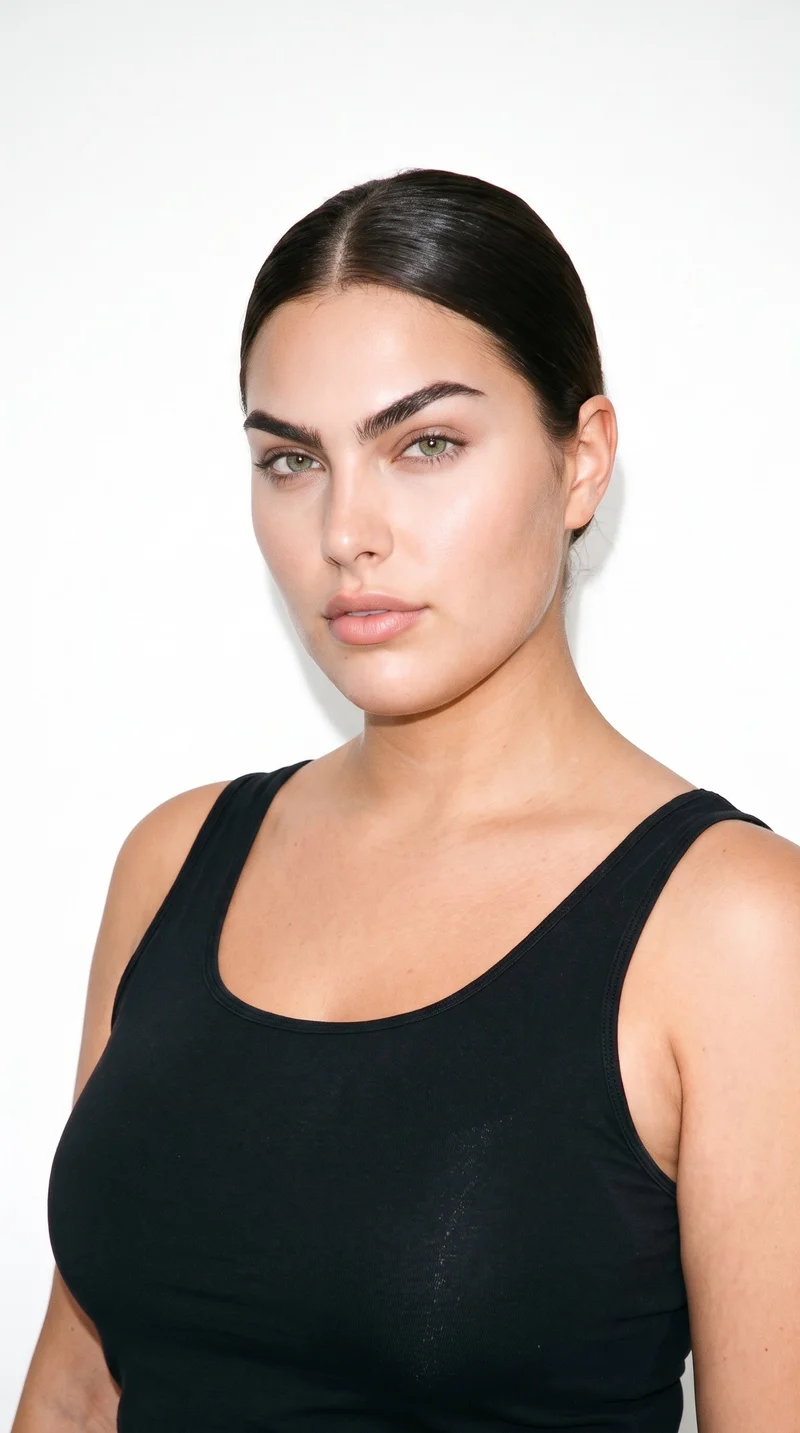
Female · 23
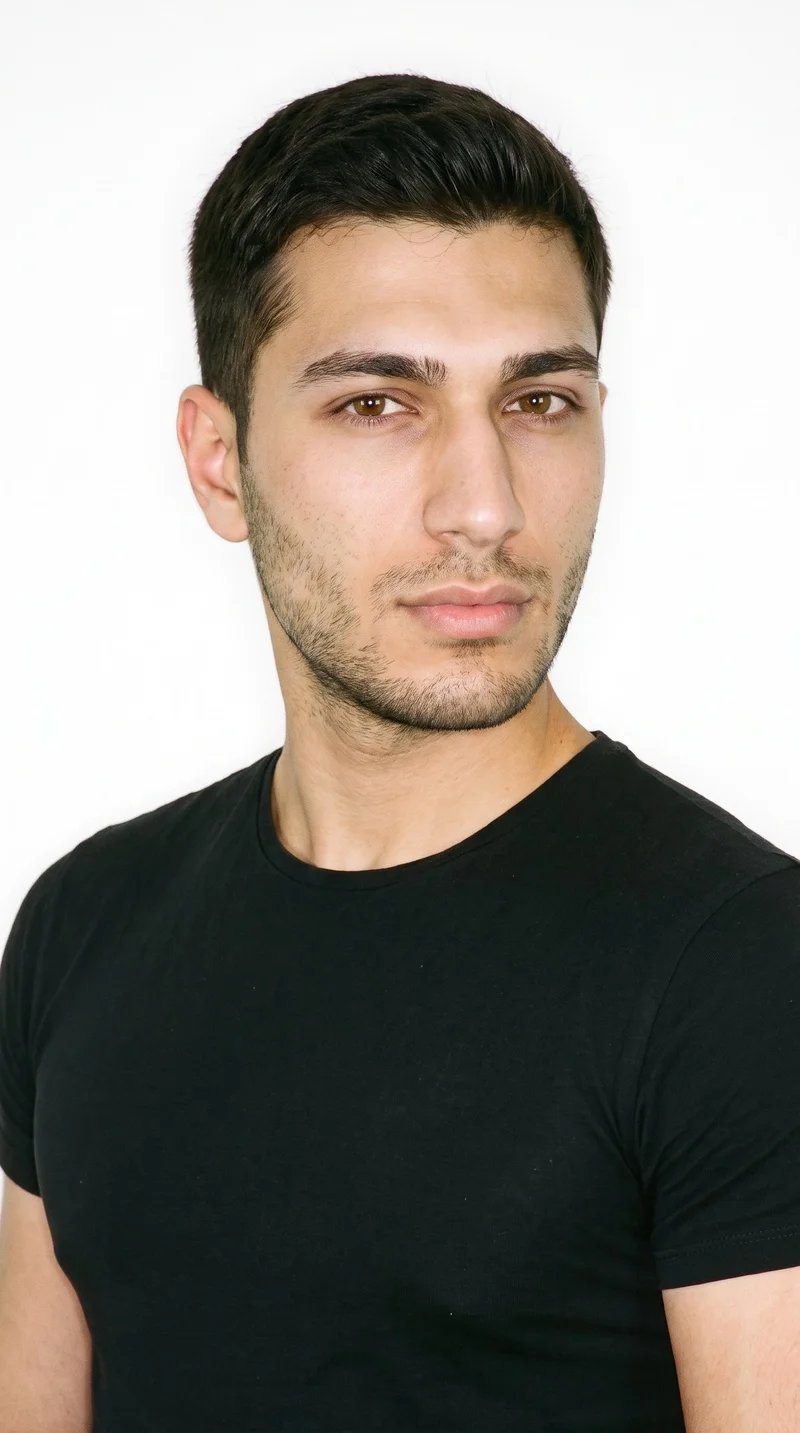
Male · 22
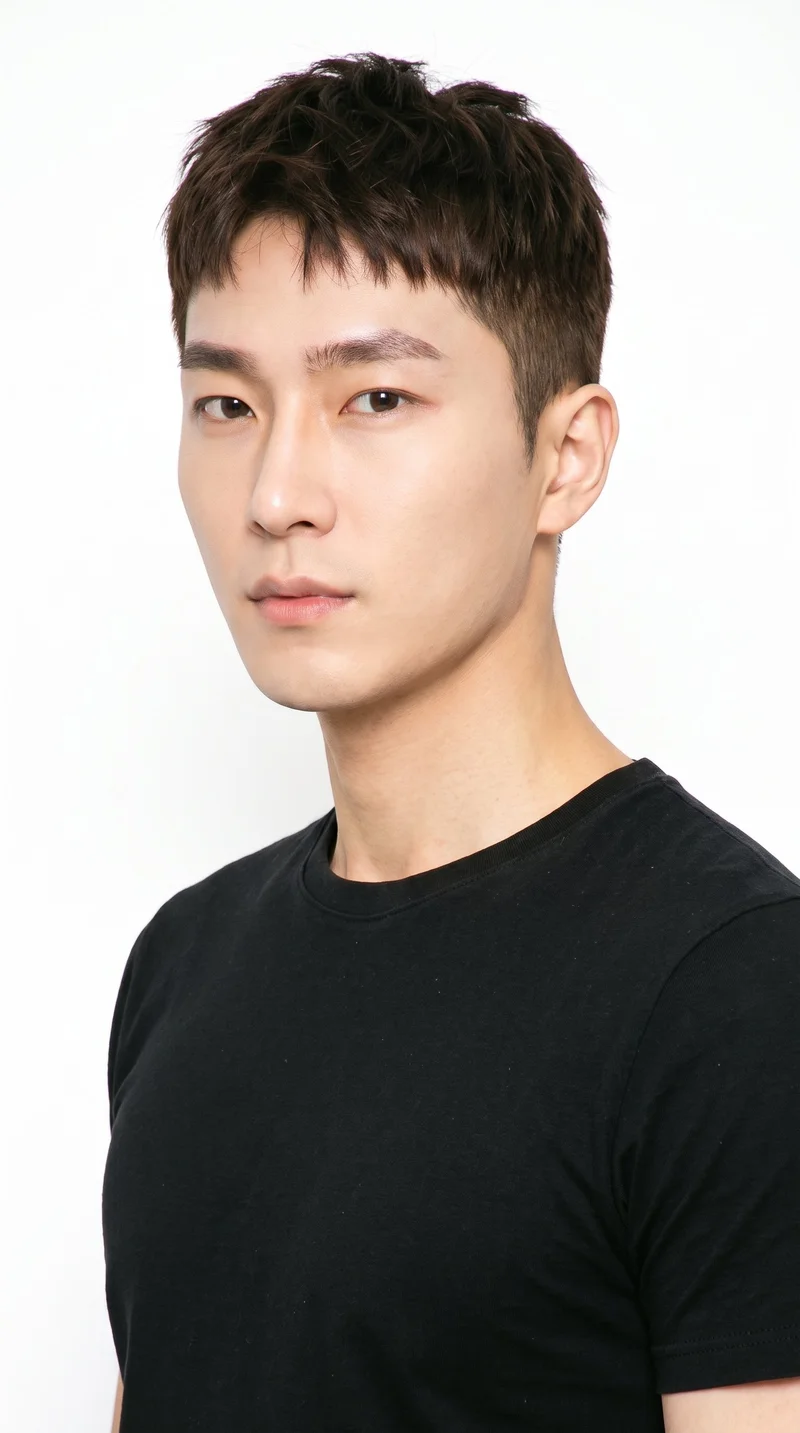
Male · 30
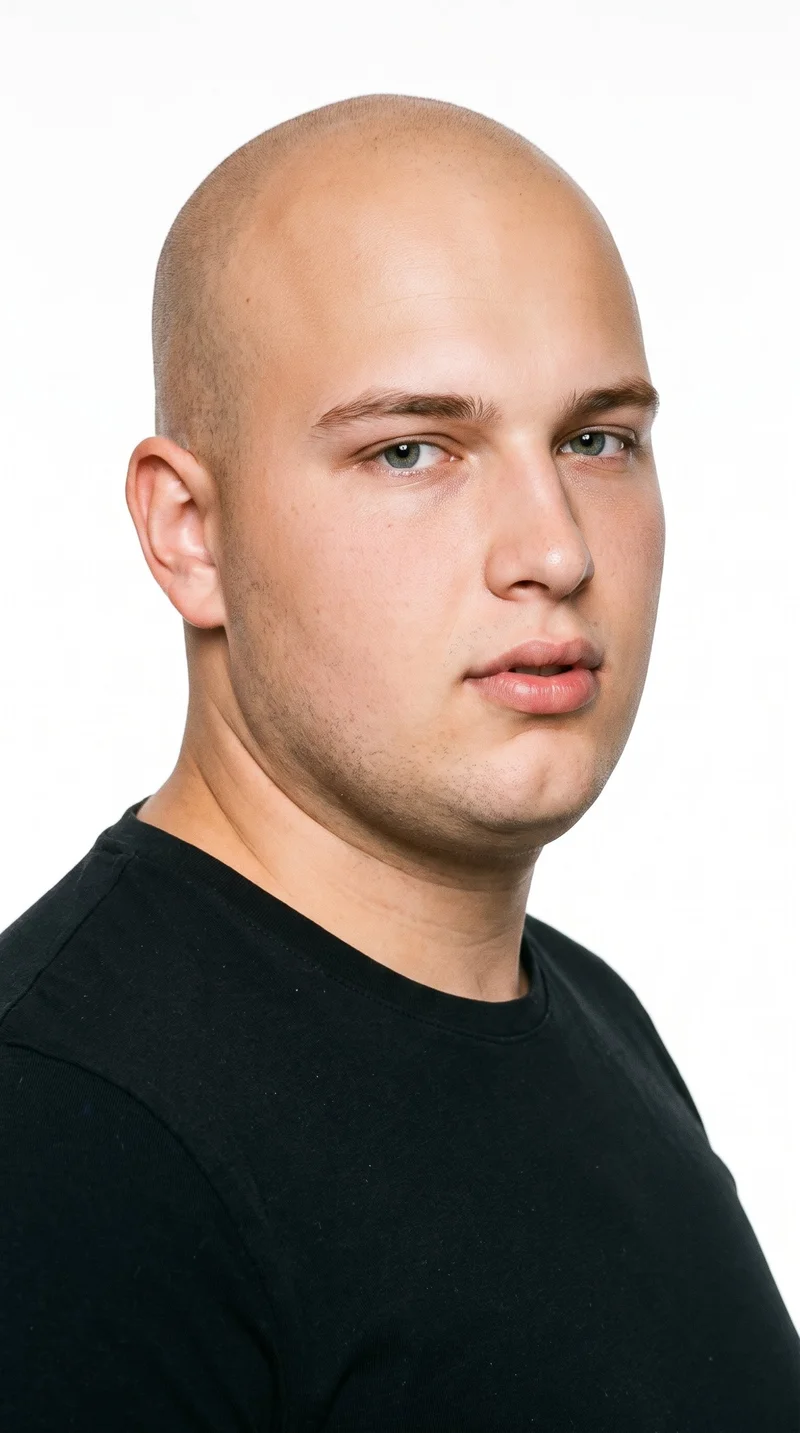
Male · 18
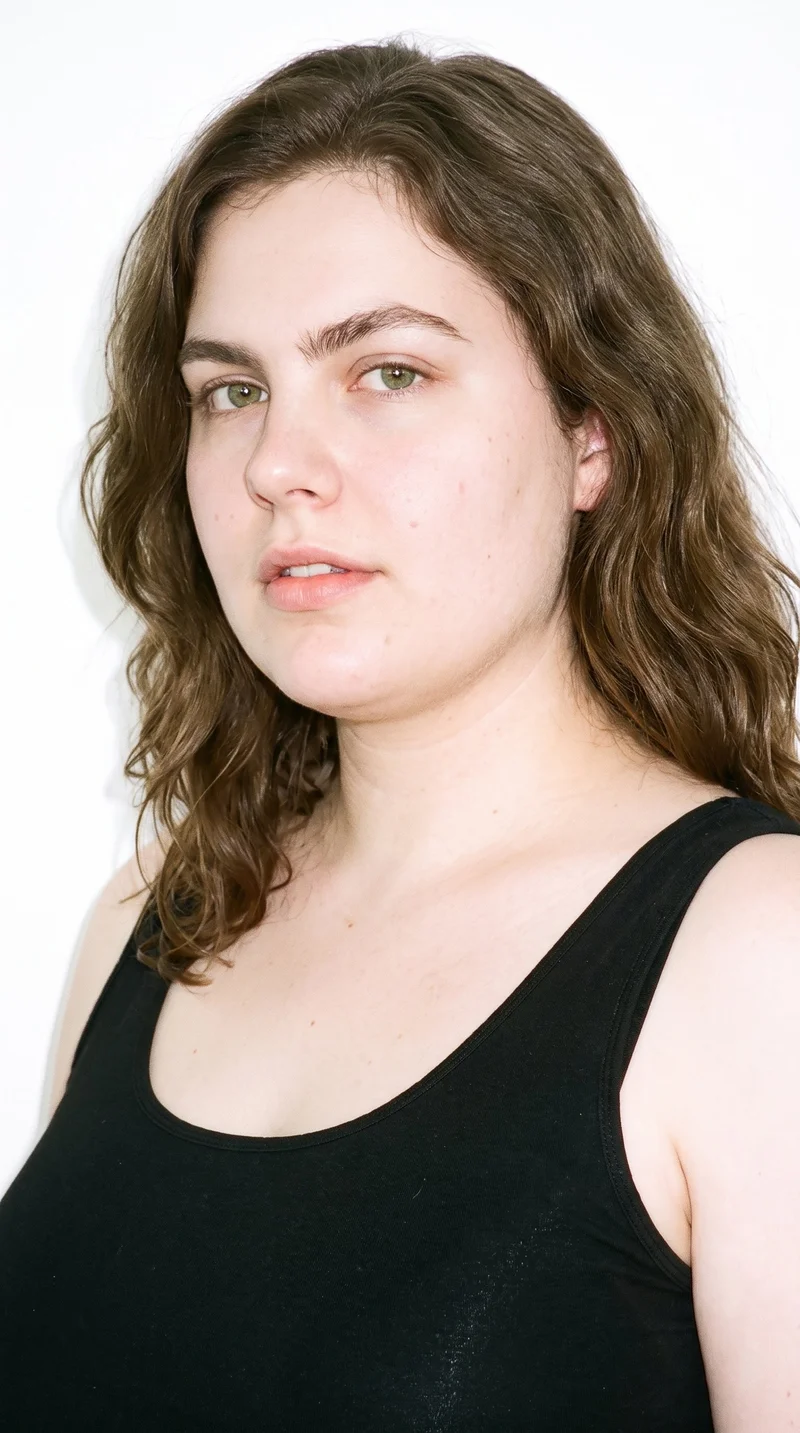
Female · 29
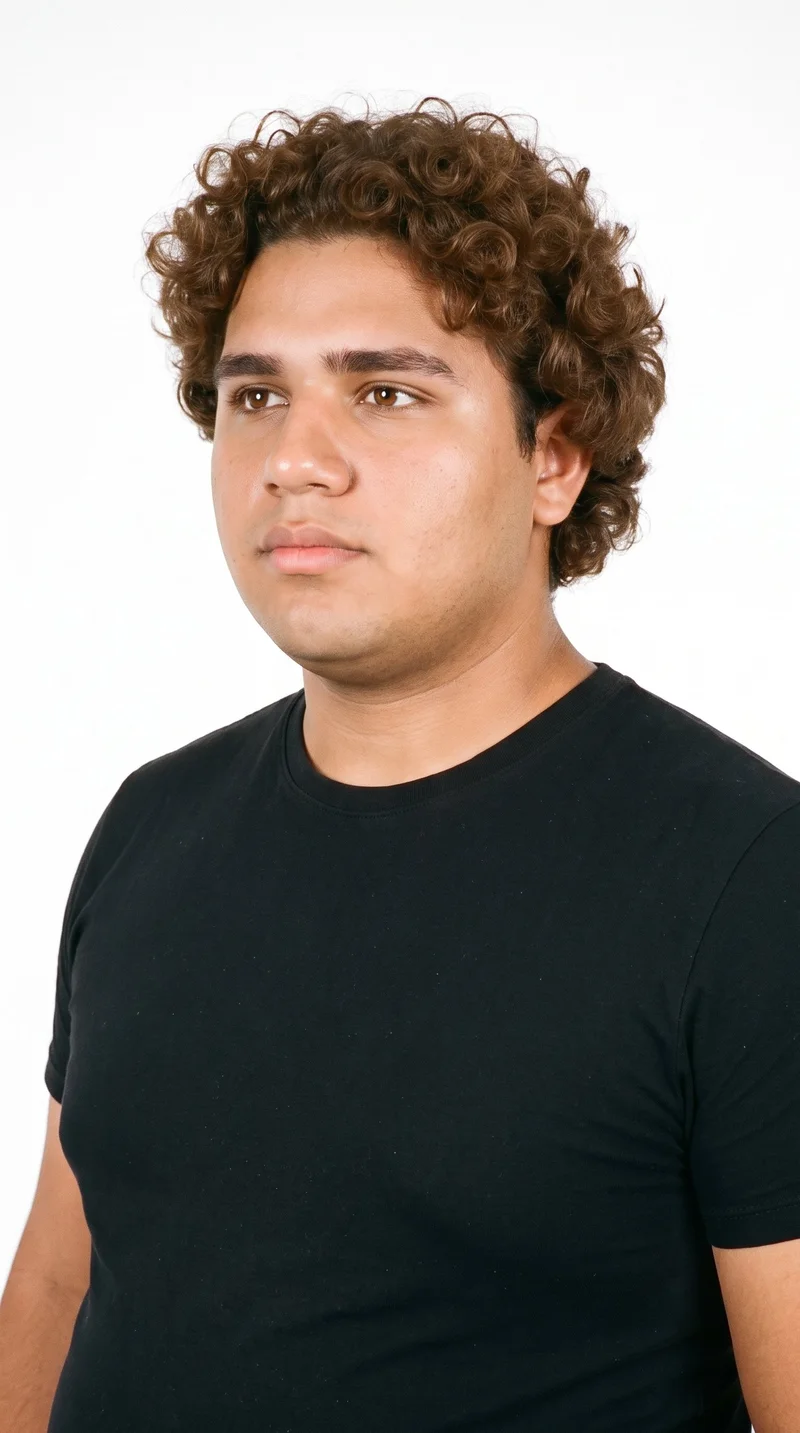
Male · 19
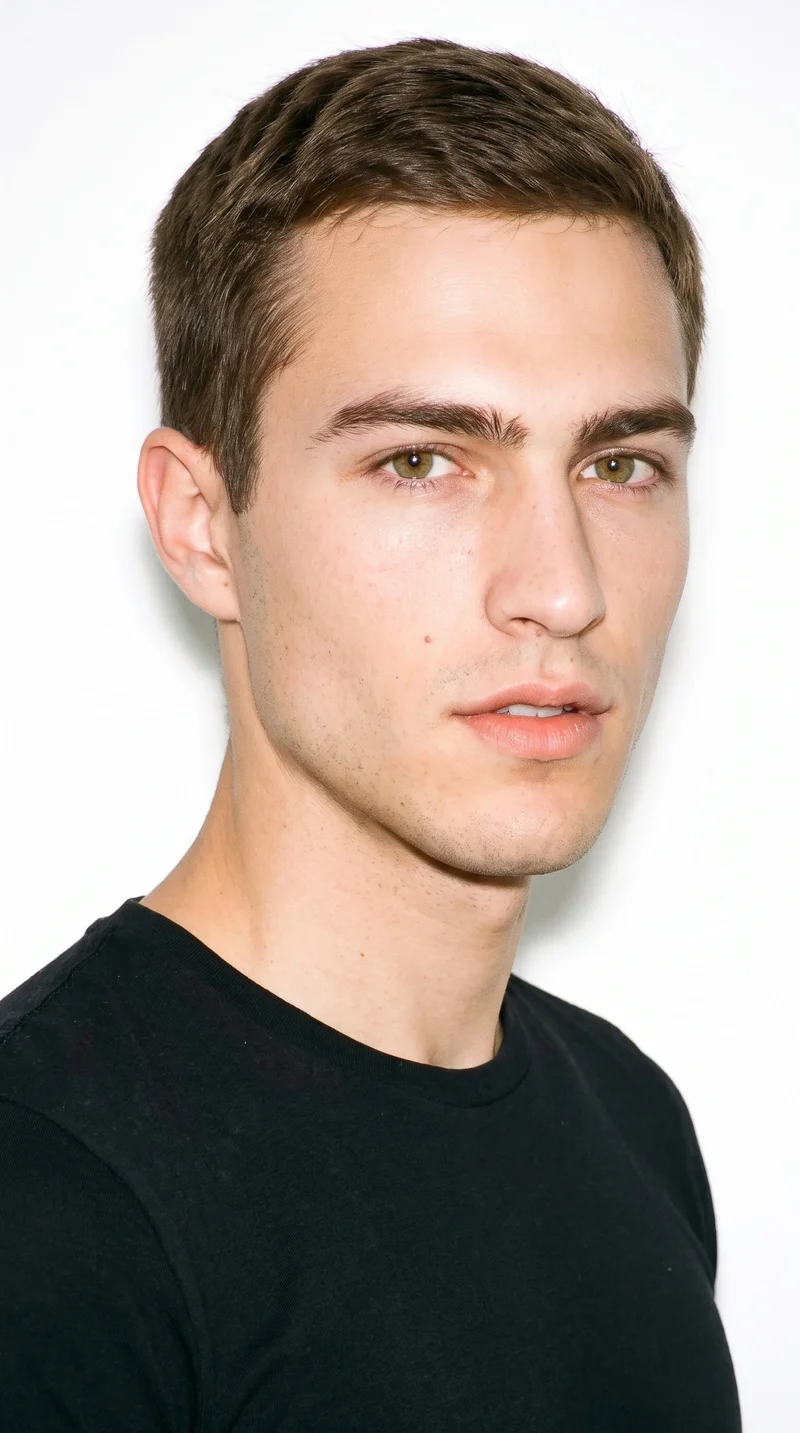
Male · 23
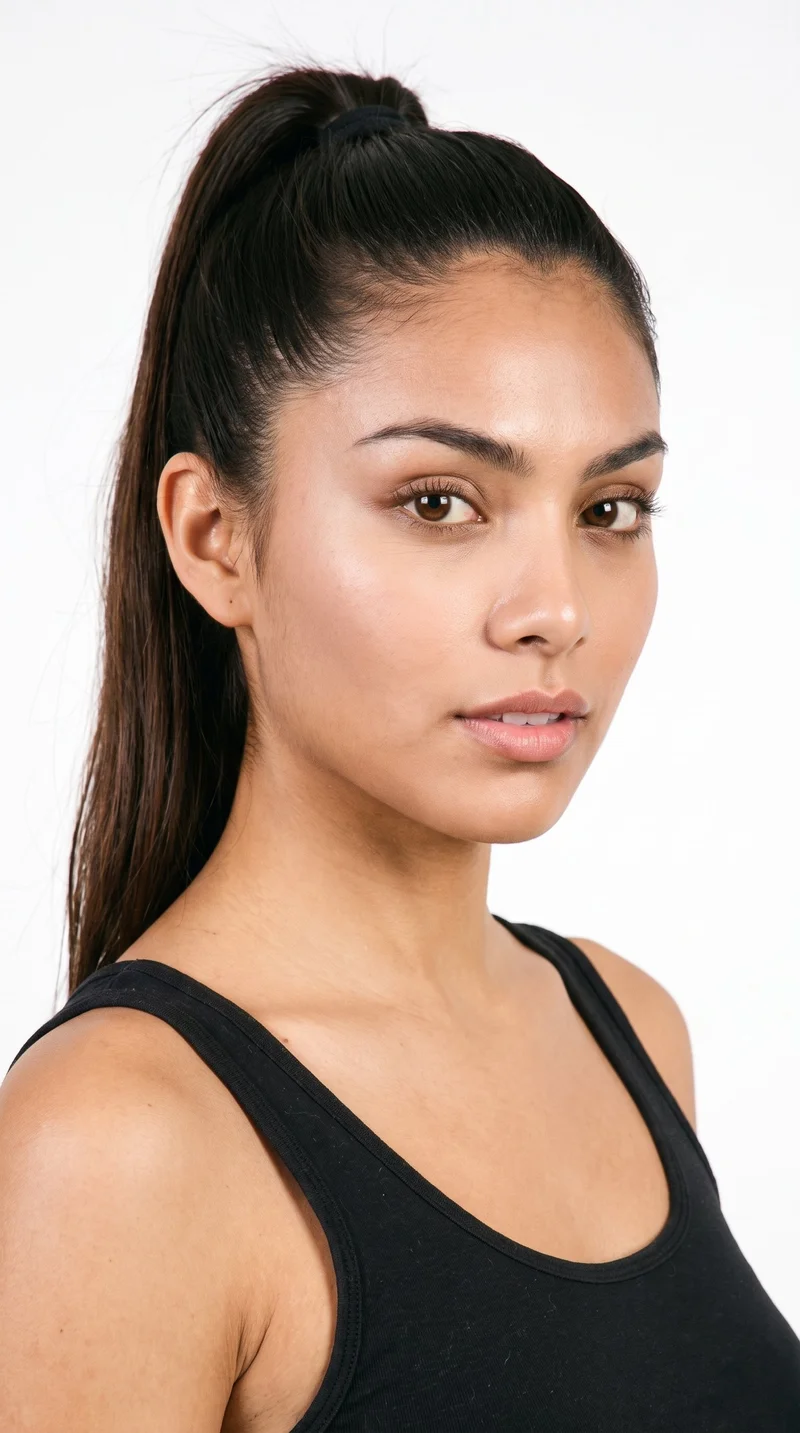
Female · 20
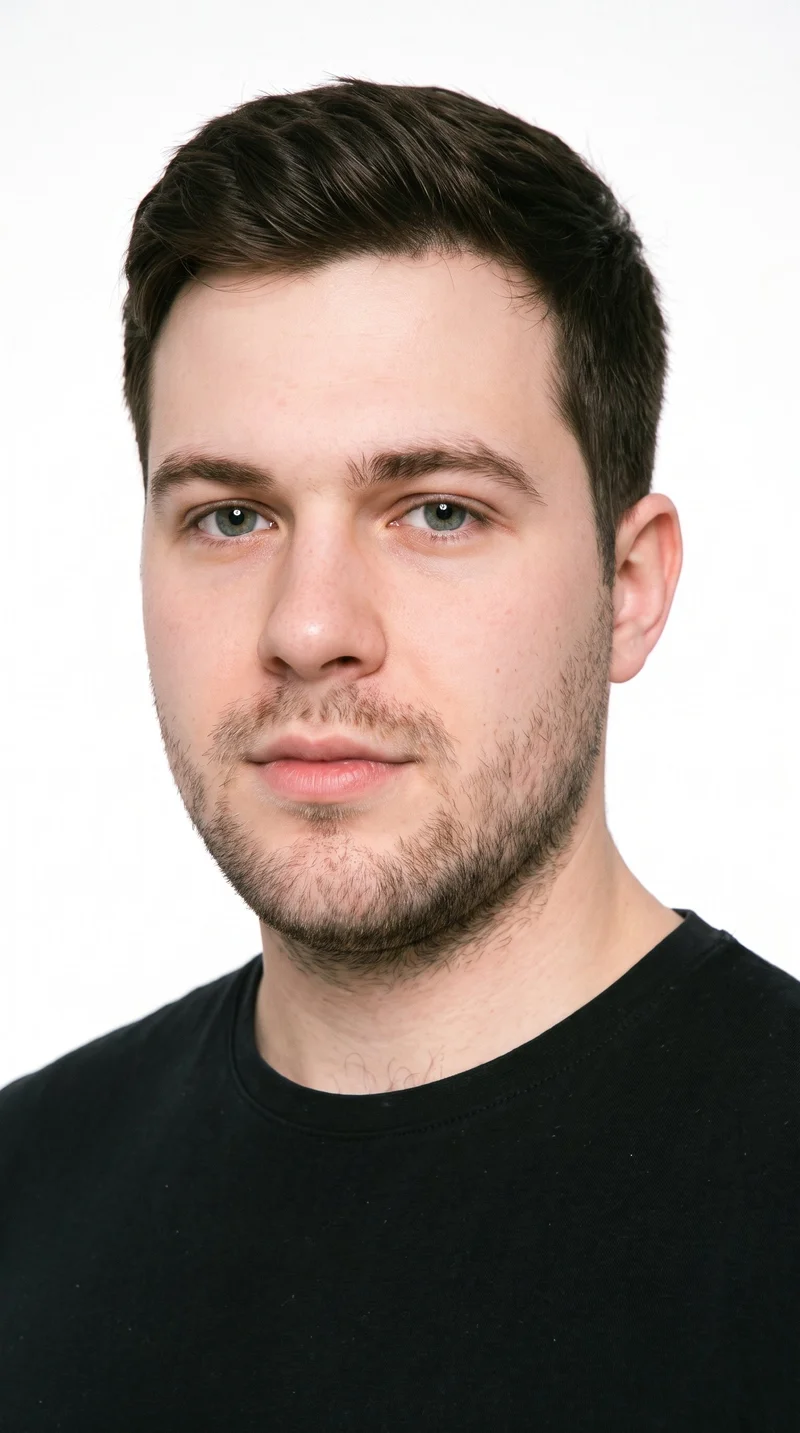
Male · 26
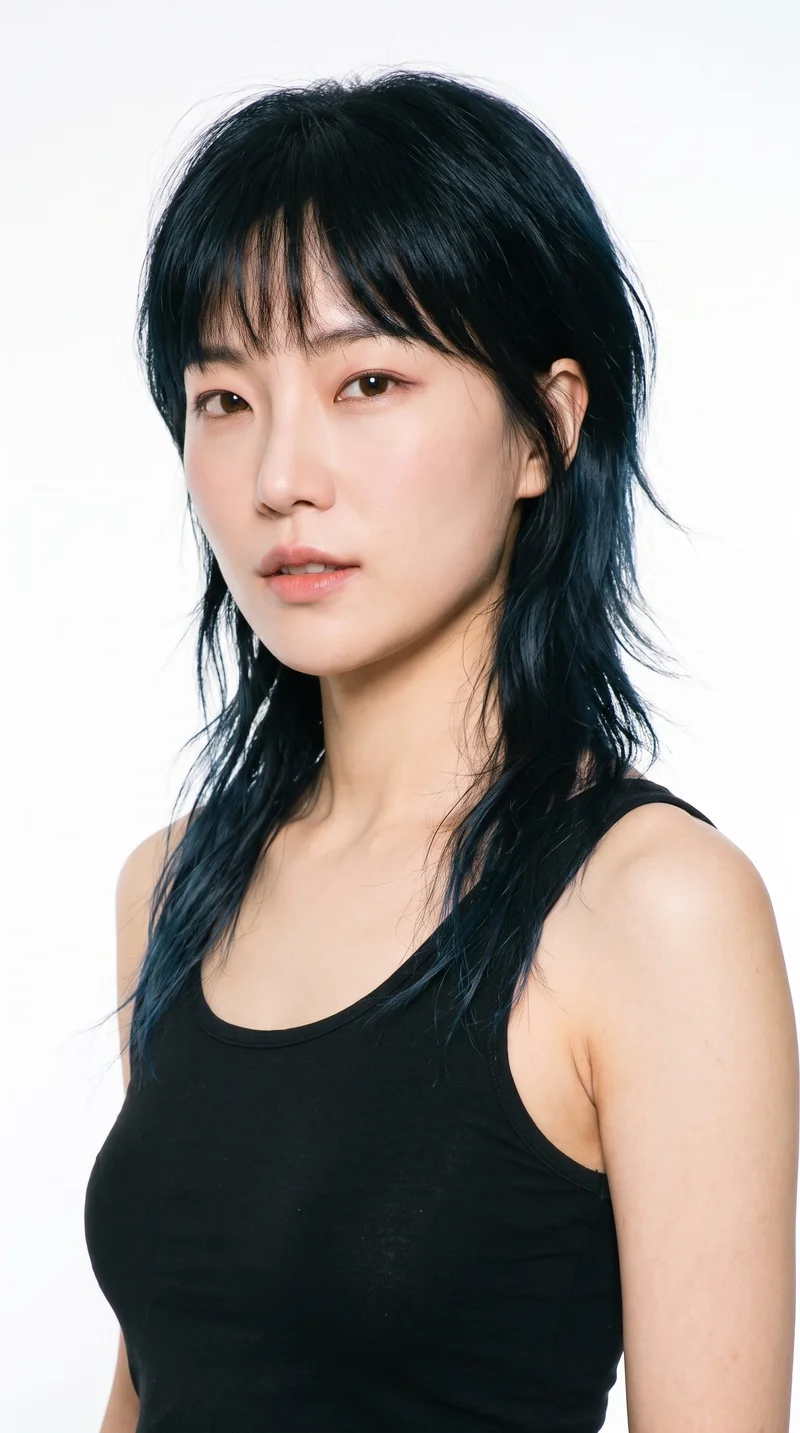
Female · 34
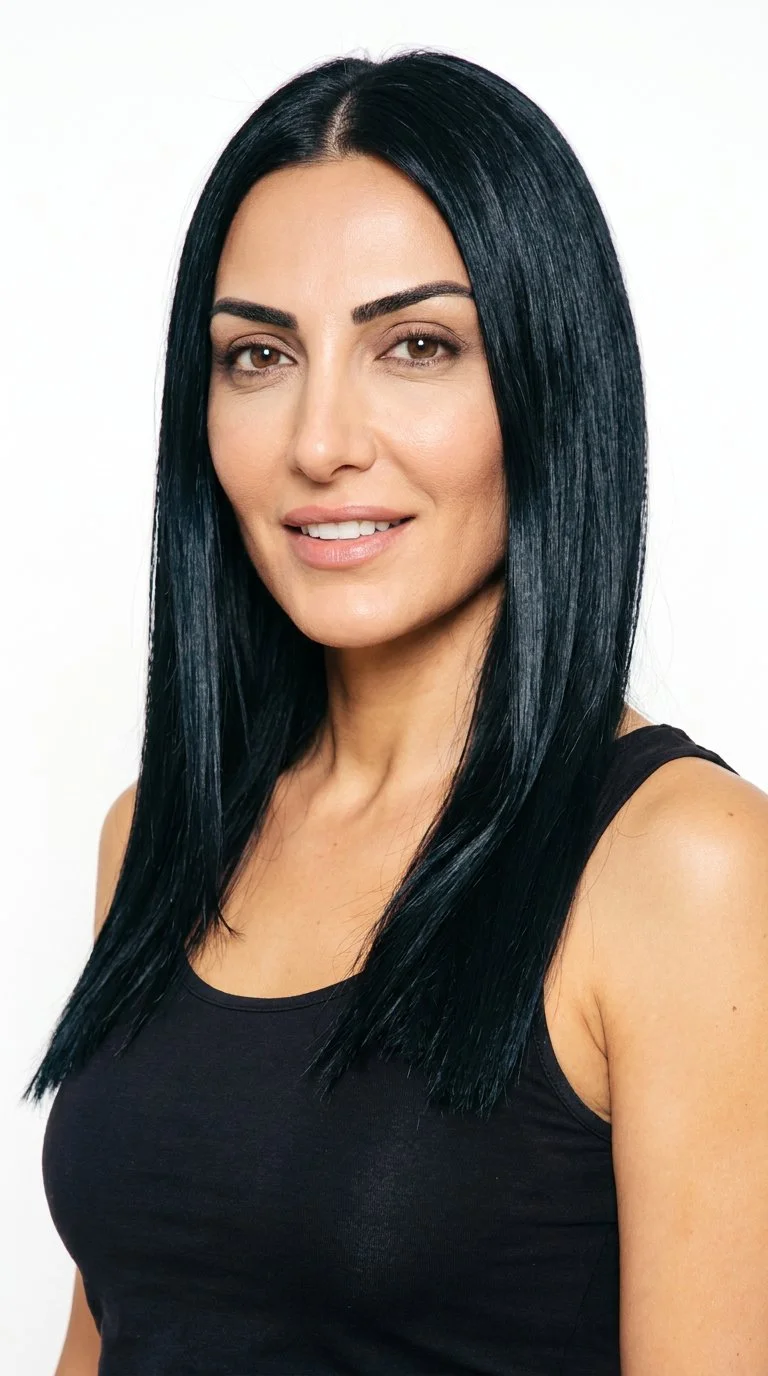
Female · 42
Showing 12 of 1,197
Cast your modelRawshot Features
Styling, light and framing direct each product.
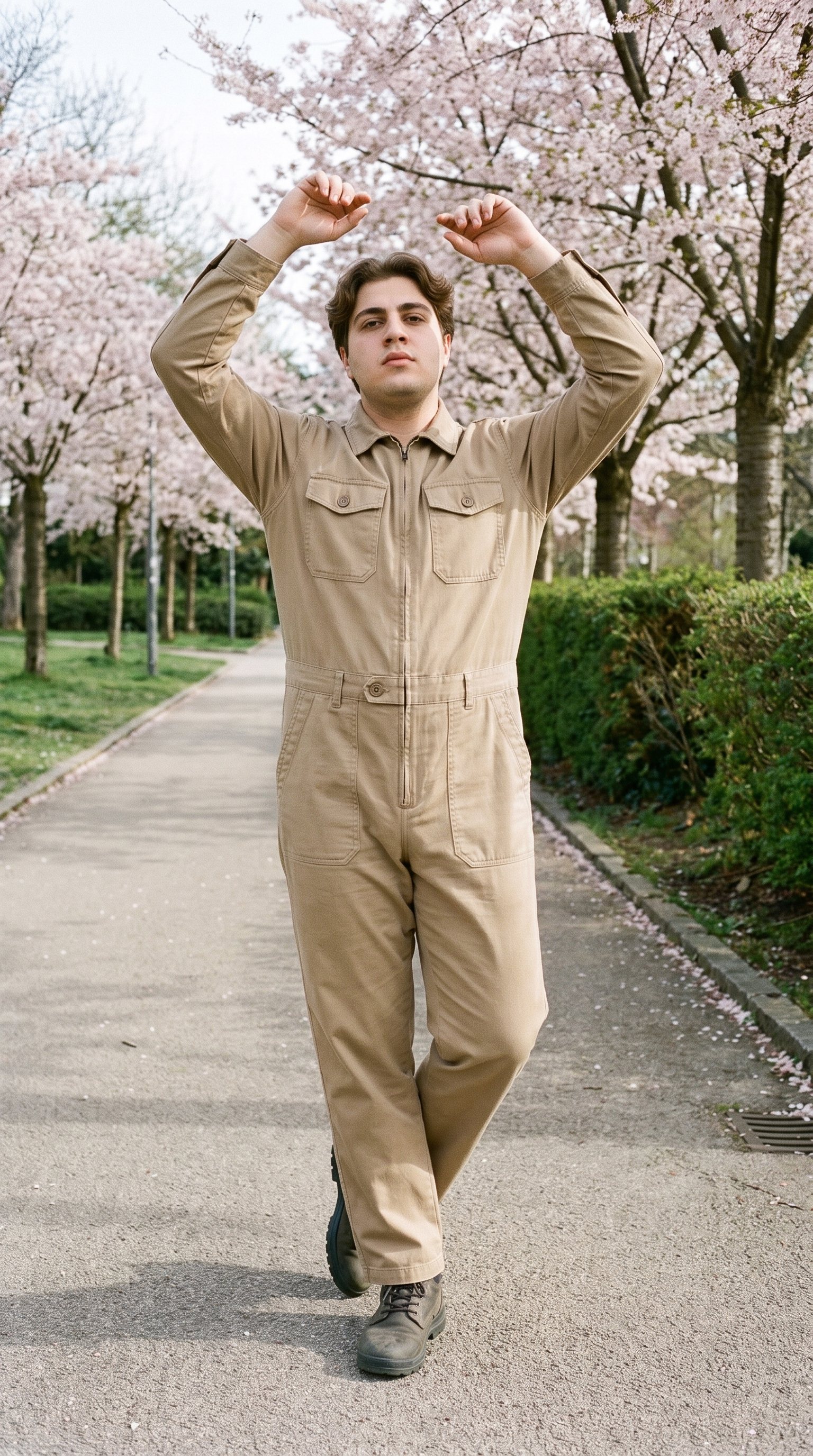
Fashion model poses
Direct the model's body language so hero frames carry the campaign mood rather than reading as simple product documentation.
22 poses on a full-body shot · 104 in total
See the feature →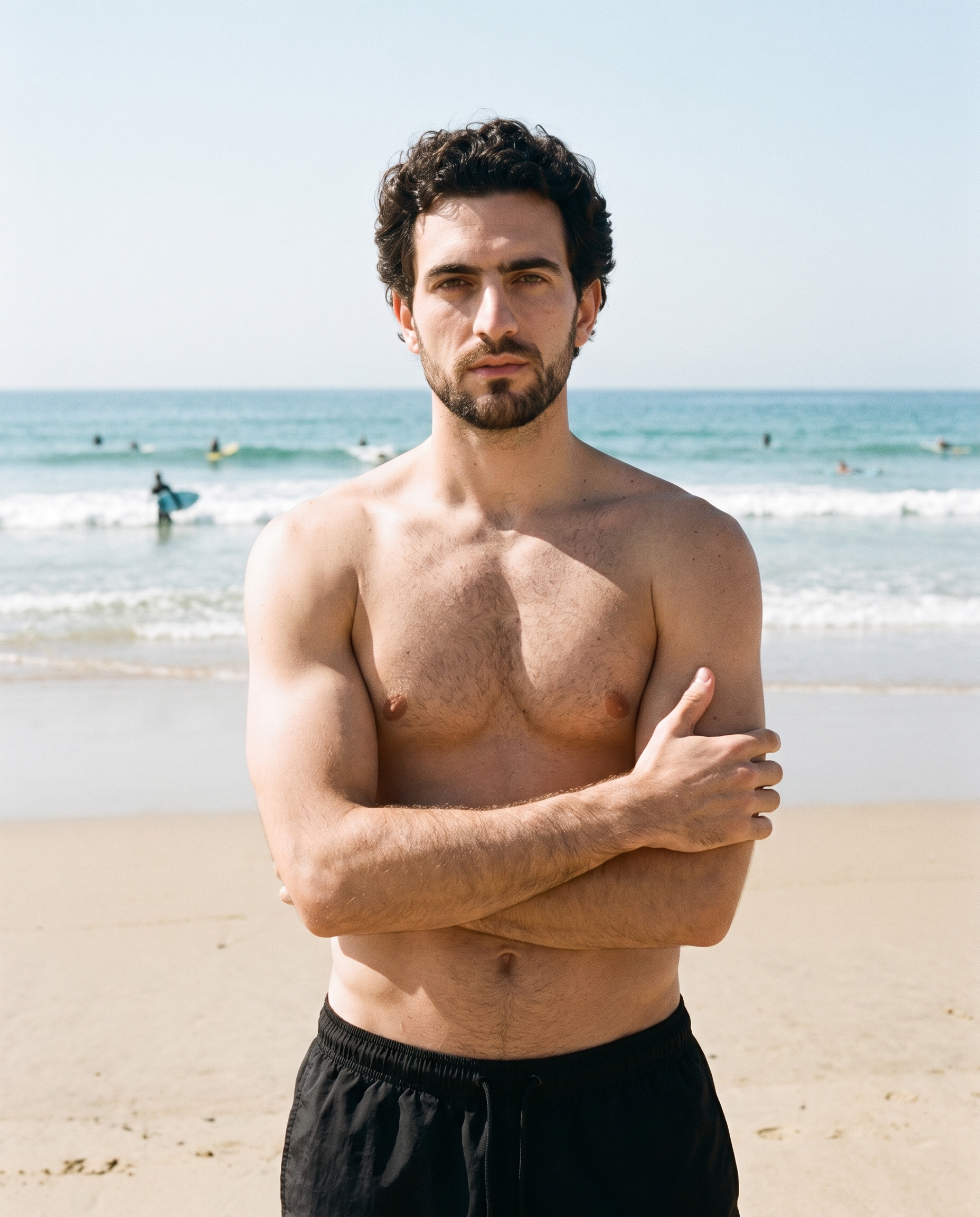
Photography direction
Choose the light direction that gives the campaign its visual tone when the launch date leaves little room for experimentation.
4 named choices that set mood and shadow the same way across a shoot.
See the feature →
AI model generator
Select an adult campaign cast that gives the collection a deliberate identity before a conventional production schedule is available.
Library filters plus private model building for consistent identity across the set.
See the feature →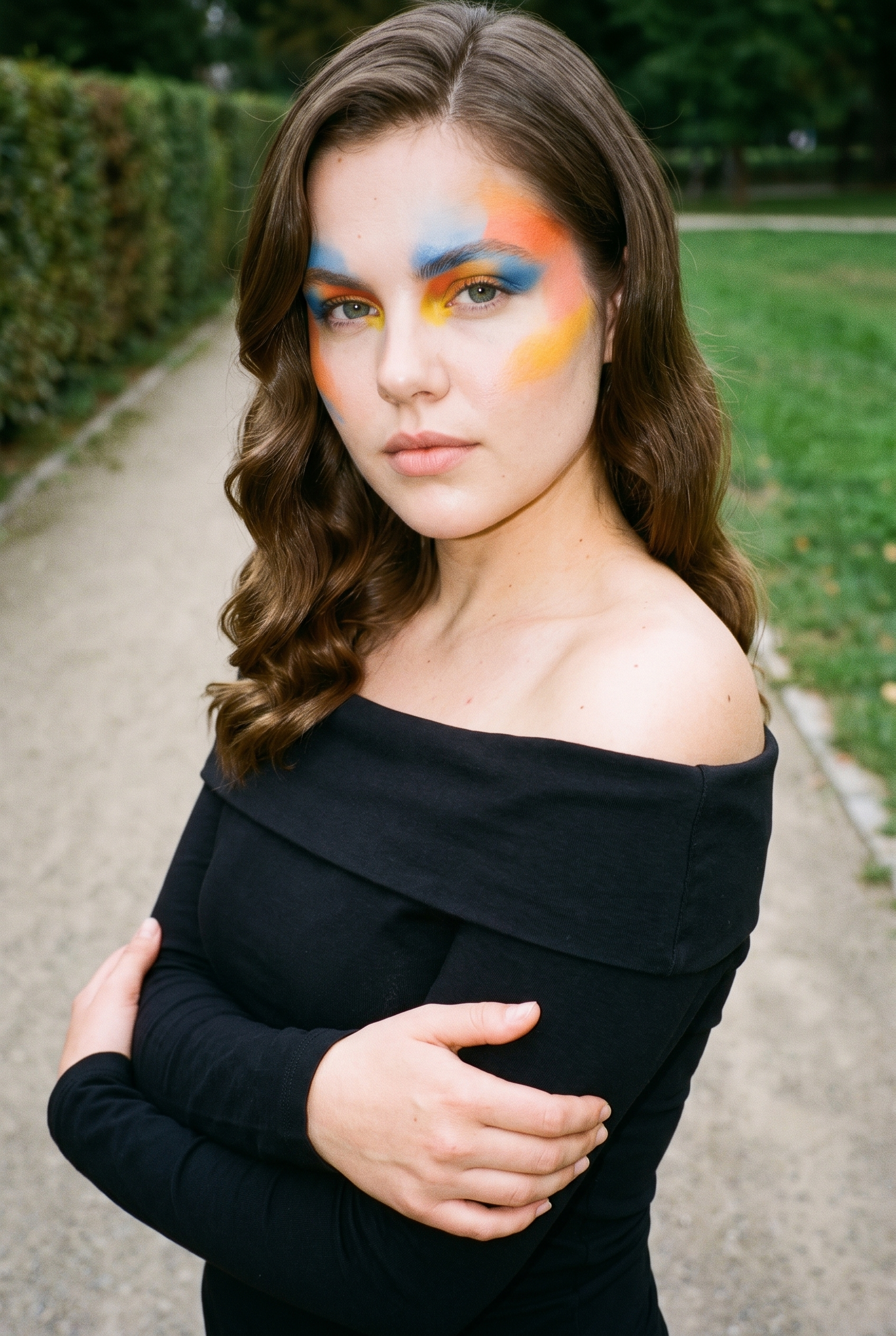
Garment styling
Set how each product is worn so the outfit supports the campaign direction while the original product remains central.
Choose how the garment is worn and keep brand presentation consistent.
See the feature →AI image quality control
Every generated image is checked against your model, frame, view and pose before you see it.
AI image to image generator
Change one decision and keep the rest of the composition stable.
AI image to video generator
17 model actions on a full-body shot · 132 in total
AI makeup generator
Branch-aware named options applied without altering casting or scene setup.
AI outfit generator
Combine the main piece with neutral supporting items in one coherent frame.
AI photo background generator
Swap scene context while keeping model, product, and framing stable.
AI suggestions
Preselected control values you can always override in the same configurator.
Inspiration gallery
Load editable finished looks as fast starting points for new shoots.
Product import and handling
Start from your real item and keep product fidelity while building the scene.
Gallery
Shot in RAWSHOT, looks guide your choices.
Explore campaign-ready visual directions for real products, then adjust the model, styling, frame and light to suit your collection.
Looks & backgrounds
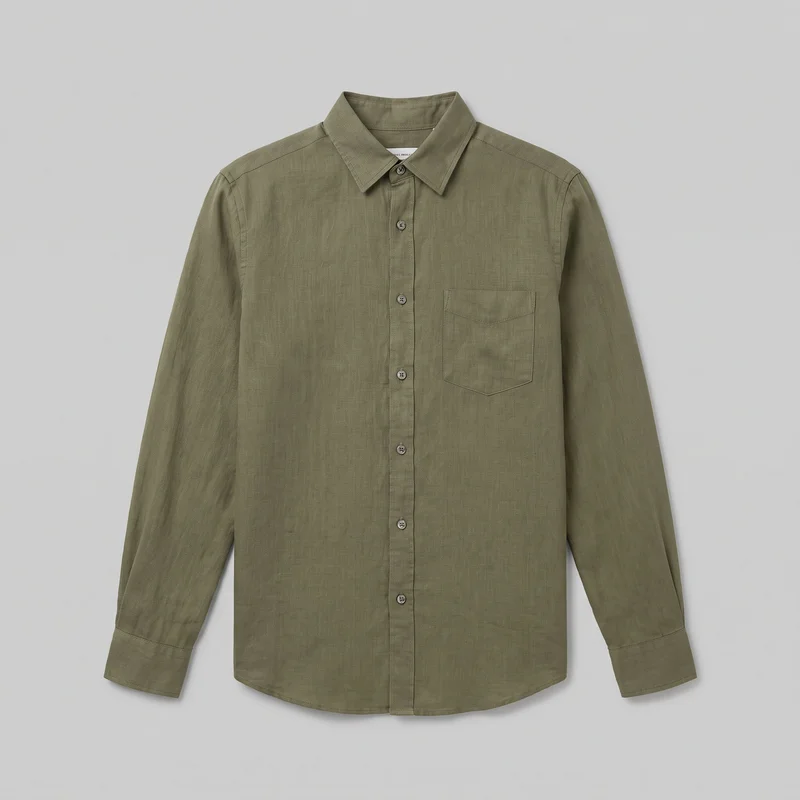 Olive Linen Shirt
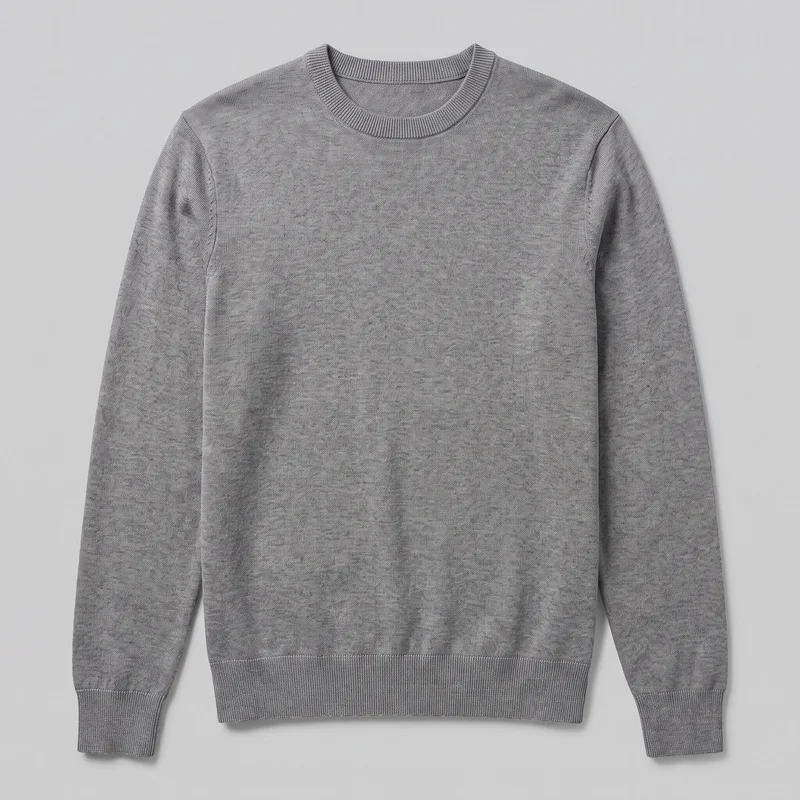 Men's Grey Crewneck Pullover Jumper
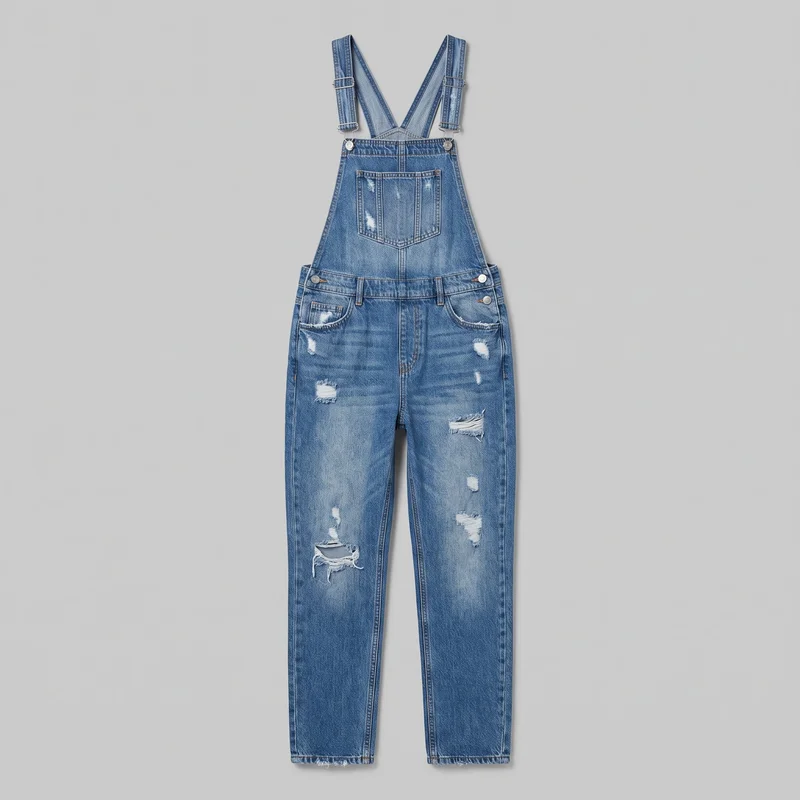 Women's Distressed Denim Dungarees
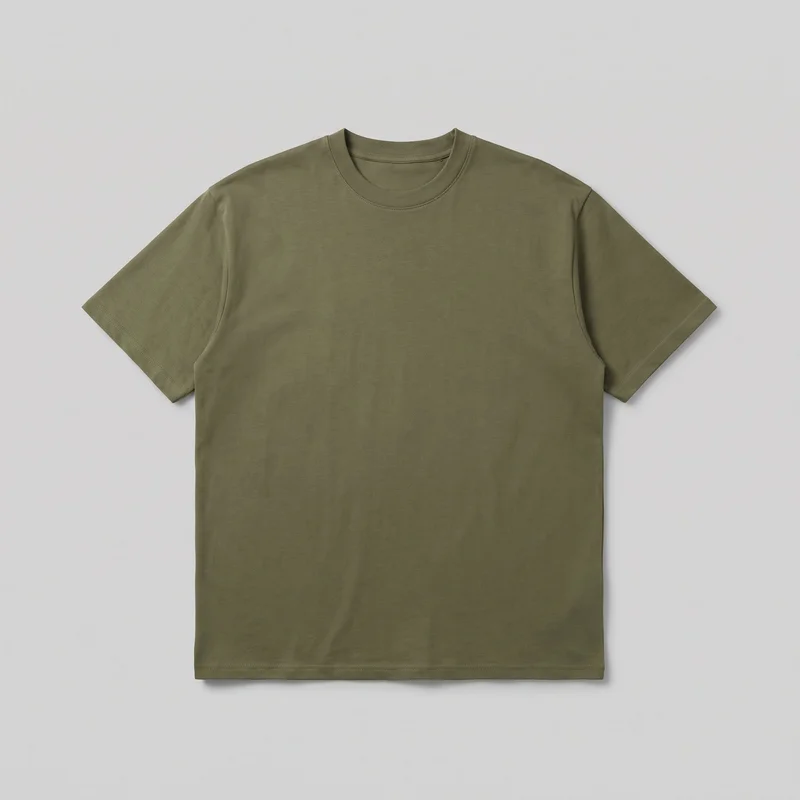 Men's Olive Oversized T-shirt
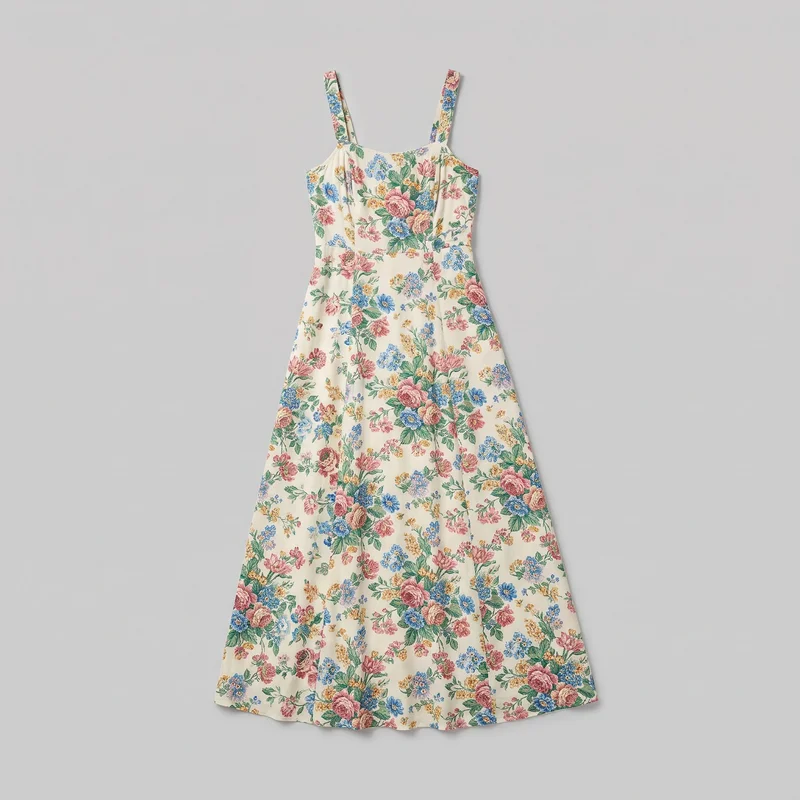 Floral Print Maxi Dress
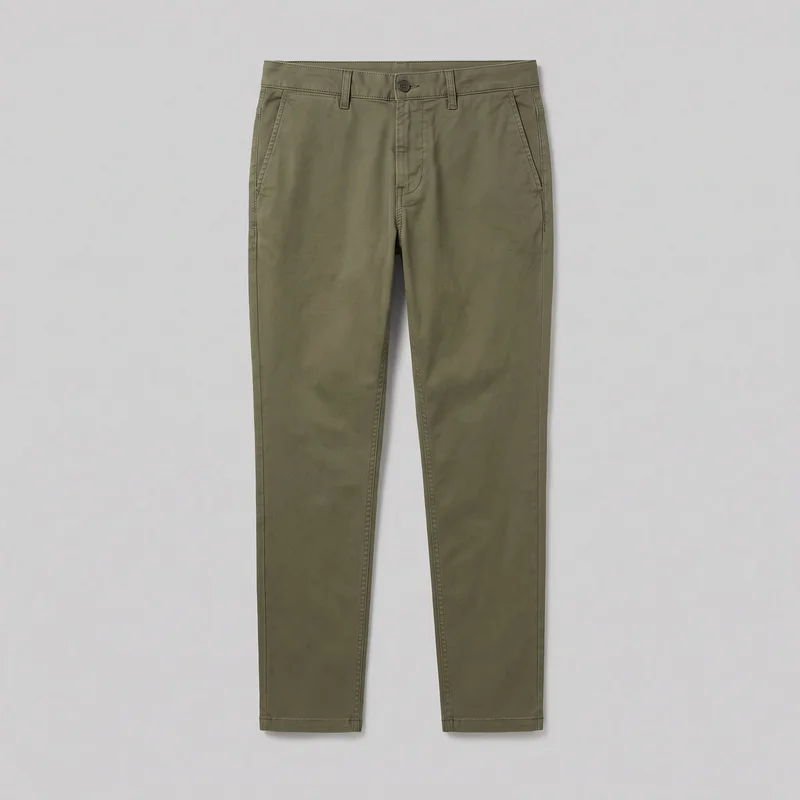 Men's Olive Tapered Chinos
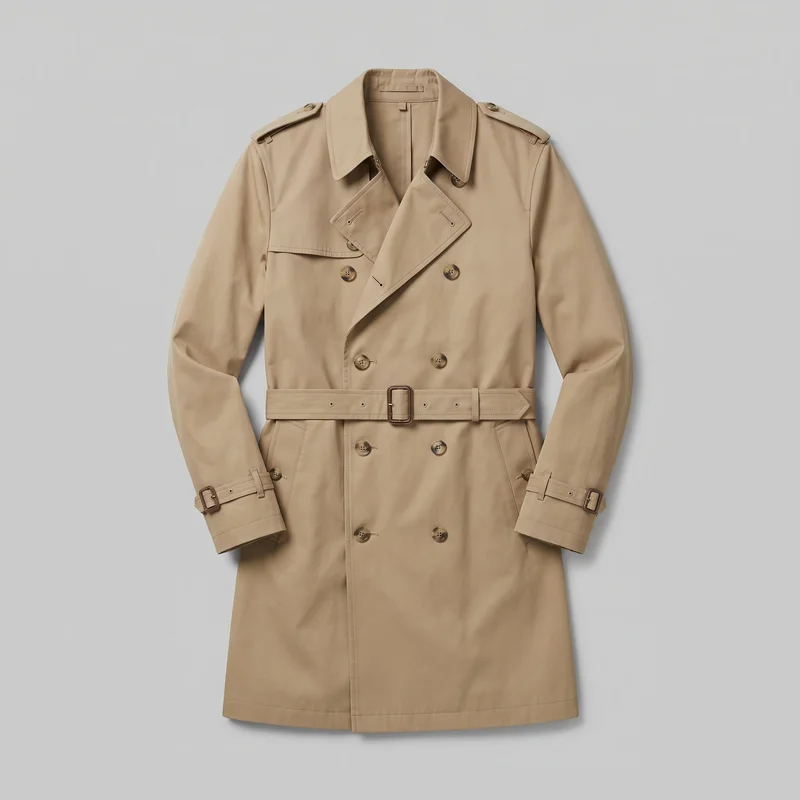 Men's Khaki Belted Trench Coat
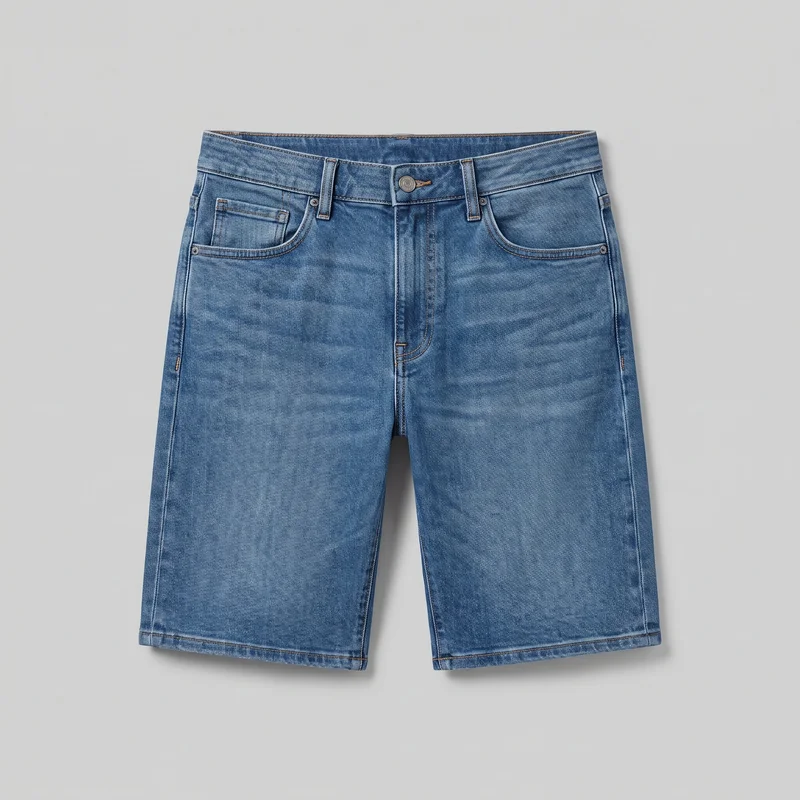 Men's Denim Shorts
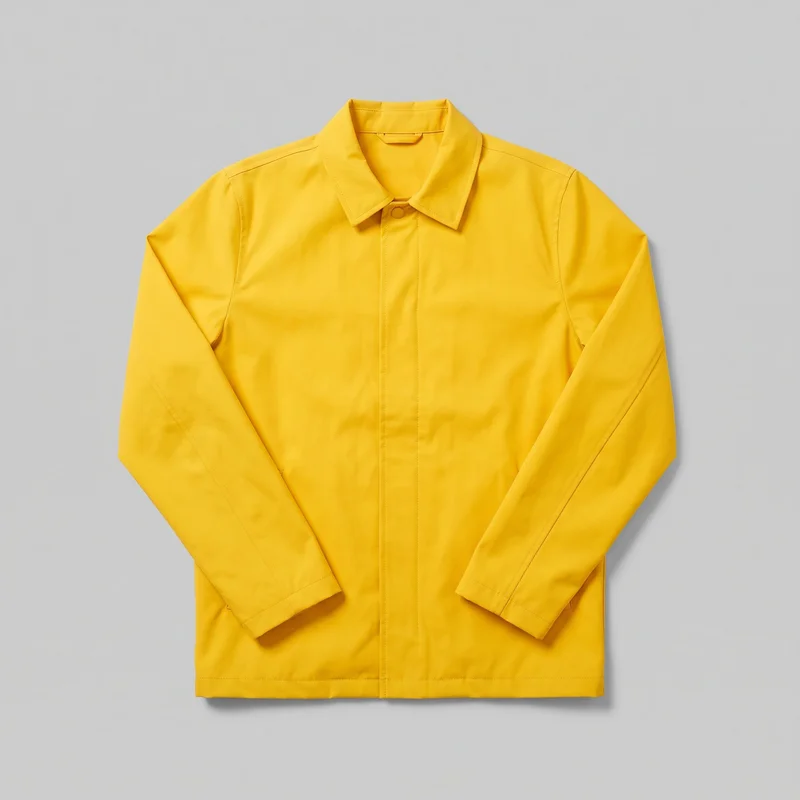 Men's Yellow Rain Mac
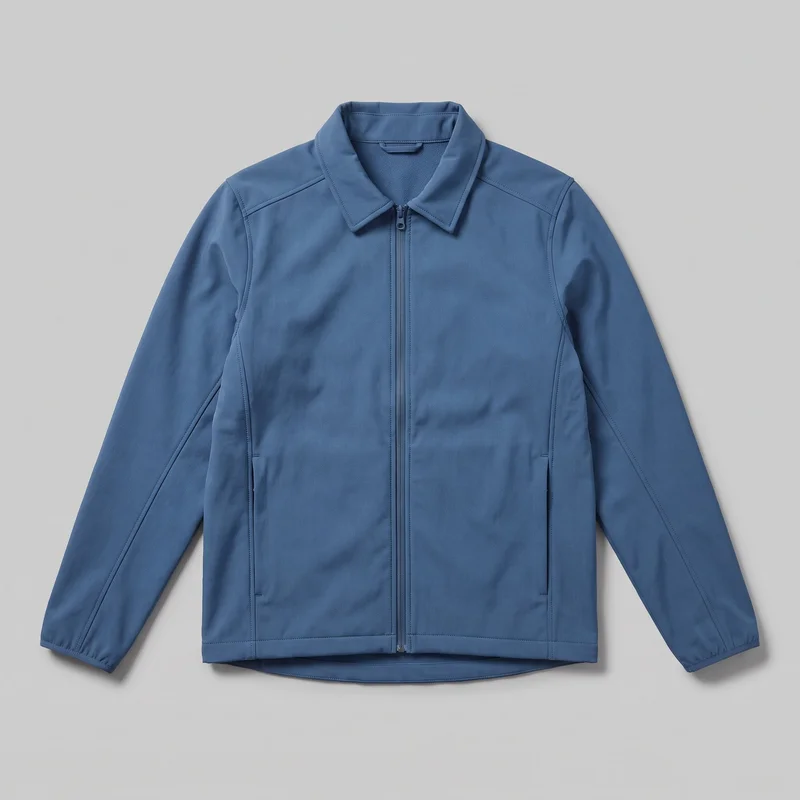 Men's Blue Softshell Jacket
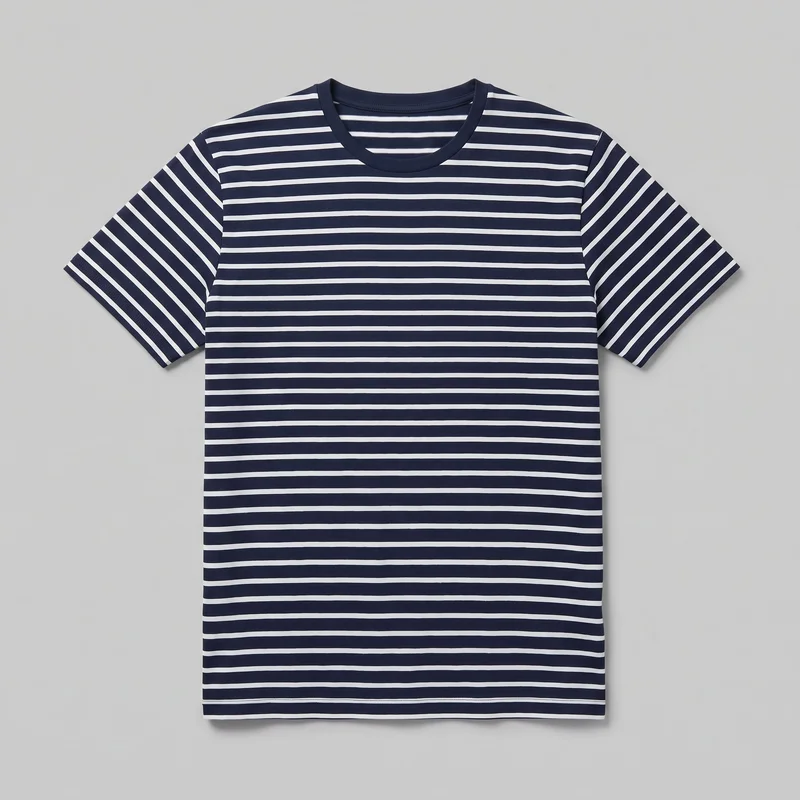 Men's Striped Cotton T-shirt
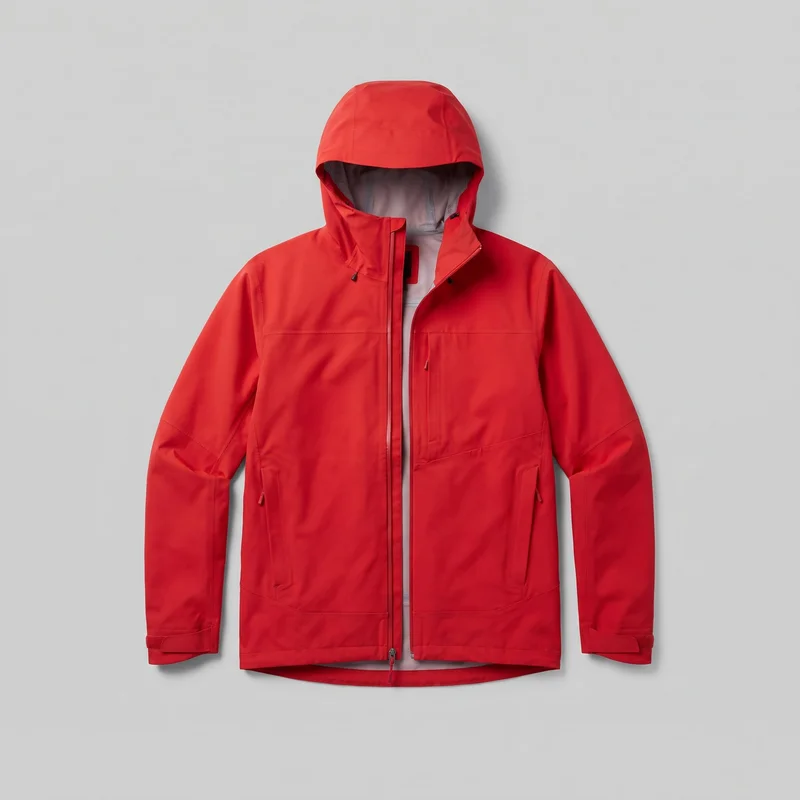 Men's Red Hardshell Jacket
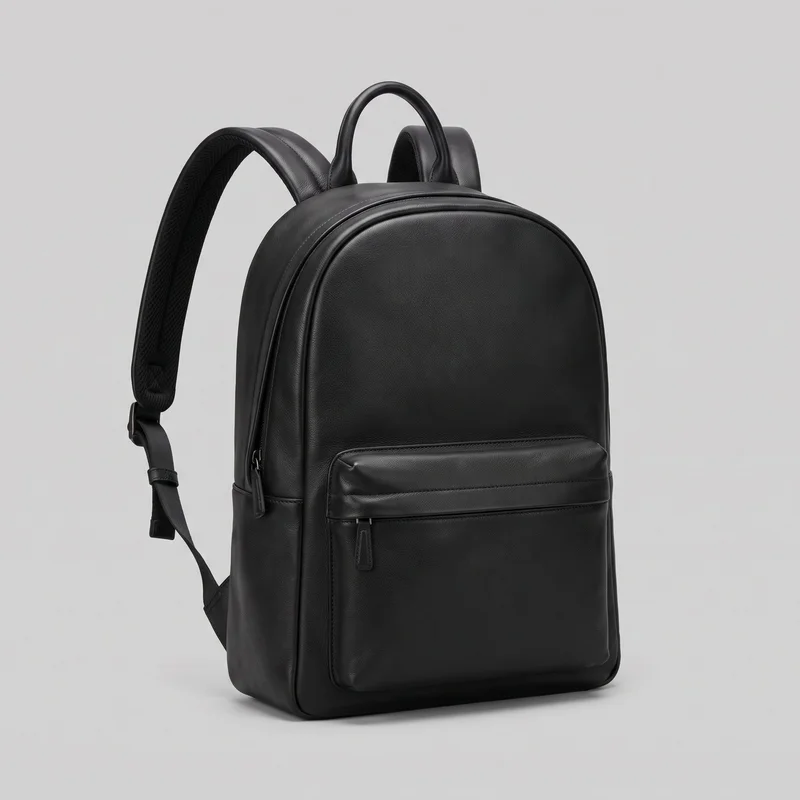 Men's Black Leather Backpack
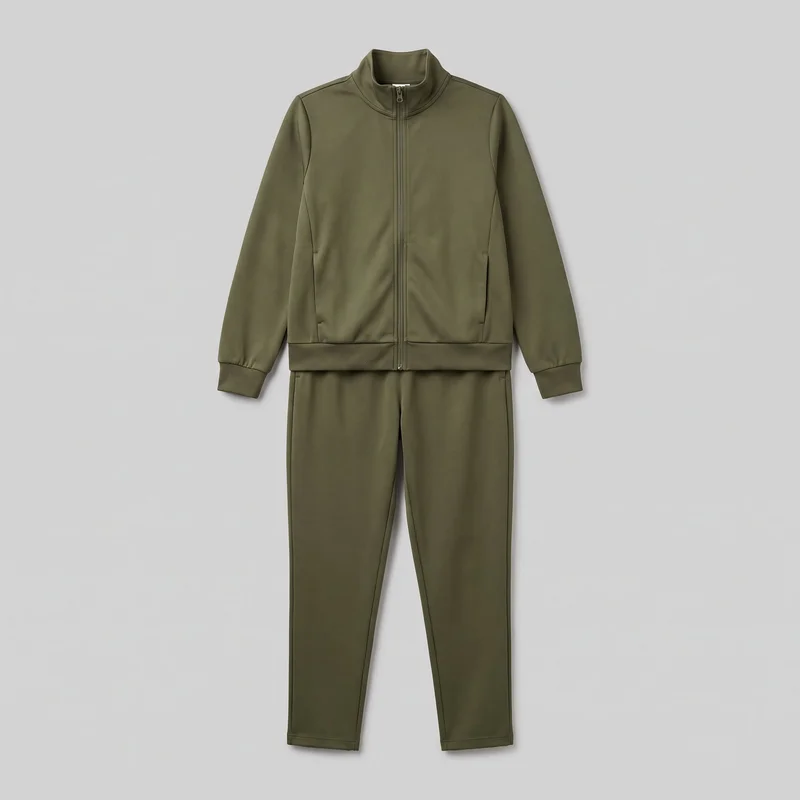 Women's Olive Tracksuit
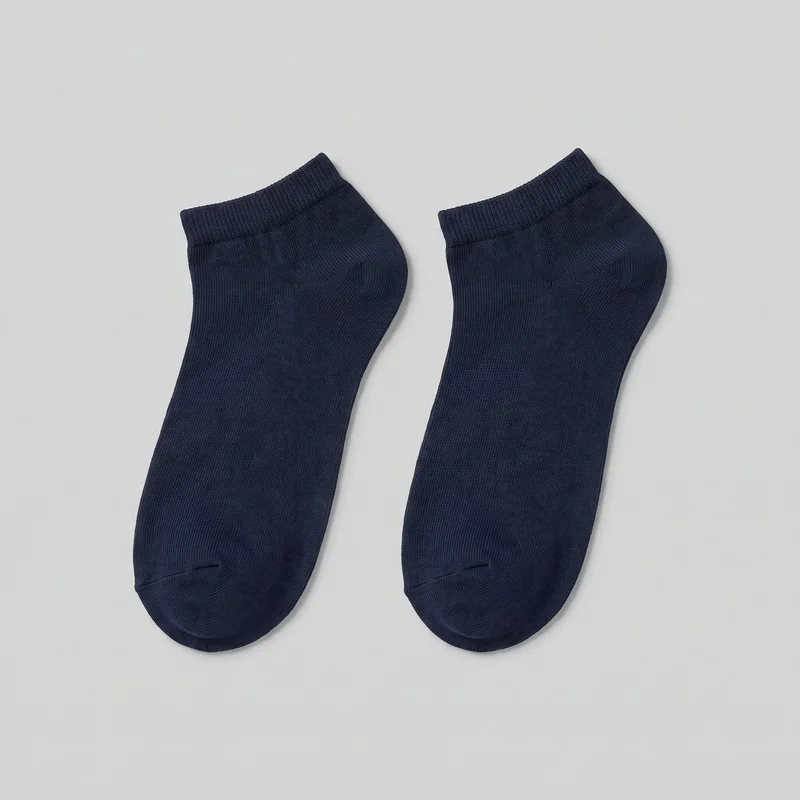 Men's Navy Ankle Socks
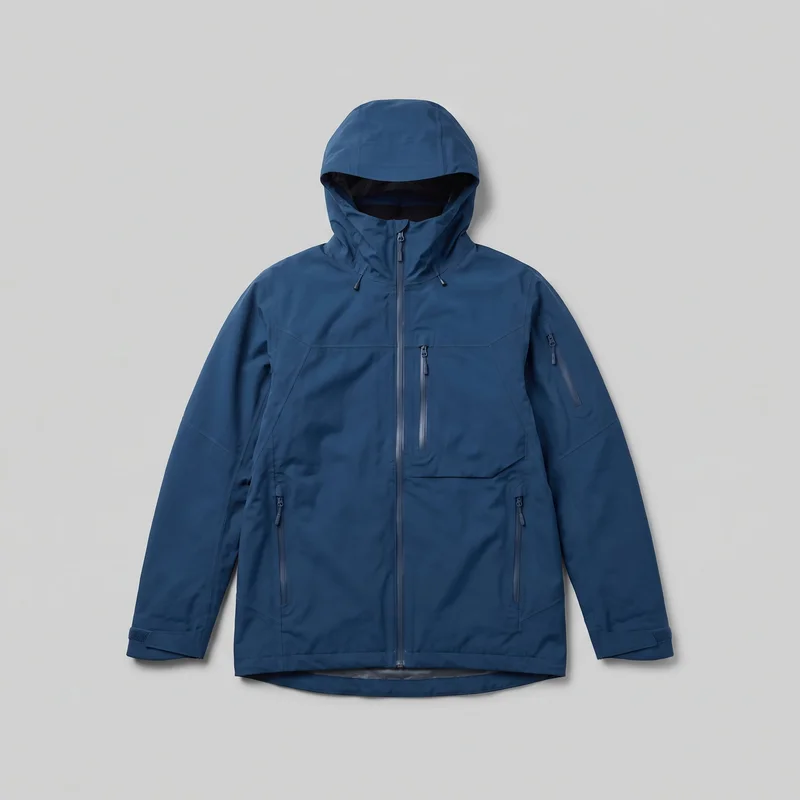 Men's Blue Waterproof Ski Jacket
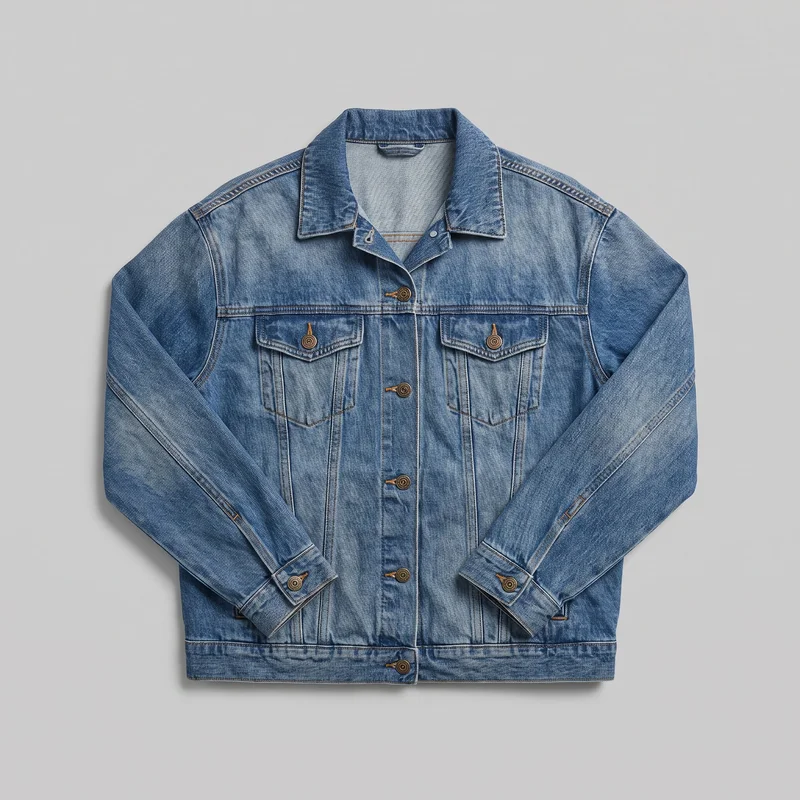 Women's Mid-Wash Oversized Denim Jacket
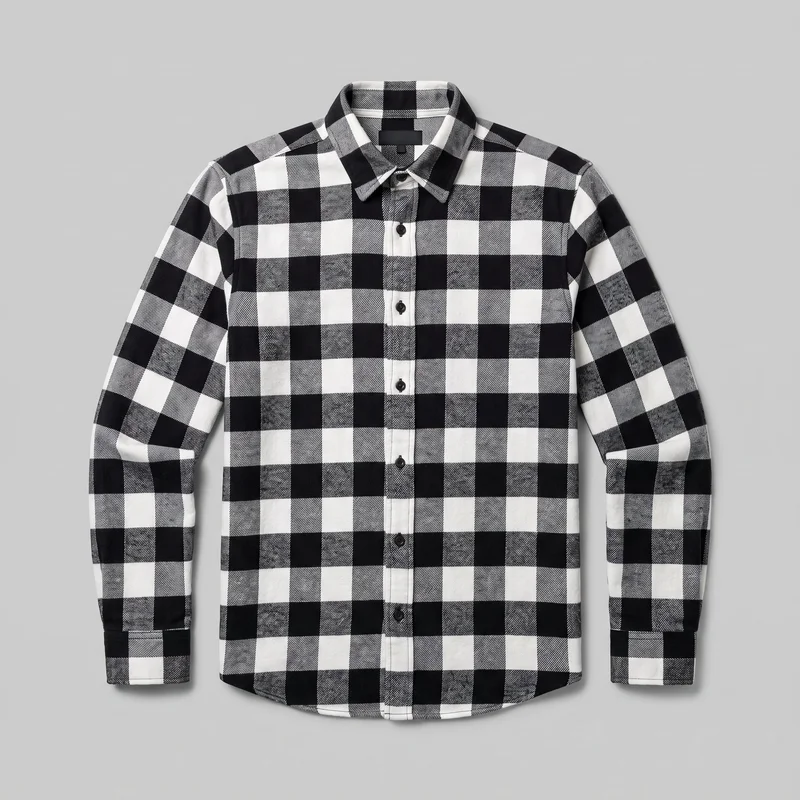 Black & White Buffalo-Check Flannel Shirt
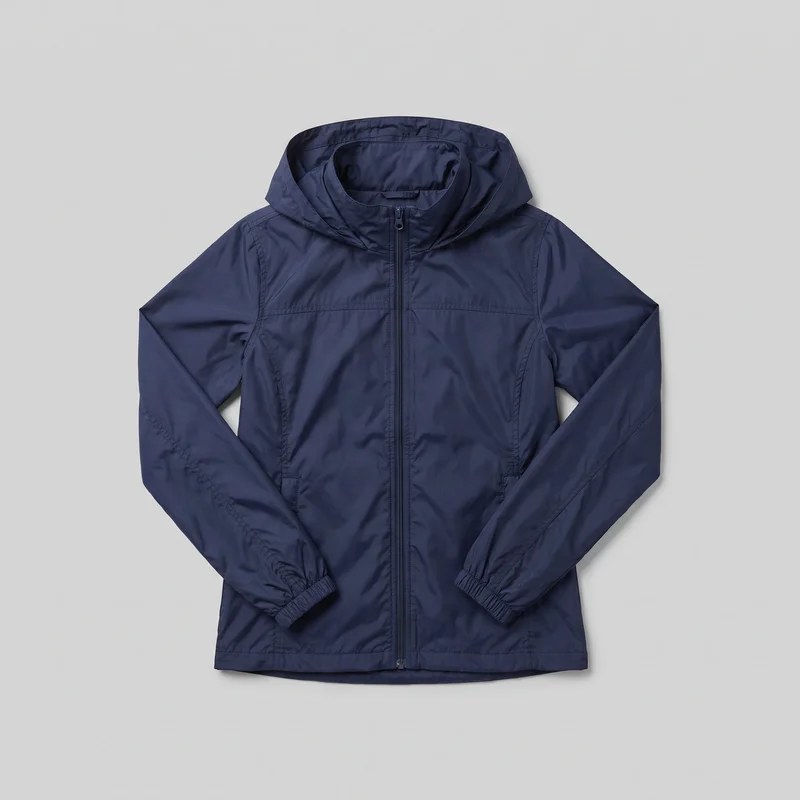 Women's Navy Windbreaker
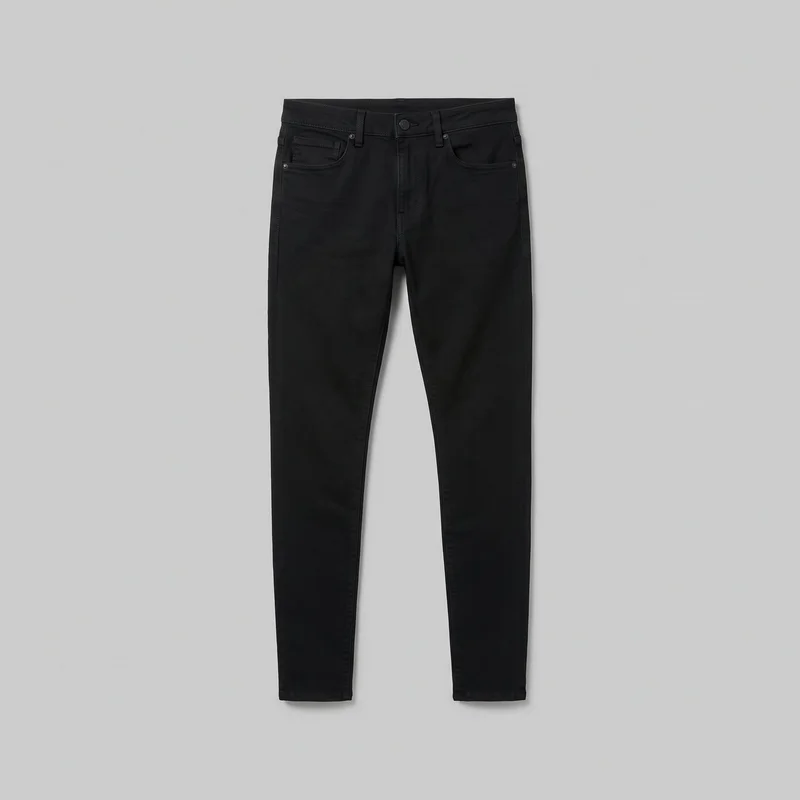 Men's Black Skinny Jeans
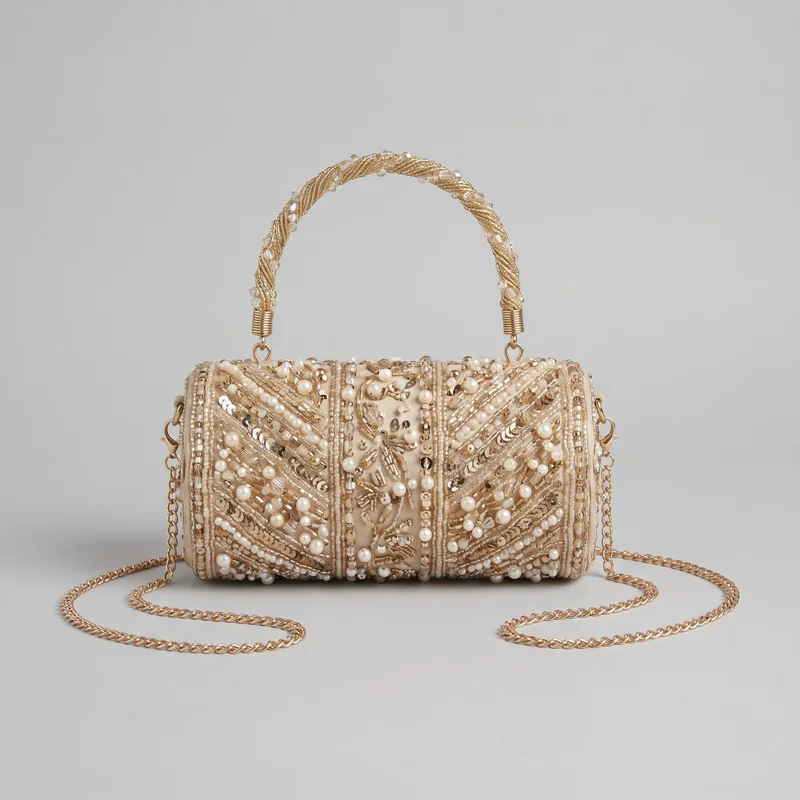 Beaded Clutch
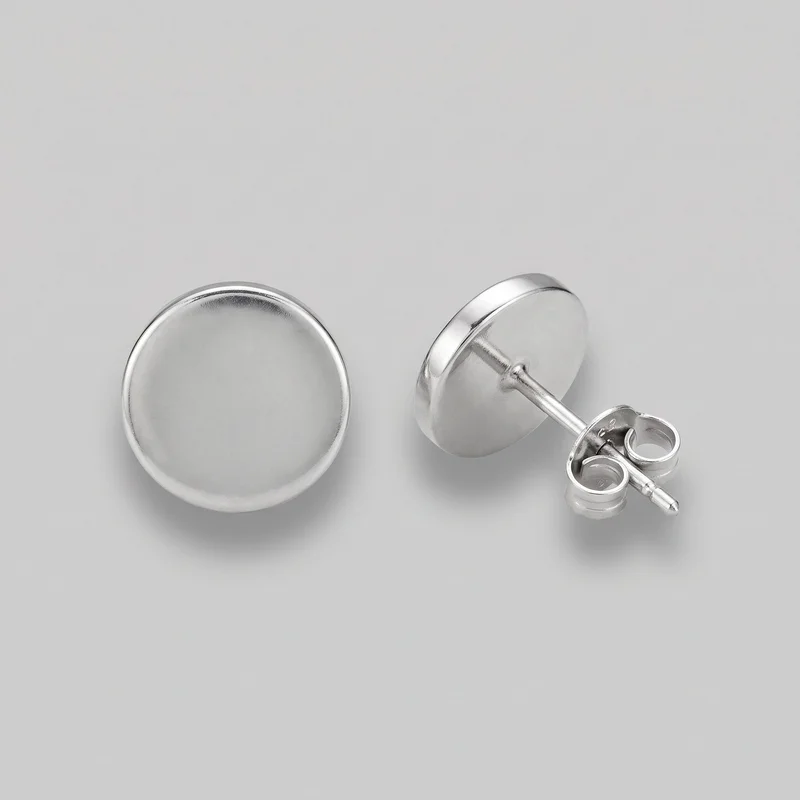 Men's Silver Stud Earrings
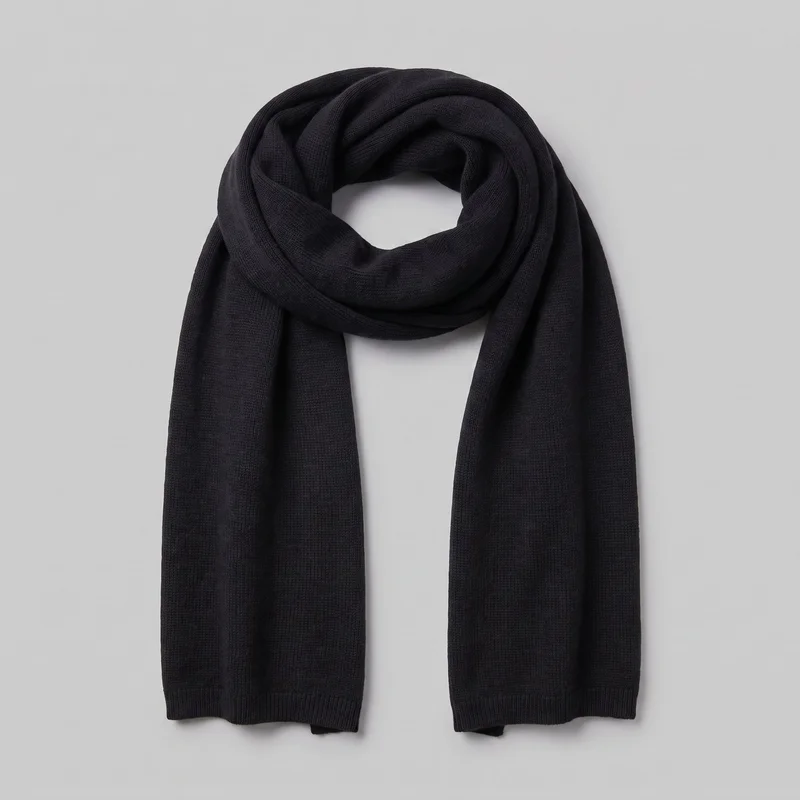 Men's Black Wool Scarf
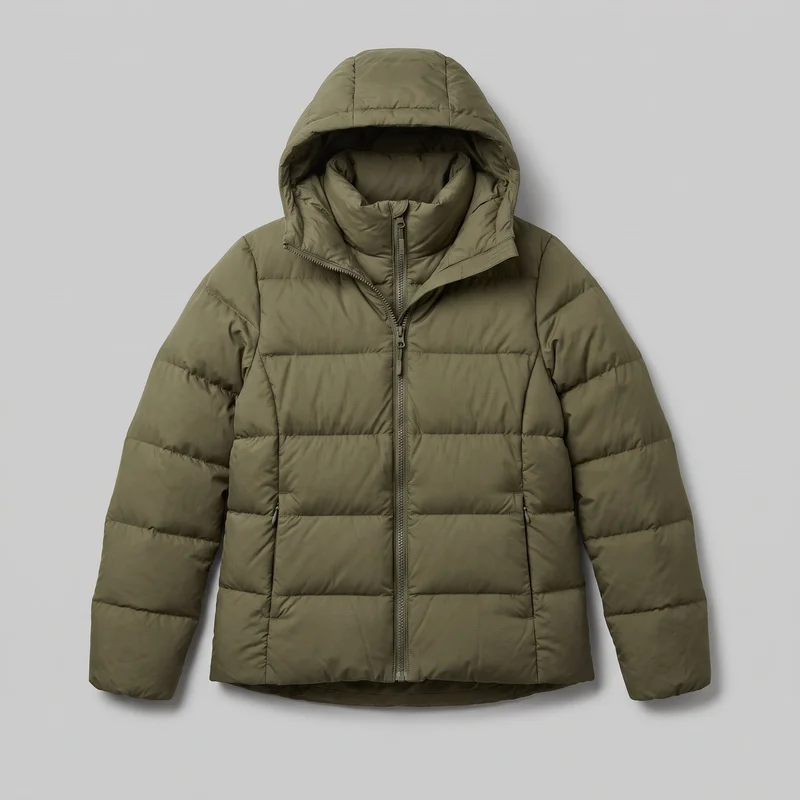 Women's Olive Down Jacket
Showing 24 of 496
Catalog
Browse the catalog
By product
Consistency
One element changes while the composition holds.
Change one element and the rest of the composition holds, including the selected model, light and crop. That gives your campaign variants a shared visual structure while you adjust products, styling or formats for launch planning.
You change one
- Frame
- Pose
- Camera view
- Model
The rest holds
Model
Keep the selected campaign identity across related product images.
Light
Retain the chosen photography direction for a shared visual treatment.
Frame
Use related crops to keep hero images visually connected.
Who it's for
Is RAWSHOT right for campaign work without custom lights?
A good fit
This fits you when recurring campaign work needs directed product imagery before a conventional production schedule can turn it around.
Work it handles well
- You can prepare campaign imagery before fixed launch dates.
- You can direct recurring product variants through visible choices.
- You can keep model, light and framing related.
Outside this scope
It is less suitable when the campaign depends on free lighting positions, free-form draping or measured garment fit.
Where this stops
- You cannot set custom lighting positions beyond named directions.
- You cannot create free-form garment draping through controls.
- You need measured fit information from product-page documentation.
Rights
You own every image. Every image says what it is.
Yours
- Full commercial rights to every image, permanently.
- No recurring licence fees on any model in the library.
- Every model is a synthetic composite, so there is no real-person likeness.
Labelled
- C2PA content credentials on every image.
- AI-labelled output, aligned with EU AI Act Article 50.
EU-based hosting, GDPR-compliant handling.
- Aligned with EU AI Act Article 50
- C2PA
- Full commercial rights
- GDPR-compliant handling
- EU-based hosting
Questions
Before your first image set review.
Can RAWSHOT create a directed campaign image set from real products for launch planning?
You can use RAWSHOT to create a directed campaign image set from real products, selected adult models, styled outfits, hero frames, backgrounds, light direction, and launch-ready formats. It suits you when you need visual campaign planning before a conventional production schedule is available. Choose the model, outfit, pose, camera view, scene, and photography direction to establish a reviewable basis for launch and social work.
What do I need to start a RAWSHOT campaign image set for launch planning?
Start a RAWSHOT campaign with a real product photo, flat-lay, mockup, or technical sketch, plus a clear direction for the selected adult model, outfit, styling, pose, background, light, frame, and camera view. You can then review the hero composition and adjust a visible choice at a time. This gives your team a practical visual basis before physical production is scheduled.
What usage rights apply when you publish RAWSHOT imagery for a campaign?
You get full commercial rights to every image, permanently, with no recurring licence fee. Every image carries C2PA content credentials and is labelled as AI-generated.
Get started
Bring a real product to launch planning.
Start with a 7-day free trial including 50 tokens, then move to the plan that matches your production volume.