
Campaigns
Fashion images for every format
Each placement gets an original fashion composition.
You are an in-house designer who needs fashion images for every format before campaign assets move to marketing. One hero image is not finished when each crop loses the product, model or composition.
7-day free trial • 50 tokens (10 images) • Cancel anytime
A 2K image in roughly 35 seconds · AI-labelled with C2PA content credentials
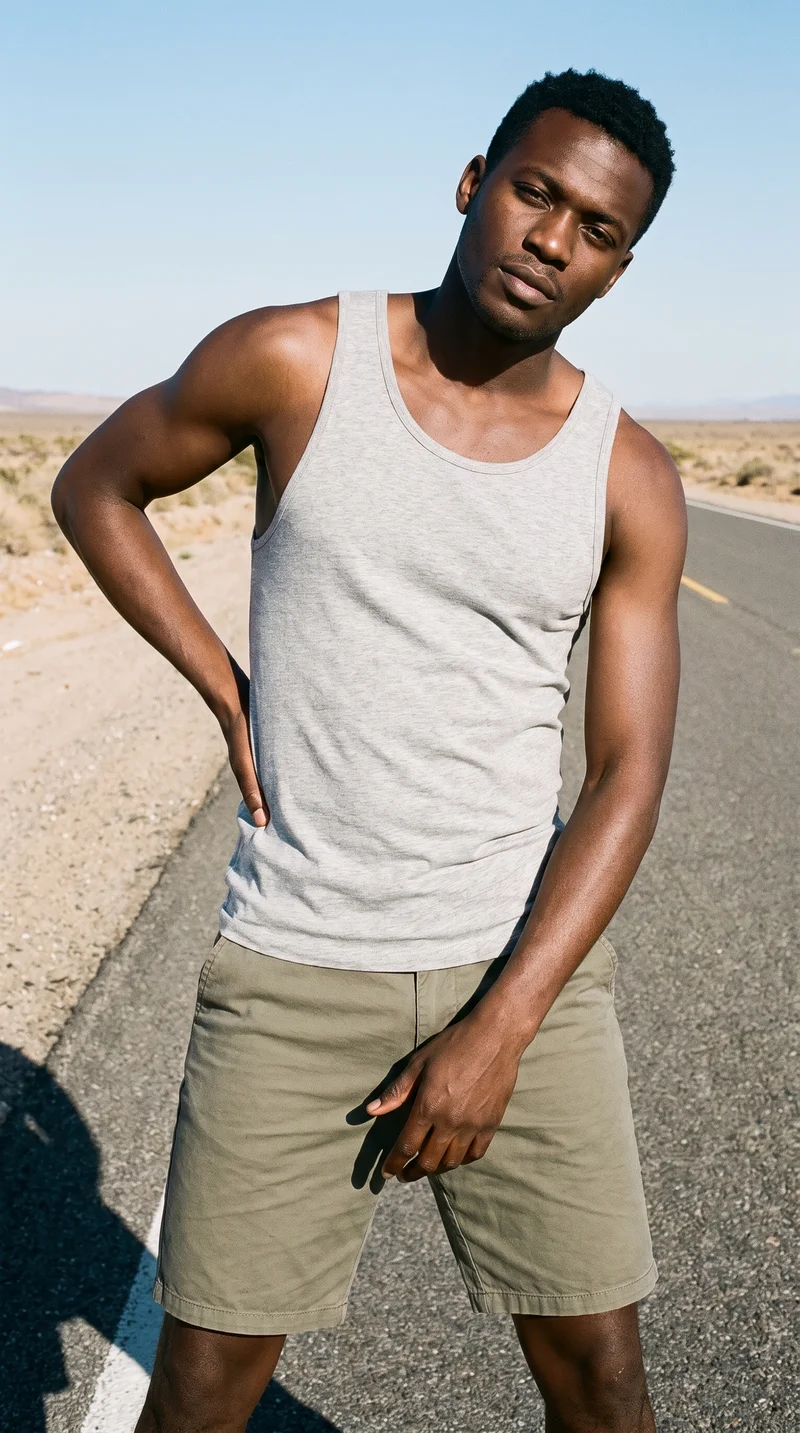
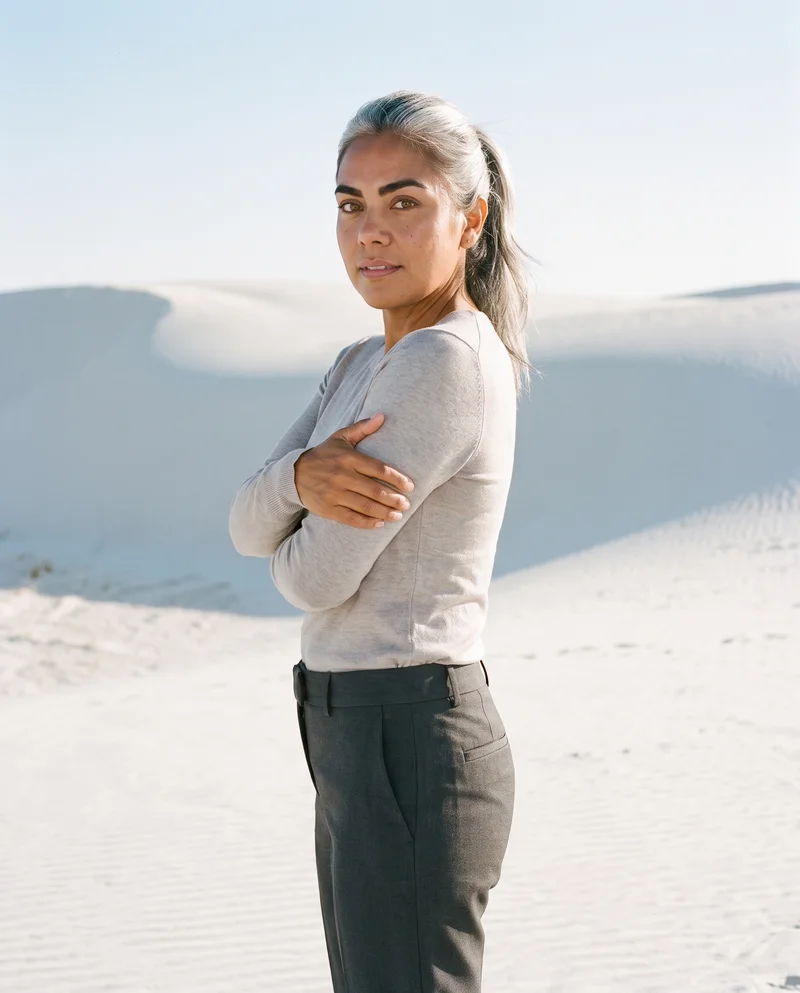
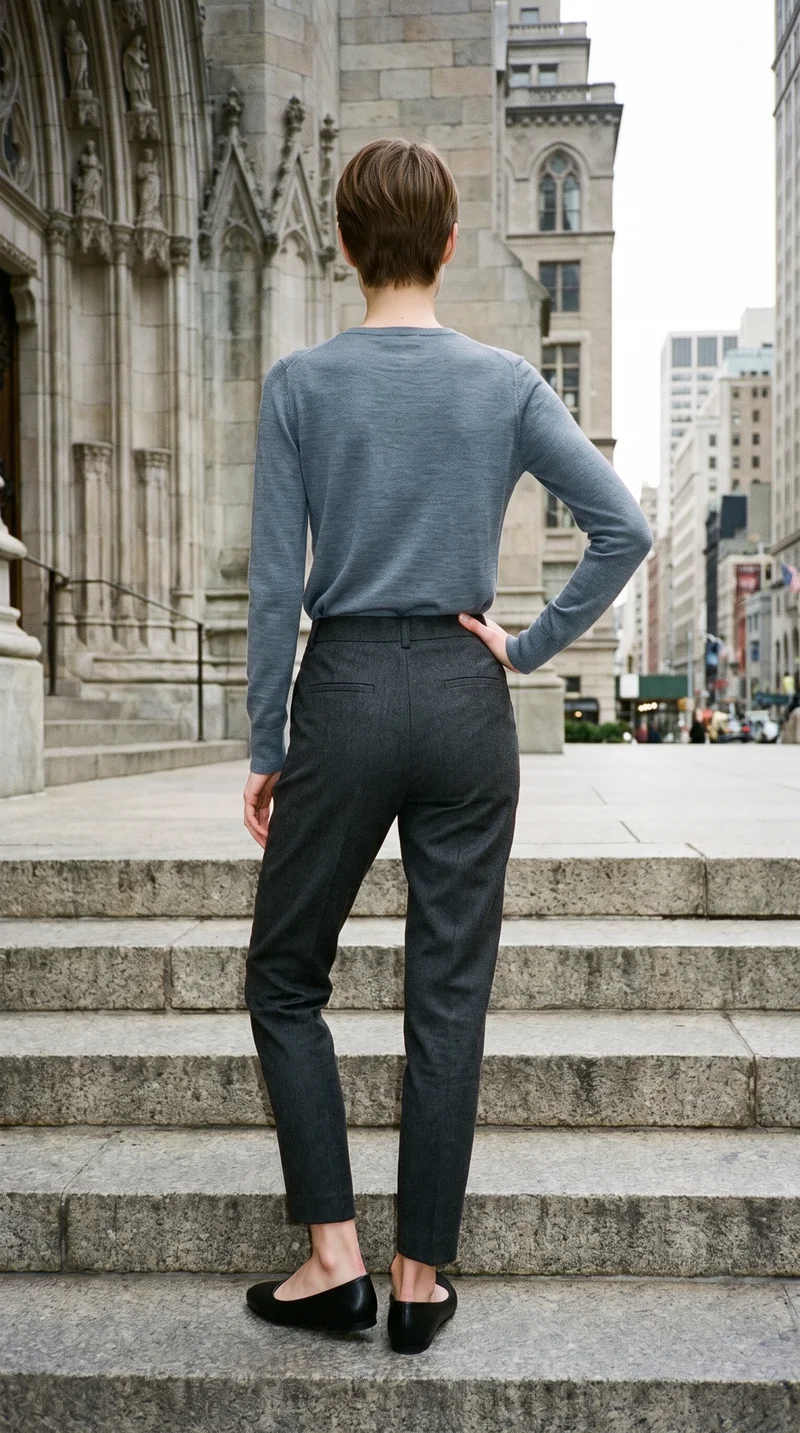
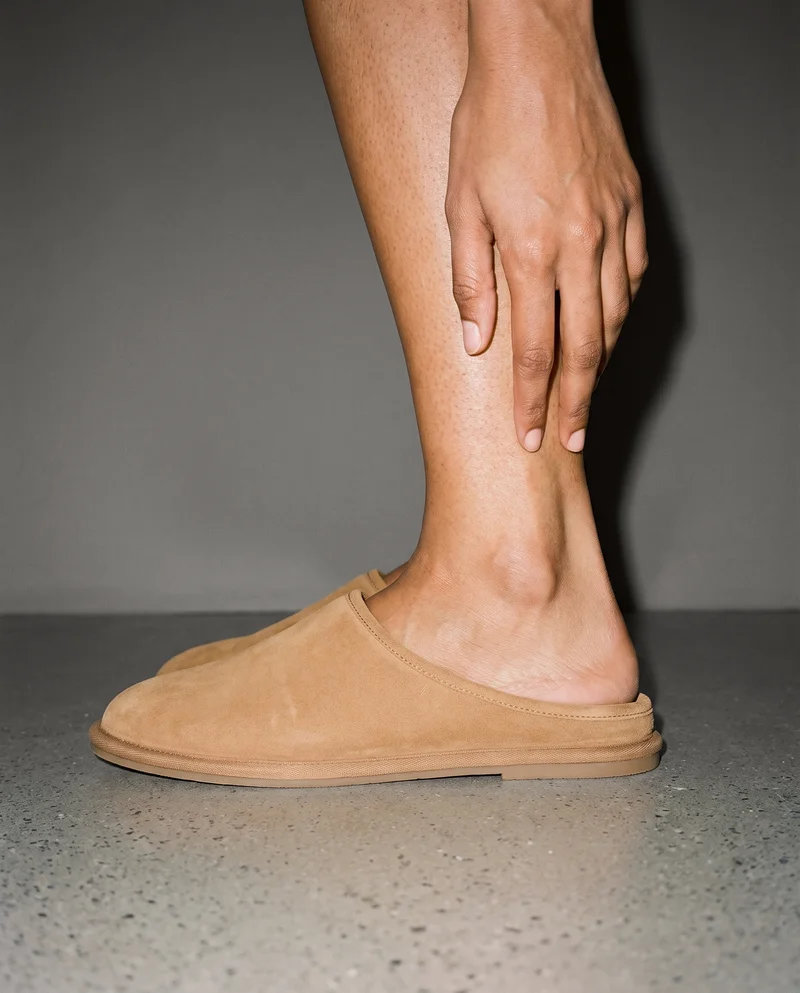
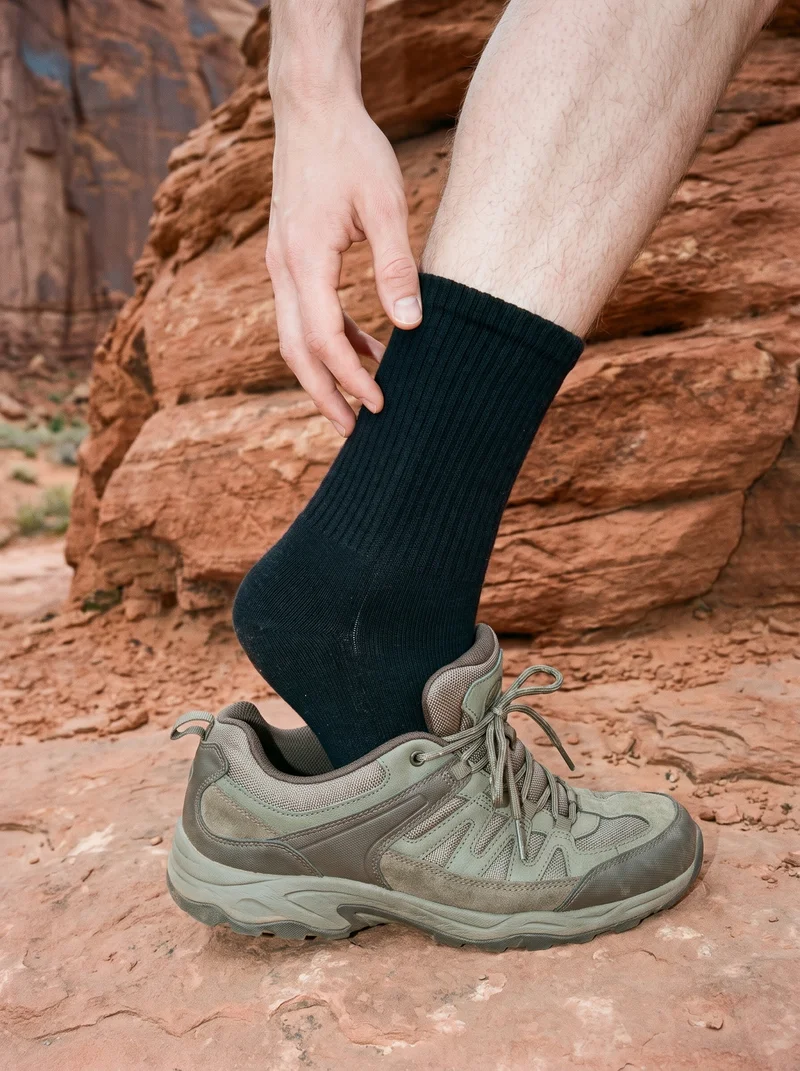
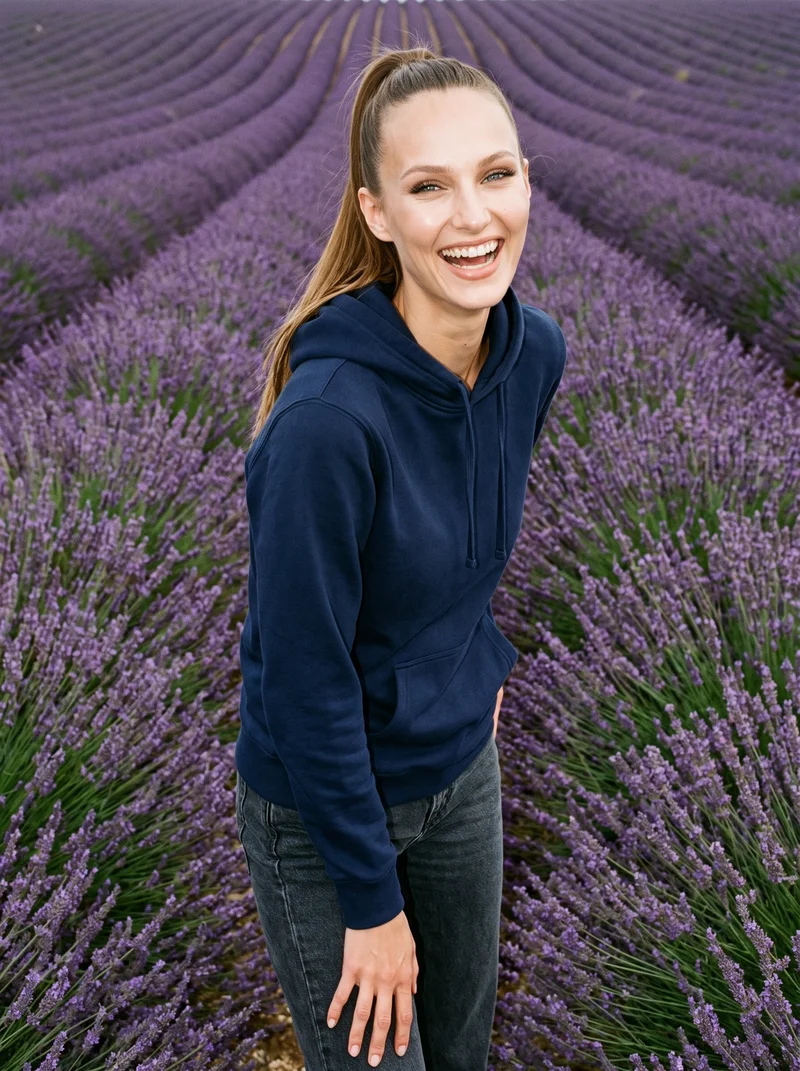
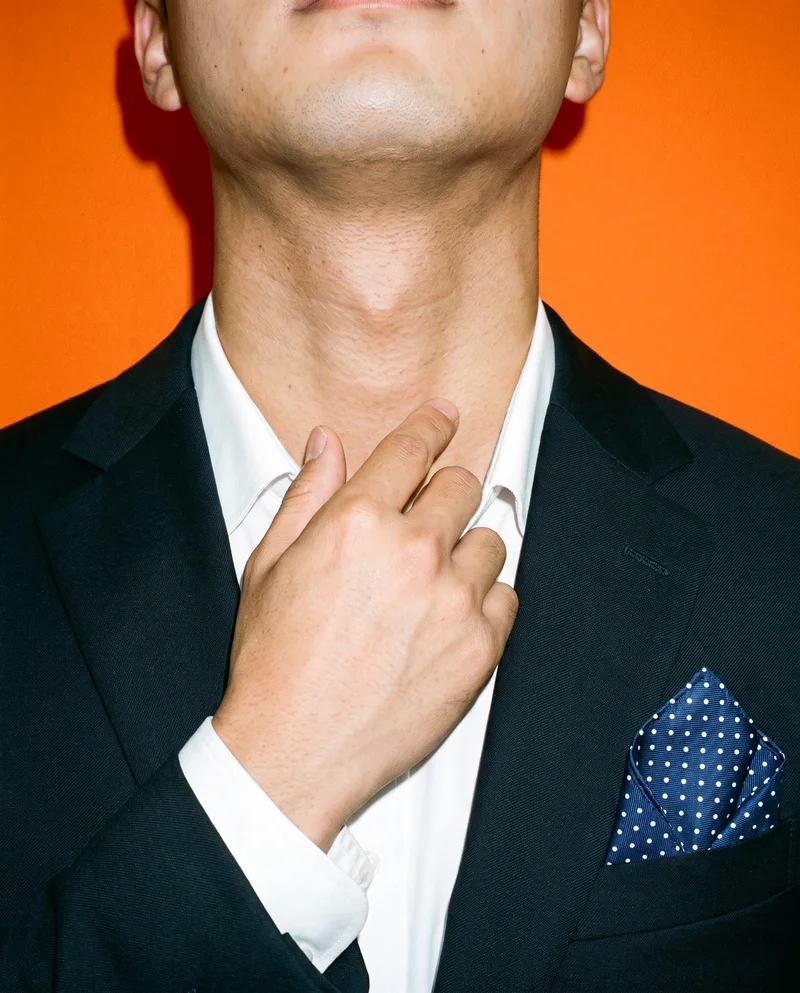
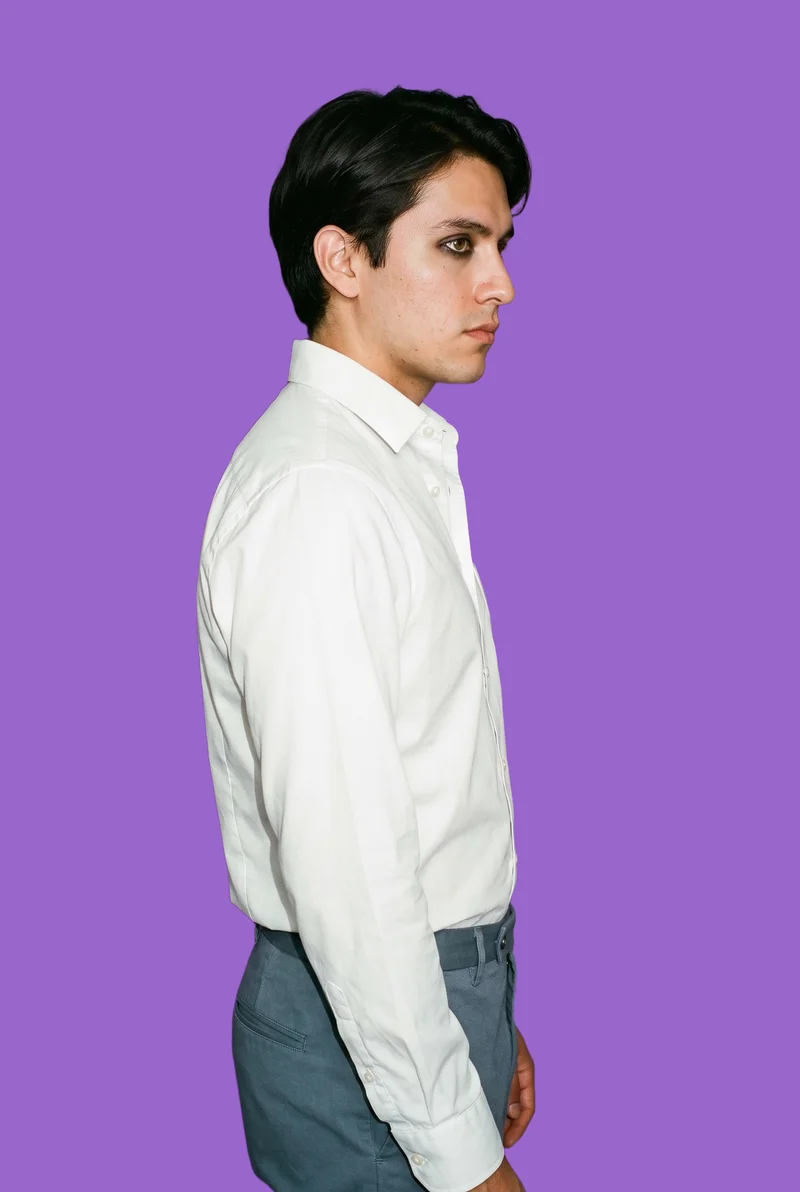
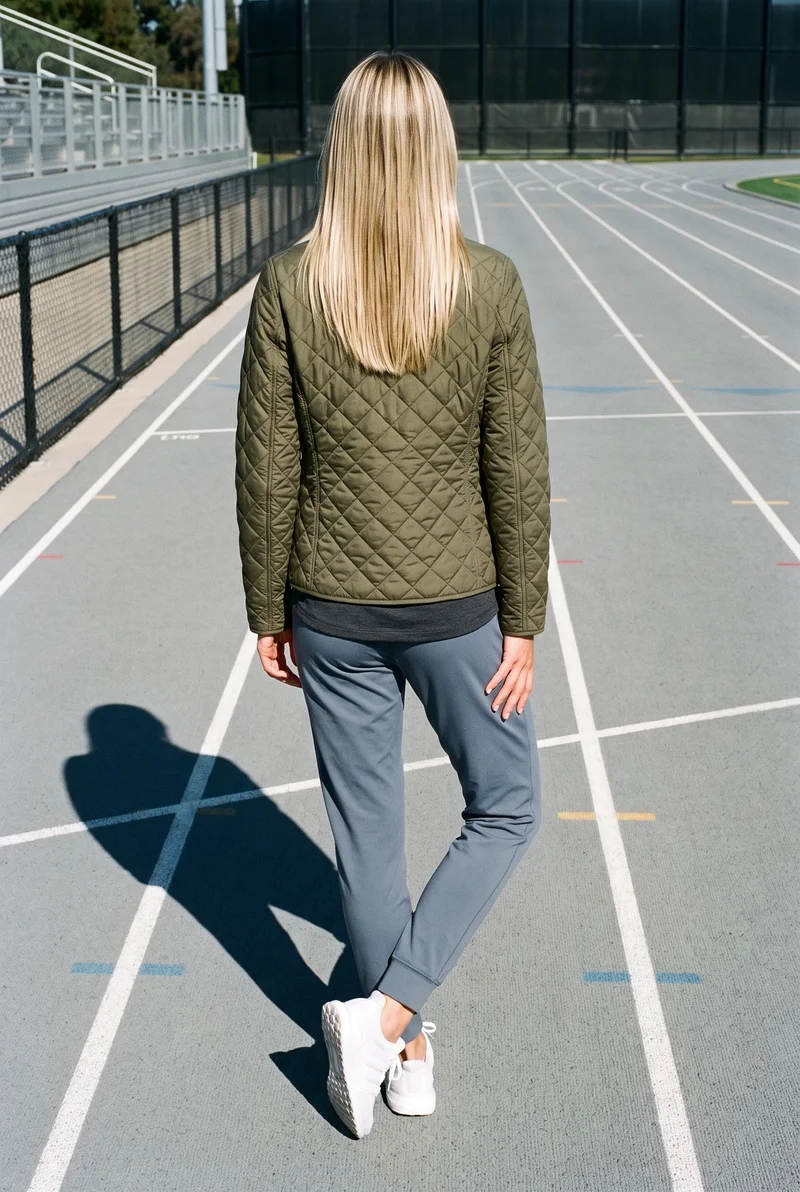
Showing 9 of 3,629, shot in RAWSHOT
Use cases
When one hero image starts losing its composition.
Social feed and stories
The situation
A social media manager needs feed and story originals for a fashion drop while the posting schedule is still being finalized.
With RAWSHOT
Set the frame, camera view, pose, light and format for each placement. You get directed on-model images for feed and stories, with the product composed for the space.
Email and newsletter
The situation
An in-house designer is preparing email and newsletter imagery where a forced crop would hide the product or weaken the composition.
With RAWSHOT
Choose the format and frame while holding the model, styling and photography direction steady. You get original campaign images suited to the email placement, ready for layout.
Website hero originals
The situation
A marketing manager needs a website hero for a campaign while the same product imagery must also serve other channels.
With RAWSHOT
Set the website composition with its own view, pose, background and light, and create related channel variants from the same decisions. You get a deliberate hero image and a coherent campaign set.
Banner and ad placements
The situation
A performance marketer needs paid-placement variants built from the same product creative for campaign testing.
With RAWSHOT
Choose the format, frame, pose and photography direction for each placement. You get original on-model images for banners and ads, with the product kept central in each composition.
What you get
Original images cover social, email, web, banners and paid placements.
You get a format-specific fashion image set with original on-model compositions for social feeds, stories, email, newsletters, website heroes, banners and paid placements. Each image is directed for its placement rather than forced from one crop.
Social originals
Prepare original on-model compositions for social feeds and stories, with the product framed for each placement rather than cut down from one hero image.
Email campaign images
Create fashion imagery for email and newsletter placements, keeping the product visible while choosing a composition that suits the available space.
Website hero imagery
Produce a website hero composition with a deliberate frame, view, pose and light direction, so the image supports the page rather than losing its subject to cropping.
Banner and ad originals
Generate original compositions for banners and paid placements, using the real product and a format suited to the campaign message and channel.
Direct the shoot
Set the frame, view, pose and light for each placement.
Image frame
15
Pose
22 poses on this frame
Camera view
4
Format
9
Pose style
4
Facial expression
10
Photography direction
4
Create photoshoot
Step 7 of 7 · Composition
Image 1 · readyGallery image from this pageProduct
Your product
Model
From the library
Composition
Full Body · Front View · Catalog pose · Neutral
Delivery
2K · 1:1
Light
Studio Cutout
Total cost
5 tokens
AI fashion models
Choose the wearer from 1,197 library models.
1,197 licence-free grown models across ages and body types. Or build a private model from visible attributes.
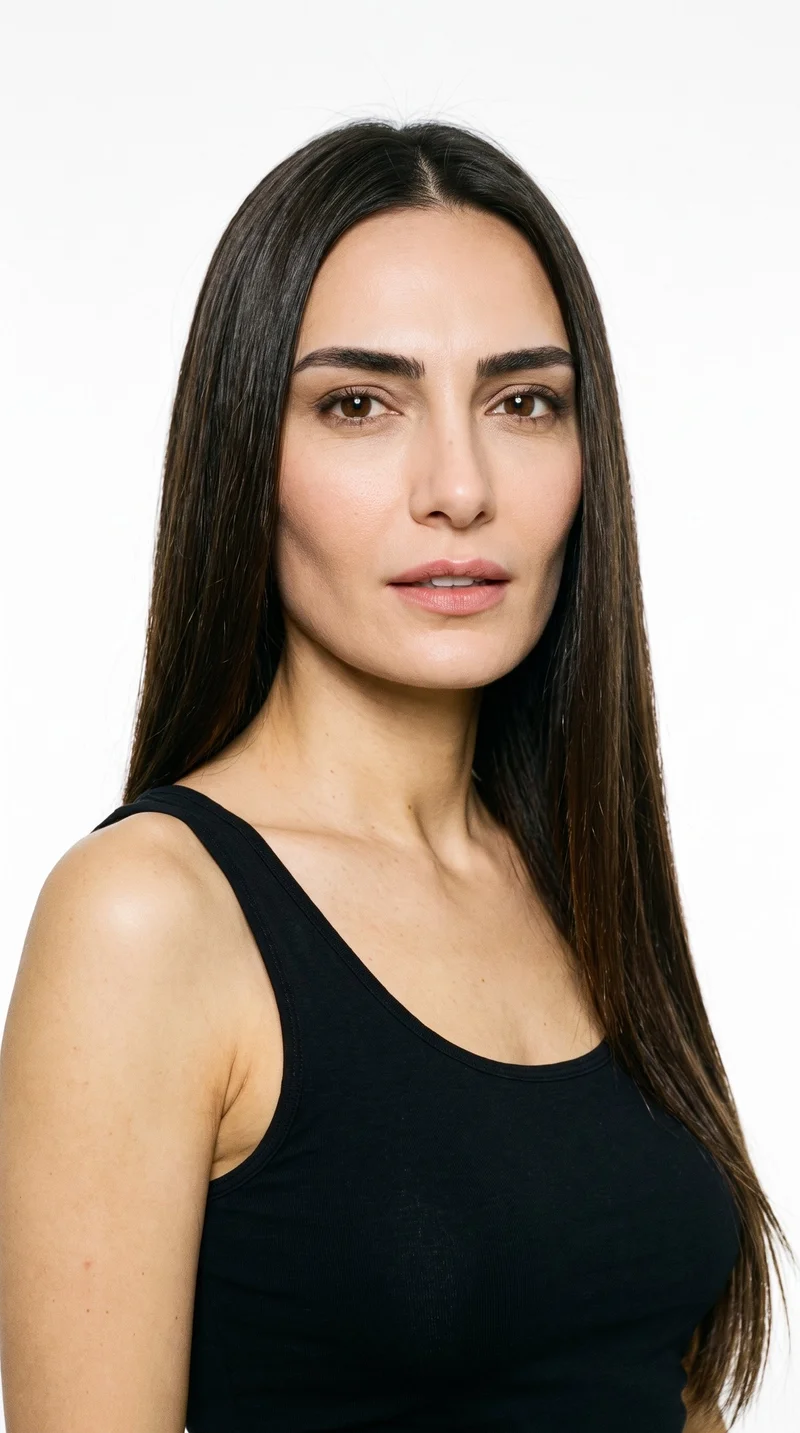
Female · 46
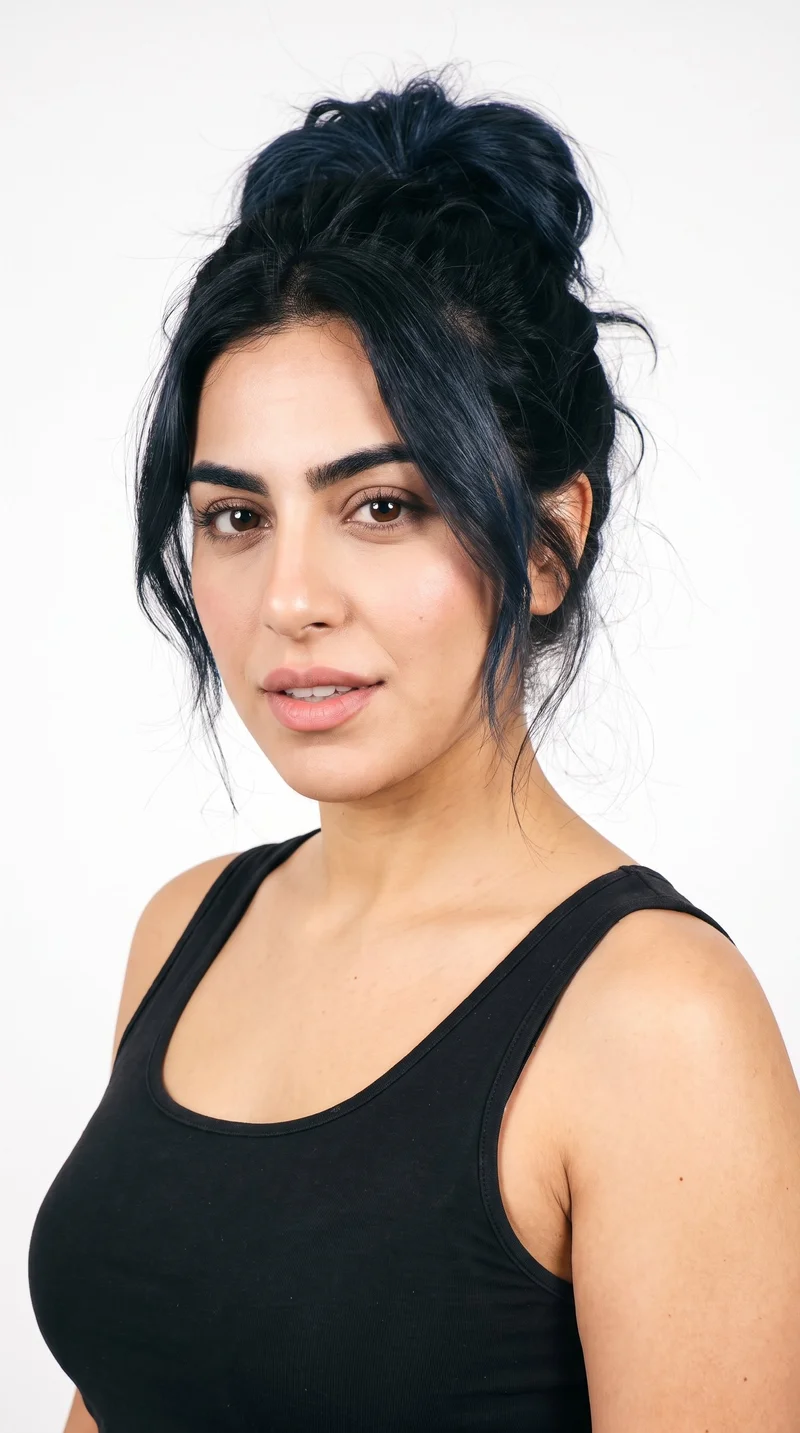
Female · 23
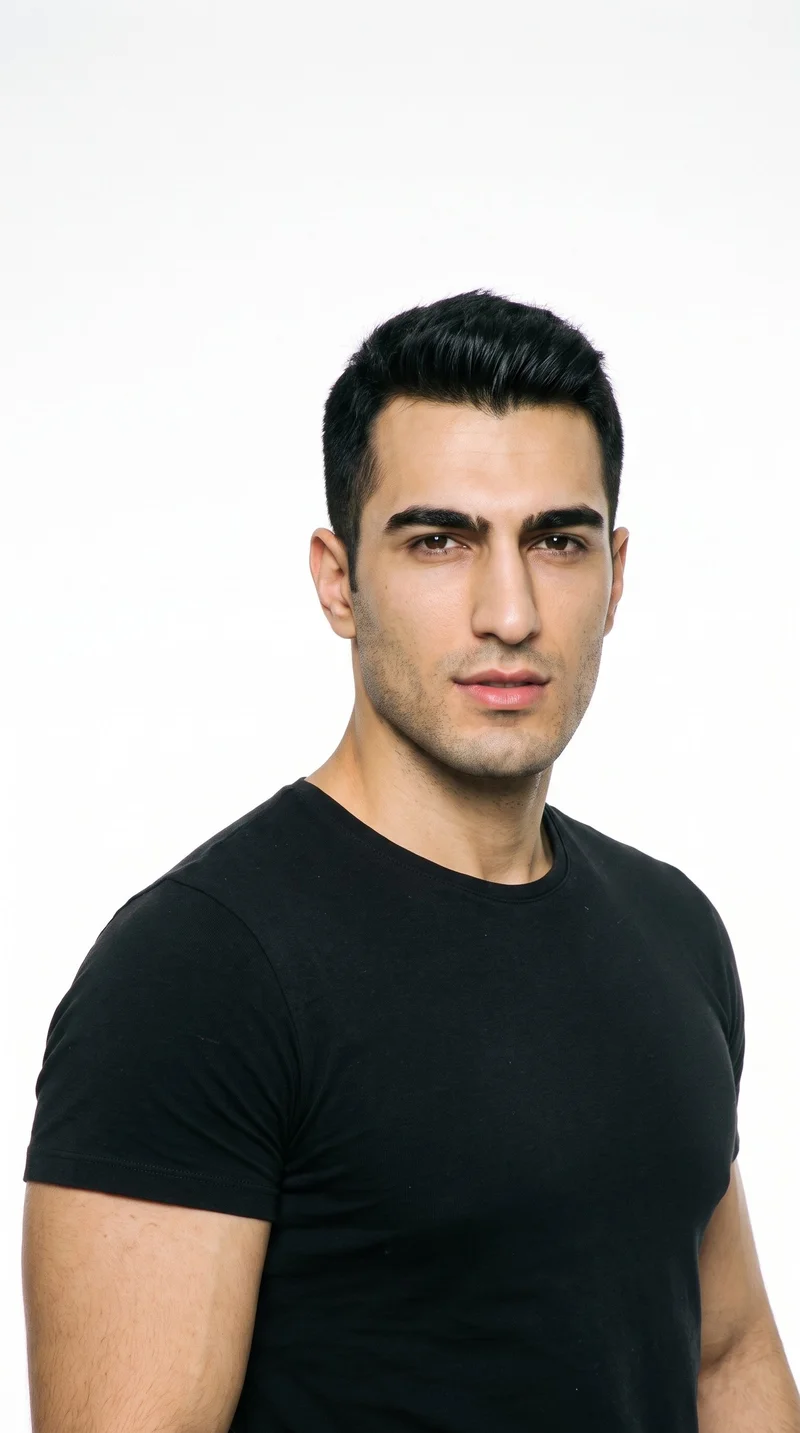
Male · 25
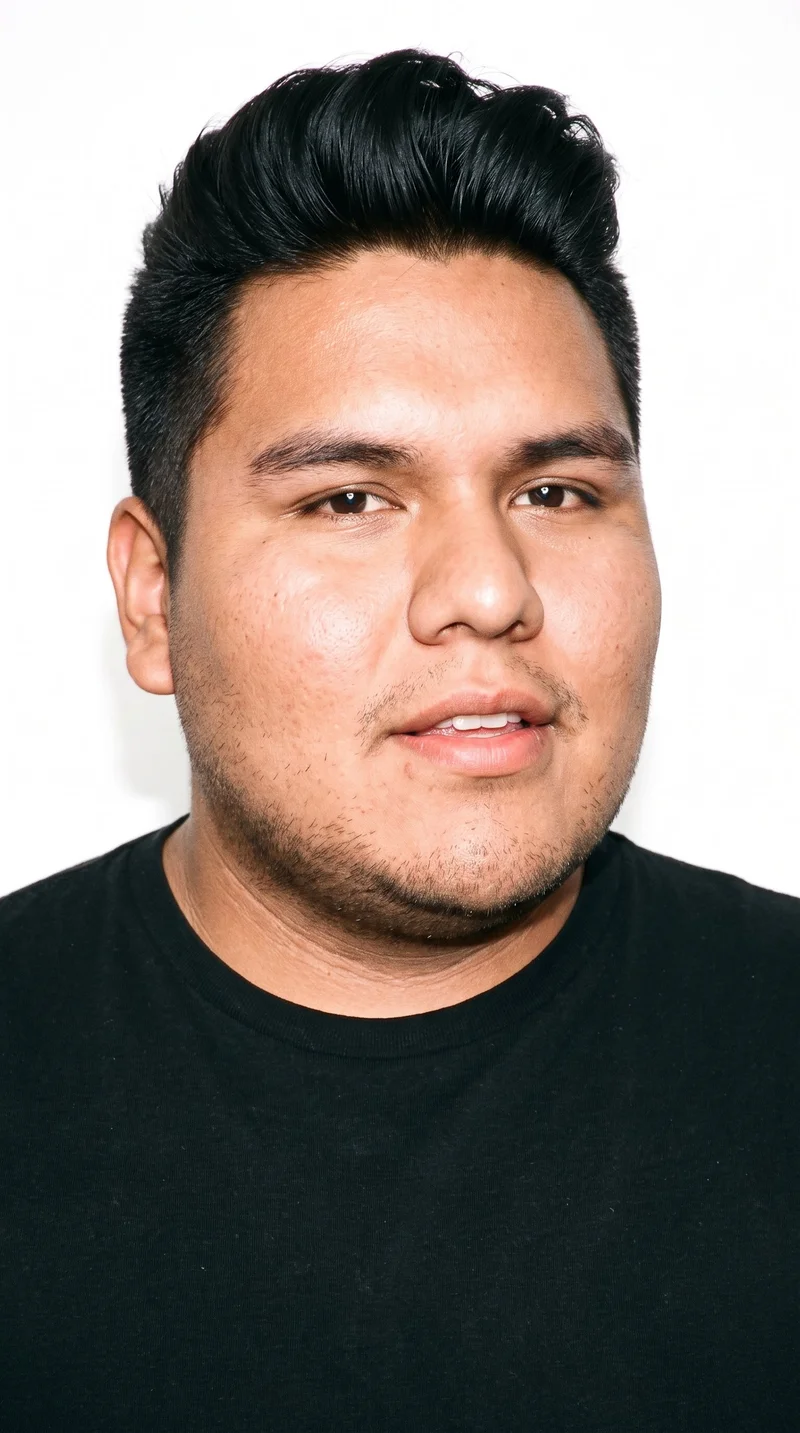
Male · 23
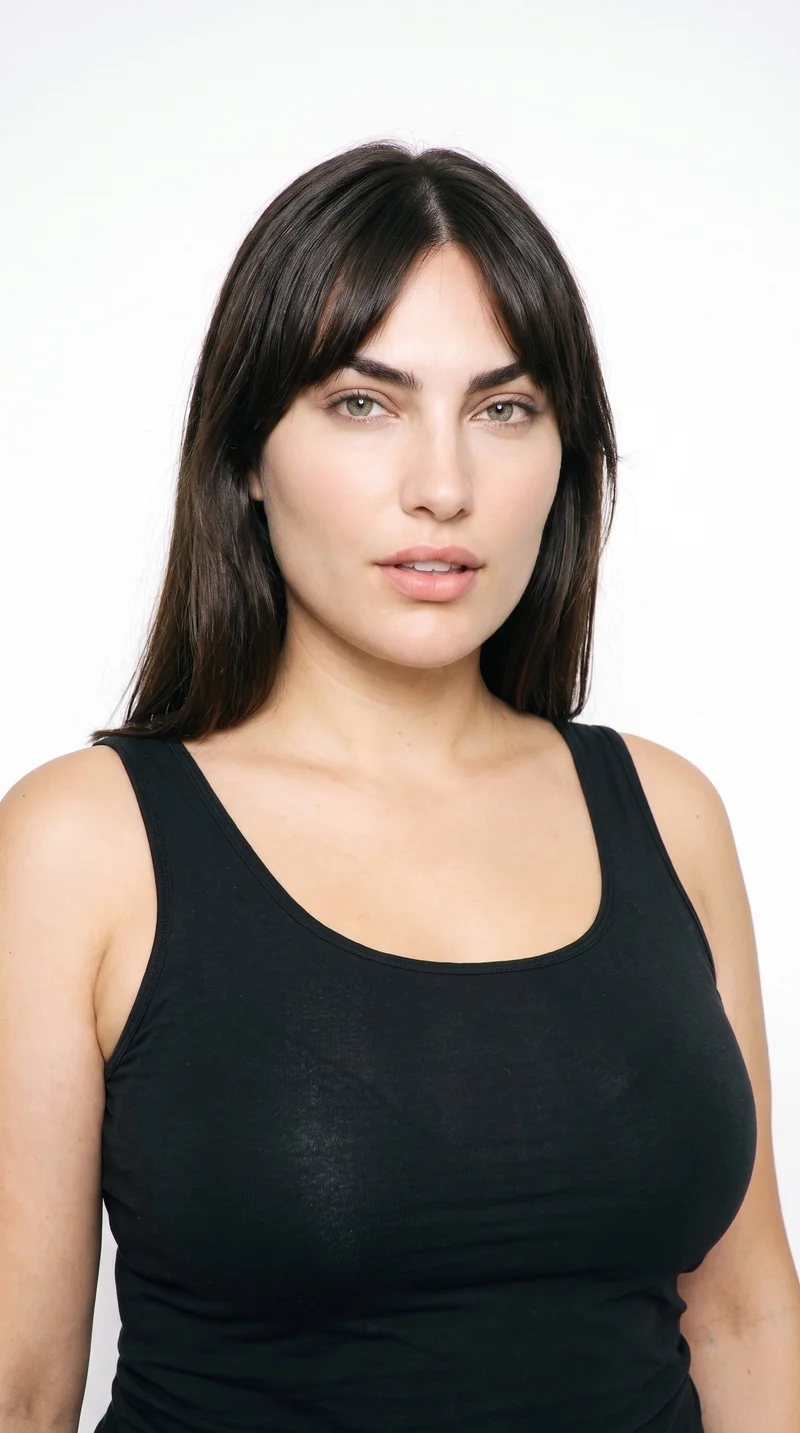
Female · 33
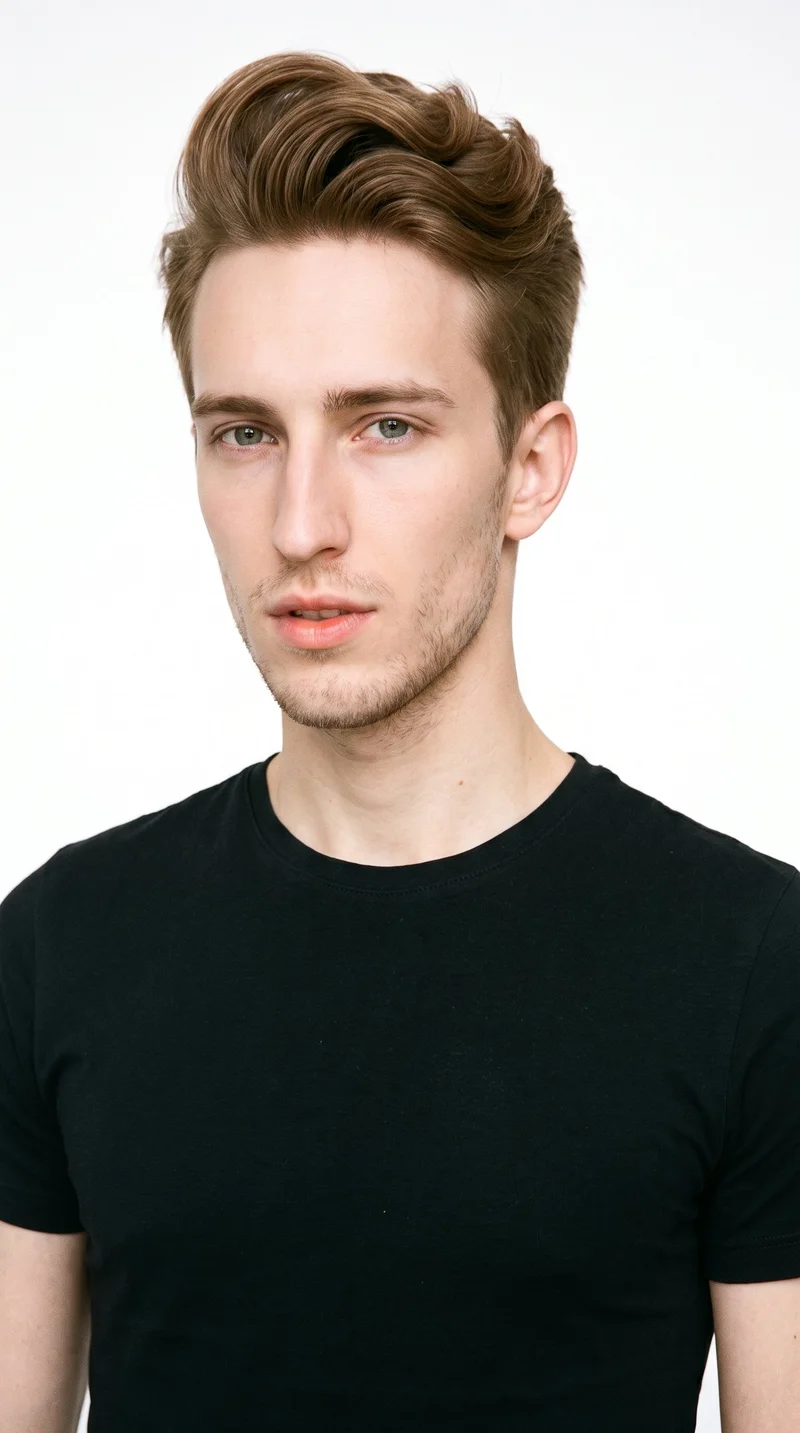
Male · 20
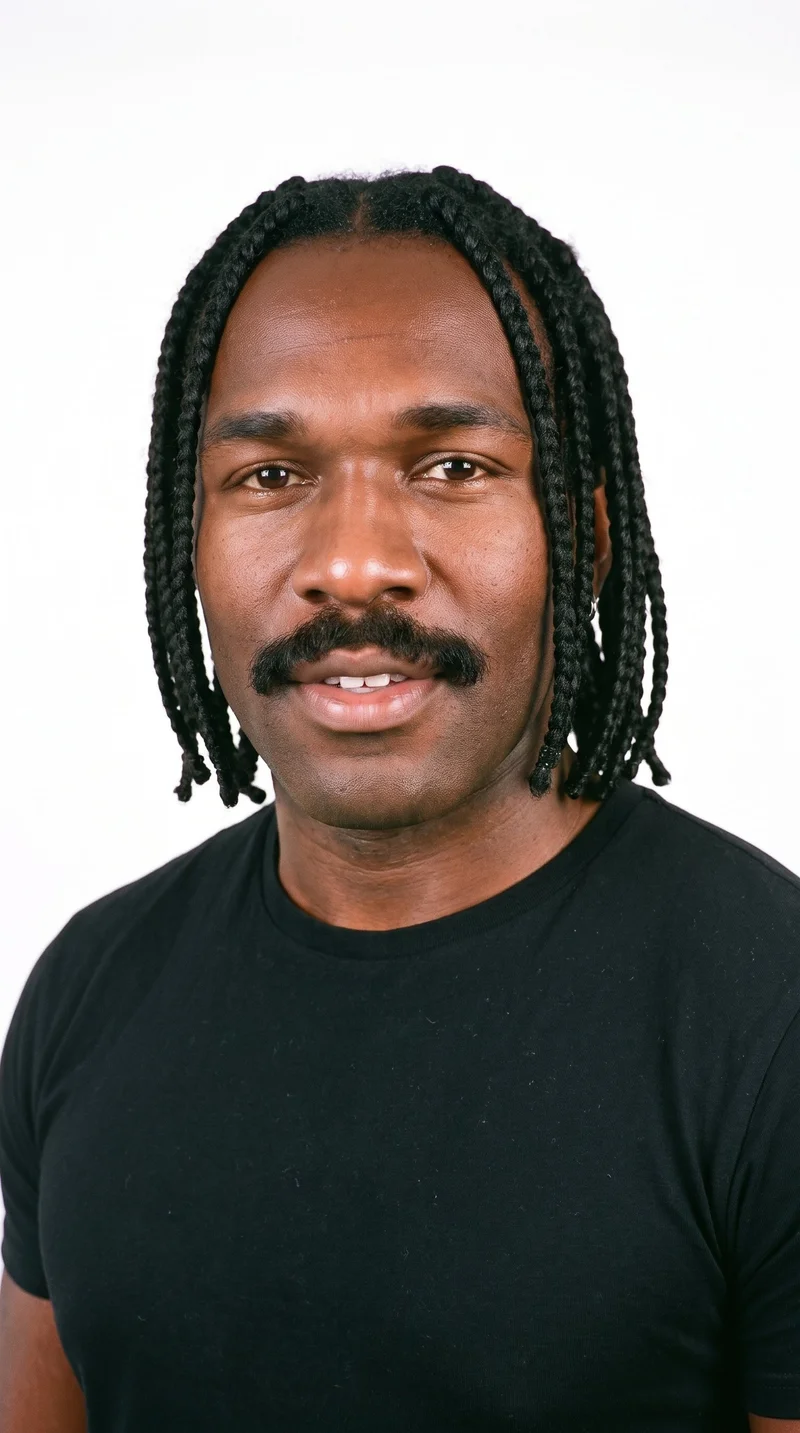
Male · 35
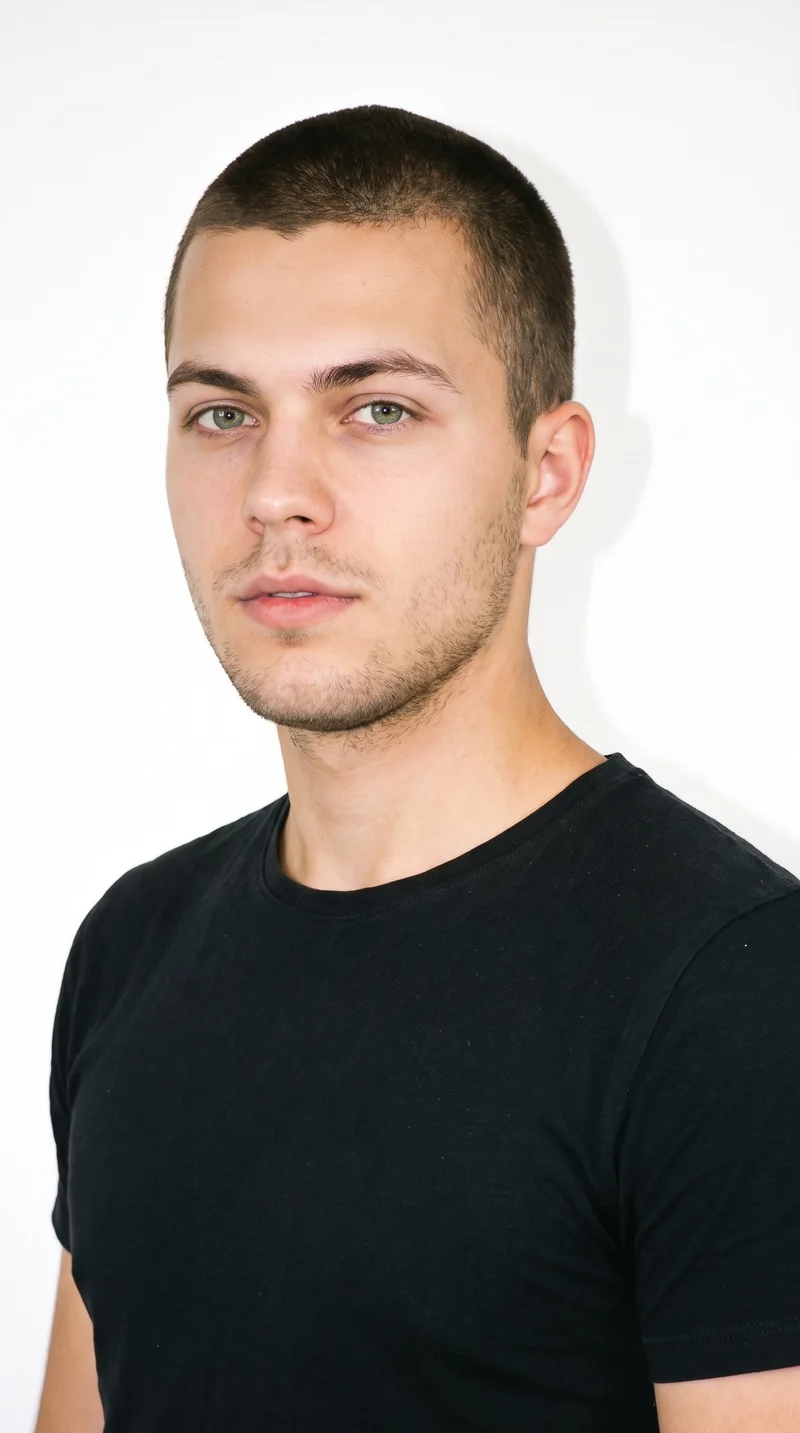
Male · 21
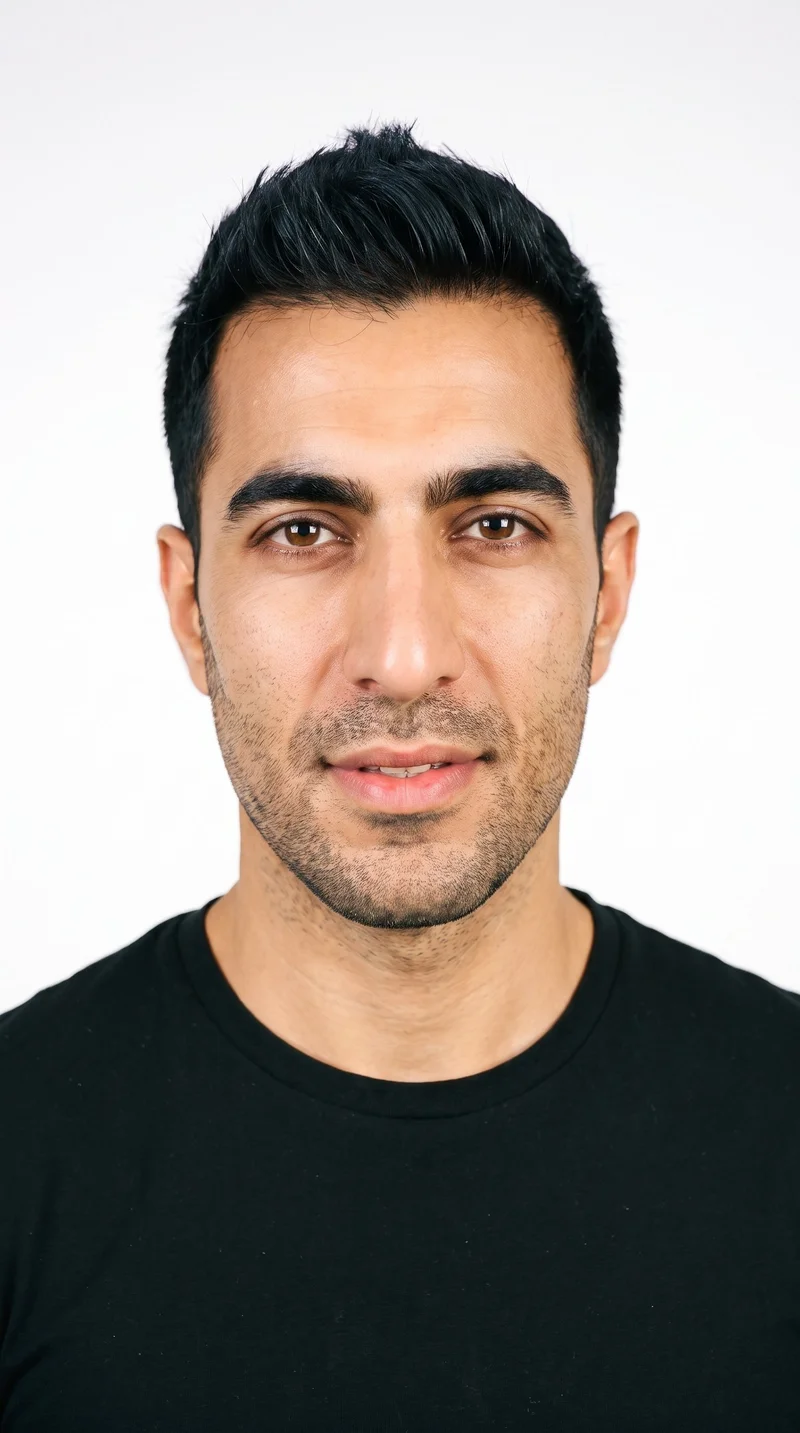
Male · 42
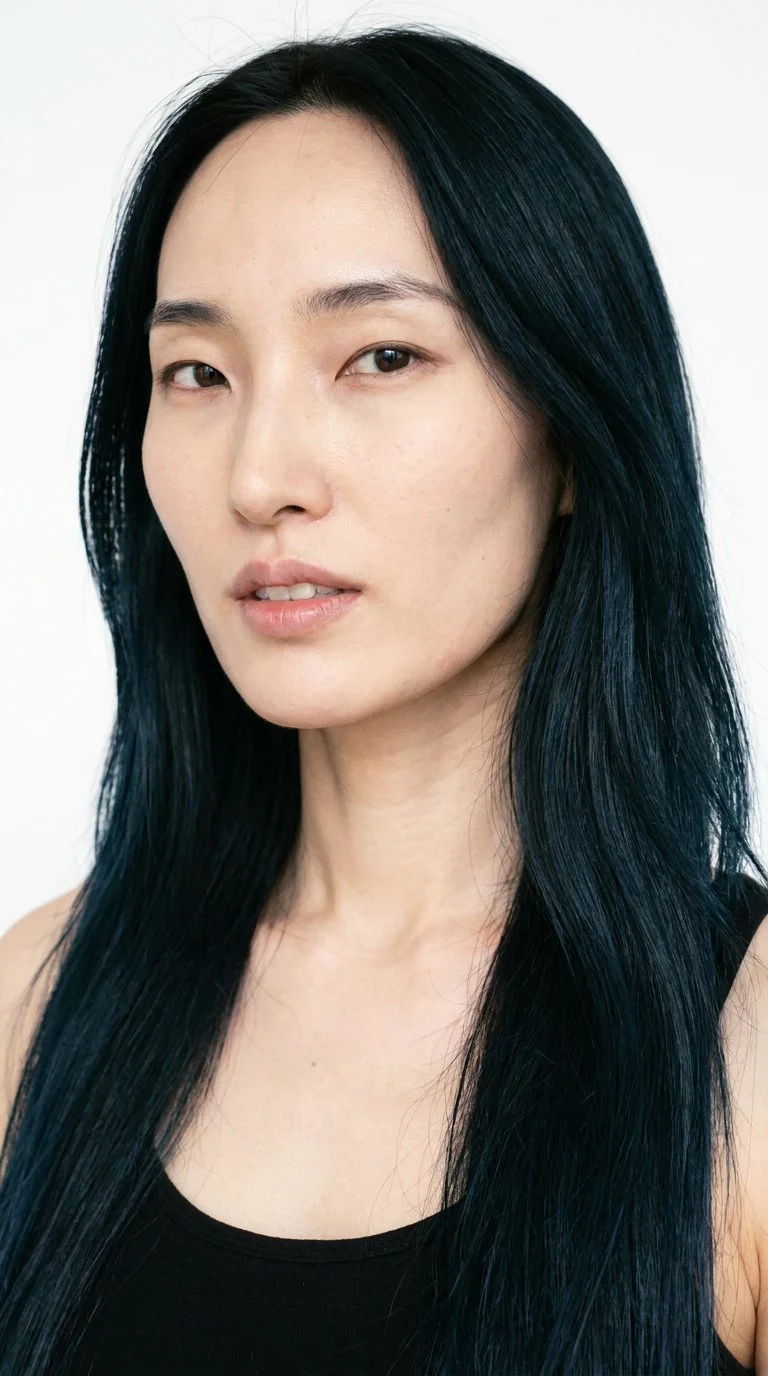
Female · 34
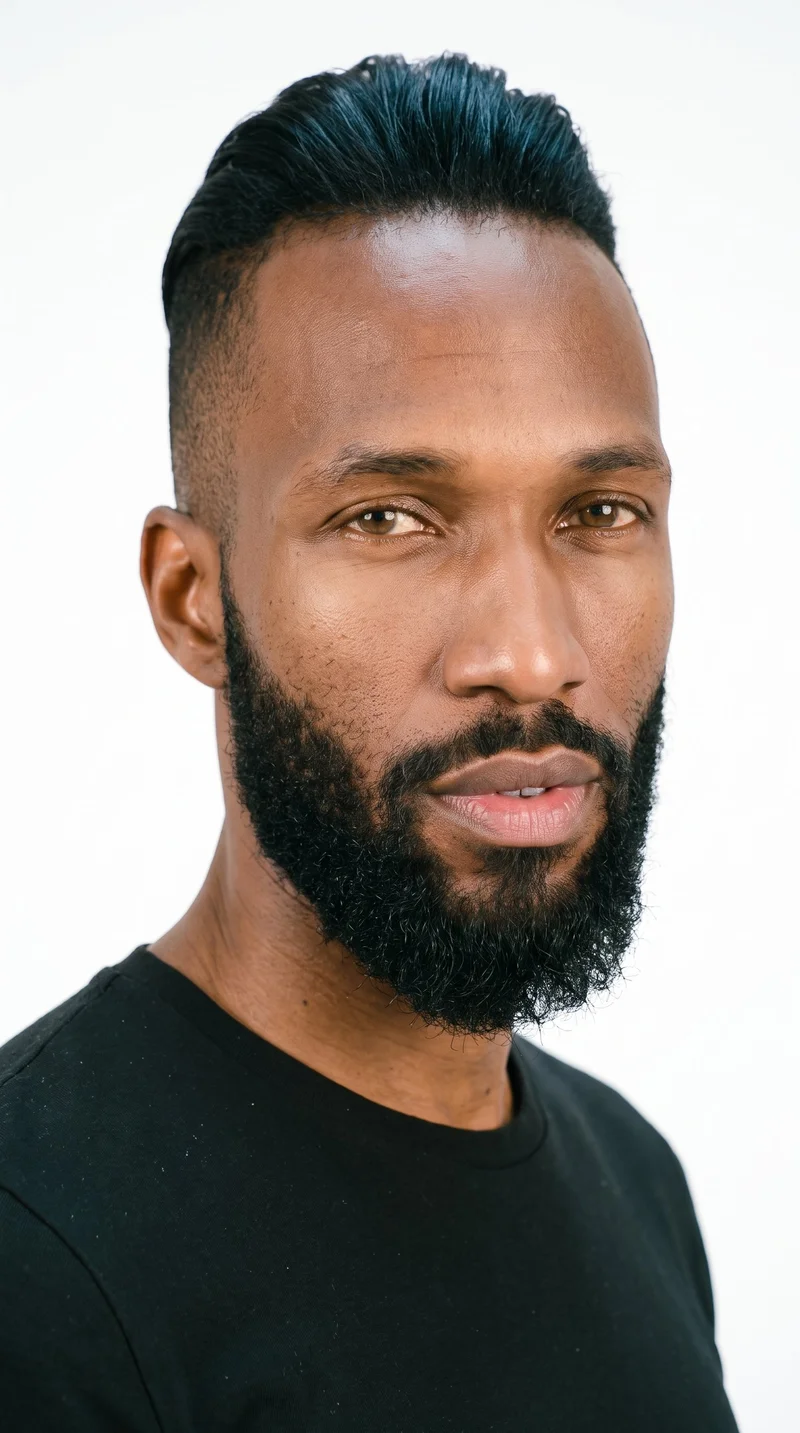
Male · 35
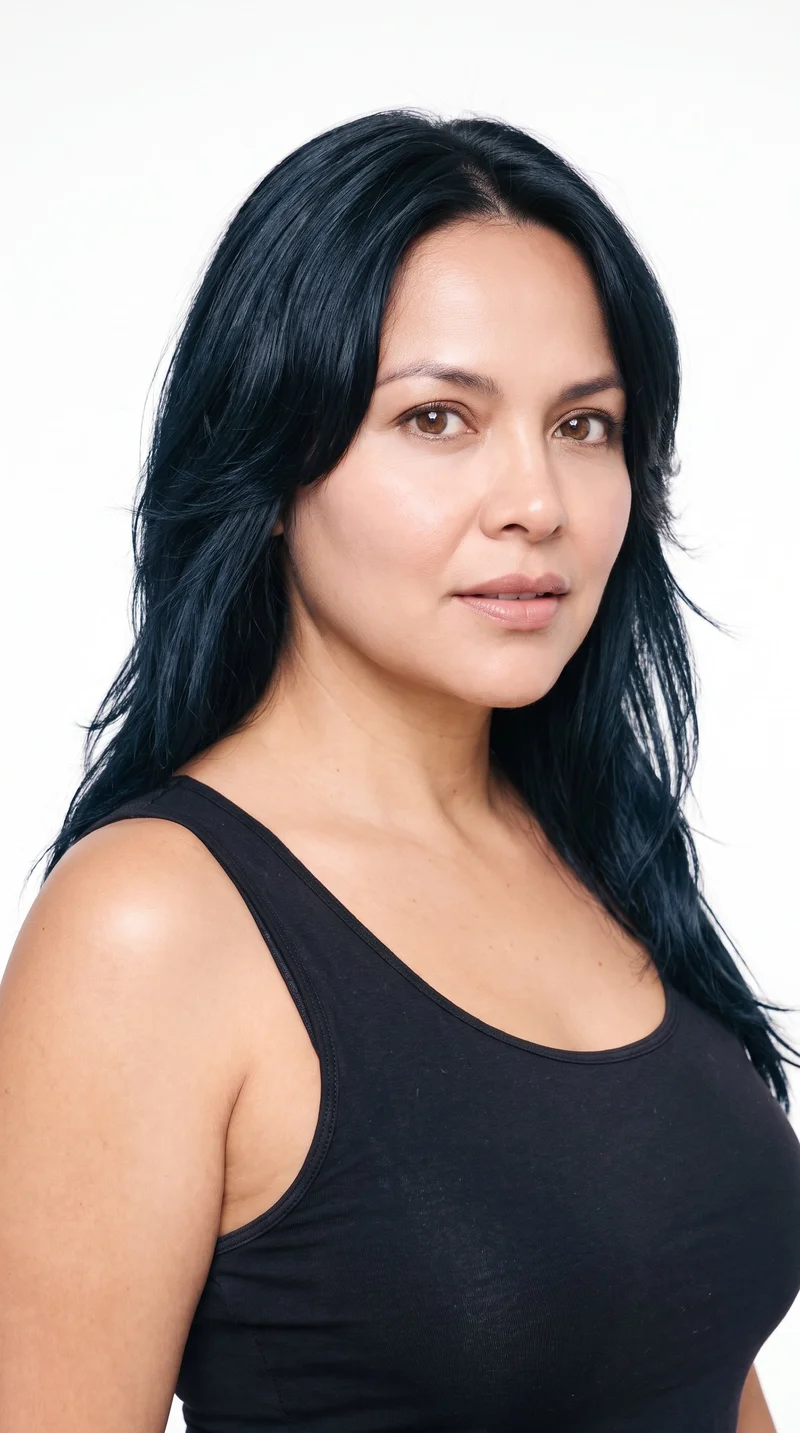
Female · 47
Showing 12 of 1,197
Cast your modelRawshot Features
RAWSHOT keeps each placement tied to the product.
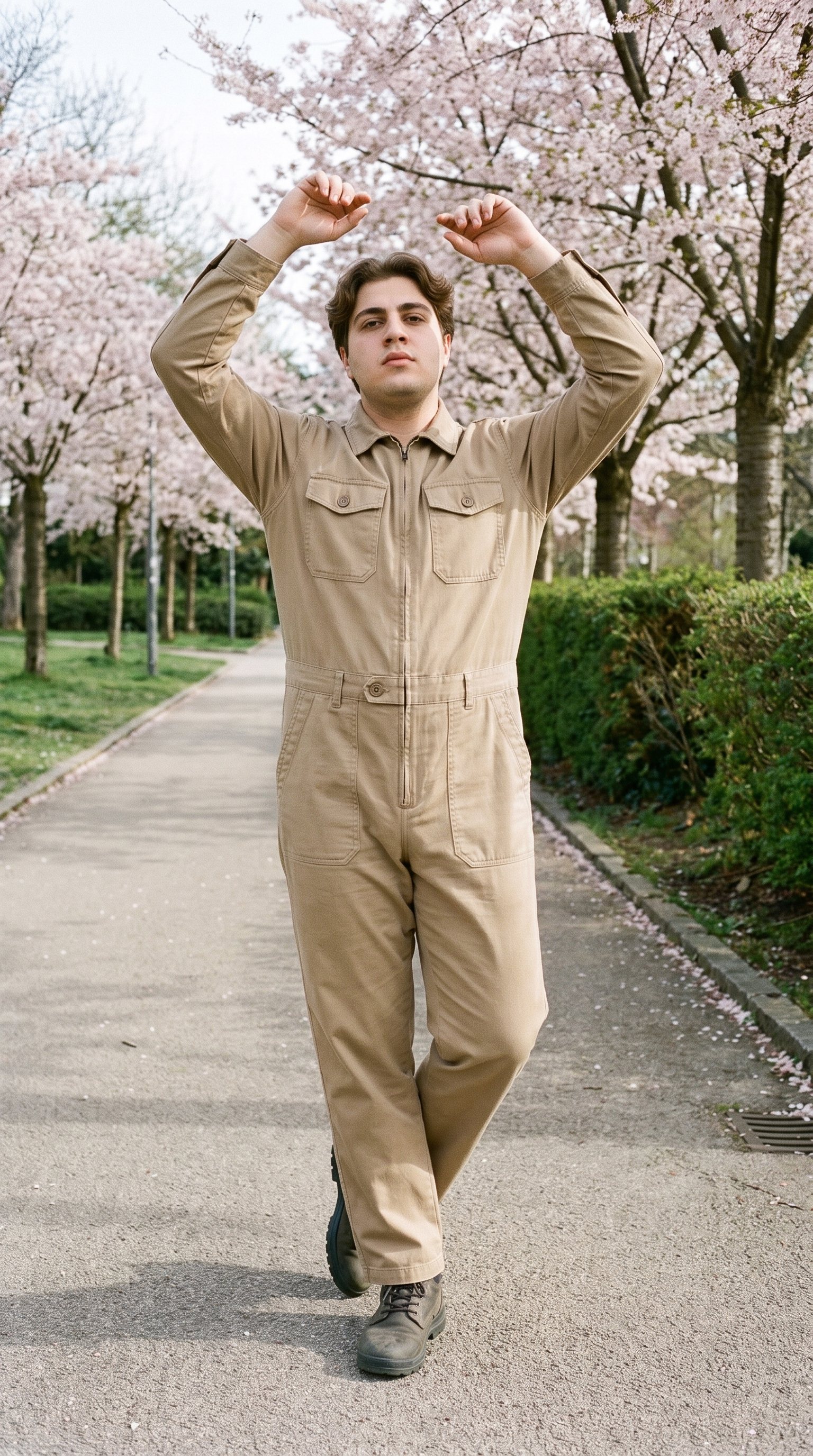
Fashion model poses
Choose a frame, camera view and pose that give each placement its own composition around the product.
22 poses on a full-body shot · 104 in total
See the feature →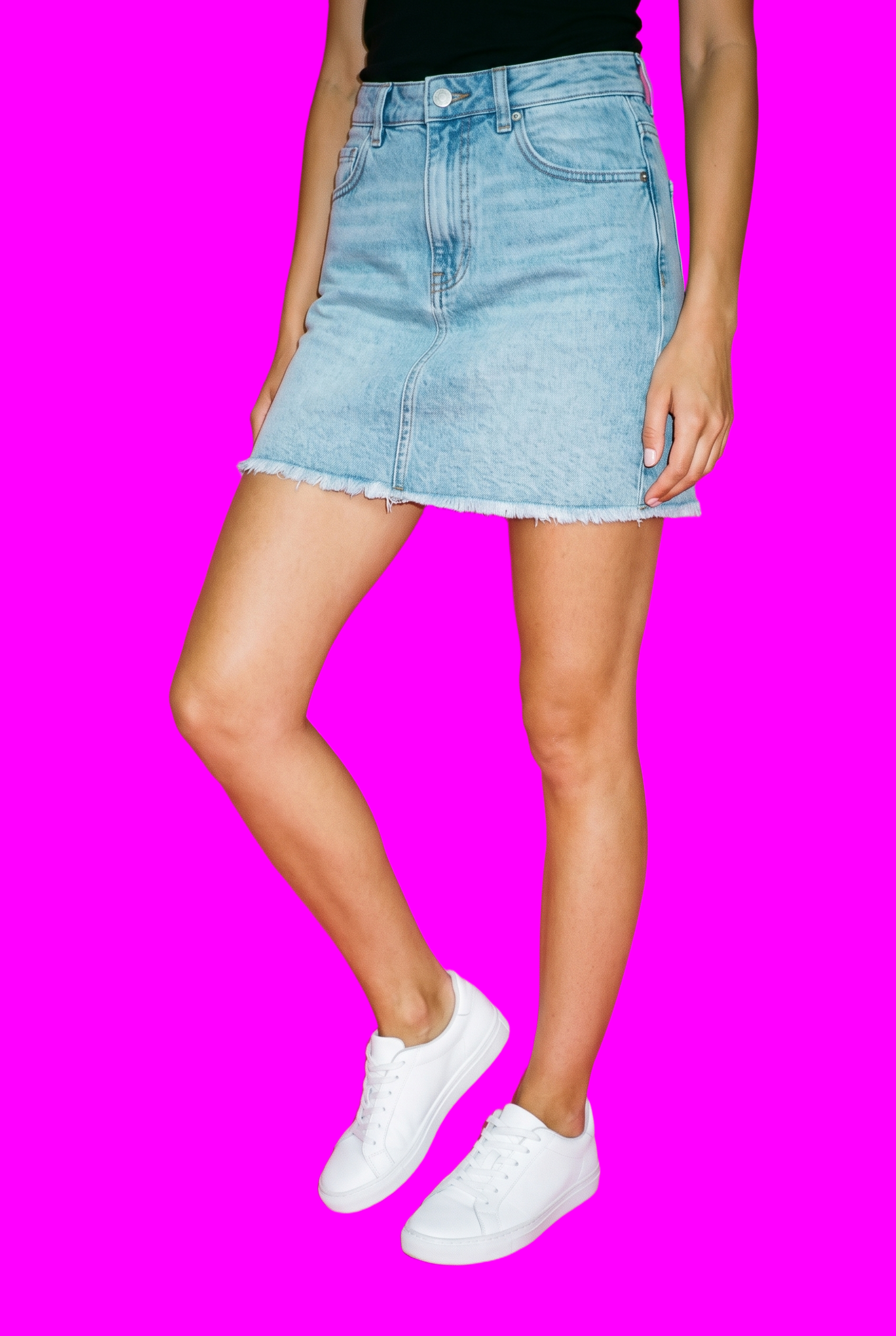
AI image to image generator
Change the format for each channel while keeping the model, product, styling and other composition decisions stable.
Change one decision and keep the rest of the composition stable.
See the feature →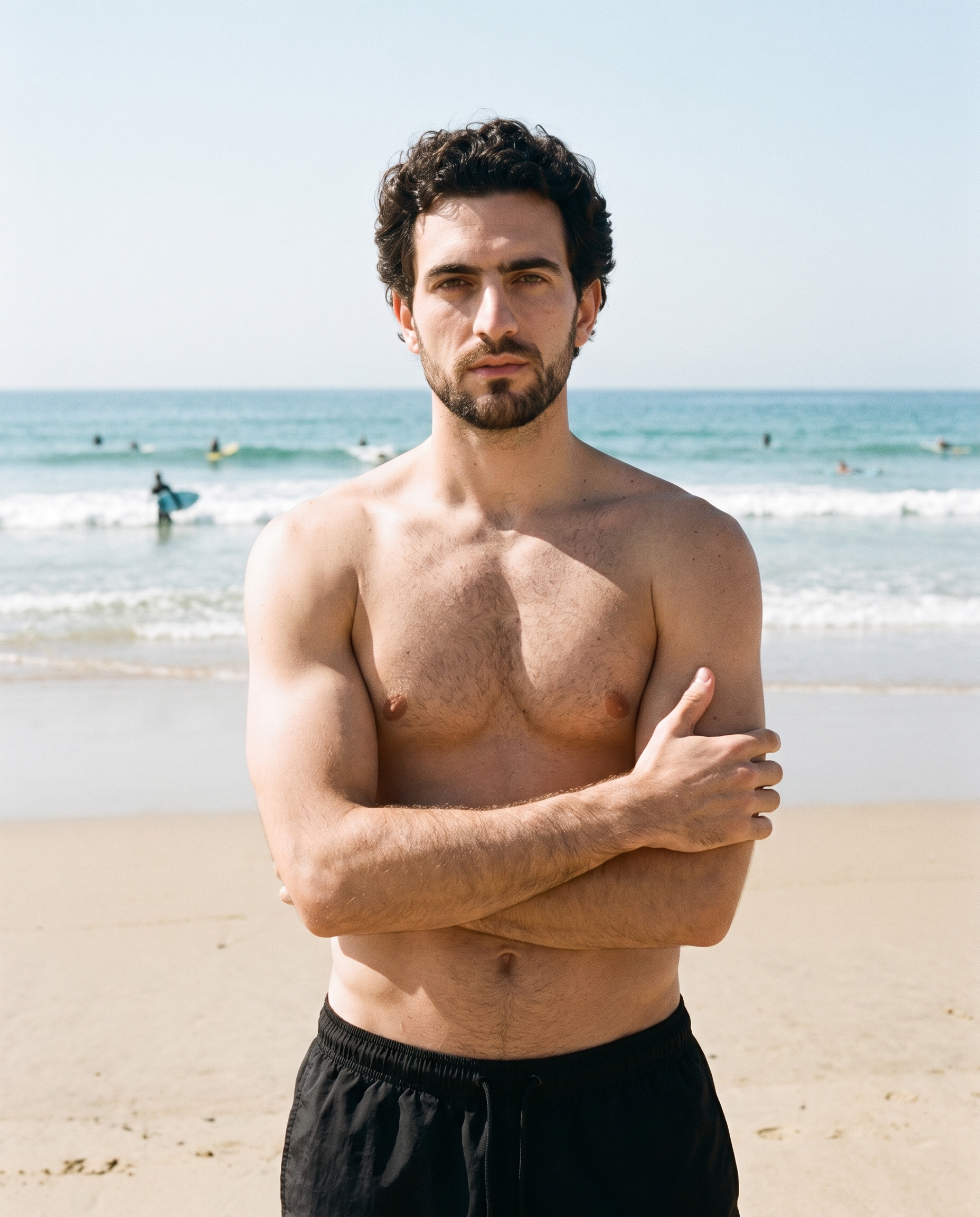
Photography direction
Keep light and shadow coherent as the same campaign moves between social, email, website and advertising placements.
4 named choices that set mood and shadow the same way across a shoot.
See the feature →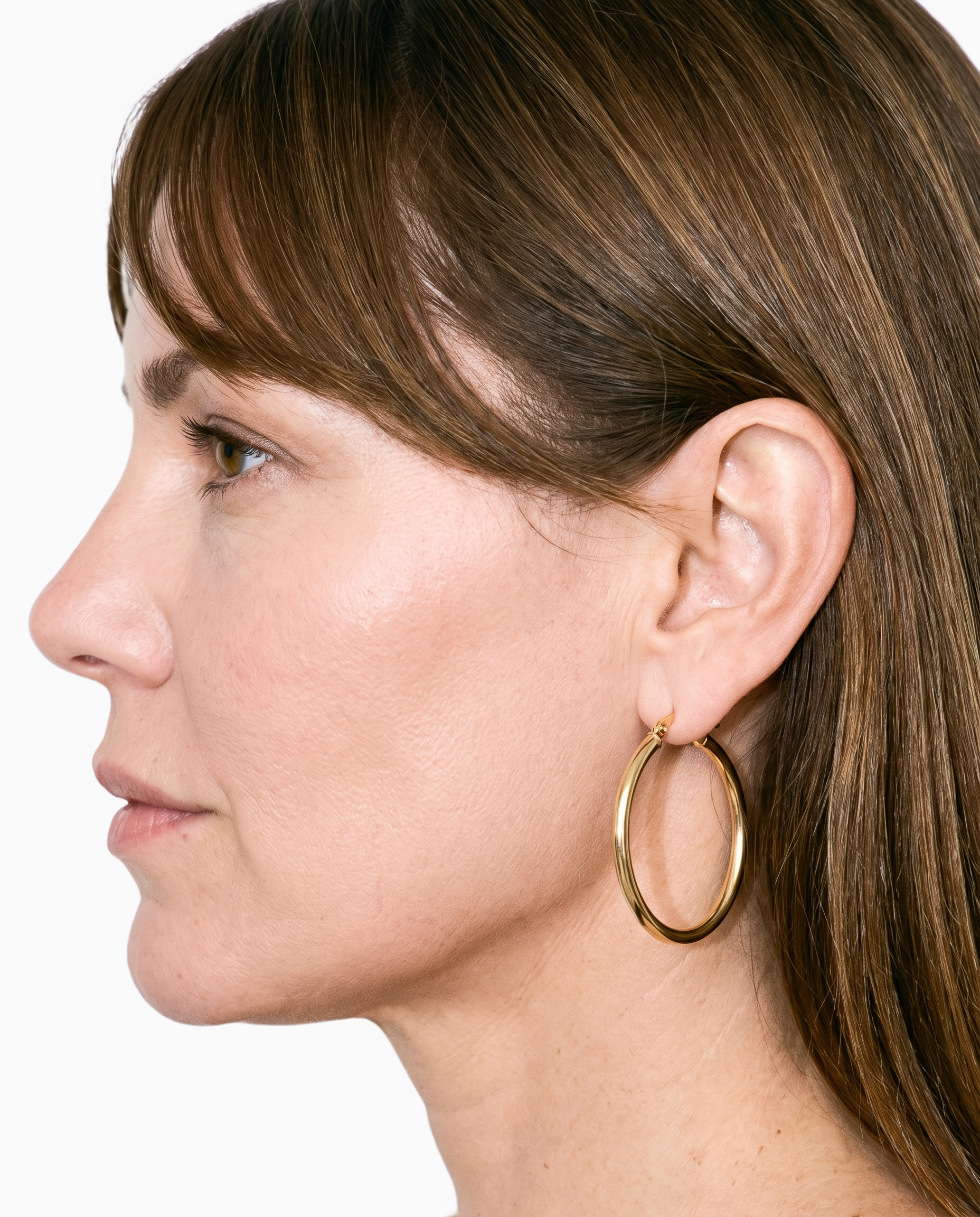
Product import and handling
Build every format around the real item, whether your source is a product photo, flat-lay, mockup or technical sketch.
Start from your real item and keep product fidelity while building the scene.
See the feature →AI image quality control
Every generated image is checked against your model, frame, view and pose before you see it.
AI image to video generator
17 model actions on a full-body shot · 132 in total
AI makeup generator
Branch-aware named options applied without altering casting or scene setup.
AI model generator
Library filters plus private model building for consistent identity across the set.
AI outfit generator
Combine the main piece with neutral supporting items in one coherent frame.
AI photo background generator
Swap scene context while keeping model, product, and framing stable.
AI suggestions
Preselected control values you can always override in the same configurator.
Garment styling
Choose how the garment is worn and keep brand presentation consistent.
Inspiration gallery
Load editable finished looks as fast starting points for new shoots.
Gallery
Shot in RAWSHOT, views span each placement.
Original on-model compositions for social, email, website, banner and paid placements.
Looks & backgrounds
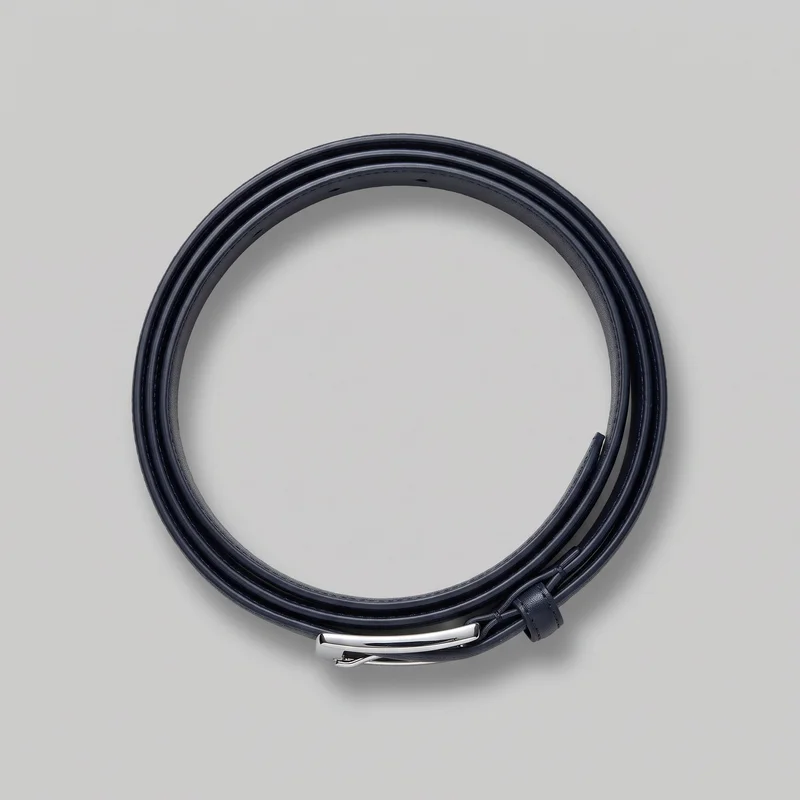 Men's Navy Formal Belt
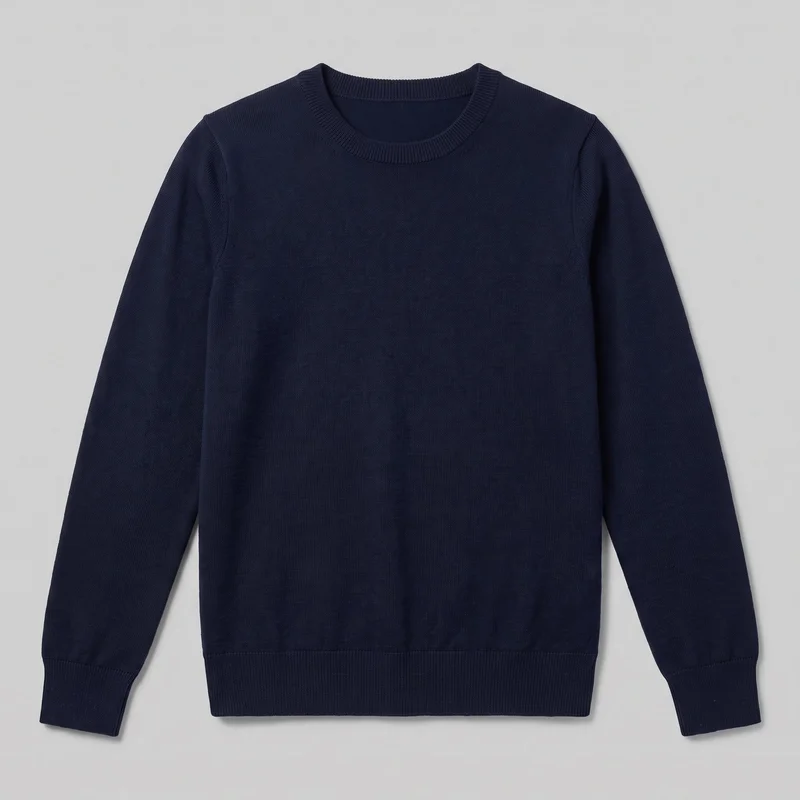 Women's Navy Merino Knit
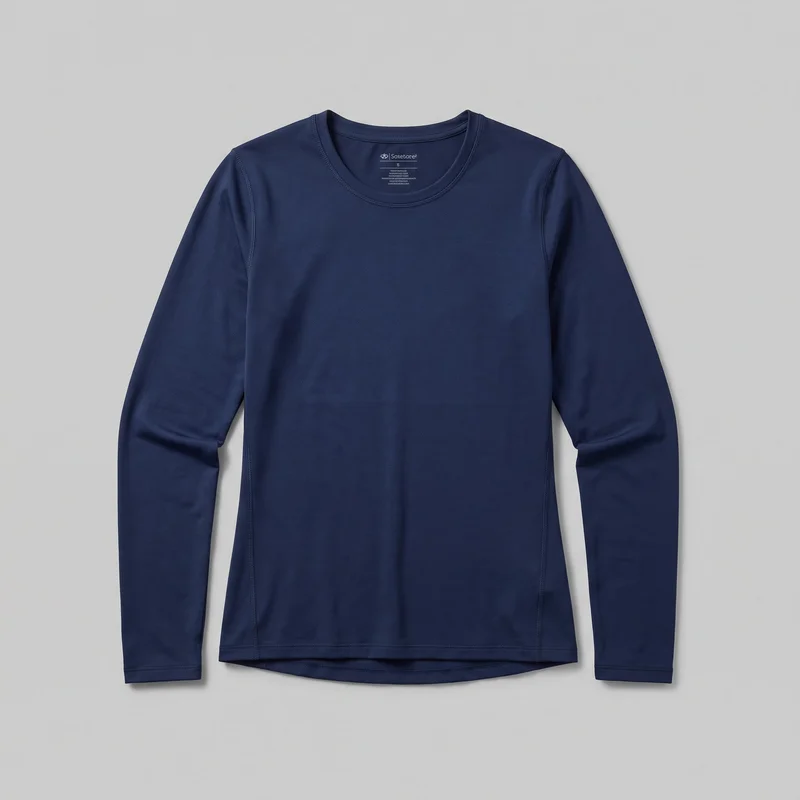 Women's Navy Long-Sleeve Base Layer
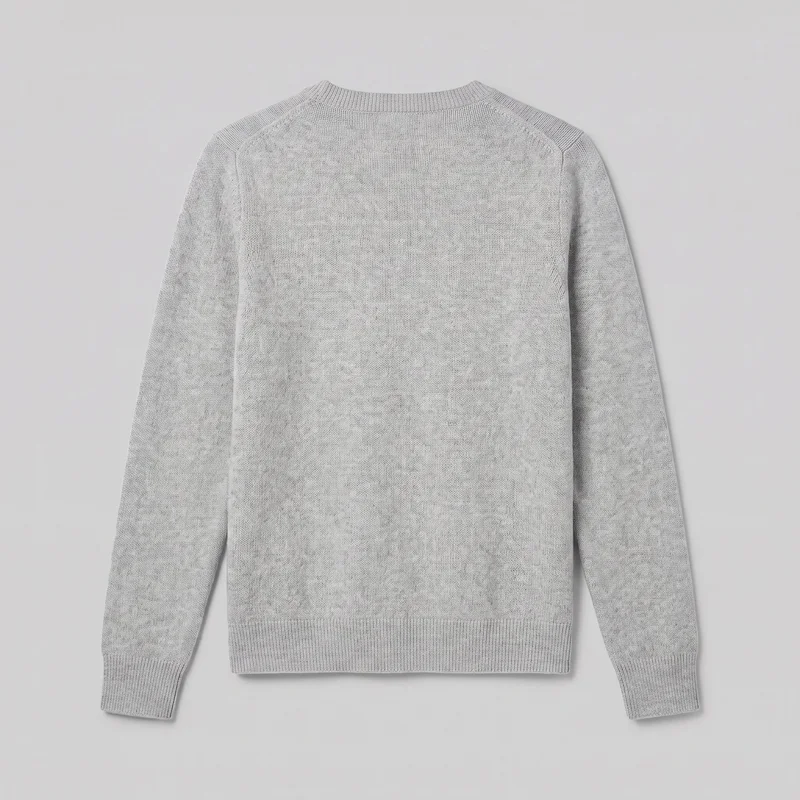 Women's Grey Cashmere Knit
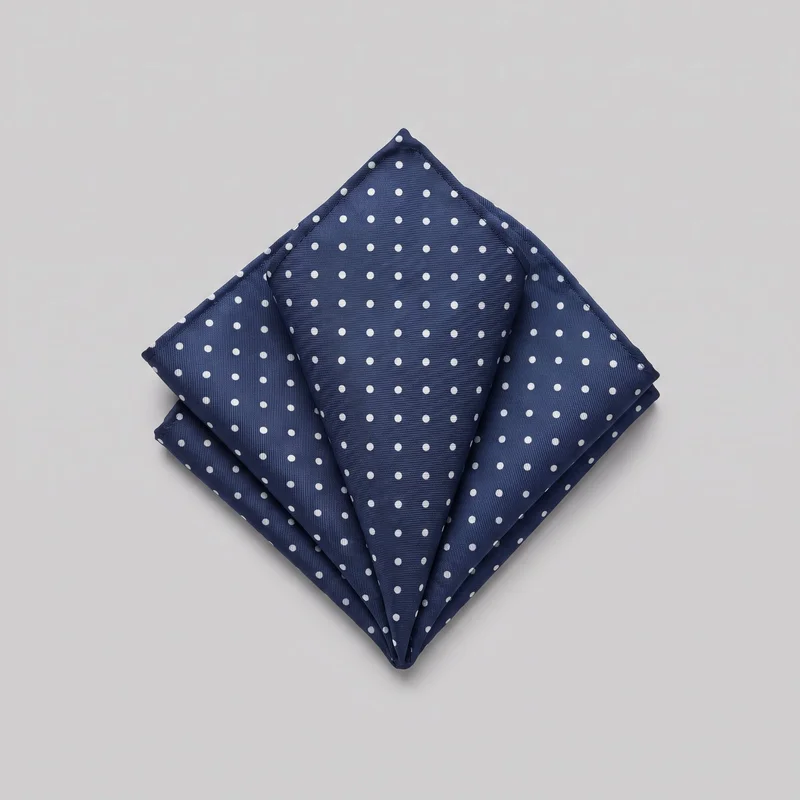 Polka-Dot Pocket Square
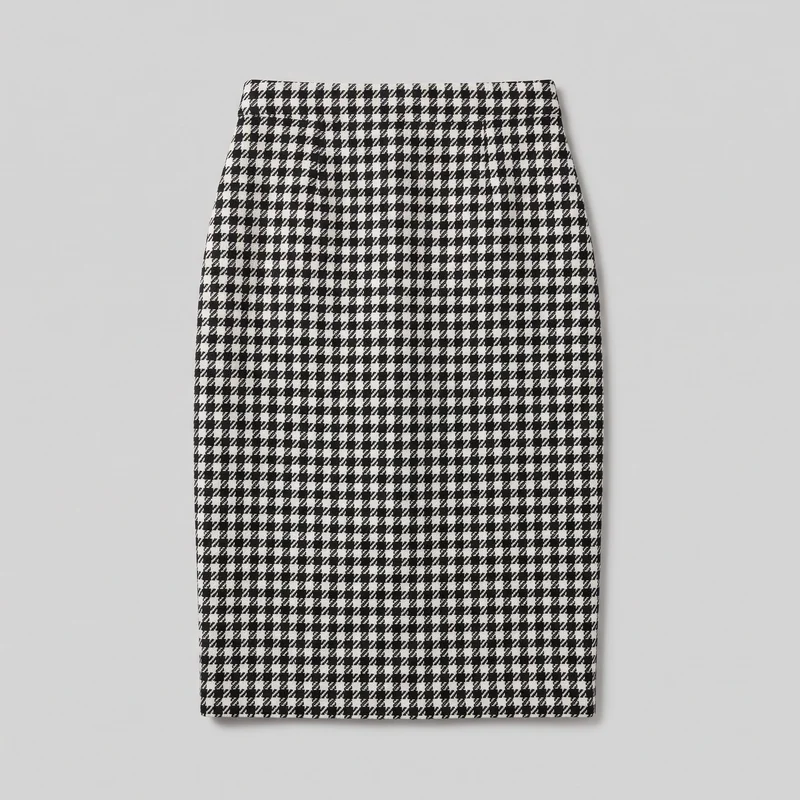 Houndstooth Pencil Skirt
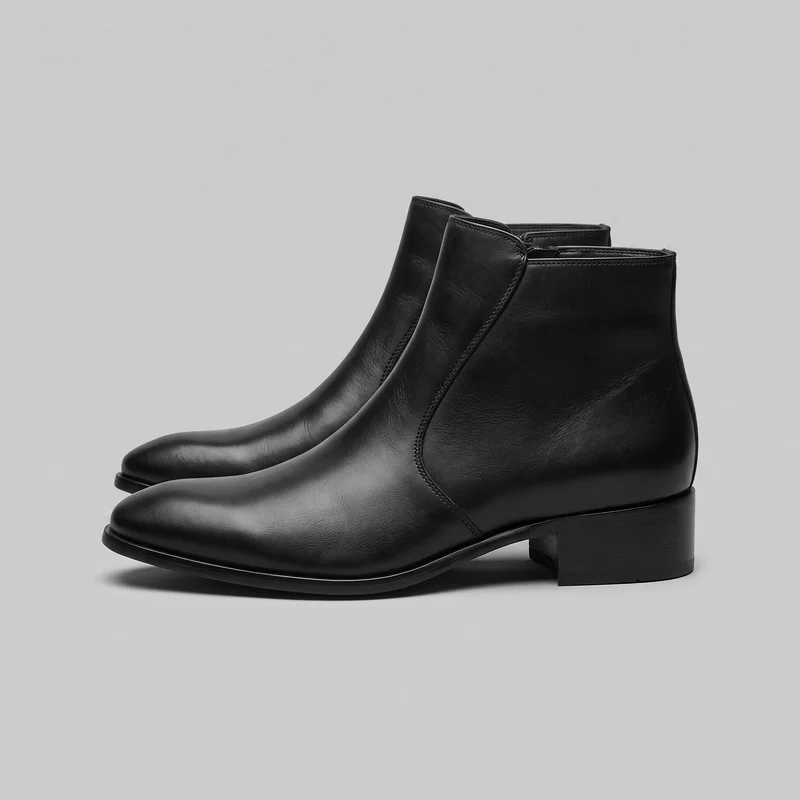 Men's Heeled Ankle Boots
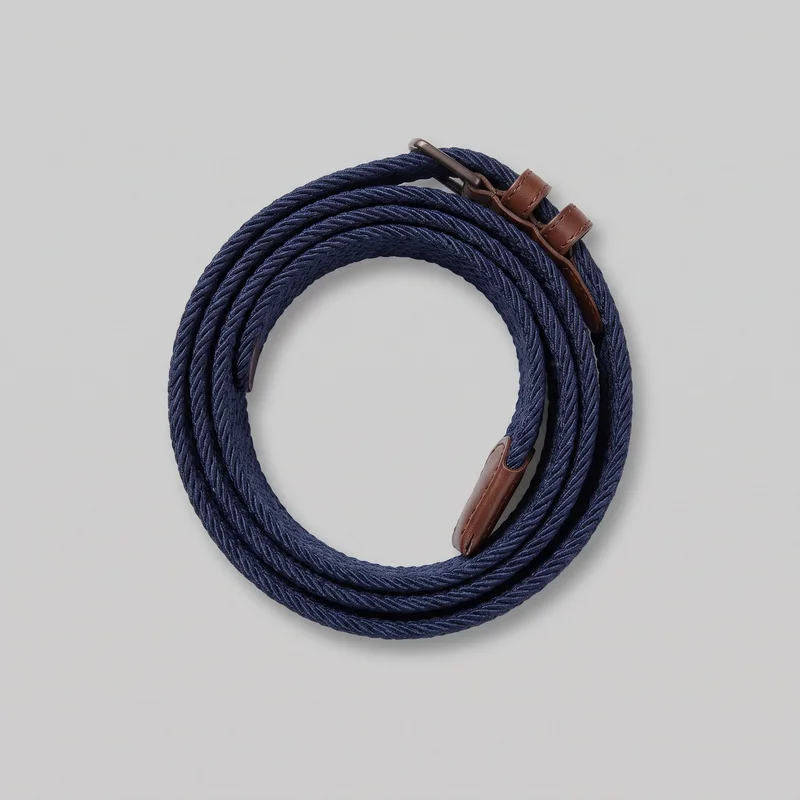 Men's Navy Woven Belt
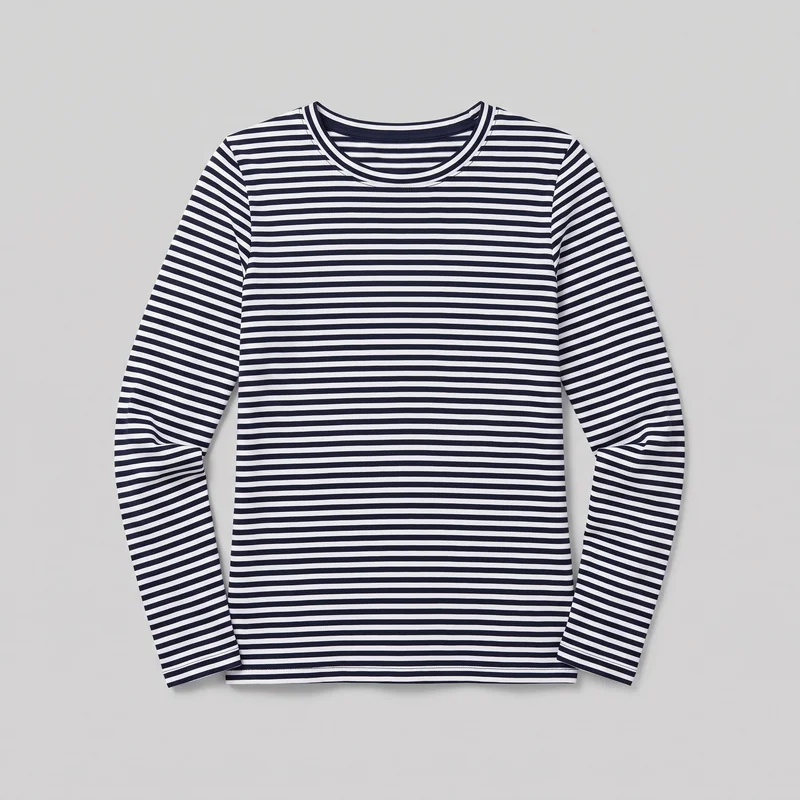 Women's Navy Striped Long-Sleeve Tee
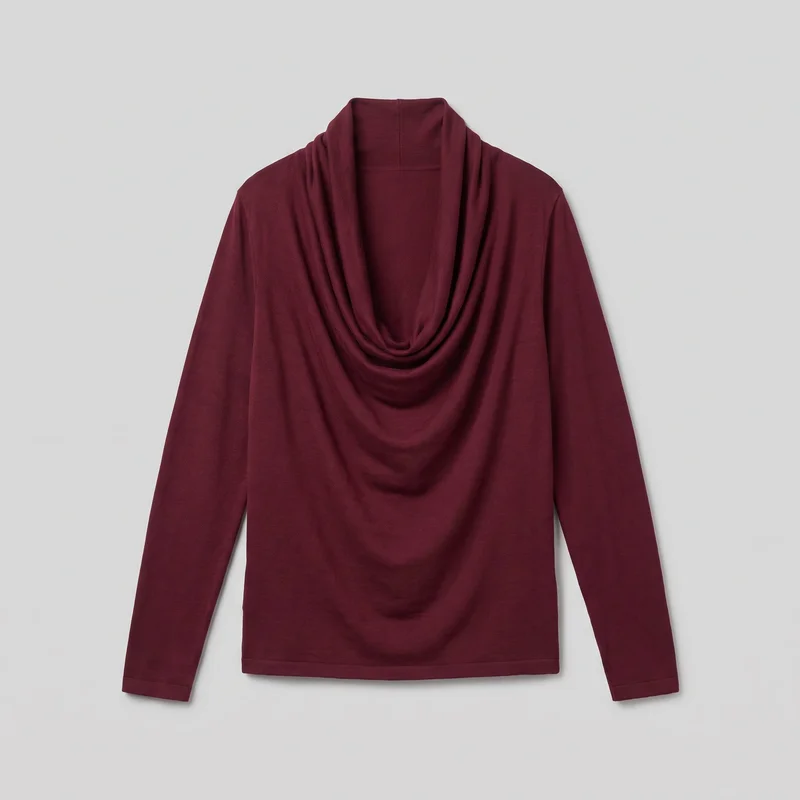 Burgundy Cowl-Neck Top
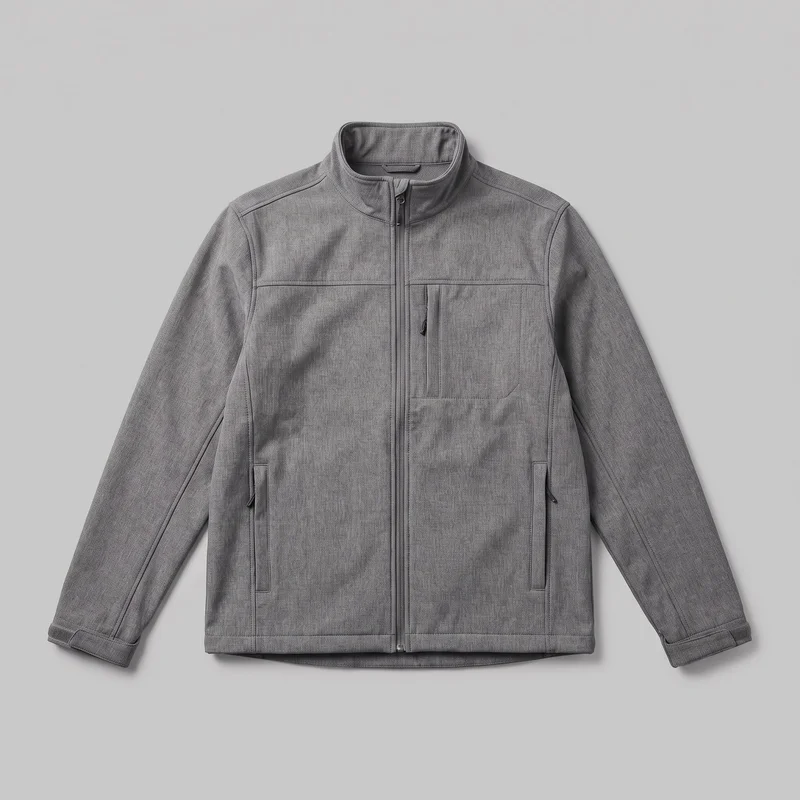 Men's Grey Softshell Jacket
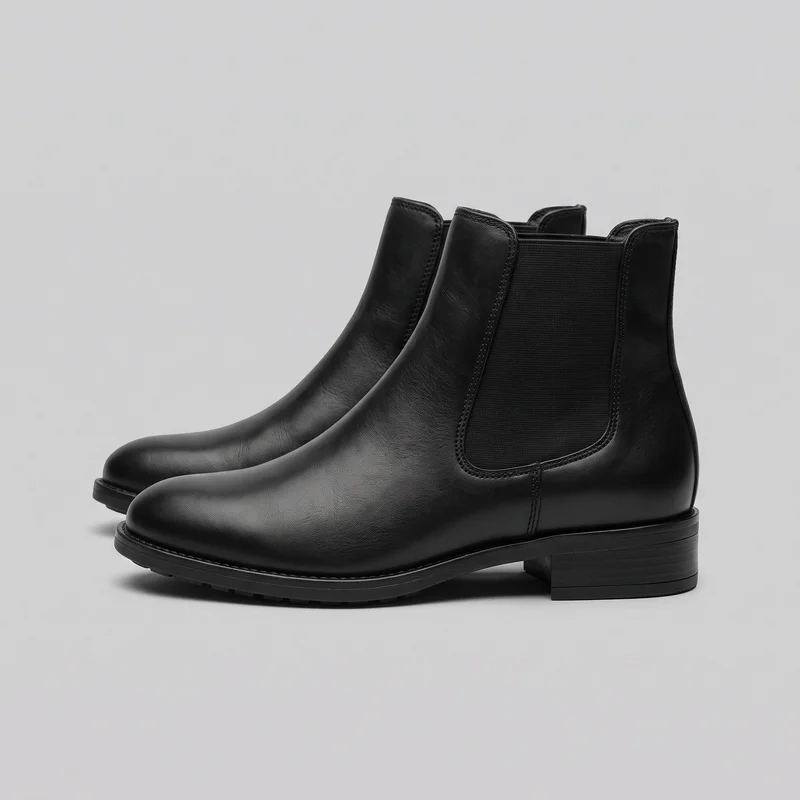 Women's Black Leather Chelsea Boots
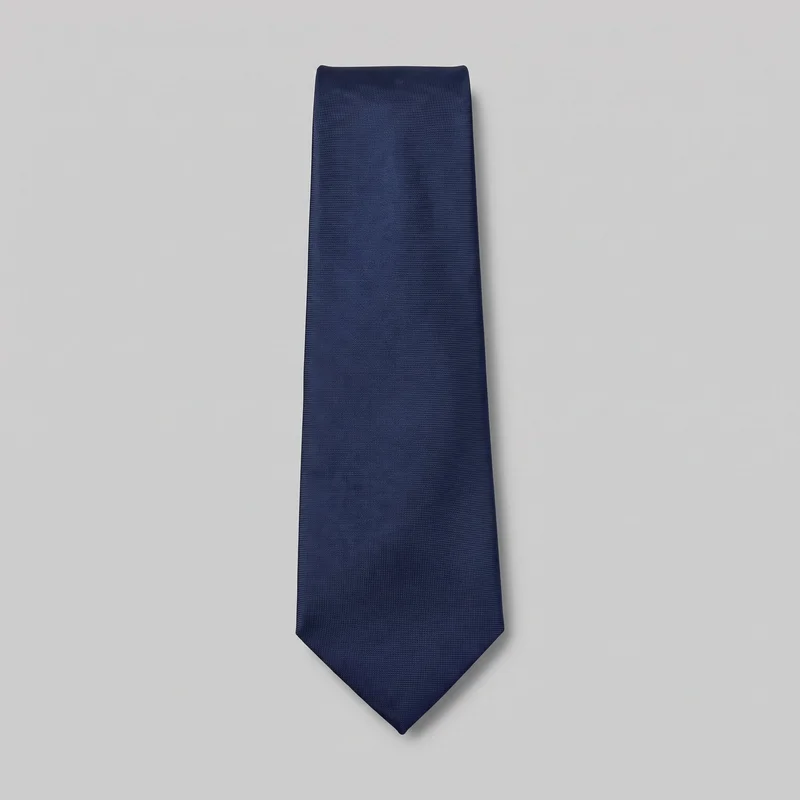 Navy Silk Tie
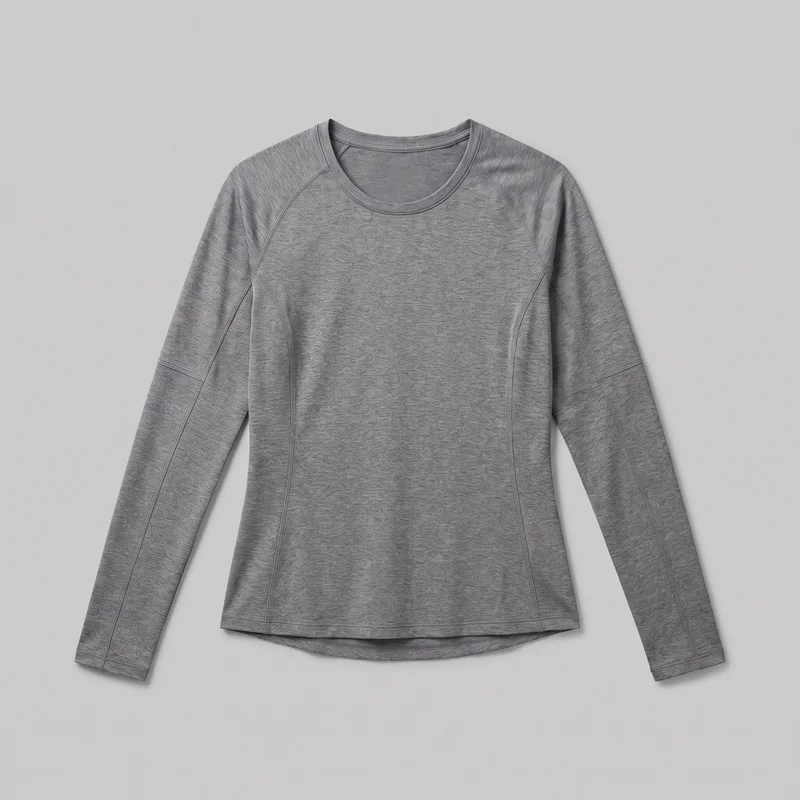 Women's Grey Moisture-Wicking Performance Top
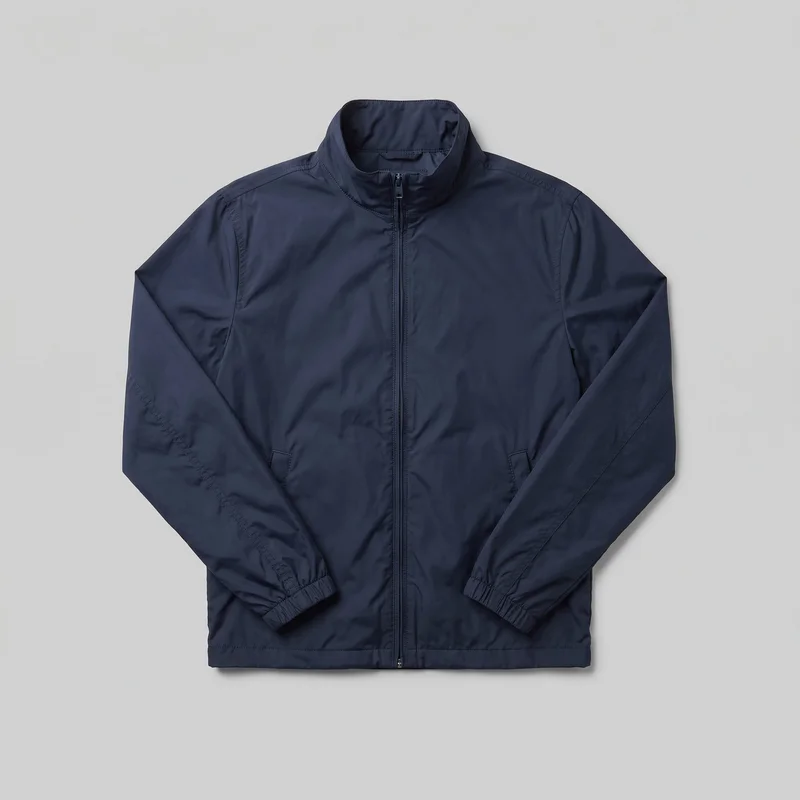 Men's Navy Windbreaker
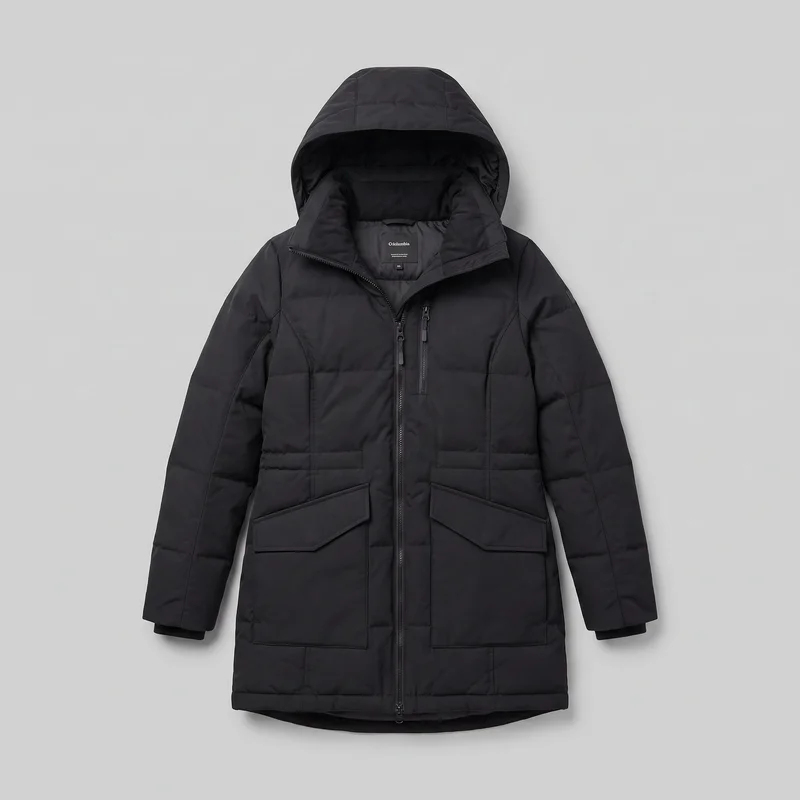 Women's Black Parka
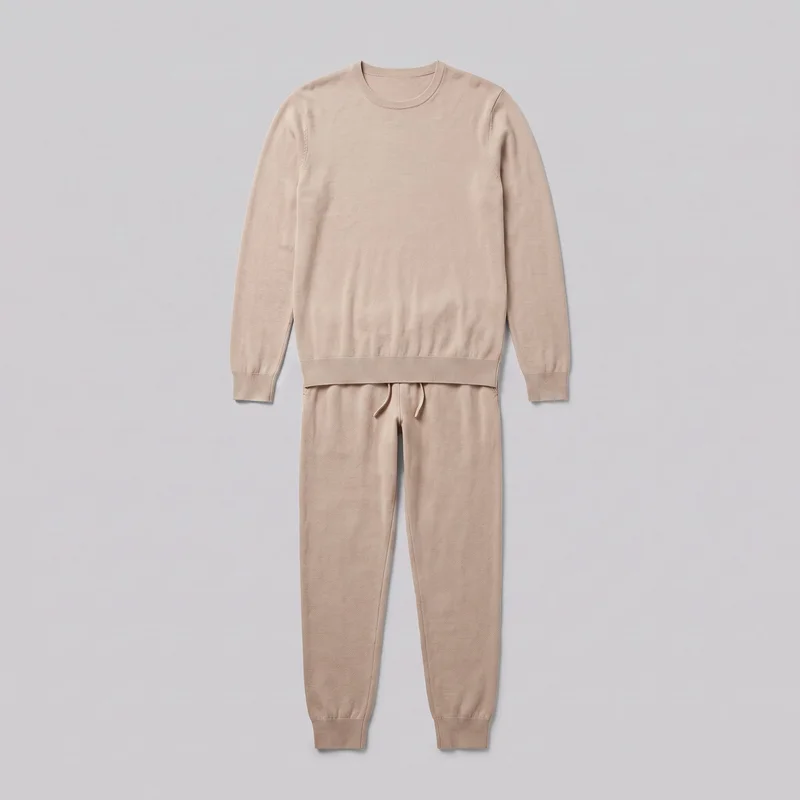 Men's Beige Knit Loungewear Set
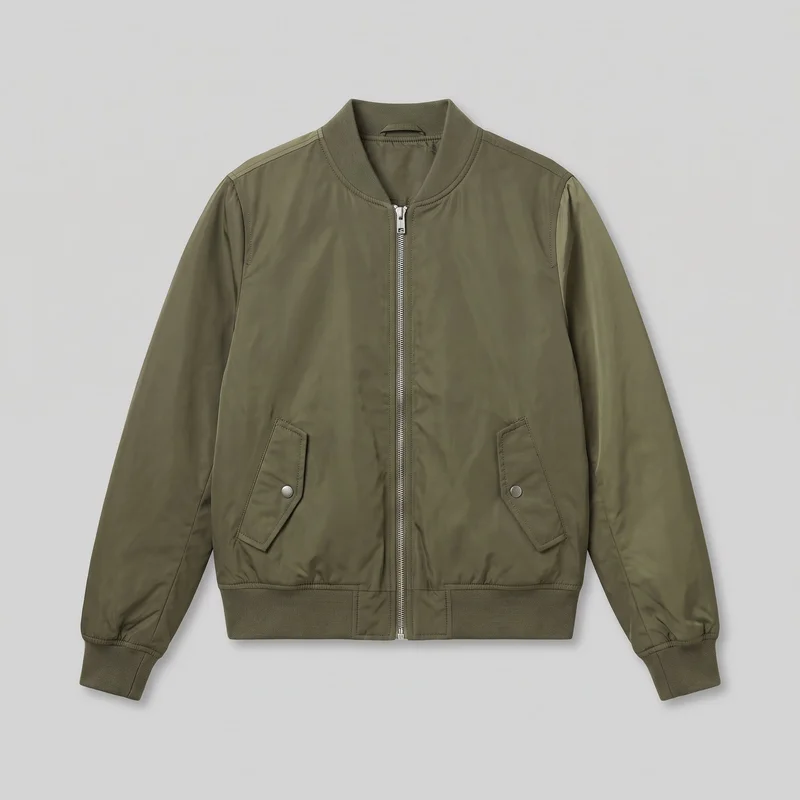 Women's Olive MA-1 Bomber Jacket
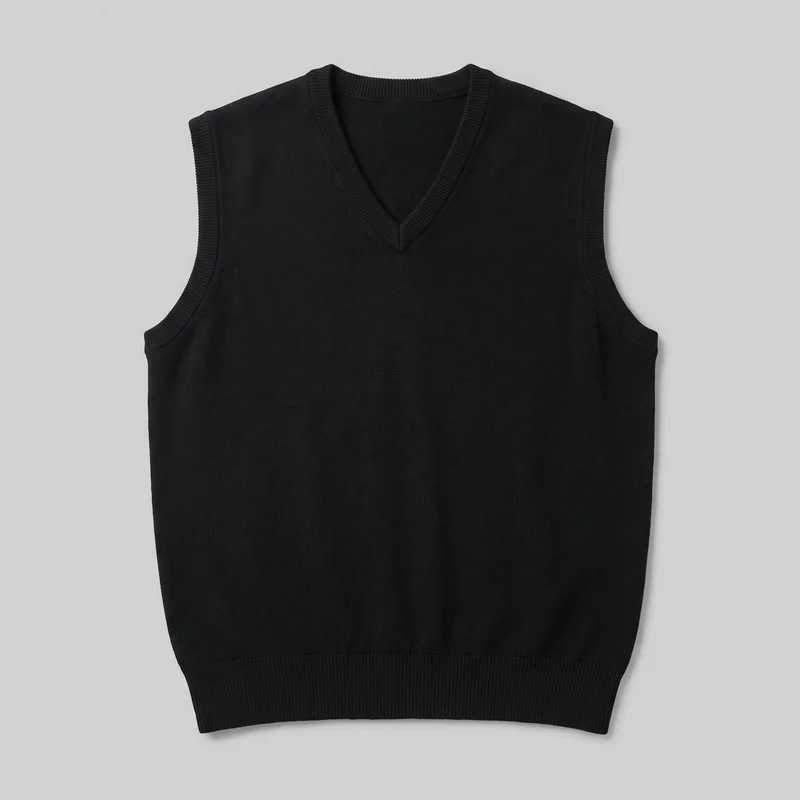 Men's Black Sweater Vest
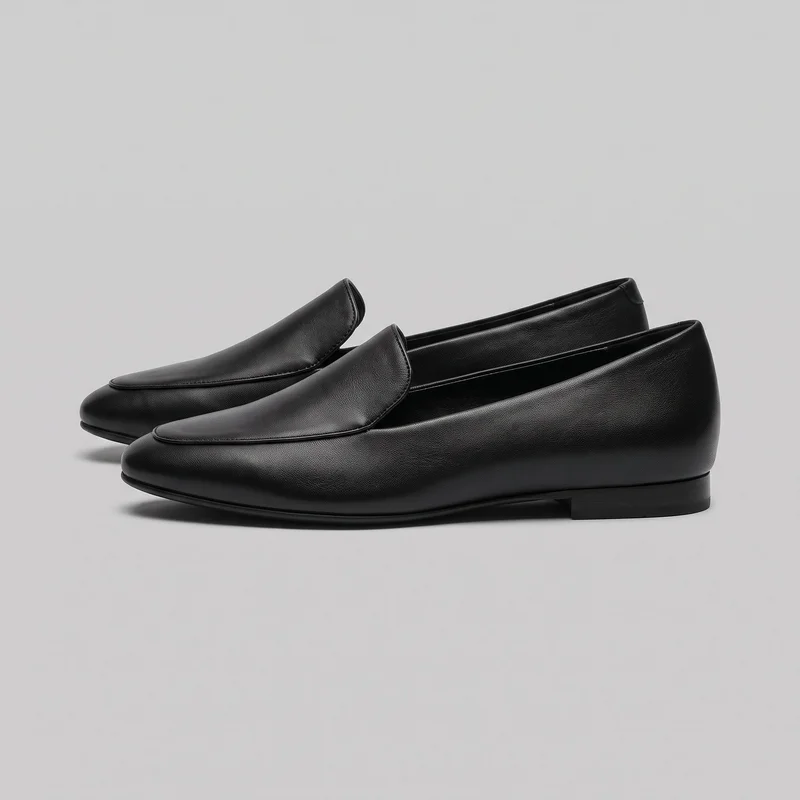 Women's Black Leather Loafers
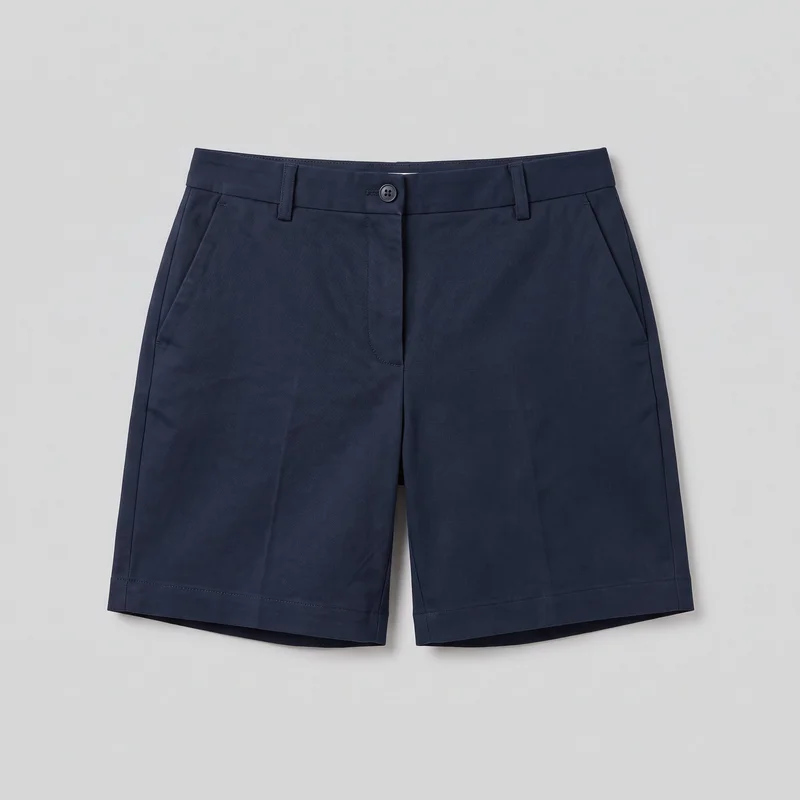 Women's Navy Tailored Shorts
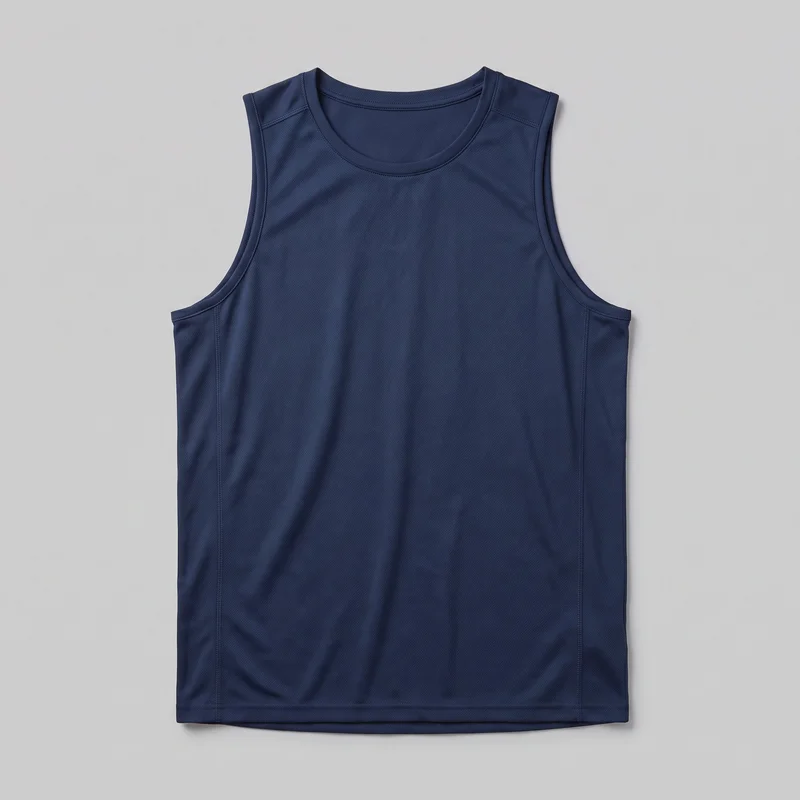 Men's Navy Training Tank
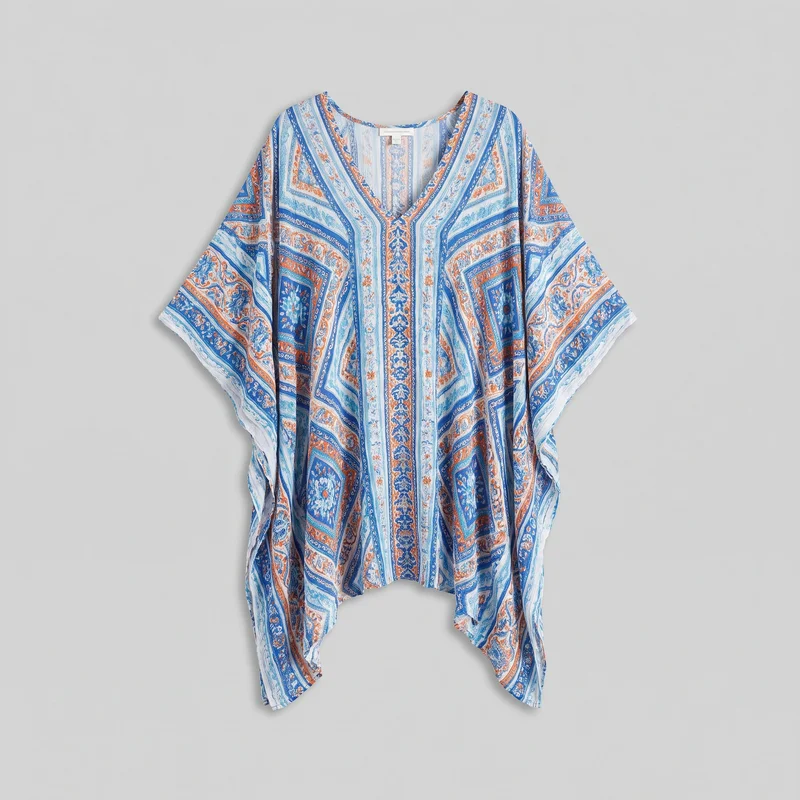 Women's Printed Kaftan Cover-Up
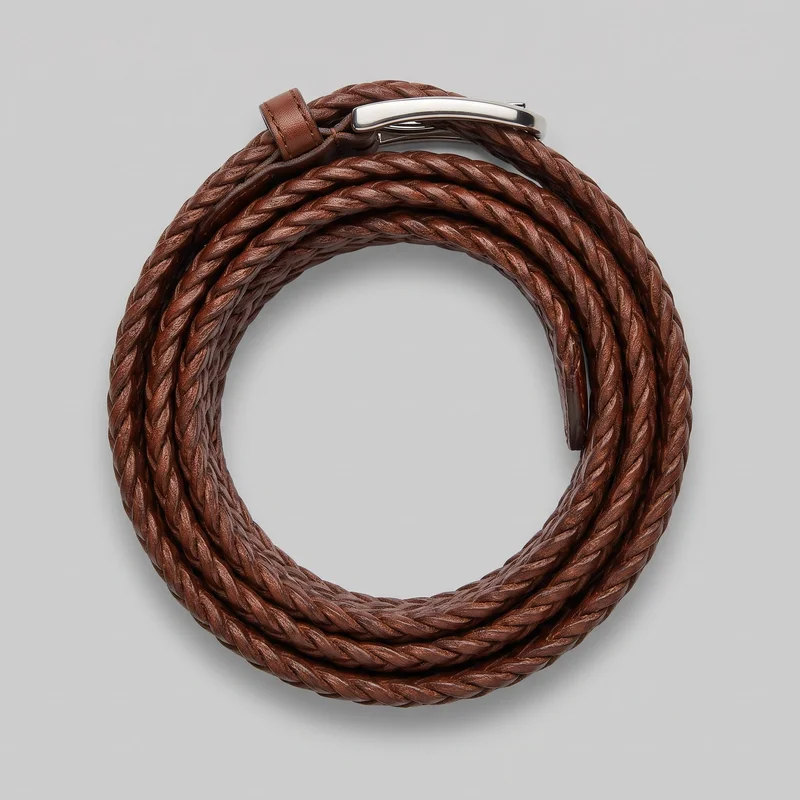 Men's Brown Braided Belt
Showing 24 of 3,629
Catalog
Browse the catalog
By product
Consistency
Change one choice while the rest of the direction holds.
A format-specific set should still look like one campaign. Keep the model, product, styling and photography direction steady while changing the frame or format for each placement. The composition holds across variants, though each new generation still needs a check for hands, hardware and other fine details.
You change one
- Frame
- Pose
- Camera view
- Model
The rest holds
Model
Keep the same model across formats when the composition supports that choice.
Light
Use 4 photography directions to keep shadow and mood coherent across placements.
Composition
Change the format while the other selected composition decisions remain stable.
Who it's for
Is RAWSHOT right for original placements, not exact edits?
A good fit
This fits you as an in-house designer, social media manager or marketing manager when recurring campaigns need original images for several placements.
Work it handles well
- You can direct recurring campaign imagery through visible choices.
- You can create original compositions for different placements.
- You can keep the campaign’s model and light coherent.
Outside this scope
It is not suited to one image that needs many rounds of pixel editing, free-form styling or an exact unlisted composition.
Where this stops
- You cannot edit pixels inside the composition.
- You cannot upload a reference pose.
- You need to review each new variant before publishing.
Rights
You own every image. Every image says what it is.
Yours
- Full commercial rights to every image, permanently.
- No recurring licence fees on any model in the library.
- Every model is a synthetic composite, so there is no real-person likeness.
Labelled
- C2PA content credentials on every image.
- AI-labelled output, aligned with EU AI Act Article 50.
EU-based hosting, GDPR-compliant handling.
- Aligned with EU AI Act Article 50
- C2PA
- Full commercial rights
- GDPR-compliant handling
- EU-based hosting
Questions
Before your first campaign image set.
Which campaign jobs and channels can RAWSHOT support for social, email, website and paid media?
Social feed and story originals, email and newsletter imagery, website heroes, banners and paid placements are the main campaign jobs and channels RAWSHOT supports. You can direct each composition for its destination while keeping the product, model, styling and photography direction coherent. A social media manager can prepare posting assets, an in-house designer can build email layouts, and a marketing manager can create a website hero with related advertising variants from the same campaign decisions.
Which campaign crops, frames and aspect ratios work for feed, story, email, hero and banner placements?
Feed and portrait crops such as 4:5, story formats such as 9:16, email frames, website hero compositions and banner frames work for campaign placements. You choose the format and frame for each channel instead of cutting every asset from one source image. Set the camera view, pose, background and light around the available space, then check that the product remains visible and the composition leaves useful room for layout or copy.
How does RAWSHOT compare with a studio shoot for campaign creative across several placements?
RAWSHOT lets you direct original campaign compositions across placements without organising a physical studio shoot for every channel. A studio shoot gives you physical capture and direct set control, while RAWSHOT works from product inputs and visible choices for model, styling, light, pose, camera view and frame. This suits recurring campaign work when you need coordinated social, email, hero, banner and paid assets, provided you review each variant rather than expecting unrestricted physical production control.
How can RAWSHOT hold campaign model, product, pose and light choices steady across variants?
RAWSHOT can hold the campaign model, product, styling and photography direction steady while you change the frame or format for each placement. Keep the same selected model and light direction, then direct the camera view, pose and composition for the channel. Related variants can look like one campaign, although each new generation still needs a check for hands, hardware, garment details and other fine features before approval.
What can't RAWSHOT do for a campaign image set when I need exact fit or unrestricted studio control?
RAWSHOT cannot provide measured garment fit, unrestricted studio control, pixel-level editing inside a composition or an exact unlisted composition. You cannot upload a reference pose, and every new variant needs review for hands, hardware and other fine details. The workflow is strongest when you can direct visible choices such as model, outfit, styling, light, frame and camera view, then approve suitable results for each campaign placement.
What usage rights apply when I publish RAWSHOT imagery for a campaign asset set?
You get full commercial rights to every image, permanently, with no recurring licence fee. Every image carries C2PA content credentials and is labelled as AI-generated.
Get started
Build your first campaign image set.
Start with a 7-day free trial including 50 tokens, then move to the plan that matches your production volume.