
Product pages
Product image refresh
Refresh a bestseller without booking another studio day.
You manage product image refresh work for a bestseller that still lacks suitable product-page imagery. A full studio day for one item keeps the update unfinished.
7-day free trial • 50 tokens (10 images) • Cancel anytime
A 2K image in roughly 35 seconds · AI-labelled with C2PA content credentials
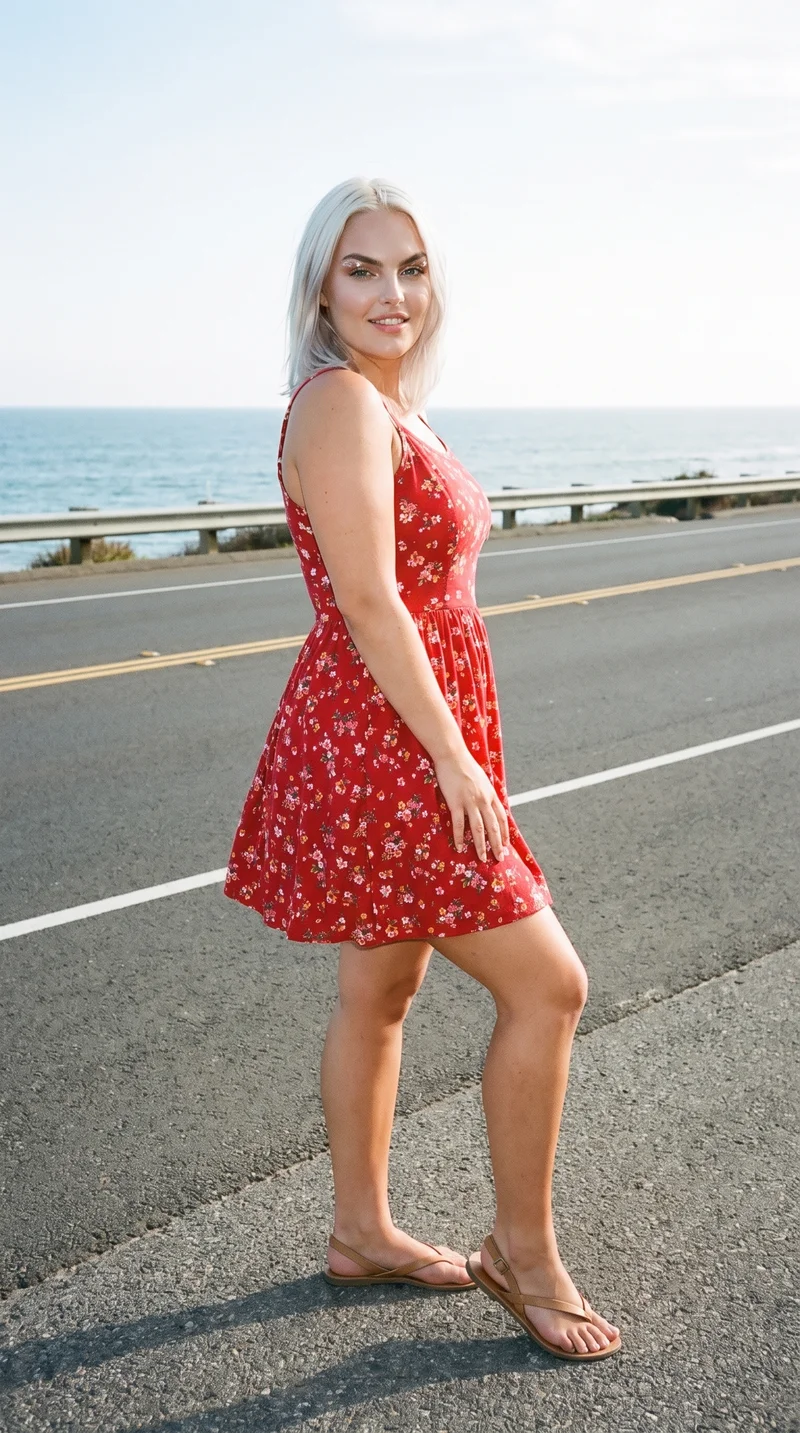
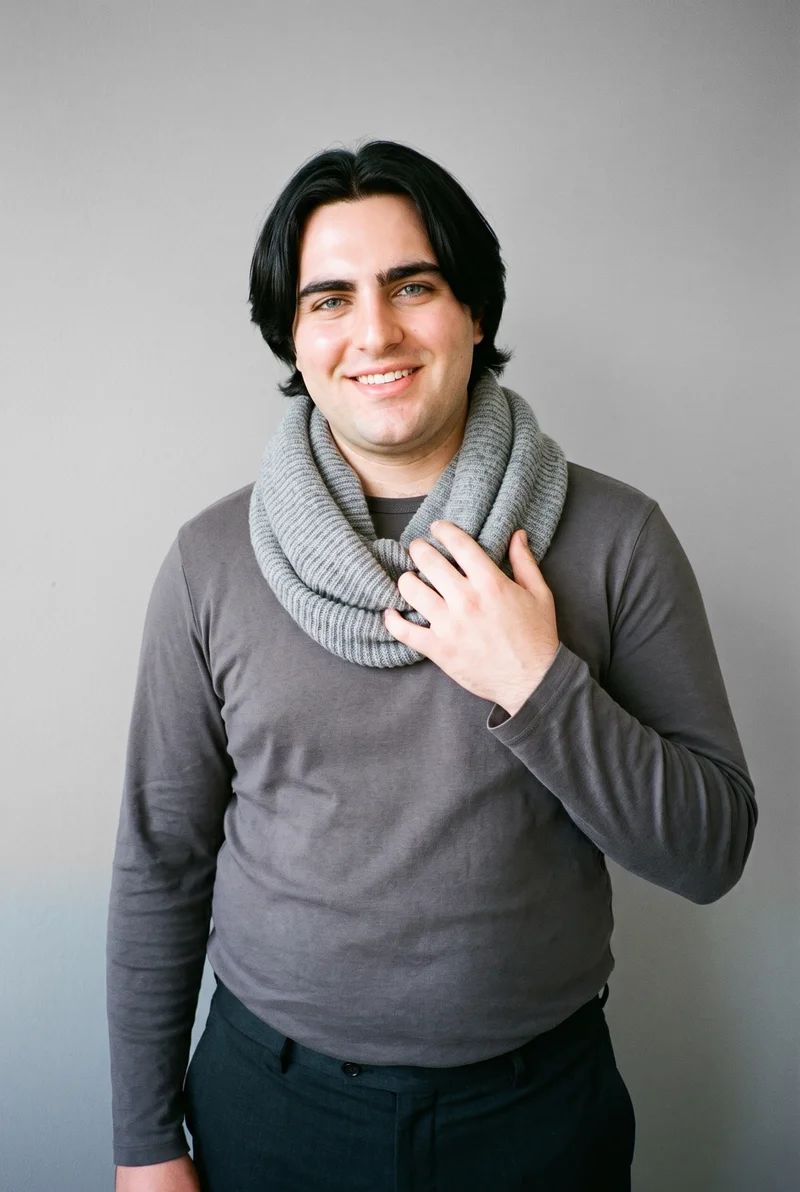
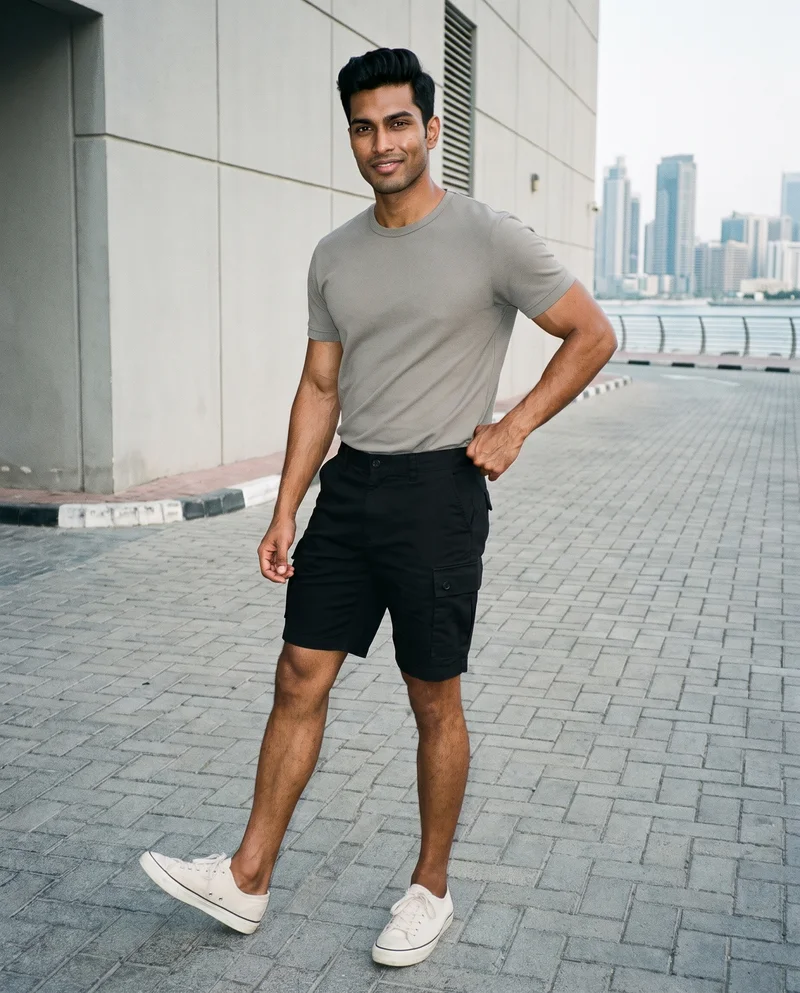

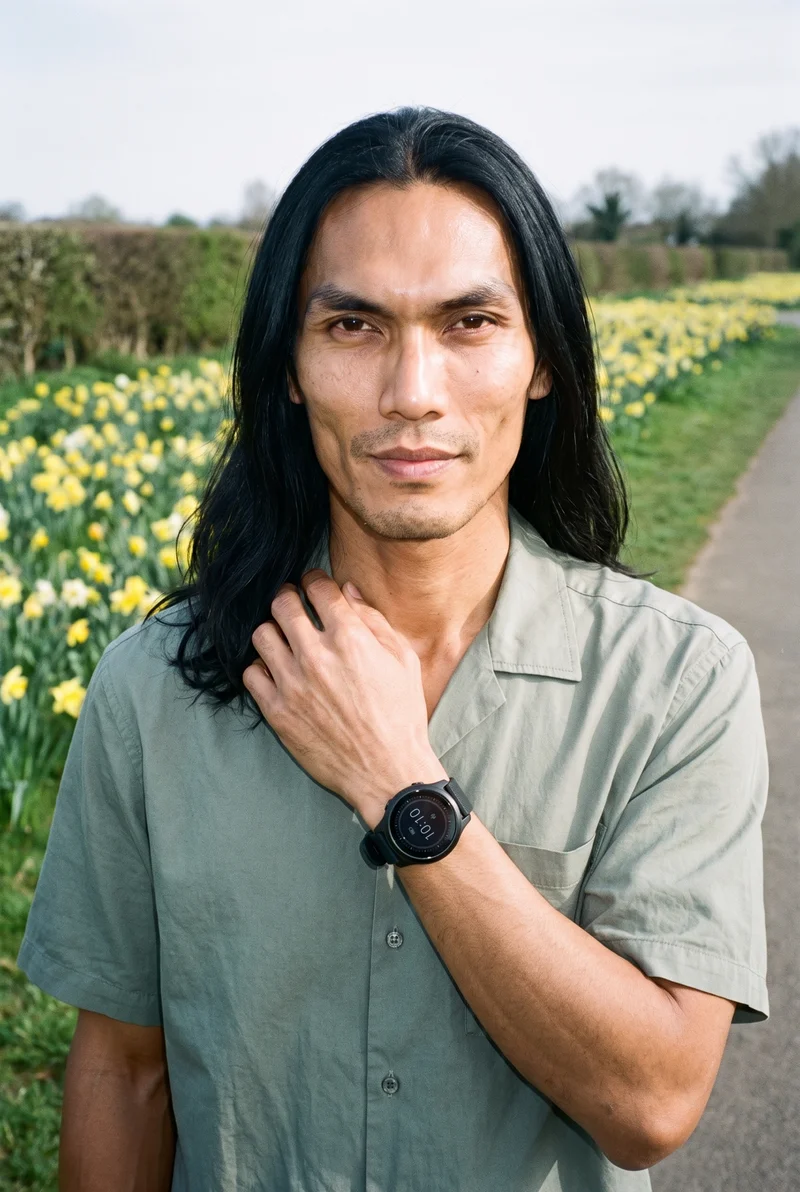
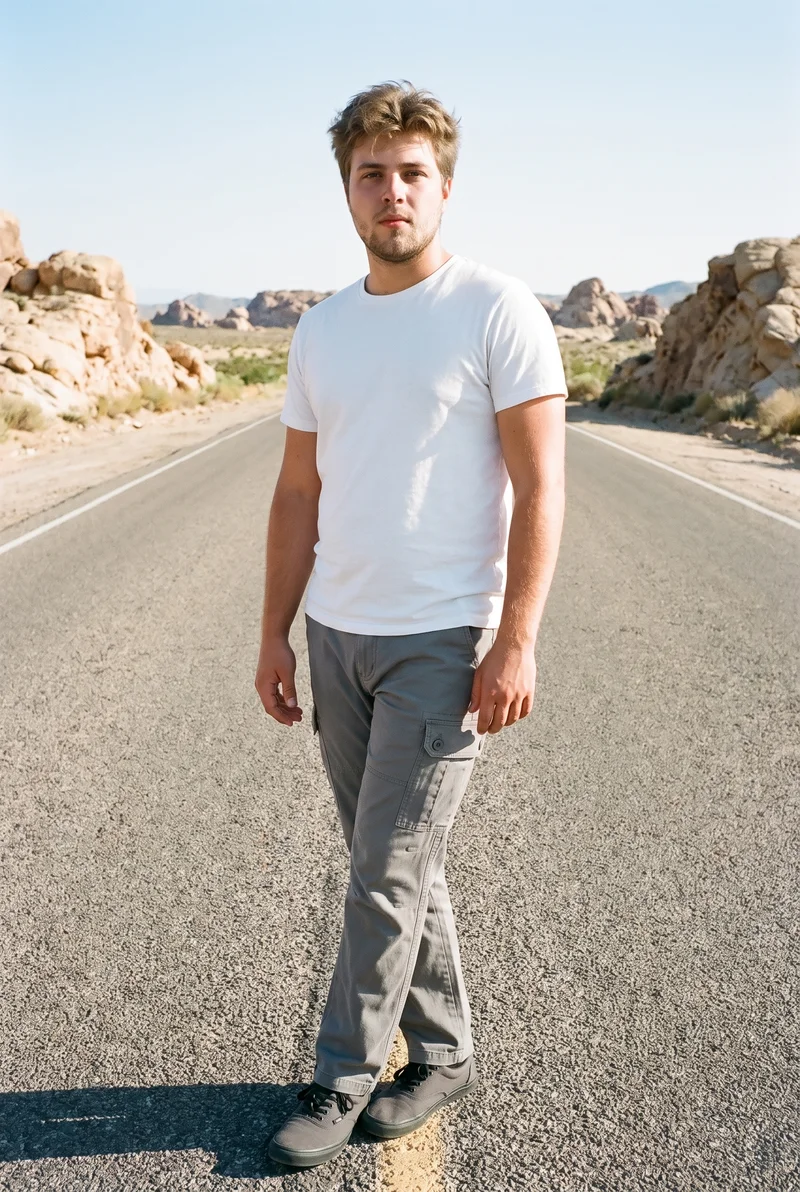
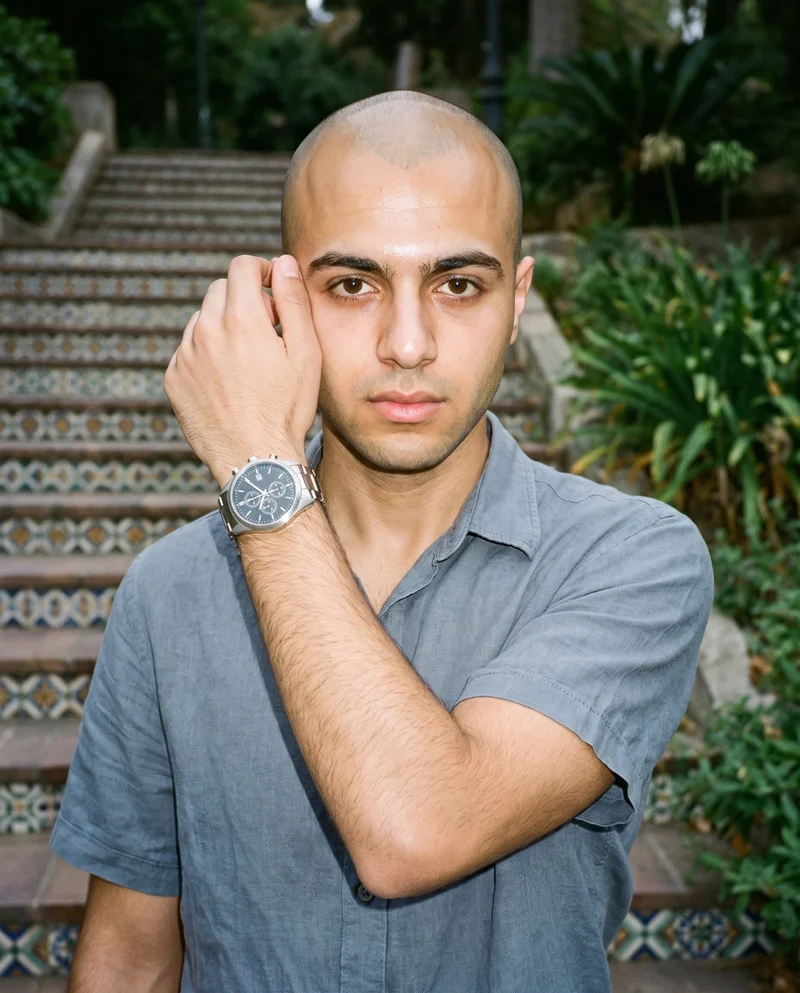
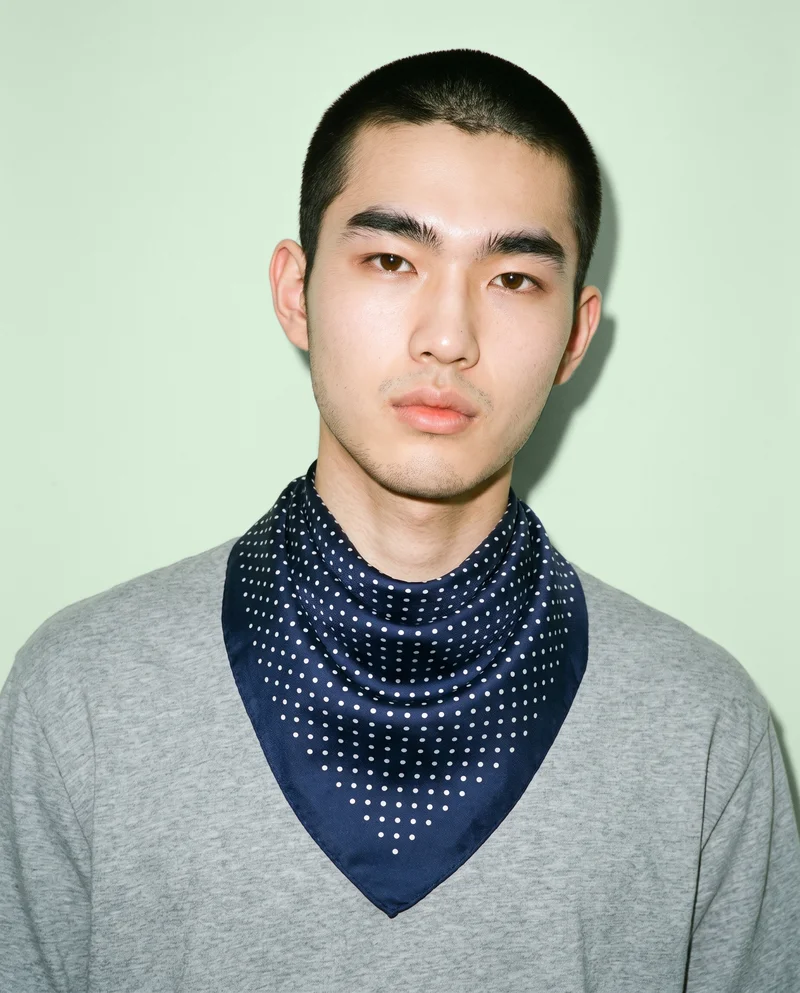

Showing 9 of 992, shot in RAWSHOT
Use cases
When one weak shoot stalls a bestseller update.
Bestseller page update
The situation
A bestseller needs a product-page update, but one weak shoot does not justify booking a full studio day.
With RAWSHOT
Set the product source, model, frame, camera view and pose. Generate front, back, side and detail coverage that fits the existing range.
Range relaunch alignment
The situation
One poorly photographed product falls out of line with the existing range before a shop relaunch.
With RAWSHOT
Choose the model, background, photography direction and composition. Create a cleaner presentation that sits beside comparable products.
Flat-lay listing conversion
The situation
A flat-lay or mockup needs consistent on-model views before a new product page or listing goes live.
With RAWSHOT
Start from the product source and set the frame, view, pose and light. Produce an on-model listing set for review before submission.
Range refresh variant
The situation
An inconsistent product image needs a fresh version while the rest of the range keeps its established presentation.
With RAWSHOT
Change the product or composition while holding the selected model, crop, styling and light. Generate a reviewed static image variant for the range refresh.
What you get
Build front, back, side and detail views for the product page.
Build a refreshed product-page set from the real product source, with views that make one bestseller easier to present beside the existing range.
Front coverage
Show the product from the front with a clear frame and selected model, giving the product page a dependable primary view.
Back coverage
Add a back view that carries the product source into an useful presentation for shoppers checking construction and overall shape.
Side coverage
Use a side view to clarify the silhouette and make the refreshed set easier to compare with the existing range.
Detail coverage
Include a tighter product view for visible construction, material, finish or hardware that the main images cannot show clearly.
Direct the shoot
Set the frame, view, pose and light for each shot.
Image frame
15
Pose
22 poses on this frame
Camera view
4
Format
9
Pose style
4
Facial expression
10
Photography direction
4
Create photoshoot
Step 7 of 7 · Composition
Image 1 · readyGallery image from this pageProduct
Your product
Model
From the library
Composition
Full Body · Front View · Catalog pose · Neutral
Delivery
2K · 1:1
Light
Studio Cutout
Total cost
5 tokens
AI fashion models
Choose who wears the product from 1,197 library models.
1,197 licence-free grown models across ages and body types. Or build a private model from visible attributes.
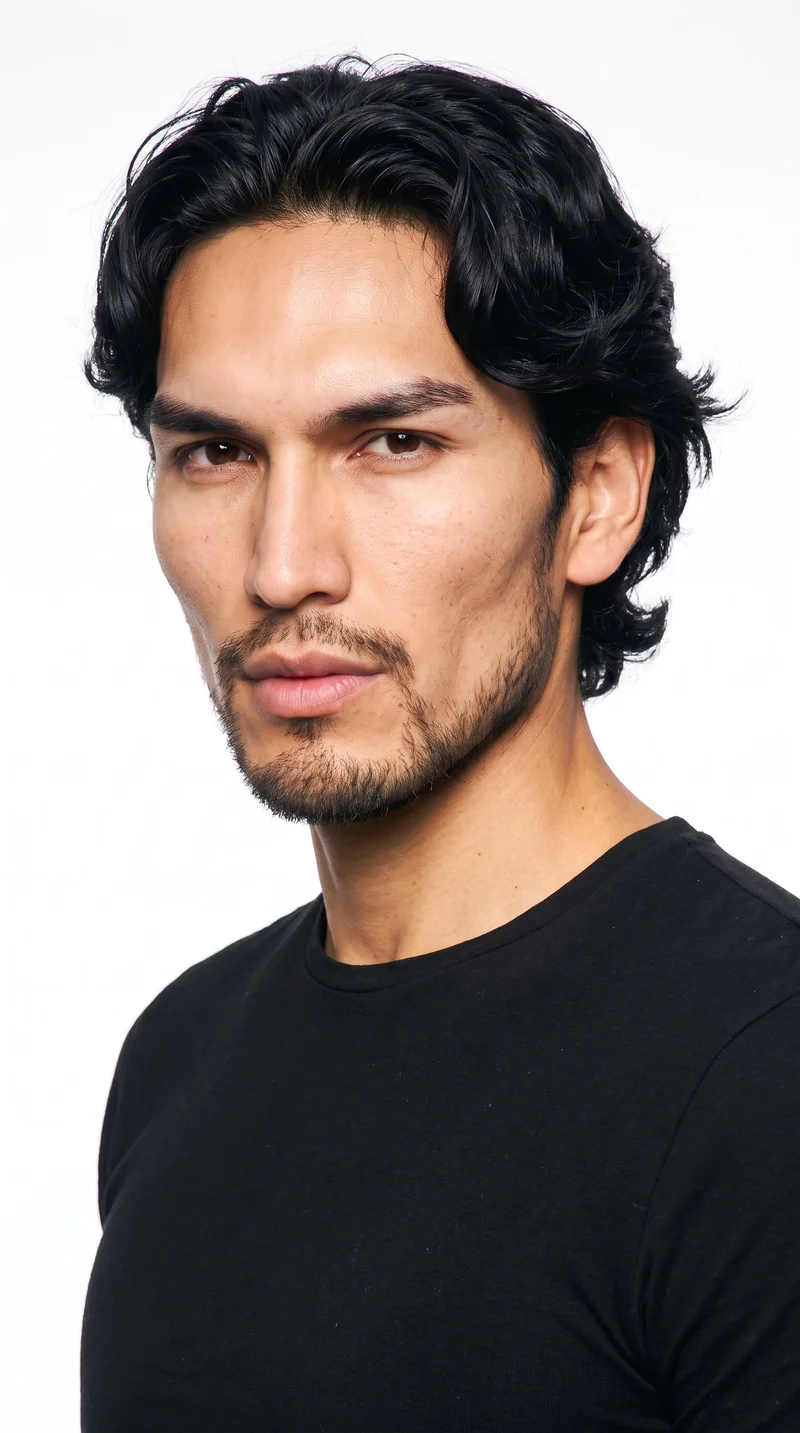
Male · 27
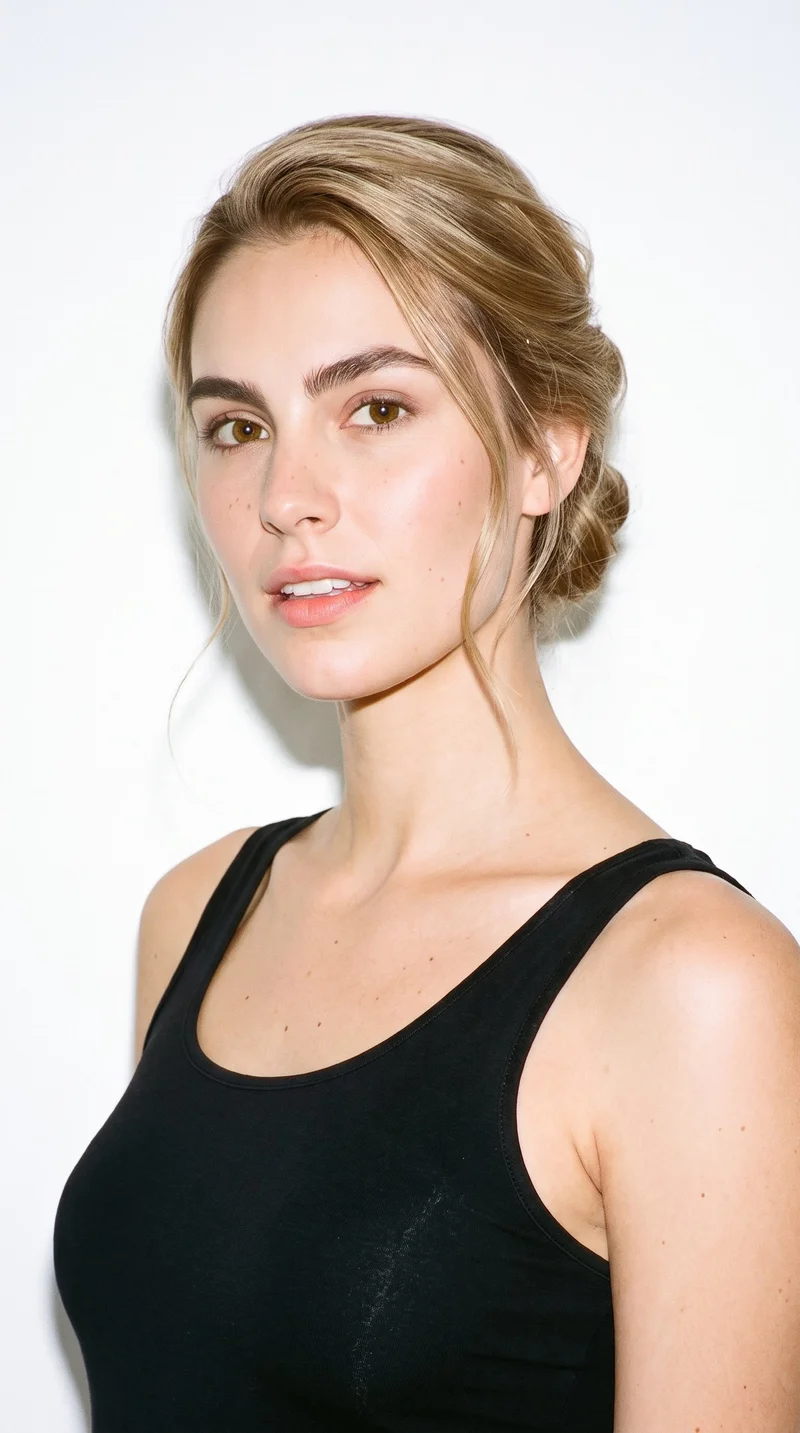
Female · 23
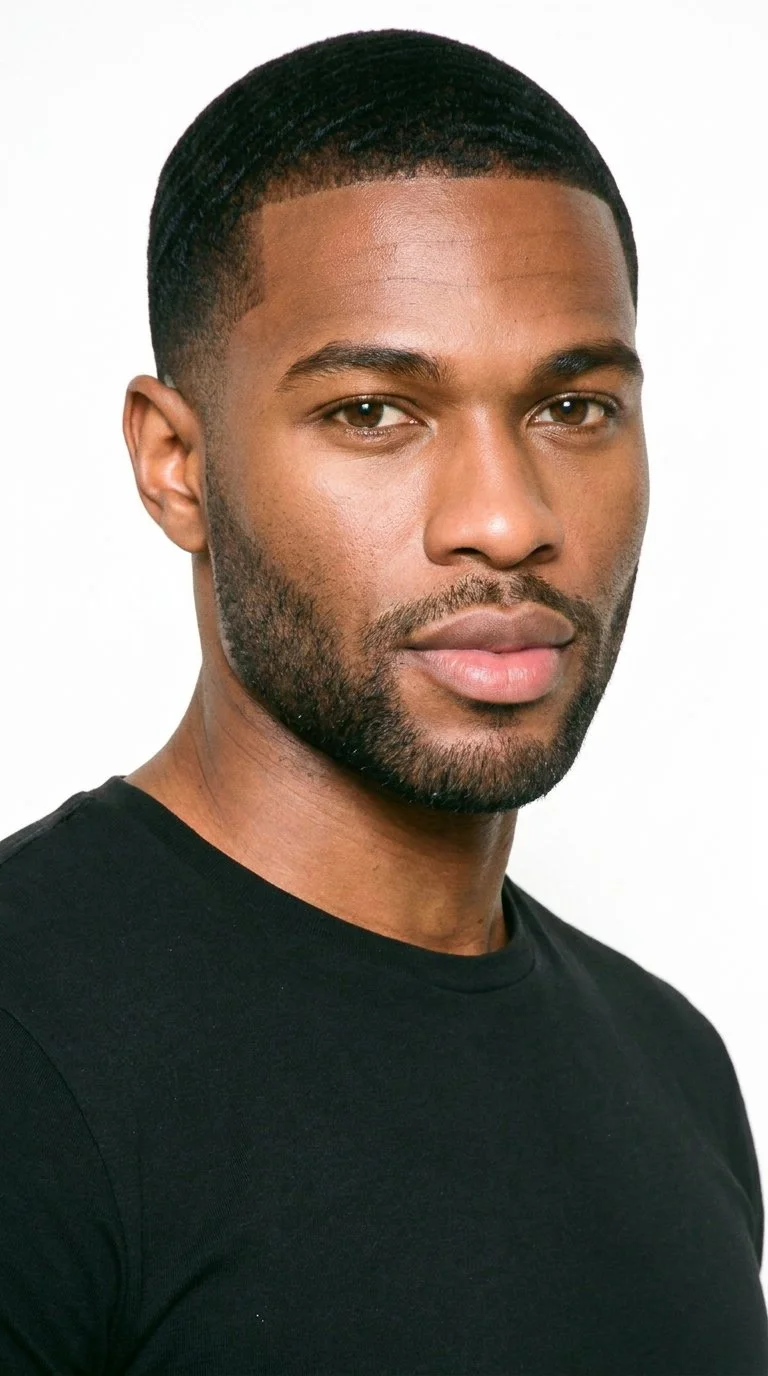
Male · 29
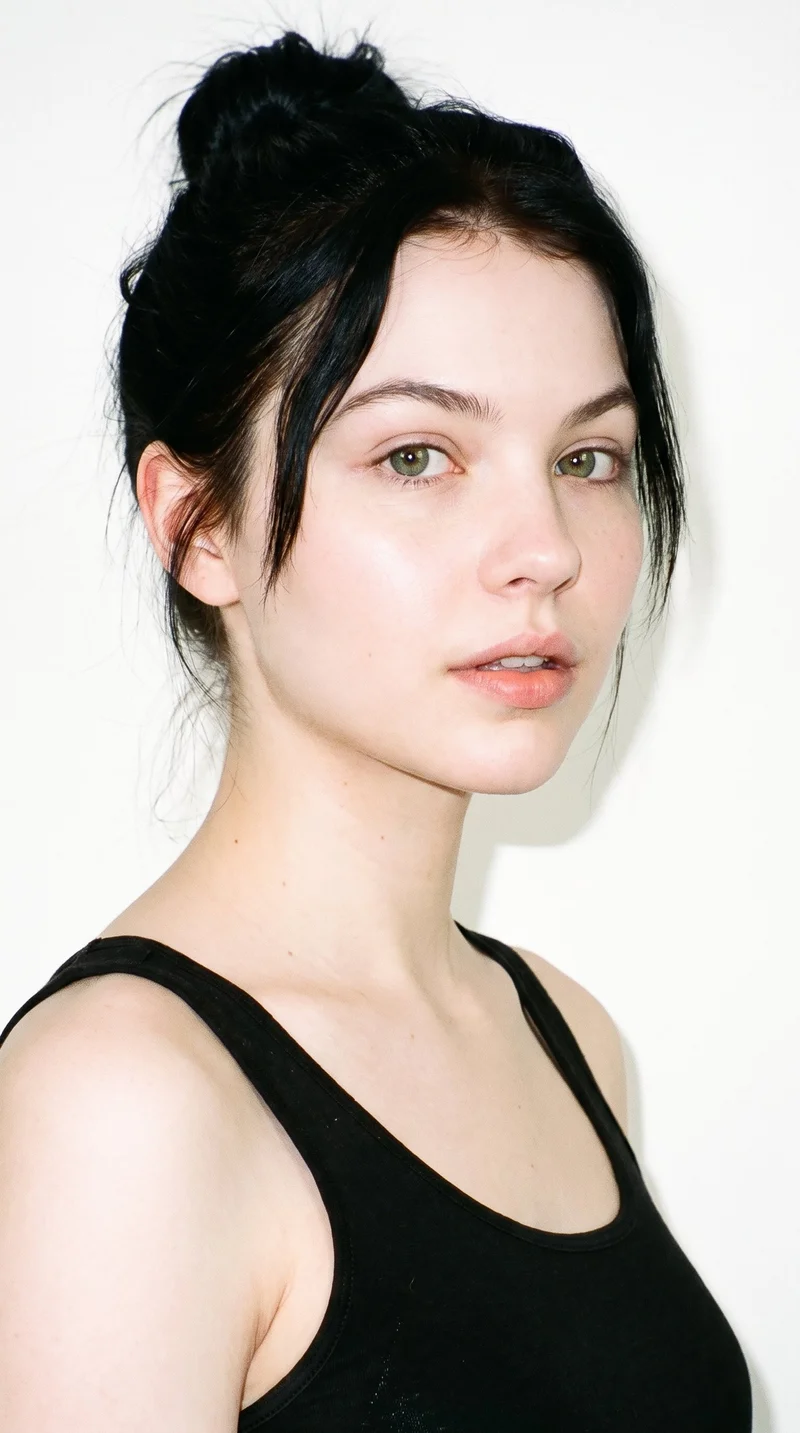
Female · 19
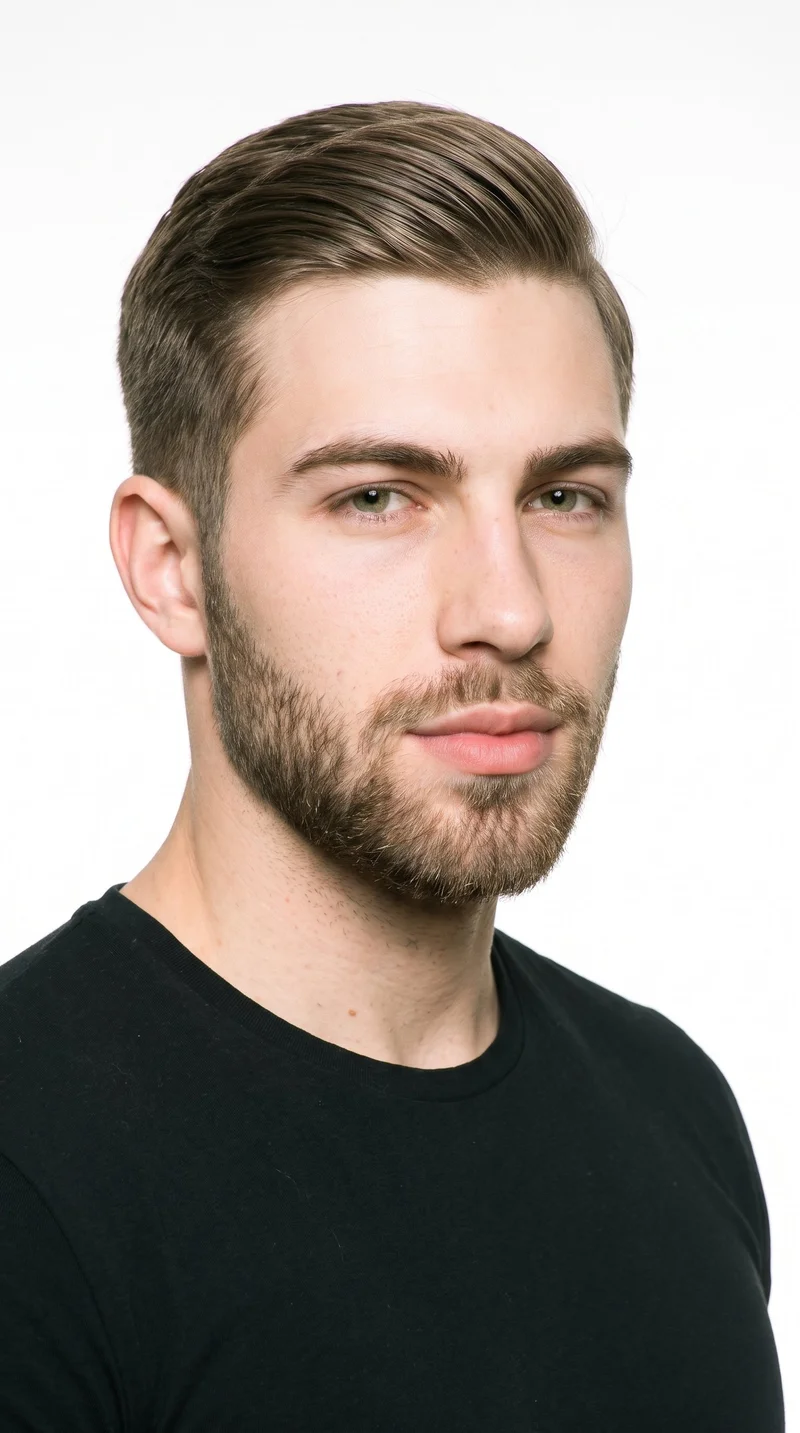
Male · 21
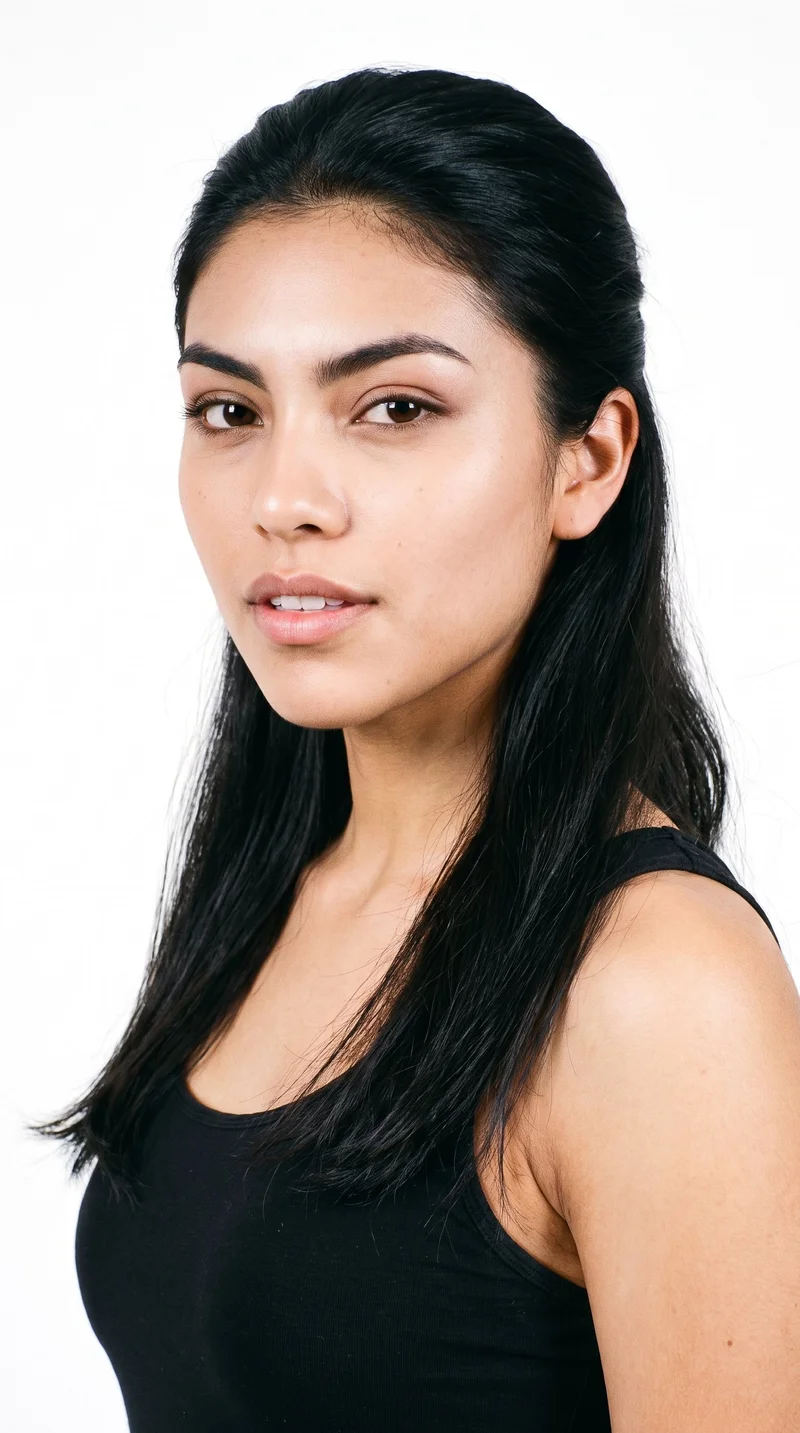
Female · 18
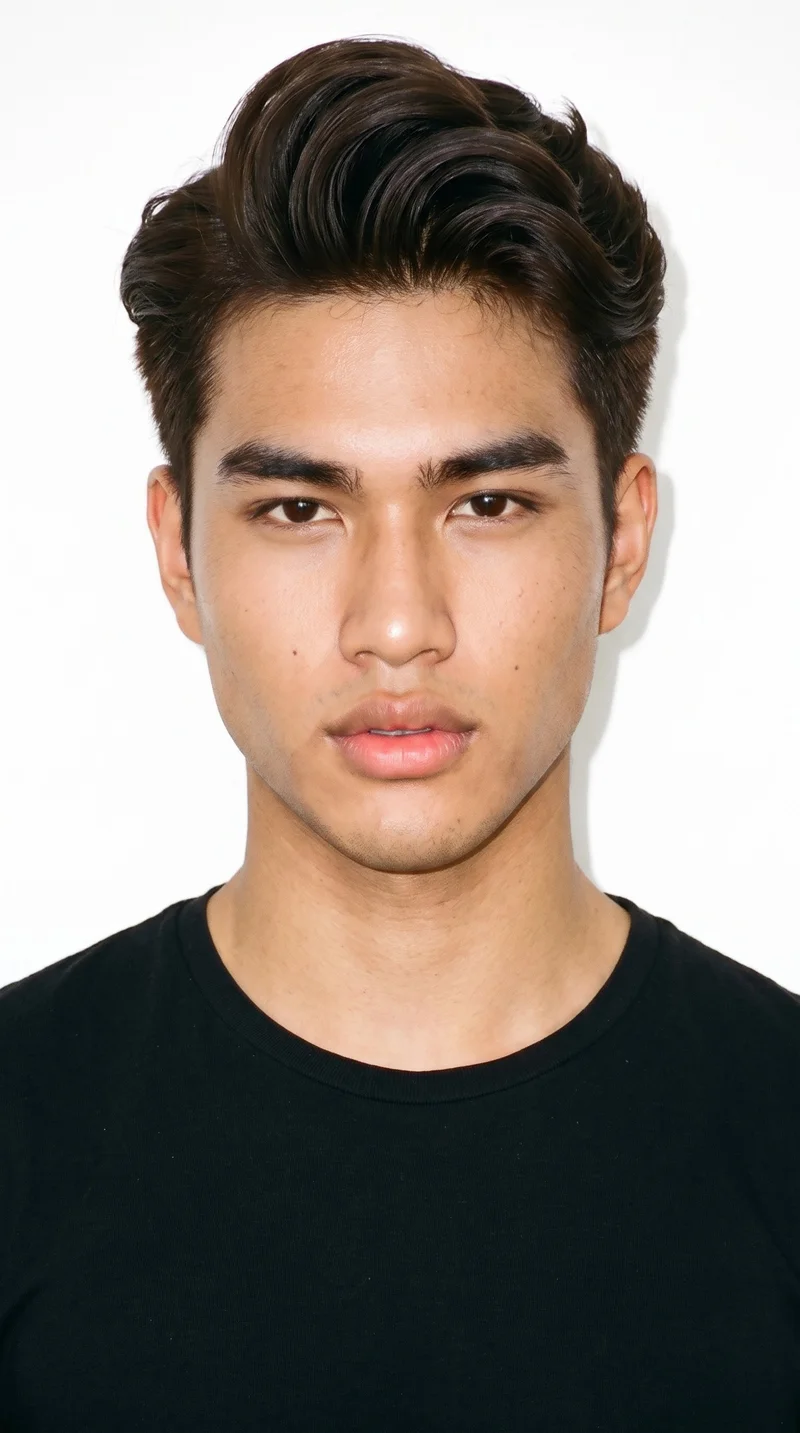
Male · 18
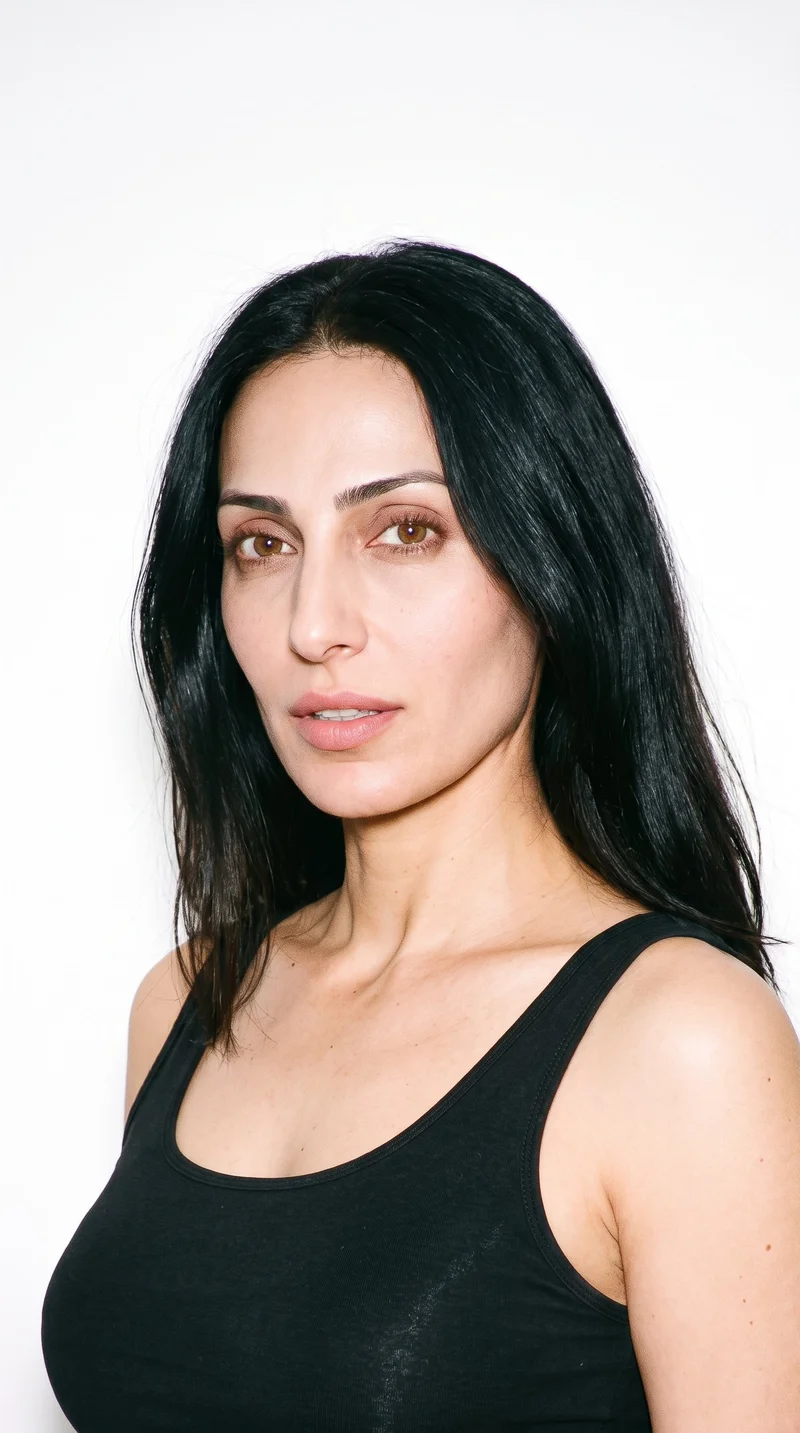
Female · 42
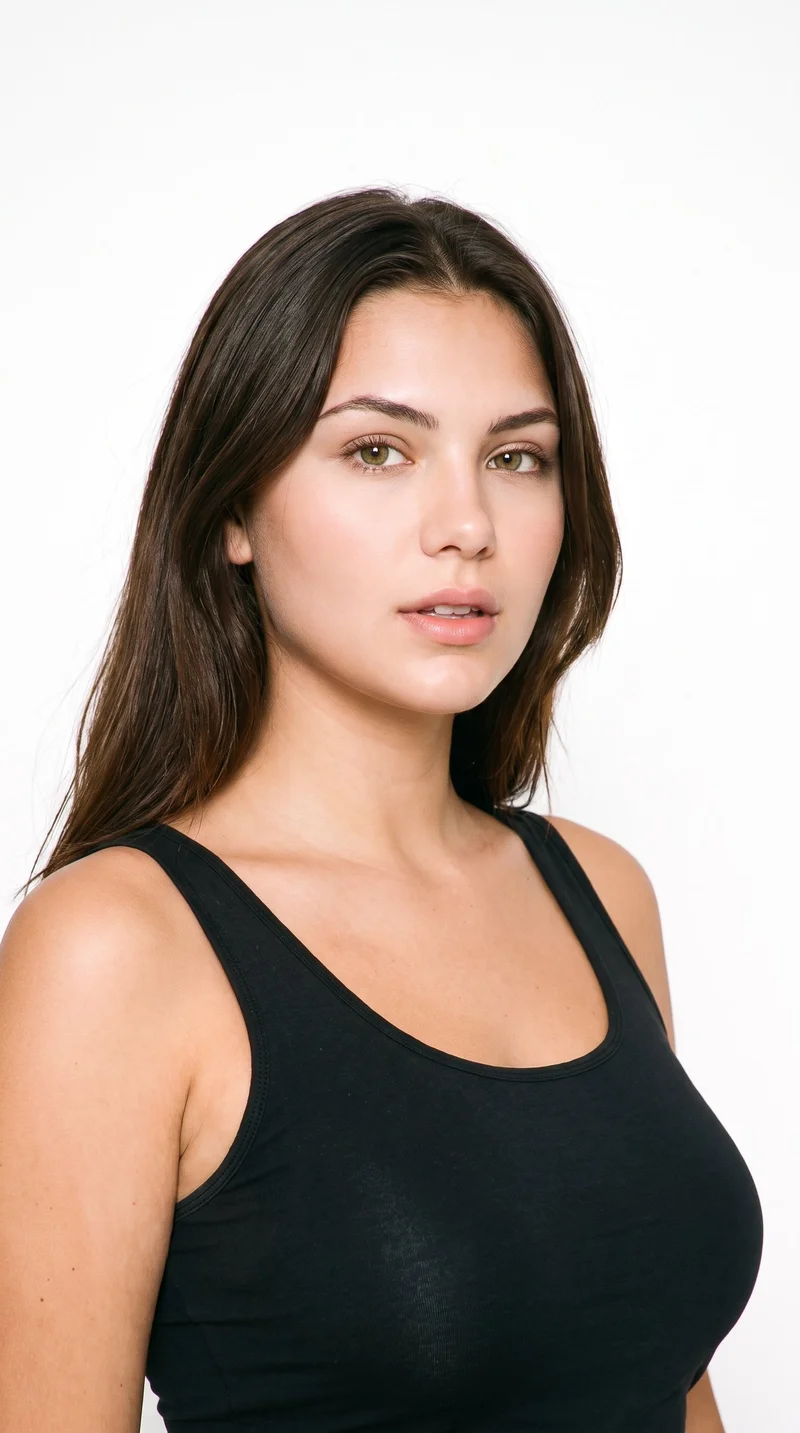
Female · 22
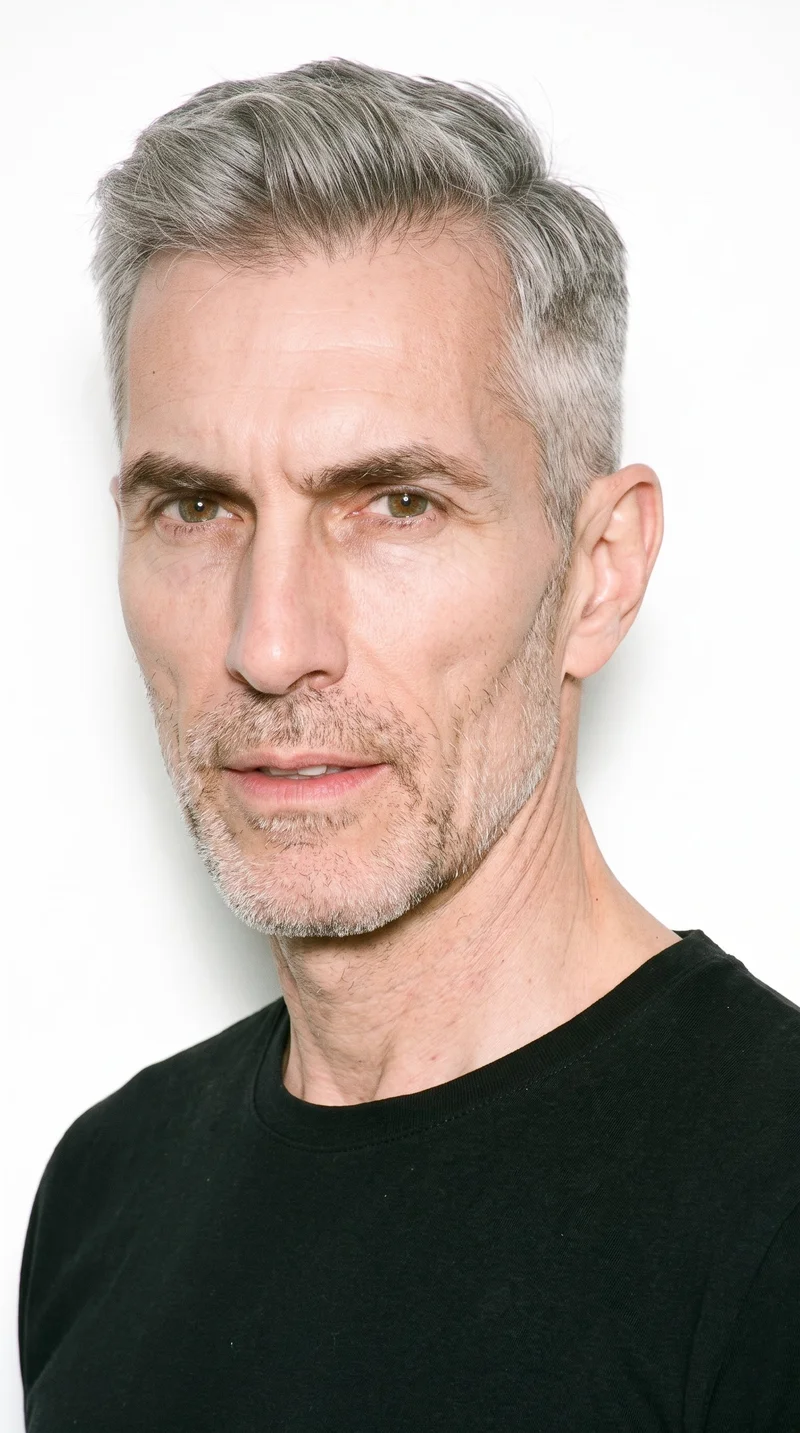
Male · 56
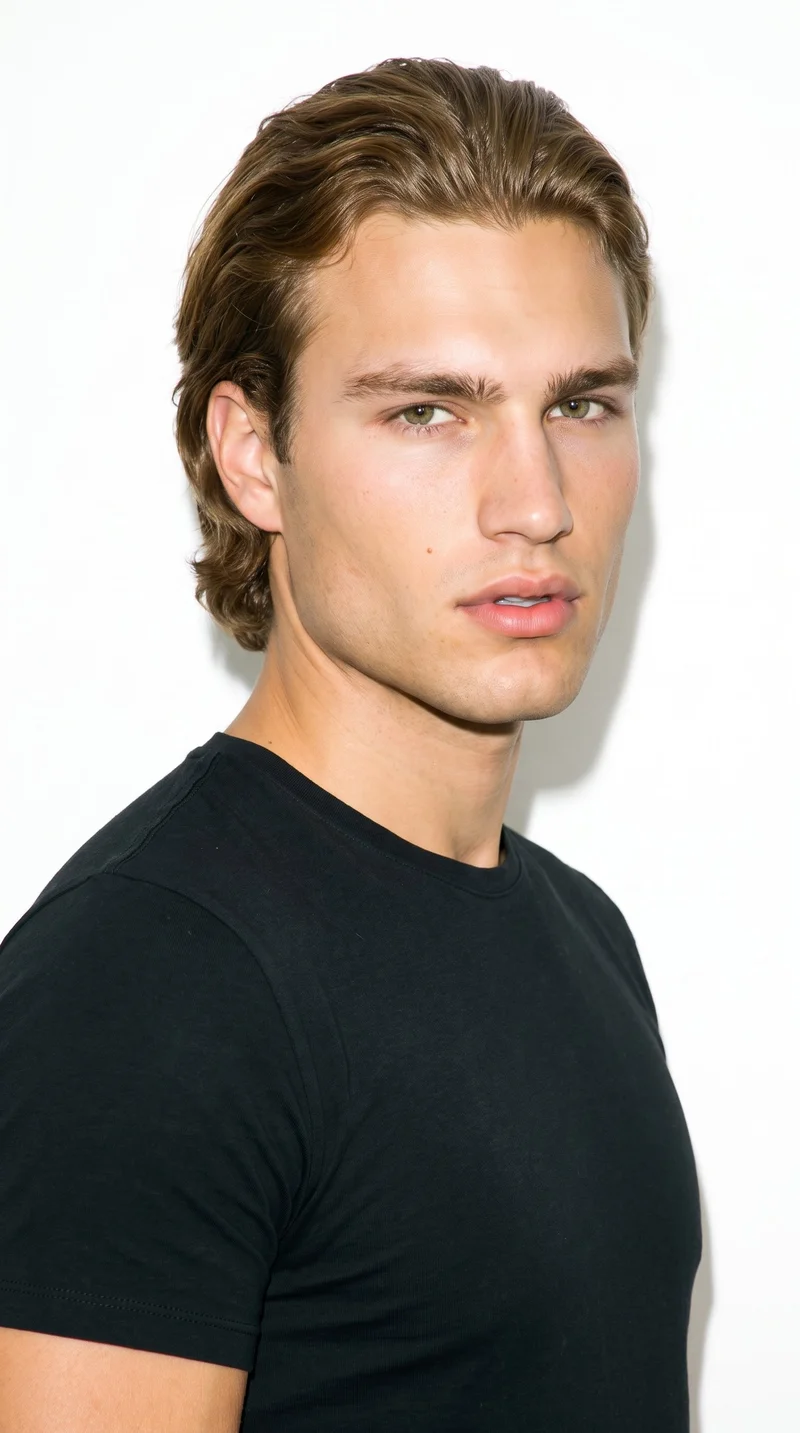
Male · 23
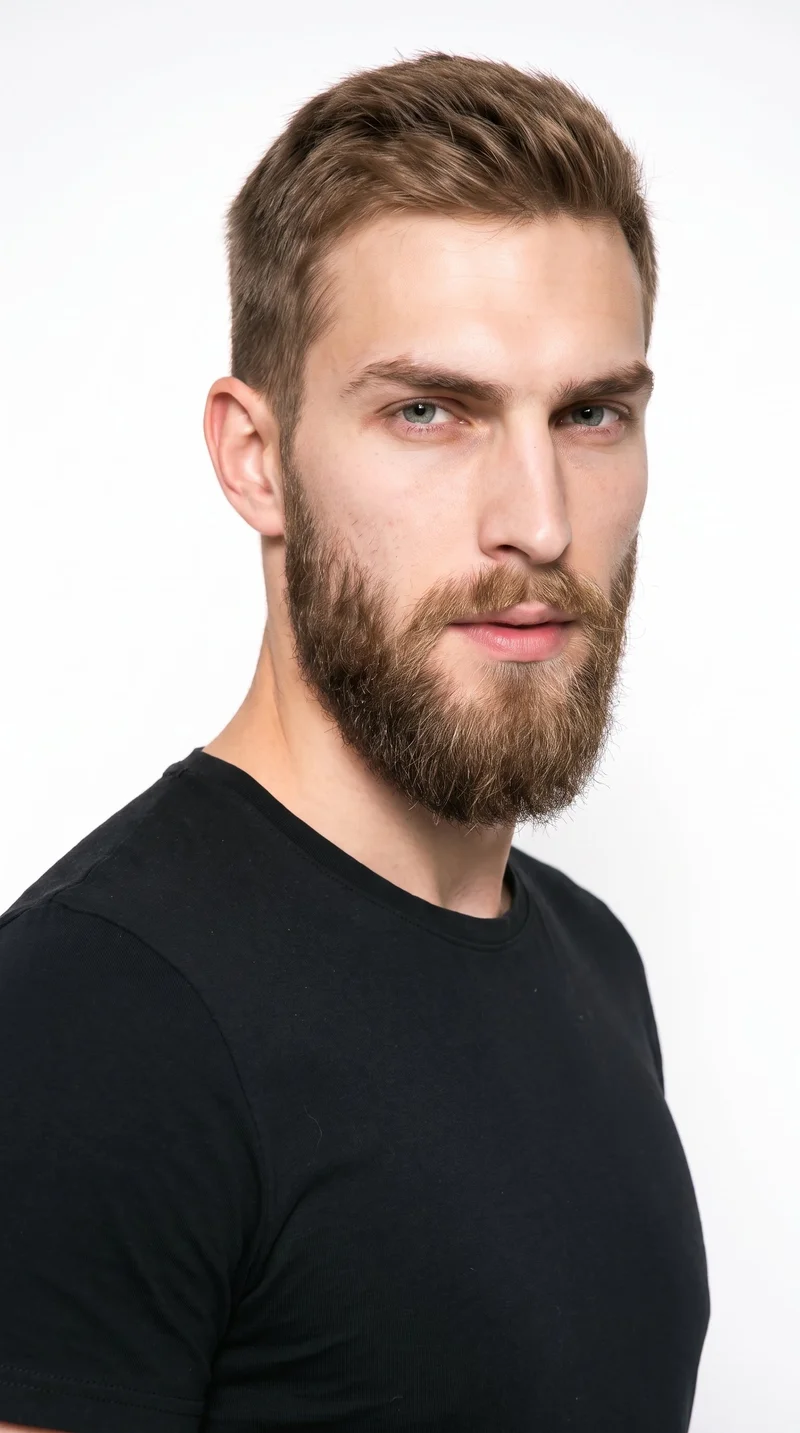
Male · 23
Showing 12 of 1,197
Cast your modelRawshot Features
RAWSHOT keeps each product view anchored to its source.
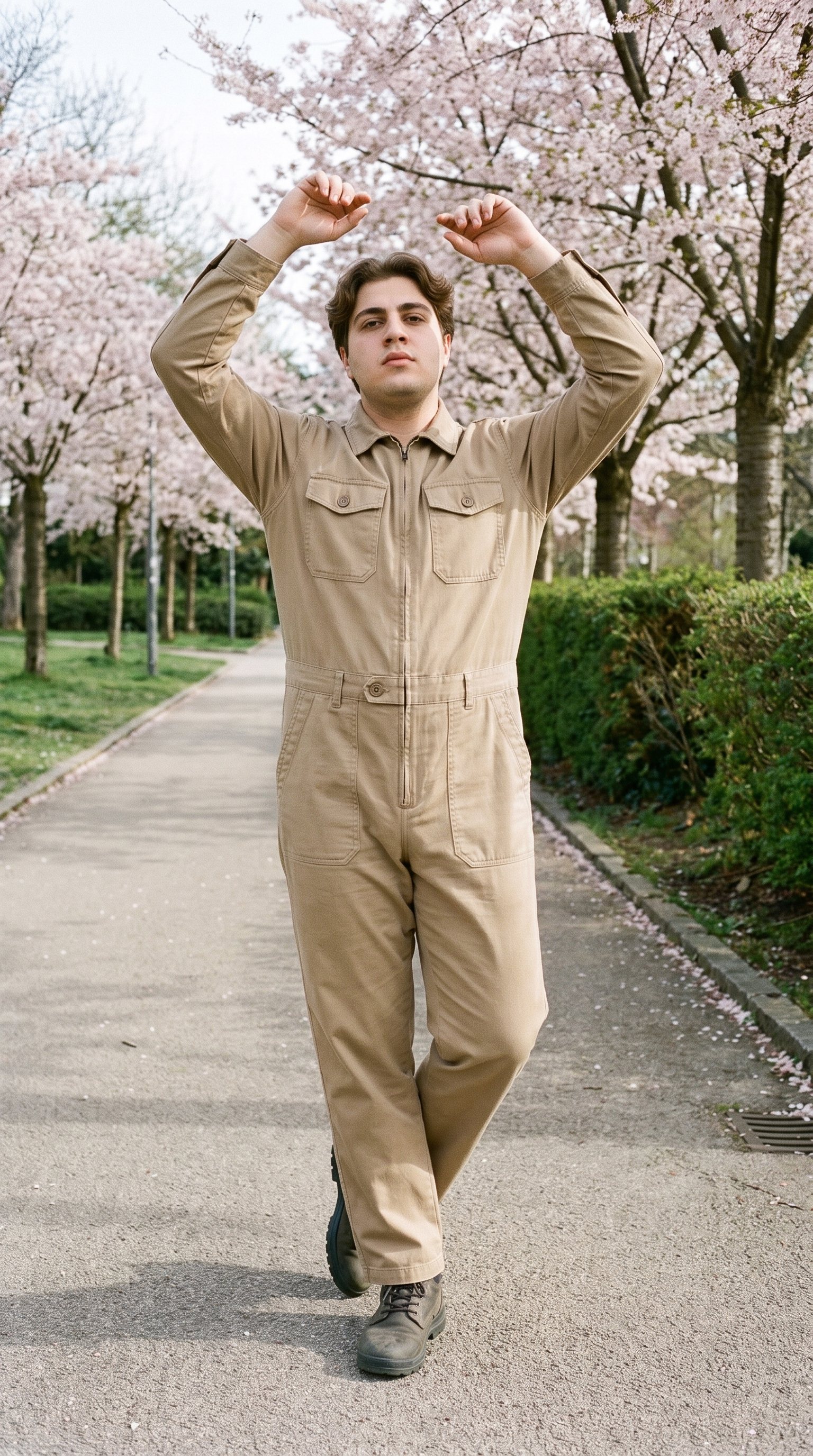
Fashion model poses
Choose coverage that shows the product from useful angles, so a weak listing can become a clear product-page set.
22 poses on a full-body shot · 104 in total
See the feature →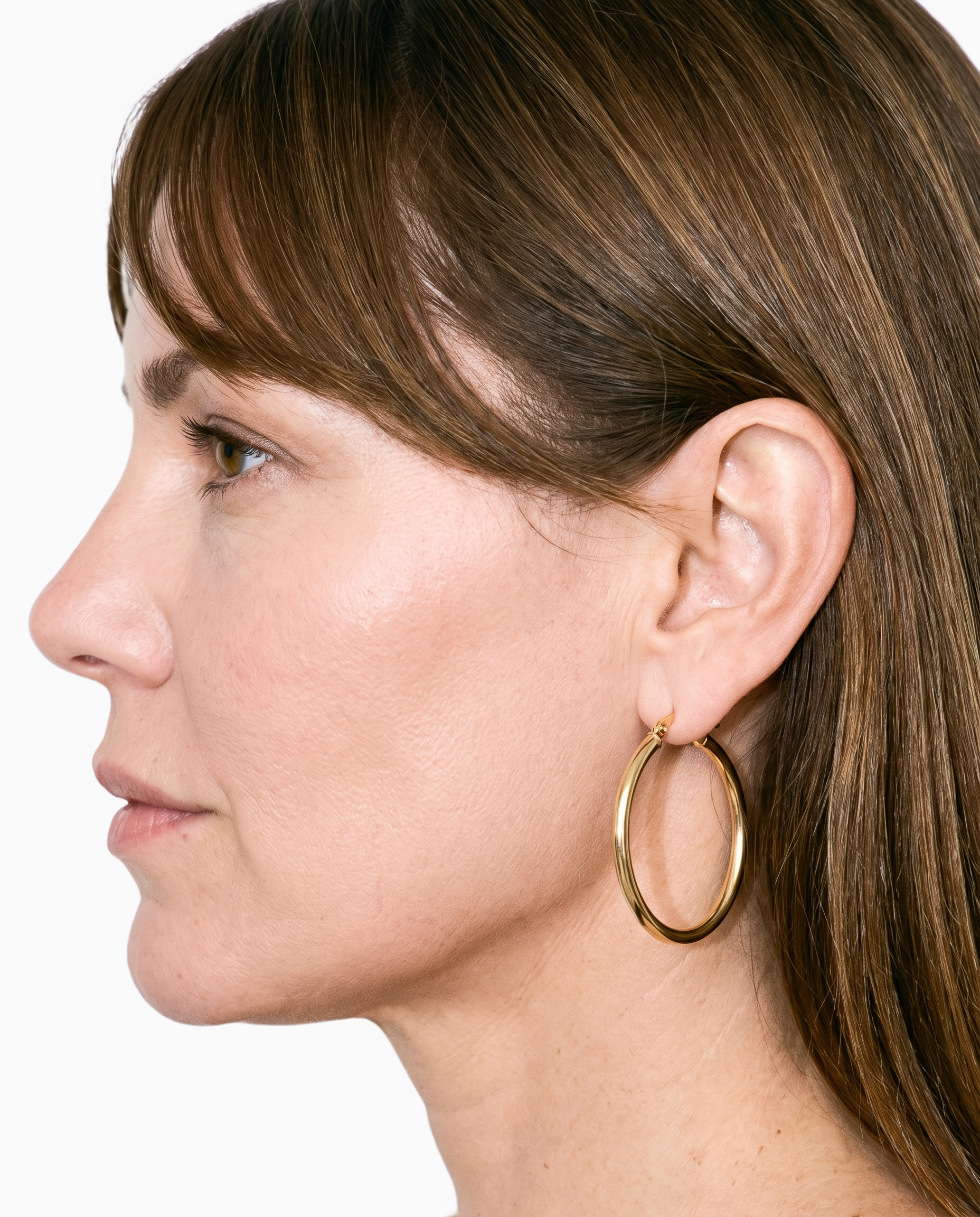
Product import and handling
Start with the source you already have, keeping the refresh anchored to the real product throughout the new composition.
Start from your real item and keep product fidelity while building the scene.
See the feature →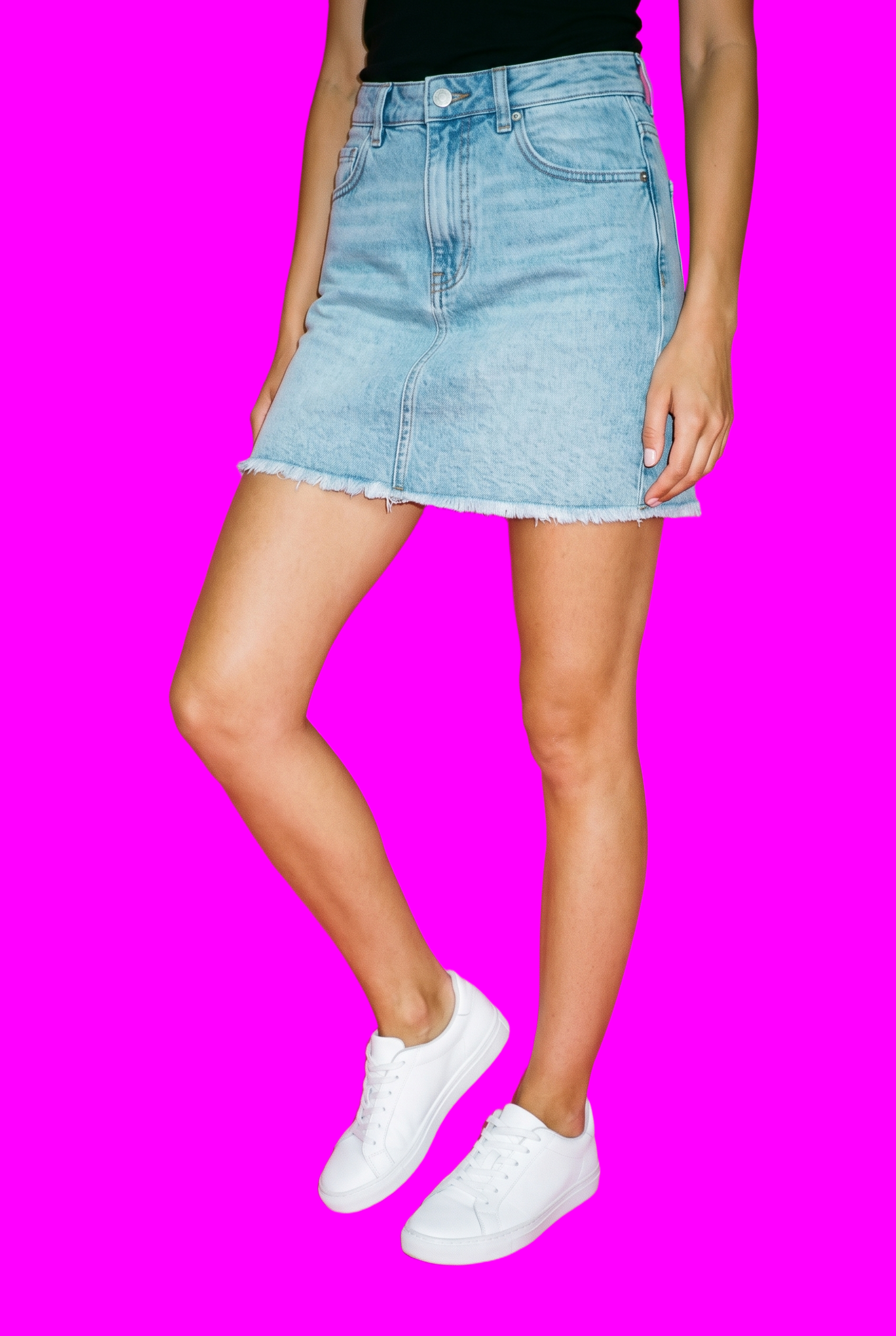
AI image to image generator
Change the product or composition for a variant while the selected model, light, crop and styling continue to support comparison.
Change one decision and keep the rest of the composition stable.
See the feature →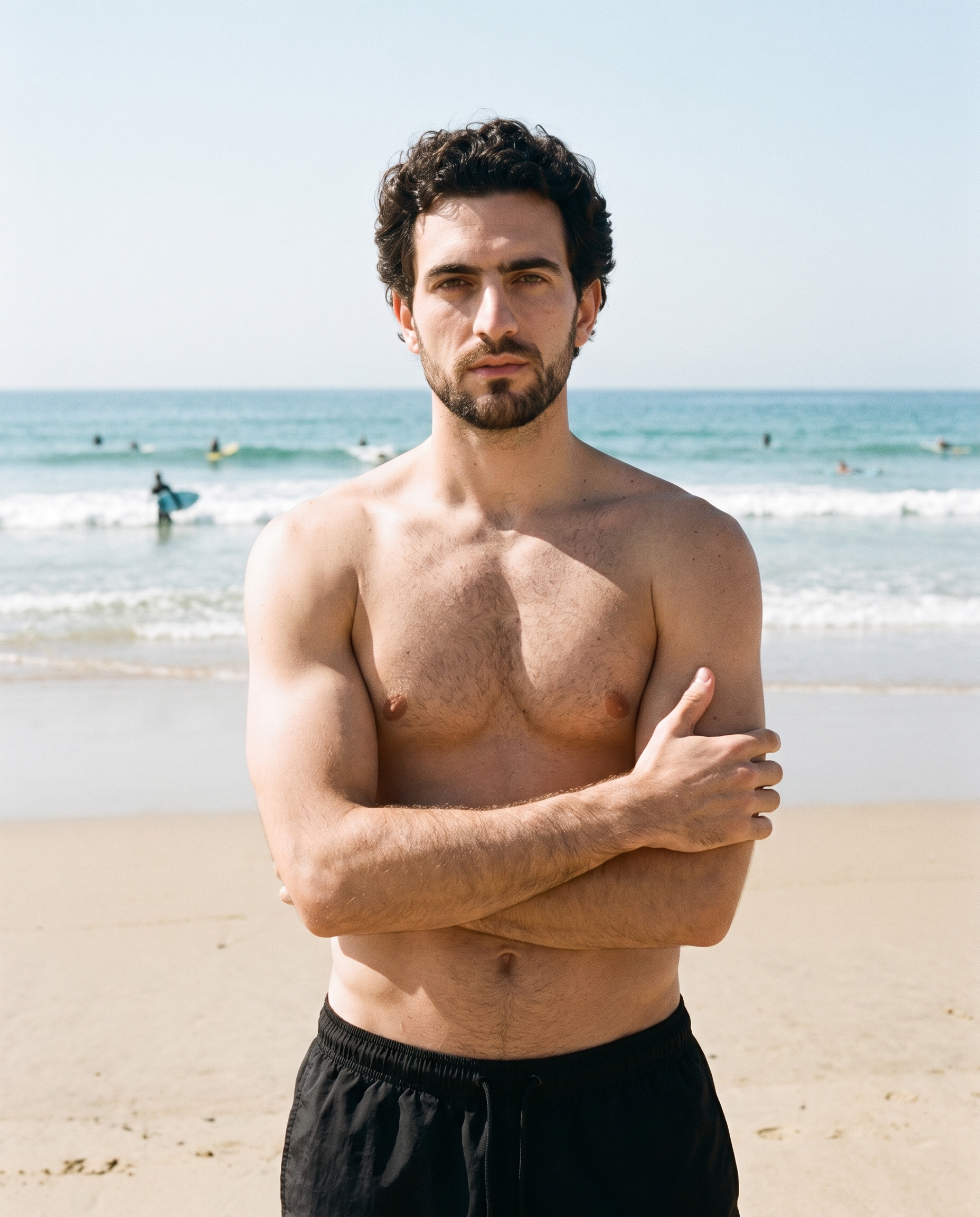
Photography direction
Choose a named light direction that keeps the product-page presentation visually coherent across the refreshed views.
4 named choices that set mood and shadow the same way across a shoot.
See the feature →AI image quality control
Every generated image is checked against your model, frame, view and pose before you see it.
AI image to video generator
17 model actions on a full-body shot · 132 in total
AI makeup generator
Branch-aware named options applied without altering casting or scene setup.
AI model generator
Library filters plus private model building for consistent identity across the set.
AI outfit generator
Combine the main piece with neutral supporting items in one coherent frame.
AI photo background generator
Swap scene context while keeping model, product, and framing stable.
AI suggestions
Preselected control values you can always override in the same configurator.
Garment styling
Choose how the garment is worn and keep brand presentation consistent.
Inspiration gallery
Load editable finished looks as fast starting points for new shoots.
Gallery
Shot in RAWSHOT, views guide clean presentation.
Reference looks can guide a clean product-page presentation while your product and composition remain editable.
Looks & backgrounds
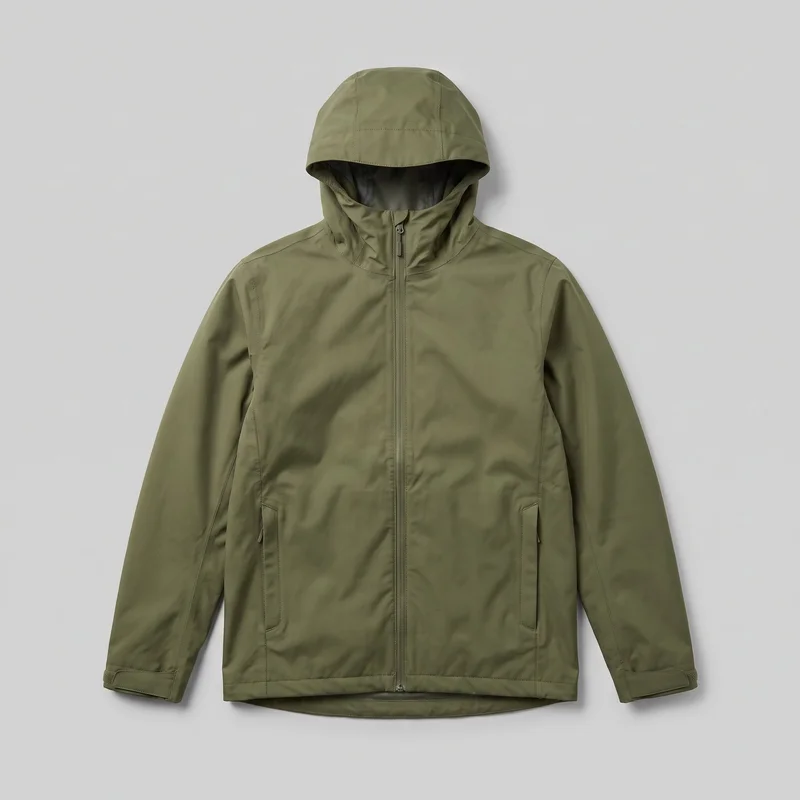 Men's Green Waterproof Jacket
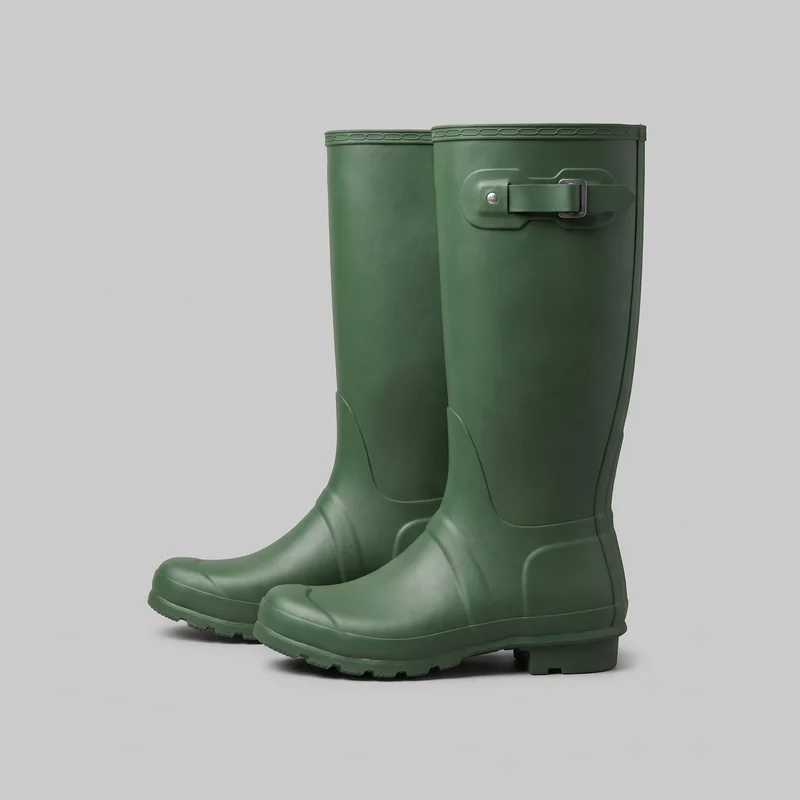 Men's Green Wellington Boots
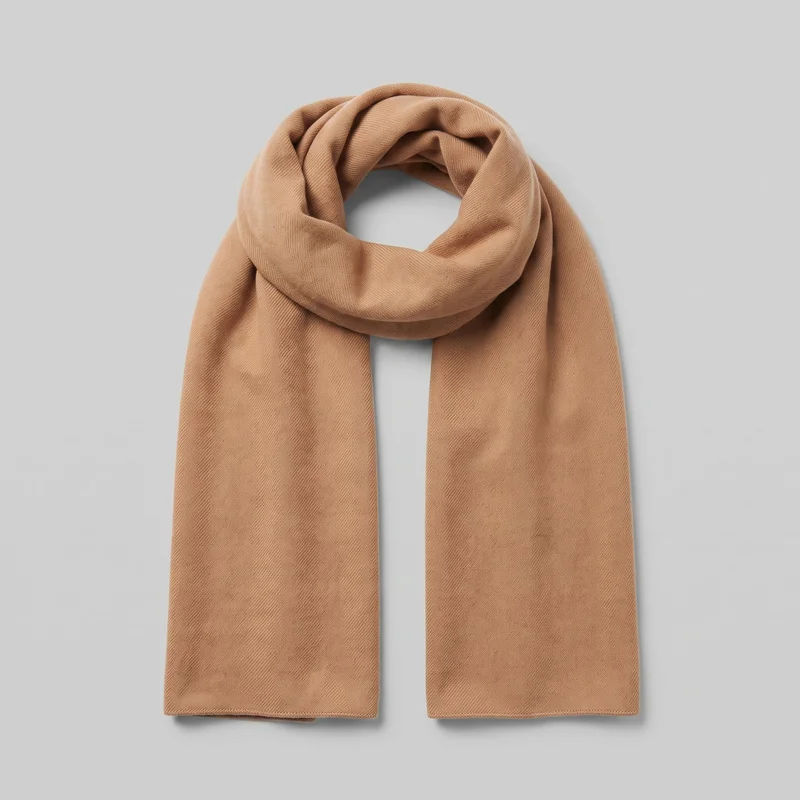 Men's Camel Cashmere Scarf
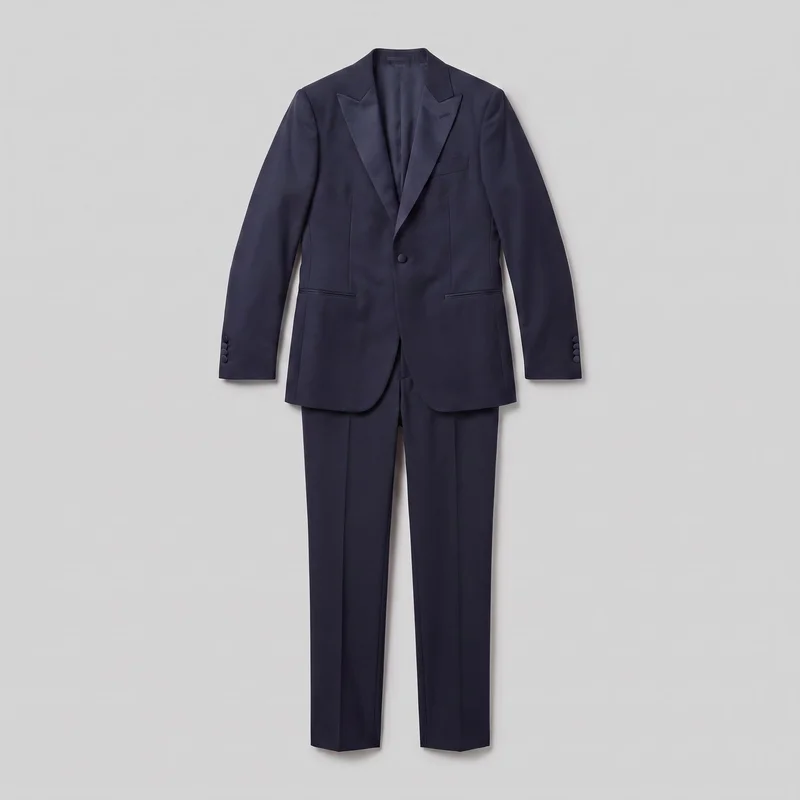 Midnight Blue Tuxedo
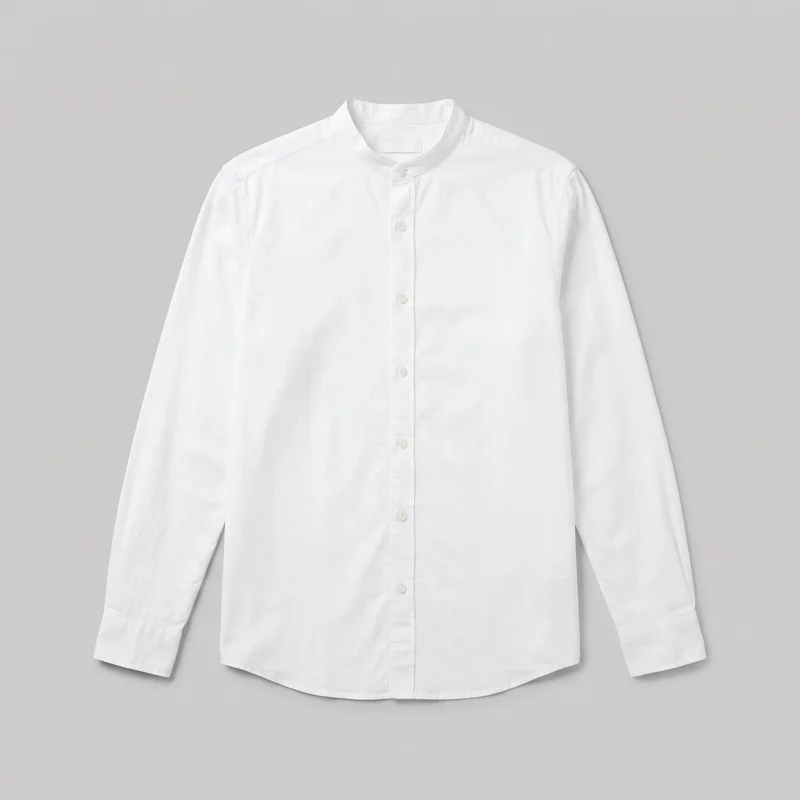 White Grandad Shirt
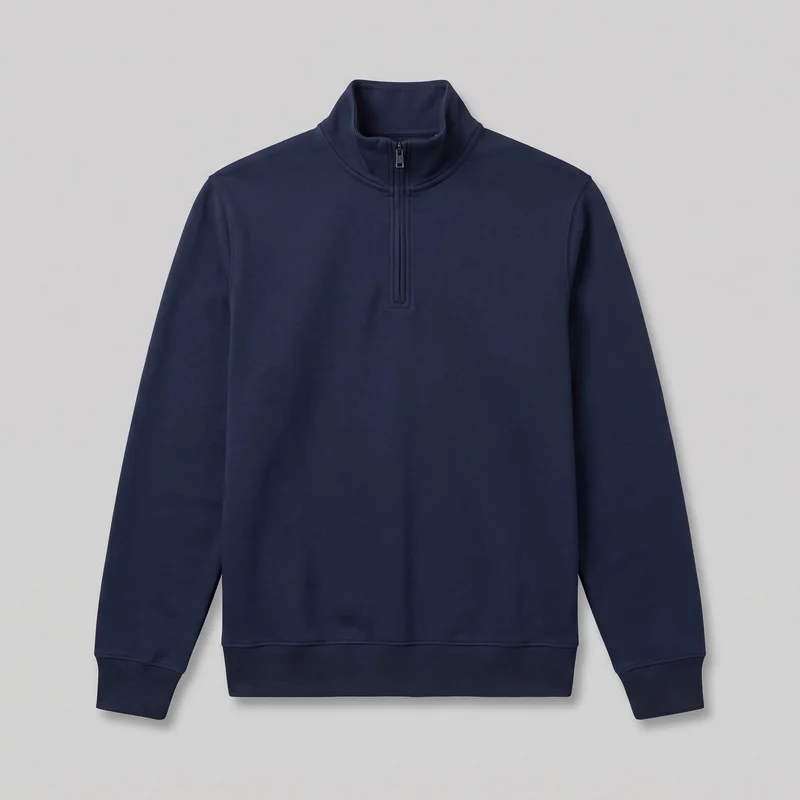 Men's Navy Quarter-Zip
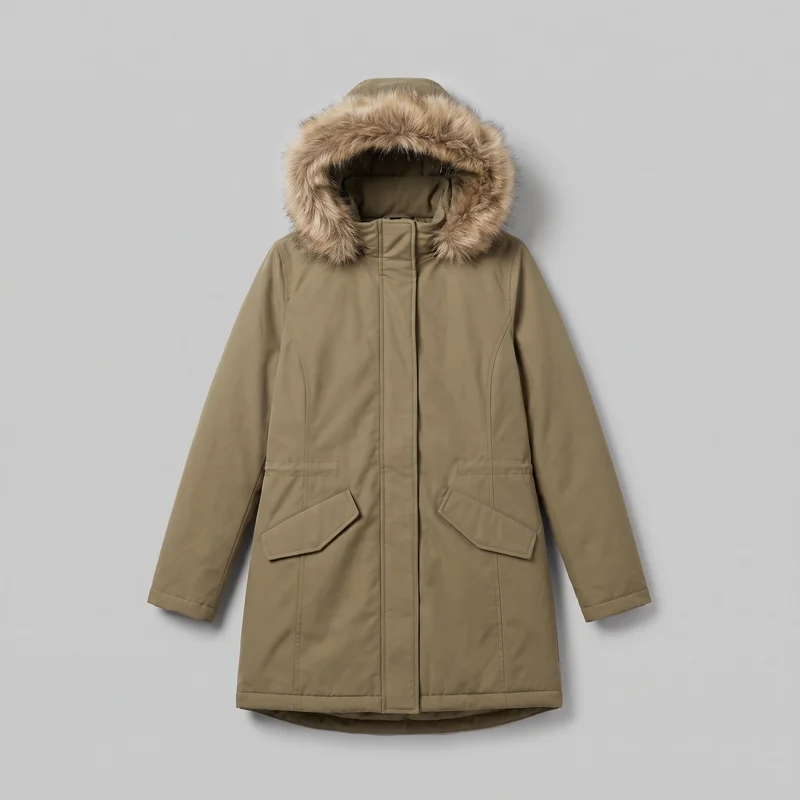 Women's Khaki Fur-Hood Parka
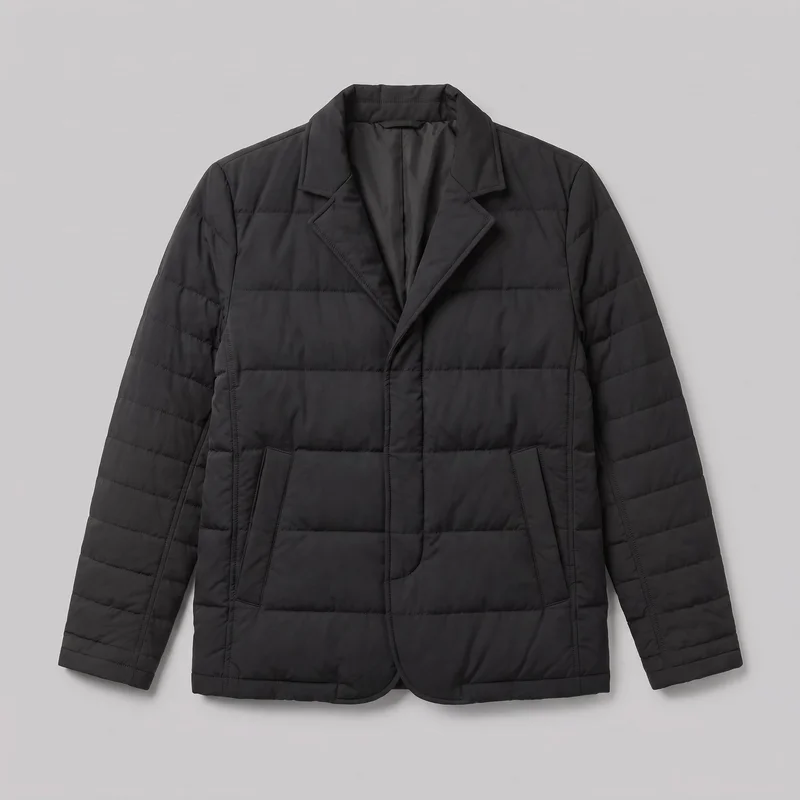 Men's Black Puffer Jacket
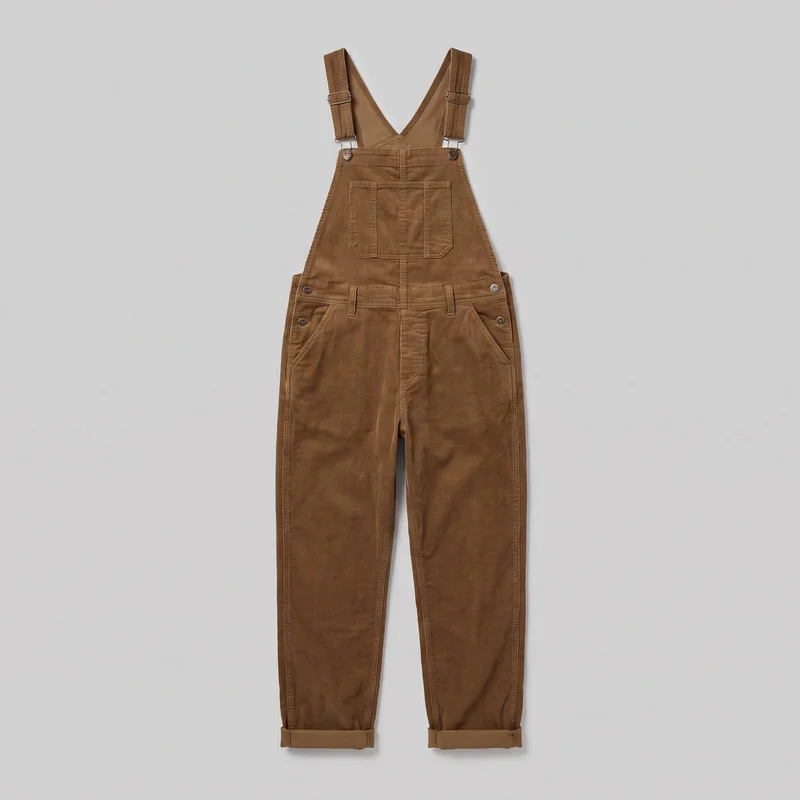 Men's Corduroy Dungarees
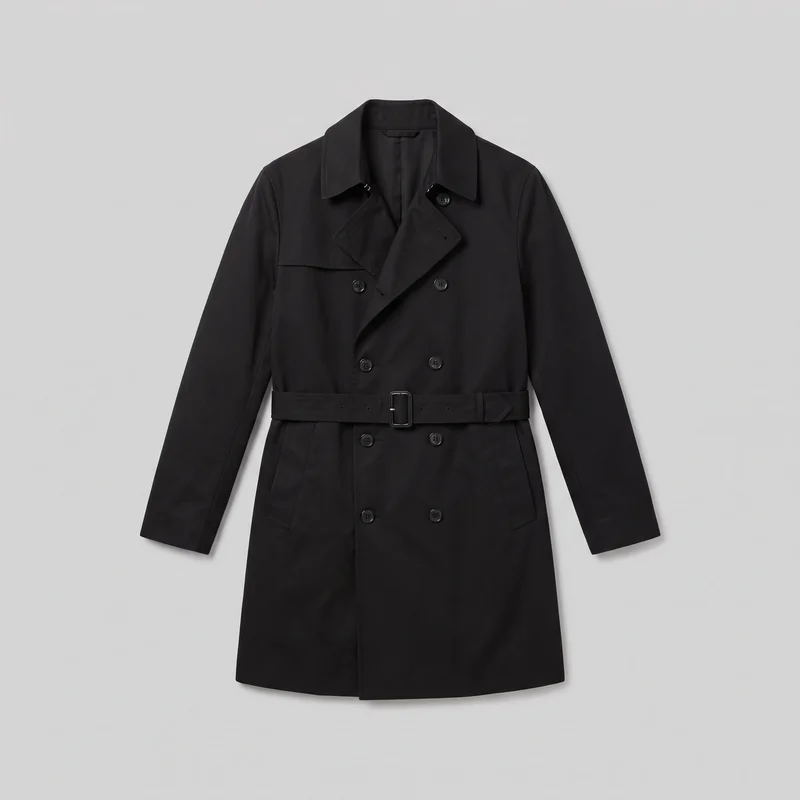 Men's Black Trench Coat
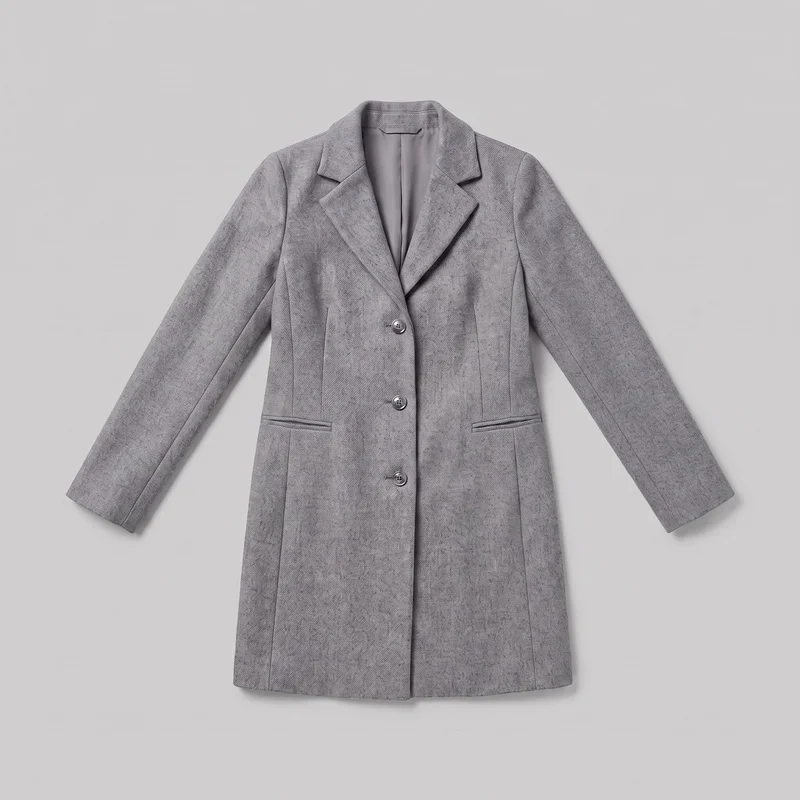 Women's Grey Wool Coat
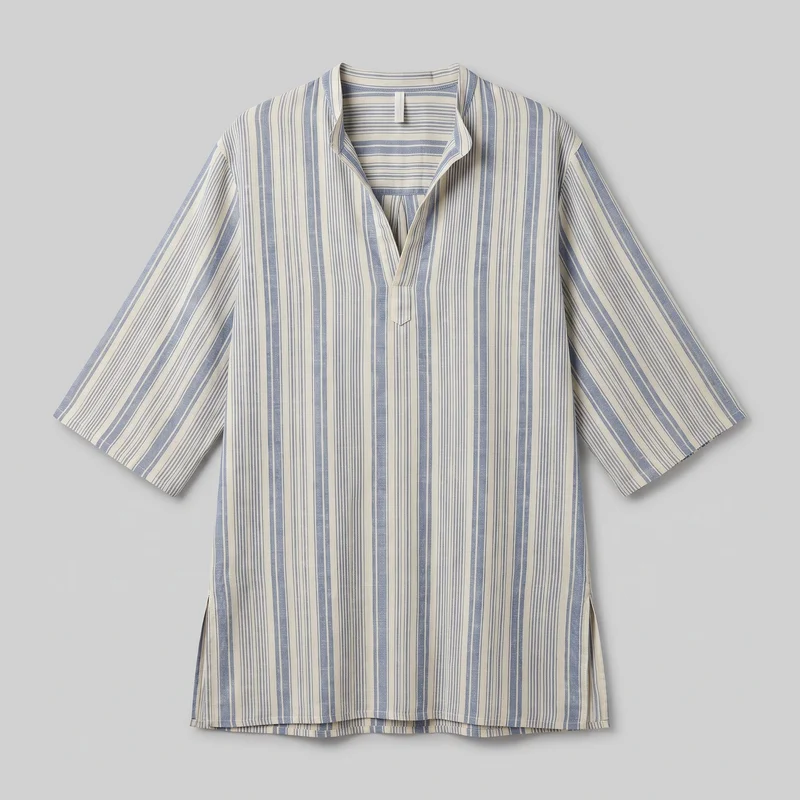 Men's Striped Beach Cover-Up
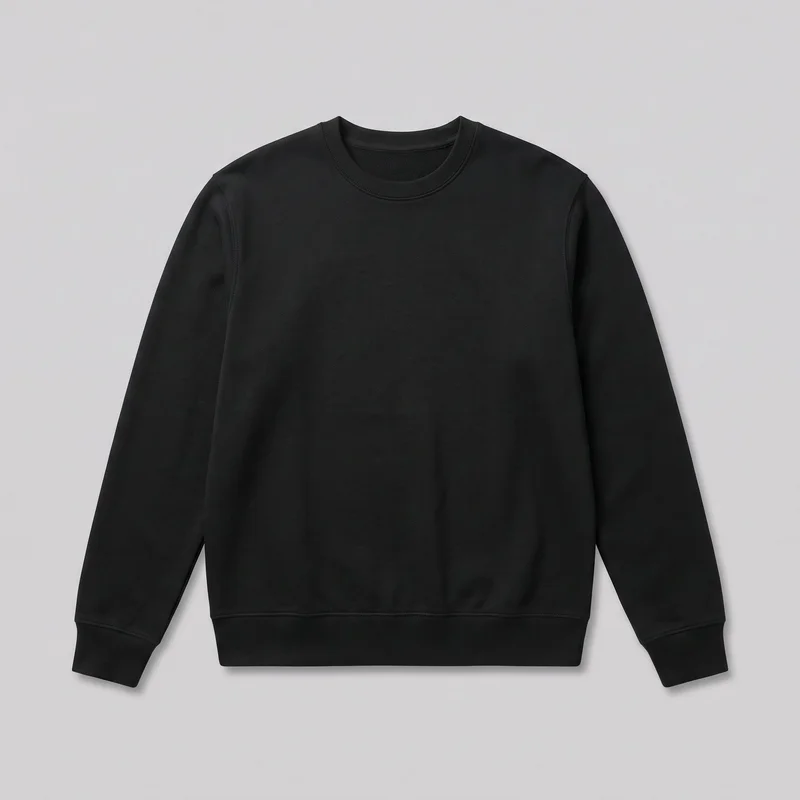 Men's Black Crewneck Sweatshirt
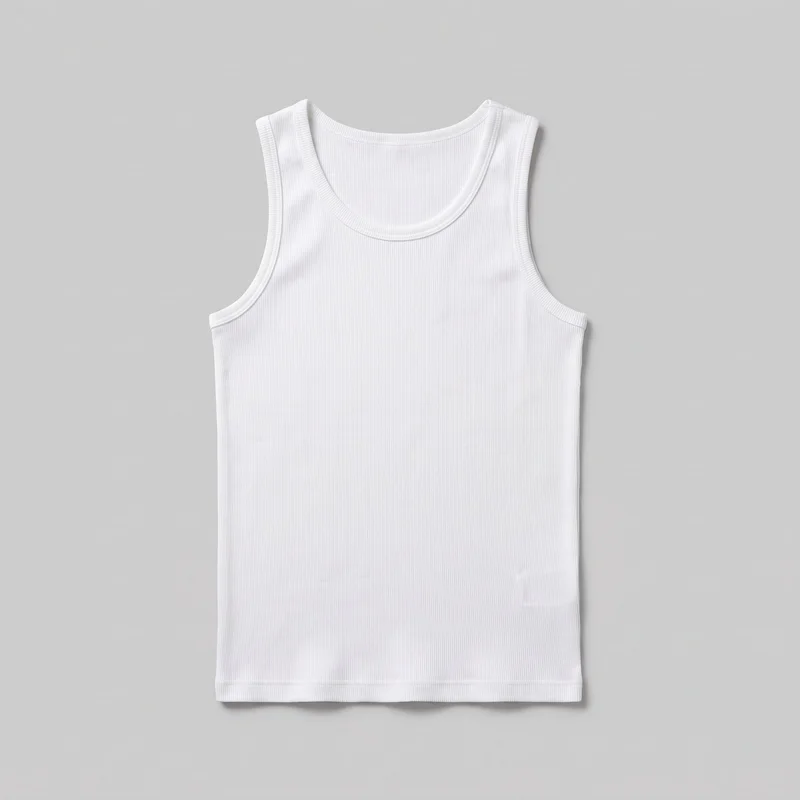 White Ribbed Vest
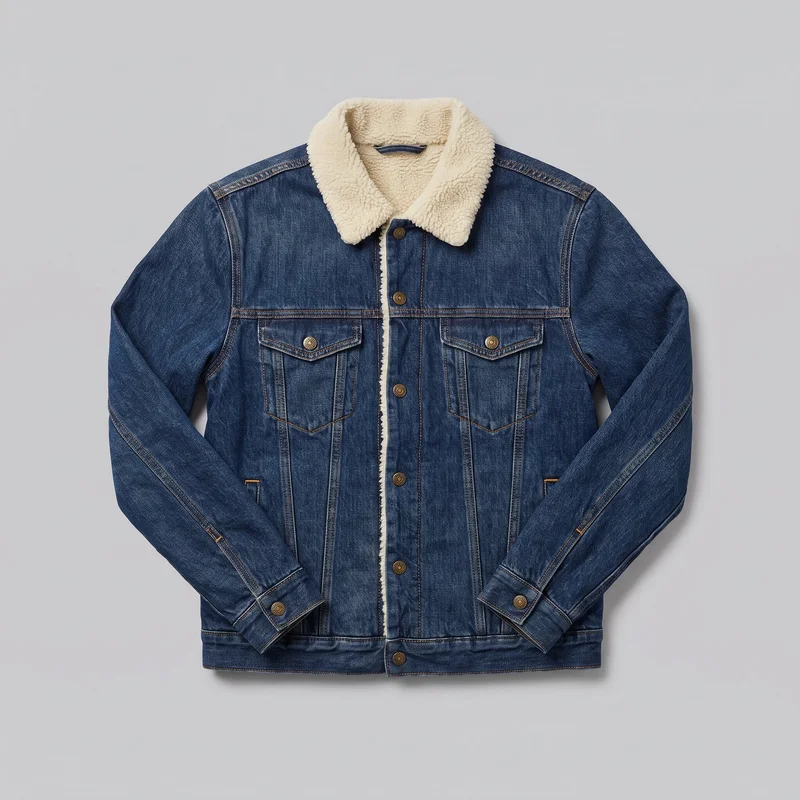 Men's Sherpa-Lined Denim Jacket
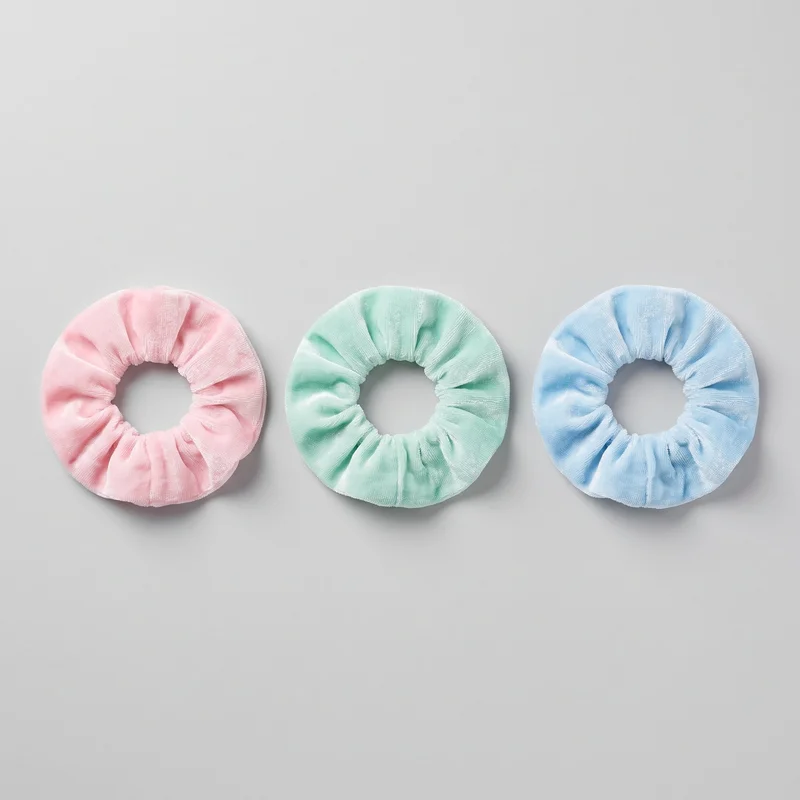 Pastel Scrunchie Set
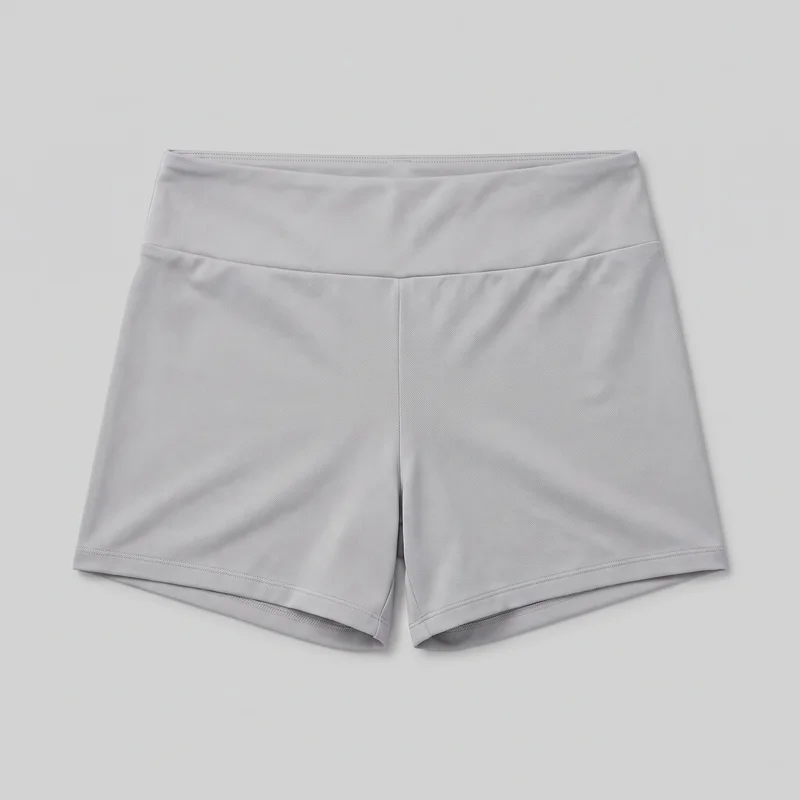 Women's Grey Gym Shorts
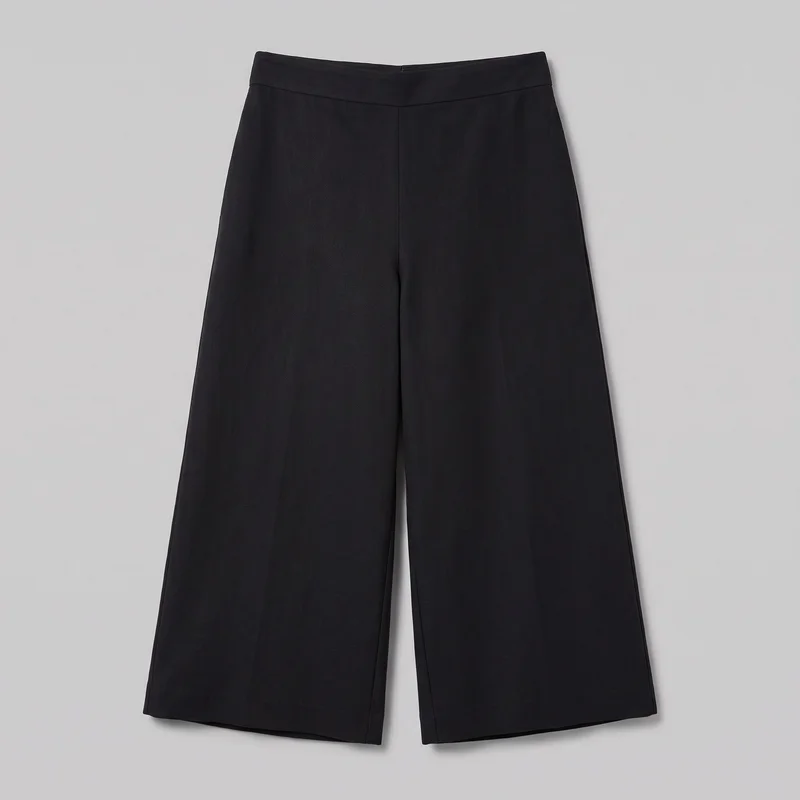 Black Culottes
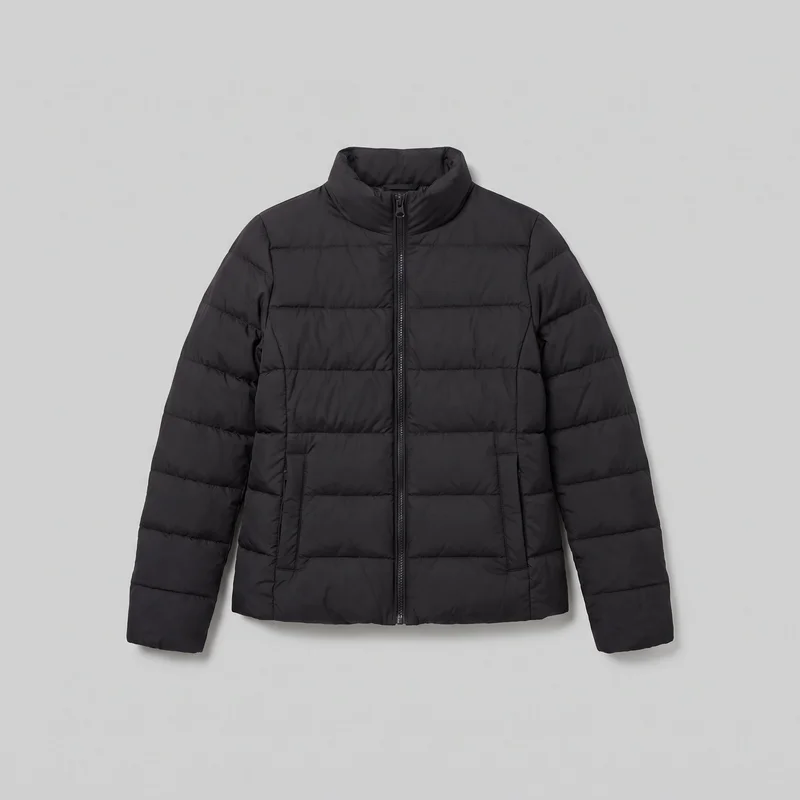 Women's Black Puffer Jacket
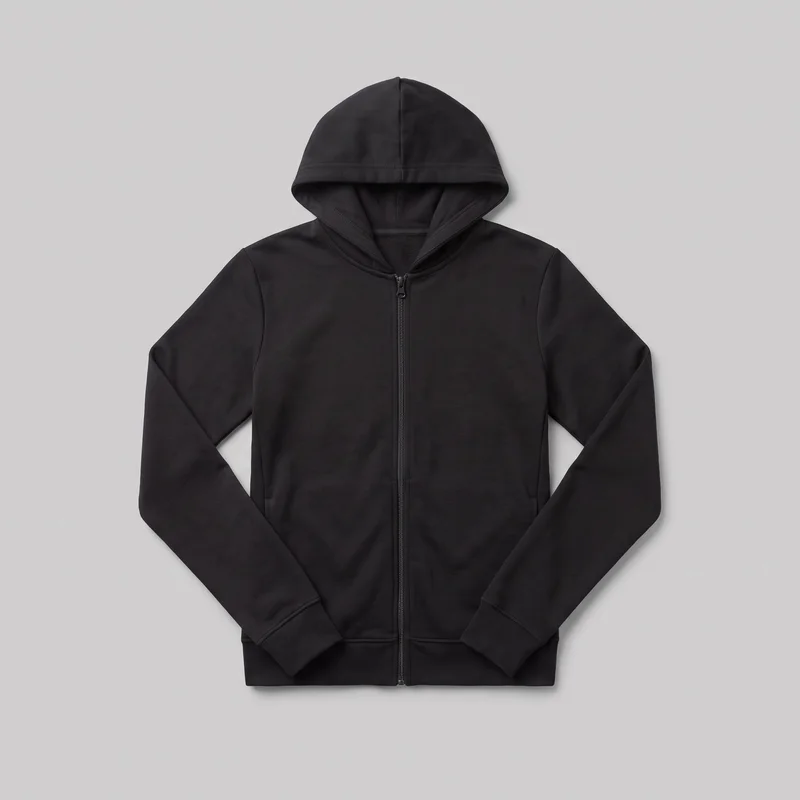 Women's Black Zip-Up Hoodie
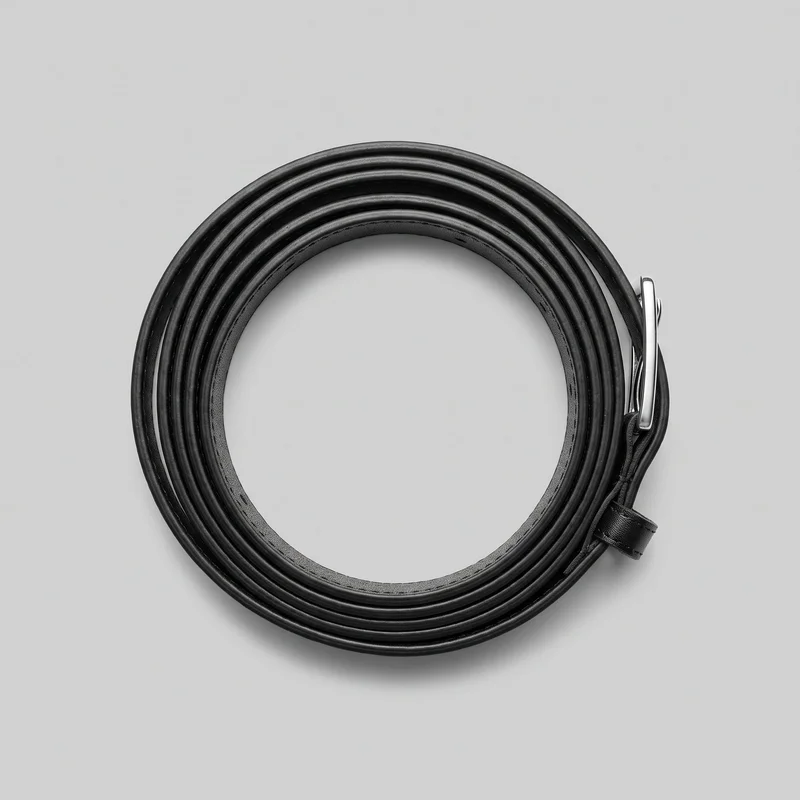 Women's Black Leather Belt
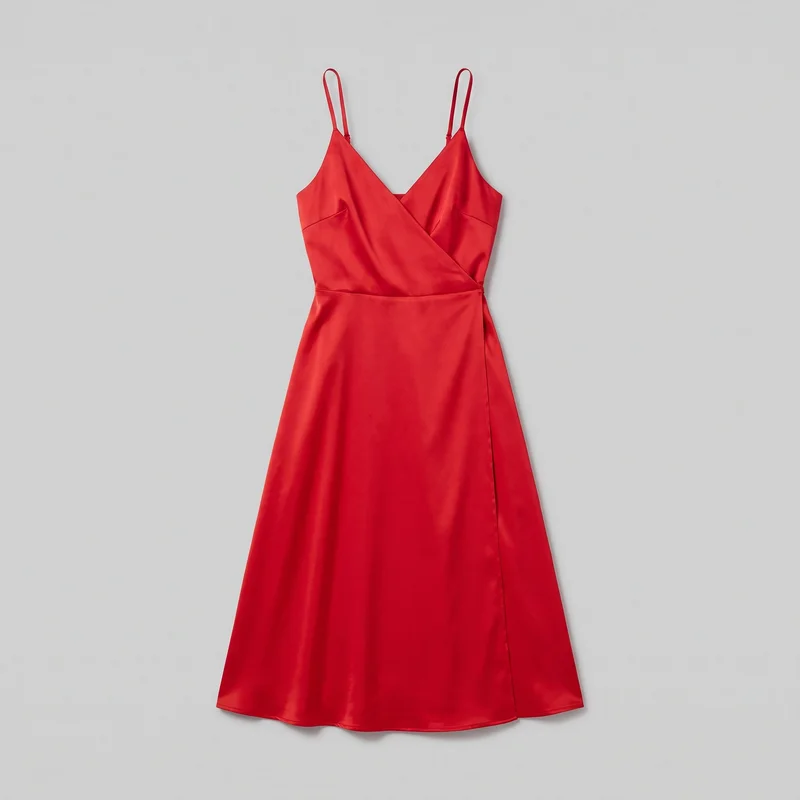 Red Satin Wrap Dress
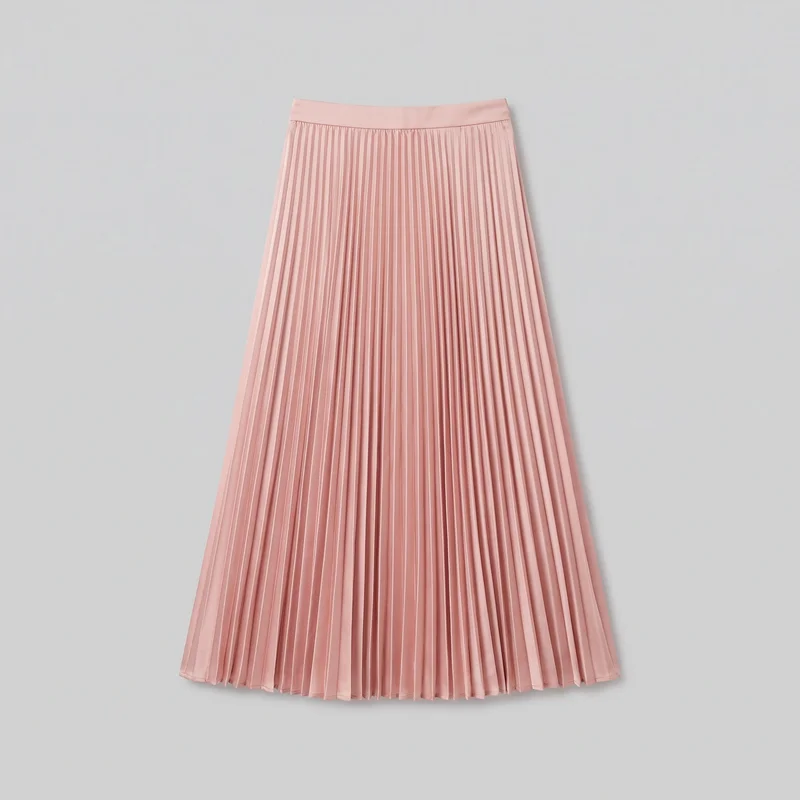 Blush Pink Satin Pleated Skirt
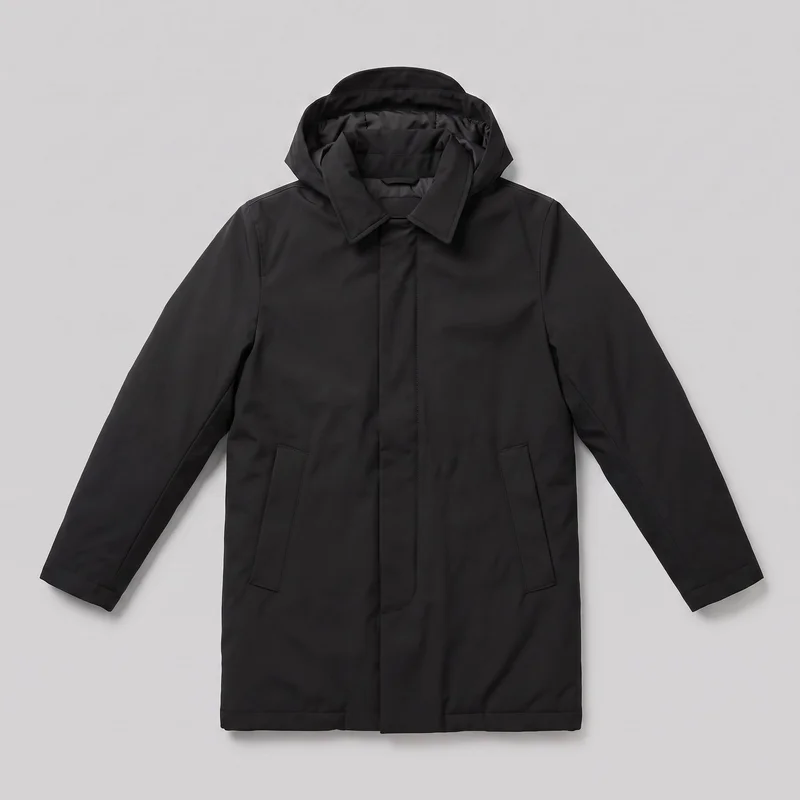 Men's Black Parka
Showing 24 of 992
Catalog
Browse the catalog
By product
Consistency
Change one choice while the direction holds.
A product page reads more clearly when the model, light, crop and styling support the same presentation. Change one selected decision for a variant while the remaining composition holds, then review details before publishing.
You change one
- Frame
- Pose
- Camera view
- Model
The rest holds
Model
Keep the selected model across front, back, side and detail coverage.
Light
Use the same named photography direction across the refreshed product views.
Crop
Maintain comparable framing where the selected frame supports the view.
Who it's for
Is RAWSHOT right when source quality limits carry-through?
A good fit
This fits when you manage recurring product-page updates and need consistent on-model views from real product sources.
Work it handles well
- You can refresh recurring product-page imagery.
- You can keep comparable presentation across views.
- You can work from real product sources.
Outside this scope
It is not for one perfect image needing repeated free edits, measured fit, or custom lighting positions.
Where this stops
- You cannot edit pixels directly.
- You cannot measure garment fit.
- You need clear source uploads for accuracy.
Rights
You own every image. Every image says what it is.
Yours
- Full commercial rights to every image, permanently.
- No recurring licence fees on any model in the library.
- Every model is a synthetic composite, so there is no real-person likeness.
Labelled
- C2PA content credentials on every image.
- AI-labelled output, aligned with EU AI Act Article 50.
EU-based hosting, GDPR-compliant handling.
- Aligned with EU AI Act Article 50
- C2PA
- Full commercial rights
- GDPR-compliant handling
- EU-based hosting
Questions
Before you refresh a bestseller product page.
Can RAWSHOT create a refreshed product-page set from a real product source for a bestseller?
RAWSHOT can create a refreshed product-page set from a real product source for a bestseller. You can select the model, outfit, styling, photography direction, frame, camera view and pose to build a more useful presentation beside the existing range. The source may be a product photo, flat-lay, mockup or technical sketch, provided it gives the system clear visual information. Review the generated views for product details before using them in your shop.
Which jobs and channels is a RAWSHOT product-page set suited for across ecommerce updates?
A RAWSHOT product-page set supports bestseller updates, range relaunch alignment, flat-lay listing conversion and refreshed product variants across ecommerce product pages, shop listings, launch work and internal review. You can present front, back, side and detail coverage while keeping the product visually closer to the established range. It is useful when one product needs stronger presentation without arranging a full studio production for the entire collection.
Which product-page crops, frames and aspect ratios work for front, back, side and detail coverage?
Product-page crops can use a portrait frame, square frame, 4:5 crop or 9:16 crop, depending on the shop surface and the required view. Use comparable framing for front, back and side coverage, then choose a tighter frame for material, finish, construction or hardware details. The selected frame must support the requested camera view, so review the composition before treating the set as ready for publishing.
What do I need to start preparing a product-page set with RAWSHOT from the real product?
To start a product-page set, provide a clear product photo, flat-lay, mockup or technical sketch and choose the model, outfit, styling, light, frame, camera view and pose. A clean source helps preserve visible product details and supports more accurate presentation. Decide which views the page needs, then set the photography direction so the refreshed imagery can sit beside the existing range during review.
How does RAWSHOT compare with a studio shoot for a refreshed product-page set?
RAWSHOT lets you develop a refreshed product-page set from an existing product source without arranging a complete studio shoot for one item. You can control the model, styling, light, frame, view and pose, then review related views for range alignment. A studio shoot remains useful when you need measured physical fit, custom lighting positions or unrestricted direction on set. RAWSHOT suits structured refresh work where the source and presentation decisions are clear.
How can RAWSHOT keep product-page variants and front, back, side and detail views consistent?
RAWSHOT can keep the selected model, photography direction, styling and comparable crop steady while you create product-page variants and related views. Change one chosen decision, such as the product or composition, while the remaining setup holds for the range refresh. Consistency still requires review: inspect garment details, silhouette, colour and construction before publishing, because each variant is a new generation rather than a direct pixel edit.
What can't RAWSHOT do for a product-page set when measured fit or custom lighting matters?
RAWSHOT cannot measure garment fit, edit pixels directly or guarantee unrestricted custom lighting positions for a product-page set. It also cannot recover product accuracy from an unclear or incomplete source upload, and each variant is newly generated rather than a direct edit of the same image. Use it for reviewed presentation from real product information, not as a substitute for physical fit validation or a fully controlled studio setup.
What usage rights apply when you publish RAWSHOT imagery for a product-page set?
You get full commercial rights to every image, permanently, with no recurring licence fee. Every image carries C2PA content credentials and is labelled as AI-generated.
Get started
Begin with the real source for a page refresh.
Start with a 7-day free trial including 50 tokens, then move to the plan that matches your production volume.