
Product pages
Product photography cost
A defined 2K set covers each colourway.
When you are an indie designer, product photography cost becomes urgent as a studio quote exceeds the budget for your launch. The work is not finished because the piece still needs clear, usable on-model images for its product page.
7-day free trial • 50 tokens (10 images) • Cancel anytime
A 2K image in roughly 35 seconds · AI-labelled with C2PA content credentials
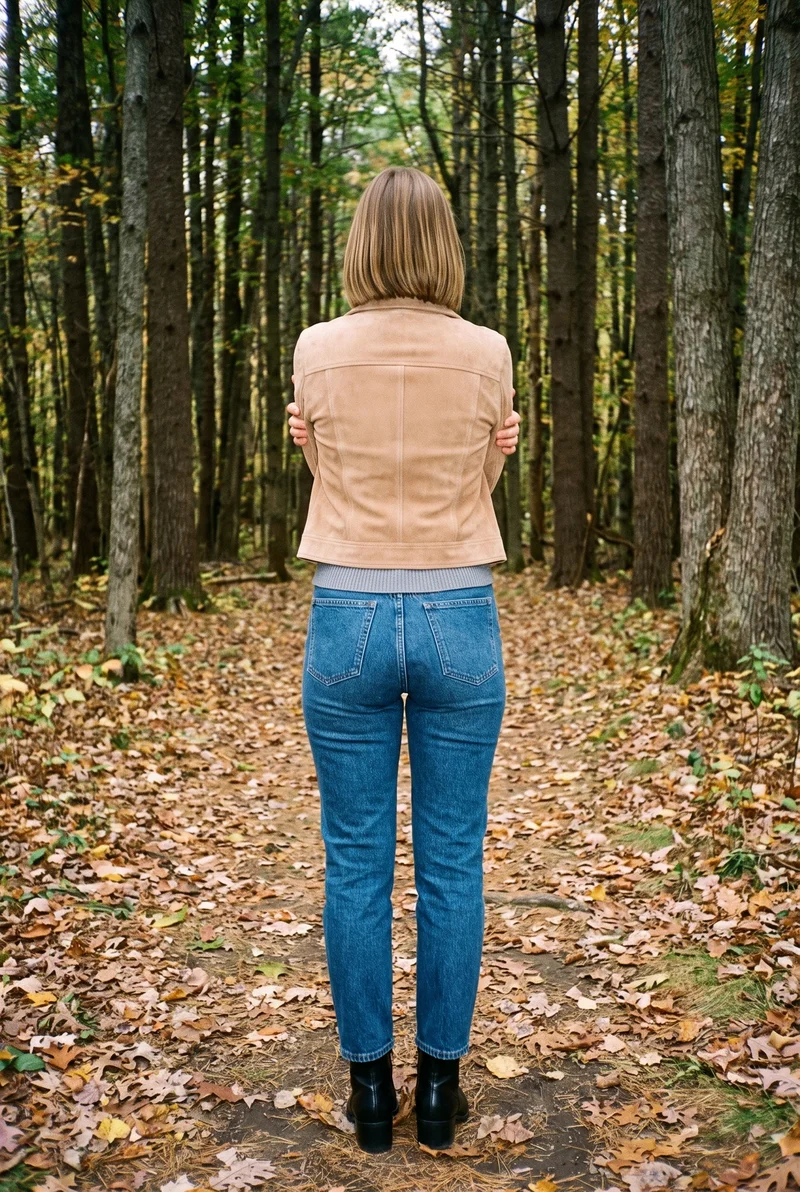
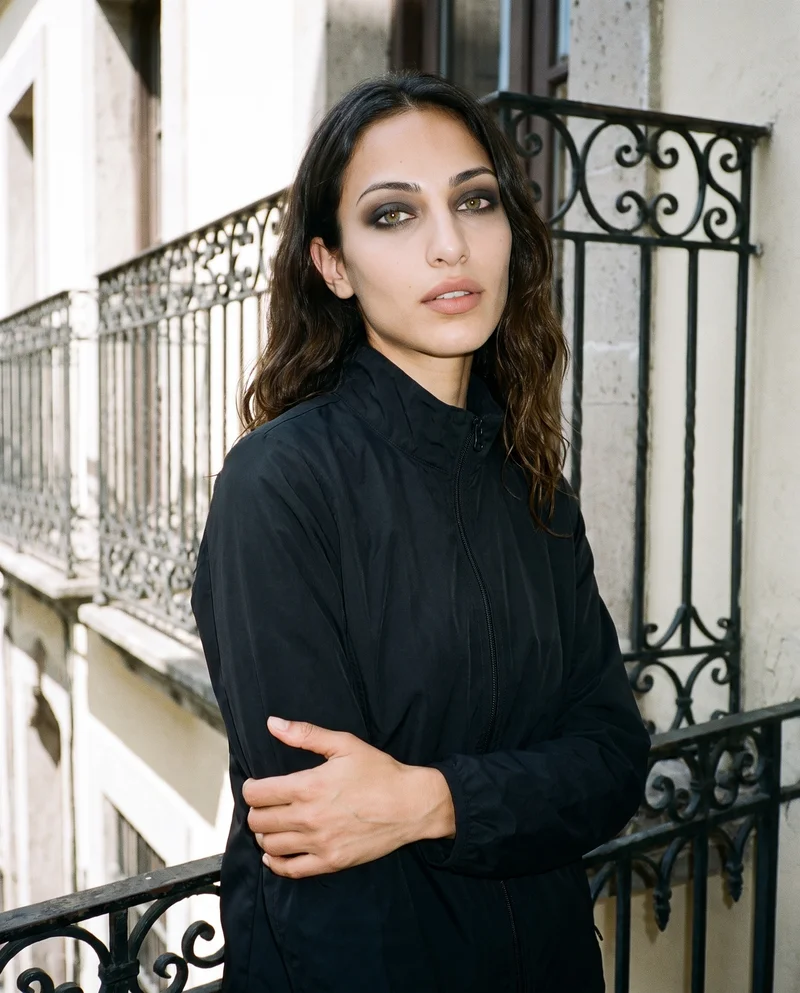
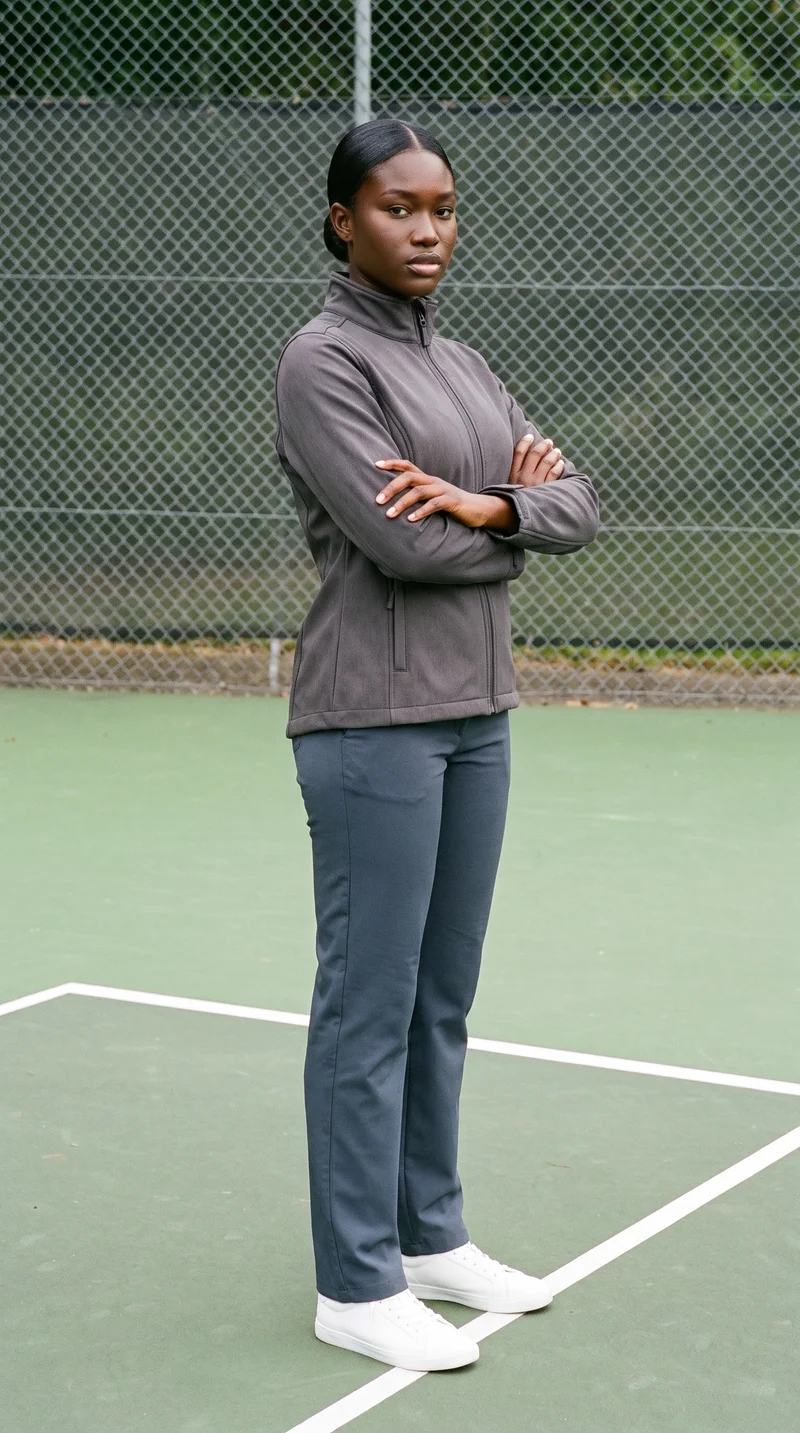
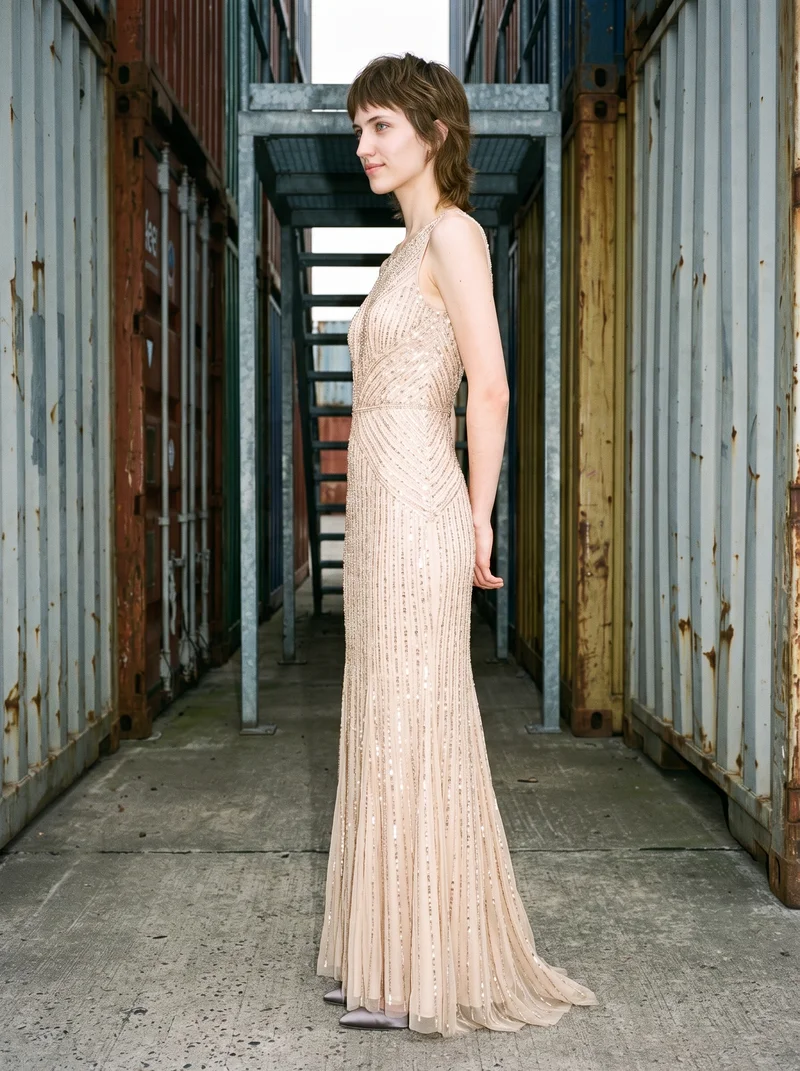
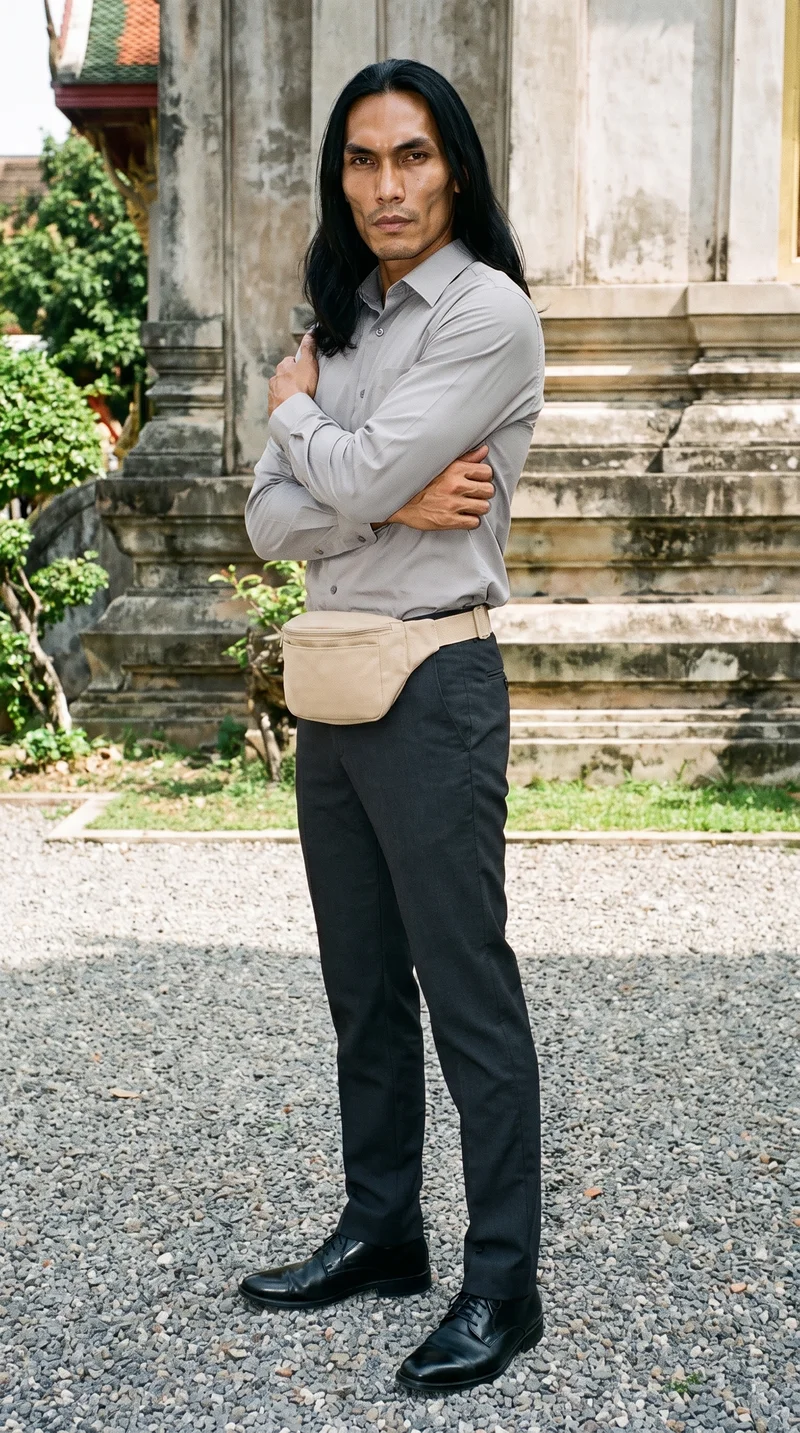
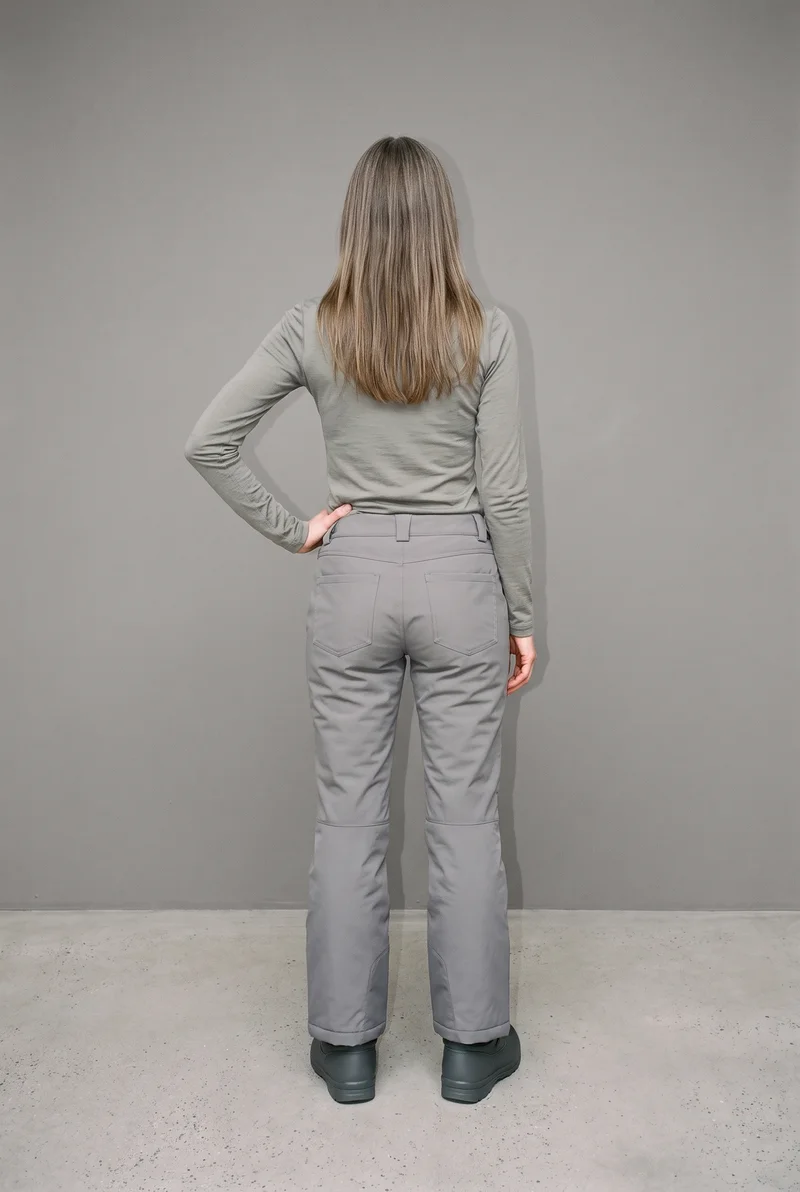
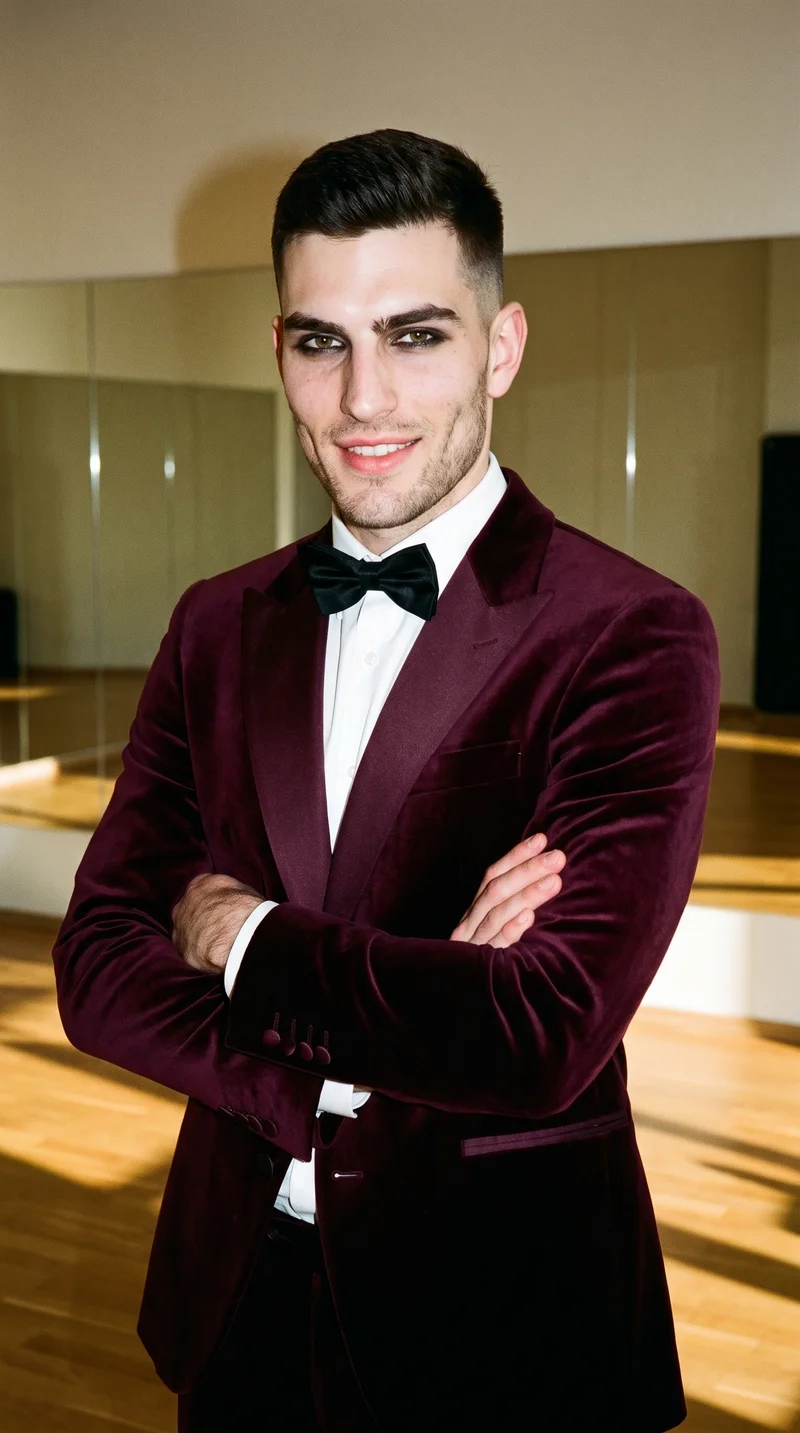
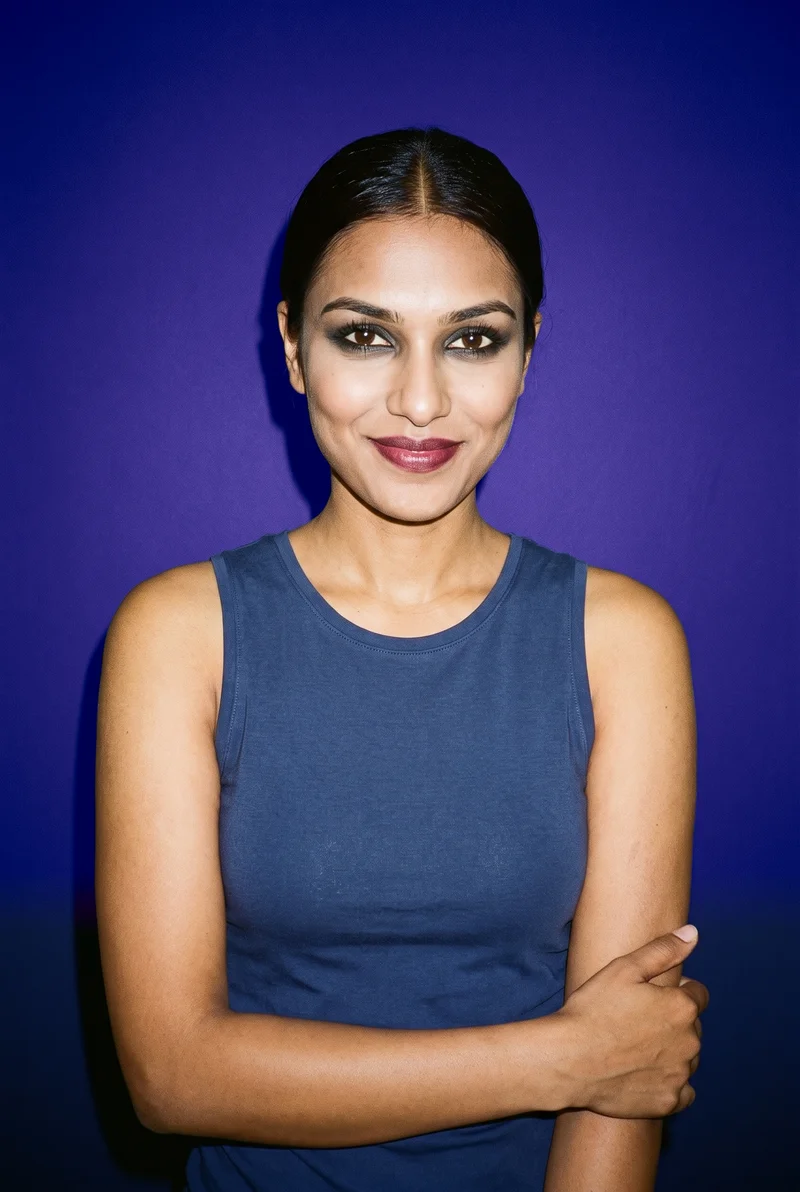
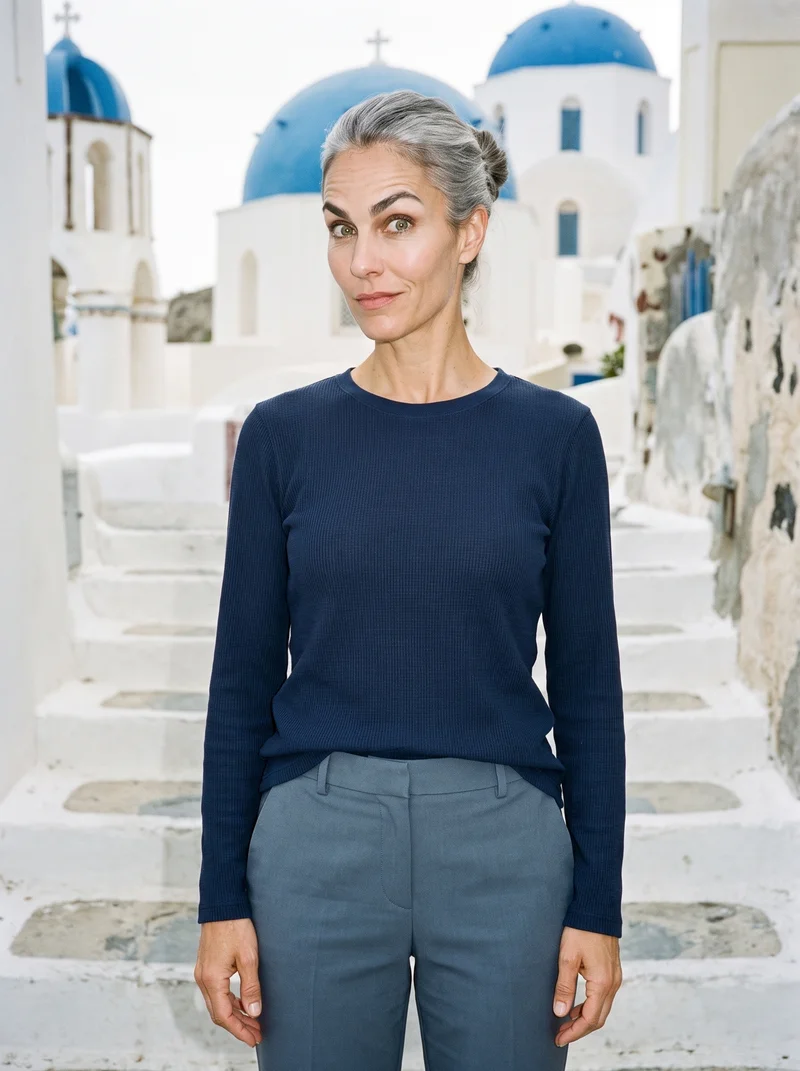
Showing 9 of 992, shot in RAWSHOT
Use cases
When a studio quote exceeds your launch budget.
Pre-order drop imagery
The situation
A pre-order drop exists as a mockup, but the studio quote exceeds the launch budget.
With RAWSHOT
Select the available product source, model, frame, pose and light direction. You get on-model product-page images that make the new piece easier to present for a pre-order drop.
Colourway product pages
The situation
Several colourways are ready, but the quote makes showing each one on its product page impractical.
With RAWSHOT
Choose one model and a clear composition, then change the product for each colourway. You get a connected image set for an e-commerce manager preparing pages for a live drop.
Defined launch coverage
The situation
A collection is ready, but the available budget supports only essential product-page imagery.
With RAWSHOT
Set the product source, model, frame and photography direction around the priority pages. You get a defined 2K set for launch planning and review.
Sketch-based testing
The situation
A first sample exists as a technical sketch, and the quote is too high for testing the piece during pre-production.
With RAWSHOT
Start with the sketch, select an adult model and direct the frame, pose and light. You get on-model product-page imagery while checking that colour and material cues are clear.
What you get
Product-page images keep each colourway launch-ready at 2K.
Plan a defined 2K set of on-model product-page images for a new piece and its colourways. The per-image approach keeps launch planning clear while the same composition choices give the collection a considered visual relationship.
On-model product images
Build product-page visuals around the real piece, with the chosen model, frame, pose and direction supporting how customers need to see it.
Colourway coverage
Plan imagery for a new piece and its colourways, keeping the selected composition relationship clear while reviewing every new generation.
Launch-ready 2K set
Define a practical 2K image set for the launch, with per-image planning that avoids promising an uncertain collection total.
Product detail review
Check hands, hardware, colour and material details at publishing so the final product-page selection represents the source accurately.
Direct the shoot
Choose your frame, view, pose and light direction.
Image frame
15
Pose
22 poses on this frame
Camera view
4
Format
9
Pose style
4
Facial expression
10
Photography direction
4
Create photoshoot
Step 7 of 7 · Composition
Image 1 · readyGallery image from this pageProduct
Your product
Model
From the library
Composition
Full Body · Front View · Catalog pose · Neutral
Delivery
2K · 1:1
Light
Studio Cutout
Total cost
5 tokens
AI fashion models
Select a consistent wearer from 1,197 library choices.
1,197 licence-free grown models across ages and body types. Or build a private model from visible attributes.
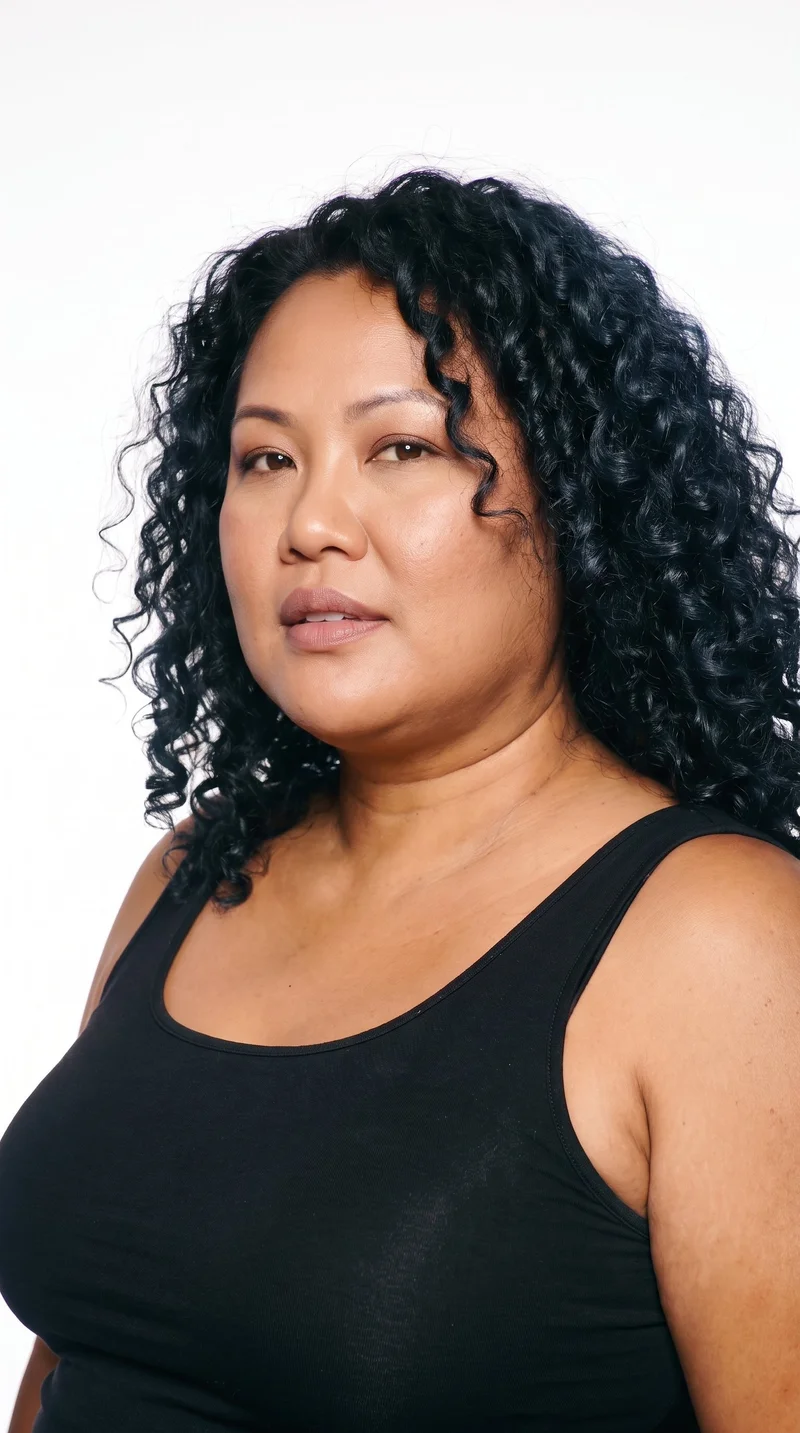
Female · 45
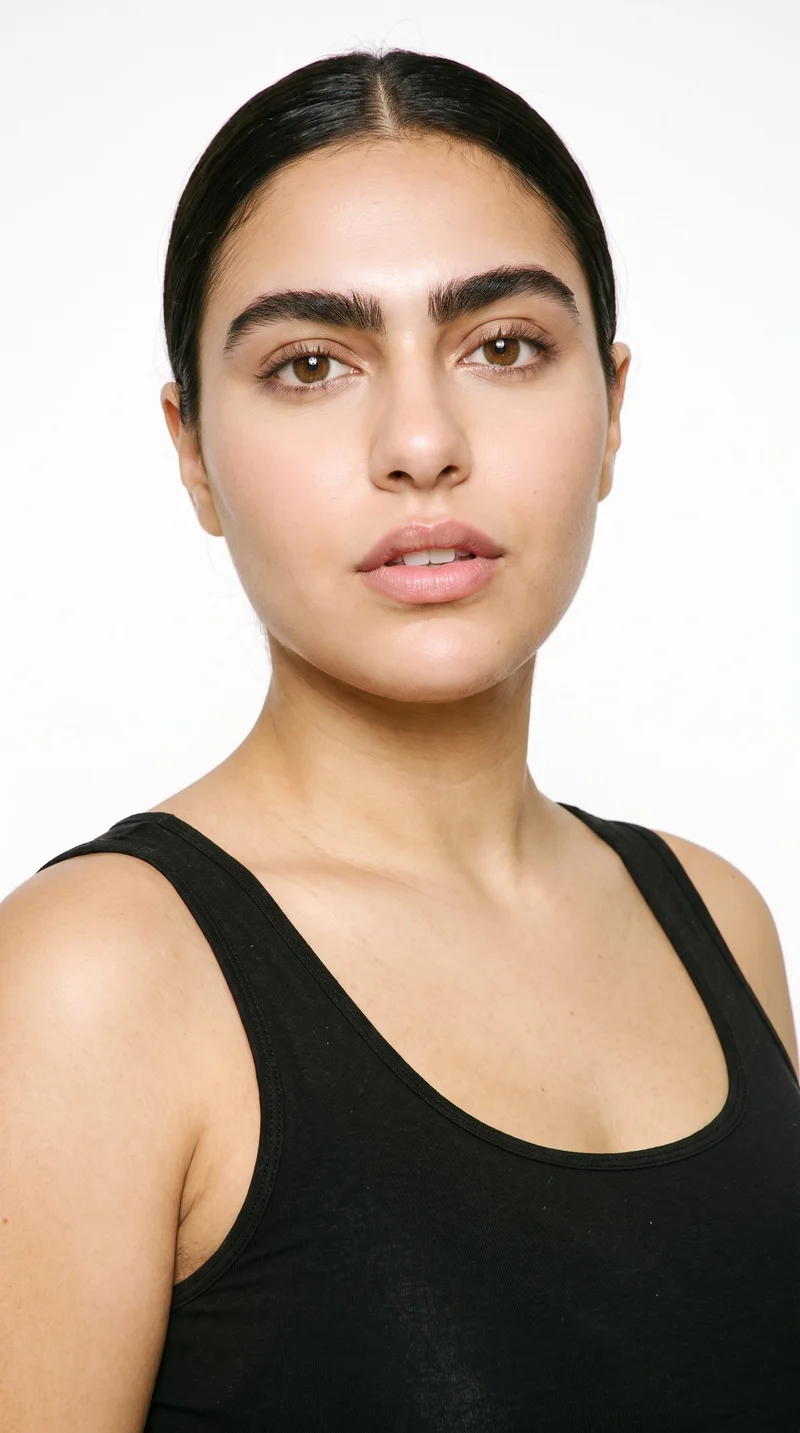
Female · 25
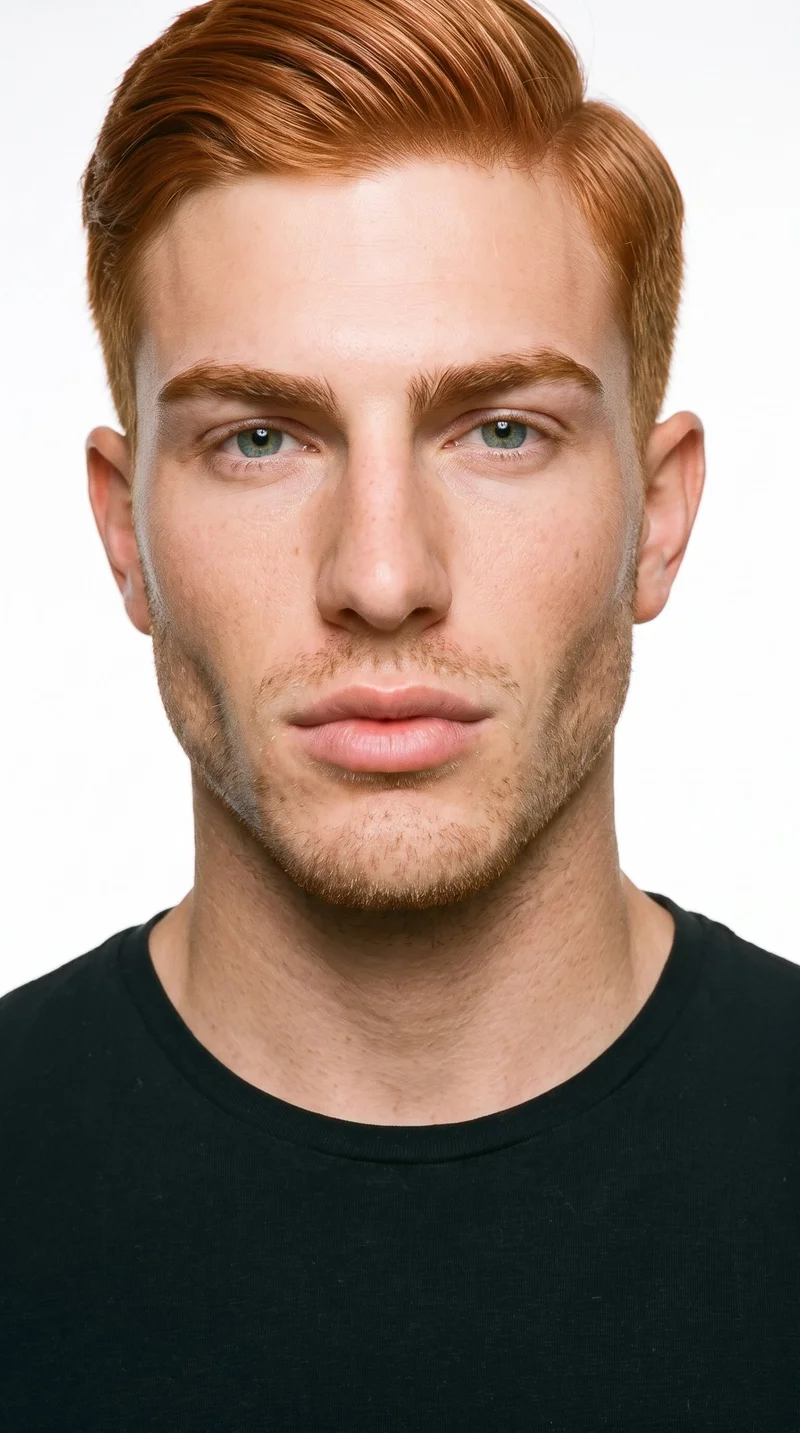
Male · 18
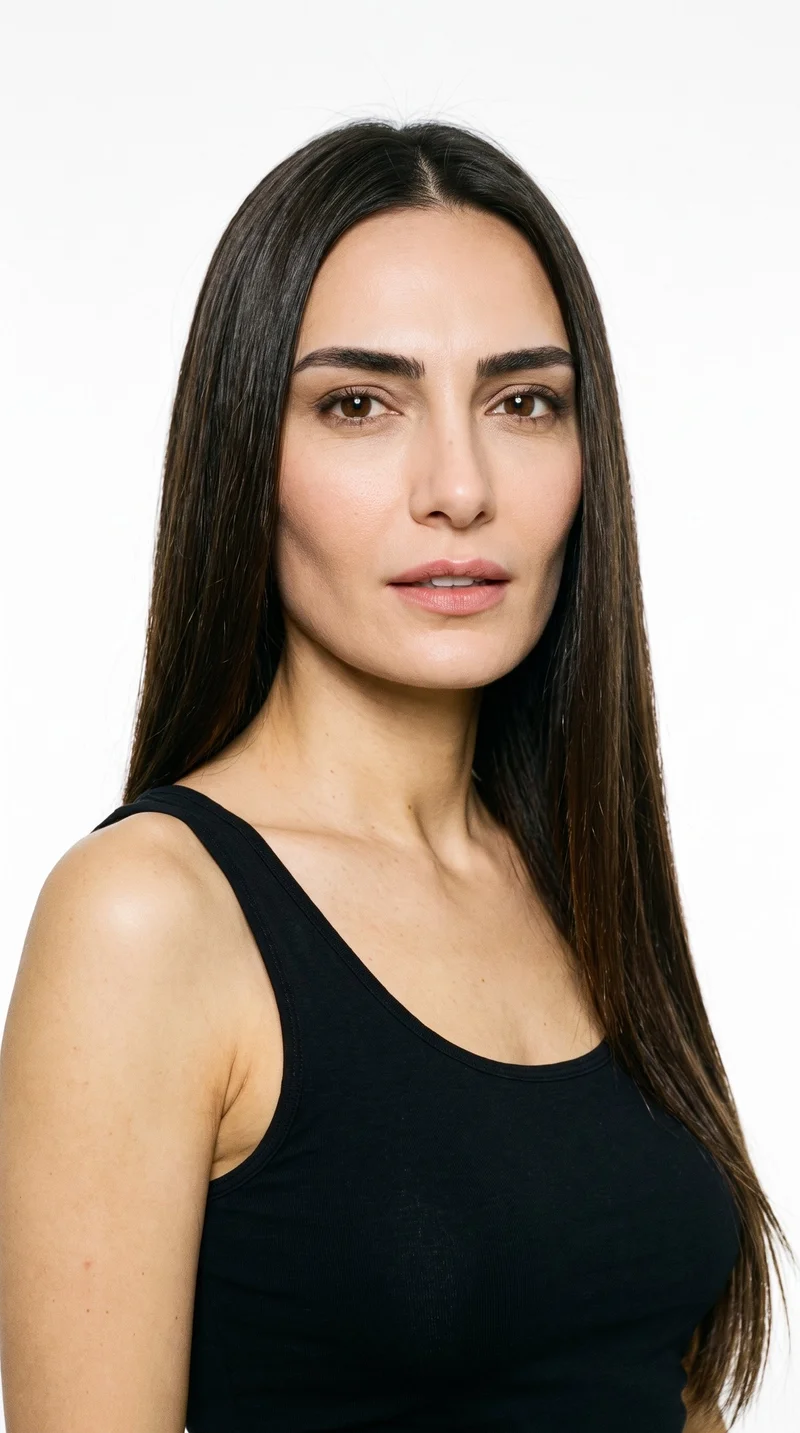
Female · 46
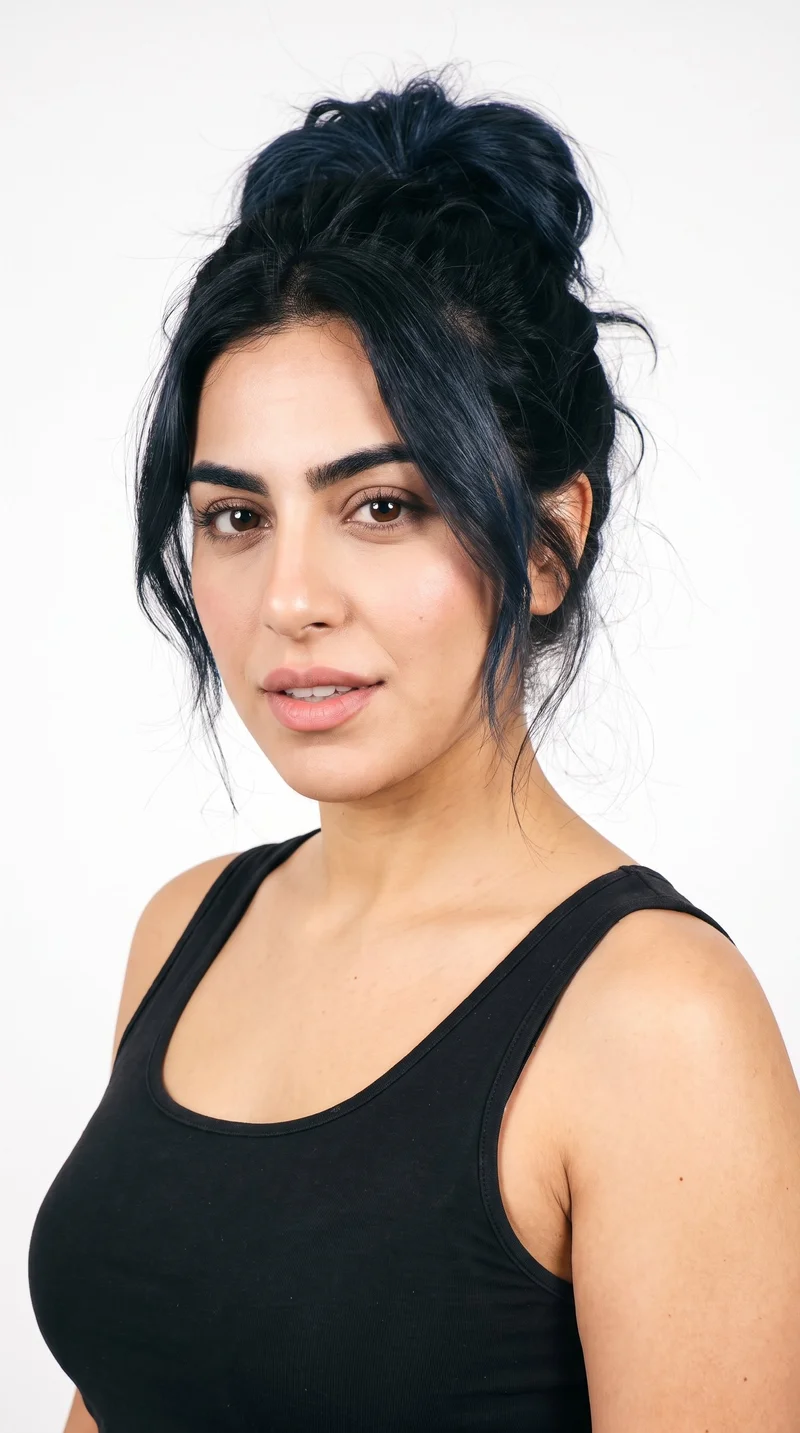
Female · 23
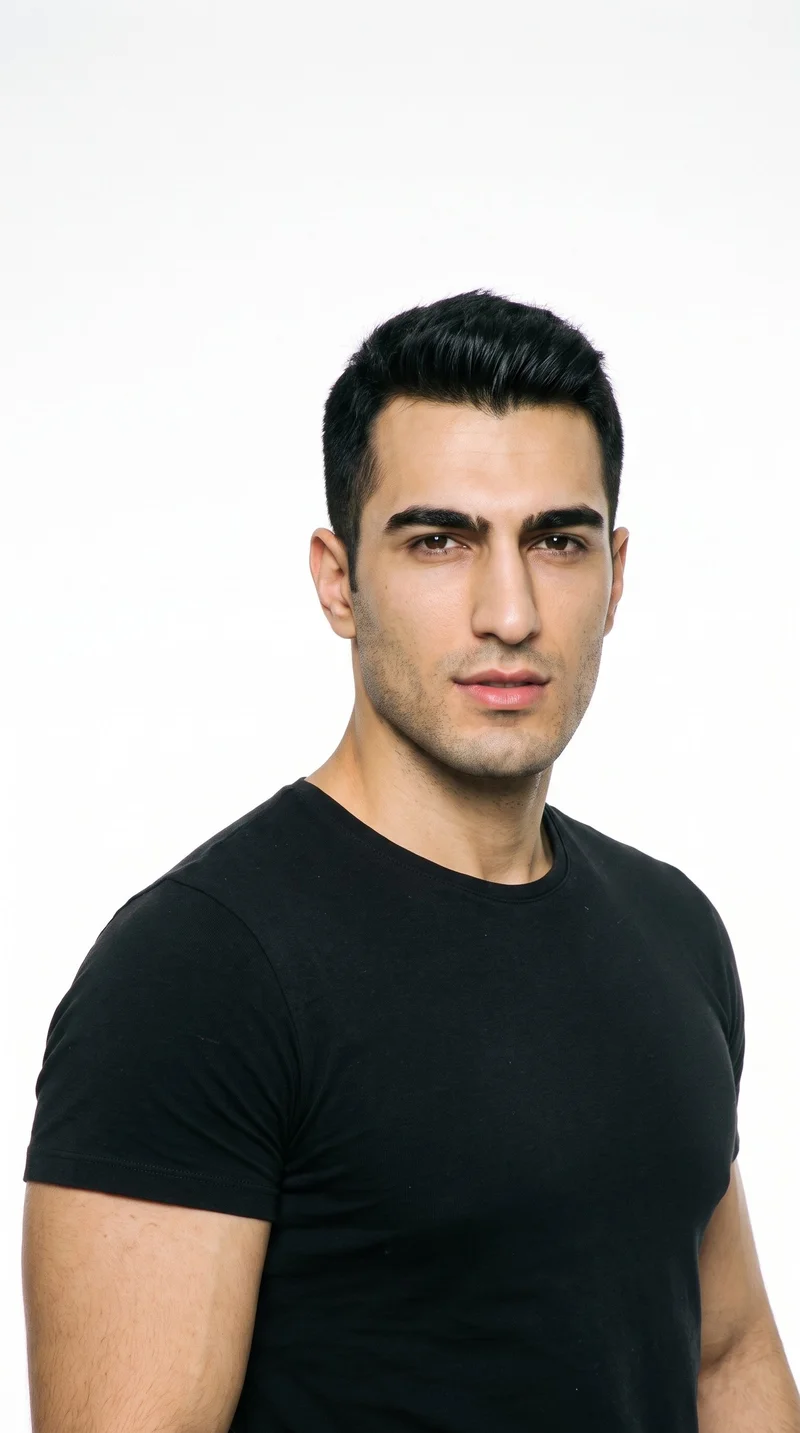
Male · 25
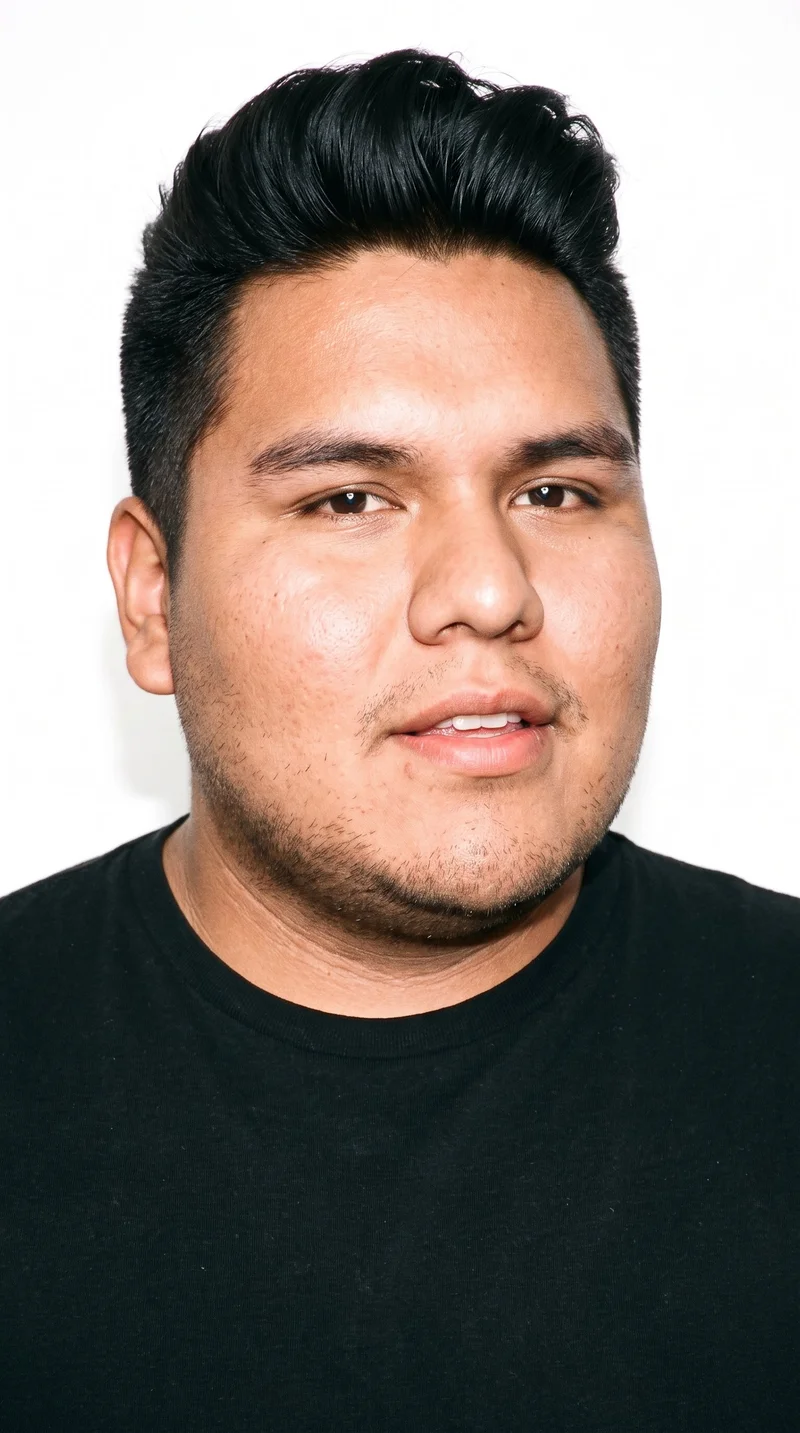
Male · 23
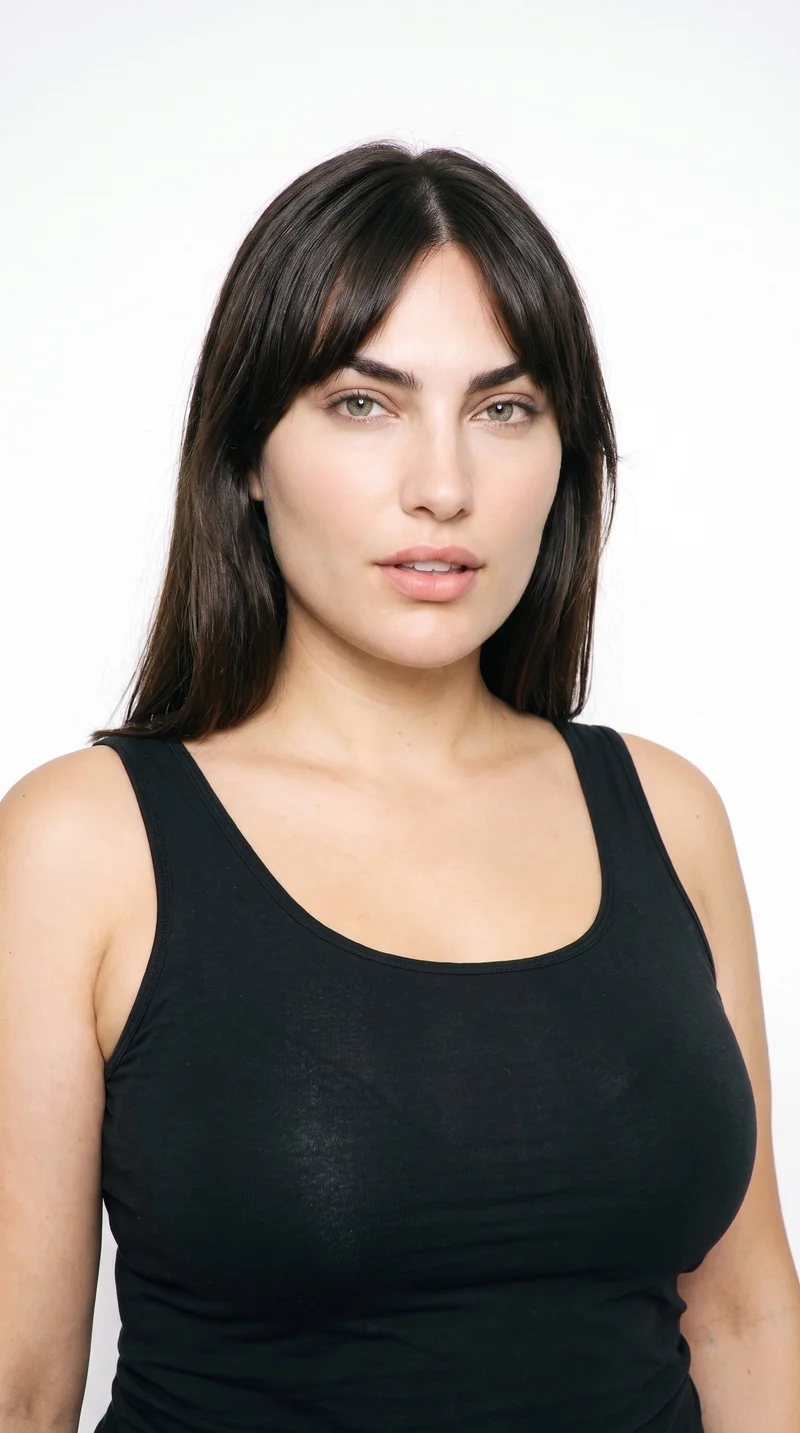
Female · 33
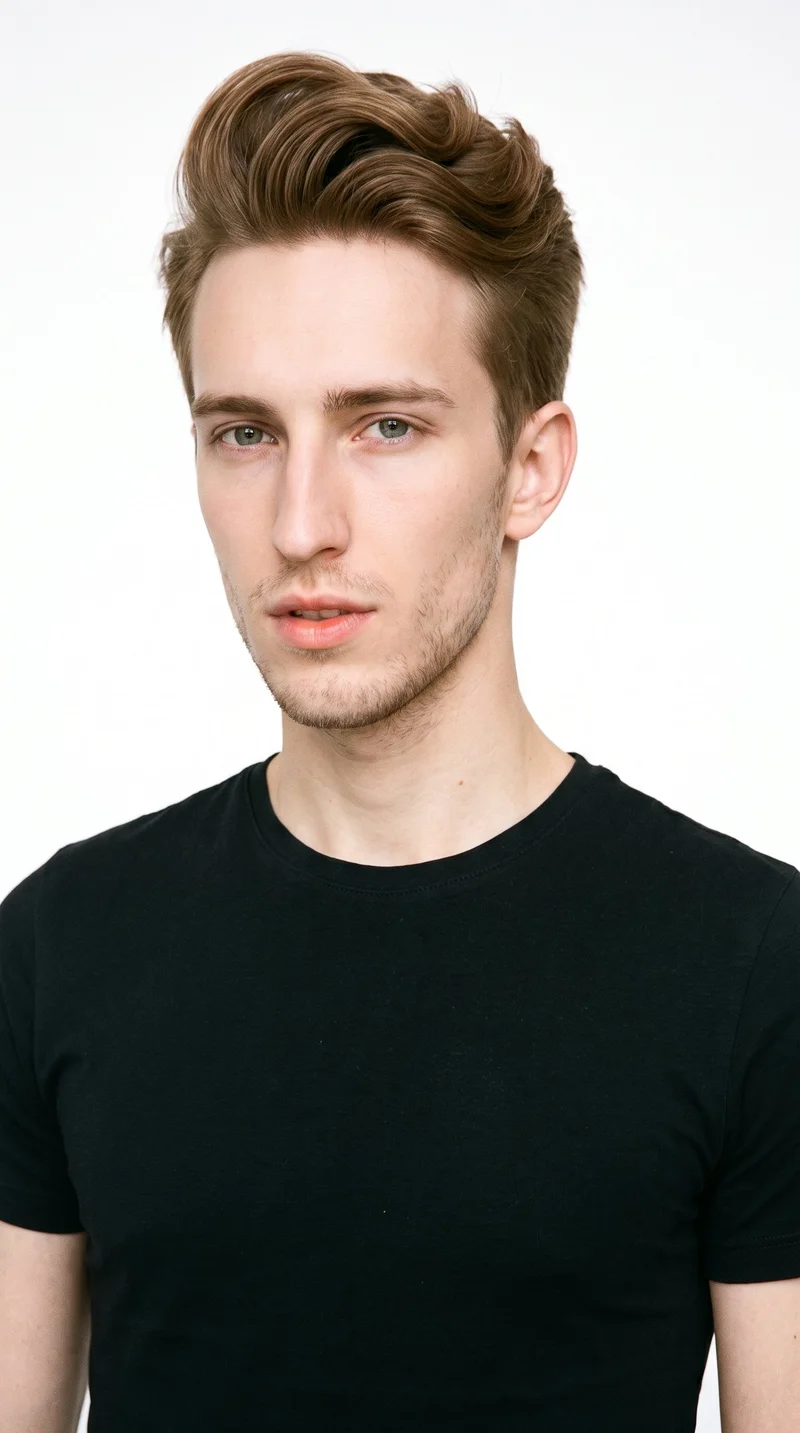
Male · 20
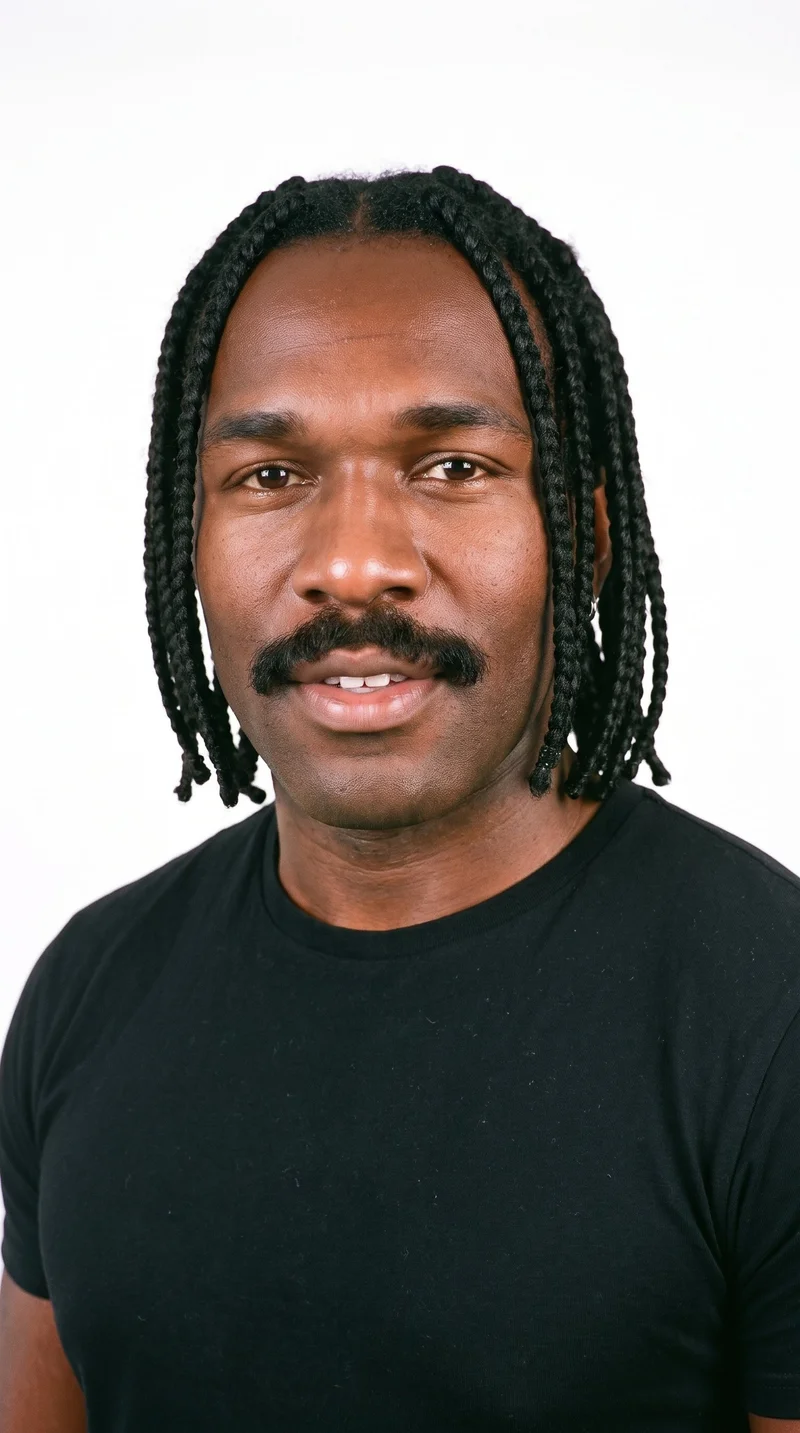
Male · 35
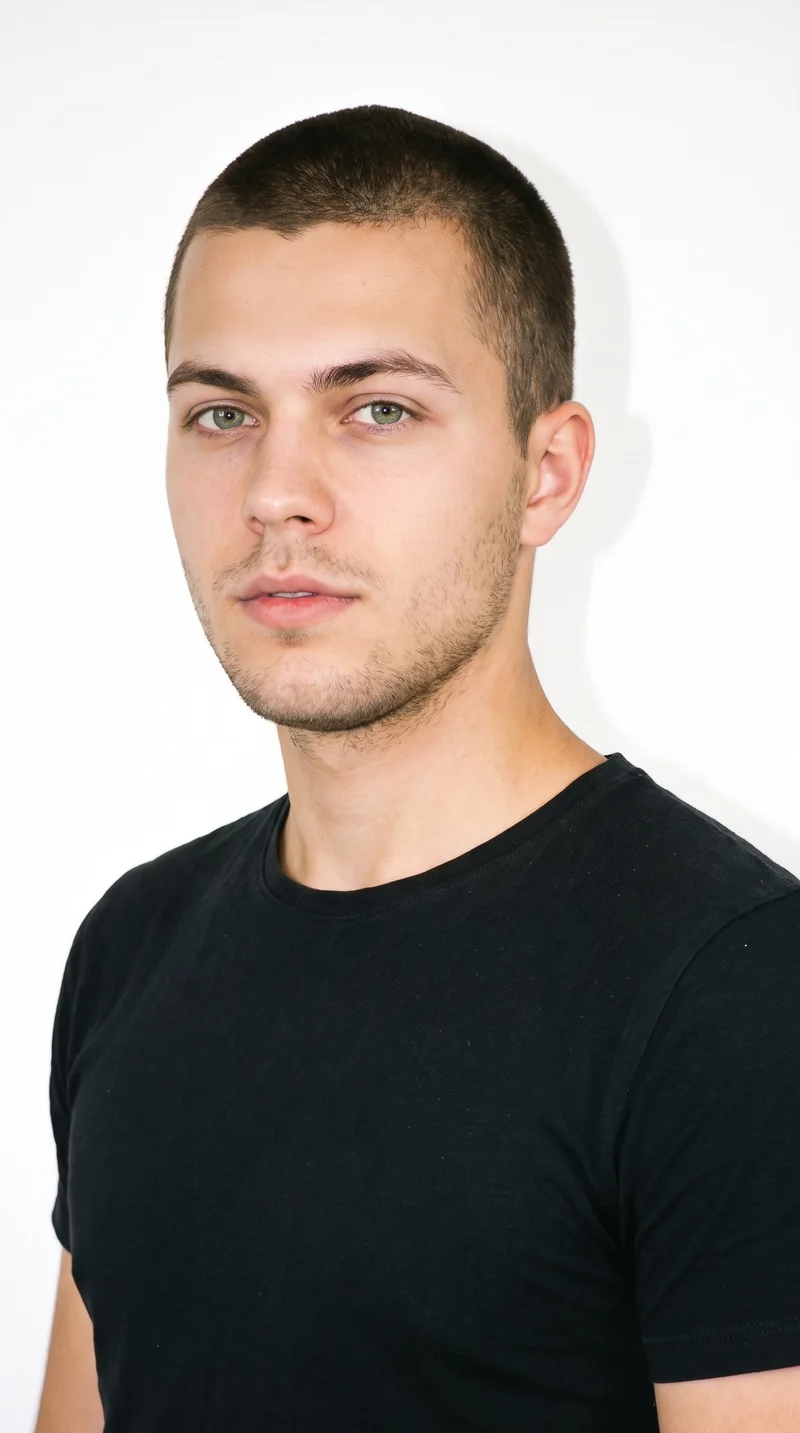
Male · 21

Male · 42
Showing 12 of 1,197
Cast your modelRawshot Features
Direct each frame toward its product-page purpose.
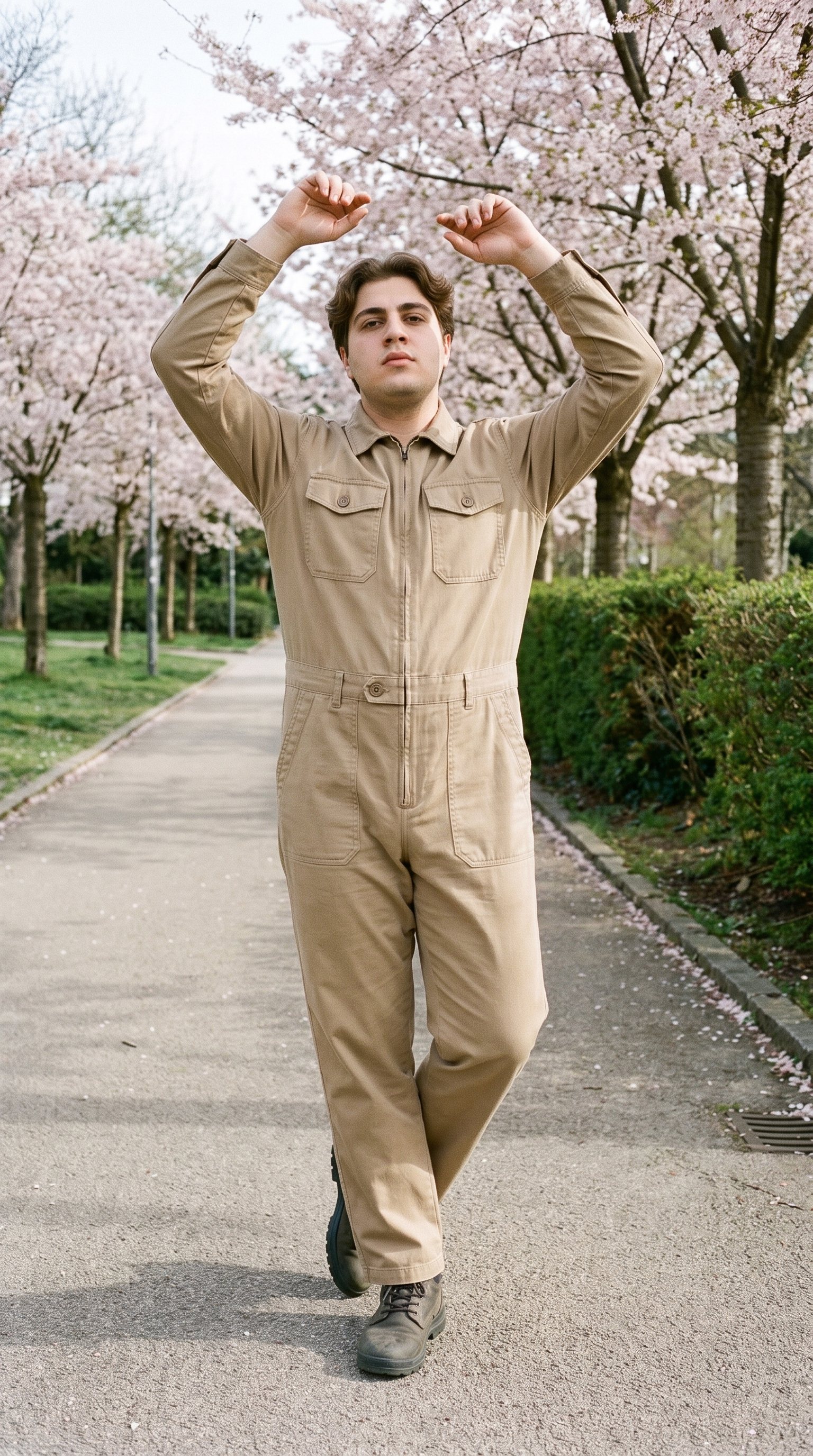
Fashion model poses
Choose a frame and pose that show the piece clearly on the product page, from a complete look to an useful detail.
22 poses on a full-body shot · 104 in total
See the feature →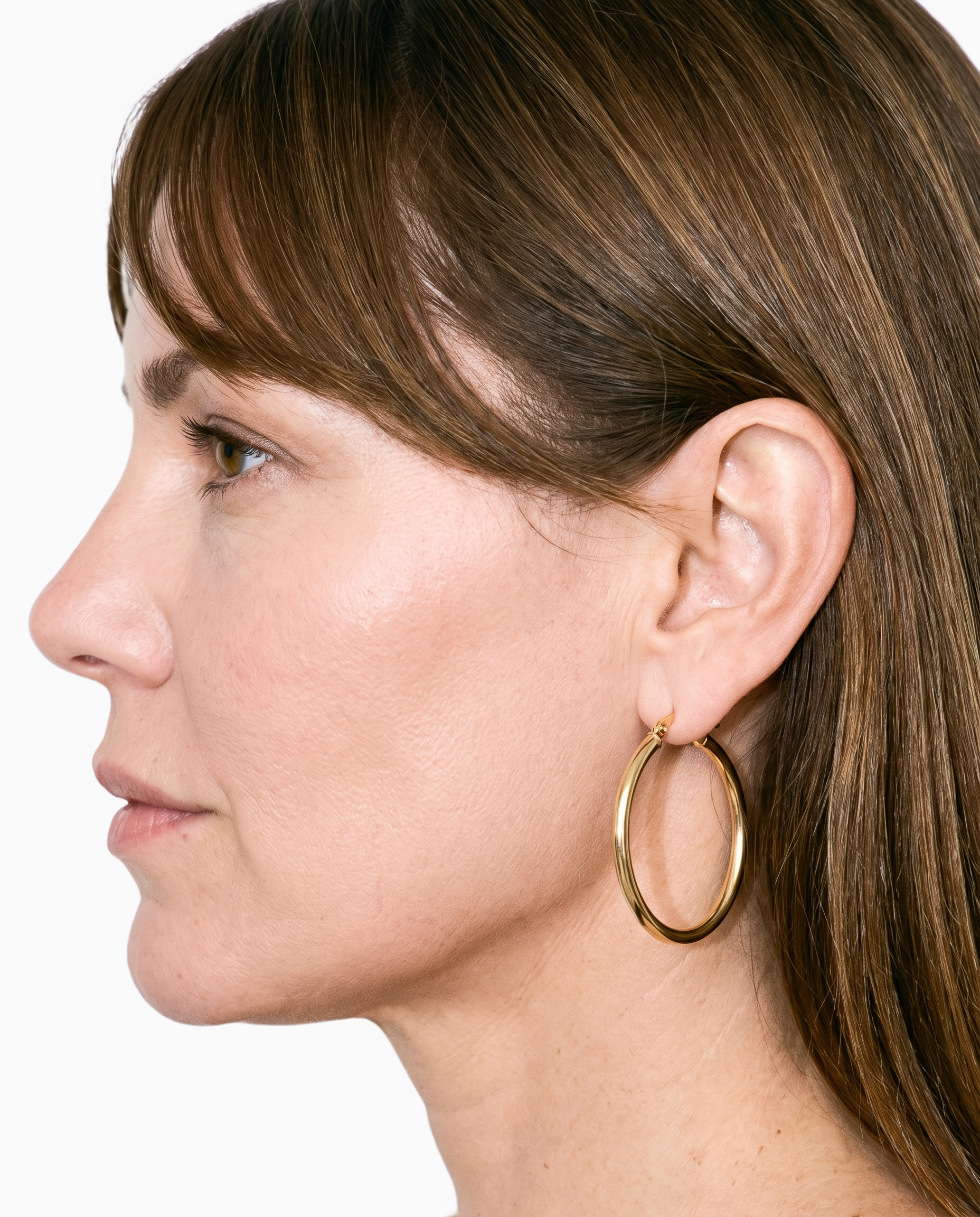
Product import and handling
Start from the product material already available so the budget conversation reflects a real piece, mockup, flat-lay or technical sketch.
Start from your real item and keep product fidelity while building the scene.
See the feature →
AI model generator
Select a model that suits the range and keep that identity present across colourways for a more connected product-page set.
Library filters plus private model building for consistent identity across the set.
See the feature →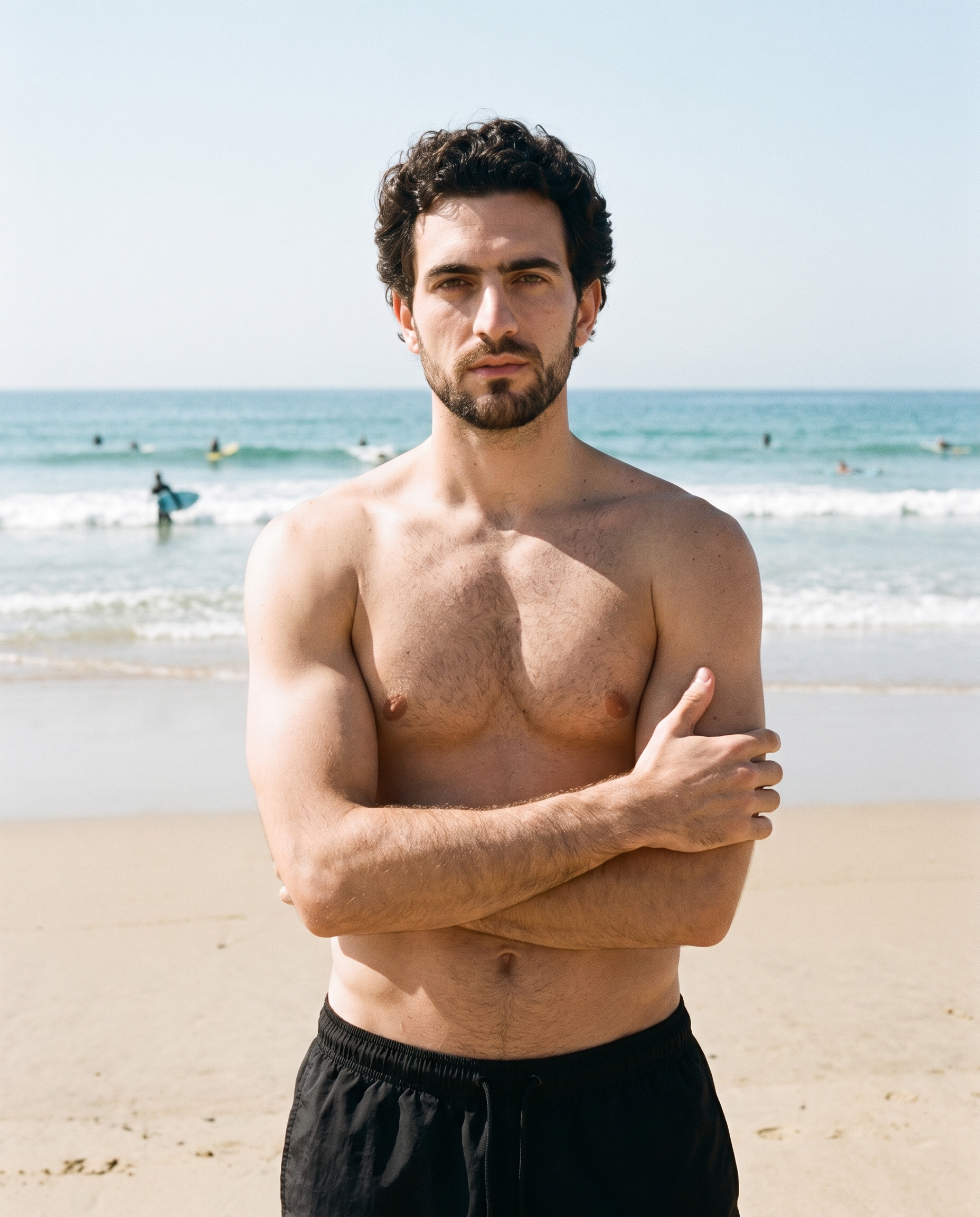
Photography direction
Choose a named light direction that gives the planned product-page imagery a clear visual purpose for each image.
4 named choices that set mood and shadow the same way across a shoot.
See the feature →AI image quality control
Every generated image is checked against your model, frame, view and pose before you see it.
AI image to image generator
Change one decision and keep the rest of the composition stable.
AI image to video generator
17 model actions on a full-body shot · 132 in total
AI makeup generator
Branch-aware named options applied without altering casting or scene setup.
AI outfit generator
Combine the main piece with neutral supporting items in one coherent frame.
AI photo background generator
Swap scene context while keeping model, product, and framing stable.
AI suggestions
Preselected control values you can always override in the same configurator.
Garment styling
Choose how the garment is worn and keep brand presentation consistent.
Inspiration gallery
Load editable finished looks as fast starting points for new shoots.
Gallery
Shot in RAWSHOT, defined choices shape each view.
See how defined choices shape product-page imagery for a new collection at launch.
Looks & backgrounds
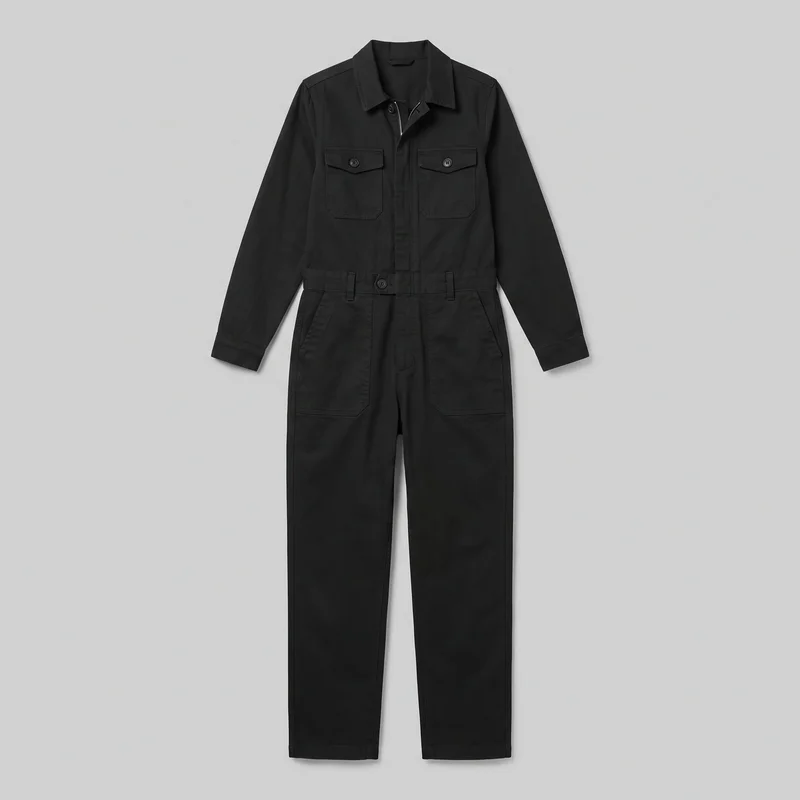 Women's Black Boilersuit
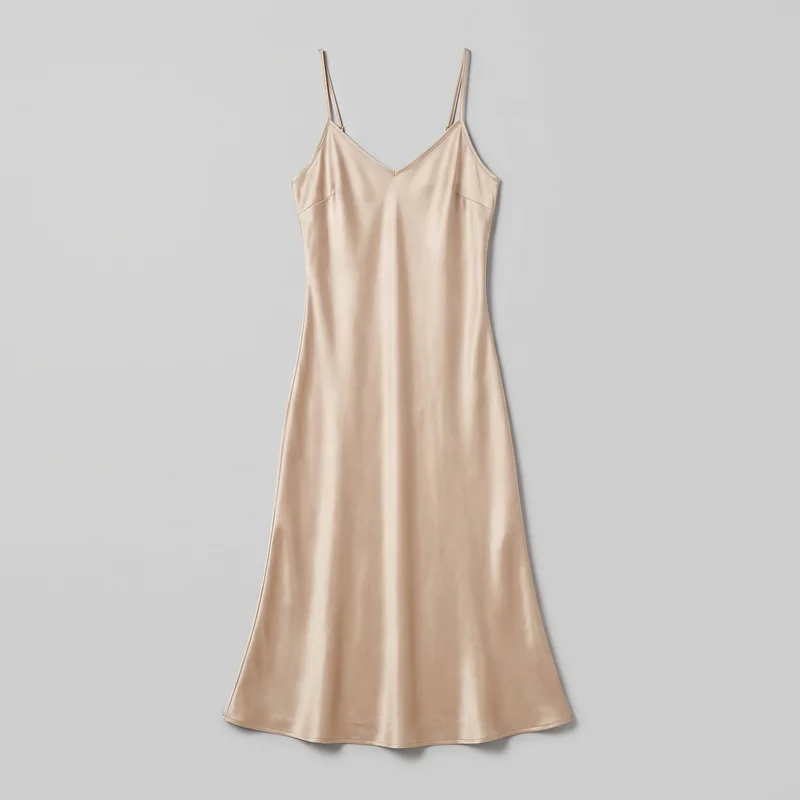 Champagne Slip Dress
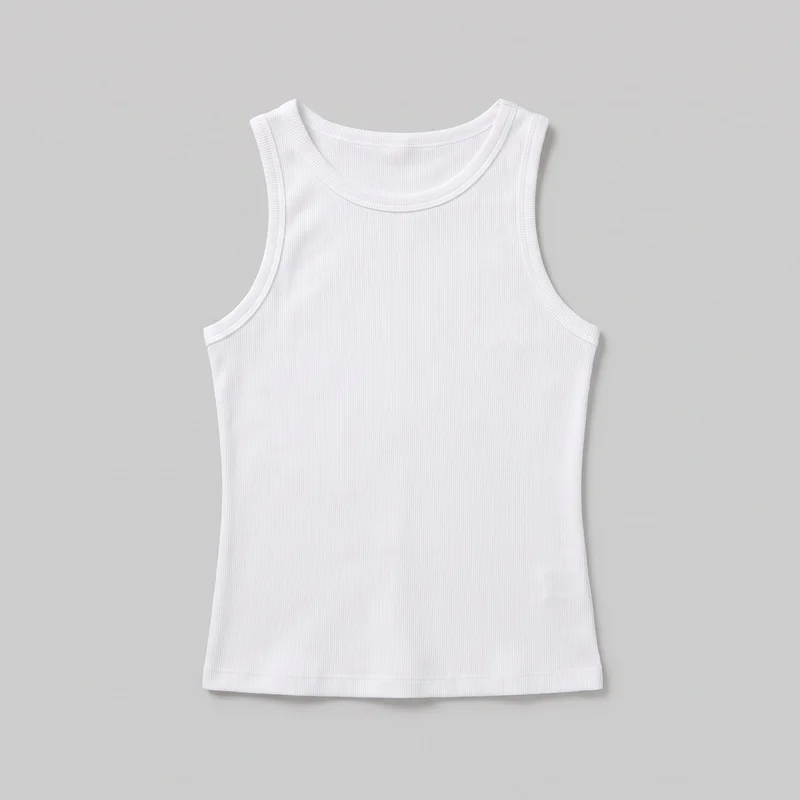 Women's White Ribbed Tank Top
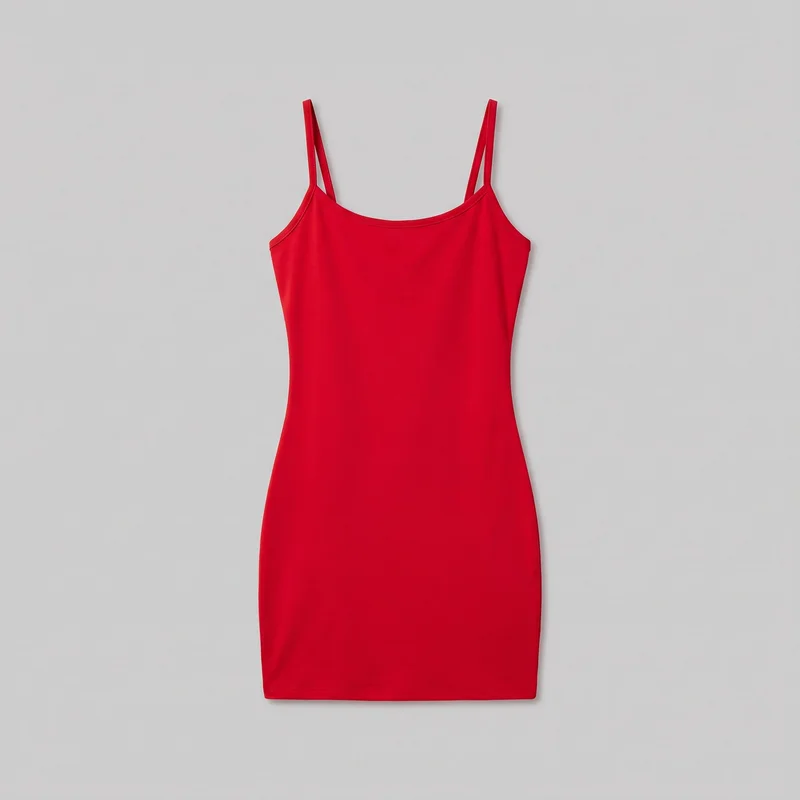 Red Bodycon Mini Dress
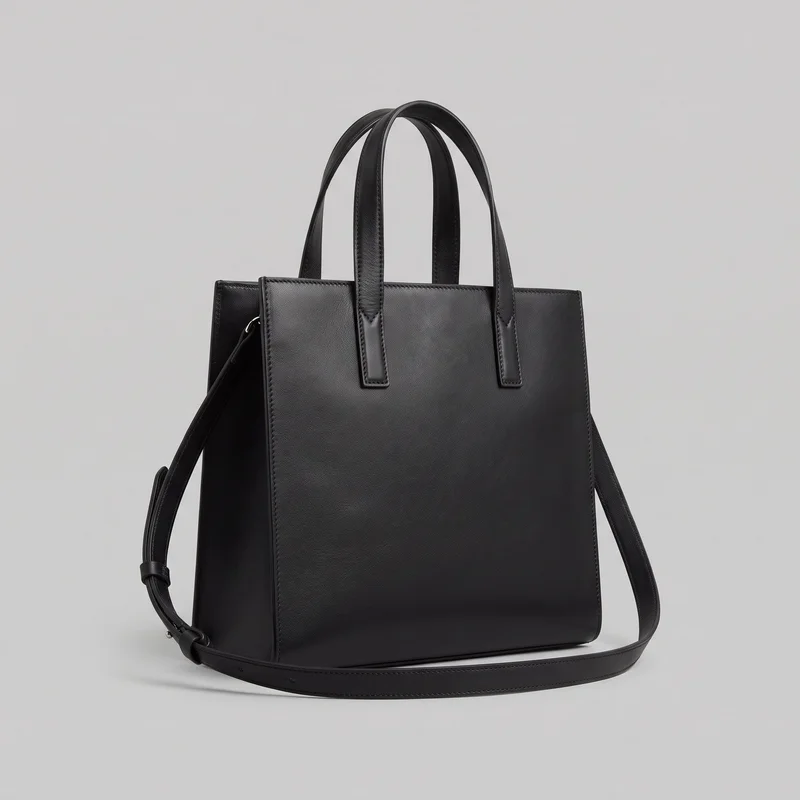 Black Leather Tote
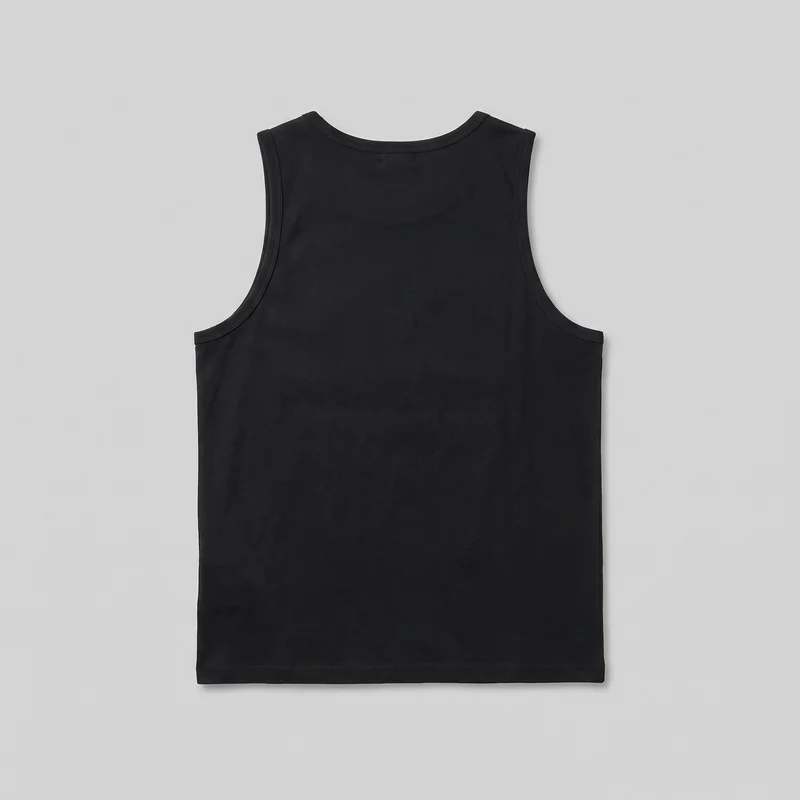 Black Vest
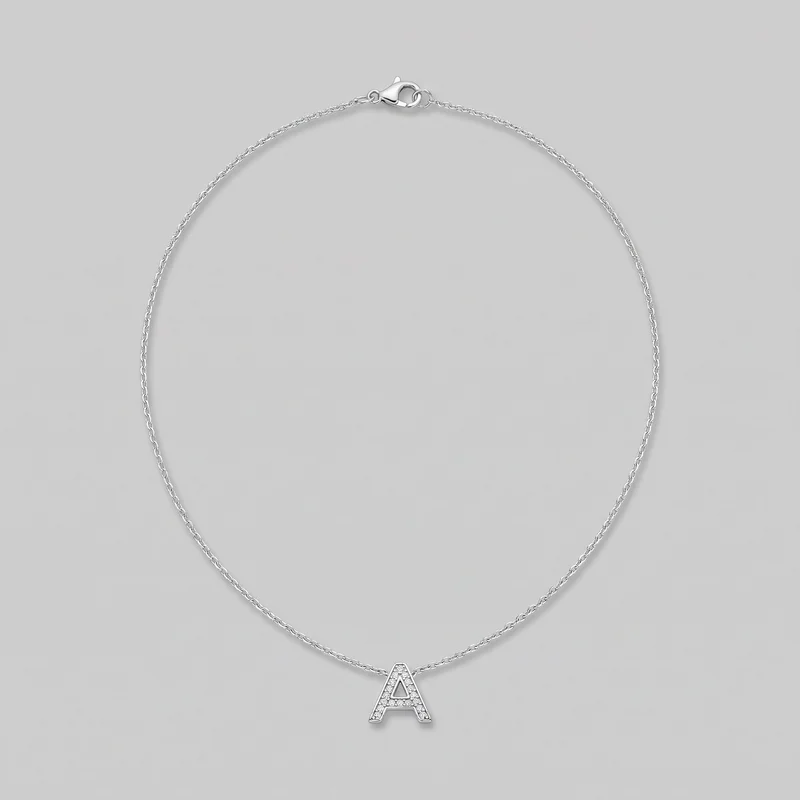 Women's Initial Pendant
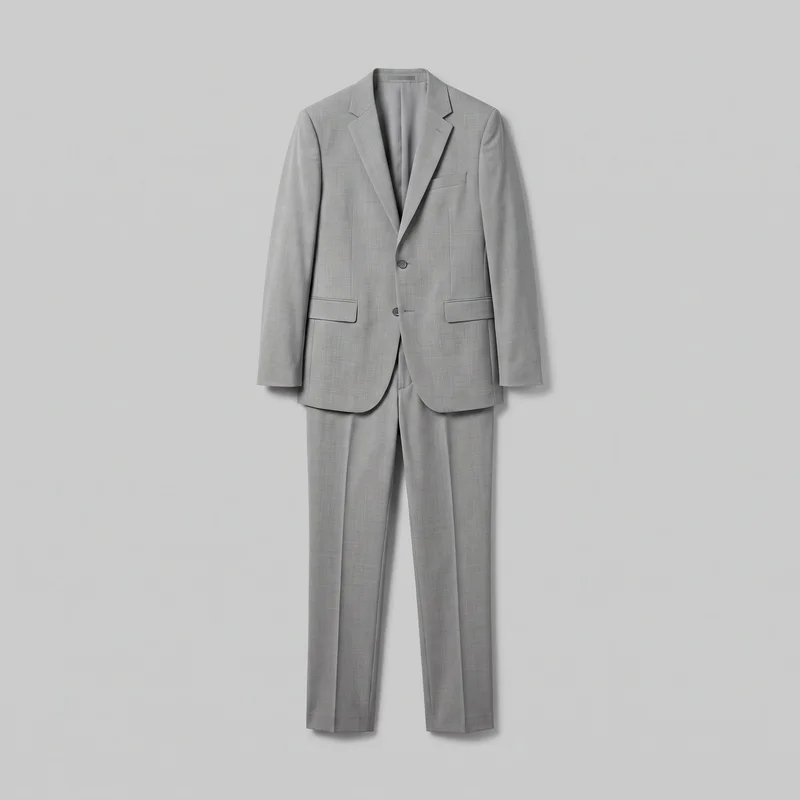 Men's Light Grey Suit
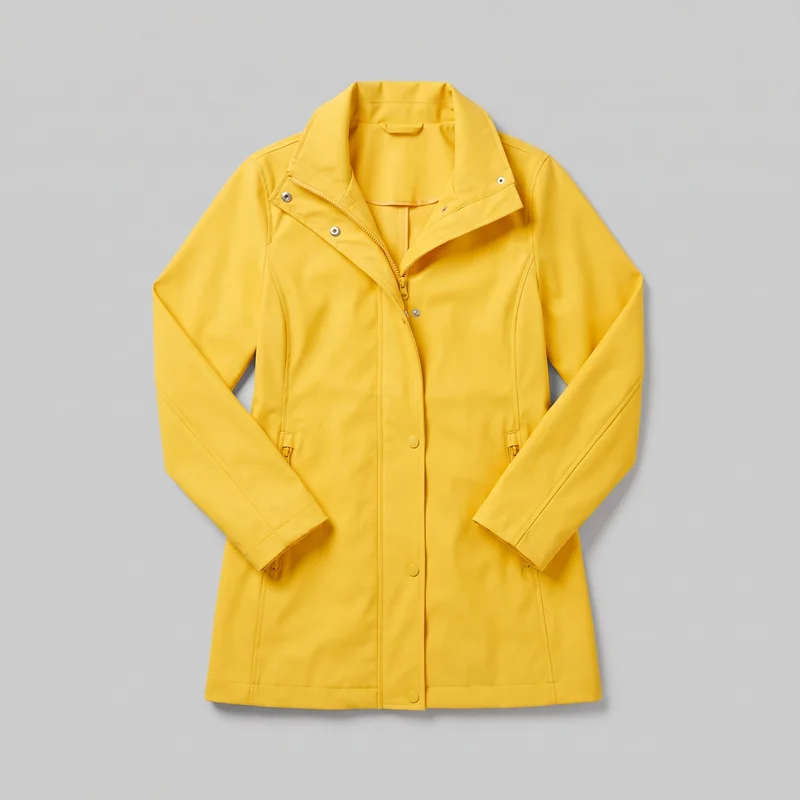 Women's Yellow Rain Mac
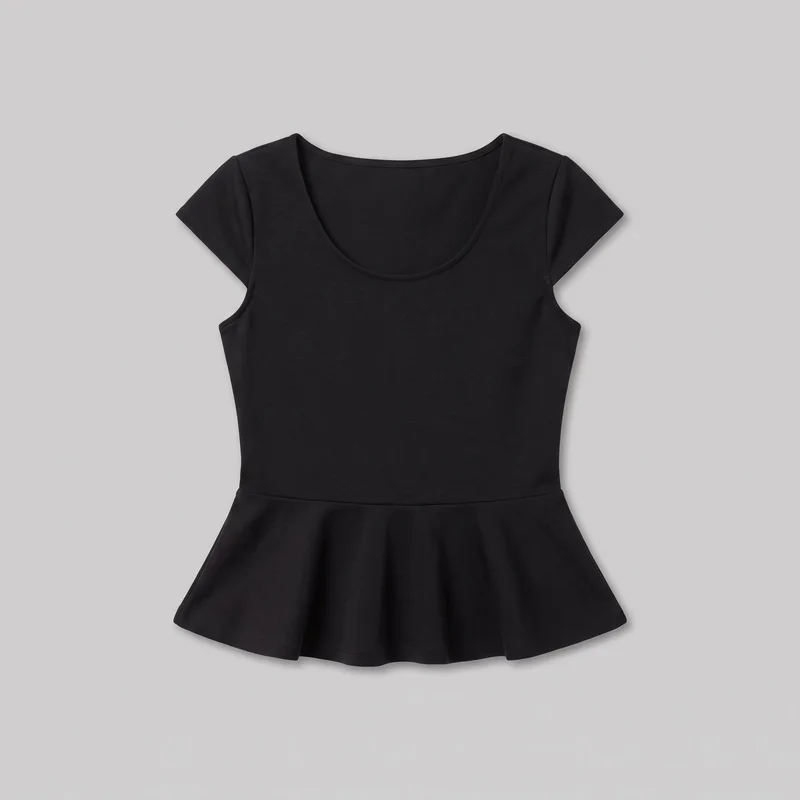 Black Peplum Top
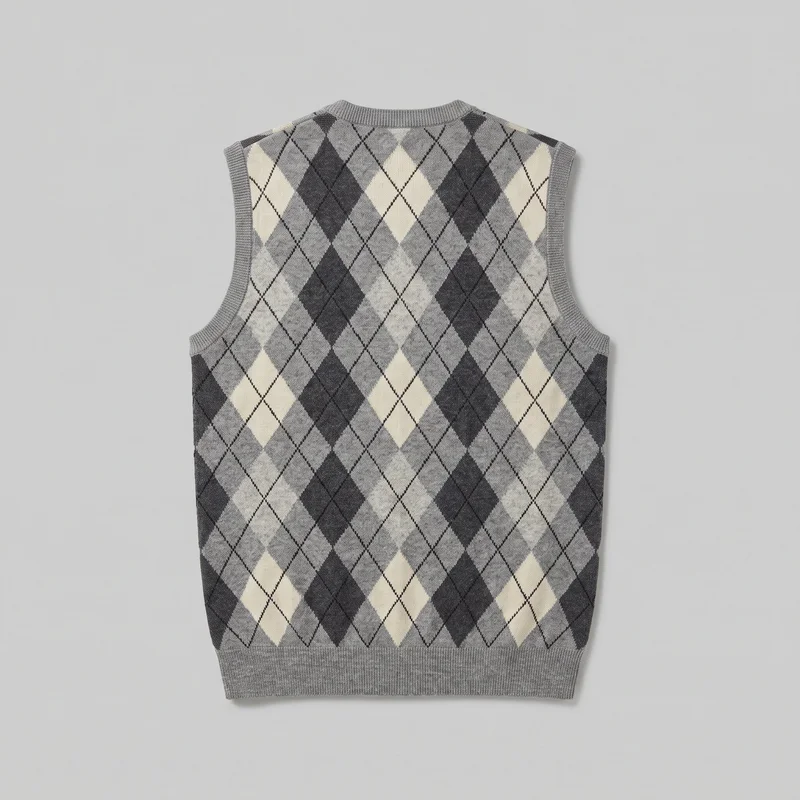 Men's Grey Argyle Sweater Vest
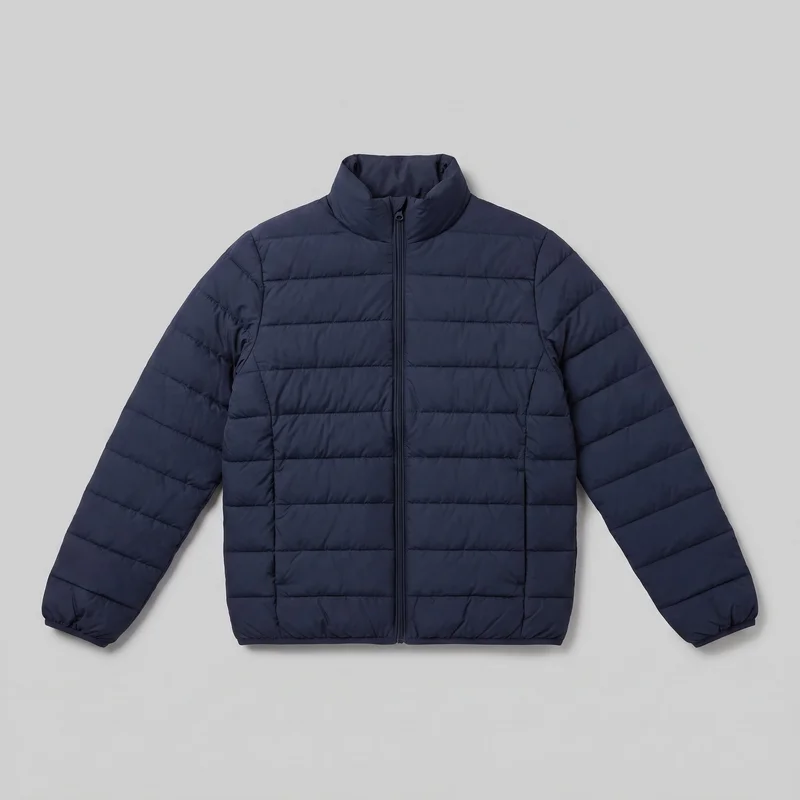 Men's Navy Padded Jacket
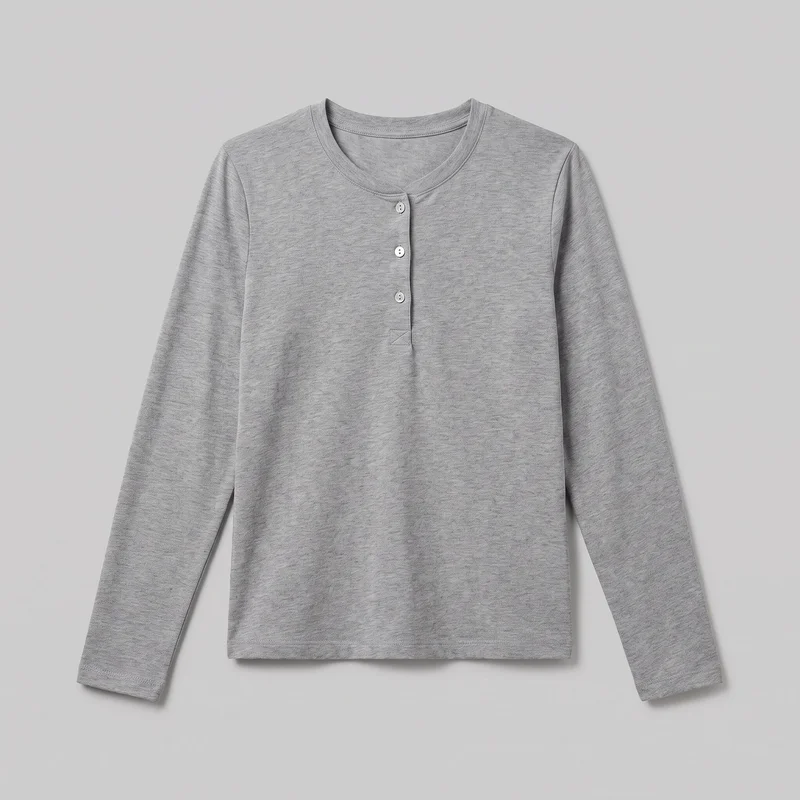 Women's Grey Cotton Henley Top
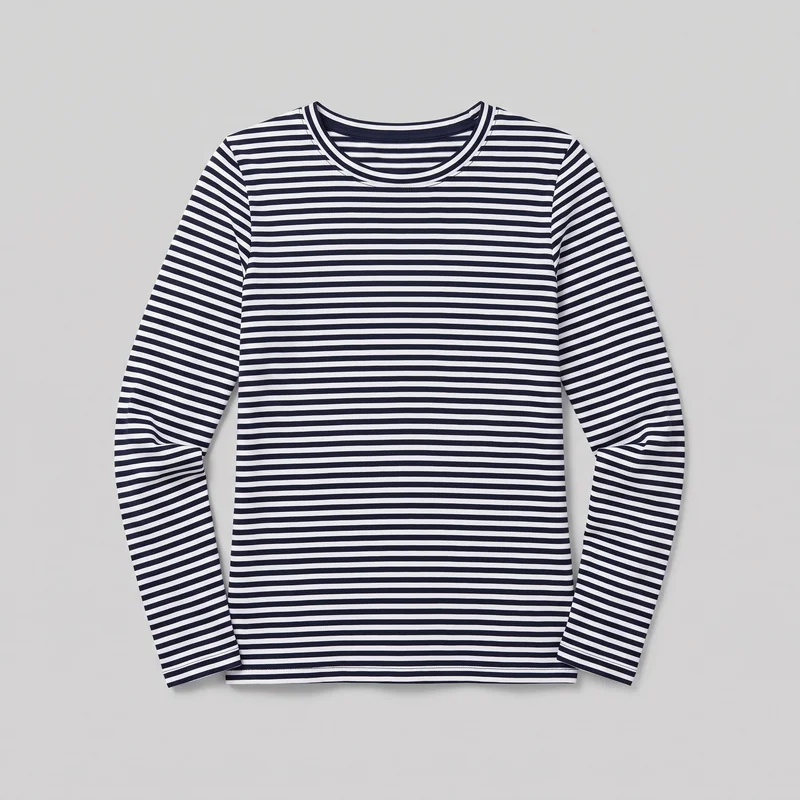 Women's Navy Striped Long-Sleeve Tee
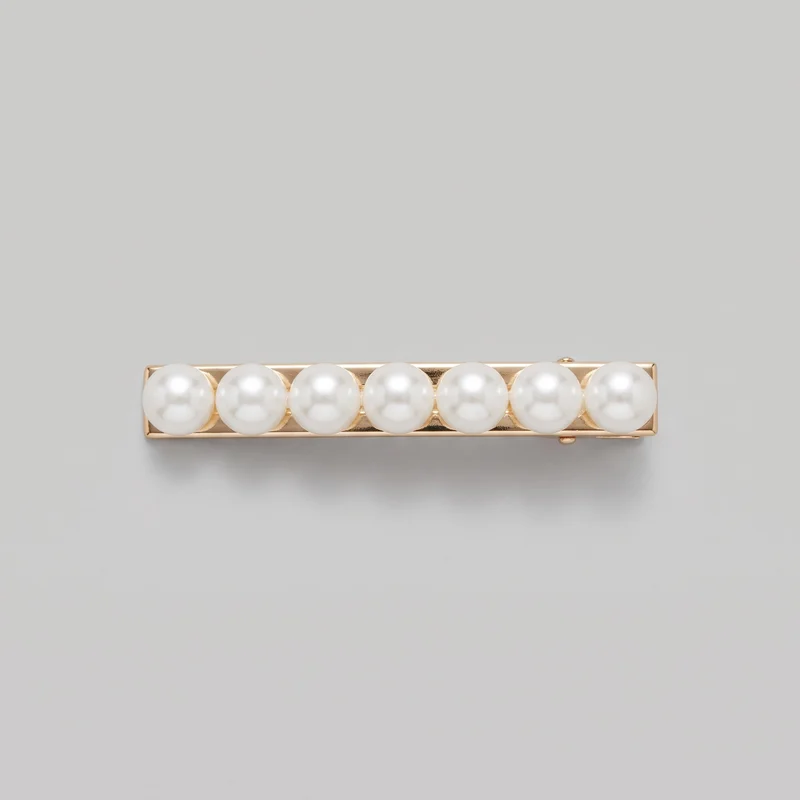 Pearl Hair Clip
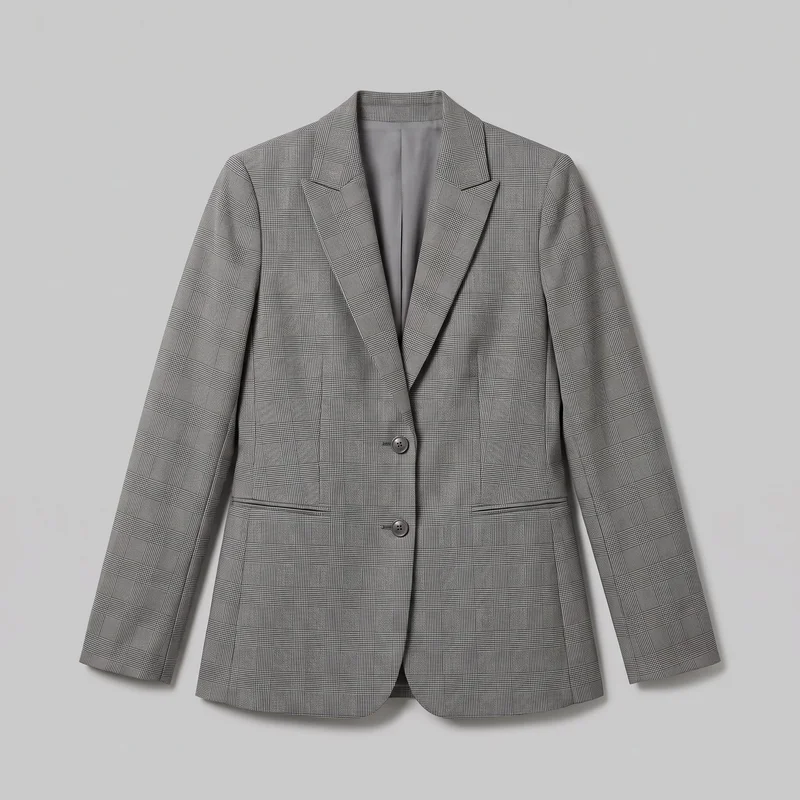 Women's Grey Checked Blazer
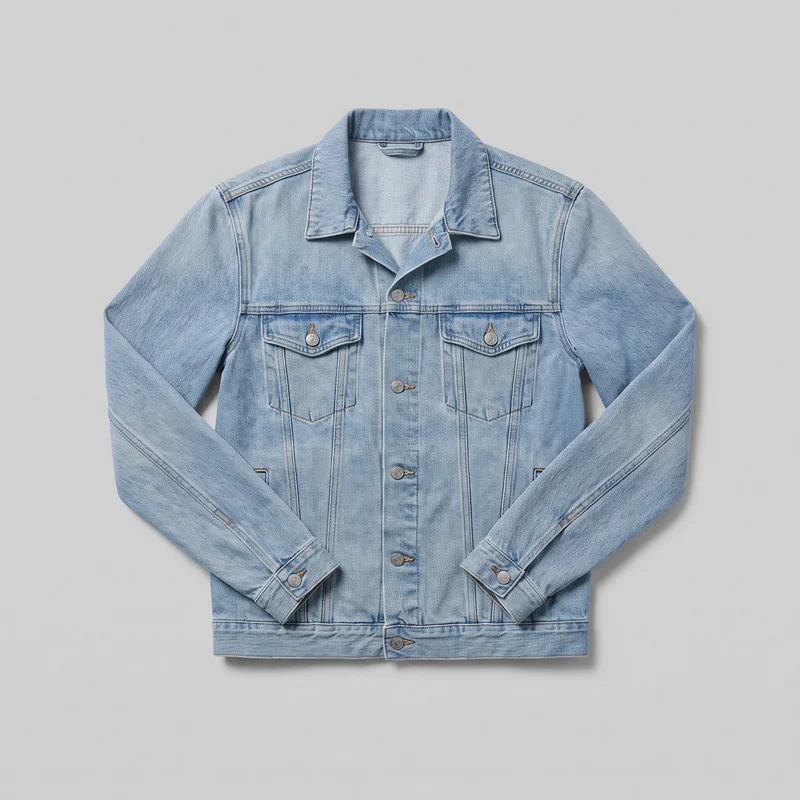 Men's Light Wash Denim Jacket
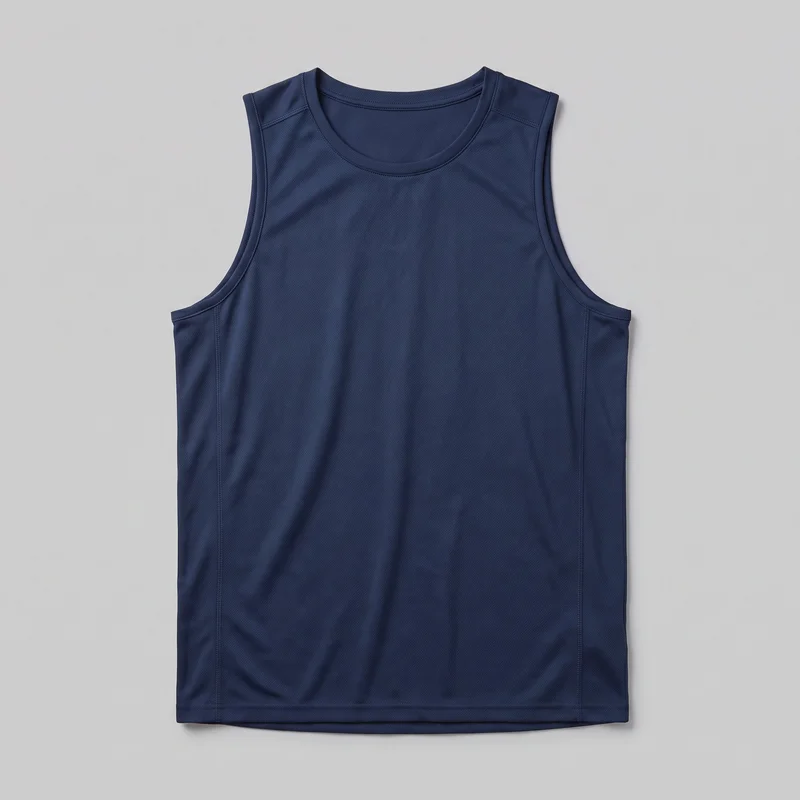 Men's Navy Training Tank
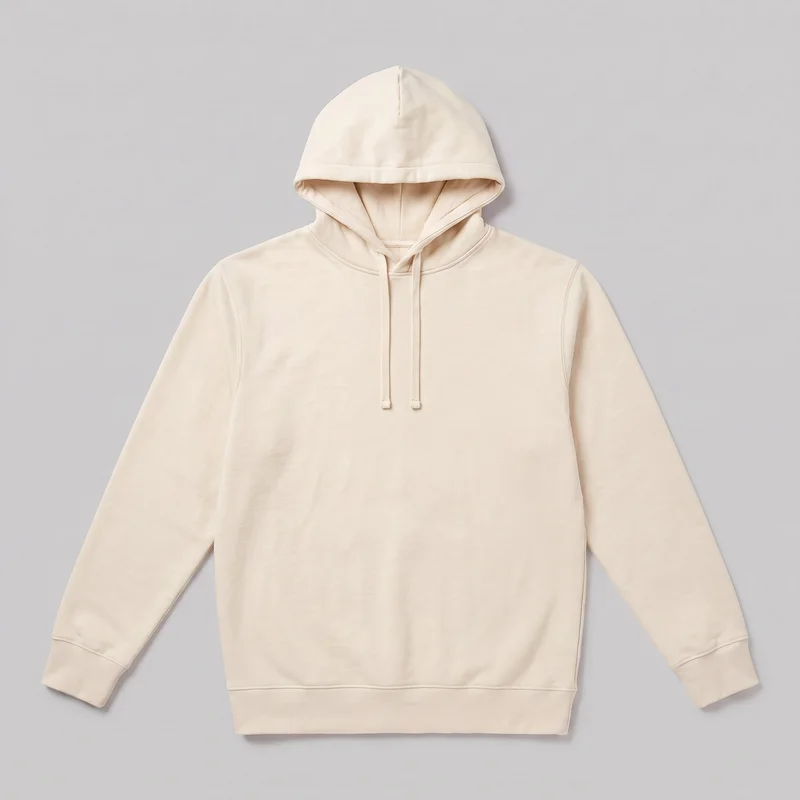 Men's Cream Pullover Hoodie
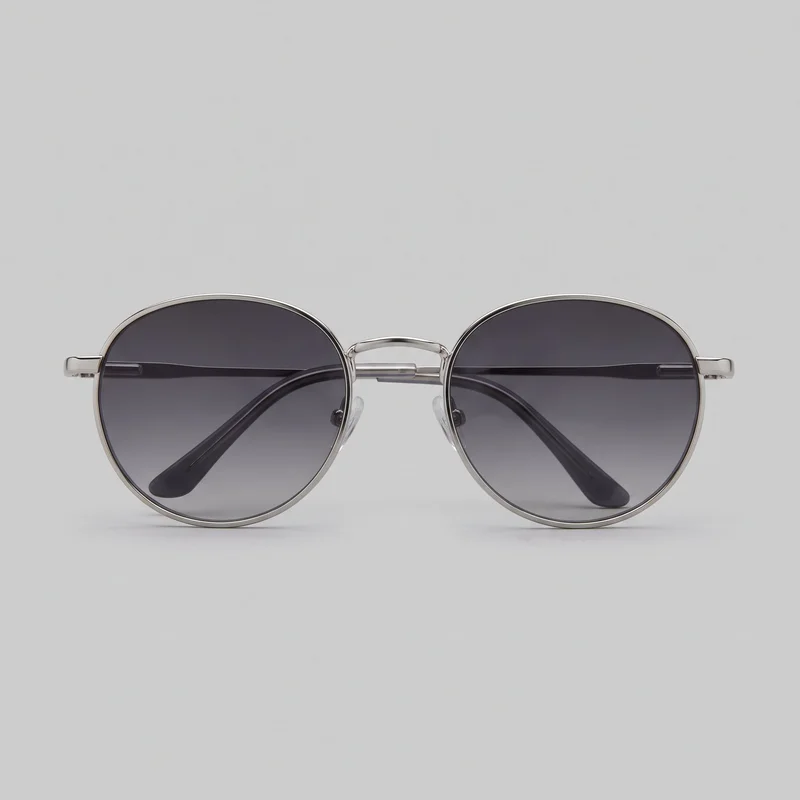 Men's Round Metal Sunglasses
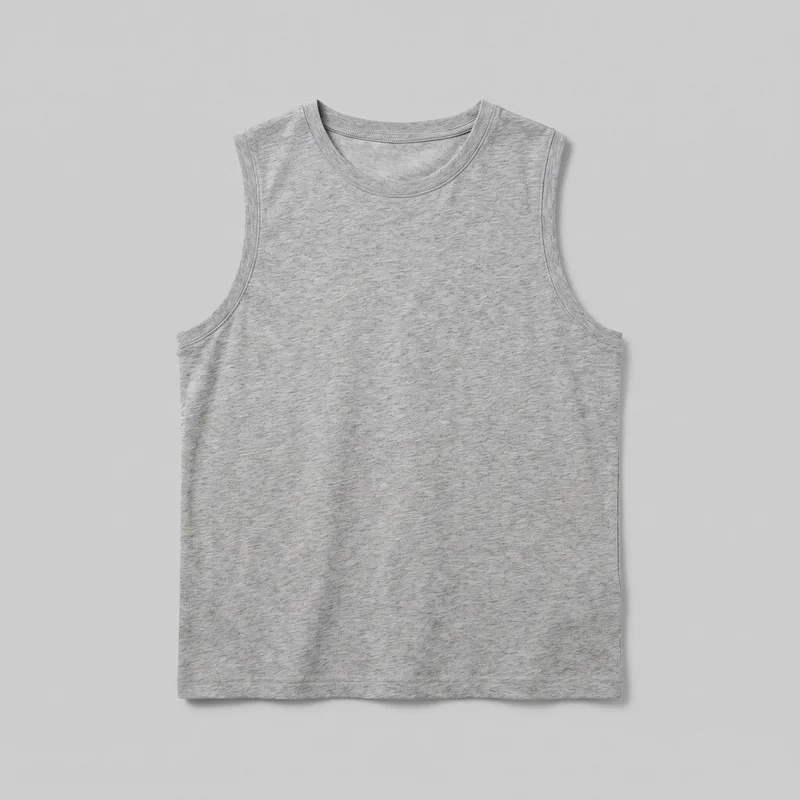 Grey Marl Vest
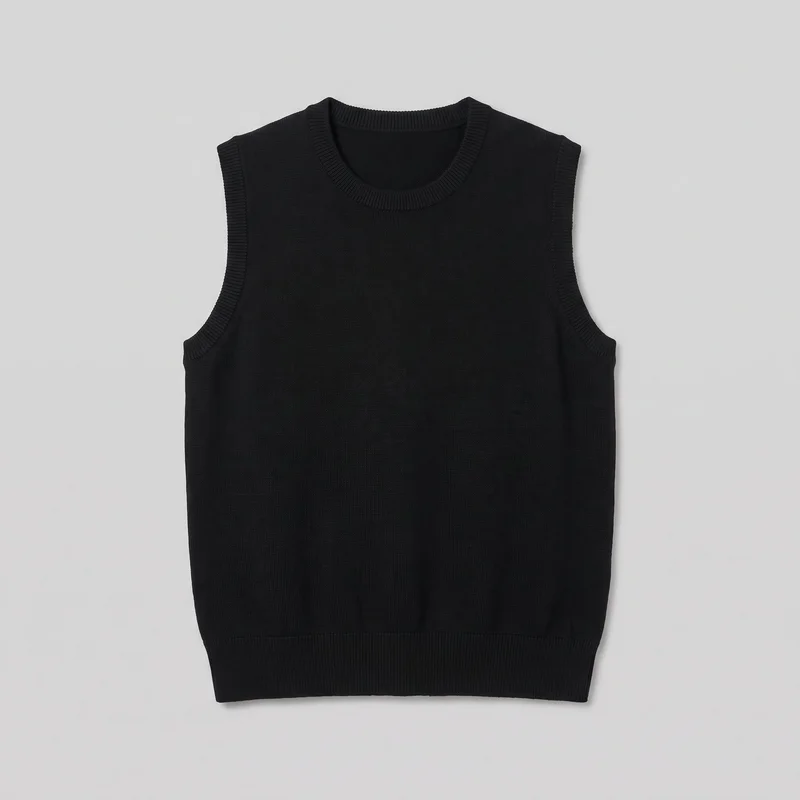 Women's Black Sweater Vest
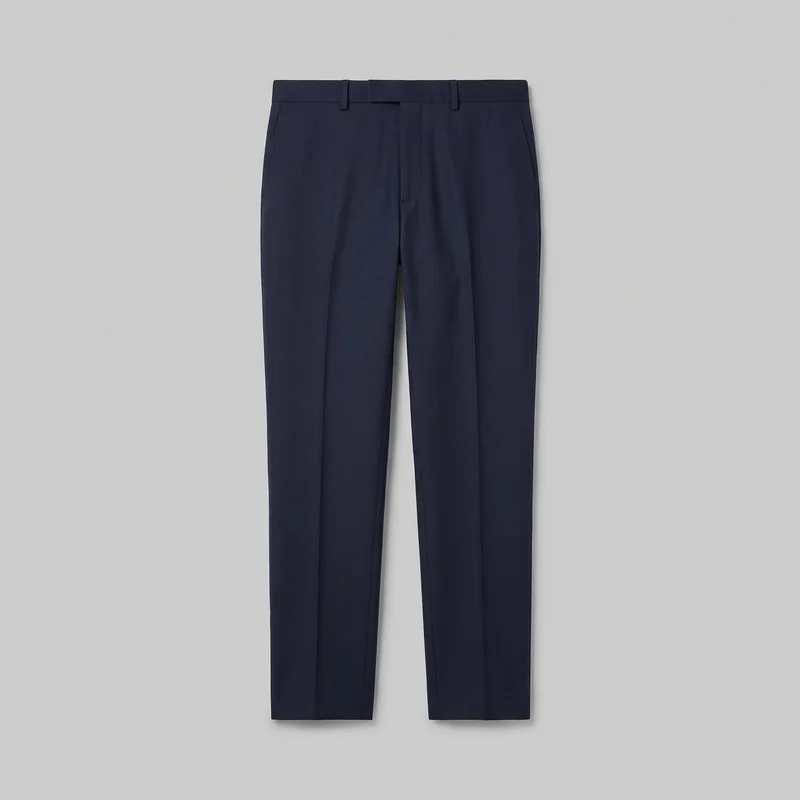 Men's Navy Wool Suit Trousers
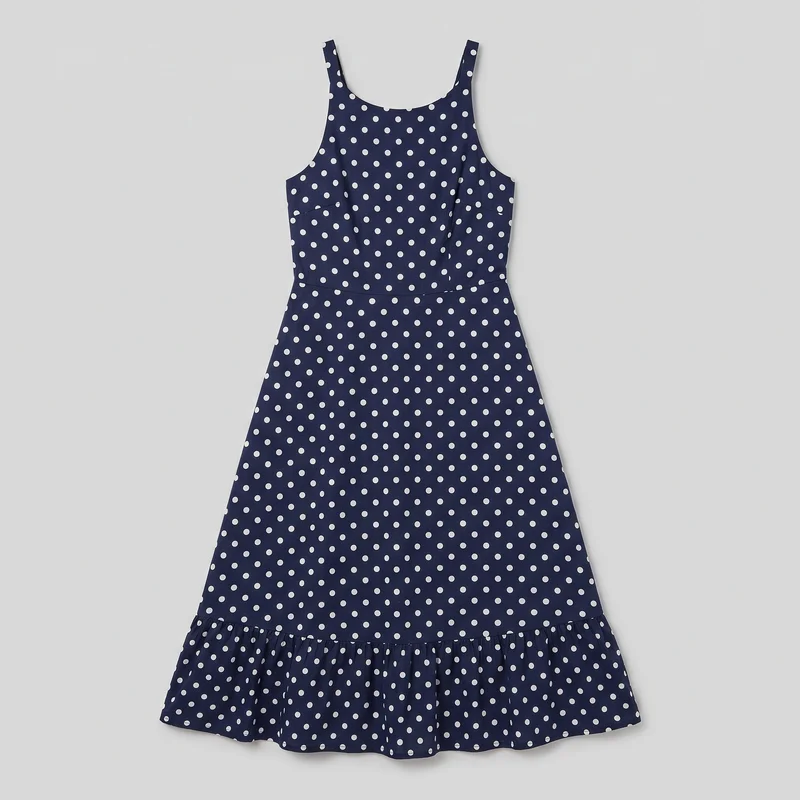 Navy Polka-Dot Midi Dress
Showing 24 of 992
Catalog
Browse the catalog
By product
Consistency
The product changes while the chosen direction holds.
A collection reads more clearly when the model, light and framing relate across its product pages. Change the product or another selected element while the remaining composition choices hold, and review each new generation for hands, hardware and other fine details.
You change one
- Frame
- Pose
- Camera view
- Model
The rest holds
Model
Keep the selected model across product-page colourways.
Light
Use the same named direction when the page set calls for it.
Composition
Change the product while the remaining composition choices hold.
Who it's for
Is RAWSHOT right for clear product pages without measured fit?
A good fit
This fits you as an indie designer, e-commerce manager or marketing manager with recurring colourways and a defined product-page image need.
Work it handles well
- You can plan recurring product-page imagery from real sources.
- You can keep a model and composition relationship across colourways.
- You can review defined choices before publishing each image.
Outside this scope
It is not suited to work requiring measured fit, free lighting positions, uploaded poses or unrestricted control beyond the available choices.
Where this stops
- You cannot measure garment fit on the model.
- You cannot set custom light positions beyond named directions.
- You need clear colour and material cues in sketches.
Rights
You own every image. Every image says what it is.
Yours
- Full commercial rights to every image, permanently.
- No recurring licence fees on any model in the library.
- Every model is a synthetic composite, so there is no real-person likeness.
Labelled
- C2PA content credentials on every image.
- AI-labelled output, aligned with EU AI Act Article 50.
EU-based hosting, GDPR-compliant handling.
- Aligned with EU AI Act Article 50
- C2PA
- Full commercial rights
- GDPR-compliant handling
- EU-based hosting
Questions
Before you price your first product-page image set.
Can RAWSHOT create a product-page image set from real garments, mockups, or early designs?
RAWSHOT can create on-model product-page images from a real garment, flat-lay, mockup, or clear technical sketch. You can prepare imagery for a new piece and its colourways without waiting for every studio setup to be arranged. Select the model, outfit, frame, pose, and named light direction, then review the result against the source. This approach supports launch planning while keeping the collection visually related across its product pages.
Which product-page crops, frames, and aspect ratios work for hero, listing, and social coverage?
Product-page crops can include a 4:5 portrait frame, a 9:16 vertical frame, and a flexible frame selected for the page placement. You can choose a tighter product view for a listing, a fuller on-model composition for a hero area, or a vertical crop for social support. Keep the model, pose, and light direction aligned when related placements need a coherent visual relationship.
What do I need to start building a product-page image set with RAWSHOT?
To start a product-page image set with RAWSHOT, provide a usable product photo, flat-lay, mockup, or technical sketch with clear colour and material cues. Choose the model, outfit, frame, pose, and named light direction you want to review. A consistent source and clear composition choices help you prepare colourways with a related look. Check hardware, hands, colour, and fabric detail before publishing.
What rights apply when I use RAWSHOT imagery for a product-page image set?
You get full commercial rights to every image, permanently, with no recurring licence fee. Every image carries C2PA content credentials and is labelled as AI-generated.
Get started
A defined product-page image set starts here.
Start with a 7-day free trial including 50 tokens, then move to the plan that matches your production volume.