
AI fashion photography for lingerie brands
RAWSHOT for lingerie brands
You prepare coordinated on-model stills for each drop.
You are preparing commercial stills for a lingerie collection, but on-model product pages can lag behind each drop. RAWSHOT lets you choose the product source, synthetic model, light and frame for a coordinated shoot. Confirm support for your specific products before relying on the images for launch.
7-day free trial • 50 tokens (10 images) • Cancel anytime
A 2K image in roughly 35 seconds · AI-labelled with C2PA content credentials
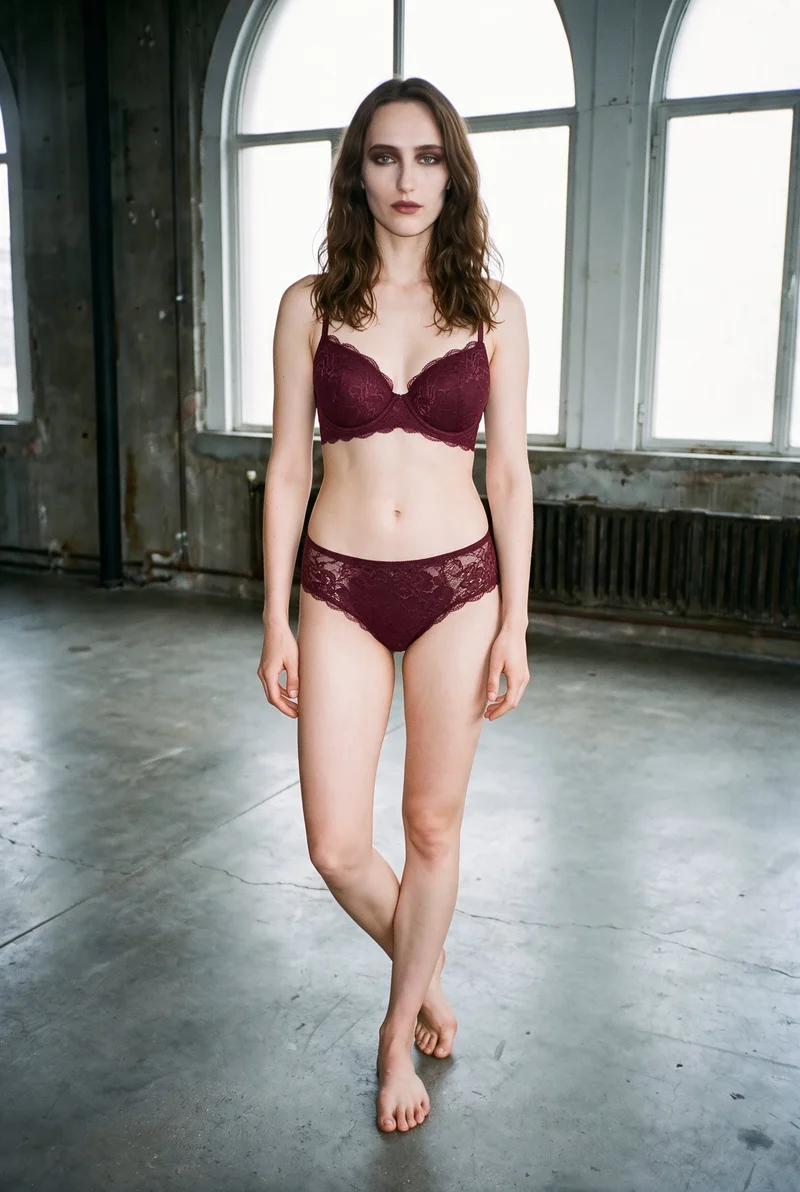
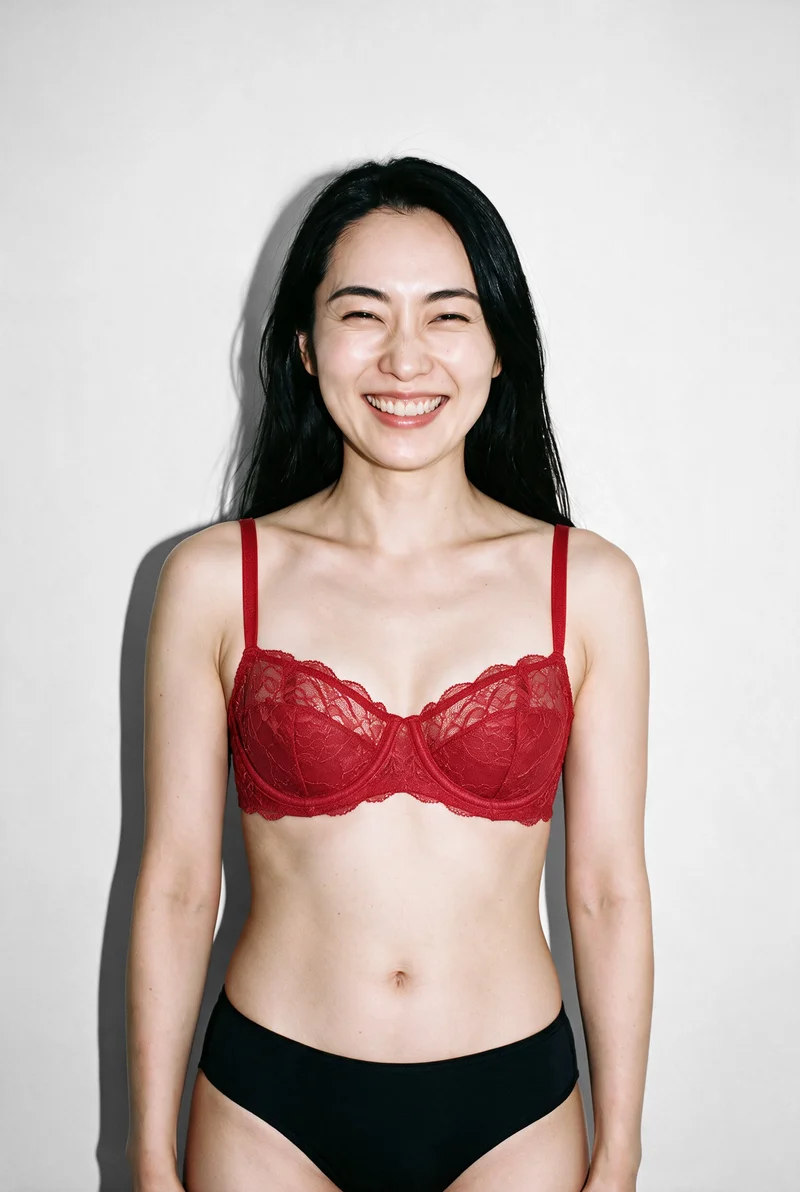
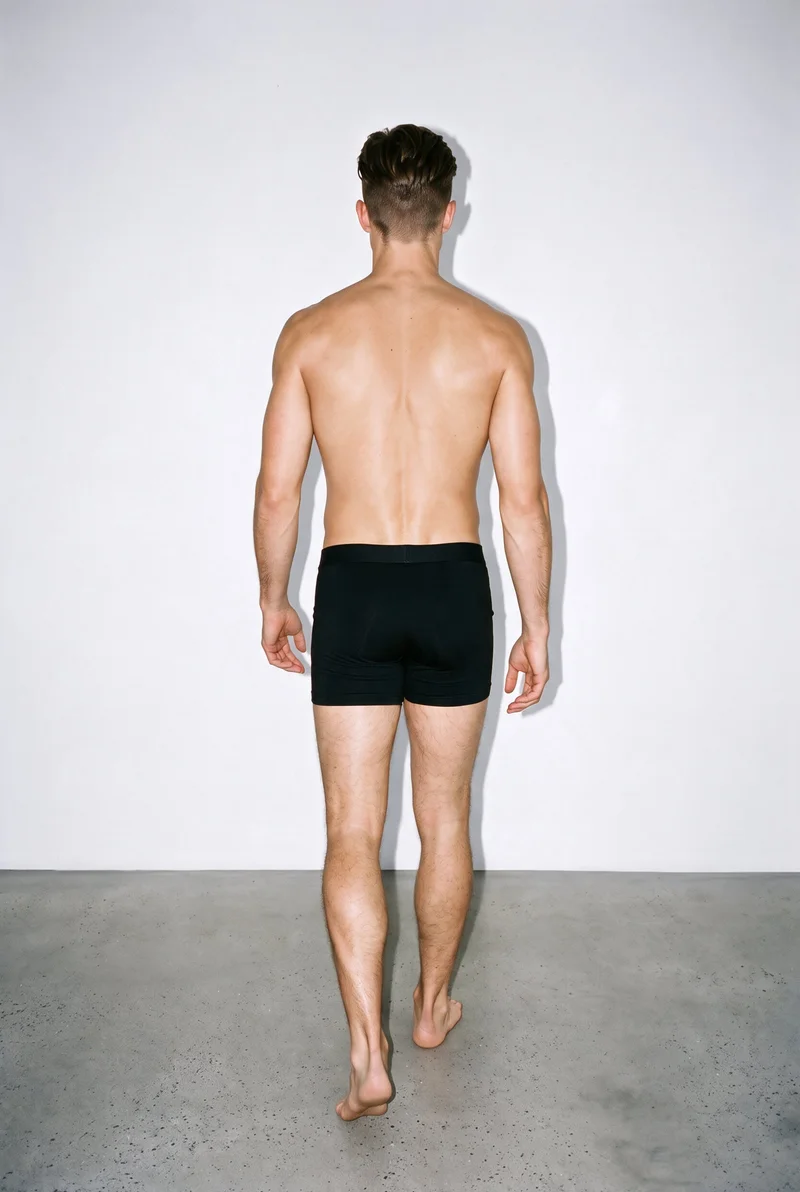
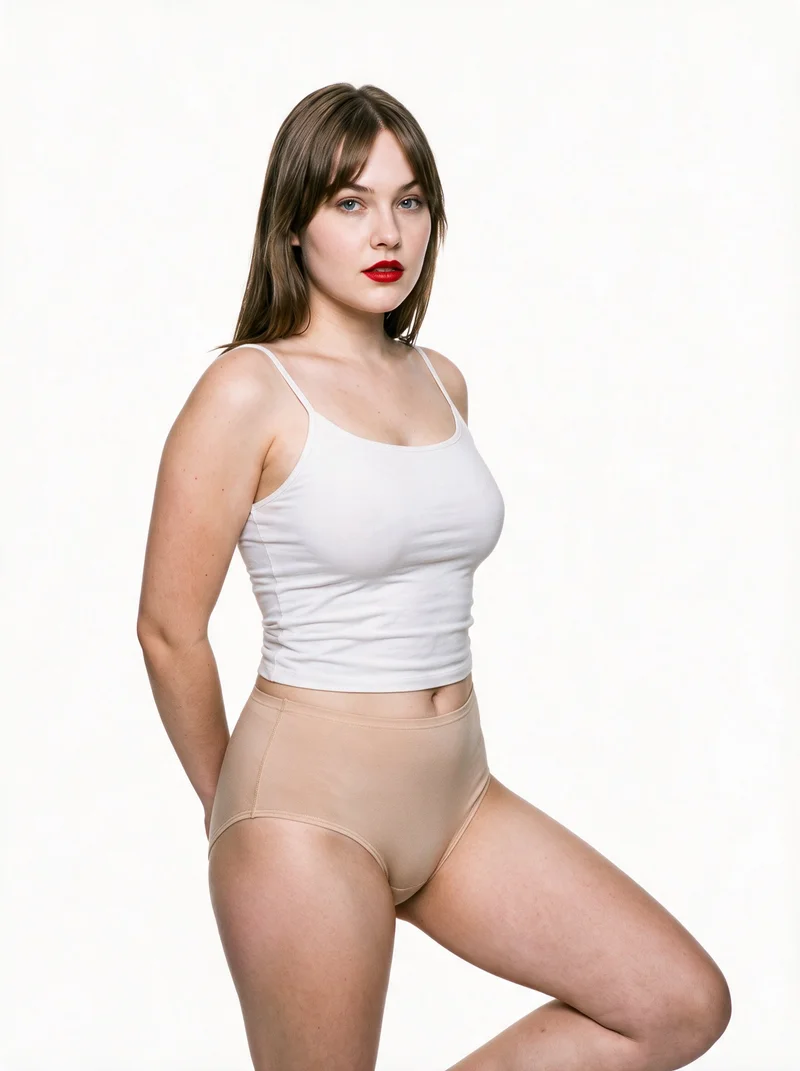
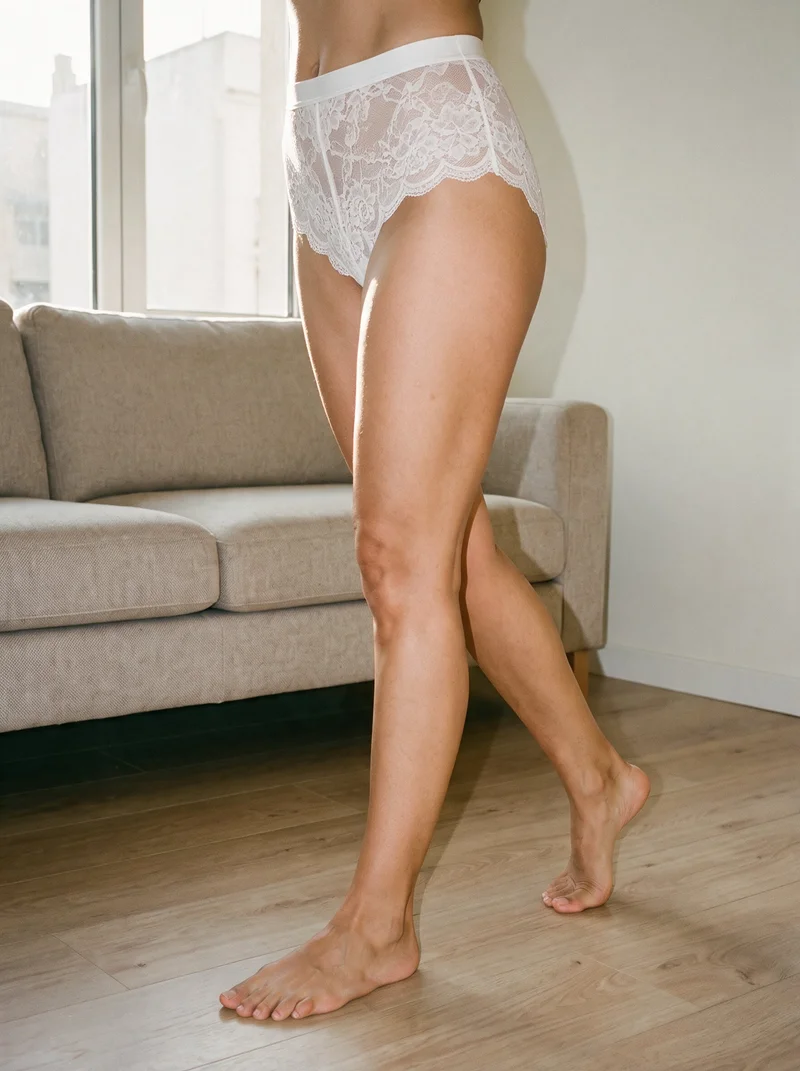
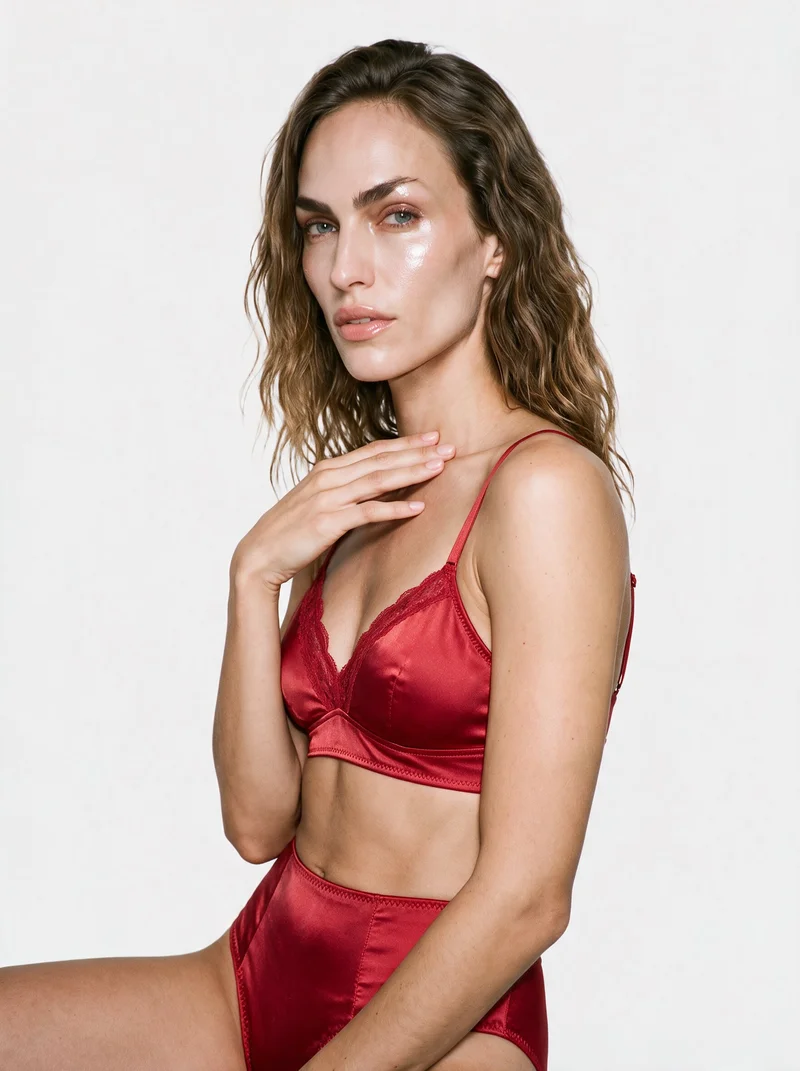
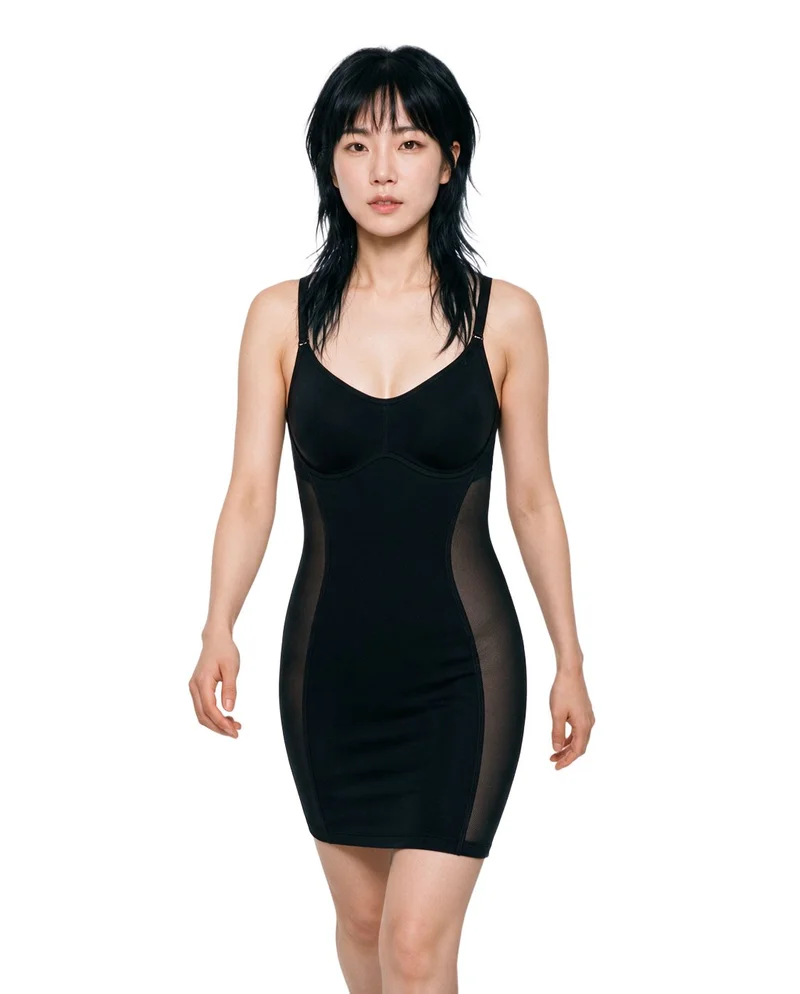
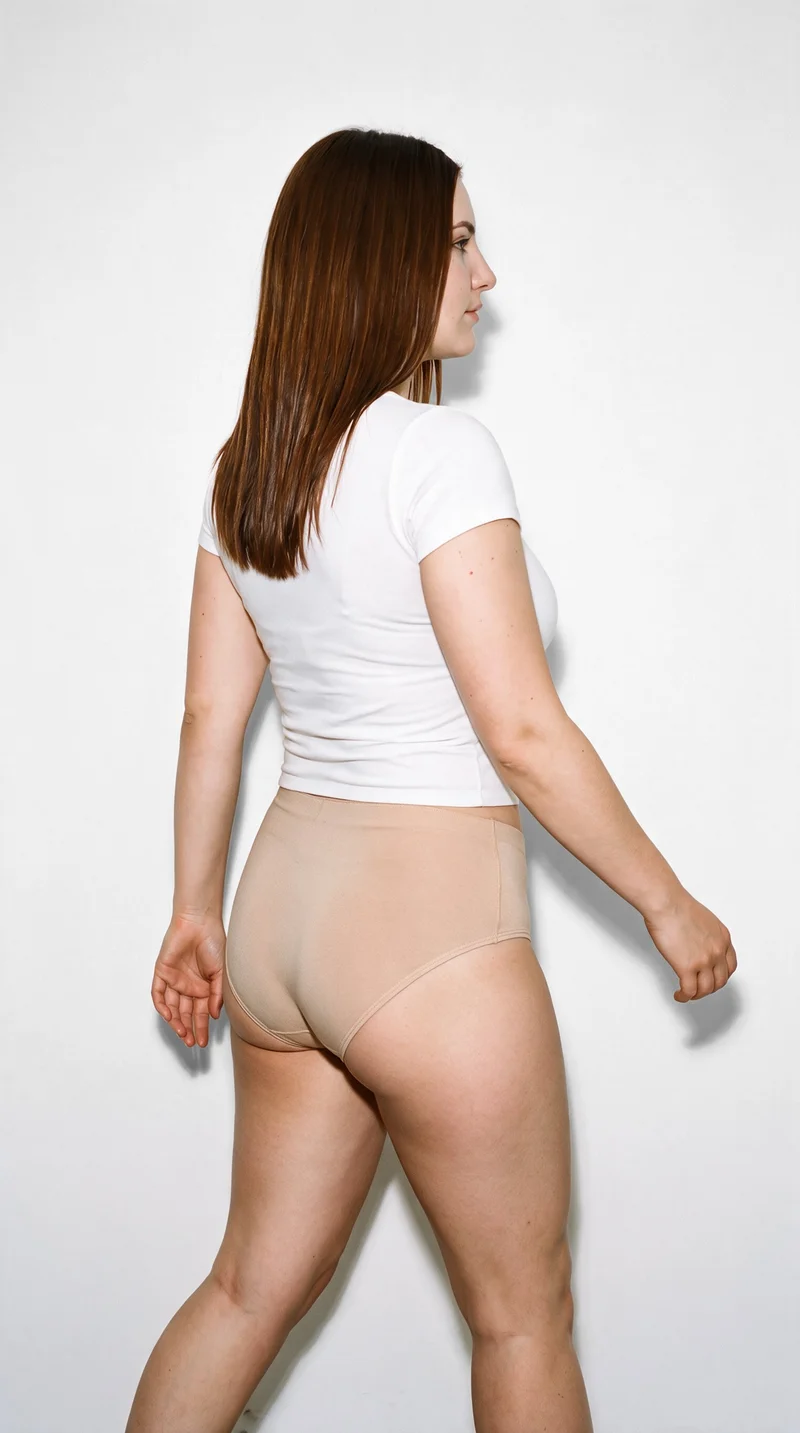
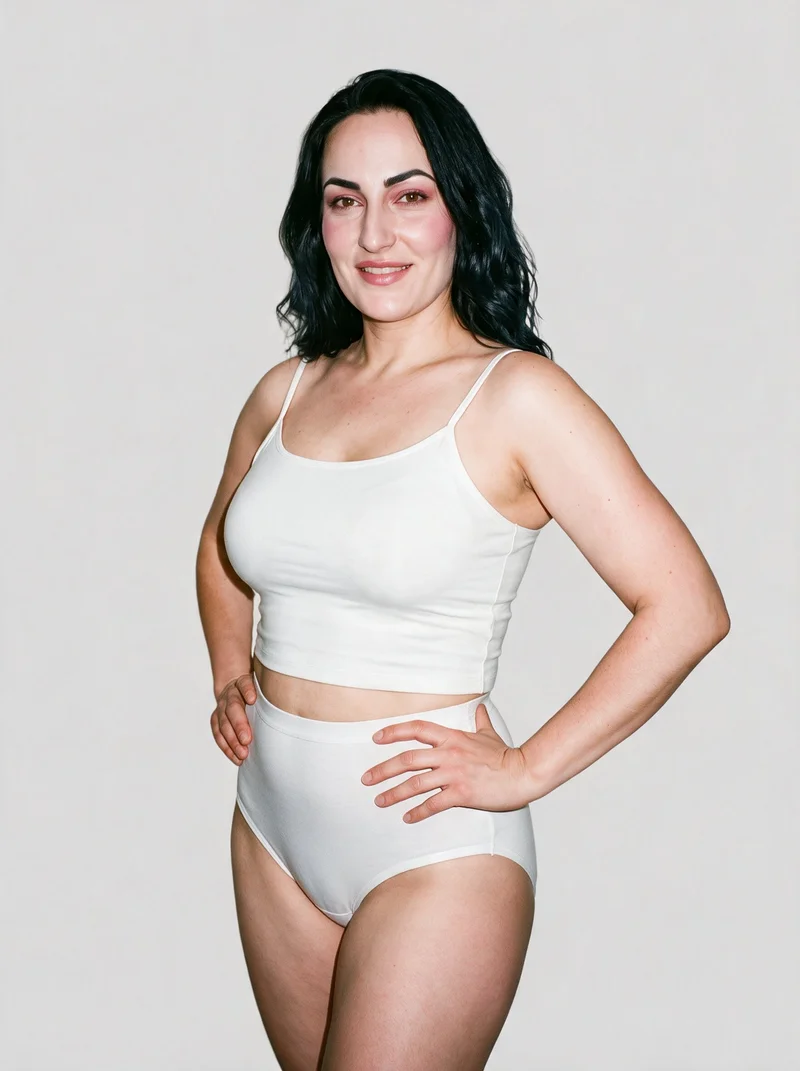
Showing 9 of 377, shot in RAWSHOT
The situation
Pieces arrive at different times before a drop.
Your product pages and lookbooks need a consistent set of images each time the range changes, even when pieces arrive at different times. You pick one model, one light, and one crop, then use that same set on the next piece. Body type gives customers visual context, while size charts and fit notes remain essential.
In the browser
You show bras, briefs and sets across colourways.
Show every bra, brief and set on-model before the drop goes live
TodayYour product pages are due to go live while some pieces still have only flat-lays.
With RAWSHOTA coordinated on-model image set for the pieces you can bring into the shoot.
- 1Import the product
- 2Pick a model
- 3Set the frame
Show fit across cup sizes and body types without a casting call per size
TodayOne model image leaves the rest of your range without visual context on different bodies.
With RAWSHOTThe same piece shown in more body contexts, with measured fit left to your size chart.
- 1Import the product
- 2Choose a different model
- 3Keep the light
Photograph every colourway of a set the same way
TodayColourways arrive months apart and none of their images match.
With RAWSHOTThe same model, light and crop across colourways photographed within a shoot.
- 1Import a colourway
- 2Pick the same model
- 3Match the crop
Produce intimate product imagery without model releases and studio days
TodayArranging model releases and studio days holds up the commercial stills your collection needs.
With RAWSHOTCommercial product stills with synthetic models and no real-person likeness to clear.
- 1Import the product
- 2Choose a synthetic model
- 3Set the light
Rawshot Features
Choose a model, light and frame for the shoot.
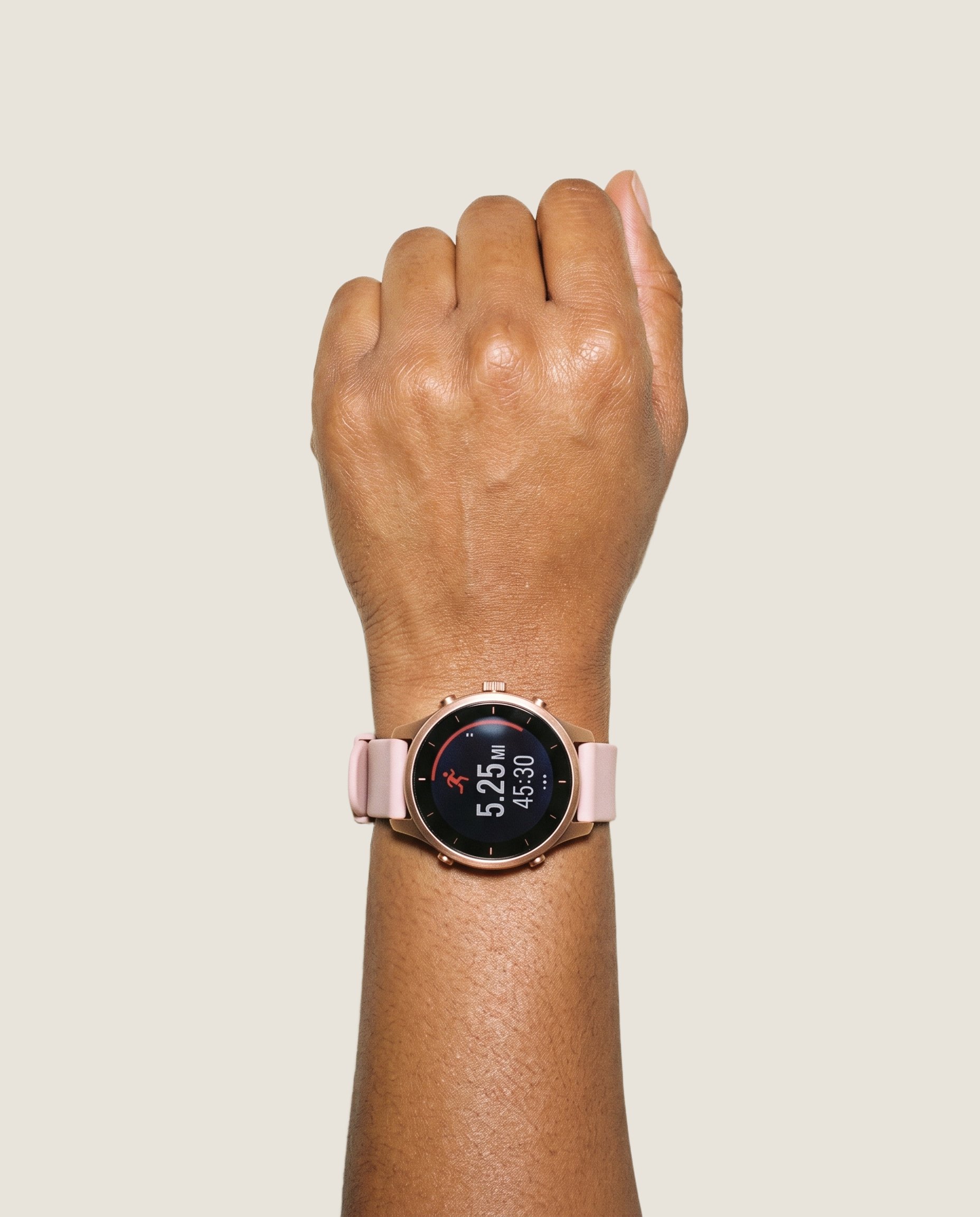
Product import and handling
Starting from your product image anchors the proposed shoot to the piece you sell, though you should verify support for your product type and check the output before publishing.
Start from your real item and keep product fidelity while building the scene.
See the feature →
AI model generator
Choosing synthetic models lets you show a piece in different body contexts without presenting those images as measured fit.
Library filters plus private model building for consistent identity across the set.
See the feature →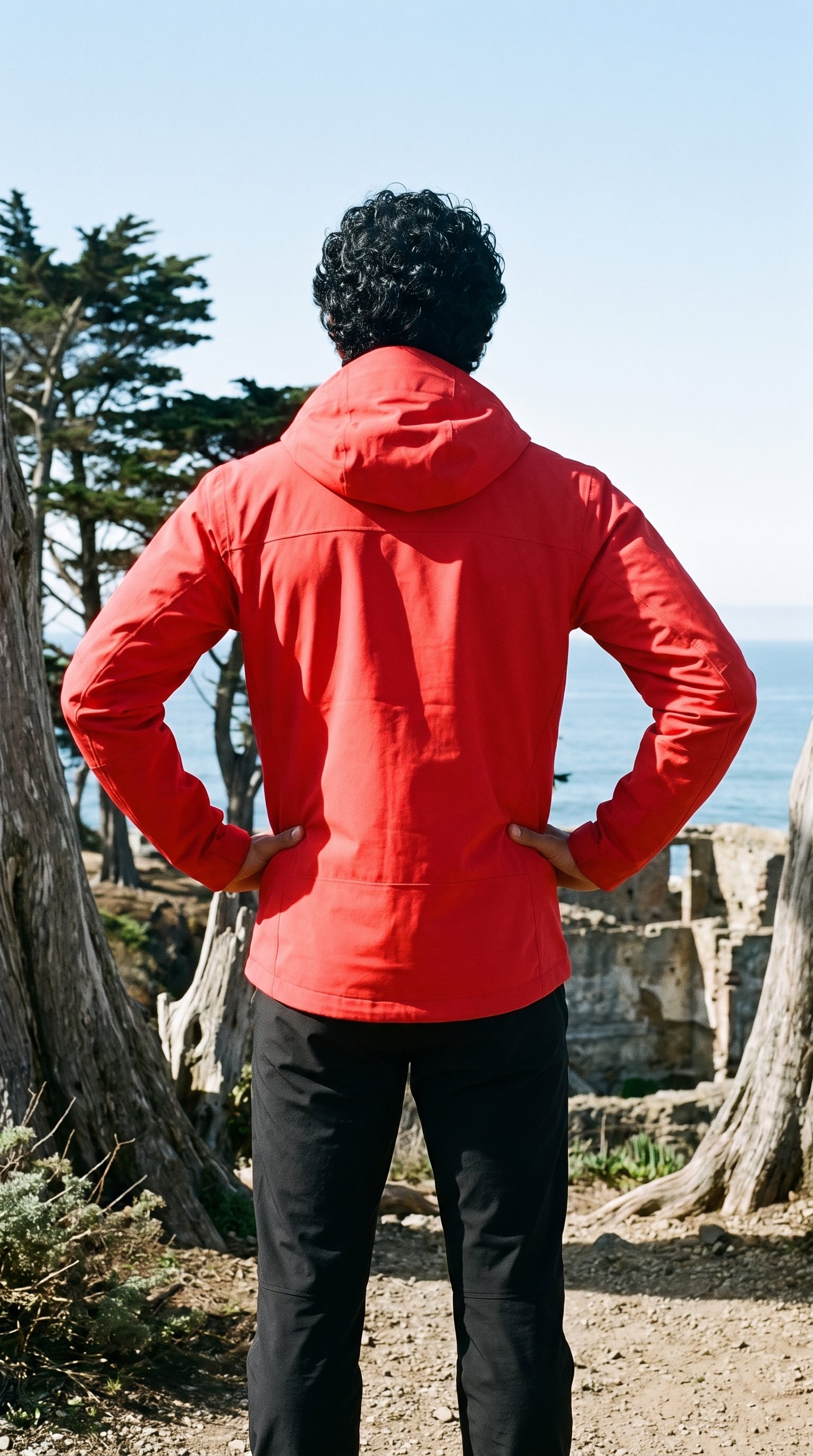
AI image to image generator
Holding the model, light and frame while changing a product choice helps you coordinate colourway images within a shoot.
Change one decision and keep the rest of the composition stable.
See the feature →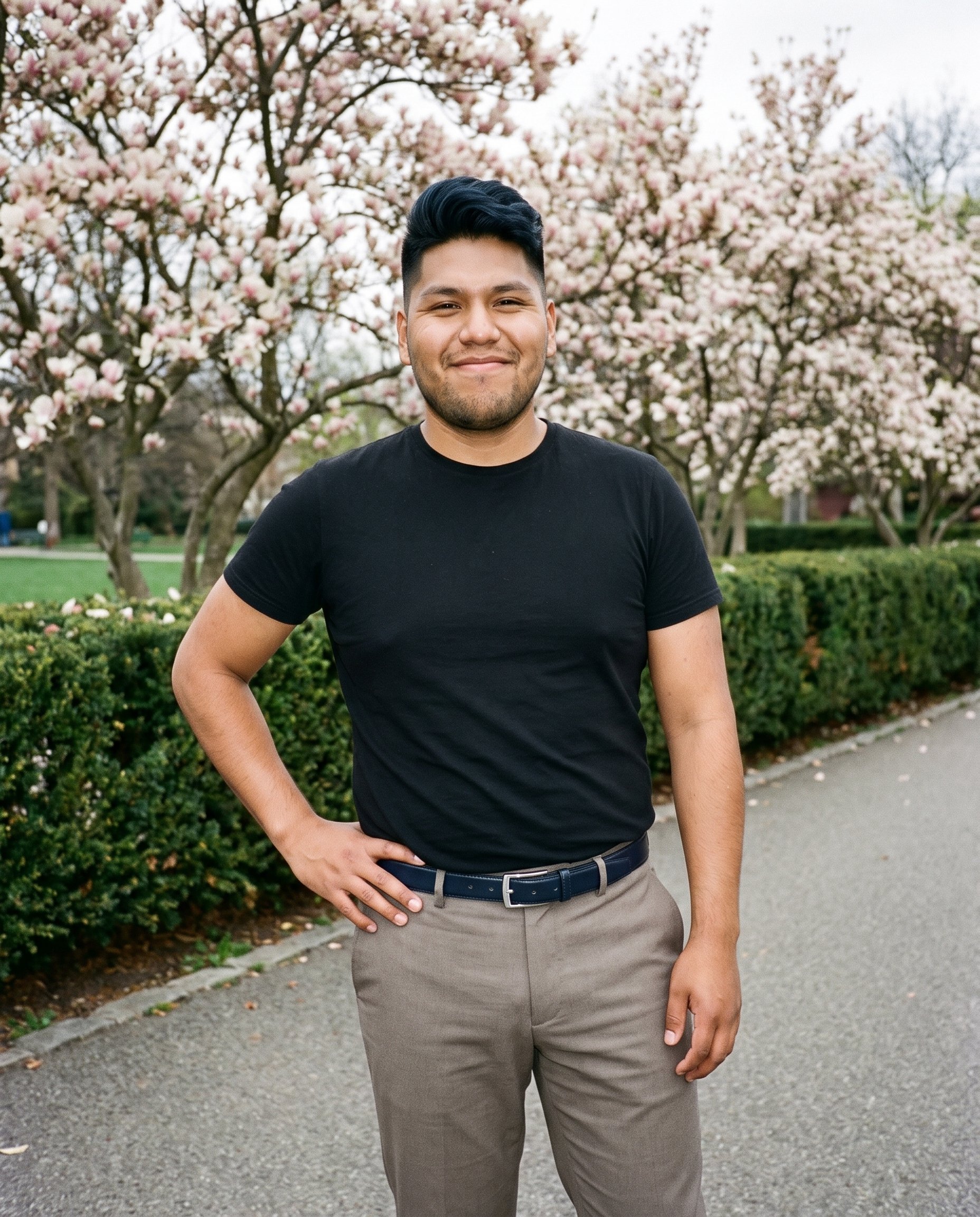
Photography direction
Selecting a light direction helps you keep product-page stills visually coordinated throughout a shoot.
4 named choices that set mood and shadow the same way across a shoot.
See the feature →AI image quality control
Every generated image is checked against your model, frame, view and pose before you see it.
AI image to video generator
17 model actions on a full-body shot · 132 in total
AI makeup generator
Branch-aware named options applied without altering casting or scene setup.
AI outfit generator
Combine the main piece with neutral supporting items in one coherent frame.
AI photo background generator
Swap scene context while keeping model, product, and framing stable.
AI suggestions
Preselected control values you can always override in the same configurator.
Fashion model poses
22 poses on a full-body shot · 104 in total
Garment styling
Choose how the garment is worn and keep brand presentation consistent.
Inspiration gallery
Load editable finished looks as fast starting points for new shoots.
Gallery
Pieces appear across colourways and body types.
On-model commercial stills arranged by piece, colourway and body context, so you can judge whether the images read as one collection.
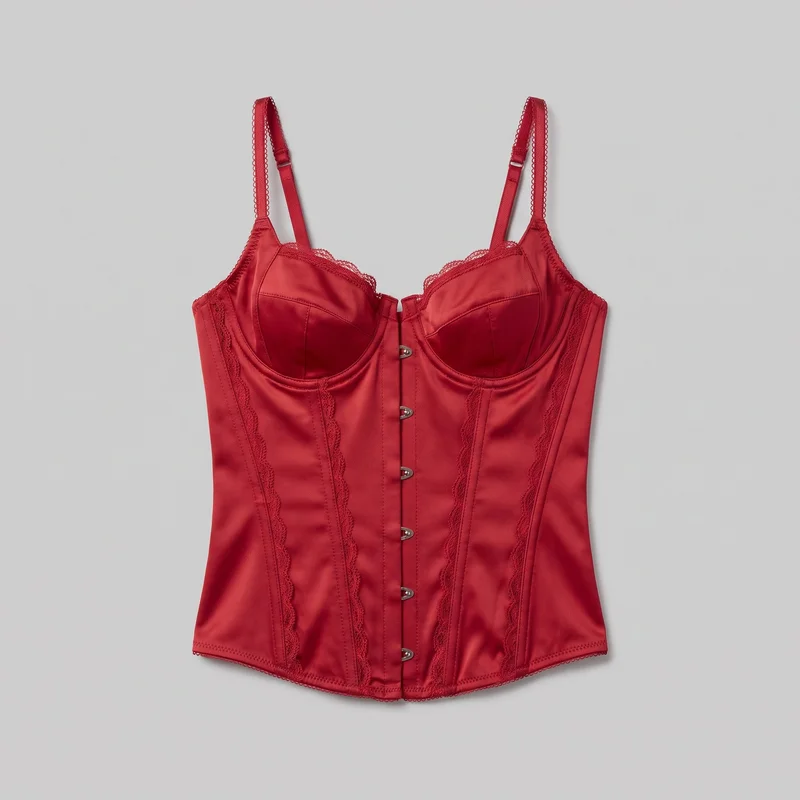 Red Satin Basque
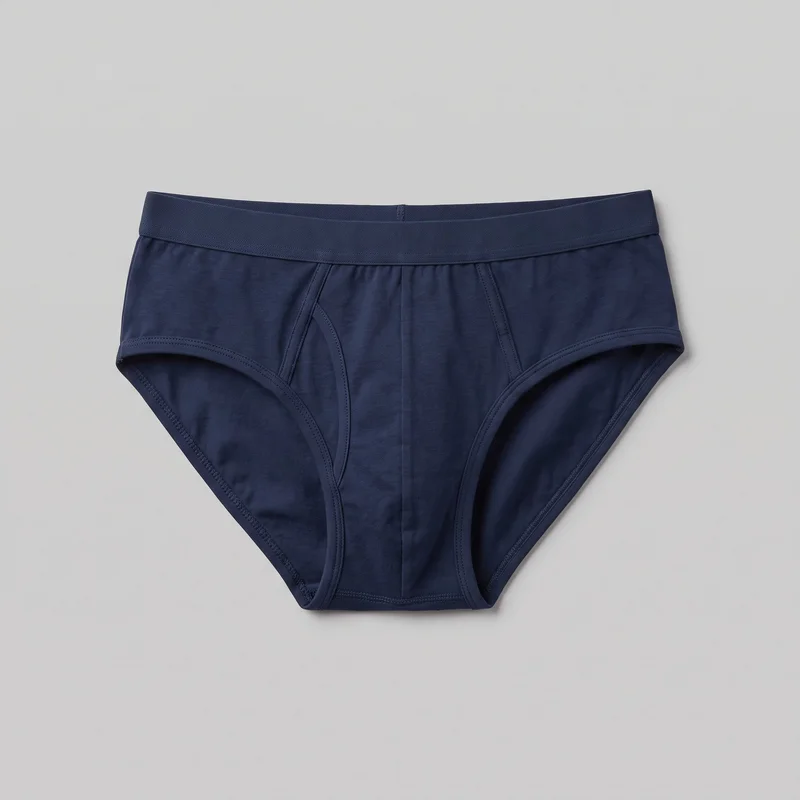 Men's Navy BriefsRed Satin Basque
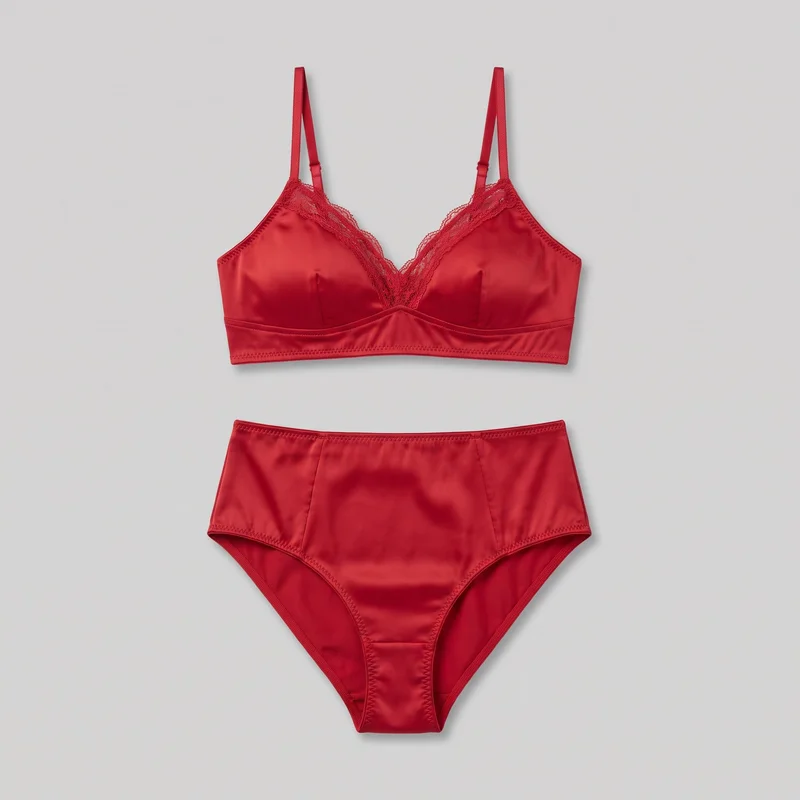 Red Satin Lingerie Set
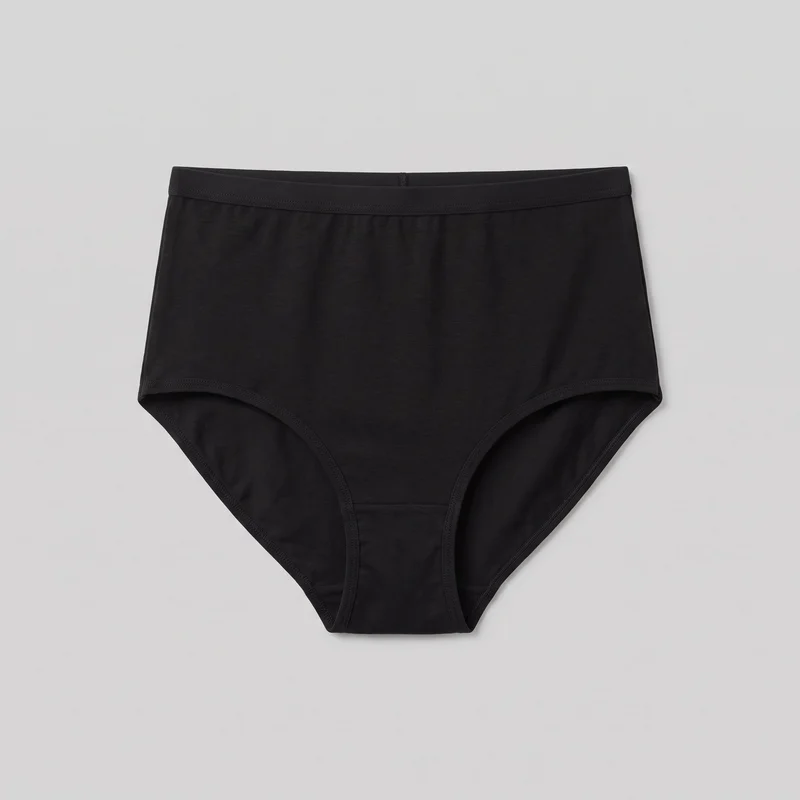 Black High-Waisted Knickers
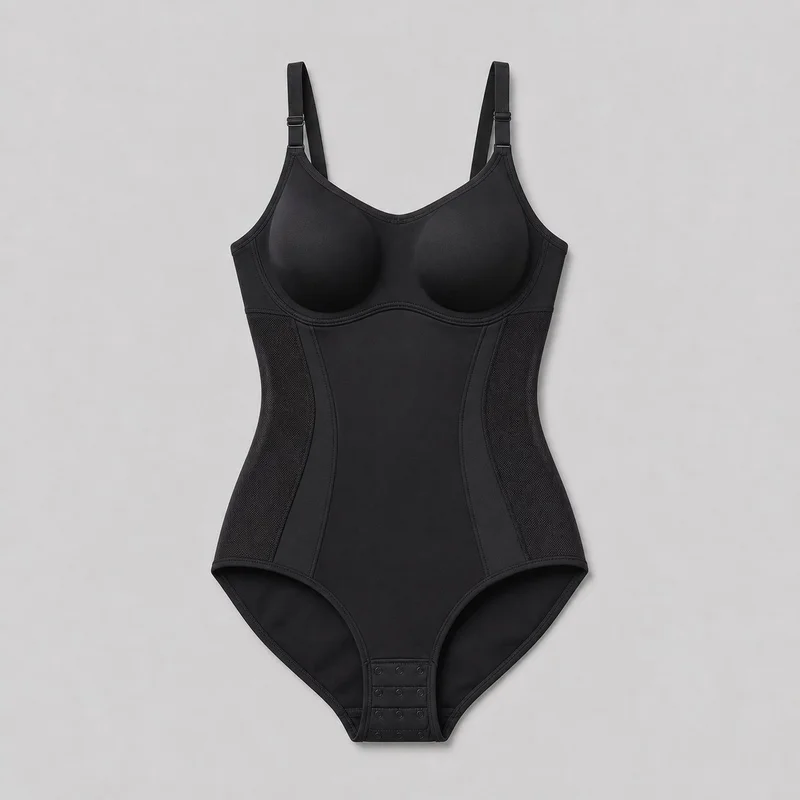 Black Bodysuit Shapewear
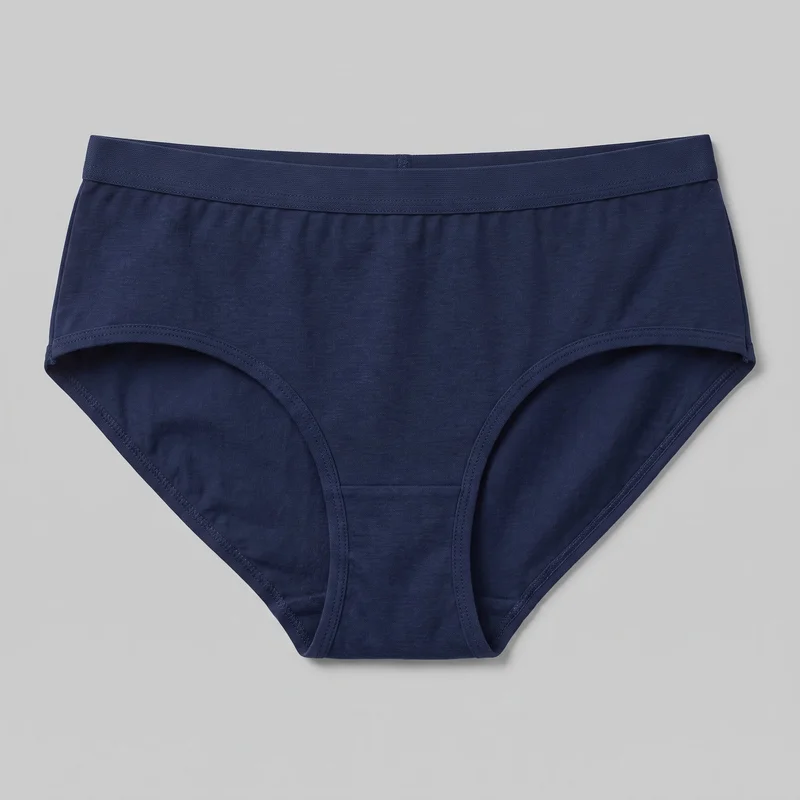 Women's Navy BriefsRed Satin Lingerie Set
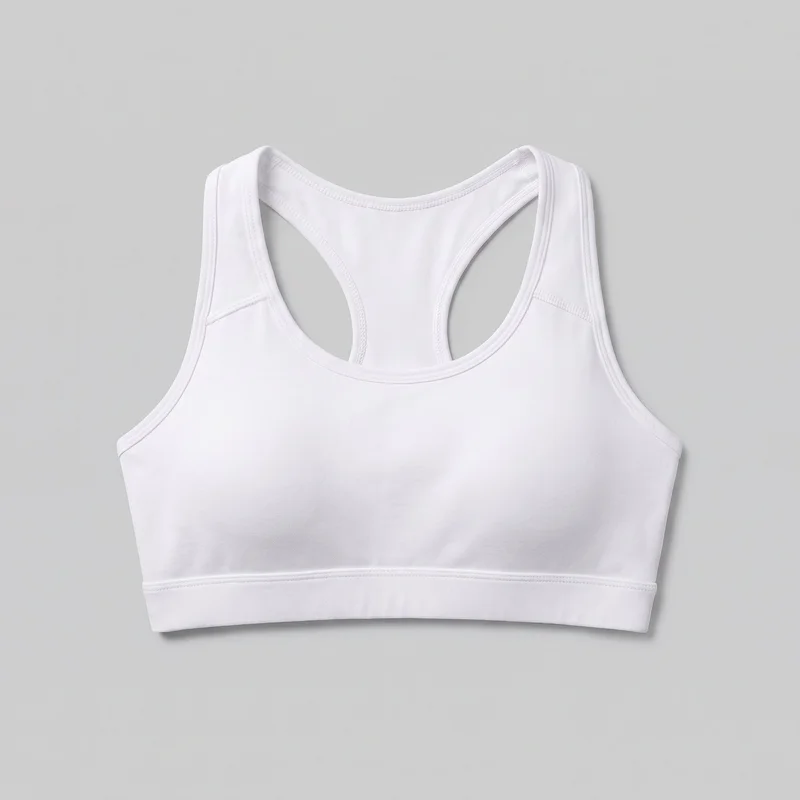 White Padded Sports Bra
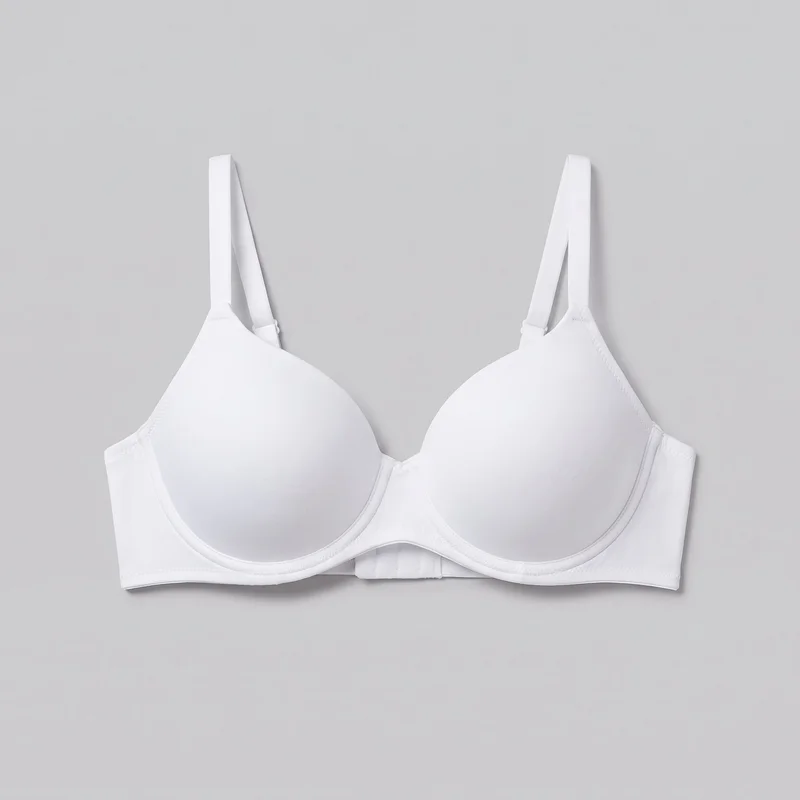 White T-Shirt BraBlack High-Waisted Knickers
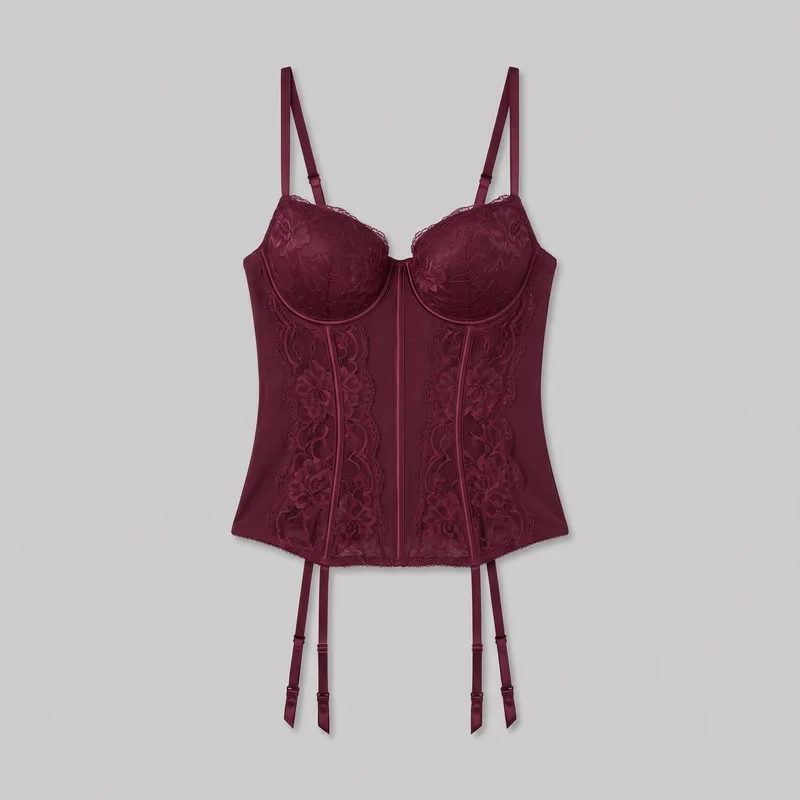 Burgundy Basque
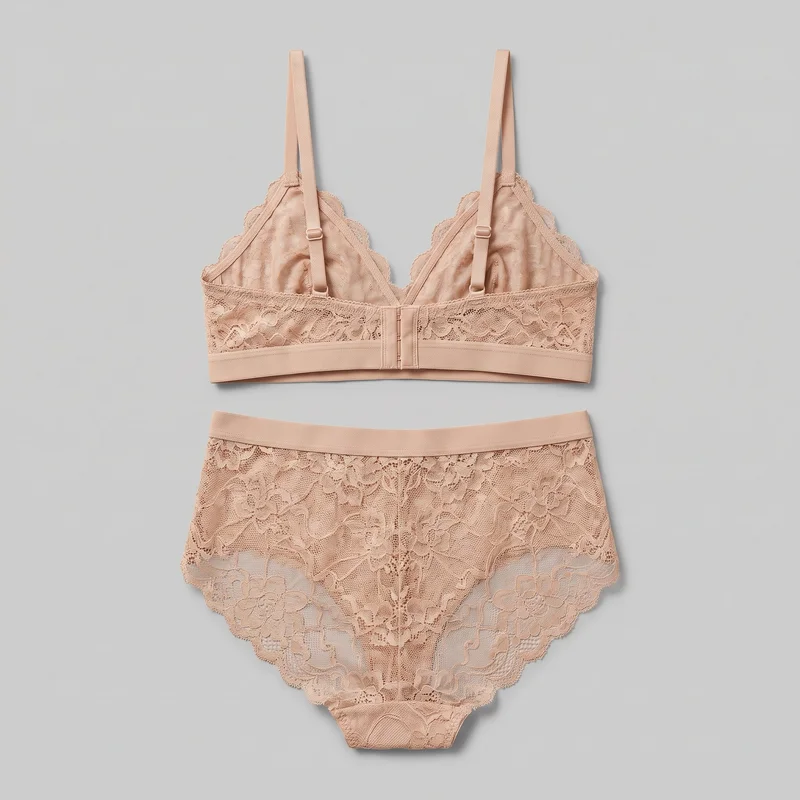 Nude Lace Lingerie Set
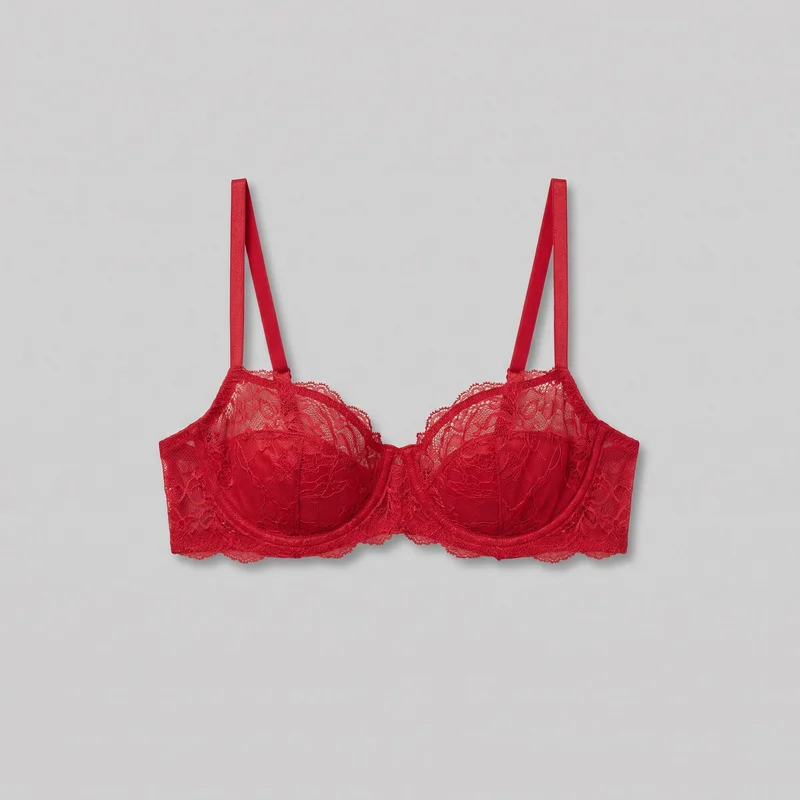 Red Balconette Bra
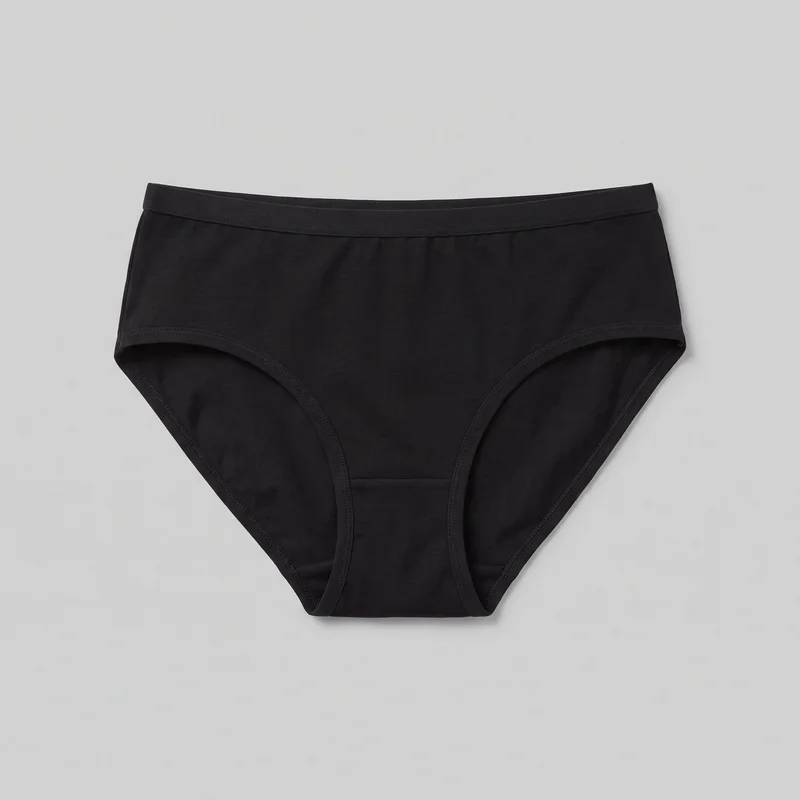 Women's Black BriefsWomen's Navy Briefs
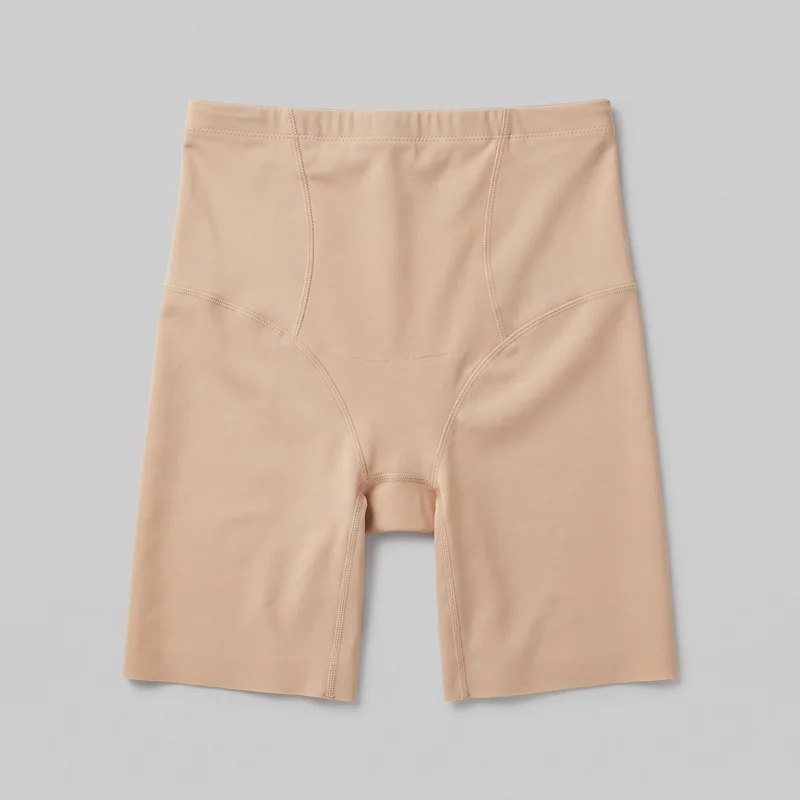 Beige Shaping Shorts
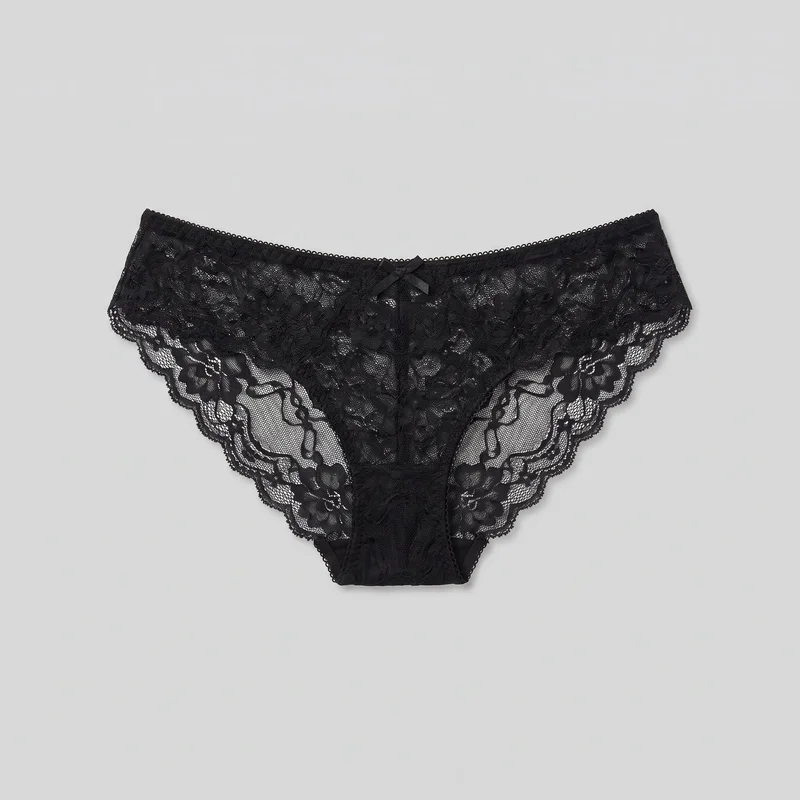 Black Lace Knickers
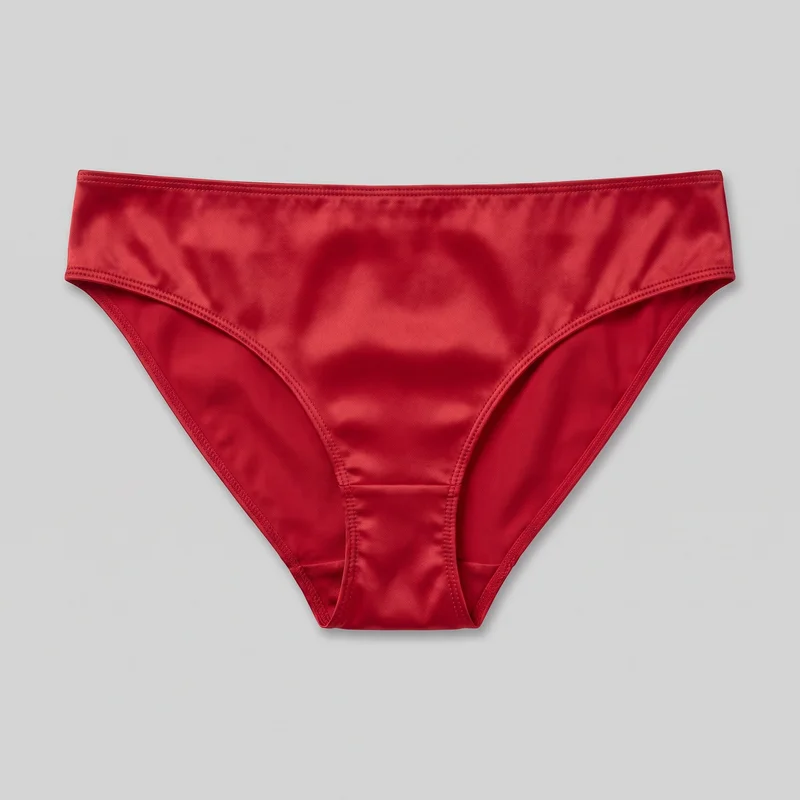 Red Satin Knickers
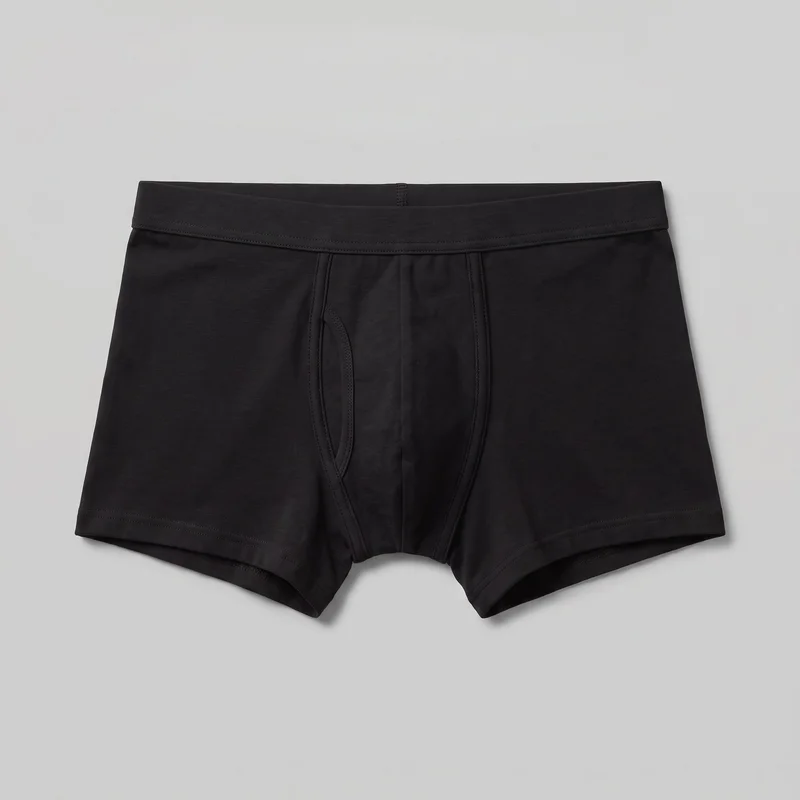 Black TrunksNude Lace Lingerie Set
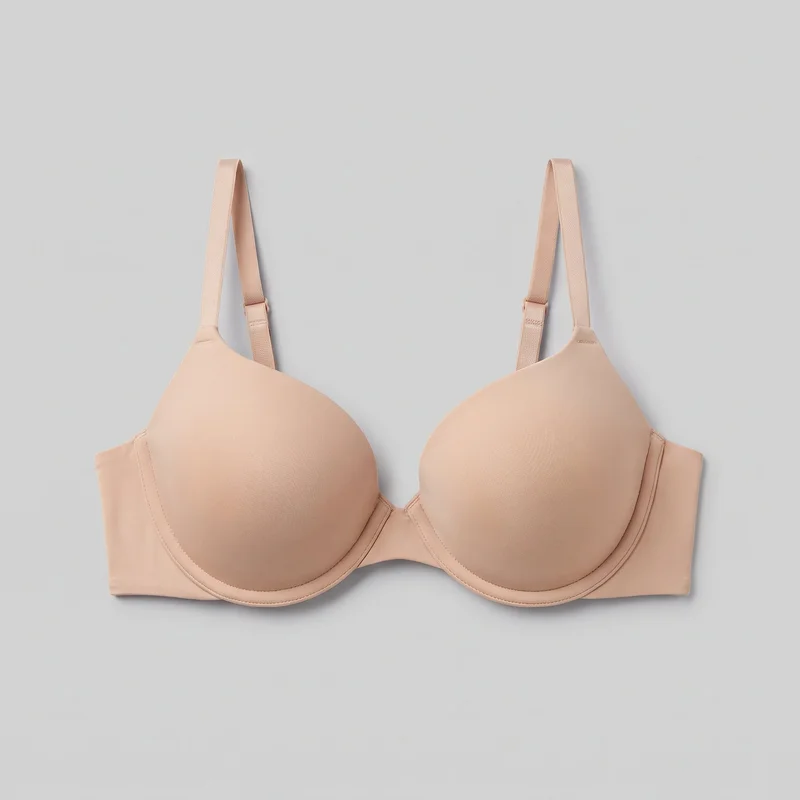 Nude Push-Up Bra
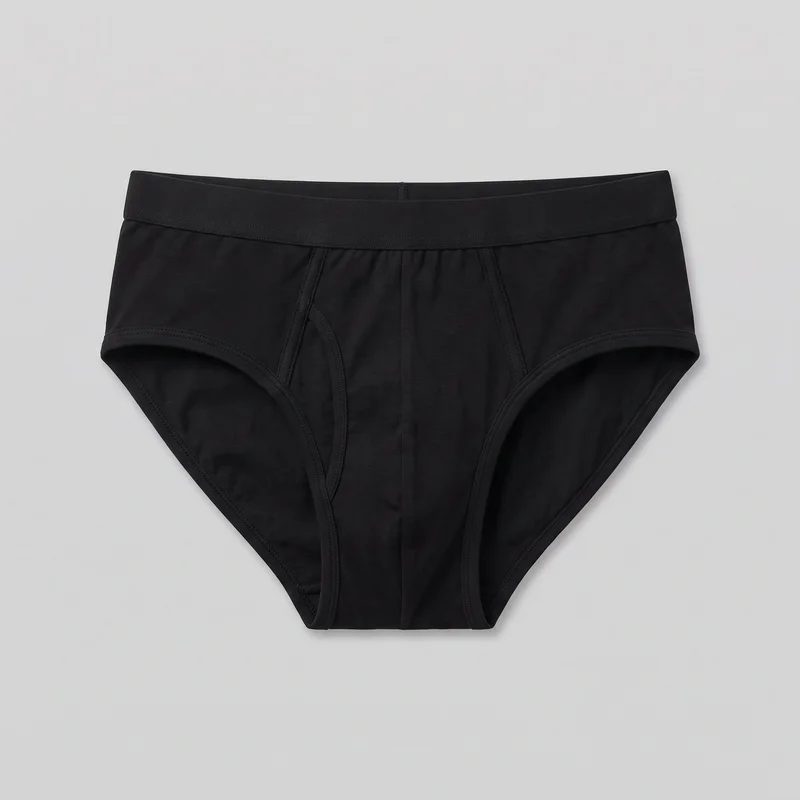 Men's Black Briefs
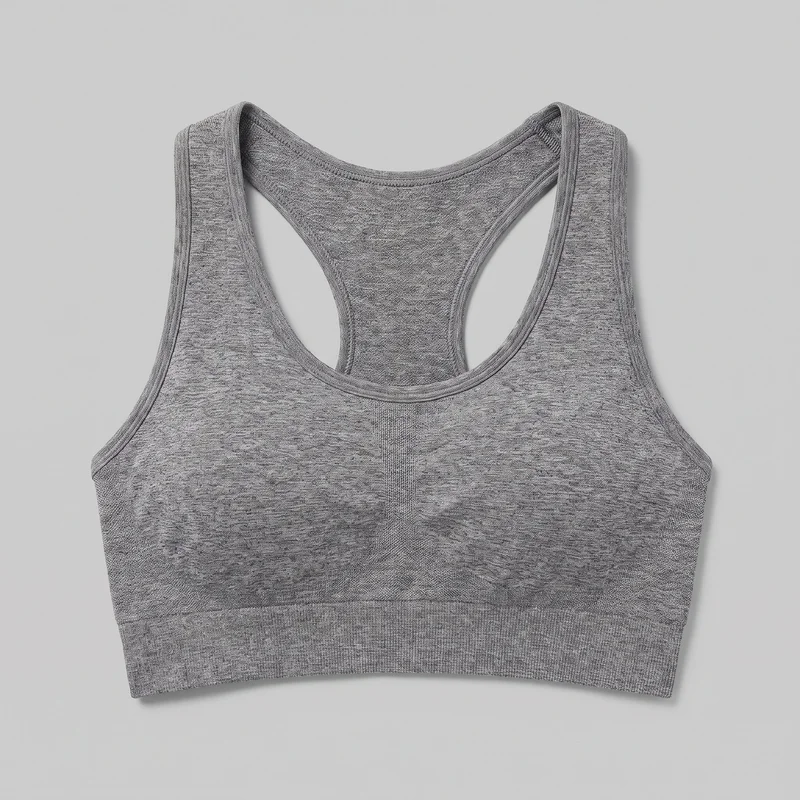 Grey Seamless Sports Bra
Showing 24 of 377
Catalog
Browse the catalog
By product
Who it's for
Is RAWSHOT right for stills but not fit proof?
A good fit
This fits you when your fashion brand needs recurring commercial stills for product pages, a catalog or a lookbook, and your products are confirmed as supported. You can choose a composition for the pieces in a shoot and check each image before publishing.
Teams who get the most from it
- RAWSHOT is a good solution for you as an online shop manager if you need a coordinated product-page set before each drop.
- For you as a collection merchandiser, it fits if you need to present the range in consistent frames and keep size charts alongside the images.
- It can work for you as a fashion brand founder if you have recurring lookbook stills to make from supported products.
Work it handles well
- You can prepare a coordinated set of on-model product-page stills within a shoot.
- You can show a piece in different body contexts without treating the images as measured fit.
- You can keep the model, light and crop consistent while changing a product choice within a shoot.
Outside this scope
Skip this workflow if you need verified fit across cup sizes or cannot confirm support for your products. You should also skip it if your work depends on a specific real person, unrestricted garment adjustments or revising one image through many rounds.
Teams this is not for
- Skip it if you need to direct exactly how a garment sits through unrestricted instructions.
- This is not the right path if you need a specific real person in your campaign images.
- It is not a fit if you spend many rounds refining one hero image beyond the available controls.
Where this stops
- You cannot treat body type in an image as proof of measured fit.
- You need clear product source images, because blurry, cropped or heavily shadowed uploads limit accuracy.
- You need to choose from the available controls rather than edit image pixels directly.
Rights
You own every image. Every image says what it is.
Yours
- Full commercial rights to every image, permanently.
- No recurring licence fees on any model in the library.
- Every model is a synthetic composite, so there is no real-person likeness.
Labelled
- C2PA content credentials on every image.
- AI-labelled output, aligned with EU AI Act Article 50.
EU-based hosting, GDPR-compliant handling.
- Aligned with EU AI Act Article 50
- C2PA
- Full commercial rights
- GDPR-compliant handling
- EU-based hosting
Questions
How do you prepare for a new collection shoot?
Could lingerie brands use RAWSHOT to prepare on-model images before a collection drop?
RAWSHOT can help you prepare coordinated on-model commercial stills for supported pieces before a collection drop. You can bring bras, briefs and sets into a shoot, choose a synthetic model, and set the light and frame for product-page or lookbook images. This gives pieces that currently have only flat-lays an on-model presentation. Confirm that your specific products are supported, and check each finished image before publishing it.
What catalog jobs can lingerie brands use RAWSHOT for when a drop is approaching?
You can use RAWSHOT for on-model product pages, coordinated catalogs and recurring lookbook stills. When a drop includes bras, briefs and sets, you can bring supported pieces into a shoot and choose a model, light and frame for their images. You can also show a piece in different body contexts or photograph colourways with matching styling. Keep size charts and fit notes alongside those images; a model image does not establish measured fit.
Which product-page crops and lookbook frames can lingerie brands compose in RAWSHOT?
Product-page crops, on-model catalog frames and lookbook compositions are the layouts you can set in RAWSHOT. You choose the frame and camera view to show a supported piece clearly, then carry a similar crop through the shoot. For a coordinated bra and brief set, you might keep the model and light steady while framing each product for its own page. Check the resulting images against your publishing layout before using them.
What can lingerie brands bring into RAWSHOT when pieces have only flat-lay images?
You can start with a clear flat-lay or product photo of a piece that RAWSHOT confirms it supports. Choose a synthetic model, then set the styling, light and frame for an on-model commercial still. A sharp source image that shows the garment clearly gives you a better basis for checking the result. If the only image is blurry, cropped or heavily shadowed, get a clearer product image before relying on the finished still.
How does RAWSHOT compare with flat-lays for lingerie brands preparing on-model catalog pages?
RAWSHOT lets you compose an on-model catalog still from a supported product source, while a flat-lay shows the piece without a body context. You can choose a synthetic model, light, pose and frame for the shoot, then review whether the garment is presented clearly. Keep the flat-lay as a useful view of the product itself. Use your size chart and fit notes for measurements, because the generated model image cannot verify how the garment fits.
How can lingerie brands keep colourways and coordinated sets visually consistent in RAWSHOT?
You can keep colourways and coordinated sets visually consistent by holding the model, light and crop steady within a shoot. Bring in each supported product choice and use the same styling and camera view when you want the images to read as one collection. This is useful when colourways arrive at different times but their catalog pages need a shared look. Review each result for accurate garment details rather than assuming the source image will carry through perfectly.
Where does RAWSHOT fall short for lingerie brands checking garment fit and directing imagery?
RAWSHOT cannot verify measured garment fit or give you unrestricted control over how a piece sits on a body. You can choose from available model, styling, light, pose and frame controls, but you cannot edit image pixels directly or direct every garment adjustment. Clear product photos matter: blurry, cropped or heavily shadowed sources limit accuracy. If you need a specific real person, a verified fit assessment or repeated fine revisions to one image, use another workflow for that work.
May lingerie brands publish RAWSHOT stills on product pages and in lookbooks?
You get full commercial rights to every image, permanently, with no recurring licence fee. Every image carries C2PA content credentials and is labelled as AI-generated.
Get started
Prepare product-page stills for your next drop.
Start with a 7-day free trial including 50 tokens, then move to the plan that matches your production volume.