
AI fashion photography for swimwear brands
RAWSHOT for swimwear brands
You make on-model summer images as pieces arrive.
You manage product pages for a fashion brand selling bikinis and one-pieces, and the summer collection needs on-model images before the drop. Pieces and colourways arrive at different times, making a consistent set hard to finish. In RAWSHOT, you choose the model, light and crop for commercial stills made from supported apparel sources.
7-day free trial • 50 tokens (10 images) • Cancel anytime
A 2K image in roughly 35 seconds · AI-labelled with C2PA content credentials
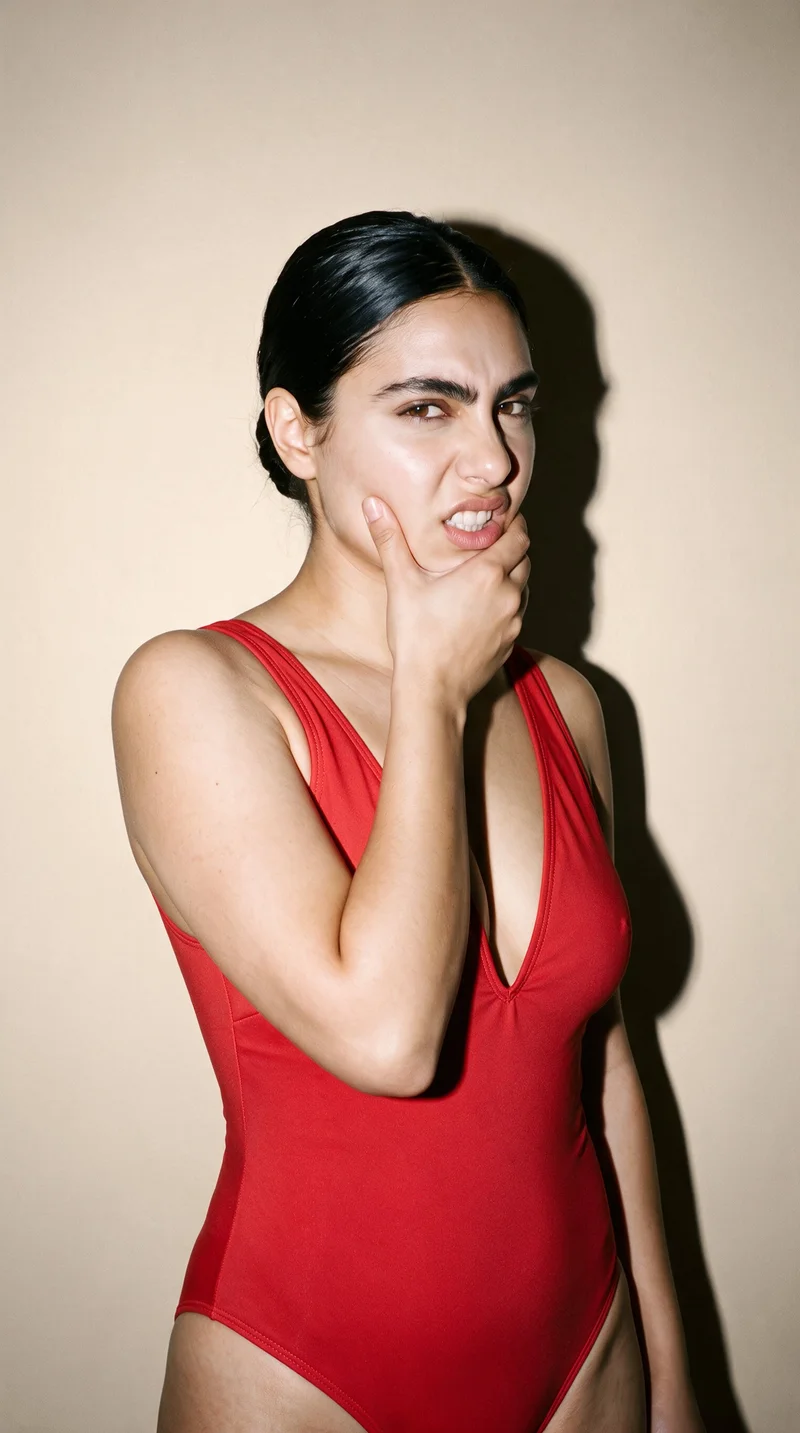
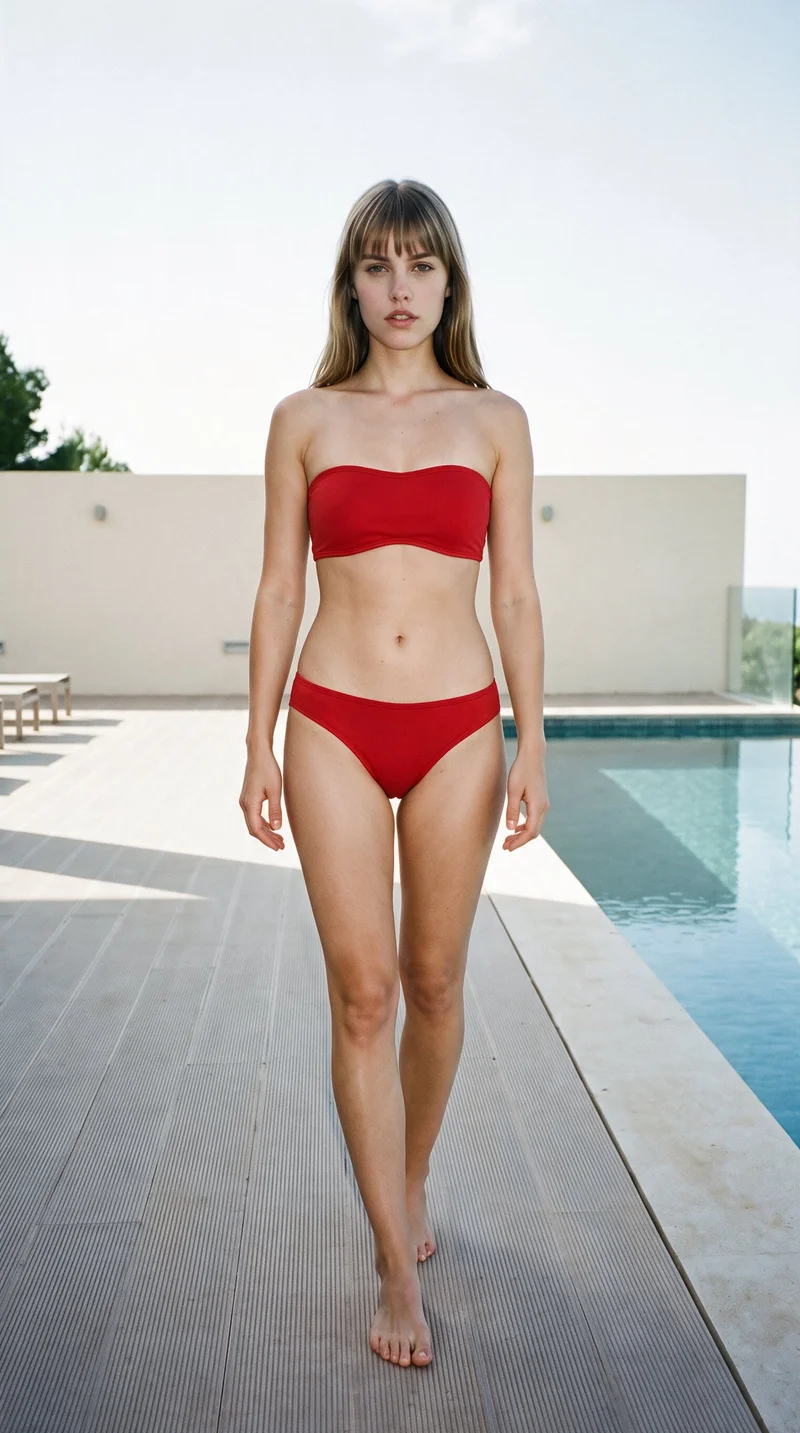
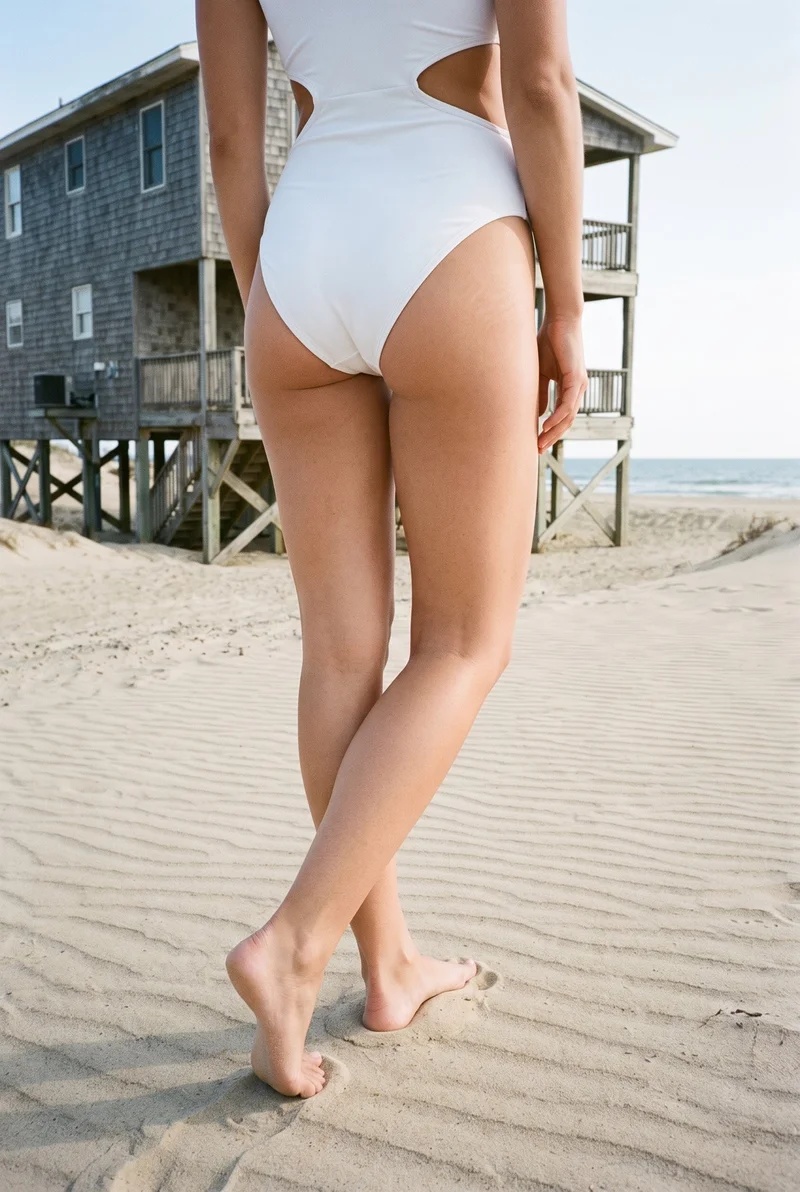
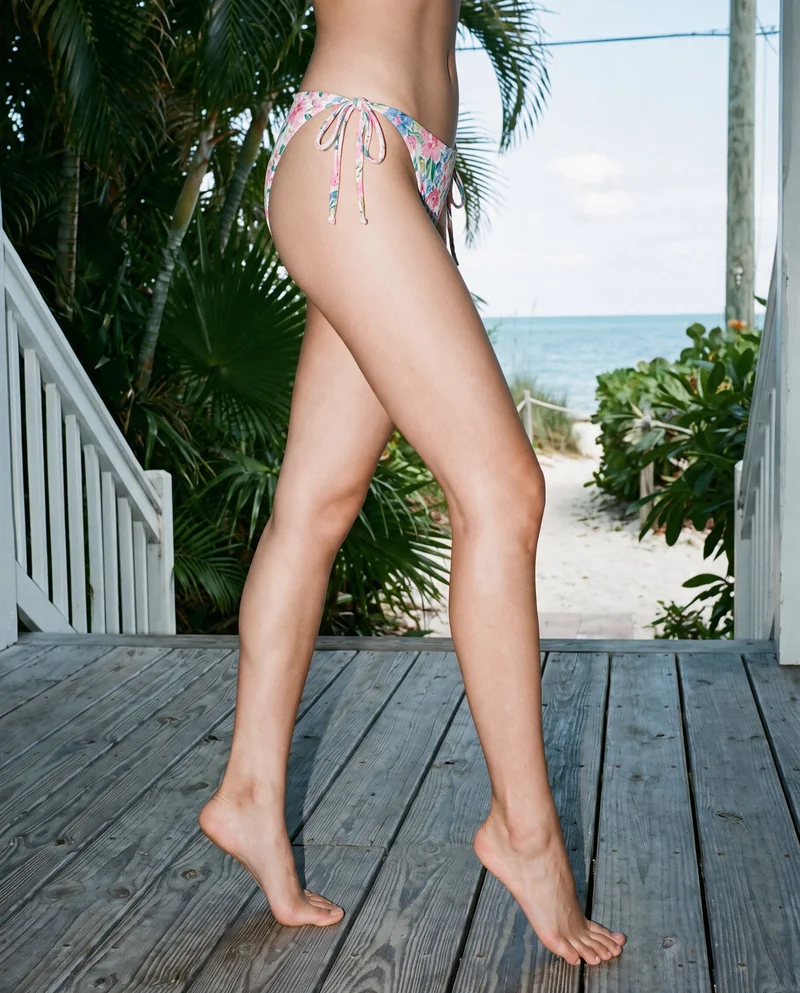
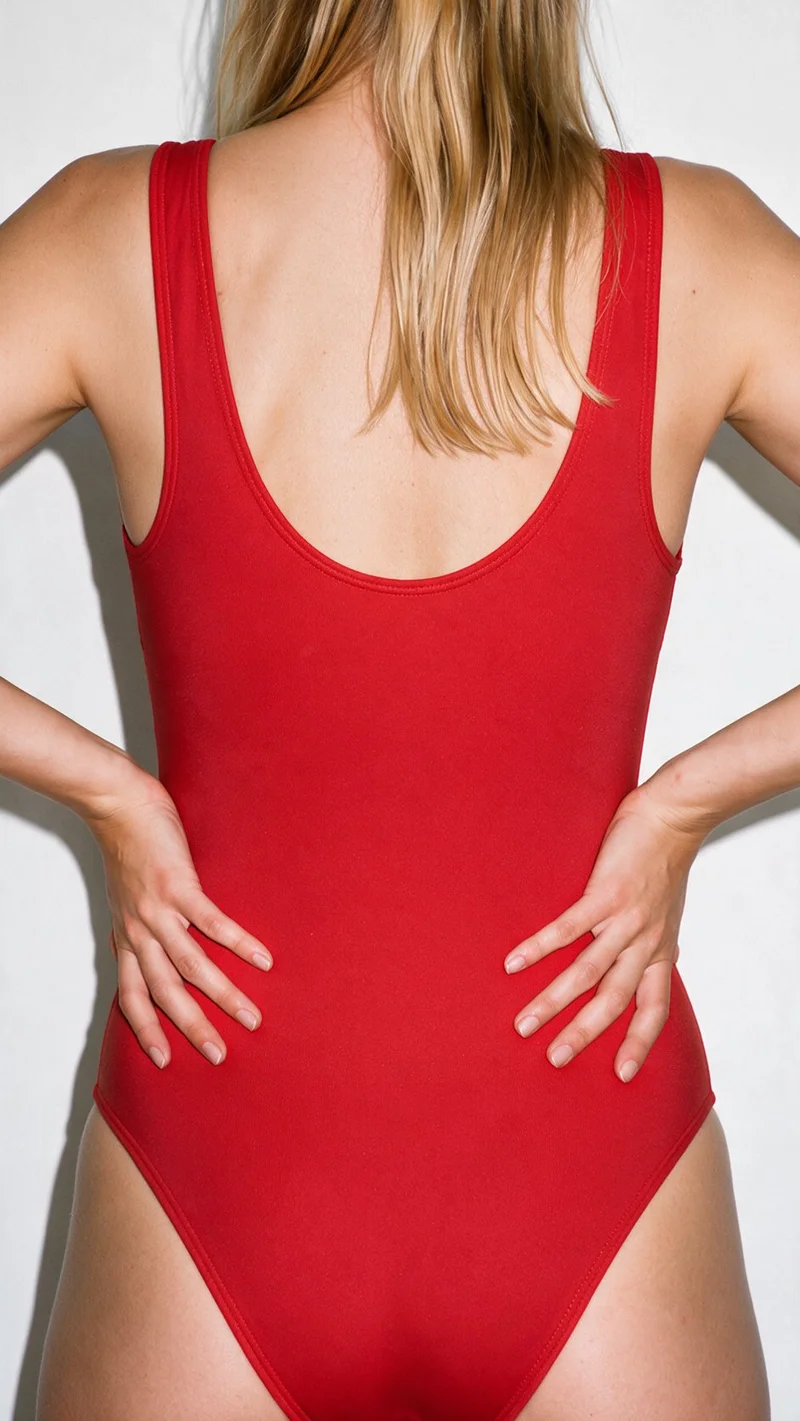
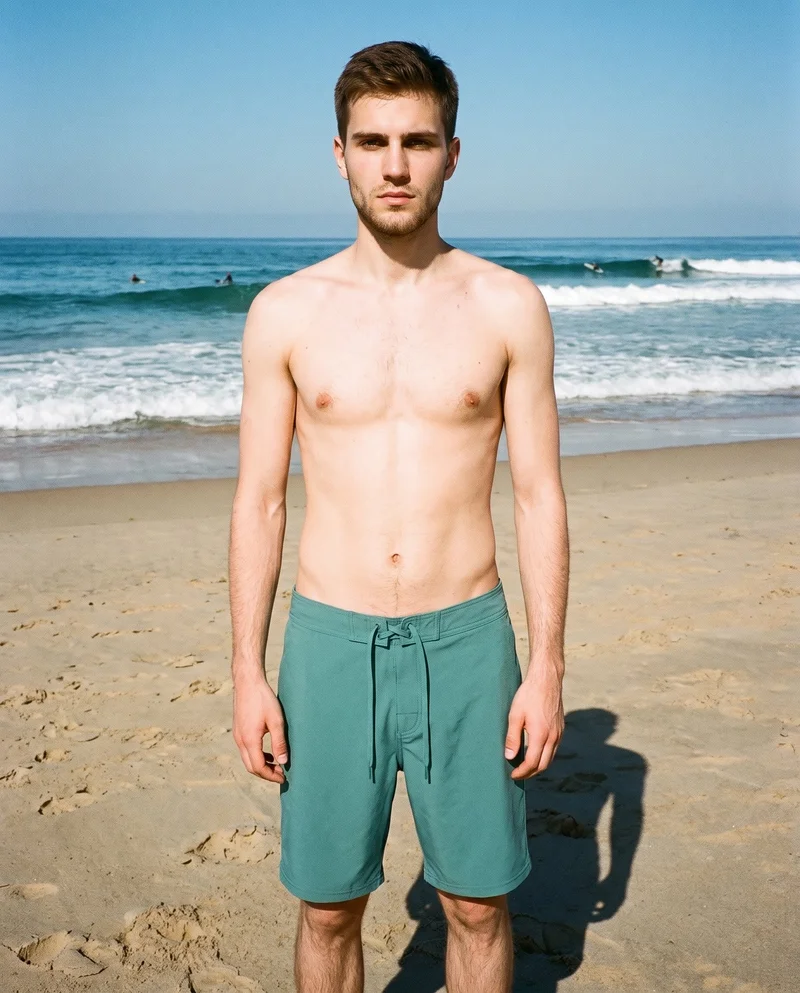
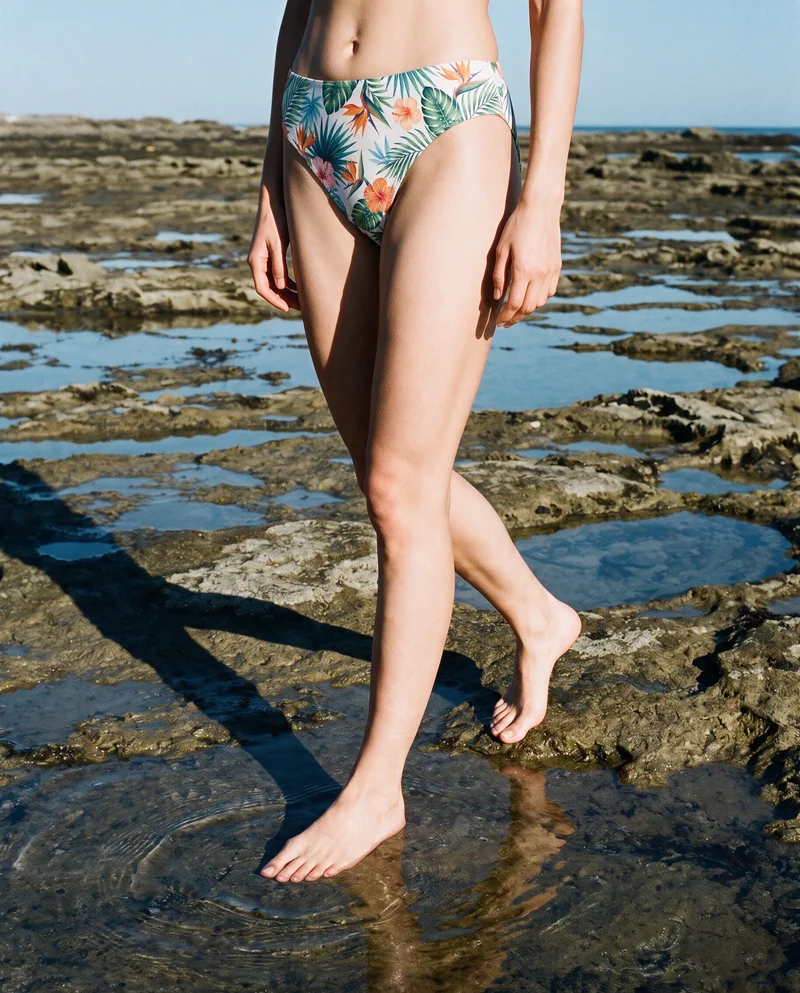
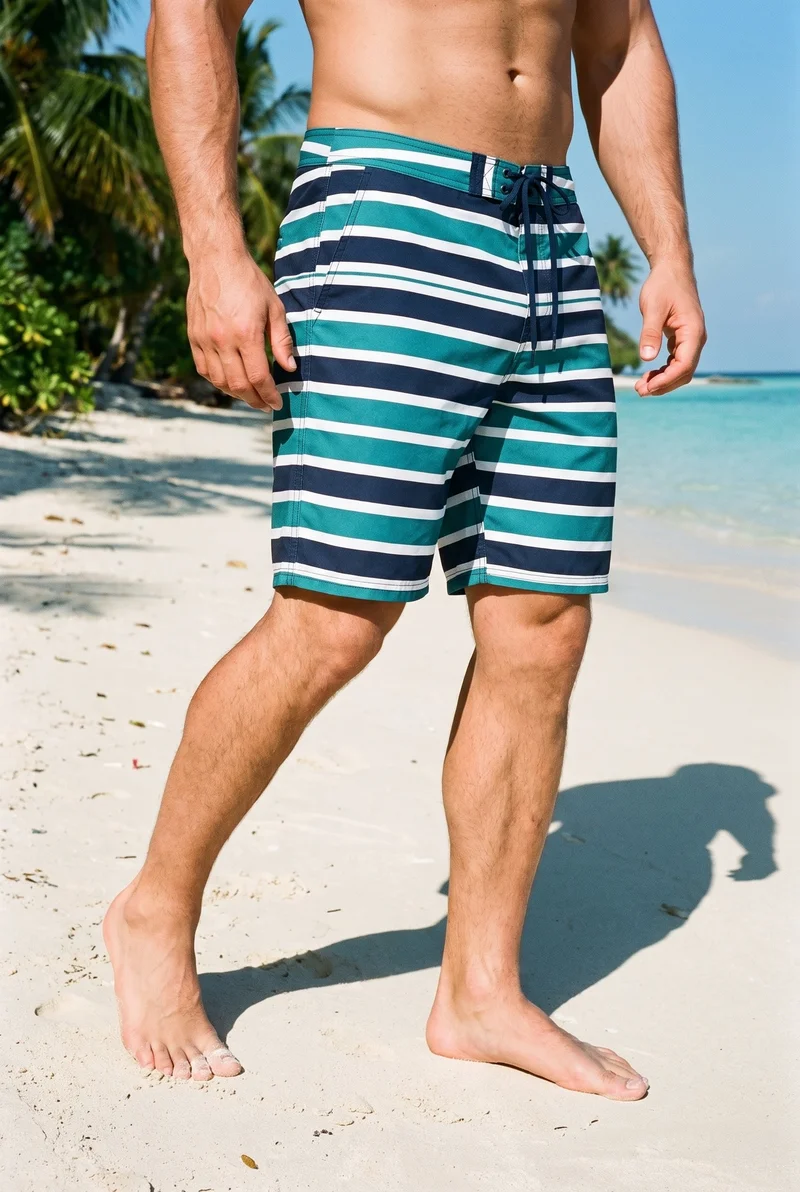
Showing 9 of 259, shot in RAWSHOT
The situation
Colourways arrive while the lookbook takes shape.
A summer collection has to look coherent across product pages, campaign images and the buyer lookbook, even when its source materials arrive at different times. You pick one model, one light, and one crop, then use that same set on the next piece. Within a shoot, you can change a composition choice while the others hold.
In the browser
You prepare product pages and the buyer lookbook.
Have the full summer collection online before the season starts
TodayYour drop is approaching, but some product pages still have only flat-lays.
With RAWSHOTEvery supported piece has an on-model image ready for its product page before the drop.
- 1Import the product
- 2Pick a model
- 3Set the frame.
Get on-model swim imagery without a beach shoot or travel budget
TodayYour campaign needs a seasonal setting, but a location shoot is not on the calendar.
With RAWSHOTThe collection has on-model campaign images in a setting you chose.
- 1Choose the product
- 2Select a model
- 3Pick a location background.
Show bikinis and one-pieces on several body types
TodayYour range appears on one body type, leaving customers with little visual context for the pieces.
With RAWSHOTEach supported piece can be shown on models with different body types.
- 1Import the piece
- 2Choose a model
- 3Set the pose.
Prepare a lookbook for buyers before samples are final
TodayYour buyer meeting is approaching, but the linesheet still relies on drawings because samples are not final.
With RAWSHOTBuyers can see the proposed collection as a coherent on-model lookbook.
- 1Import a clear sketch
- 2Choose a model
- 3Set the frame.
Rawshot Features
You change backgrounds but keep model, light and crop.
Product import and handling
Starting from your product photos, flat-lays, mockups or clear technical sketches helps you work on collection imagery before every sample is ready.
Start from your real item and keep product fidelity while building the scene.
See the feature →
AI model generator
Choosing different model presentations lets you give customers visual context for the same piece across body types.
Library filters plus private model building for consistent identity across the set.
See the feature →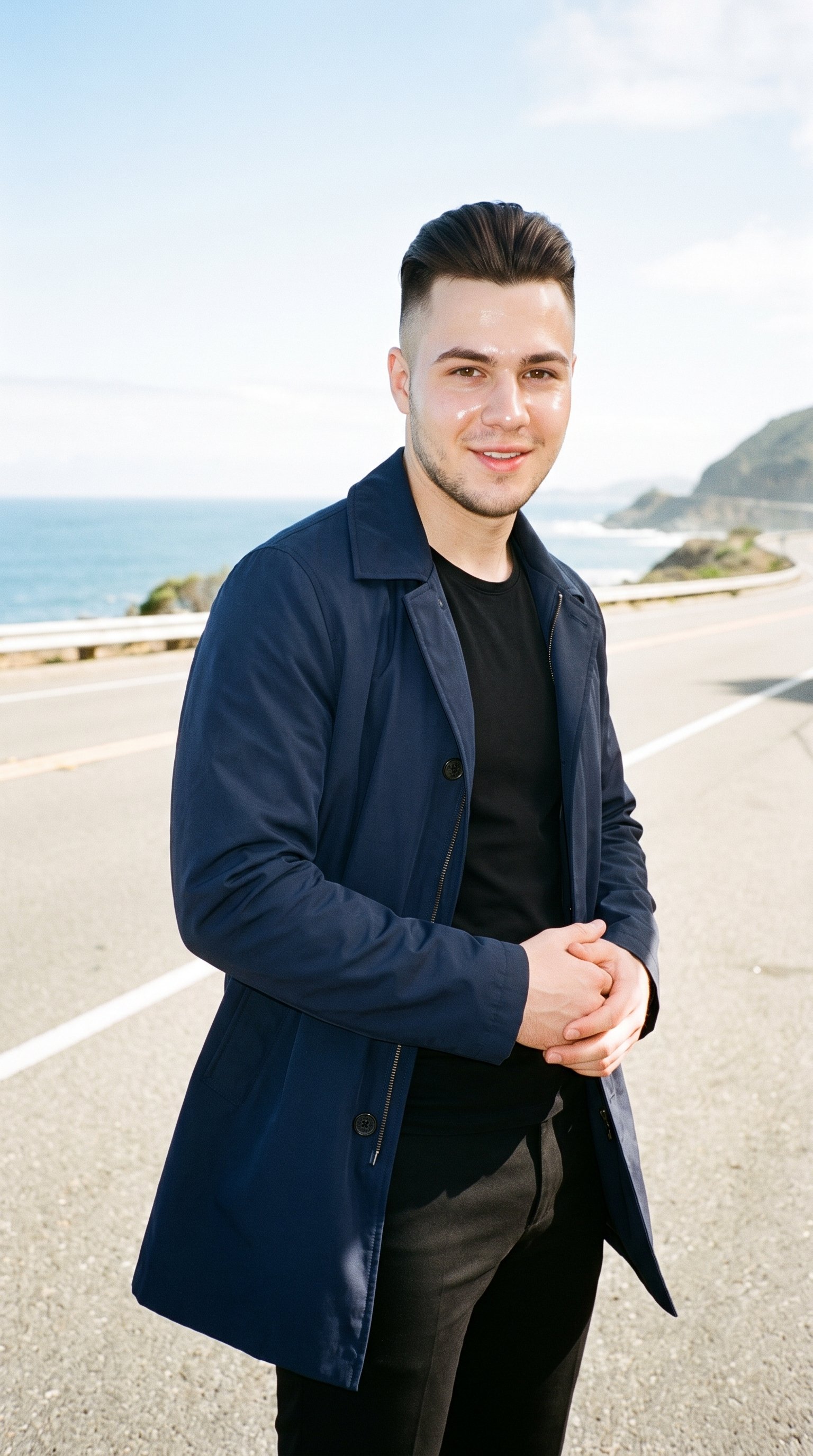
AI photo background generator
Selecting a location background lets you give seasonal campaign stills a setting without arranging a beach shoot.
Swap scene context while keeping model, product, and framing stable.
See the feature →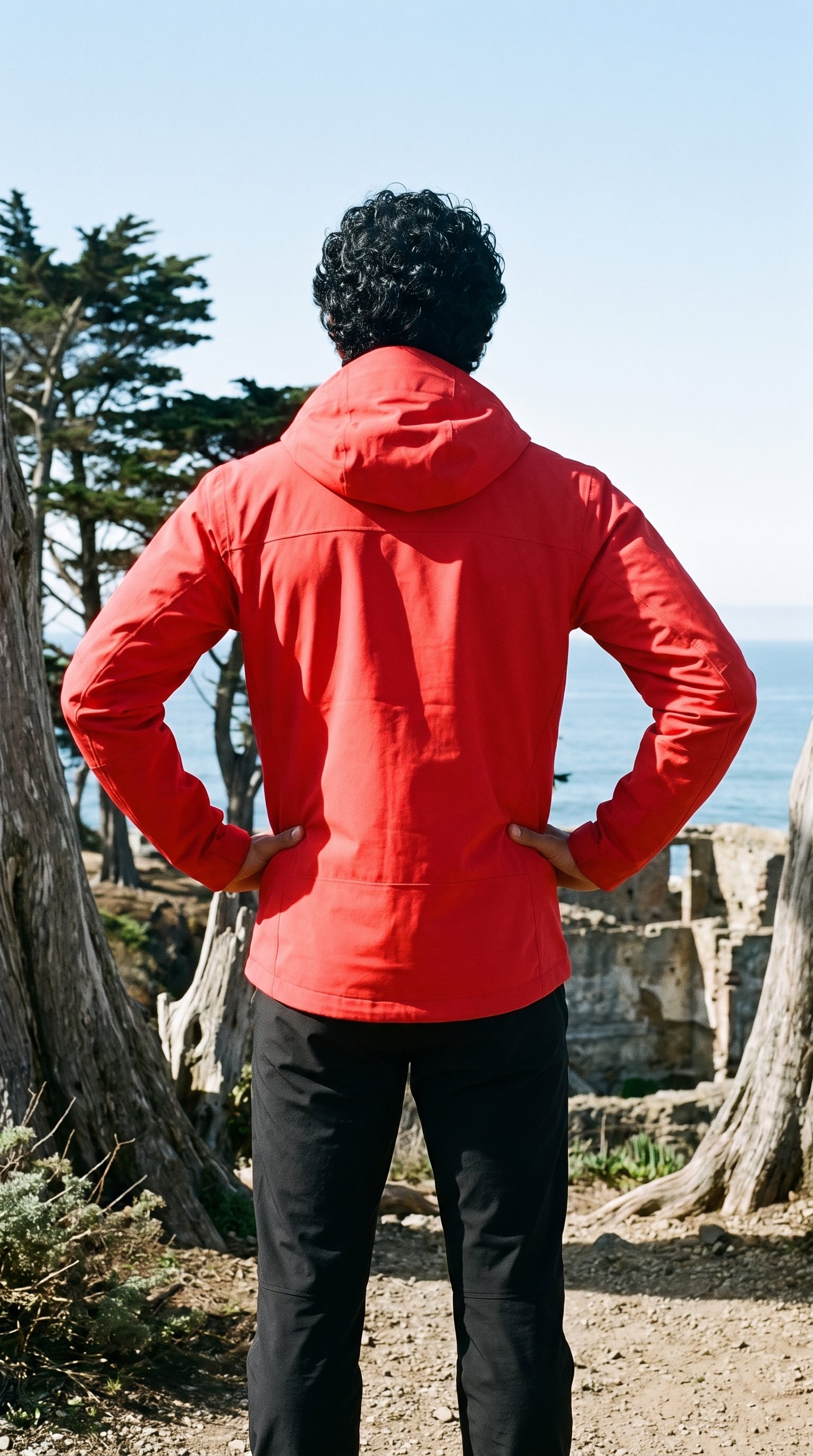
AI image to image generator
Changing the background while your selected model, light and crop hold helps your product-page and campaign images belong to the same collection.
Change one decision and keep the rest of the composition stable.
See the feature →AI image quality control
Every generated image is checked against your model, frame, view and pose before you see it.
AI image to video generator
17 model actions on a full-body shot · 132 in total
AI makeup generator
Branch-aware named options applied without altering casting or scene setup.
AI outfit generator
Combine the main piece with neutral supporting items in one coherent frame.
AI suggestions
Preselected control values you can always override in the same configurator.
Fashion model poses
22 poses on a full-body shot · 104 in total
Garment styling
Choose how the garment is worn and keep brand presentation consistent.
Inspiration gallery
Load editable finished looks as fast starting points for new shoots.
Photography direction
4 named choices that set mood and shadow the same way across a shoot.
Gallery
You view bikinis and one-pieces on models.
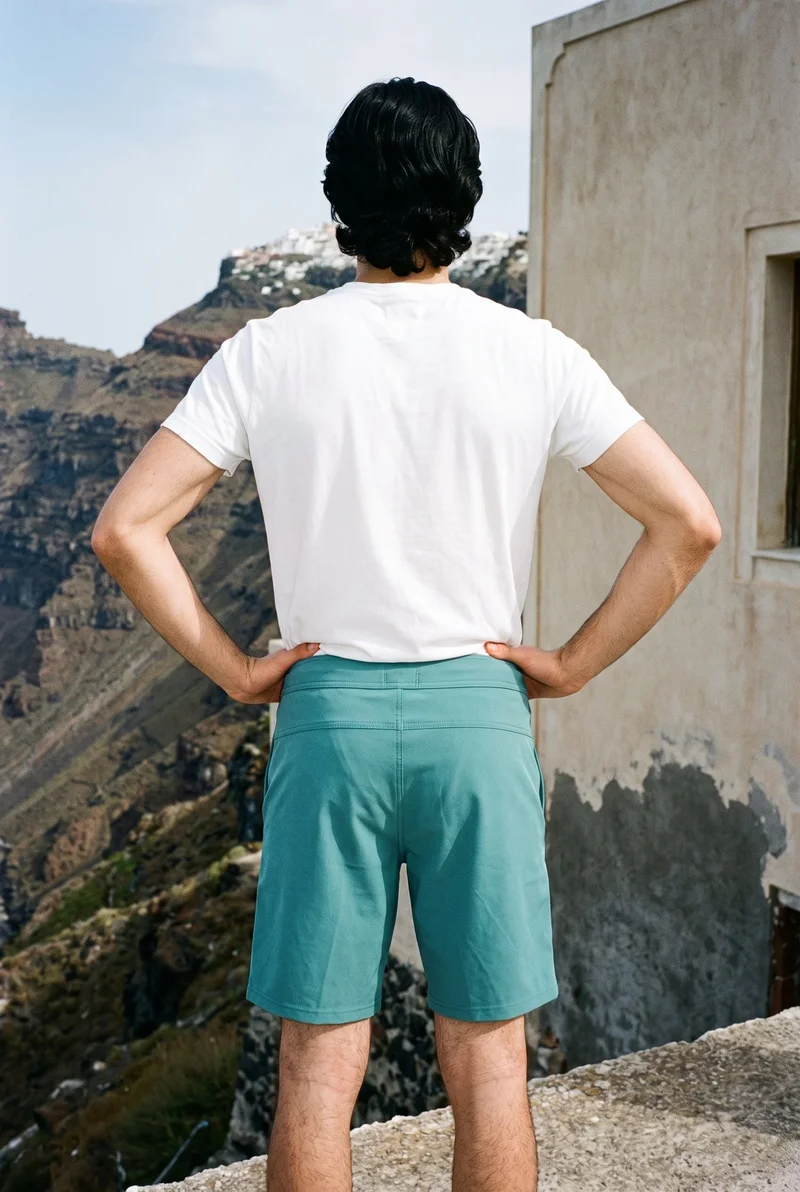
On-model stills show bikinis and one-pieces across product-page frames, seasonal settings and different body types, with a consistent light and crop for the collection.
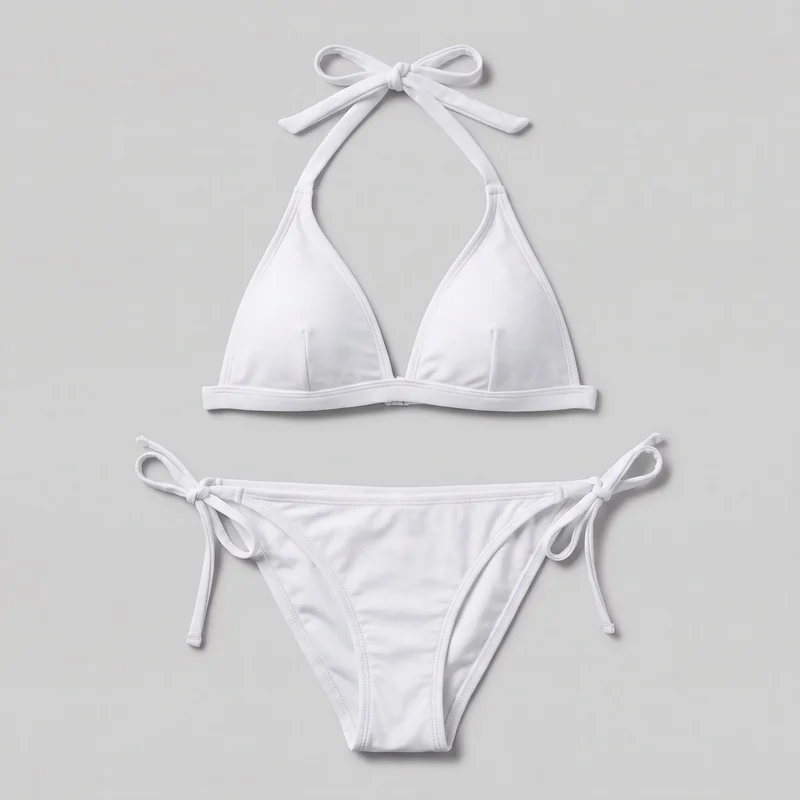 White Halter Bikini
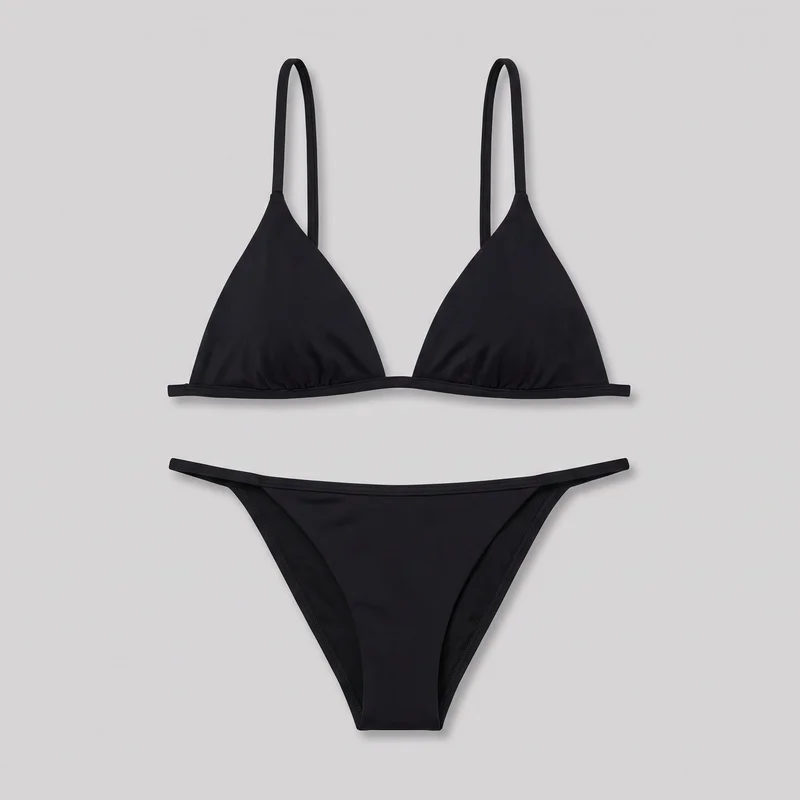 Black Triangle Bikini
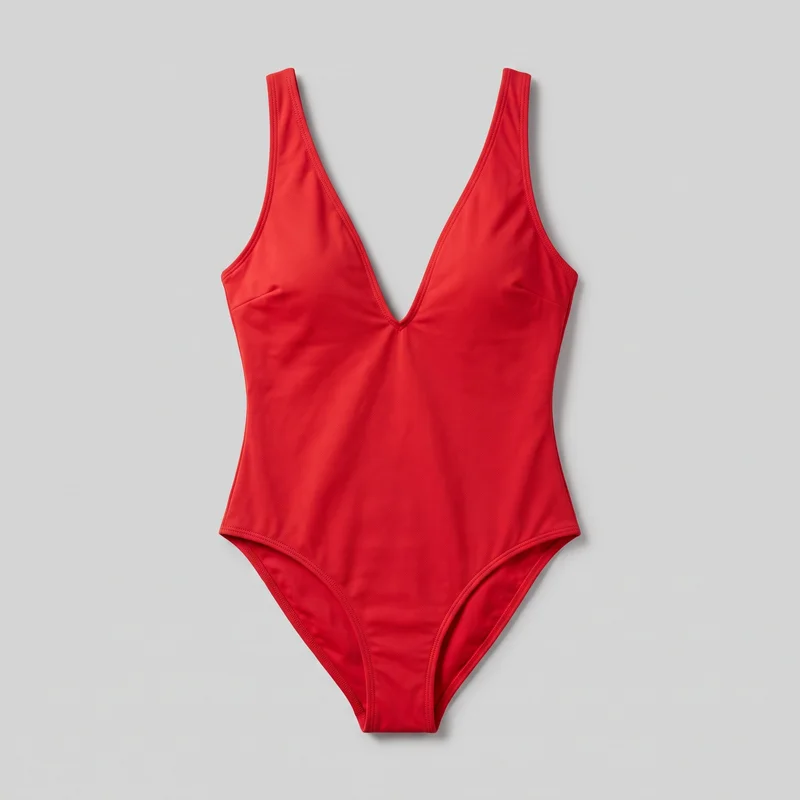 Red Plunge One-Piece Swimsuit
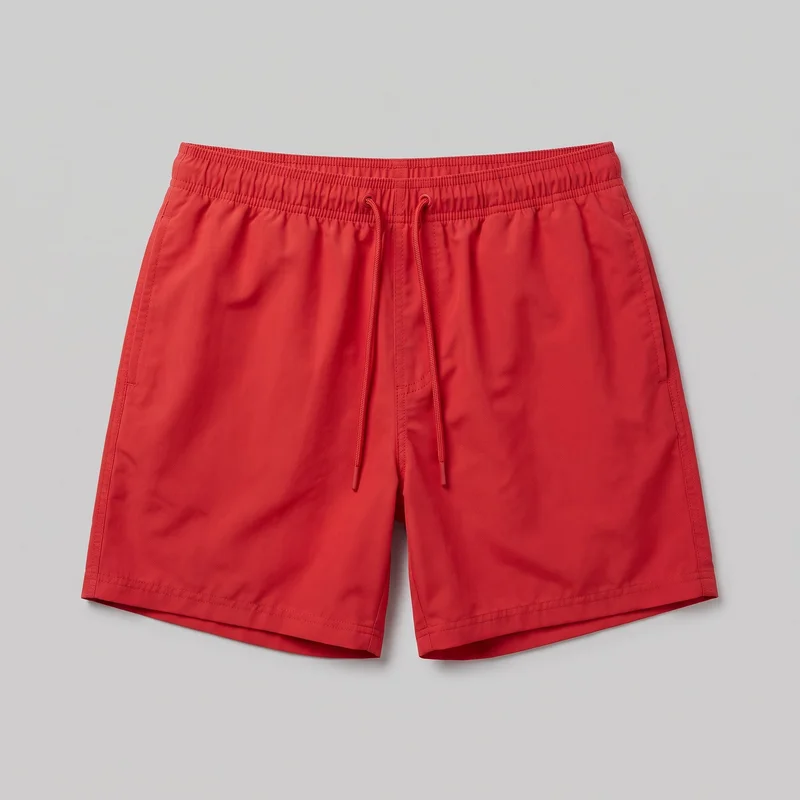 Red Swim Trunks
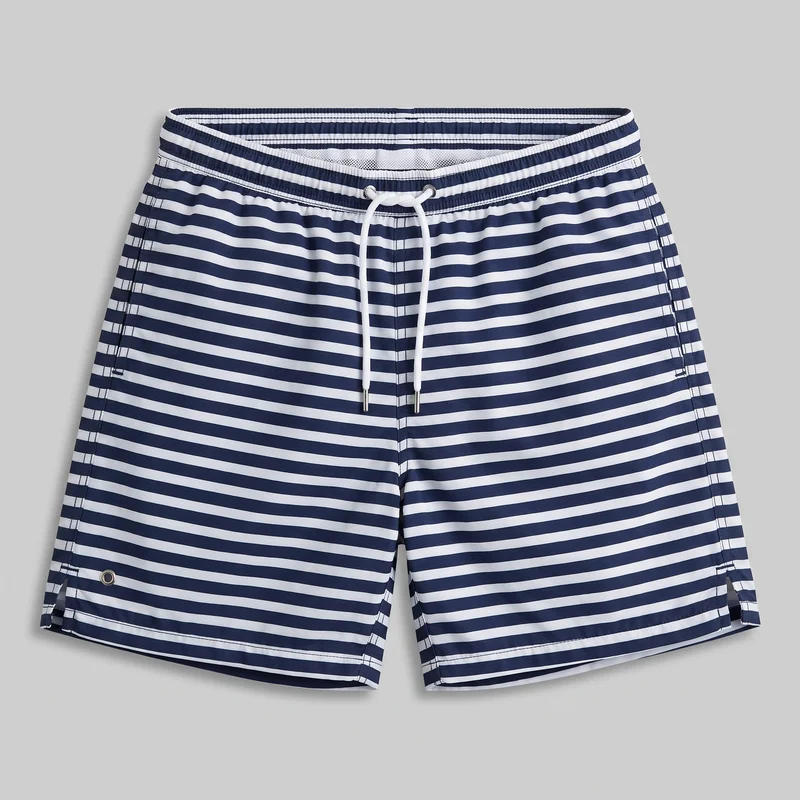 Striped Swim ShortsWhite Halter BikiniRed Plunge One-Piece Swimsuit
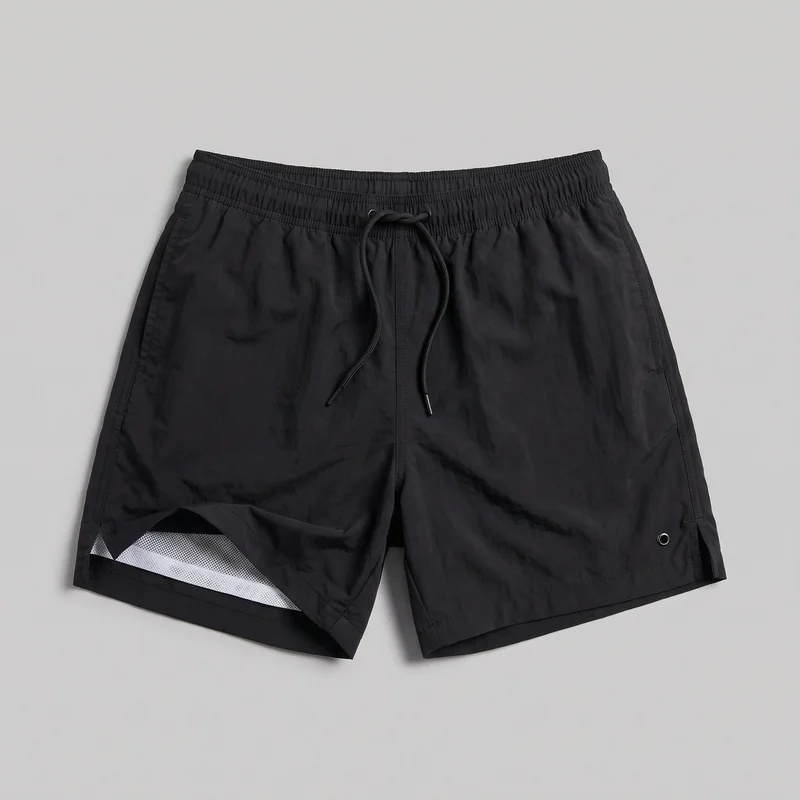 Black Swim TrunksRed Swim Trunks
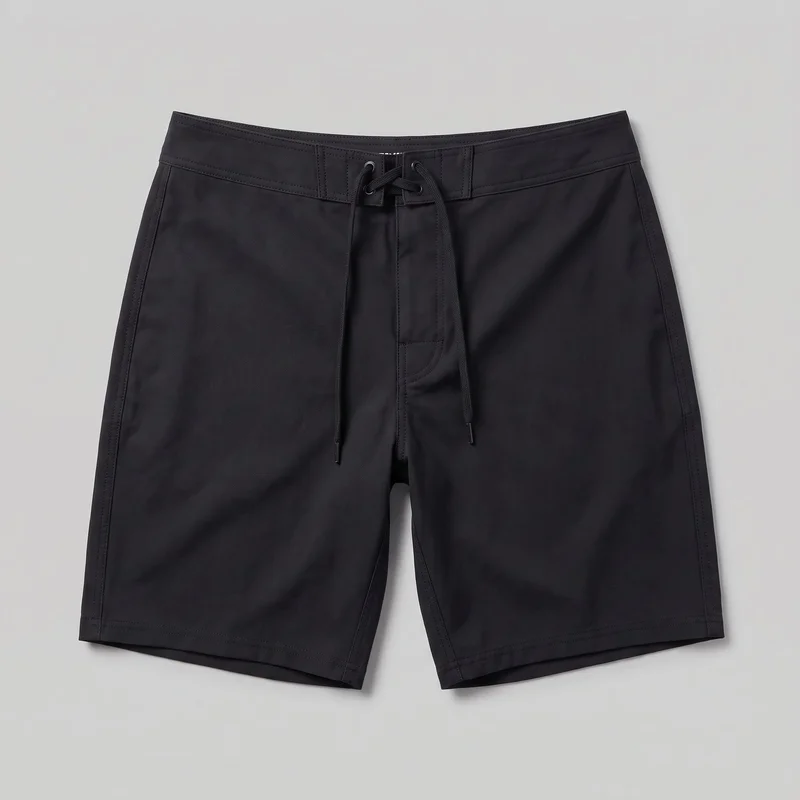 Black Board Shorts
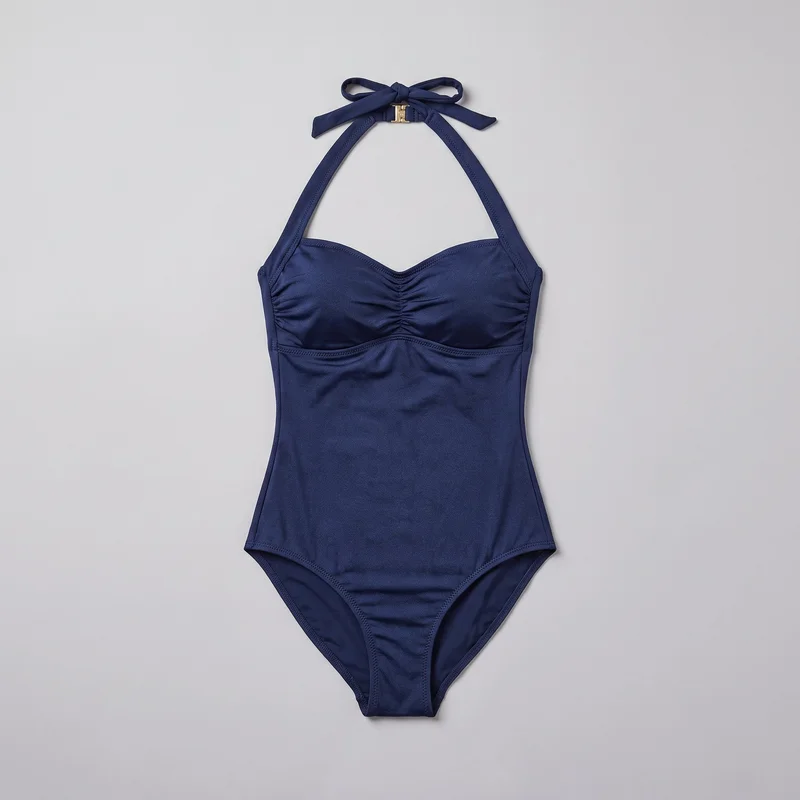 Navy Halter One-Piece Swimsuit
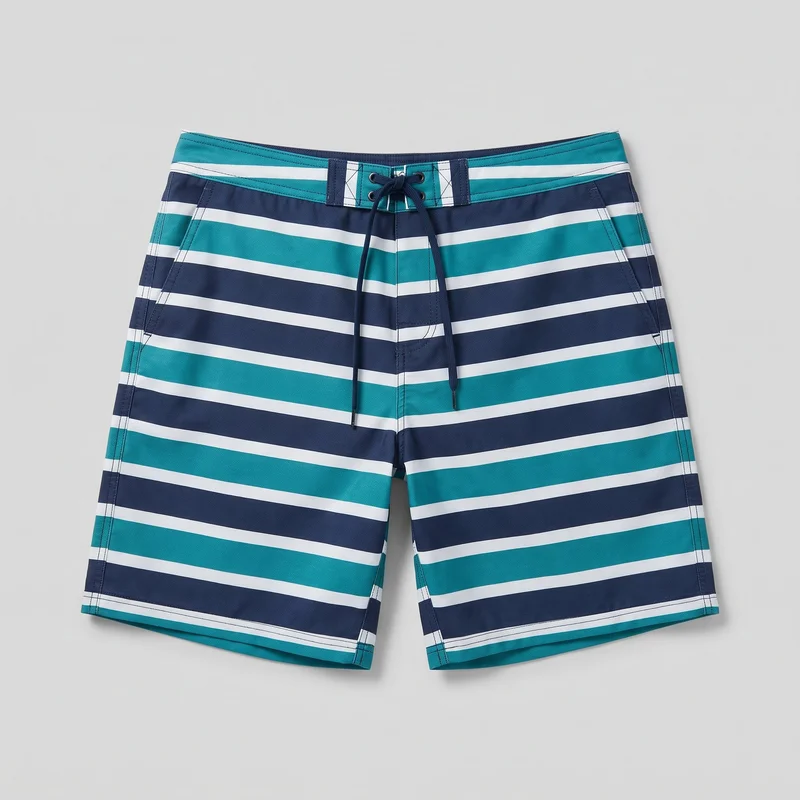 Striped Board ShortsBlack Triangle Bikini
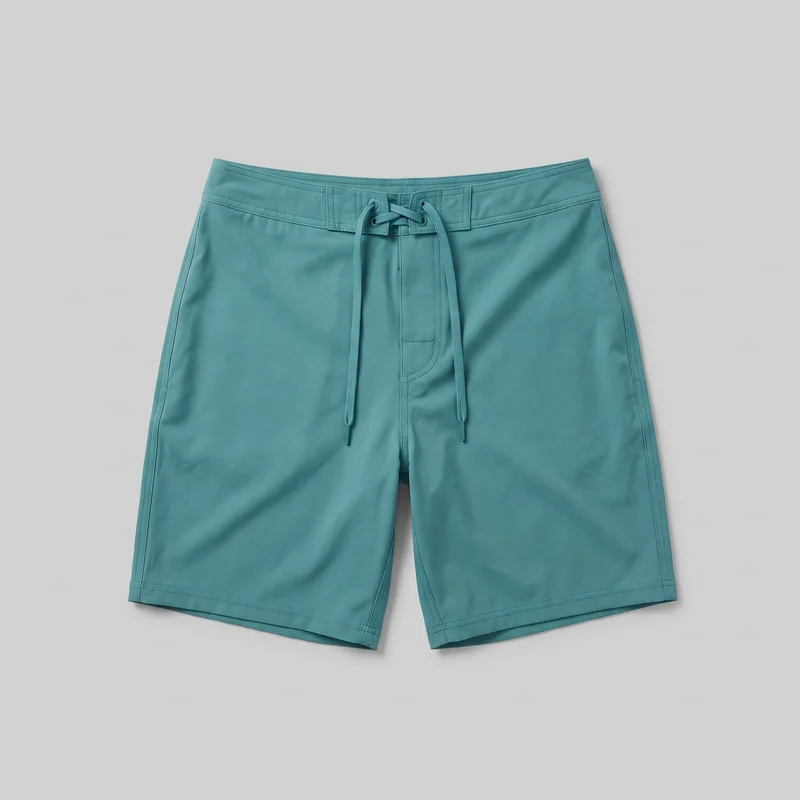 Teal Board ShortsRed Swim Trunks
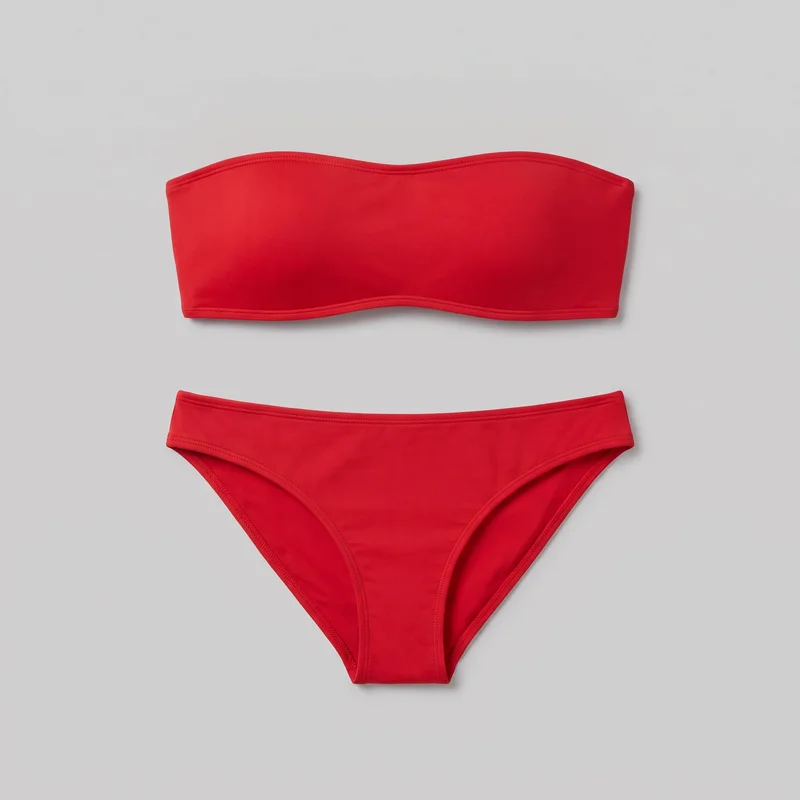 Red Bandeau Bikini
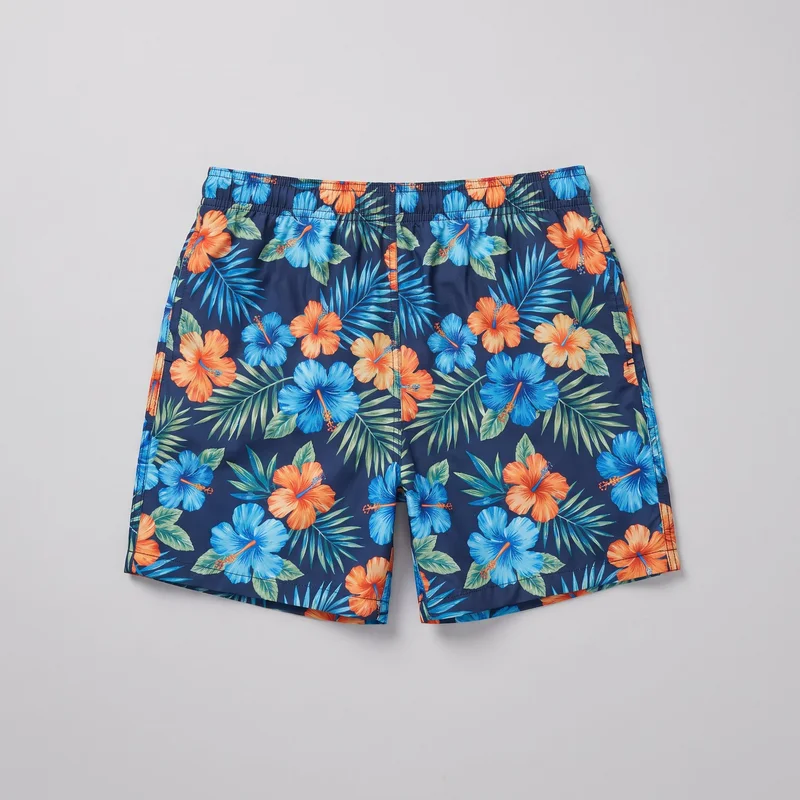 Floral Print Swim ShortsStriped Board Shorts
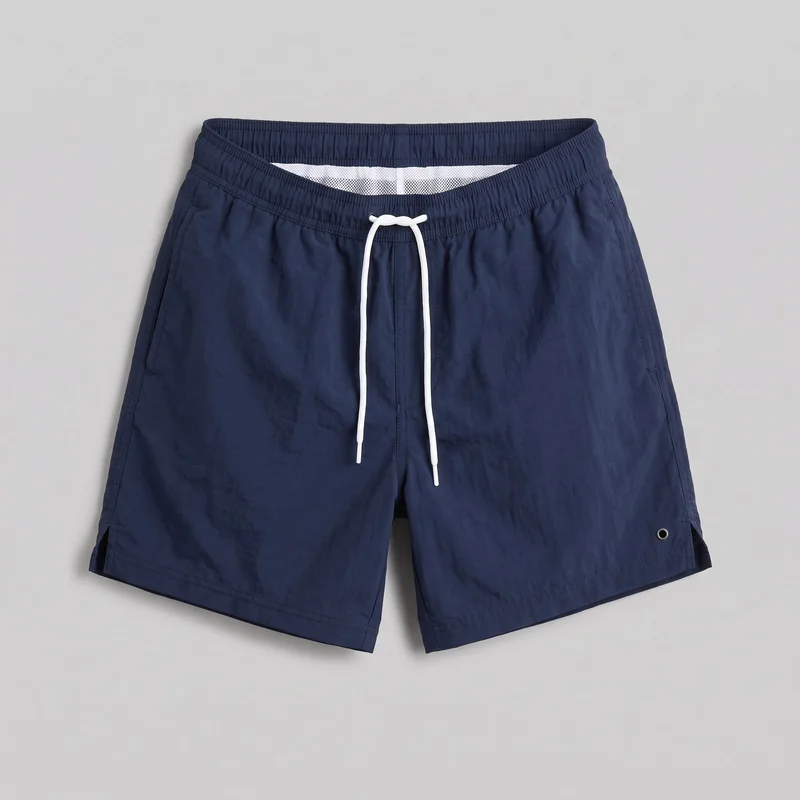 Navy Swim ShortsBlack Board ShortsRed Swim Trunks
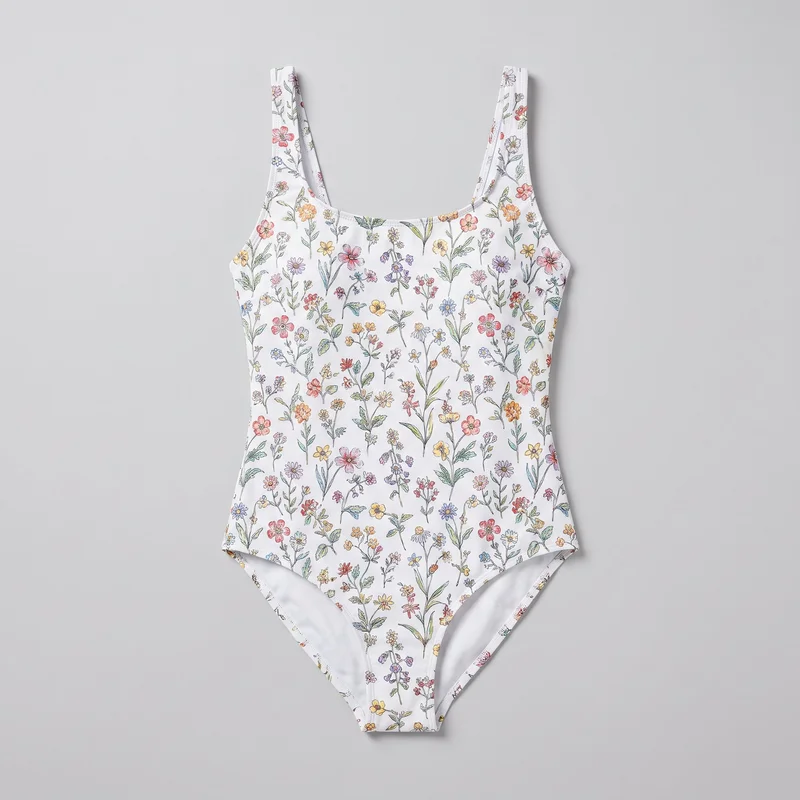 Floral Print One-Piece SwimsuitWhite Halter BikiniStriped Swim Shorts
Showing 24 of 259
Catalog
Browse the catalog
By product
Who it's for
Is RAWSHOT right for stills, not fit measurements?
A good fit
This fits when you have supported apparel sources and need commercial stills for product pages, collection drops or a buyer lookbook. It fits when you can choose from the available studio options and check each generated image before publishing.
Teams who get the most from it
- RAWSHOT is a good solution for you as an e-commerce manager if you need on-model product pages ready for a summer drop.
- It fits for you as a brand marketing manager if you need a consistent seasonal campaign image set without booking a location shoot.
- Consider it for you as a wholesale manager if you need lookbook images before the final samples arrive.
Work it handles well
- You can complete an on-model image set for your product pages.
- You can present a collection with consistent model, light and crop choices.
- You can show a supported piece on models with different body types.
Outside this scope
Skip it if you need measured fit or exact garment-position changes directed beyond the available controls. Skip it if your campaign depends on a specific real person or many rounds of edits to one hero image.
Teams this is not for
- Skip it if you are directing a campaign around a specific real person.
- This is not the right path if you need to revise one hero image through many rounds of detailed edits.
- It is not a fit if you need to carry a shoot configuration into later shoots.
Where this stops
- You cannot use a real-person likeness as your model reference.
- You cannot use body-type images as a measurement of garment fit.
- You need clear colour and material cues when your source is a technical sketch.
Rights
You own every image. Every image says what it is.
Yours
- Full commercial rights to every image, permanently.
- No recurring licence fees on any model in the library.
- Every model is a synthetic composite, so there is no real-person likeness.
Labelled
- C2PA content credentials on every image.
- AI-labelled output, aligned with EU AI Act Article 50.
EU-based hosting, GDPR-compliant handling.
- Aligned with EU AI Act Article 50
- C2PA
- Full commercial rights
- GDPR-compliant handling
- EU-based hosting
Questions
Can you begin before final samples arrive?
Could swimwear brands benefit from RAWSHOT when summer product pages still need on-model imagery?
RAWSHOT helps you prepare on-model commercial stills for swimwear product pages before a summer drop. You can bring in a supported apparel source, choose a model, and direct the light and frame to suit the collection. That gives you a way to build a coherent image set as pieces and colourways arrive, while reviewing each still before it goes online.
What jobs can swimwear brands use RAWSHOT for when a summer collection is coming together?
You can use RAWSHOT for on-model product pages, seasonal campaign stills, and buyer lookbooks. It helps when some pieces are ready to photograph but other parts of the range still rely on source materials. You can show supported bikinis and swimsuits on models with different body types, or choose a seasonal background for campaign imagery. Review the generated stills before using them in your shop or sales materials.
Which crops and frames can swimwear brands set for product pages and seasonal launch images?
You can compose a 4:5 product crop, a 9:16 vertical crop, or a wider lookbook frame in RAWSHOT. Choose the camera view and frame around the garment so the product remains clear in each composition. For a collection, you can hold a consistent crop across product pages, then adjust the framing for a campaign still. Check the finished image against the placement where you intend to publish it.
Where can swimwear brands begin in RAWSHOT if final samples have not arrived?
You can start with a supported product photo, flat-lay, mockup, or technical sketch rather than waiting for every final sample. A clear sketch needs colour and material cues so the intended garment can be interpreted. From there, you choose a model, styling, light, and frame for an on-model still. Check the generated garment details against your source before putting the image in a buyer lookbook or on a product page.
How does RAWSHOT differ from flat-lays for swimwear brands building summer product pages?
RAWSHOT lets you present a supported swimwear piece on a chosen model, while a flat-lay shows the garment without an on-model view. You can direct the pose, light, and camera view to give your product pages a consistent studio treatment. A flat-lay can still be useful as a source image or for showing garment details. Treat the generated on-model still as visual context, not as a measurement of fit.
How can swimwear brands keep collection imagery consistent as new colourways arrive?
You can keep a collection visually consistent by holding your model, light, and crop choices while working through supported pieces within a shoot. When a new colourway is ready, use its source image and check that the garment colour reads correctly in the finished still. You can change a pose or camera view without changing every composition choice. Shoot settings do not carry into later shoots, so review those choices again when you return to the range.
What should swimwear brands check before using RAWSHOT images to show fit or direct a campaign?
RAWSHOT images provide on-model visual context, not measured fit or precise garment-position control. You can select available models and studio choices, but you cannot direct pixel-level changes or use a real person's likeness as a model reference. A technical sketch also needs clear colour and material information. If your campaign requires a particular person or repeated detailed revisions to a hero still, plan that work outside this workflow and inspect every generated image before publishing.
May swimwear brands use RAWSHOT images on product pages, in buyer lookbooks, and across commercial launch channels?
You get full commercial rights to every image, permanently, with no recurring licence fee. Every image carries C2PA content credentials and is labelled as AI-generated.
Get started
Shoot the next piece for your summer pages.
Start with a 7-day free trial including 50 tokens, then move to the plan that matches your production volume.