
AI swimwear photography
Your swimwear product pages, before the location shoot.
Your next swimwear collection needs on-model product images while the location shoot is not ready. You can create matching stills for each style and colourway for the product pages.
7-day free trial • 50 tokens (10 images) • Cancel anytime
- A 2K image in roughly 35 seconds
- AI-labelled with C2PA content credentials
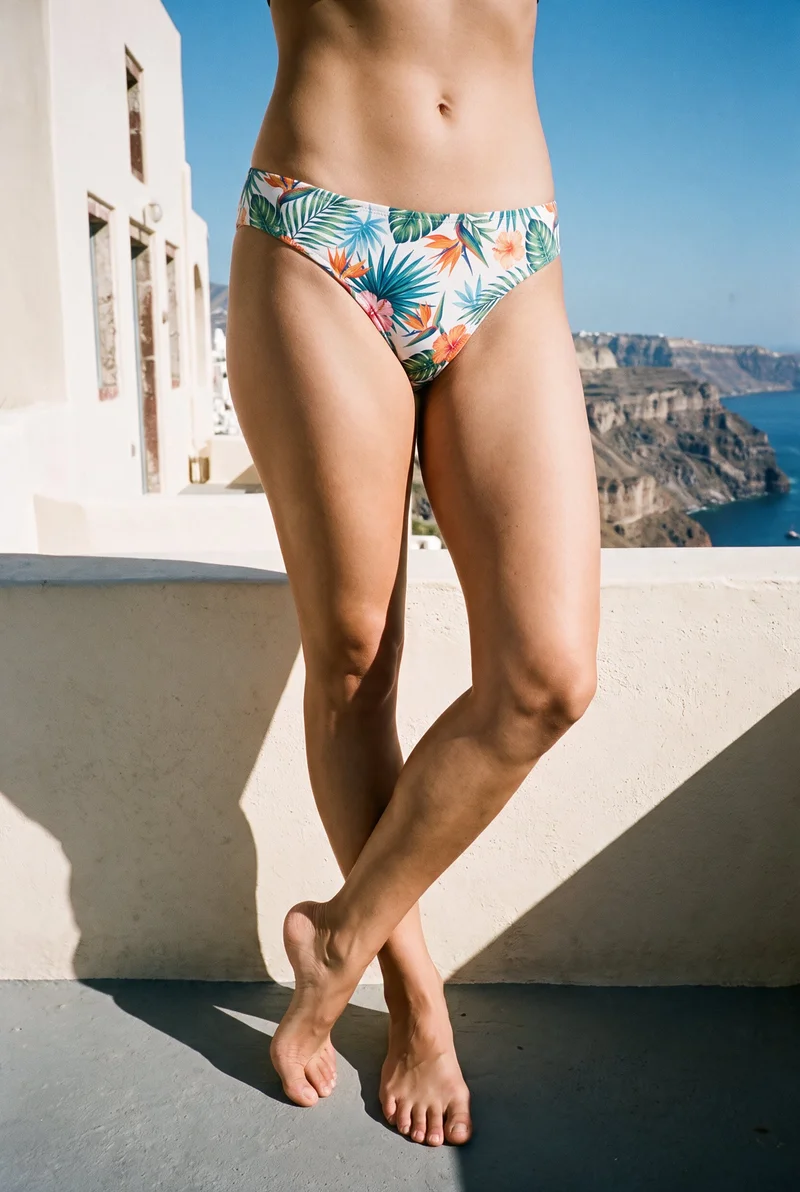
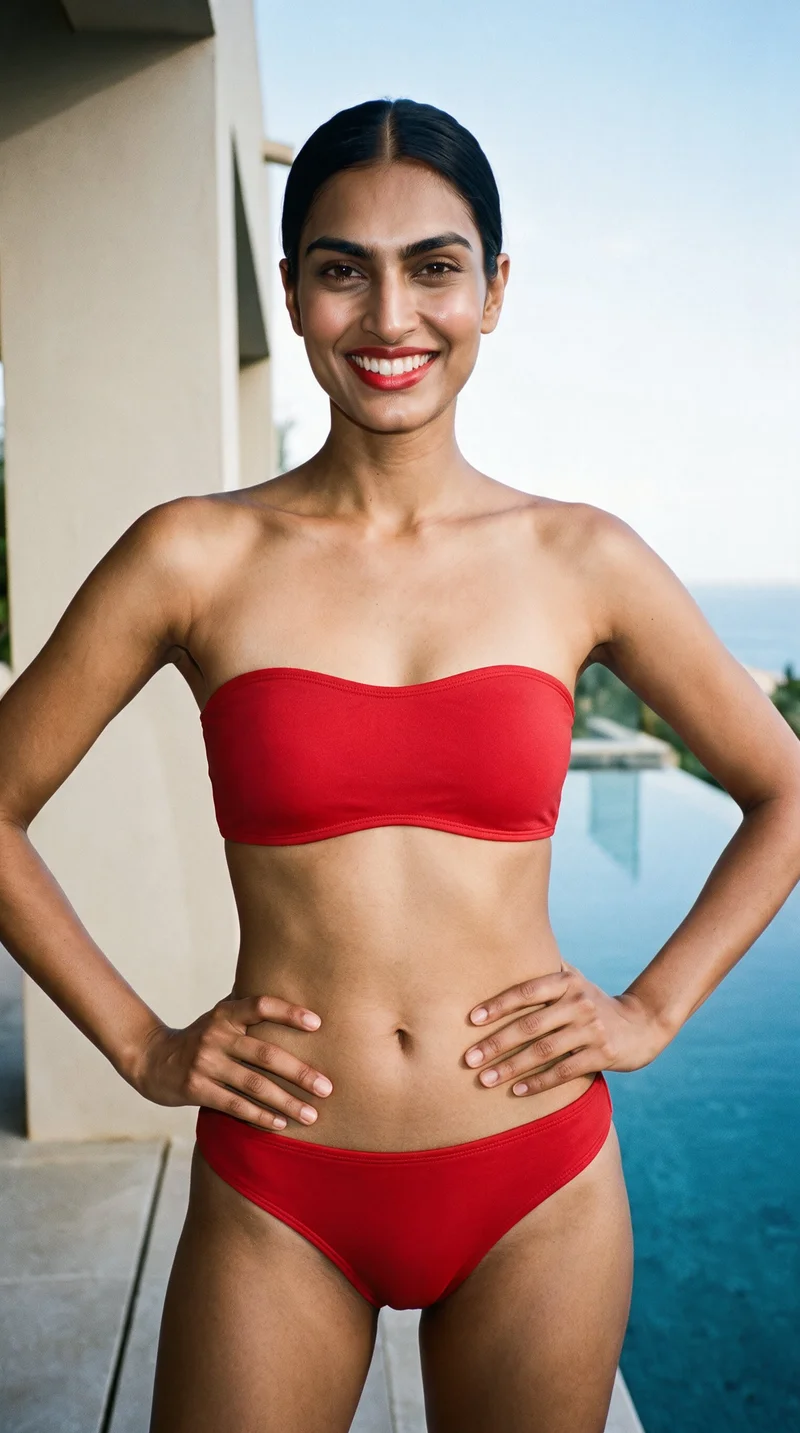
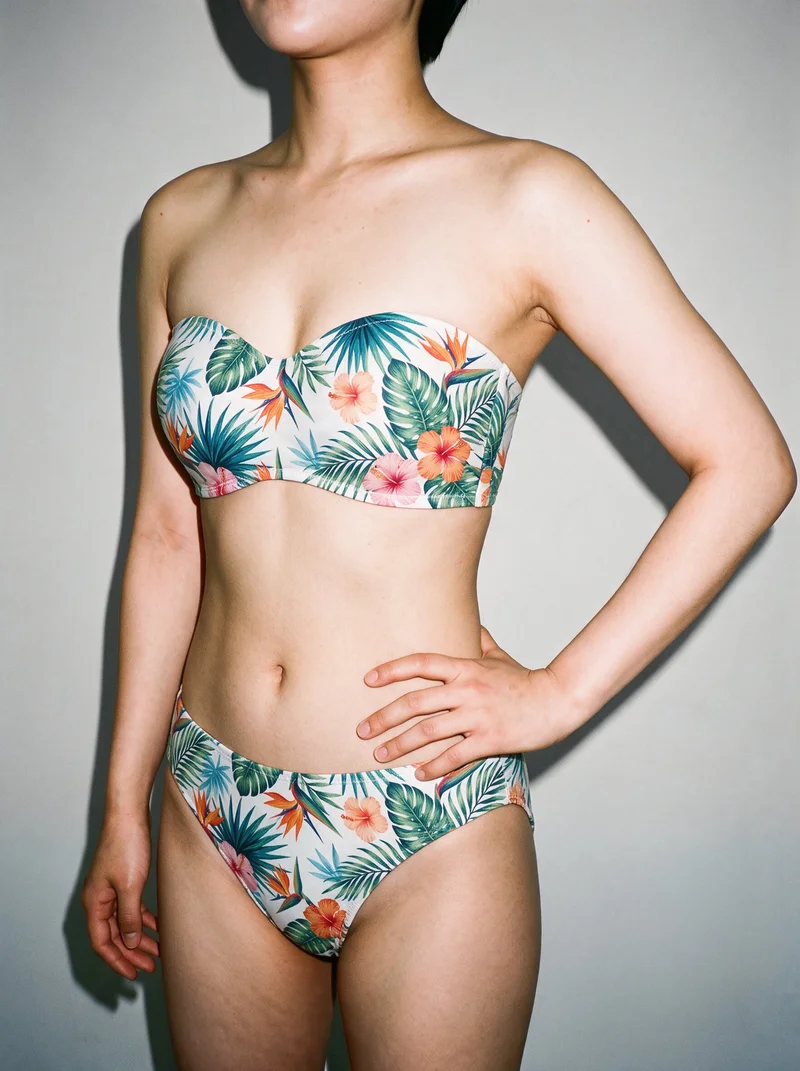
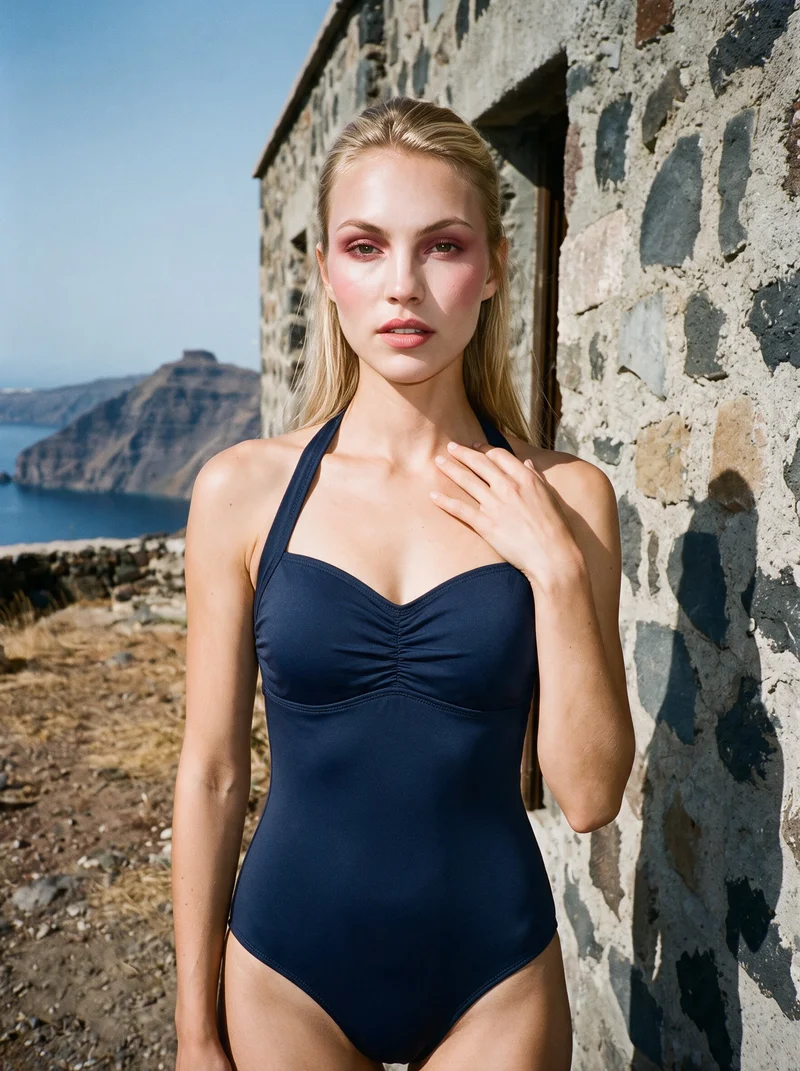
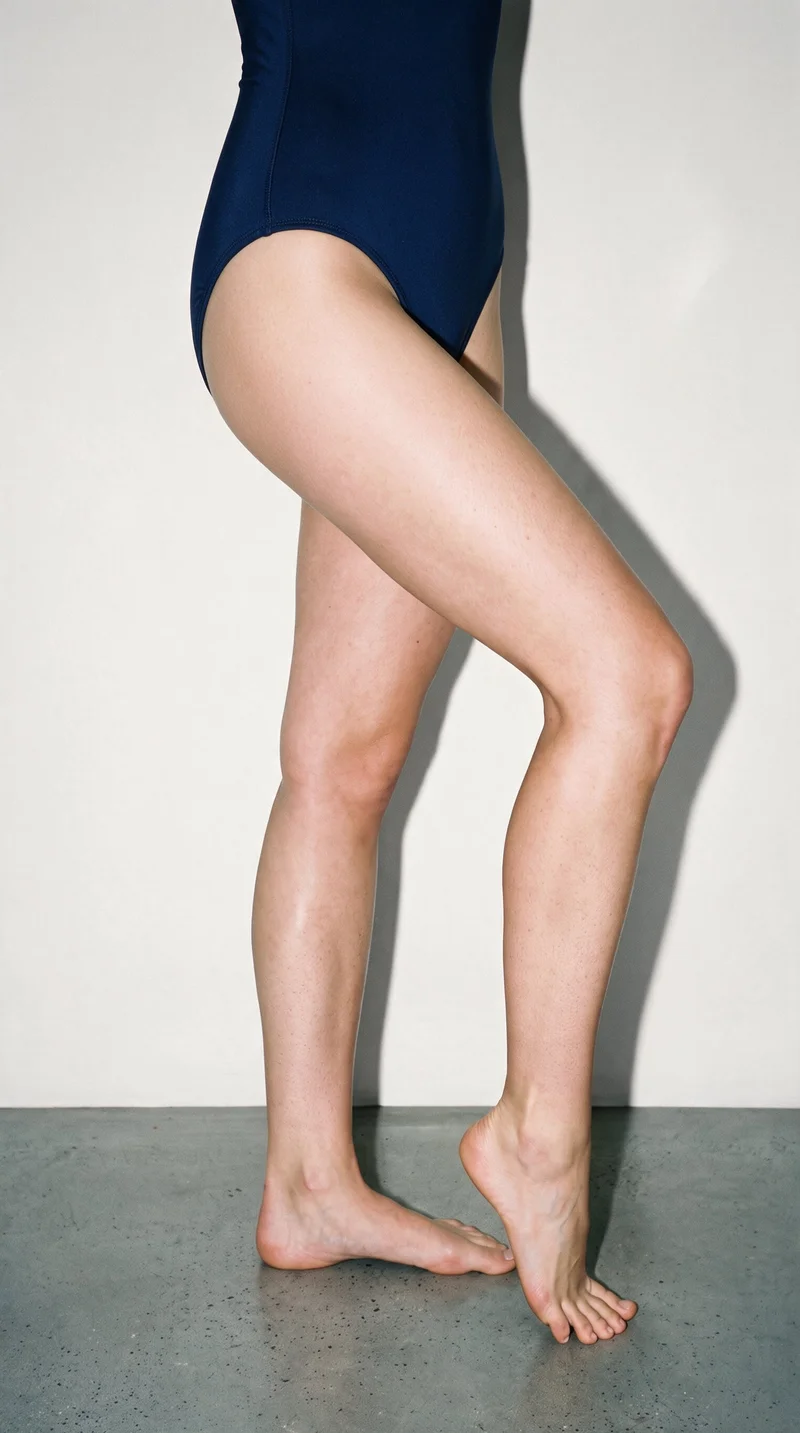
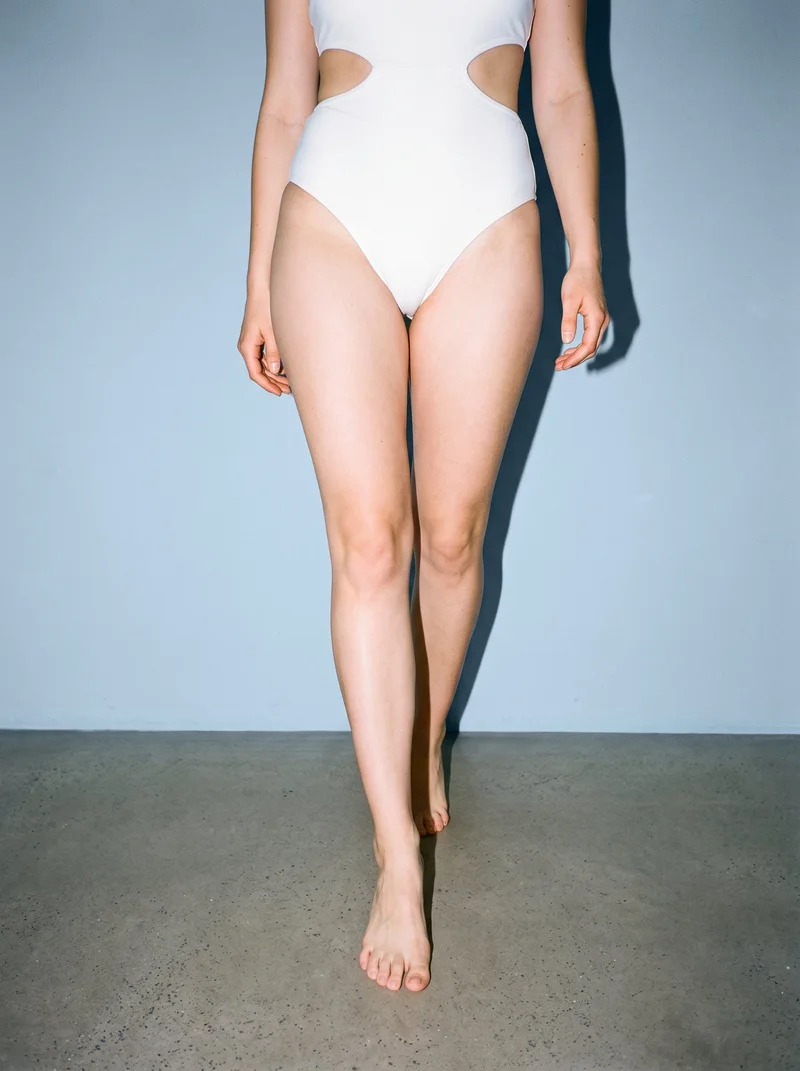
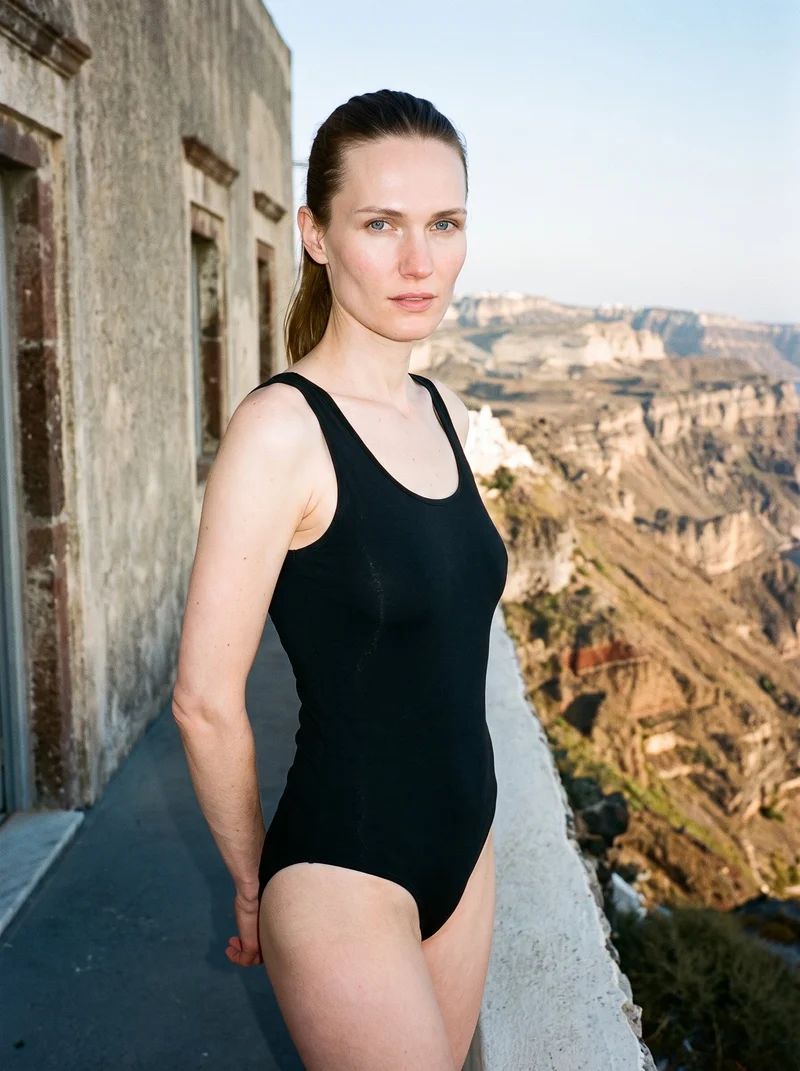
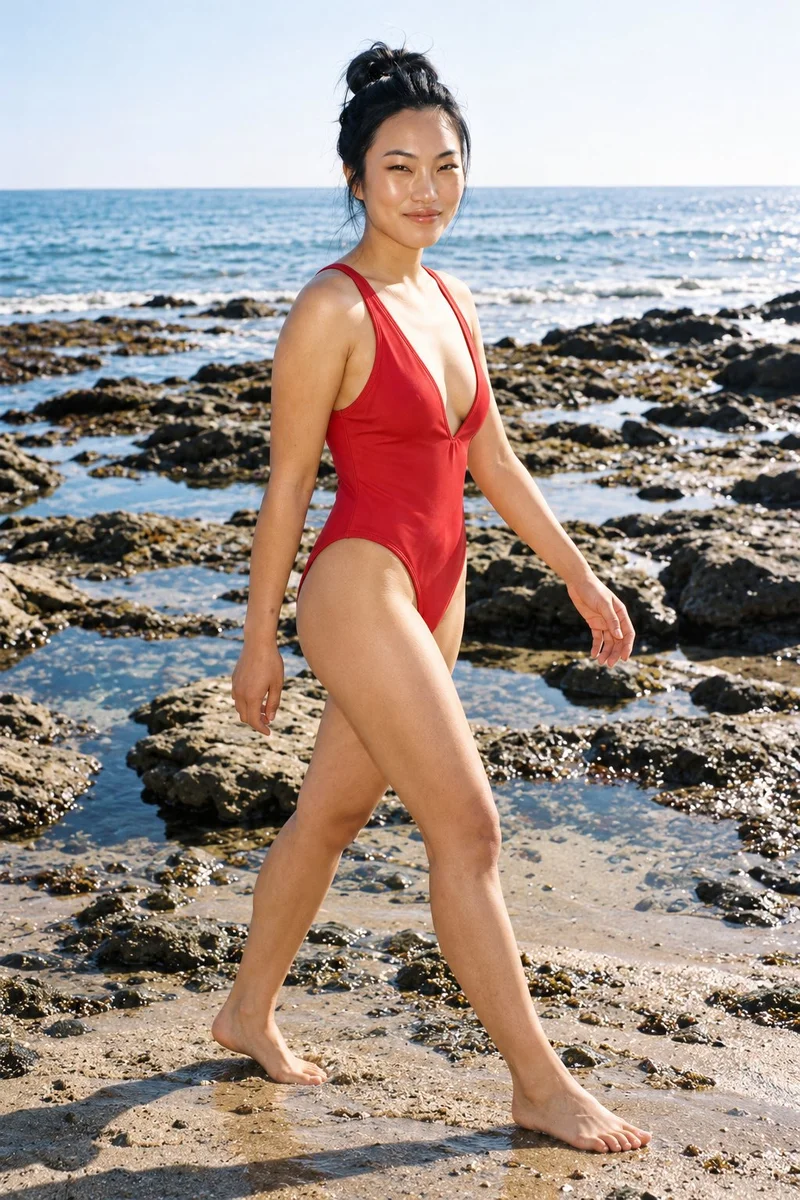
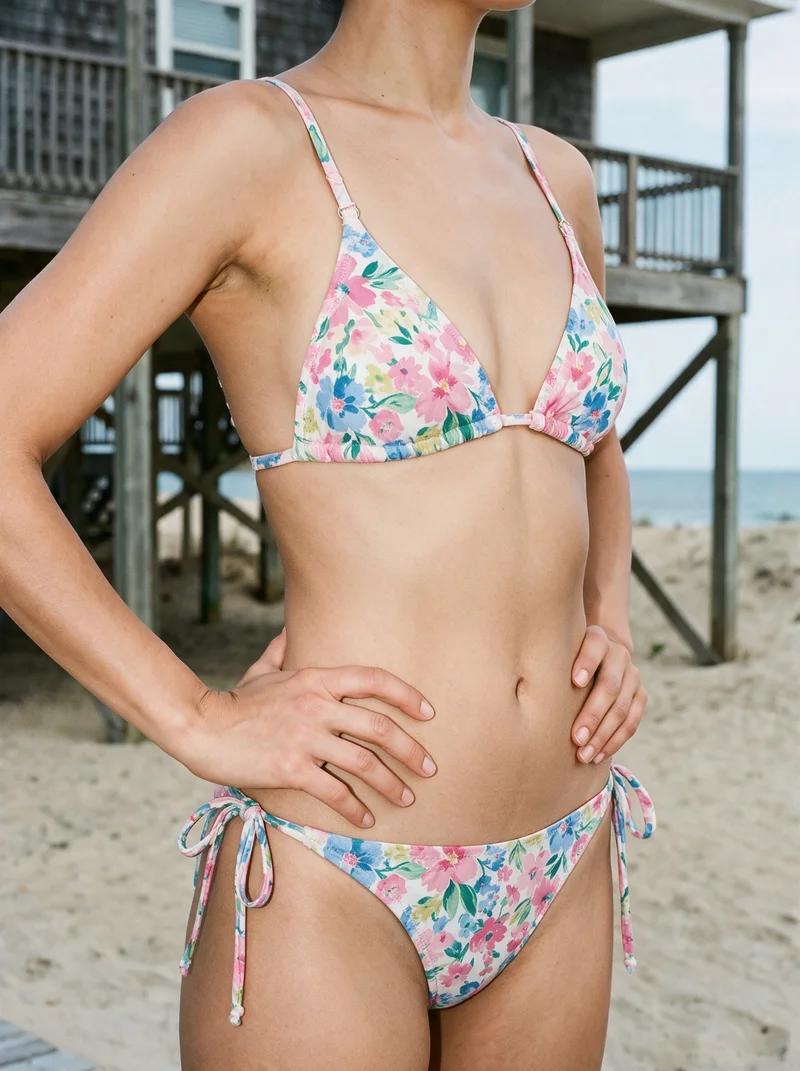
Showing 9 of 156, shot in RAWSHOT
Use cases
When your swimwear pages near launch
- 01
Collection pages nearing launch
When a collection drop needs on-model pages before launch, each style and colourway can use a selected model, pose, light, and product views.
- 02
New colourways arriving
When new colourways join the range, they can use the existing model, pose, and light so shoppers can compare product pages clearly.
- 03
View coverage required
When each swimsuit style needs front, side, back, and detail coverage, matching stills give product pages a clear structure.
- 04
Flat-lays need placement
When product photos and flat-lays need an unified catalogue presentation, they can appear on a selected model with matching pose, light, and views.
What you get
Matching stills for each swimwear colourway
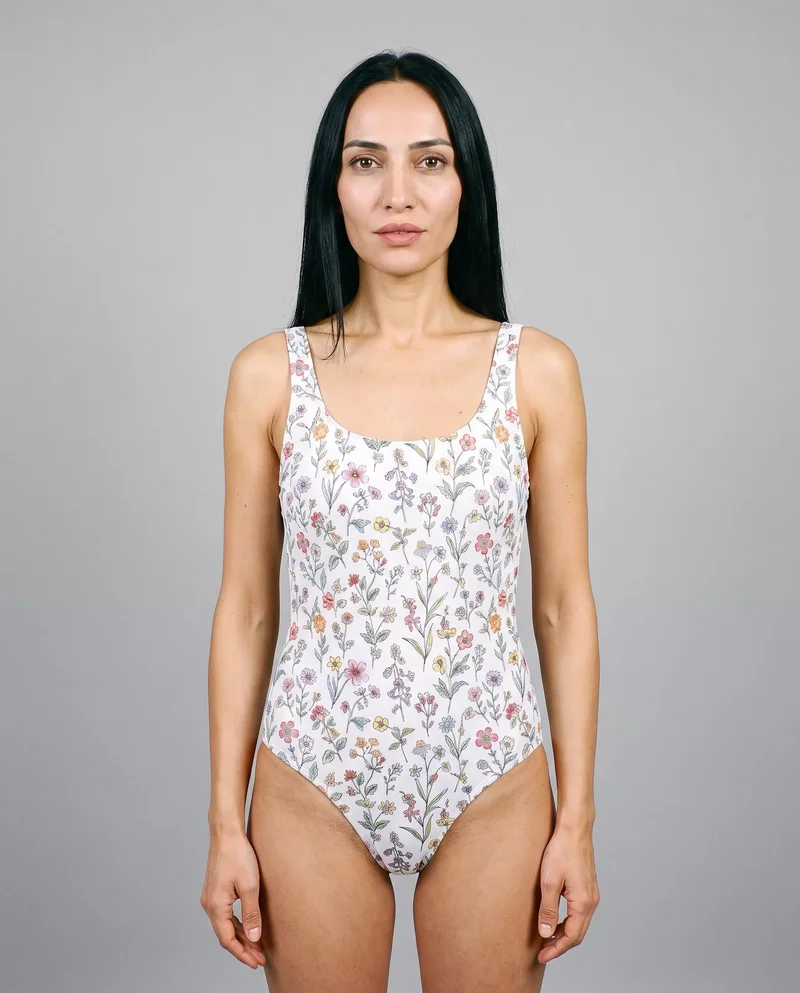
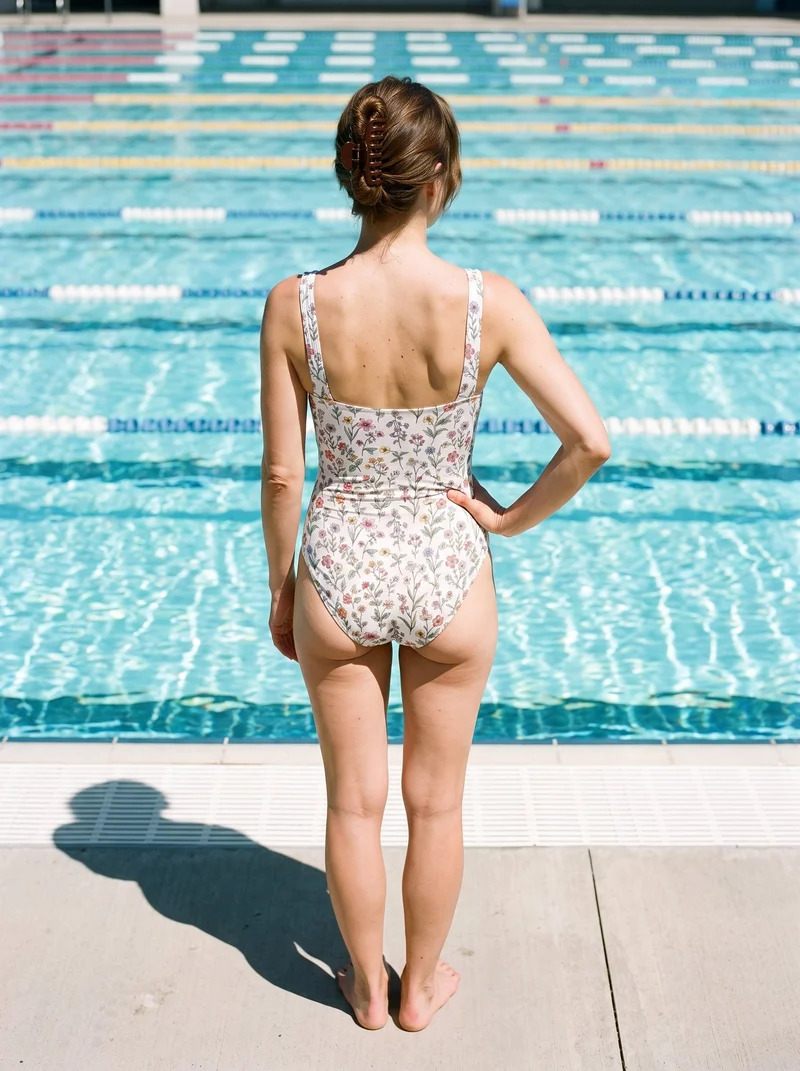
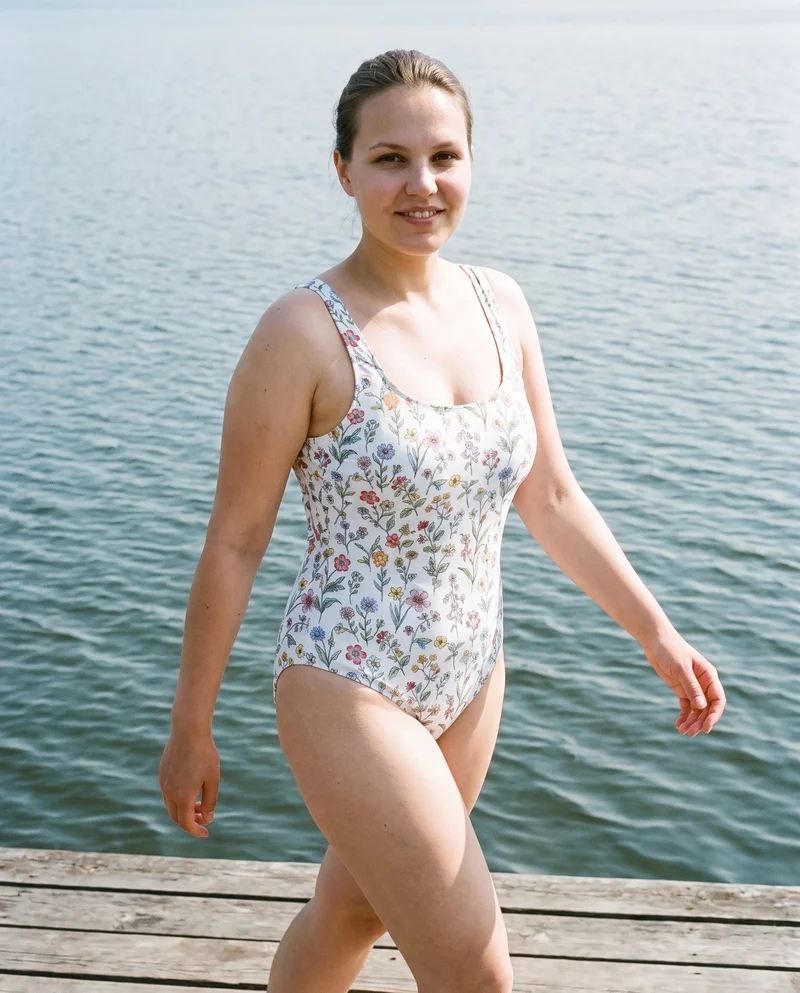
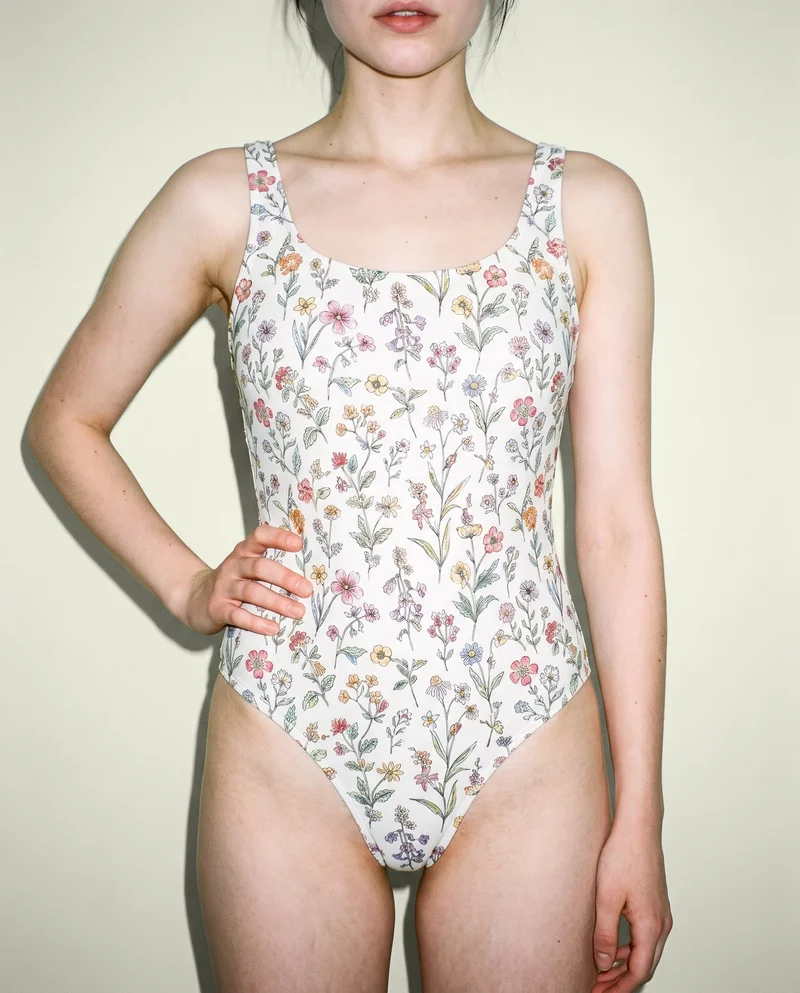
AI swimwear photography creates a still-photo product-page set that gives every swimwear style and colourway a matching on-model presentation. The collection can show the same model, pose, light, and front, side, back, and detail views.
Direct the shoot
Set each swimwear frame, view, pose and light
Image frame
4
Pose
22 poses on this frame
Camera view
4
Format
9
Pose style
4
Facial expression
10
Photography direction
4
Create photoshoot
Step 7 of 7 · Composition
Image 1 · readyGallery image from this pageProduct
Your product
Model
From the library
Composition
Full Body · Front View · Catalog pose · Neutral
Delivery
2K · 1:1
Light
Studio Cutout
Total cost
5 tokens
AI fashion models
Choose who wears your swimwear
637 licence-free grown models across ages and body types. Or build a private model from visible attributes.
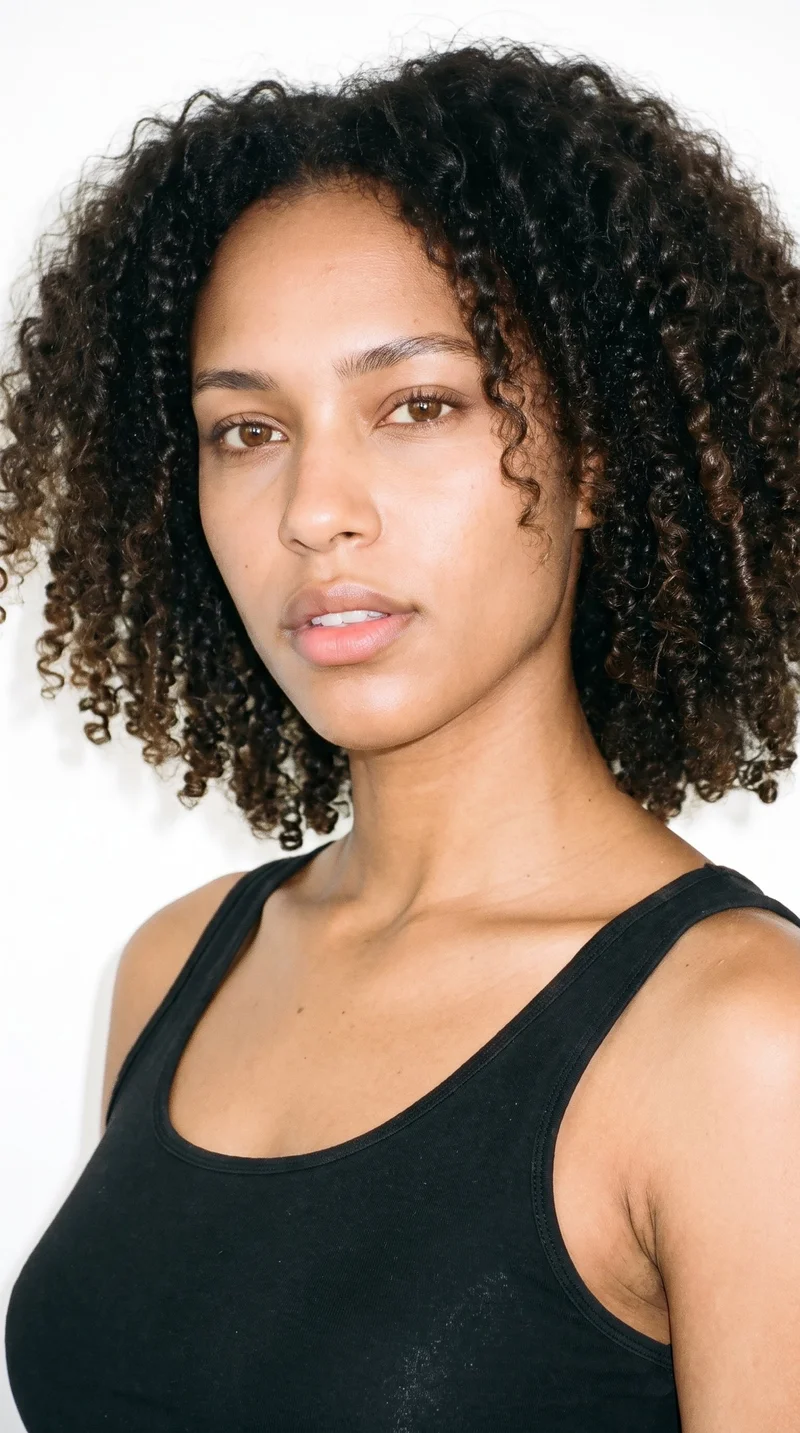
Female · 22
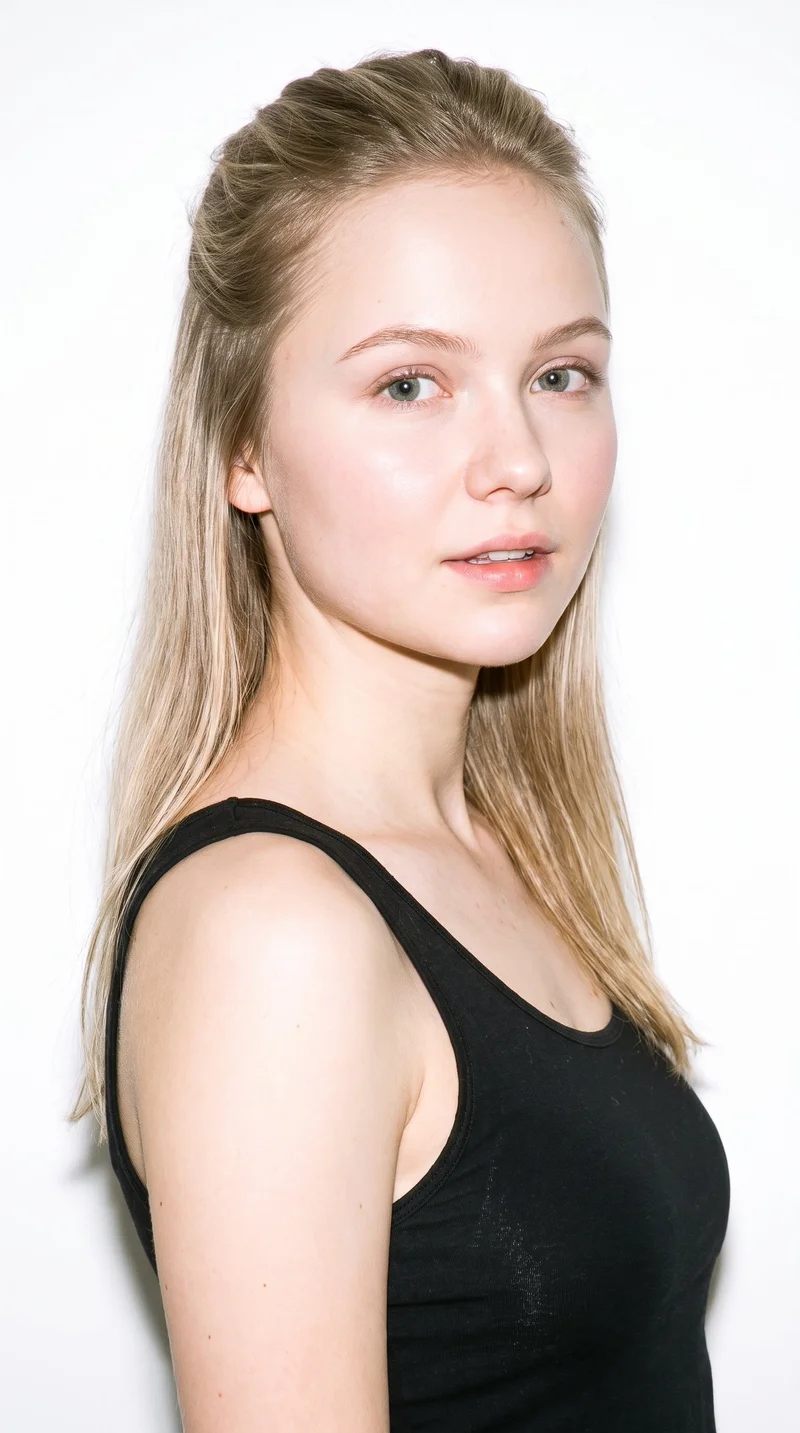
Female · 20
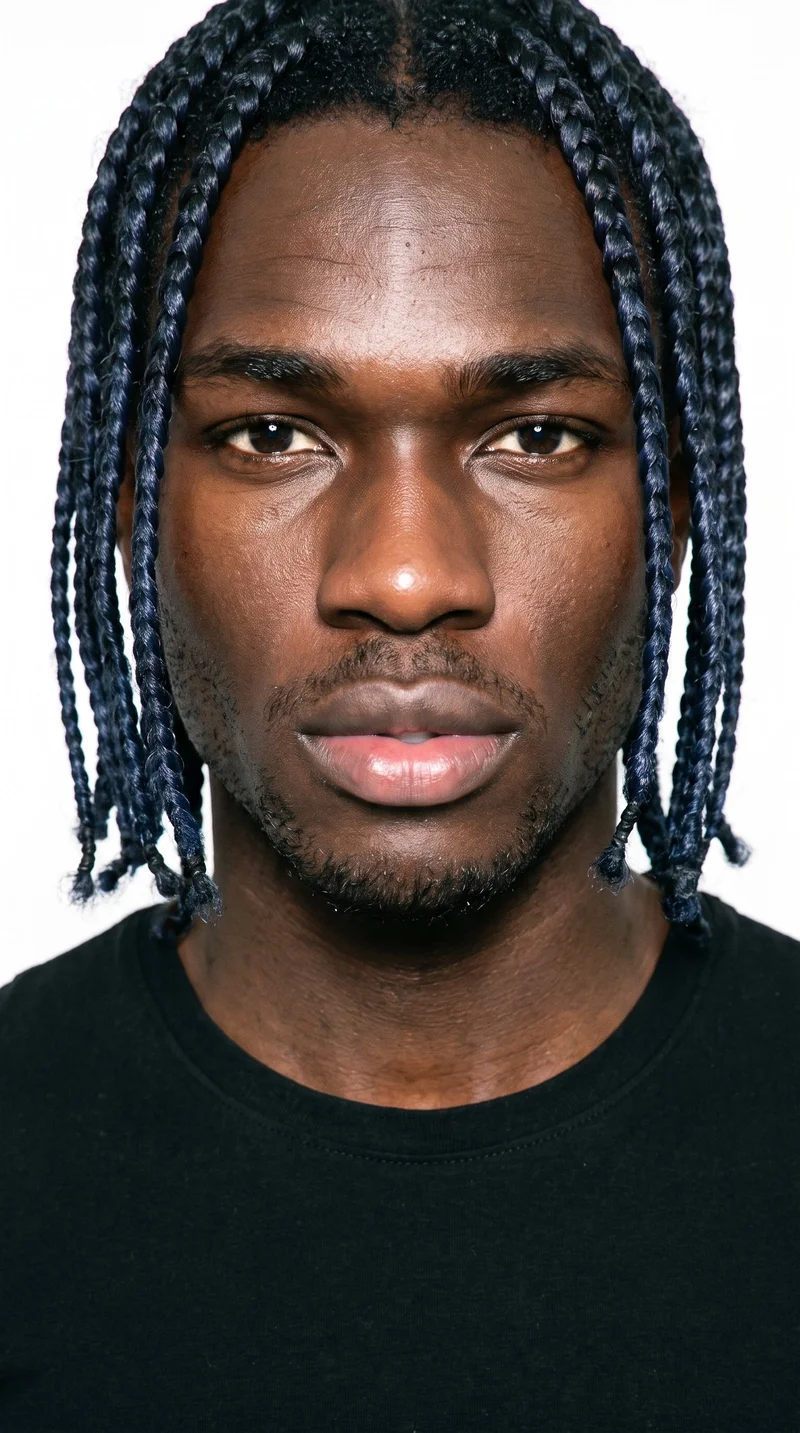
Male · 18
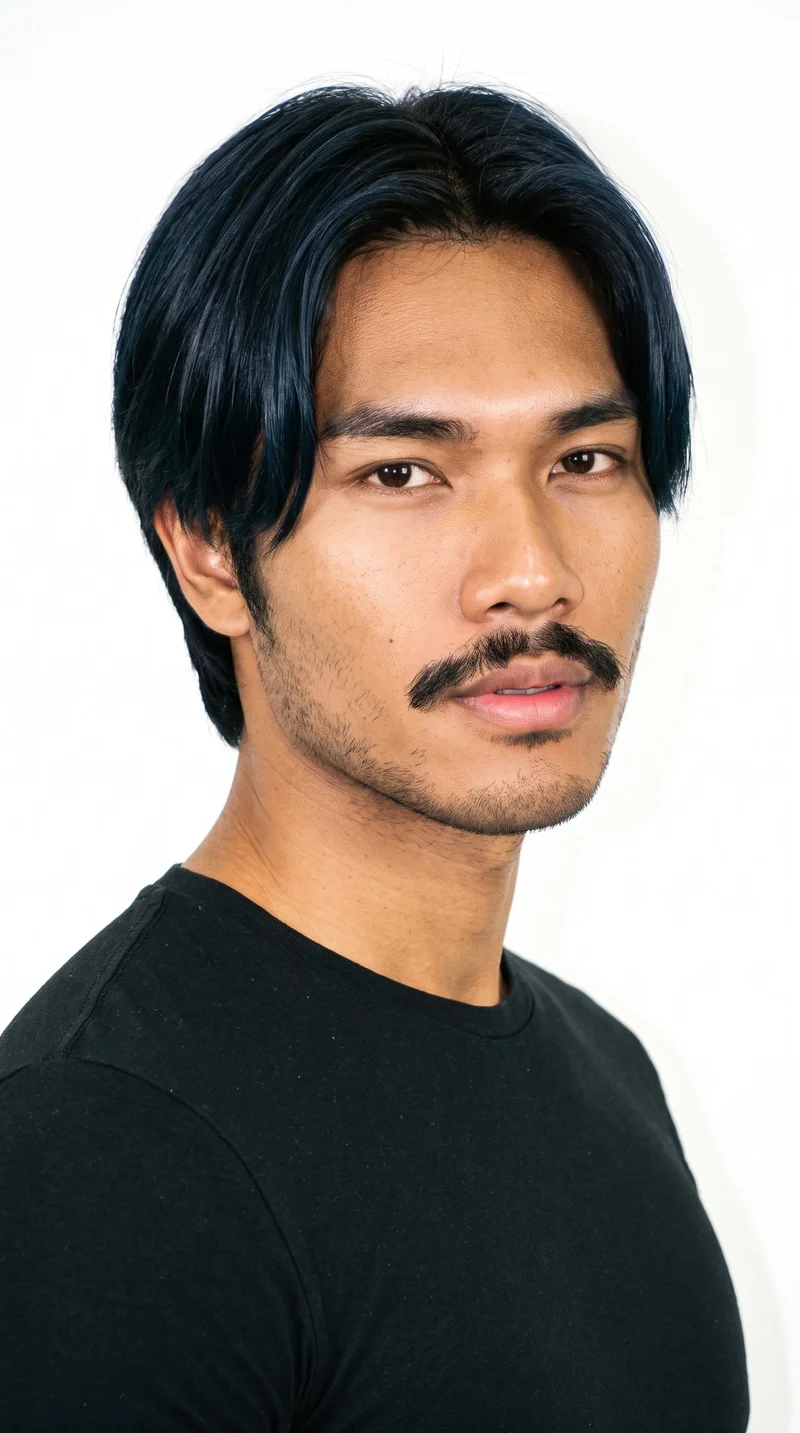
Male · 18
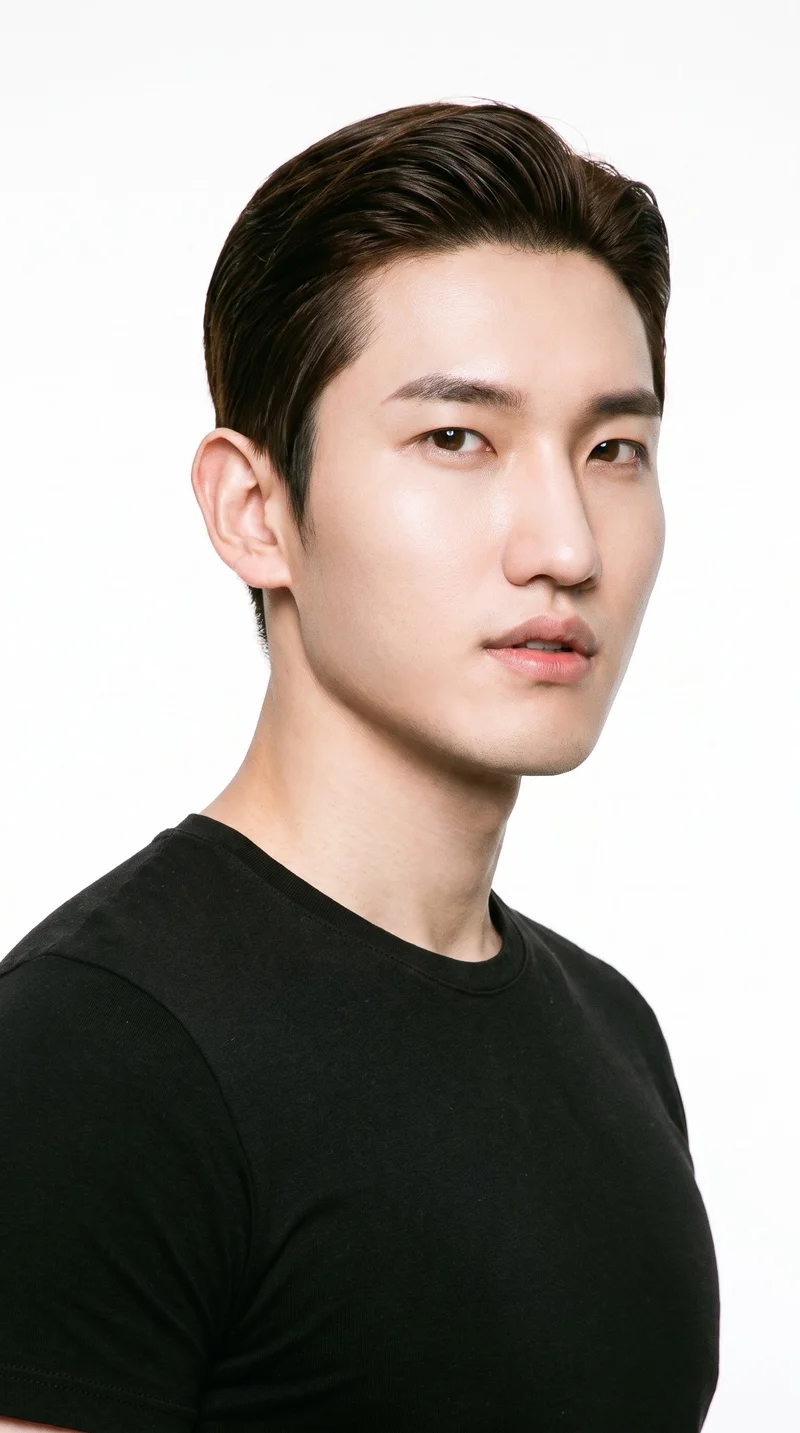
Male · 21
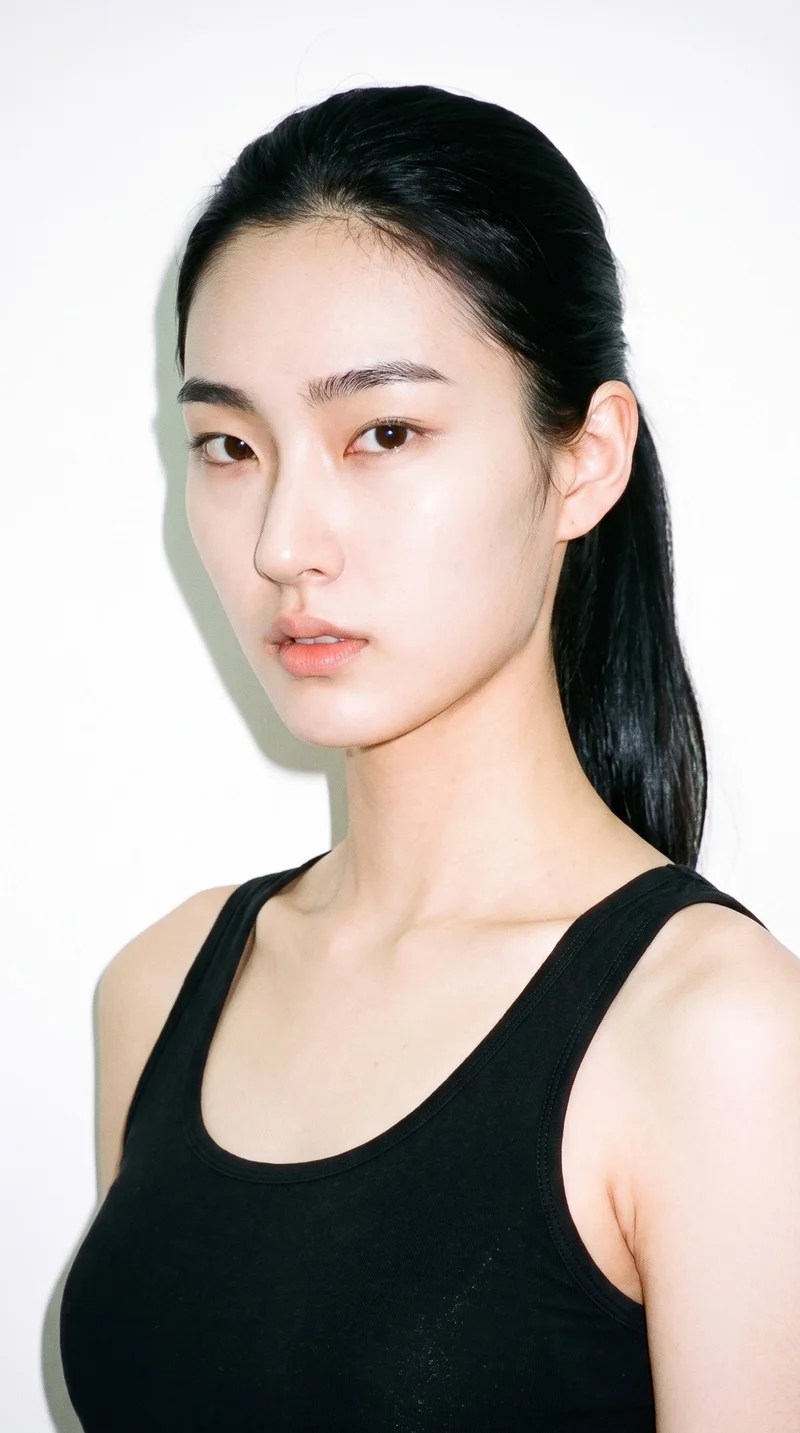
Female · 19
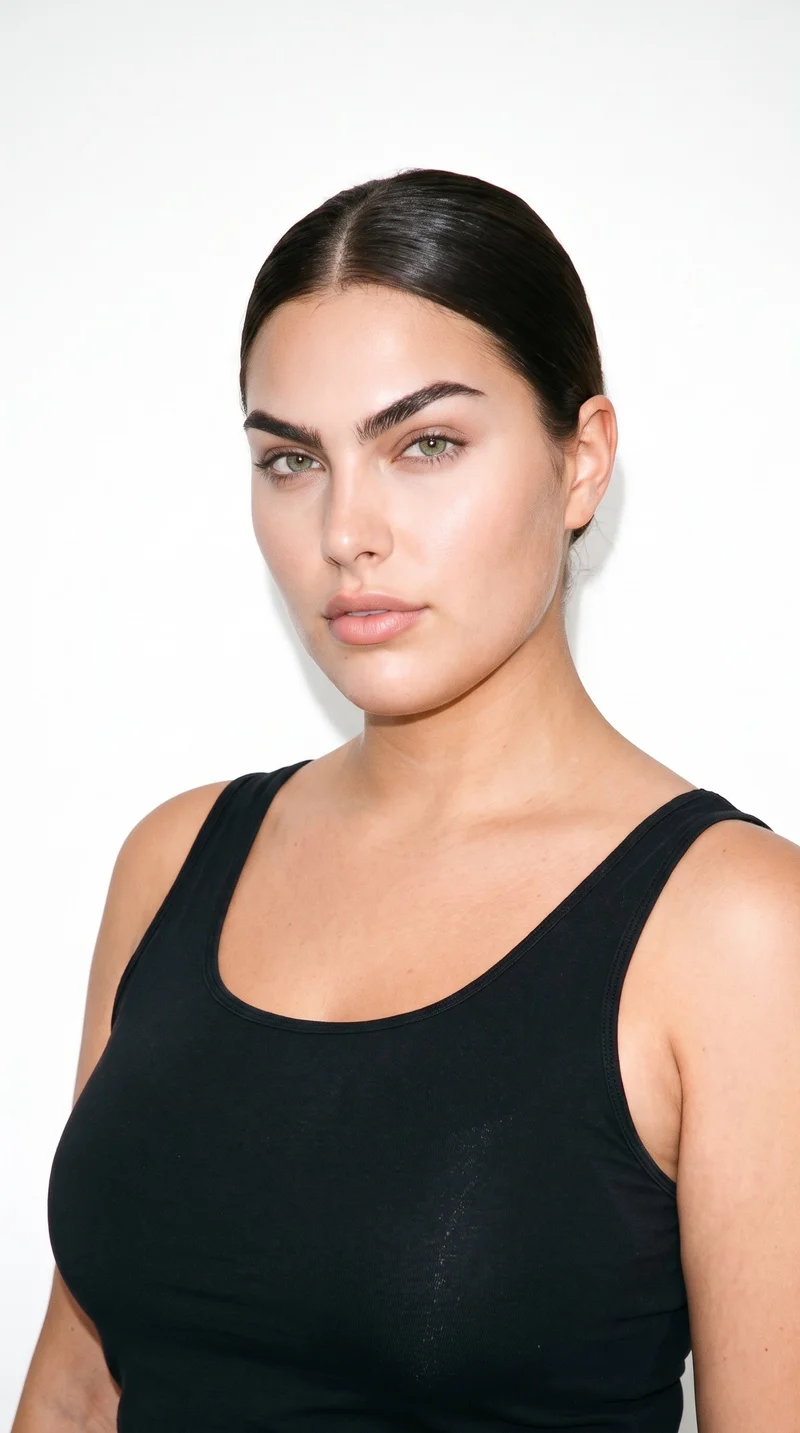
Female · 23
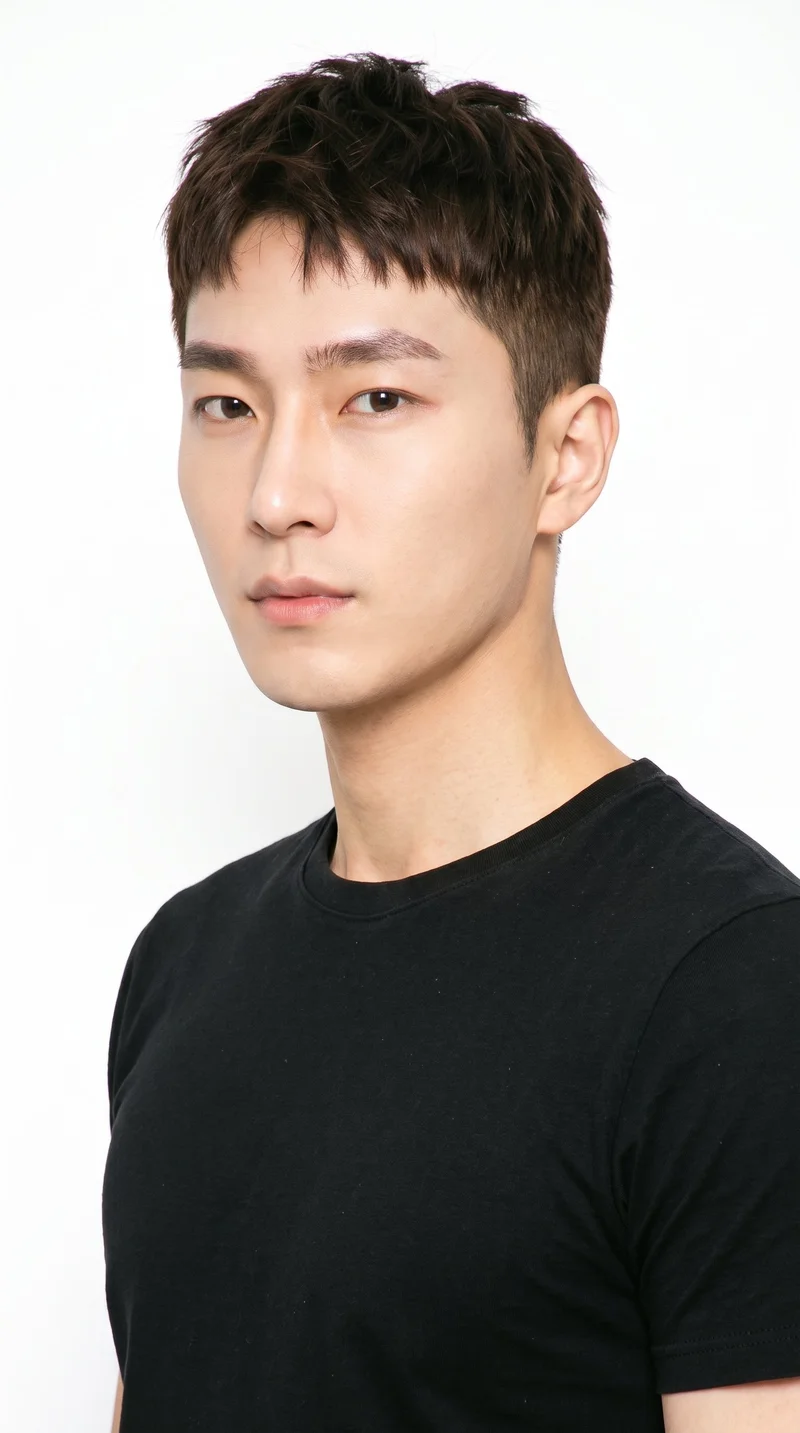
Male · 30
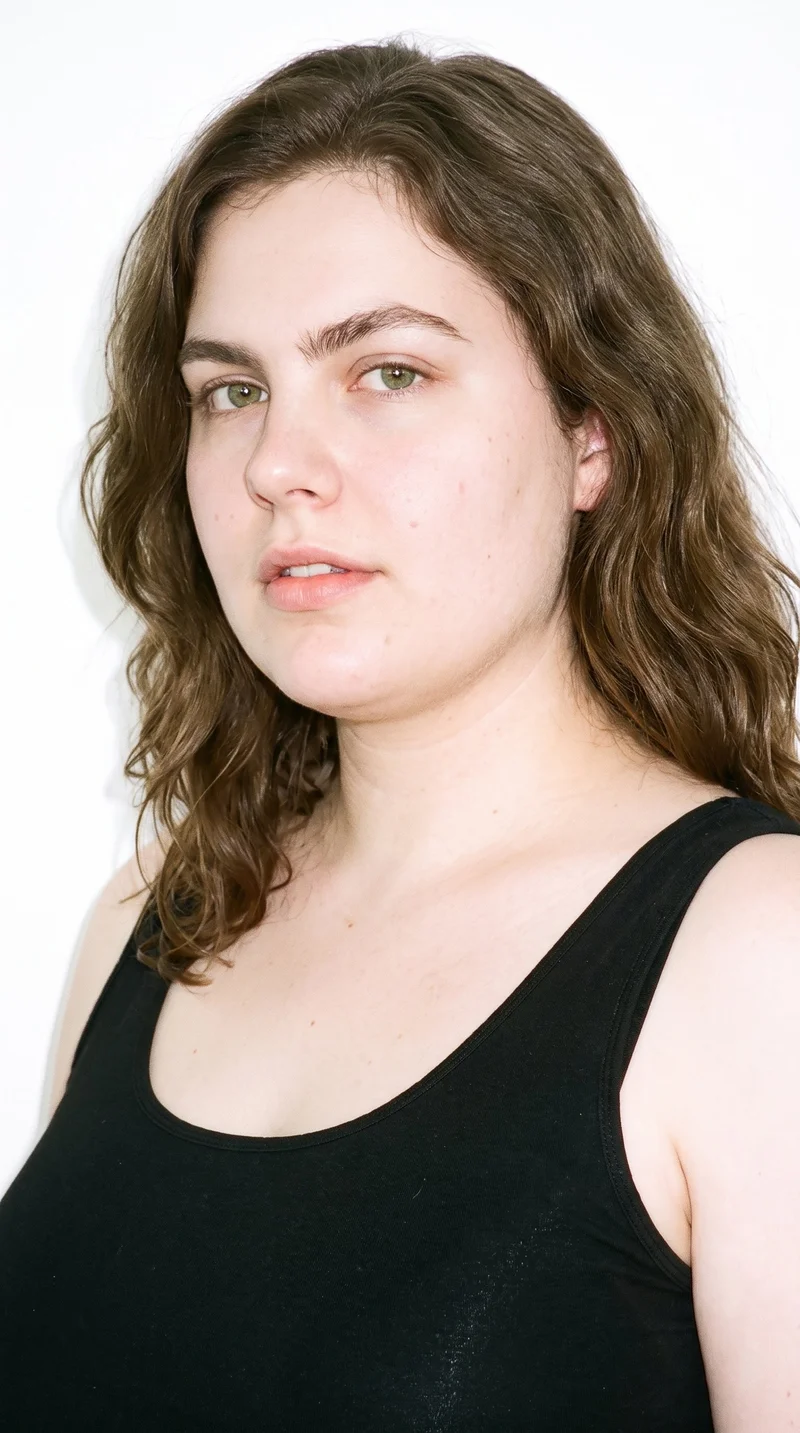
Female · 29
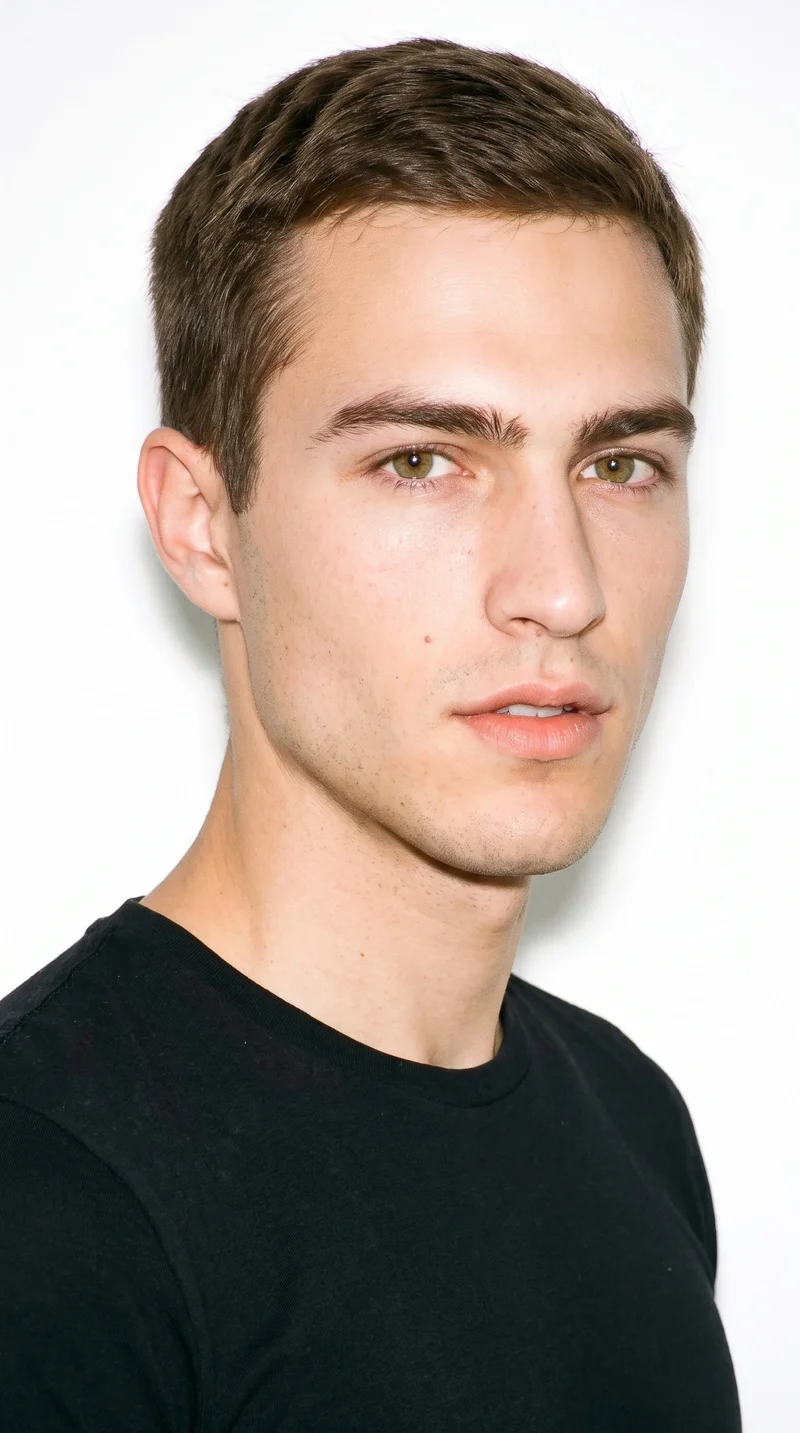
Male · 23
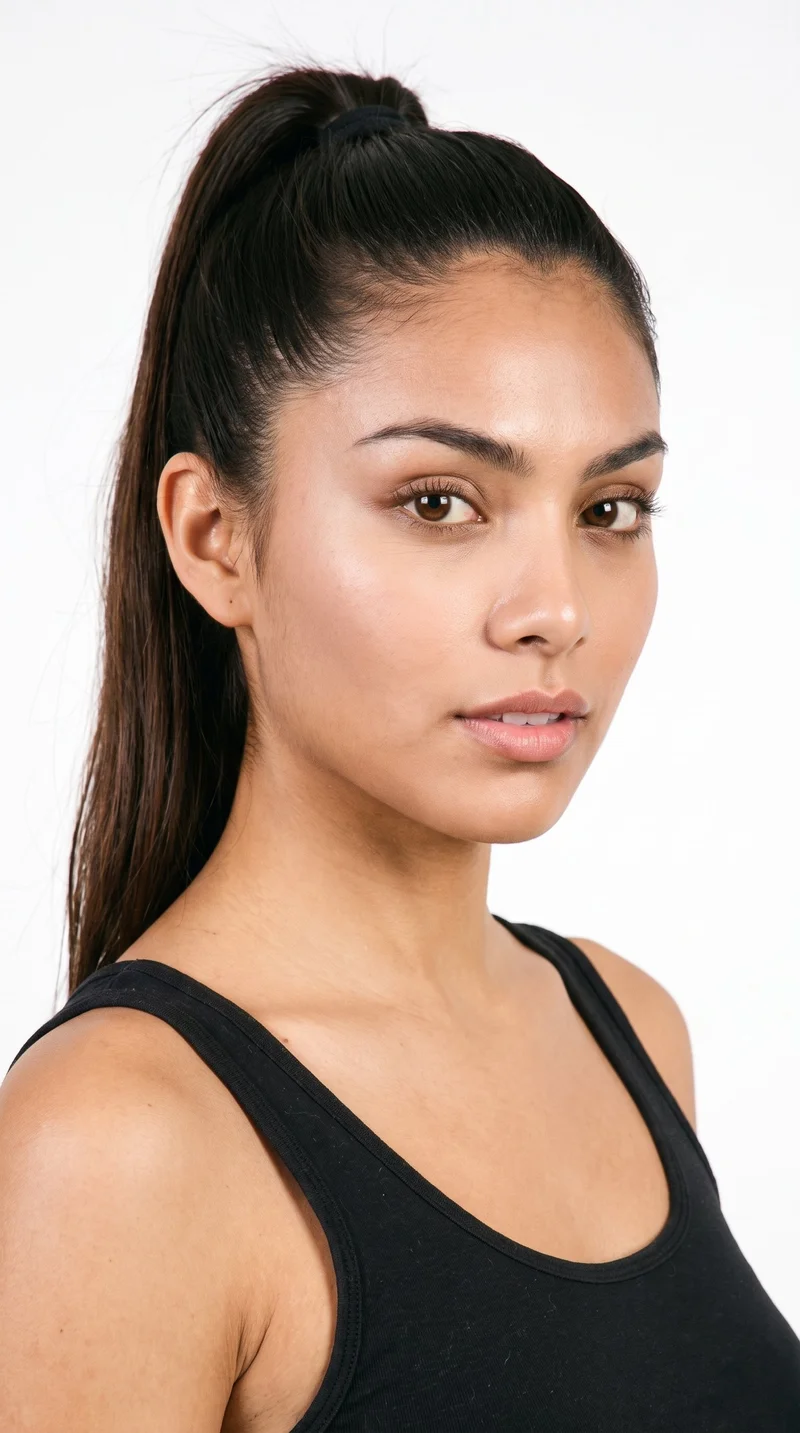
Female · 20
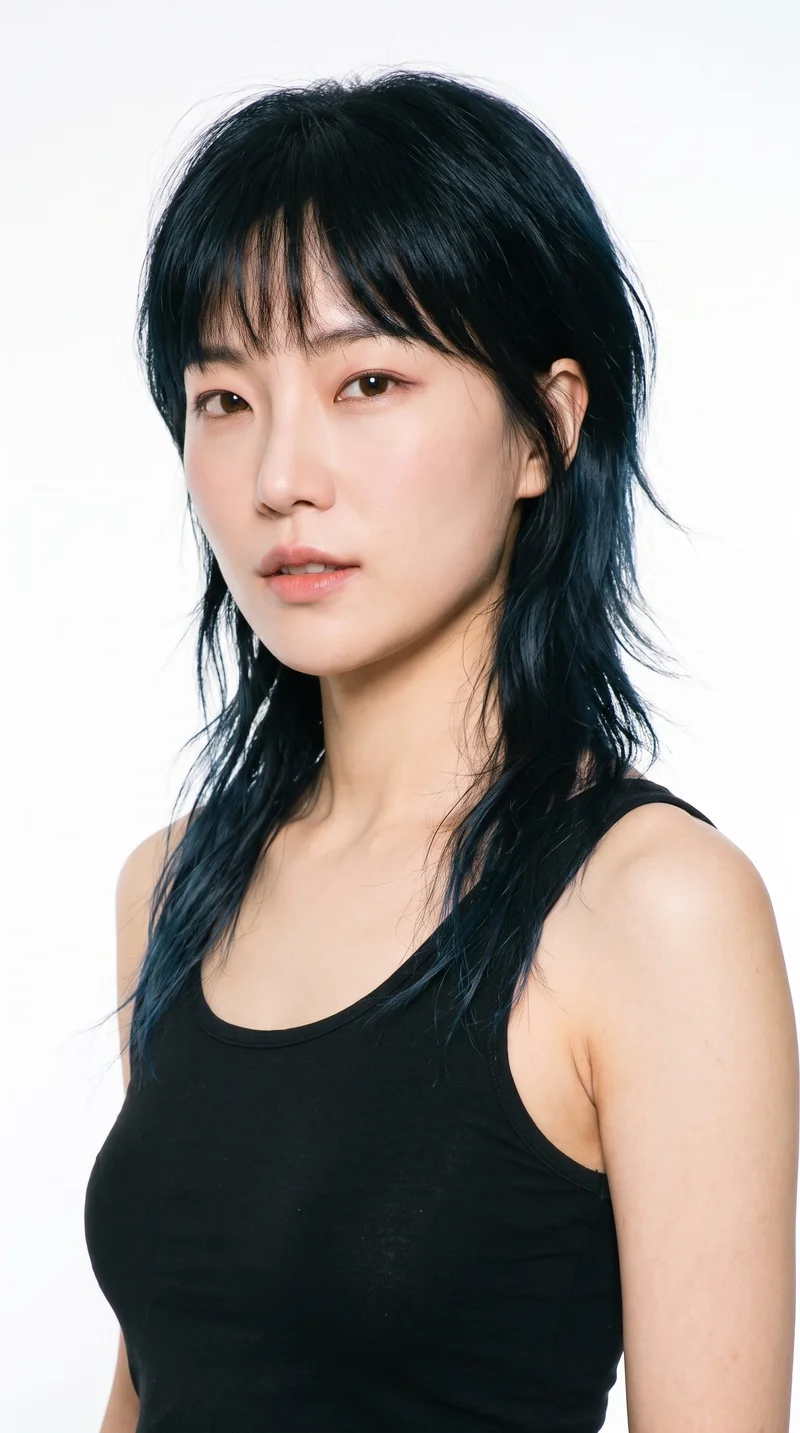
Female · 34
Showing 12 of 637
Cast your modelRawshot Features
Make on-model swimwear stills from your source
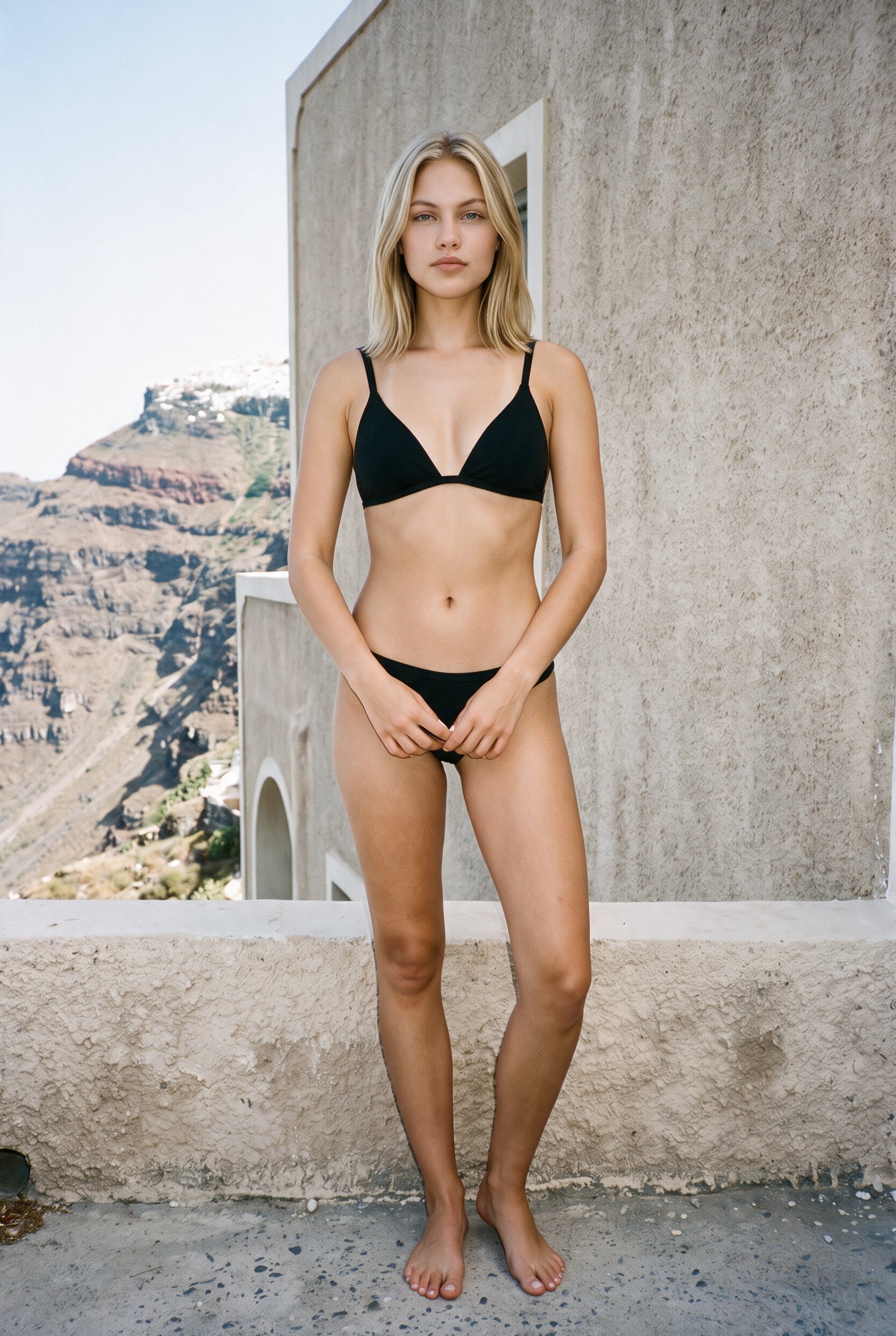
Fashion model poses
Direct matching poses and views so shoppers can compare each swimwear style through the same product-page structure.
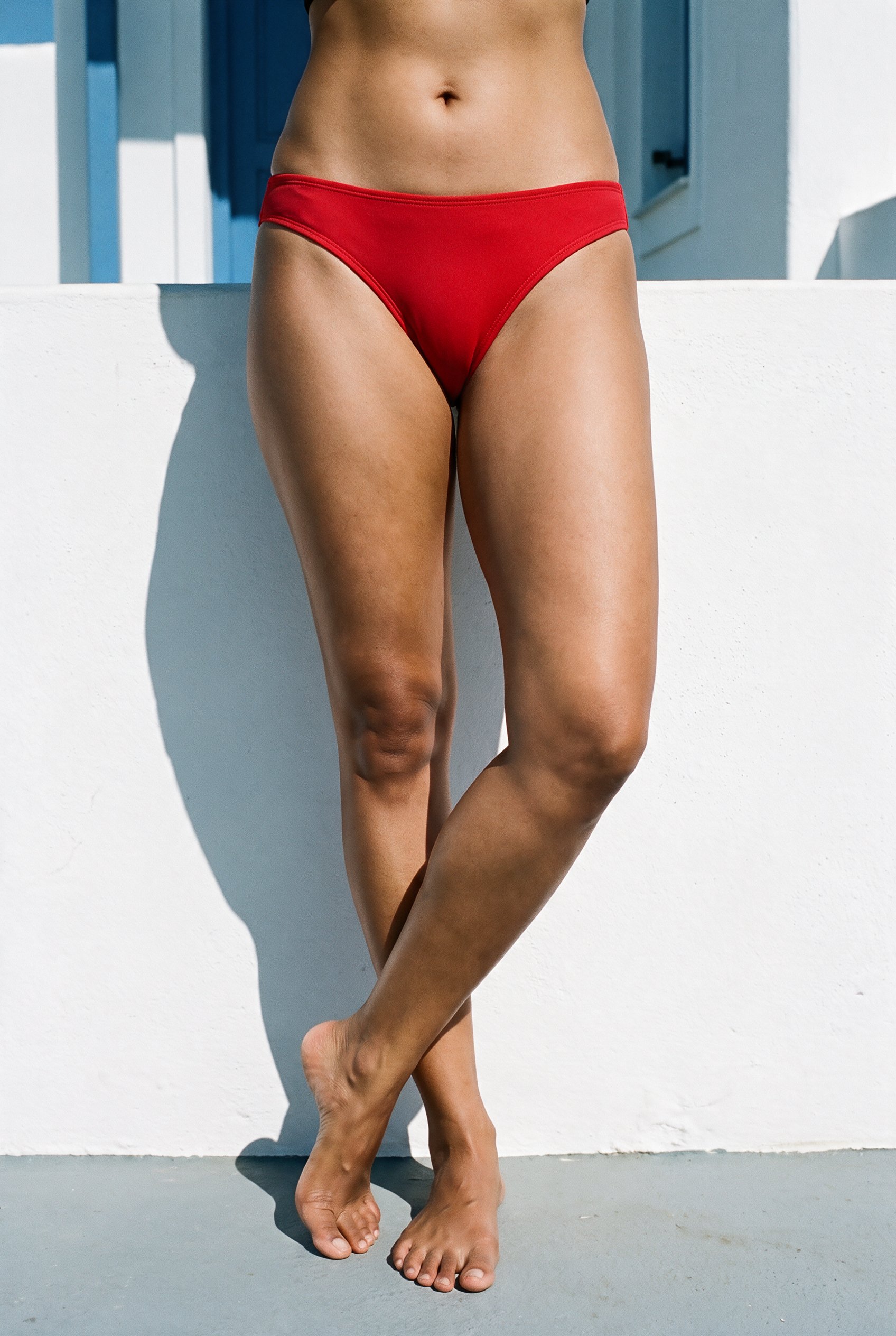
Product import and handling
Use product material you have on hand, including flats, mockups, or sketches, for an on-model product-page shoot.
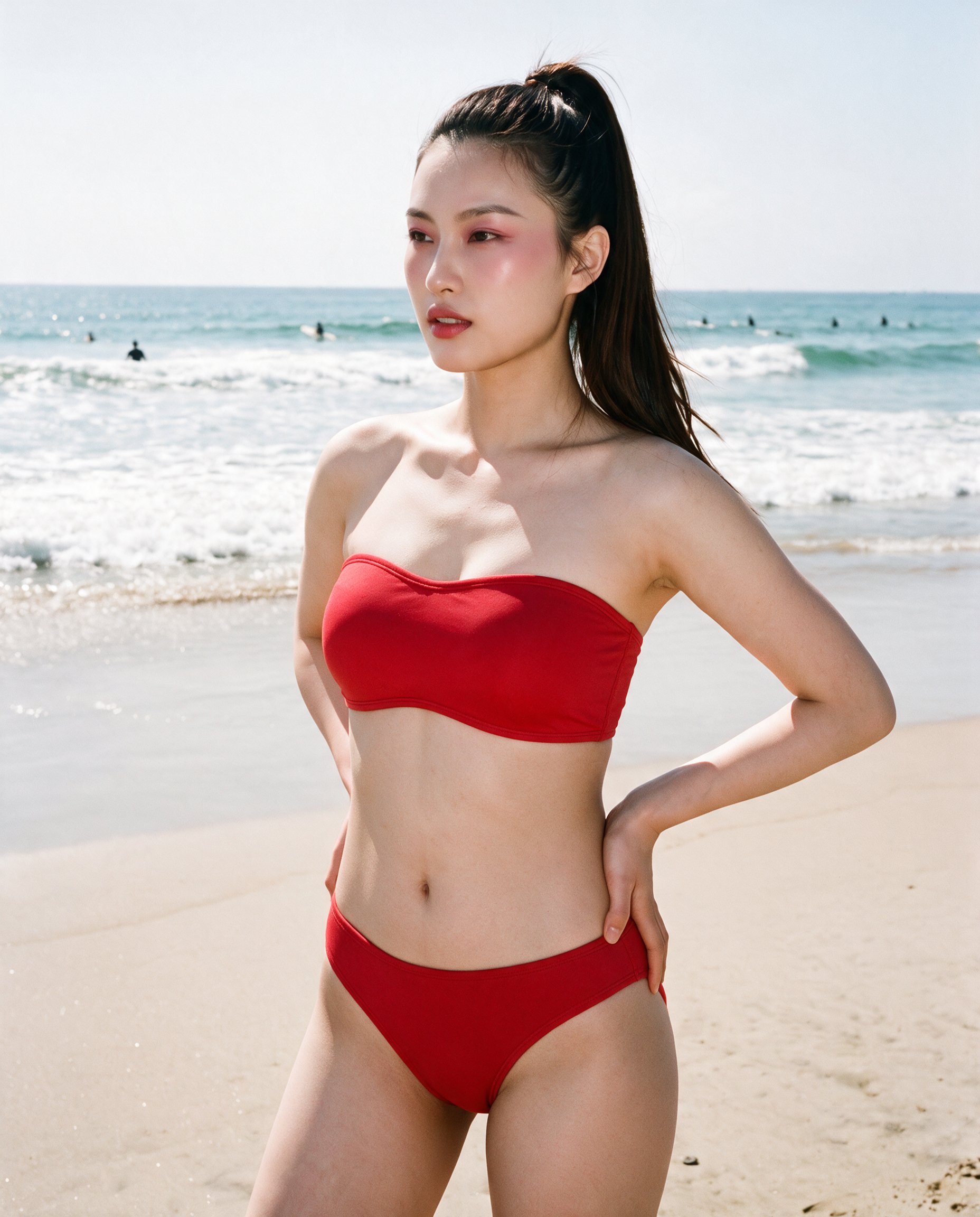
AI model generator
Keep a selected model across the range so colourway comparison stays focused on the product.
AI image to image generator
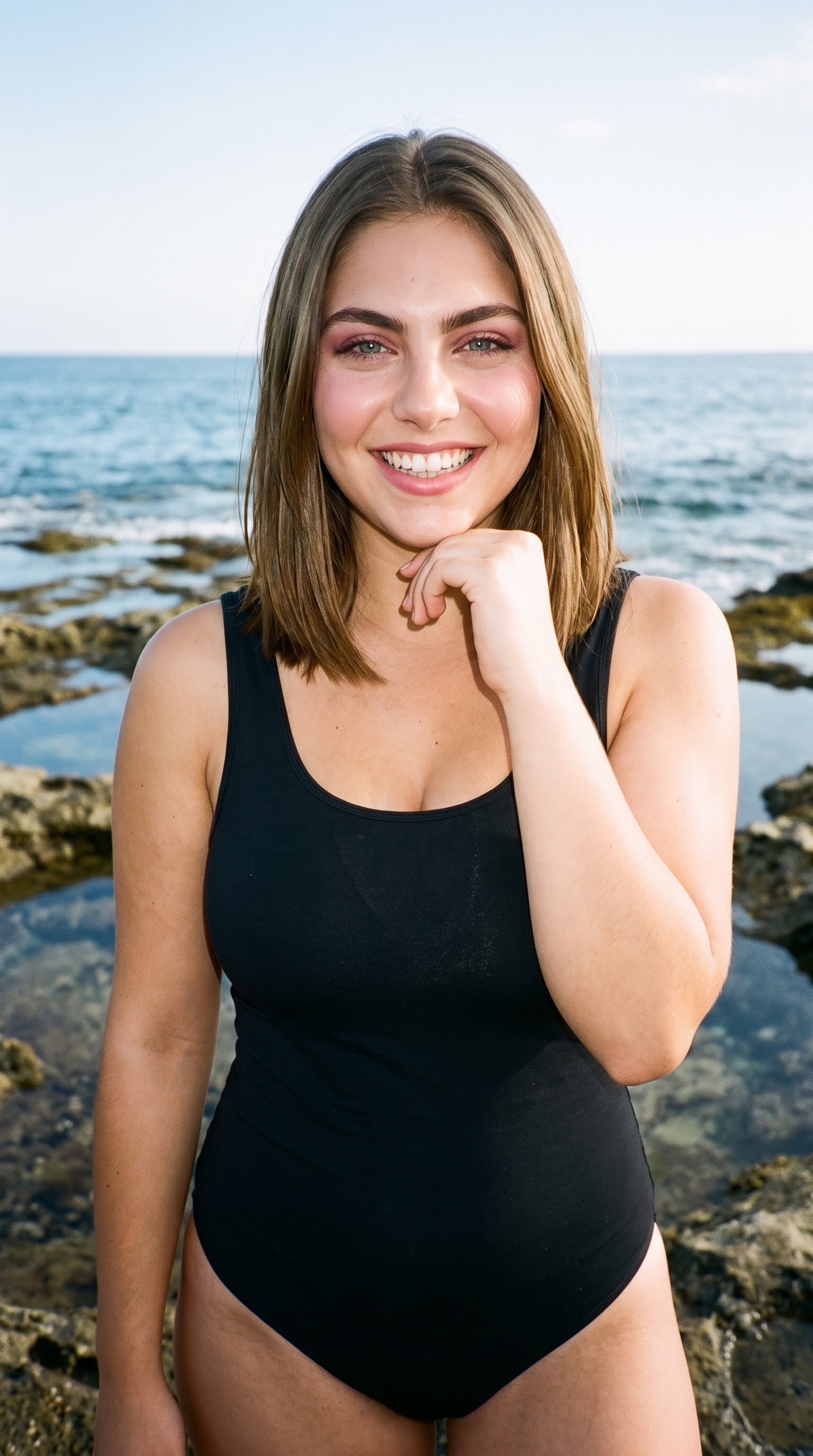
Change a style or colourway while the selected model, pose, and light remain in place for matching pages.
AI image quality control
Every generated image is checked against your model, frame, view and pose before you see it.
AI image to video generator
17 model actions on a full-body shot · 132 in total
AI makeup generator
Branch-aware named options applied without altering casting or scene setup.
AI outfit generator
Combine the main piece with neutral supporting items in one coherent frame.
AI photo background generator
Swap scene context while keeping model, product, and framing stable.
AI suggestions
Preselected control values you can always override in the same configurator.
Garment styling
Choose how the garment is worn and keep brand presentation consistent.
Inspiration gallery
Load editable finished looks as fast starting points for new shoots.
Photography direction
4 named choices that set mood and shadow the same way across a shoot.
Gallery
See matching swimwear views for comparison
A product-page swimwear set with matching views for comparing styles and colourways.
Looks & backgrounds
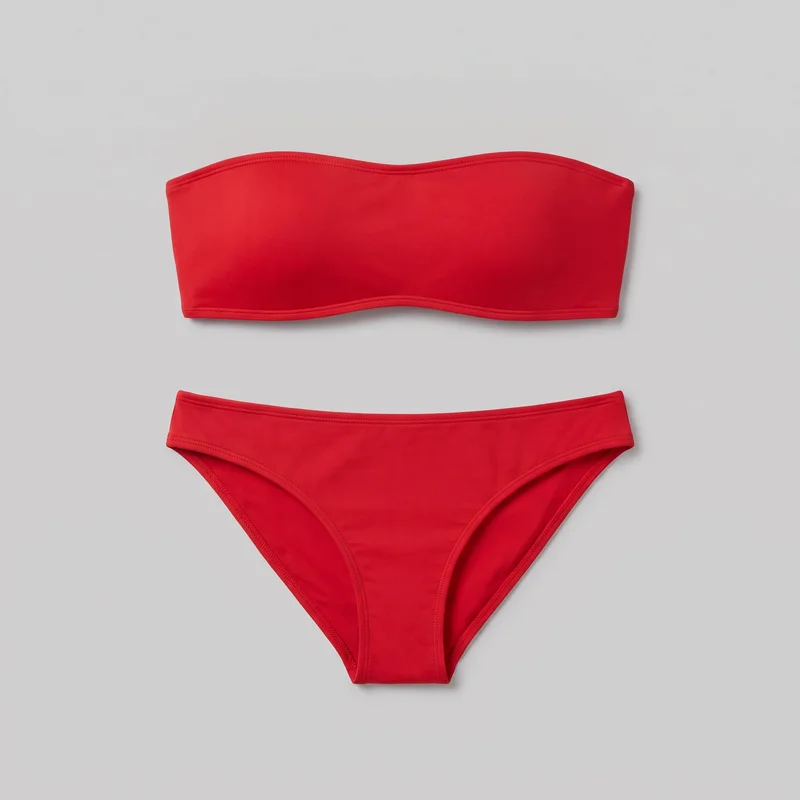 Red Bandeau Bikini
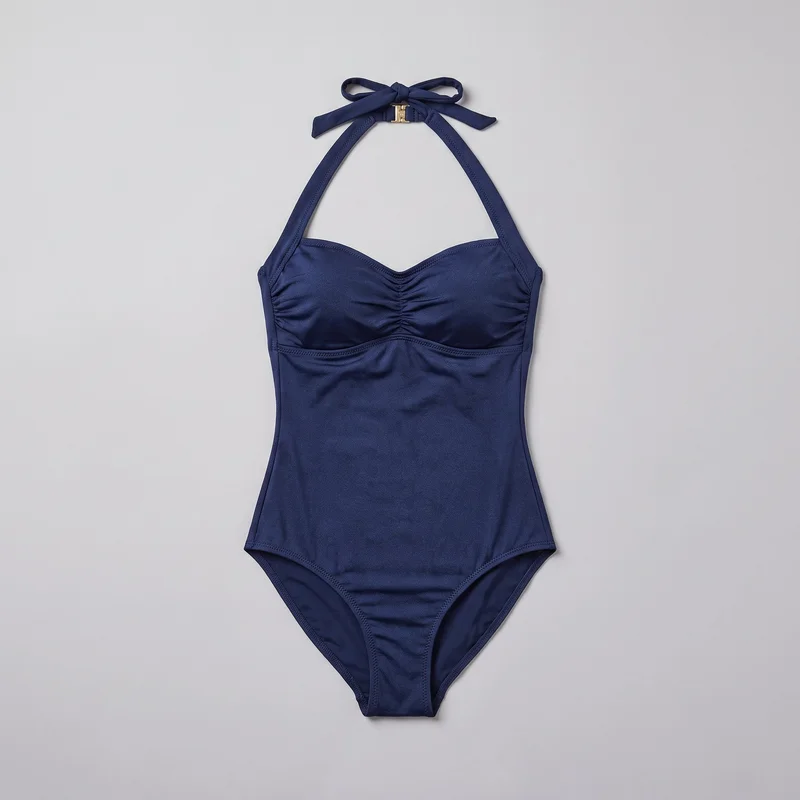 Navy Halter One-Piece Swimsuit
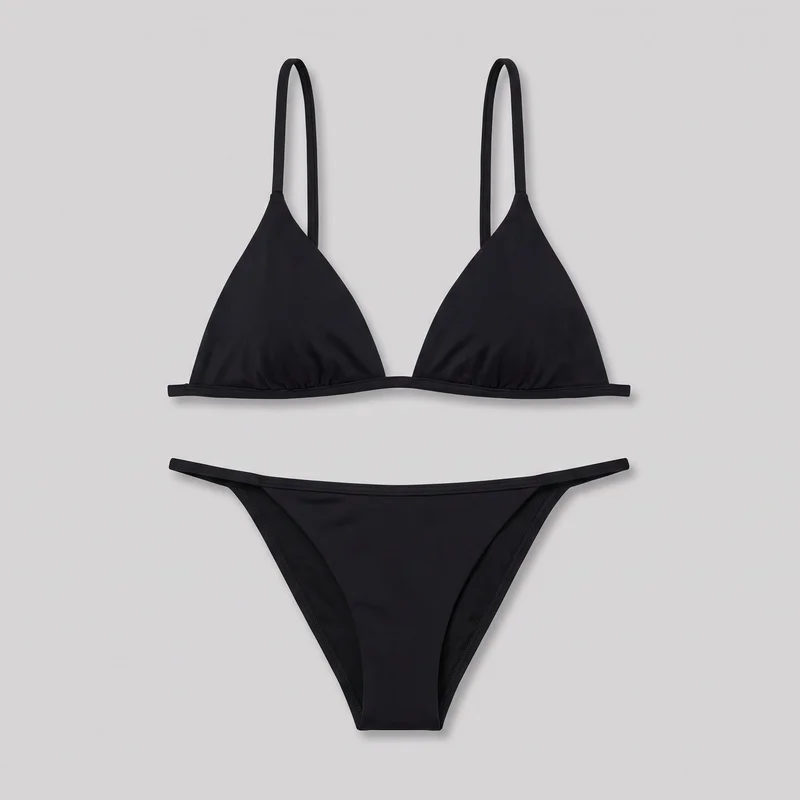 Black Triangle Bikini
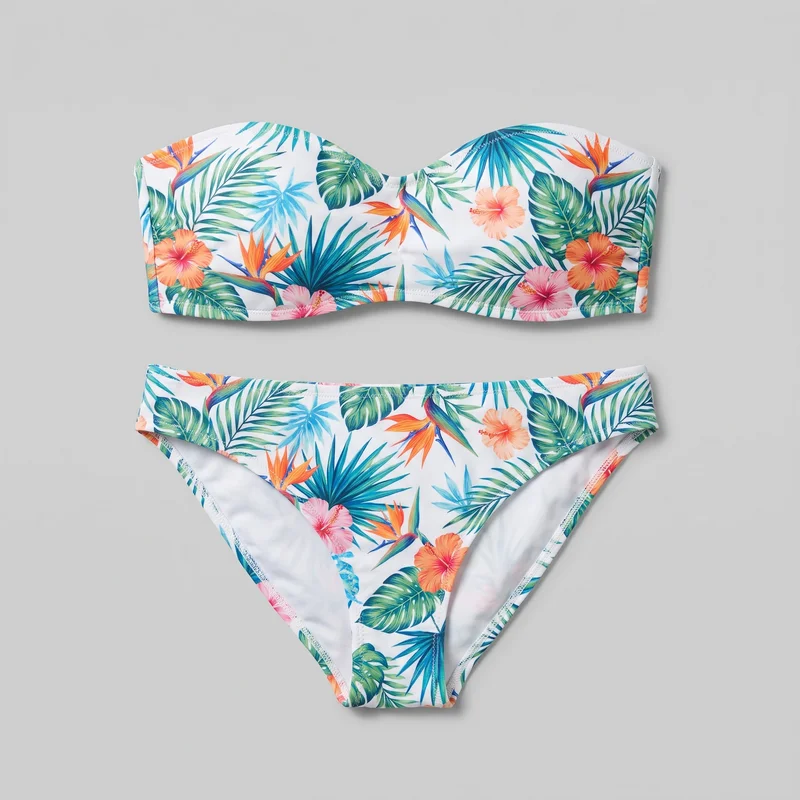 Tropical Print BikiniBlack Triangle BikiniRed Bandeau BikiniRed Bandeau Bikini
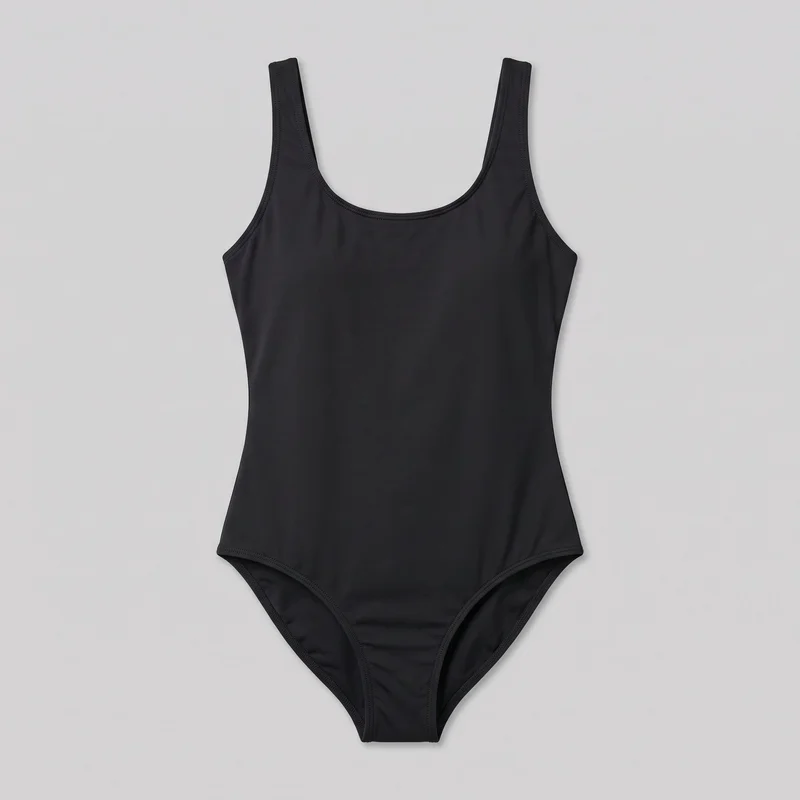 Black One-Piece SwimsuitTropical Print BikiniBlack Triangle Bikini
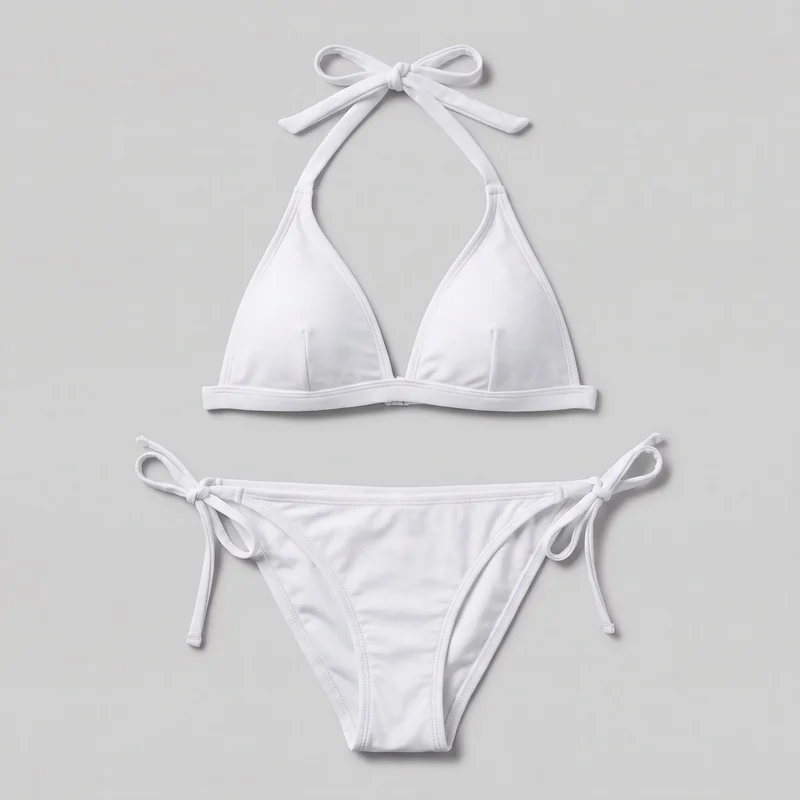 White Halter Bikini
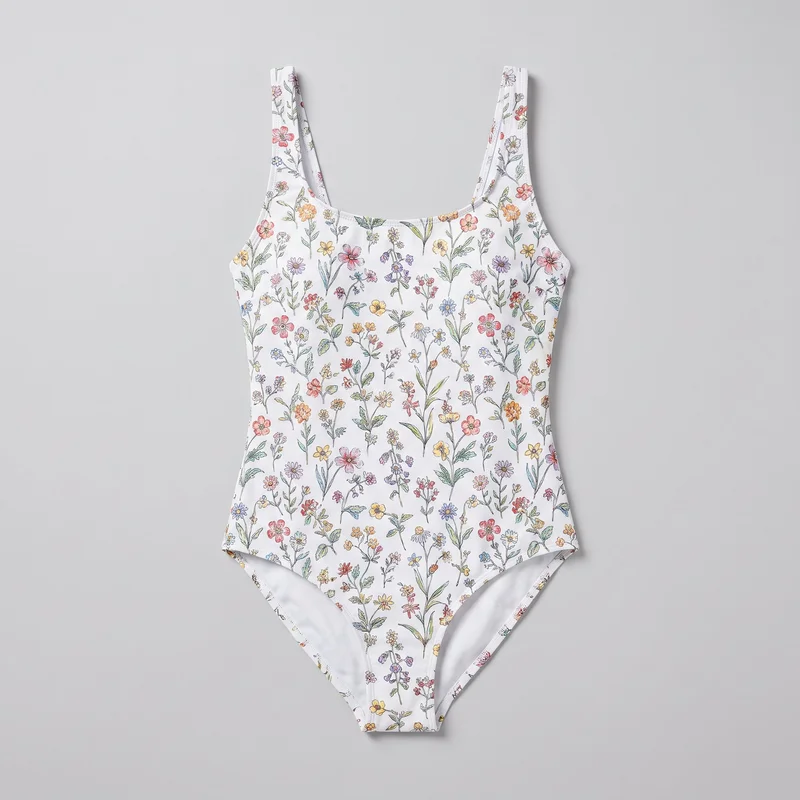 Floral Print One-Piece SwimsuitFloral Print One-Piece SwimsuitWhite Halter Bikini
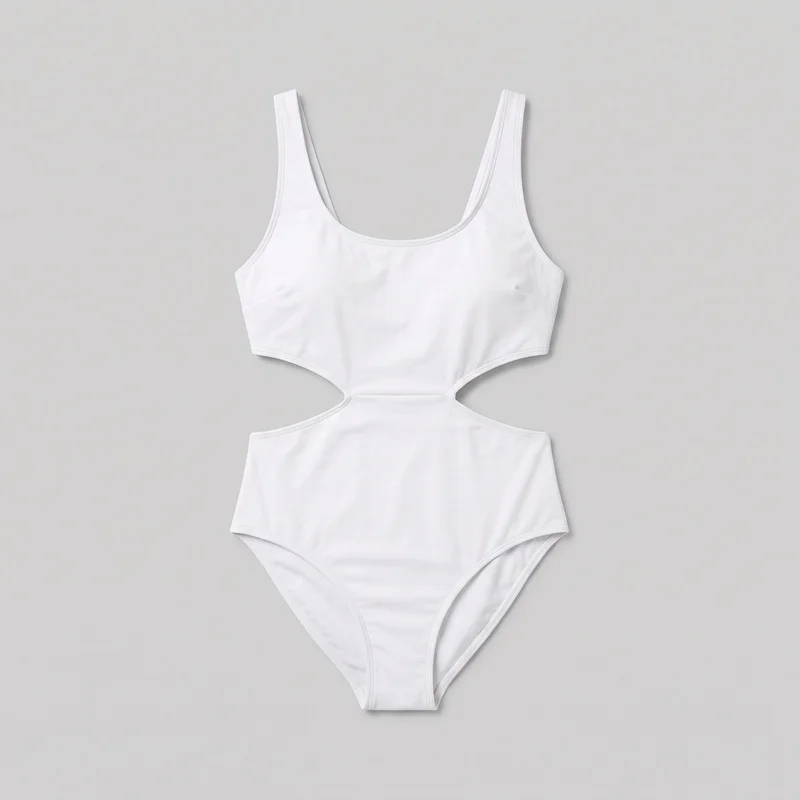 White Cut-Out One-Piece SwimsuitTropical Print Bikini
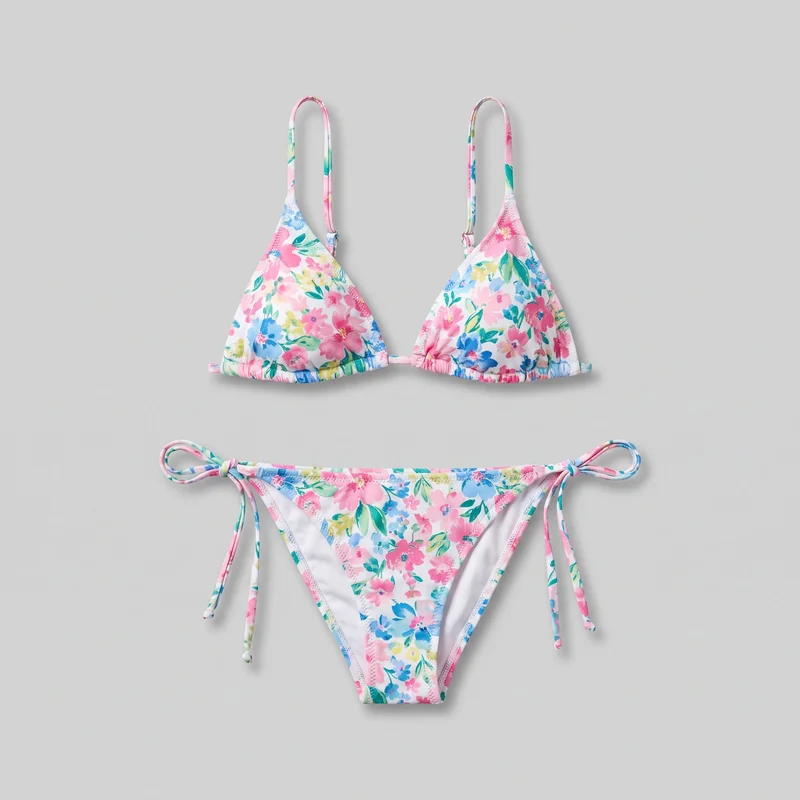 Floral Print BikiniWhite Cut-Out One-Piece Swimsuit
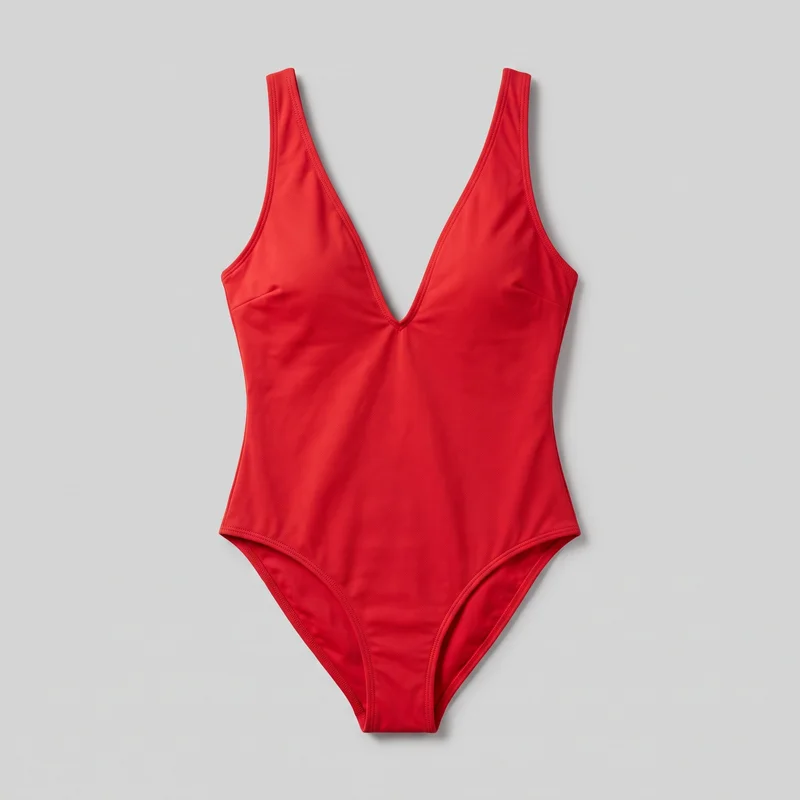 Red Plunge One-Piece SwimsuitFloral Print BikiniBlack Triangle BikiniFloral Print One-Piece SwimsuitBlack One-Piece SwimsuitBlack Triangle Bikini
Showing 24 of 156
Catalog
Browse the catalog
By product
Consistency
Change swimwear colourways, keep the composition
Change the swimwear style or colourway, and the chosen composition holds: model, pose, light, and selected view. This lets product pages read as one collection while each still remains a new generation to review before publishing.
You change one
- Frame
- Pose
- Camera view
- Model
The rest holds
Model
The selected model stays with the collection.
Pose
A chosen pose gives each product page familiar structure.
Light
Selected light carries through styles and colourways for comparison.
Who it's for
Does this fit your swimwear product pages?
A good fit
This fits you as an e-commerce manager when your collection needs matching on-model product-page stills for styles and colourways.
Work it handles well
- You can build matching pages across colourways
- You can keep product comparisons visually clear
- You can review each still before publishing
Outside this scope
It is not suited to pages that need measured fit guidance or a specific real person; size charts and fit notes remain necessary.
Where this stops
- You cannot use images as measured fit guidance
- You need clear uploads for accurate product detail
- You cannot request a specific real person
Rights
You own every image. Every image says what it is.
Yours
- Full commercial rights to every image, permanently.
- No recurring licence fees on any model in the library.
- Every model is a synthetic composite, so there is no real-person likeness.
Labelled
- C2PA content credentials on every image.
- AI-labelled output, aligned with EU AI Act Article 50.
EU-based hosting, GDPR-compliant handling.
- Aligned with EU AI Act Article 50
- C2PA
- Full commercial rights
- GDPR-compliant handling
- EU-based hosting
Questions
What do brands ask before swimwear pages start?
What does AI swimwear photography add to a product page?
AI swimwear photography creates matching on-model stills for each swimsuit style and colourway on your product pages. It gives shoppers a steady visual reference while they compare the range, rather than switching between unrelated product images. You can keep one selected model, pose and light across the collection, then create front, side, back and detail views for individual products. Upload clear product photos or flat-lays, choose the visual direction for the collection, and review every generated still before publishing.
Which swimwear jobs and sales channels suit on-model still photography?
Product pages, collection launches and new-colourway updates suit on-model swimwear still photography. It works where an e-commerce range needs a consistent presentation across styles, including pages that need front, side, back and detail coverage. Flat-lays and product photos can gain a shared catalogue treatment when they appear on a selected model with matching light and pose. Use it for still-image product presentation and range comparison, then select the products and views your storefront needs.
Which image ratios should swimwear product pages and stories use?
Use 4:5 crops for product-page and feed imagery, and 9:16 frames for story placements. A product-page set can also use a consistent vertical or square crop when that is how your catalogue templates present model imagery. Keep the same frame across styles and colourways so shoppers can compare the swimsuit, model pose and camera view without layout changes. You can check the finished set for the chosen frame, view and pose before it reaches your library. Choose the ratios that match your publishing templates before generating.
How does RAWSHOT turn swimwear product photos into product-page stills?
RAWSHOT starts with clear product photos or flat-lays, then creates on-model swimwear stills using your selected model, pose, light, frame and camera view. You can make a matching set for each style and colourway while keeping the collection direction consistent with your existing catalogue workflow. Every generated image is automatically checked against the chosen model, frame, view and pose before delivery; images with clear failures are regenerated. Import your source images, set the collection choices, and review the finished stills before publishing.
How is RAWSHOT different from a studio shoot for swimwear pages?
RAWSHOT is different from a studio shoot because it creates still-photo product-page sets from your product images without arranging a location, casting or physical sample shoot. You choose the model, styling direction, light, frame, view and pose, then apply that structure across styles and colourways. Each image is checked against the chosen model, frame, view and pose before delivery, and clear failures are regenerated automatically. Use RAWSHOT when your catalogue needs matching on-model stills, while retaining a review step for every new generation.
How much does RAWSHOT cost for swimwear product-page images?
RAWSHOT uses self-serve monthly plans, a free trial and a token cost per generated image rather than project quotes. Plans run from 9 to 179 per month, and images cost from 0.45 to 0.56 depending on the plan. That lets you match spend to the number of styles, colourways and product views your catalogue needs. Choose a monthly plan that fits your expected image volume, use the trial to test your product inputs, and generate the approved set as needed.
Who owns RAWSHOT swimwear images and can I use them commercially?
You get full commercial rights to every image, permanently, with no recurring licence fee. Every image carries C2PA content credentials and is labelled as AI-generated.
Get started
Bring your swimwear into RAWSHOT for product pages
Start with a 7-day free trial including 50 tokens, then move to the plan that matches your production volume.