
Product pages
AI clothing model
Show each colourway in clear on-model product views.
You are preparing product pages with clothing that shoppers need to see on a body. The ai clothing model can help, but the work remains unfinished when colourways lack a consistent model, pose, light, and framing.
7-day free trial • 50 tokens (10 images) • Cancel anytime
A 2K image in roughly 35 seconds · AI-labelled with C2PA content credentials
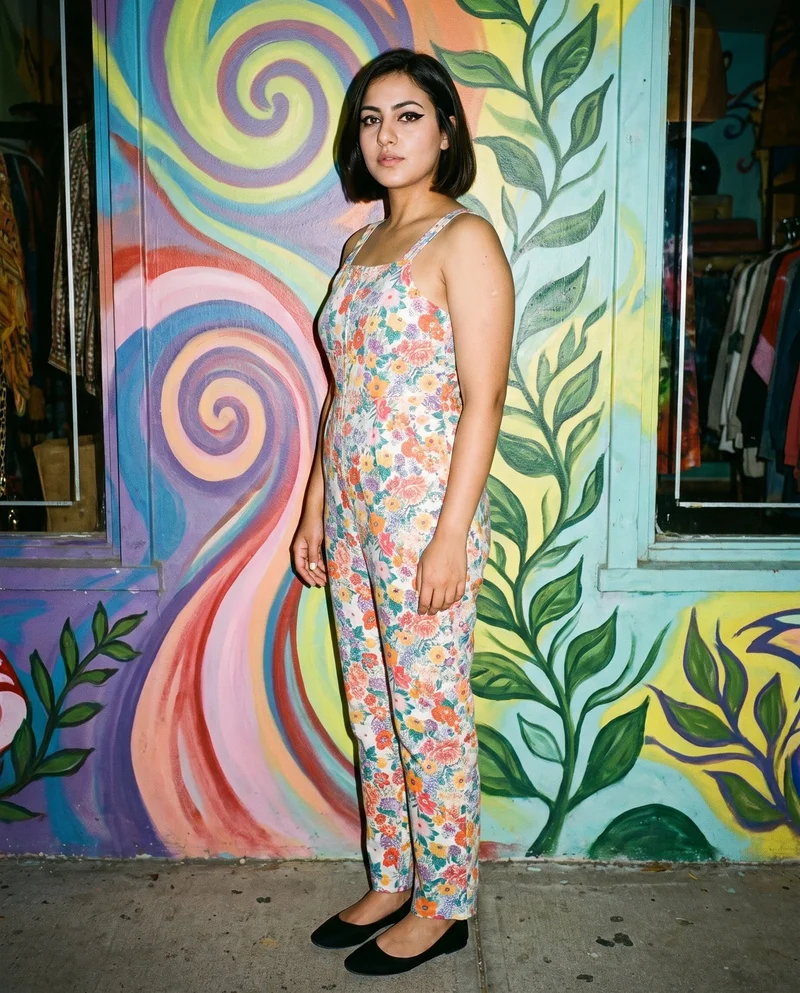
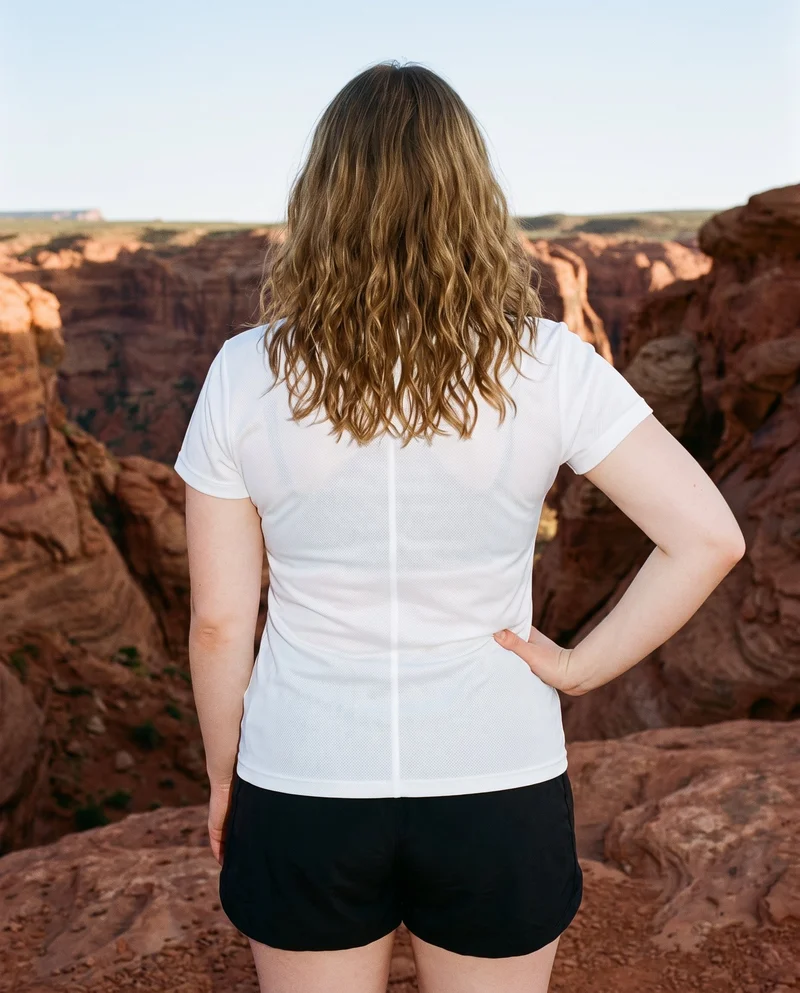
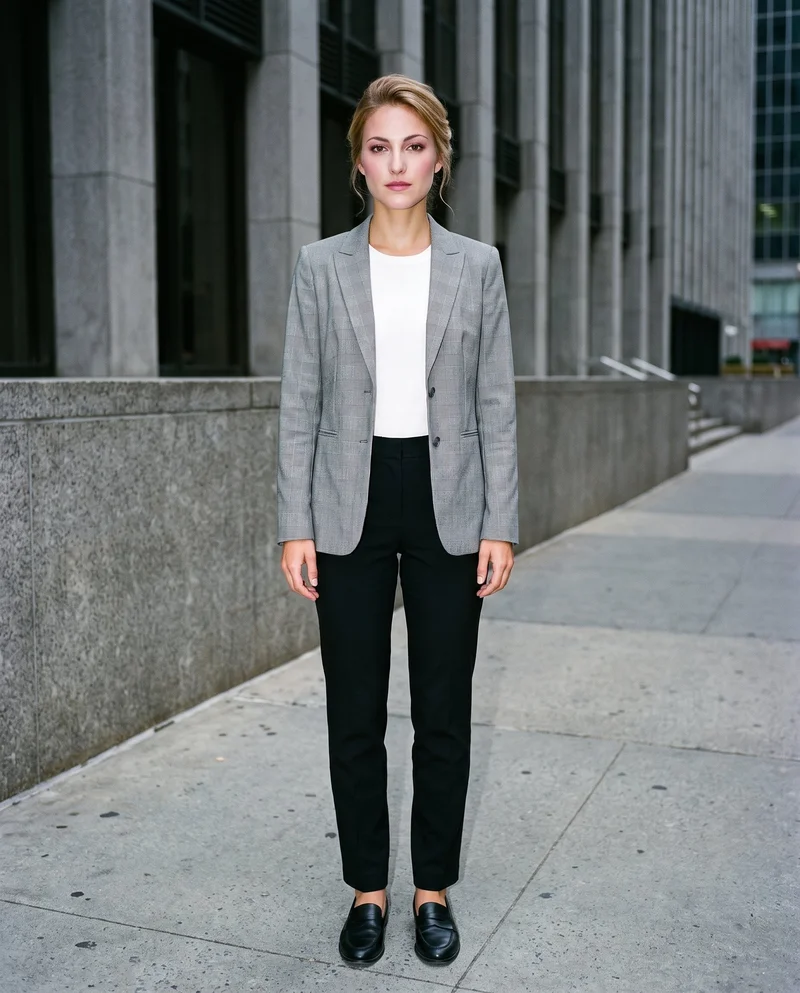
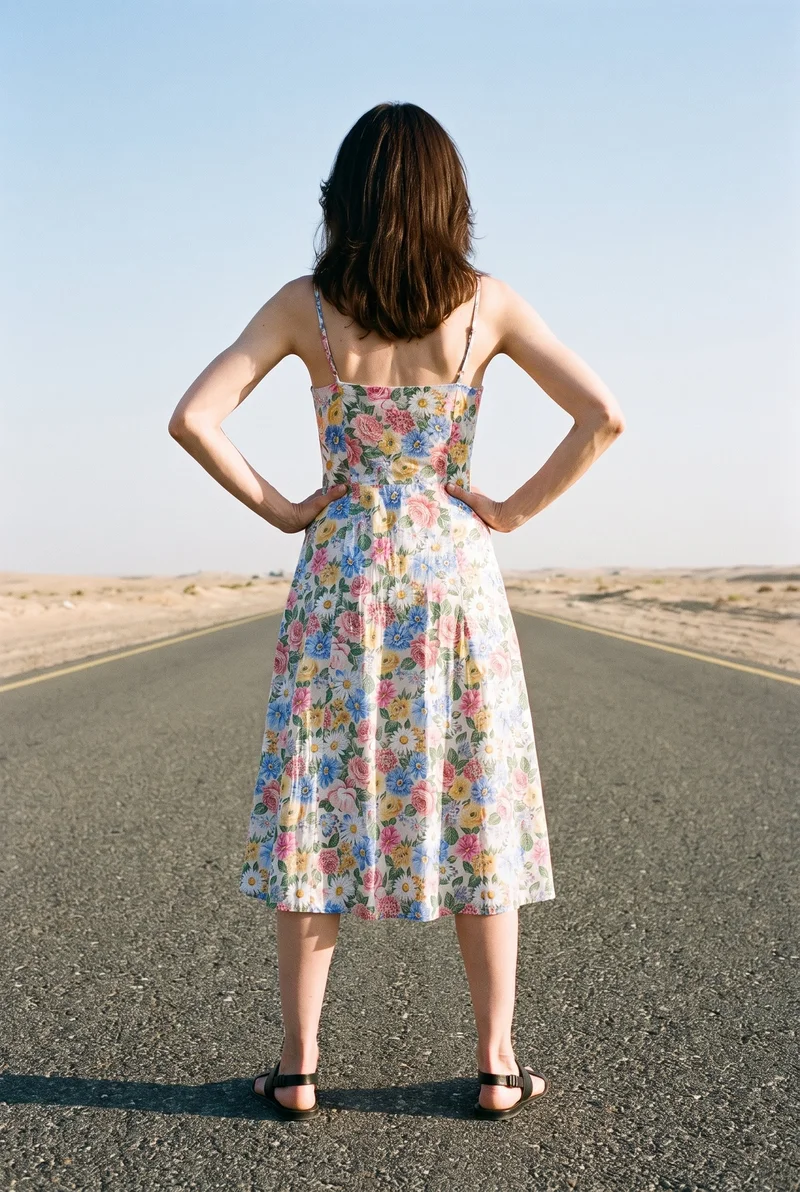
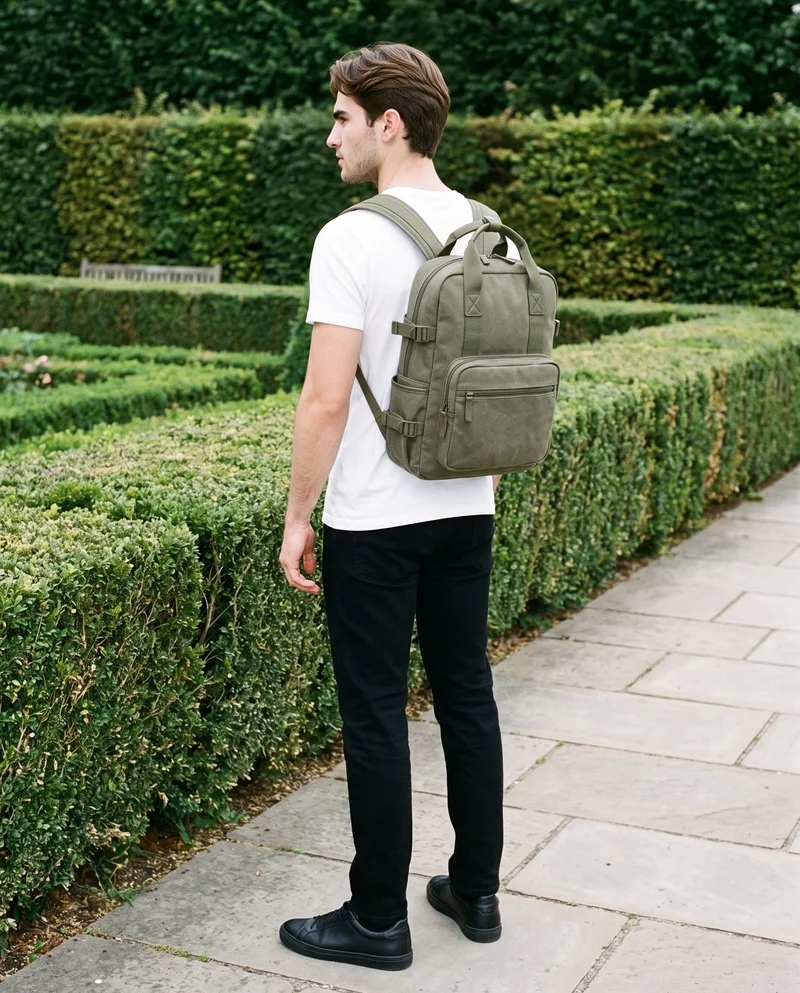
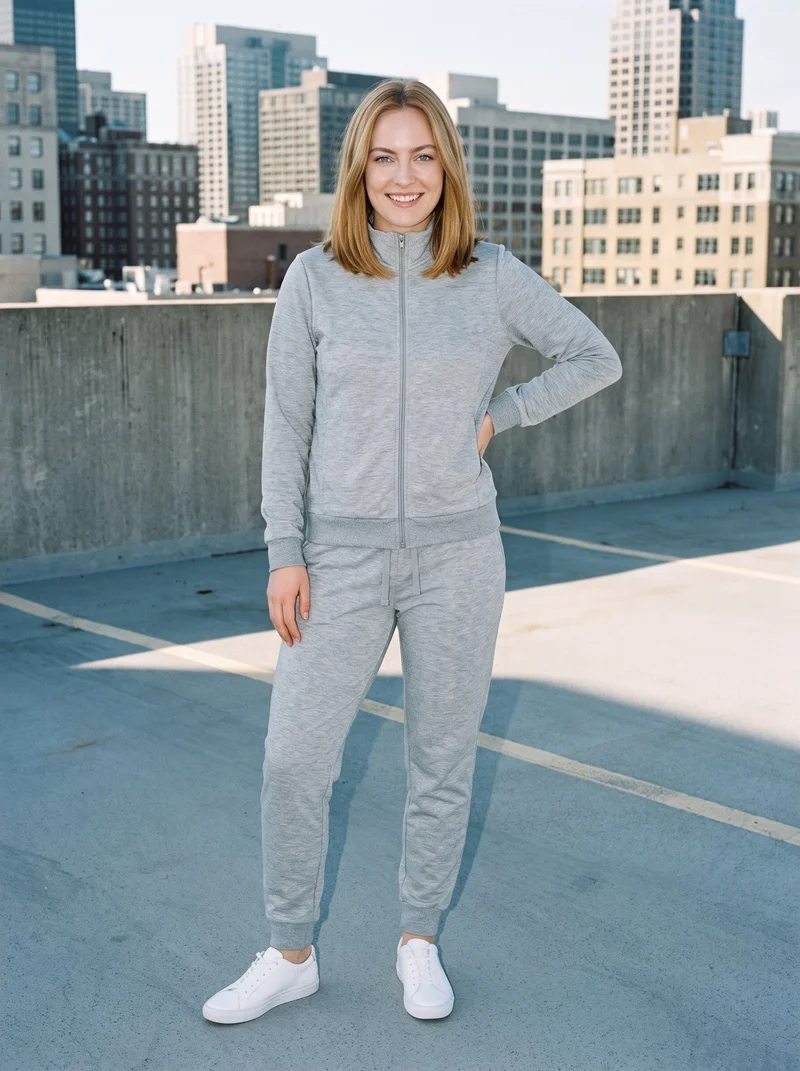
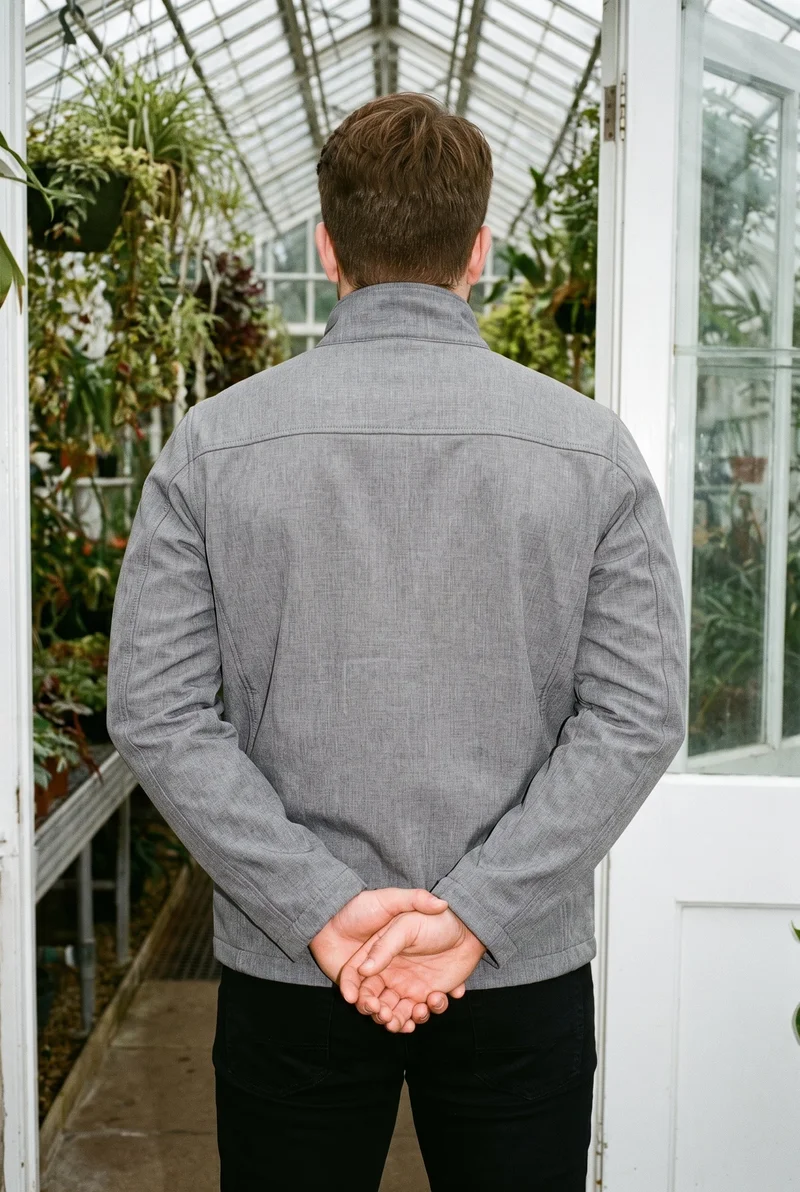
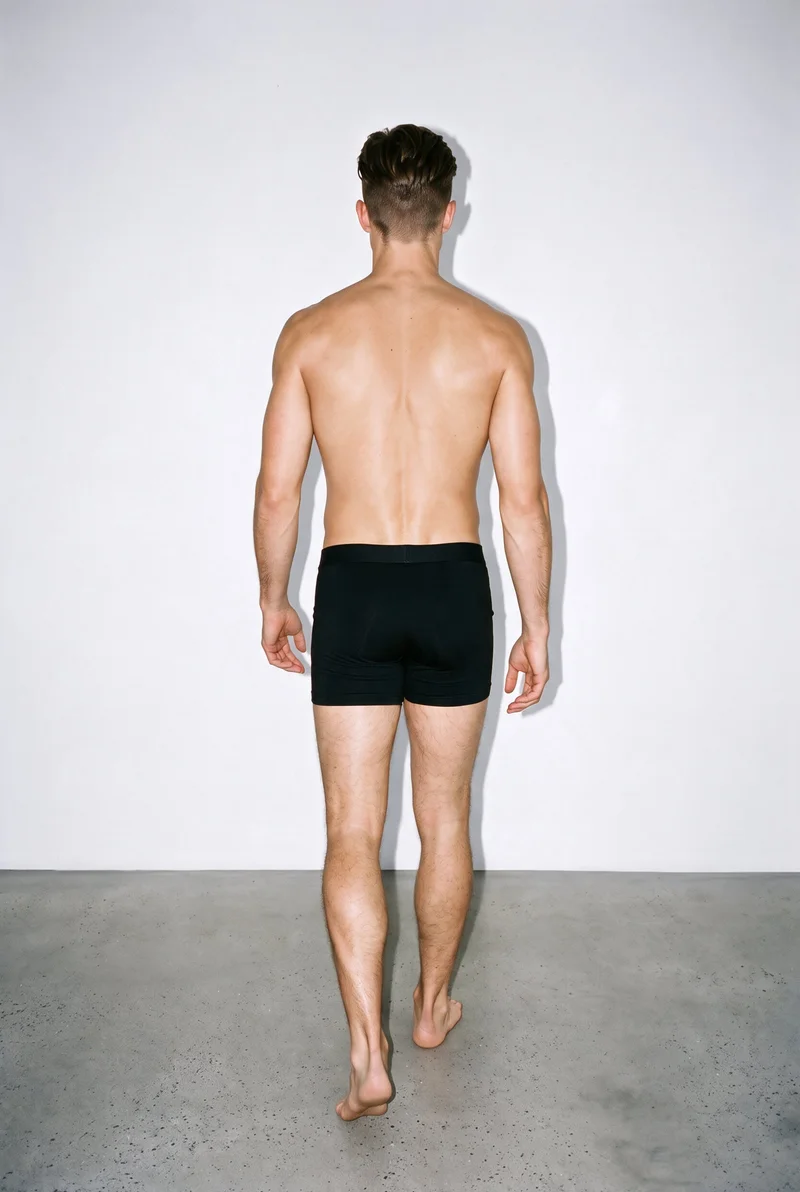
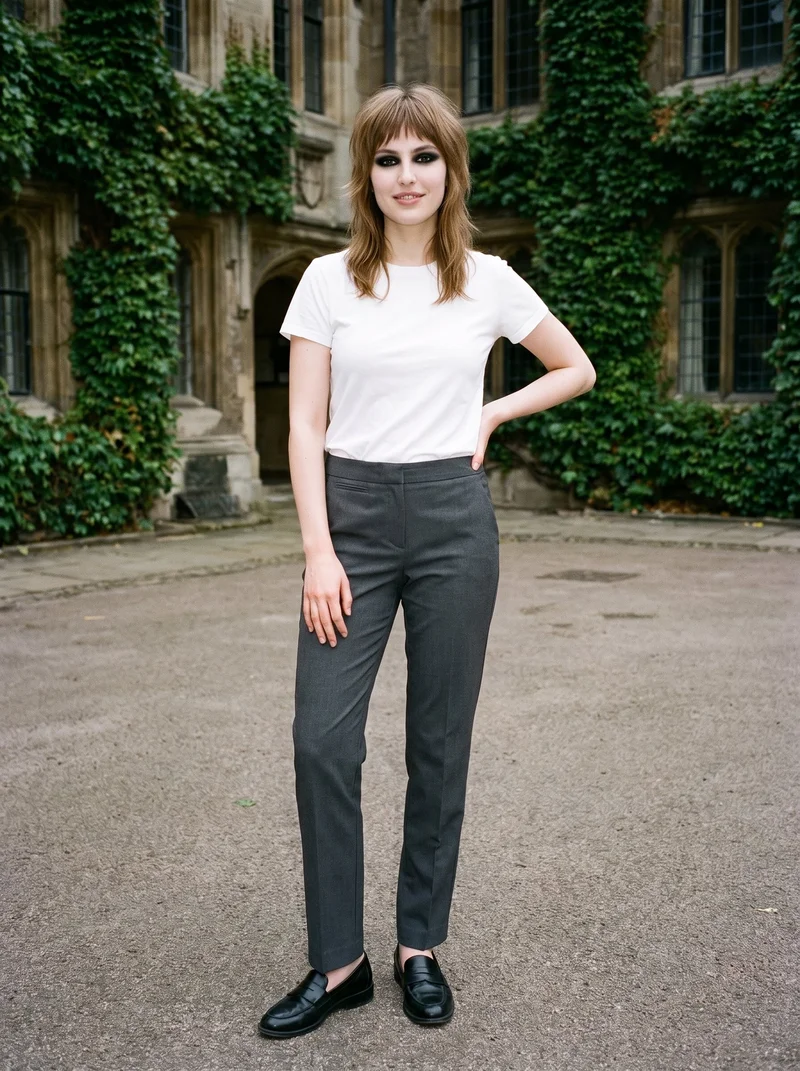
Showing 9 of 824, shot in RAWSHOT
Use cases
When a piece needs a body view before launch.
Colourway range launch
The situation
You are preparing every colourway from product photos for a clothing range going live on its product pages.
With RAWSHOT
Set the adult model, full-body or tighter frame, pose, camera view, and light direction for each colourway. You get an on-model image set that presents the range as one considered product-page collection.
Sketch to product page
The situation
A new piece needs a product-page image while its physical sample is still in development.
With RAWSHOT
Use a clear technical sketch, choose the adult model and product-page composition, and direct the pose and light. You get an early on-model view for presenting the piece during development.
Flat-lay body context
The situation
A flat-lay shows the clothing clearly, but an online listing needs the piece understood on an adult body.
With RAWSHOT
Use the flat-lay as the product source, select a suitable model and body context, and choose a frame that serves the listing. You get a credible on-model view alongside the original product information.
Mockup listing review
The situation
You are checking how a clothing mockup reads on a consistent adult model for publishing the product page.
With RAWSHOT
Choose the model, pose, camera view, and photography direction around the mockup, and review hands, hardware, and garment details. You get a product-page image ready for a careful publishing check.
What you get
Build full-body and tighter frames for each colourway.
You get an on-model product-page image set for each colourway, with a consistent adult model, clear product views, and a considered visual direction. Full-body and tighter frames support the information shoppers need for purchase decisions.
Full-body product views
Show the whole outfit on the selected adult model, giving shoppers useful context for the piece, its proportions, and its presentation on the page.
Tighter detail views
Add closer frames for the areas shoppers need to inspect, and keep the same product, model, and visual direction across the range.
Colourway coverage
Prepare each colourway from its available product source so the range can appear together with a recognisable model and consistent photographic treatment.
Product-page formats
Choose the frame and output ratio that suit each placement, with the clothing kept central and the composition reviewed for publishing.
Direct the shoot
Direct frame, view, pose and light for each image.
Image frame
15
Pose
22 poses on this frame
Camera view
4
Format
9
Pose style
4
Facial expression
10
Photography direction
4
Create photoshoot
Step 7 of 7 · Composition
Image 1 · readyGallery image from this pageProduct
Your product
Model
From the library
Composition
Full Body · Front View · Catalog pose · Neutral
Delivery
2K · 1:1
Light
Studio Cutout
Total cost
5 tokens
AI fashion models
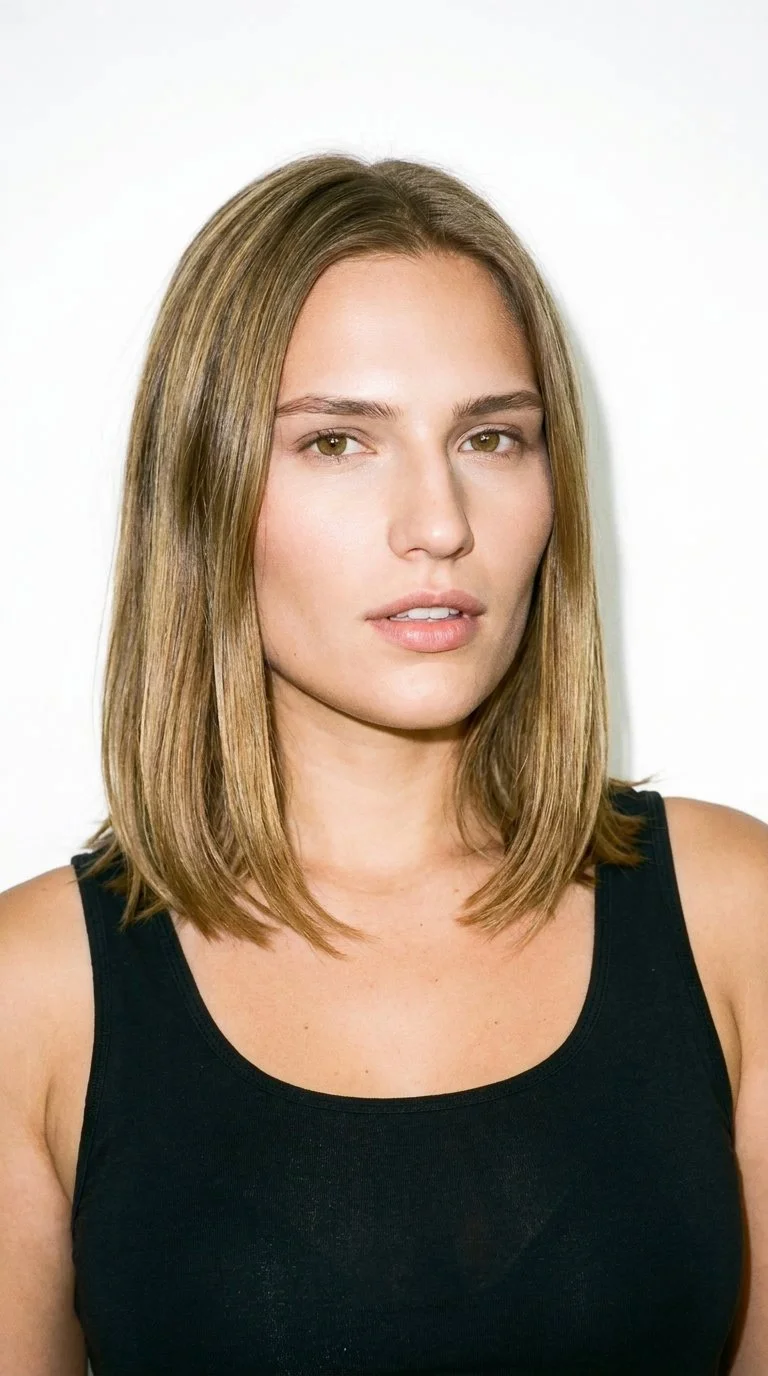
Choose an adult wearer from 1,197 library models.
1,197 licence-free grown models across ages and body types. Or build a private model from visible attributes.
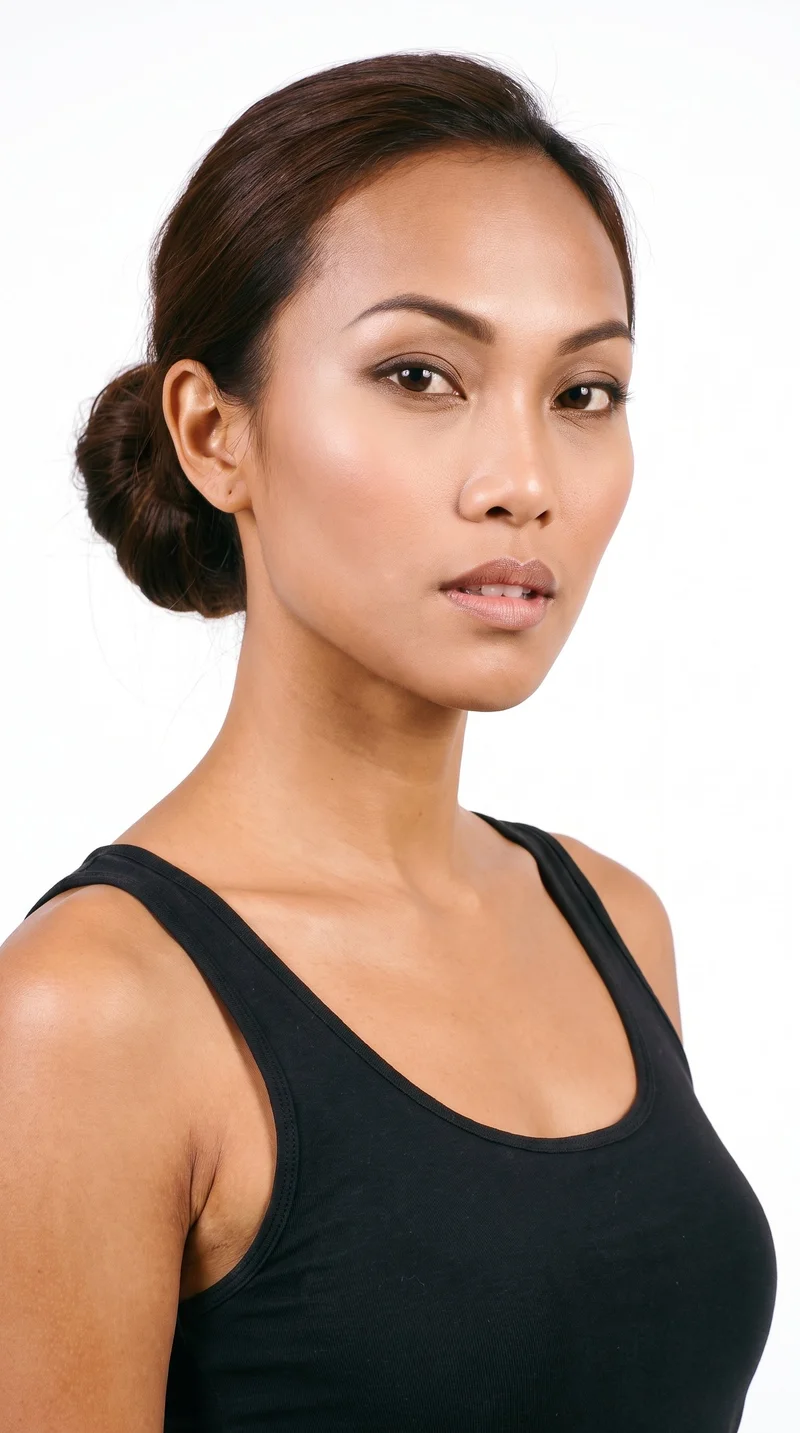
Female · 25
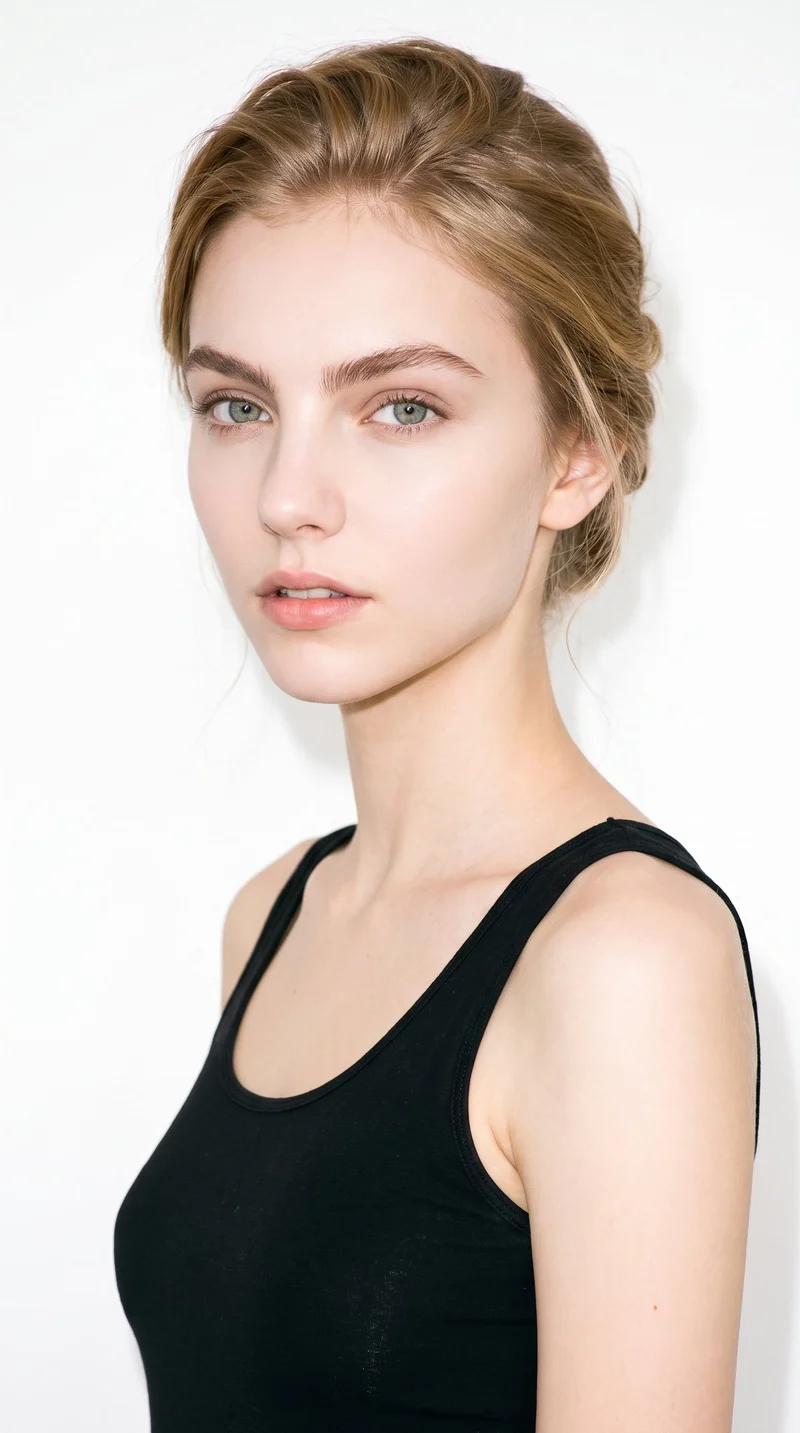
Female · 18
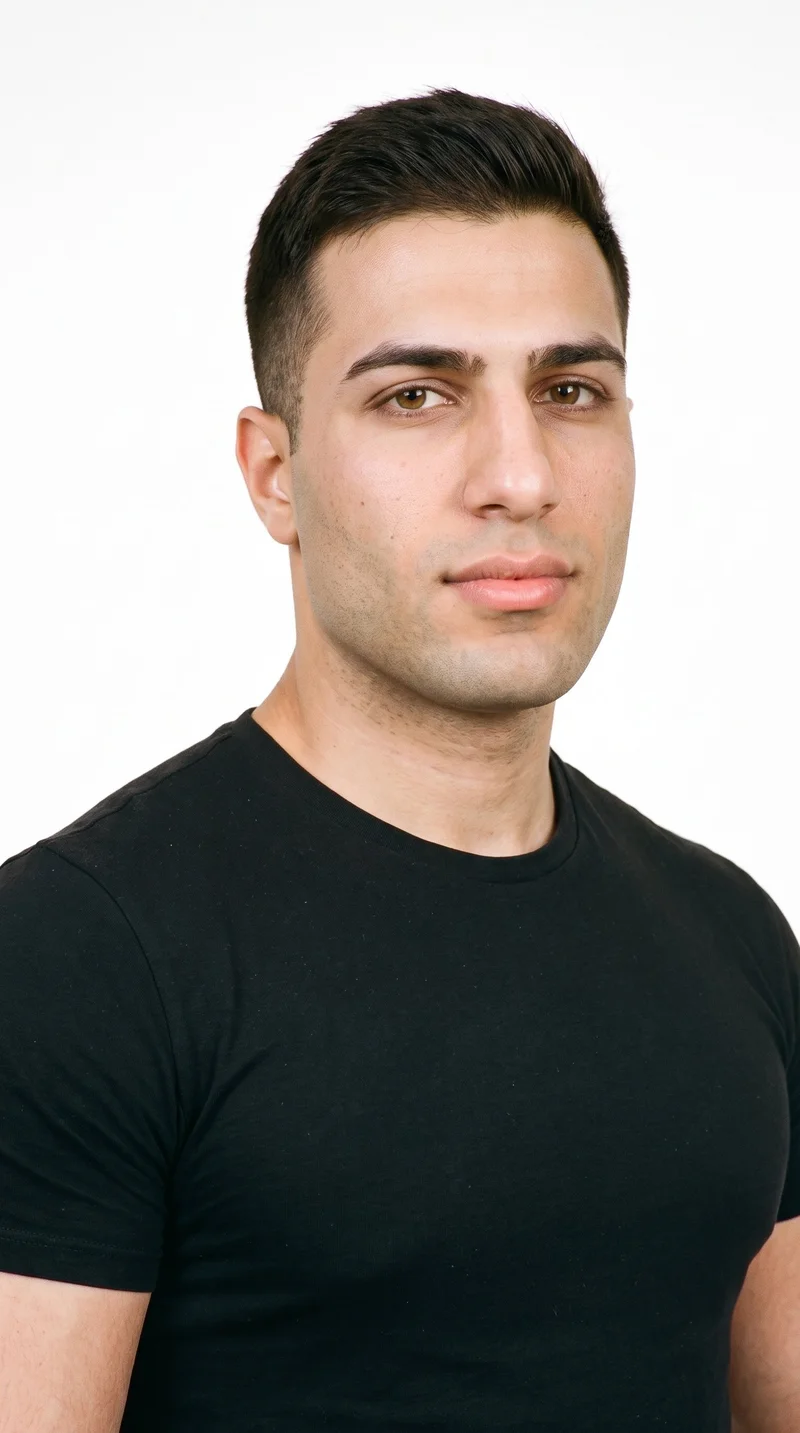
Male · 23
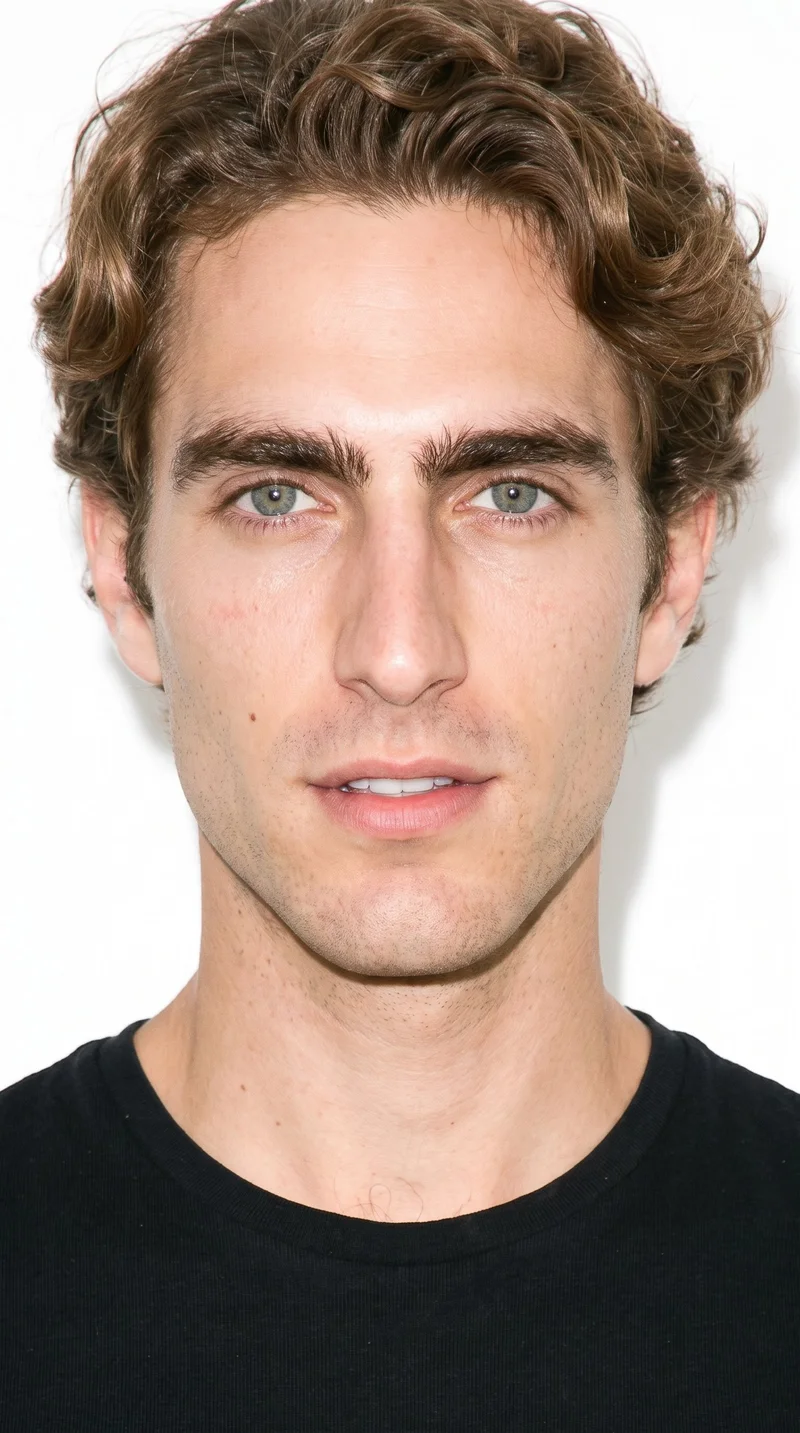
Male · 28
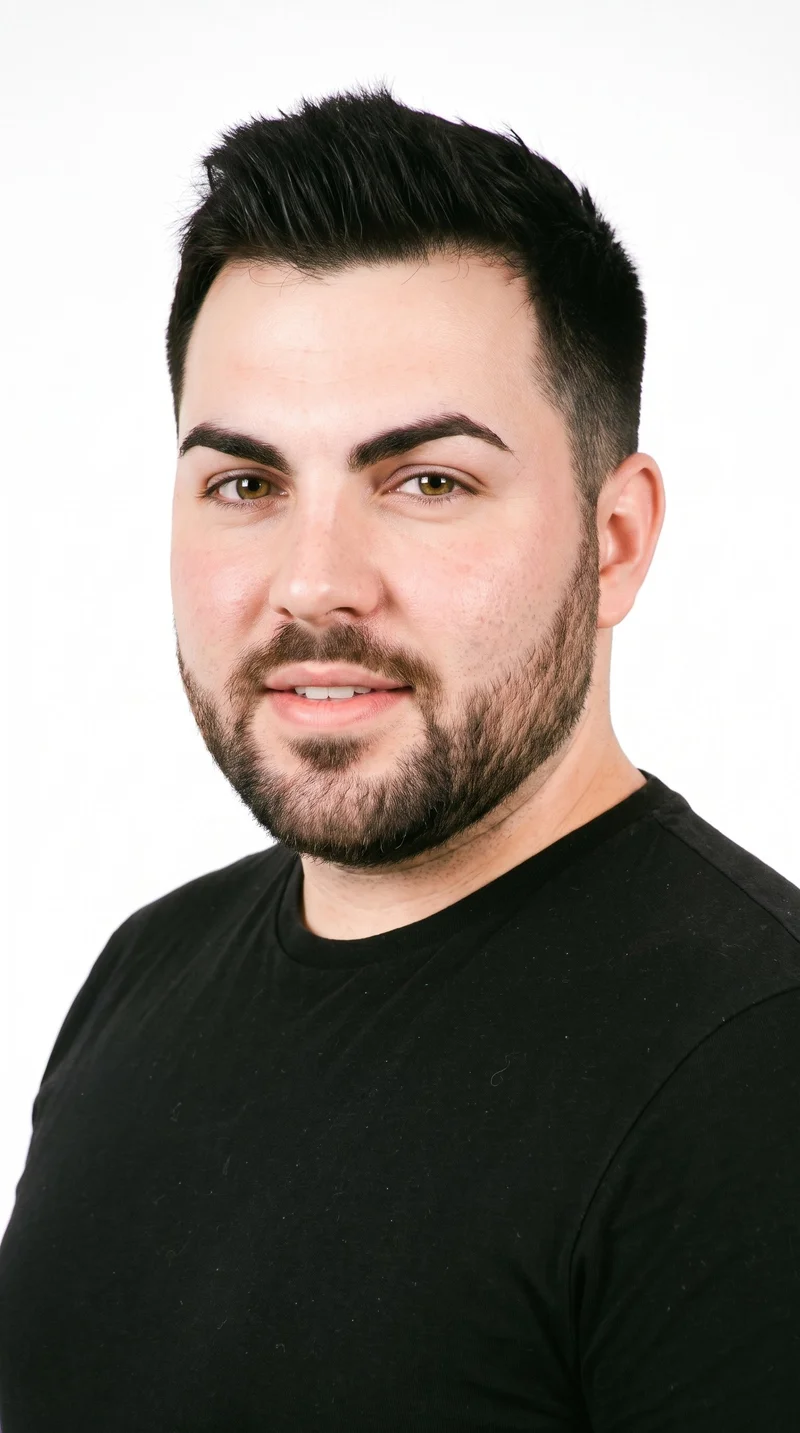
Male · 28
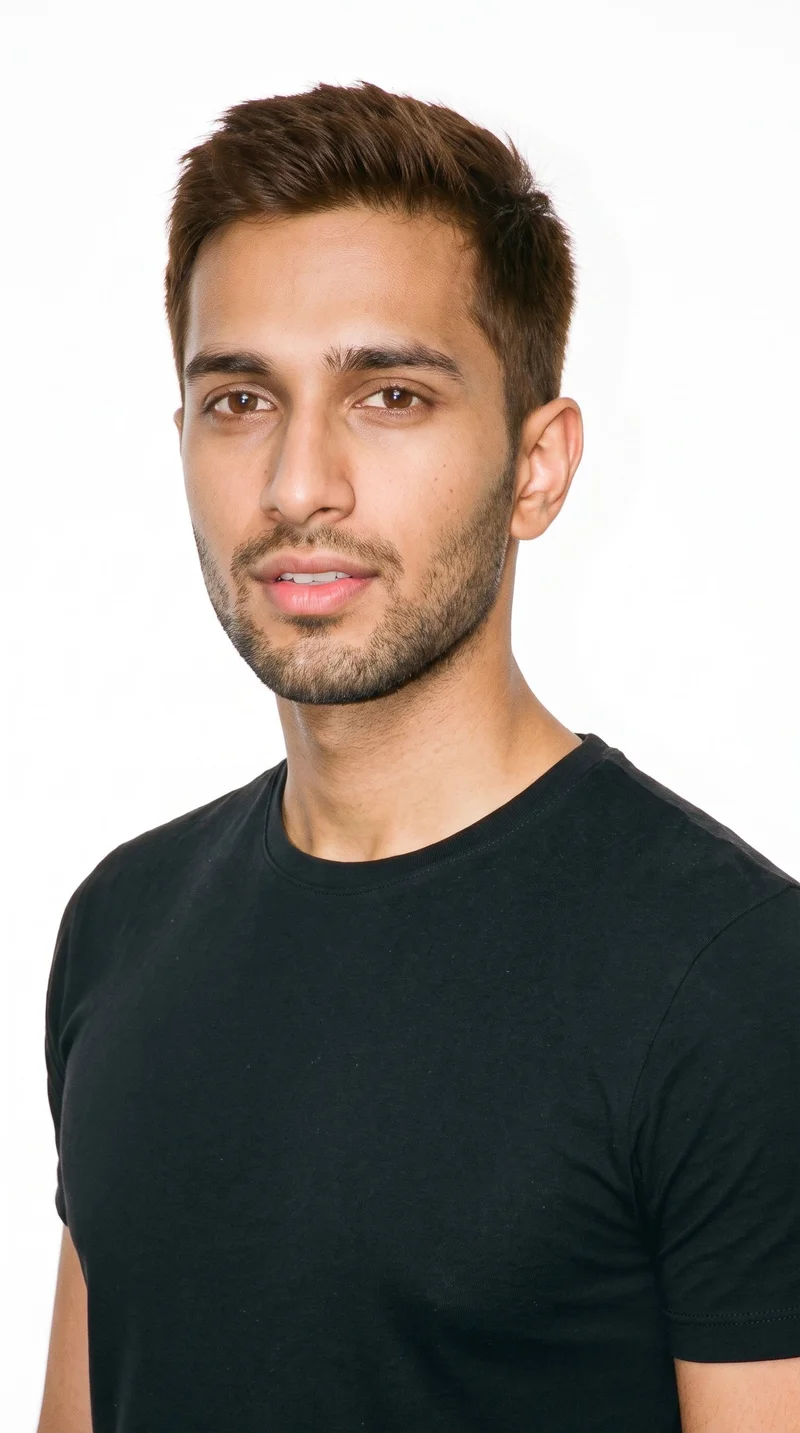
Male · 22
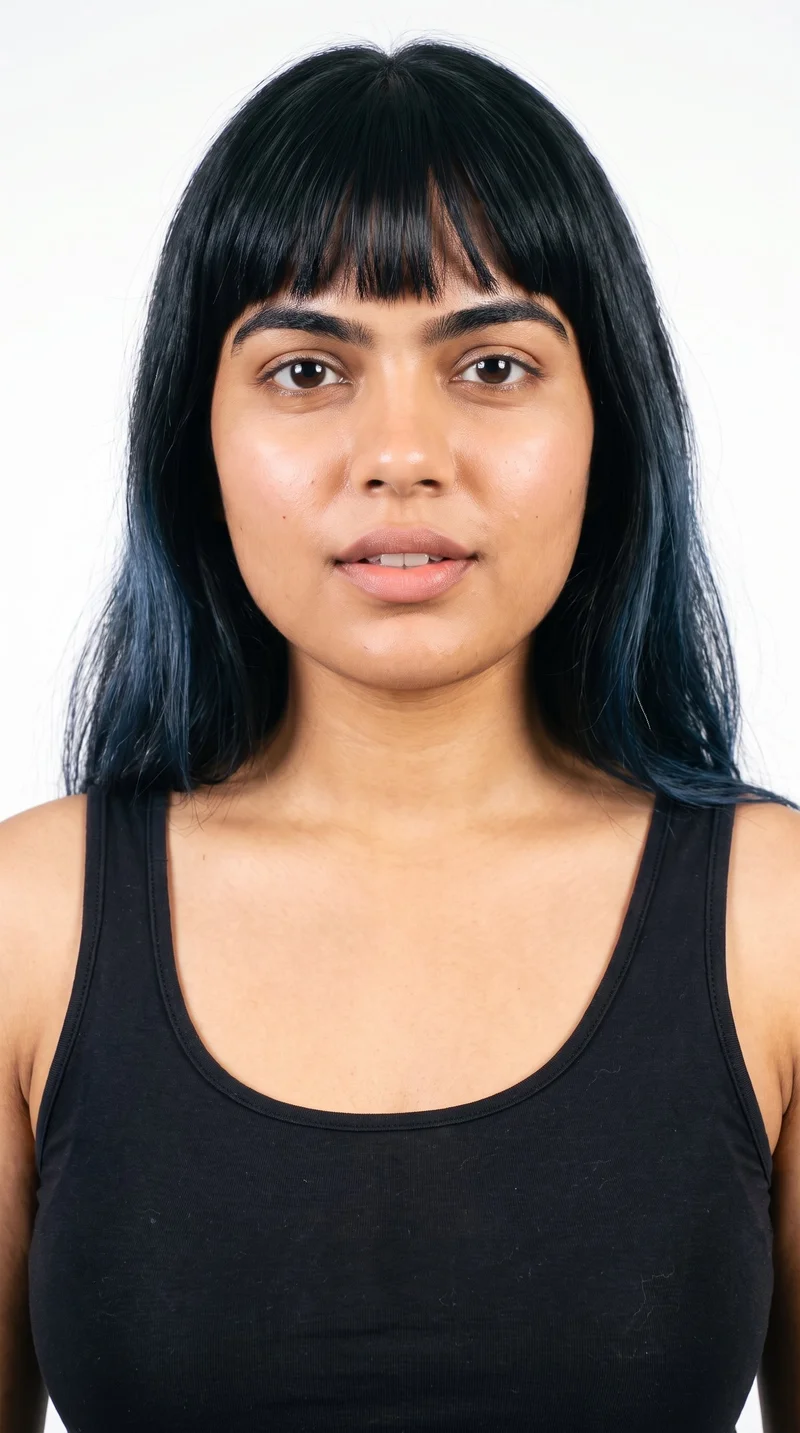
Female · 24
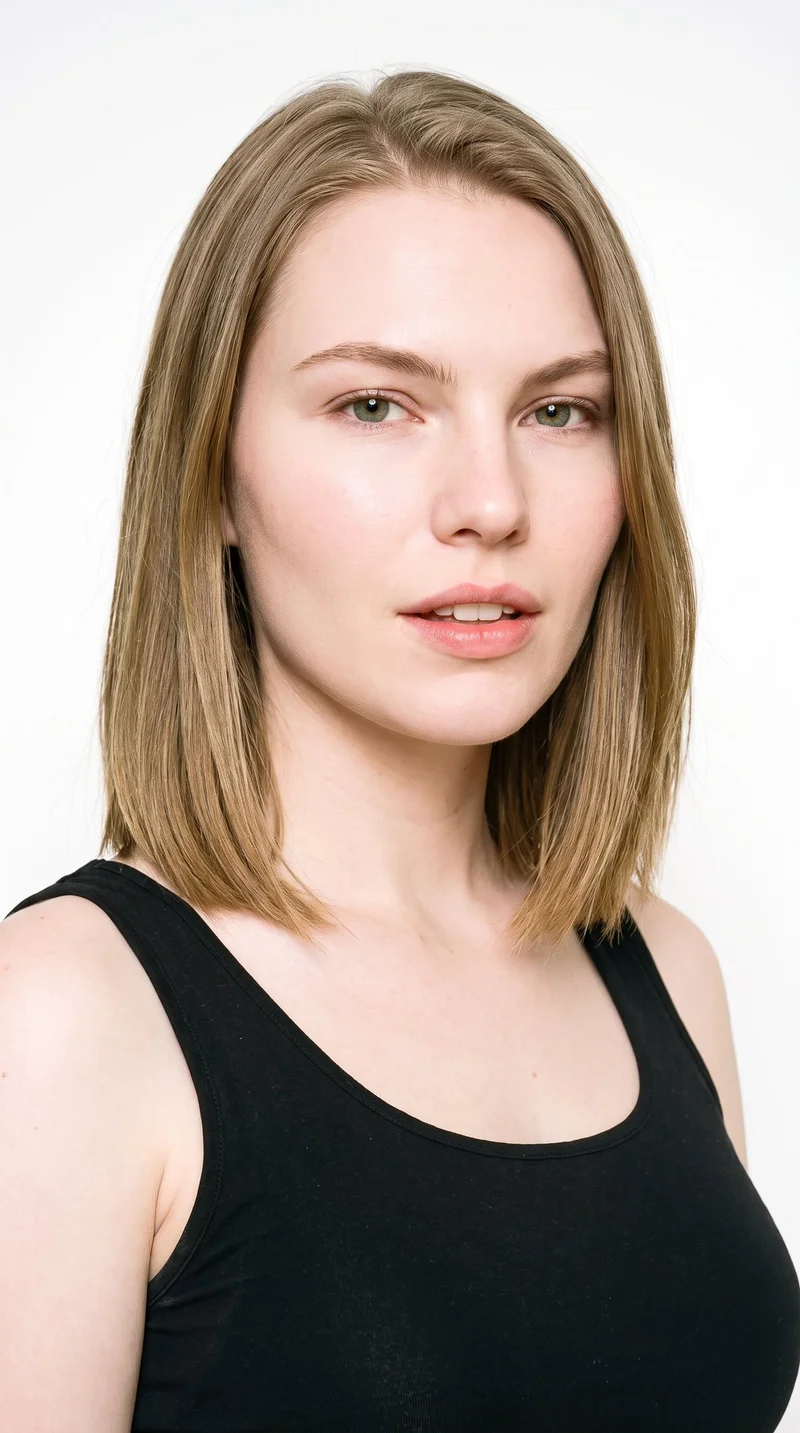
Female · 23
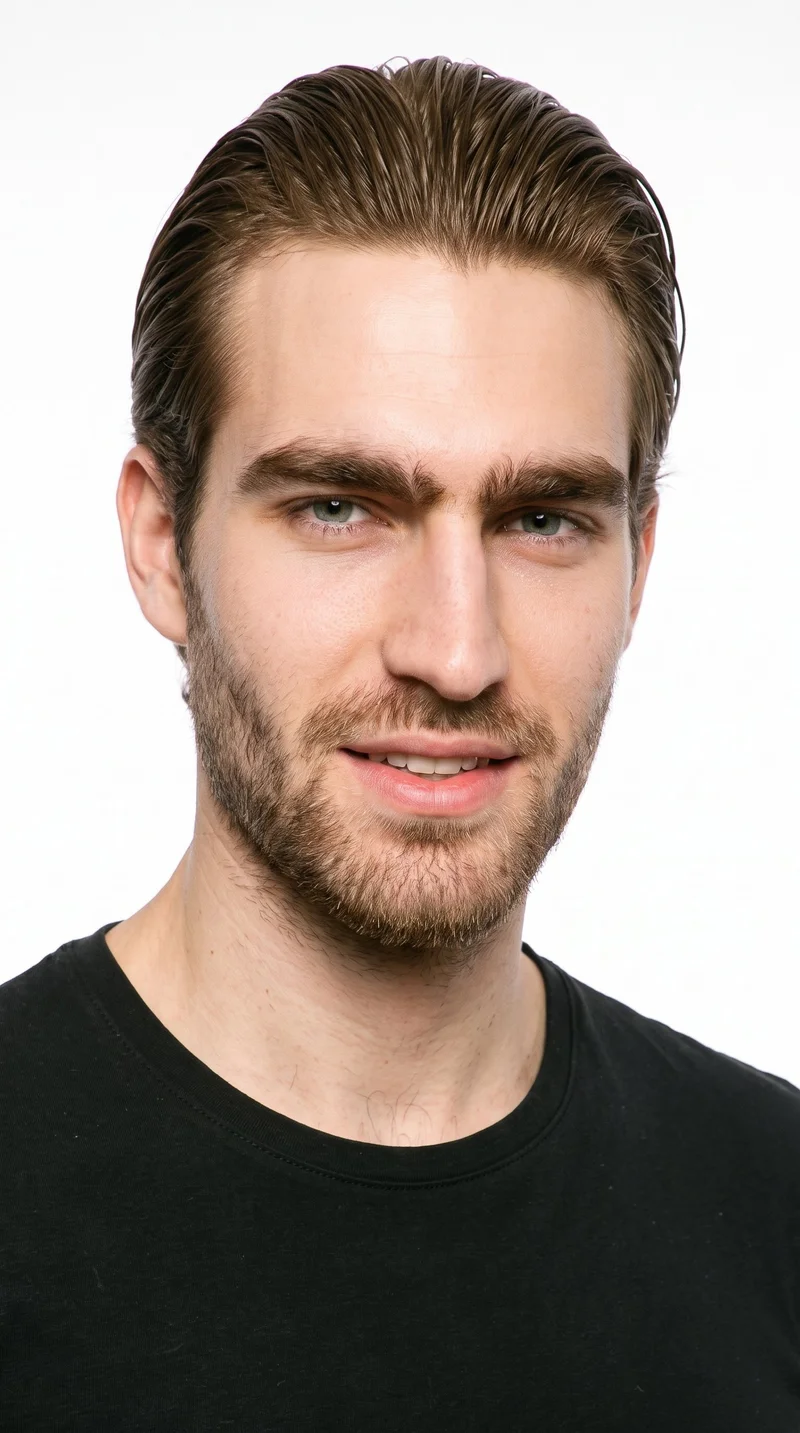
Male · 21
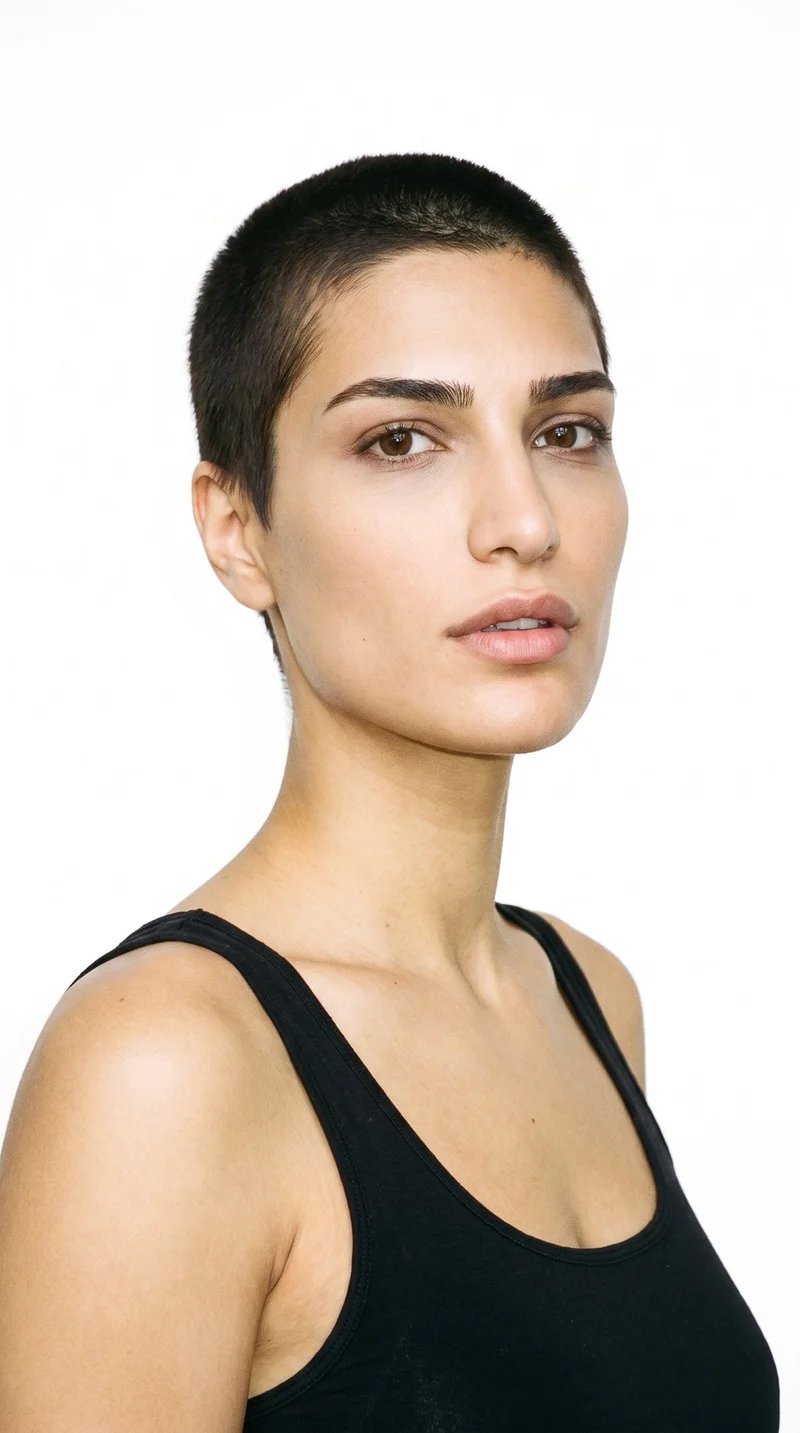
Female · 27
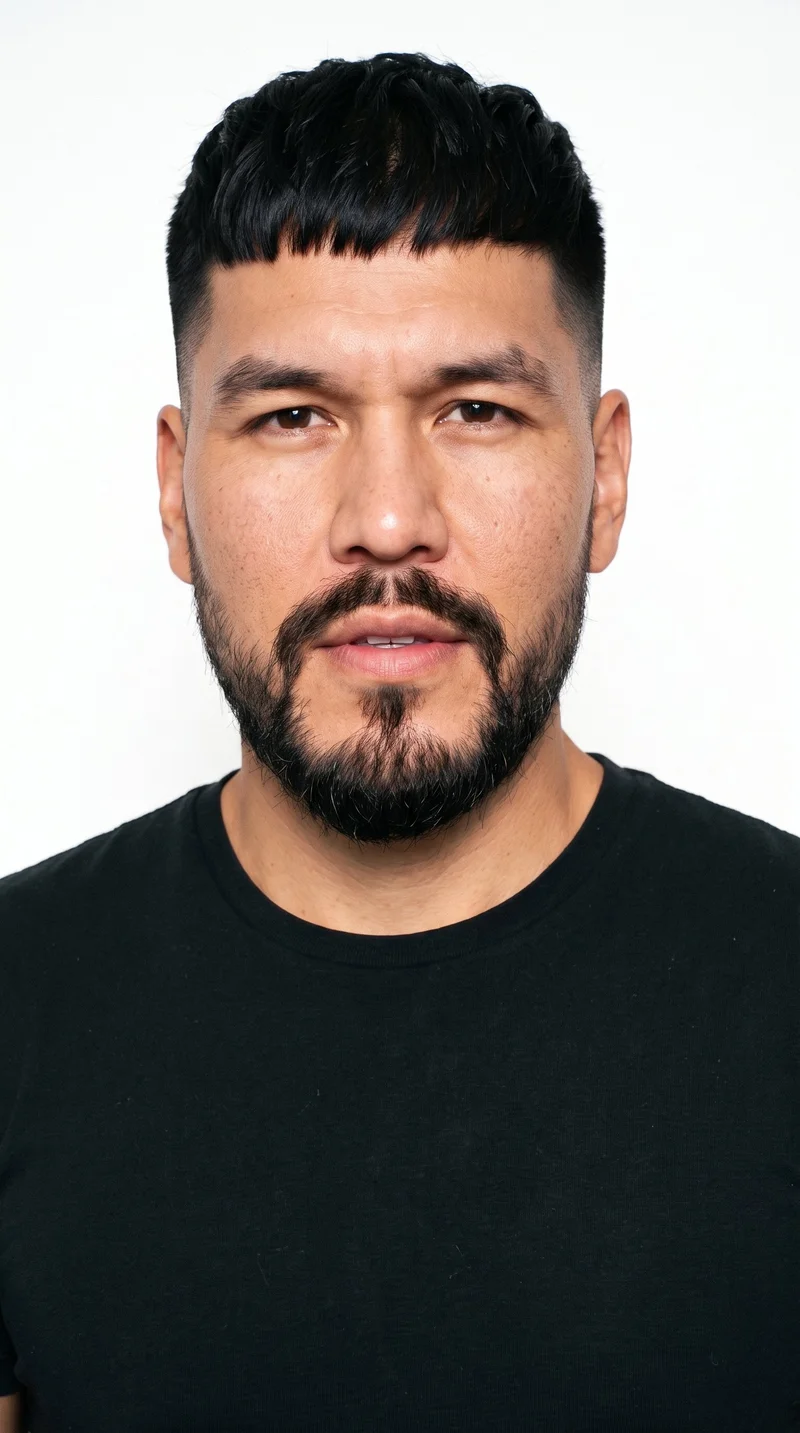
Male · 38
Female · 21
Showing 12 of 1,197
Cast your modelRawshot Features
RAWSHOT keeps each colourway tied to its product source.
Fashion model poses
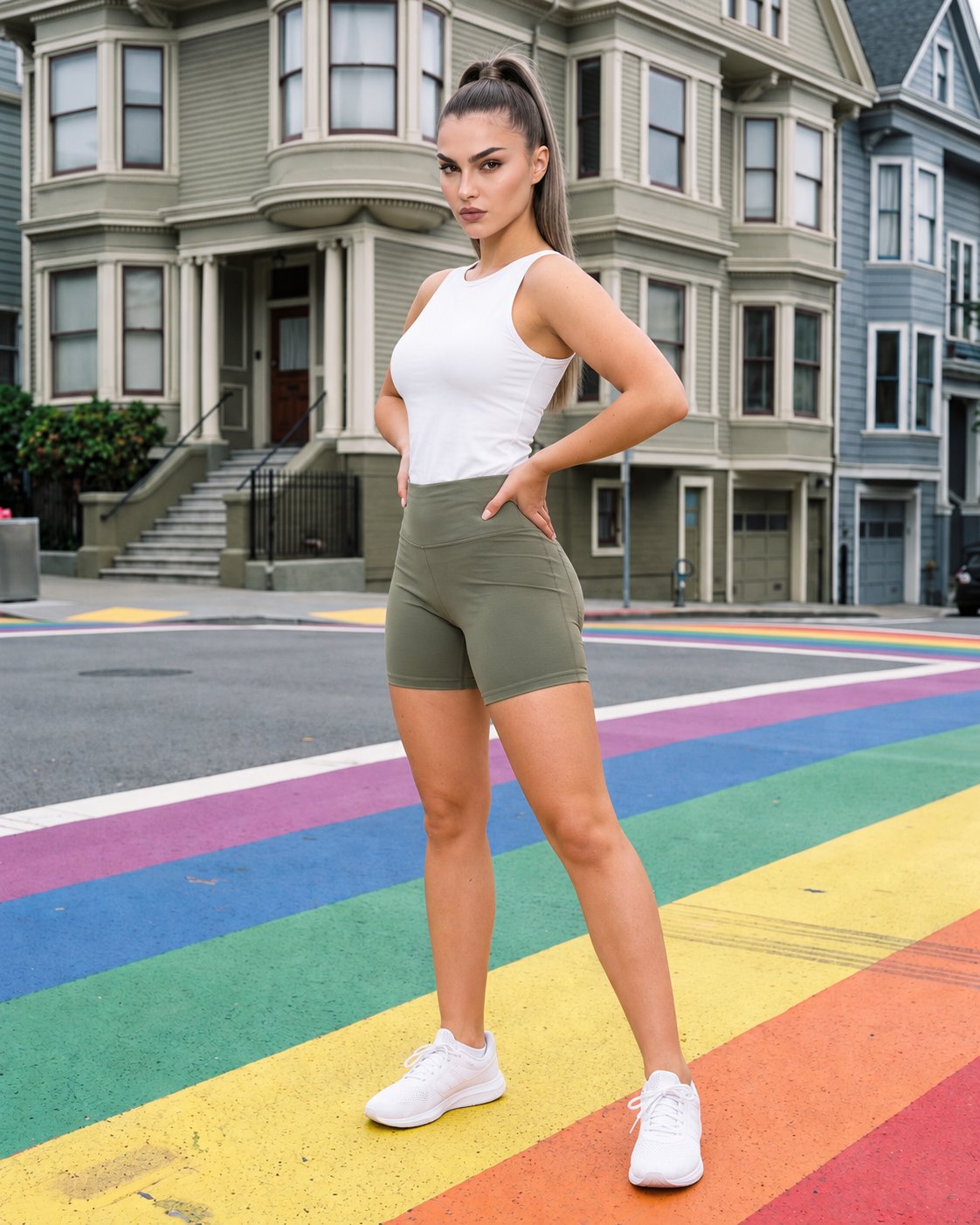
Choose the crop, camera view, and pose that show how the piece reads in a product-page context.
22 poses on a full-body shot · 104 in total
See the feature →
AI model generator
Keep one adult model across colourways so shoppers compare the clothing rather than a changing cast.
Library filters plus private model building for consistent identity across the set.
See the feature →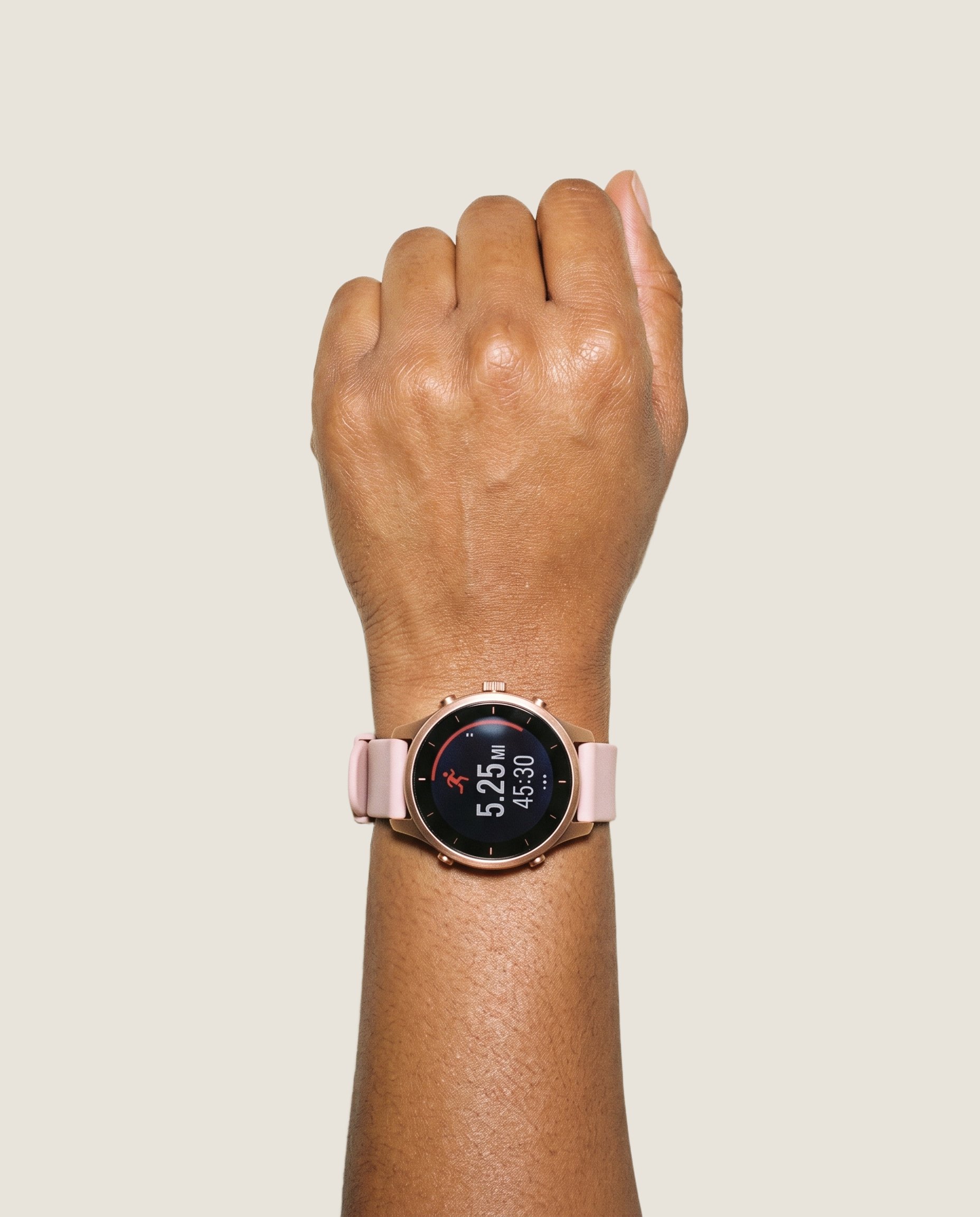
Product import and handling
Use the product source you have so the on-model image remains grounded in the real piece.
Start from your real item and keep product fidelity while building the scene.
See the feature →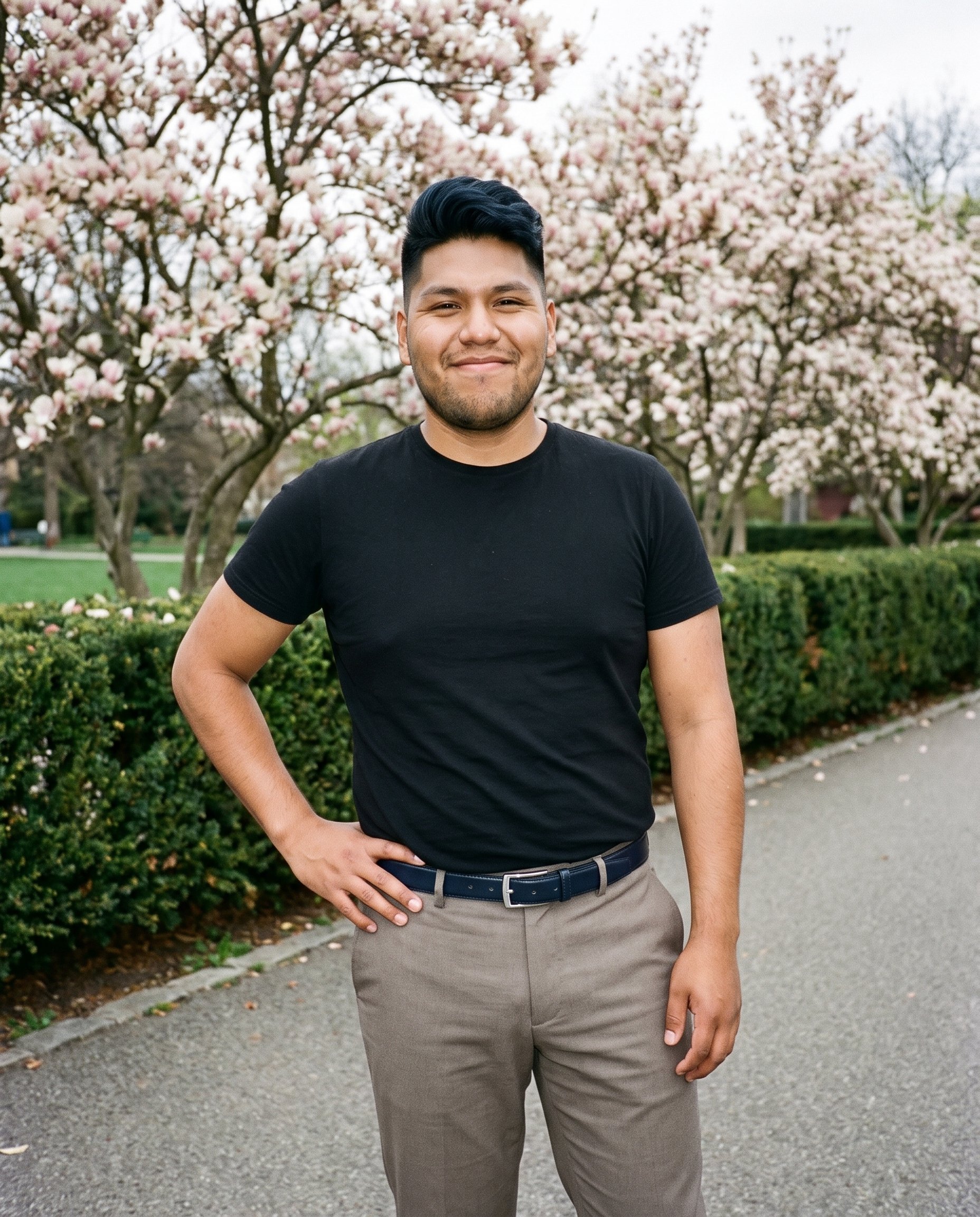
Photography direction
Set a suitable light direction for the page so the clothing stays clear across the wider image set.
4 named choices that set mood and shadow the same way across a shoot.
See the feature →AI image quality control
Every generated image is checked against your model, frame, view and pose before you see it.
AI image to image generator
Change one decision and keep the rest of the composition stable.
AI image to video generator
17 model actions on a full-body shot · 132 in total
AI makeup generator
Branch-aware named options applied without altering casting or scene setup.
AI outfit generator
Combine the main piece with neutral supporting items in one coherent frame.
AI photo background generator
Swap scene context while keeping model, product, and framing stable.
AI suggestions
Preselected control values you can always override in the same configurator.
Garment styling
Choose how the garment is worn and keep brand presentation consistent.
Inspiration gallery
Load editable finished looks as fast starting points for new shoots.
Gallery
Shot in RAWSHOT, examples show product context.
Review editable examples for framing, model direction, and product context when shaping a product-page image set.
Looks & backgrounds
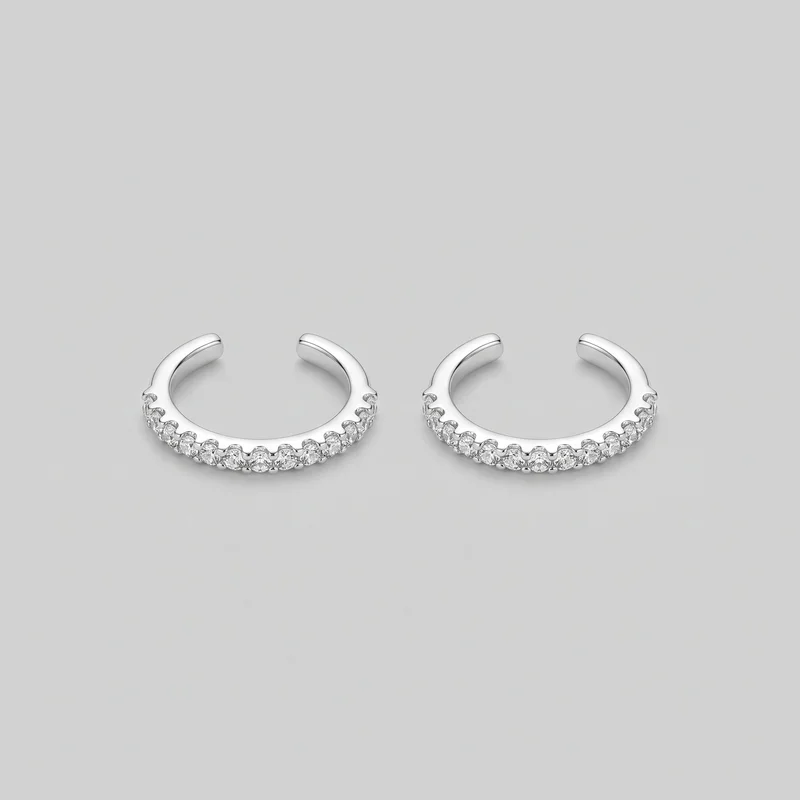 Women's Crystal Ear Cuffs
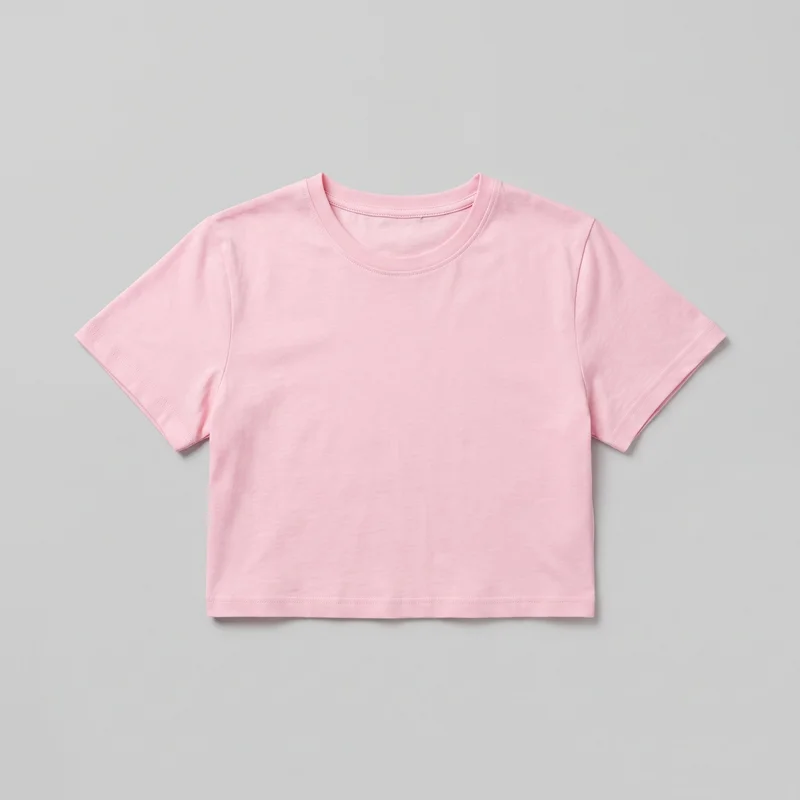 Pastel Pink Crop Top
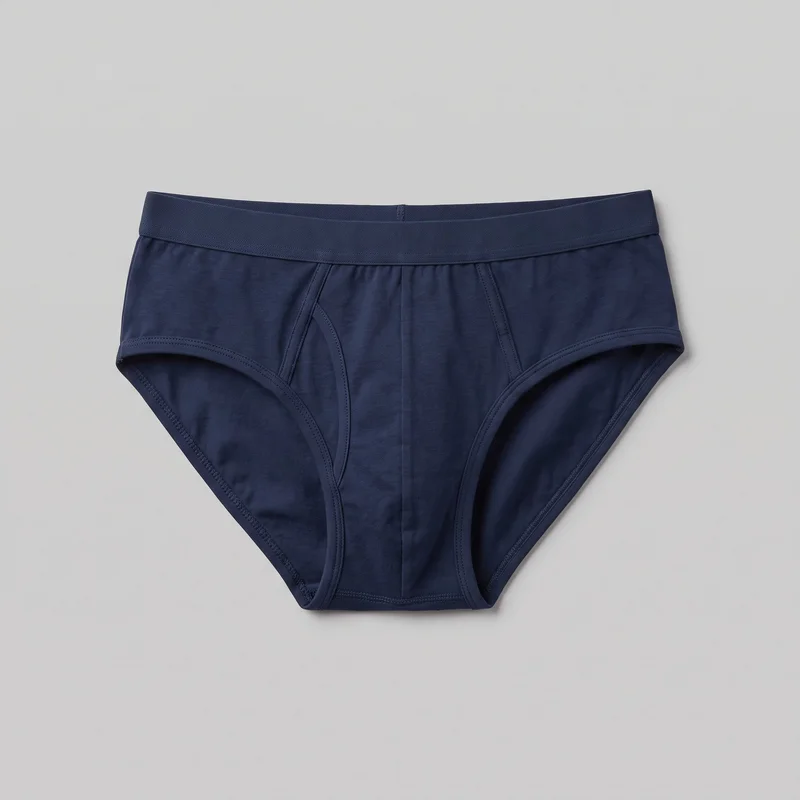 Men's Navy Briefs
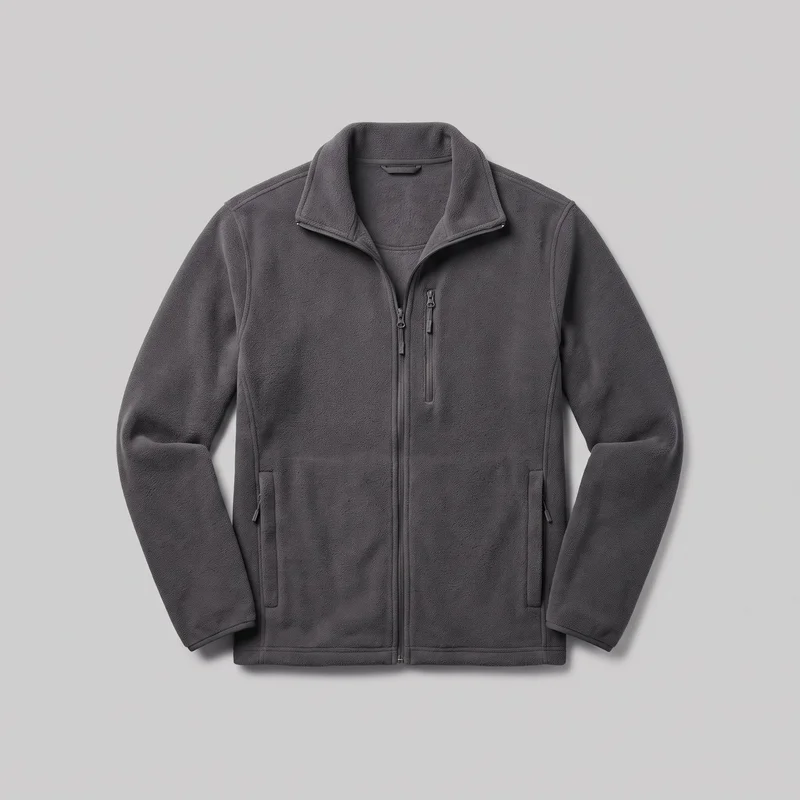 Men's Grey Fleece Jacket
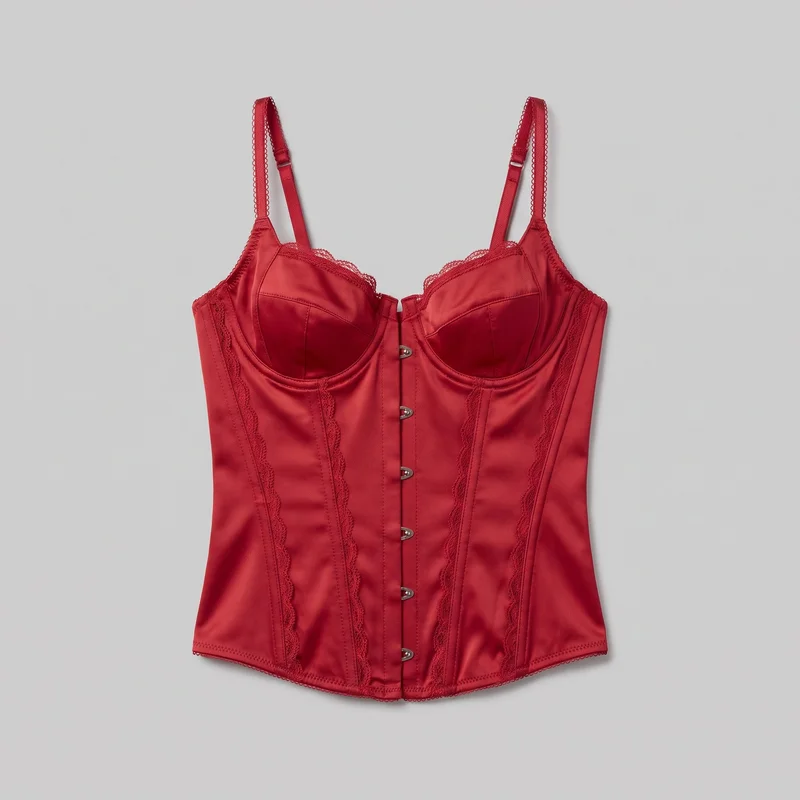 Red Satin Basque
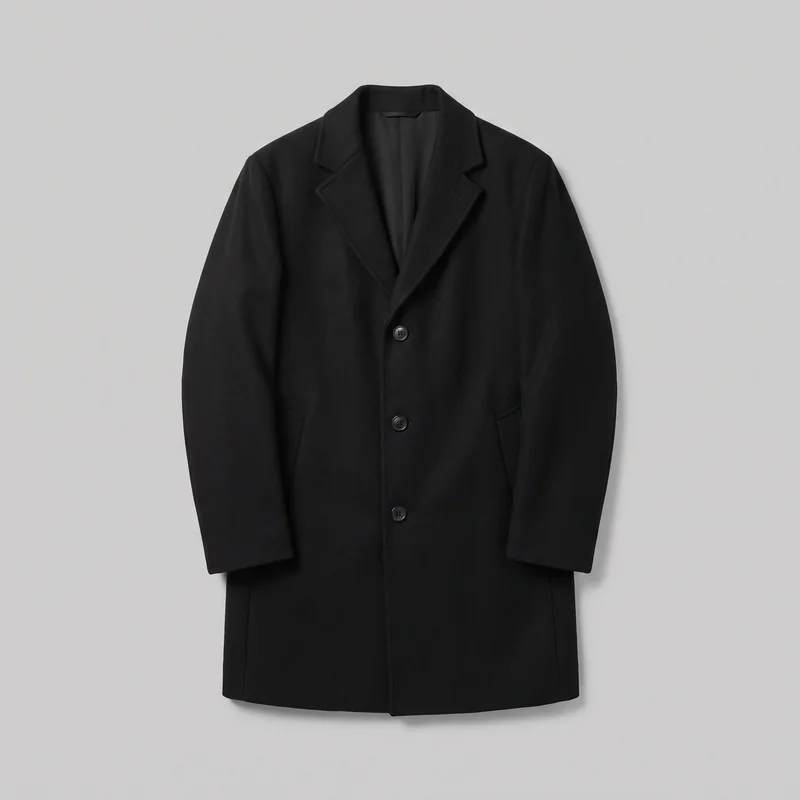 Men's Black Overcoat
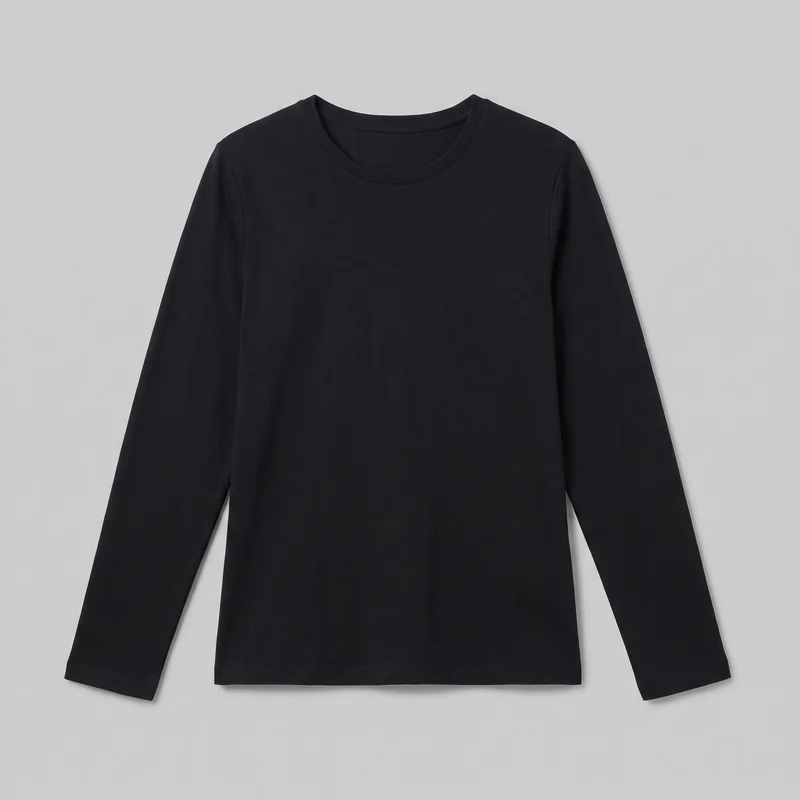 Women's Black Long-Sleeve Tee
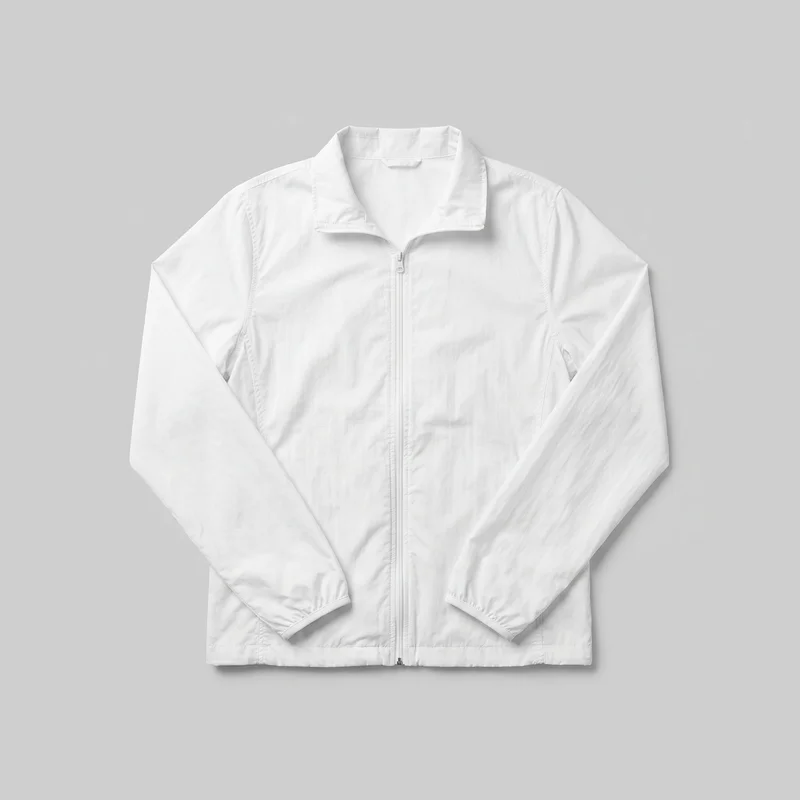 Women's White Windbreaker
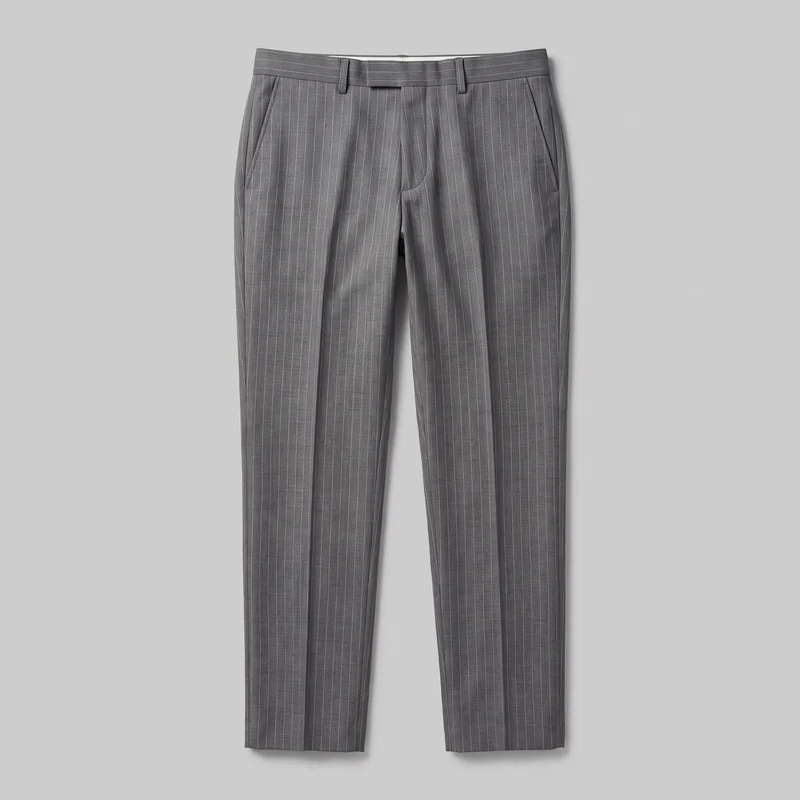 Men's Grey Pinstripe Suit Trousers
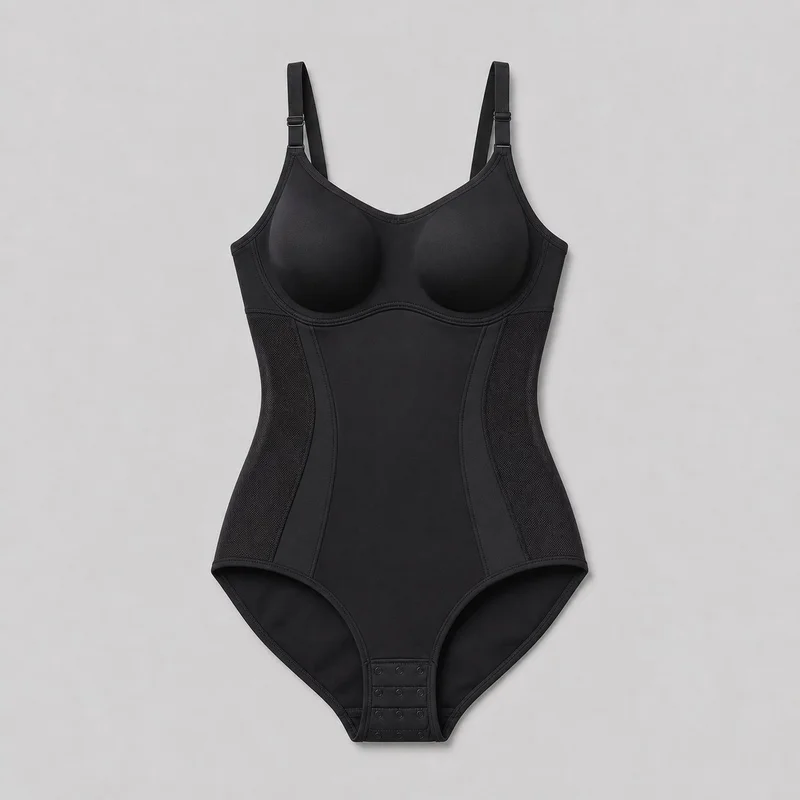 Black Bodysuit Shapewear
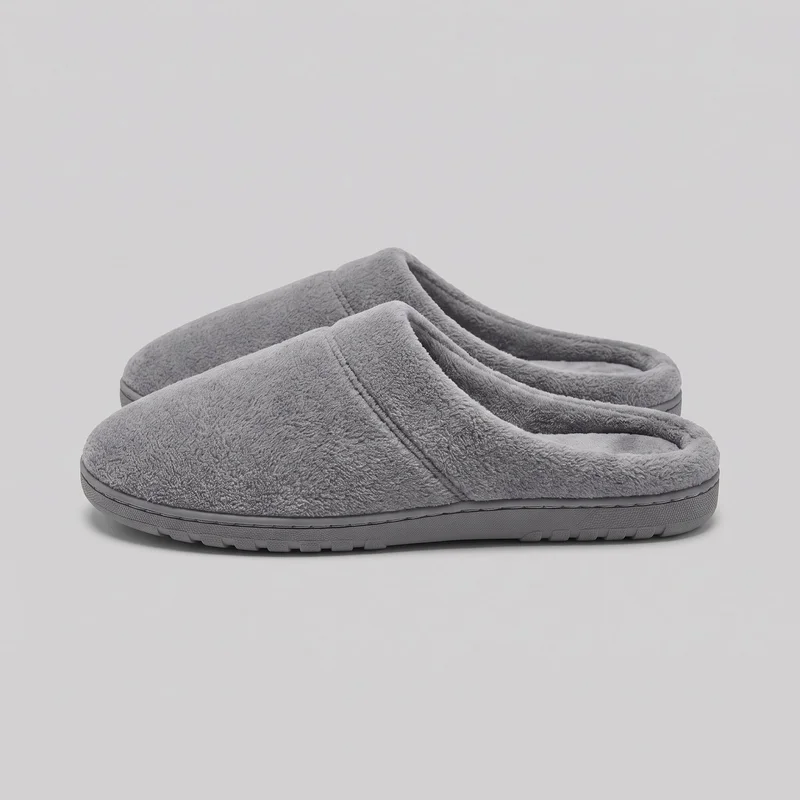 Men's Grey Fleece Slippers
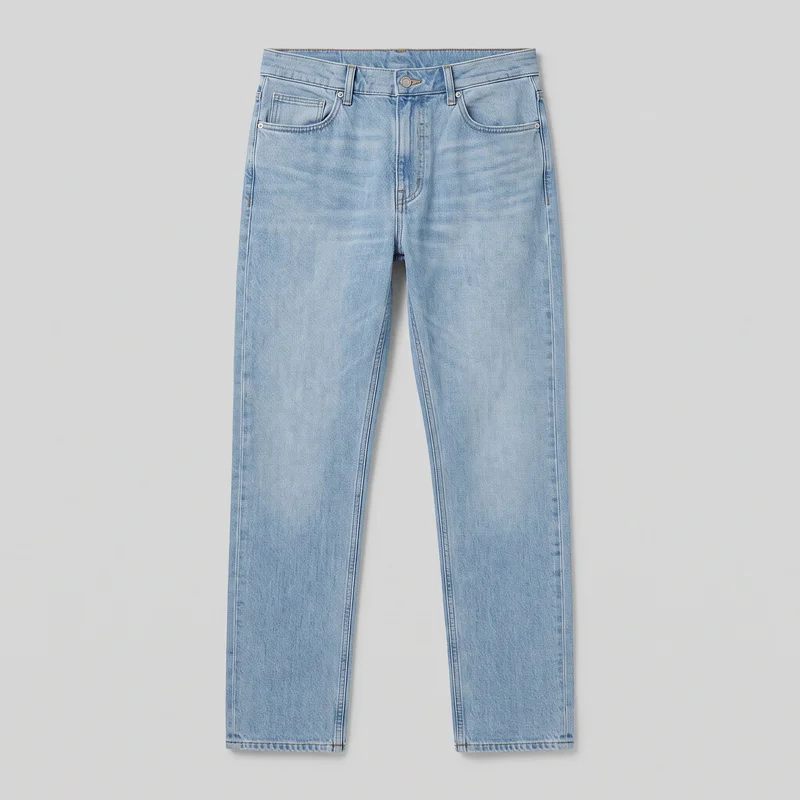 Men's Light Wash Straight Jeans
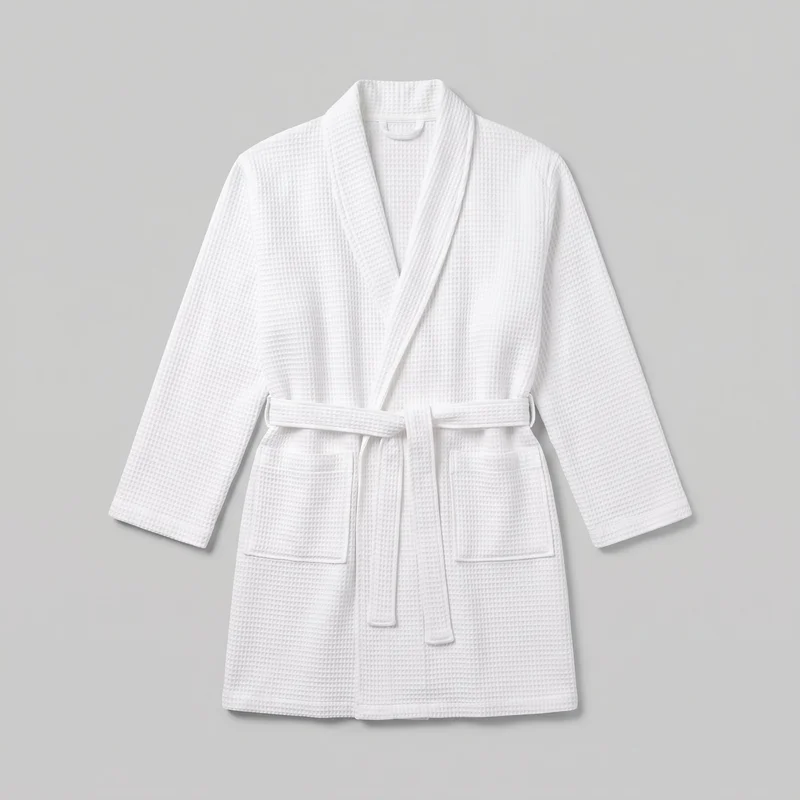 Women's White Waffle Robe
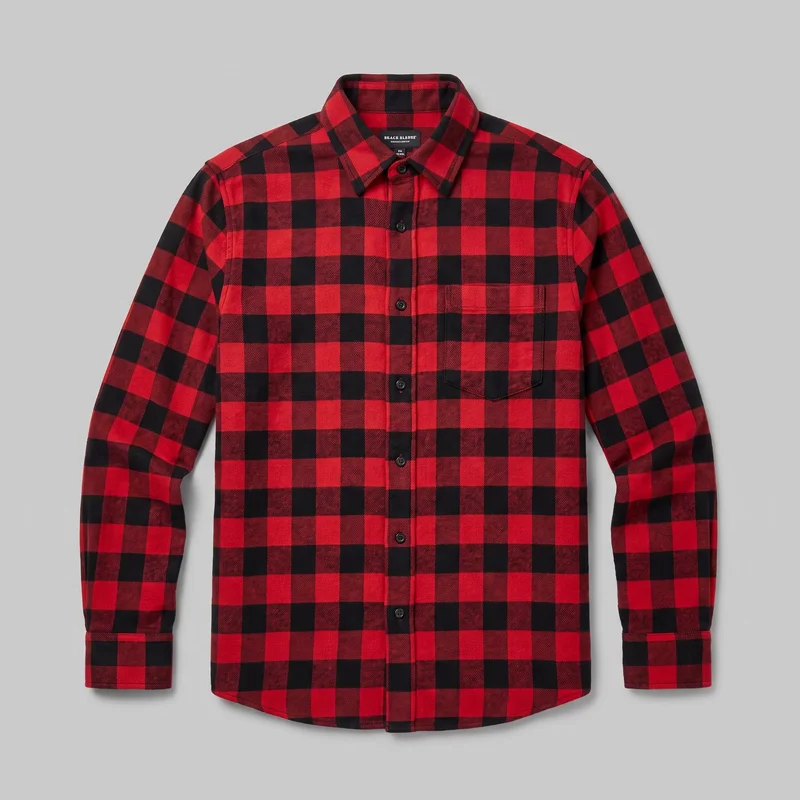 Red Check Flannel Shirt
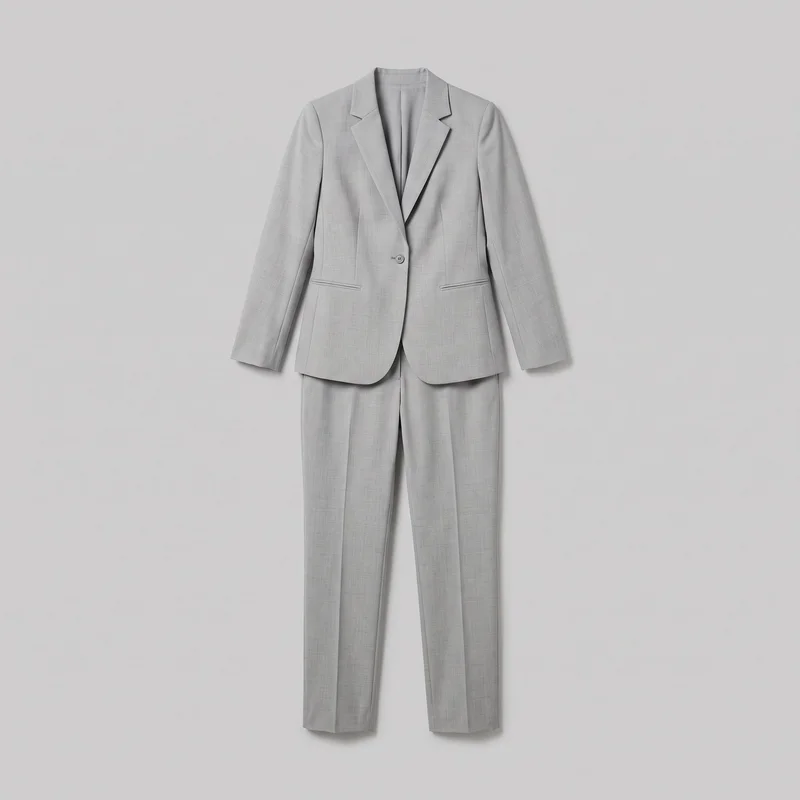 Women's Light Grey Suit
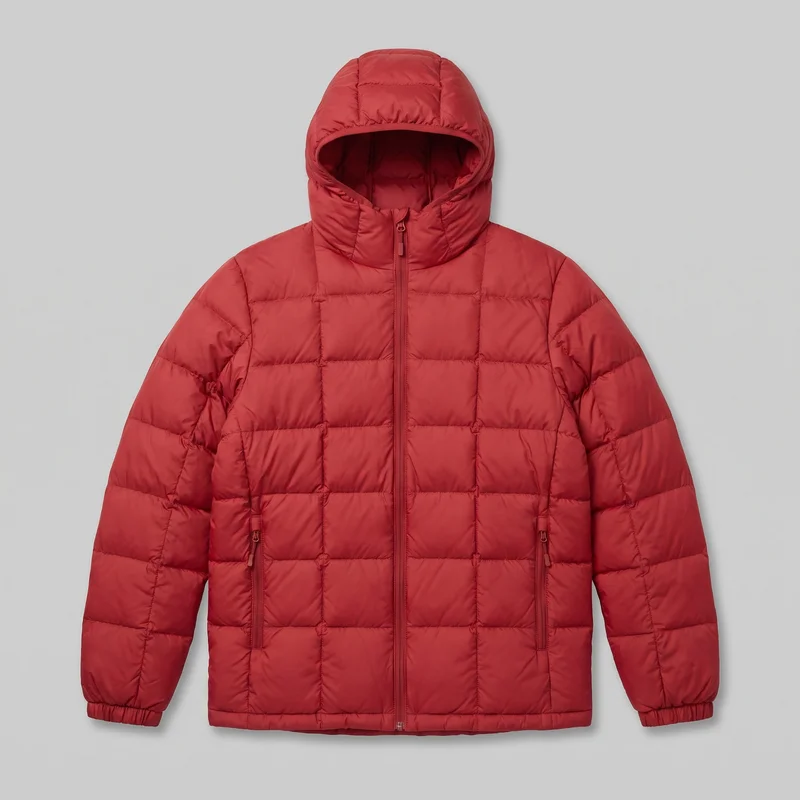 Men's Red Quilted Down Jacket
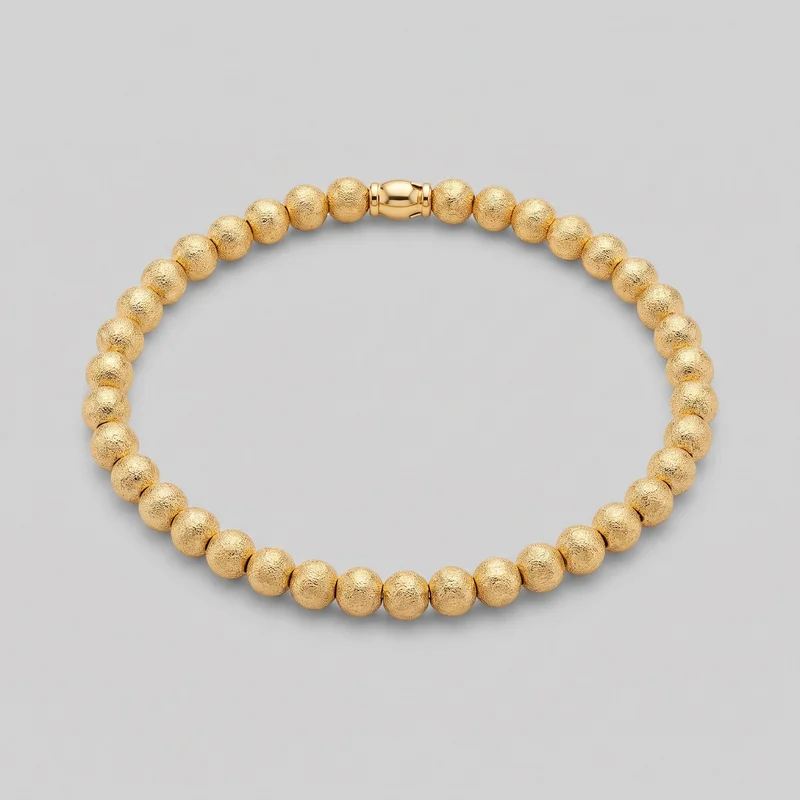 Men's Gold Beaded Bracelet
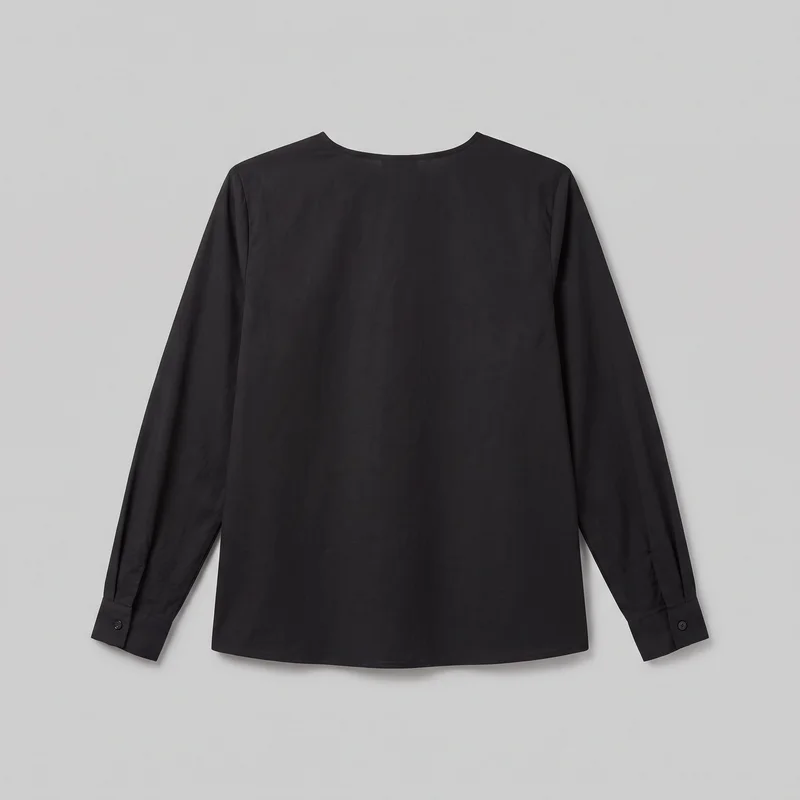 Black Classic Blouse
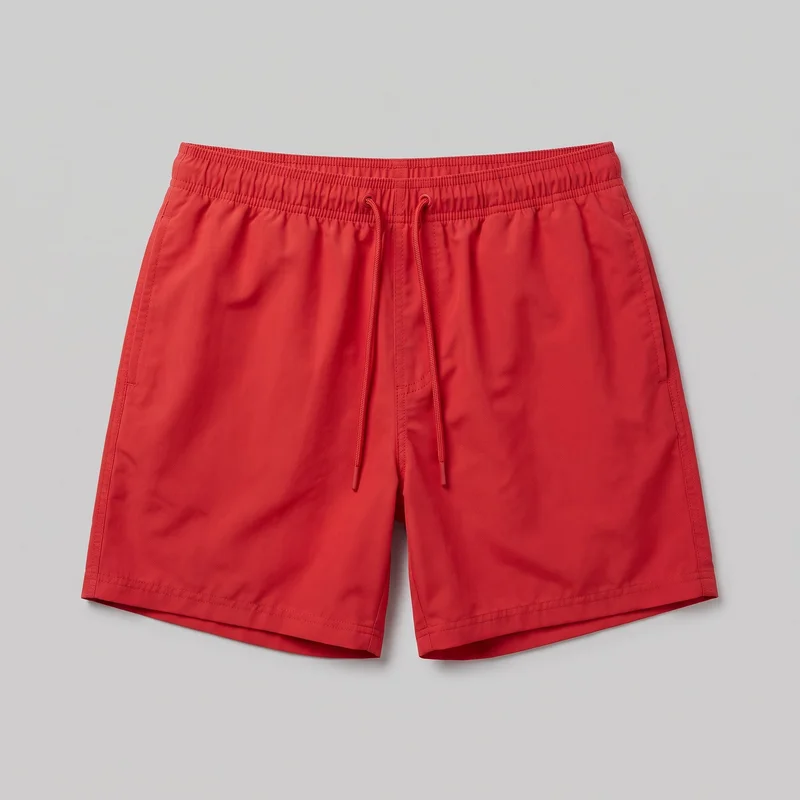 Red Swim Trunks
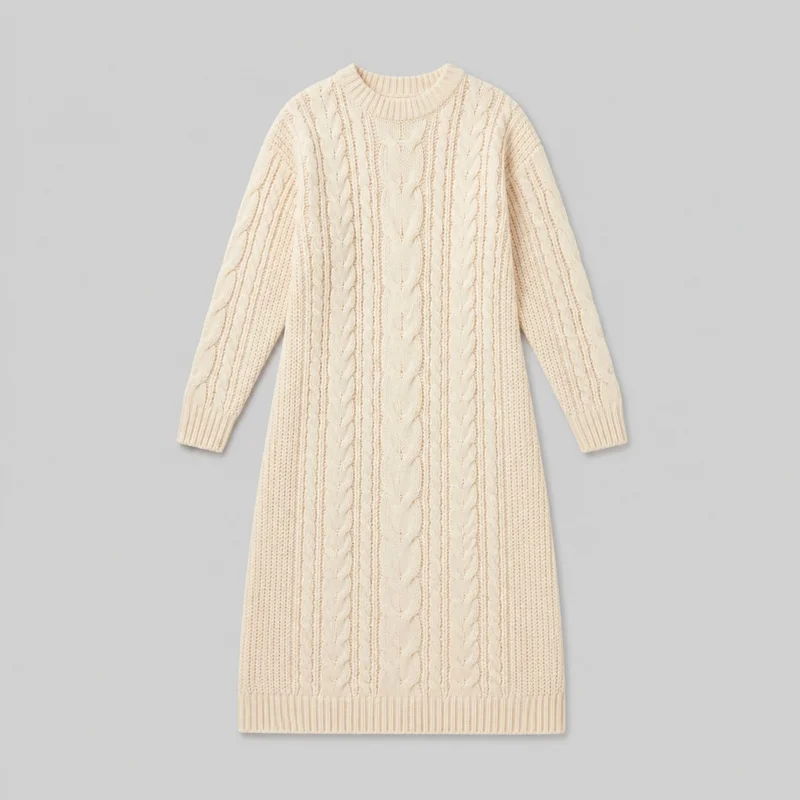 Cream Cable-Knit Sweater Dress
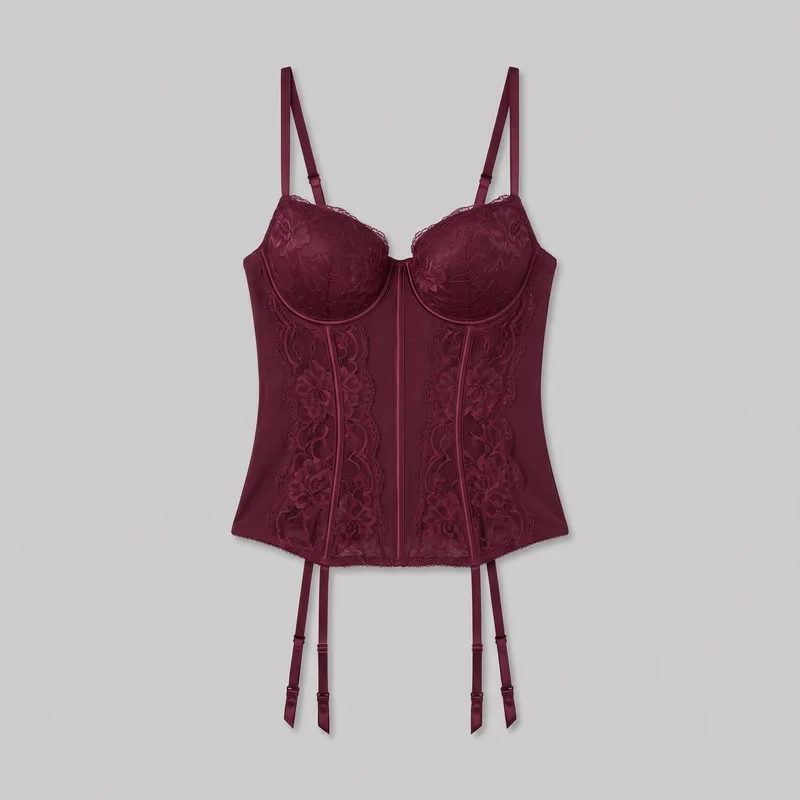 Burgundy Basque
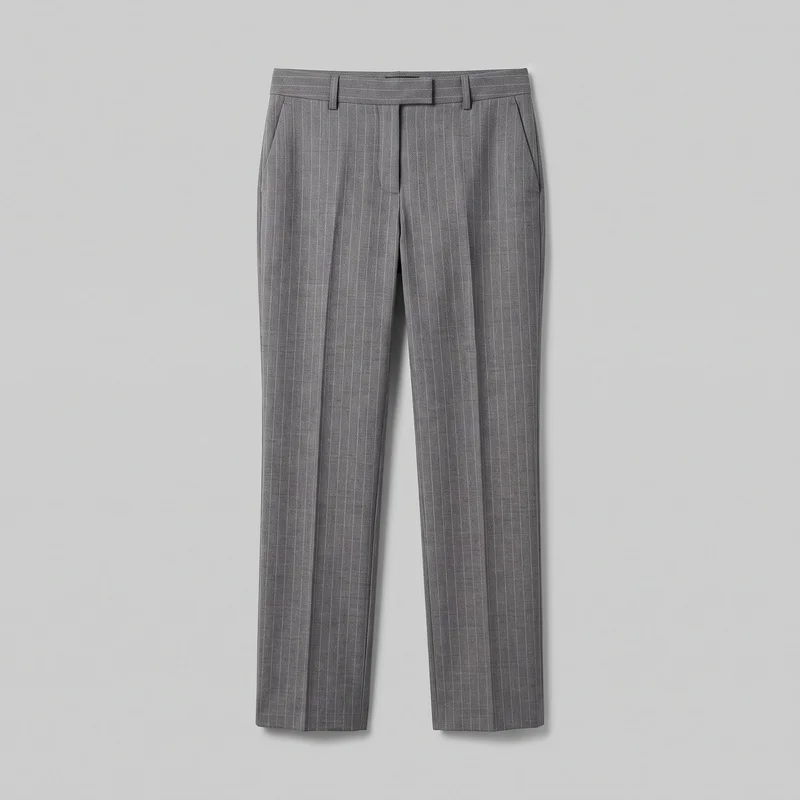 Women's Grey Pinstripe Suit Trousers
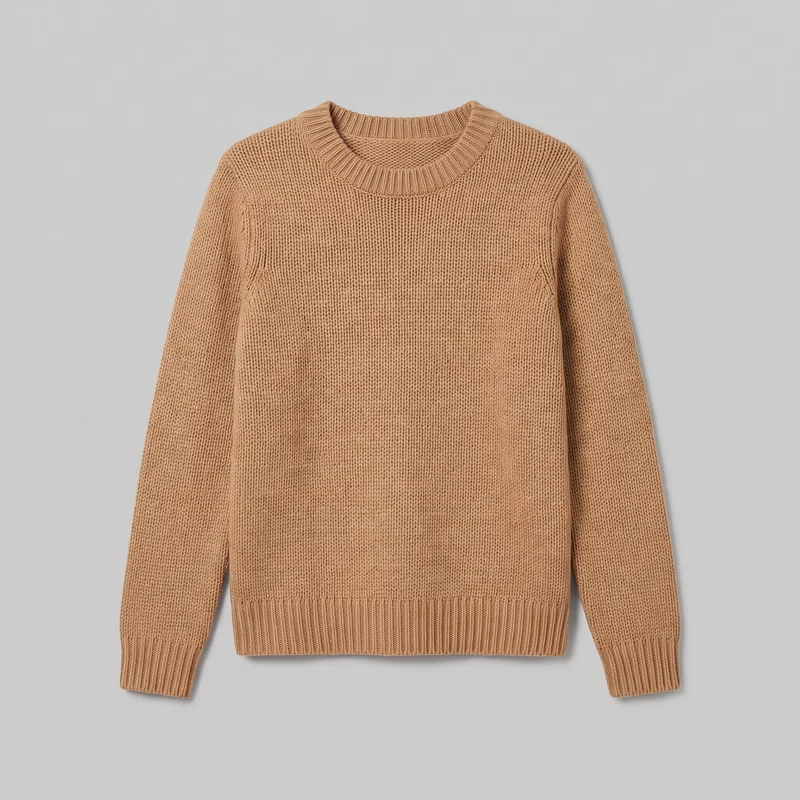 Women's Camel Knit Pullover Jumper
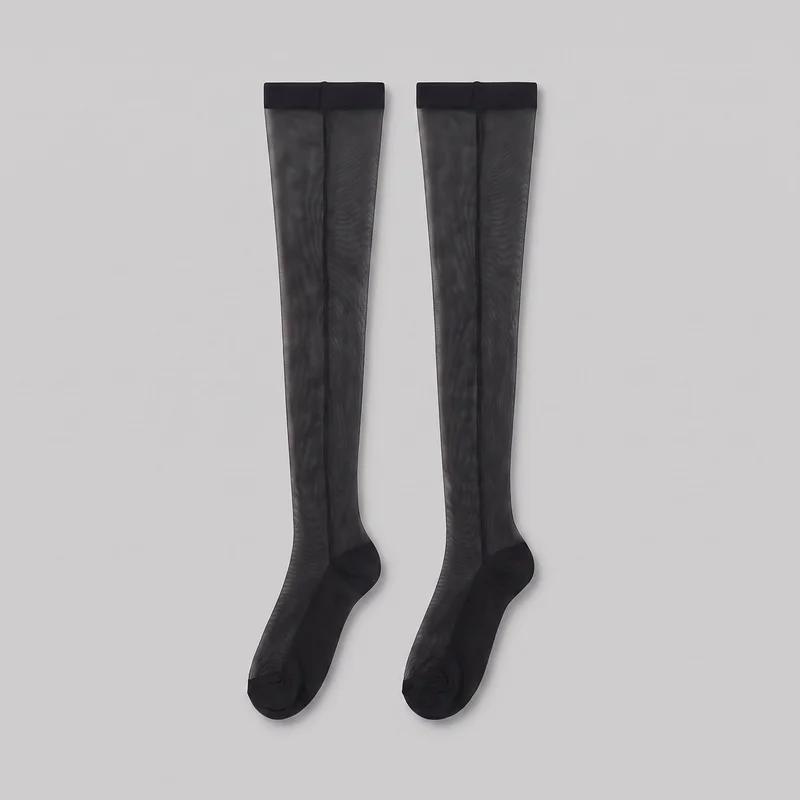 Seamed Stockings
Showing 24 of 824
Catalog
Browse the catalog
By product
Consistency
One choice changes while the rest holds steady.
Change one product, model, or composition choice while the other selected elements hold. That gives you a clearer basis for comparing colourways, building full-body and tighter views, and checking whether the product-page range reads as one set.
You change one
- Frame
- Pose
- Camera view
- Model
The rest holds
Adult model
Keep the same selected model across colourways for a recognisable product-page presentation.
Pose and view
Use related poses and camera views so each product remains easy to compare.
Light direction
Keep the chosen photography direction aligned across the product-page range.
Who it's for
Where RAWSHOT fits for recurring pages and measured-fit limits.
A good fit
This fits when you prepare recurring product pages and need consistent on-model views from real clothing sources.
Work it handles well
- You can present every colourway with one selected model.
- You can combine full-body and tighter product views.
- You can review visible choices for publishing each image.
Outside this scope
It is limited when you need measured garment fit, free-form draping, or options beyond the available frame and direction choices.
Where this stops
- You cannot measure garment fit on the model.
- You cannot upload a reference pose or custom lighting rig.
- You need clear source material for accurate product details.
Rights
You own every image. Every image says what it is.
Yours
- Full commercial rights to every image, permanently.
- No recurring licence fees on any model in the library.
- Every model is a synthetic composite, so there is no real-person likeness.
Labelled
- C2PA content credentials on every image.
- AI-labelled output, aligned with EU AI Act Article 50.
EU-based hosting, GDPR-compliant handling.
- Aligned with EU AI Act Article 50
- C2PA
- Full commercial rights
- GDPR-compliant handling
- EU-based hosting
Questions
Before you publish the first product-page set.
Can RAWSHOT create a consistent on-model product-page image set from real clothing sources?
RAWSHOT can create a consistent on-model product-page image set from real clothing sources. You can present each colourway with a selected adult model, clear product views, and a considered photography direction. Use product photos, flat-lays, mockups, or a clear technical sketch as the source, then choose pose, camera view, light, and framing. Full-body and tighter views help shoppers understand the garment before purchase. You review visible choices for publishing rather than accepting an unexamined result.
Which jobs and channels suit a RAWSHOT product-page image set for a clothing range?
Colourway range launches, ecommerce listings, development reviews, and flat-lay-to-body presentations suit a RAWSHOT product-page image set. You can prepare a range for product pages, show a piece while its sample is still developing, or add body context when a flat-lay lacks it. Mockup listing reviews also help you check how clothing, hardware, hands, and garment details read on a consistent adult model before publishing.
Which crops, frames, and aspect ratios work for a product-page image set across ecommerce views?
Full-body crops, tighter detail frames, 4:5 compositions, and 9:16 outputs can serve a product-page image set across ecommerce views. You can keep the clothing central while selecting a frame for the placement and the information shoppers need. Use full-body views for proportions and overall context, then tighter views for areas requiring inspection. Review each composition for clear product presentation before publishing.
What usage rights apply when you publish RAWSHOT imagery for a product-page image set?
You get full commercial rights to every image, permanently, with no recurring licence fee. Every image carries C2PA content credentials and is labelled as AI-generated.
Get started
Bring a clear product source to the first set.
Start with a 7-day free trial including 50 tokens, then move to the plan that matches your production volume.