
AI generated images commercial use
Campaign stills for commercial use, before legal review.
You need campaign imagery that can answer practical questions about ownership, likeness and labelling before release. You can create original on-model stills from your real products with commercial rights and clear AI disclosure.
7-day free trial • 50 credits (10 images) • Cancel anytime
- A 2K image in roughly 35 seconds
- AI-labelled with C2PA content credentials
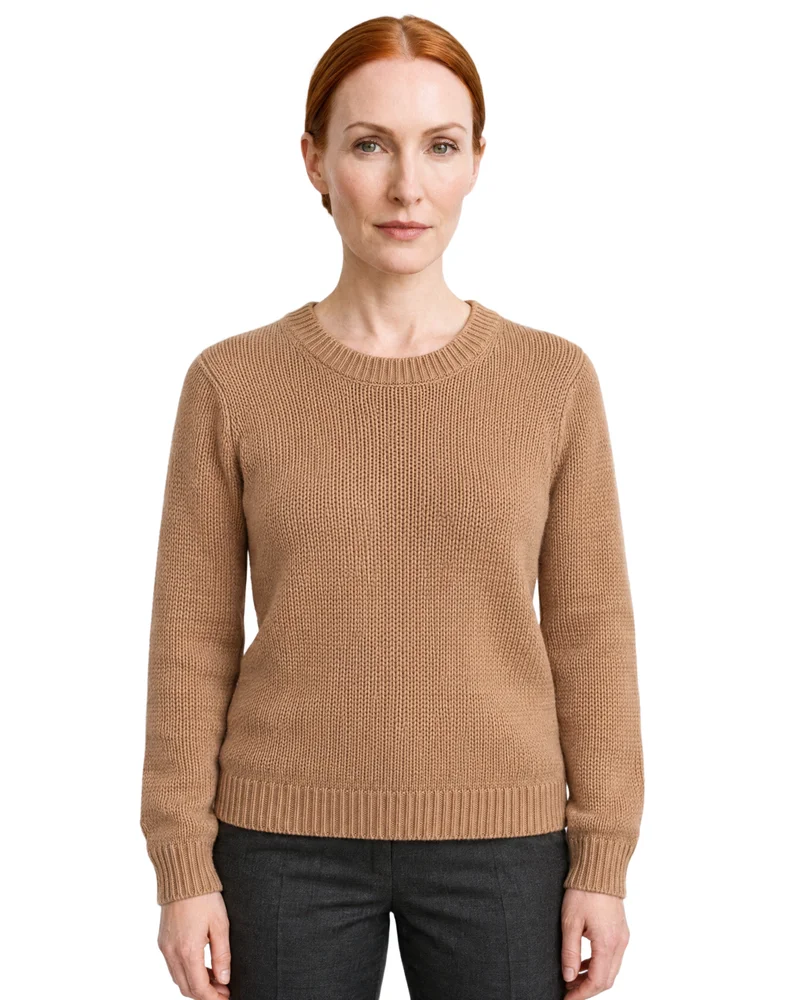
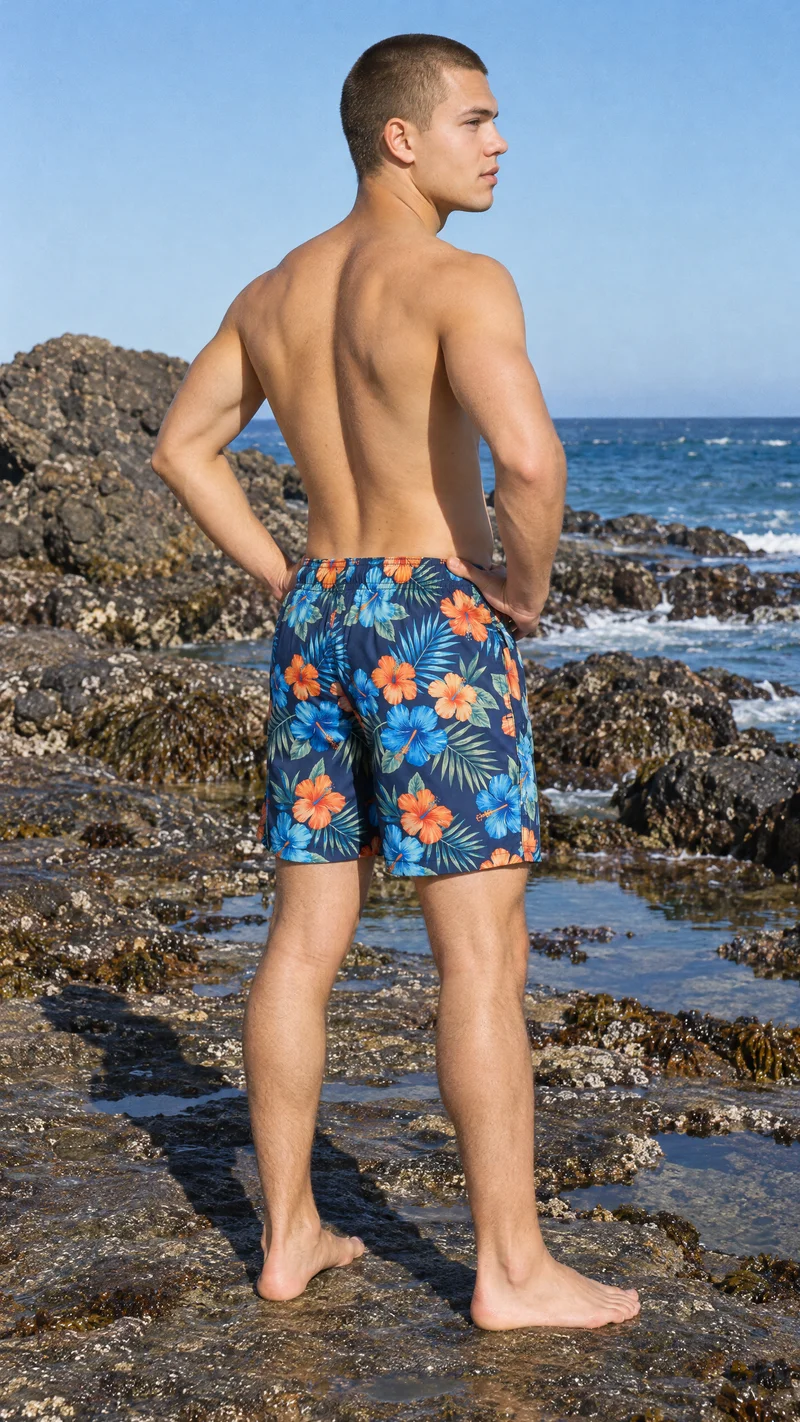
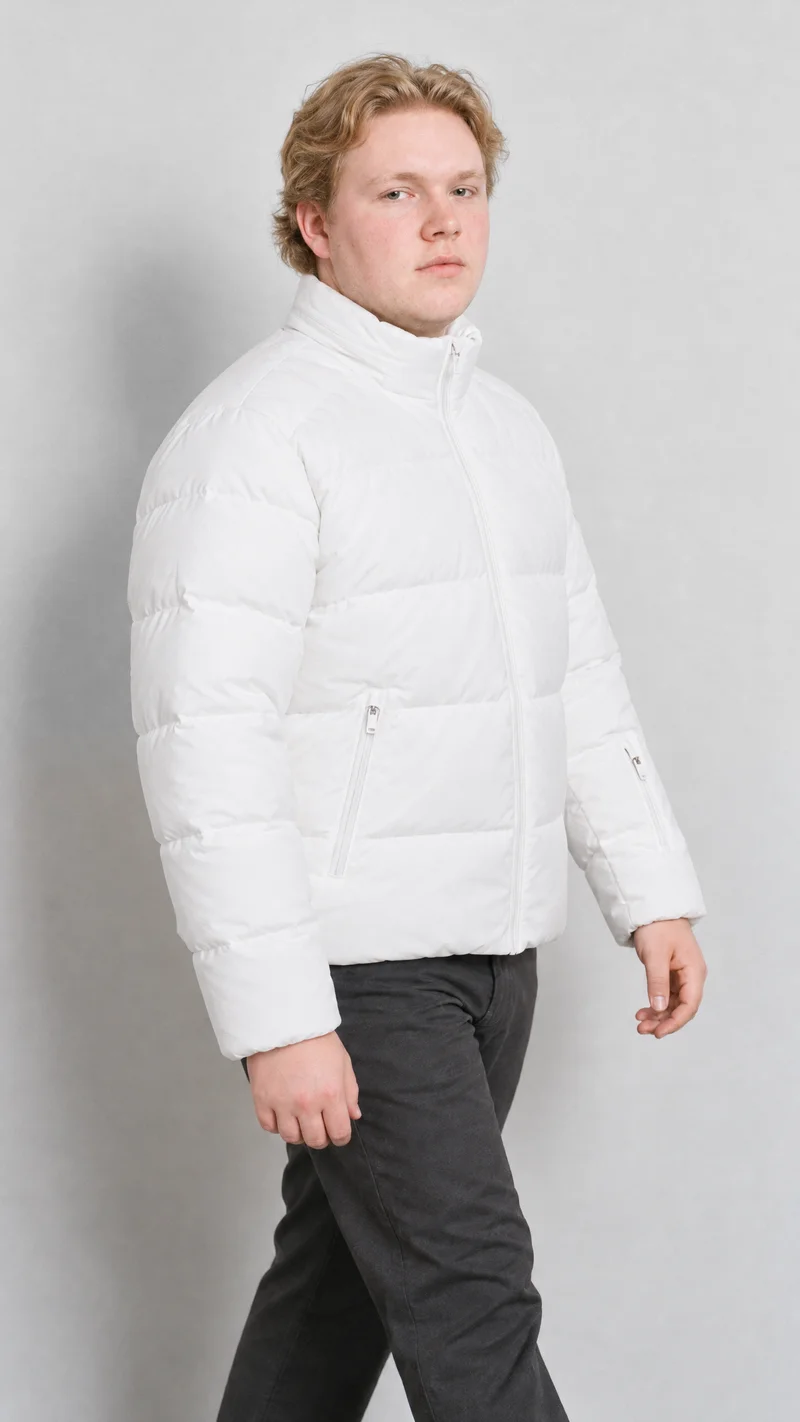
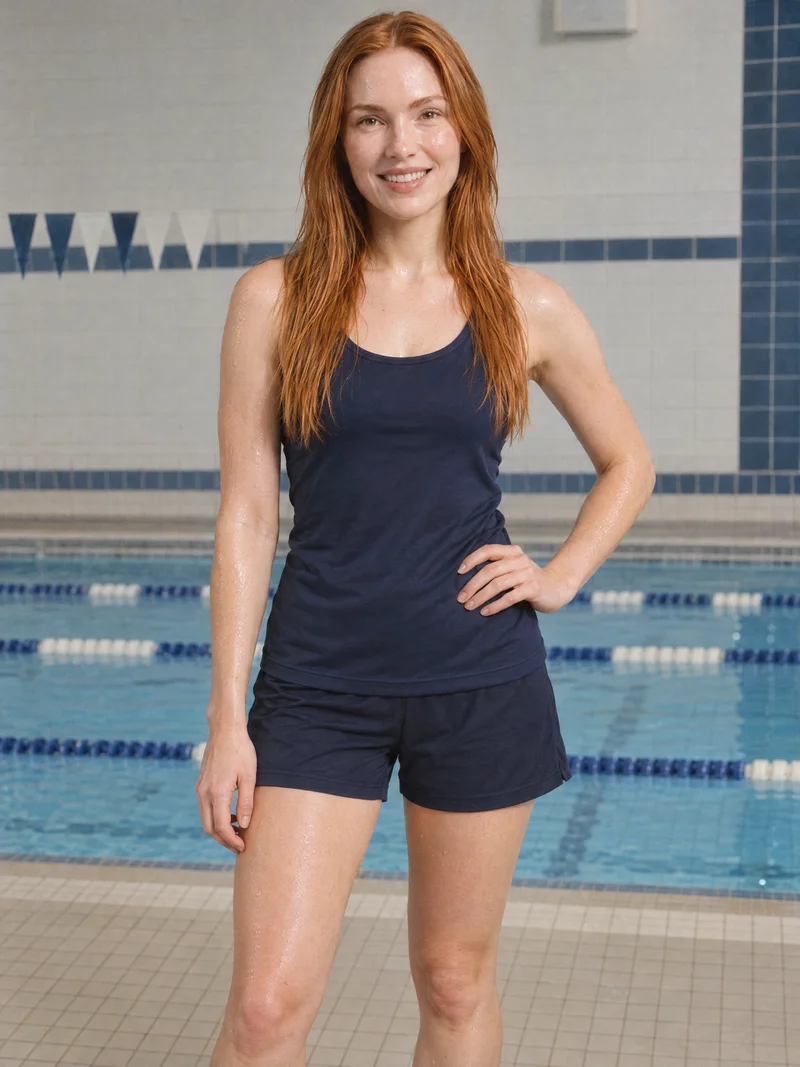
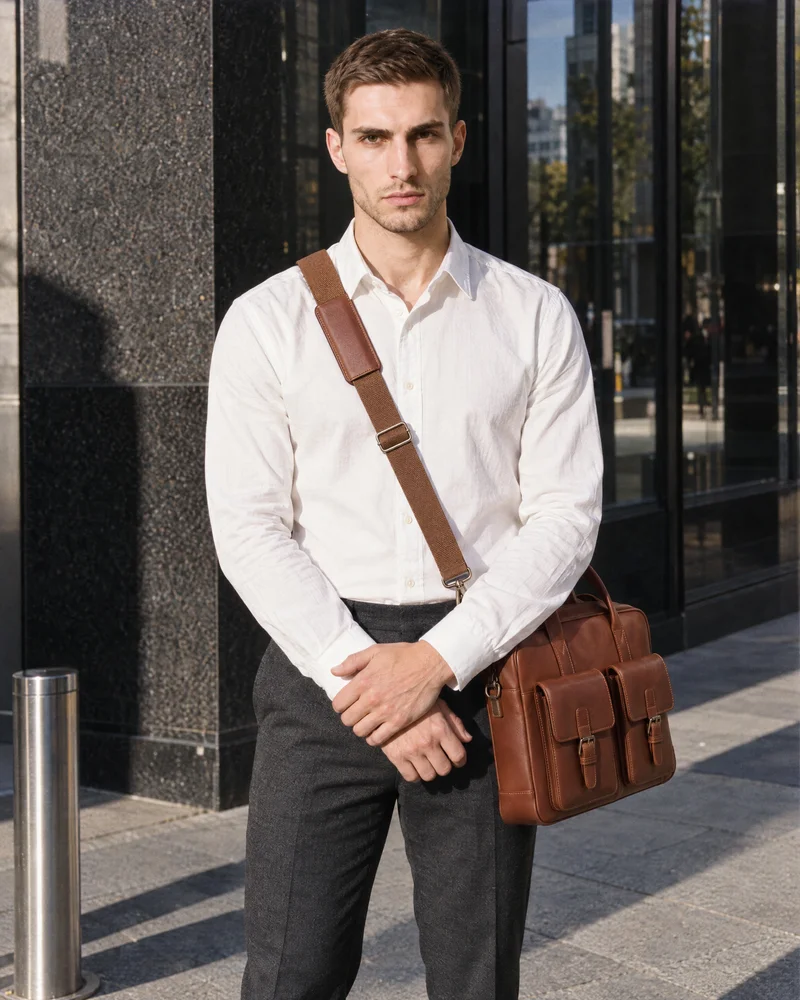
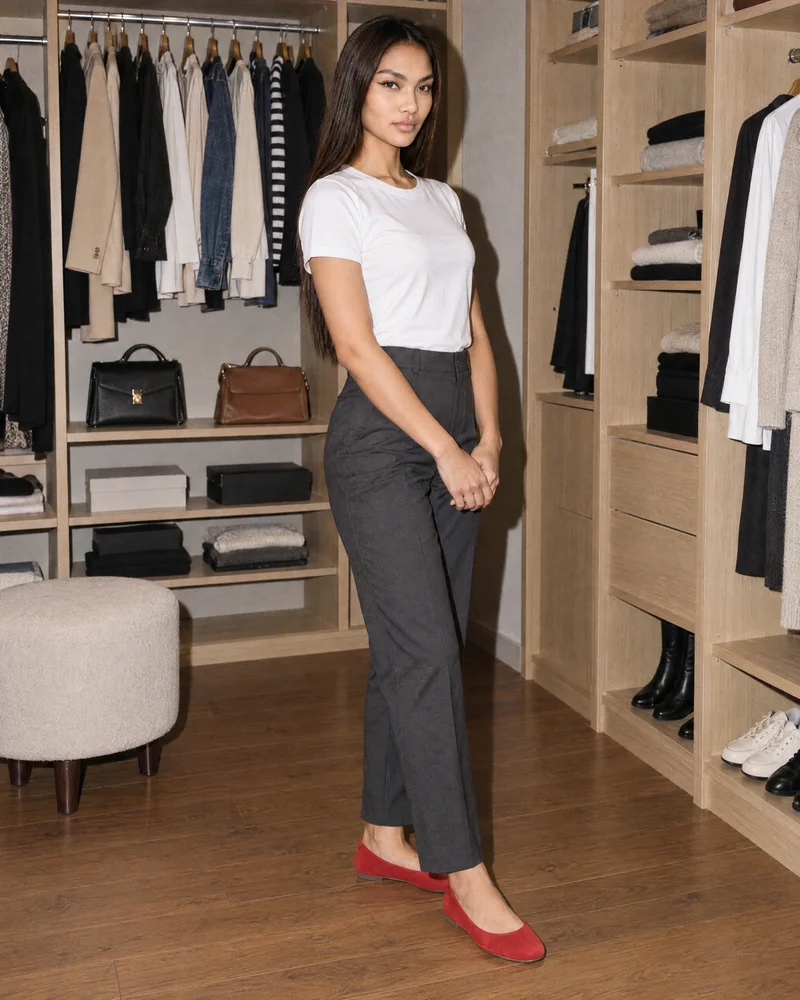
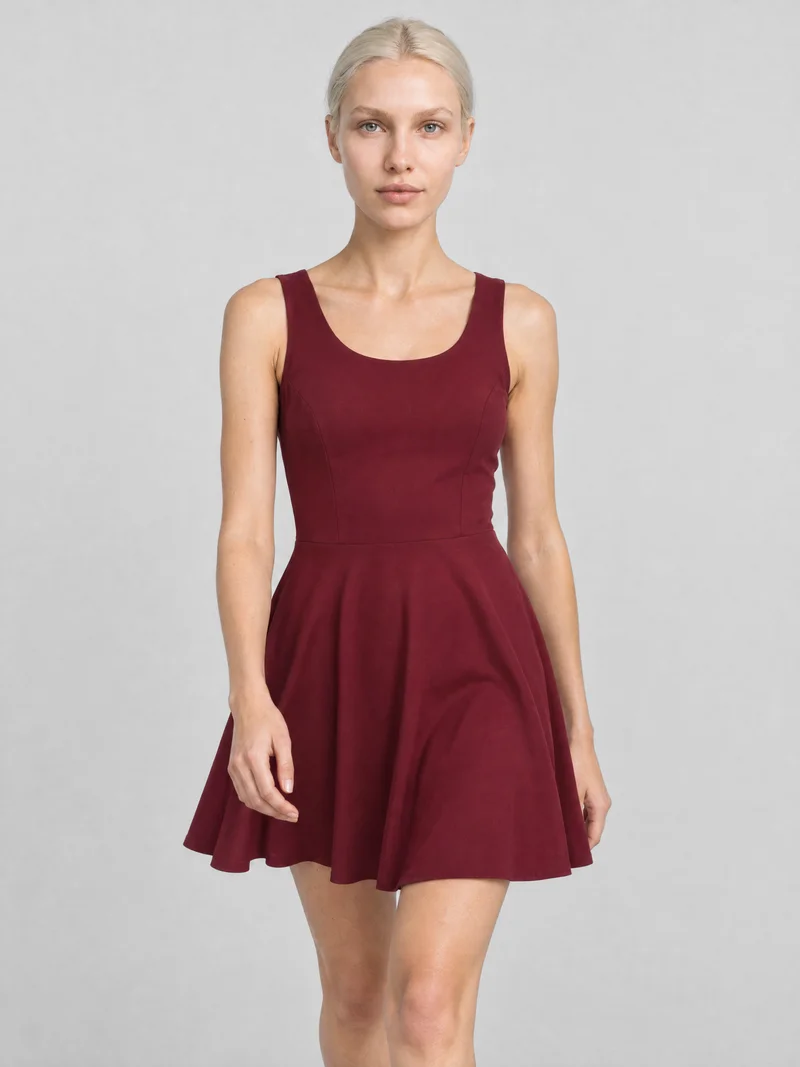
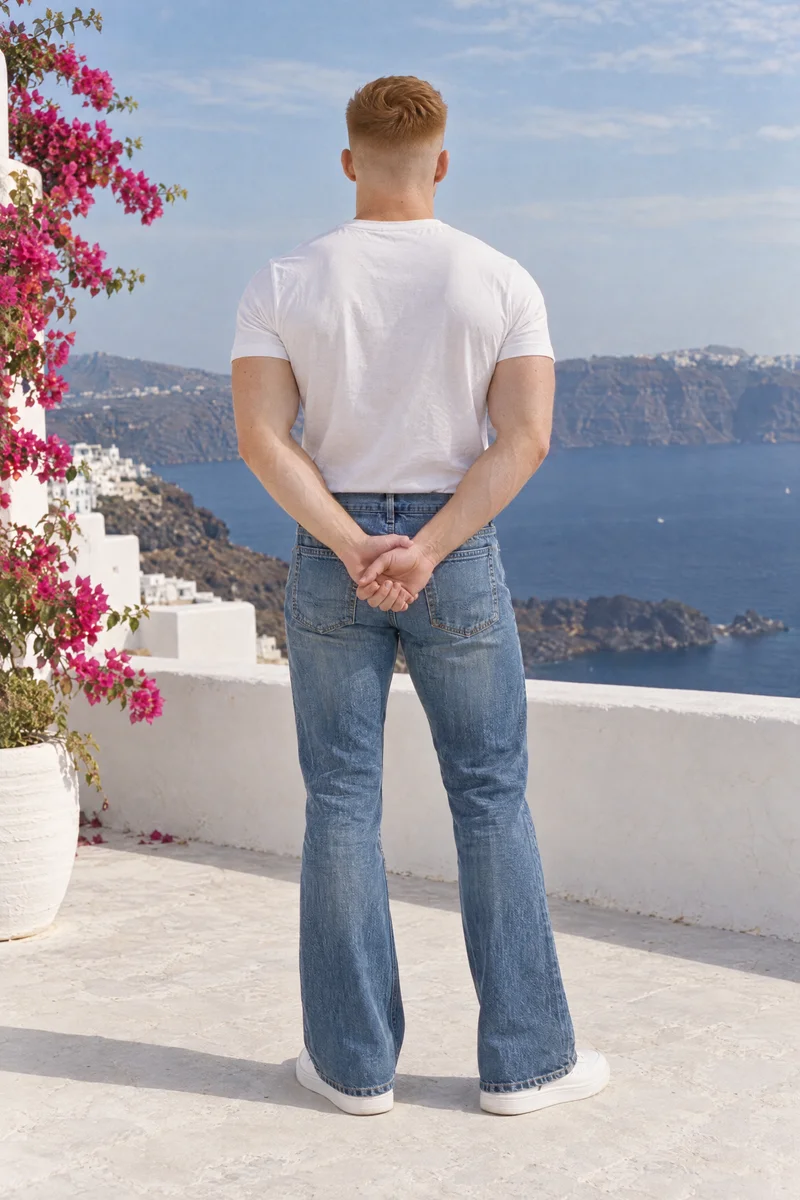
Showing 9 of 3,488, shot in RAWSHOT
Use cases
When campaign stills await rights review
- 01
Rights review awaiting clearance
When campaign stills await rights and labelling review, you set the model, photography direction, frame and view for a labelled on-model review set.
- 02
Paid campaign evidence
For paid campaign stills, you shoot product-led images with a selected model, pose and background for commercial-use evidence.
- 03
Product-page ownership confirmation
For product-page campaign stills, you frame your real item on a synthetic composite model for ownership confirmation.
- 04
Disclosure documentation review
When enterprise retail legal and procurement review synthetic-model evidence, you shoot labelled campaign stills with the selected product, frame, view and pose.
What you get
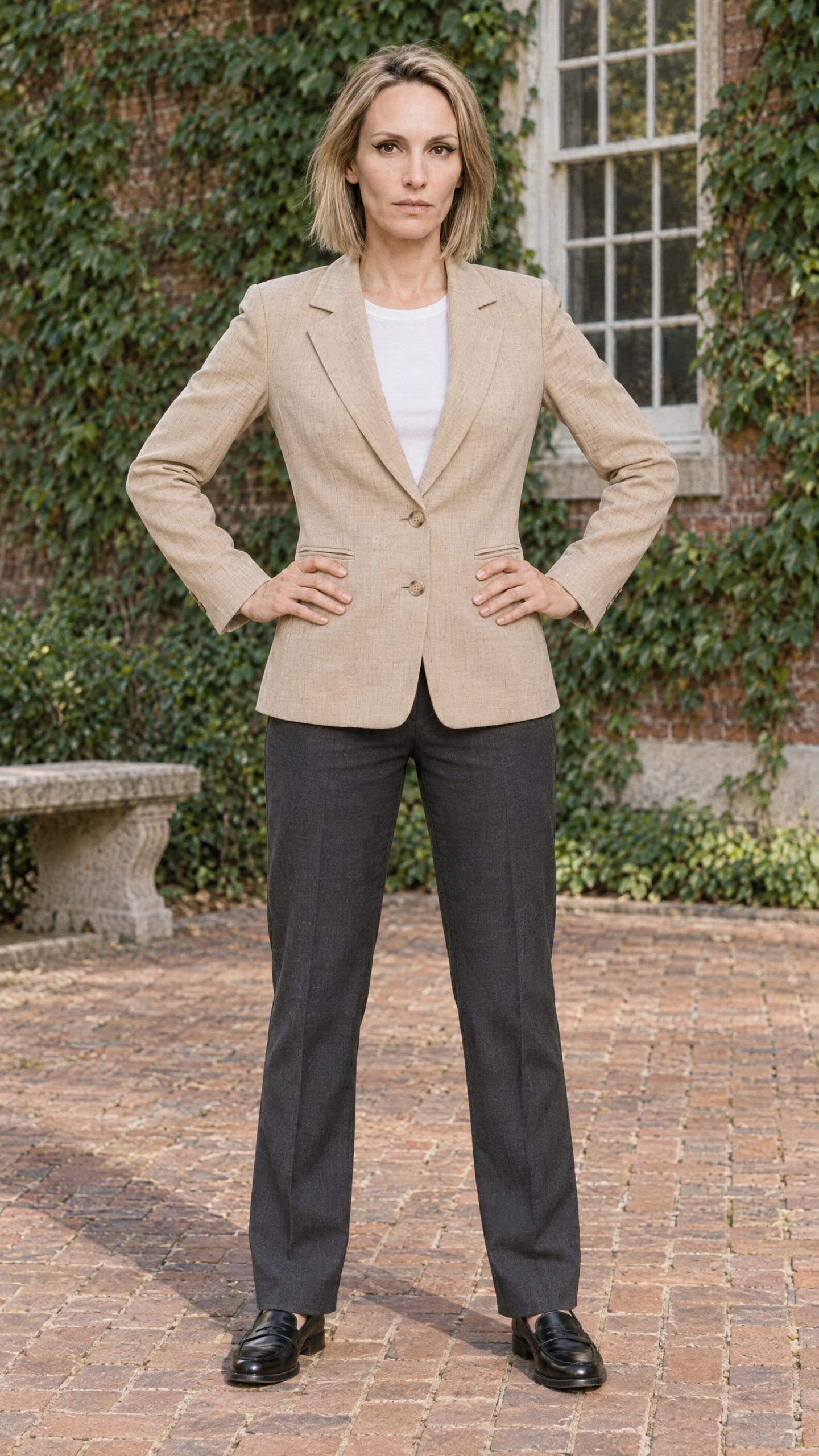
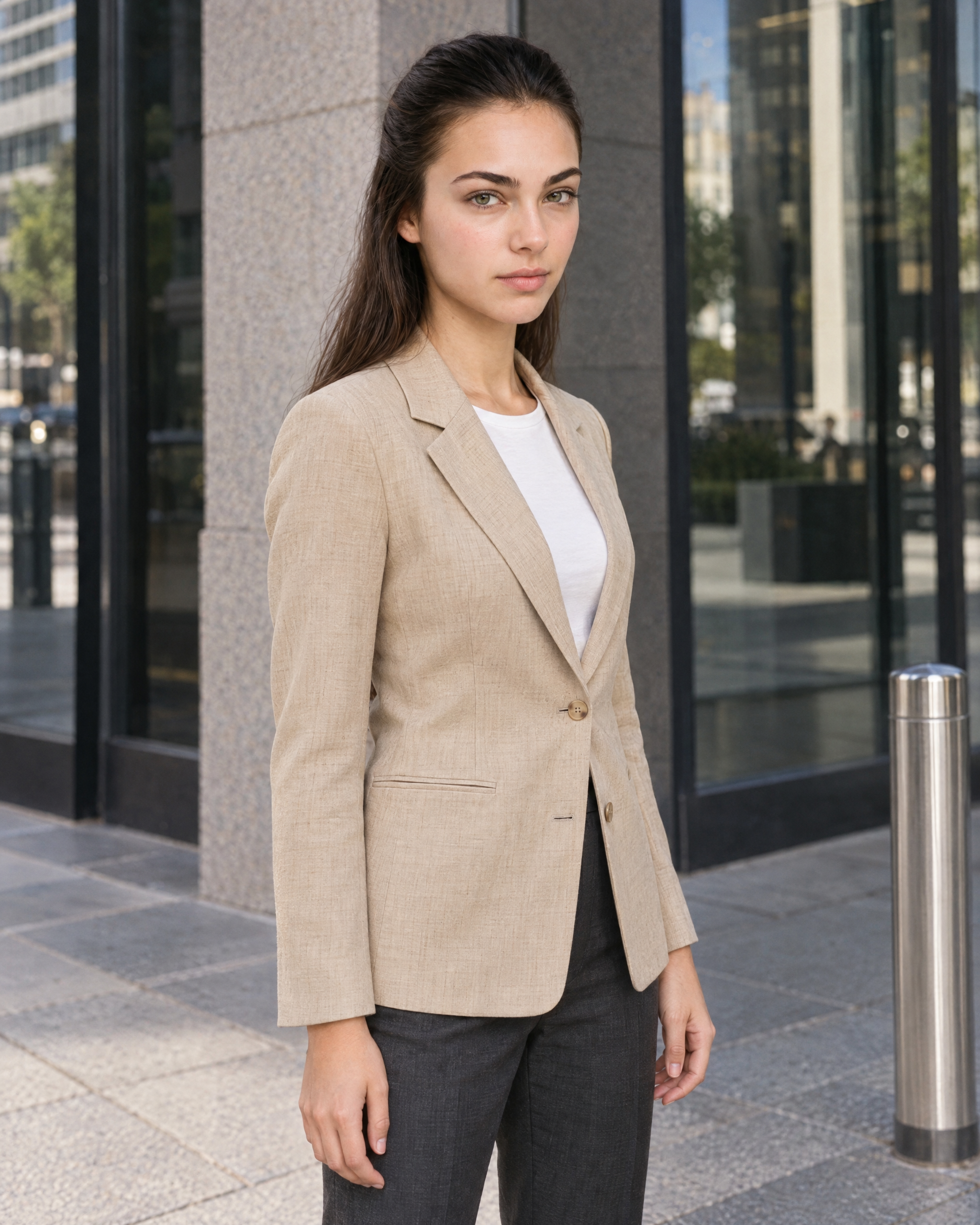
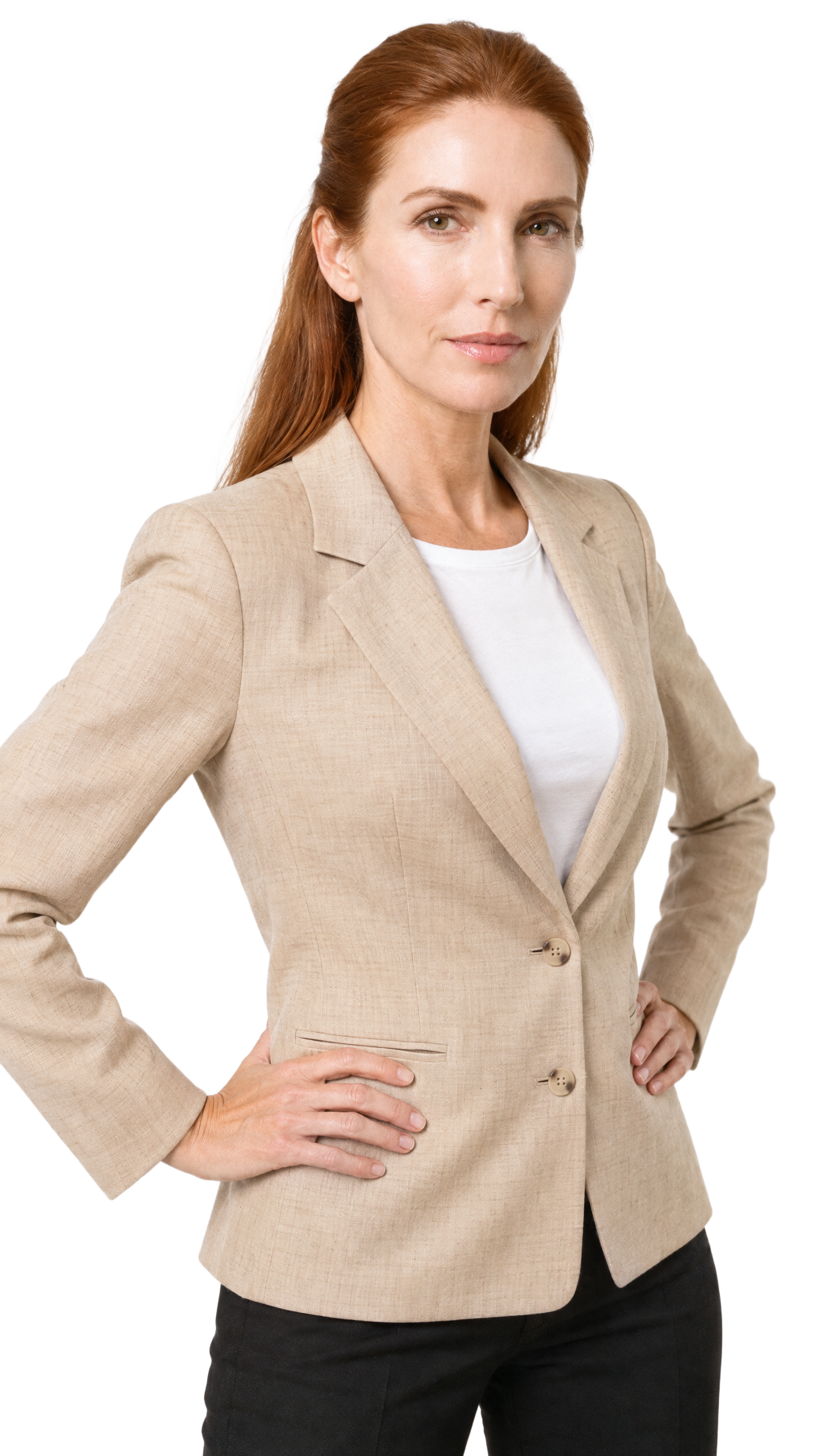
Labelled campaign stills for commercial-use review
A labelled set of original on-model campaign stills built from your real products, with a documented basis for commercial use. It gives creative, legal and procurement teams clear material to review before release.
Direct the shoot
Set your campaign frame, view, pose and light
Image frame
4
Pose
22 poses on this frame
Camera view
4
Format
9
Pose style
4
Facial expression
10
Photography direction
4
Create photoshoot
Step 7 of 7 · Composition
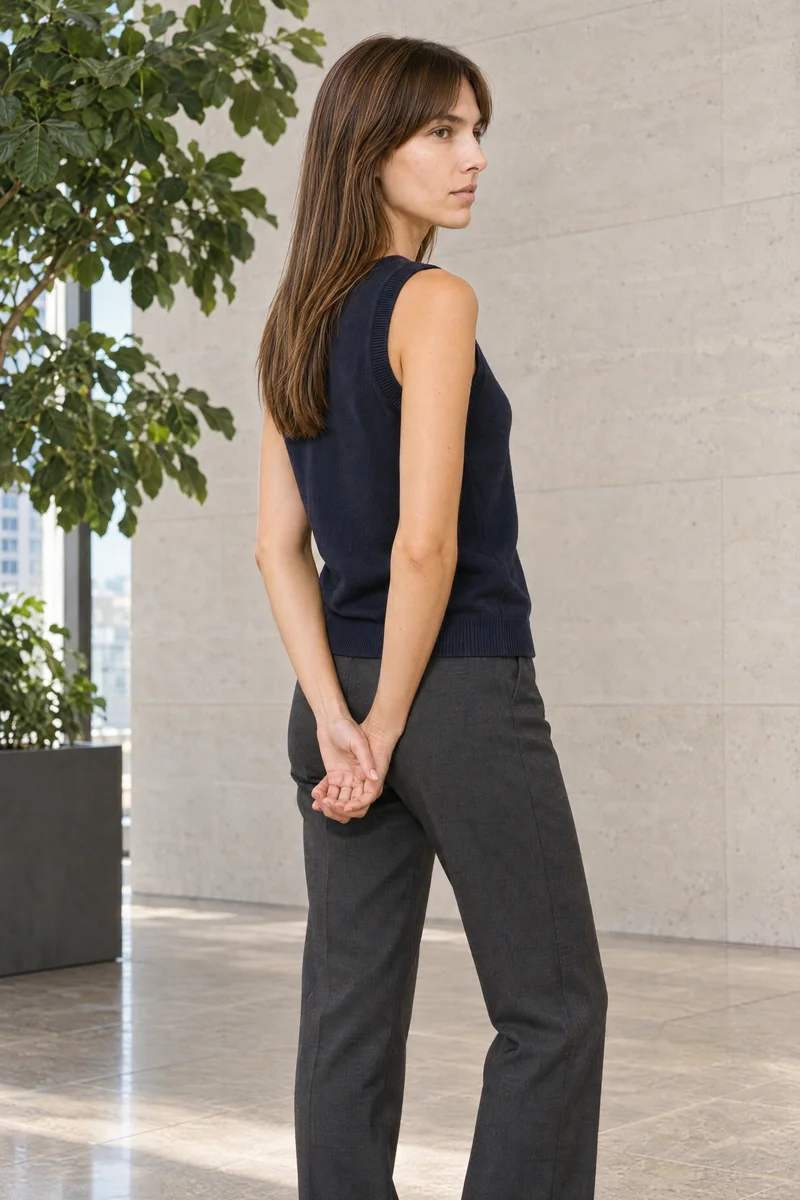 Image 1 · readyGallery image from this page
Product
Your product
Model
From the library
Composition
Full Body · Front View · Catalog pose · Neutral
Delivery
2K · 2:3
Light
Studio Cutout
Total cost
5 credits
AI fashion models
Choose from 1,000+ synthetic composite models
1,243 licence-free grown models across ages and body types. Or build a private model from visible attributes.
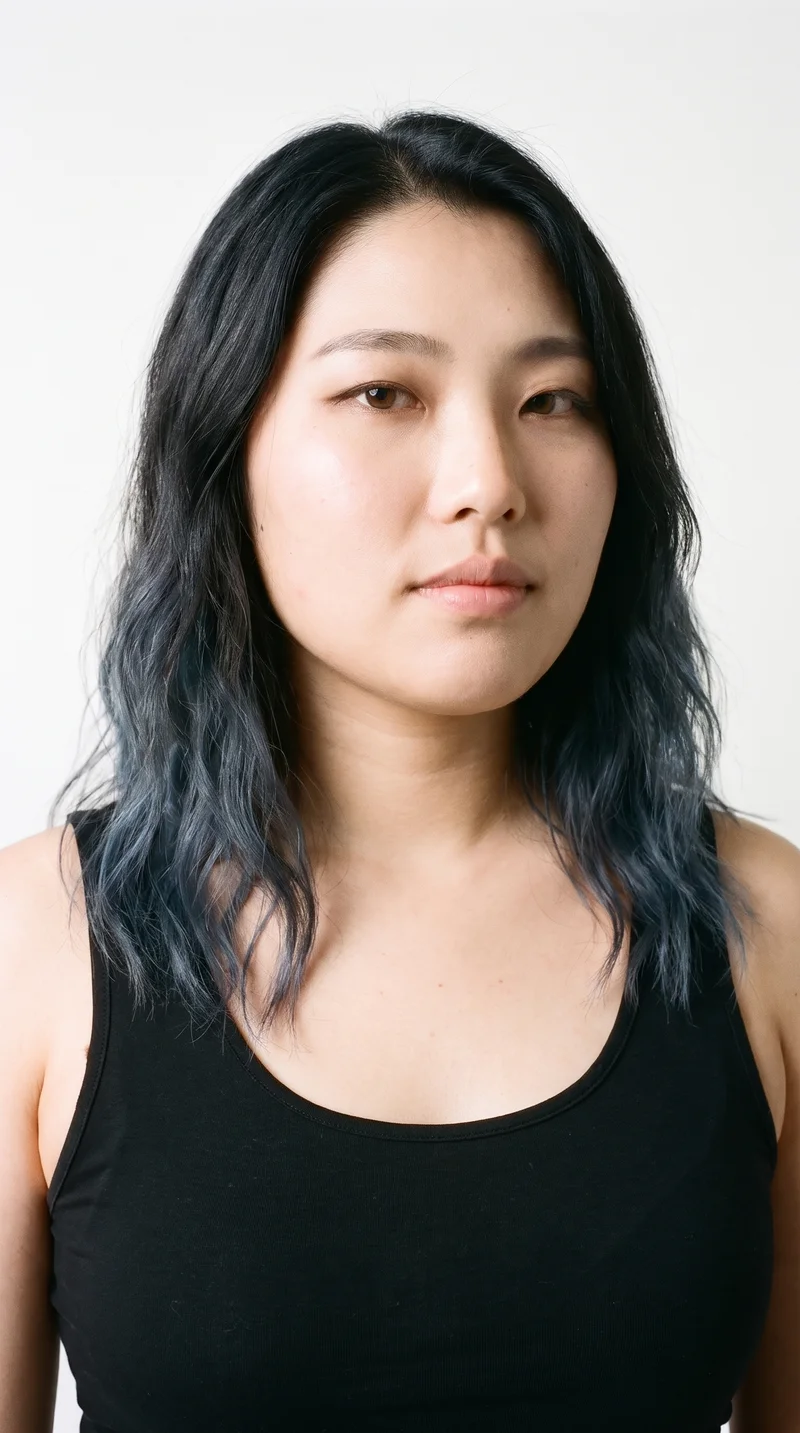
Female · 22
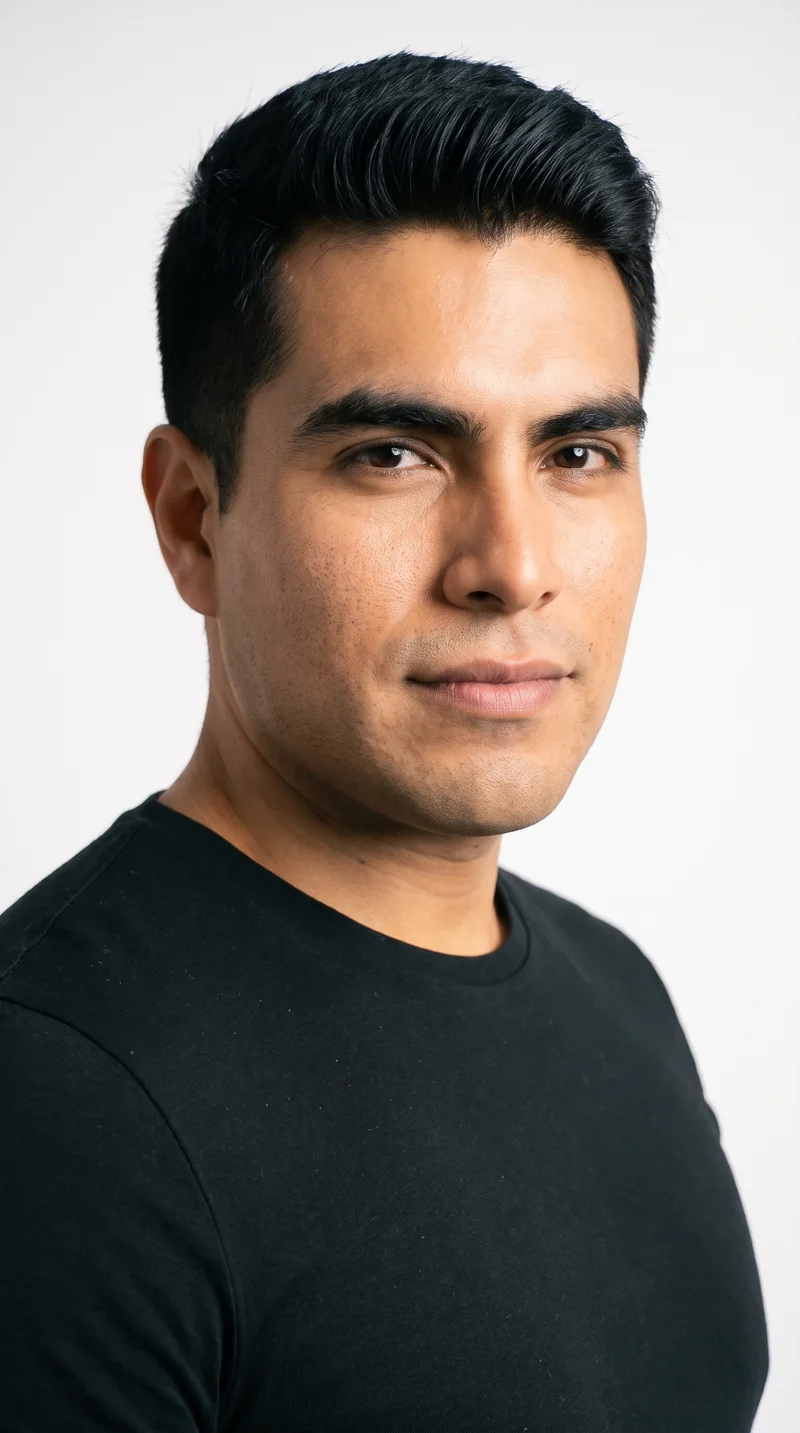
Male · 32
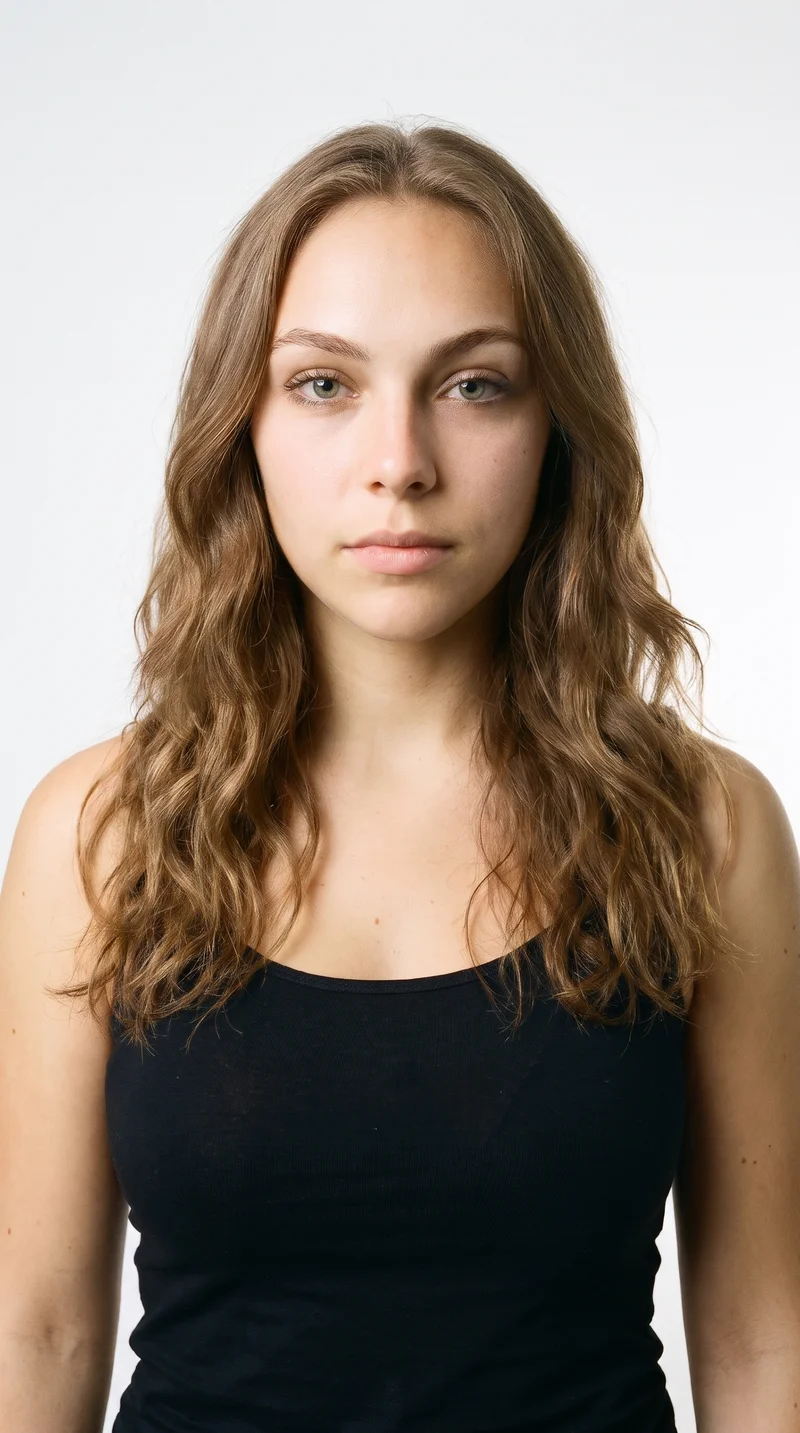
Female · 20
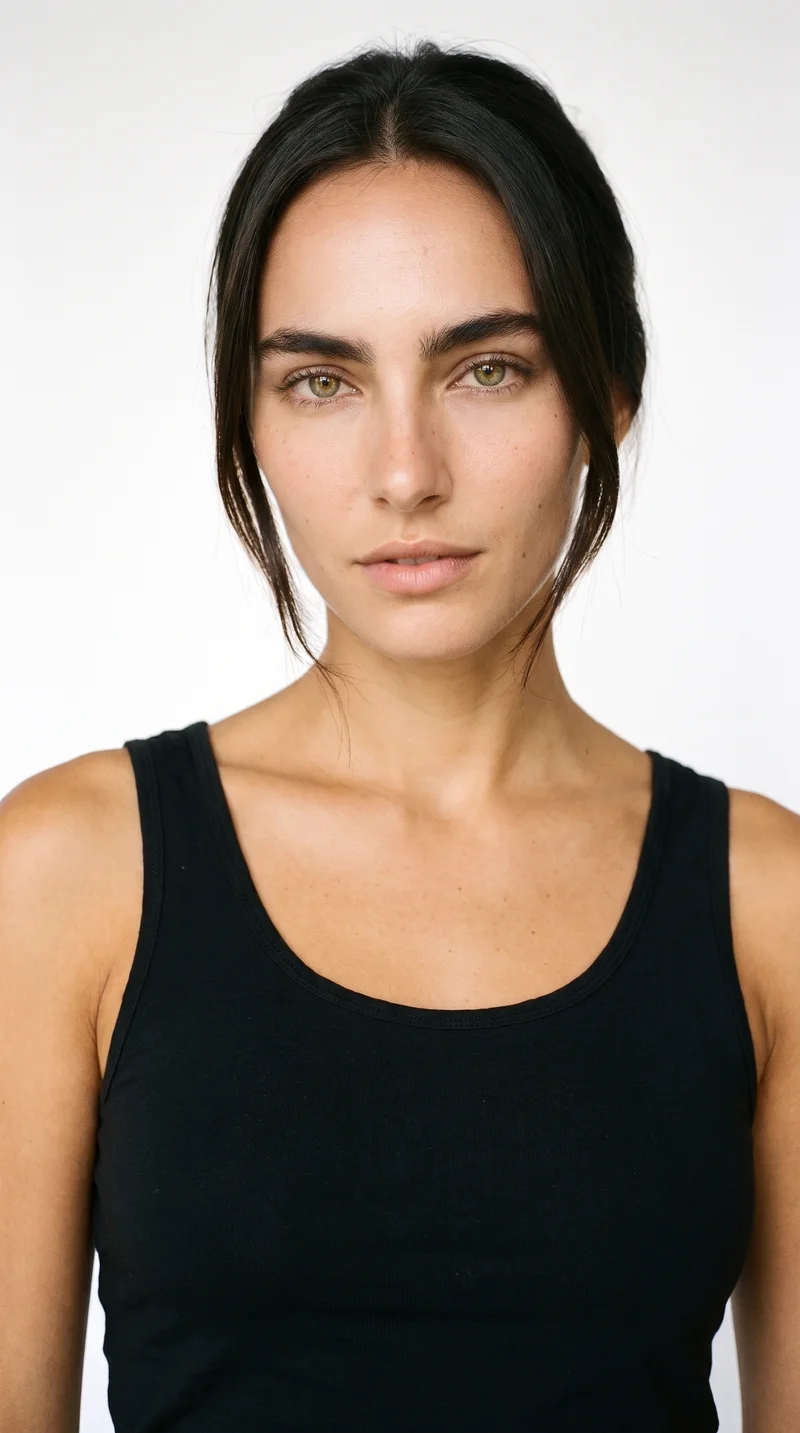
Female · 20
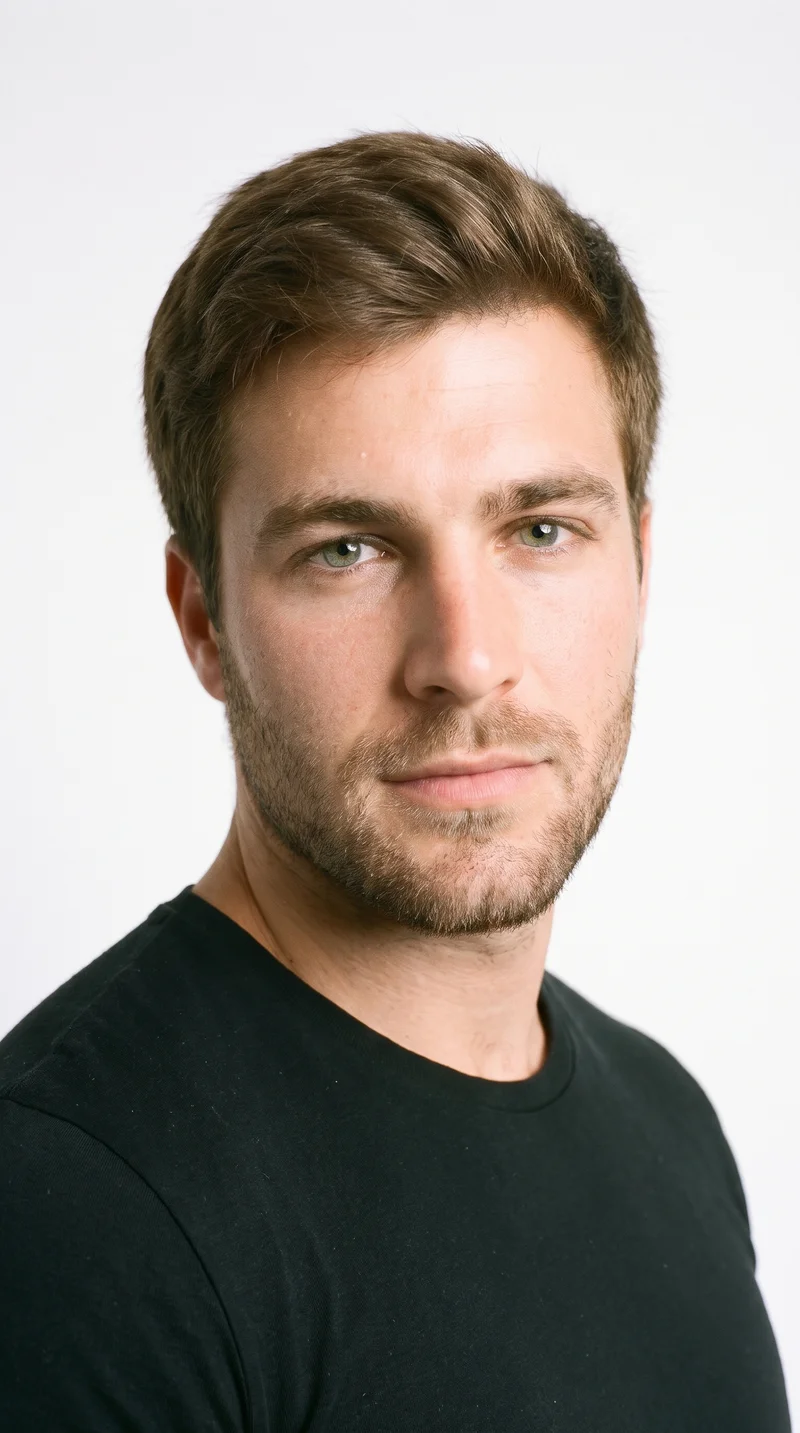
Male · 24
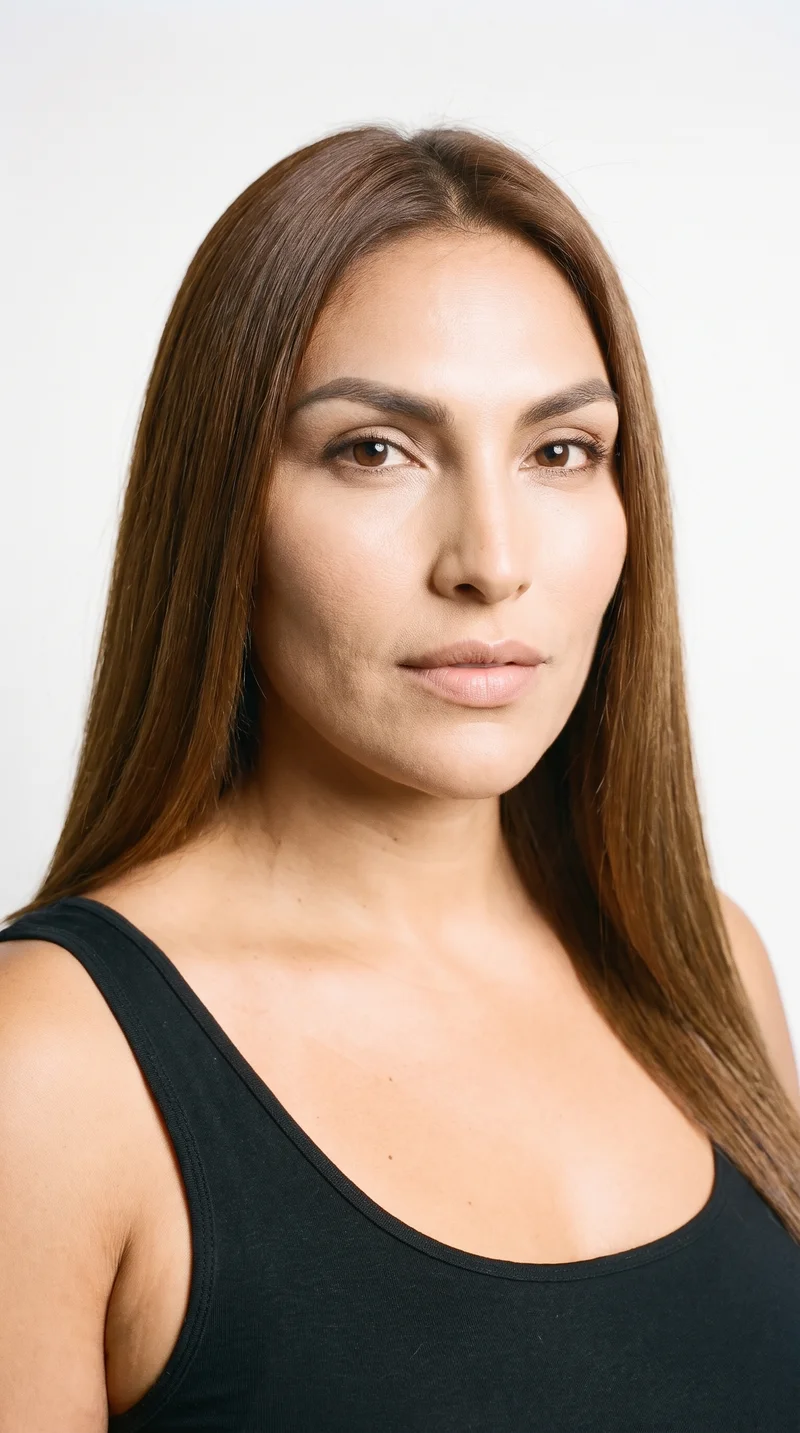
Female · 31
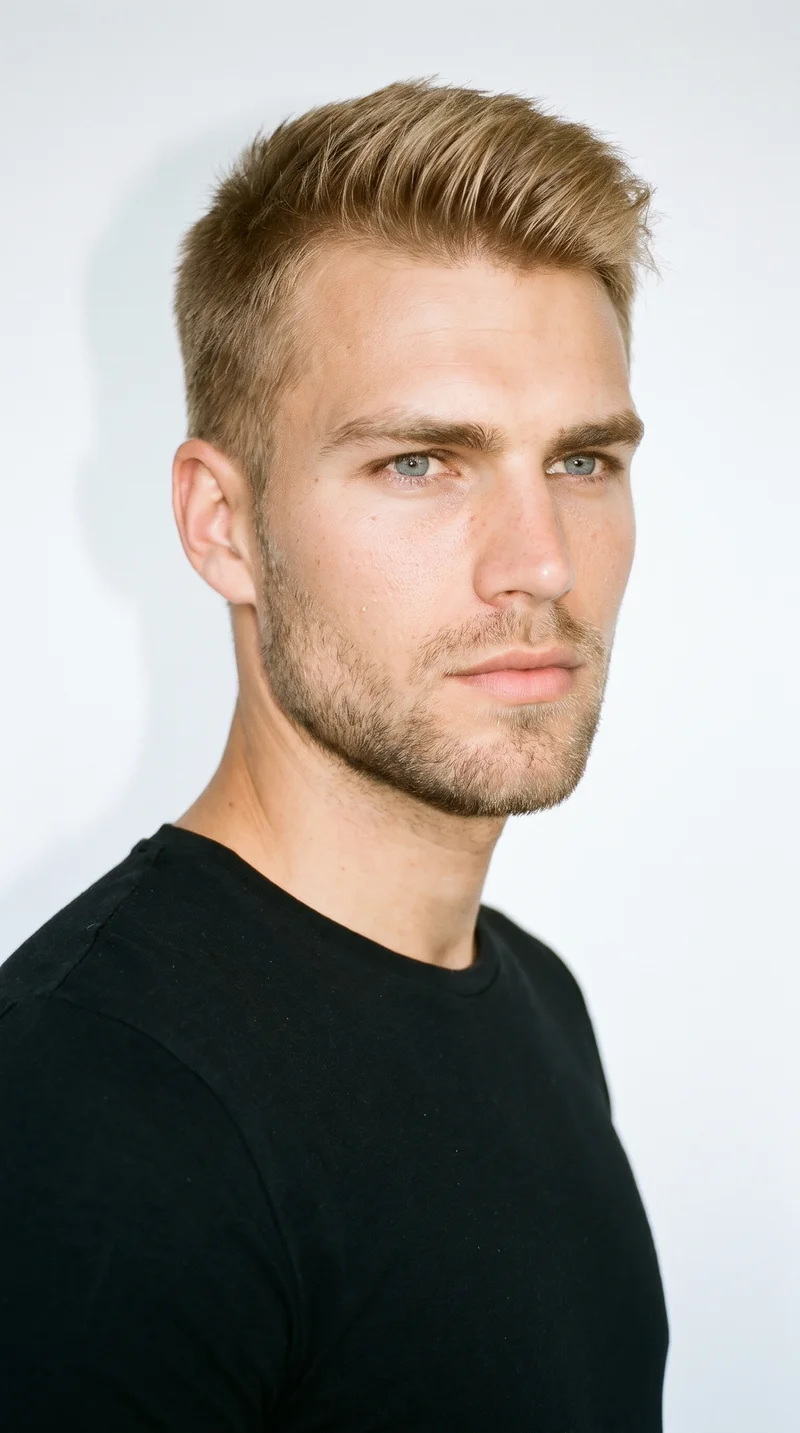
Male · 22
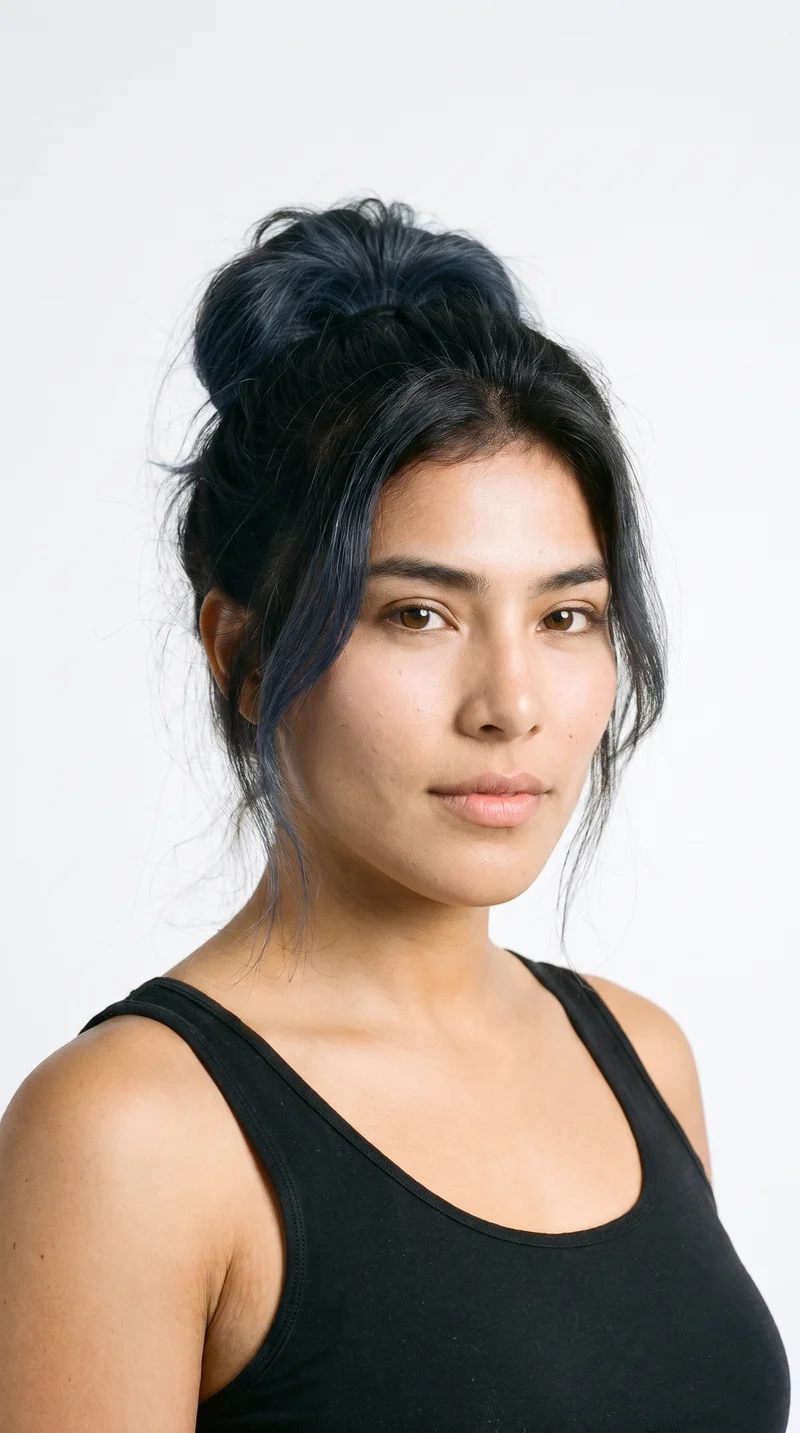
Female · 19
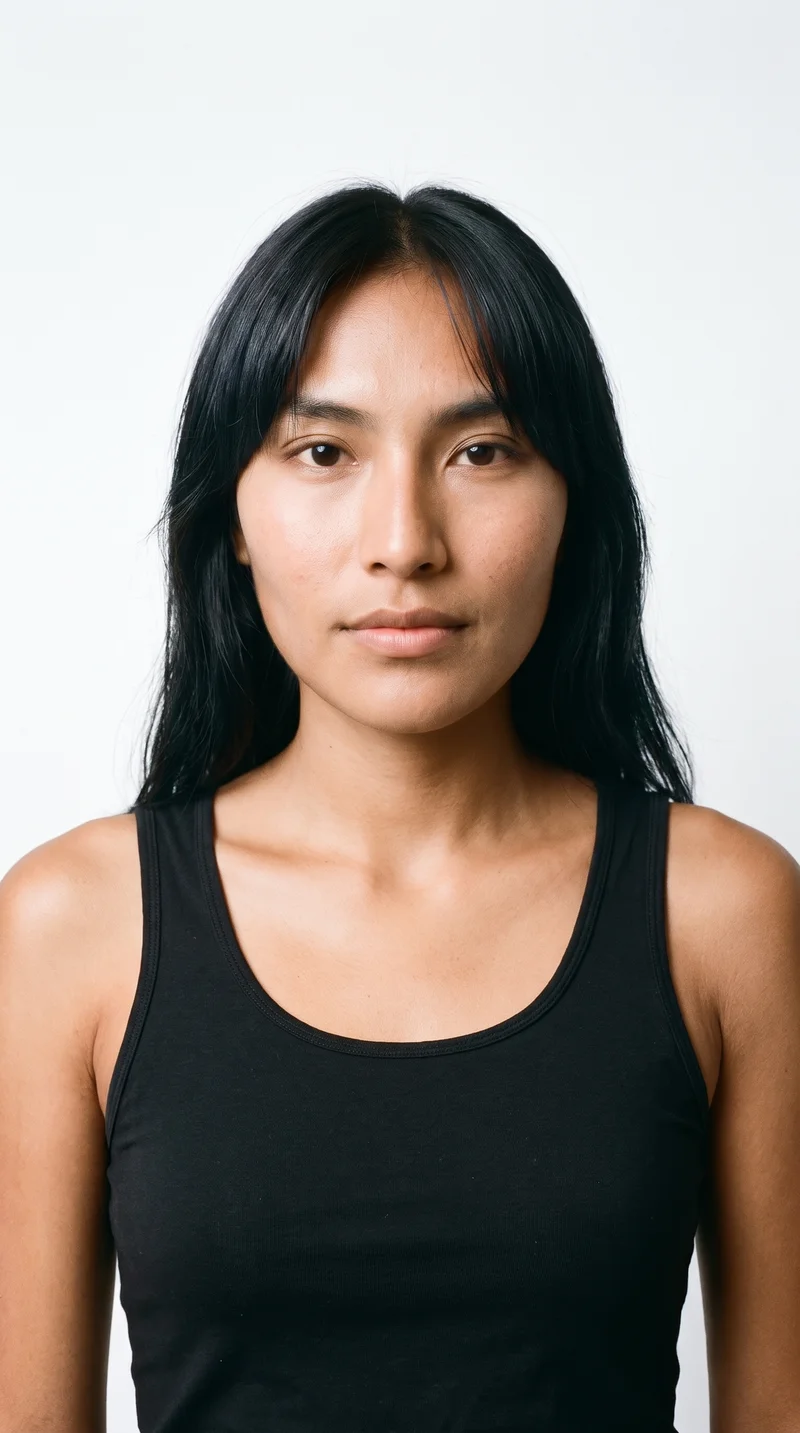
Female · 20
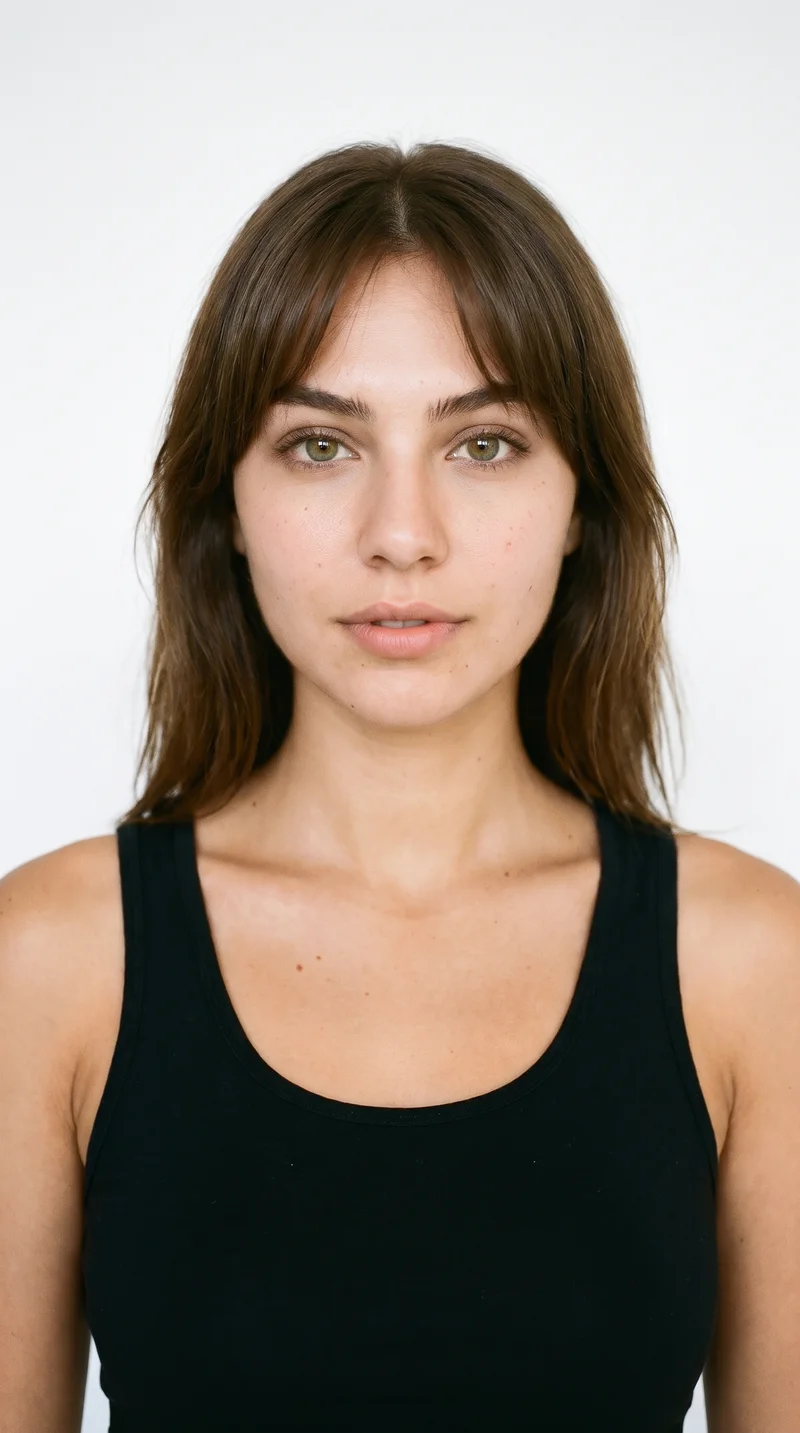
Female · 20
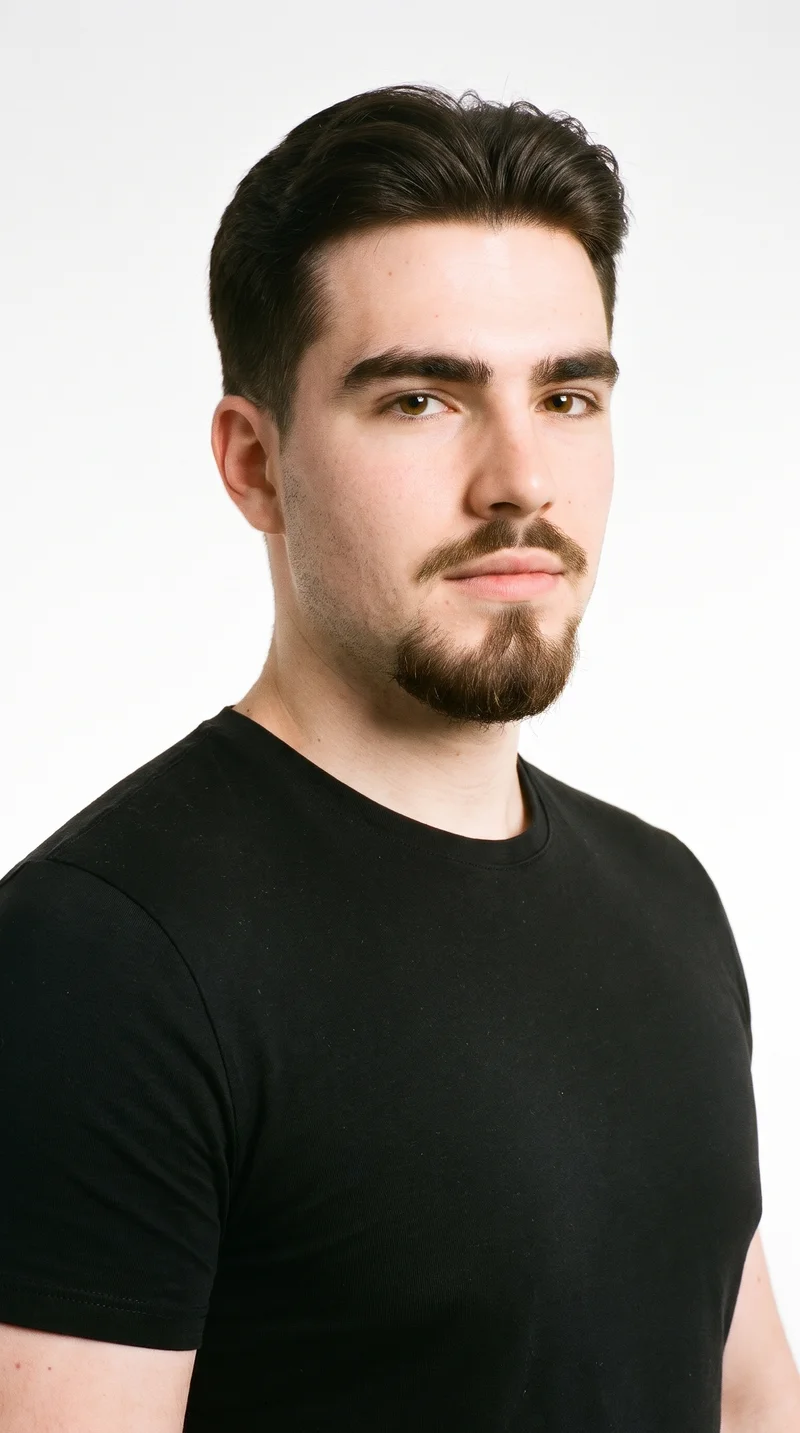
Male · 18
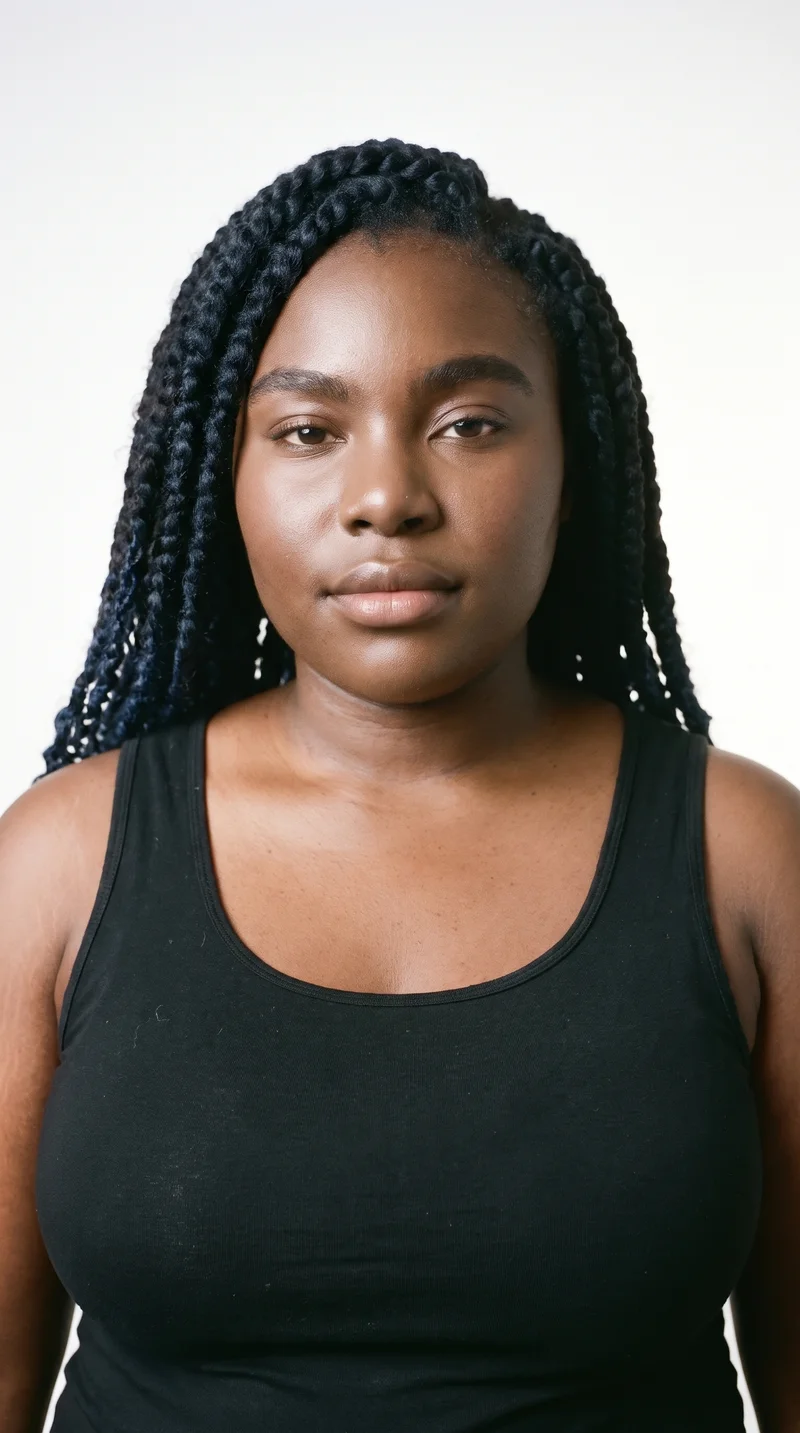
Female · 33
Showing 12 of 1,243
Cast your modelHow it works
One flat-lay in. A checked collection out.
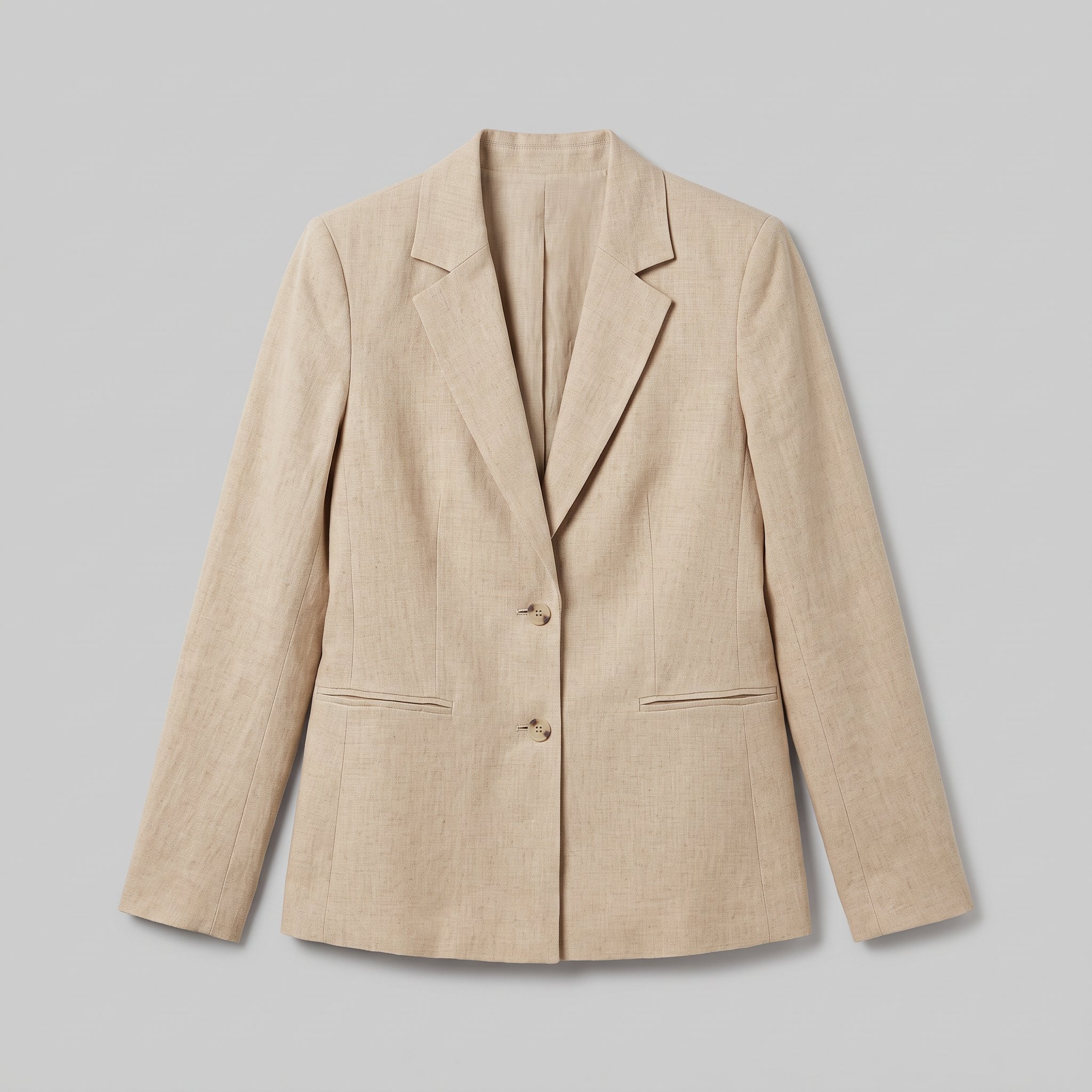 FrontSideDetail
Bring the product
A product photo, flat-lay or sketch is enough. Or start from a finished look and swap your piece in.
Direct the shoot
Every line of the shoot is a choice you click, from model to light. AI suggests a composition, you change any of it.
Get the whole collection, checked
Keep the setup and swap in the next style. Every image is checked against your choices, and one that misses is made again before you see it.
Gallery
Review campaign stills beside disclosure material
Review original on-model campaign stills alongside the product information and disclosure material your release team needs.
Looks & backgrounds
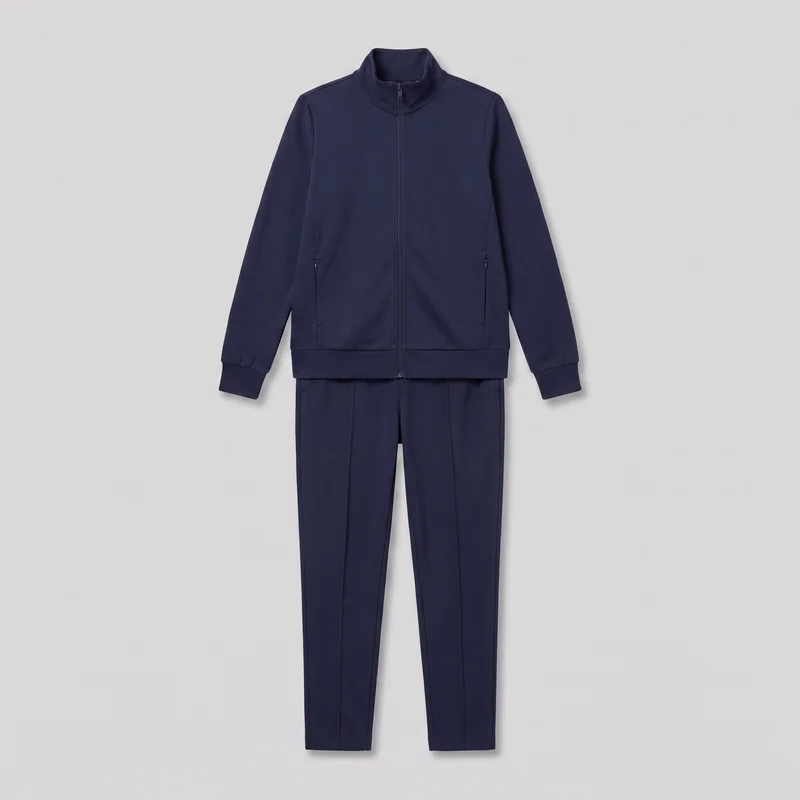 Women's Navy Tracksuit
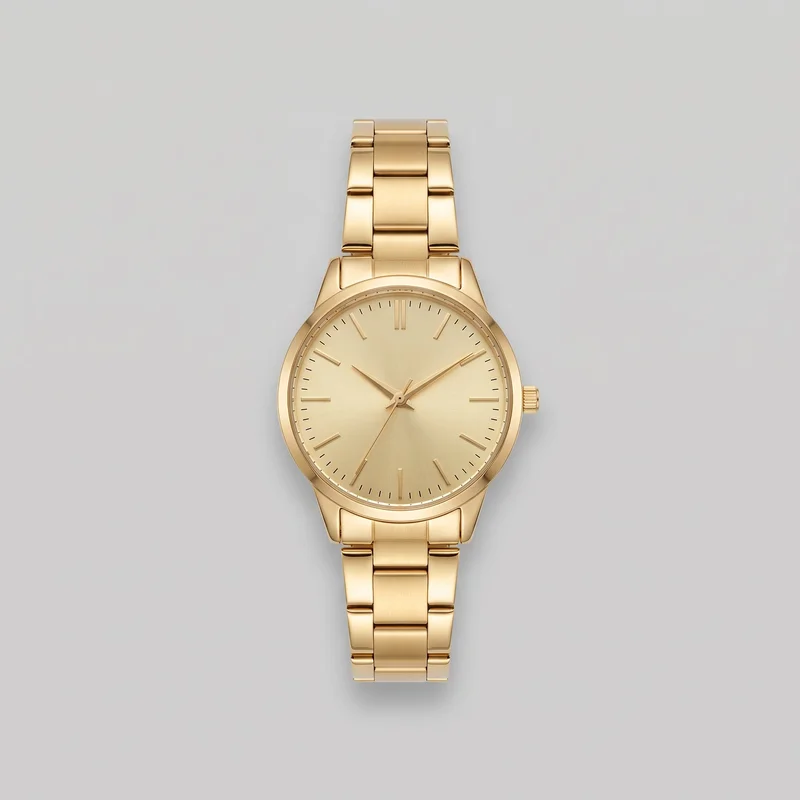 Women's Gold Analogue Watch
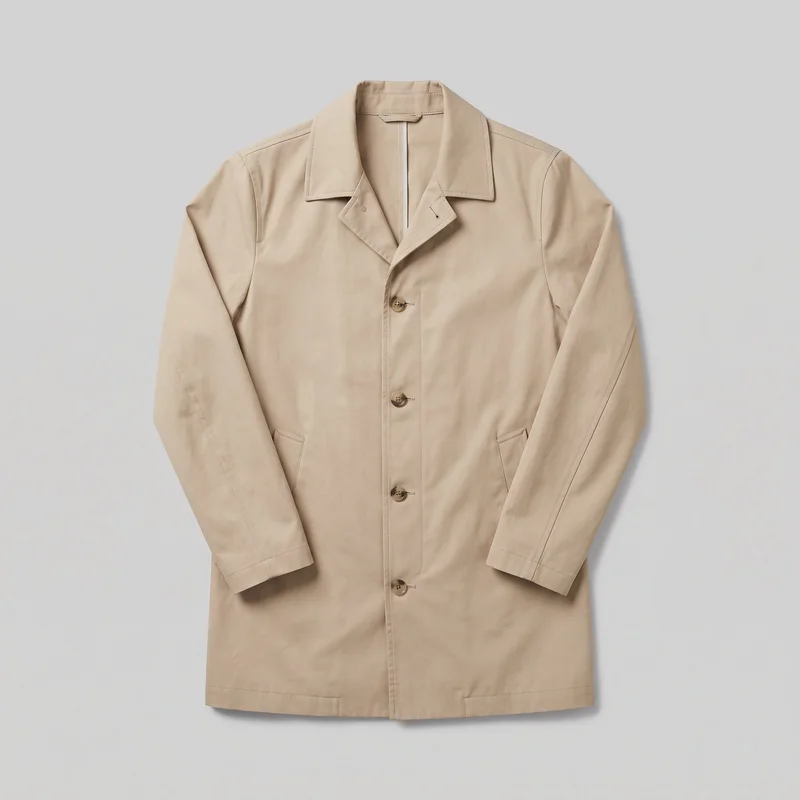 Men's Beige Cotton Mac
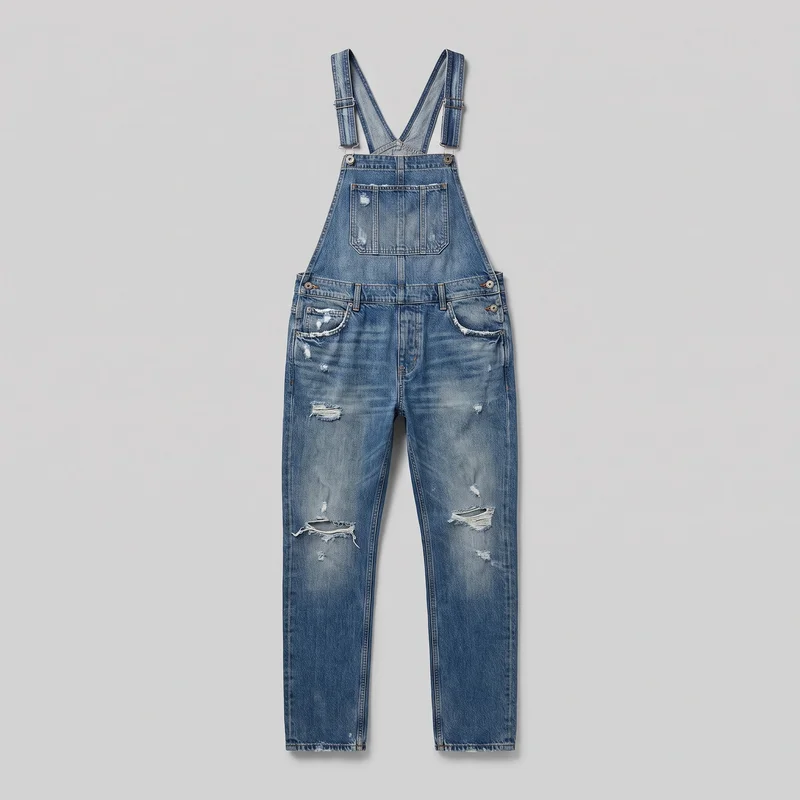 Men's Distressed Denim Dungarees
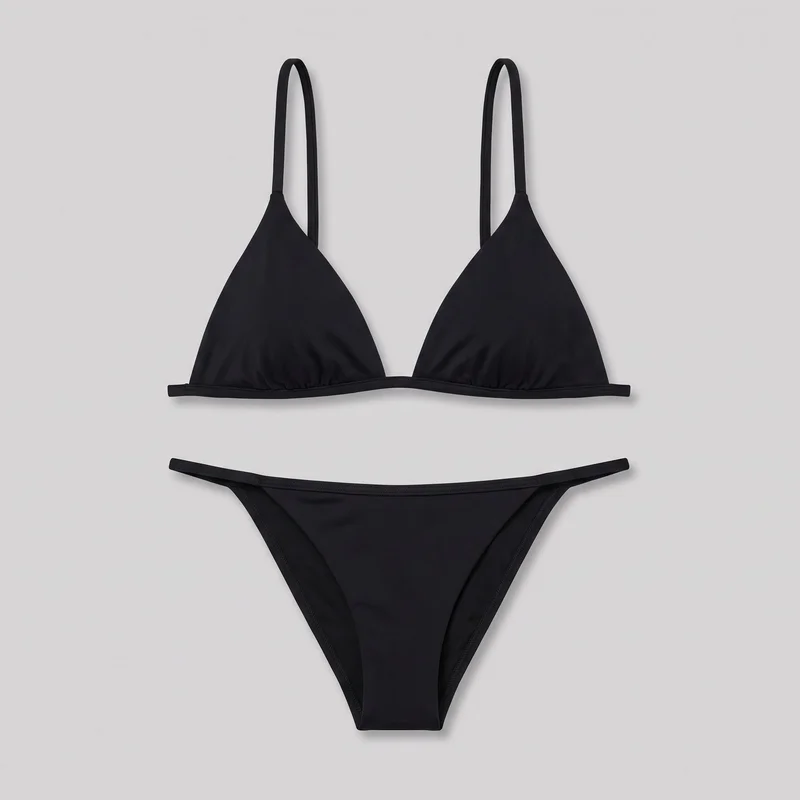 Black Triangle Bikini
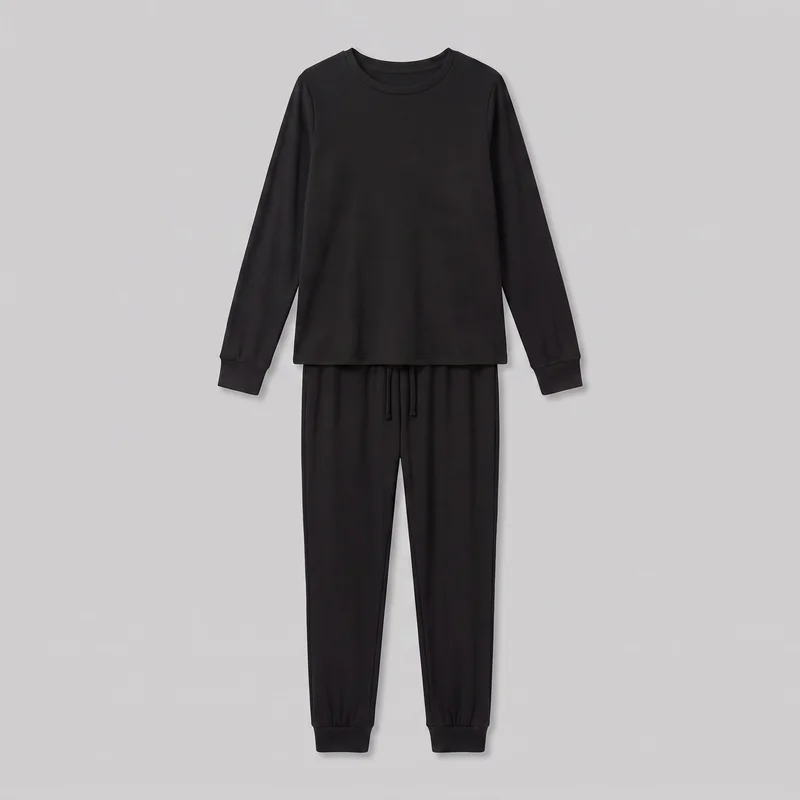 Women's Black Ribbed Loungewear Set
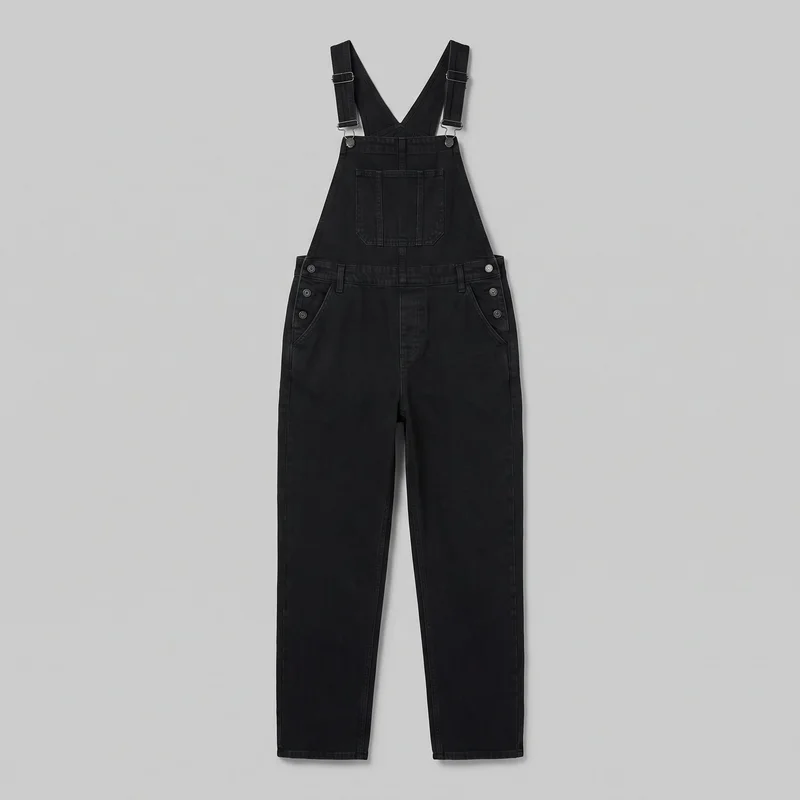 Women's Black Denim Dungarees
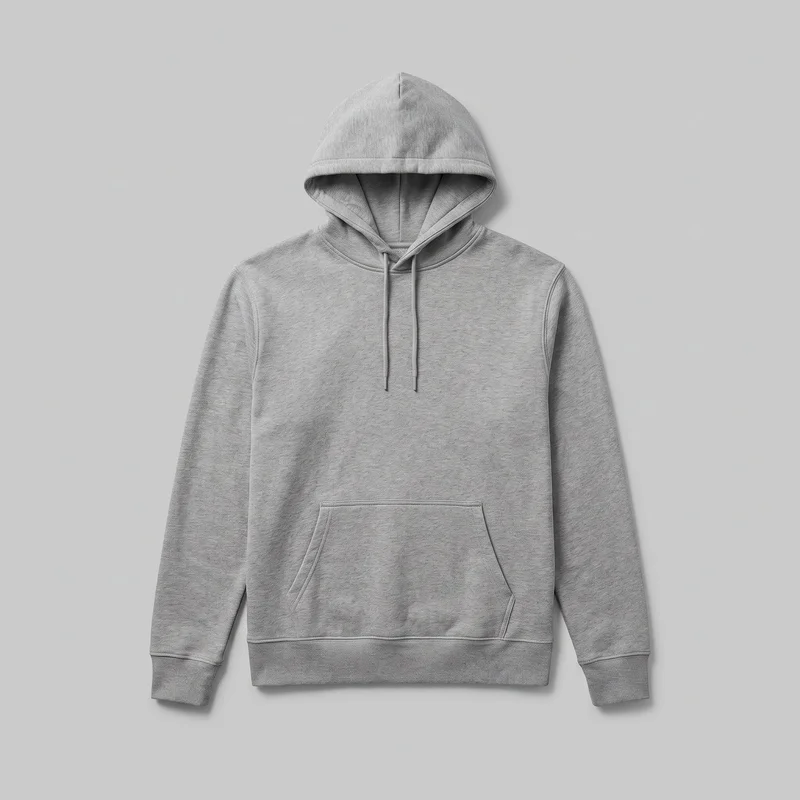 Men's Grey Pullover Hoodie
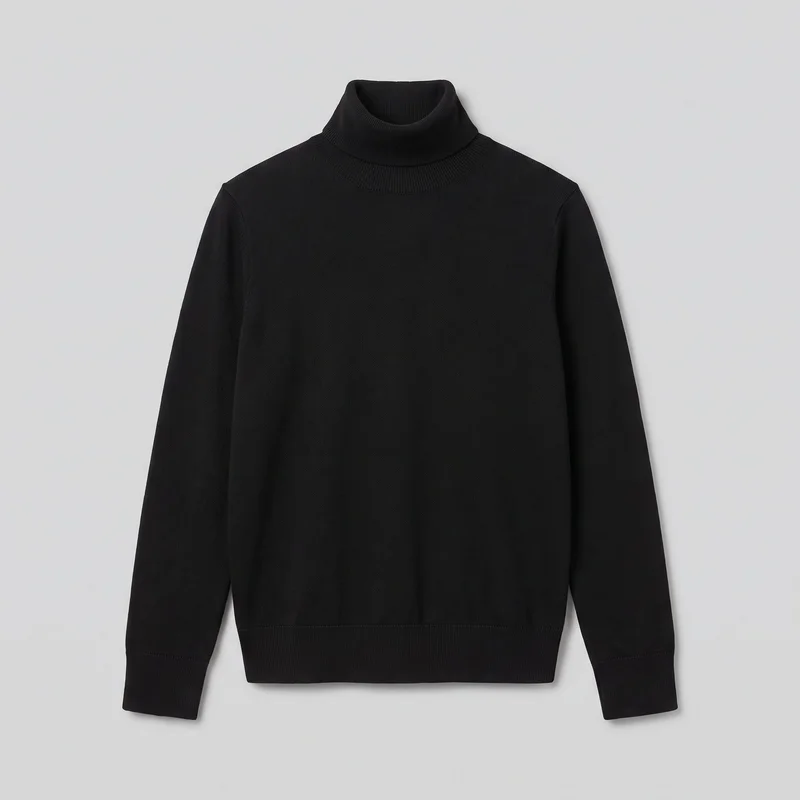 Women's Black Turtleneck
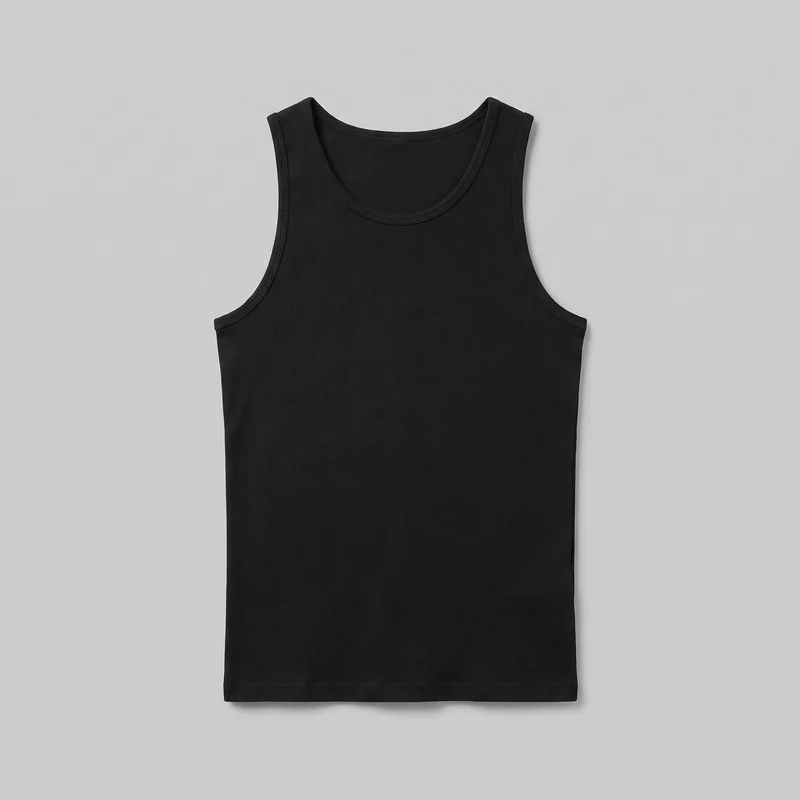 Men's Black Ribbed Tank Top
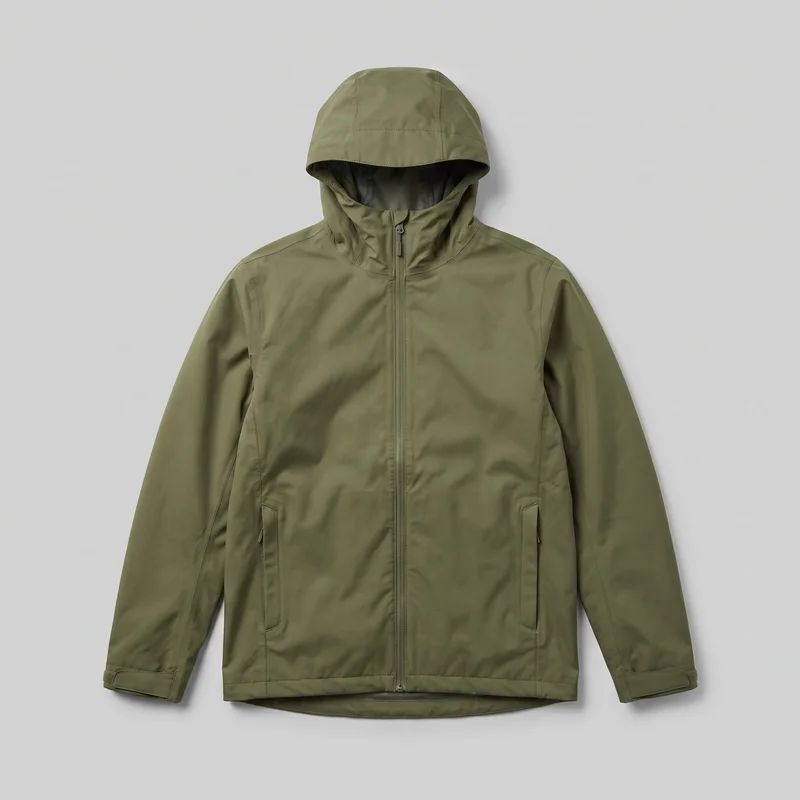 Men's Green Waterproof Jacket
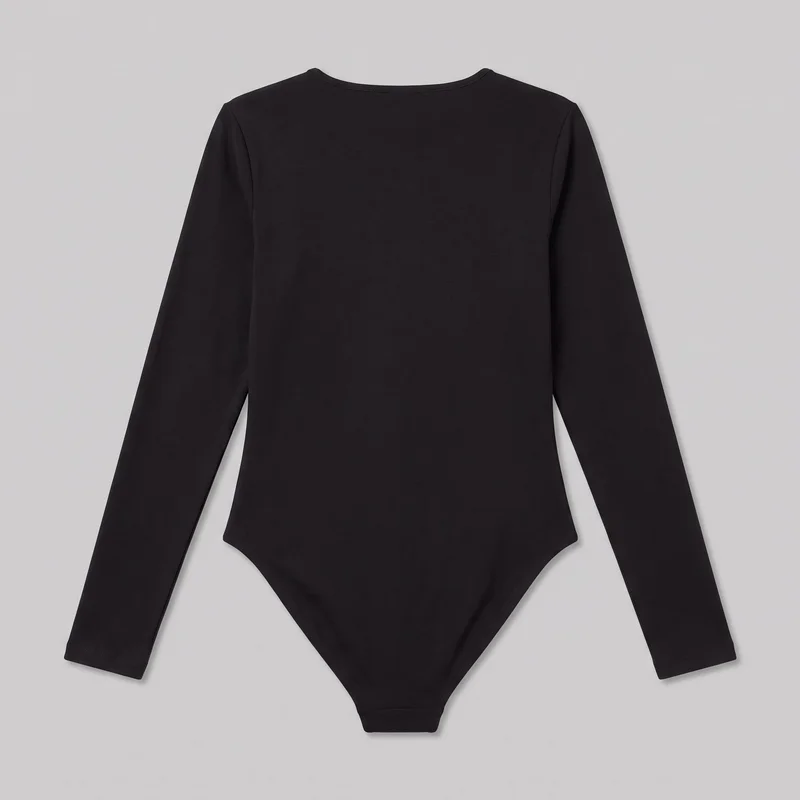 Black Bodysuit
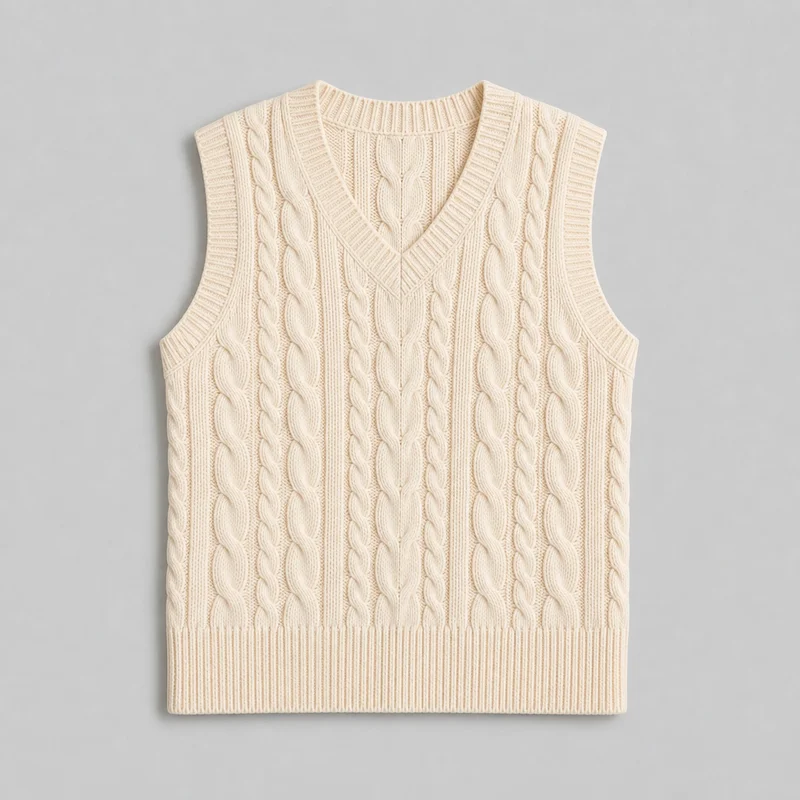 Women's Cream Cable-Knit Sweater Vest
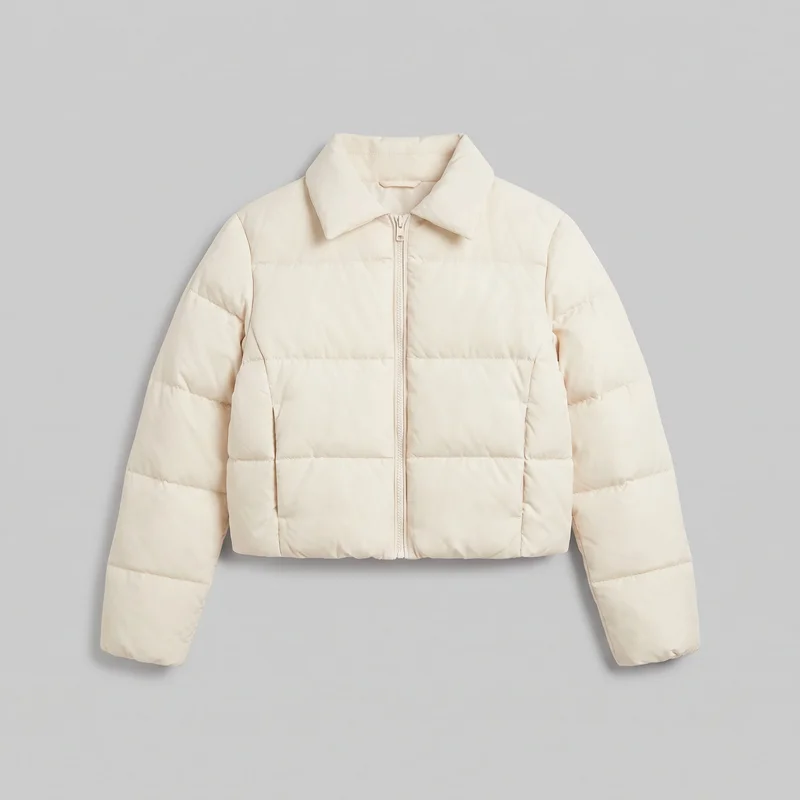 Women's Cream Cropped Puffer Jacket
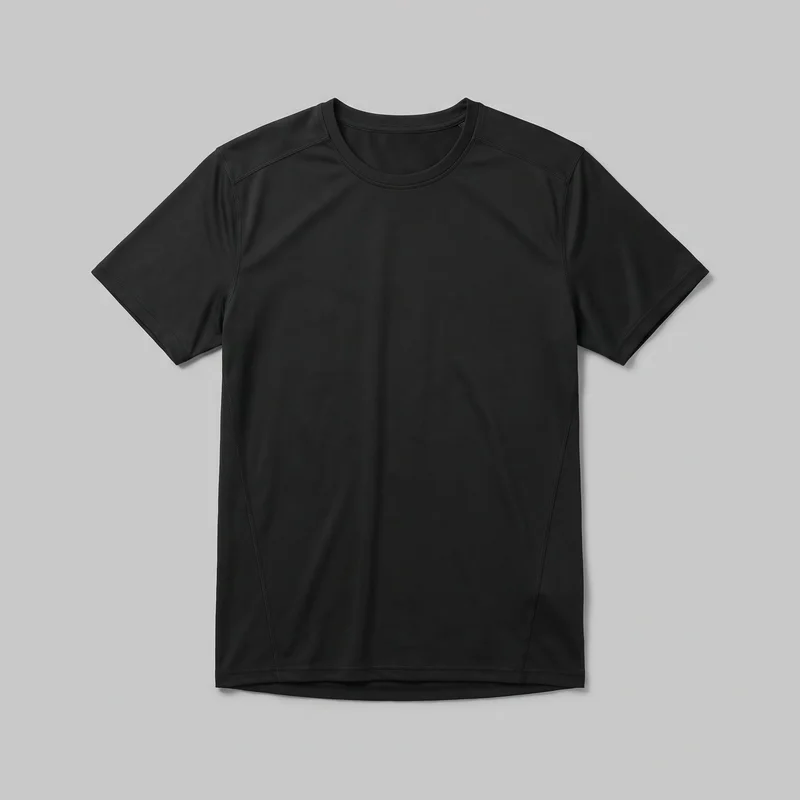 Men's Black Performance Top
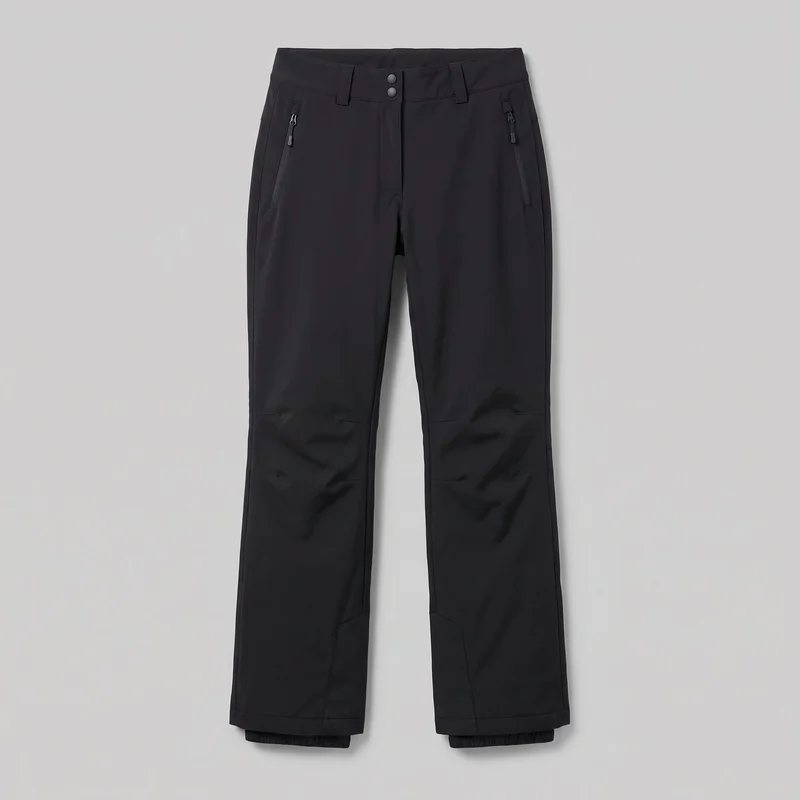 Women's Black Ski Trousers
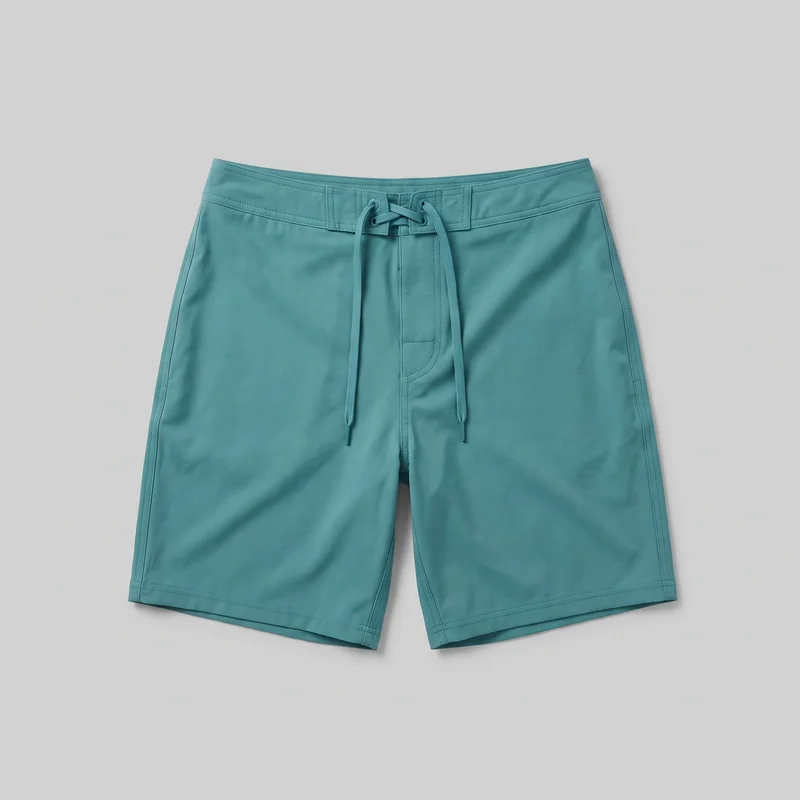 Teal Board Shorts
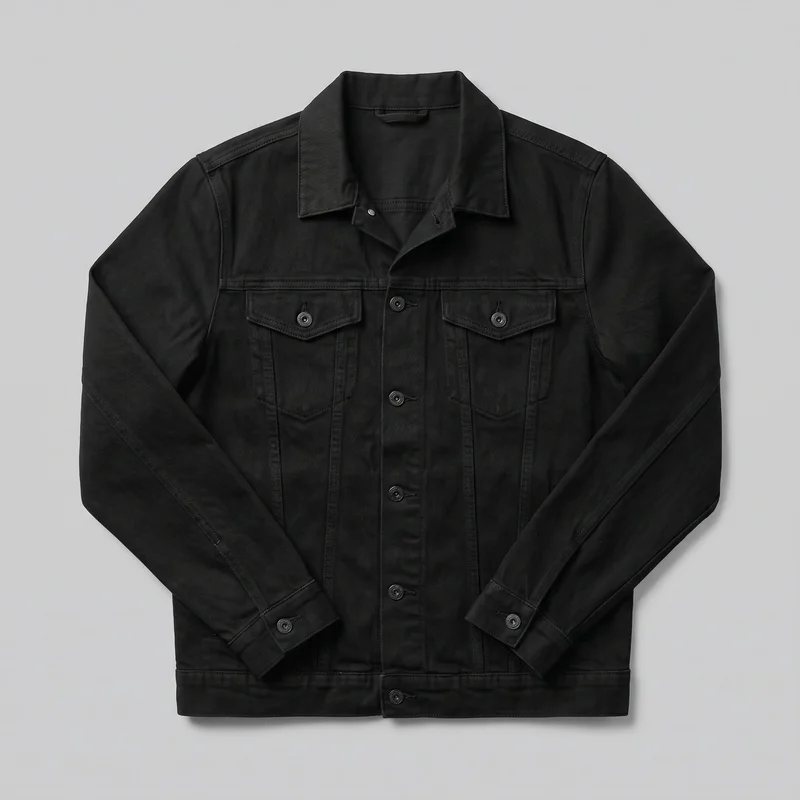 Men's Black Denim Jacket
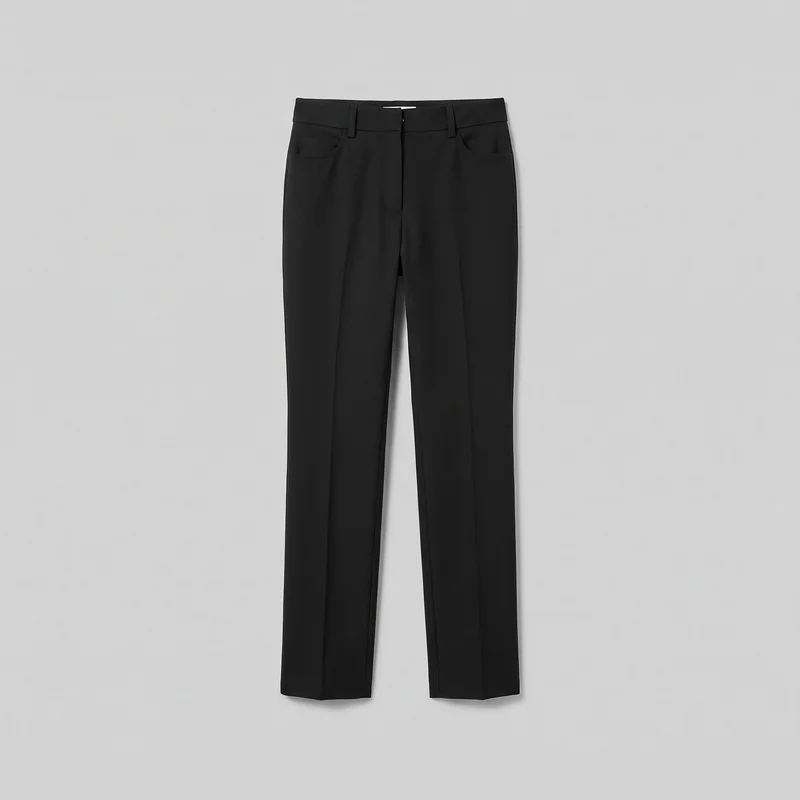 Women's Black Tailored Trousers
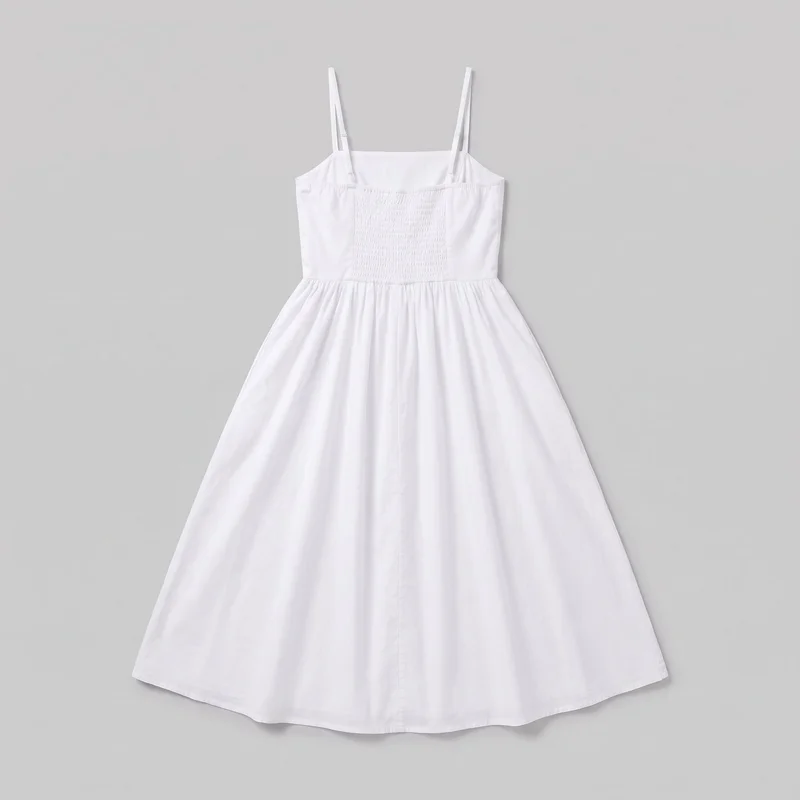 White Cotton Sundress
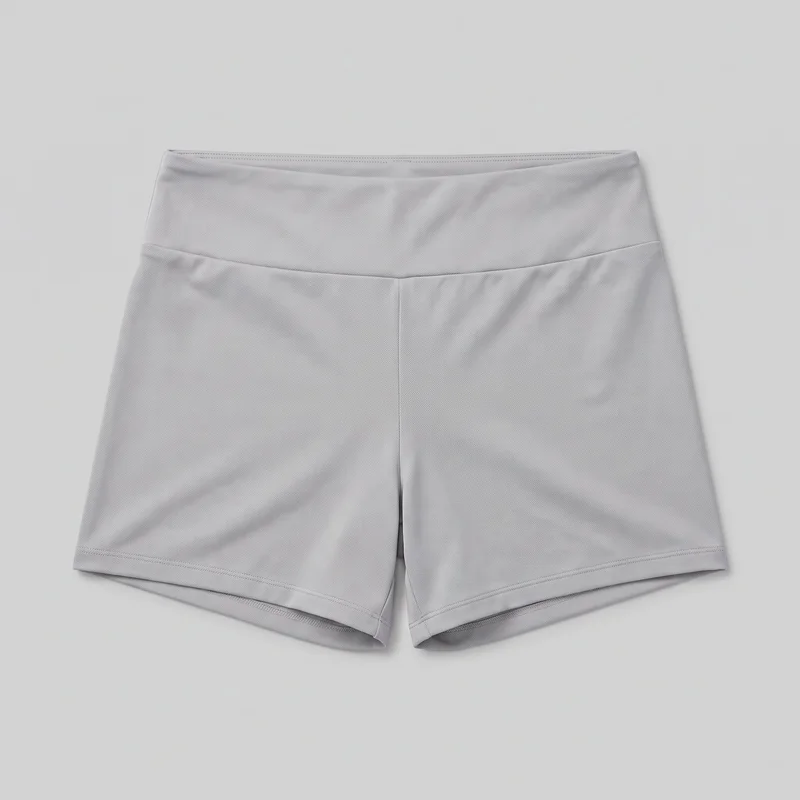 Women's Grey Gym Shorts
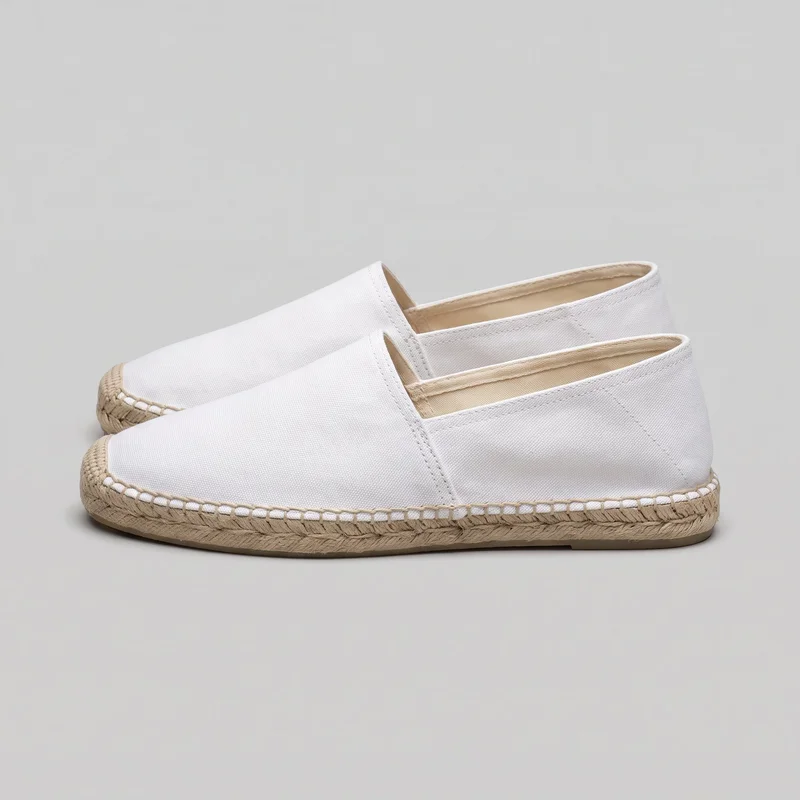 Men's White Espadrilles
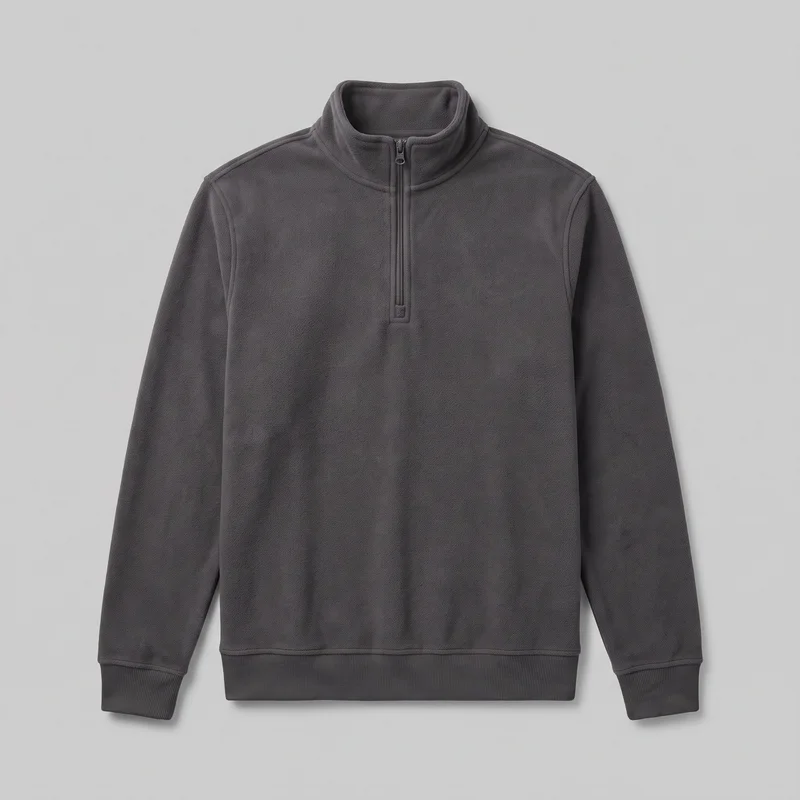 Men's Charcoal Fleece Quarter-Zip
Showing 23 of 3,488
Consistency
Change your background, keep the campaign composition
RAWSHOT lets you set the model, photography direction, background, frame and camera view for each campaign still. Change one element and the rest of the composition holds. Each variant is a new generation, so review fine details such as hands and hardware before publishing.
You change one
- Frame
- Pose
- Camera view
- Model
The rest holds
Selected model
Keep the chosen synthetic composite model across related campaign stills.
Photography direction
Keep the selected light direction aligned across the reviewed set.
Frame and view
Keep framing and camera view aligned with the approved composition.
Who it's for
Does this fit your campaign release review?
A perfect fit
You fit this work when campaign imagery needs a documented basis for commercial use before release, especially across brand, performance and e-commerce teams.
Work it handles well
- You can review labelled campaign stills before release
- You can show real products on synthetic composite models
- You can share rights and disclosure evidence internally
Rights
You own every image. Every image says what it is.
Yours
- Full commercial rights to every image, permanently.
- No recurring licence fees on any model in the library.
- Every model is a synthetic composite, so there is no real-person likeness.
Labelled
- C2PA content credentials on every image.
- AI-labelled output, aligned with EU AI Act Article 50.
Checked
- Every image is checked against your model, frame, view and pose before delivery; one that misses is made again.
- A safety filter screens every upload and blocks nude or explicit images.
EU-based hosting, GDPR-compliant handling.
- Aligned with EU AI Act Article 50
- C2PA
- Full commercial rights
- Quality-checked images
- Safety-filtered uploads
- GDPR-compliant handling
- EU-based hosting
Questions
What do brands ask before campaign release?
What are commercially usable AI campaign stills for real products?
They are labelled, original on-model campaign photos created from your real product material for internal review before release. They give creative, legal and procurement teams a shared set of stills to assess for product presentation, synthetic-model likeness, commercial ownership and AI disclosure. You can direct the model, styling, light, background, frame and camera view while keeping the product central. Use clear product photos, a flat-lay, mockup or technical sketch, then review the labelled image set before publishing.
Which campaign jobs and channels suit commercially labelled on-model stills?
Paid campaign review, product-page ownership checks, rights clearance and disclosure documentation are strong uses for these stills. They suit brands that need product-led imagery for brand, performance and e-commerce teams while legal or procurement needs evidence before release. The approach works when a real product can be shown clearly on a selected synthetic composite model, with an approved pose, background, photography direction and camera view. Prepare clear source material and define the channels your teams will review.
Which crops work for campaign product pages and social stills?
Use 4:5 crops for product-page and feed-led campaign stills, 9:16 for story and vertical social placements, and 1:1 where a square placement is required. Set the frame and camera view to match the placement before generation, rather than relying on a later crop that may remove product detail or alter the approved composition. In the finished set, check that each image matches the selected frame and view; clear mismatches are automatically regenerated. Build a placement list first, then generate each required crop.
How does RAWSHOT turn product source material into campaign stills?
RAWSHOT starts with your product photo, flat-lay, mockup or technical sketch and produces original on-model campaign photos from that source. Choose a synthetic composite model, photography direction, background, frame, camera view and pose, then generate variants that fit your existing creative review workflow. Every image is automatically checked against the chosen model, frame, view and pose before it reaches your library; failures are discarded and regenerated. Upload clear material that shows colour, material and detail, then review fine details such as hands and hardware before release.
How is RAWSHOT different from a studio shoot for campaign stills?
RAWSHOT is different from a studio shoot because it creates labelled original stills from your product source without photographing a specific real person. You set the synthetic composite model, styling, light, background, frame, view and pose for each generation, so teams can prepare campaign material for rights and disclosure review. Every delivered image is checked against the selected model, frame, view and pose, with clear failures regenerated automatically. Use a studio shoot when approval requires a particular real-person likeness; otherwise, provide clear product inputs and direct the review set.
How much does RAWSHOT cost for commercially usable campaign stills?
RAWSHOT is self-serve, with monthly plans and a token cost per generated image rather than a custom campaign quote. Plans range from Starter at 9 per month to Business at 179 per month, and image pricing is shown as on the Starter plan. Your plan includes a monthly token allowance, so you can create and review campaign still variants as needed. Choose the plan that matches the volume of product, frame and placement variations you expect to generate.
What are the limits of AI campaign stills before commercial release?
AI campaign stills cannot use a specific real-person likeness, and product accuracy is limited by the clarity of your source material. Provide images that clearly show colour, material and detail, and do not assume every frame can support every camera view. Each variant is a new generation, so inspect fine details such as hands and hardware before publishing. Automated review targets clear mistakes and is measured against hand-checked images, but it is not a guarantee that every defect is caught. Use a selected synthetic model and keep a human release review in your workflow.
Who owns RAWSHOT campaign stills and how can my brand use them commercially?
You get full commercial rights to every image, permanently, with no recurring licence fee. Every image carries C2PA content credentials and is labelled as AI-generated.
Get started
Bring your product to RAWSHOT for review
Start with a 7-day free trial including 50 tokens, then move to the plan that matches your production volume.