
AI launch video
Your collection teaser moves before launch.
You have approved product imagery and a launch date, but need motion for social posts. You can direct a short teaser around the piece, the model, the light, and the camera movement.
7-day free trial • 50 tokens (10 images) • Cancel anytime
- A 2K image in roughly 35 seconds
- AI-labelled with C2PA content credentials
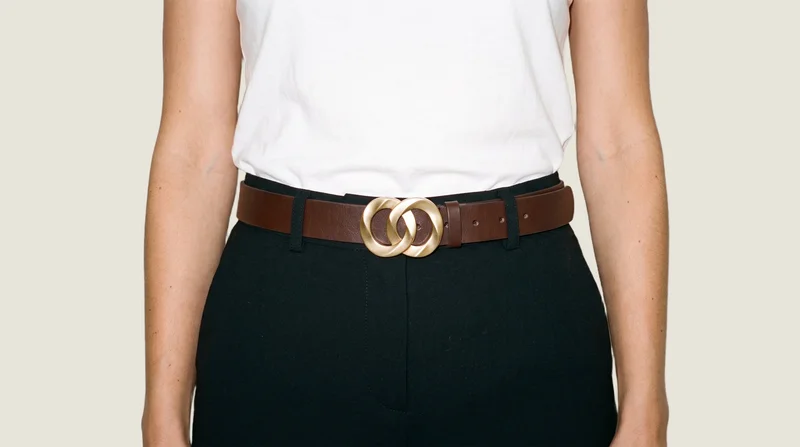
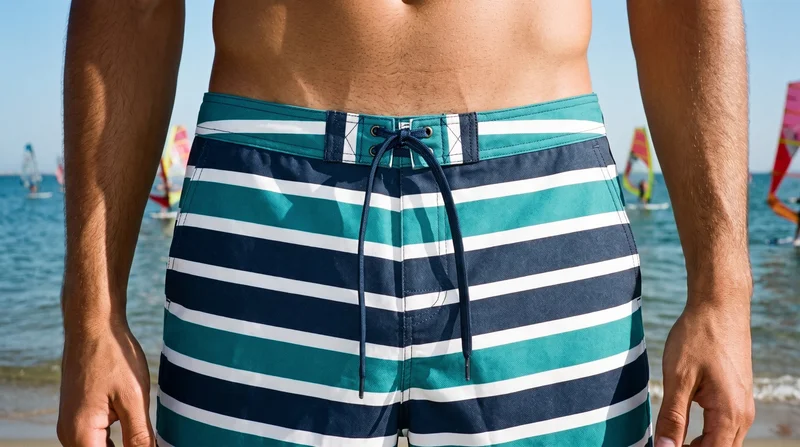
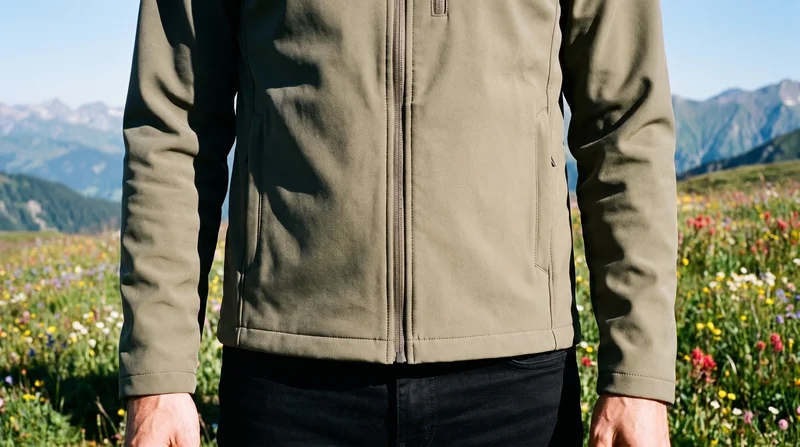
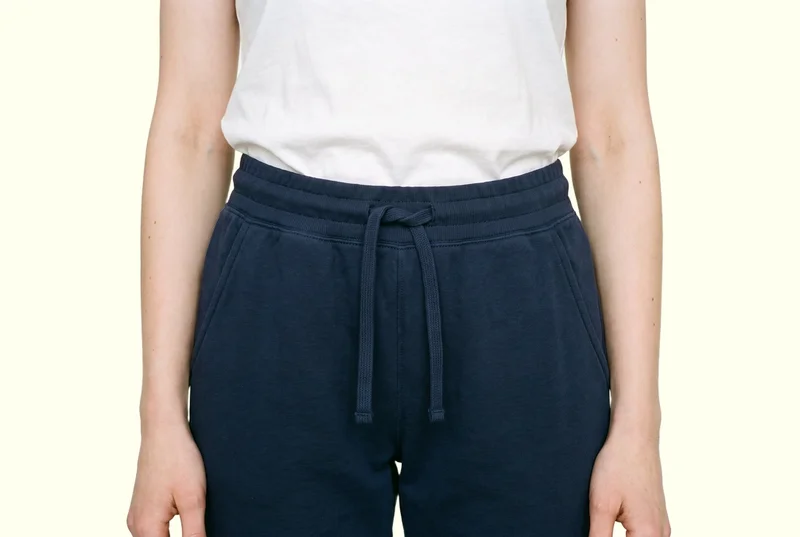
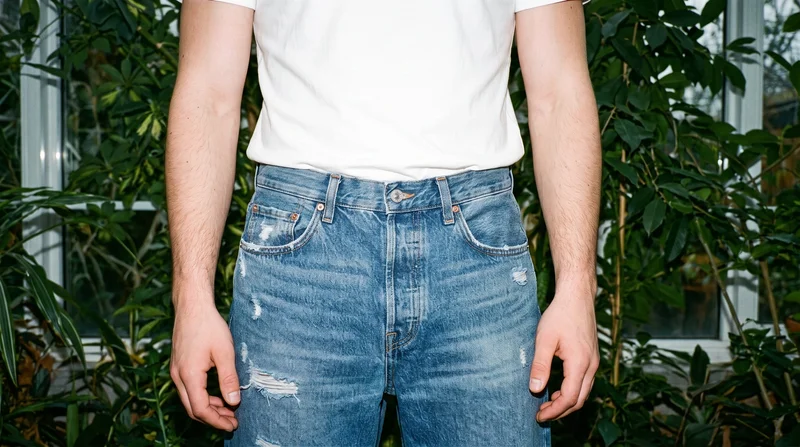
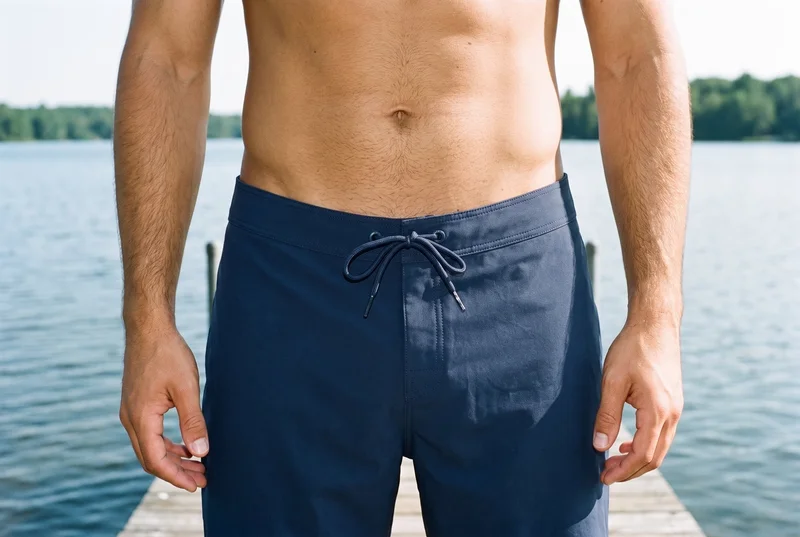
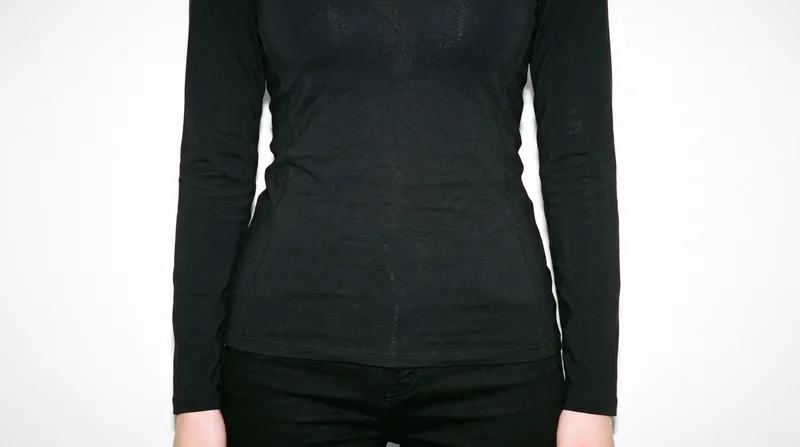
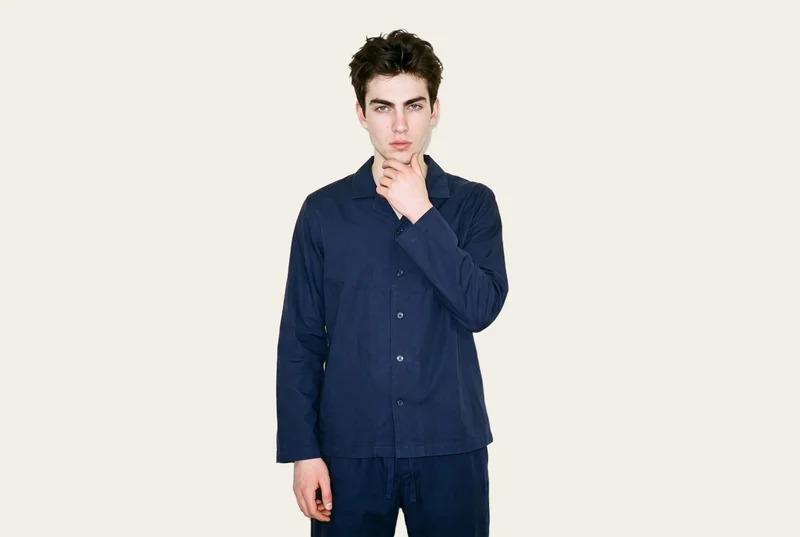
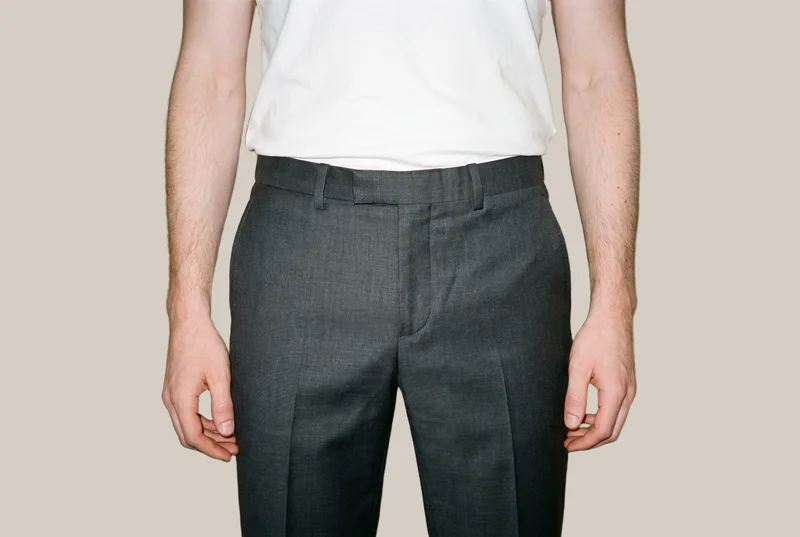
Showing 9 of 419, shot in RAWSHOT
Use cases
When your collection drop needs a teaser
- 01
Hero reveal for launch
Preparing the drop, you set the model, light, frame, and camera movement for a hero product reveal teaser.
- 02
Approved image in motion
With approved product imagery, you direct the model and camera movement for a short collection reveal clip.
- 03
Product detail teaser
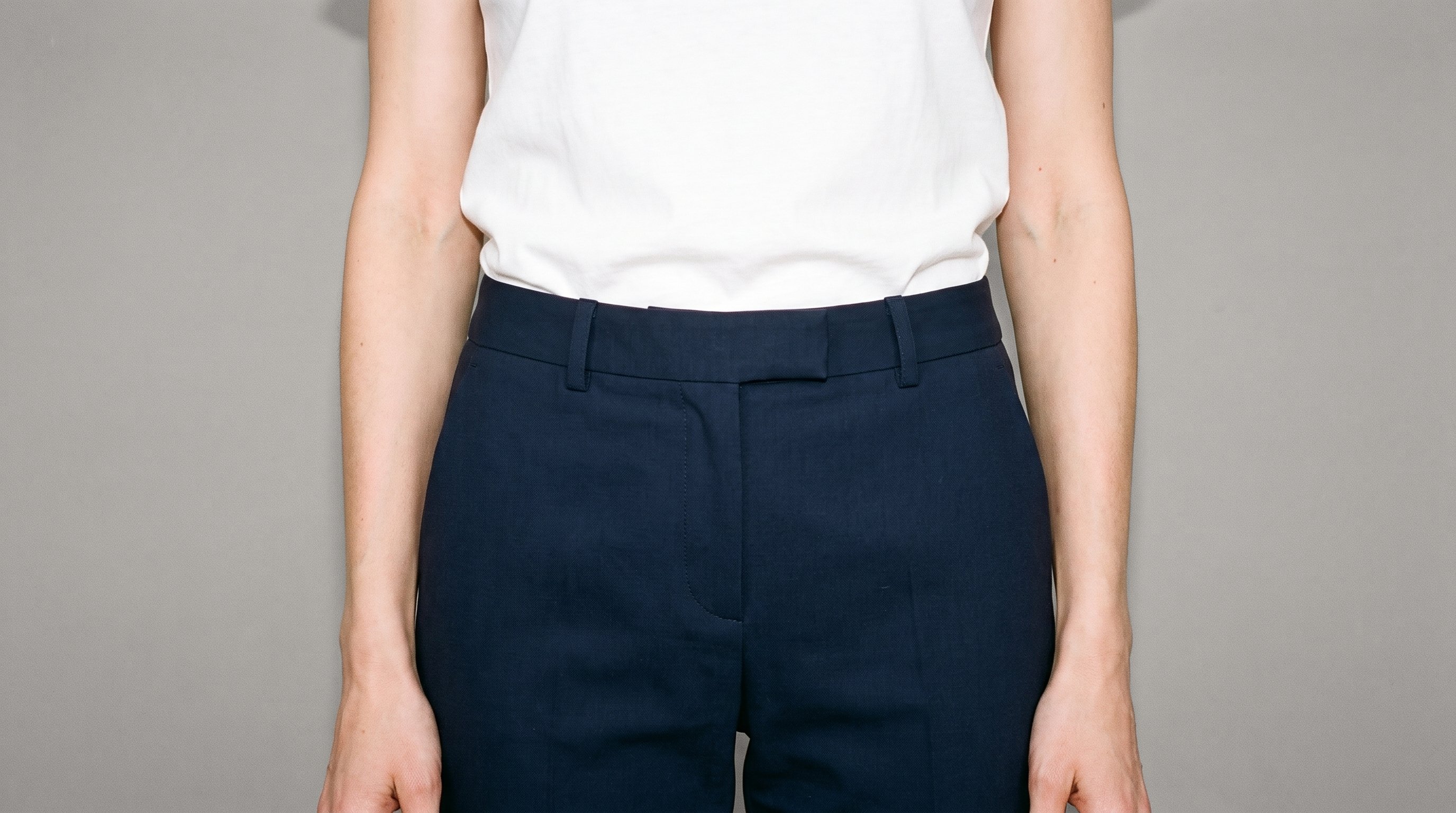
For a collection release, you frame the key detail, set the light, and create a product-led teaser for the new collection.
- 04
Collection release teaser
For collection release, you select the model, movement, and resolution for a teaser clip across launch channels.
What you get
Short collection teasers for launch touchpoints
A short, product-led teaser for the collection drop, ready for launch touchpoints. It keeps the product at the centre while giving the camera and model measured movement.
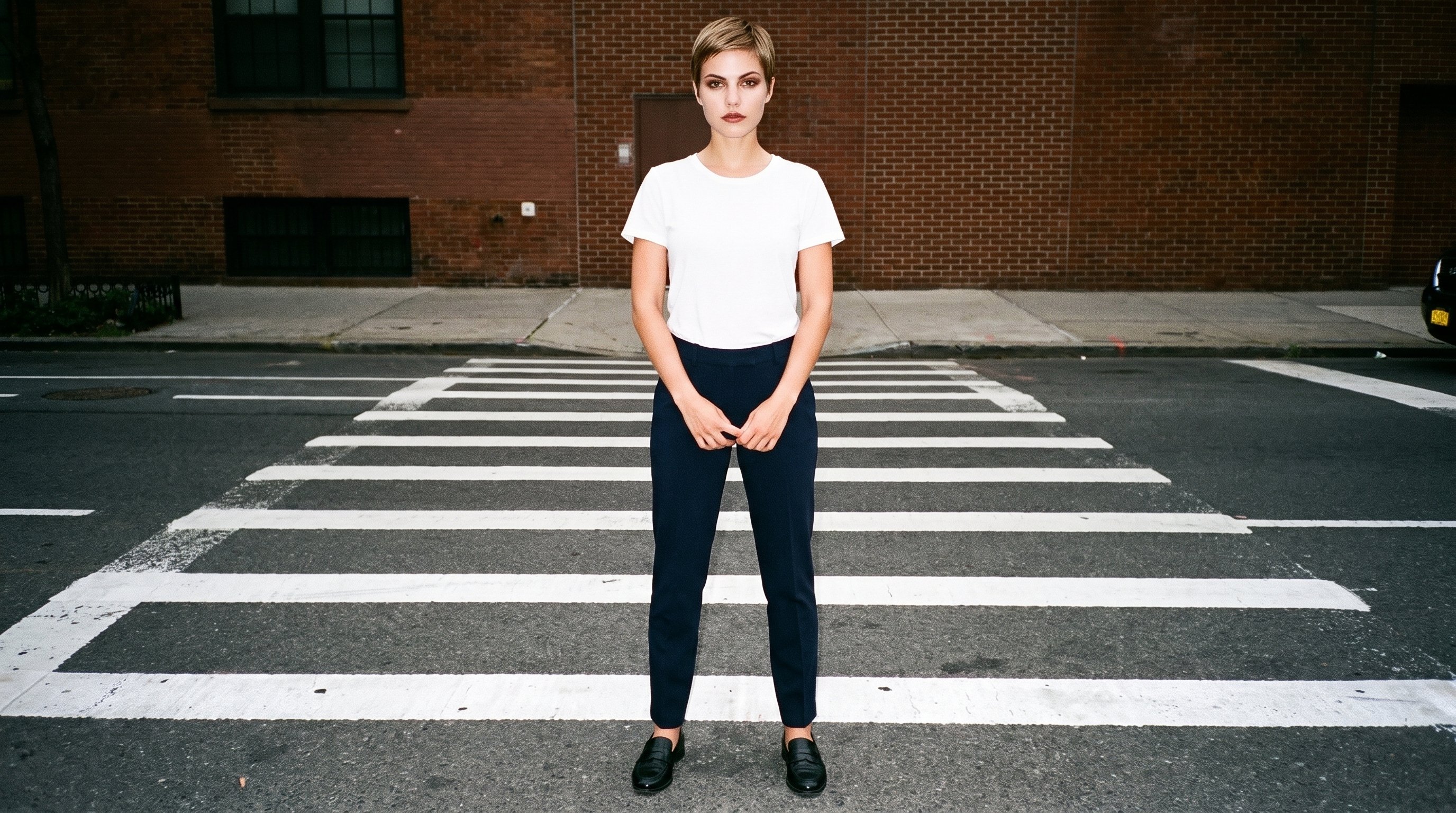
Direct the shoot
Set frame, camera motion and light
Starts from
A finished still from your photoshoot
Image frame
4
Model action
17 model actions on this frame
Camera motion
14
Scenes
3
Resolution
2
Create video
From image 1
Still from this page · 16:9Source
Image 1 · Full Body
Camera
Static
Delivery
720p · 16:9 · 3 × 5 s = 15 s
Cost is shown on the button
AI fashion models
Choose from 1,197 models for launch
1,197 licence-free grown models across ages and body types. Or build a private model from visible attributes.
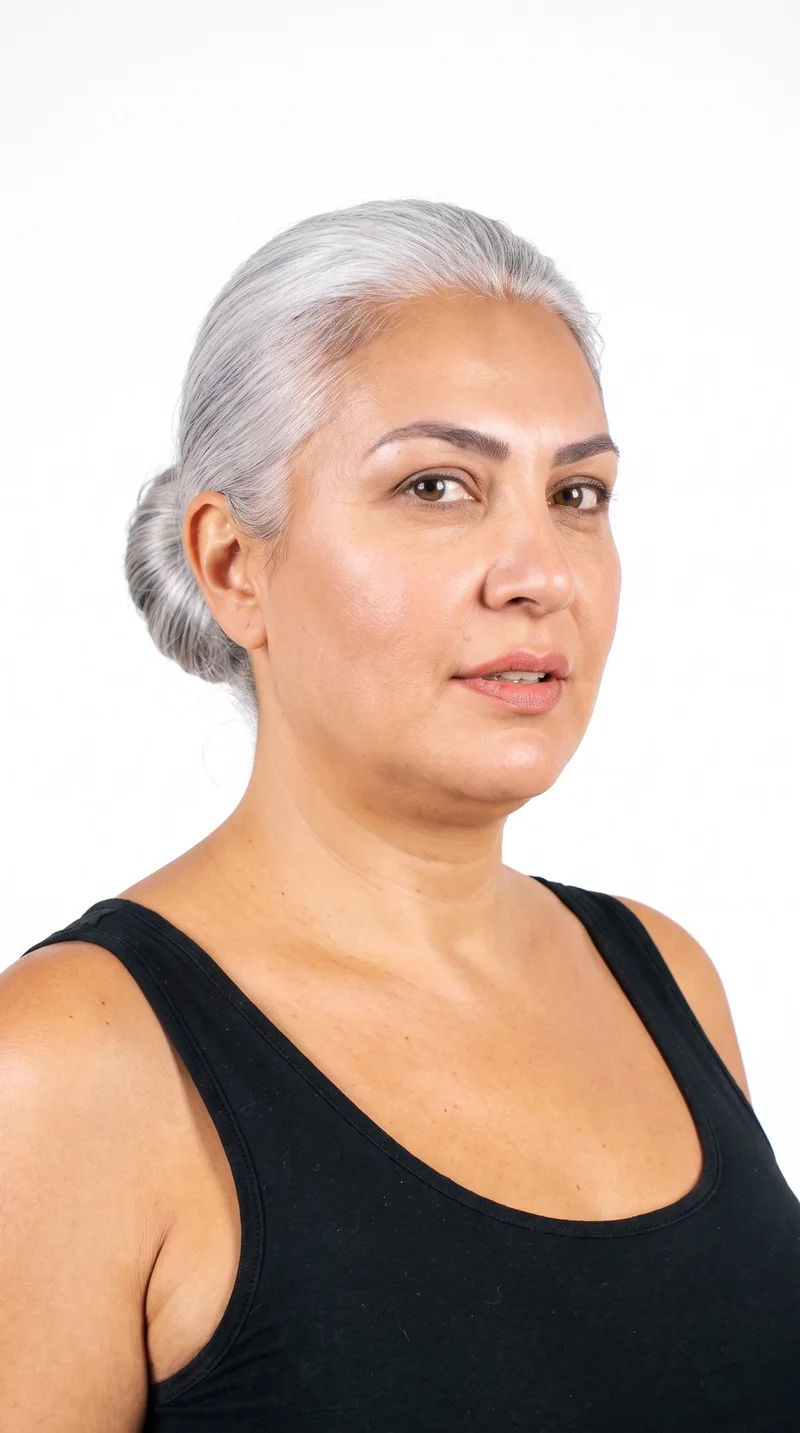
Female · 46
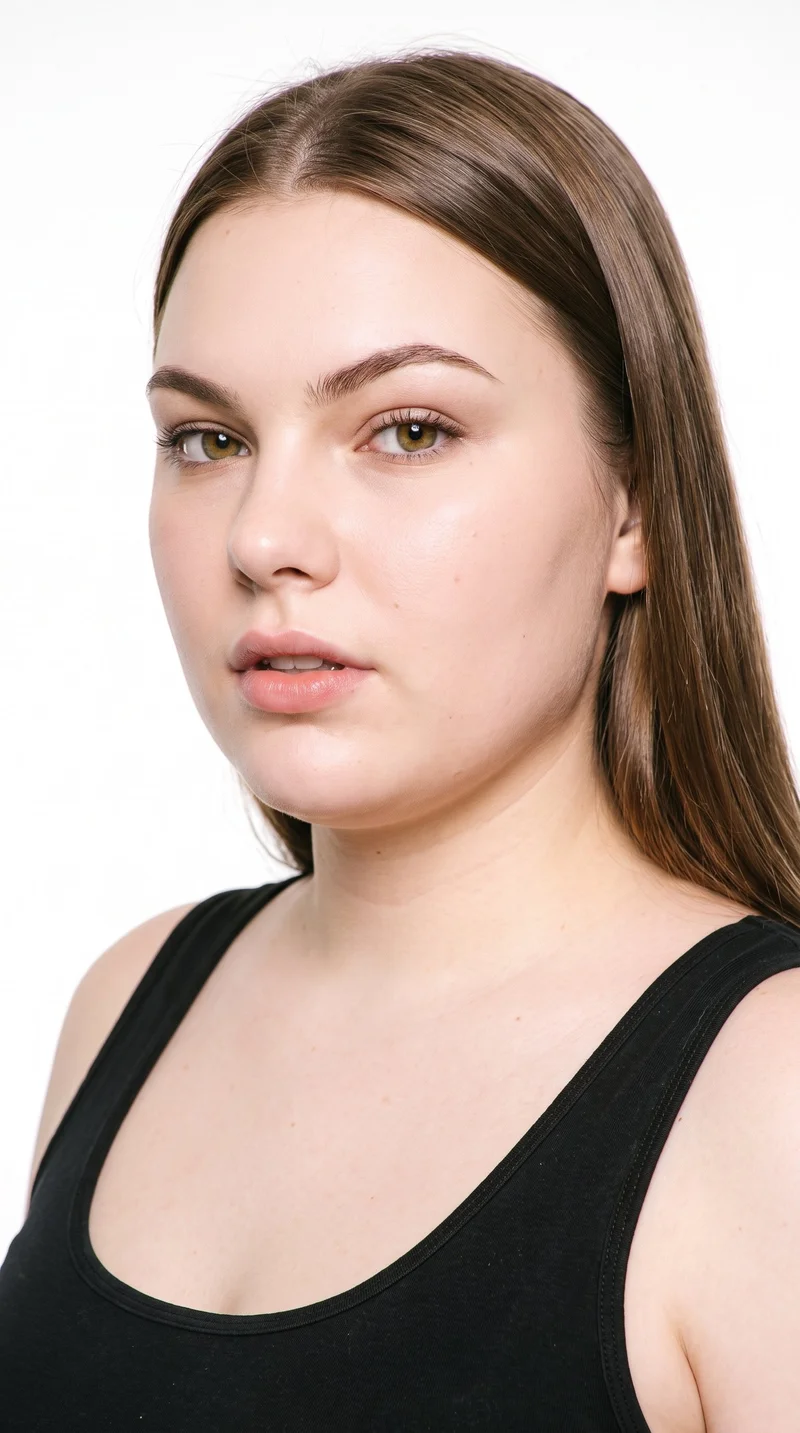
Female · 19
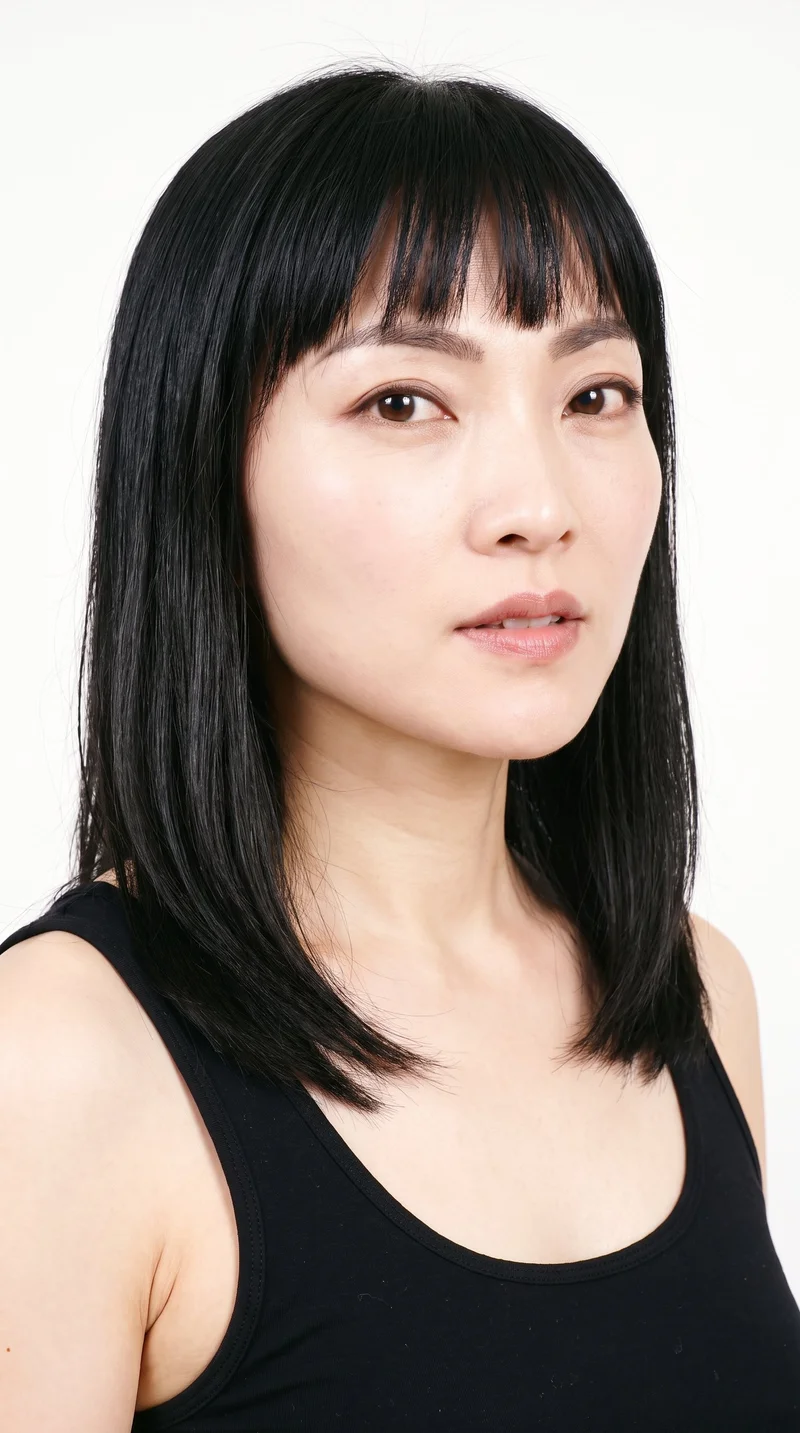
Female · 37
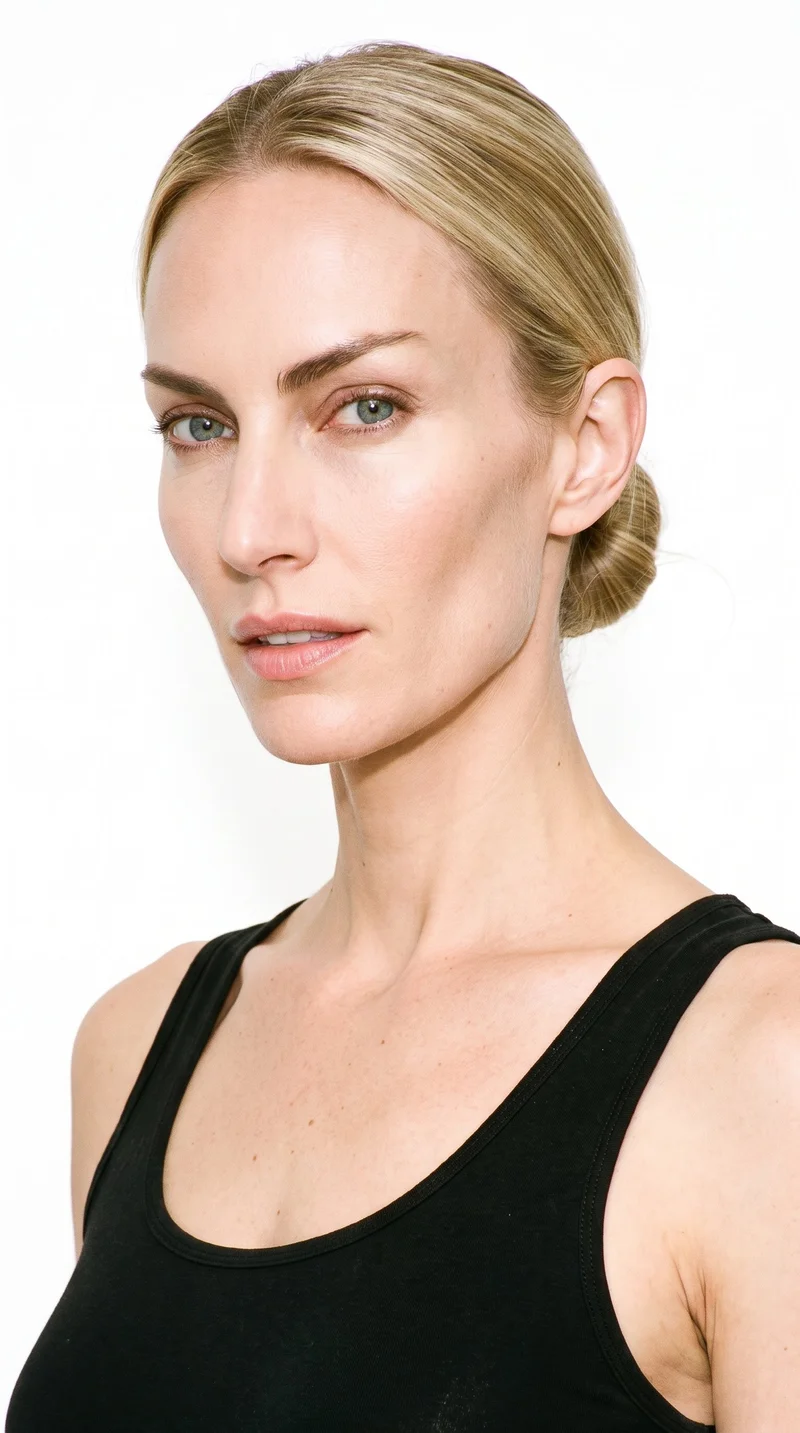
Female · 33
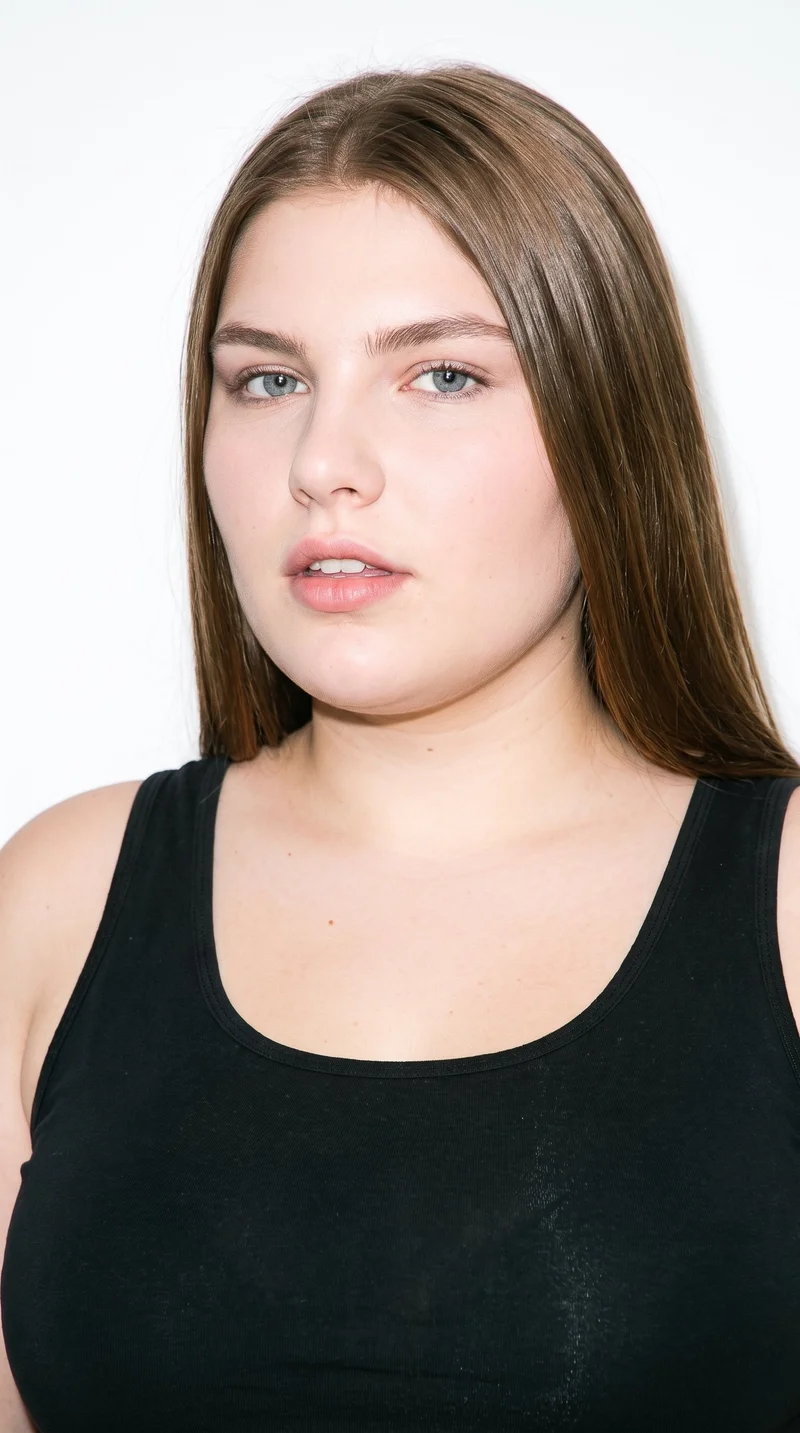
Female · 19
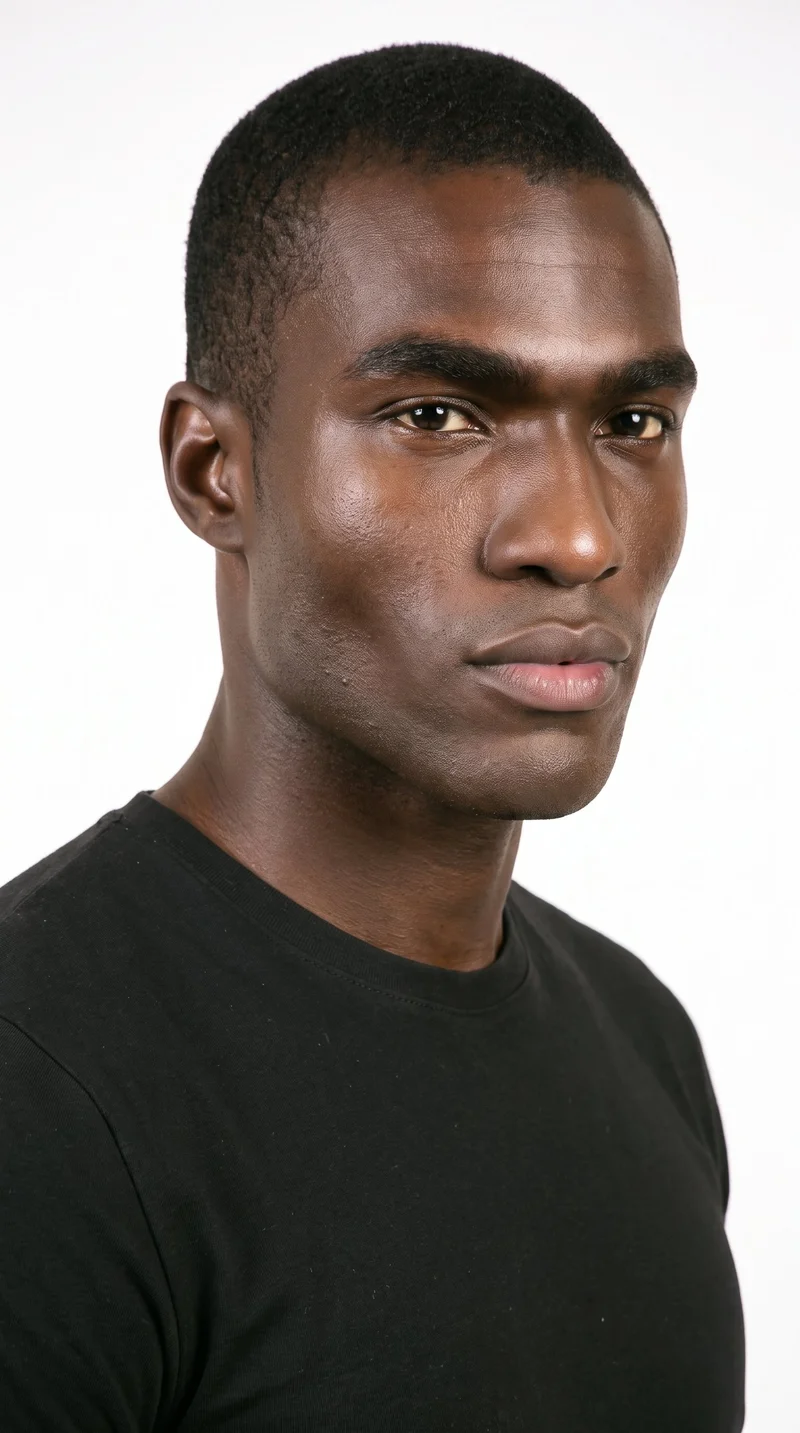
Male · 25
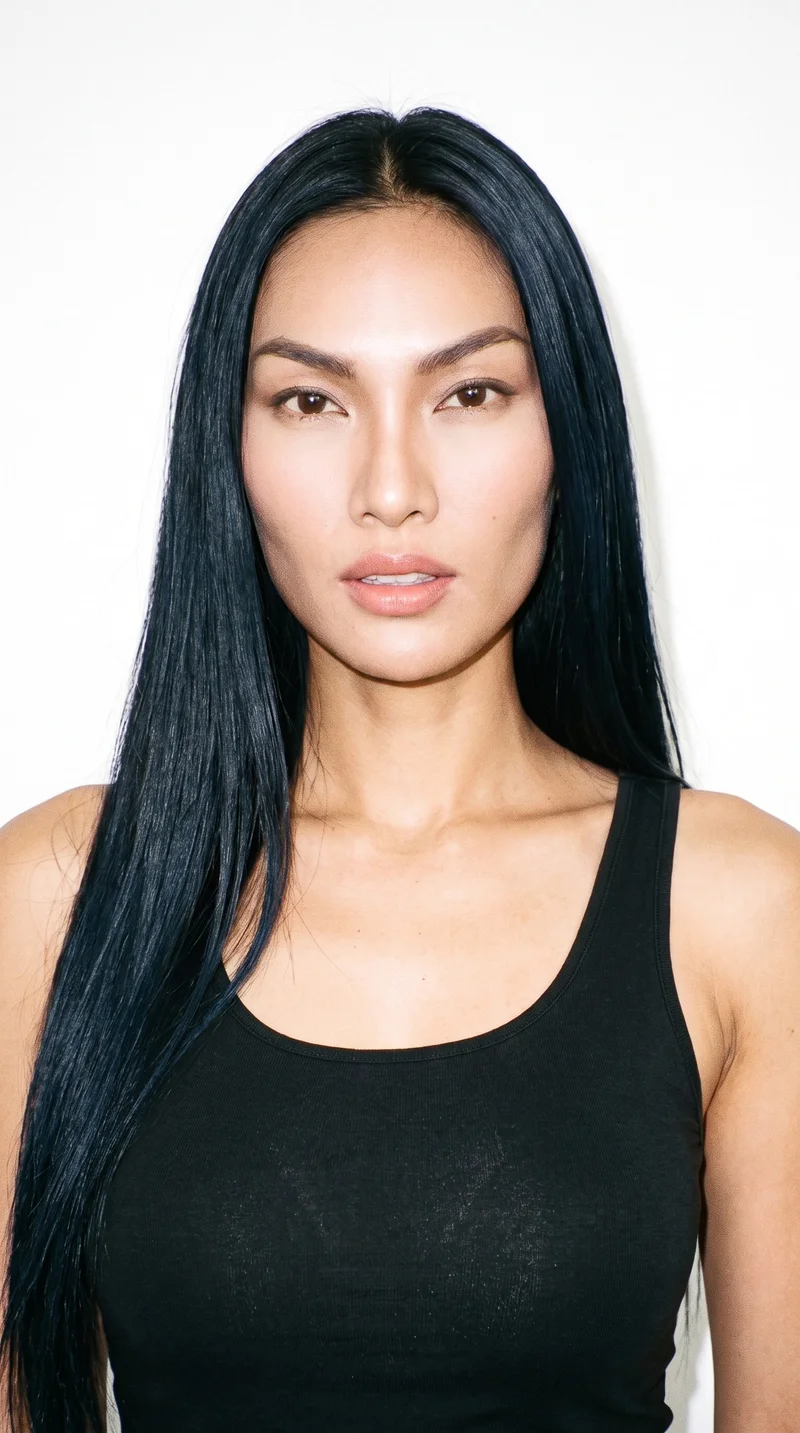
Female · 32
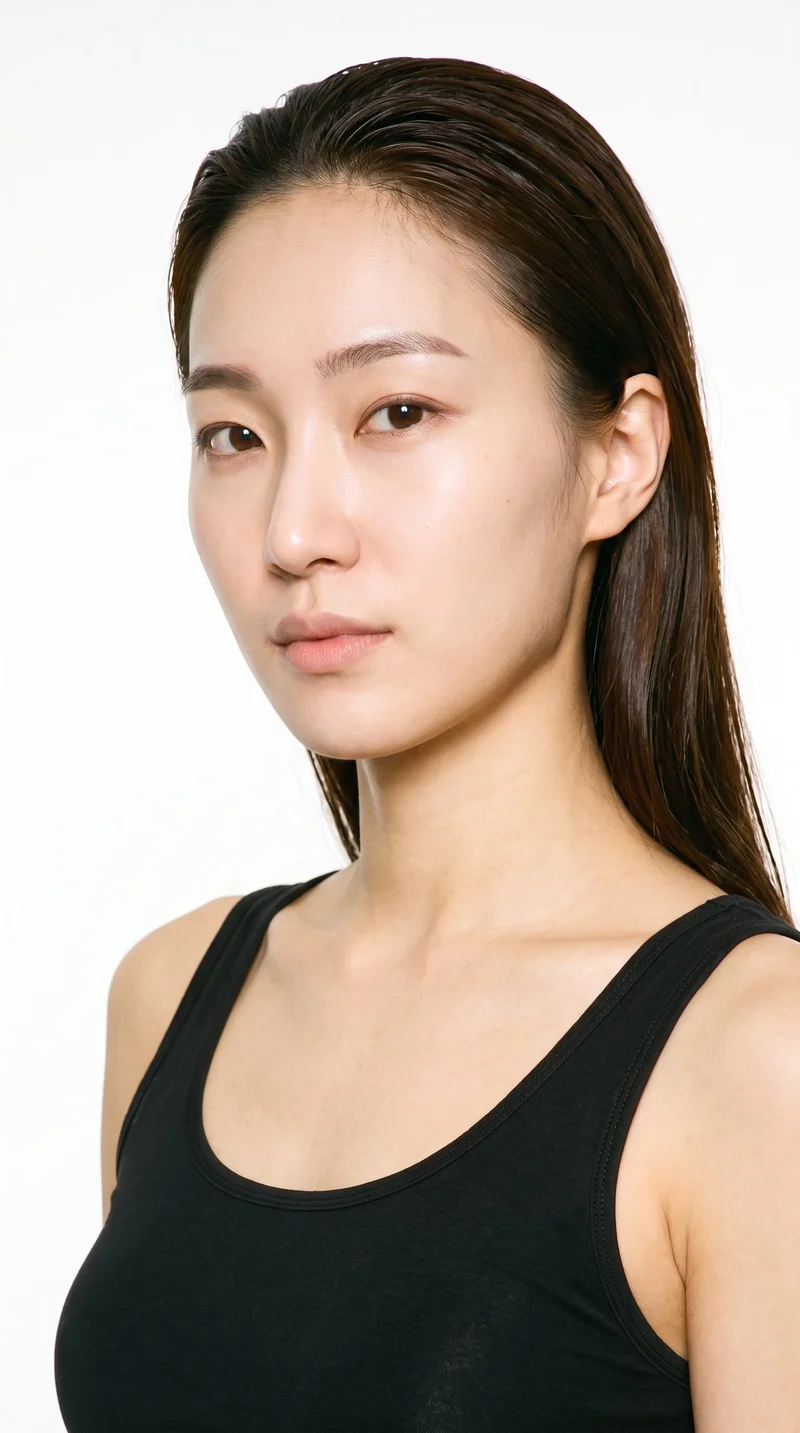
Female · 26
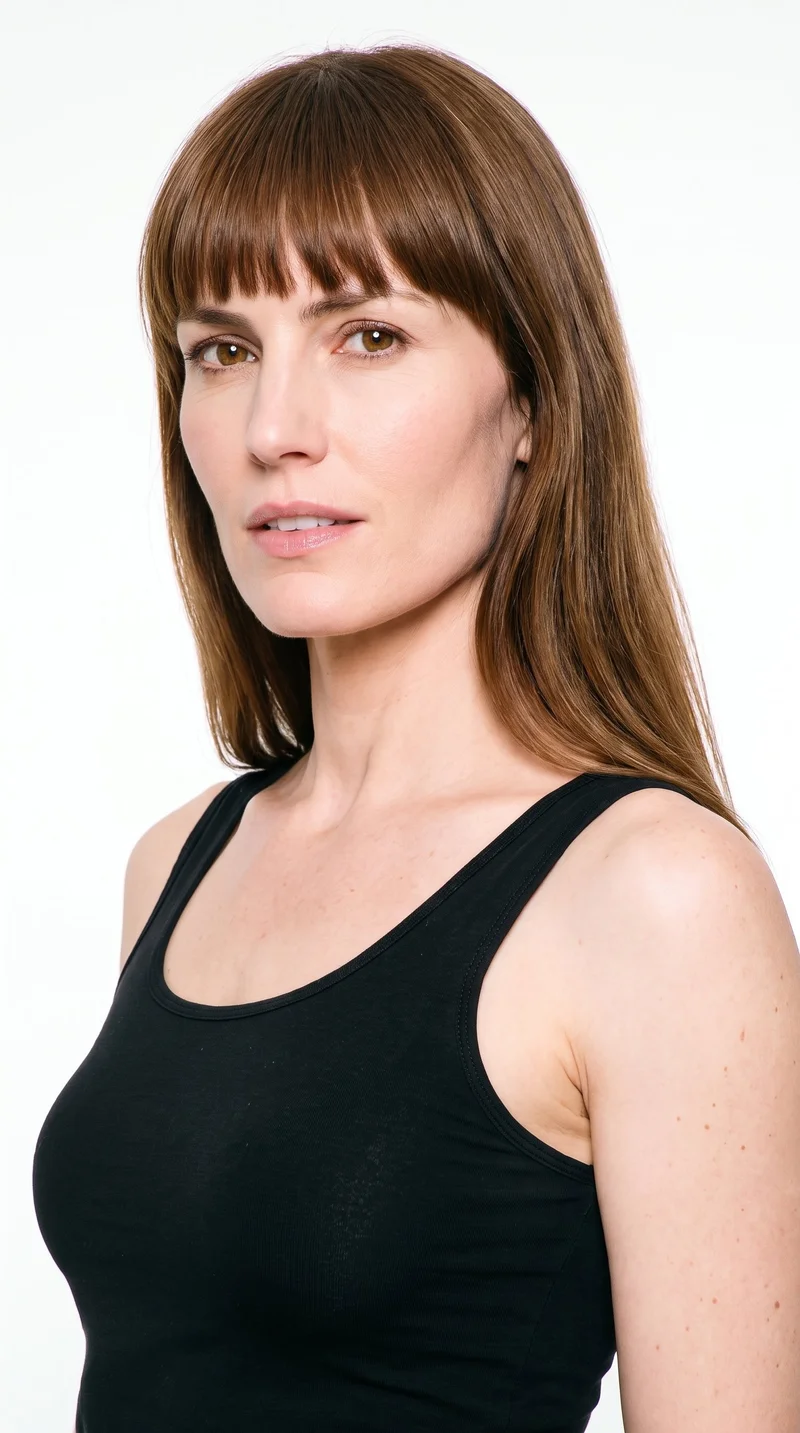
Female · 43
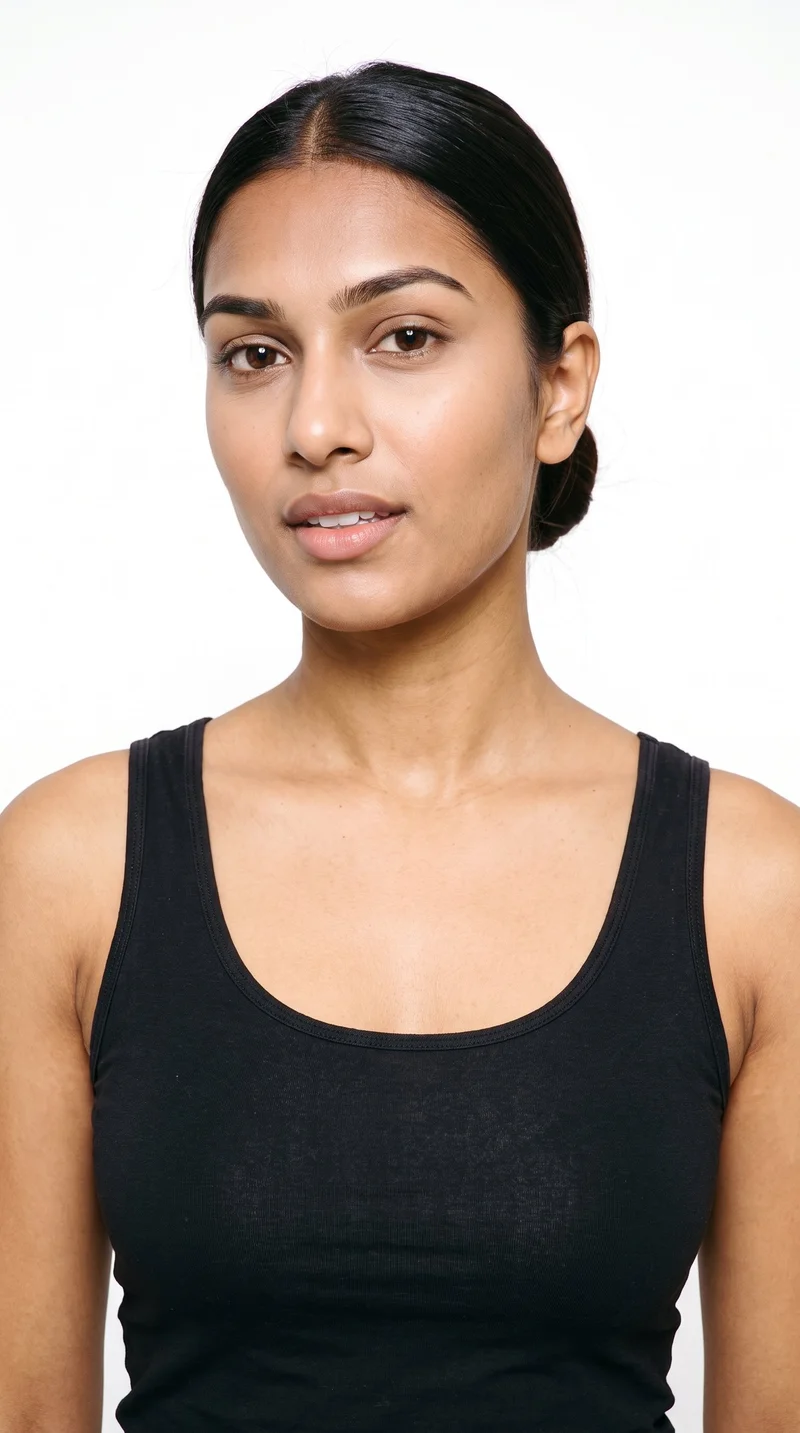
Female · 19
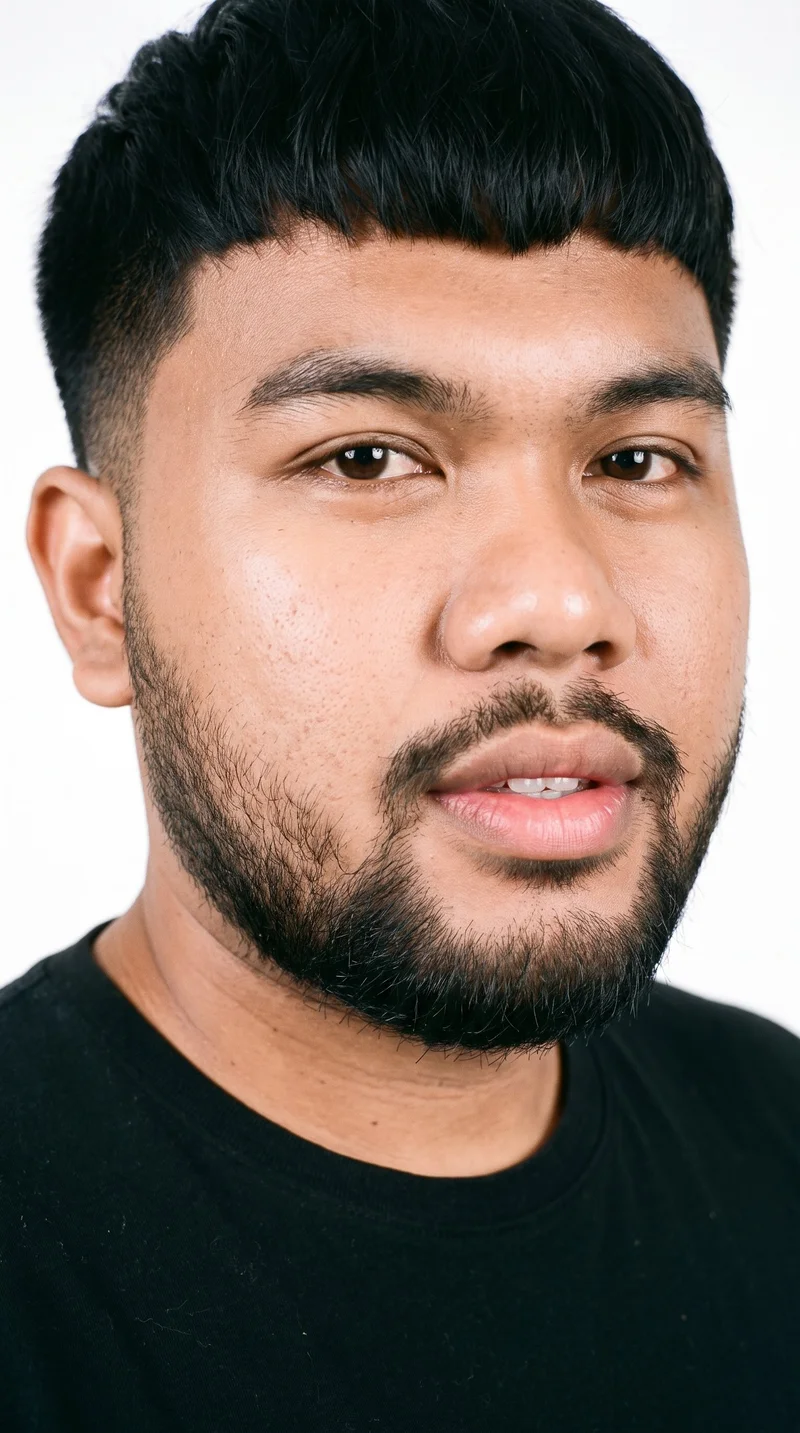
Male · 24
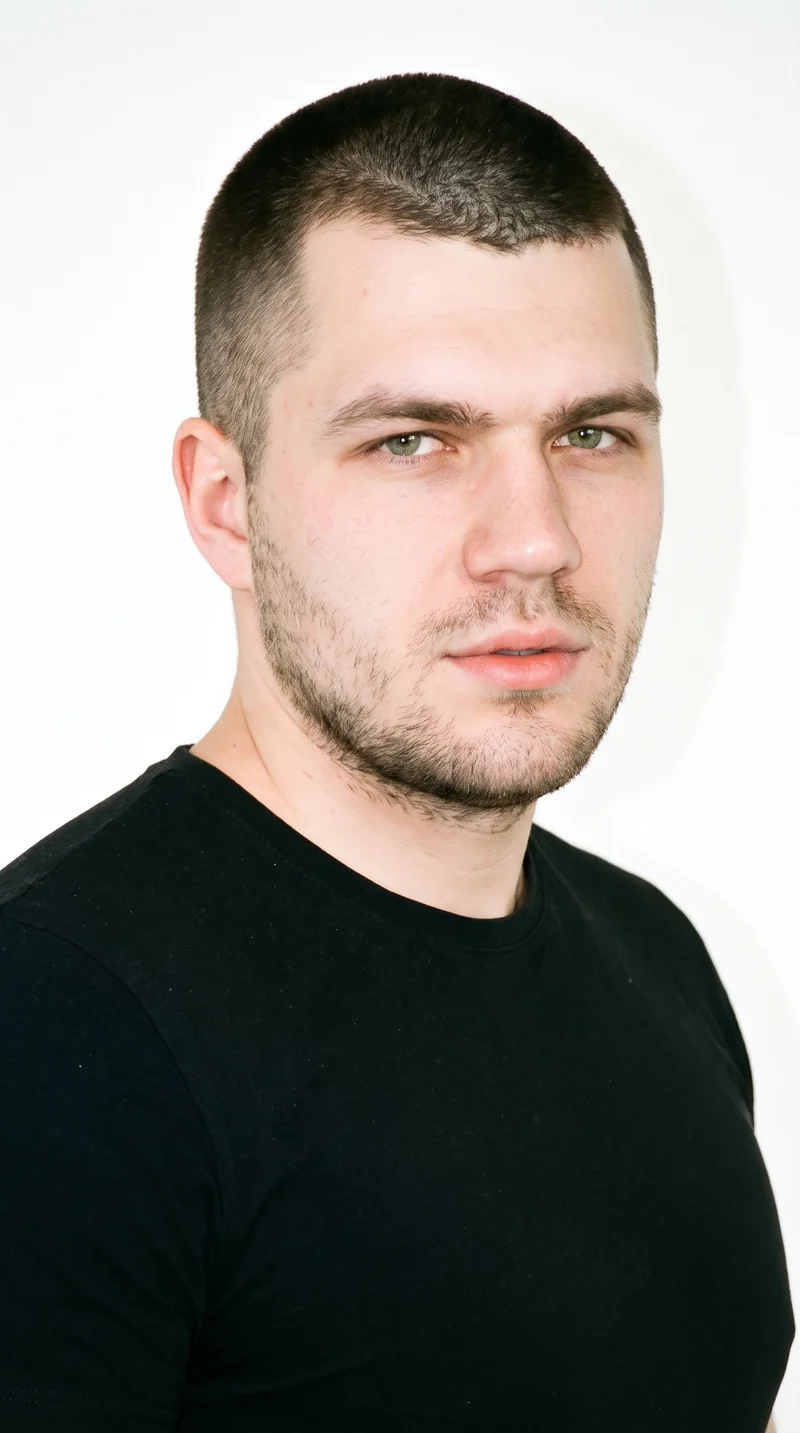
Male · 23
Showing 12 of 1,197
Cast your modelHow it works
One flat-lay in. A checked collection out.
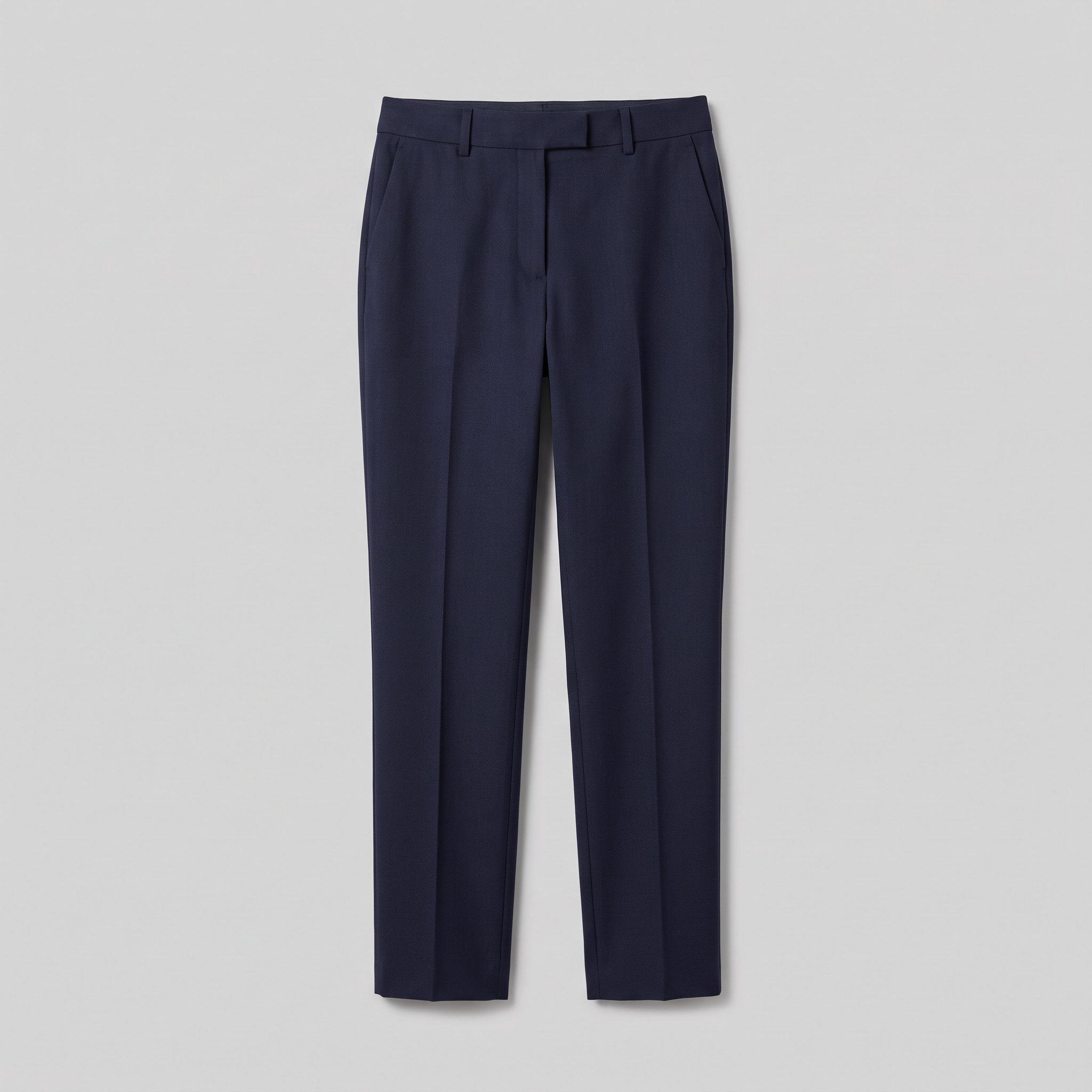 FrontDetail
Bring the product
A product photo, flat-lay or sketch is enough. Or start from a finished look and swap your piece in.
Direct the shoot
Every line of the shoot is a choice you click, from model to light. AI suggests a composition, you change any of it.
Get the whole collection, checked
Keep the setup and swap in the next style. Every image is checked against your choices, and one that misses is made again before you see it.
Gallery
Collection pieces in short launch motion
A collection piece held in frame as the camera moves through a short launch moment.
Looks & backgrounds
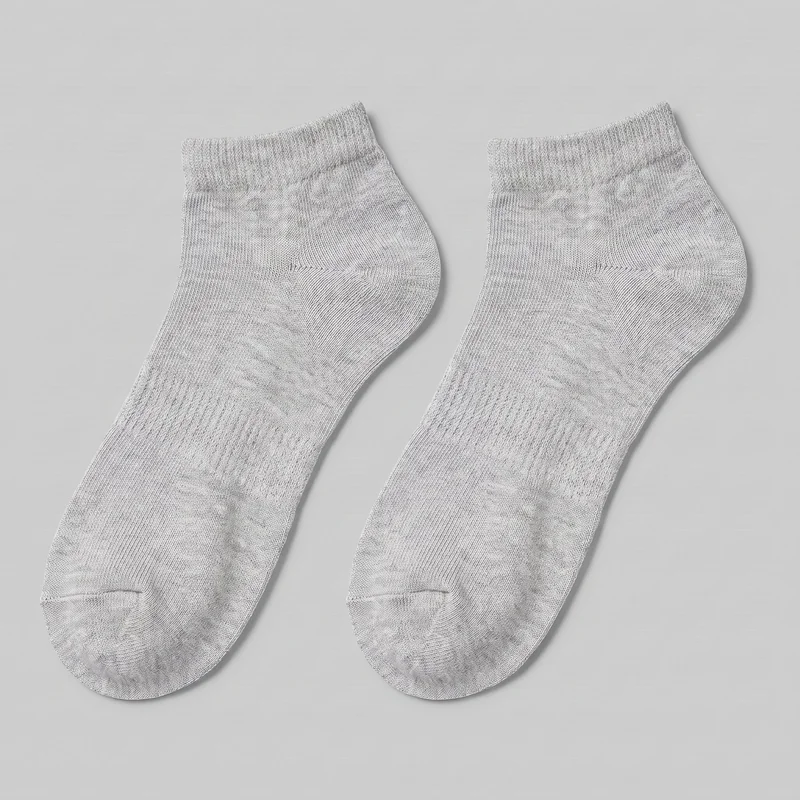 Women's Grey Cotton Ankle Socks
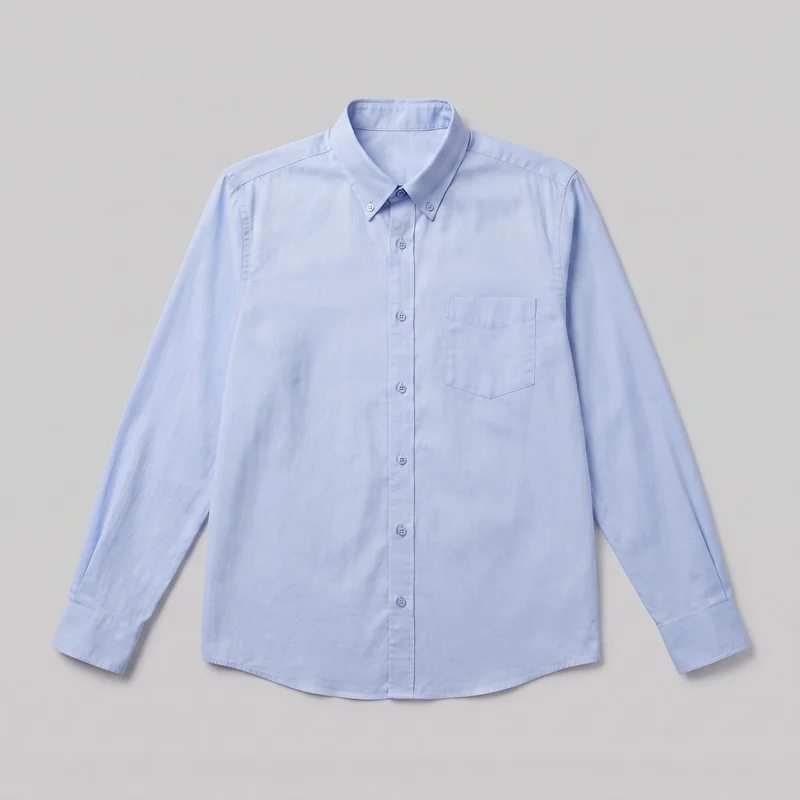 Light Blue Button-Down Shirt
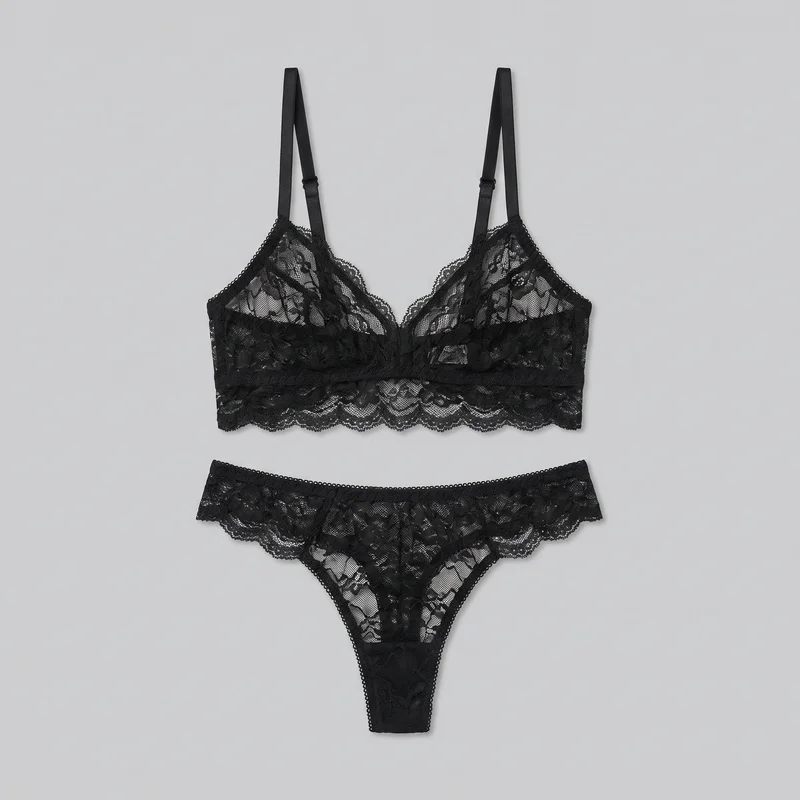 Black Lace Lingerie Set
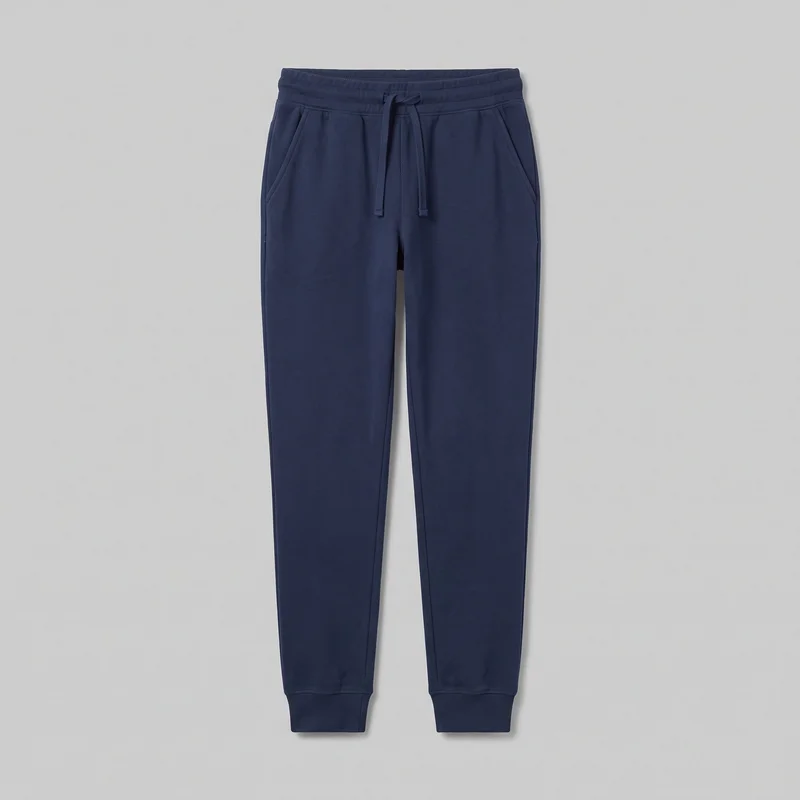 Women's Navy Cotton Joggers
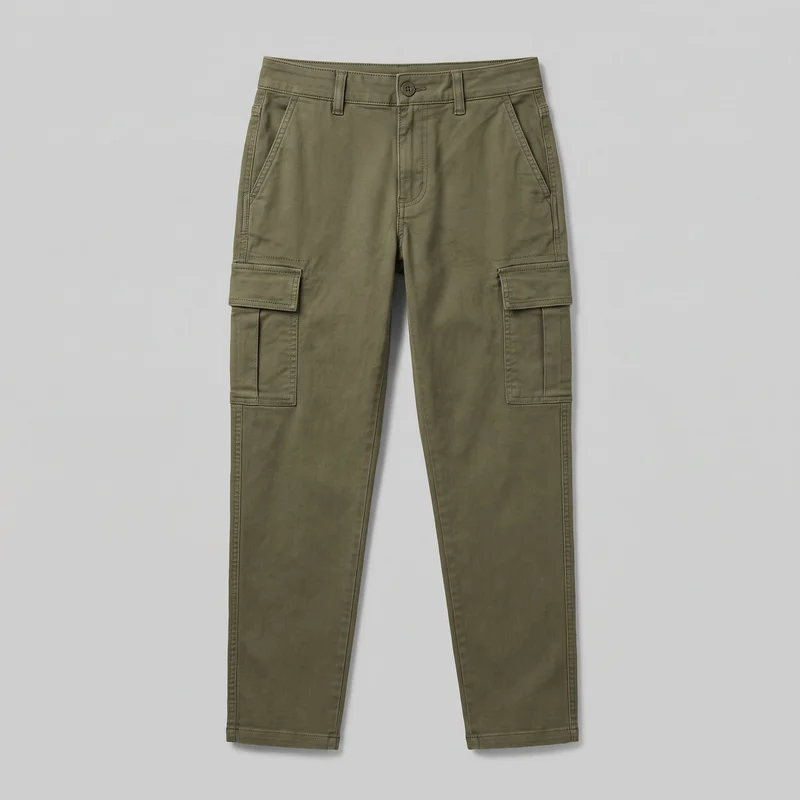 Women's Olive Utility Cargo Pants
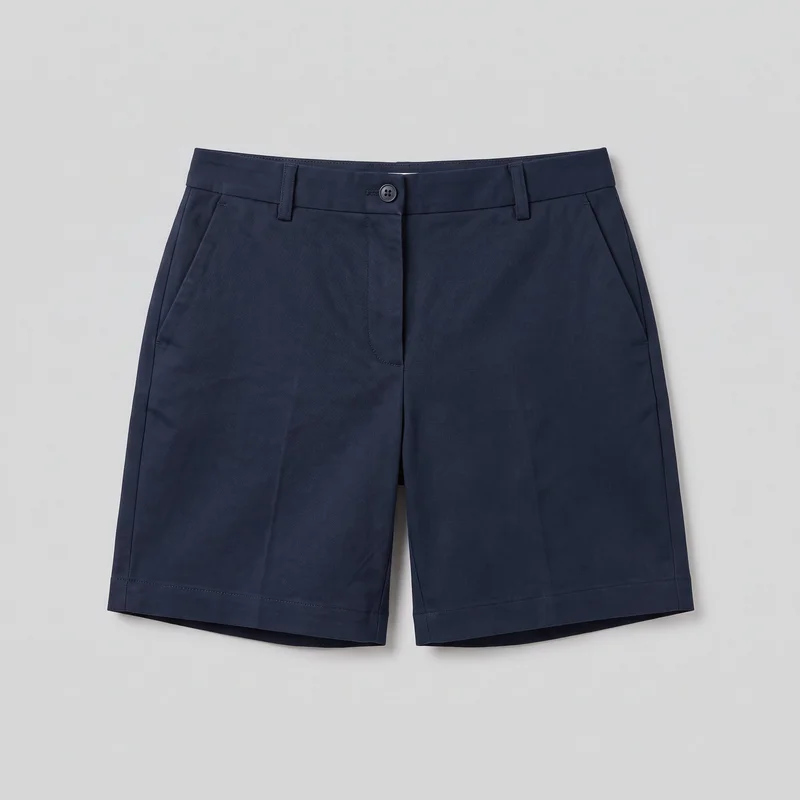 Women's Navy Tailored Shorts
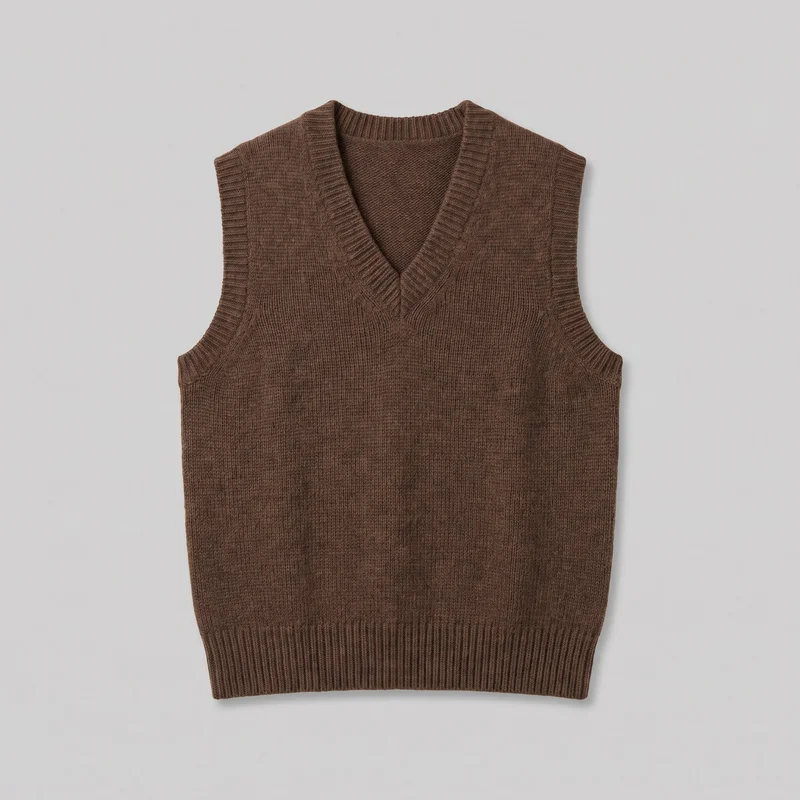 Women's Brown Wool Sweater Vest
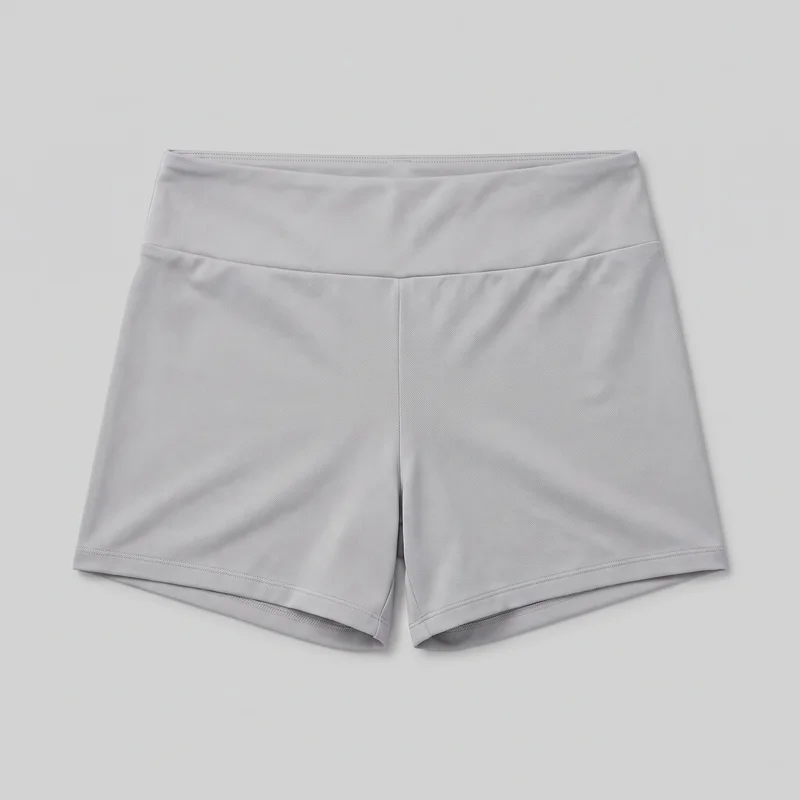 Women's Grey Gym Shorts
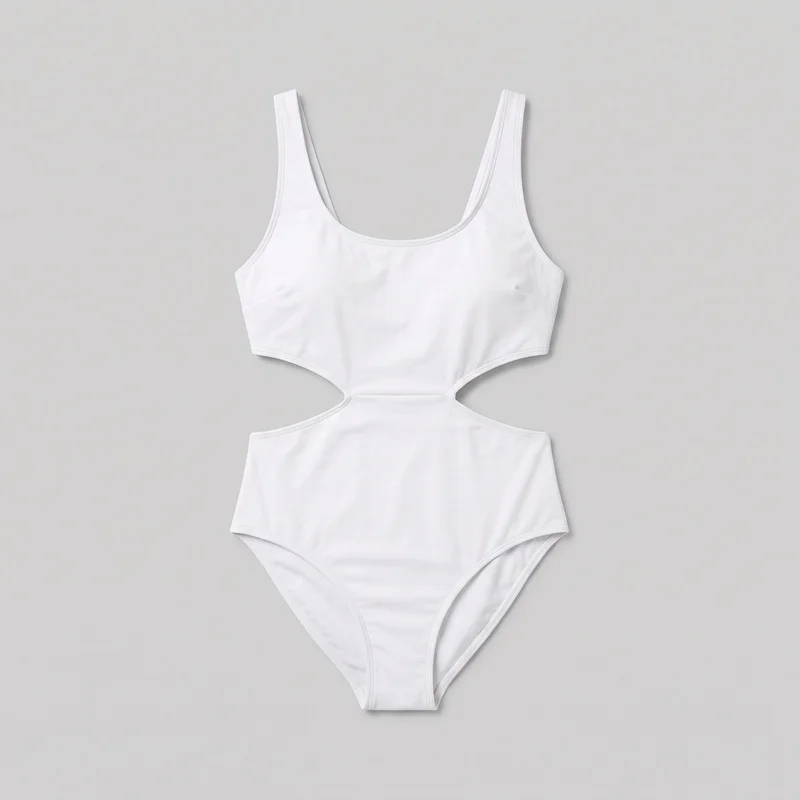 White Cut-Out One-Piece Swimsuit
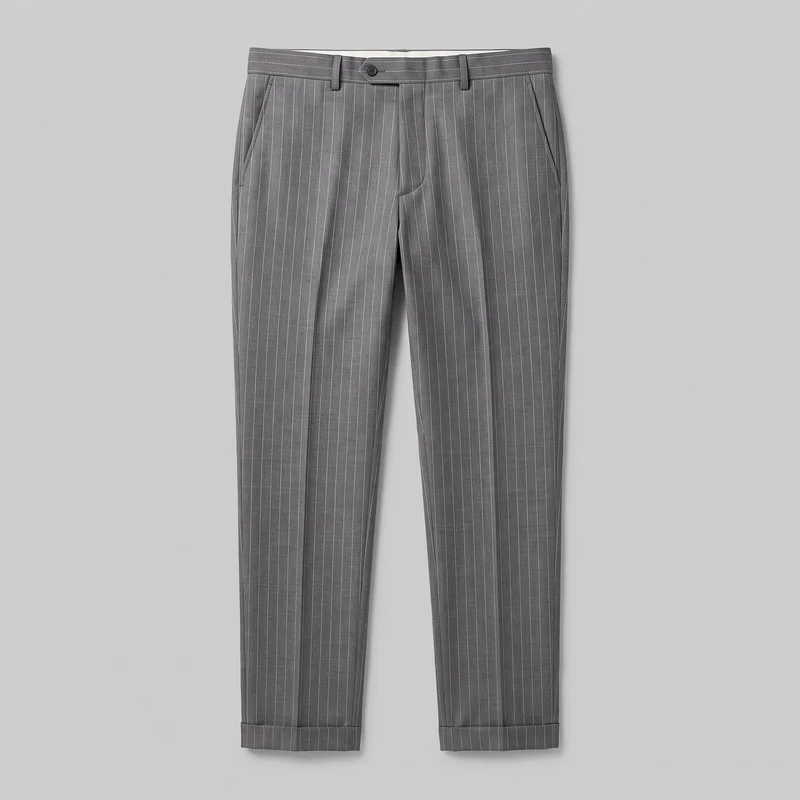 Men's Grey Pinstripe Tailored Trousers
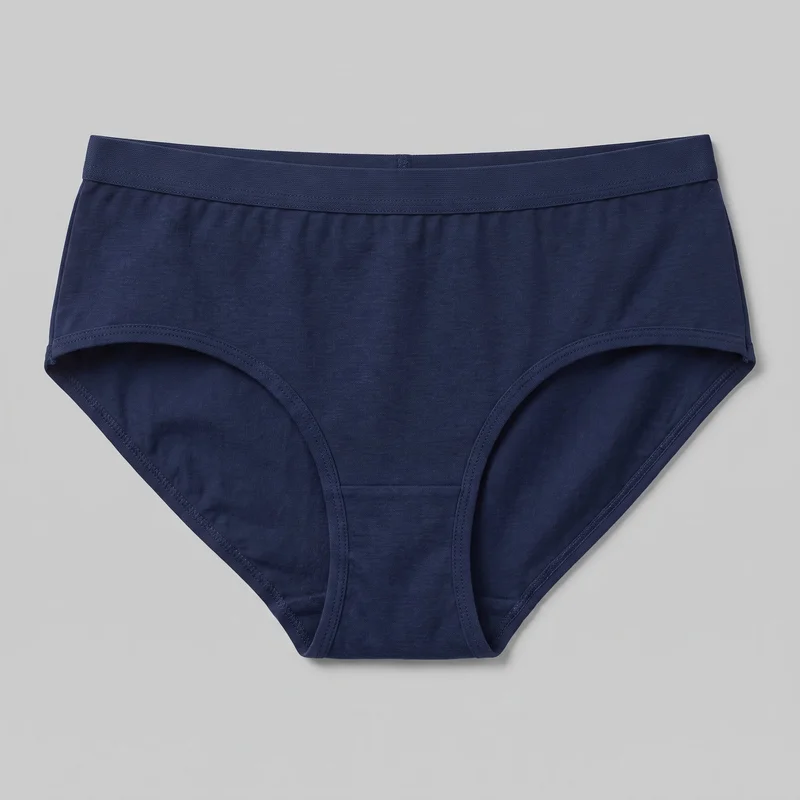 Women's Navy Briefs
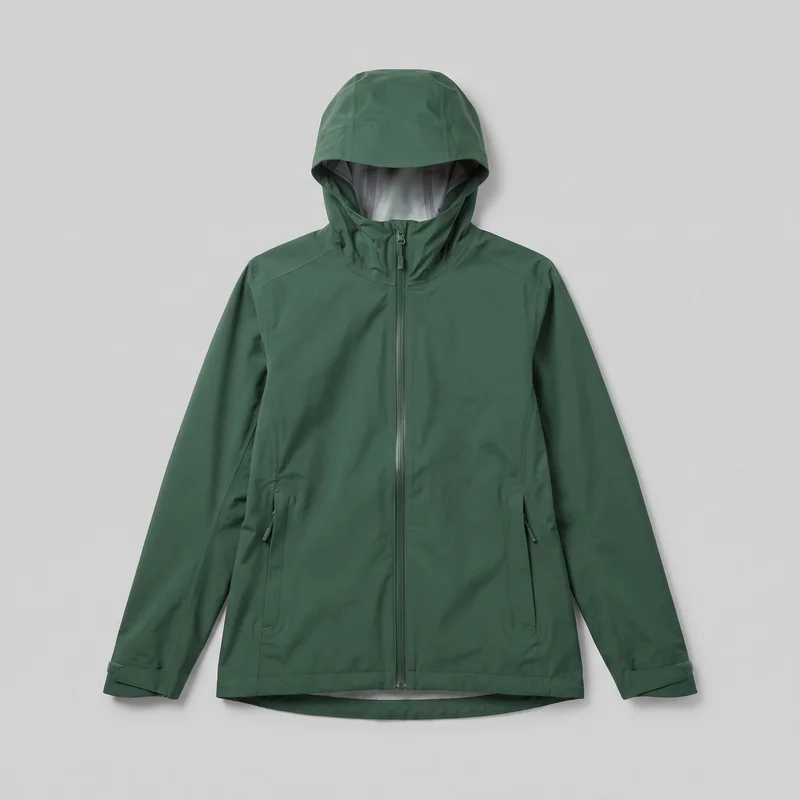 Women's Green Waterproof Jacket
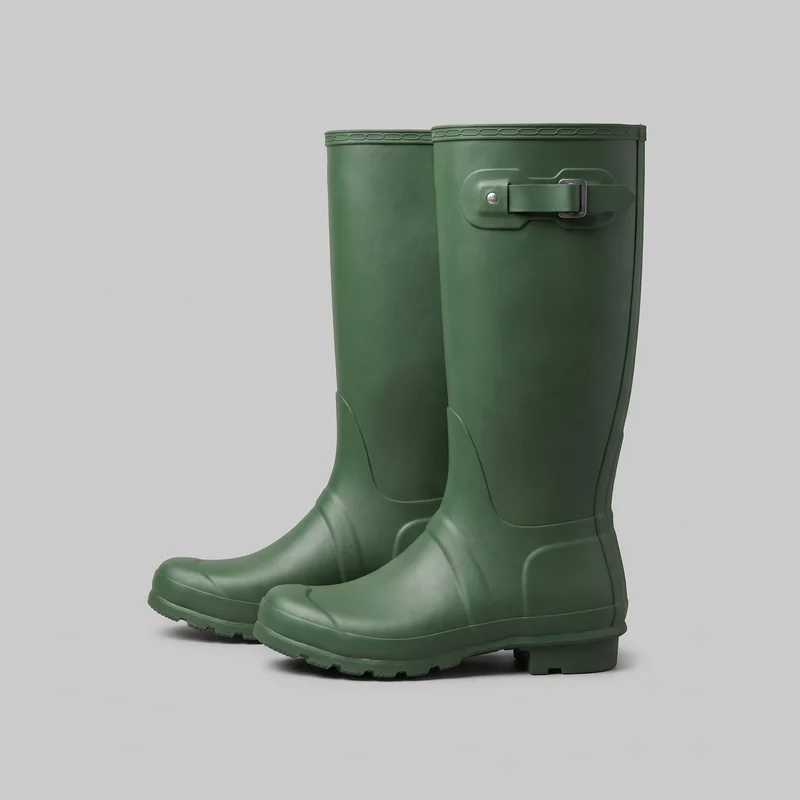 Men's Green Wellington Boots
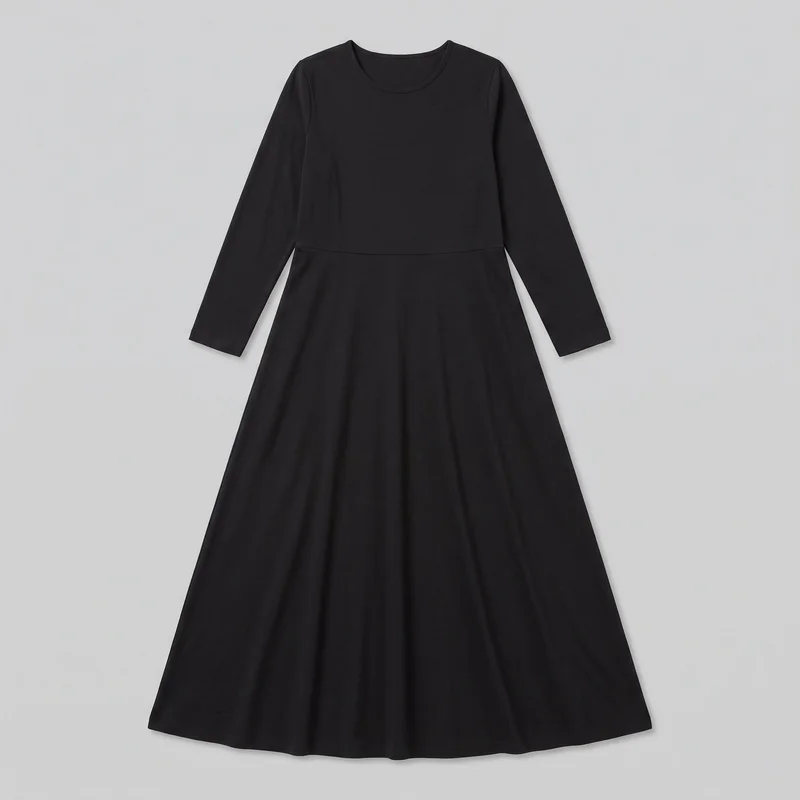 Black Modest Maxi Dress
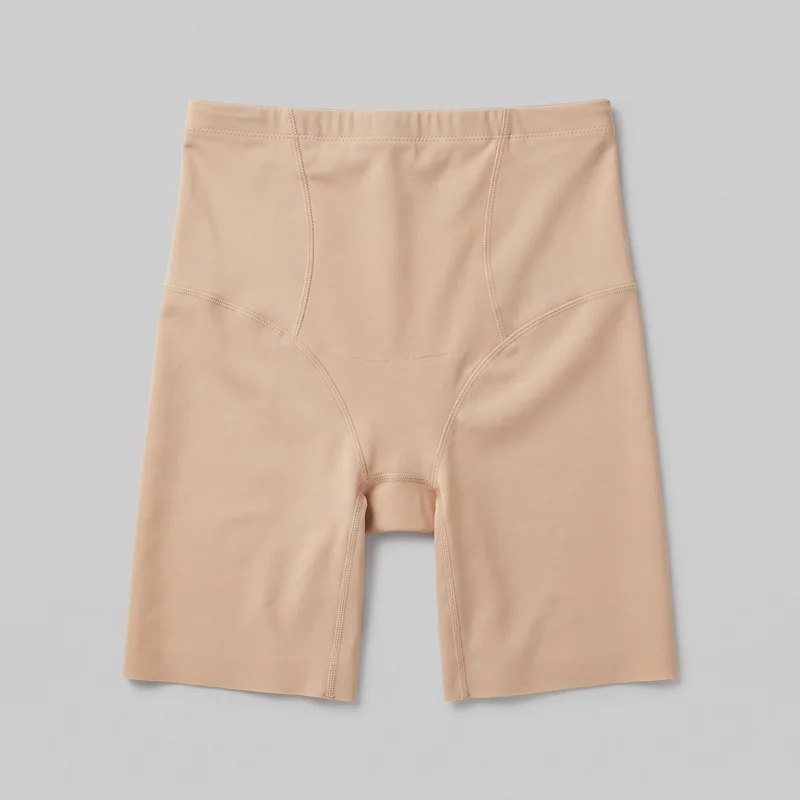 Beige Shaping Shorts
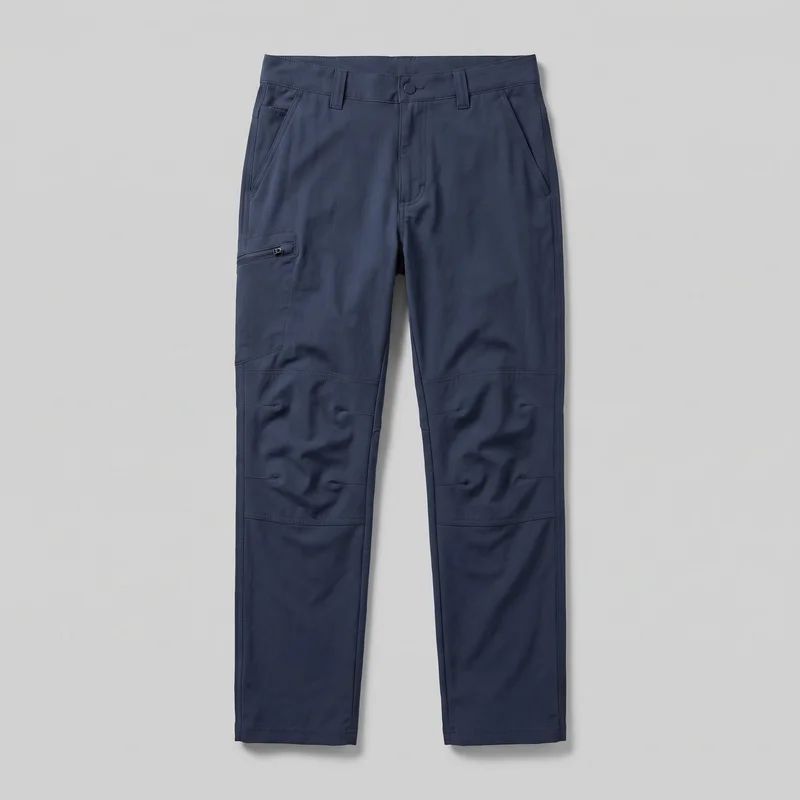 Men's Navy Hiking Trousers
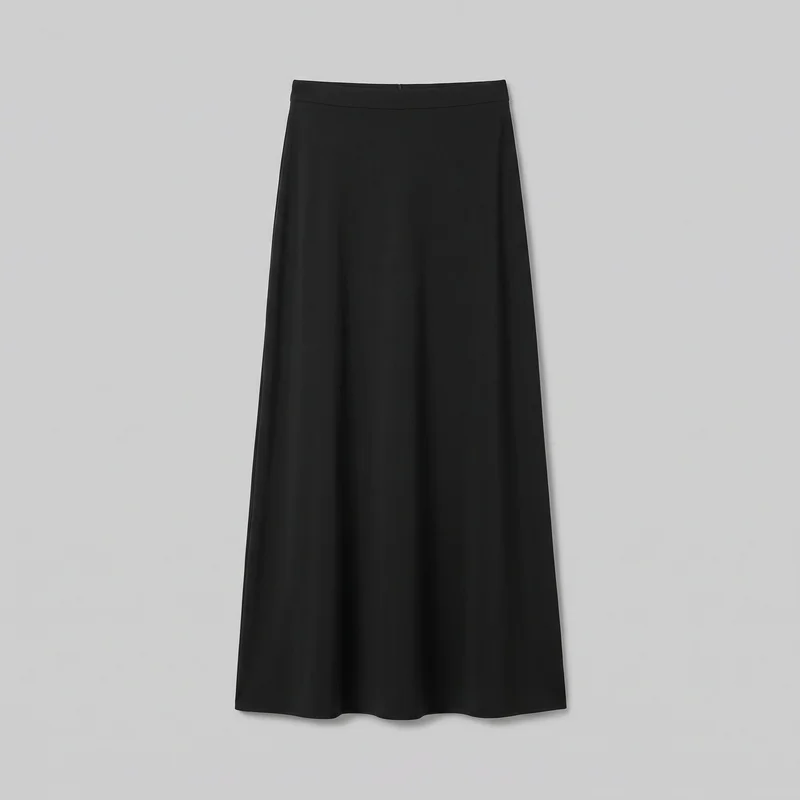 Black Maxi Skirt
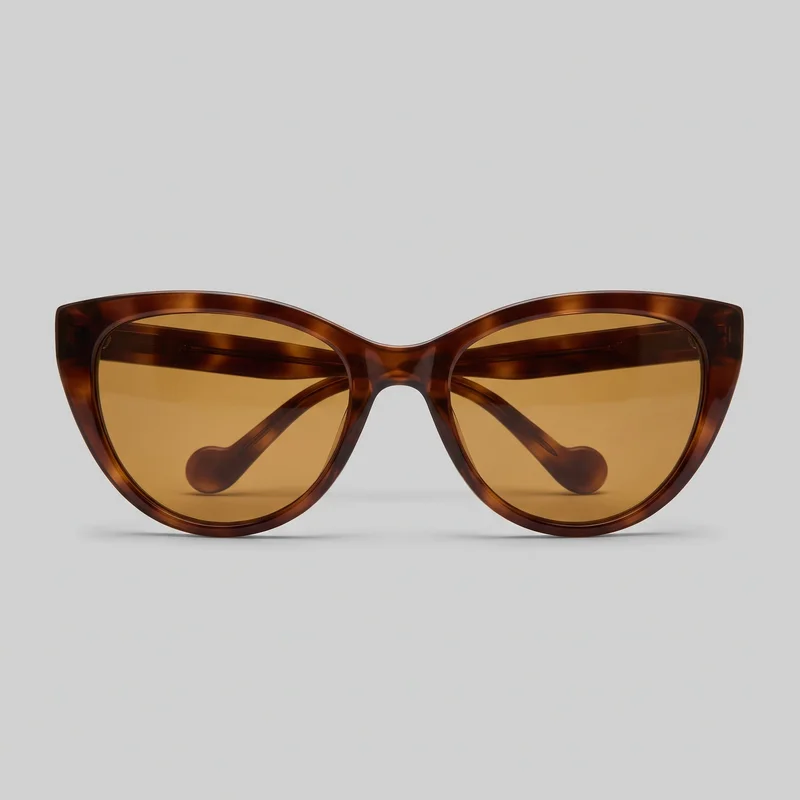 Women's Brown Cat-Eye Sunglasses
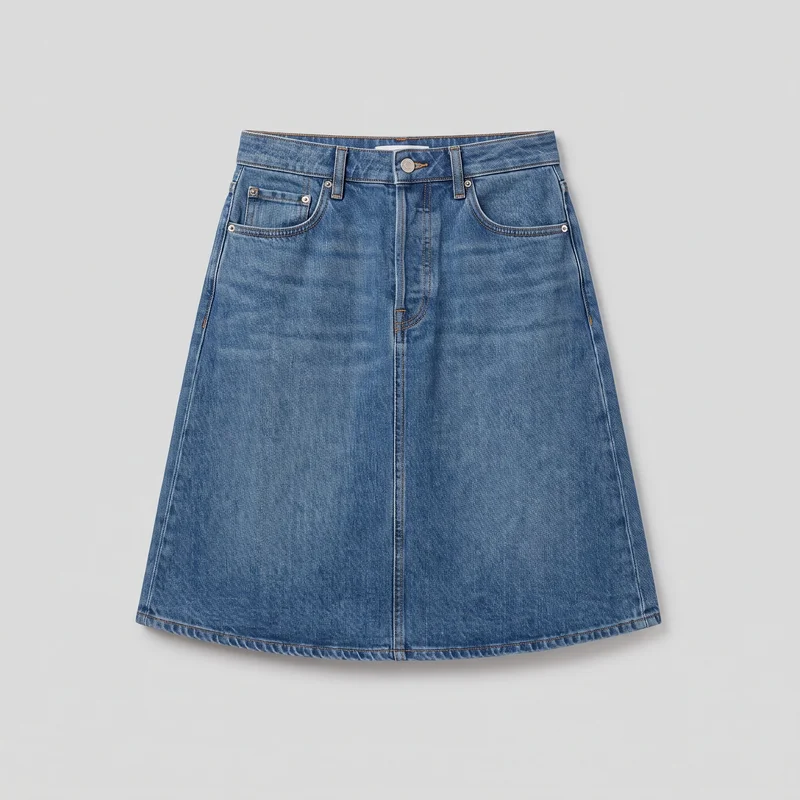 Mid-Wash A-Line Denim Skirt
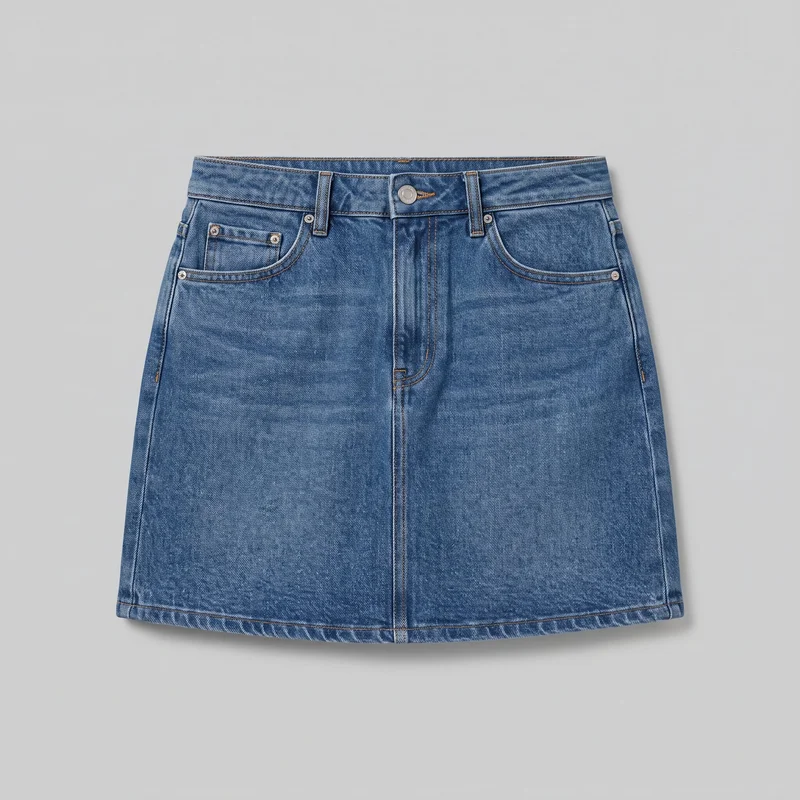 Denim Mini Skirt
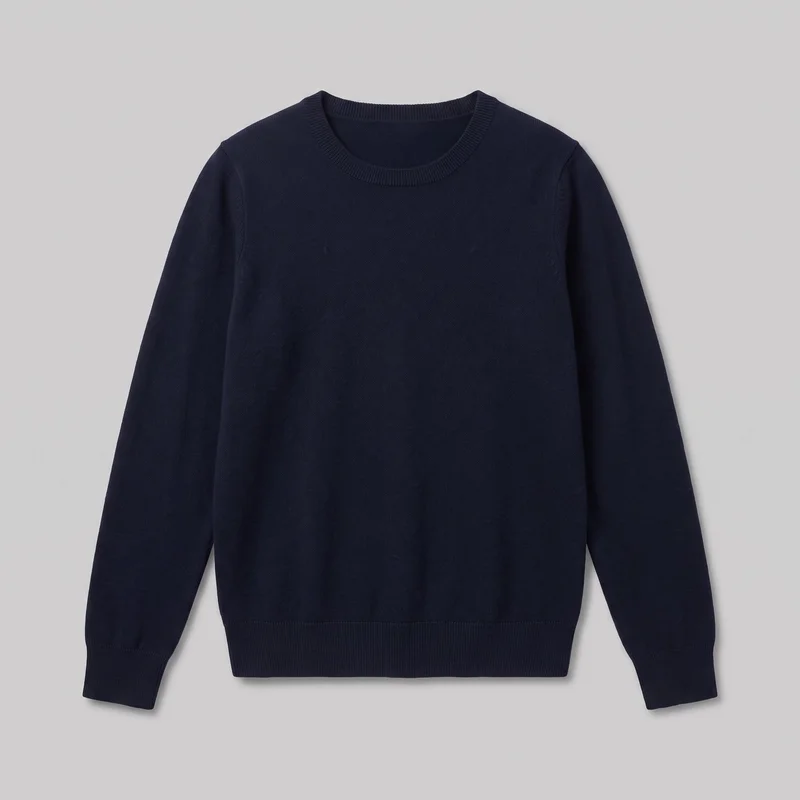 Women's Navy Wool Pullover Jumper
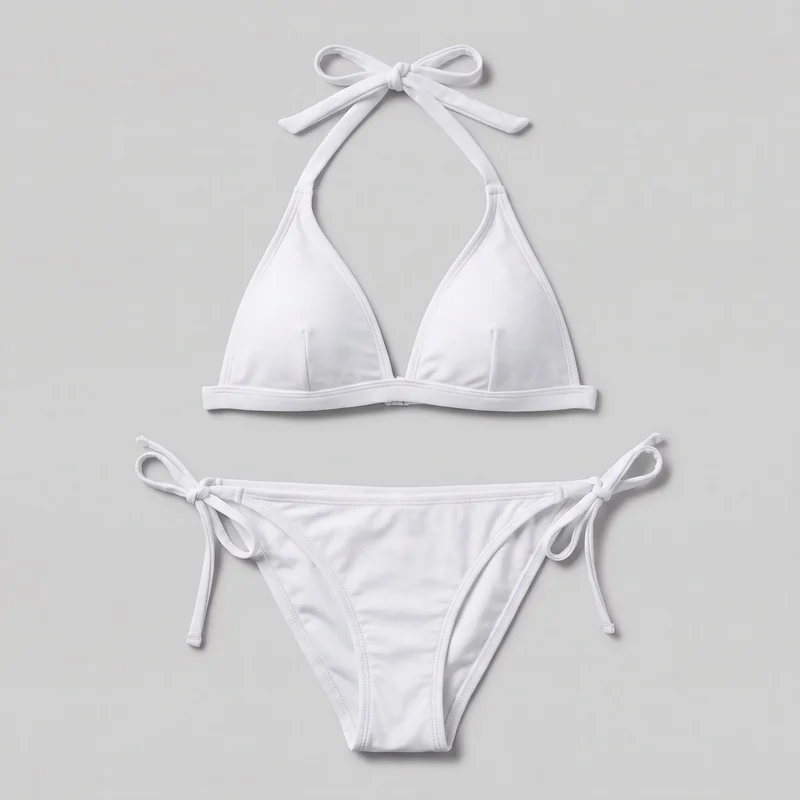 White Halter Bikini
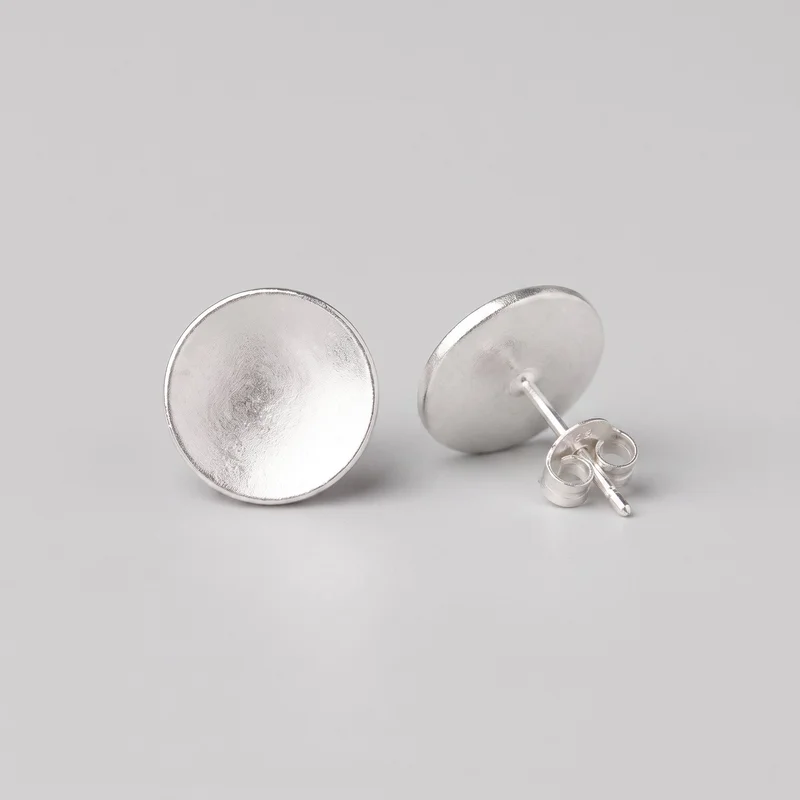 Women's Silver Stud Earrings
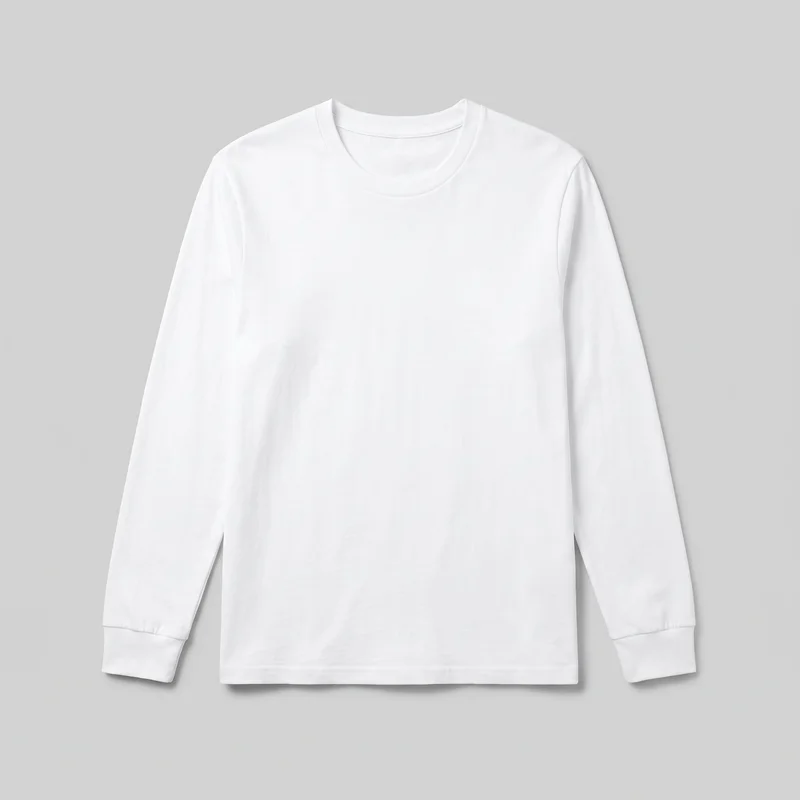 Men's White Long-Sleeve Tee
Showing 24 of 419
Catalog
Browse the catalog
By product
Consistency
Change motion, keep model, light and frame
The source image sets the visual foundation for the clip. Keep the same model, light, and frame across connected launch assets while directing motion that suits the product and the selected still.
You change one
- Frame
- Pose
- Camera view
- Model
The rest holds
Model
Keep the selected model present across related launch imagery.
Light
Carry the chosen lighting direction into the source launch still.
Frame
Match movement to the frame chosen for the product.
Who it's for
Does this fit your collection launch?
A perfect fit
This fits if you are a marketing manager, social media manager, or e-commerce manager preparing short motion for a collection drop.
Work it handles well
- You can direct a product-led launch teaser.
- You can use approved product imagery for motion.
- You can keep launch assets visually connected.
Rights
You own every image. Every image says what it is.
Yours
- Full commercial rights to every image, permanently.
- No recurring licence fees on any model in the library.
- Every model is a synthetic composite, so there is no real-person likeness.
Labelled
- C2PA content credentials on every image.
- AI-labelled output, aligned with EU AI Act Article 50.
Checked
- Every image is checked against your model, frame, view and pose before delivery; one that misses is made again.
- A safety filter screens every upload and blocks nude or explicit images.
EU-based hosting, GDPR-compliant handling.
- Aligned with EU AI Act Article 50
- C2PA
- Full commercial rights
- Quality-checked images
- Safety-filtered uploads
- GDPR-compliant handling
- EU-based hosting
Questions
What brands ask before a collection drop?
What does a launch video give a collection drop?
A launch video gives your collection drop a short, product-led teaser with measured model and camera movement. It turns approved product imagery into motion for the first launch impression while keeping the piece, selected model, light and frame visually connected to the rest of the campaign. You direct the camera movement and frame-matched action around the product rather than building a long film. Start with the launch still that best represents the collection piece and use the clip where motion will support the release.
Which launch jobs and channels suit short collection teaser videos?
Hero reveals, product-detail teasers, collection-release posts, stories and product-page placements suit short collection teaser videos. They work when you need a concise motion asset that keeps the product central at launch, rather than a narrative film. Use an approved product image, then set the model, lighting, frame and camera movement to match the intended placement. A hero reveal can lead the drop, while detail-focused motion can support product imagery on social and product pages. Choose the launch touchpoints that need a connected motion cut.
Which video crops work for launch posts, stories and product pages?
4:5 works for feed-led launch posts and product-page presentation, while 9:16 suits vertical stories and other full-screen social placements. The source still establishes the frame for the motion clip, so choose a crop that leaves room for the product, model and intended camera movement without shifting the product out of focus. Check the selected frame and resolution against the placement before generating the teaser. Prepare a source image whose composition already supports the channel you plan to use.
How does RAWSHOT turn approved product imagery into a launch video?
RAWSHOT starts with your approved product imagery and creates a short motion clip from the selected still. You choose the model, lighting, frame, camera movement and an action that matches that frame, then select the resolution for the launch placement. The source image remains the visual foundation, helping related launch assets retain the same product-led presentation. This fits an existing approval workflow because you begin with imagery your team has already cleared. Select the strongest approved still first, then direct only movement that supports its composition.
How is RAWSHOT different from a studio shoot for launch teasers?
RAWSHOT is different from a studio shoot because it creates short, directed motion from approved product imagery rather than requiring a new physical production. It also differs from flat-lay photography, smartphone photos and 3D renders by giving the selected model and camera measured movement around the actual launch presentation. You retain control of the model, light, frame, camera view and frame-matched action, while the source still anchors product continuity. Use it for concise launch touchpoints; plan a conventional production when you need a longer film or a specific real person.
Where do social launch posts and product-page teasers reach RAWSHOT's limits?
Social launch posts and product-page teasers work for short, product-led motion, not a long-form launch film. The result relies on clear approved source imagery, so weak or unclear product material limits product accuracy in the clip. You also cannot request a specific real person, and model actions must be available for the selected still frame rather than extending beyond it. The clip is designed for measured camera and model movement that supports the product. Use a conventional production when your launch needs extended storytelling, a named person or unrestricted action.
Who owns RAWSHOT launch videos and can my brand use them commercially?
You get full commercial rights to every image, permanently, with no recurring licence fee. Every image carries C2PA content credentials and is labelled as AI-generated.
Get started
Turn approved imagery into motion with RAWSHOT
Start with a 7-day free trial including 50 tokens, then move to the plan that matches your production volume.