
AI model photoshoot
Your product on a model, before casting.
You have a product image, flat-lay, mockup or sketch, but no cast ready for the shoot. You can direct original on-model hero stills around the real piece for campaign creative.
7-day free trial • 50 tokens (10 images) • Cancel anytime
- A 2K image in roughly 35 seconds
- AI-labelled with C2PA content credentials
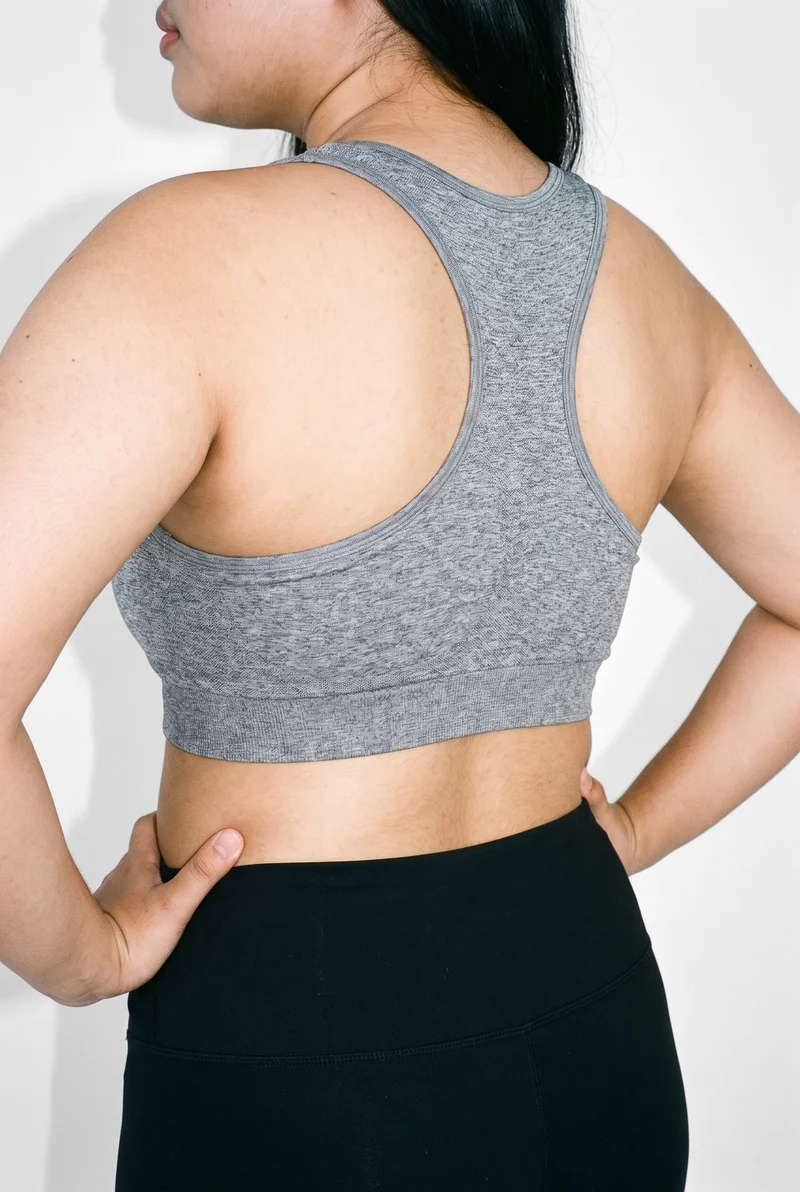
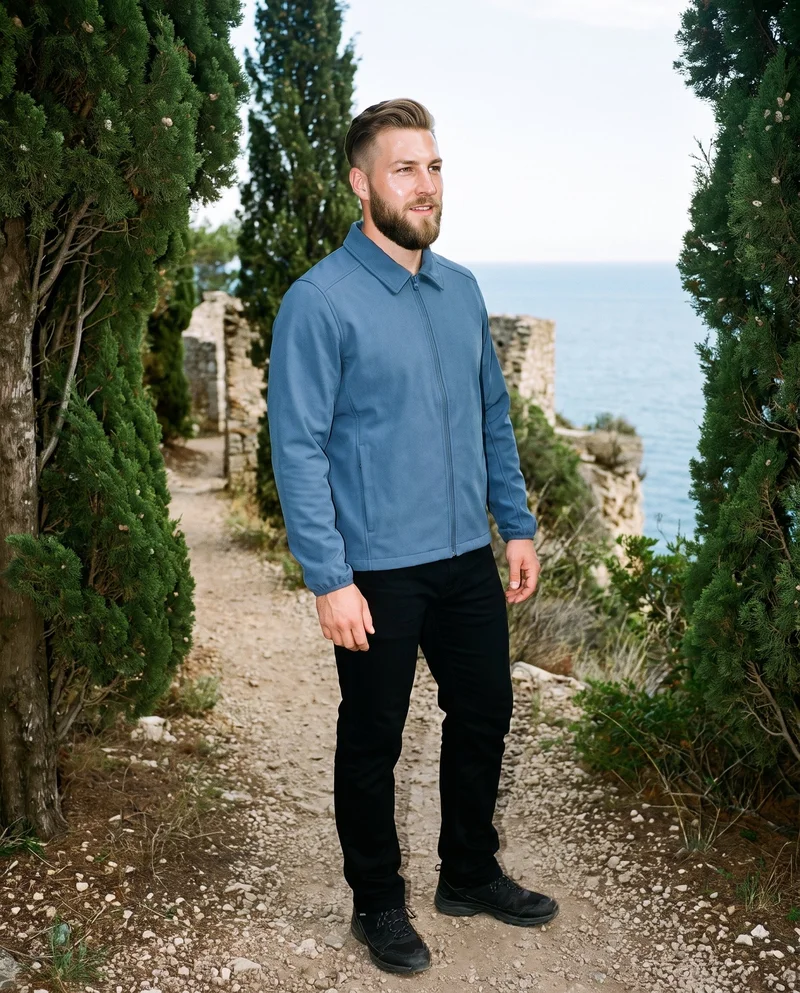
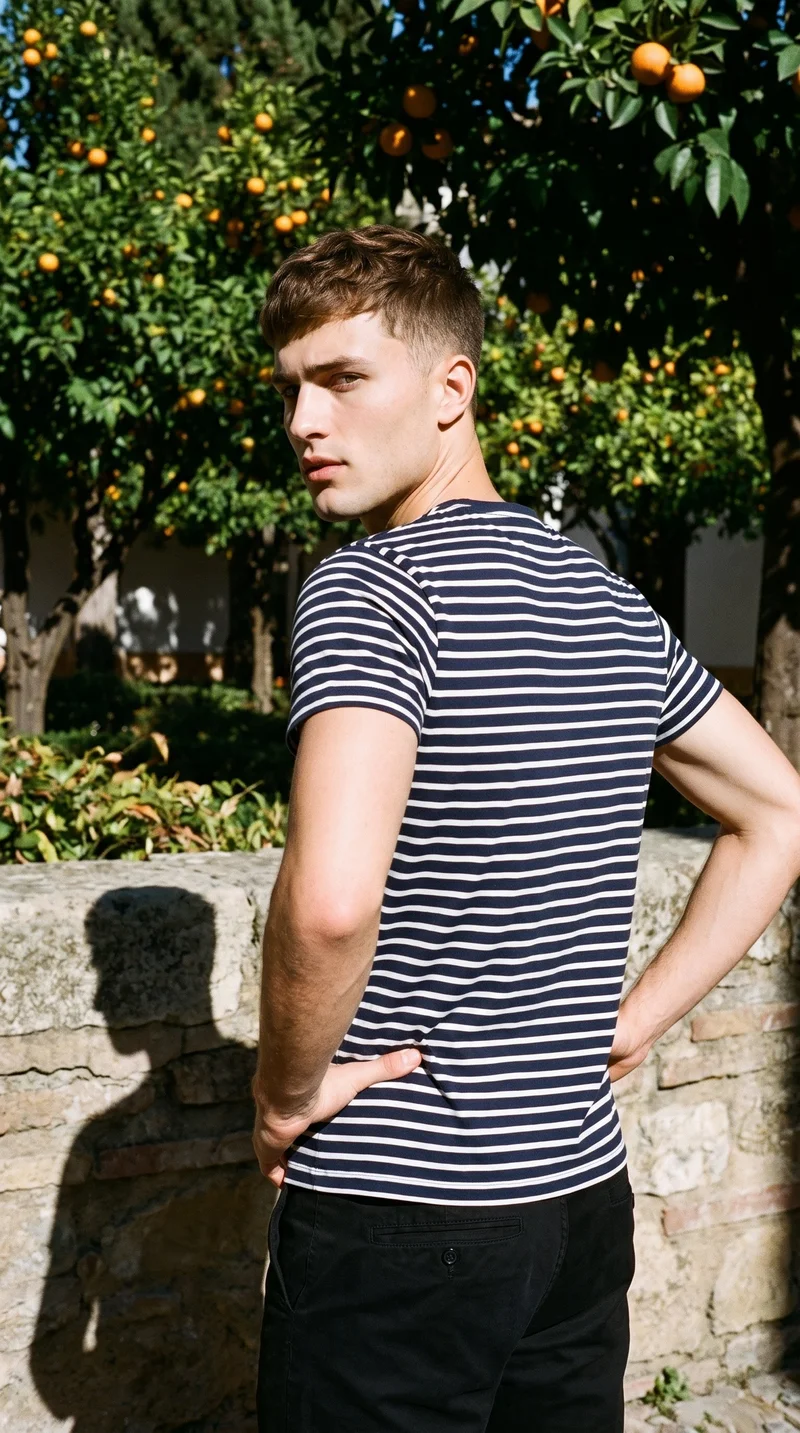
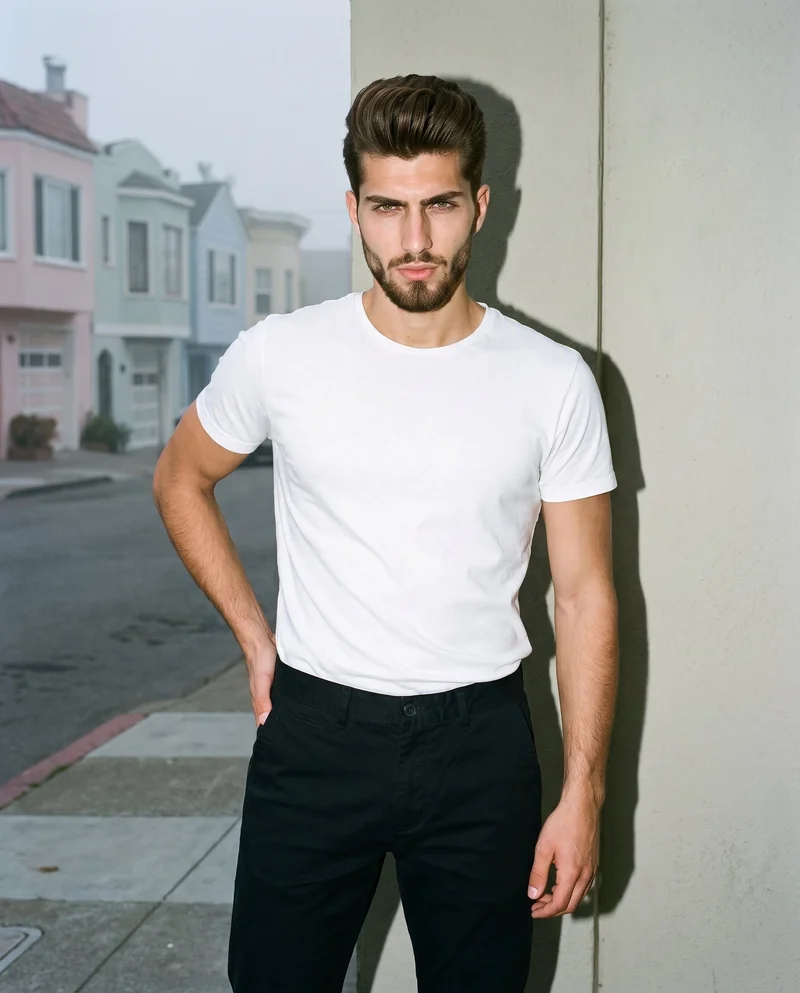
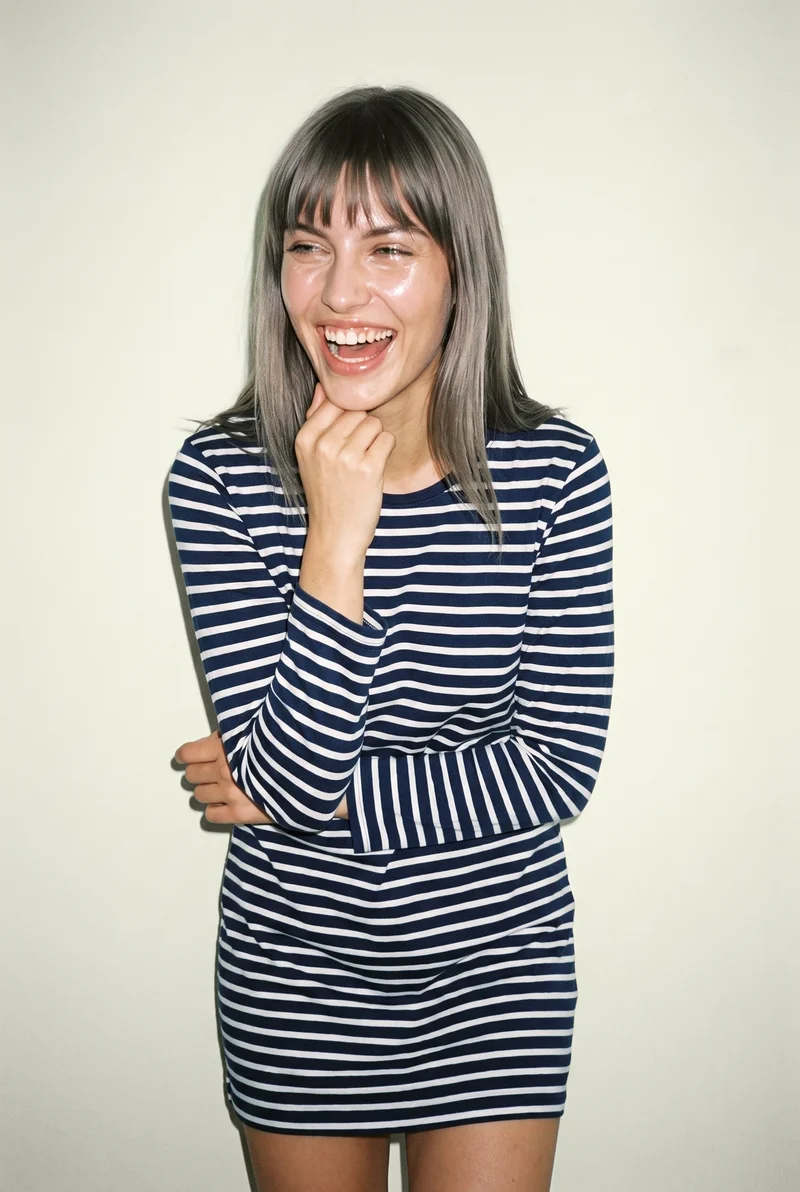
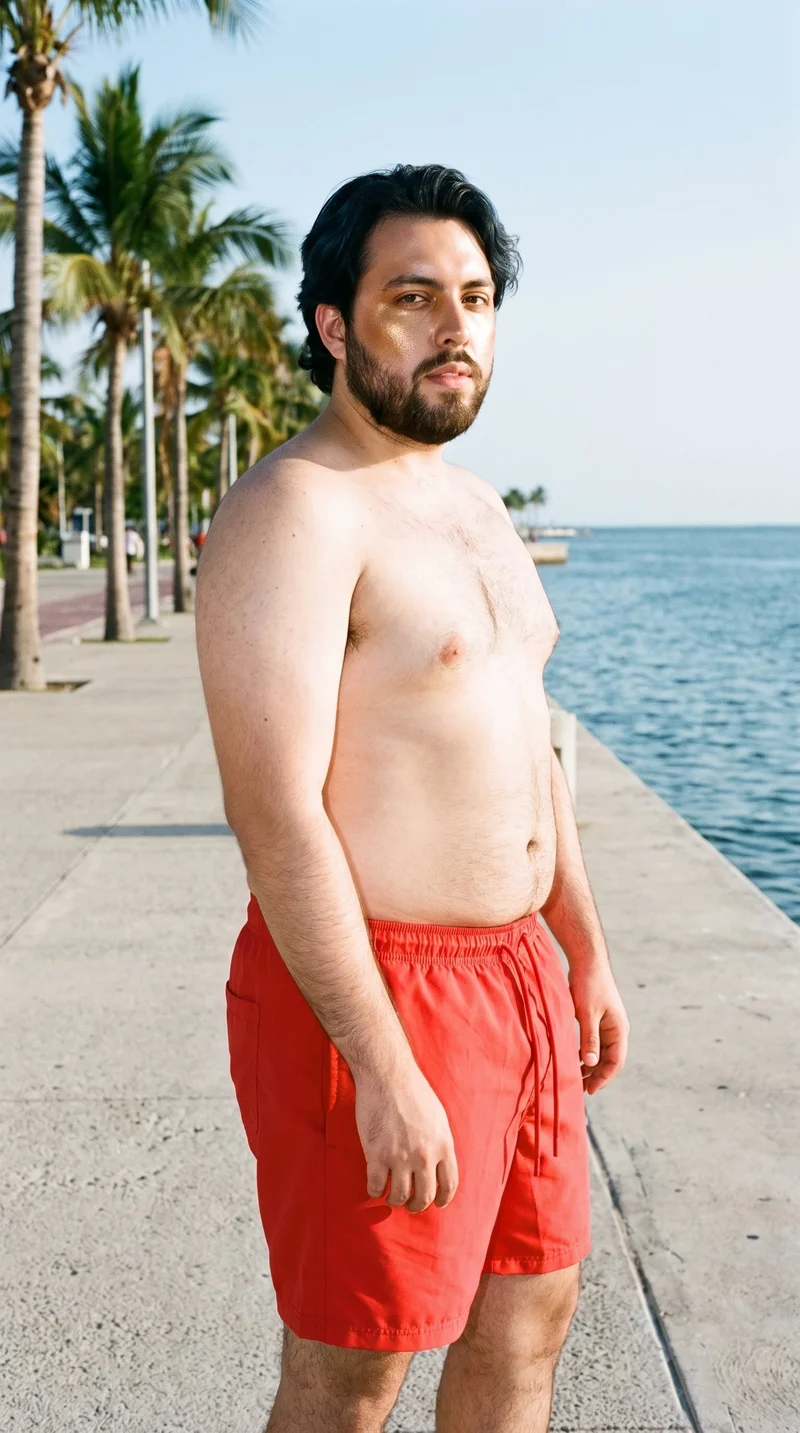
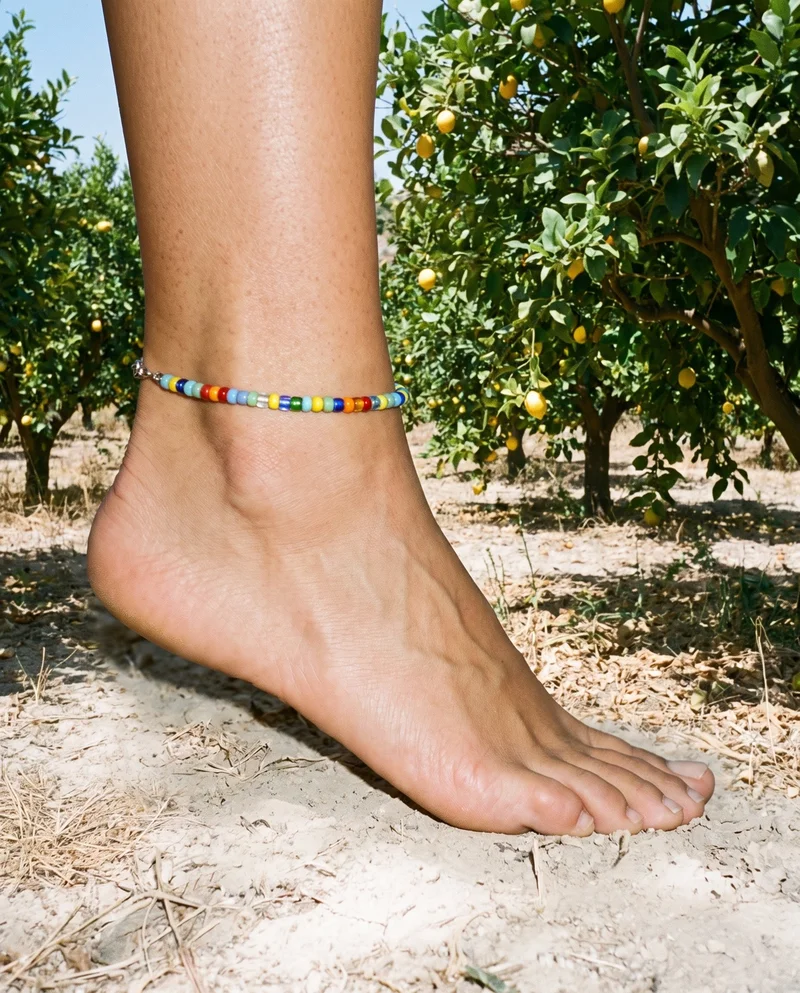
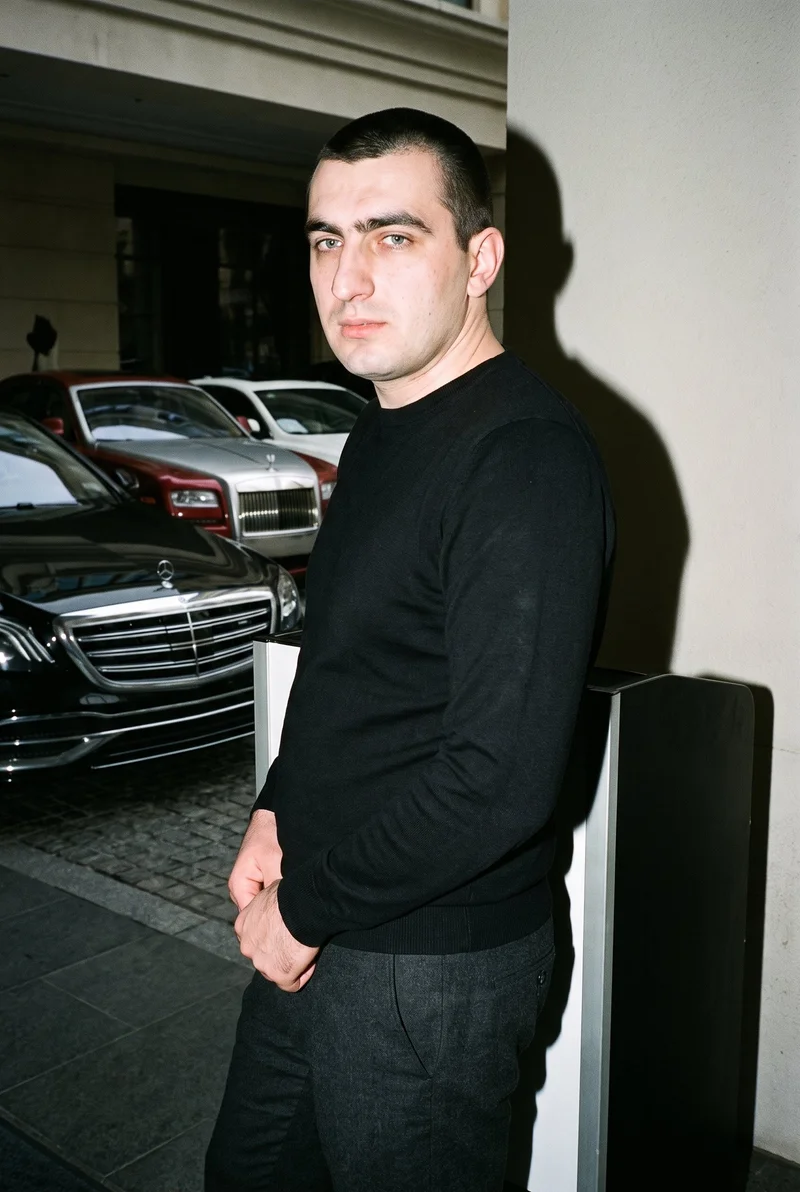
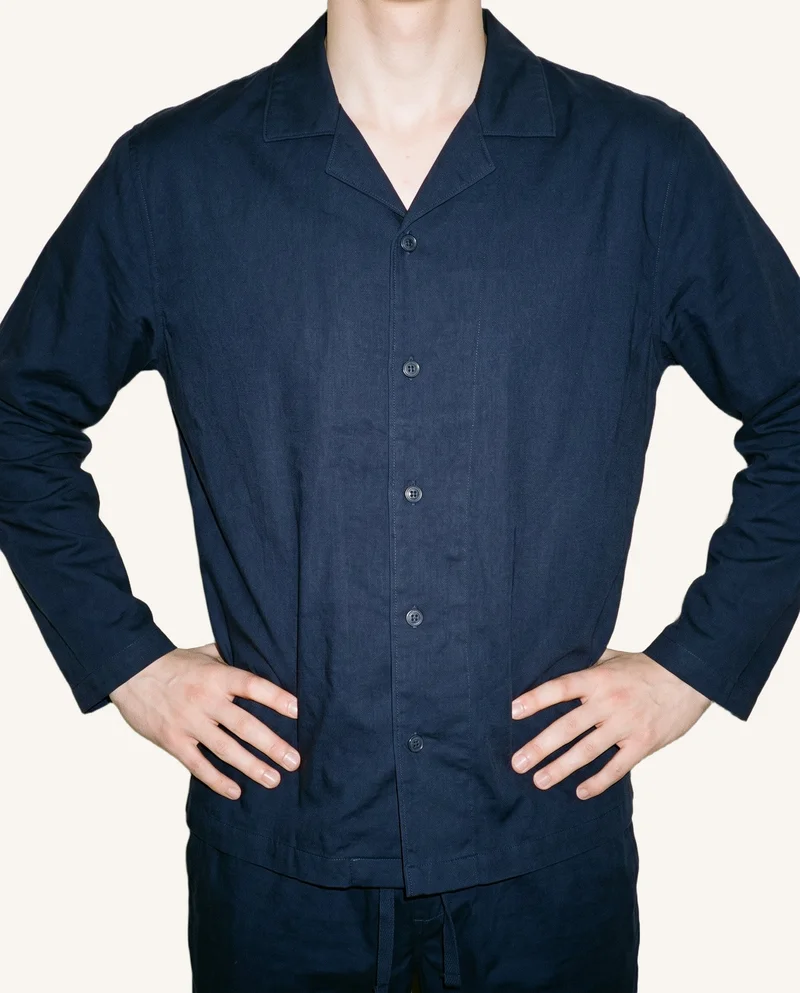
Showing 9 of 3,365, shot in RAWSHOT
Use cases
When your product needs a model
- 01
Hero product ready
When you have a clean product photo, set the model, photography direction, frame and pose for an on-model hero still.
- 02
Flat-lay needs context
When you only have a flat-lay, choose the model, view and expression for a product-page hero image.
- 03
Mockup for launch
When you have a proposed piece in a mockup, direct the light, pose and frame for launch creative.
- 04
Sketch awaiting samples
When you are working from a technical sketch, select a model, photography direction and composition for a representative on-model still.
What you get
On-model hero stills for campaign creative
A directed set of original on-model hero stills for campaign creative, built around your real product while casting is unavailable. You set the model, lighting direction, framing and expression for images that carry the product into launch planning.
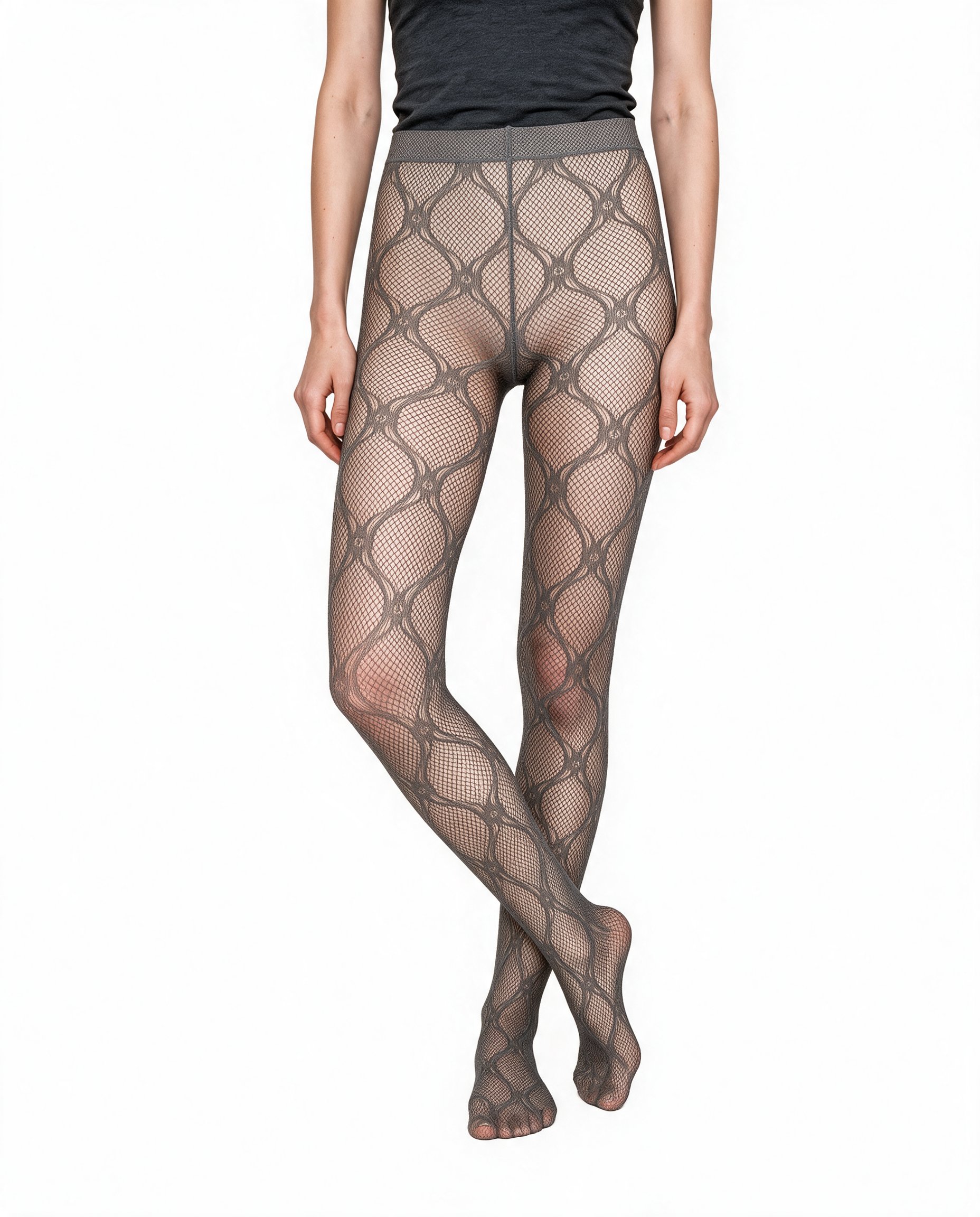
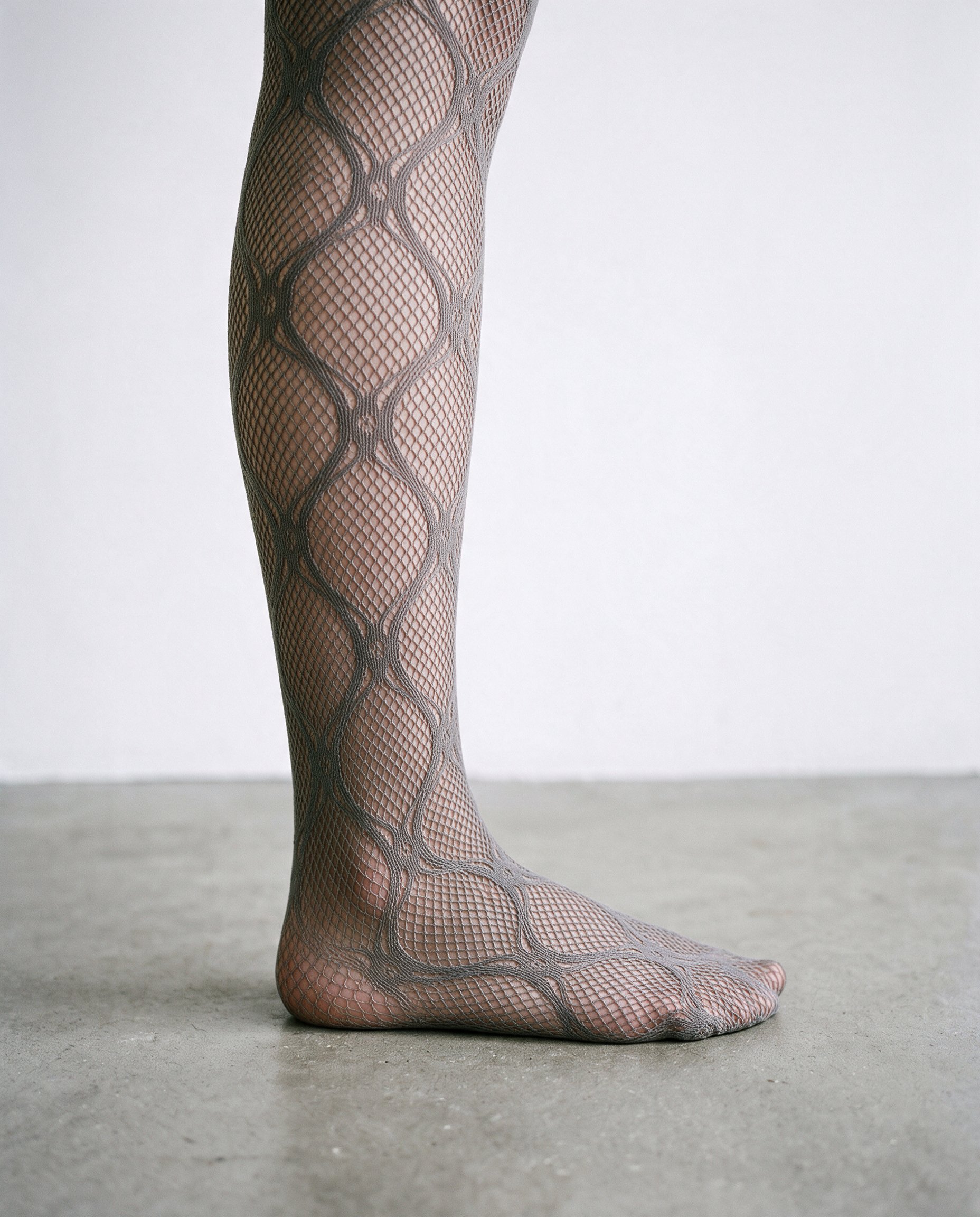
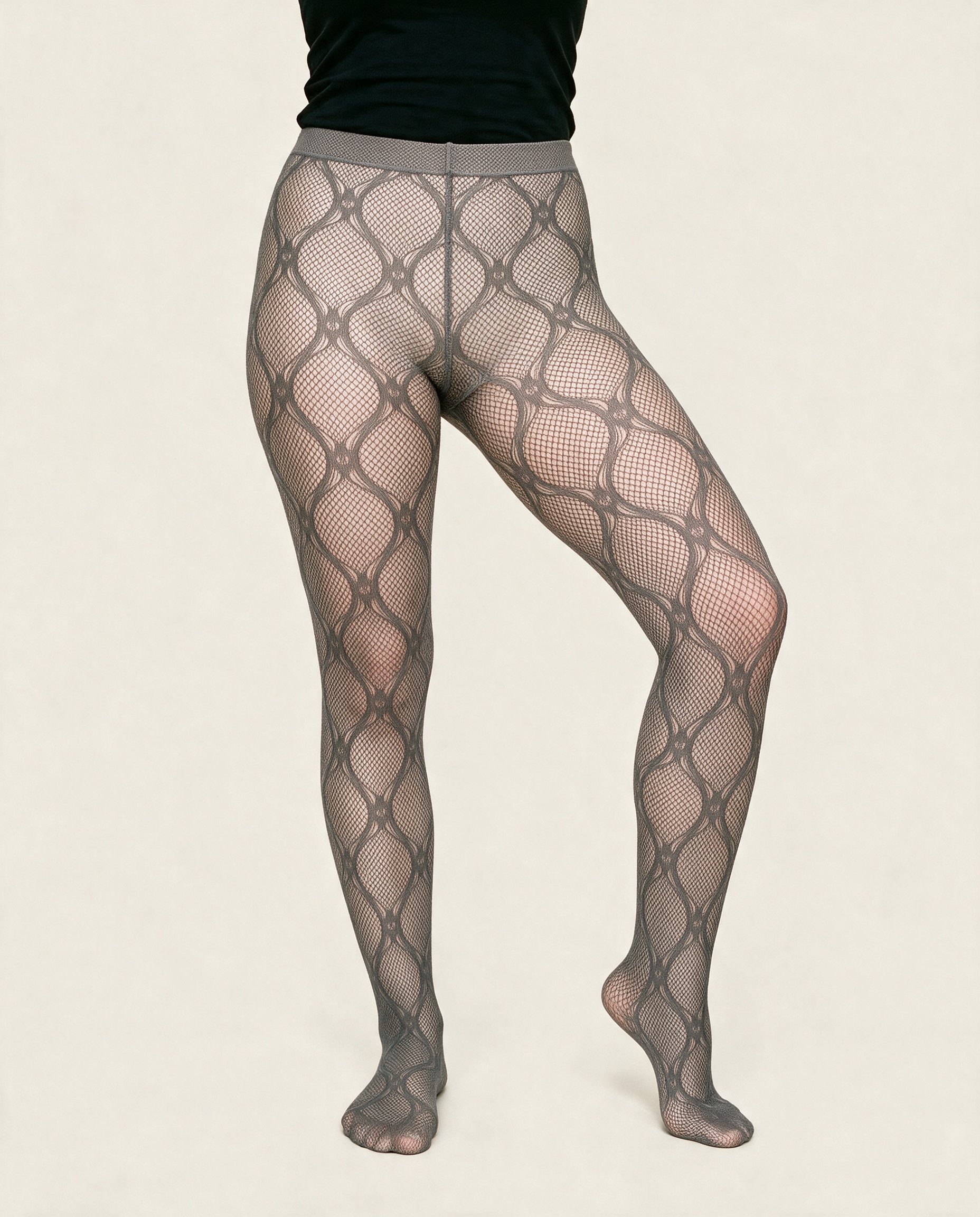
Direct the shoot
Set view, pose, light and expression
Image frame
4
Pose
22 poses on this frame
Camera view
4
Format
9
Pose style
4
Facial expression
10
Photography direction
4
Create photoshoot
Step 7 of 7 · Composition
Image 1 · readyGallery image from this pageProduct
Your product
Model
From the library
Composition
Full Body · Front View · Catalog pose · Neutral
Delivery
2K · 1:1
Light
Studio Cutout
Total cost
5 tokens
AI fashion models
Pick the model for your piece
1,197 licence-free grown models across ages and body types. Or build a private model from visible attributes.
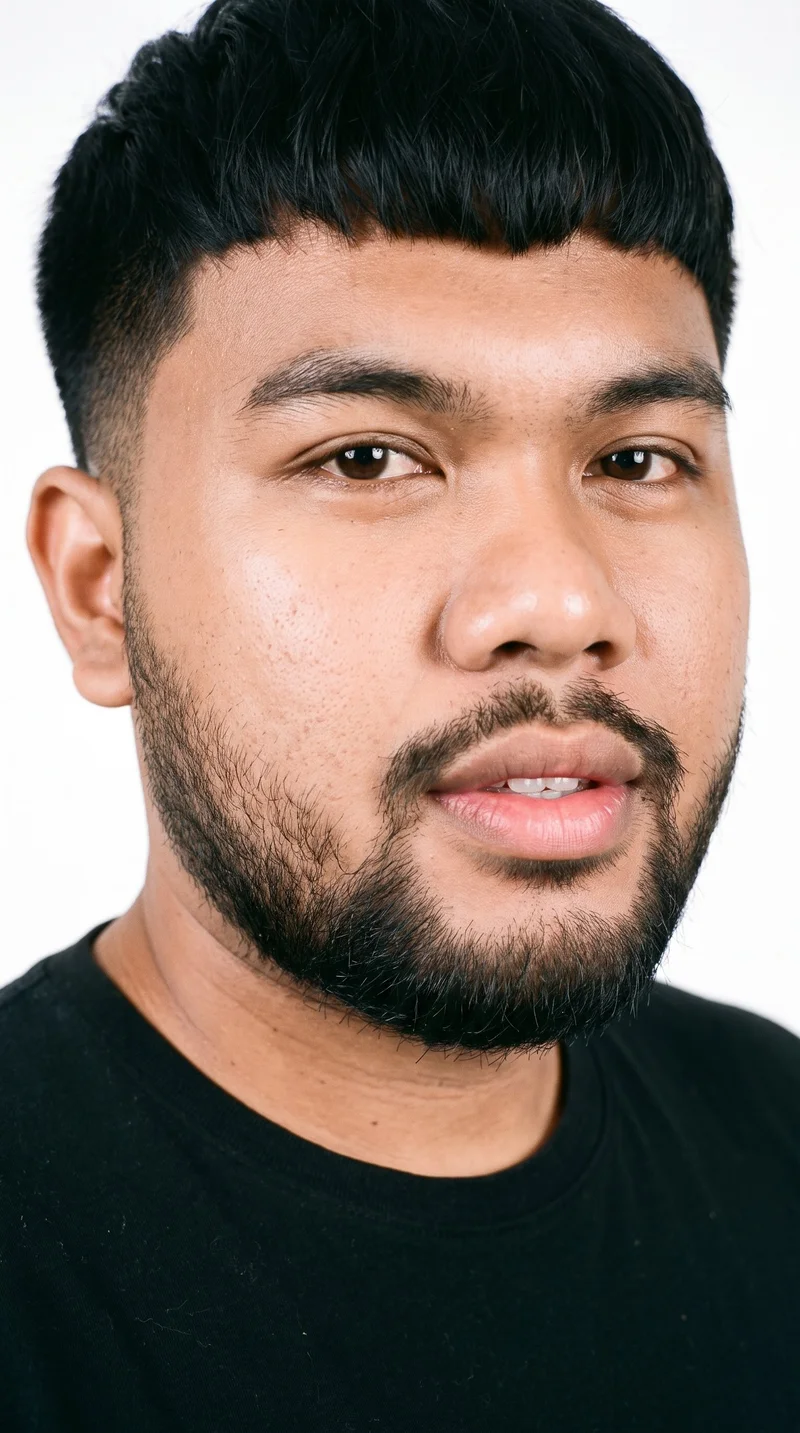
Male · 24
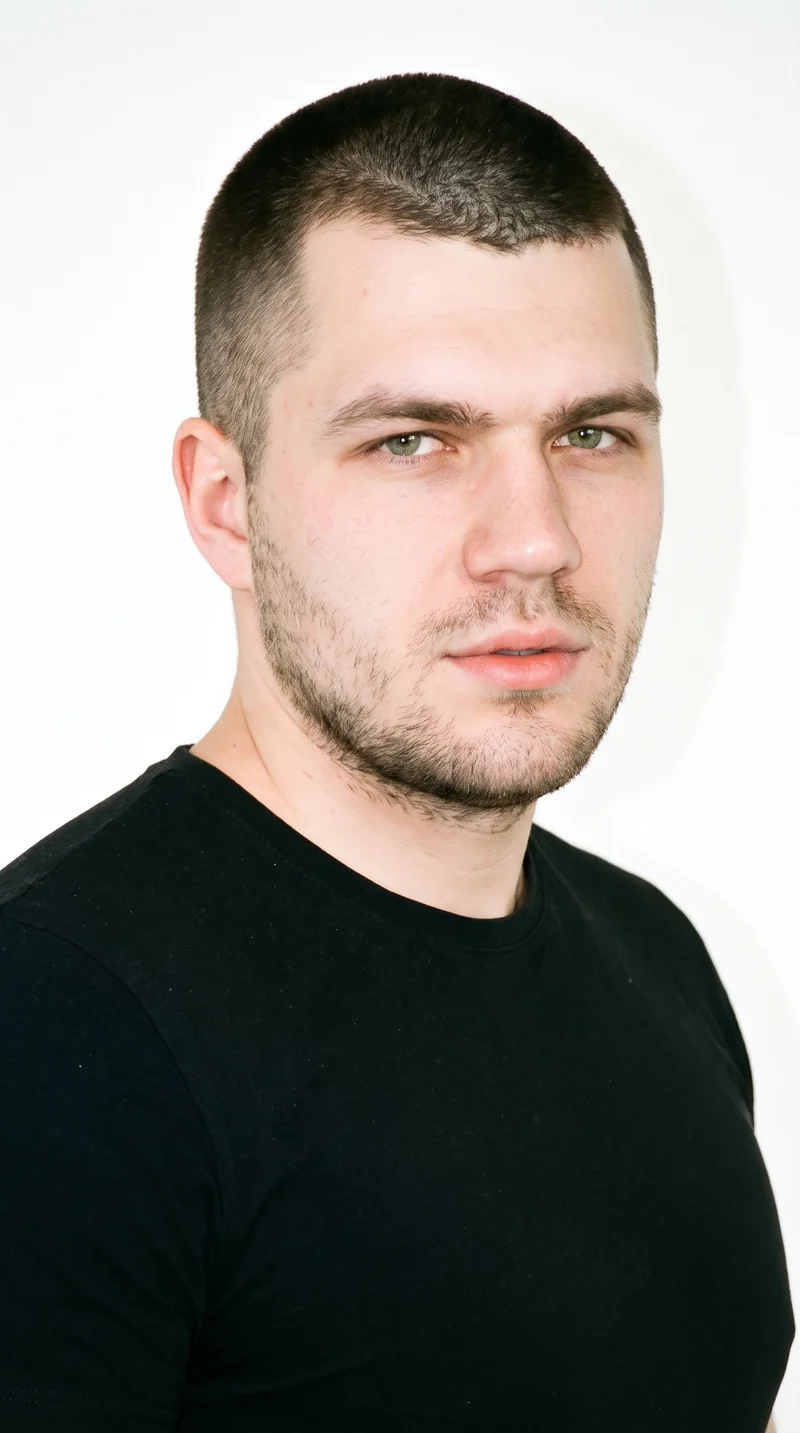
Male · 23
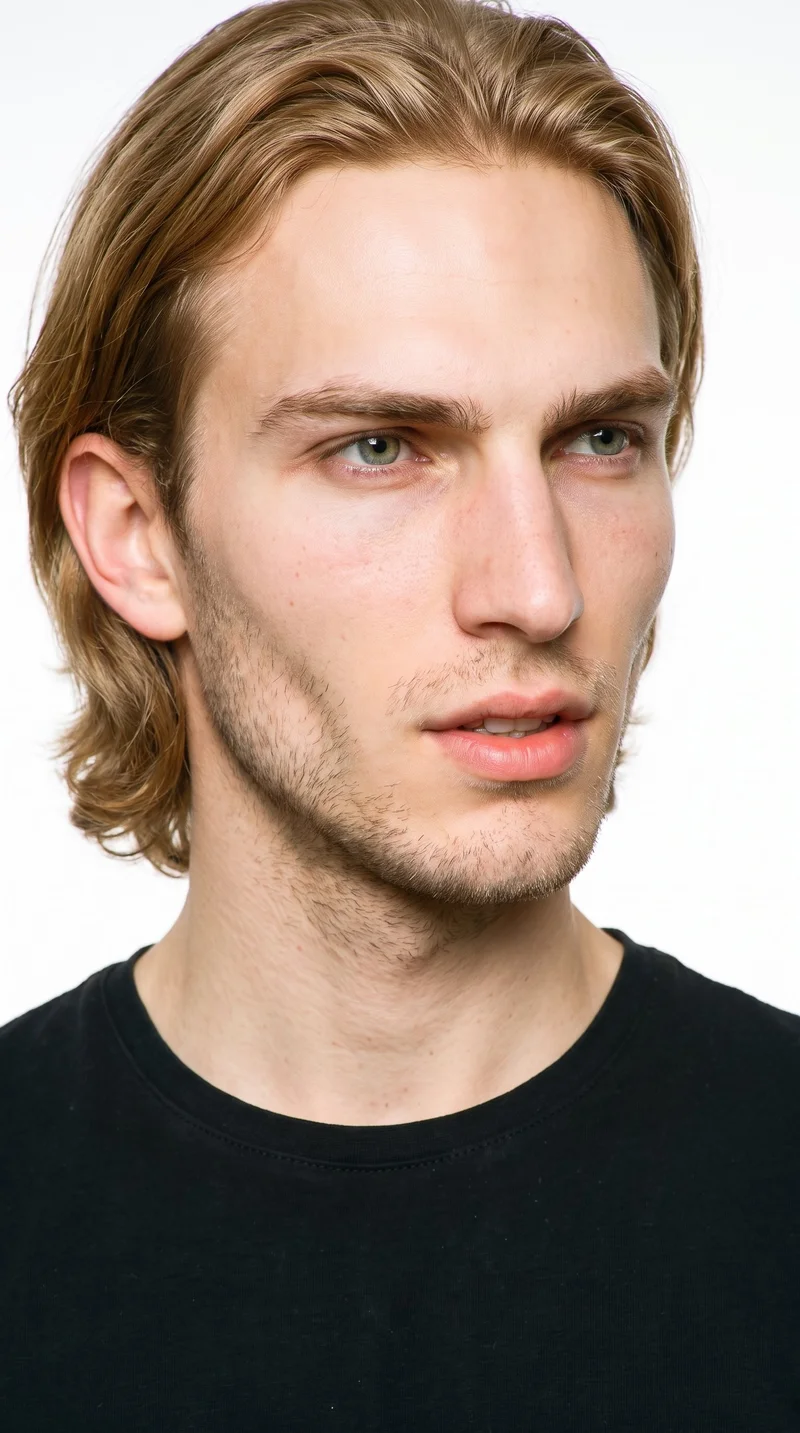
Male · 22
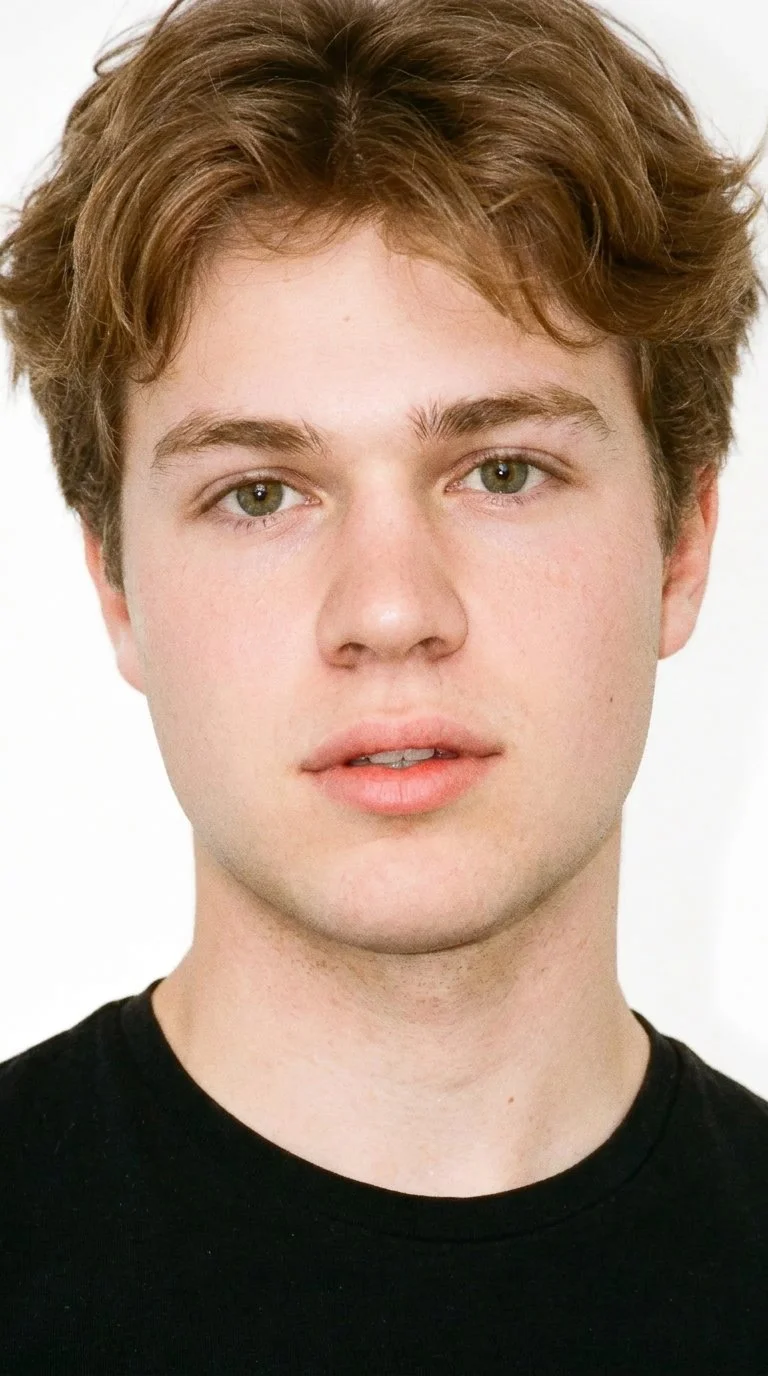
Male · 19
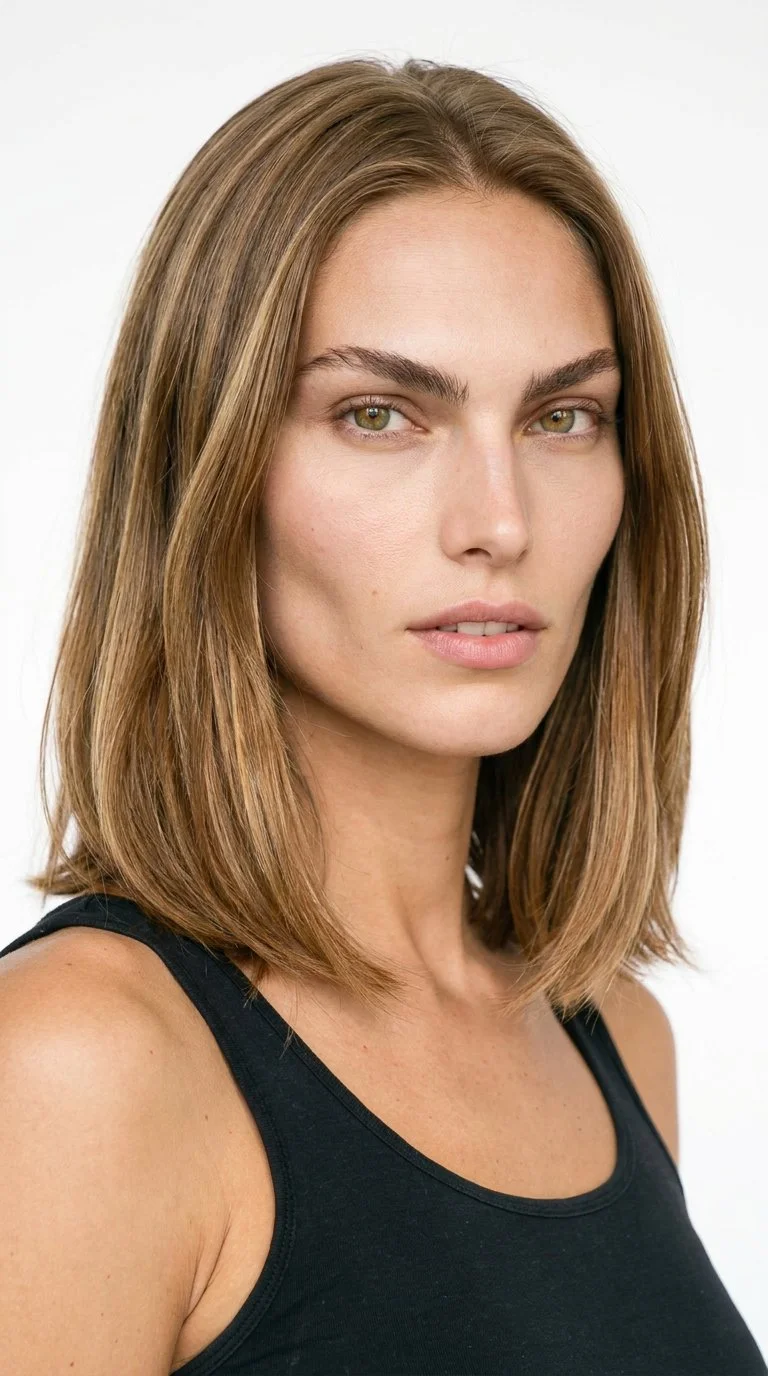
Female · 25
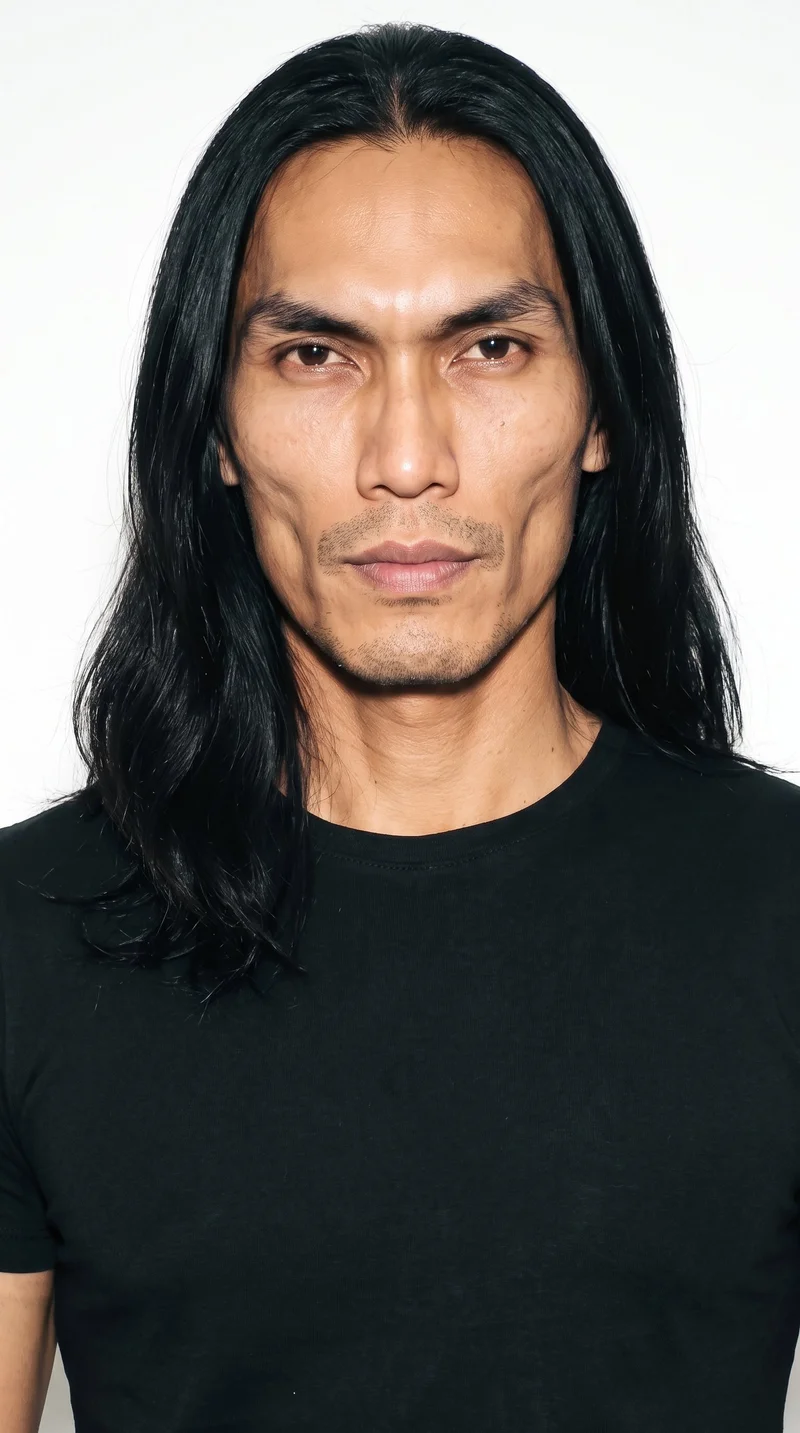
Male · 40
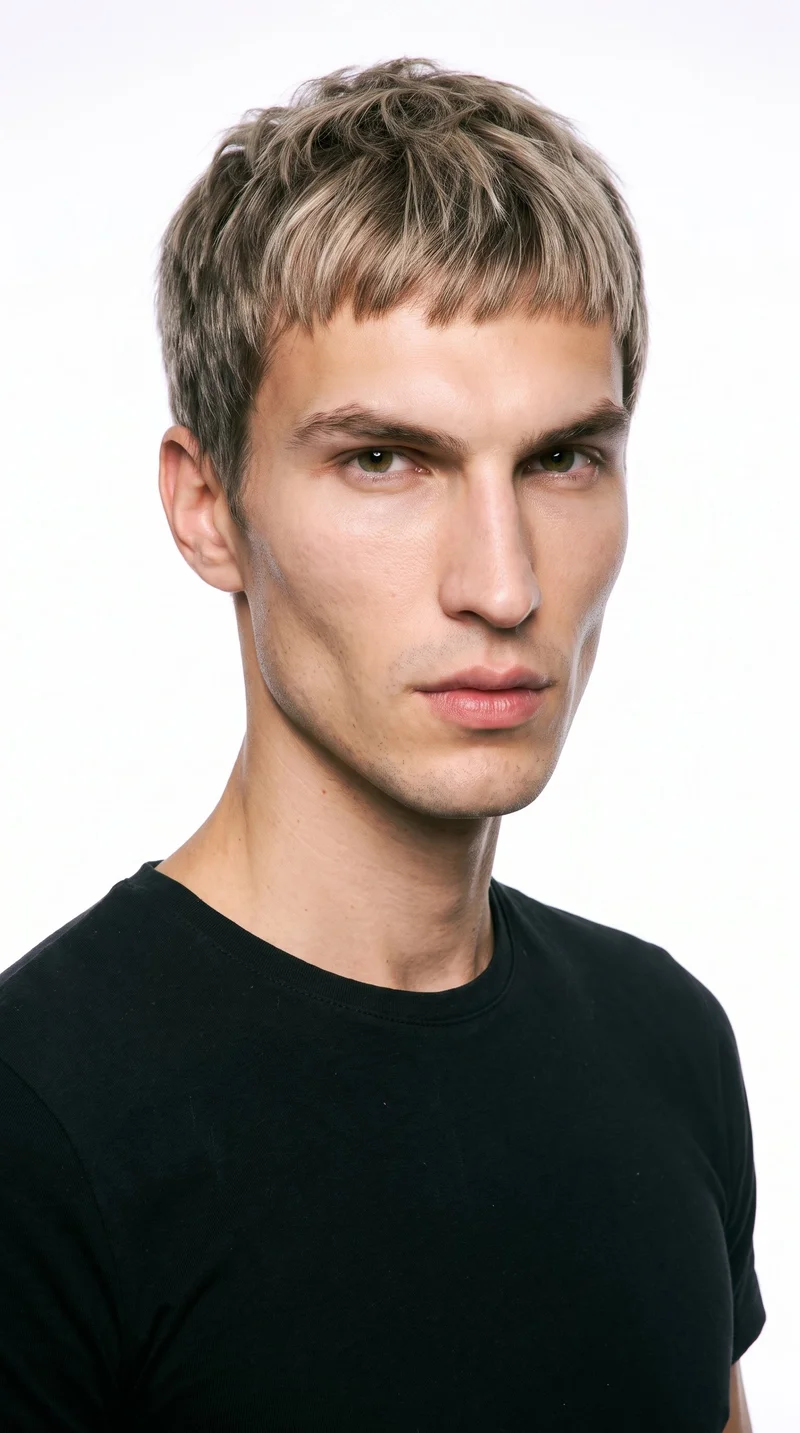
Male · 27
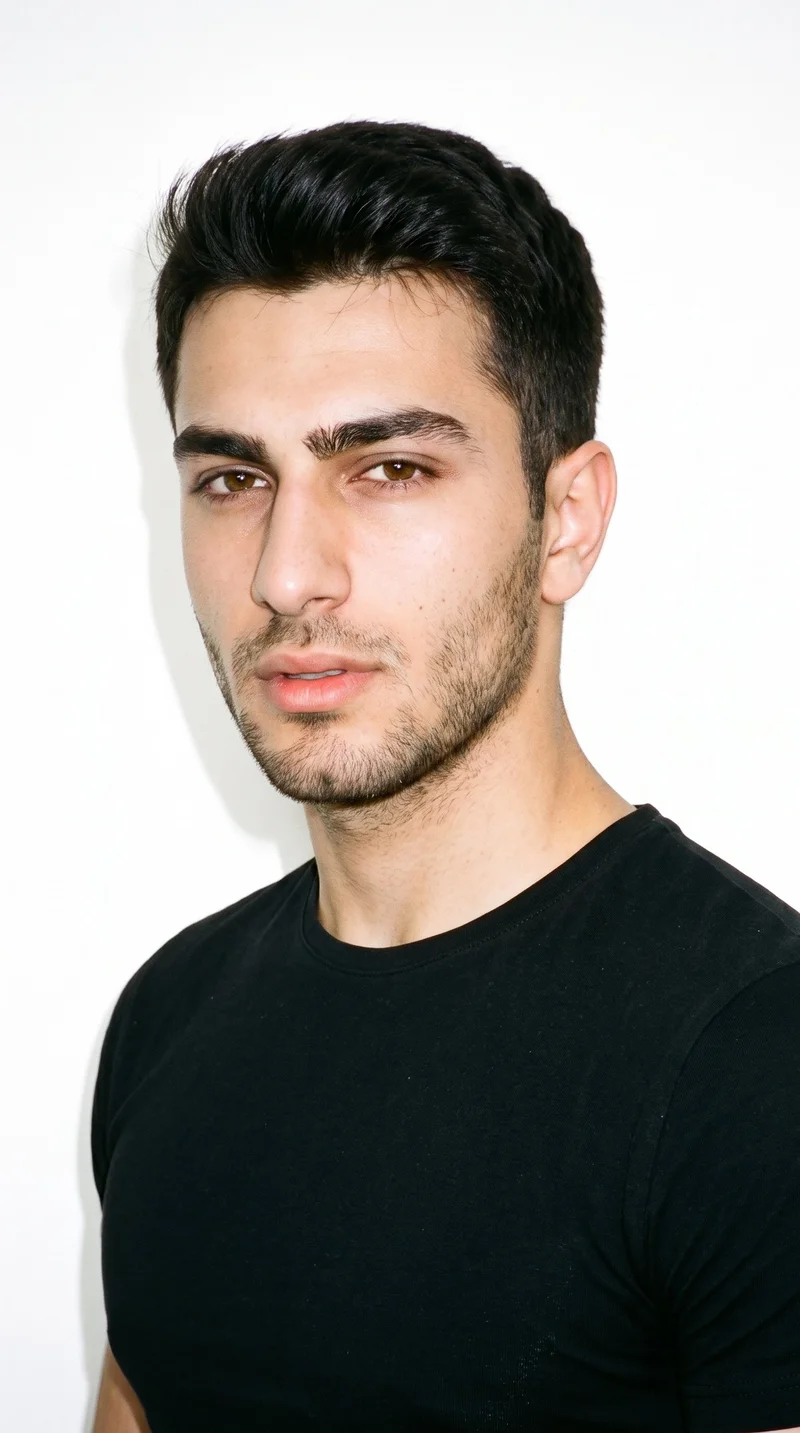
Male · 19
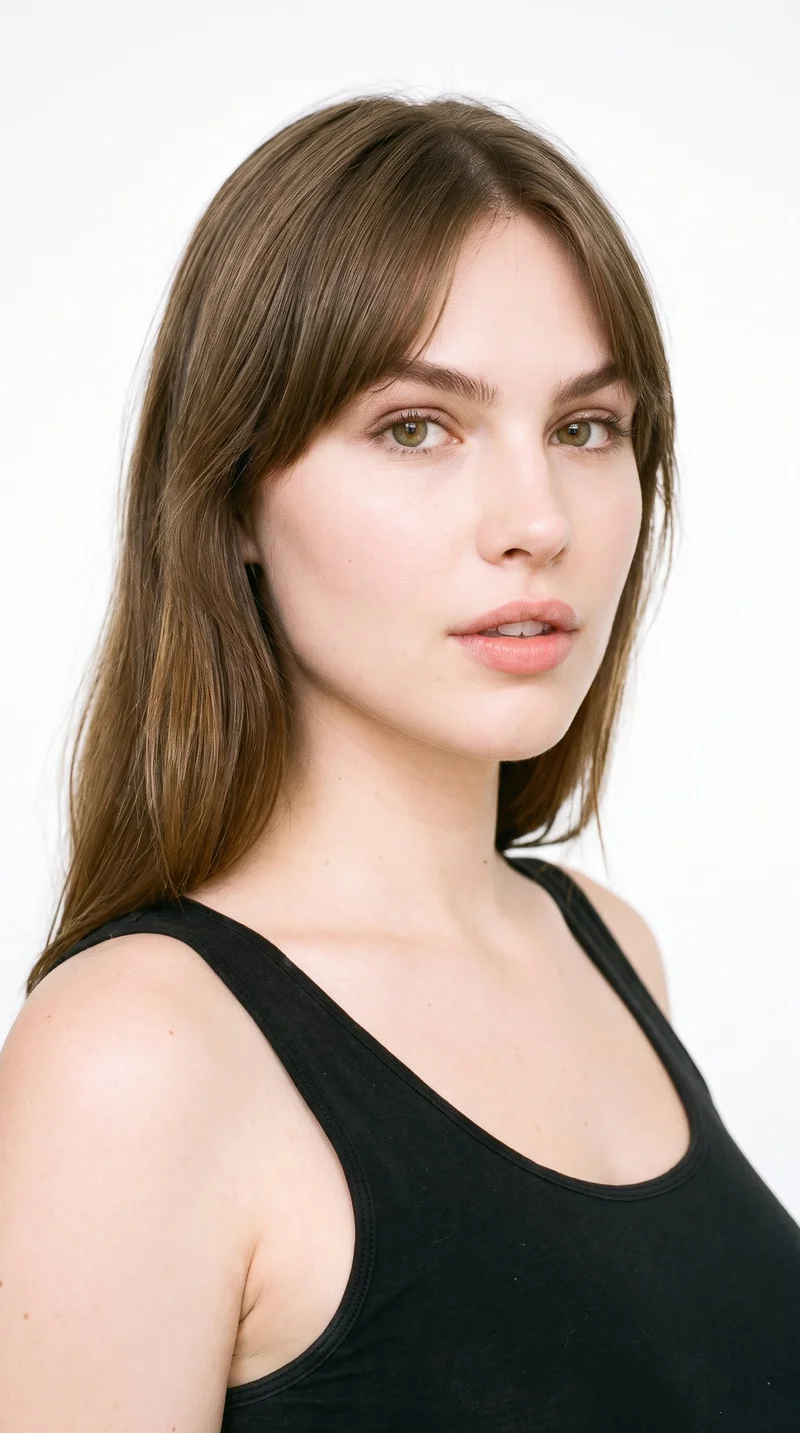
Female · 22
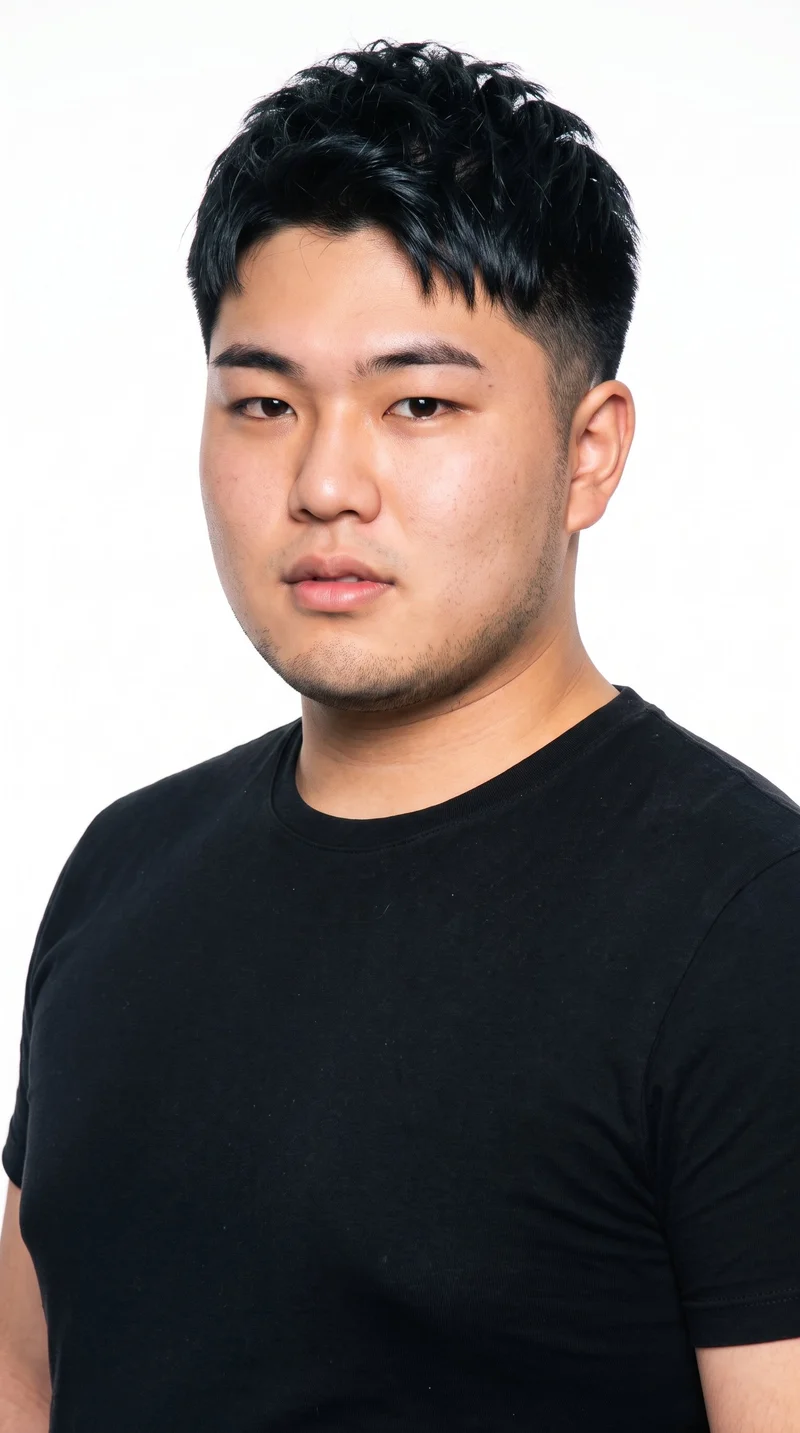
Male · 18
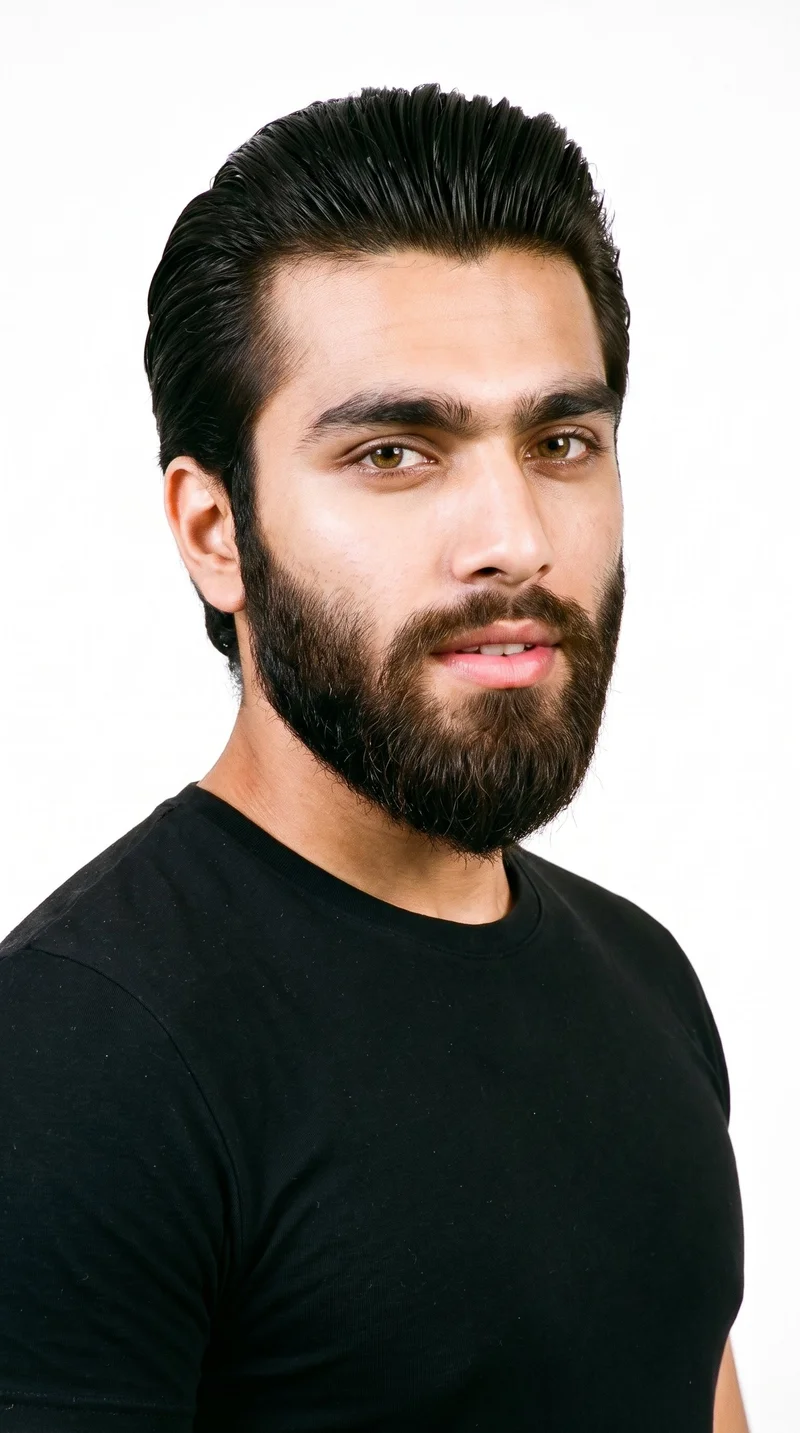
Male · 20
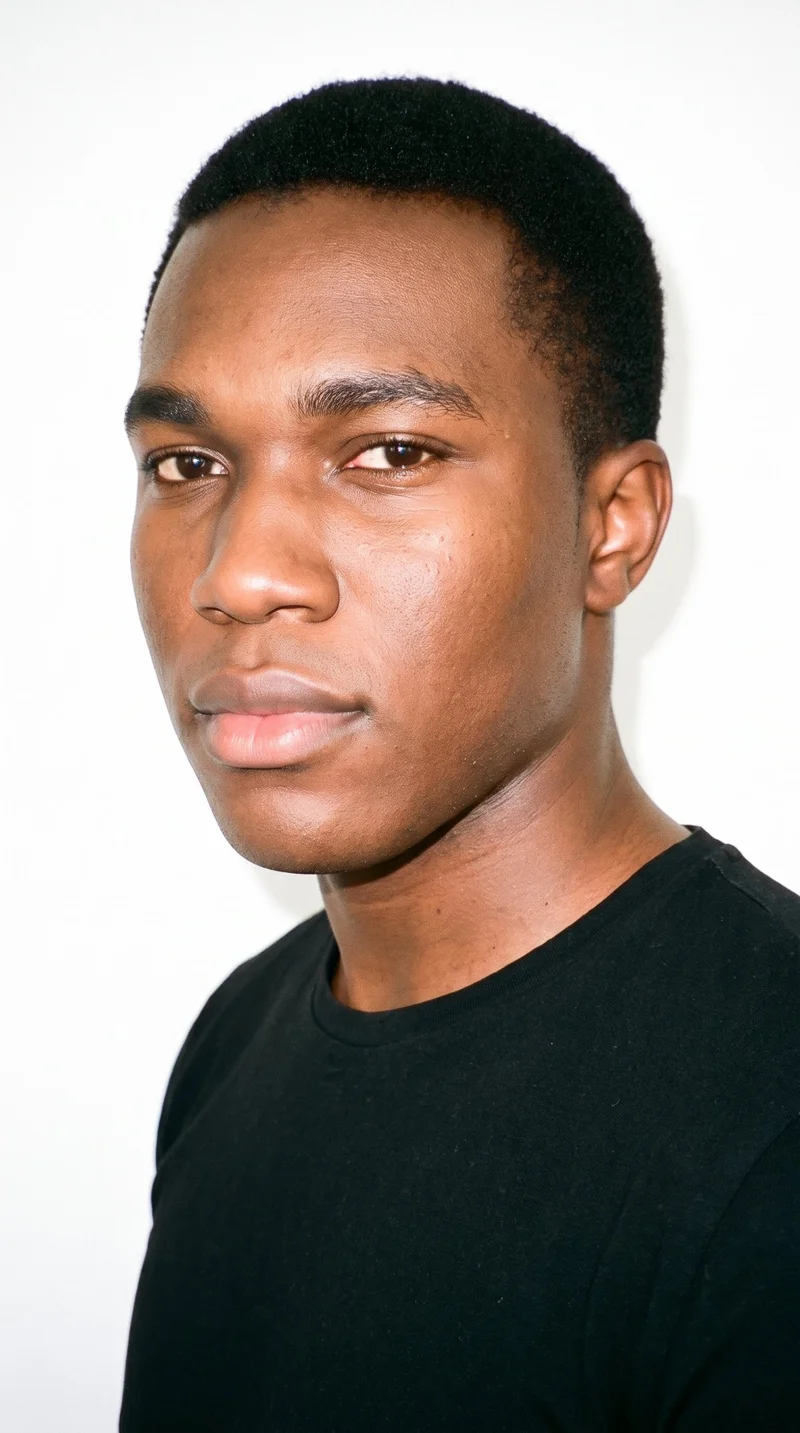
Male · 20
Showing 12 of 1,197
Cast your modelHow it works
One flat-lay in. A checked collection out.
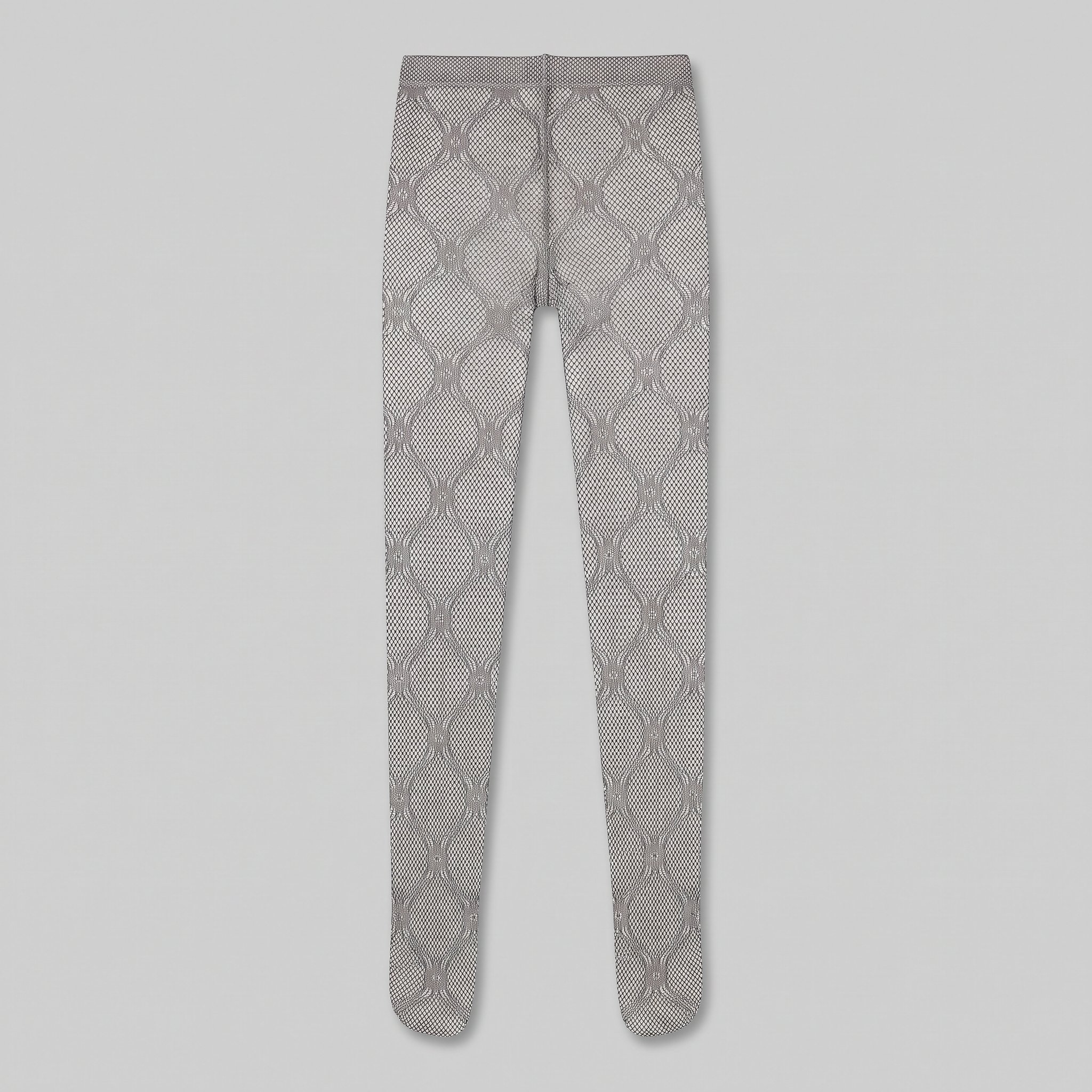 FrontSideDetail
Bring the product
A product photo, flat-lay or sketch is enough. Or start from a finished look and swap your piece in.
Direct the shoot
Every line of the shoot is a choice you click, from model to light. AI suggests a composition, you change any of it.
Get the whole collection, checked
Keep the setup and swap in the next style. Every image is checked against your choices, and one that misses is made again before you see it.
Gallery
Real products in directed hero stills
A directed on-model hero still built around the real product and your selected composition.
Looks & backgrounds
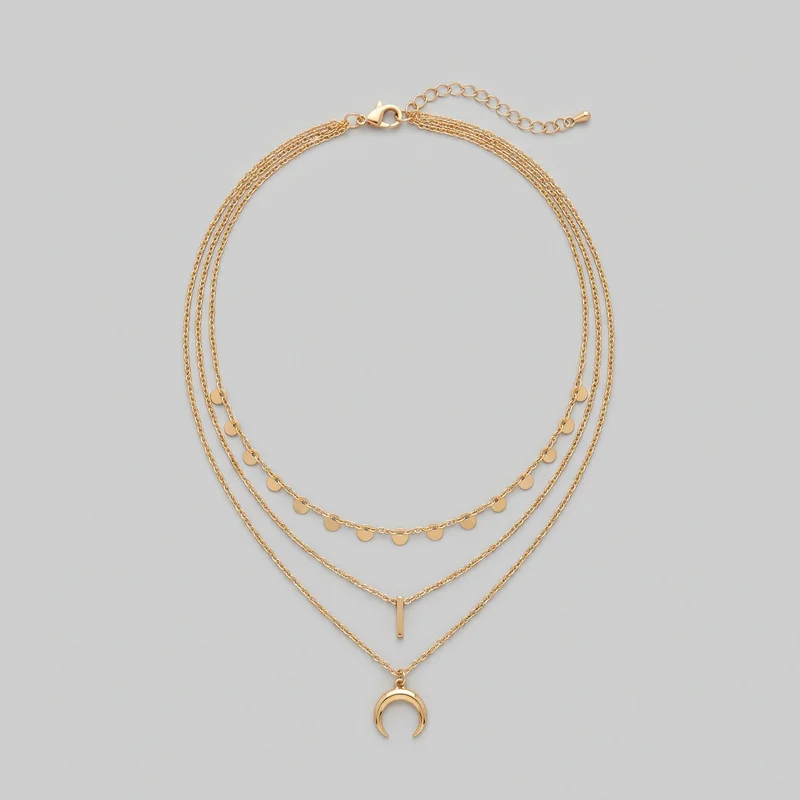 Women's Gold Layered Necklace
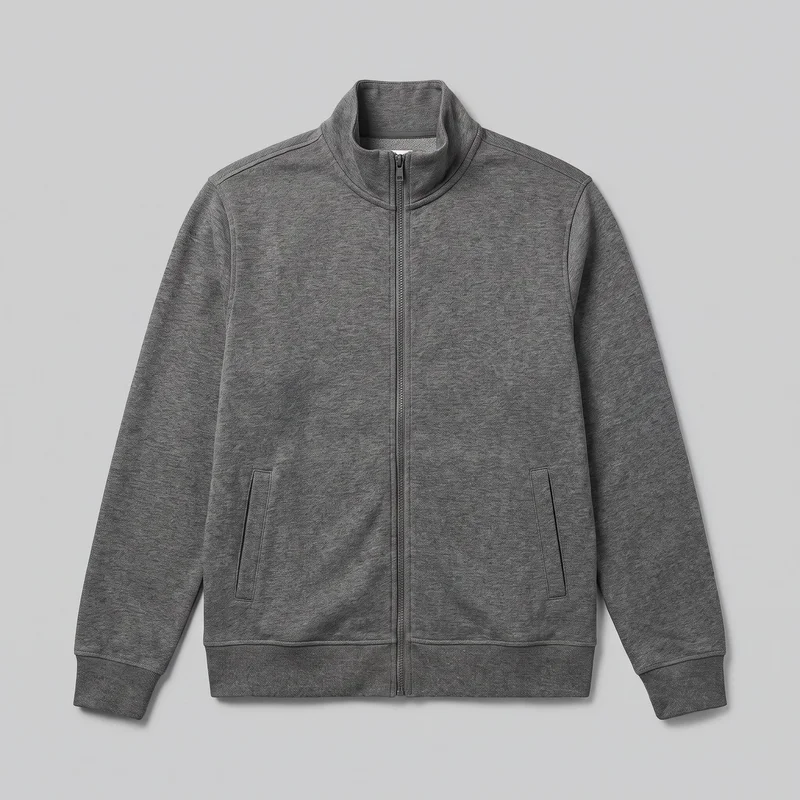 Men's Grey Zip Track Jacket
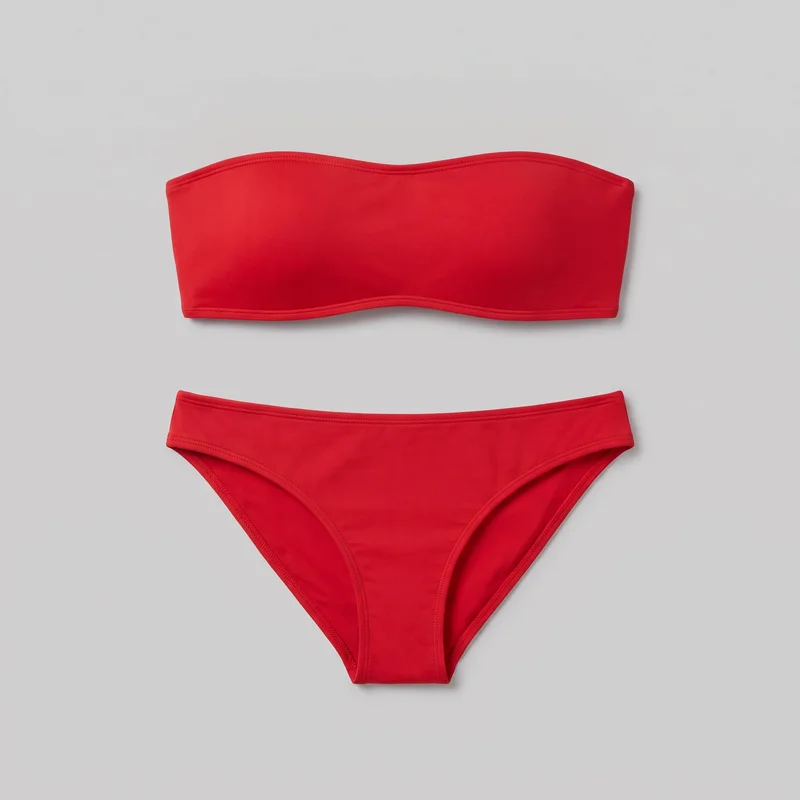 Red Bandeau Bikini
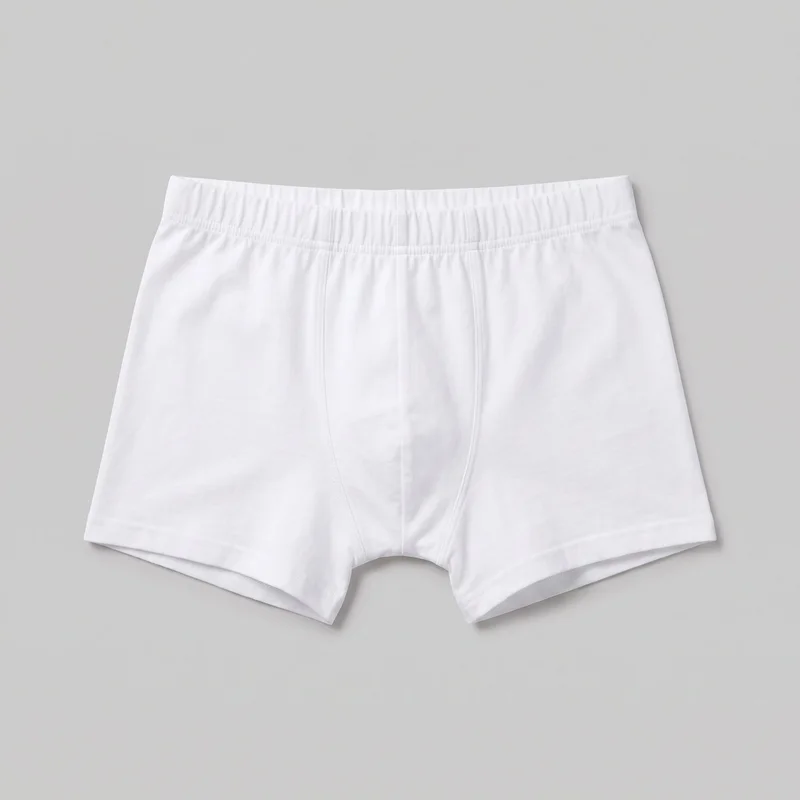 White Trunks
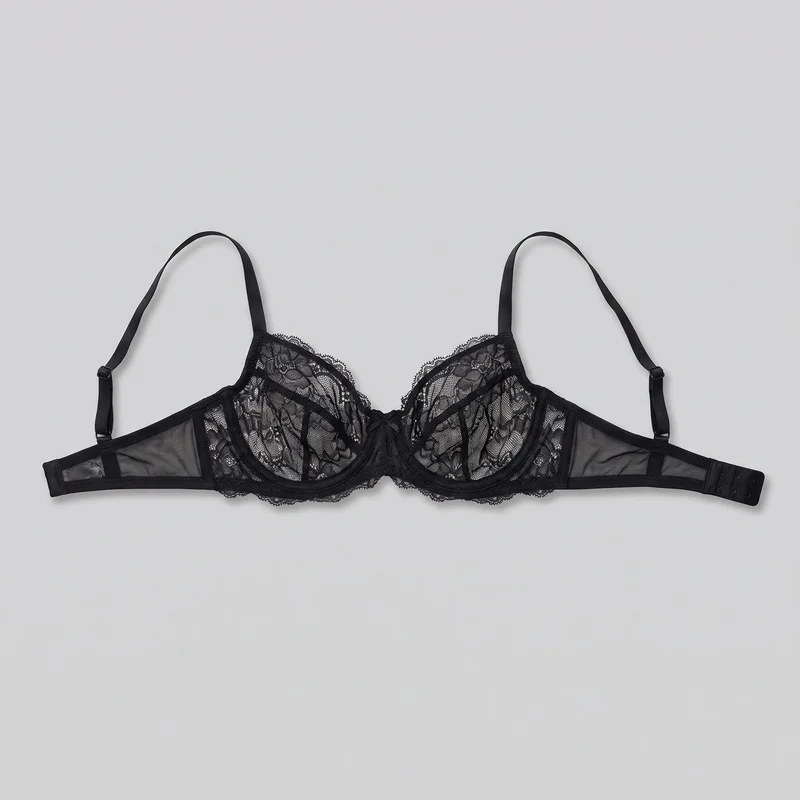 Black Lace Bra
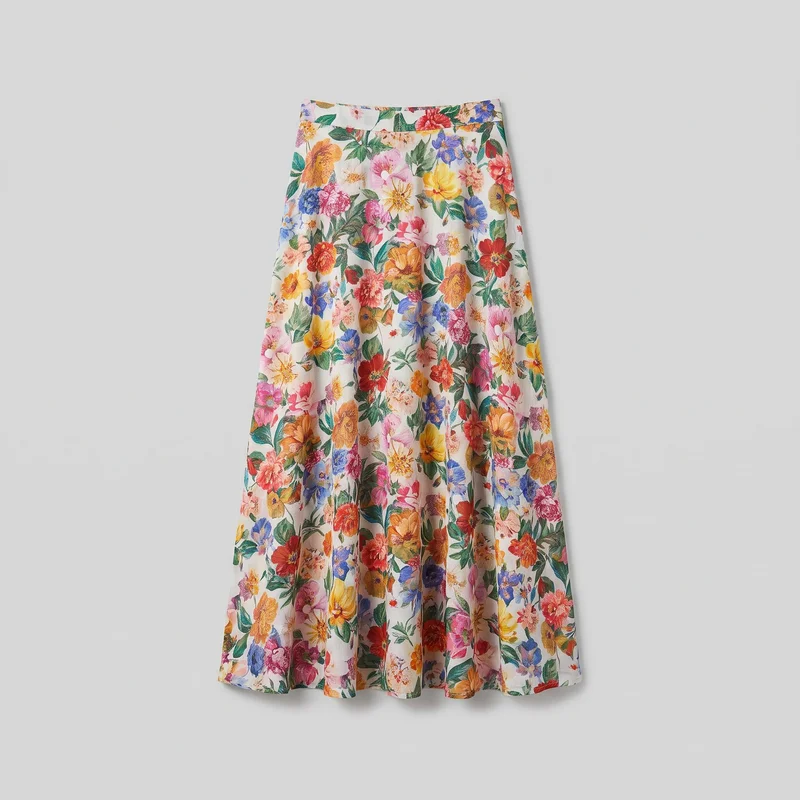 Floral Print Maxi Skirt
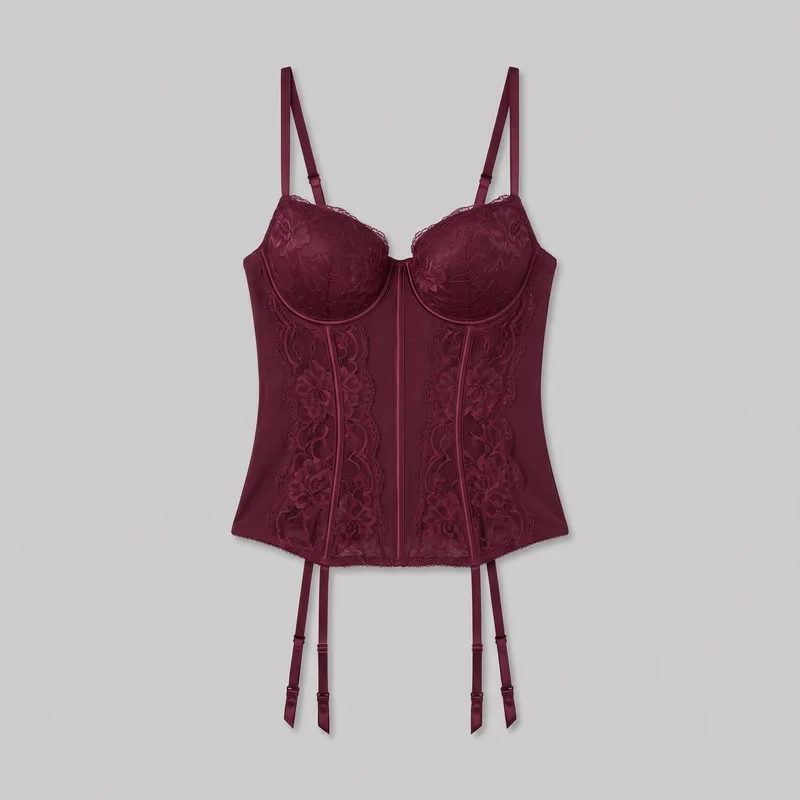 Burgundy Basque
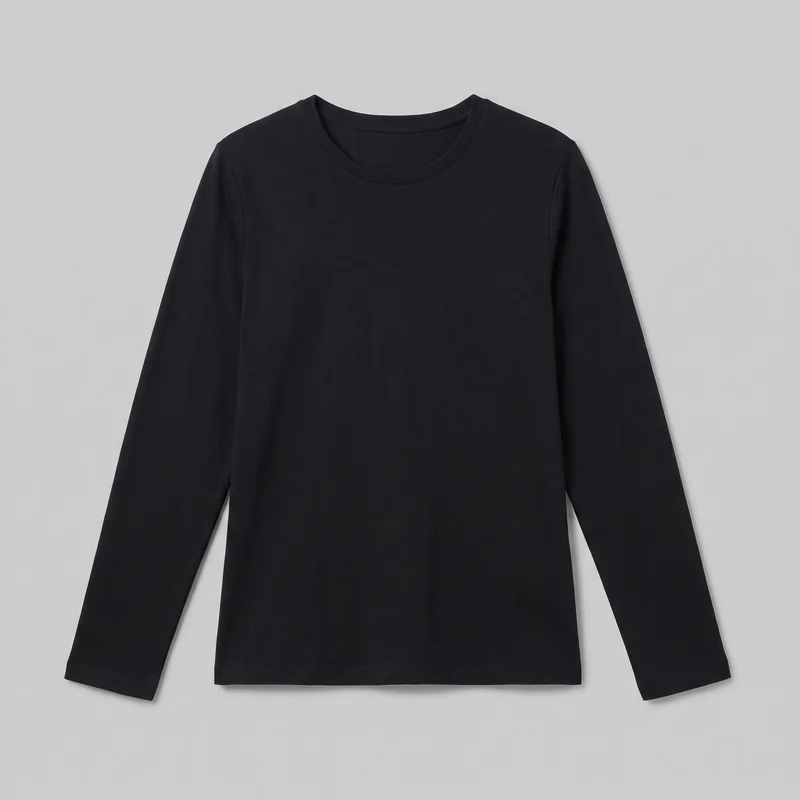 Women's Black Long-Sleeve Tee
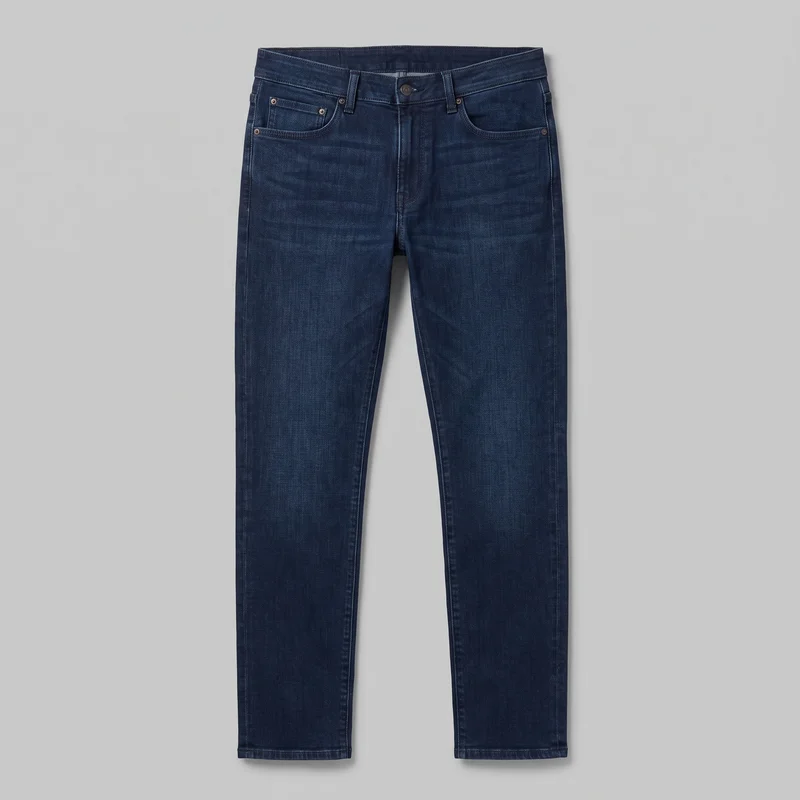 Men's Indigo Slim Jeans
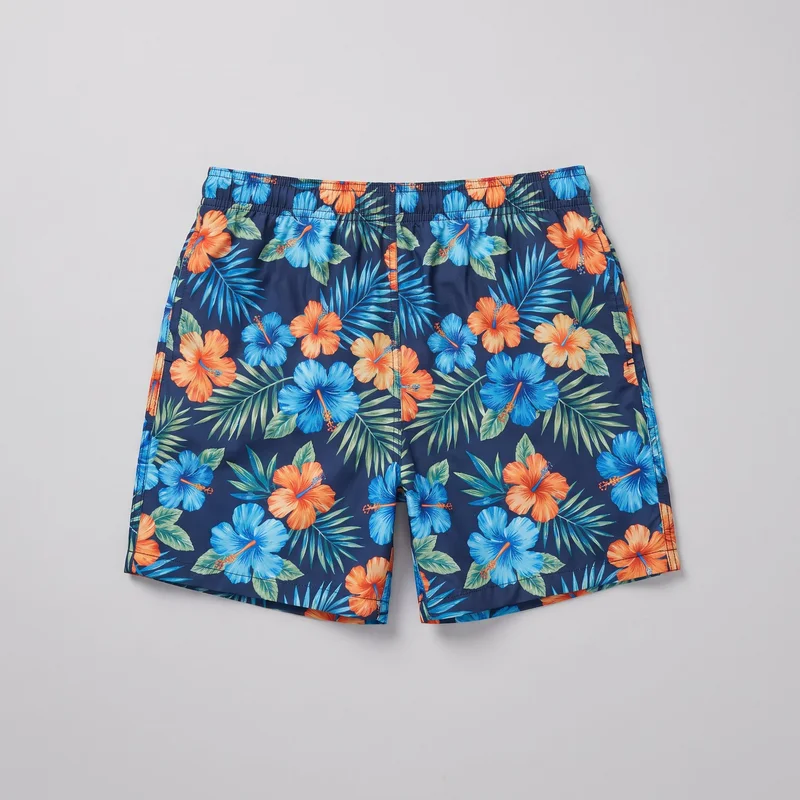 Floral Print Swim Shorts
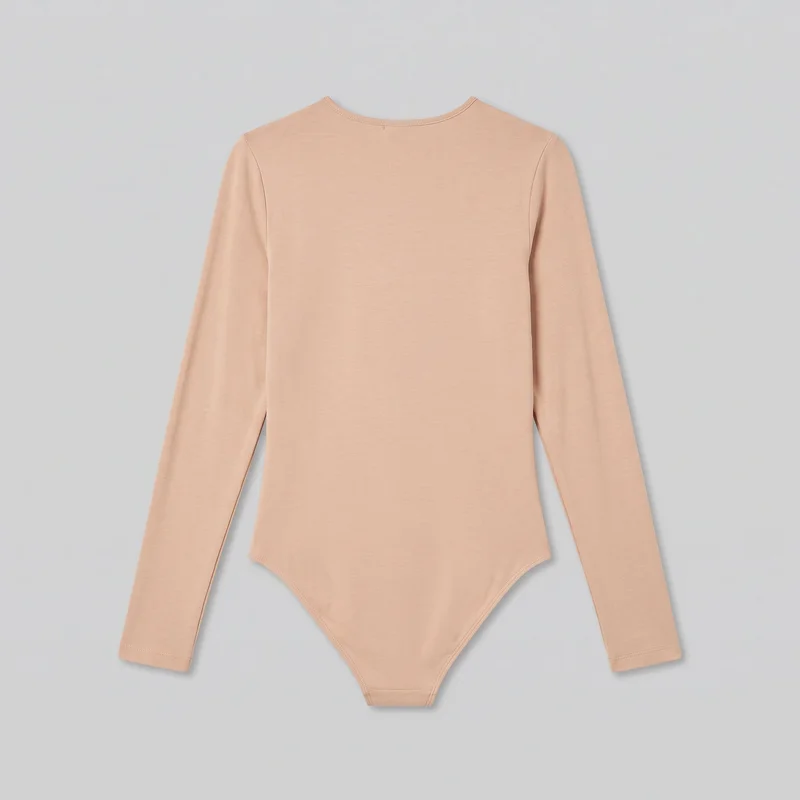 Nude Bodysuit
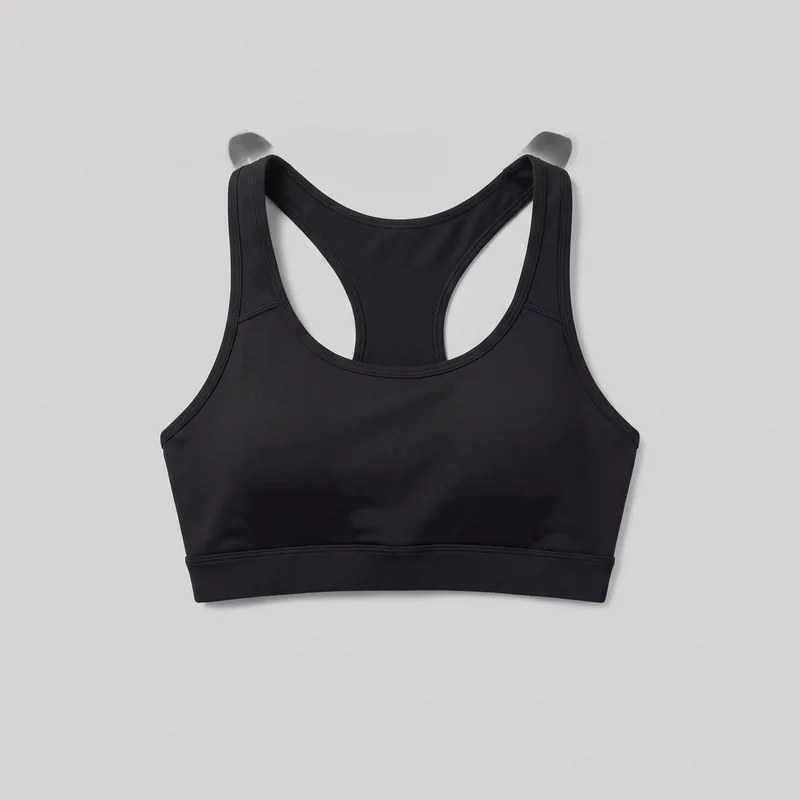 Black High-Impact Sports Bra
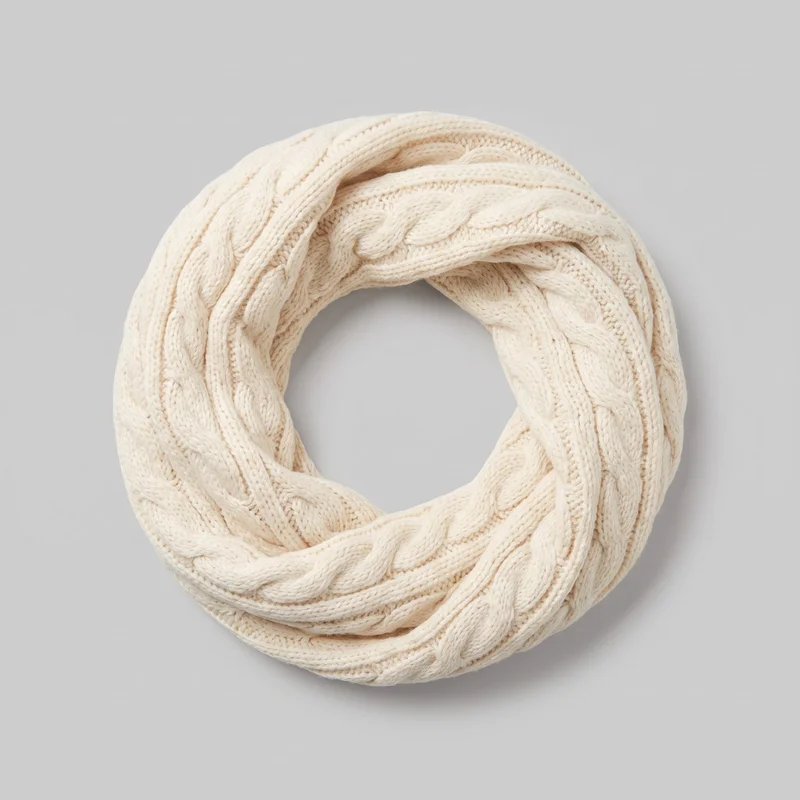 Women's Cream Cable-Knit Snood
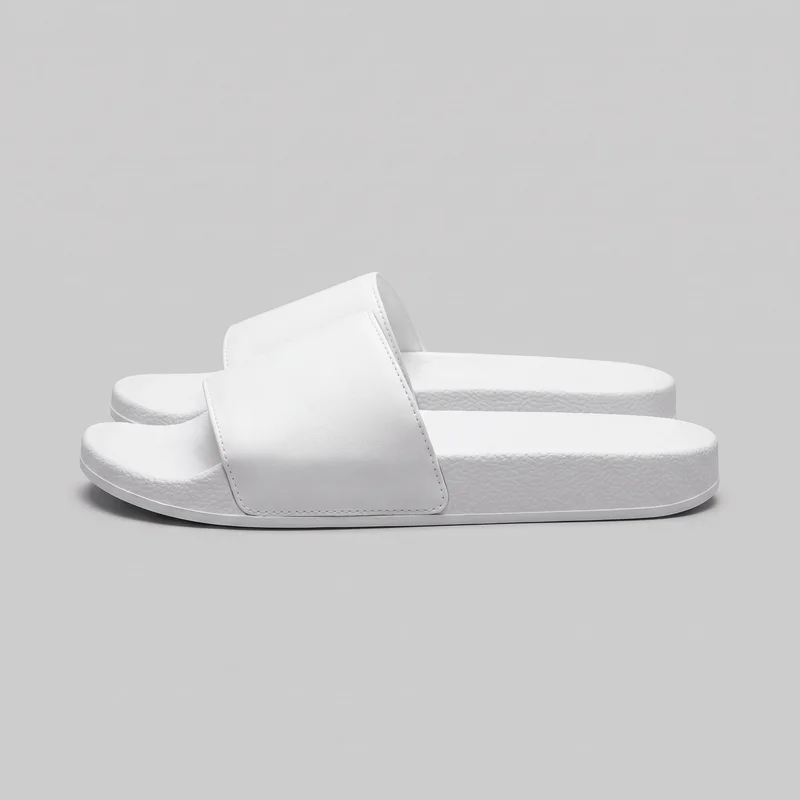 Women's White Sliders
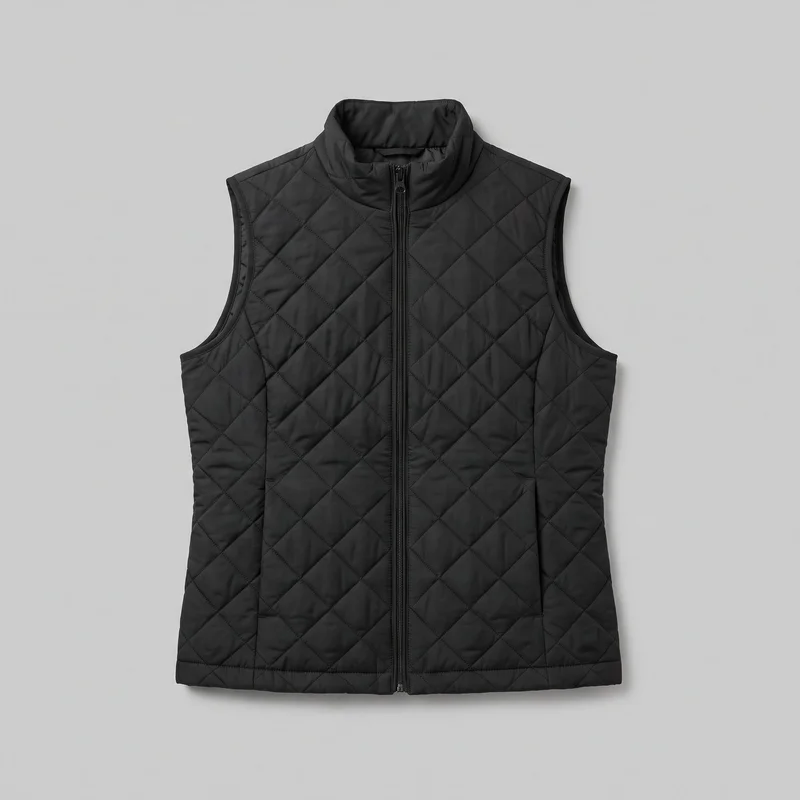 Women's Black Quilted Gilet
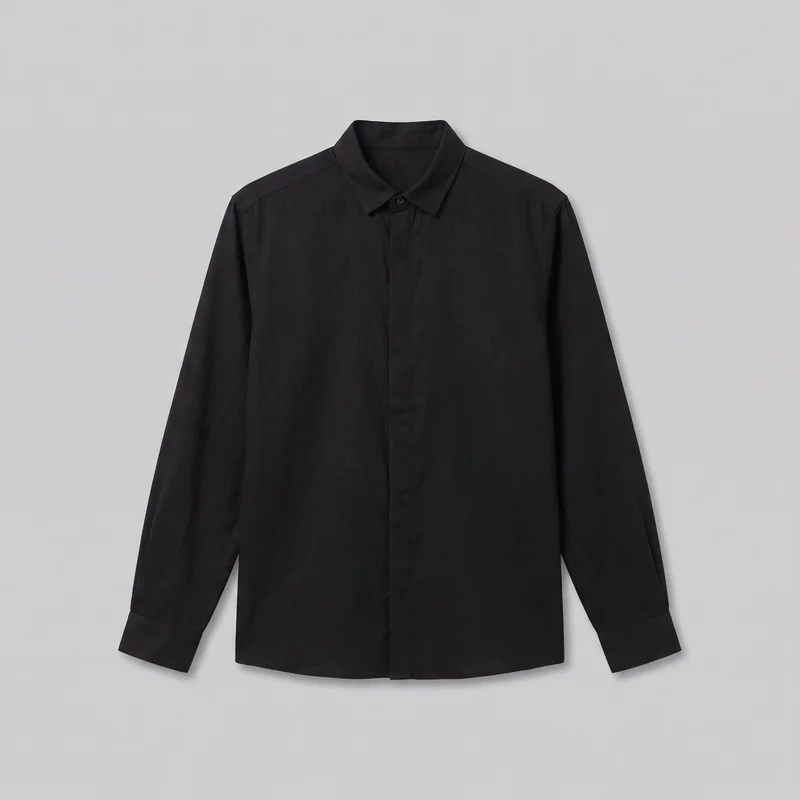 Black Grandad Shirt
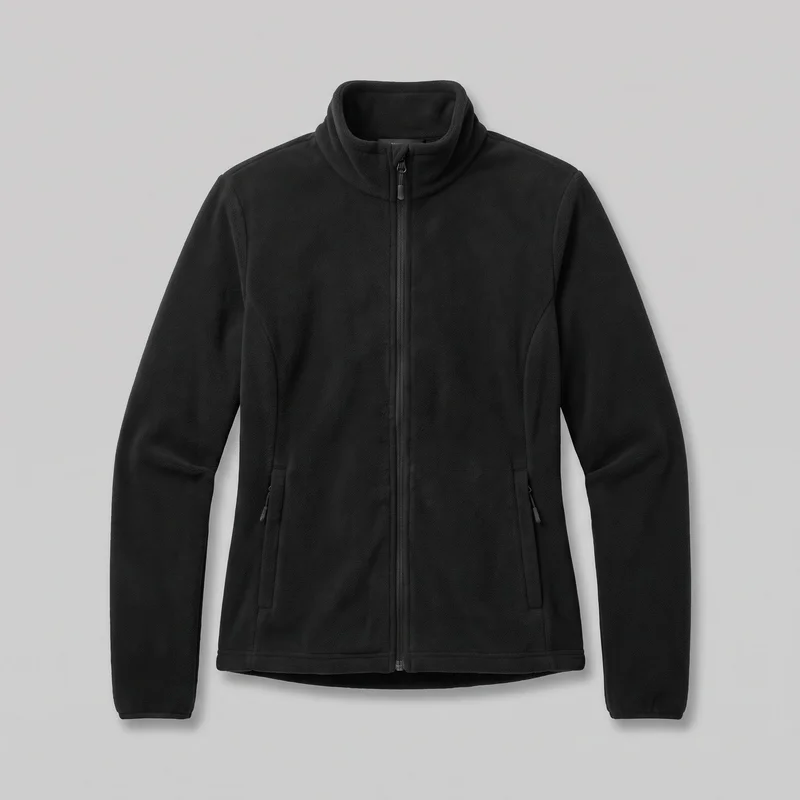 Women's Black Fleece Jacket
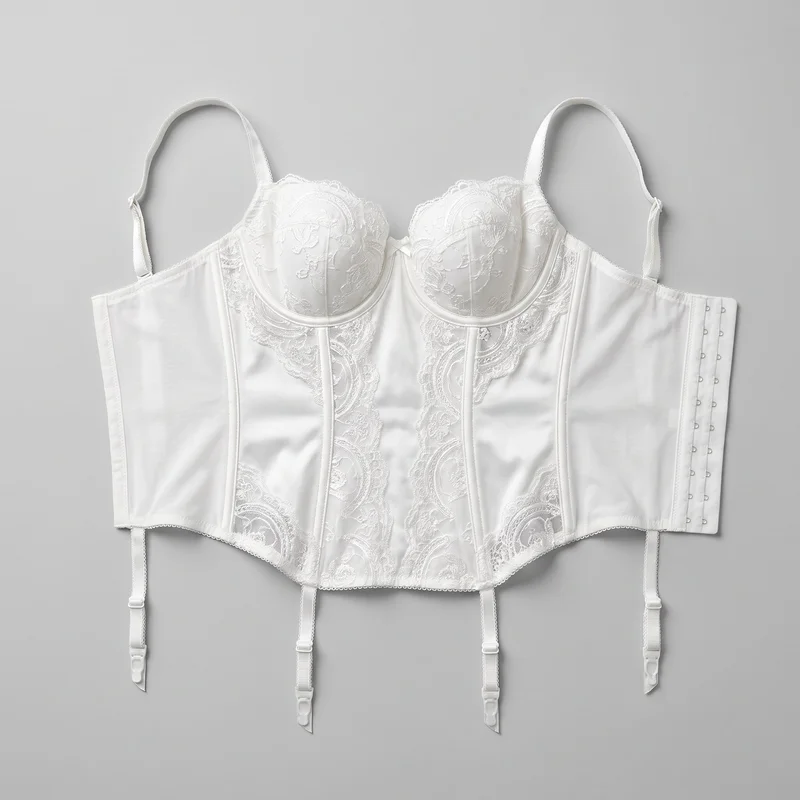 White Bridal Basque
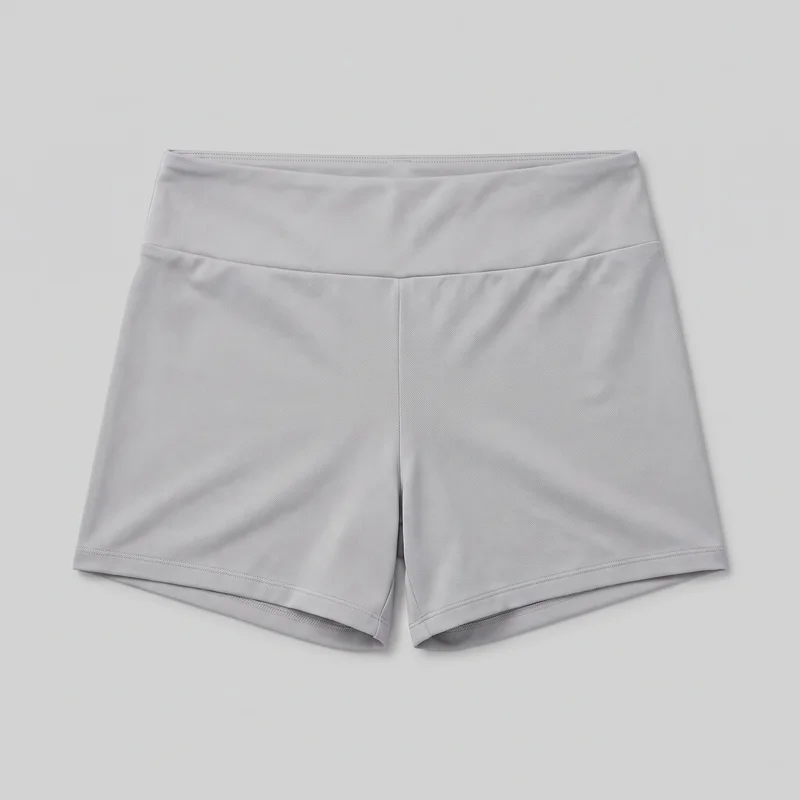 Women's Grey Gym Shorts
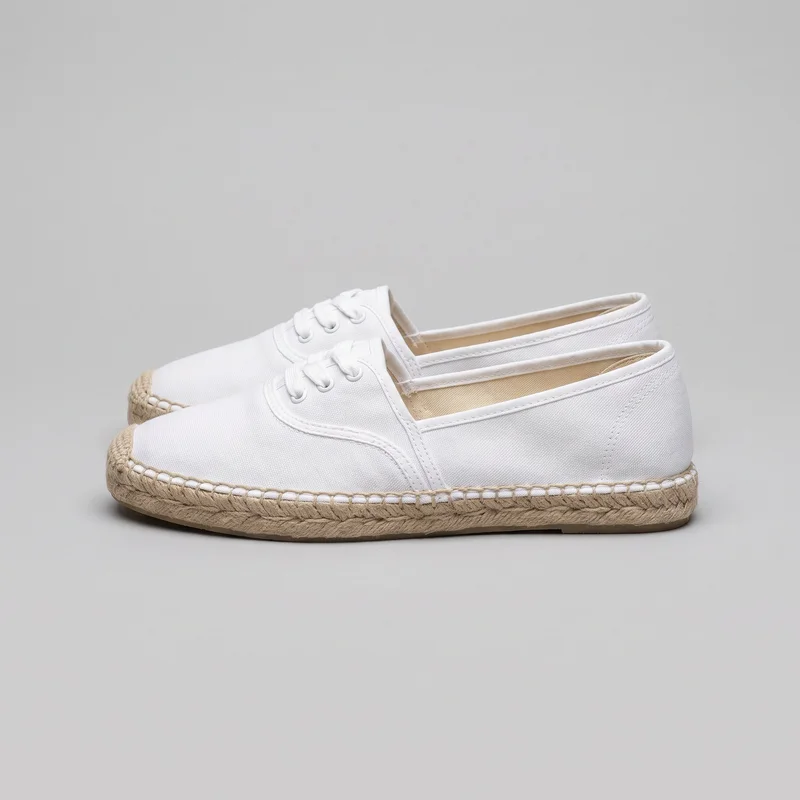 Women's White Espadrilles
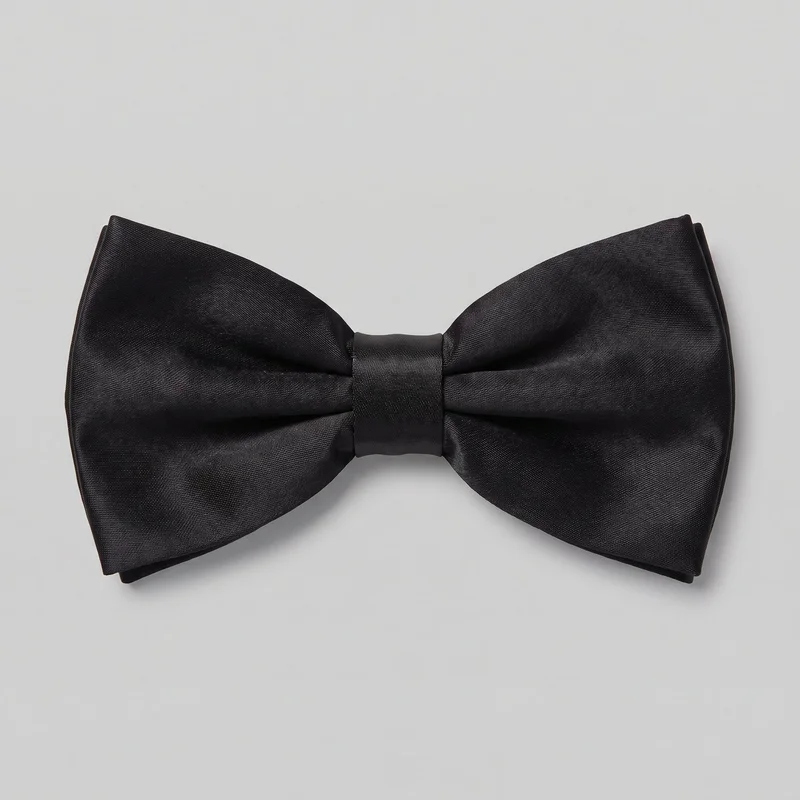 Black Satin Bow Tie
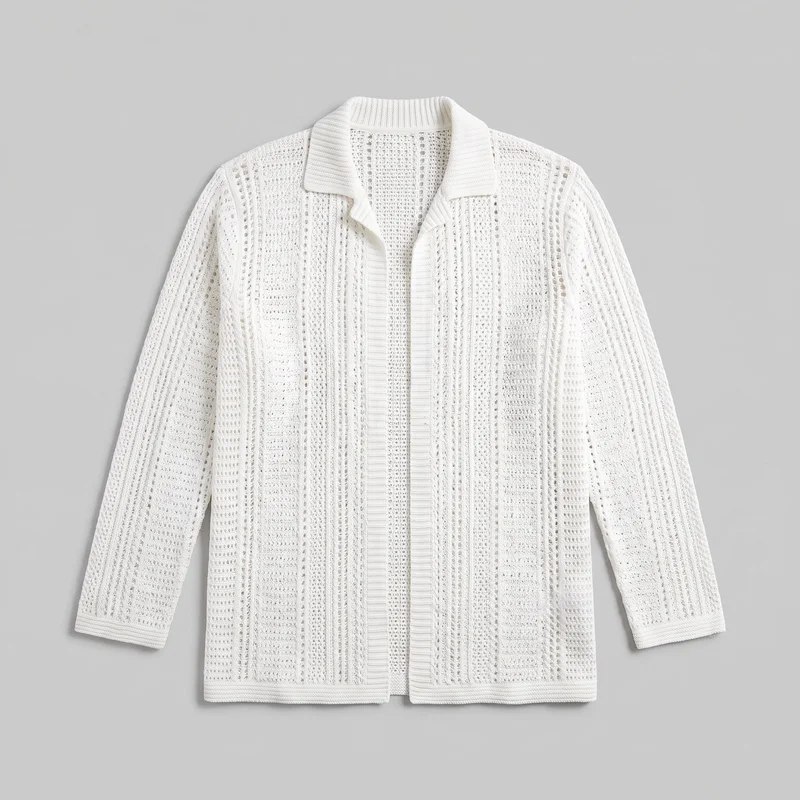 Men's White Crochet Cover-Up
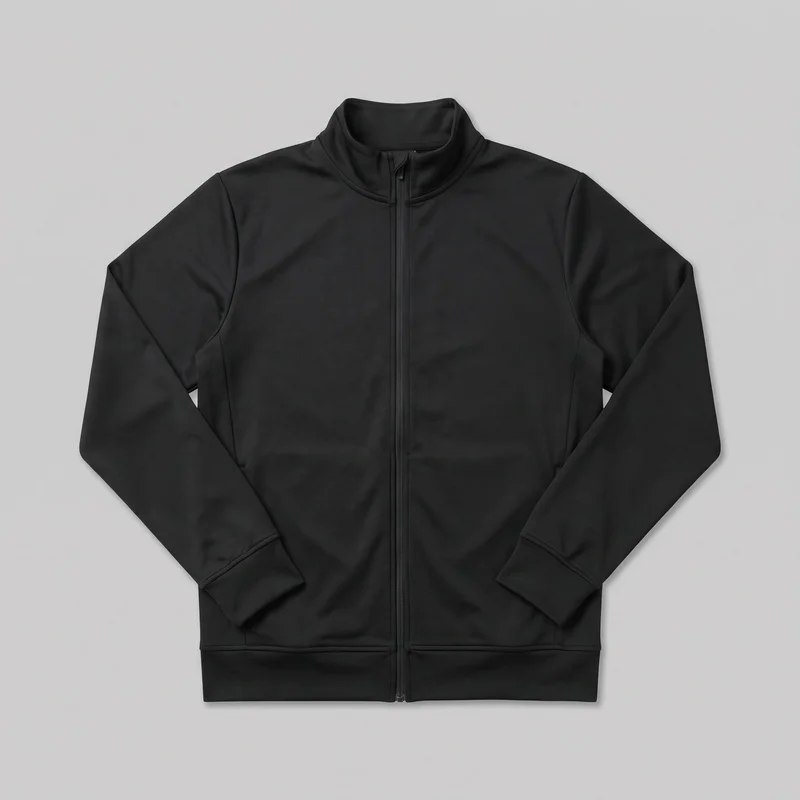 Men's Black Track Jacket
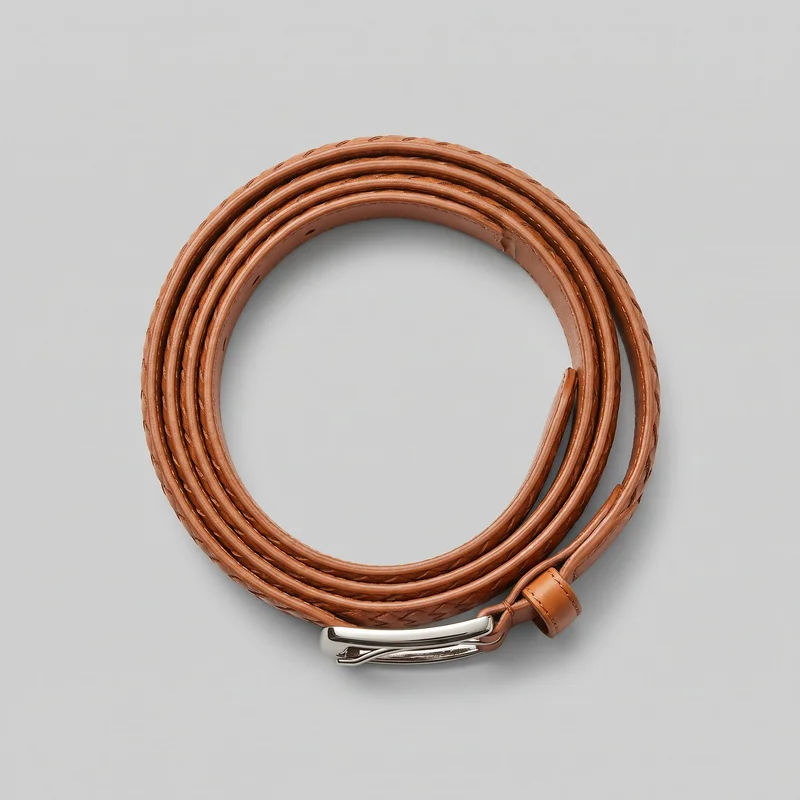 Men's Tan Woven Leather Belt
Showing 24 of 3,365
Catalog
Browse the catalog
By product
Consistency
Change the product, hold model and light
Change one element and the rest of the composition holds, including the selected model, light and crop. That gives related hero stills a shared direction while you adjust the product, framing or pose for the needs of each piece.
You change one
- Frame
- Pose
- Camera view
- Model
The rest holds
Model
Keep the selected identity across related hero stills.
Light
Maintain the chosen photography direction across the set.
Frame
Carry the same framing approach through related product images.
Who it's for
Does this fit marketing managers?
A perfect fit
This fits when you are a marketing manager, e-commerce manager or indie designer who needs directed on-model stills from product material already in hand.
Work it handles well
- You can direct launch imagery from product sources.
- You can keep one model across related products.
- You can prepare hero stills while casting is unavailable.
Rights
You own every image. Every image says what it is.
Yours
- Full commercial rights to every image, permanently.
- No recurring licence fees on any model in the library.
- Every model is a synthetic composite, so there is no real-person likeness.
Labelled
- C2PA content credentials on every image.
- AI-labelled output, aligned with EU AI Act Article 50.
Checked
- Every image is checked against your model, frame, view and pose before delivery; one that misses is made again.
- A safety filter screens every upload and blocks nude or explicit images.
EU-based hosting, GDPR-compliant handling.
- Aligned with EU AI Act Article 50
- C2PA
- Full commercial rights
- Quality-checked images
- Safety-filtered uploads
- GDPR-compliant handling
- EU-based hosting
Questions
What brands ask before a product photoshoot?
What are directed on-model hero stills for a product launch?
Directed on-model hero stills are original campaign photos that place your product on a selected model before a cast is available. They give your launch team a product-led visual direction for planning creative, product pages and paid social without waiting for a conventional shoot. You choose the model, photography direction, background, frame, view, pose and expression, using a product photo, flat-lay, mockup or technical sketch as the source. Start with the clearest available product material and set the visual direction you need for launch.
Which launch teams and marketing channels suit directed on-model stills?
Launch planning, product pages, campaign landing pages, paid social and email creative all suit directed on-model stills. They are useful for marketing managers, e-commerce teams and independent designers who have product material but cannot schedule casting yet. A clean product photo can become a hero image, while a flat-lay, mockup or technical sketch can support early campaign planning. Keep one selected model and photography direction across related products to create a coherent set. Choose the channels and launch assets that need still imagery, then build each frame around the product.
Which image ratios should campaign product pages and social posts use?
Use 4:5 for product-page and feed-led campaign images, and 9:16 for Stories and other full-screen social placements. A square 1:1 frame can suit profile grids and flexible paid-social placements, while wider landscape crops work where a campaign banner needs more surrounding space. Set the frame around the channel’s required crop before generating, alongside your model, view, pose and photography direction. Every finished image is automatically checked against the chosen frame, view, model and pose before it reaches your library. Prepare a frame list for each placement, then generate the matching stills.
How does RAWSHOT turn product references into directed campaign photos?
RAWSHOT turns your product photo, flat-lay, mockup or technical sketch into directed on-model campaign stills. Import the clearest source you have, choose a model, background, photography direction, frame, view, pose and expression, then generate the images for the assets already in your launch workflow. You can hold the selected model, light and crop direction across related products while changing the product or pose. Automated review runs without any setting to enable: it checks the requested model, frame, view and pose, and failed images are regenerated. Gather approved product references first, then set the creative direction.
How are RAWSHOT hero photos different from a studio shoot?
RAWSHOT creates directed on-model stills from product references, while a studio shoot requires physical samples, a cast, location, crew and scheduled photography. It is also different from a flat-lay, which shows the garment without an on-model campaign composition, and from a smartphone photo that may not provide consistent framing or lighting direction across a set. You set the model, named photography direction, frame, view, pose and expression for each image. Before delivery, every image is checked against the chosen model, frame, view and pose, with clear failures regenerated. Use it when launch imagery needs direction before casting can happen.
What does RAWSHOT charge for campaign hero stills?
RAWSHOT is self-serve, with a free trial, monthly plans and a token cost per generated image rather than a custom campaign quote. Plans start at $9 per month for ~16 images, with images from $0.56 each on the Starter plan. Your monthly plan includes tokens, and each still uses 5 tokens. That structure lets you generate only the directed product images your launch requires, whether you begin with a hero frame or build a related set. Start with the free trial, then choose the monthly image allowance that matches your campaign workload.
What are the practical limits of AI-directed campaign stills?
AI-directed campaign stills are not the right choice when your creative requires a particular real person, a lookalike reference, precisely positioned custom lighting or unrestricted garment draping. Results also rely on legible product material: blurry, dark or heavily obscured references leave less reliable visual information to carry into the image, and sketches need clear material cues. The automated review catches clear model, frame, view, pose and technical defects, but it does not guarantee every issue or reject natural variation in crop, makeup, lighting or posture. Use clear references and named direction choices, then review final images for brand-specific approval.
Who owns RAWSHOT campaign photos and can my brand use them commercially?
You get full commercial rights to every image, permanently, with no recurring licence fee. Every image carries C2PA content credentials and is labelled as AI-generated.
Get started
Direct your product photoshoot in RAWSHOT
Start with a 7-day free trial including 50 tokens, then move to the plan that matches your production volume.