
Product pages
AI product video generator
Your finished stills become short clips for page listings.
An ai product video generator can turn finished stills into short clips, but you manage pages with stills only and a video shoot for every SKU is out of budget.
7-day free trial • 50 tokens (10 images) • Cancel anytime
A 2K image in roughly 35 seconds · AI-labelled with C2PA content credentials
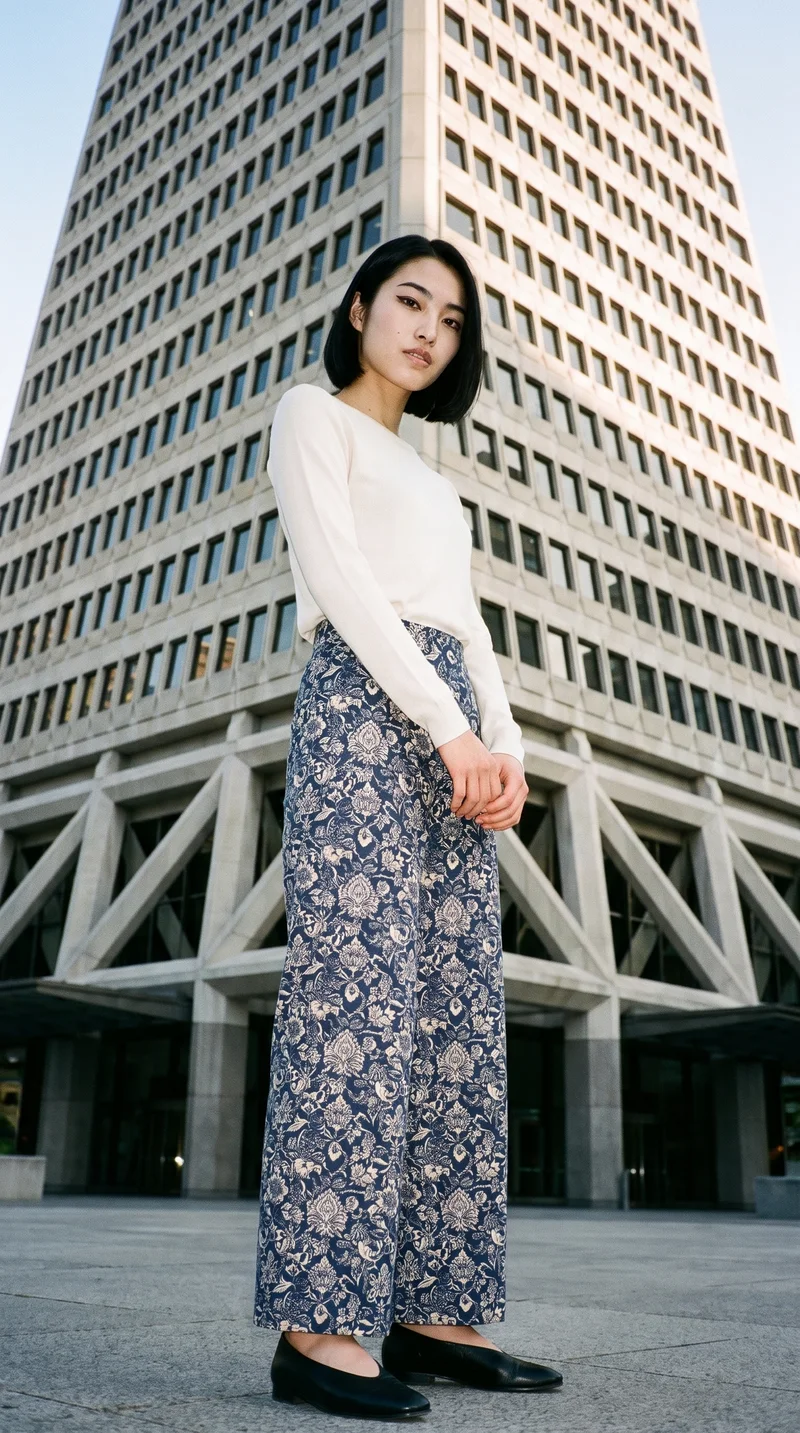
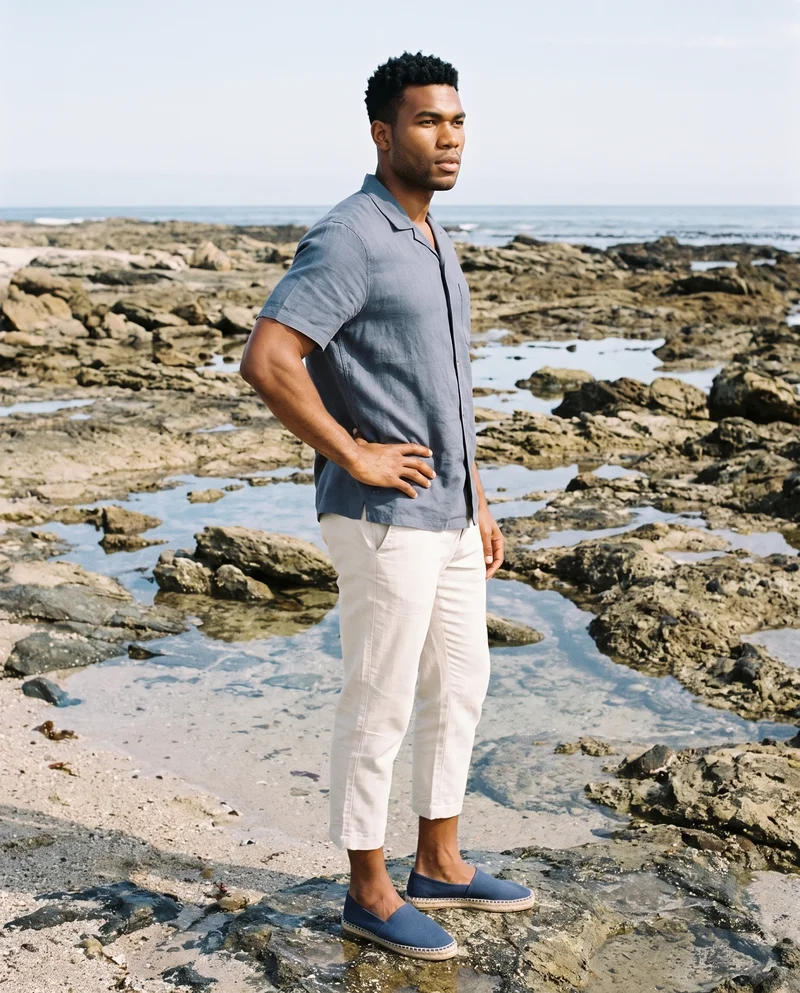
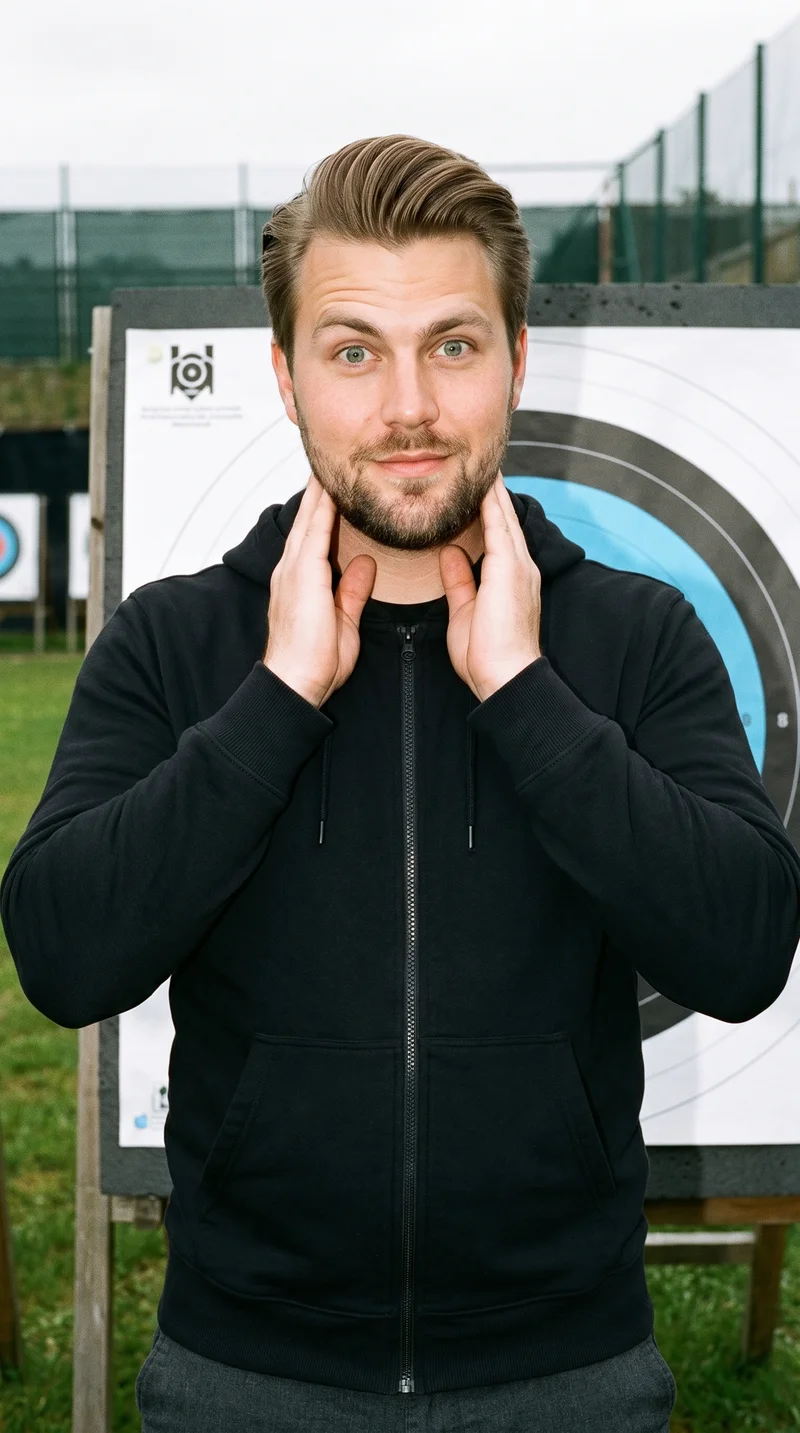
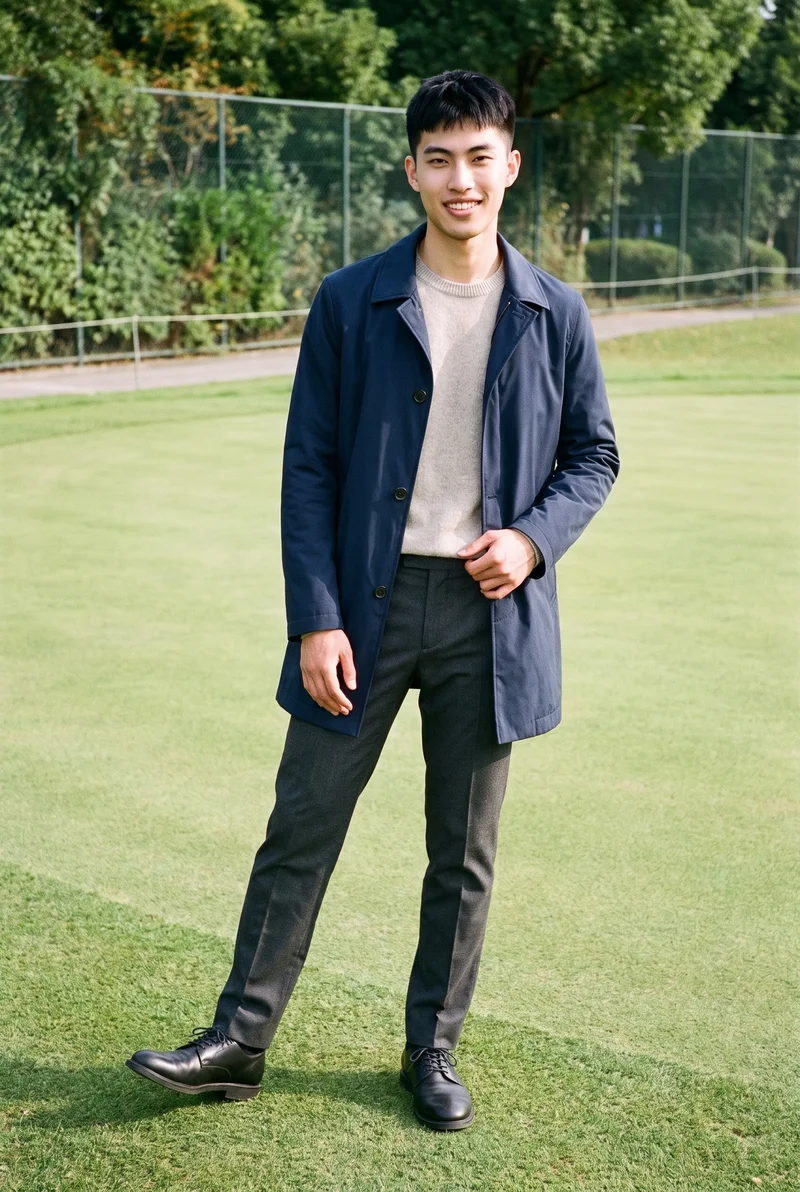
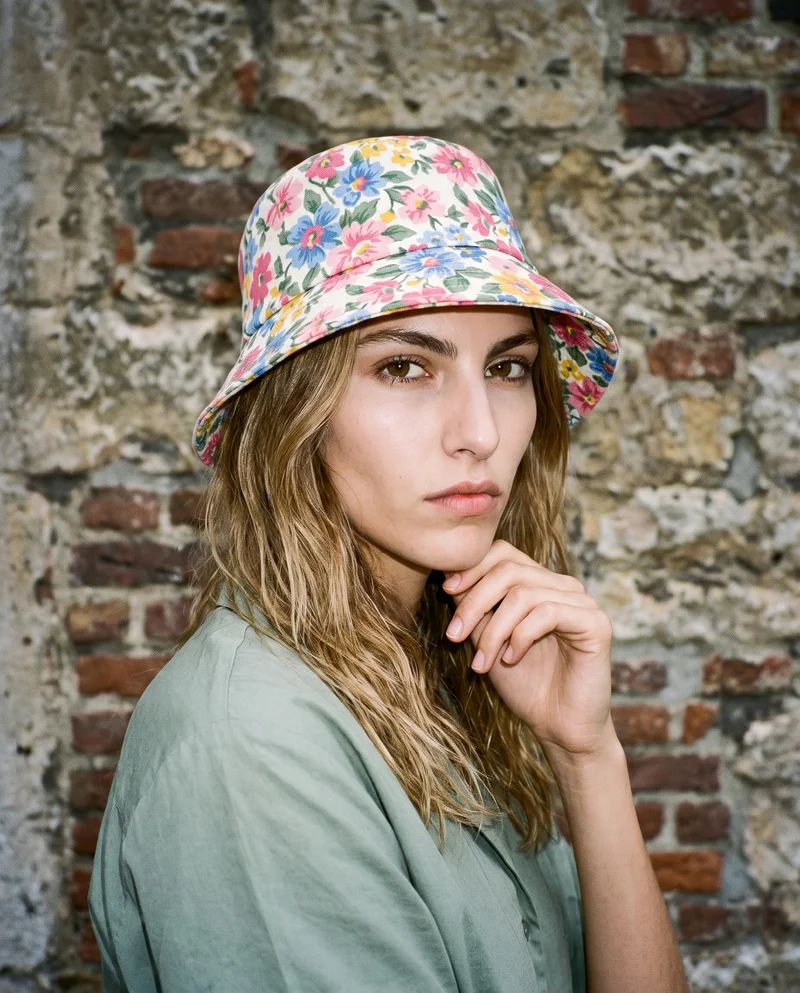
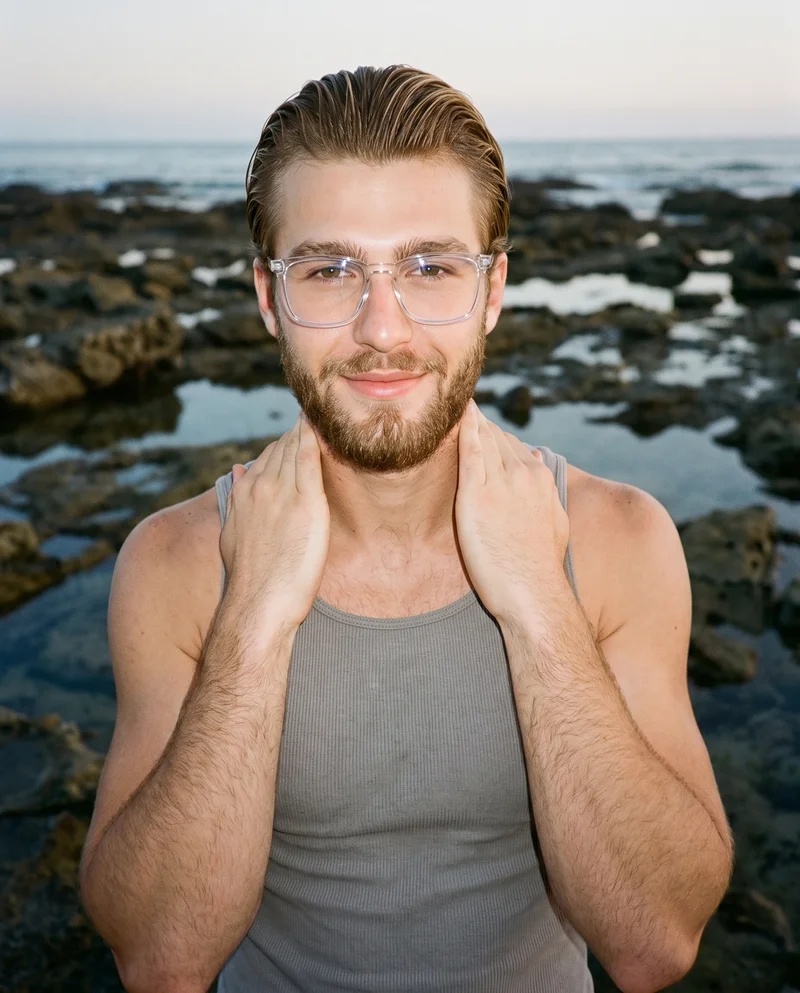
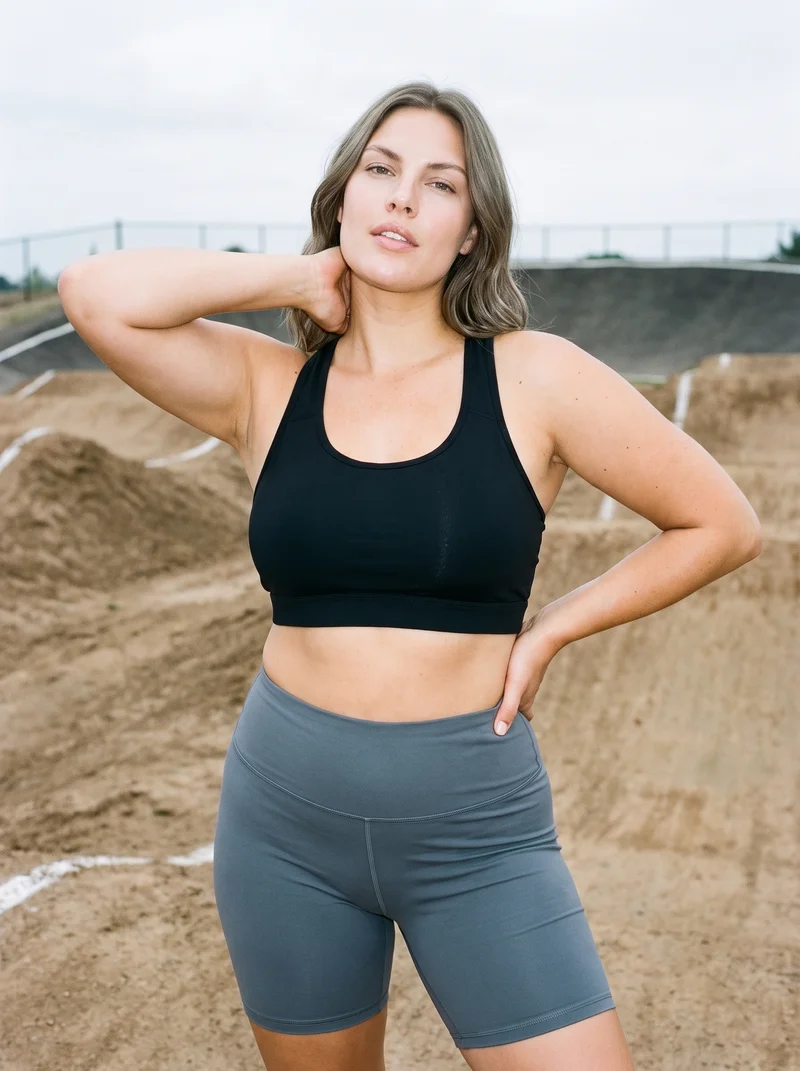
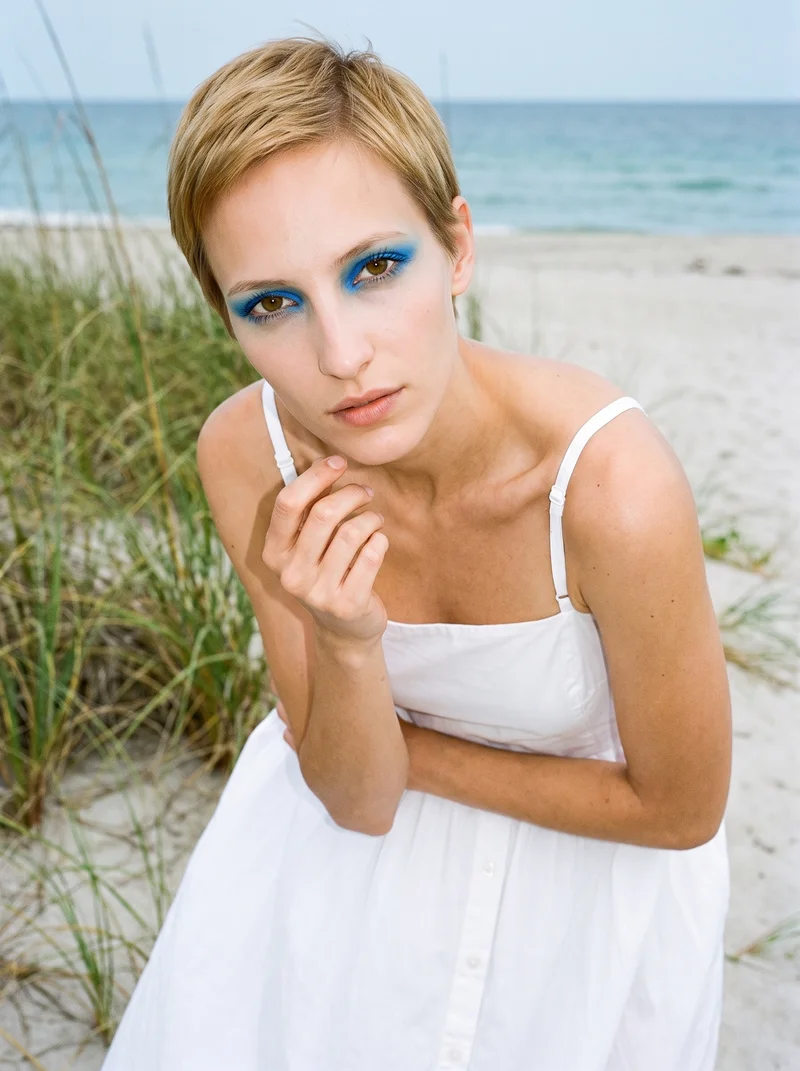
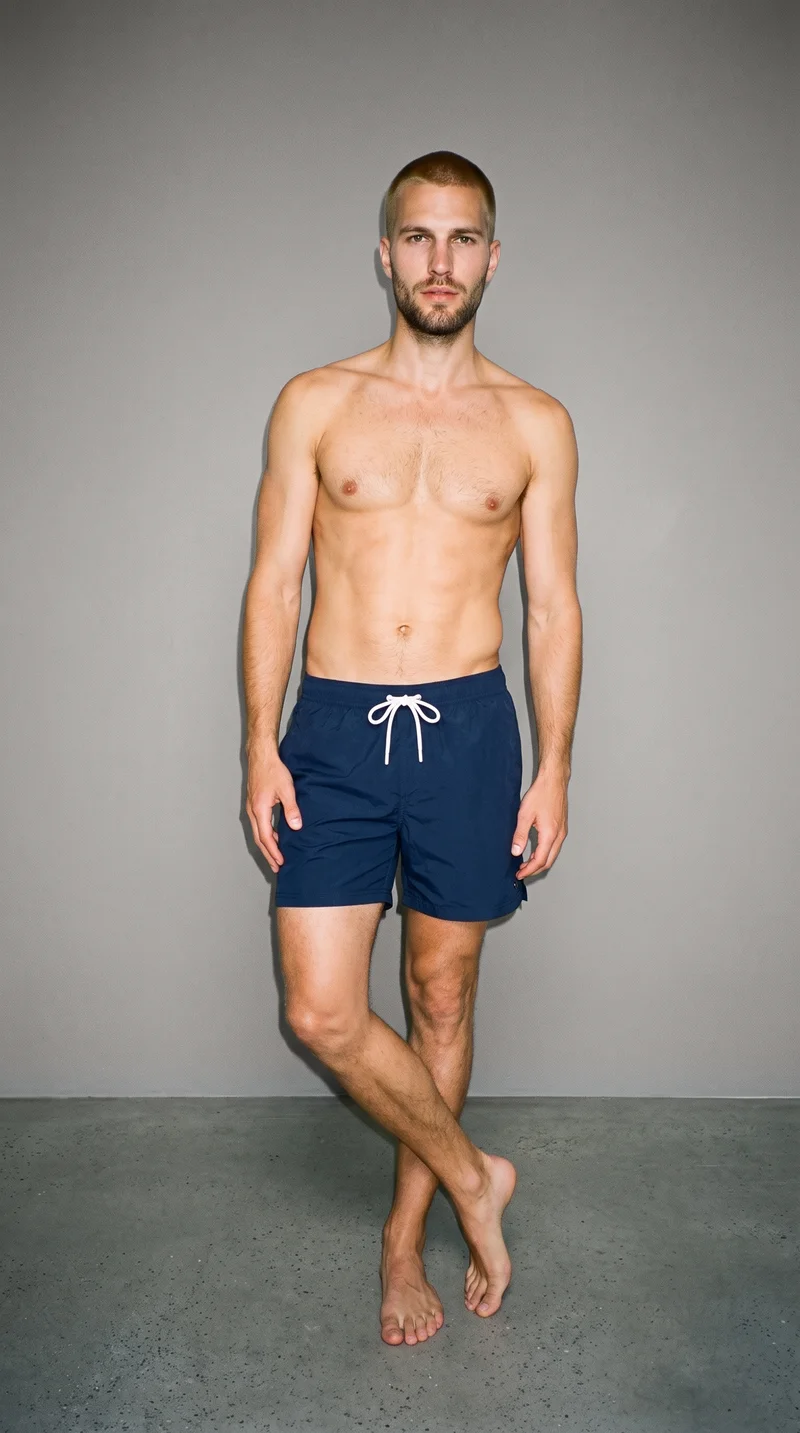
Showing 9 of 992, shot in RAWSHOT
Use cases
Your still-only SKU needs motion before its page goes live.
Clothing page stills
The situation
A clothing SKU has approved stills, but its product page has no video asset for shoppers to view.
With RAWSHOT
Use the approved still as the source and choose camera movement, a frame-matched model action, and output resolution. You get a short clothing clip for the product page.
Footwear listing video
The situation
A footwear listing relies on an existing product image and needs a short clip to add motion to the page.
With RAWSHOT
Use the existing image and choose a camera move, a model action supported by its frame, and an output resolution. The finished clip gives the listing a video asset.
Jewellery page motion
The situation
A jewellery product page has still photography but no motion asset to show alongside its product details.
With RAWSHOT
Use a finished jewellery still and choose from the actions supported by its frame, along with camera movement and resolution. You get a short clip based on that product image.
Bag or watch clip
The situation
A bag or watch SKU needs product-page video, but a separate video shoot for the item is out of budget.
With RAWSHOT
Use a finished still of the product and set the camera movement, available frame-matched action, and resolution. You get a short clip for the SKU's product page.
What you get
Your listings gain short clips from finished stills.
Turn finished product stills into short clips for product pages, with camera movement and action matched to the source frame. Each clip can include up to 3 scenes of 5 seconds each, with output resolution selected for the page.
Product-page clips
Finished product stills become short video clips for listings, giving a page with still imagery a motion asset based on the product image you already have.
Camera movement
Choose how the camera moves through a scene, from a static hold to a sweep or push. The selected movement gives the product clip its visual direction.
Frame-matched action
Select an available model action that fits the still's frame. The action options depend on the source image, so the crop matters when preparing the clip.
Video resolution
Set the clip output to 720p or 1080p. Choose the resolution that suits the product-page placement and review product details in the finished clip against the approved still.
Direct the shoot
Your frame, view, pose and light direct each clip.
Starts from
A finished still from your photoshoot
Image frame
15
Model action
17 model actions on this frame
Camera motion
14
Scenes
3
Resolution
2
Create video
From image 1
Still from this page · 9:16Source
Image 1 · Full Body
Camera
Static
Delivery
720p · 9:16 · 3 × 5 s = 15 s
Cost is shown on the button
AI fashion models
Select one of 1,197 library models to wear the piece.
1,197 licence-free grown models across ages and body types. Or build a private model from visible attributes.
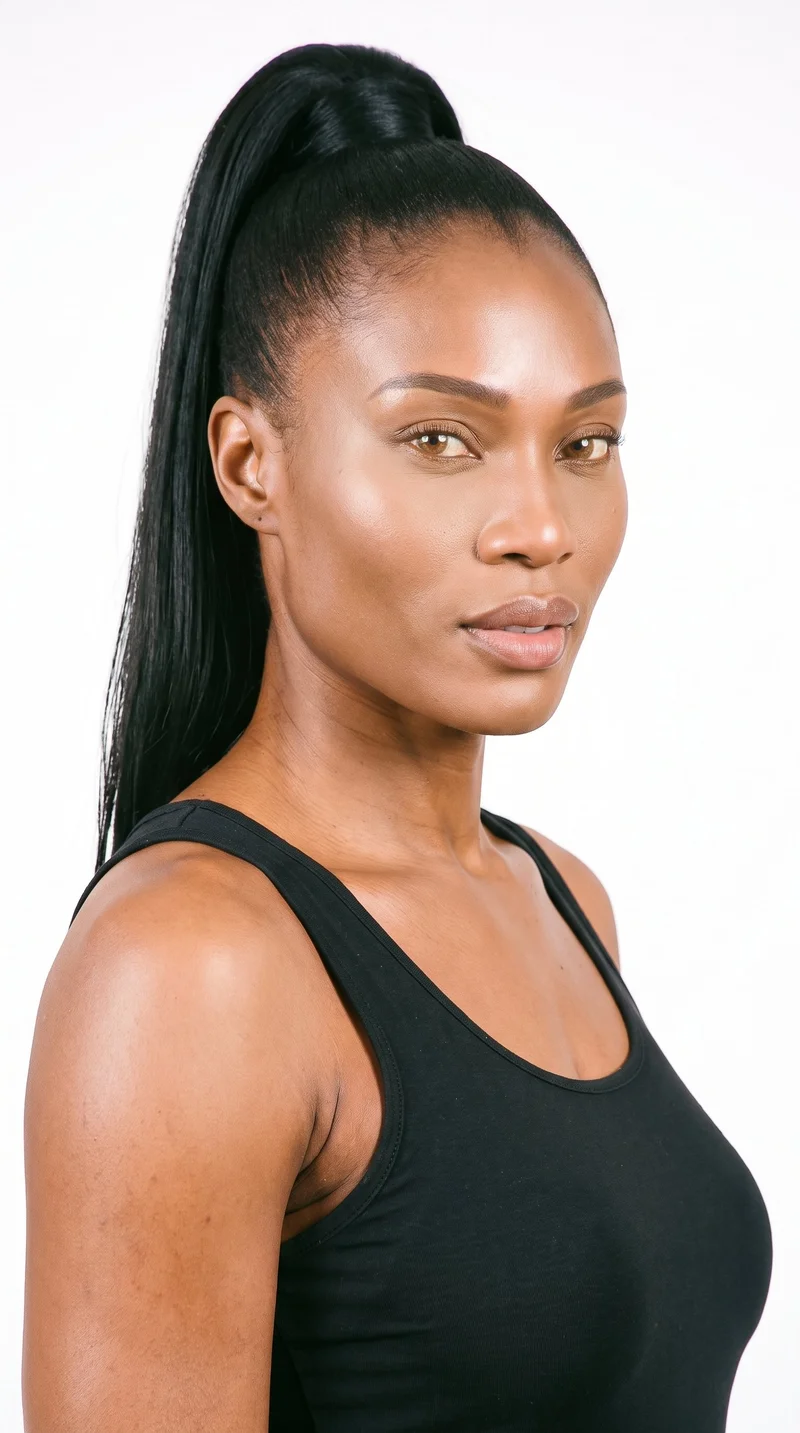
Female · 38
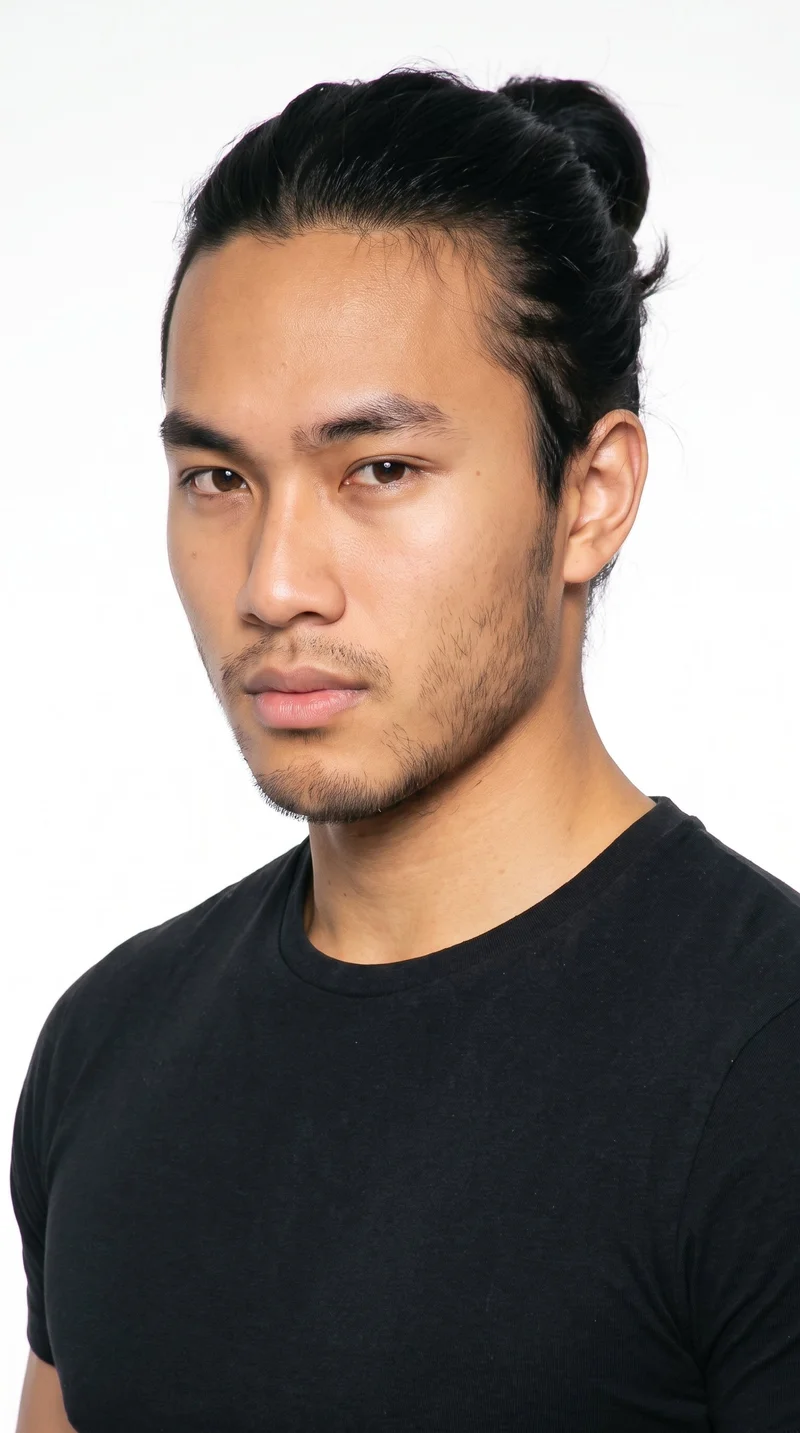
Male · 18
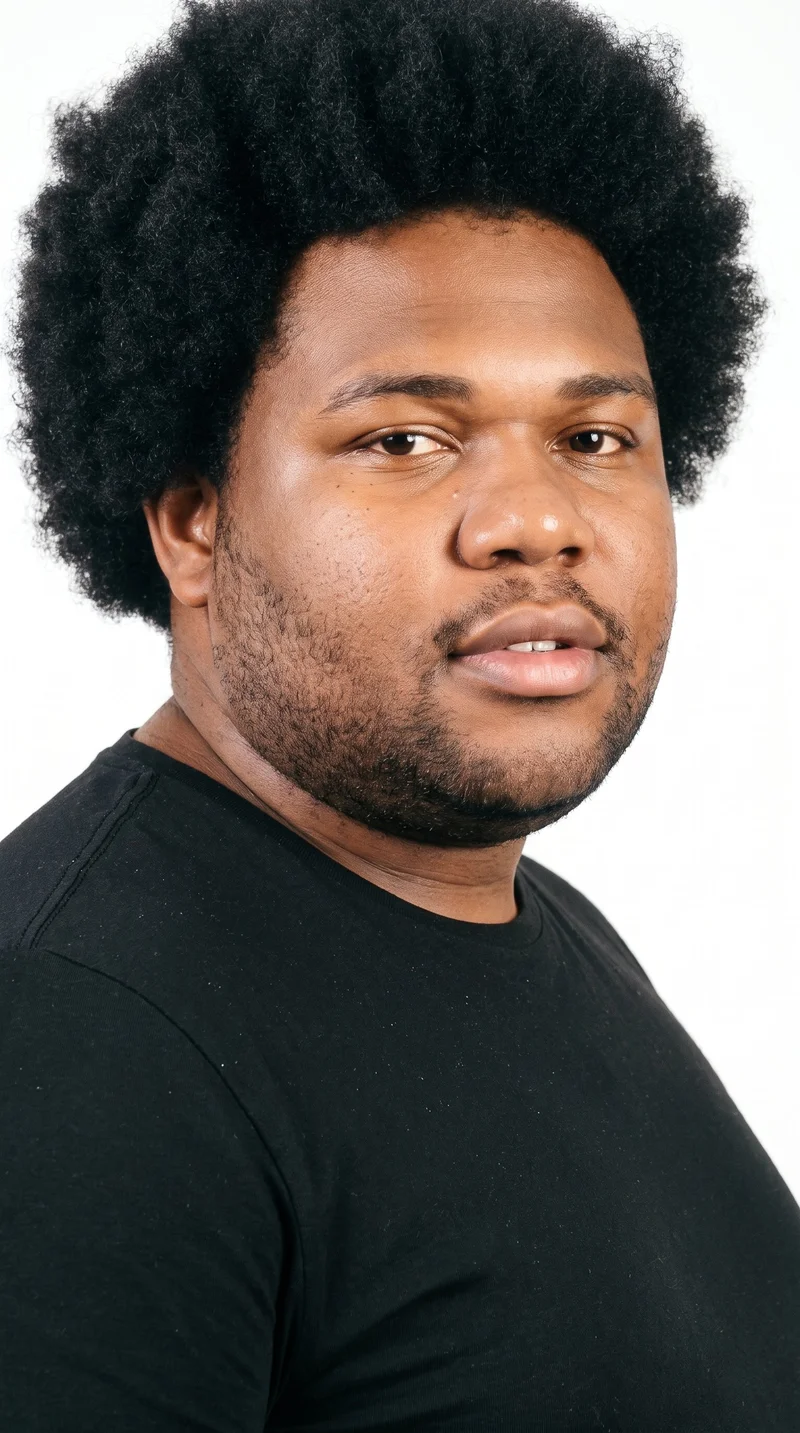
Male · 33
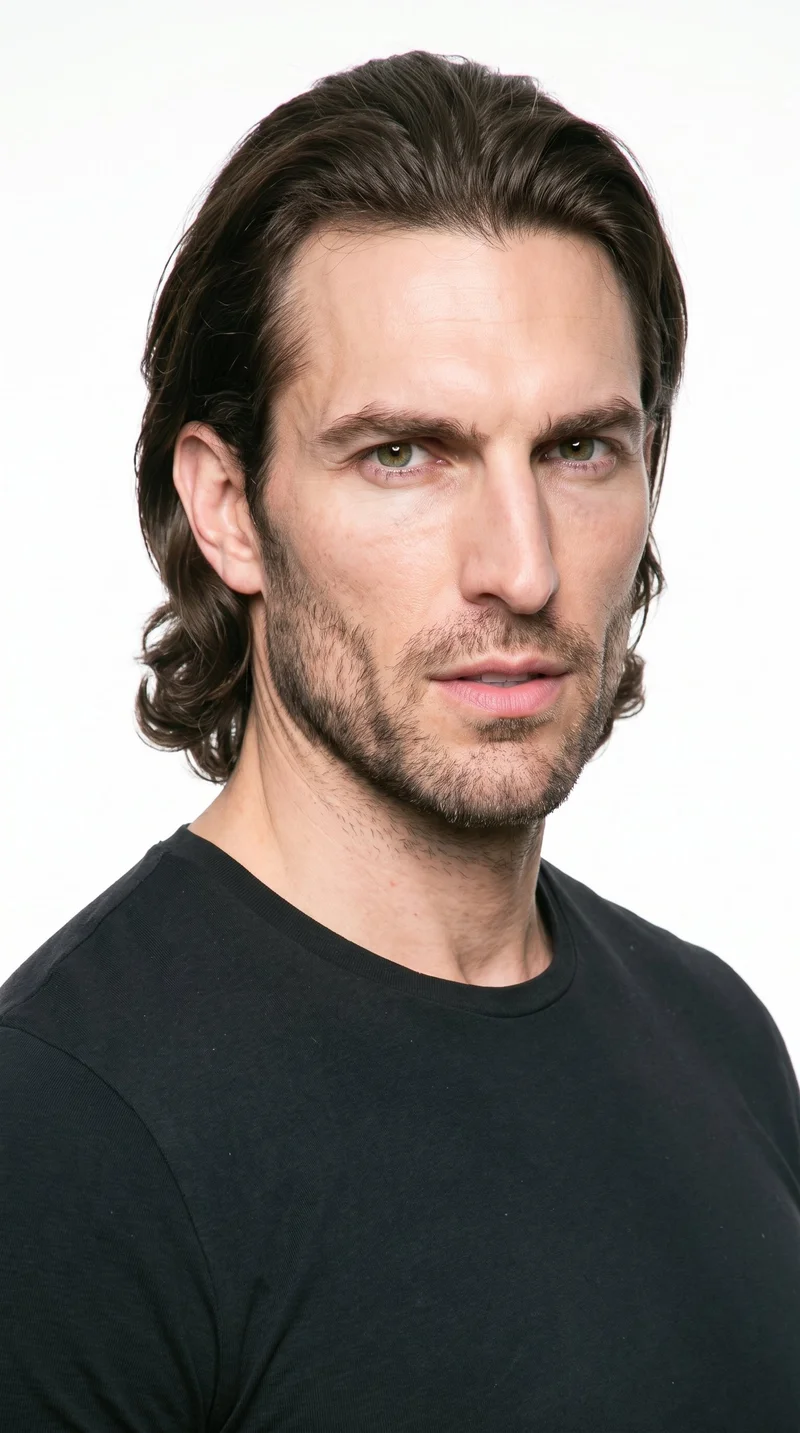
Male · 40
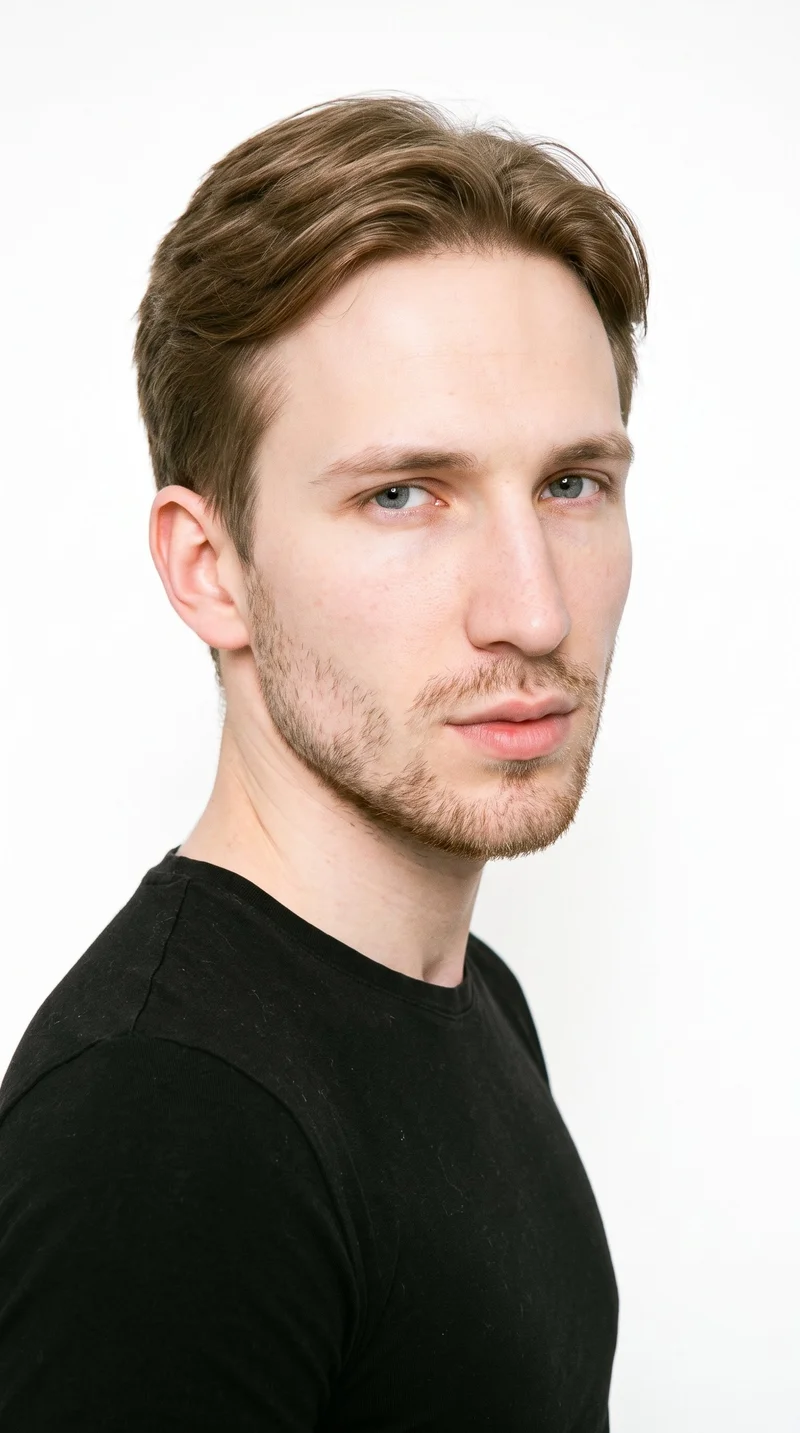
Male · 22
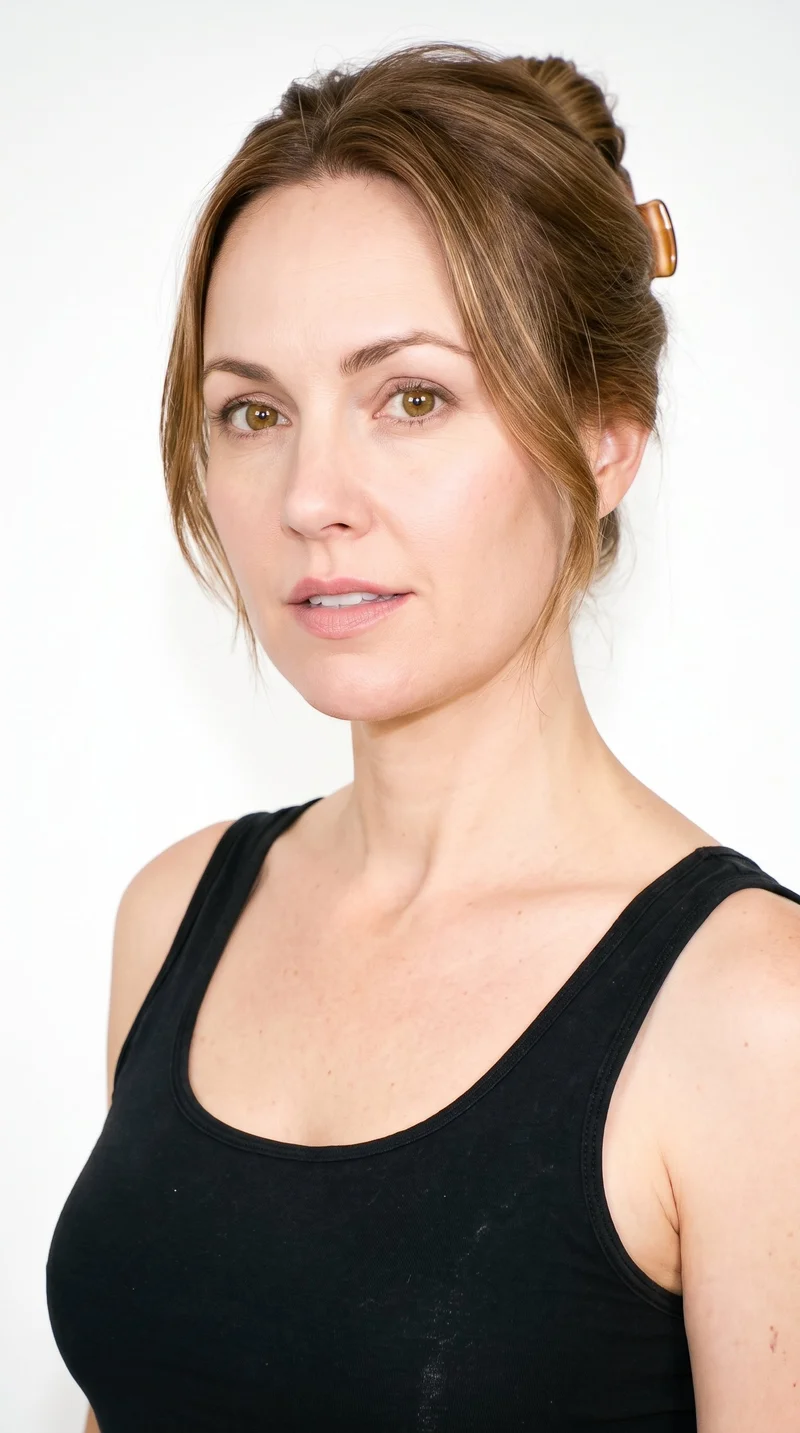
Female · 40
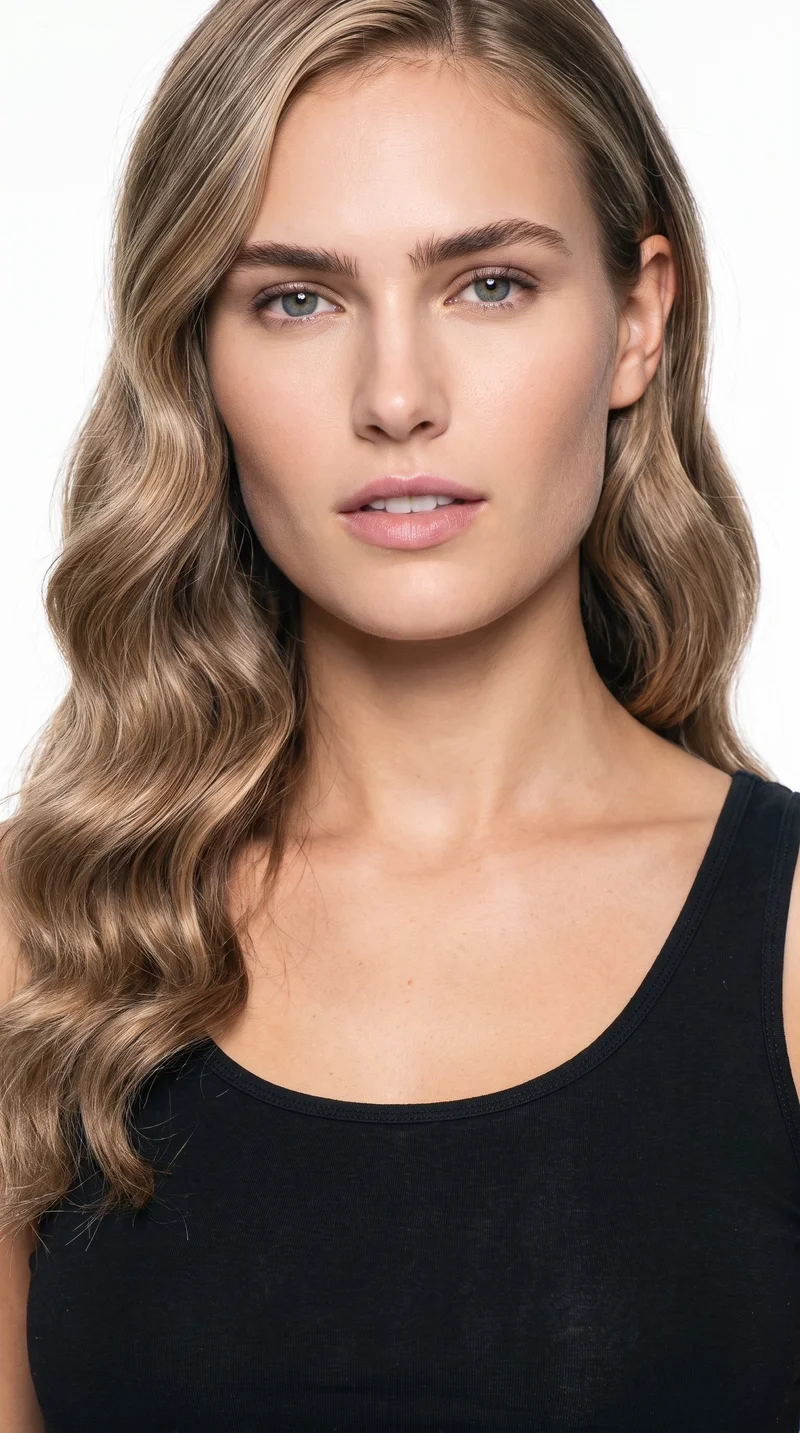
Female · 20
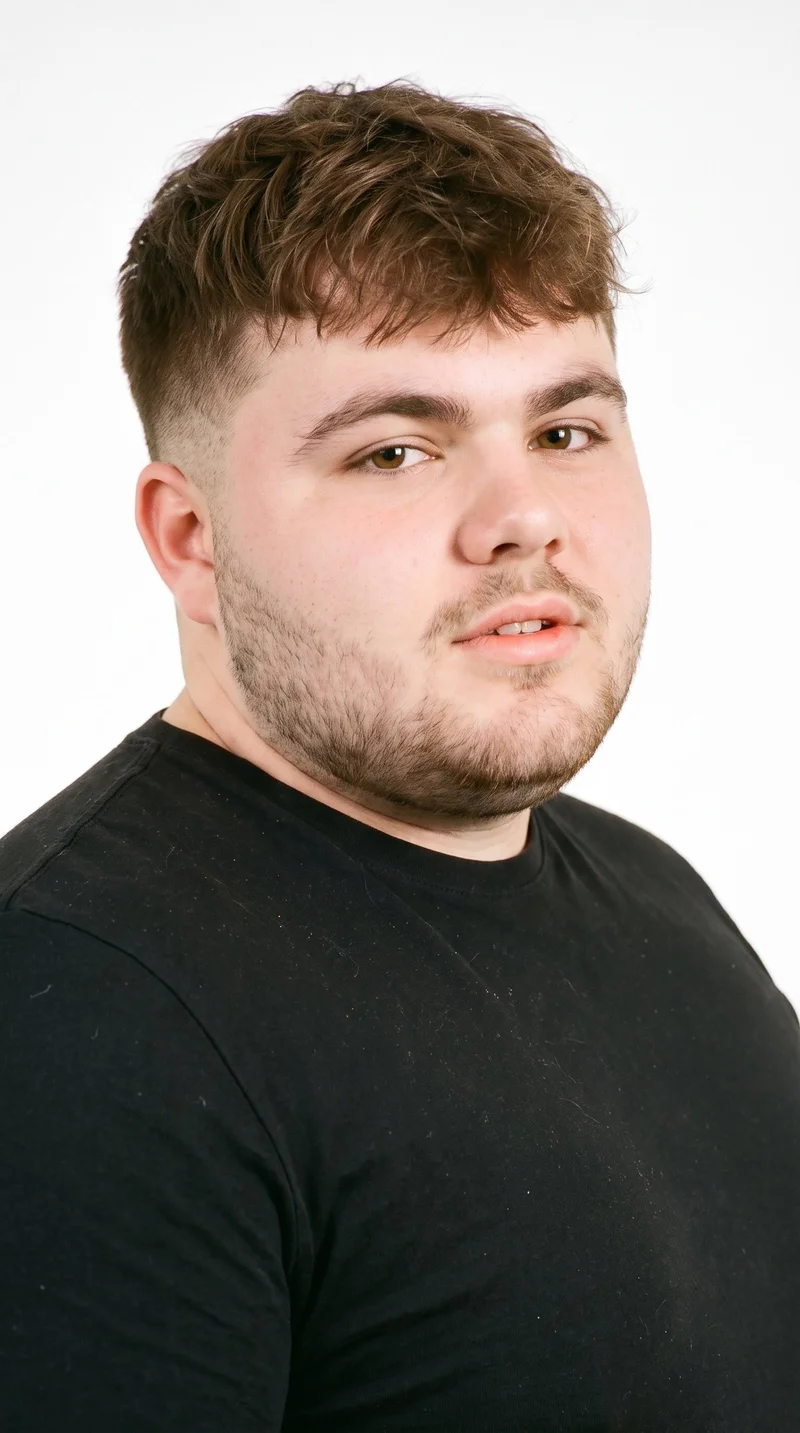
Male · 20
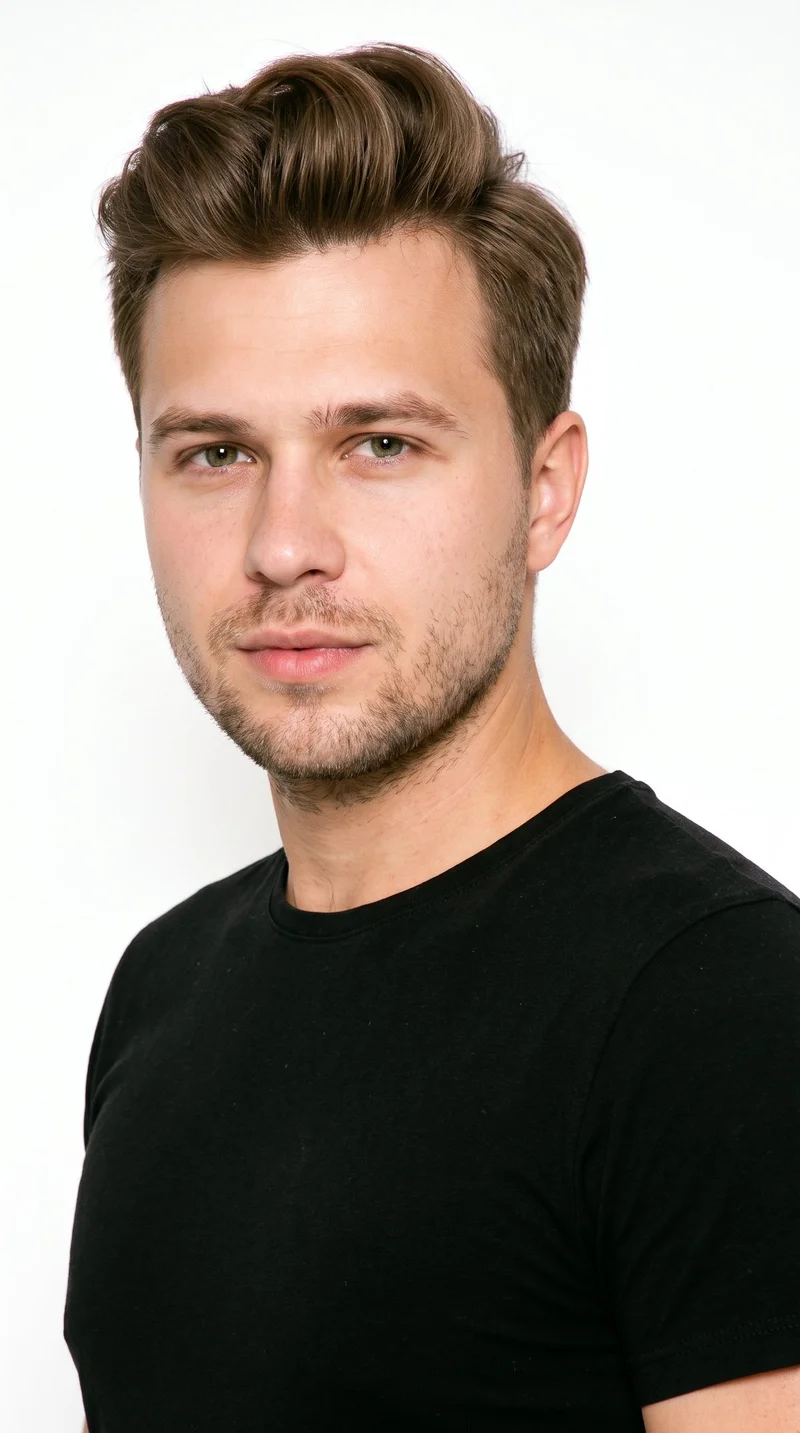
Male · 27
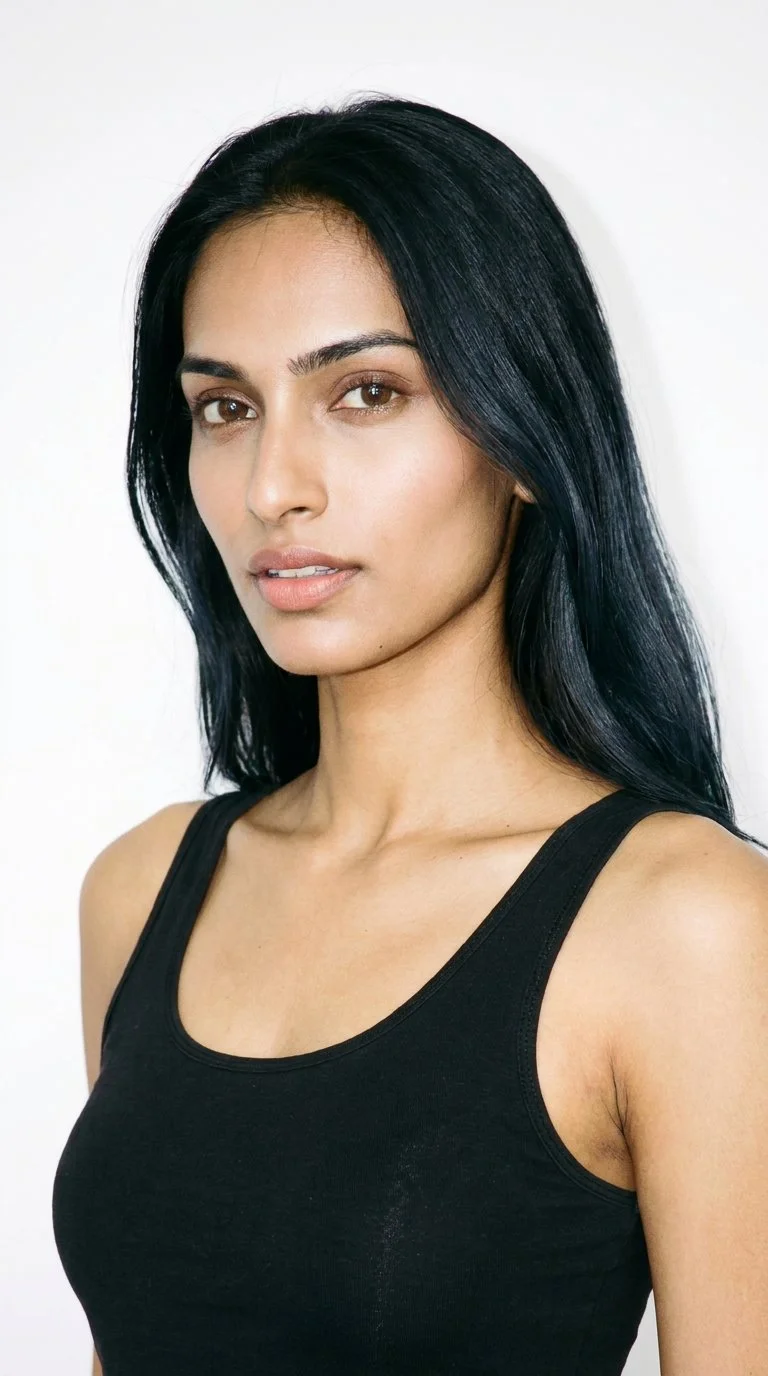
Female · 24
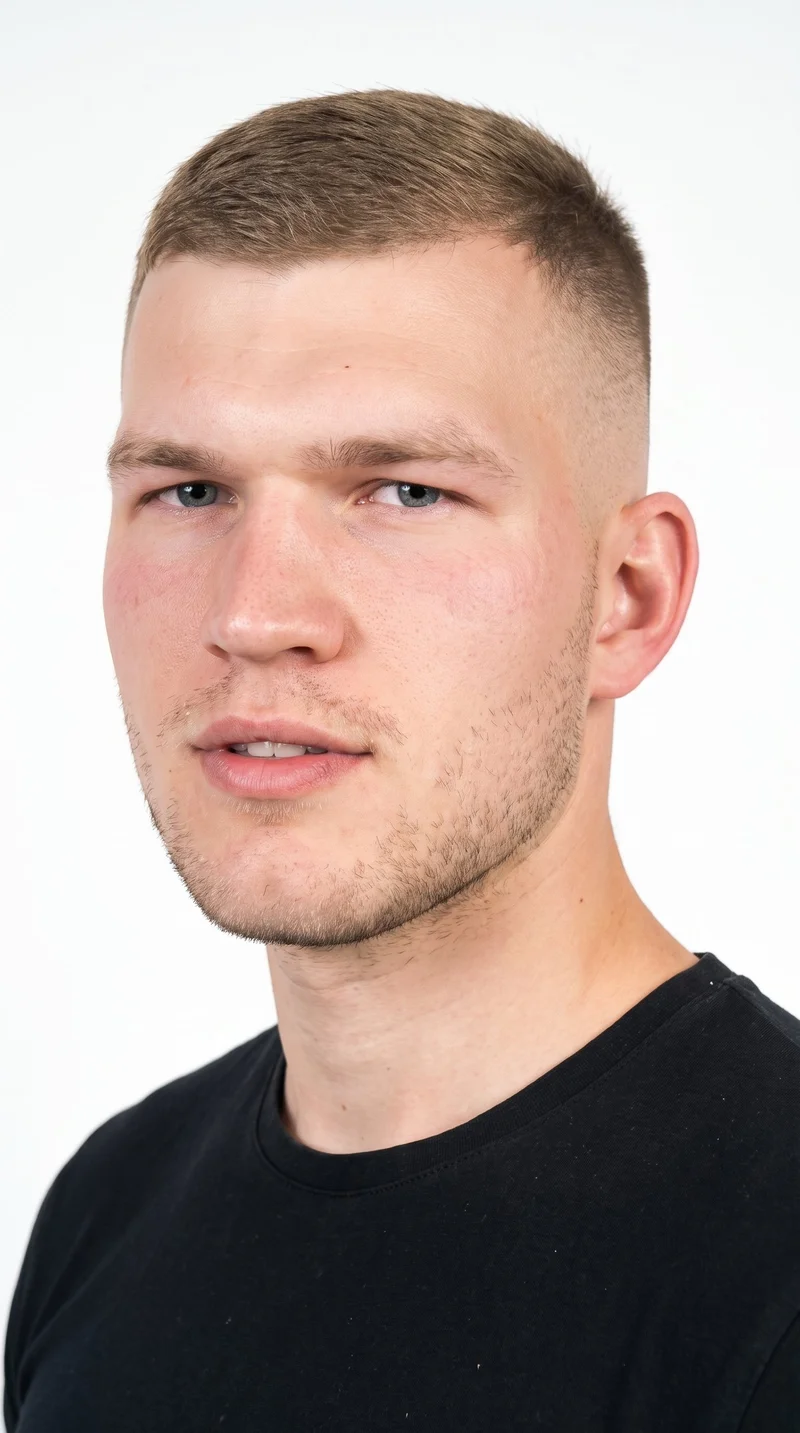
Male · 22
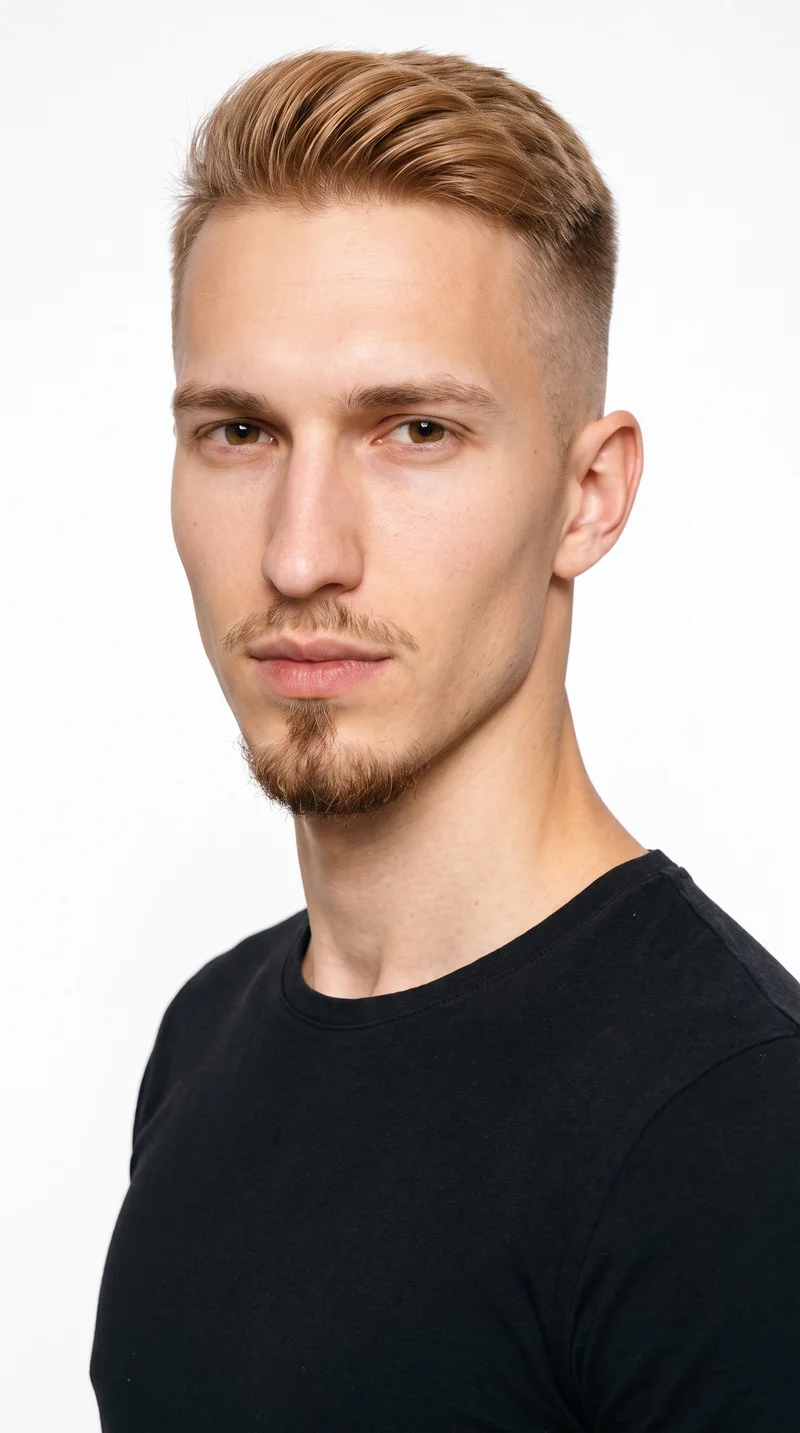
Male · 21
Showing 12 of 1,197
Cast your modelRawshot Features
RAWSHOT lets you direct motion from the source still.
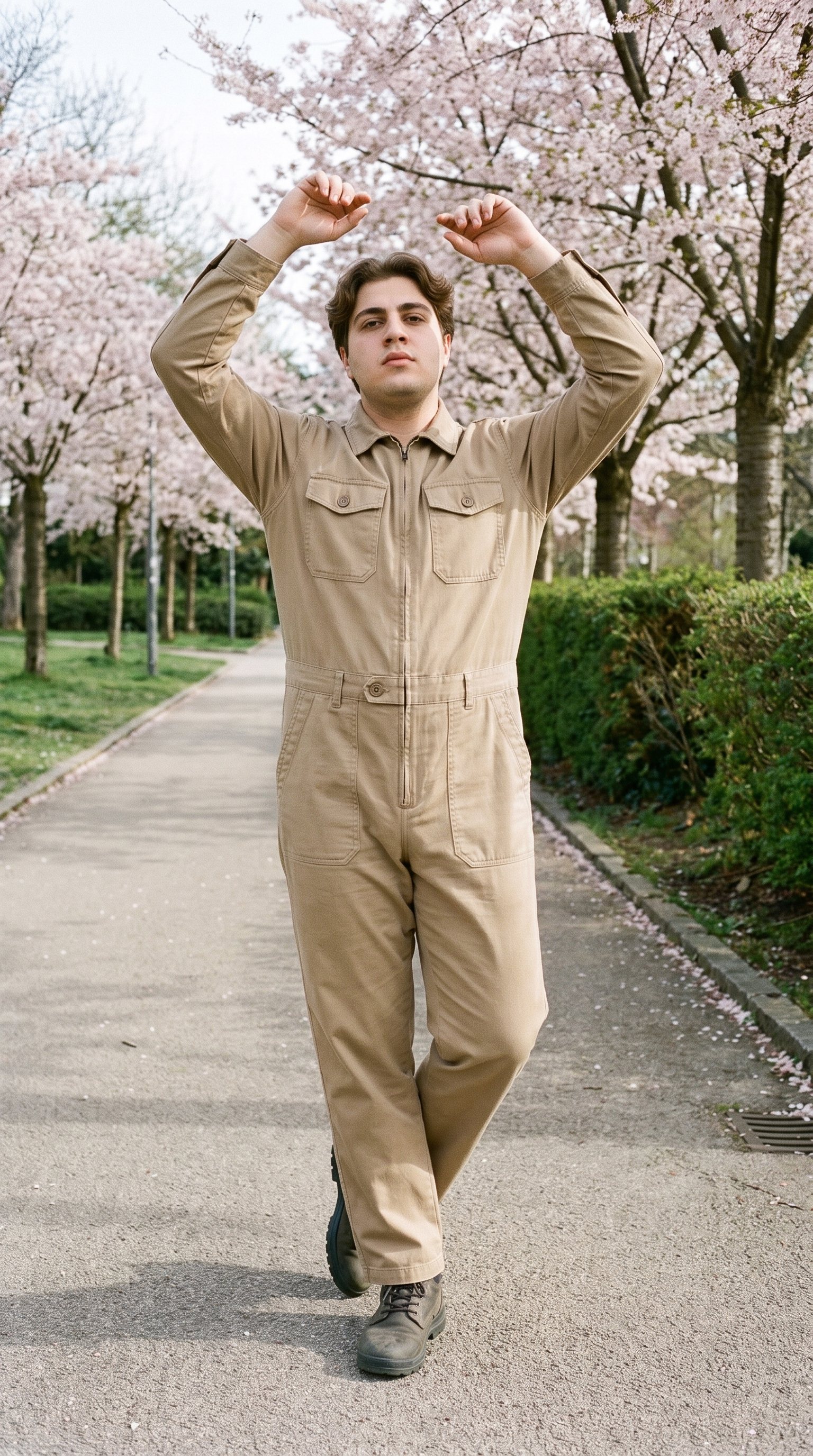
Fashion model poses
The source image's frame determines which model actions can carry through into the product clip.
22 poses on a full-body shot · 104 in total
See the feature →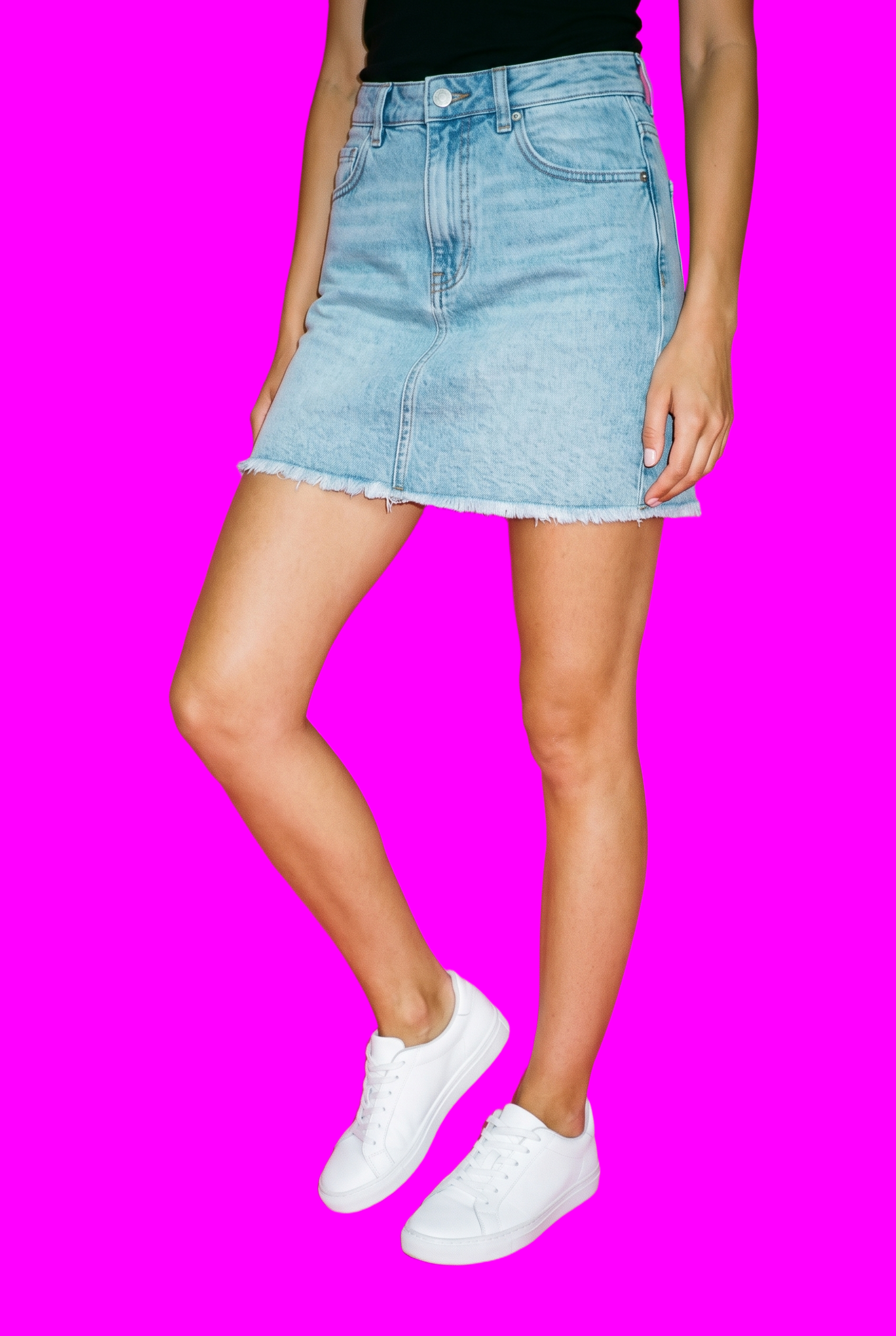
AI image to video generator
For a product page that needs motion, choose camera movement and an action supported by the still, with output resolution set for the placement.
17 model actions on a full-body shot · 132 in total
See the feature →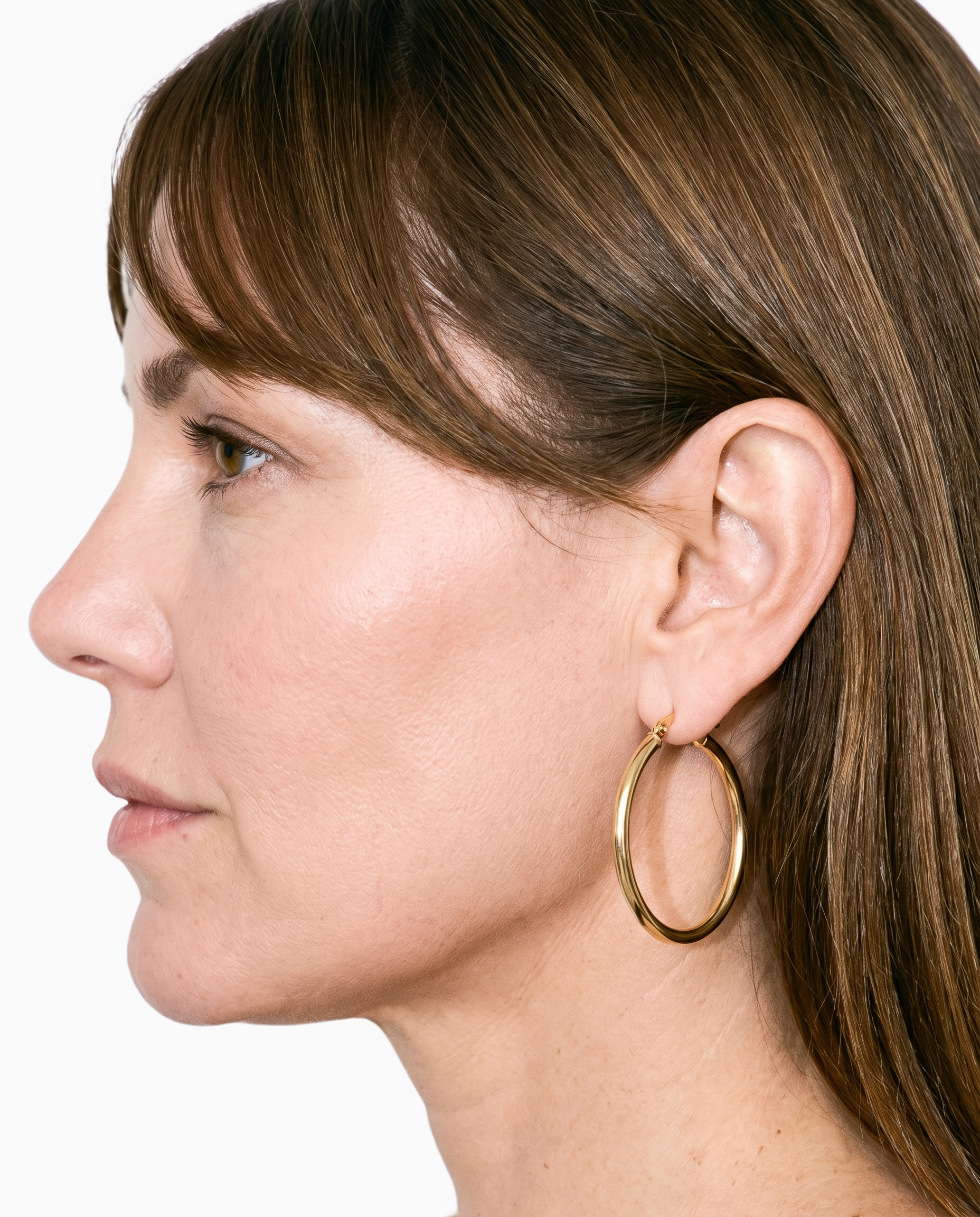
Product import and handling
Product photos, flat-lays, mockups, and technical sketches can provide source material when a finished still is not available.
Start from your real item and keep product fidelity while building the scene.
See the feature →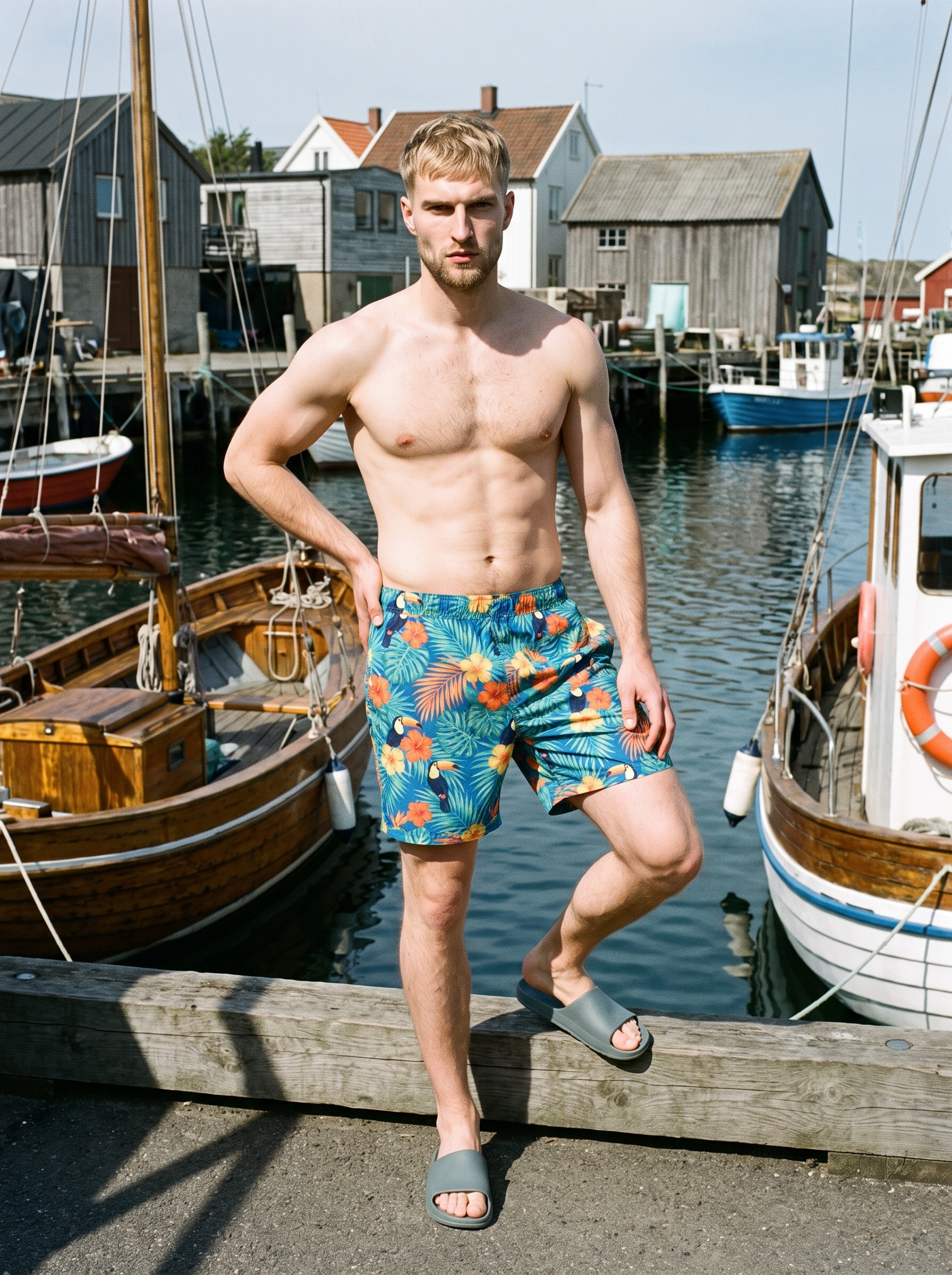
AI photo background generator
If the product still needs a background change, use the background tool on the still that will serve as the clip's visual source.
Swap scene context while keeping model, product, and framing stable.
See the feature →AI image to image generator
Change one decision and keep the rest of the composition stable.
AI makeup generator
Branch-aware named options applied without altering casting or scene setup.
AI model generator
Library filters plus private model building for consistent identity across the set.
AI outfit generator
Combine the main piece with neutral supporting items in one coherent frame.
AI suggestions
Preselected control values you can always override in the same configurator.
Garment styling
Choose how the garment is worn and keep brand presentation consistent.
Inspiration gallery
Load editable finished looks as fast starting points for new shoots.
Photography direction
4 named choices that set mood and shadow the same way across a shoot.
Gallery
Shot in RAWSHOT, listing clips show still-led motion.
Examples show how product imagery can be framed for a listing. Your own finished still remains the source for the product clip.
Looks & backgrounds
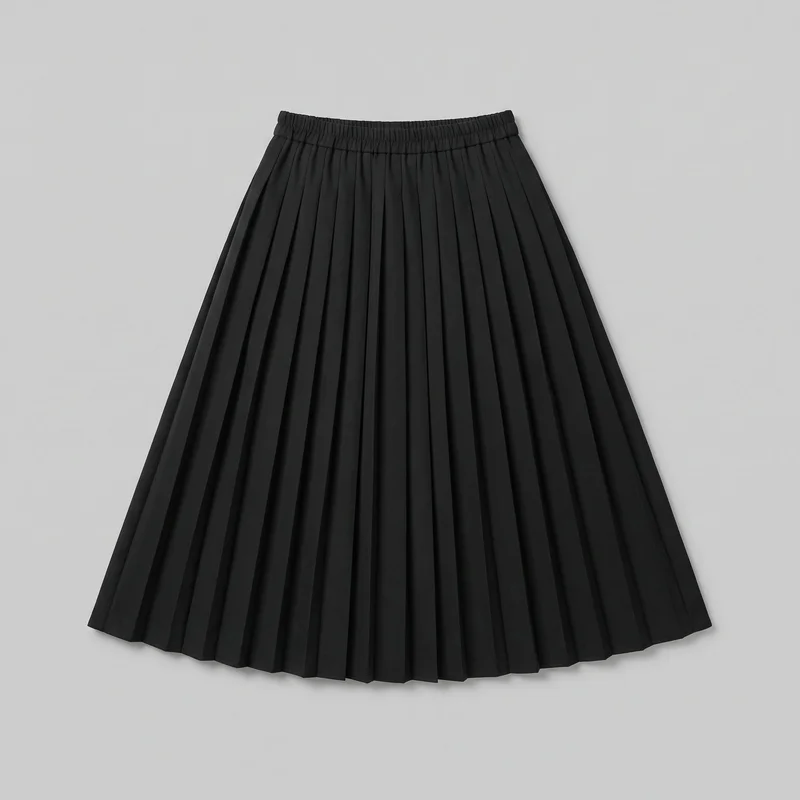 Black Pleated Skirt
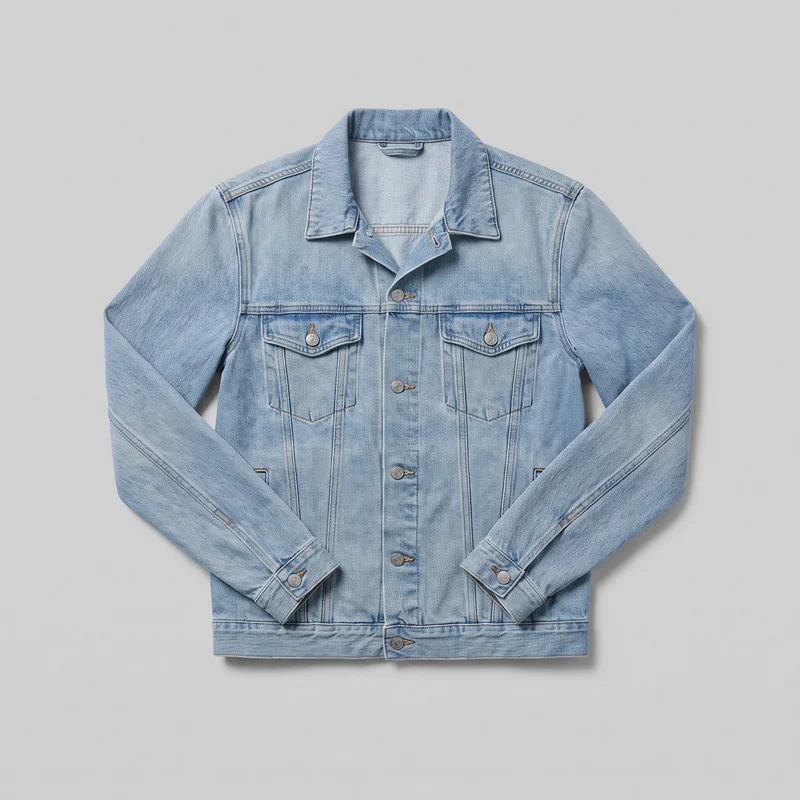 Men's Light Wash Denim Jacket
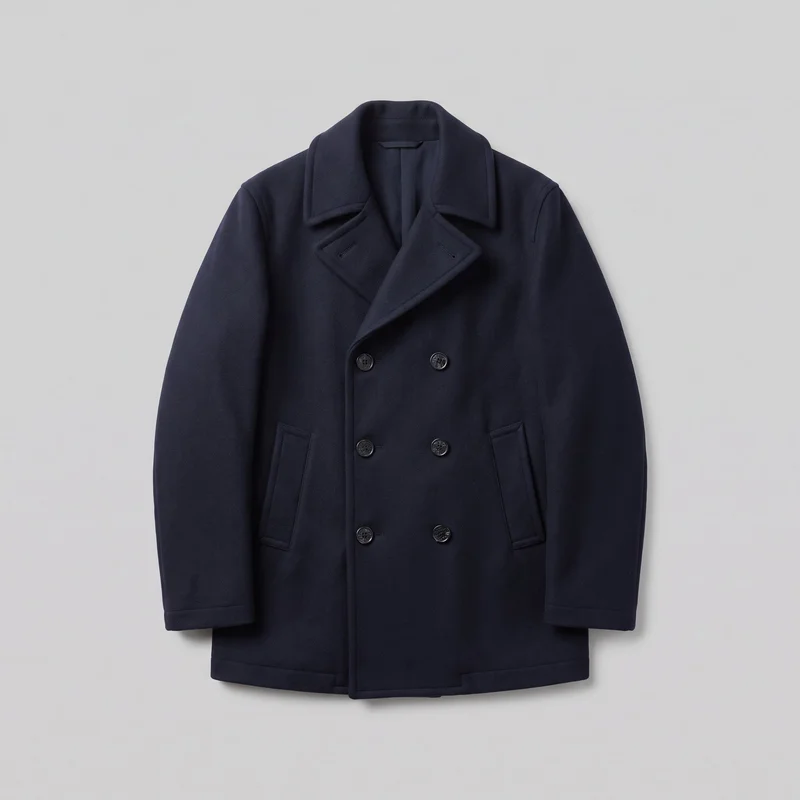 Men's Navy Double-Breasted Wool Coat
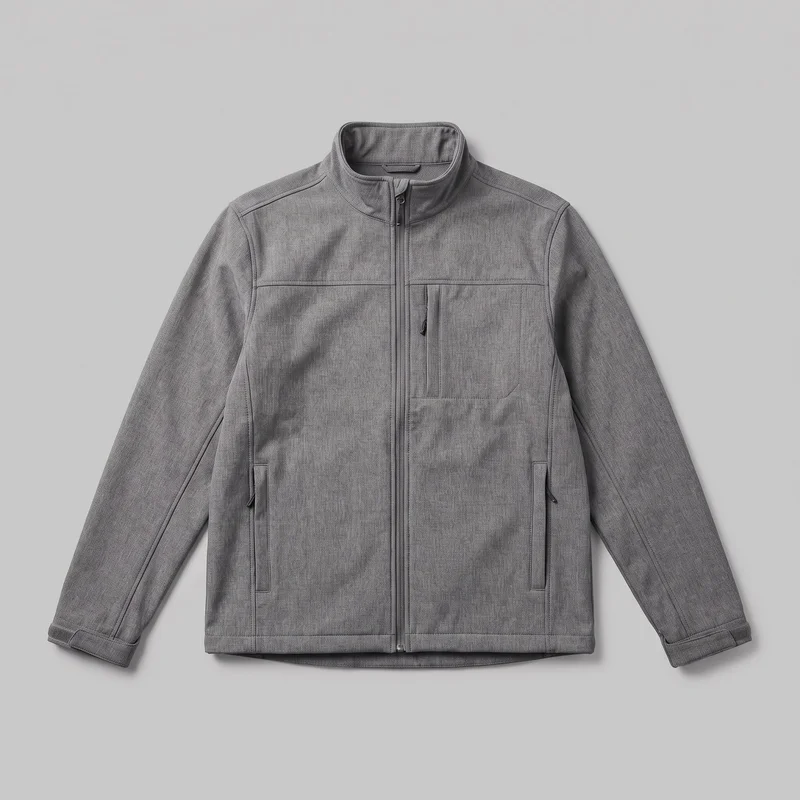 Men's Grey Softshell Jacket
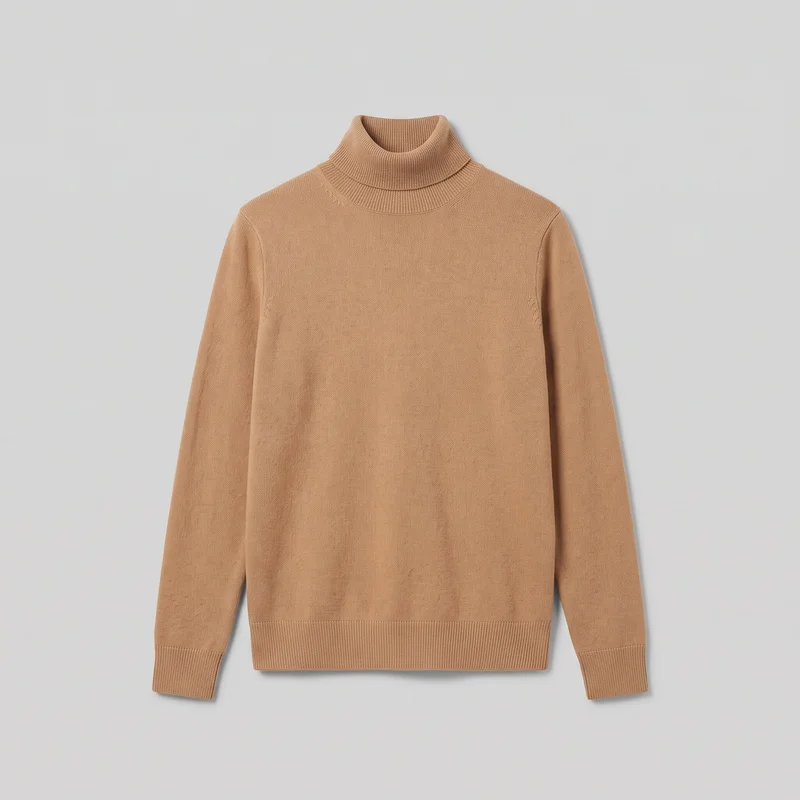 Women's Camel Roll-Neck
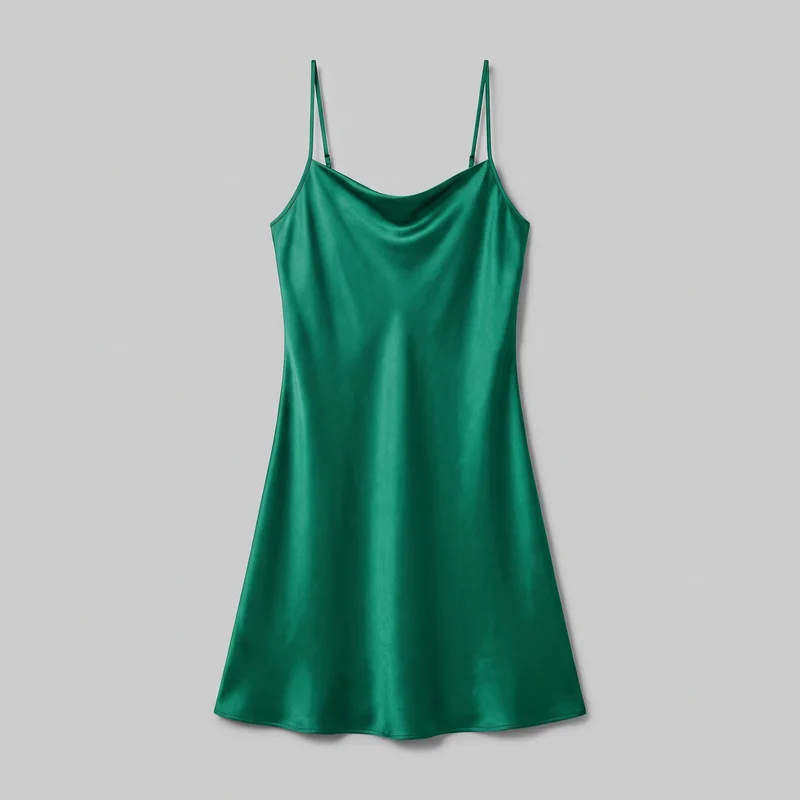 Emerald Green Satin Slip Dress
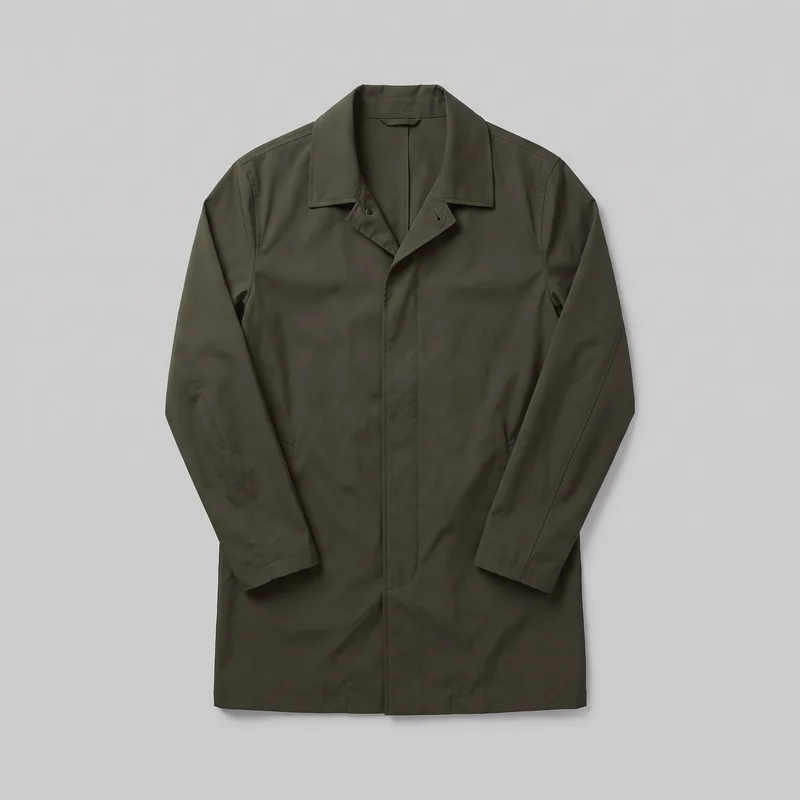 Men's Olive Packable Raincoat
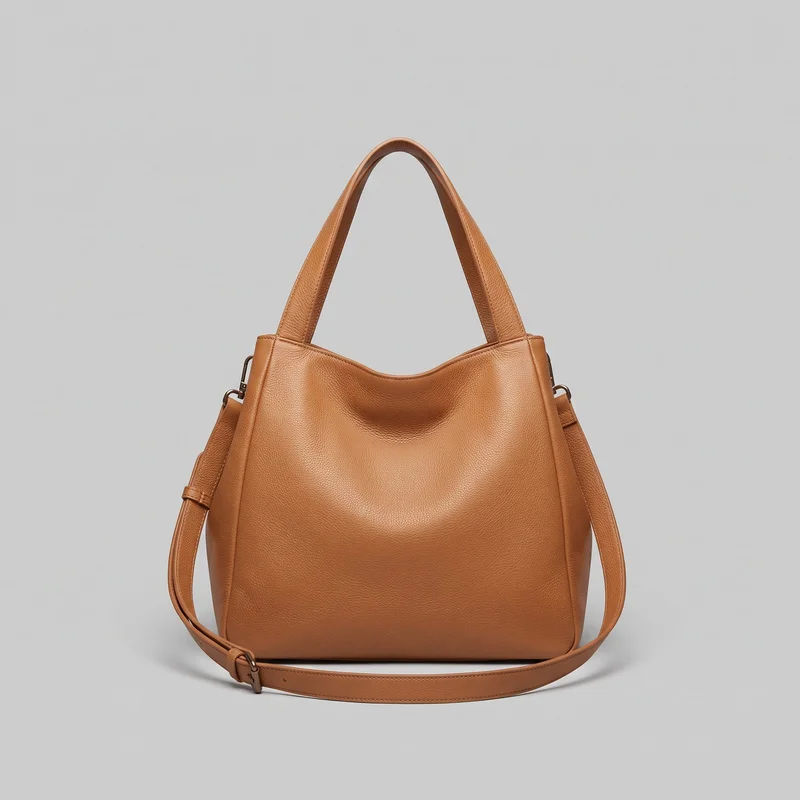 Tan Slouchy Shoulder Bag
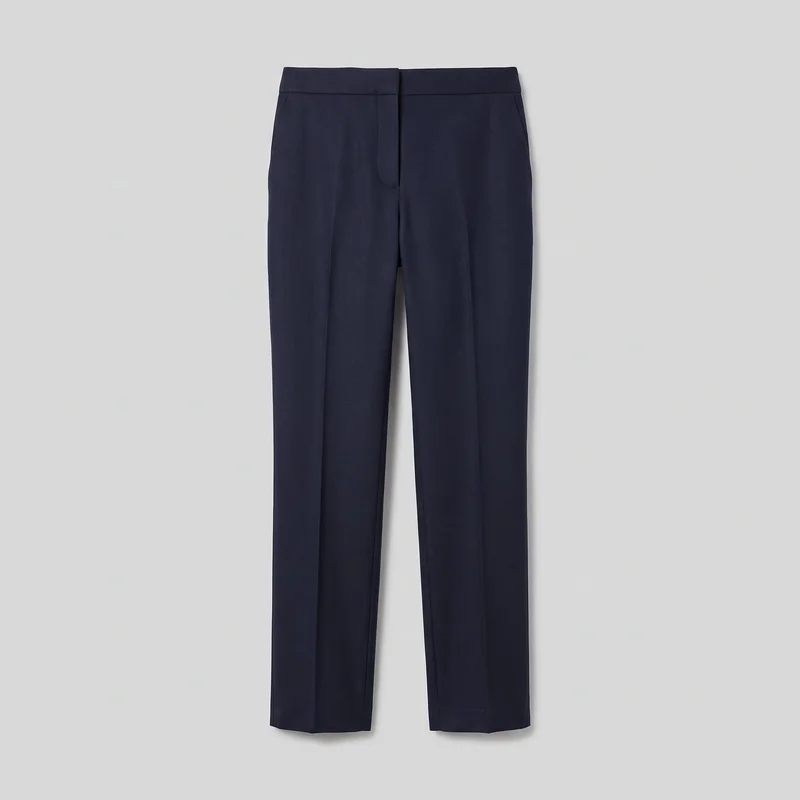 Women's Navy Wool Tailored Trousers
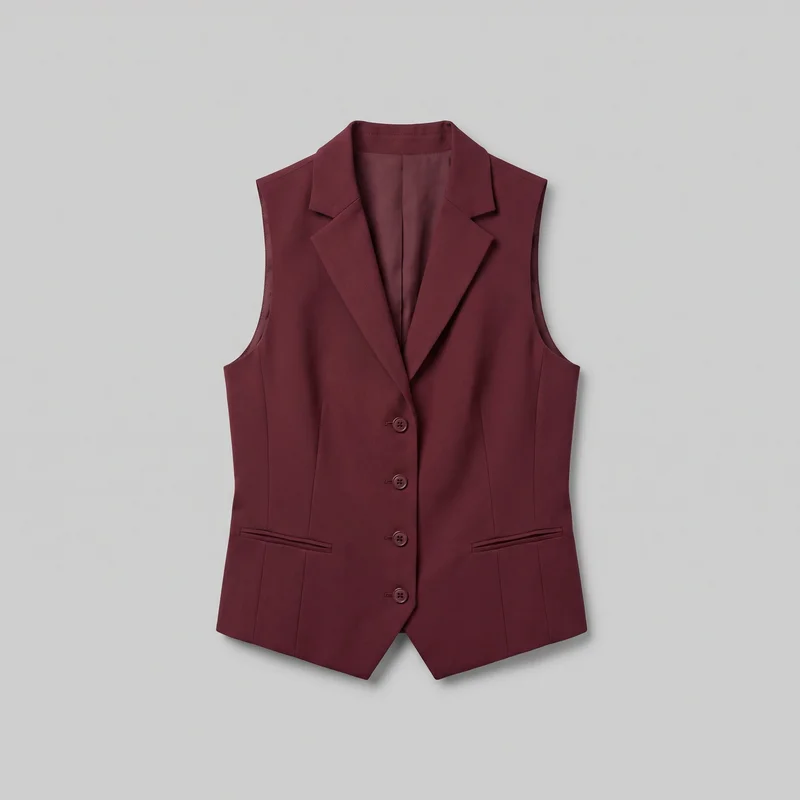 Women's Burgundy Waistcoat
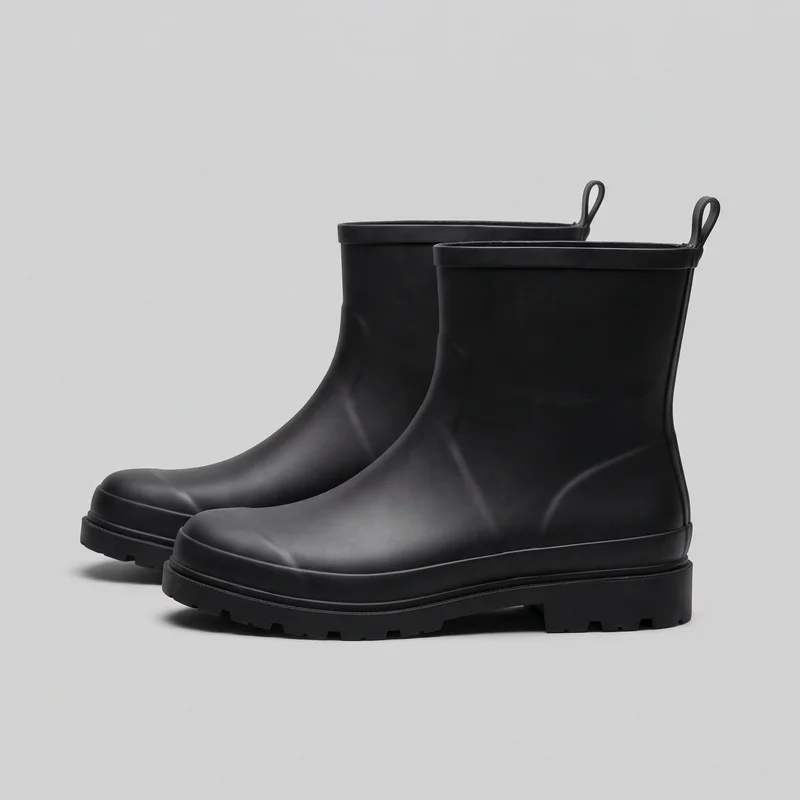 Men's Black Rain Boots
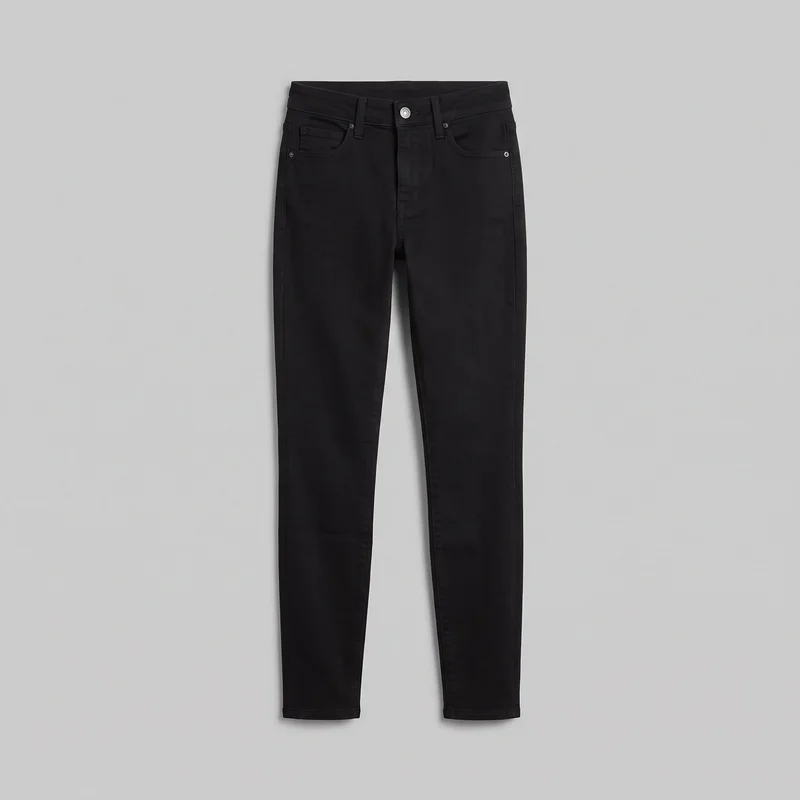 Women's Black Skinny Jeans
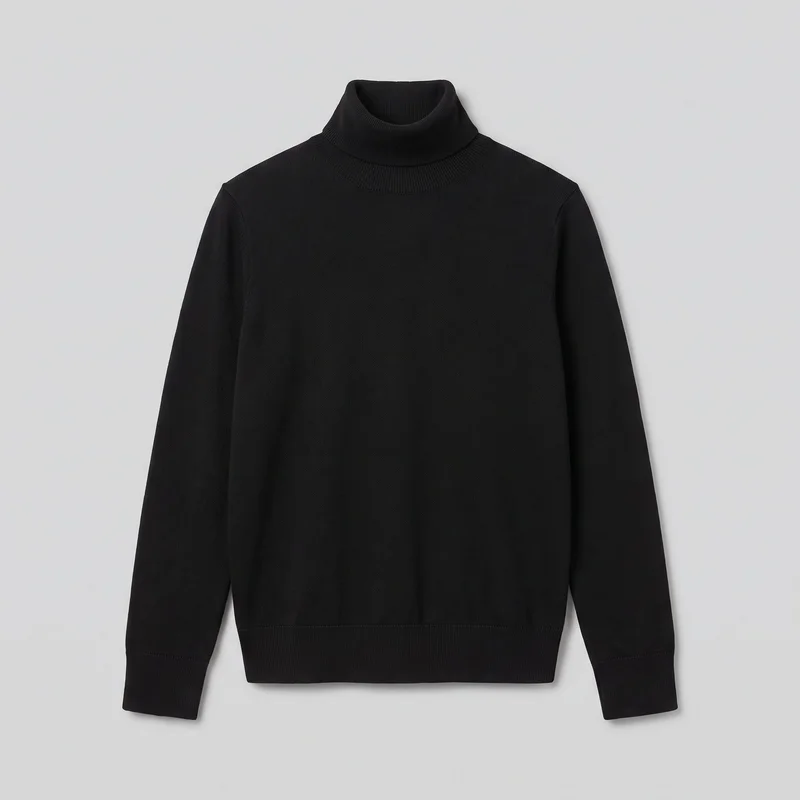 Women's Black Turtleneck
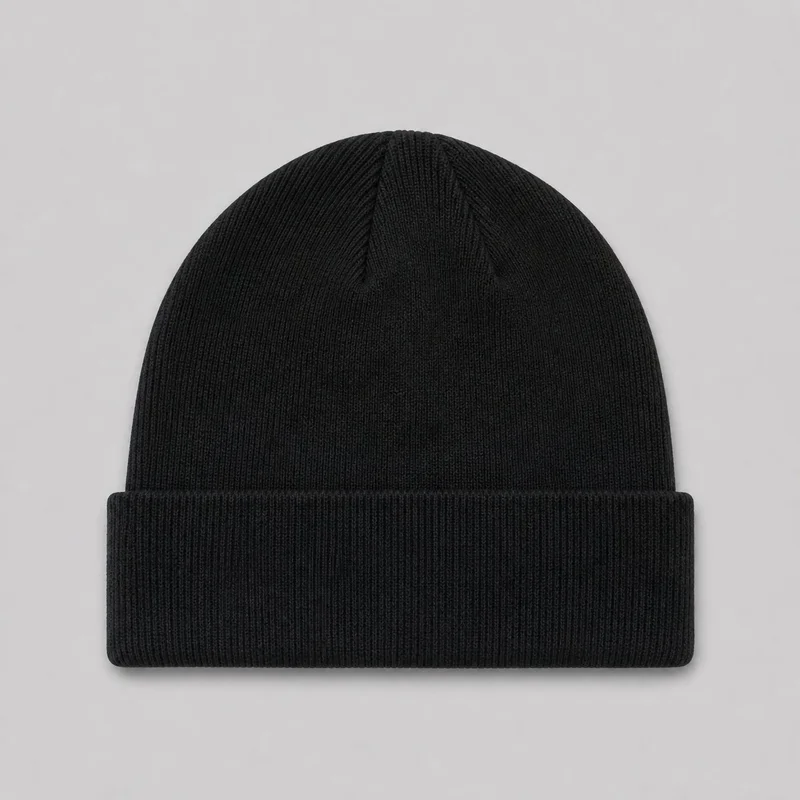 Men's Black Knit Beanie
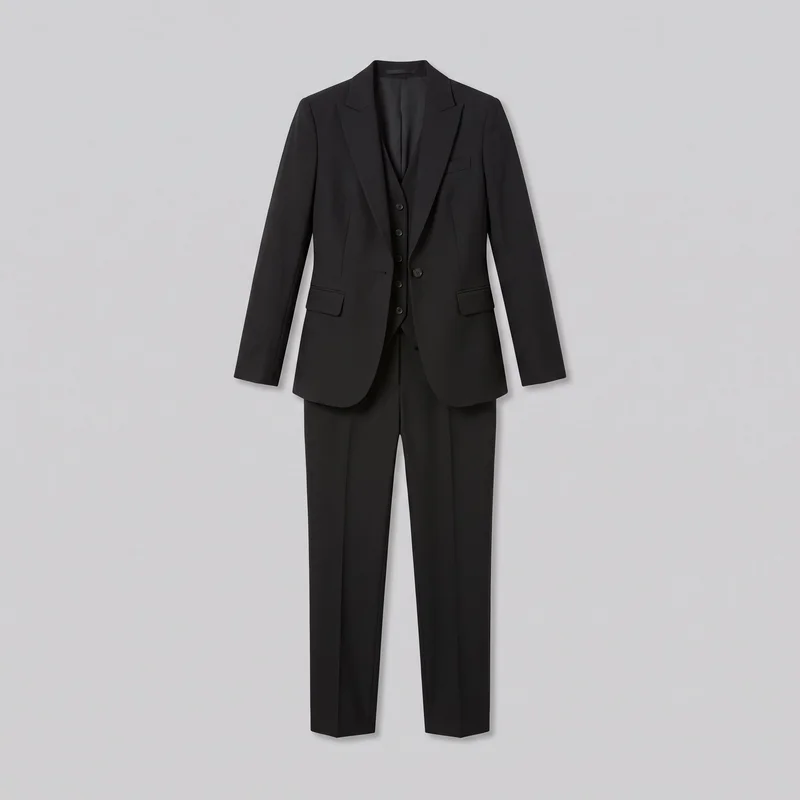 Women's Black Three-Piece Suit
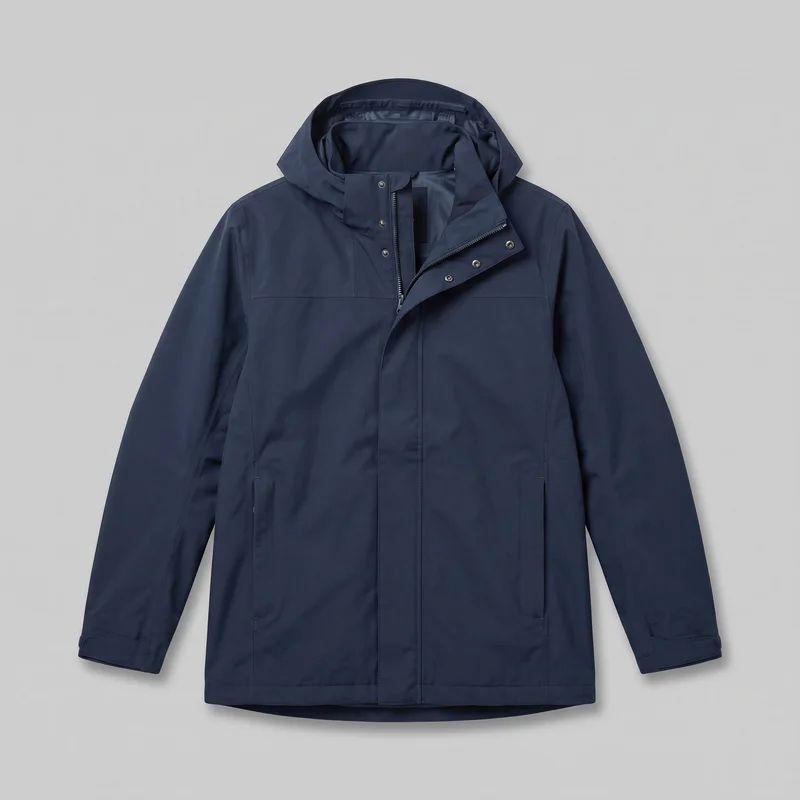 Men's Navy Waterproof Parka
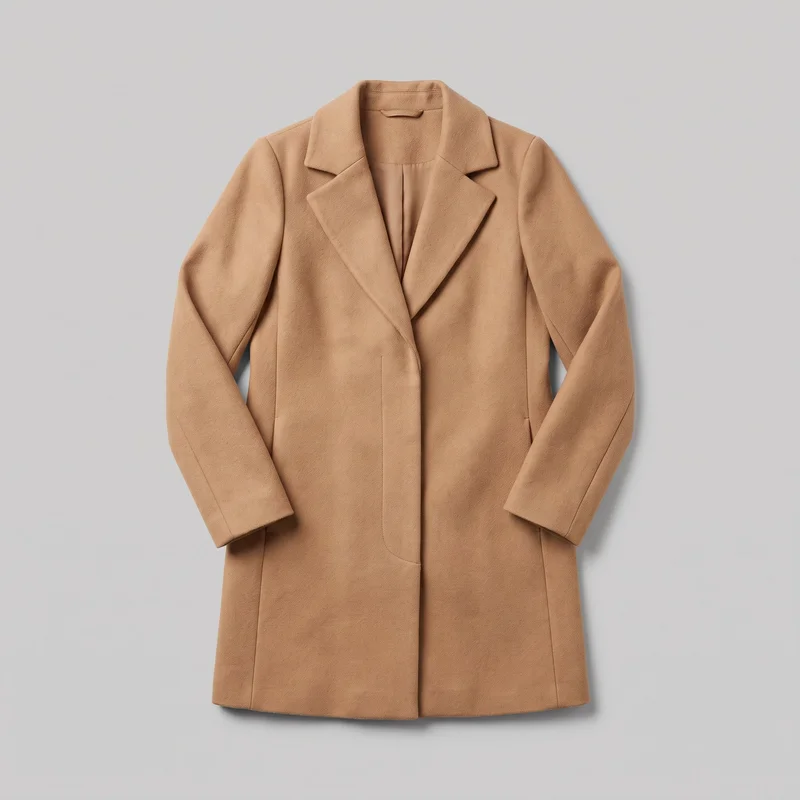 Women's Camel Wool Coat
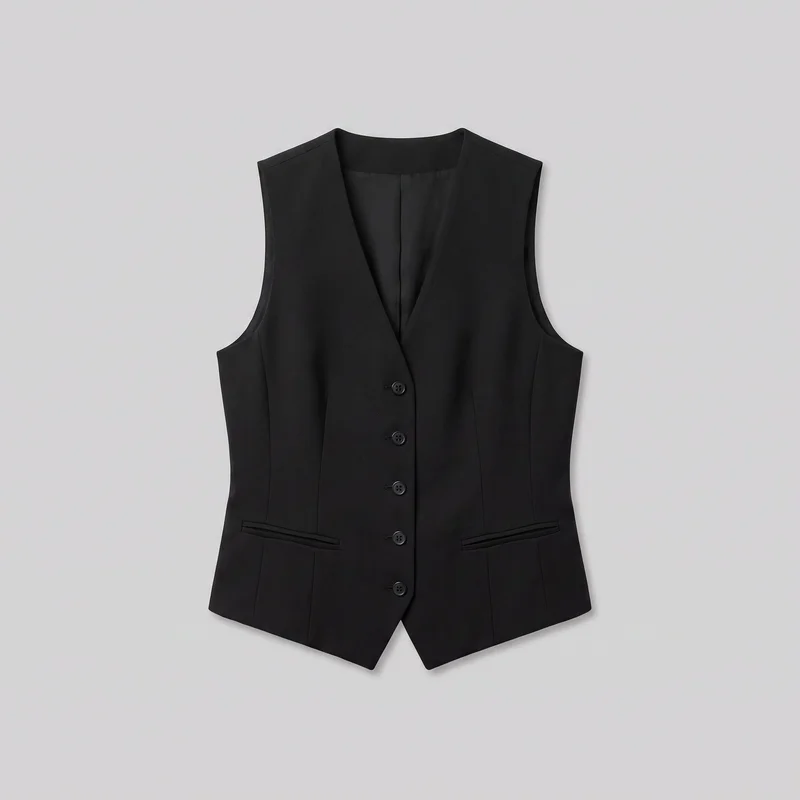 Women's Black Waistcoat
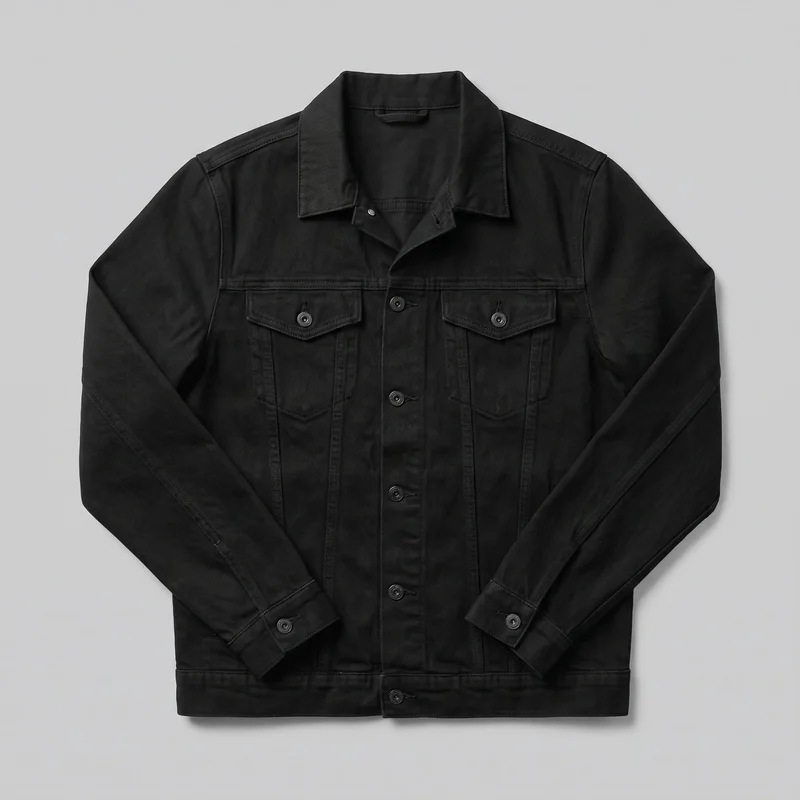 Men's Black Denim Jacket
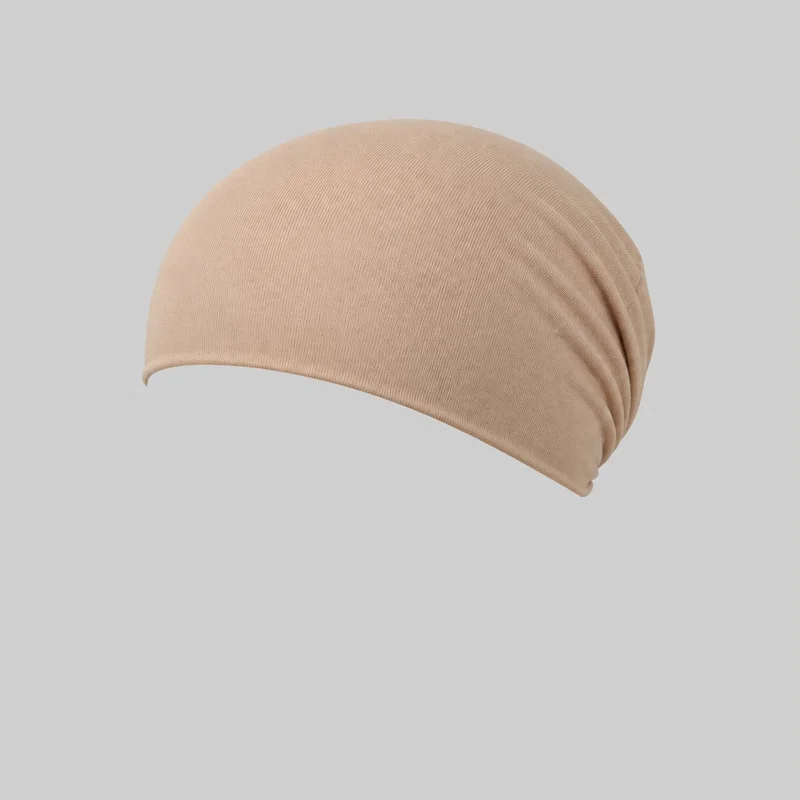 Beige Cotton Underscarf
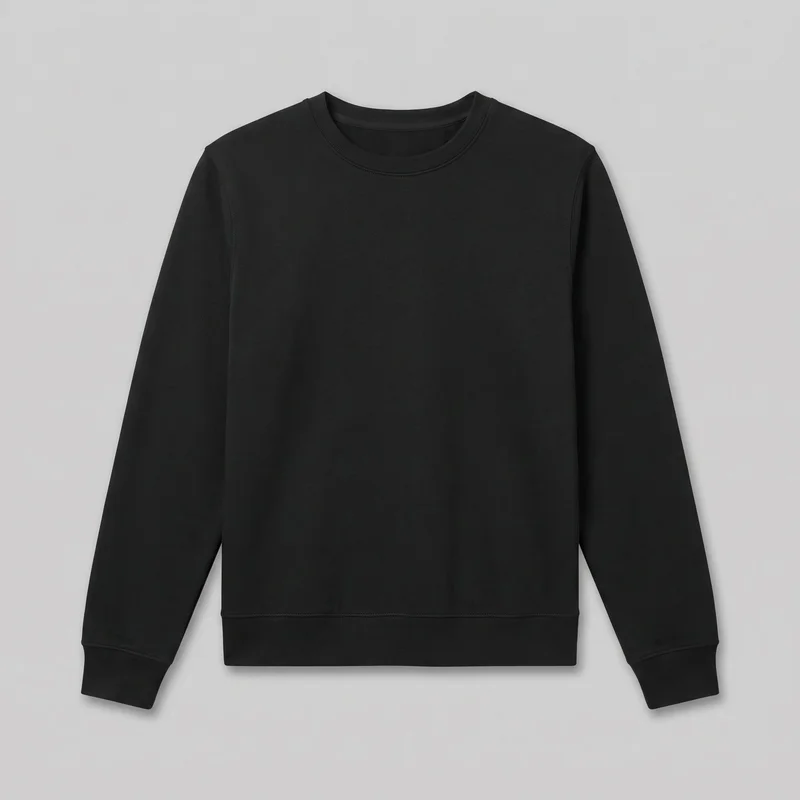 Women's Black Crewneck Sweatshirt
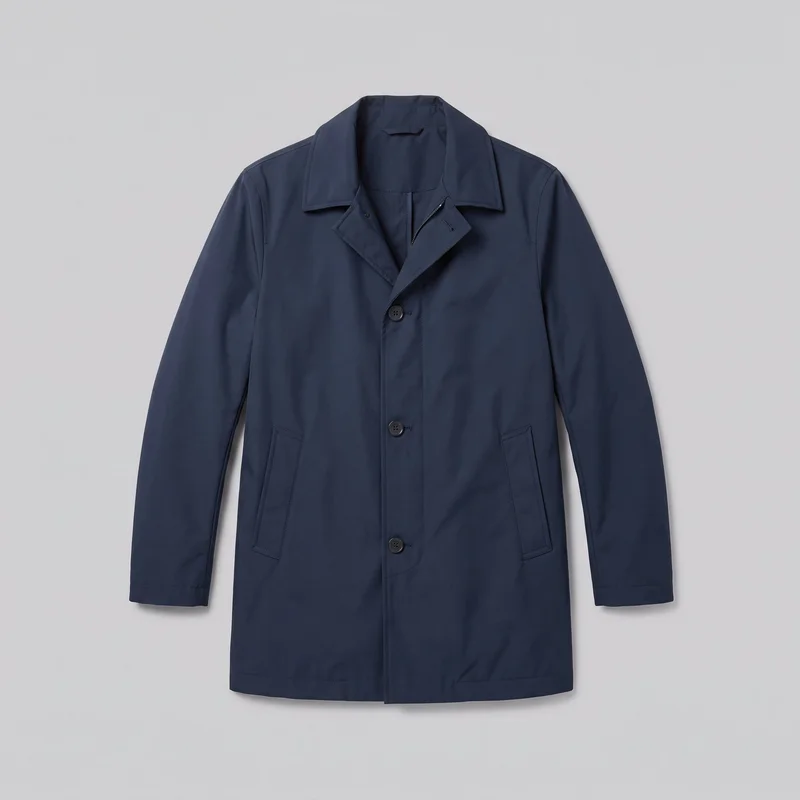 Men's Navy Waterproof Raincoat
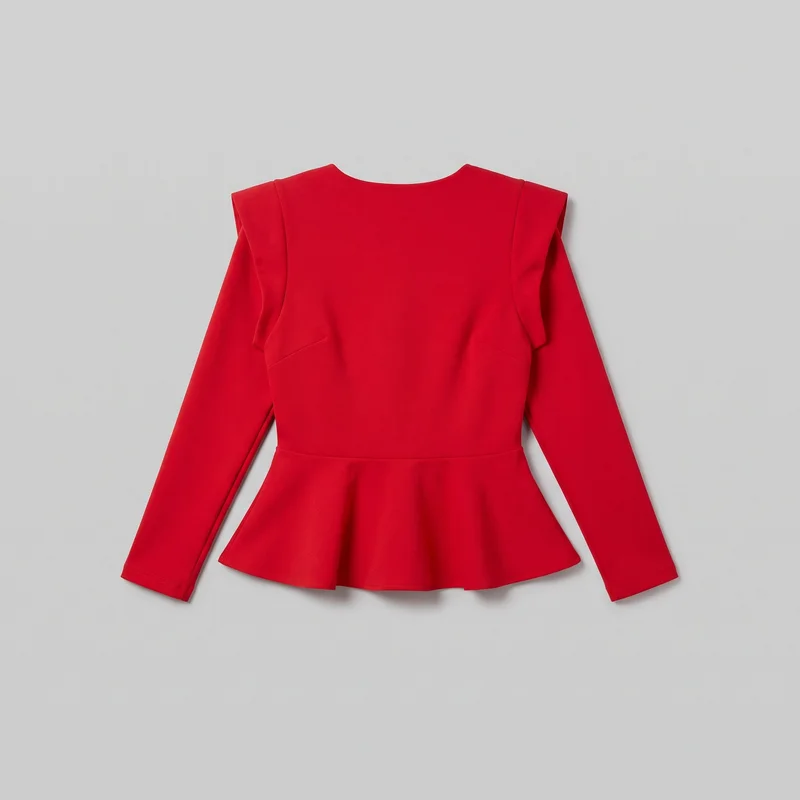 Red Peplum Top
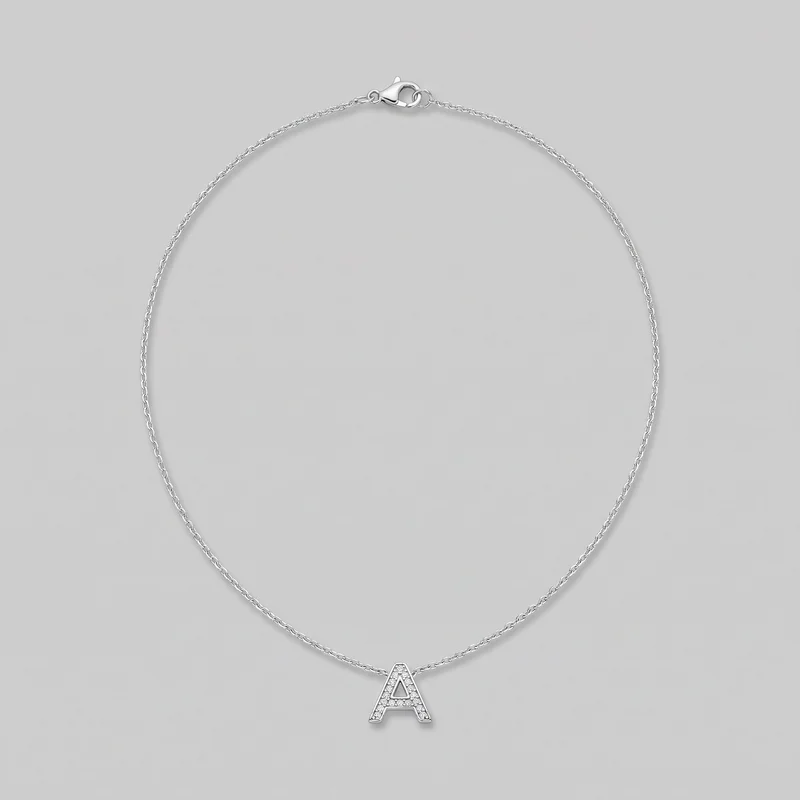 Women's Initial Pendant
Showing 24 of 992
Catalog
Browse the catalog
By product
Consistency
Your approved still anchors each clip as action choices change.
Use an approved, clear still as the source for each product clip. The source frame constrains which model actions are available, and blurry, cropped, or heavily shadowed imagery limits the detail that can carry through. Review the finished product details against the approved image.
You change one
- Frame
- Pose
- Camera view
- Model
The rest holds
Source frame
The still's frame determines which model actions are available for its clip.
Source quality
Clear, well-lit stills give the clip more product detail to carry through.
Product review
Check details in the finished clip against the approved product image.
Who it's for
RAWSHOT suits recurring page clips from stills, not text-only video.
A good fit
This fits you as an e-commerce manager when recurring product pages need clips from approved stills and a video shoot for every SKU is out of budget.
Work it handles well
- Add clips to still-only product pages as an e-commerce manager.
- Create clips from approved product stills for social content.
- Add clips to existing product listings as a marketplace seller.
Outside this scope
It is not a fit if you need video made directly from text; every clip requires a finished still of the product.
Where this stops
- You cannot make a clip from text; you need a finished still.
- You need model actions supported by the source still's frame.
- You cannot make long-form video; clips are limited to short scenes.
Rights
You own every image. Every image says what it is.
Yours
- Full commercial rights to every image, permanently.
- No recurring licence fees on any model in the library.
- Every model is a synthetic composite, so there is no real-person likeness.
Labelled
- C2PA content credentials on every image.
- AI-labelled output, aligned with EU AI Act Article 50.
EU-based hosting, GDPR-compliant handling.
- Aligned with EU AI Act Article 50
- C2PA
- Full commercial rights
- GDPR-compliant handling
- EU-based hosting
Questions
Before your first listing clip goes live.
Can RAWSHOT turn approved product stills into short clips for a product-page when every SKU has stills only?
RAWSHOT turns finished product stills into short product-page clips with camera movement and action matched to the source frame. You can add motion to a listing using an approved image instead of arranging a video shoot for each item. Choose the camera movement, an action supported by the still, and the output resolution for the page. Clear, well-lit source imagery helps preserve product detail in the finished clip.
Which jobs and channels suit product-page clips made from approved clothing, footwear, or jewellery stills?
E-commerce listings, clothing and footwear product pages, jewellery pages, and social posts can use clips made from approved product stills. You can add motion beside product details where shoppers currently see only still imagery, or adapt an approved product image for social content. The clip uses your finished still as its source, with camera movement and a frame-matched action selected for the item. Review the result against the approved product image before publishing.
Which source-frame crop and output resolution should I choose for a product-page clip?
Keep the product visible in the source-frame crop, then select the clip resolution for the product-page placement. The crop matters because it affects which model actions are available; choose a frame that supports the action you want to use. You can direct the scene with a camera move, from a static hold to a sweep or push. Check product details in the finished clip against the approved still before placing it on the page.
What do I need to start making a product-page clip from an approved product image?
You need a finished product still to start a product-page clip. Use an approved, clear image with the product visible in a frame that supports the action you want; blurry, cropped, or heavily shadowed imagery can limit the detail carried into the clip. Then choose camera movement, an available frame-matched action, and output resolution for the page. Review the finished product details against the approved image before publishing.
How does RAWSHOT compare with a studio shoot for adding video to a product-page with stills only?
RAWSHOT makes short product-page clips from finished stills, while a studio shoot creates video through a separate production. You can use an approved product image as the source and choose camera movement, a supported model action, and output resolution without arranging a video shoot for every item. The source frame constrains available actions, and the clip is intended for short product video rather than long-form storytelling. Check the result against the approved still for product detail.
How can I keep product-page clips coherent across clothing, footwear, and jewellery products?
You can keep a product-page clip set coherent by using approved source stills and applying deliberate camera movement and action choices across the products. The action available for each clip depends on its source frame, so the same model action may not suit every image. Clear, well-lit stills help carry product detail through, while blurry, cropped, or heavily shadowed sources can limit it. Review each finished clip against its approved product image.
What can't RAWSHOT do for a product-page clip when I have a cropped still or need a long video?
RAWSHOT cannot make a product-page clip from text alone, create long-form video, or offer model actions unsupported by the source frame. You need a finished product still, and its crop determines which actions are available. Blurry, cropped, or heavily shadowed images can also limit the product detail carried into the clip. Review the finished result against the approved product image, especially where exact product details matter.
What usage rights apply when I publish RAWSHOT clips on a product-page?
You get full commercial rights to every image, permanently, with no recurring licence fee. Every image carries C2PA content credentials and is labelled as AI-generated.
Get started
Bring an approved still to your next page clip.
Start with a 7-day free trial including 50 tokens, then move to the plan that matches your production volume.