
AI reels generator
Your product reels move without video shoots.
You have approved product imagery and a Reels slot to fill, but no video ready to post. You can turn a finished on-model still into a short vertical clip for social, Stories and paid placements.
7-day free trial • 50 tokens (10 images) • Cancel anytime
- A 2K image in roughly 35 seconds
- AI-labelled with C2PA content credentials
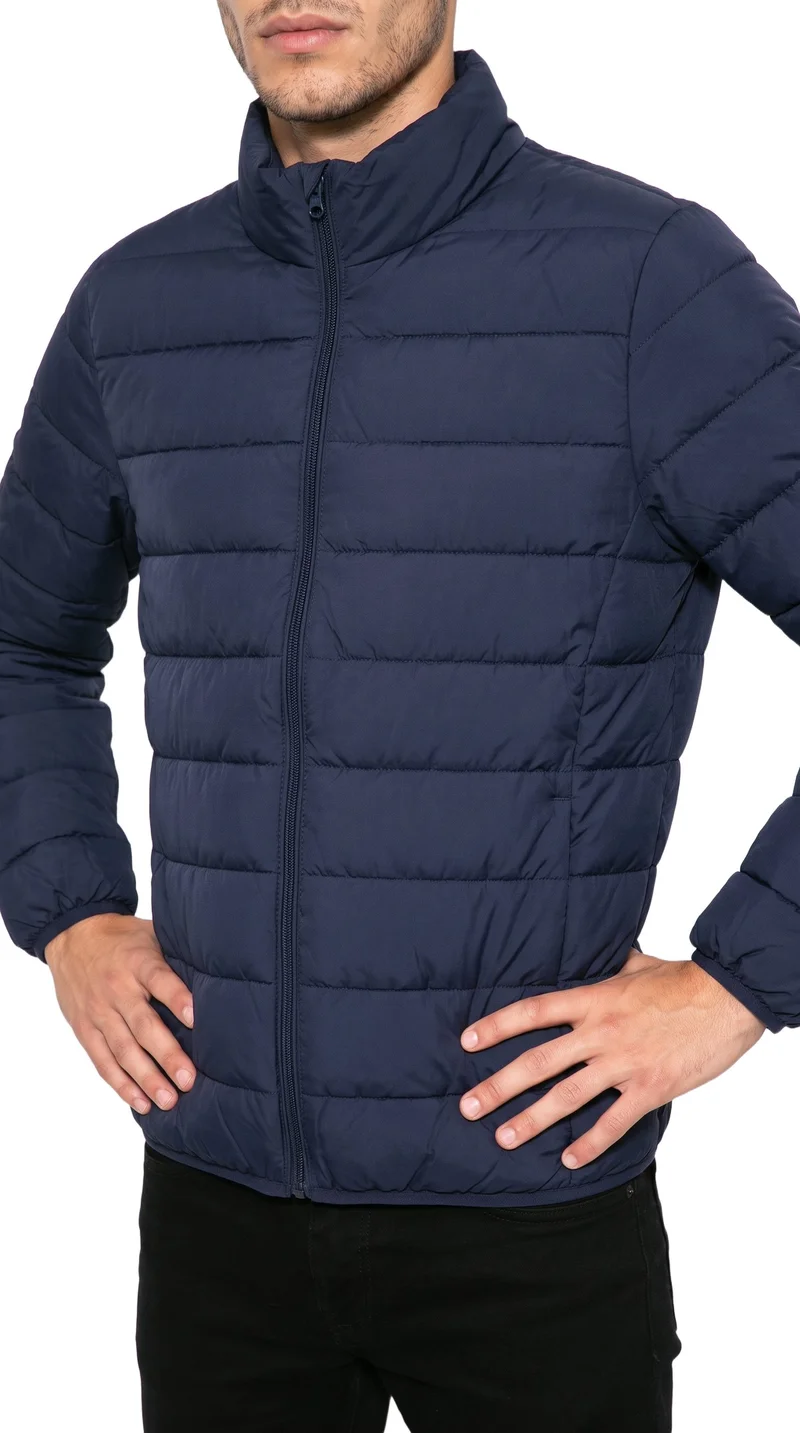
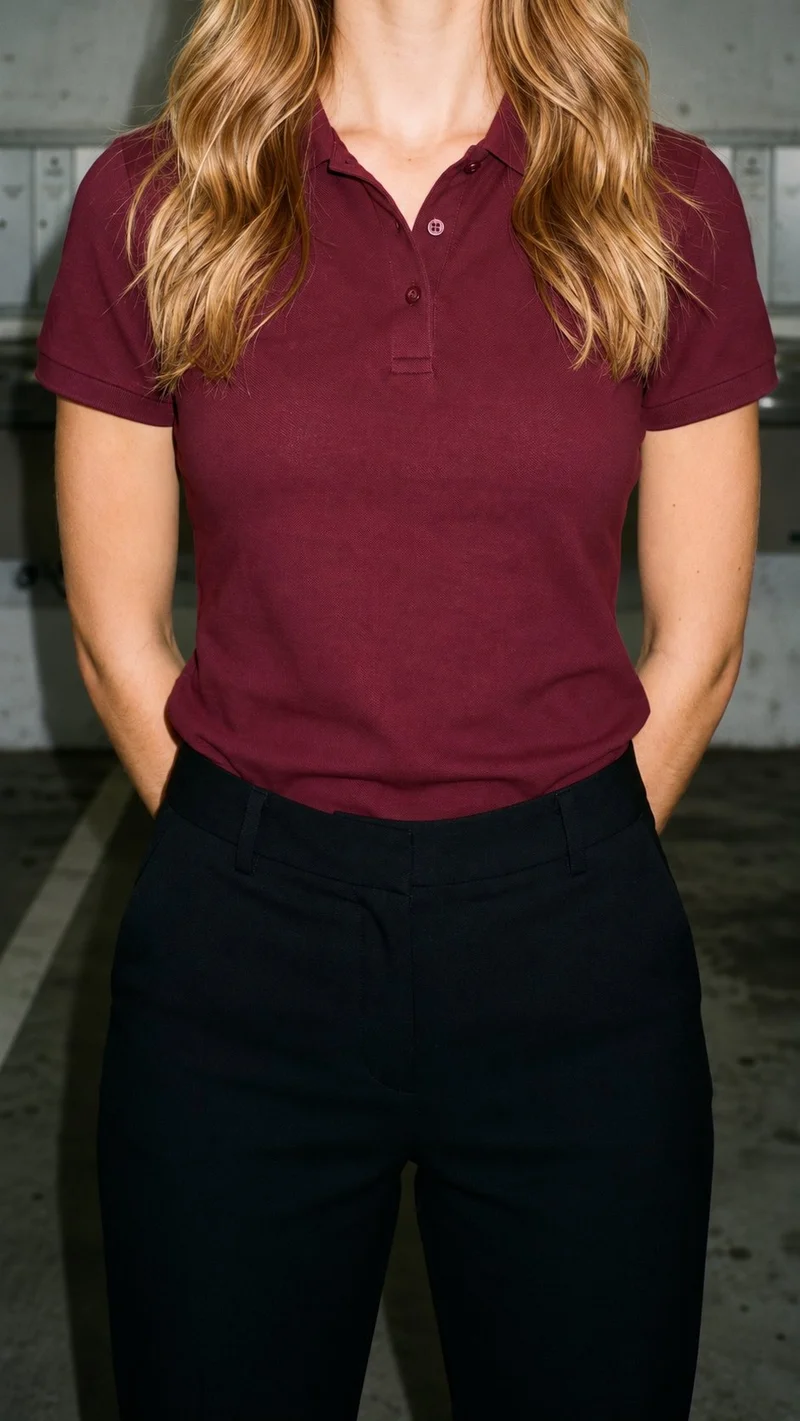
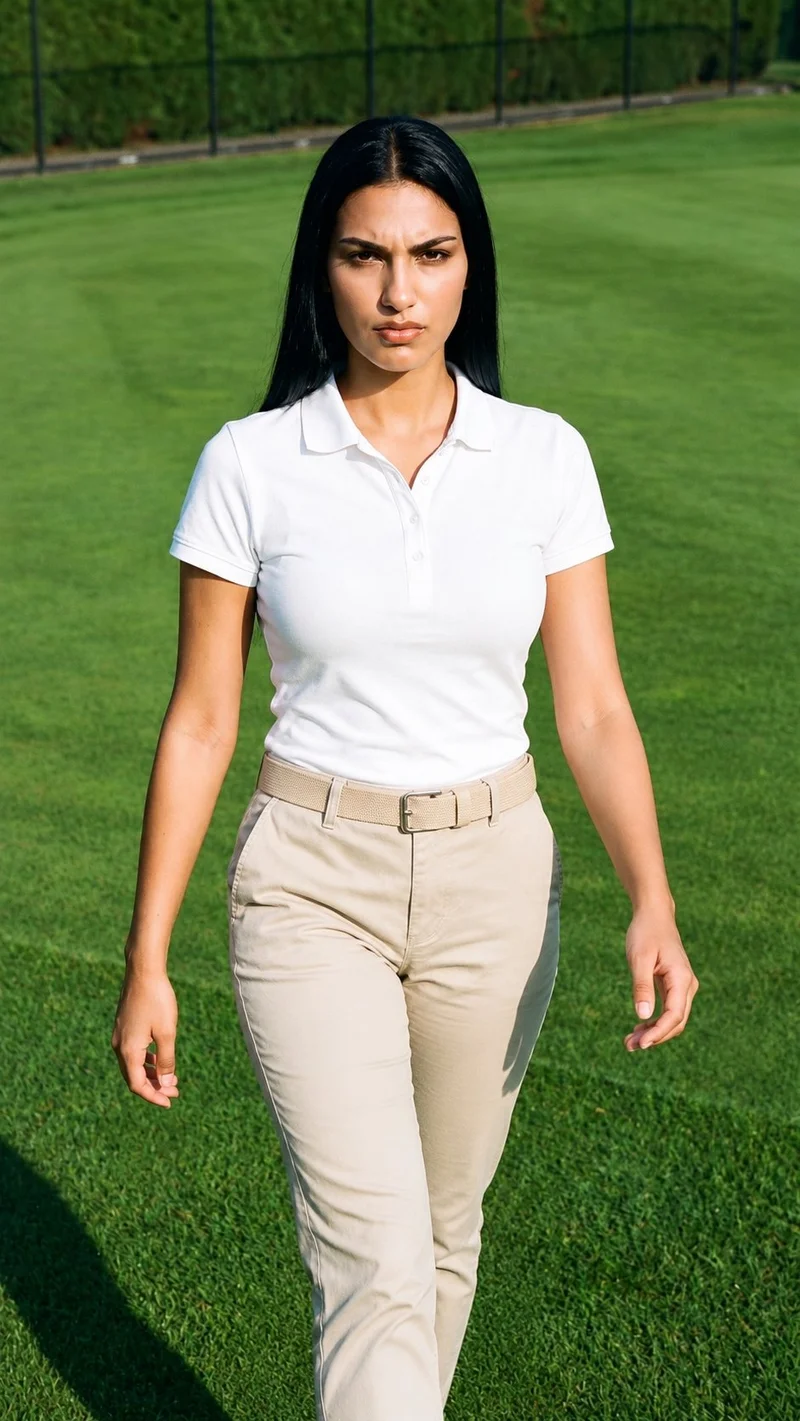
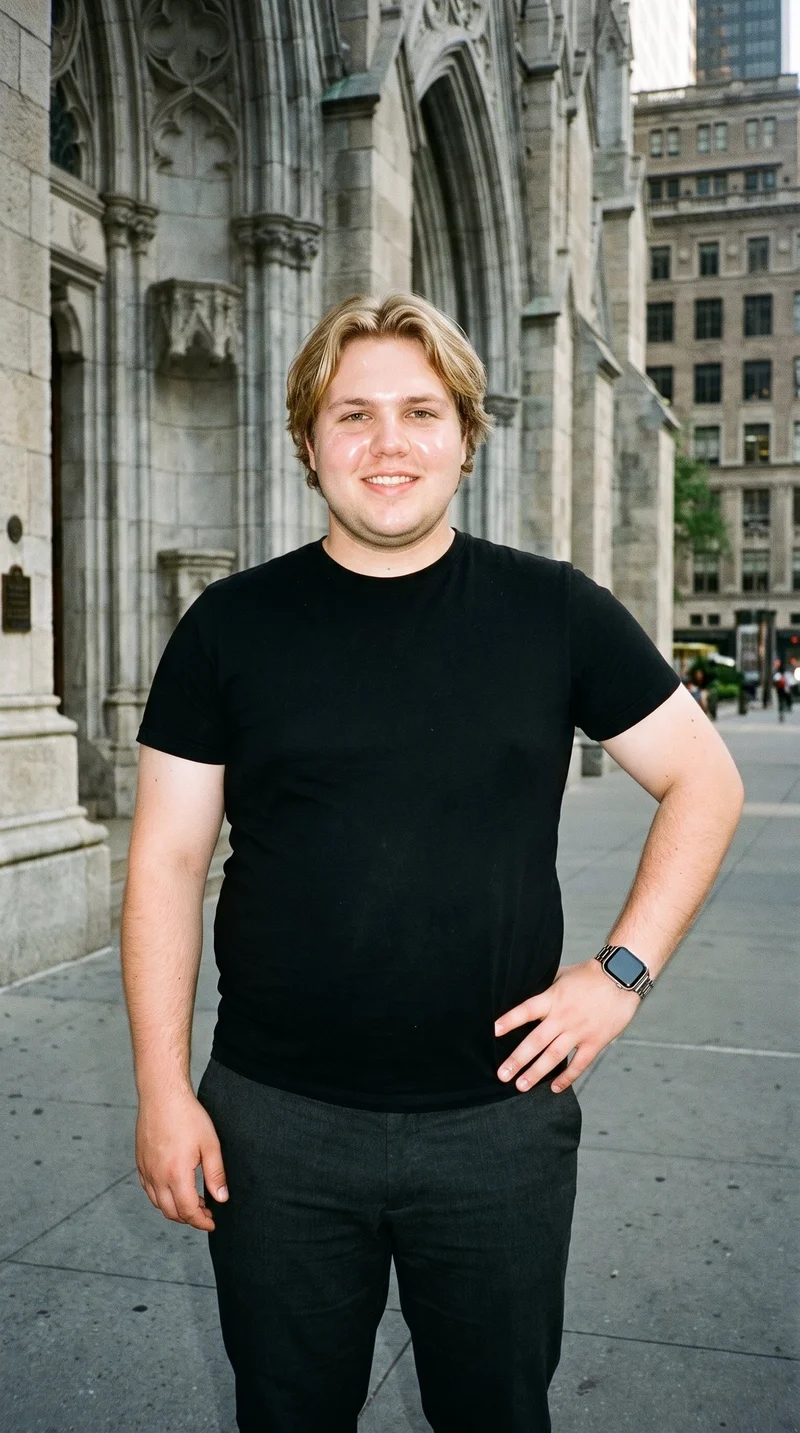
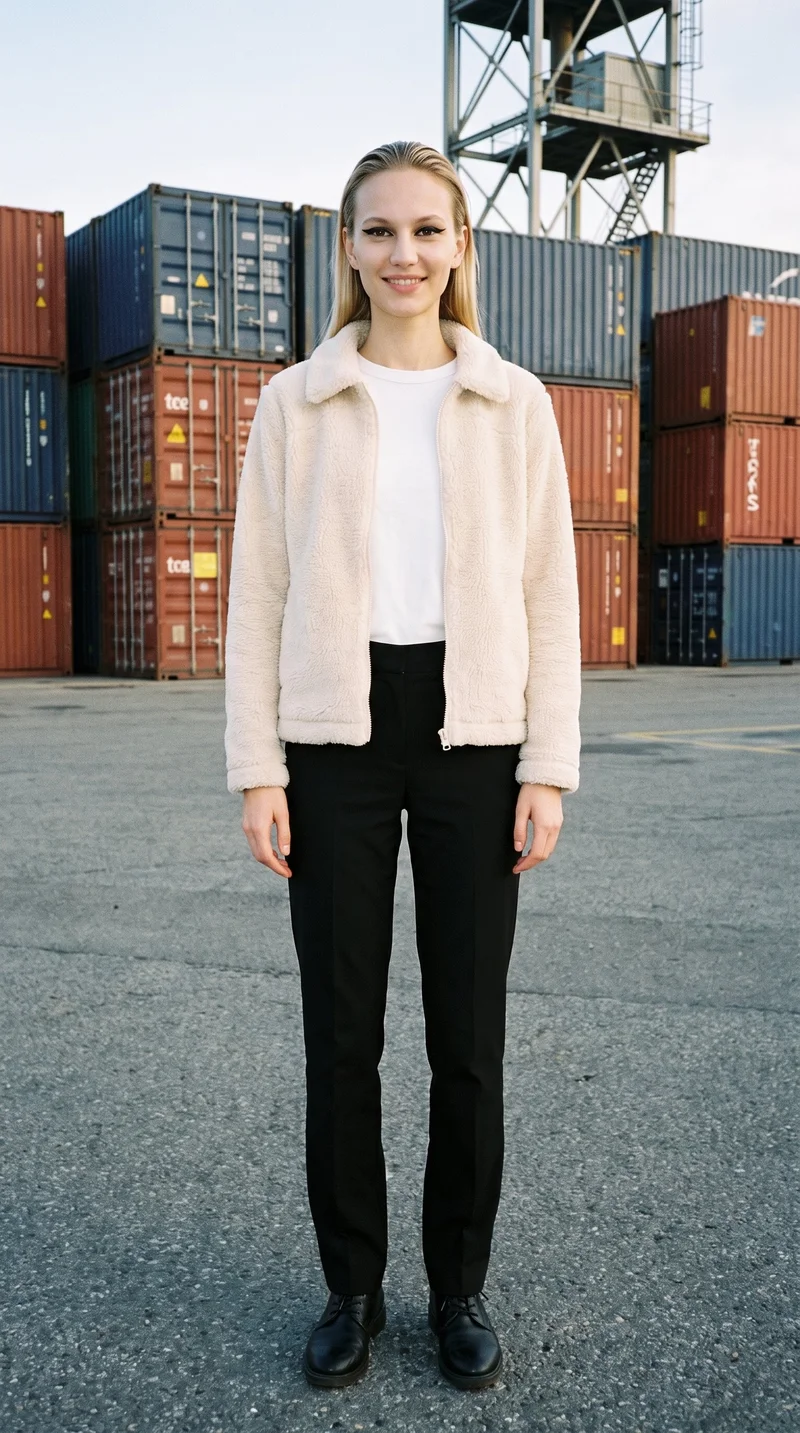
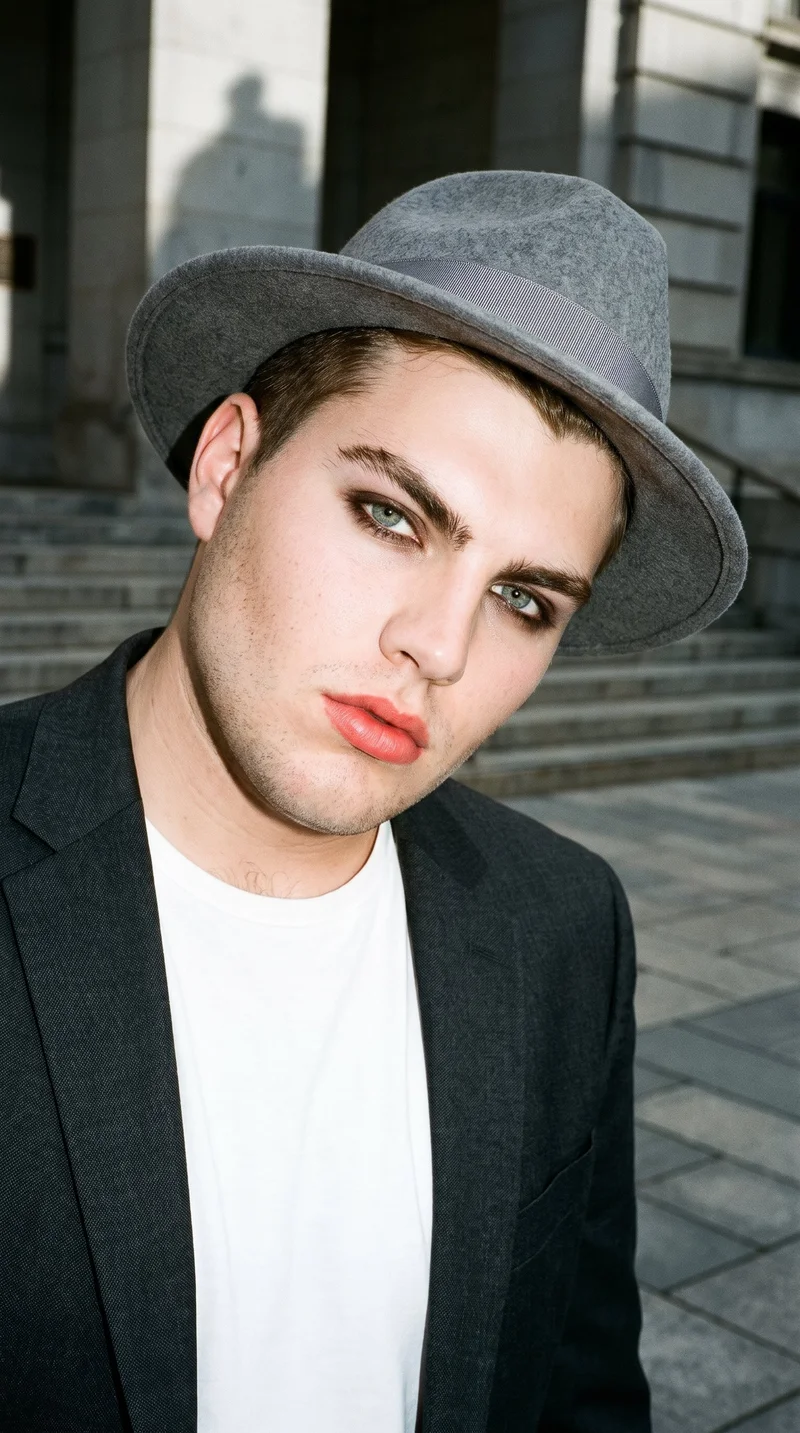
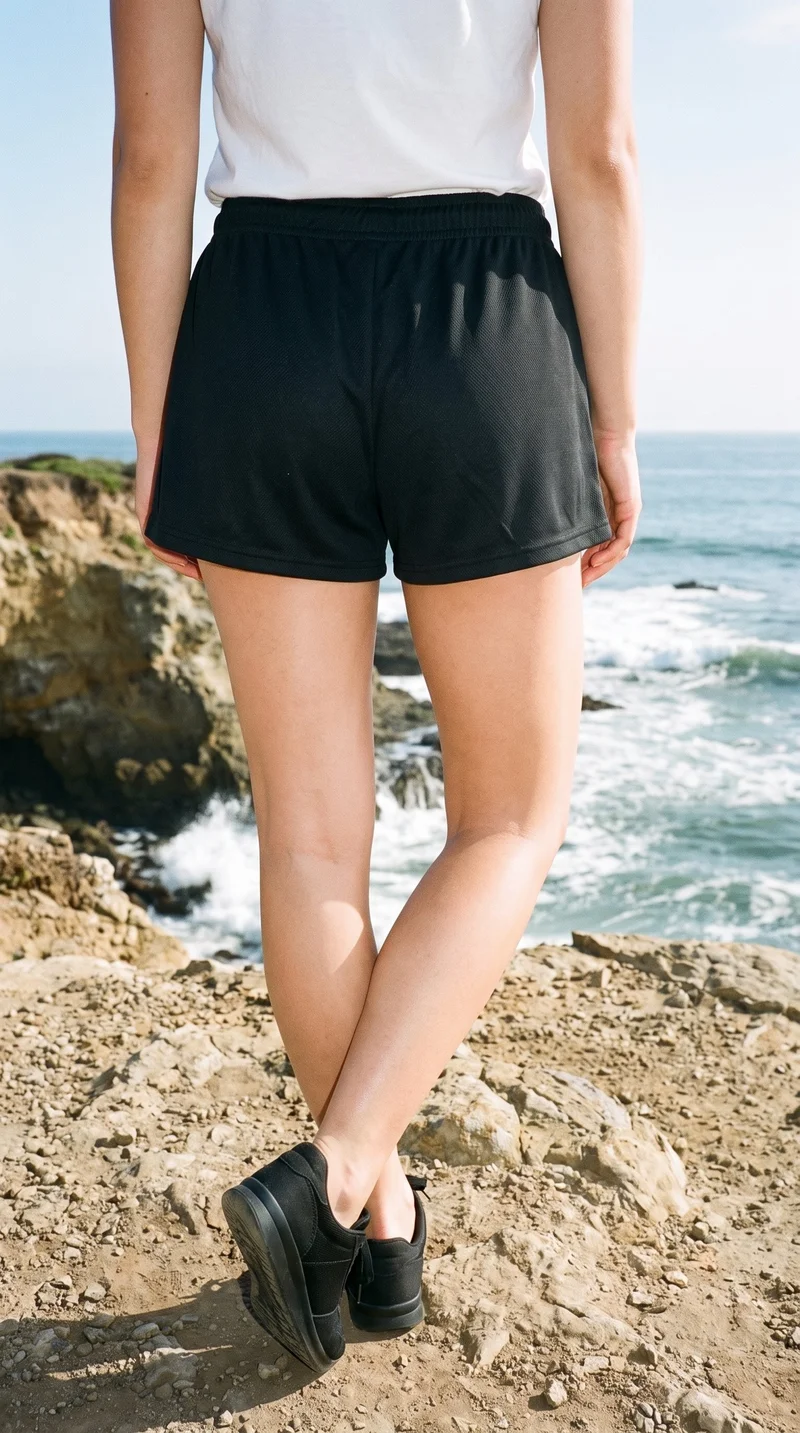
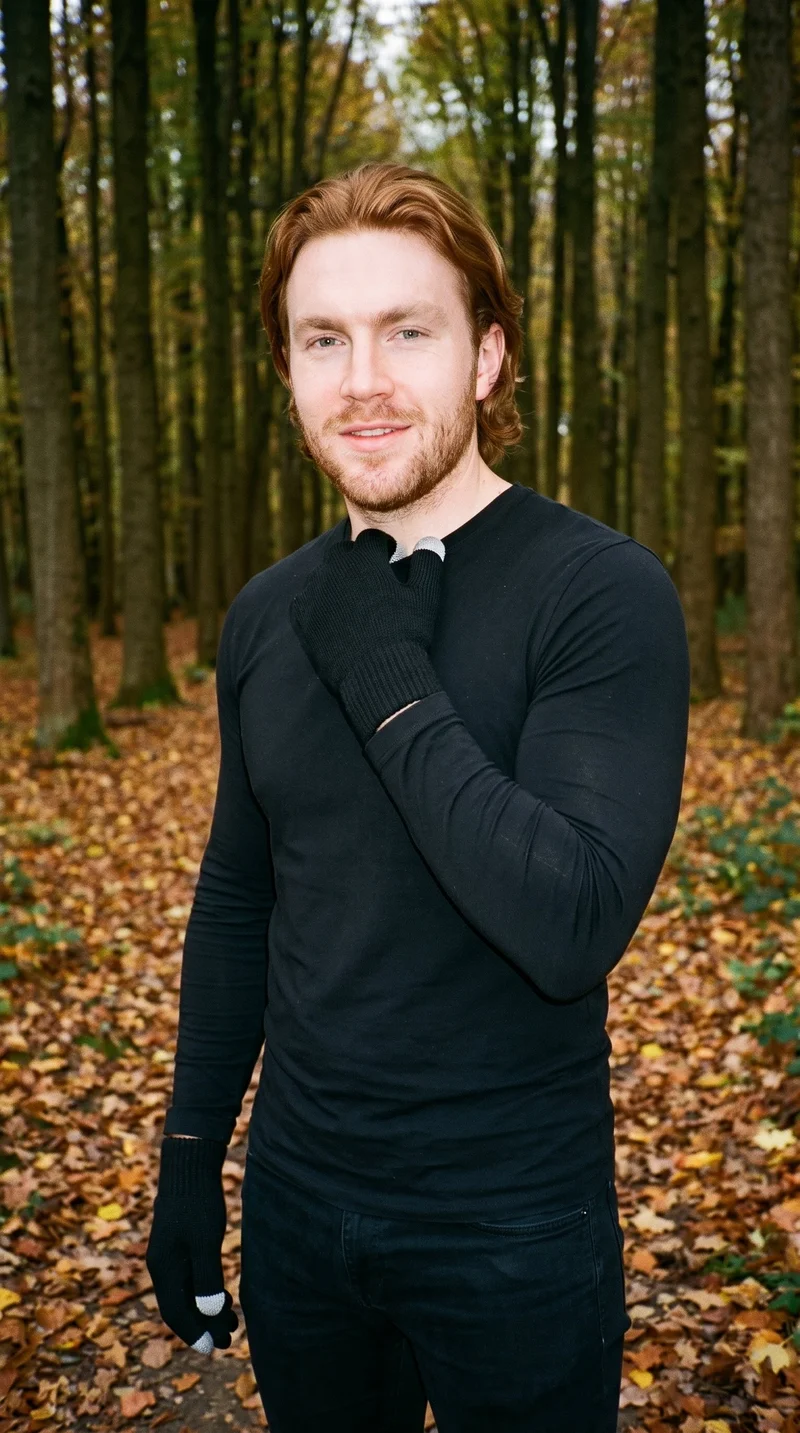
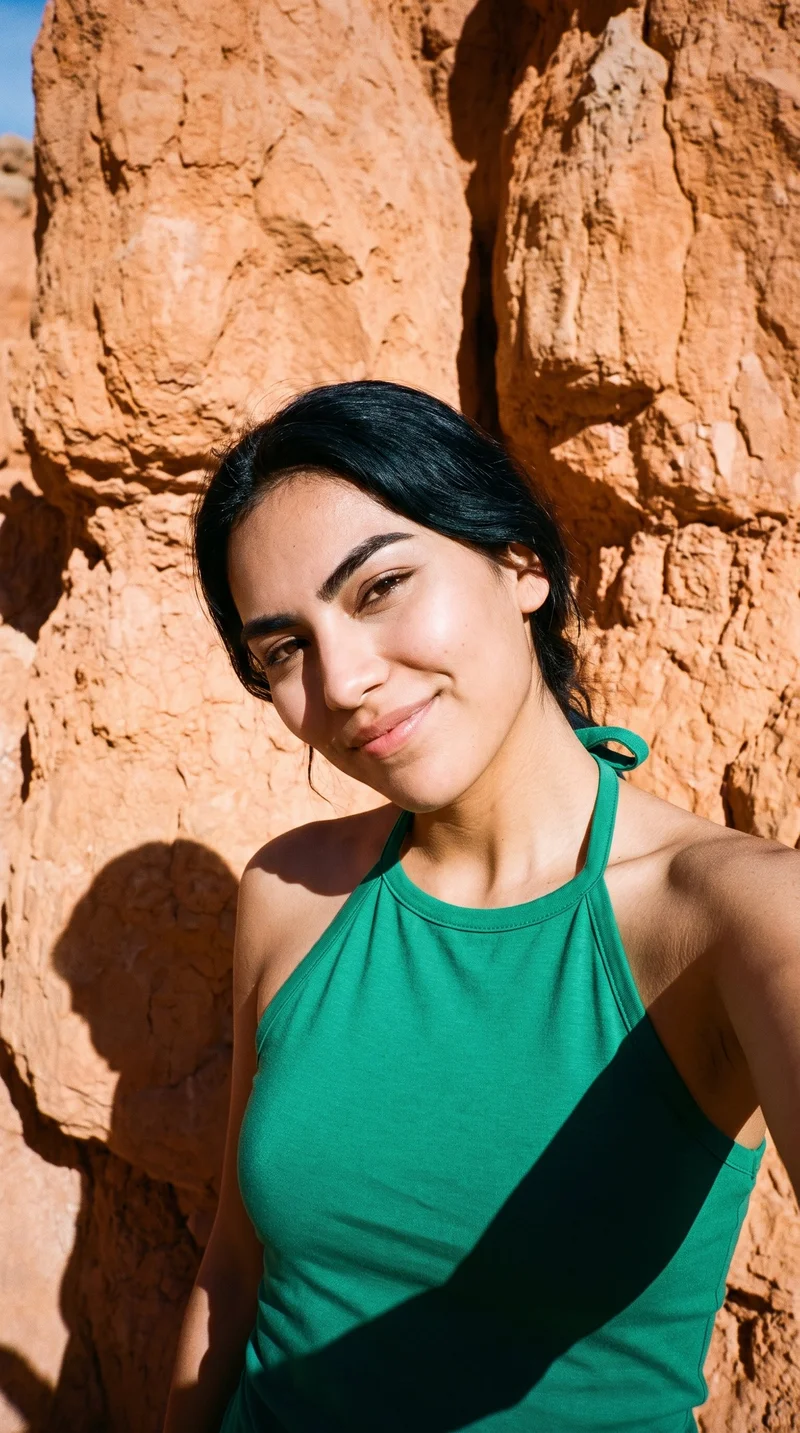
Showing 9 of 807, shot in RAWSHOT
Use cases
When your Reels slot has no video
- 01
Scheduled Reels post
When you are a social media manager with an approved on-model still, you set a vertical frame, camera movement and model action for the scheduled product post.
- 02
Paid social test
When you are a performance marketer testing motion beside static ads, you build a short vertical product clip with the same product and model composition.
- 03
Campaign pre-visualisation
When you are a marketing manager awaiting campaign assets, you create a short product-motion clip from the finished still for a planned social placement.
- 04
First-drop teaser
When you are an indie designer preparing a first-drop post, you use a product image or mockup to shoot a short vertical teaser clip.
What you get
Short vertical clips for Reels and Stories
A finished set of short vertical product clips for Reels, Stories and paid social, built from approved product stills. Each clip keeps the focus on the product while giving your scheduled social placement the motion it needs.
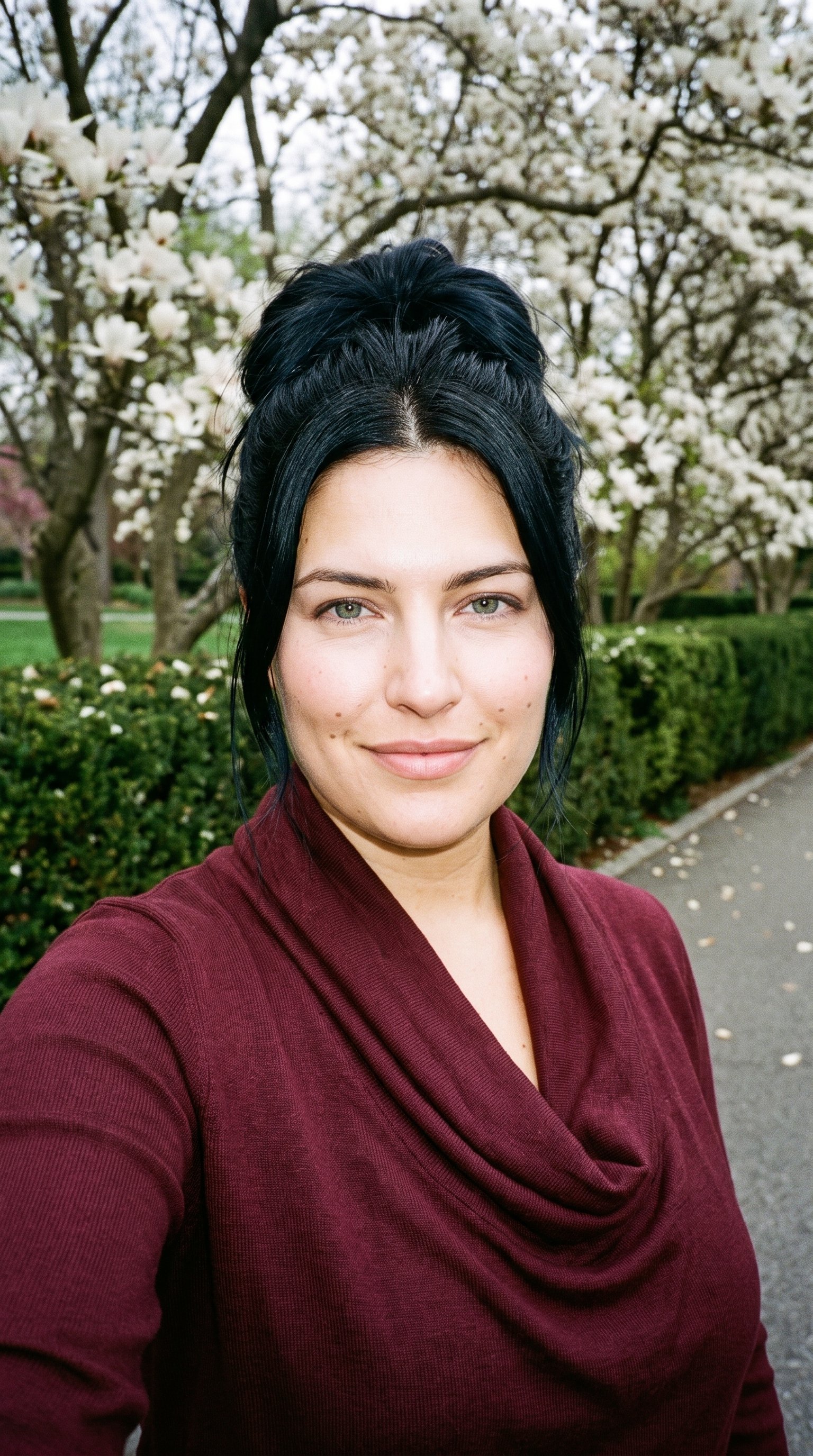
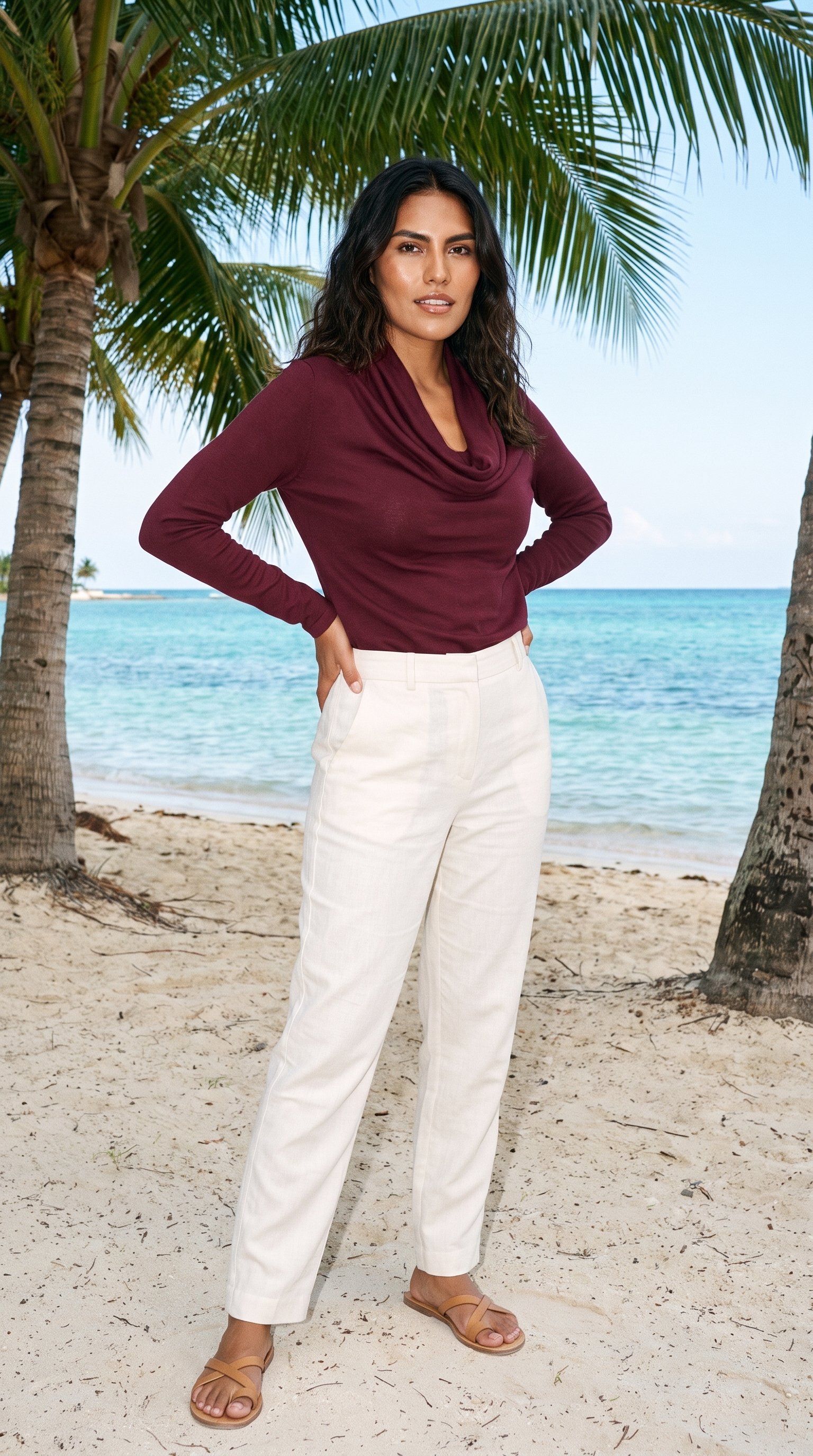
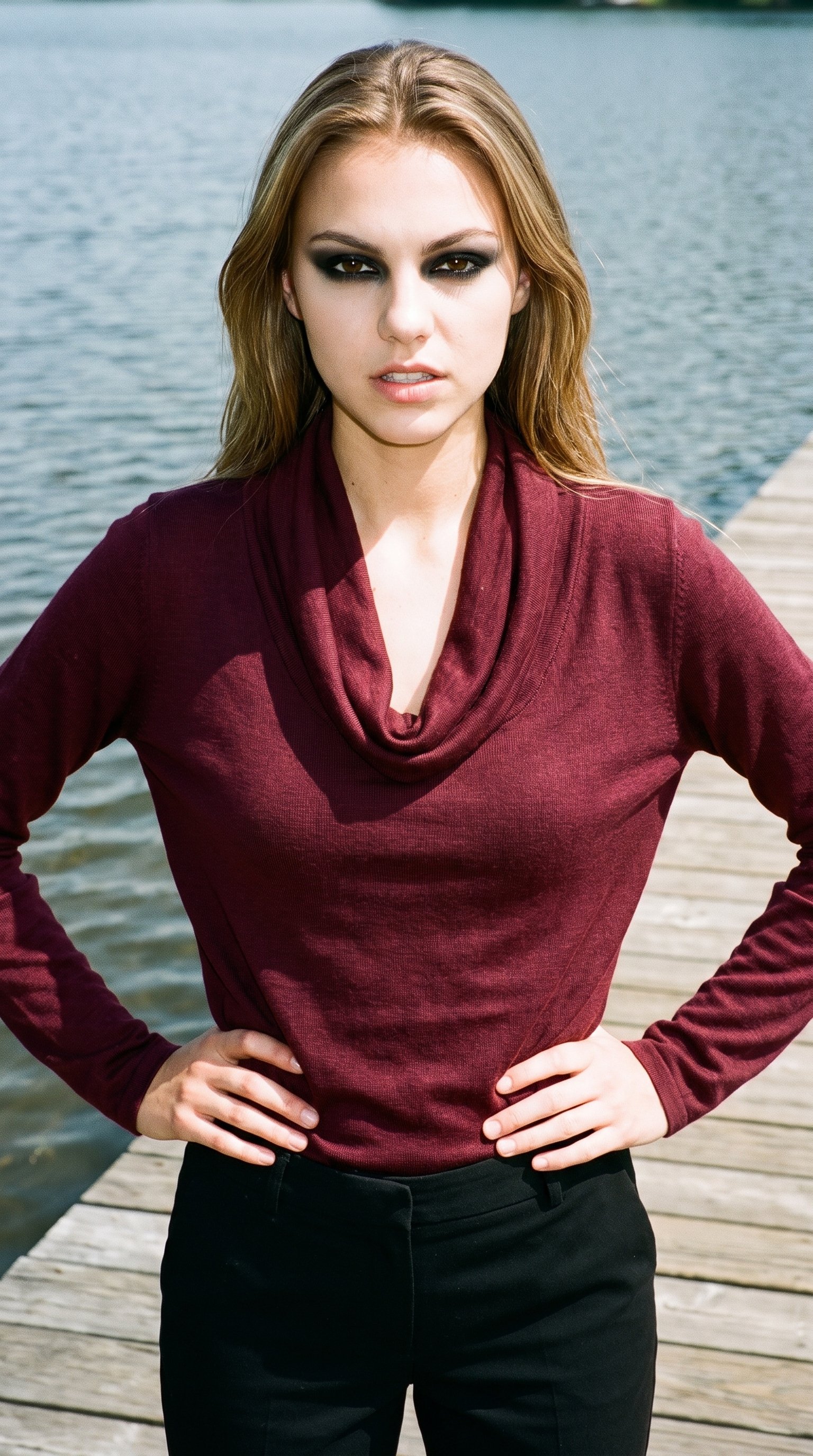
Direct the shoot
Choose the frame, movement and action
Starts from
A finished still from your photoshoot
Image frame
4
Model action
17 model actions on this frame
Camera motion
14
Scenes
3
Resolution
2
Create video
From image 1
Still from this page · 9:16Source
Image 1 · Full Body
Camera
Static
Delivery
720p · 9:16 · 3 × 5 s = 15 s
Cost is shown on the button
AI fashion models
Match your product with a model
1,197 licence-free grown models across ages and body types. Or build a private model from visible attributes.
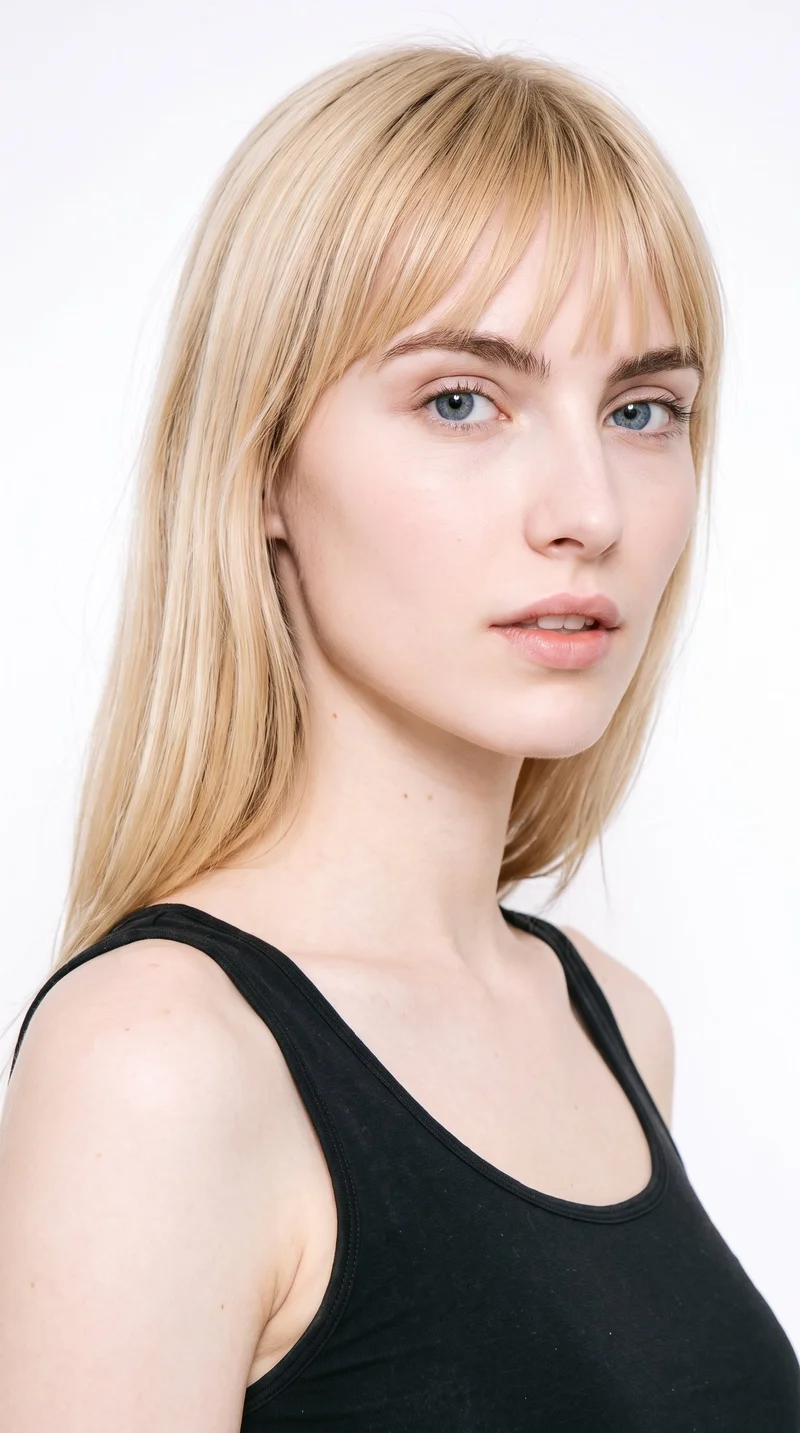
Female · 21
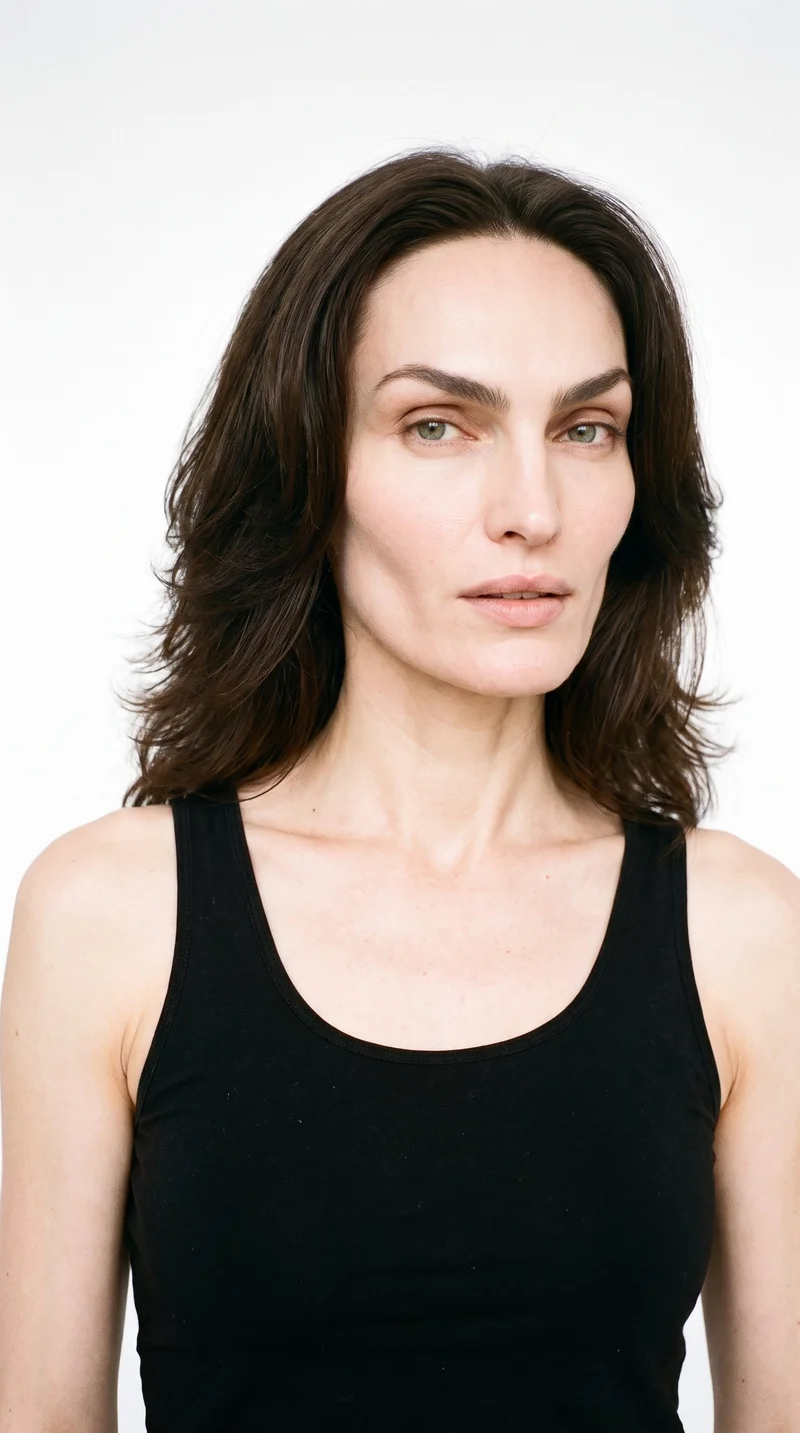
Female · 38
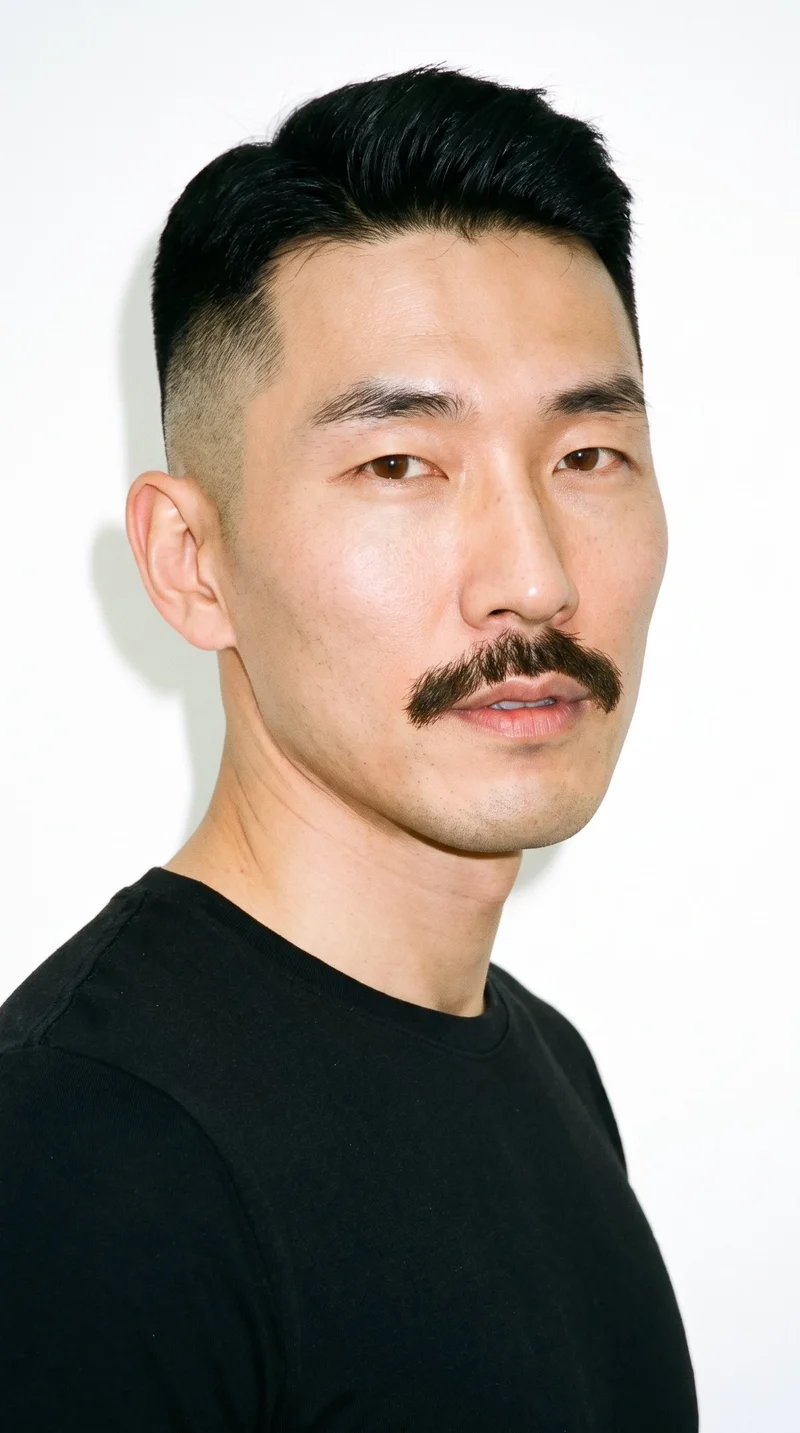
Male · 46
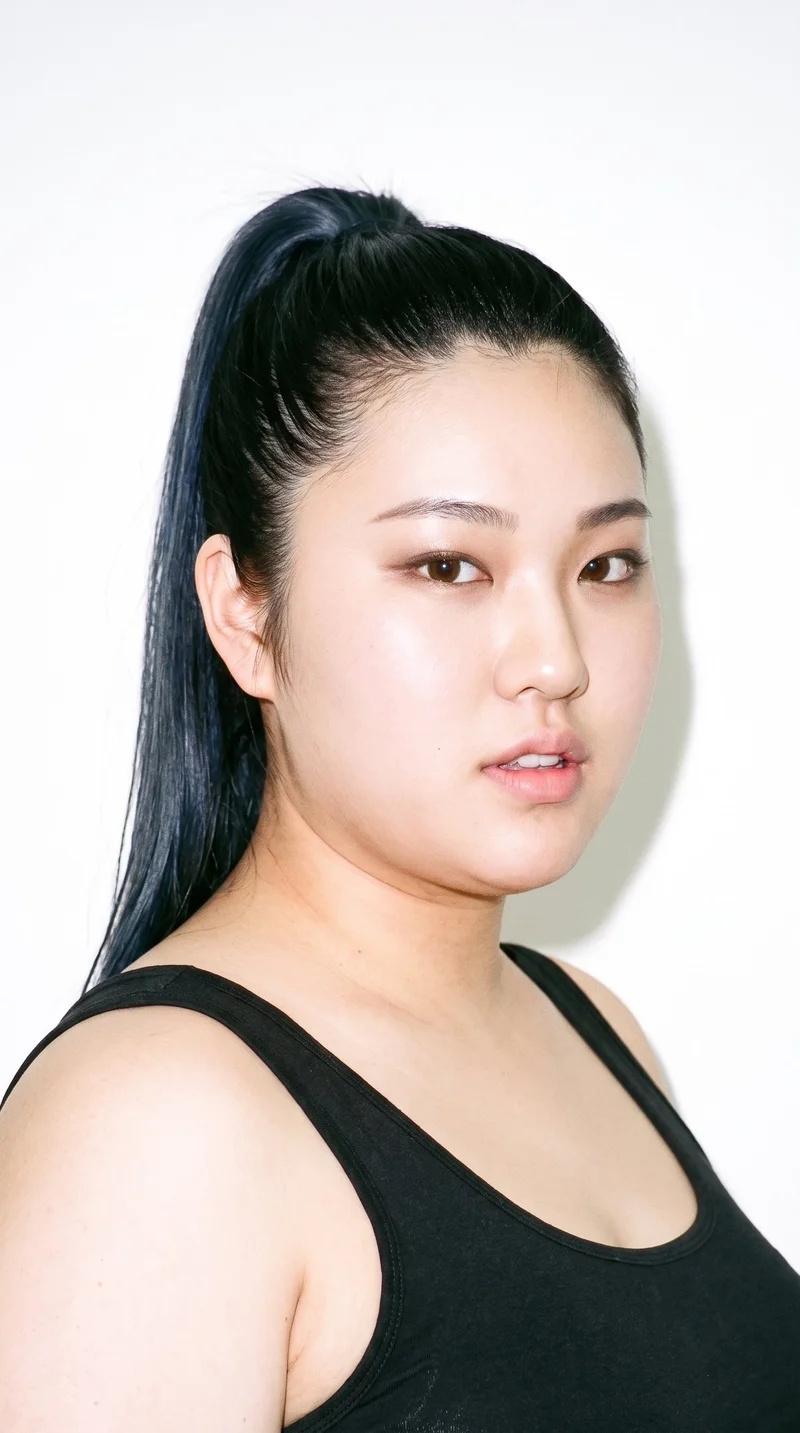
Female · 20
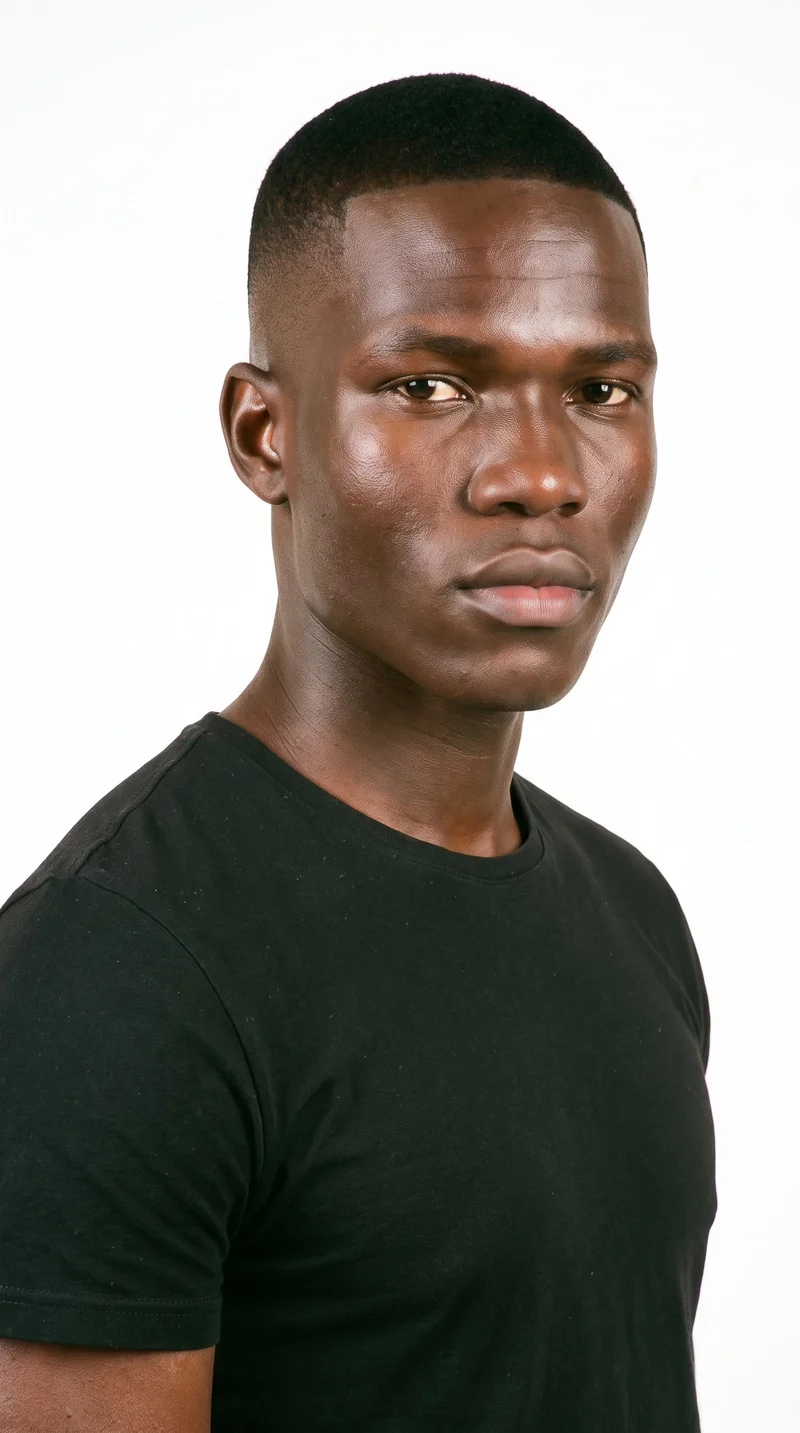
Male · 19
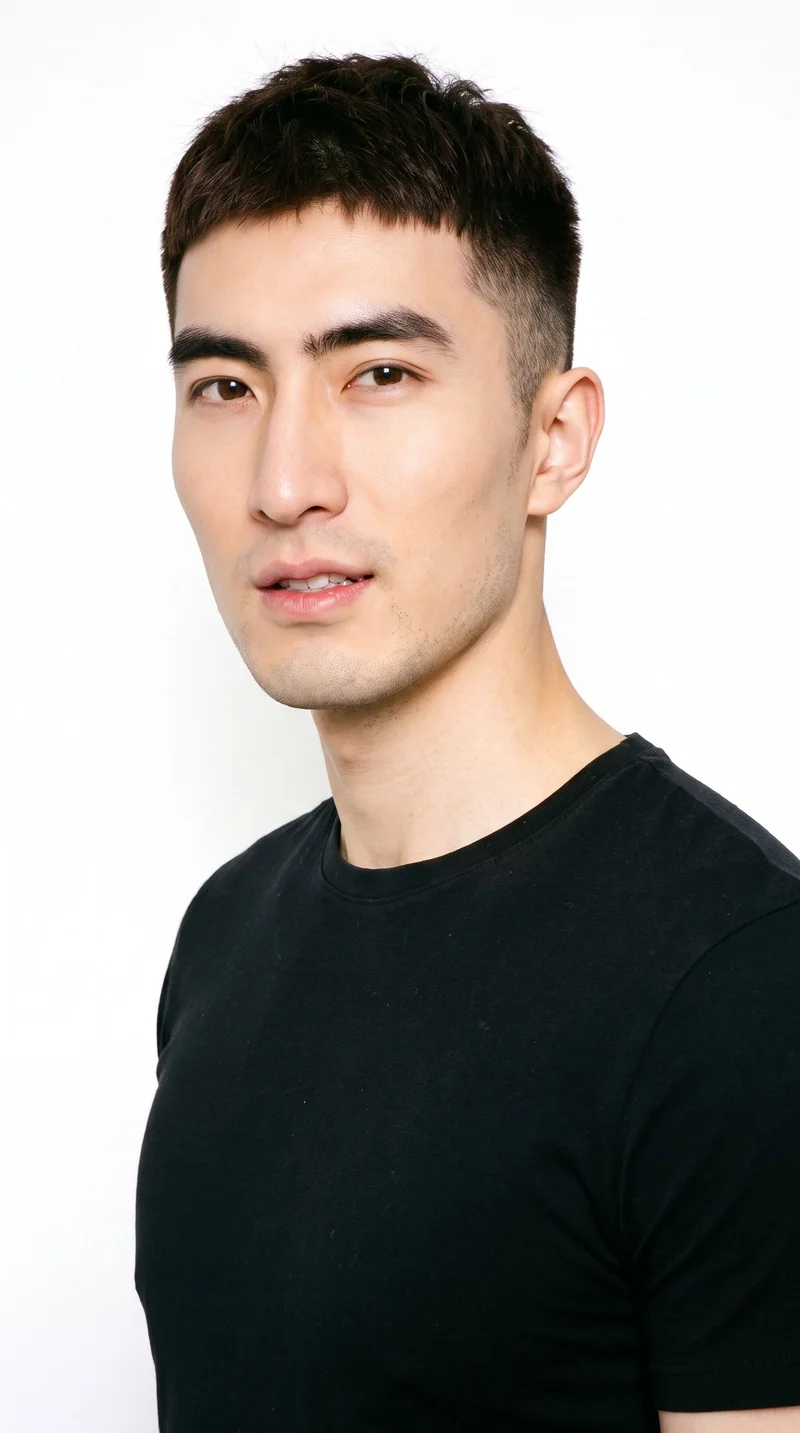
Male · 34
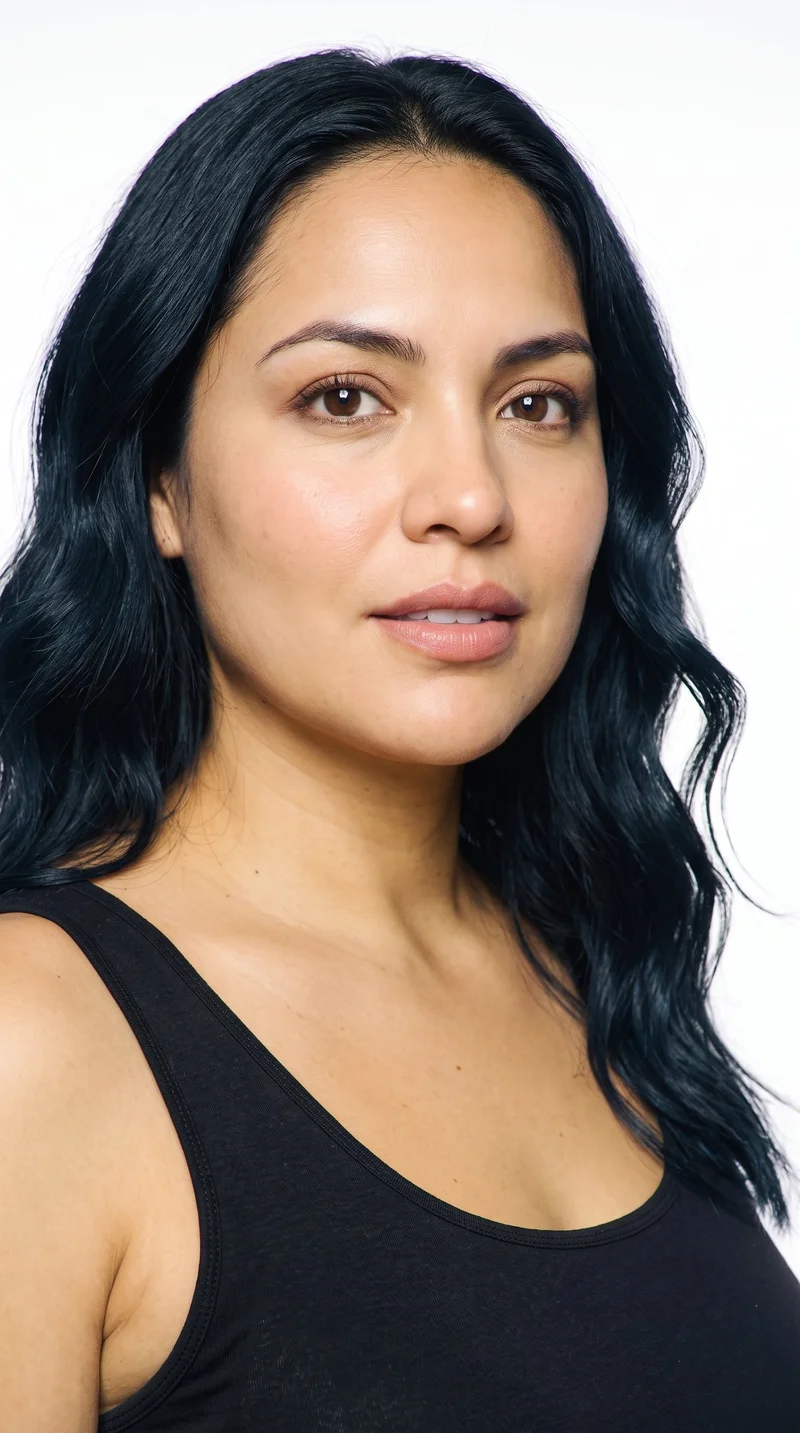
Female · 38
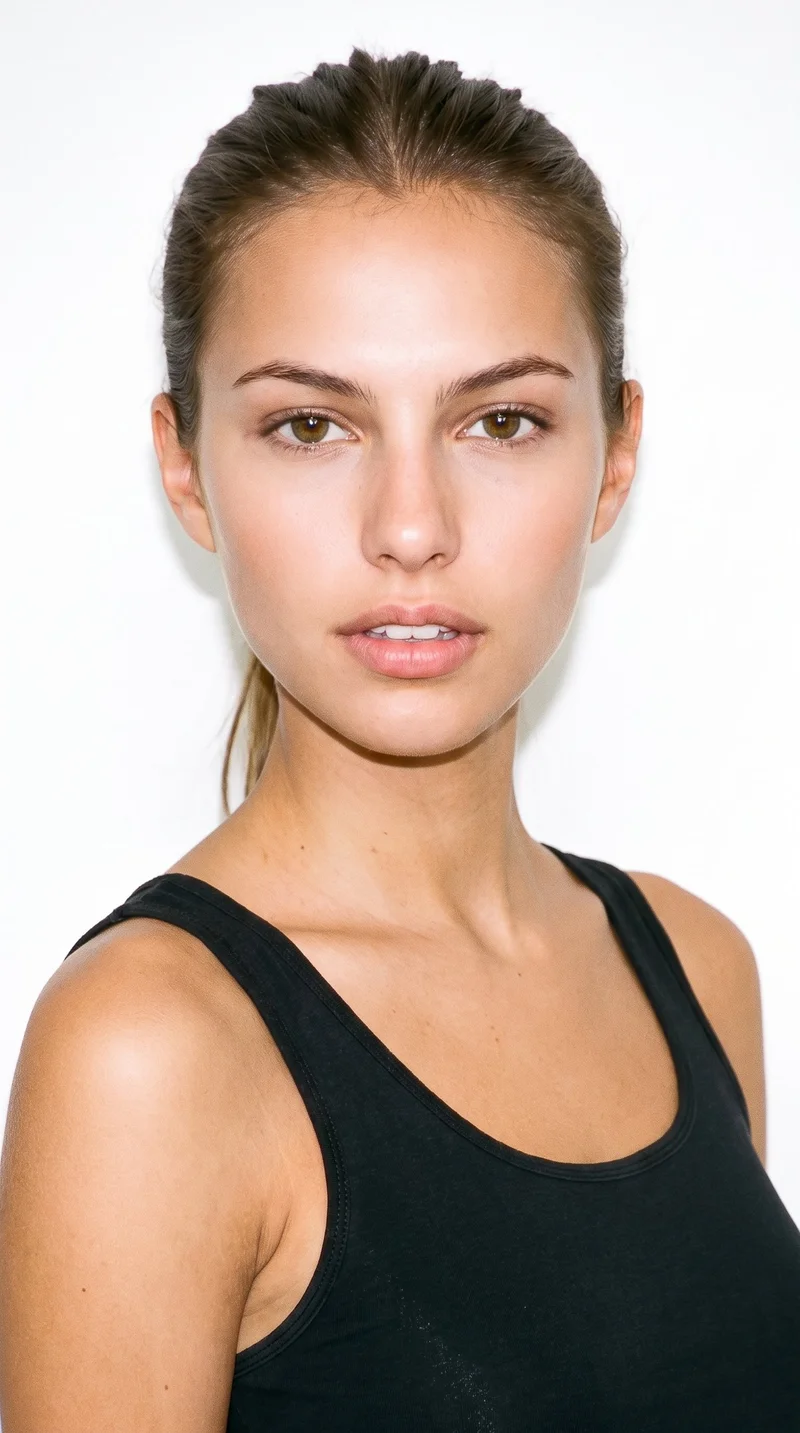
Female · 21
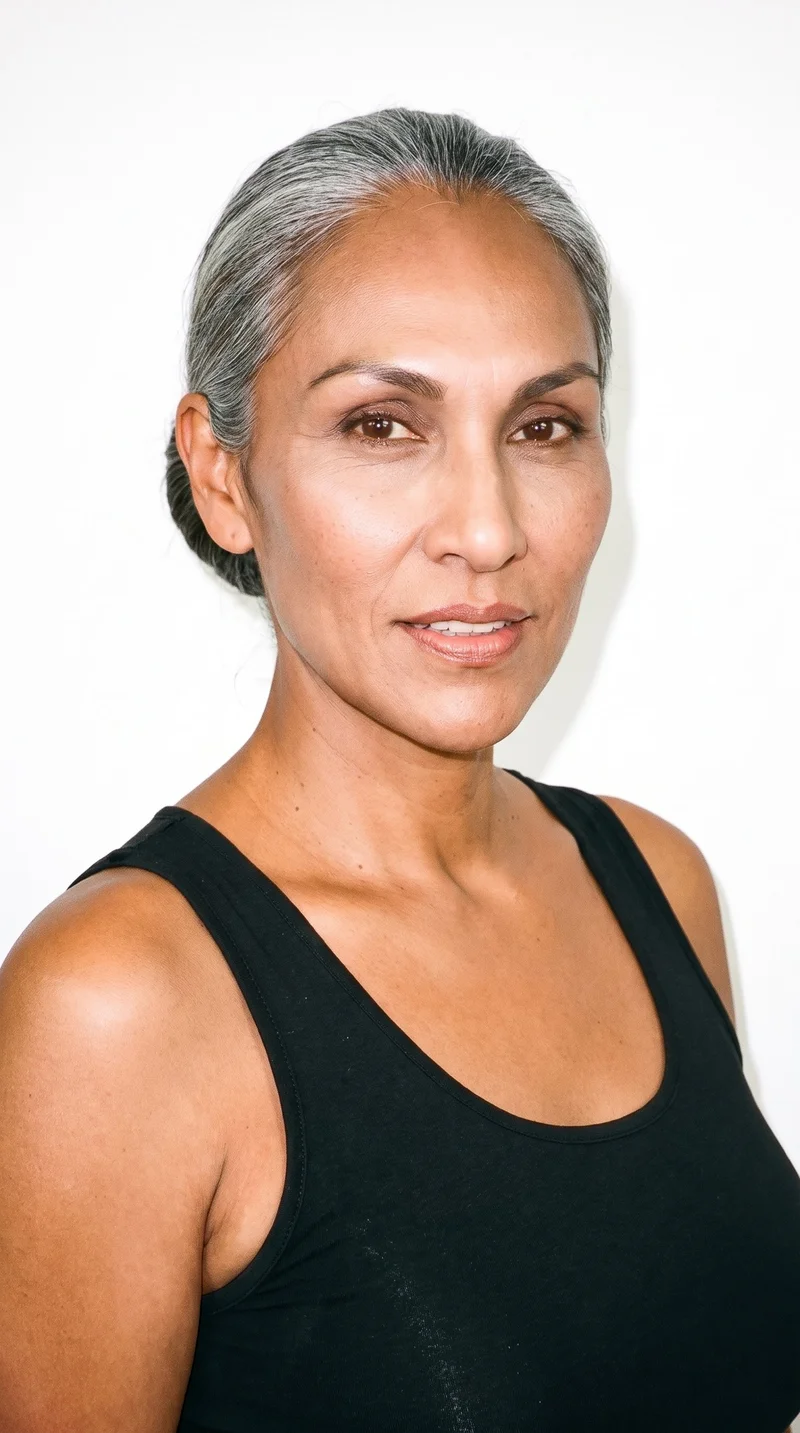
Female · 40
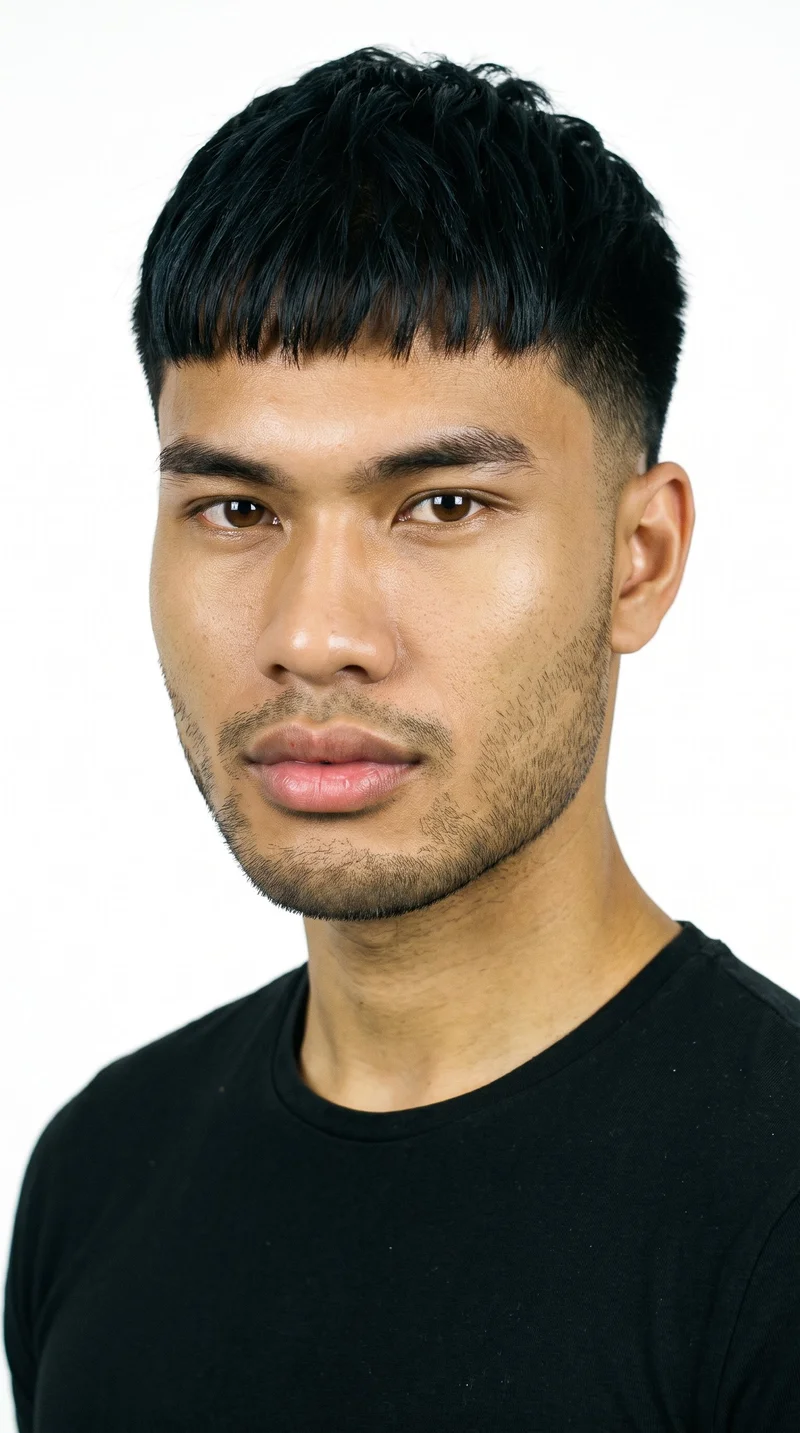
Male · 18
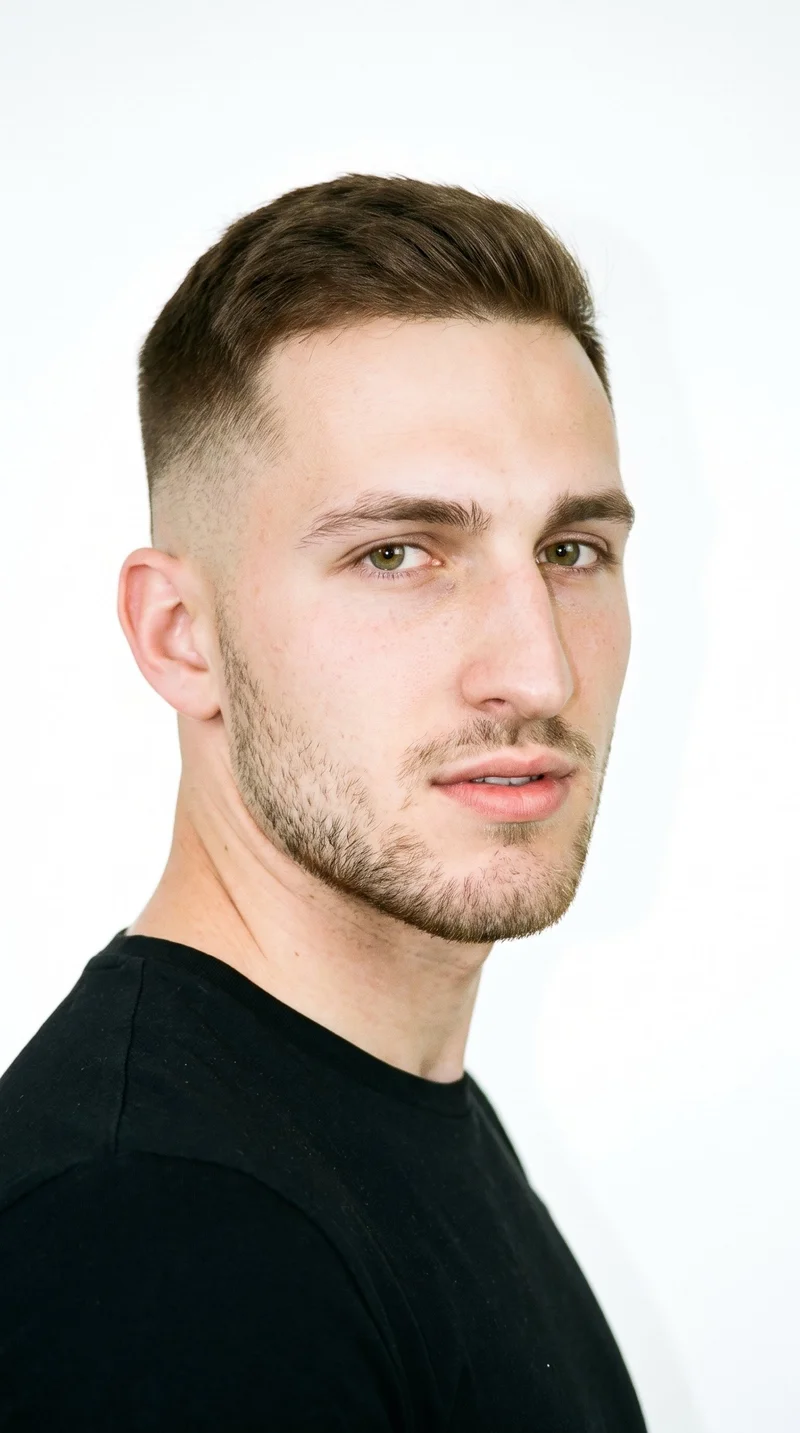
Male · 19
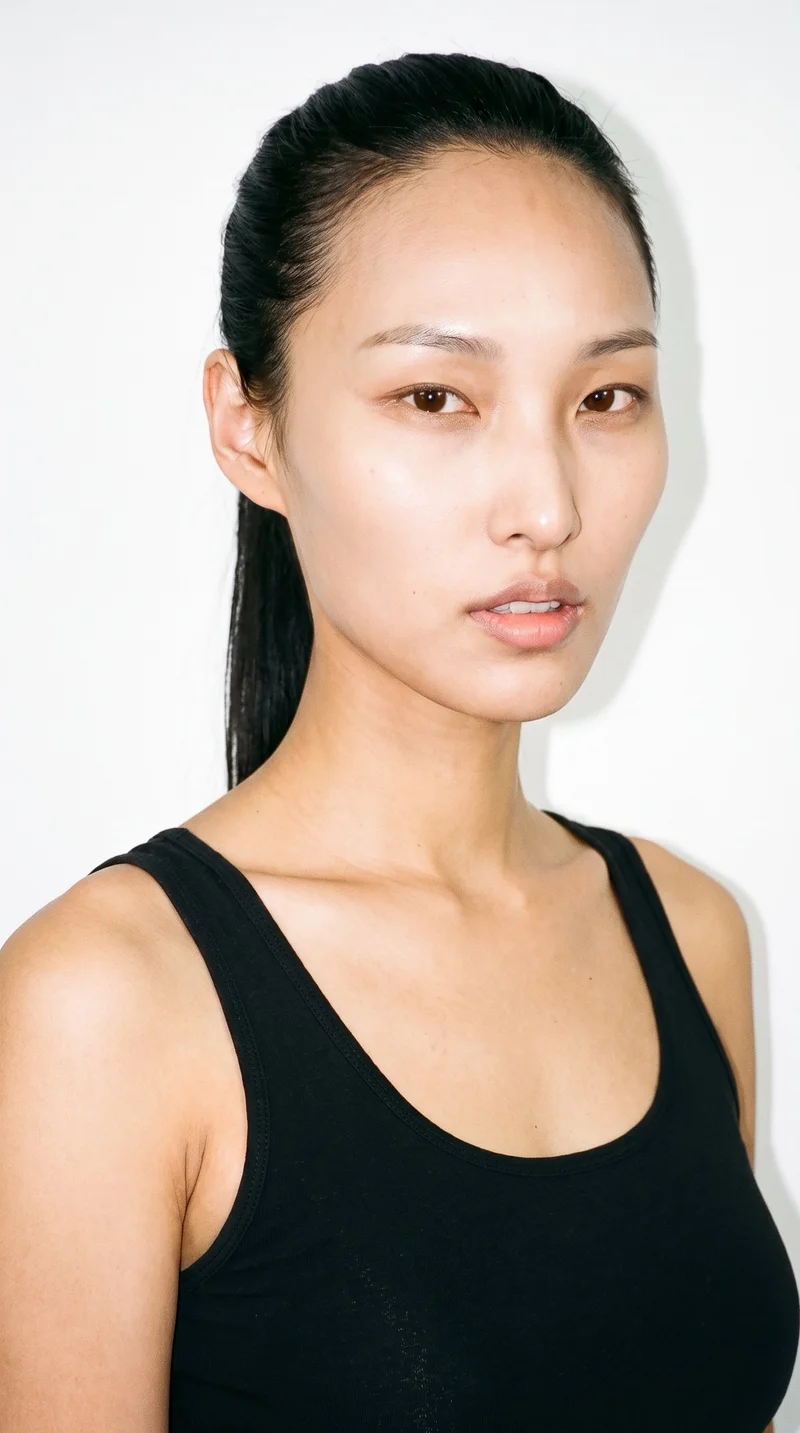
Female · 27
Showing 12 of 1,197
Cast your modelHow it works
One flat-lay in. A checked collection out.
 FrontSideDetail
Bring the product
A product photo, flat-lay or sketch is enough. Or start from a finished look and swap your piece in.
Direct the shoot
Every line of the shoot is a choice you click, from model to light. AI suggests a composition, you change any of it.
Get the whole collection, checked
Keep the setup and swap in the next style. Every image is checked against your choices, and one that misses is made again before you see it.
Gallery
Approved stills with short product motion
Short vertical product motion, built from the approved still your team already has.
Looks & backgrounds
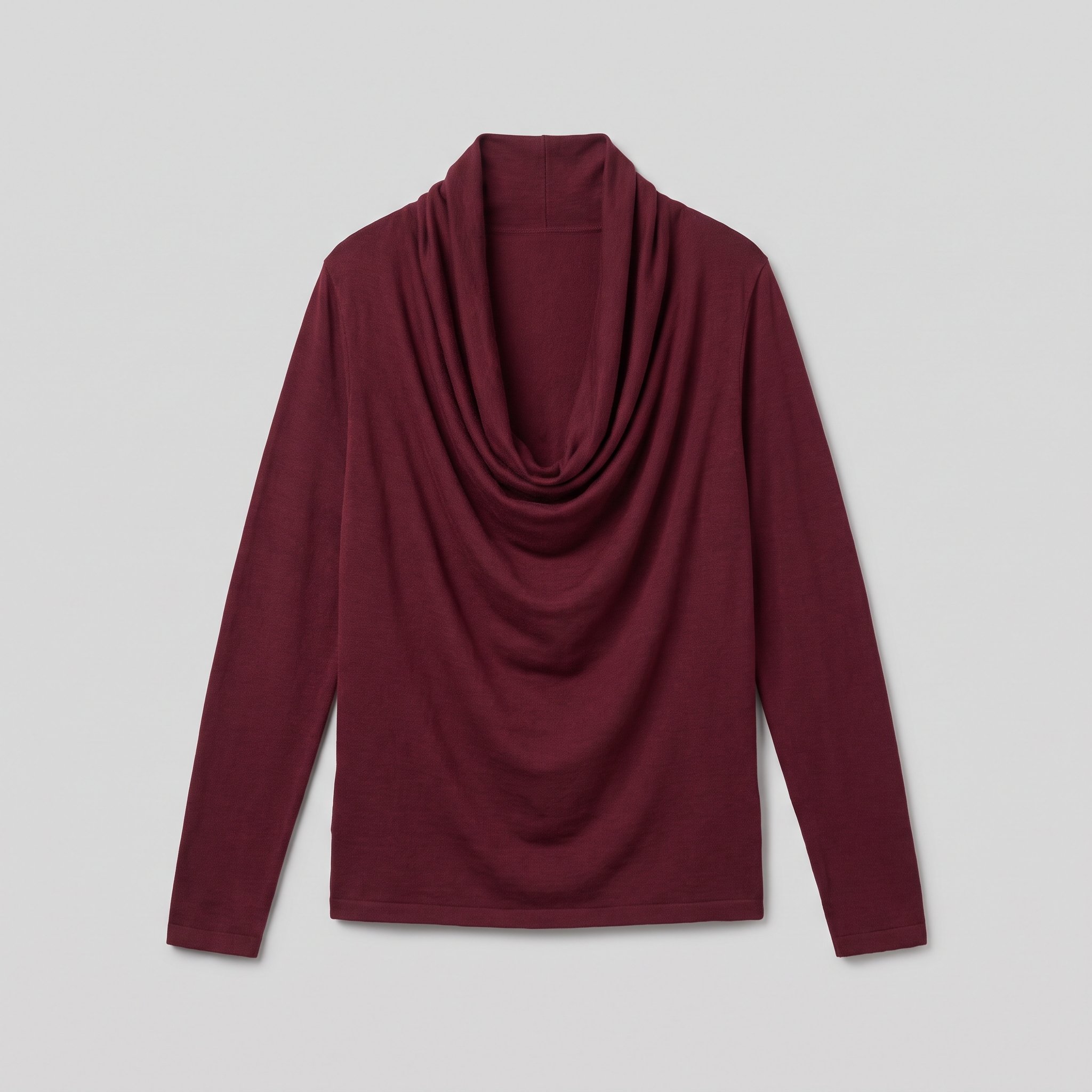
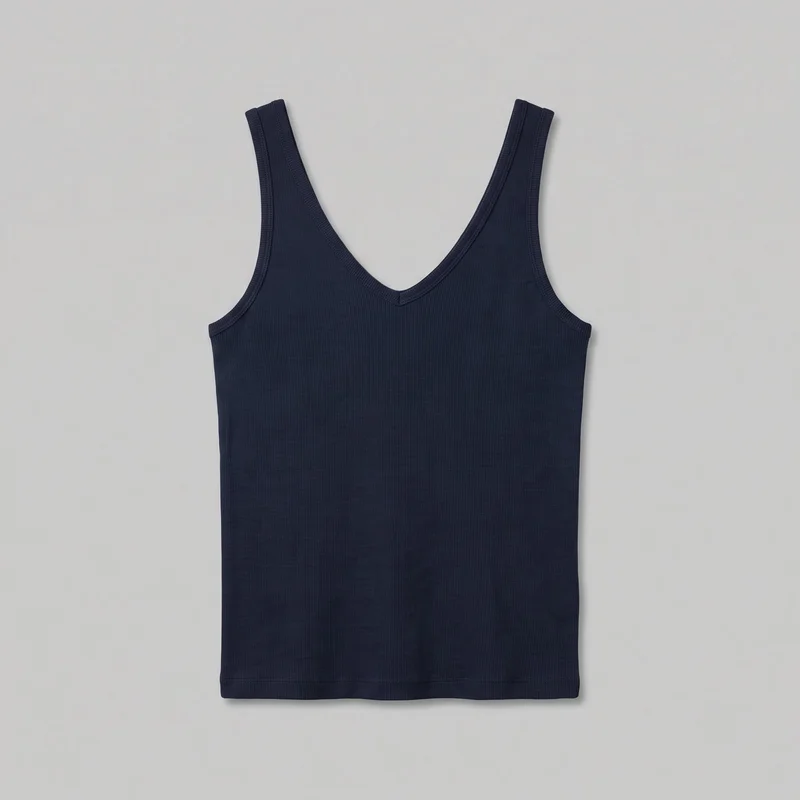 Navy Ribbed Vest
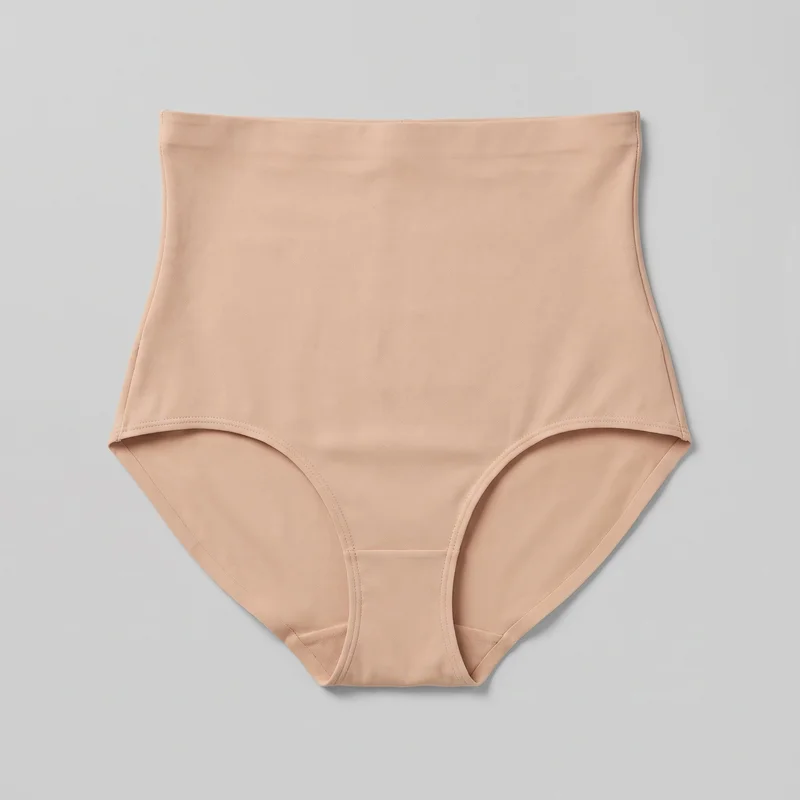 Nude High-Waist Shapewear
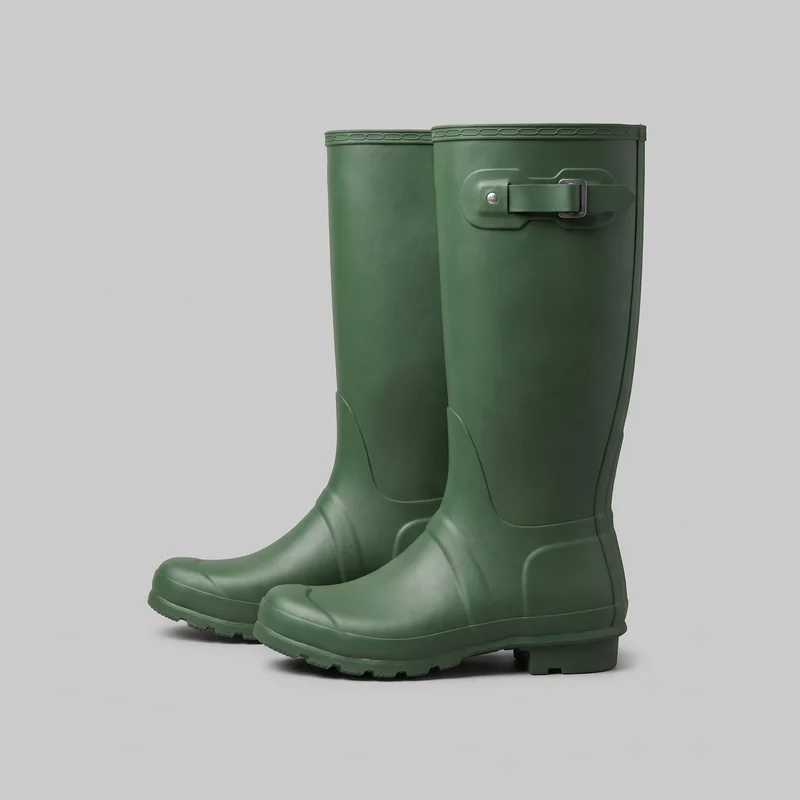 Men's Green Wellington Boots
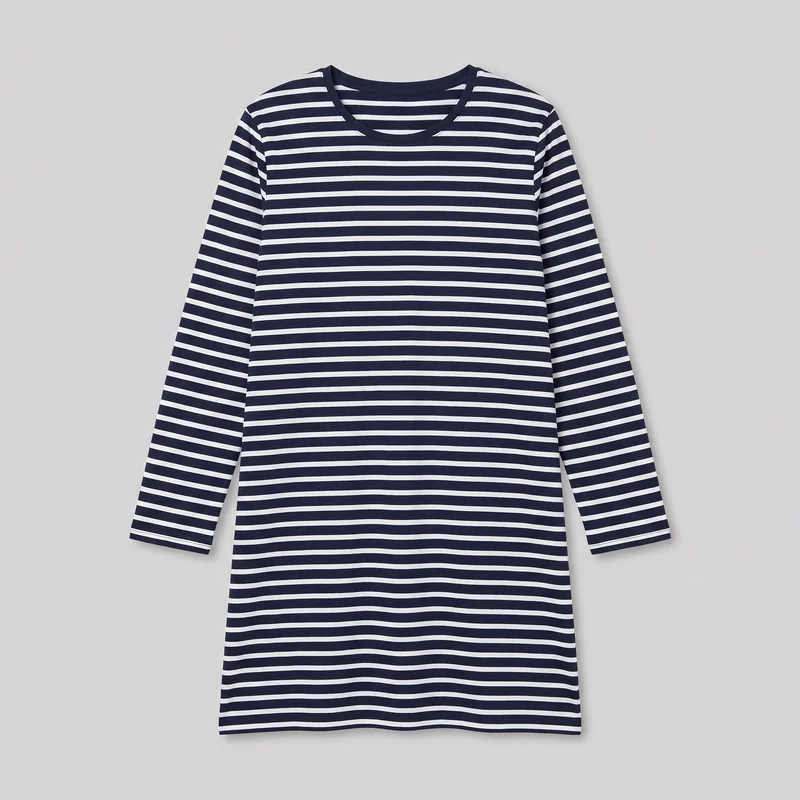 Striped Nightdress
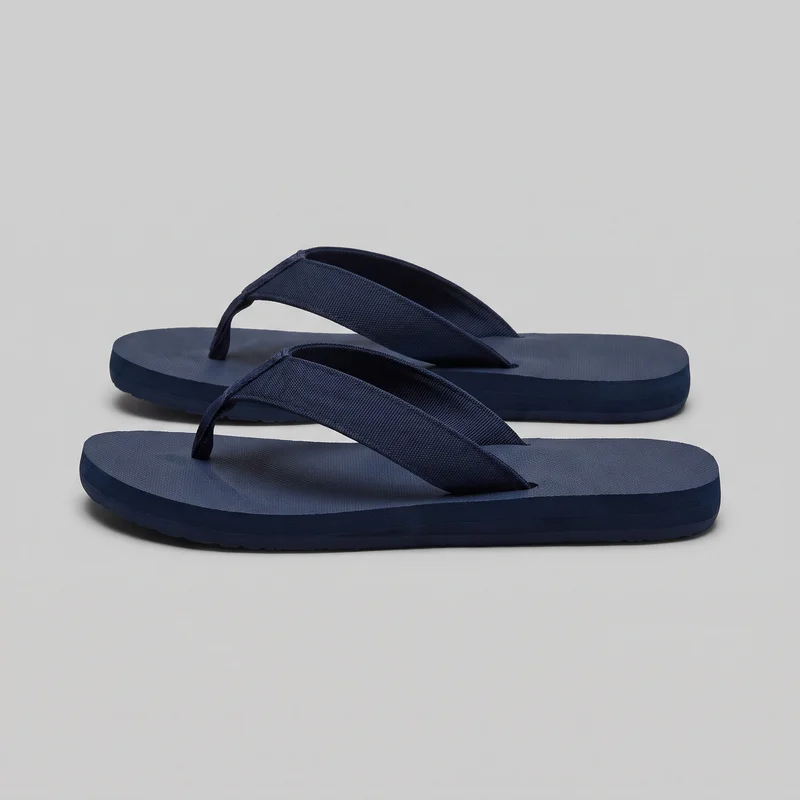 Women's Navy Flip-Flops
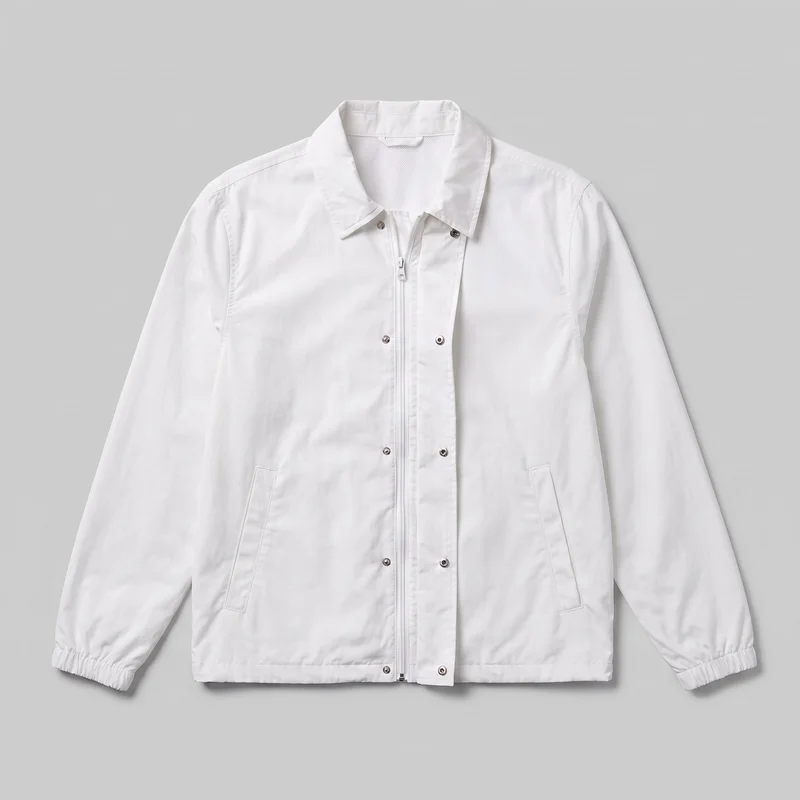 Men's White Windbreaker
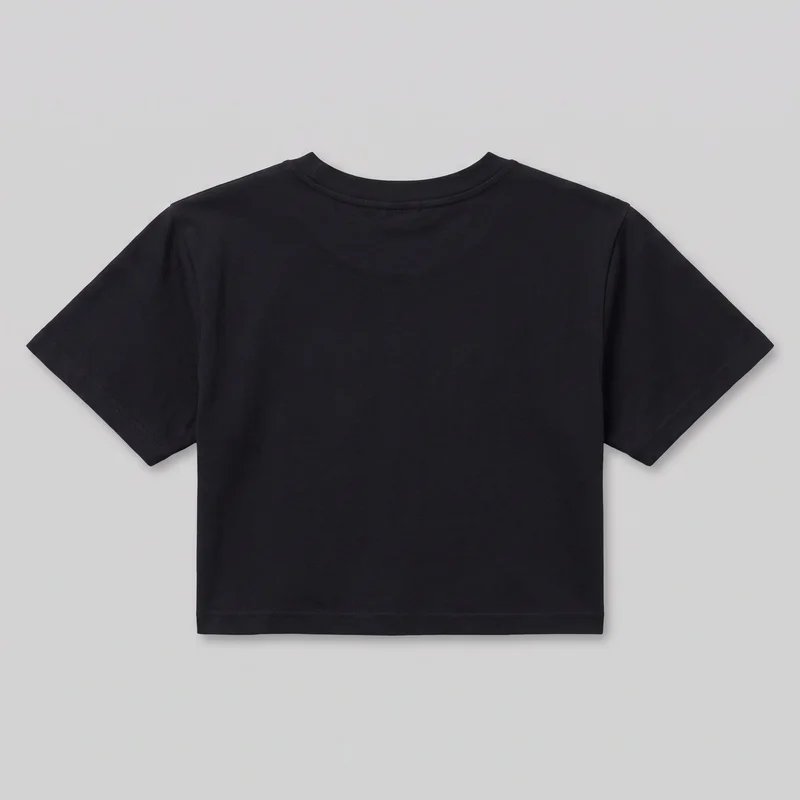 Black Crop Top
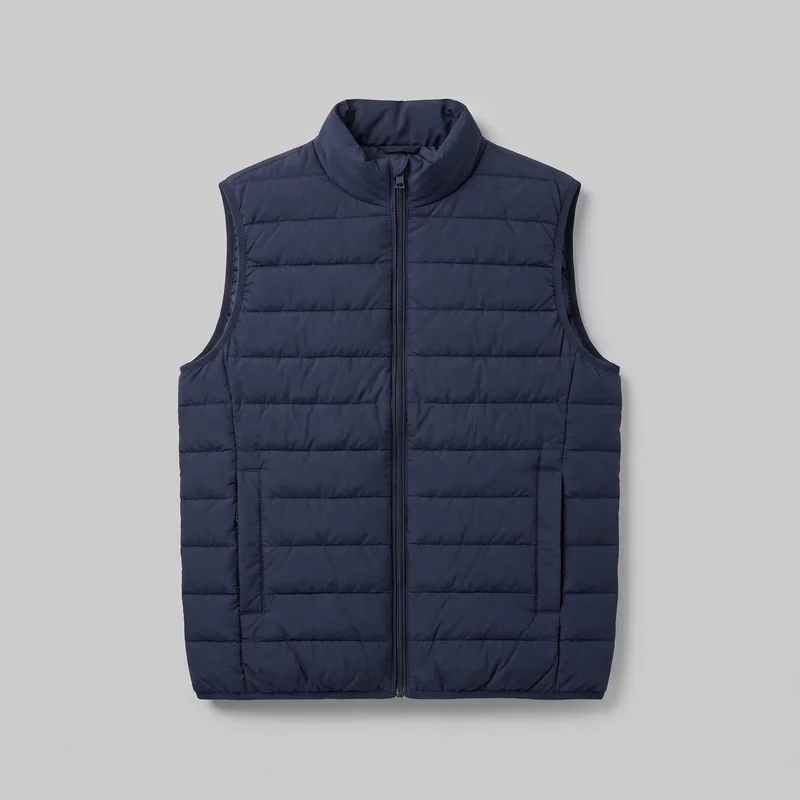 Men's Navy Padded Gilet
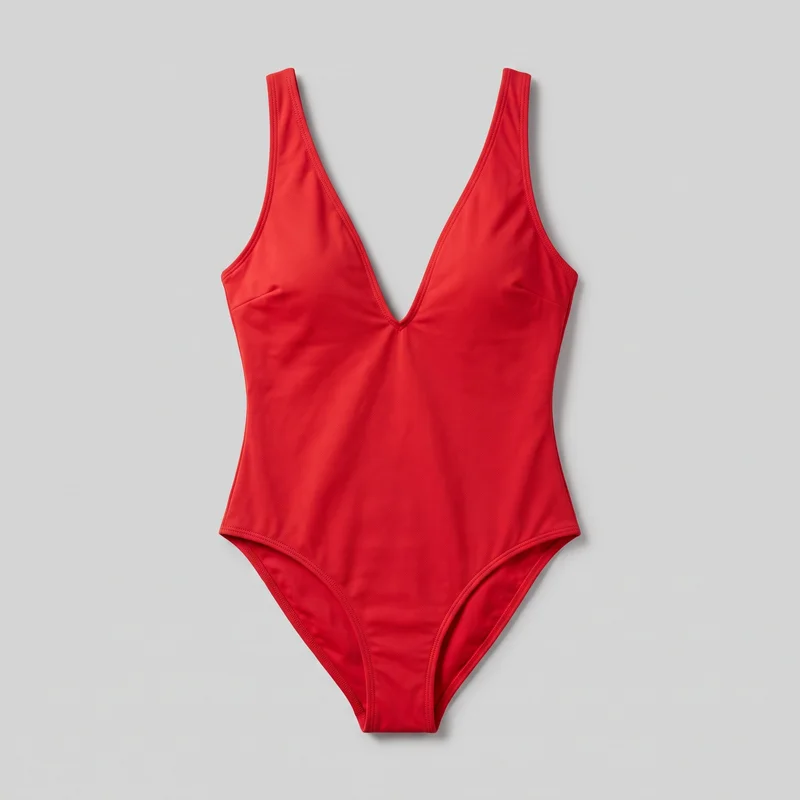 Red Plunge One-Piece Swimsuit
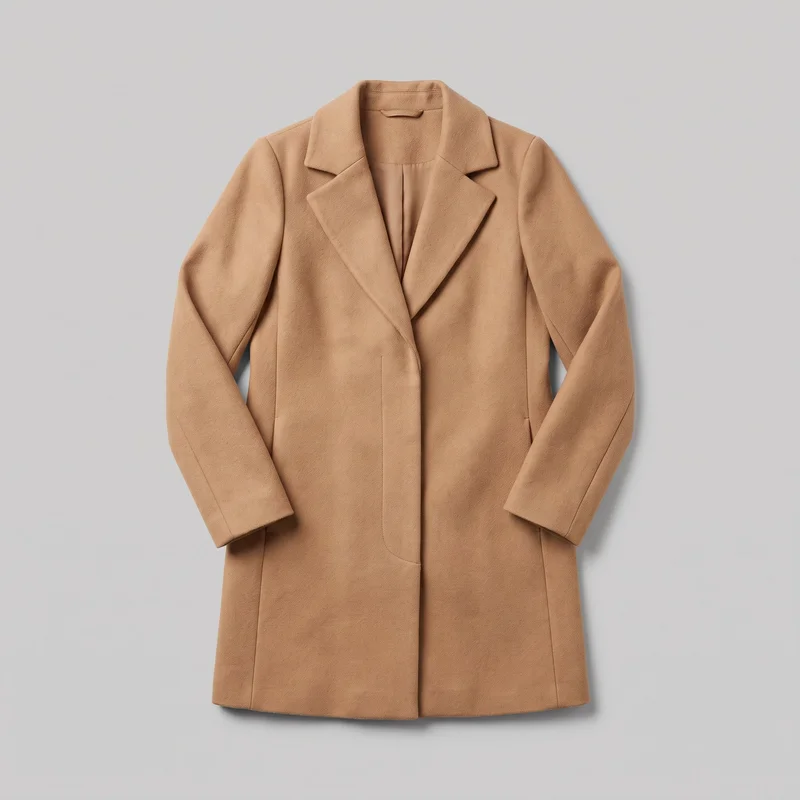 Women's Camel Wool Coat
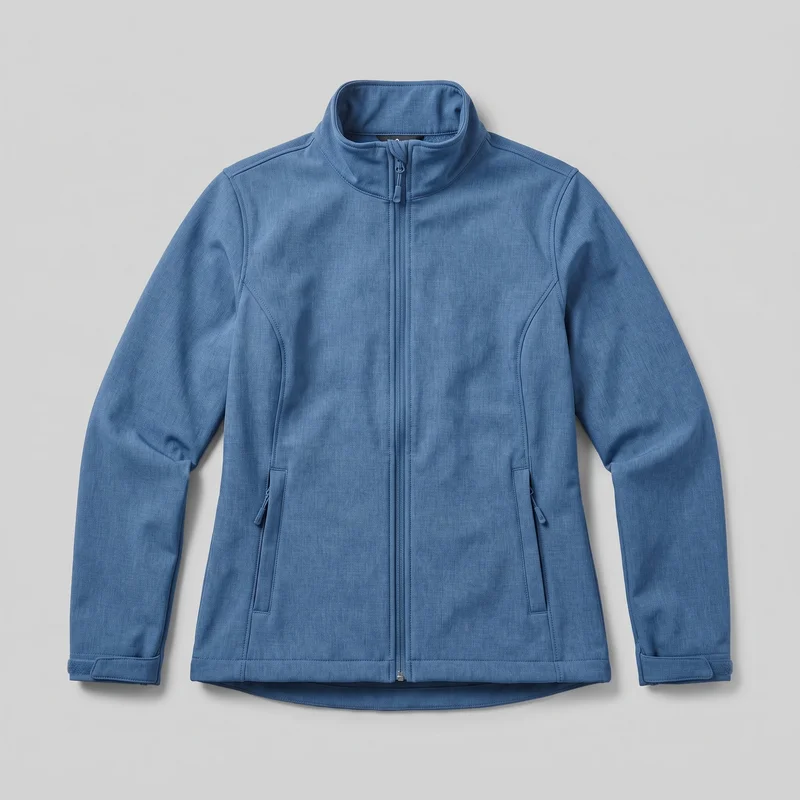 Women's Blue Softshell Jacket
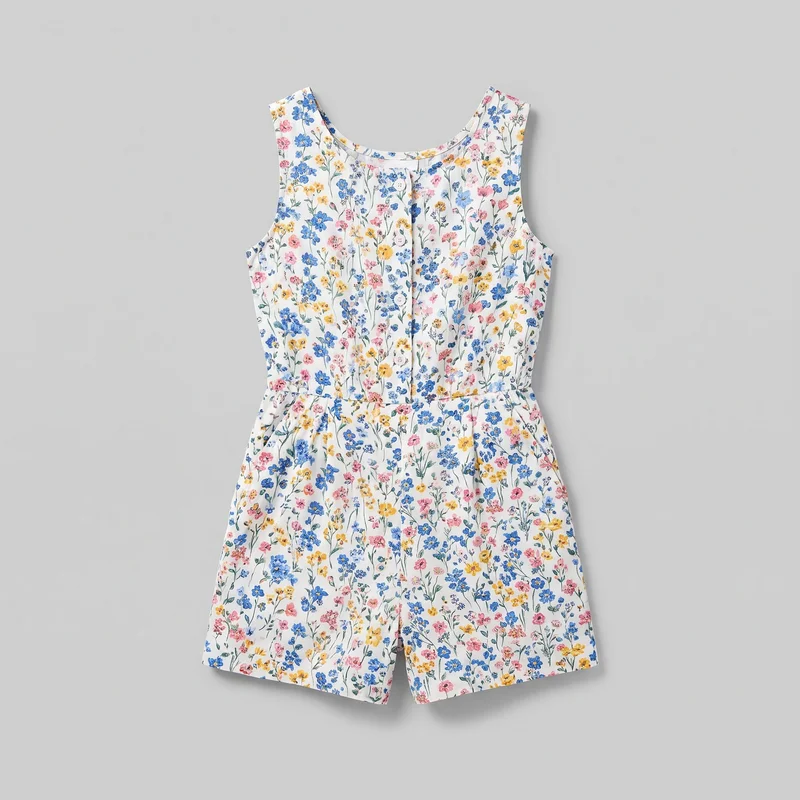 Floral Print Playsuit
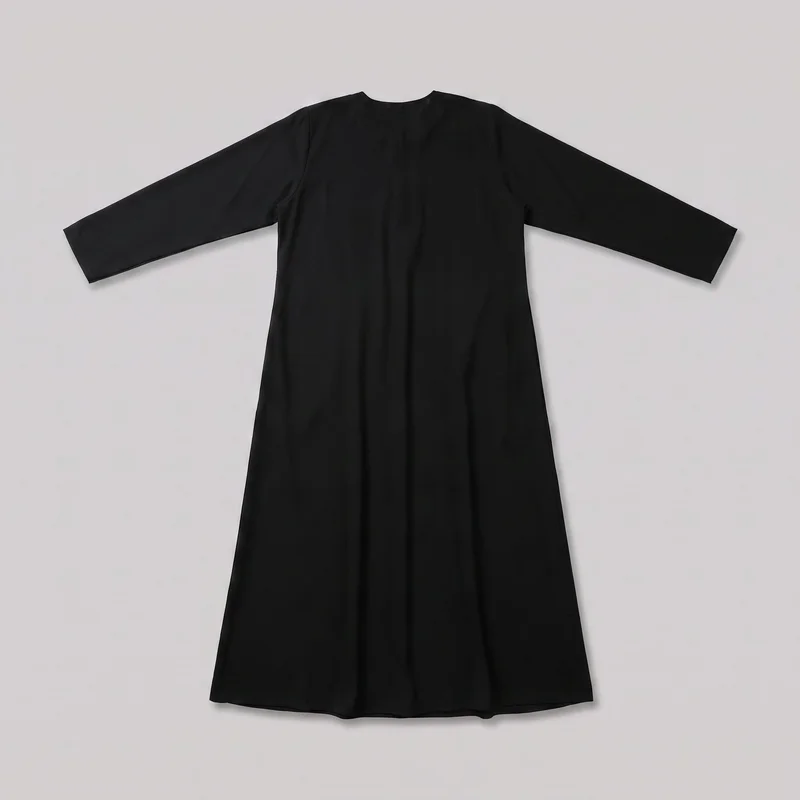 Black Classic Abaya
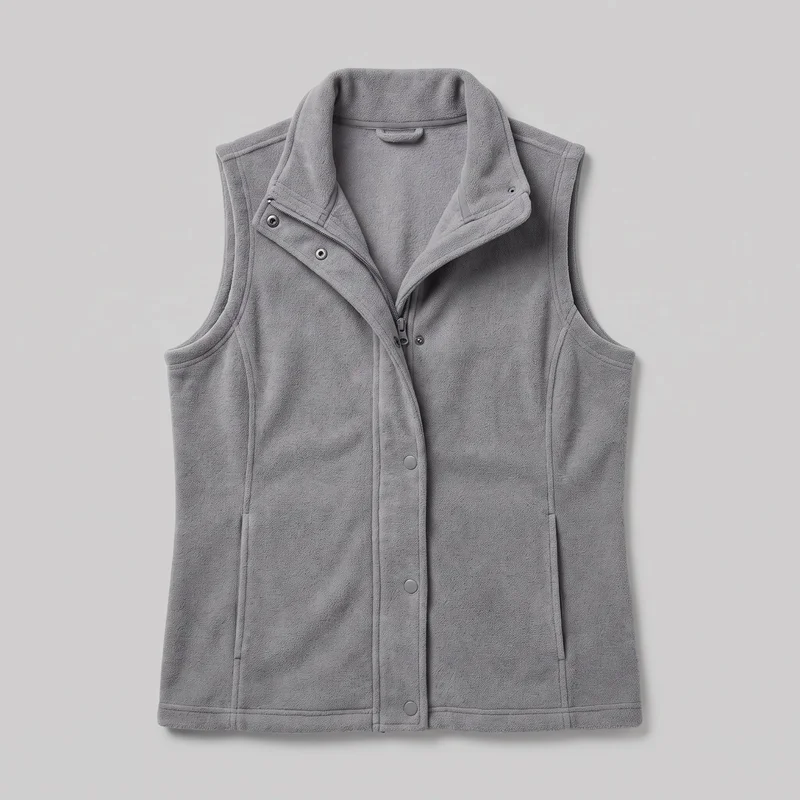 Women's Grey Fleece Gilet
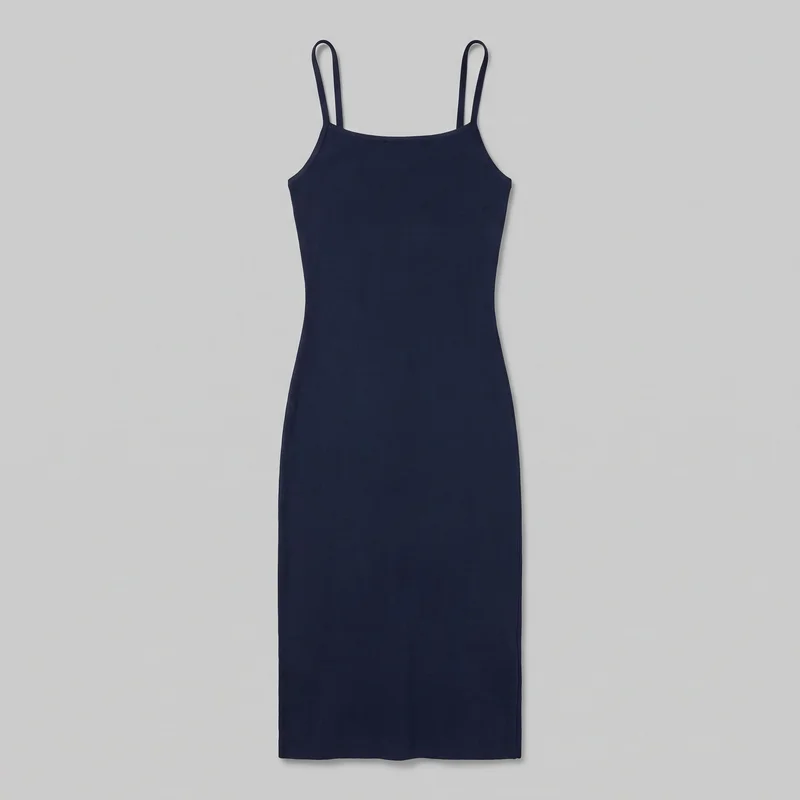 Navy Bodycon Dress
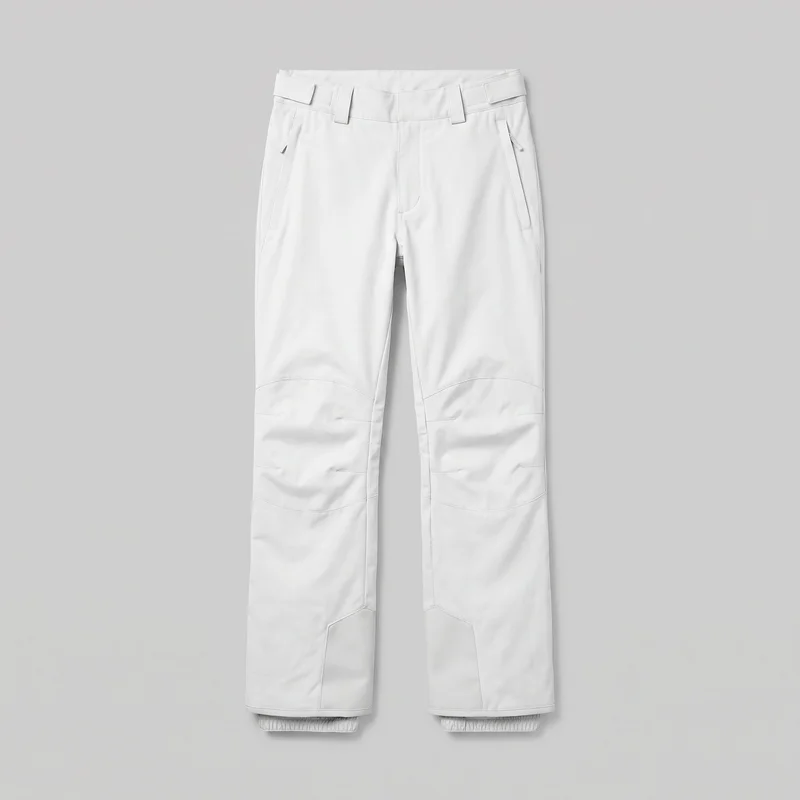 Men's White Shell Ski Trousers
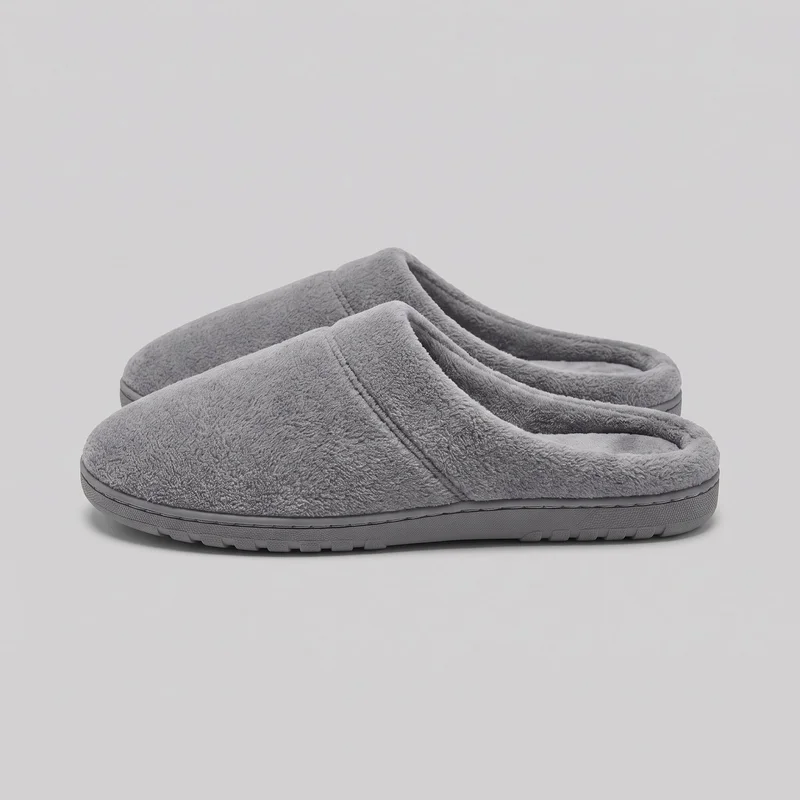 Men's Grey Fleece Slippers
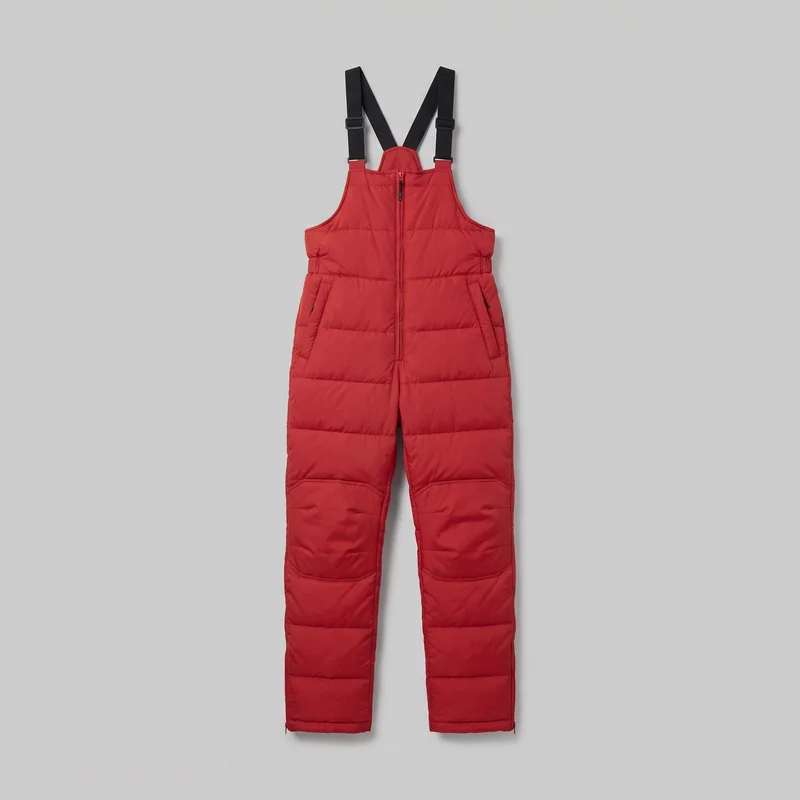 Men's Red Padded Salopettes
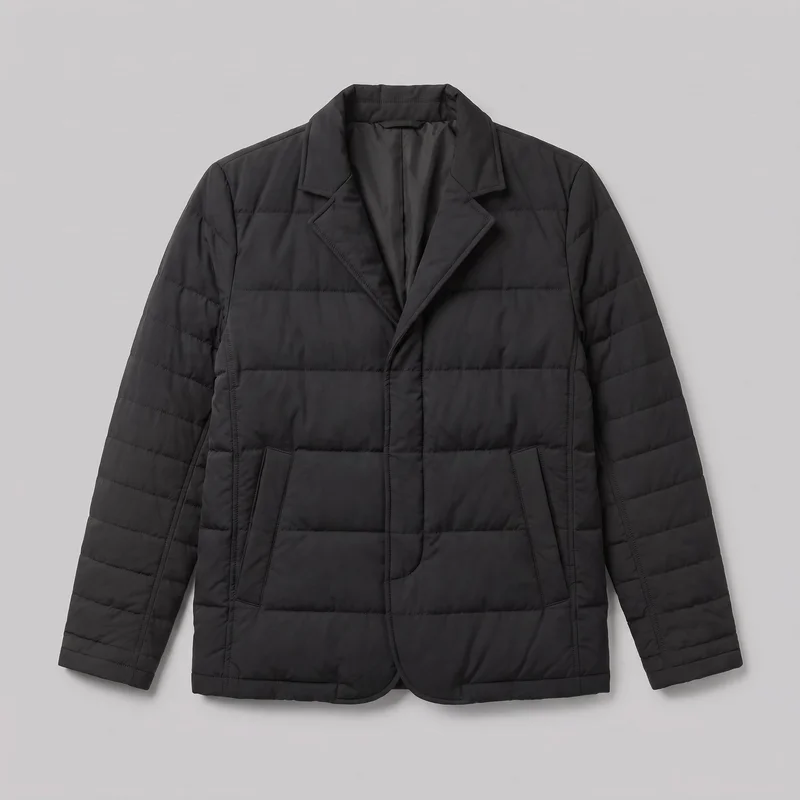 Men's Black Puffer Jacket
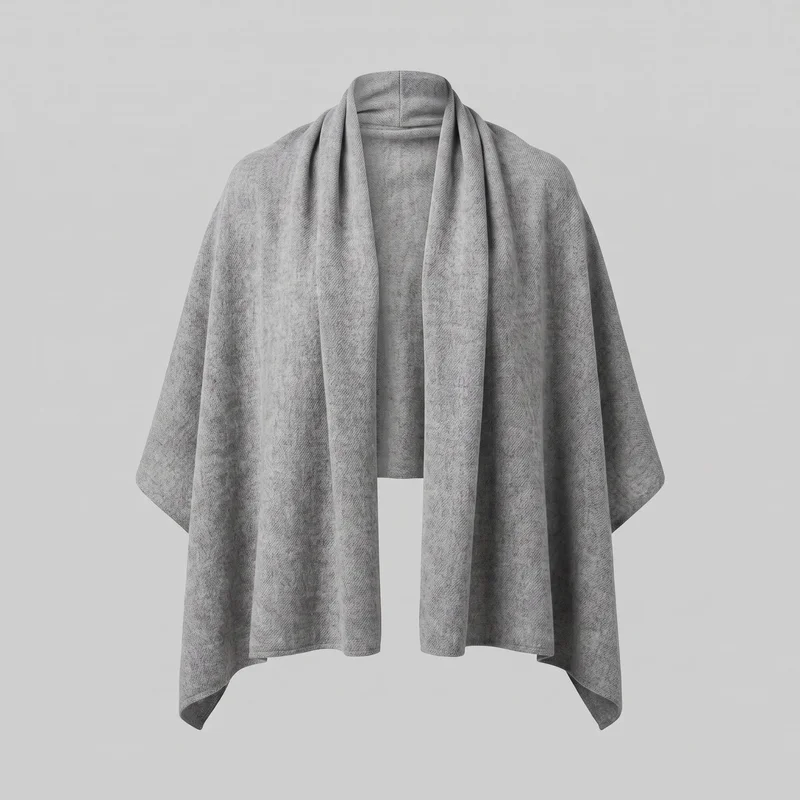 Grey Wool Wrap
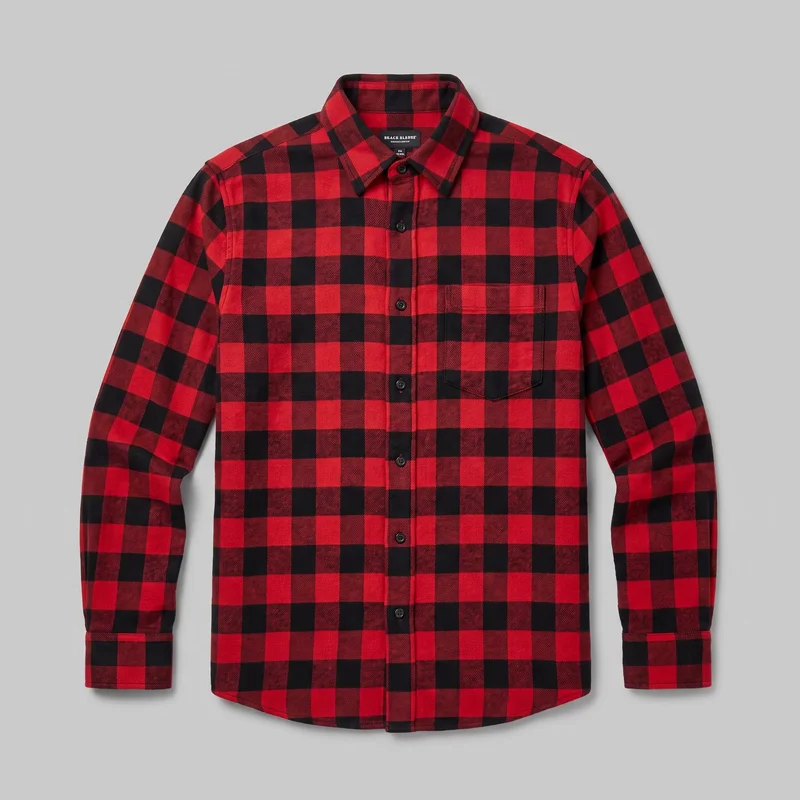 Red Check Flannel Shirt
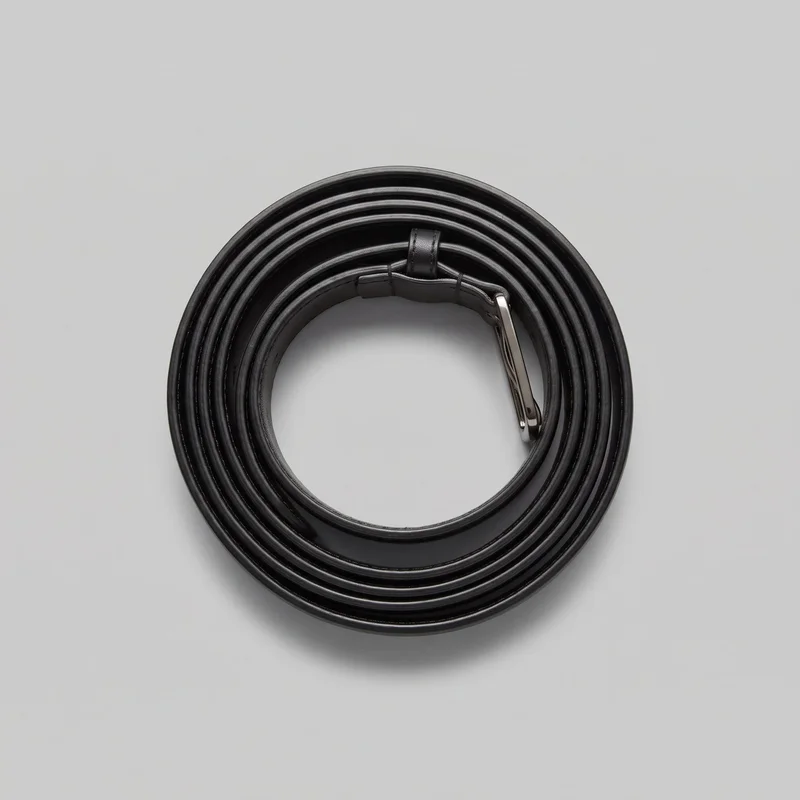 Women's Black Formal Belt
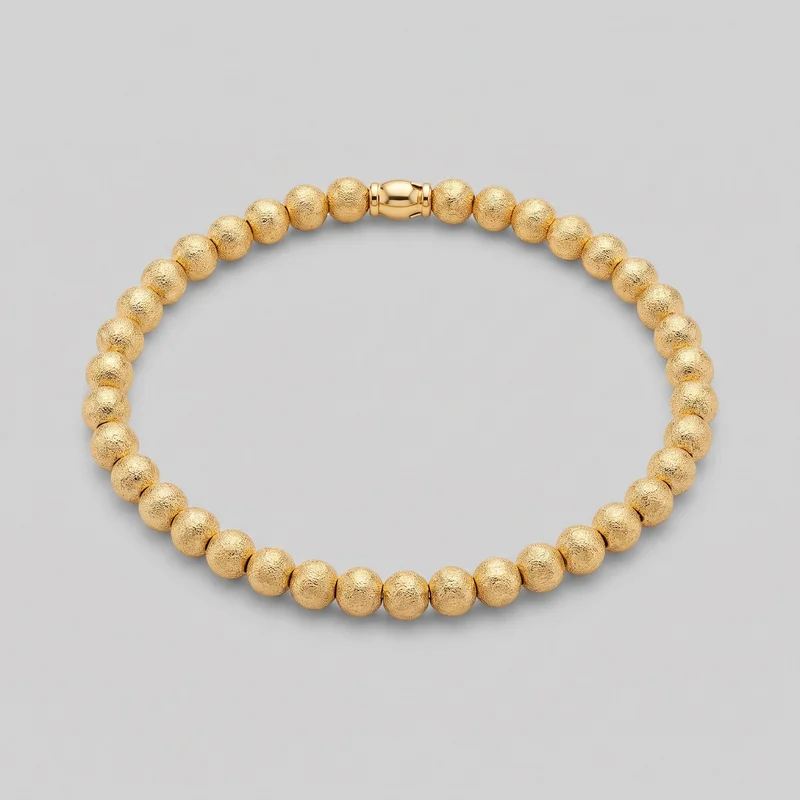 Men's Gold Beaded Bracelet
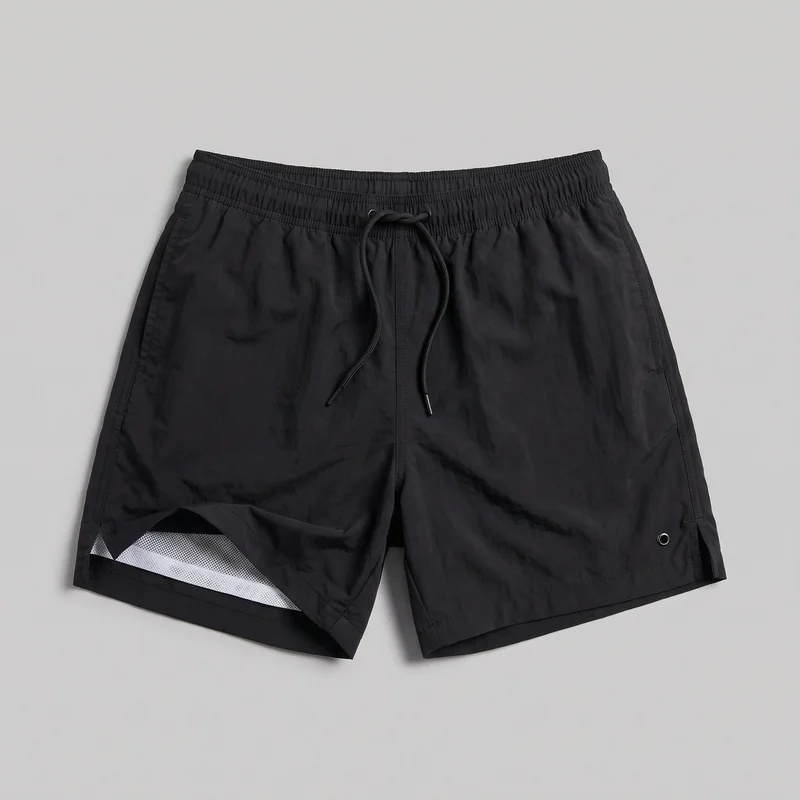 Black Swim Trunks
Showing 24 of 807
Catalog
Browse the catalog
By product
Consistency
As motion changes, product and model hold
RAWSHOT starts video from a finished still, so your product, model and composition carry into the clip. You direct the vertical frame, camera movement and model action for the placement, then review fine details before publishing.
You change one
- Frame
- Pose
- Camera view
- Model
The rest holds
Product
The approved product remains central to each social clip.
Model
The selected model stays with the finished still.
Composition
The frame and scene guide the motion treatment.
Who it's for
Does this fit your social schedule?
A perfect fit
This fits when you need short product motion from approved stills for recurring Reels, Stories or paid-social placements.
Work it handles well
- You can fill scheduled social placements with product motion.
- You can keep approved product imagery central in clips.
- You can create motion variants for paid social.
Rights
You own every image. Every image says what it is.
Yours
- Full commercial rights to every image, permanently.
- No recurring licence fees on any model in the library.
- Every model is a synthetic composite, so there is no real-person likeness.
Labelled
- C2PA content credentials on every image.
- AI-labelled output, aligned with EU AI Act Article 50.
Checked
- Every image is checked against your model, frame, view and pose before delivery; one that misses is made again.
- A safety filter screens every upload and blocks nude or explicit images.
EU-based hosting, GDPR-compliant handling.
- Aligned with EU AI Act Article 50
- C2PA
- Full commercial rights
- Quality-checked images
- Safety-filtered uploads
- GDPR-compliant handling
- EU-based hosting
Questions
What should your brand check before posting?
What does a short vertical product clip add to a social campaign?
A short vertical product clip gives your social campaign product-focused motion from imagery your team has already approved. It is a brief motion treatment built from an on-model still, designed for Reels, Stories and paid-social placements that need more movement than a static post. The product, selected model and composition stay central while you direct the vertical frame, camera movement and model action. Use these clips to fill scheduled placements, then review the finished motion before publishing.
Which social marketing jobs benefit from short vertical product clips?
Scheduled Reels posts, Story placements, paid-social creative tests and campaign teasers suit these clips. They turn an approved on-model product still into brief vertical motion when your calendar needs movement but the product image is already signed off. Keep the garment or accessory central, retain the selected model and composition, then select a vertical frame, camera movement and model action. Build a separate clip for each scheduled placement and review the product details before publishing.
What aspect ratios and frames should product clips use for social placements?
9:16 vertical frames are the primary choice for Reels and Stories; 4:5 suits vertical feed placements in paid social. Set the frame before you create the clip so the product, model and camera movement are composed for the destination rather than cropped afterward. A full-body or tighter frame should match the approved still and the action you select. In the completed set, verify the frame, camera view, product prominence and safe space for any placement copy before publishing.
How does RAWSHOT turn an approved still into a social clip?
RAWSHOT starts from your approved on-model product still and turns it into a short vertical motion clip. Your product, selected model and existing composition carry from the still, while you set the vertical frame, camera movement and a model action that matches that frame. This fits alongside an existing approval workflow: use imagery already cleared by your team, create placement-specific variants, then inspect the finished clip for product detail, framing and movement before scheduling it.
How are RAWSHOT Reels clips different from a studio shoot or smartphone footage?
RAWSHOT is different from a studio shoot, flat-lay, 3D render or smartphone footage because it begins with an approved still rather than a new filmed production. You keep the product, model and composition already accepted, then direct a vertical frame, camera movement and frame-matched model action for a short social clip. It is suited to creating motion variants for Reels, Stories and paid social, not to replacing a full-length production. Start with your approved still and review each generated variant.
What are the practical limits of short vertical clips for Reels?
Short vertical clips are limited to brief product motion rather than a complete Reel or a bespoke movement sequence. The available model action has to suit the frame of the finished still, so you cannot direct arbitrary choreography. Every variation is generated anew, and fine product details still need your review before posting. For lingerie or swimwear sources, a dedicated generation path applies with capped output resolution. Choose this workflow for concise social placements, then approve the final clip.
Who owns RAWSHOT social clips and how can my brand use them commercially?
You get full commercial rights to every image, permanently, with no recurring licence fee. Every image carries C2PA content credentials and is labelled as AI-generated.
Get started
Make your first product clip in RAWSHOT
Start with a 7-day free trial including 50 tokens, then move to the plan that matches your production volume.