
AI TikTok video generator
Your product still moves before your TikTok post.
You have an approved product image and a TikTok slot to fill, but no budget for a video shoot. You can turn that still into a short vertical clip with movement suited to its frame.
7-day free trial • 50 tokens (10 images) • Cancel anytime
- A 2K image in roughly 35 seconds
- AI-labelled with C2PA content credentials
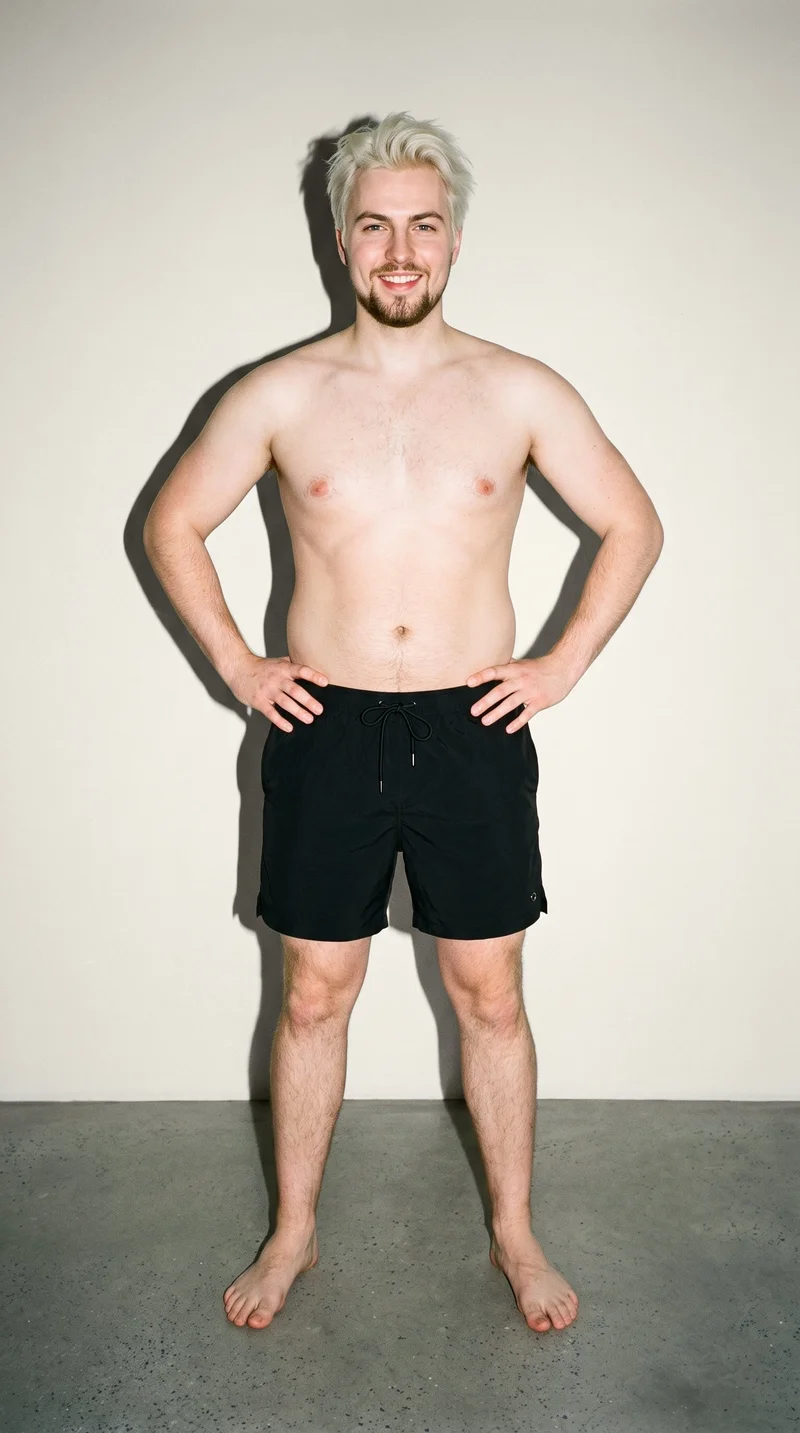
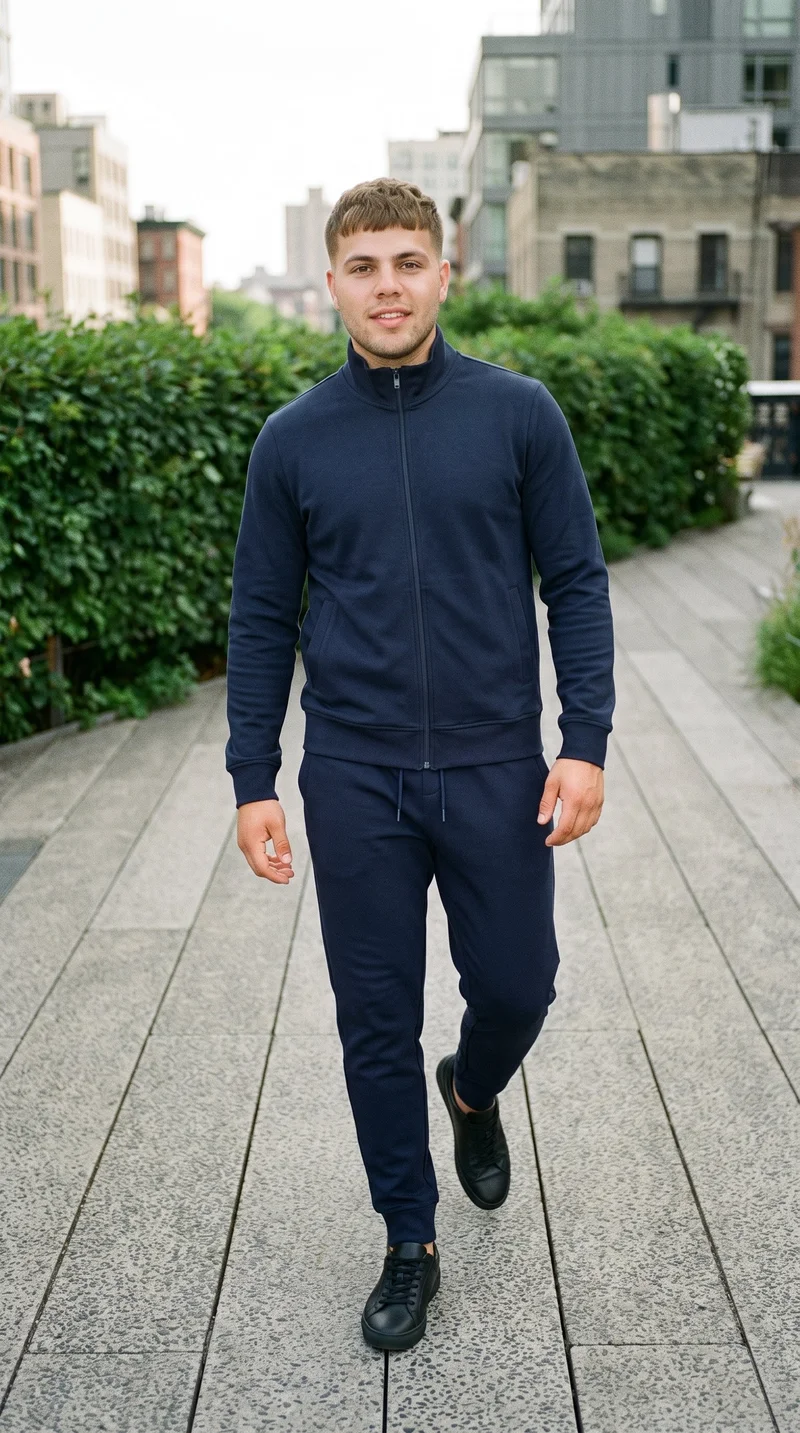
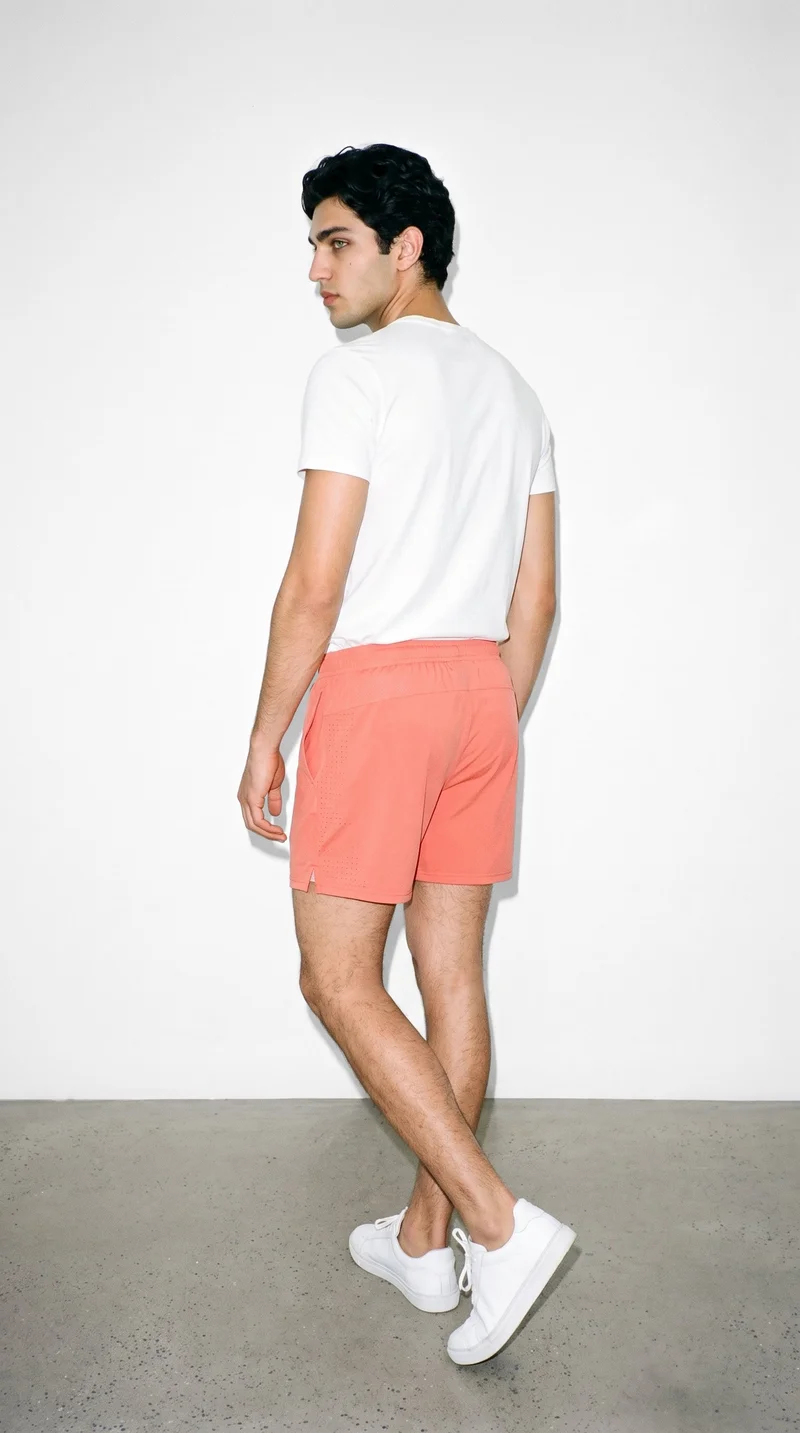
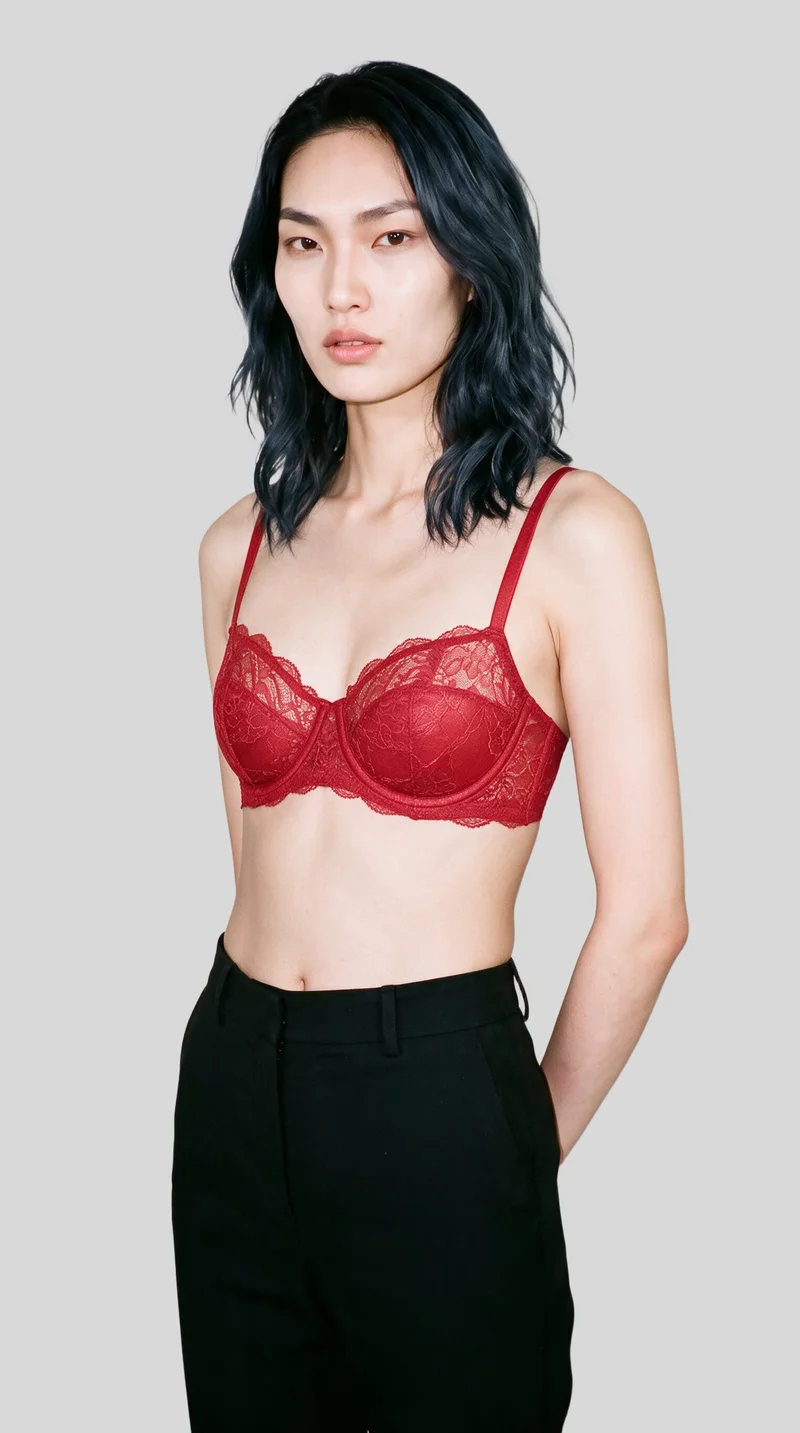
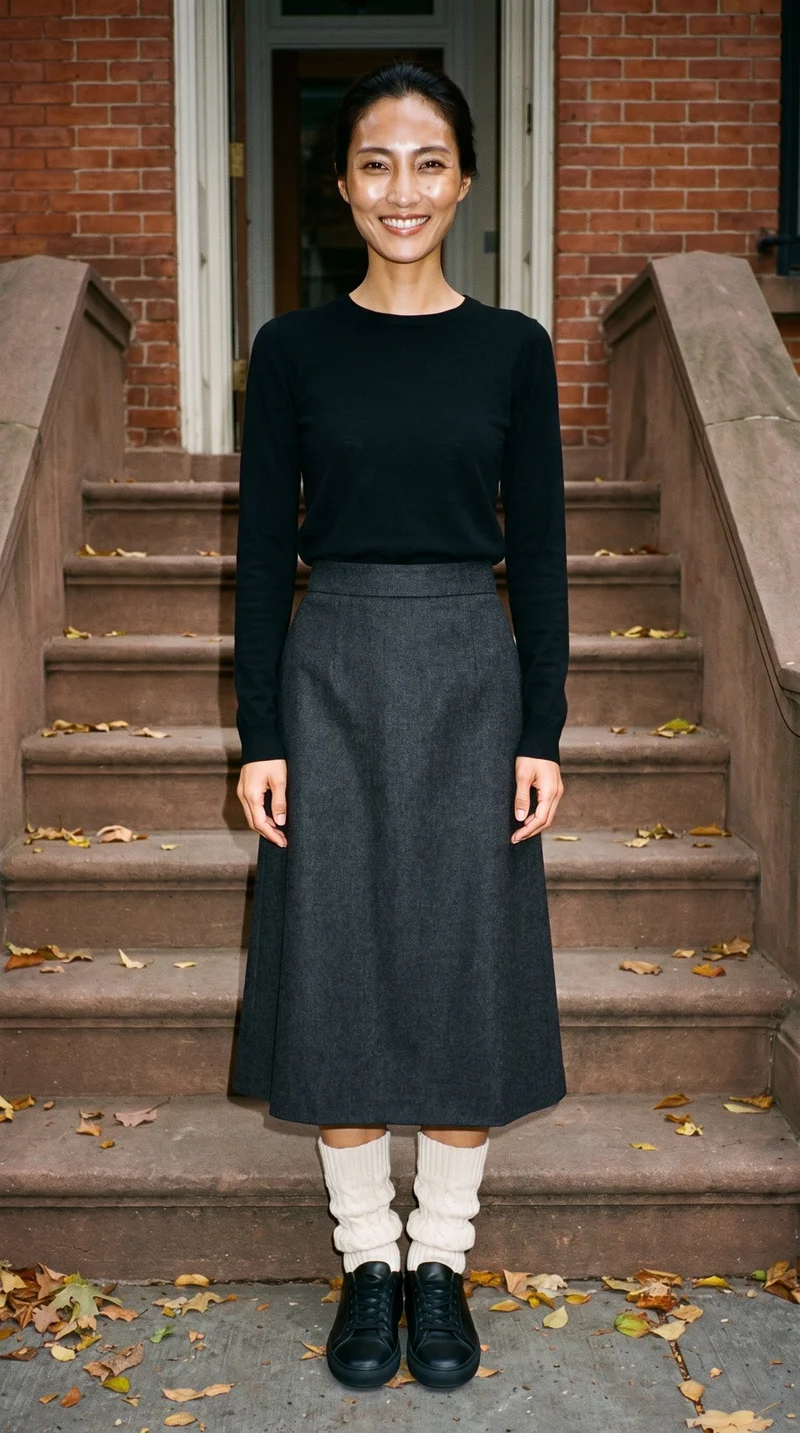
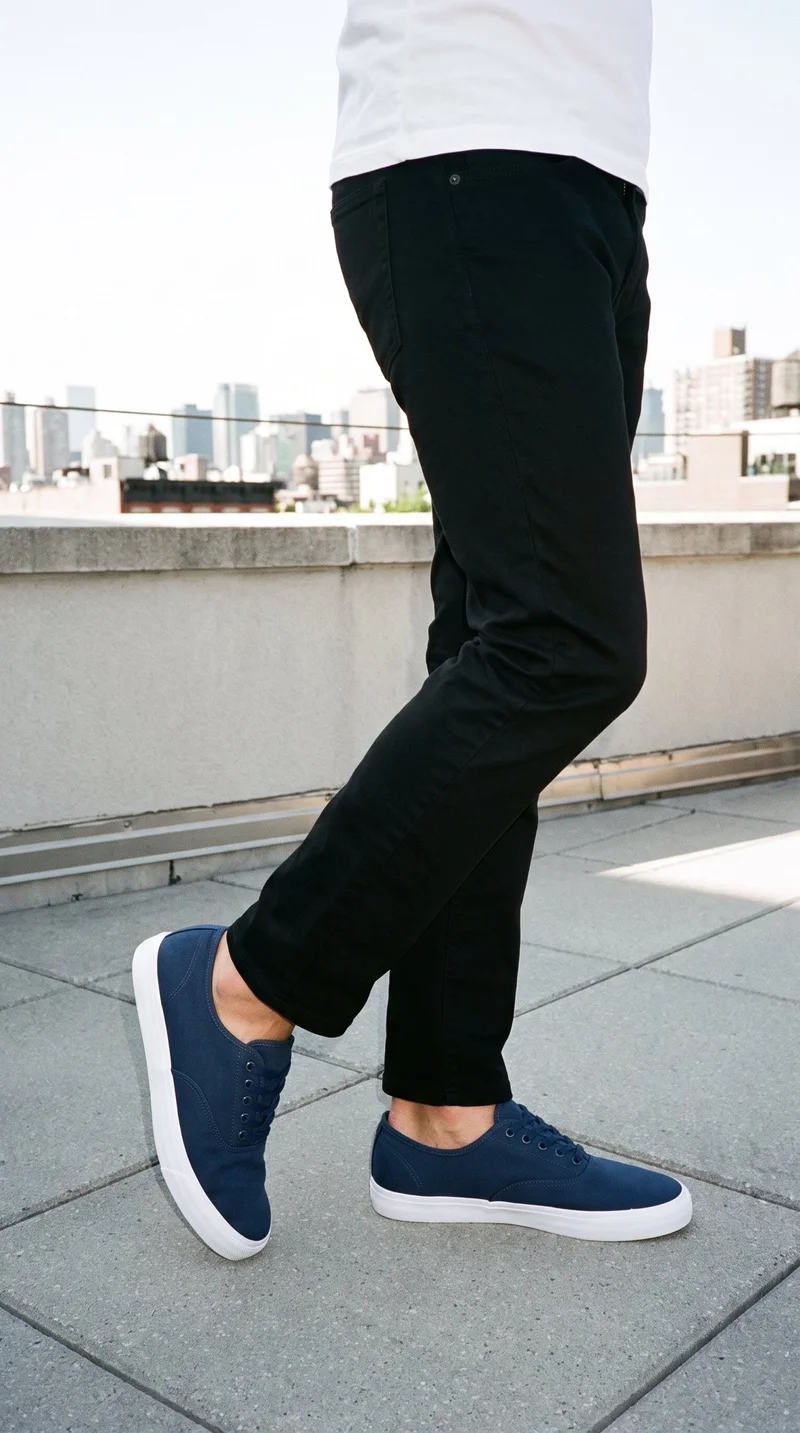
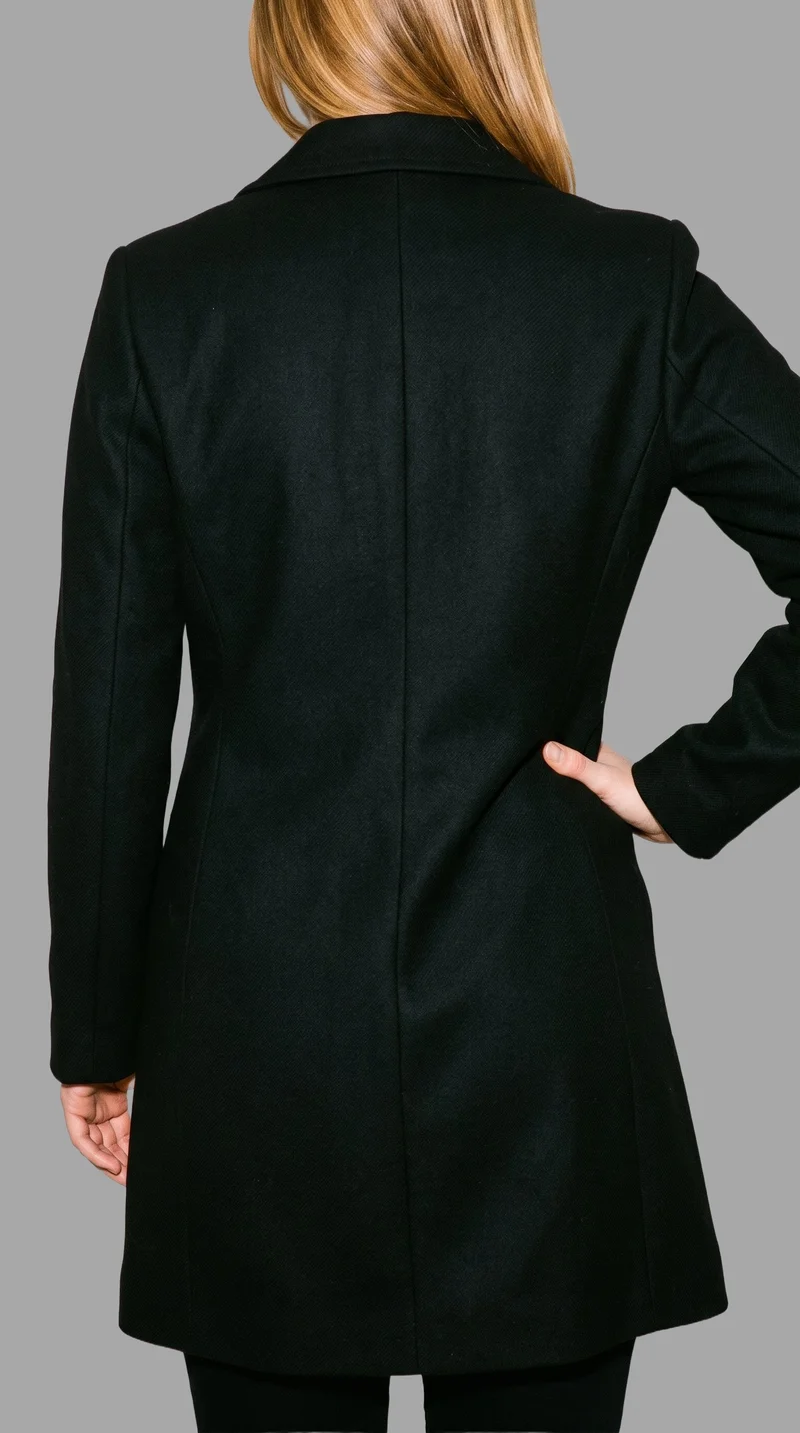
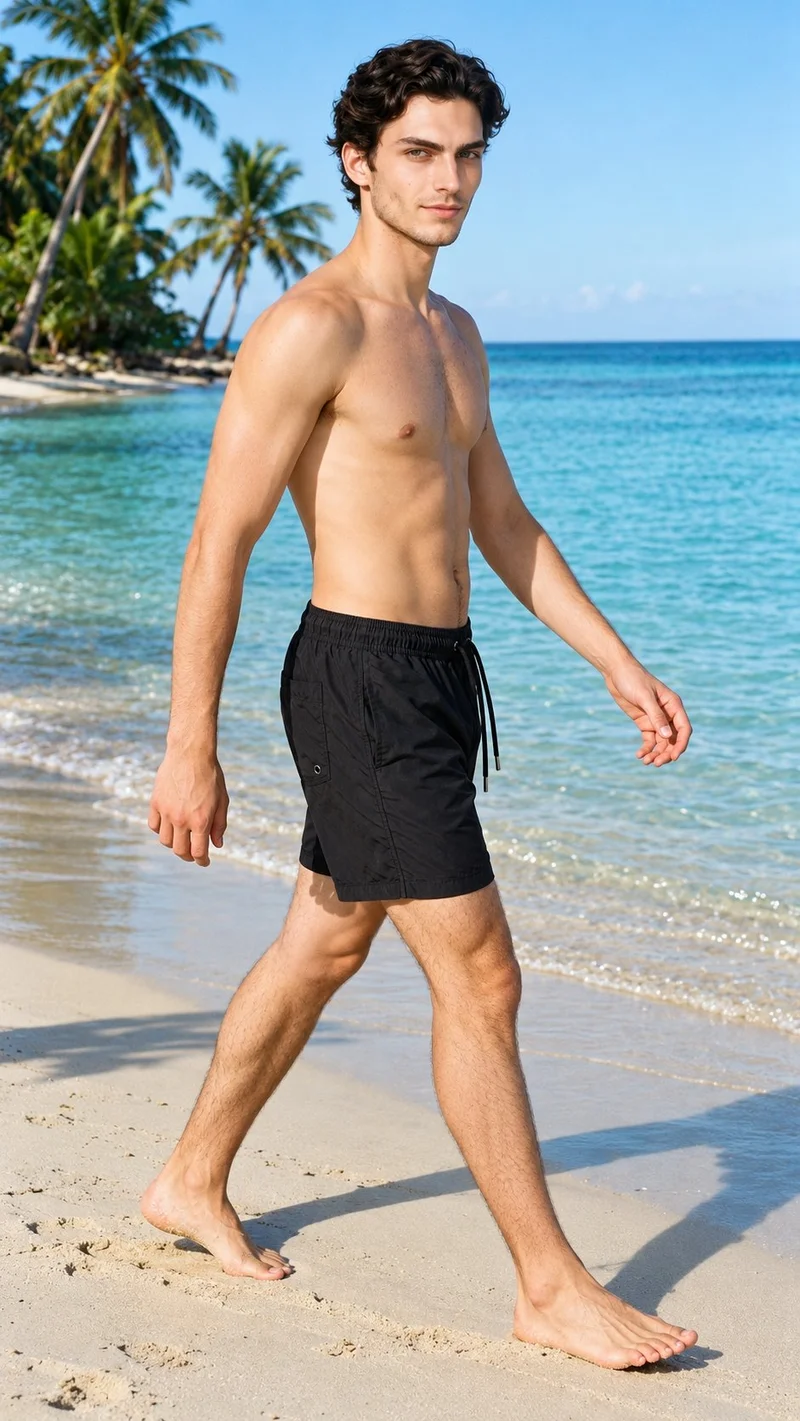
Showing 8 of 807, shot in RAWSHOT
Use cases
When your TikTok slot needs motion
- 01
New drop post
When a social media manager needs movement for a new product drop, an approved still can become a short vertical motion post.
- 02
Weekly content slot
When a social media manager has a weekly TikTok slot to fill, camera movement and frame-matched action can shape a product clip.
- 03
Static image for publishing
When an e-commerce manager has a static product image for publishing, you can create a short vertical clip that gives the approved product image motion.
- 04
Paid social test
When a performance marketer needs motion for a TikTok paid-social test, you can direct a vertical product clip from the approved campaign still.
What you get
Vertical TikTok clips for posts and ads
A finished set of TikTok-ready vertical product clips built from approved on-model imagery for social posts, stories and ads. Each clip gives the product motion while keeping the source image at the centre of the composition.
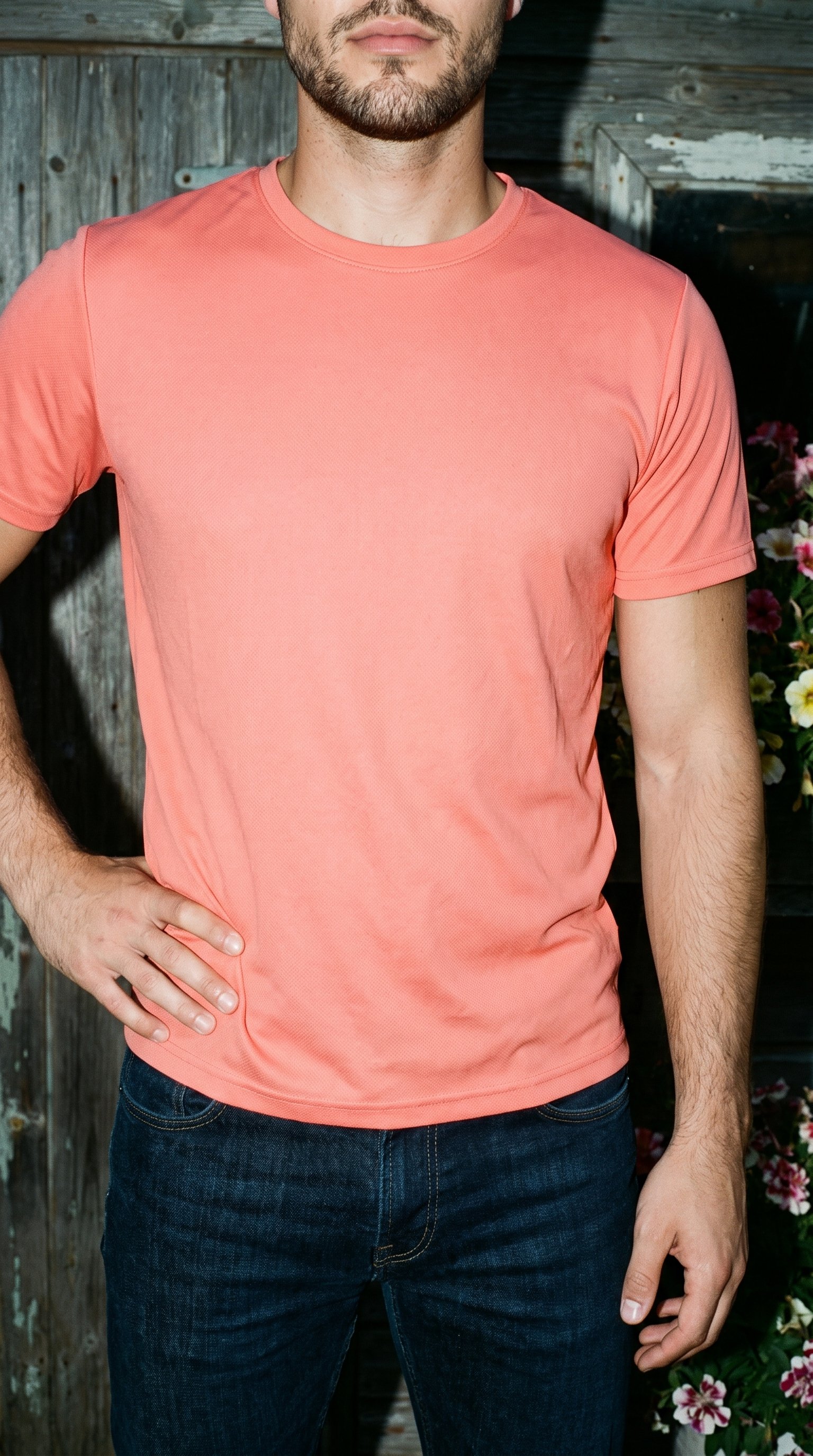
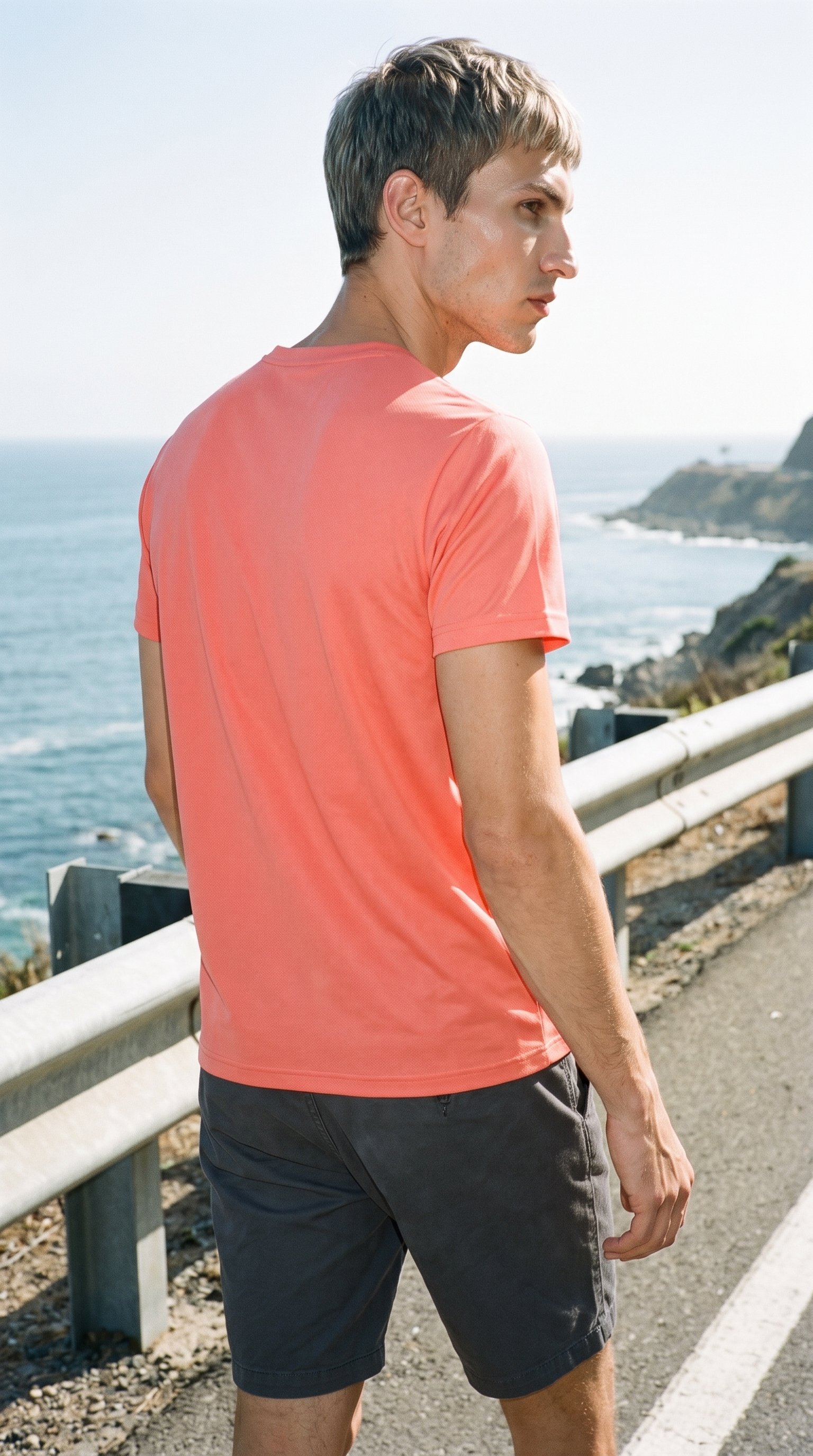
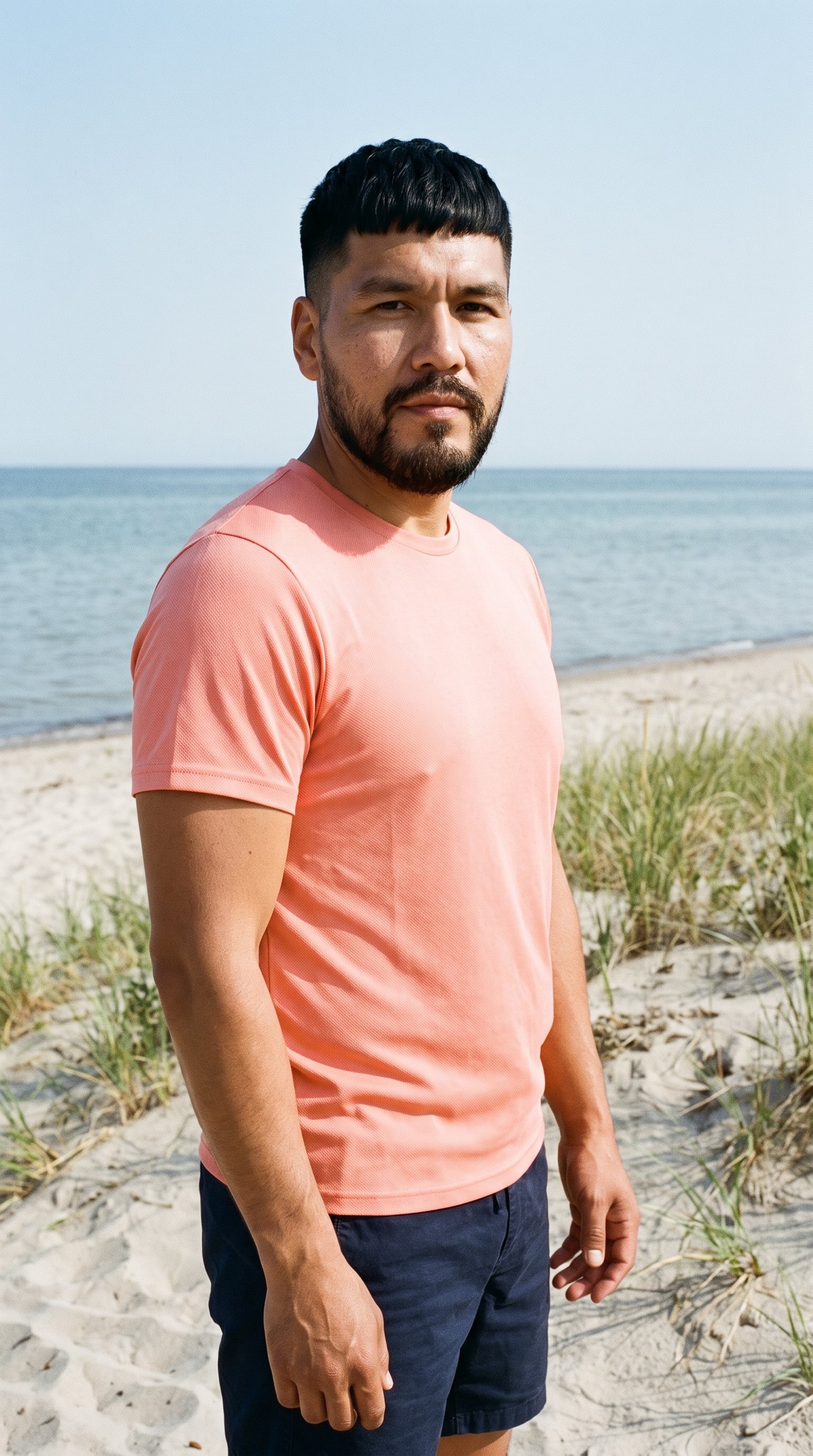
Direct the shoot
Set vertical framing, motion and resolution
Starts from
A finished still from your photoshoot
Image frame
4
Model action
17 model actions on this frame
Camera motion
14
Scenes
3
Resolution
2
Create video
From image 1
Still from this page · 9:16Source
Image 1 · Full Body
Camera
Static
Delivery
720p · 9:16 · 3 × 5 s = 15 s
Cost is shown on the button
AI fashion models
Choose who wears your product on TikTok
1,197 licence-free grown models across ages and body types. Or build a private model from visible attributes.
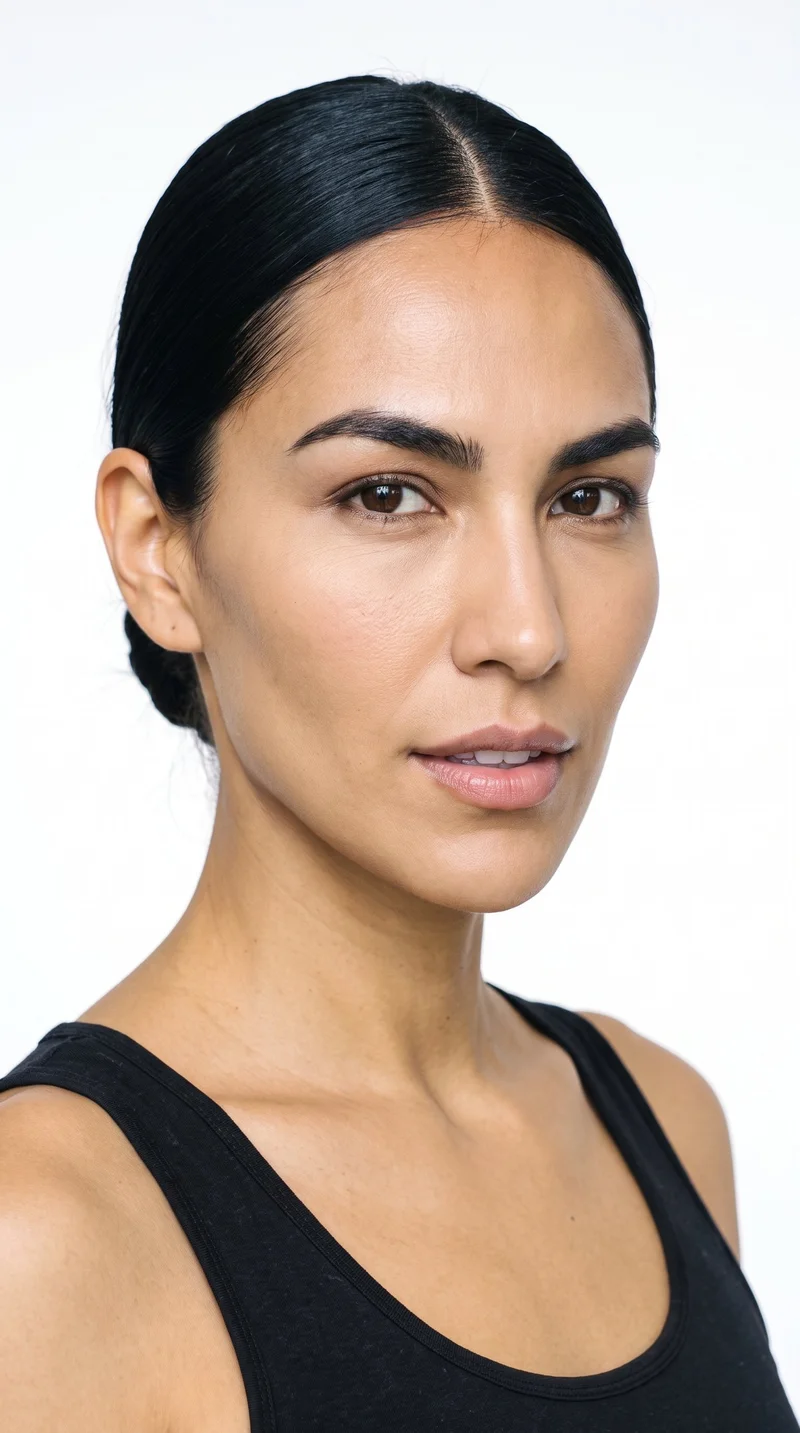
Female · 38
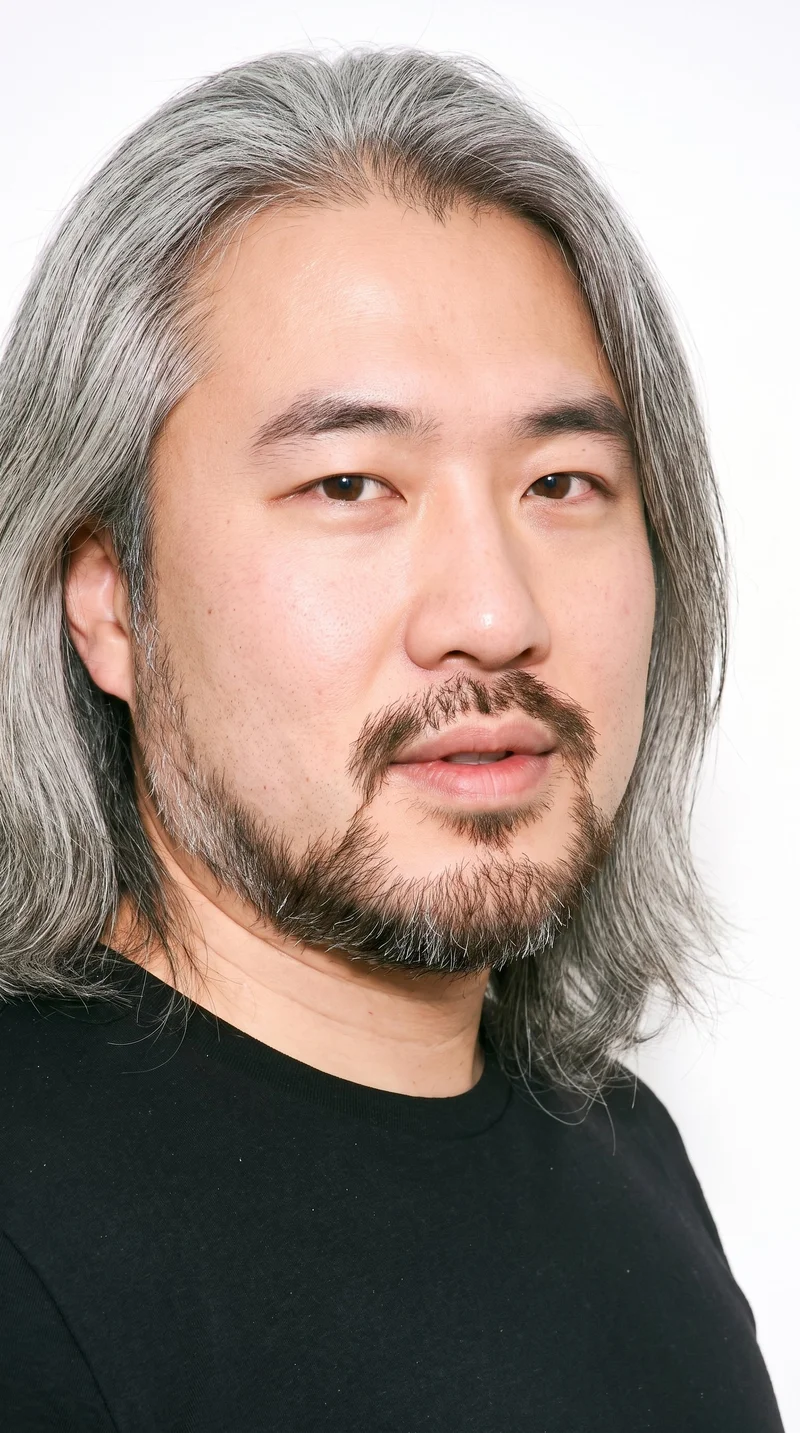
Male · 38
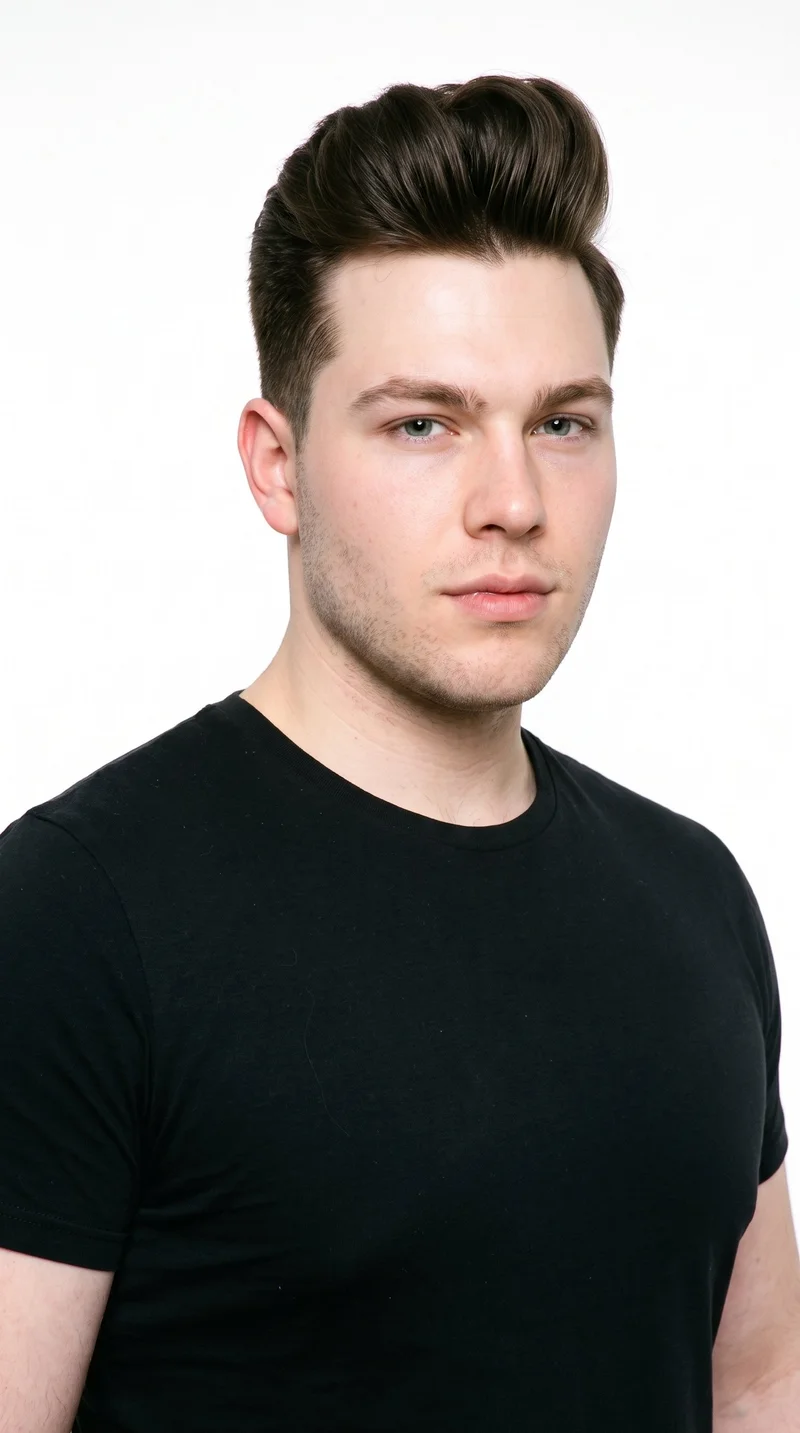
Male · 23
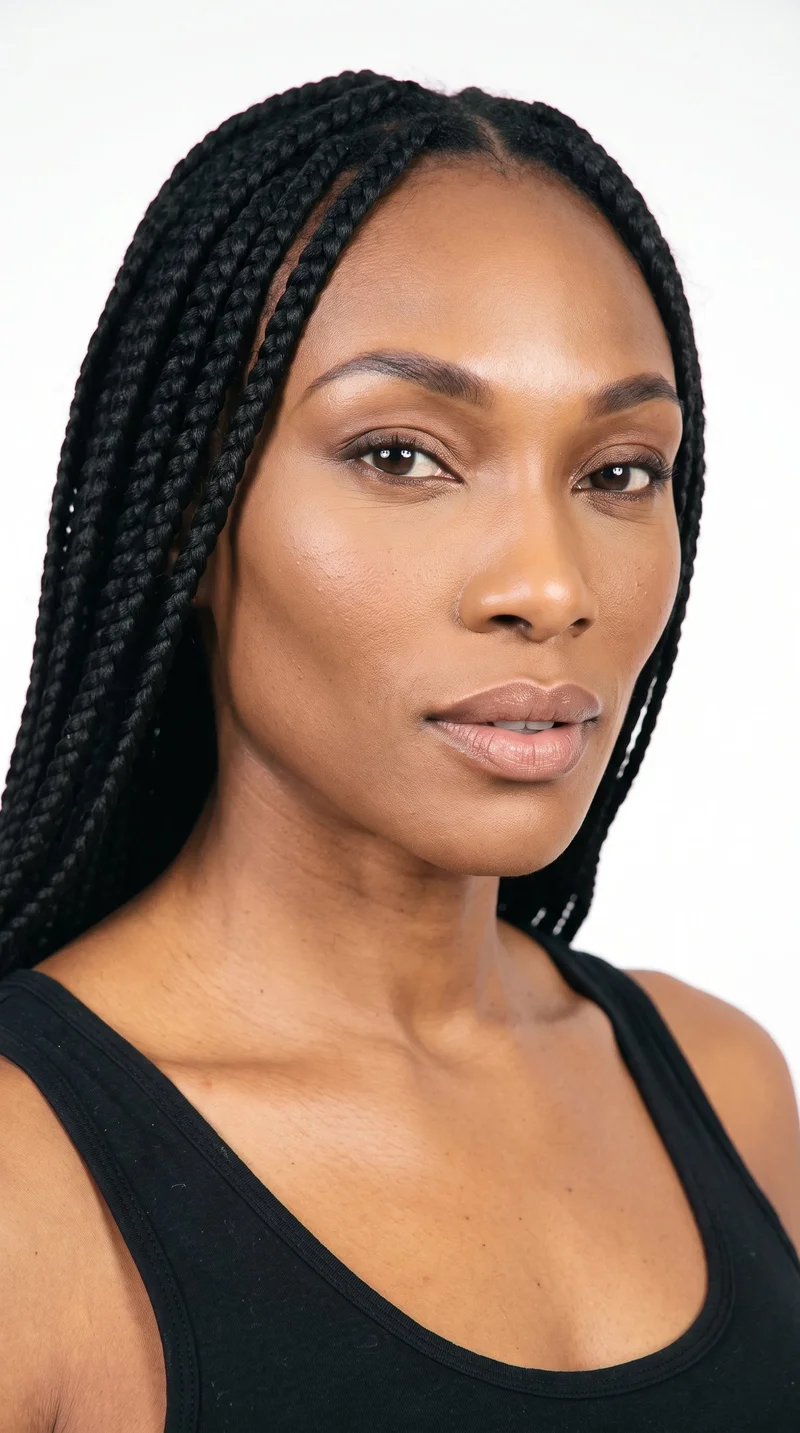
Female · 42
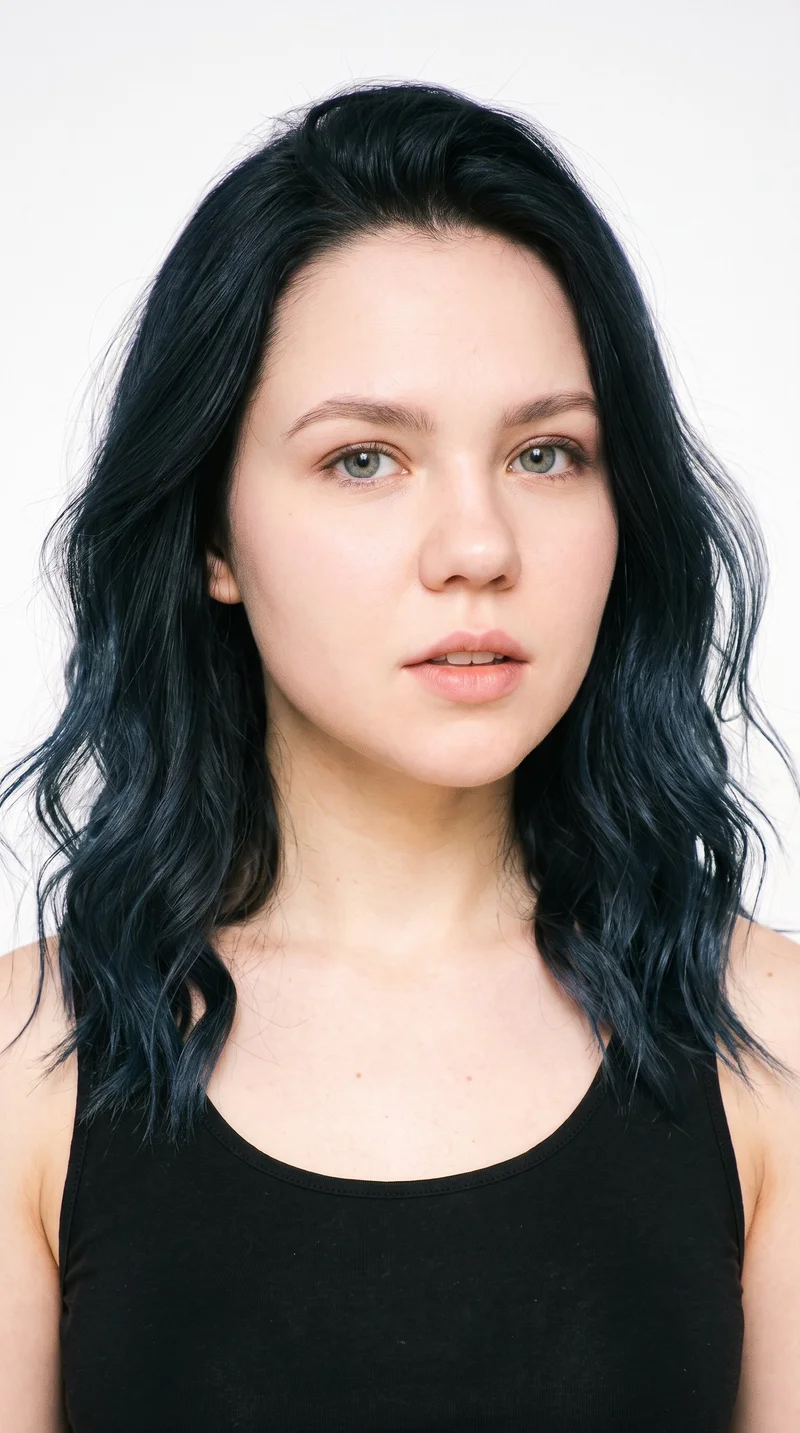
Female · 22
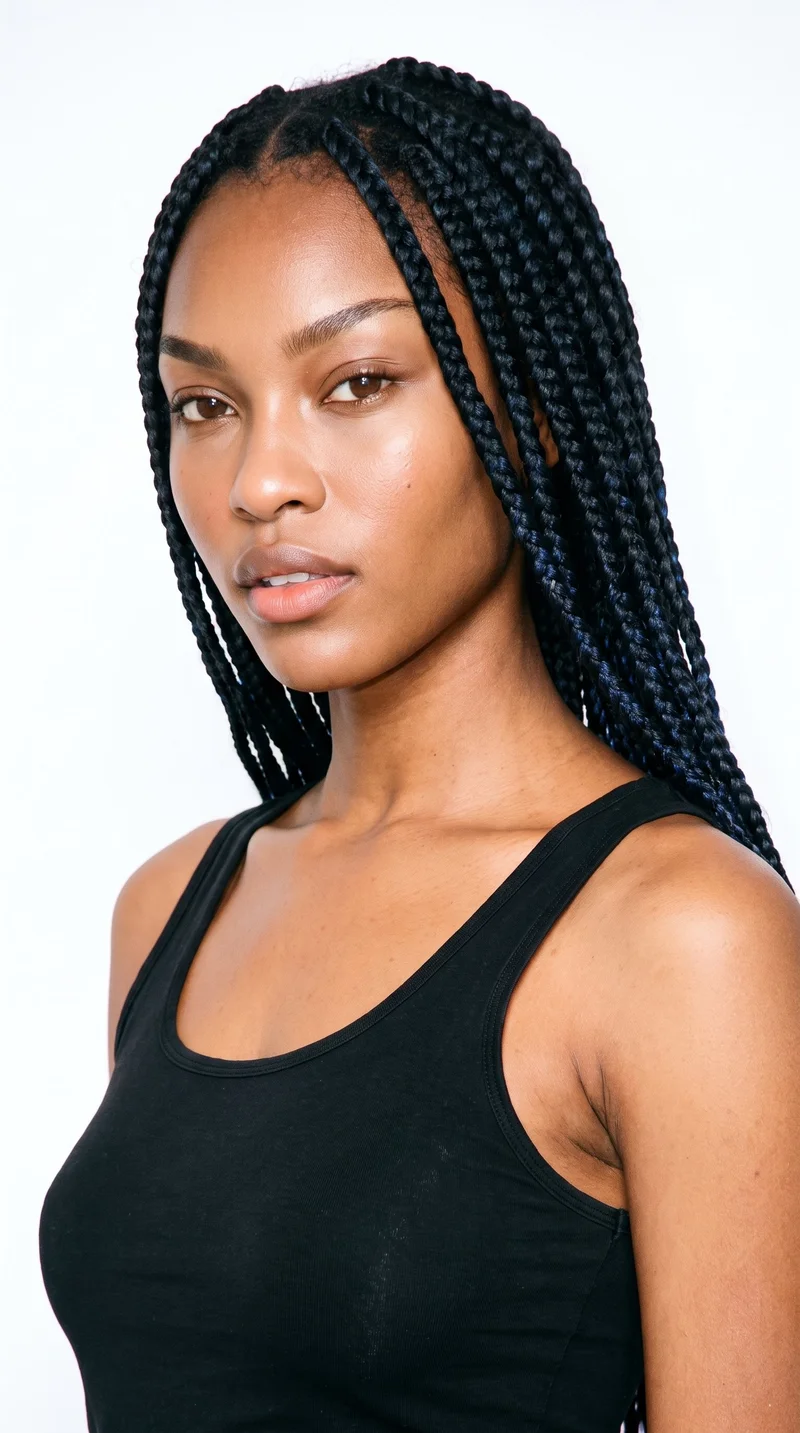
Female · 19
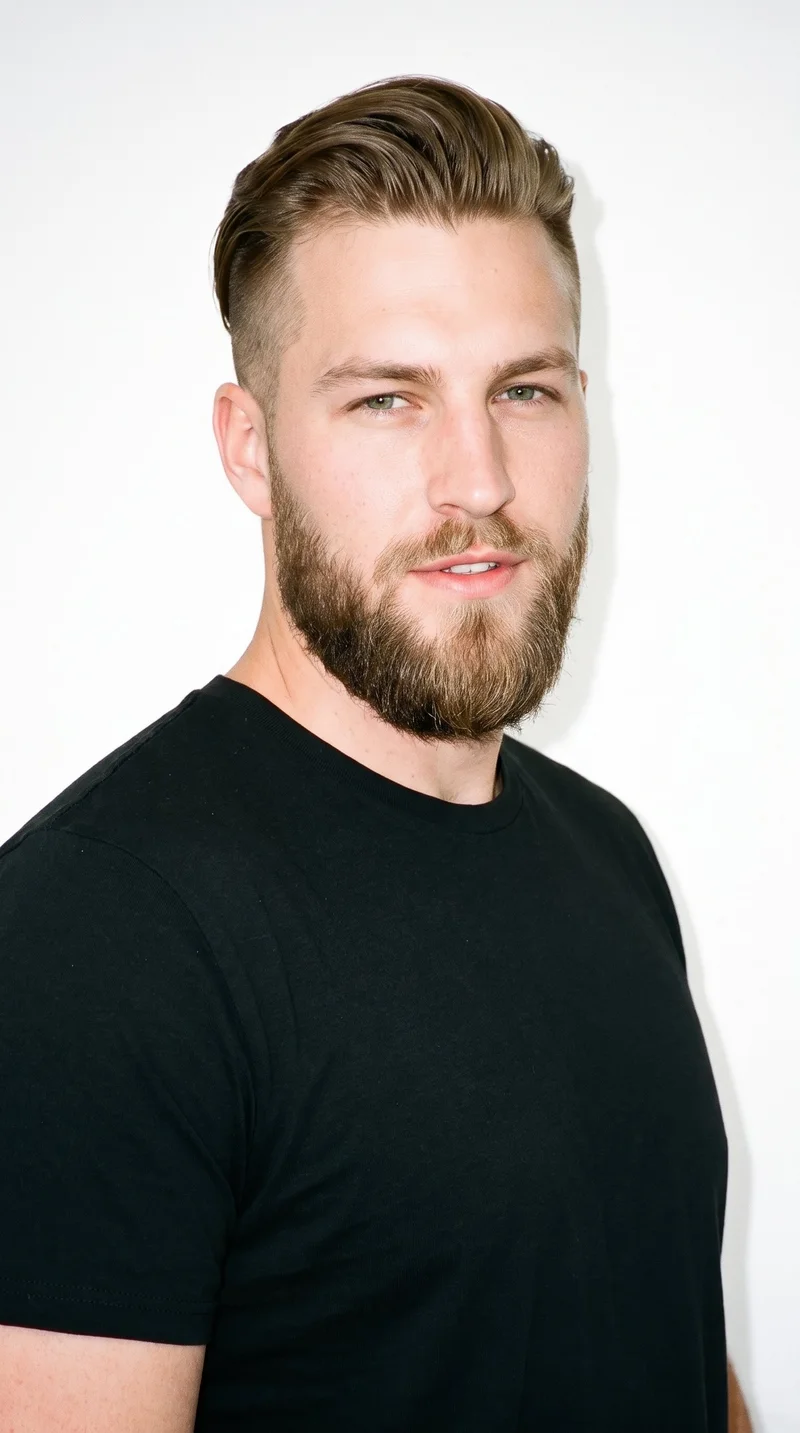
Male · 26
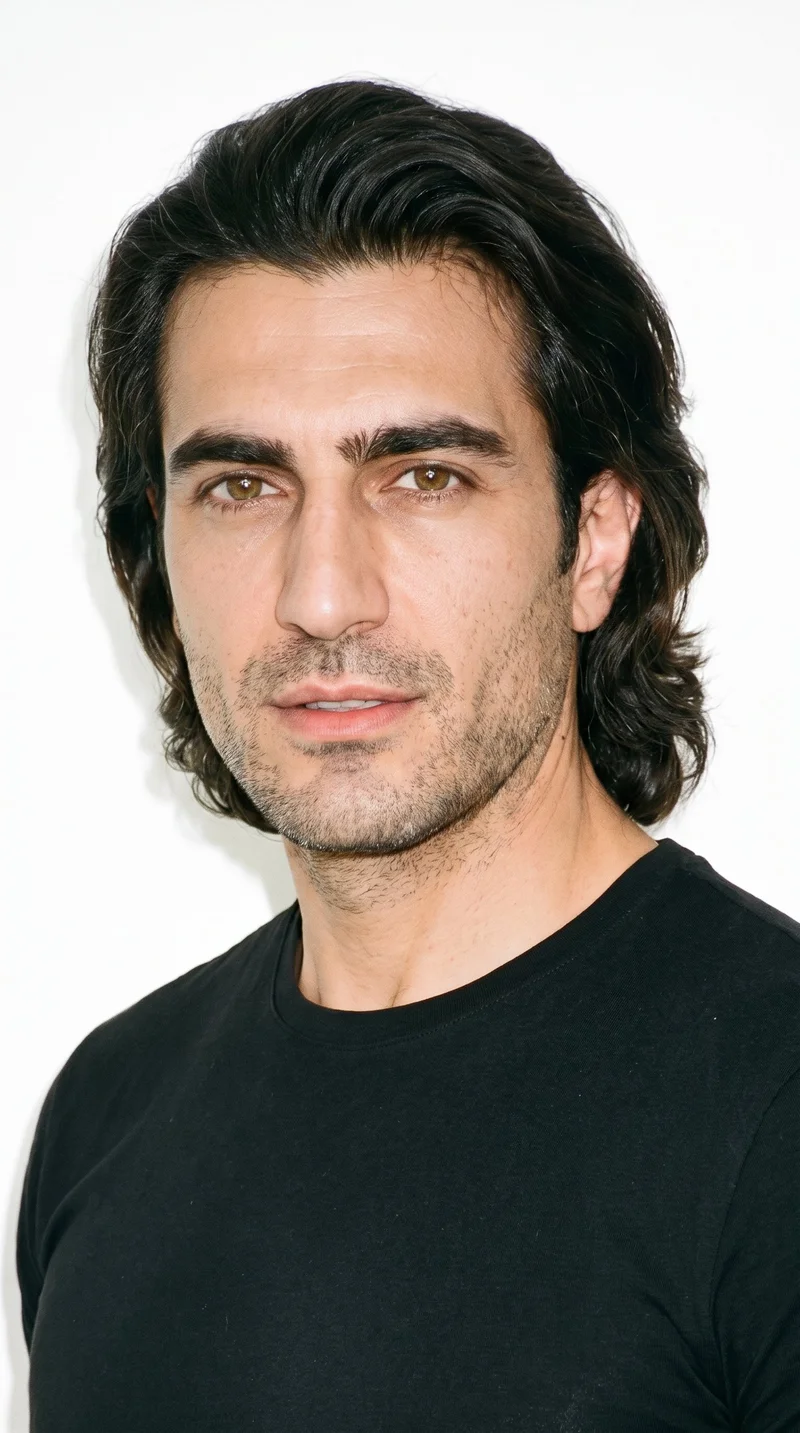
Male · 46
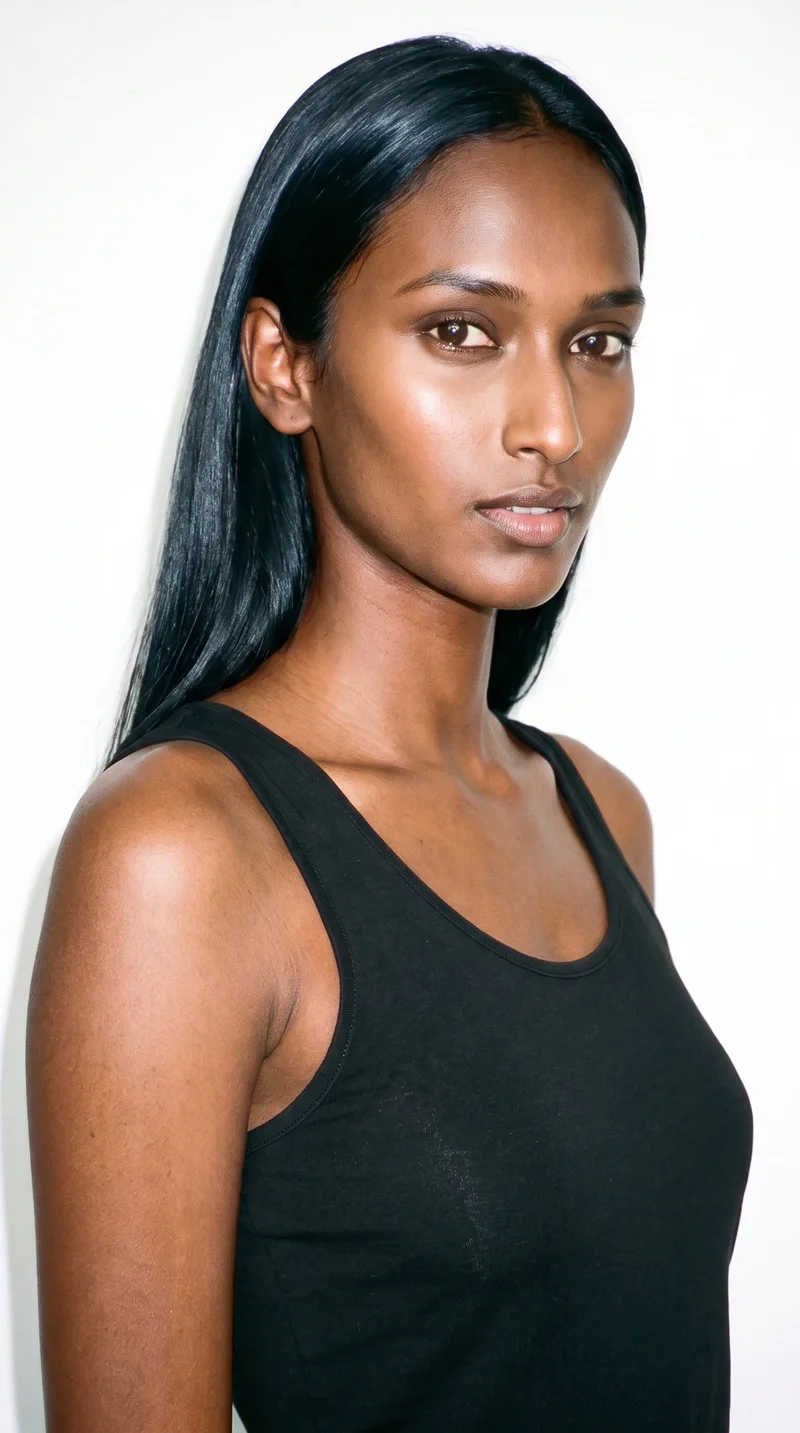
Female · 18
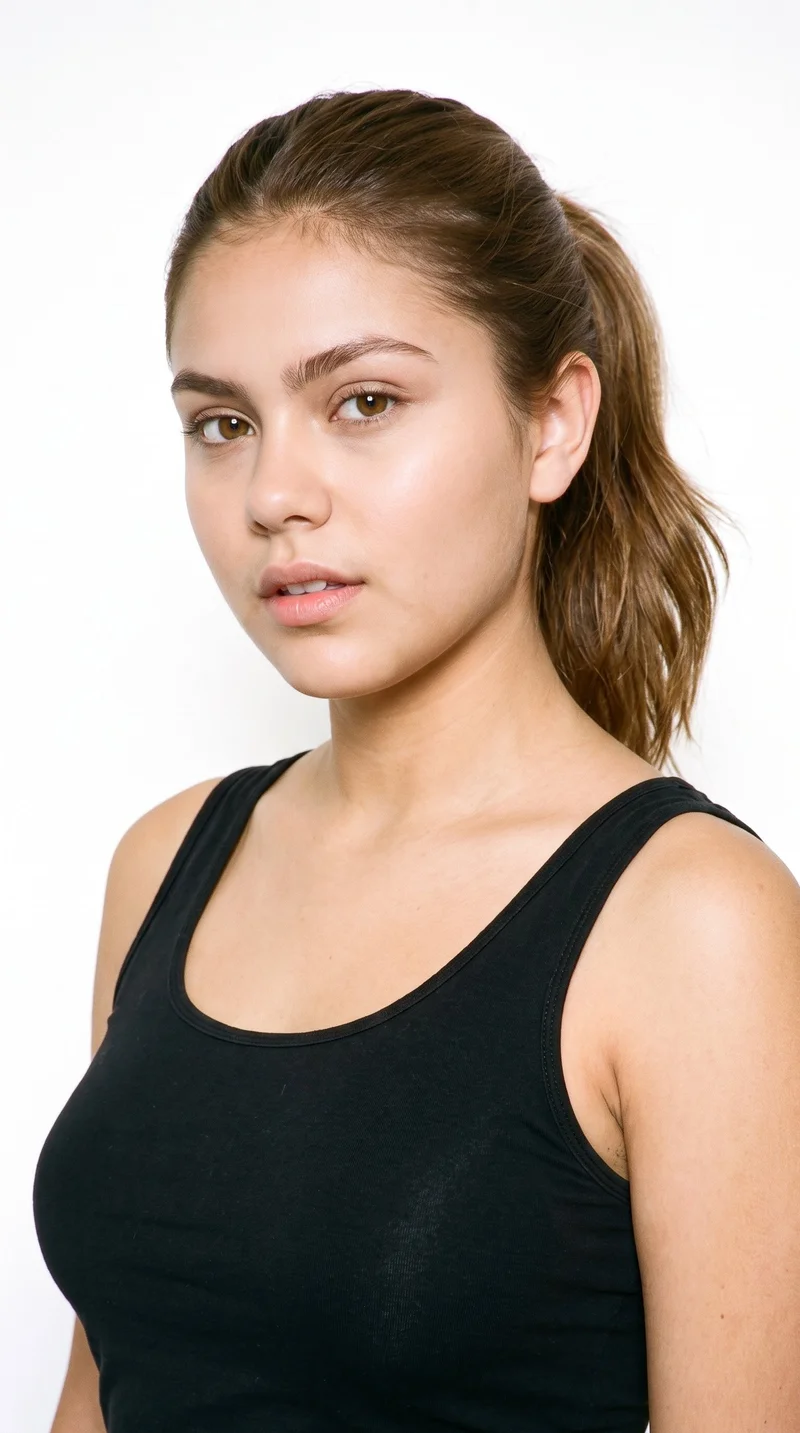
Female · 19
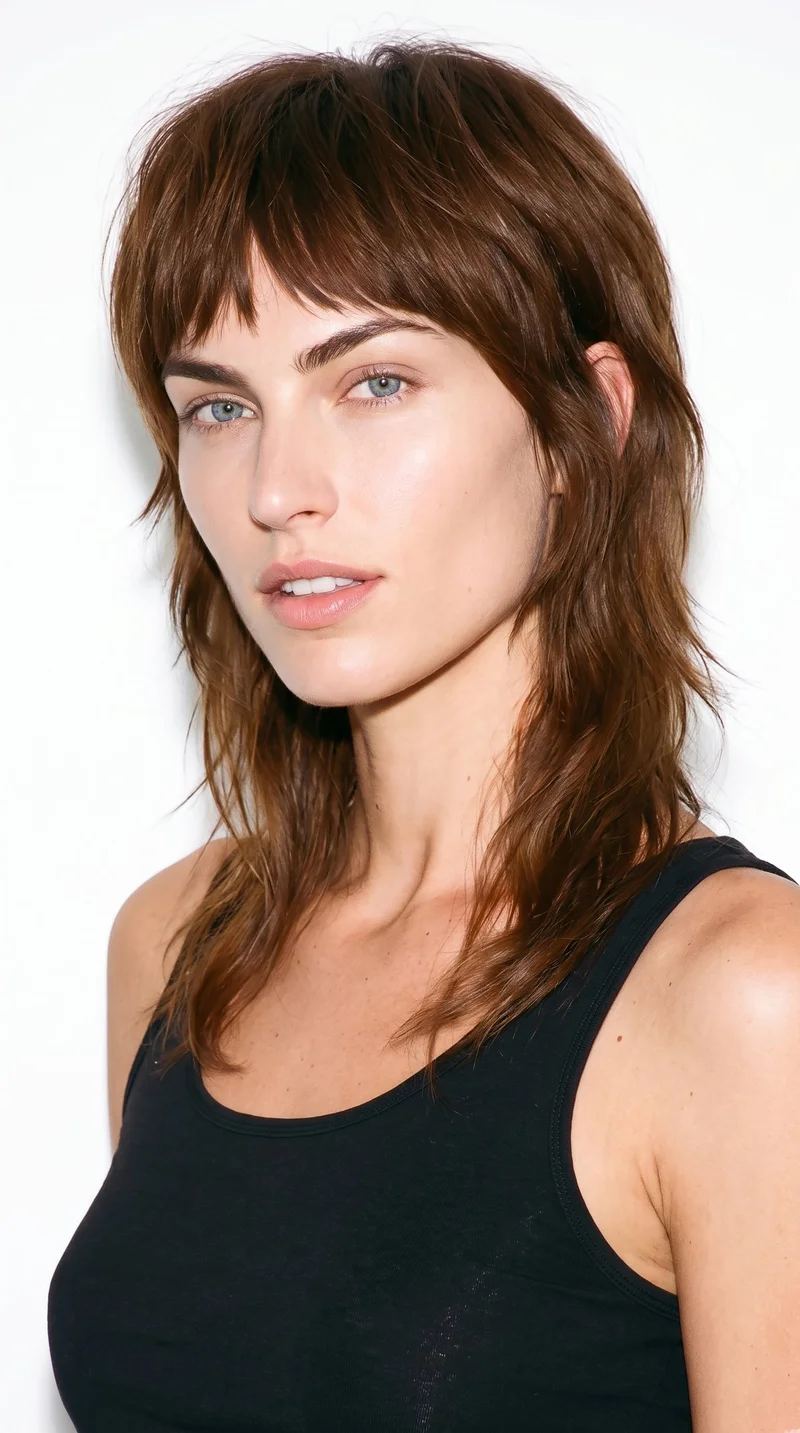
Female · 28
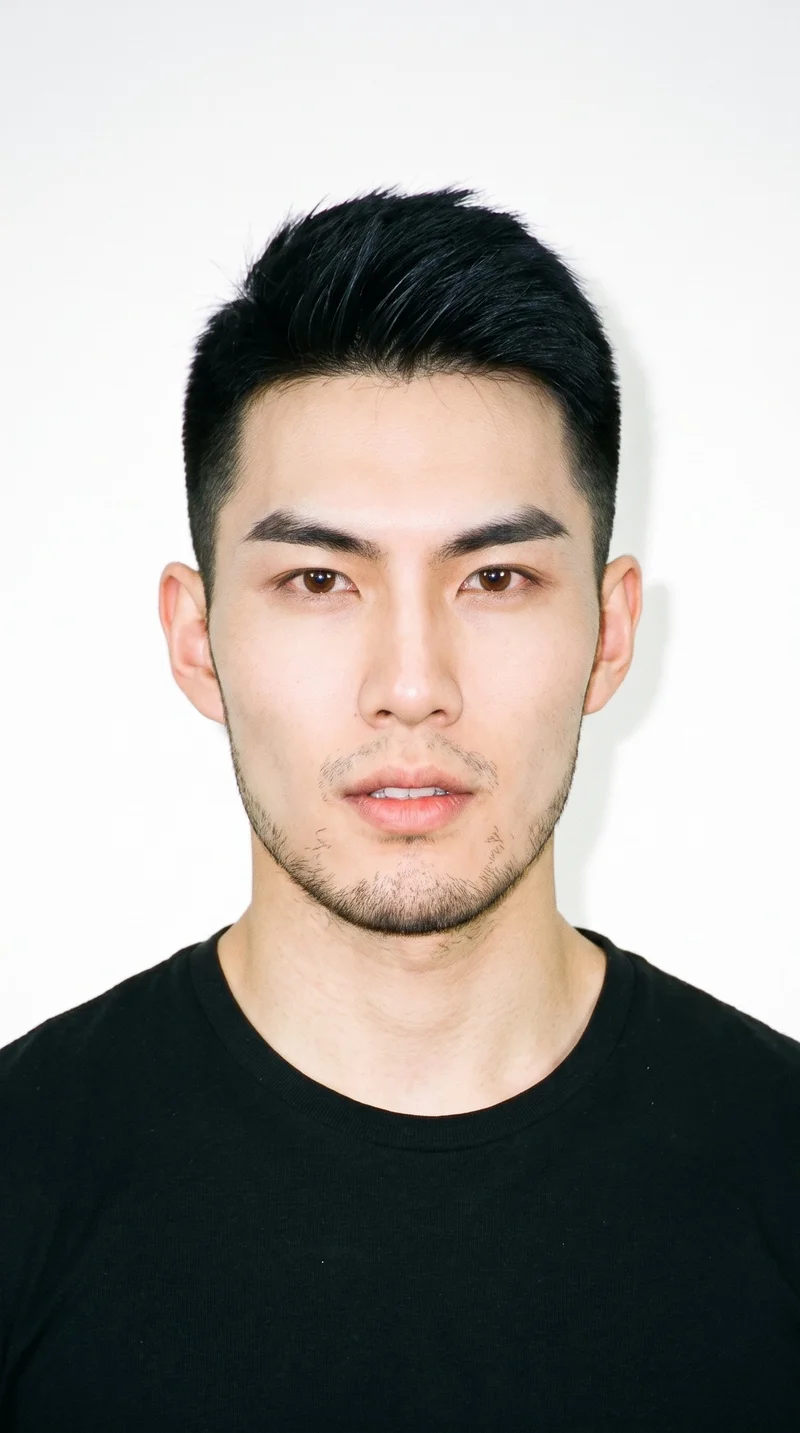
Male · 18
Showing 12 of 1,197
Cast your modelHow it works
One flat-lay in. A checked collection out.
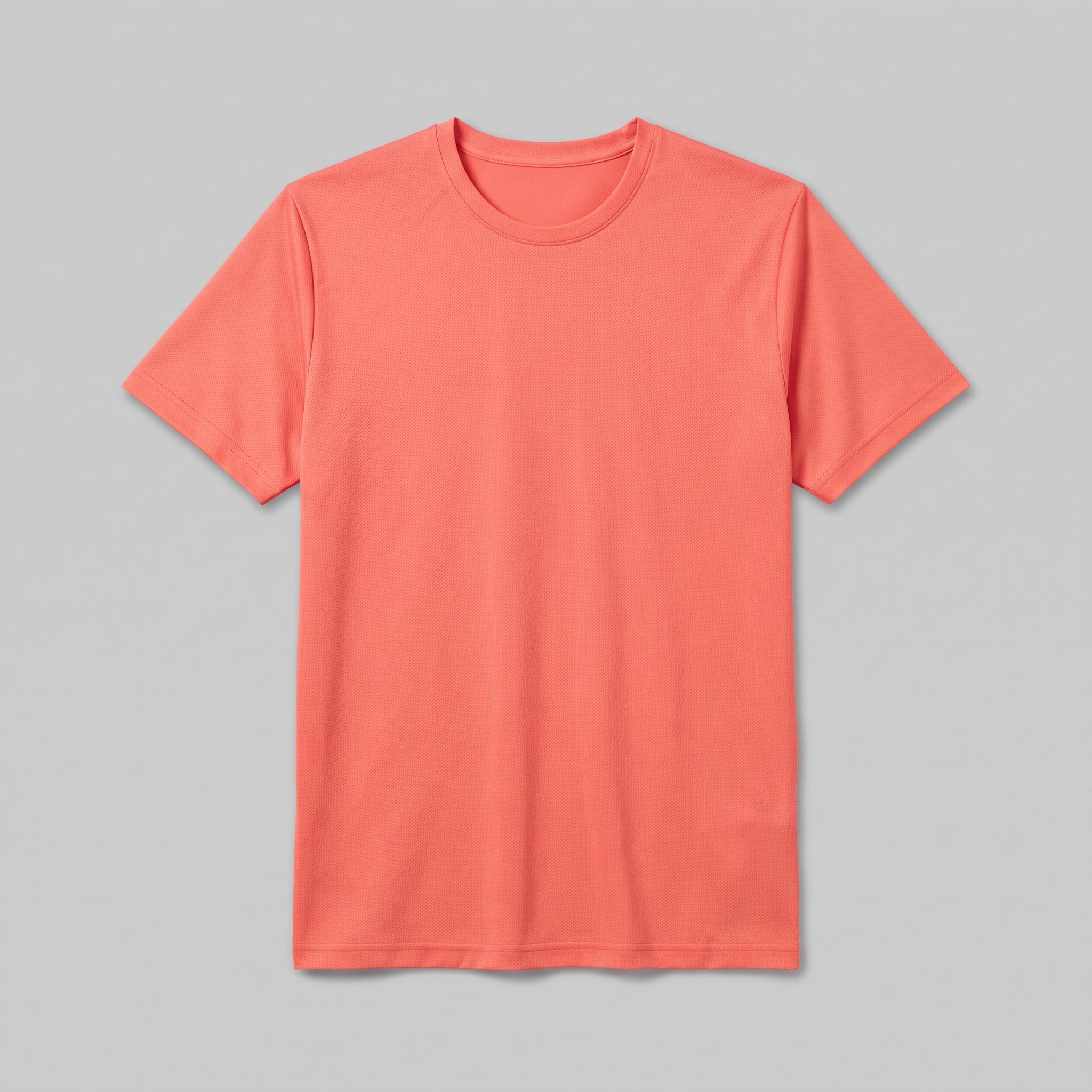 FrontSideDetail
Bring the product
A product photo, flat-lay or sketch is enough. Or start from a finished look and swap your piece in.
Direct the shoot
Every line of the shoot is a choice you click, from model to light. AI suggests a composition, you change any of it.
Get the whole collection, checked
Keep the setup and swap in the next style. Every image is checked against your choices, and one that misses is made again before you see it.
Gallery
Editable looks for TikTok product motion
Choose an editable finished look as a reference point for product motion content.
Looks & backgrounds
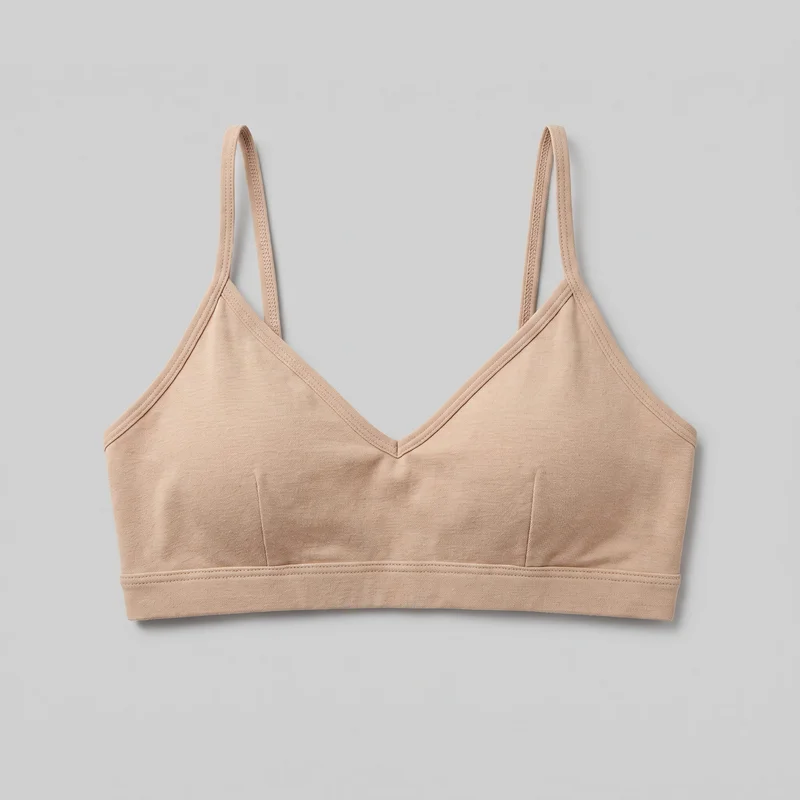 Beige Bralette
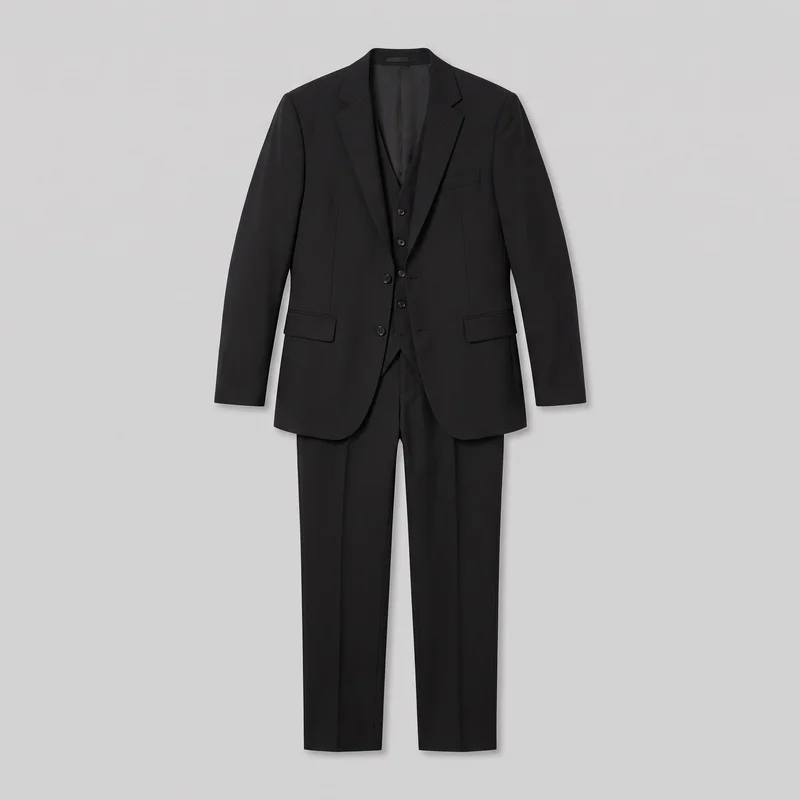 Men's Black Three-Piece Suit
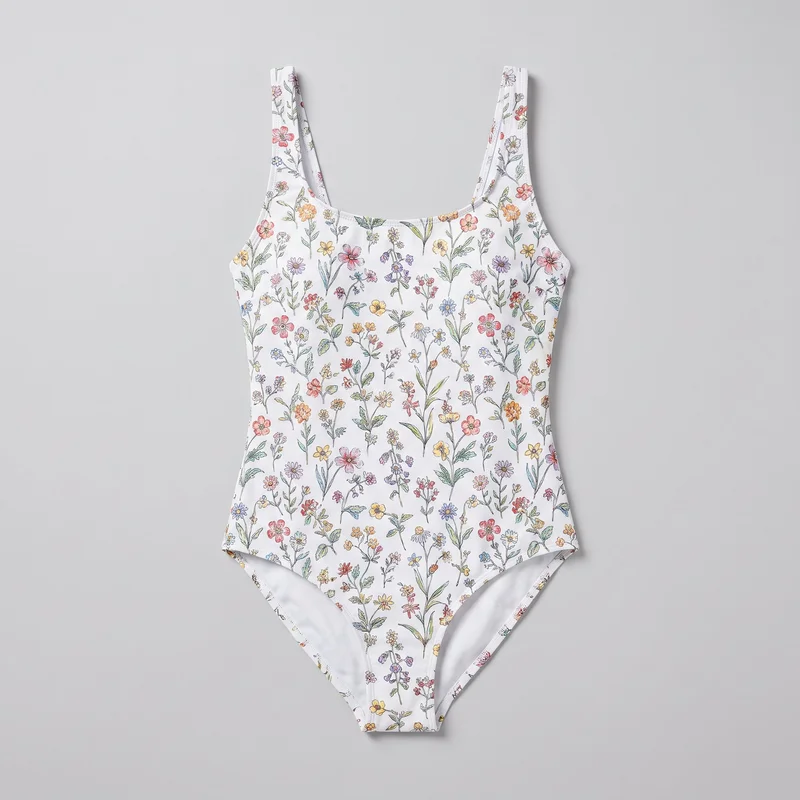 Floral Print One-Piece Swimsuit
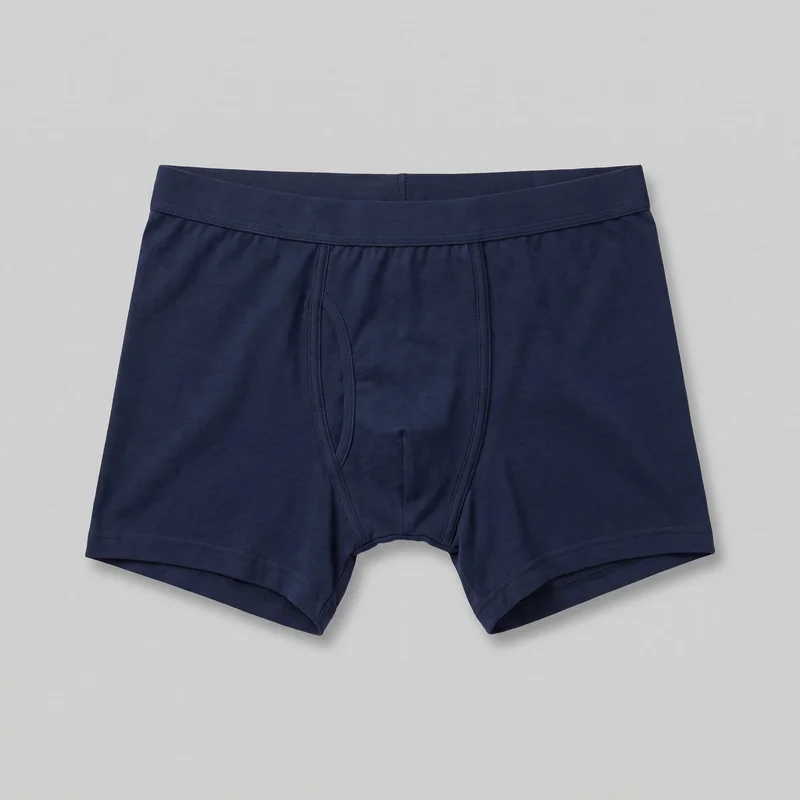 Navy Cotton Trunks
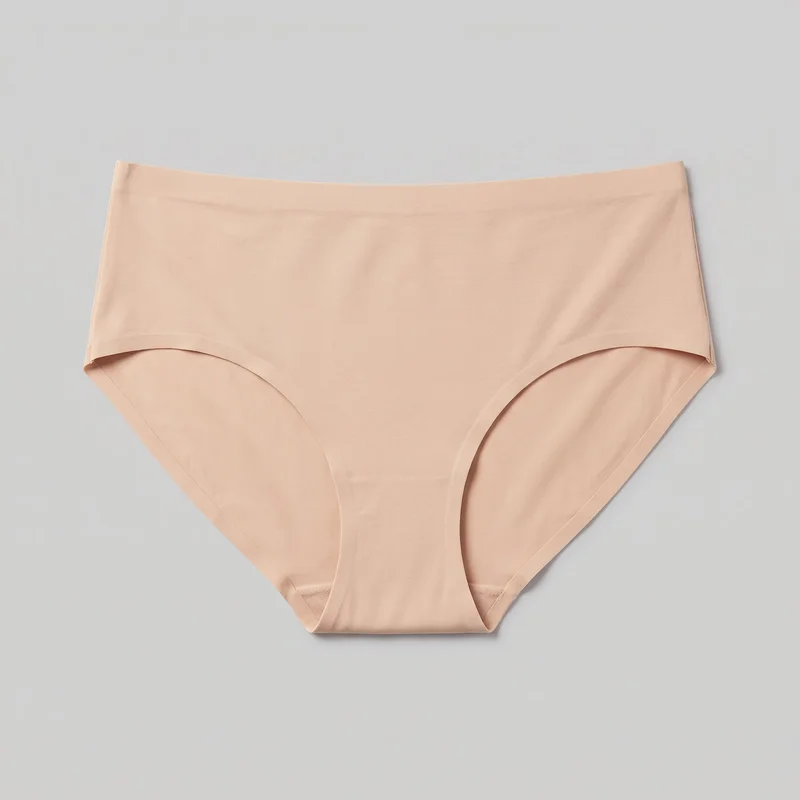 Nude Seamless Knickers
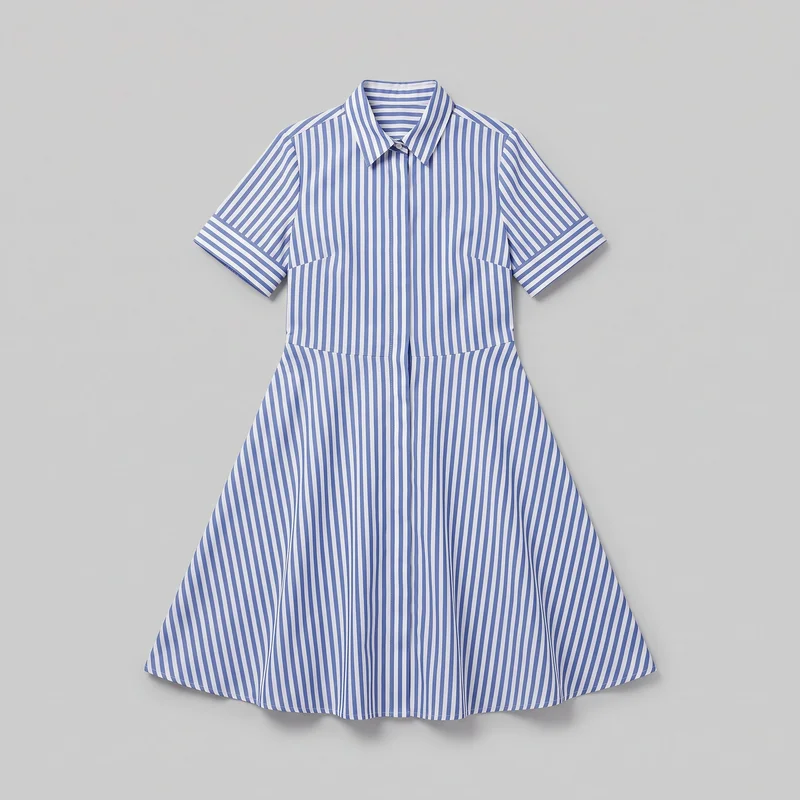 Striped Shirt Dress
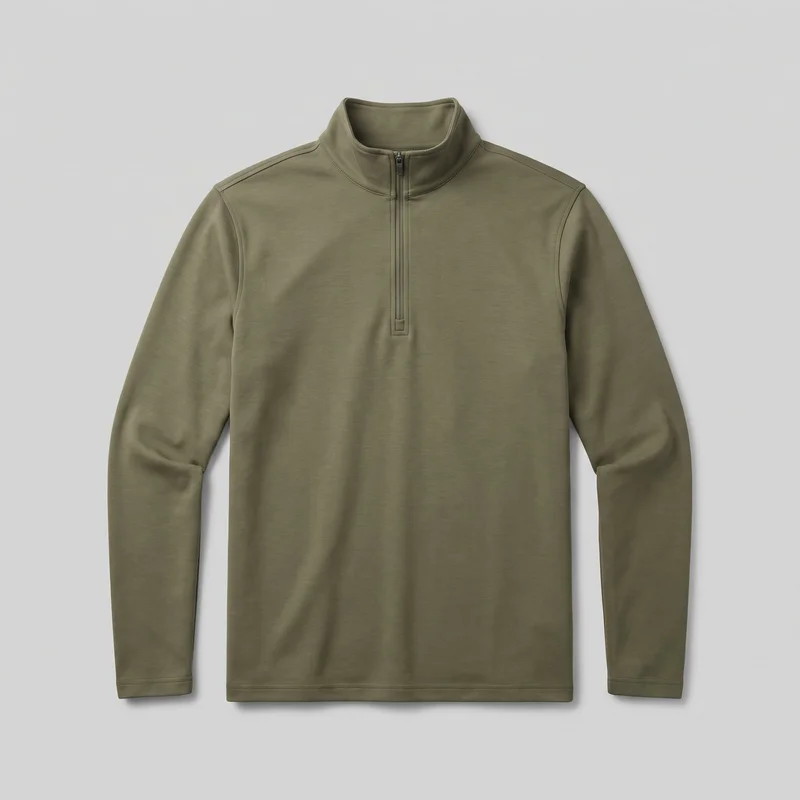 Men's Olive Quarter-Zip
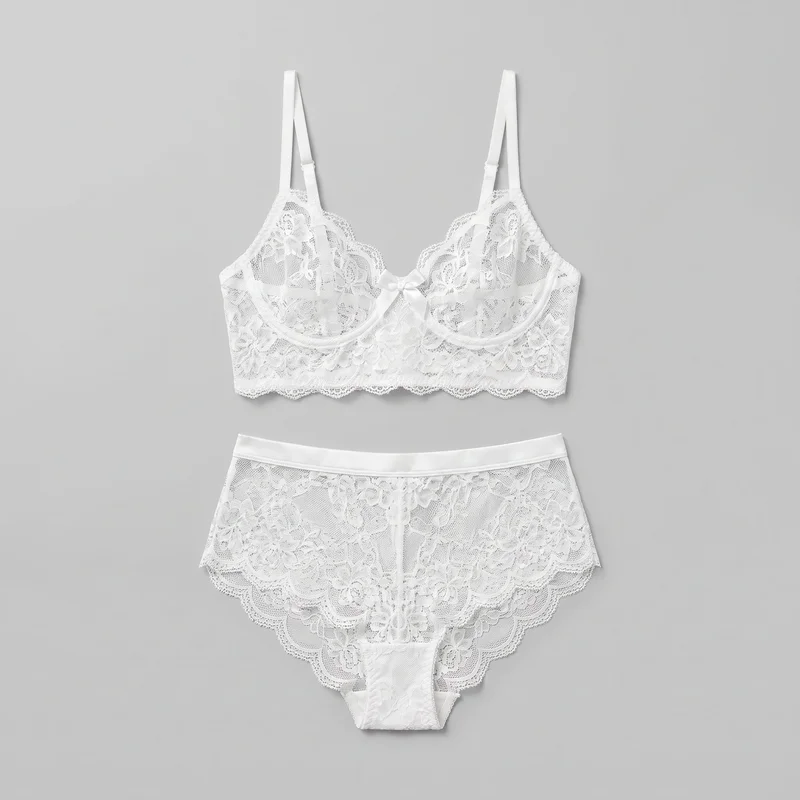 White Bridal Lingerie Set
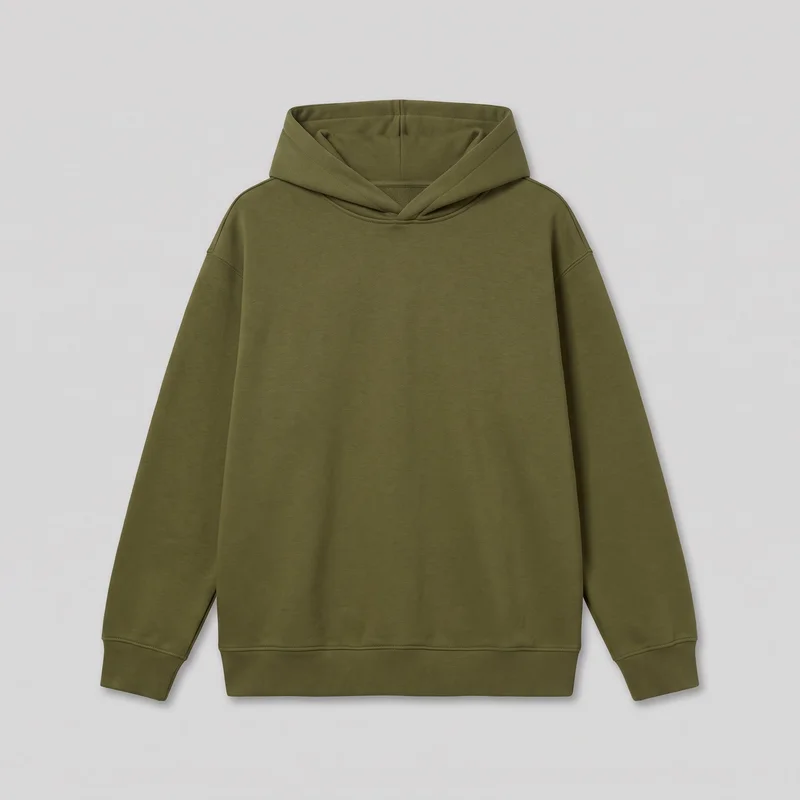 Women's Olive Oversized Pullover Hoodie
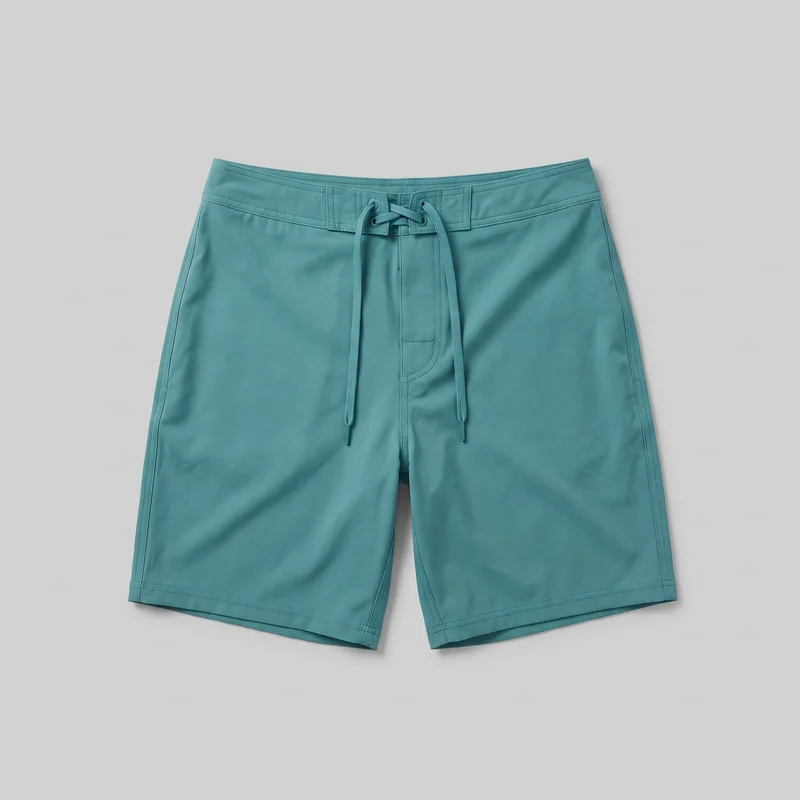 Teal Board Shorts
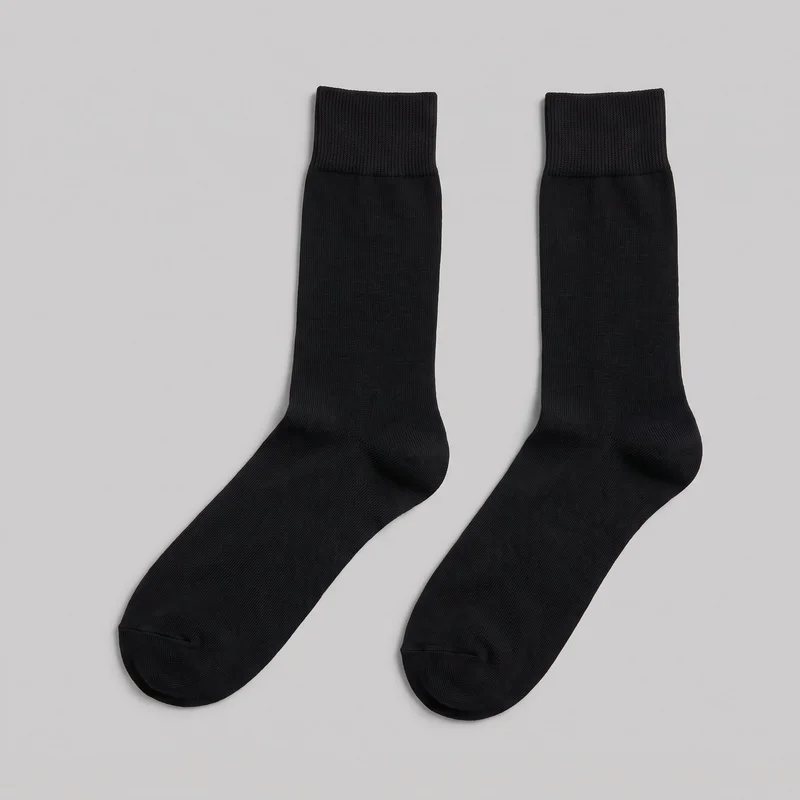 Men's Black Dress Socks
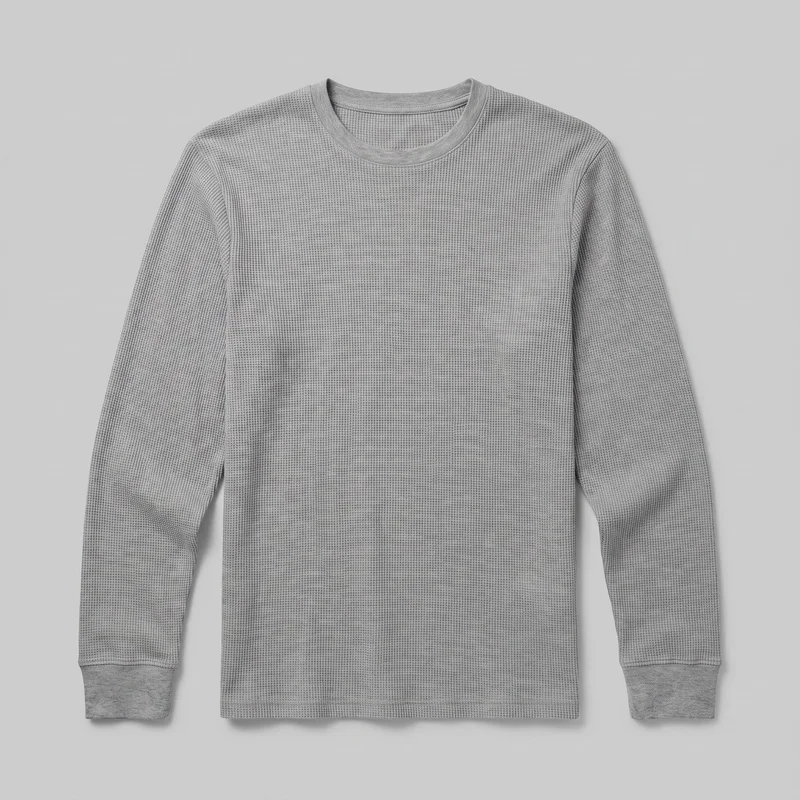 Men's Grey Waffle-Knit Long-Sleeve Tee
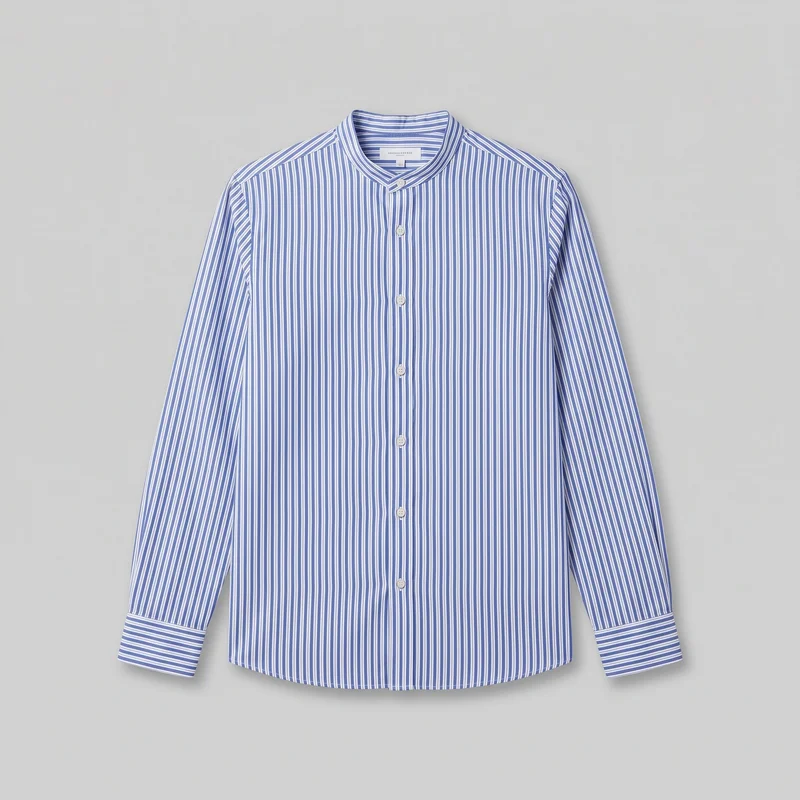 Striped Grandad Shirt
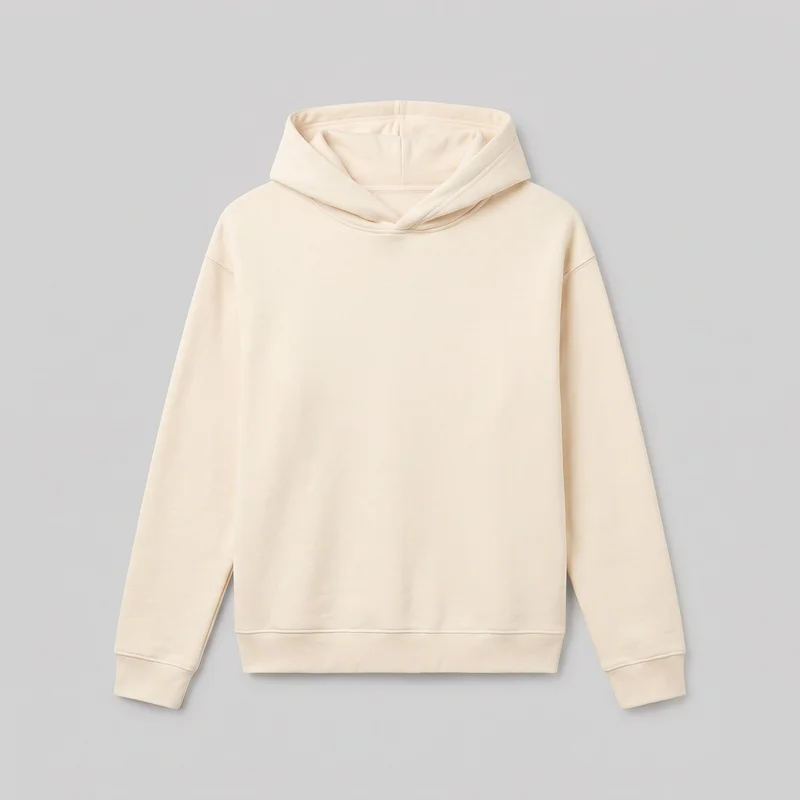 Women's Cream Pullover Hoodie
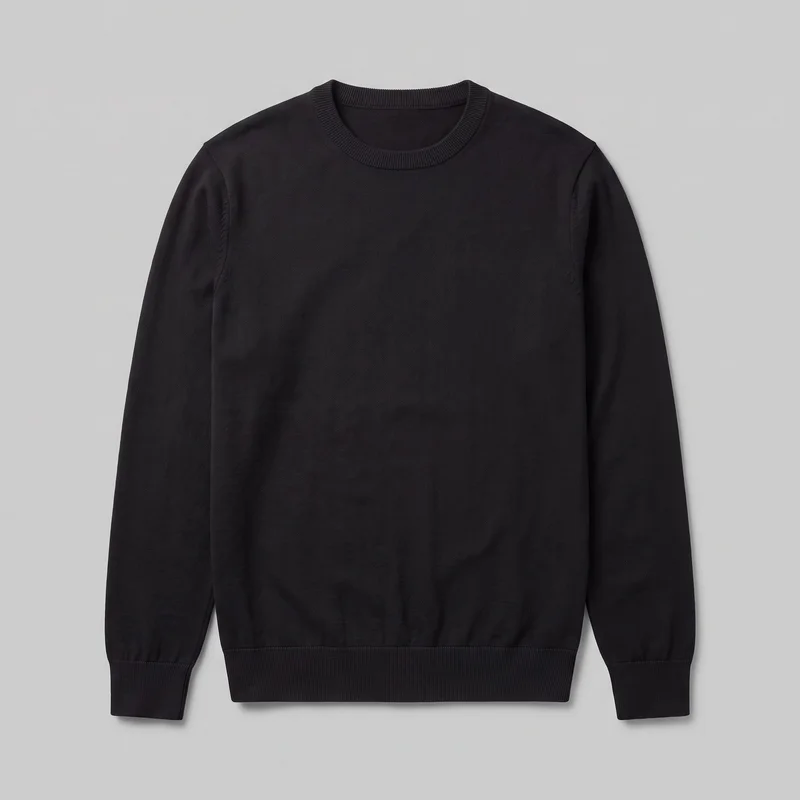 Men's Black Pullover Jumper
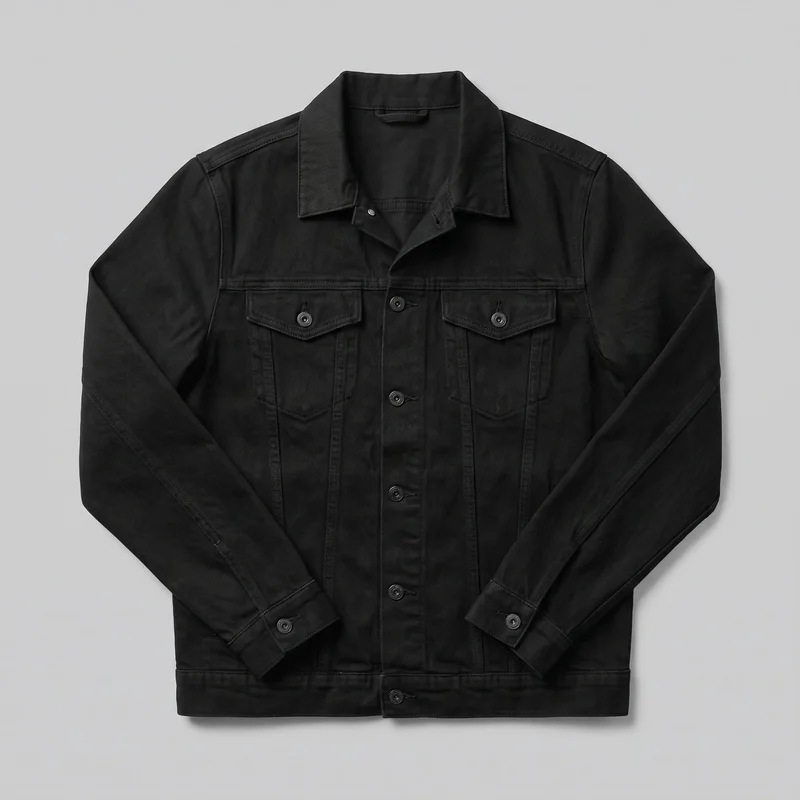 Men's Black Denim Jacket
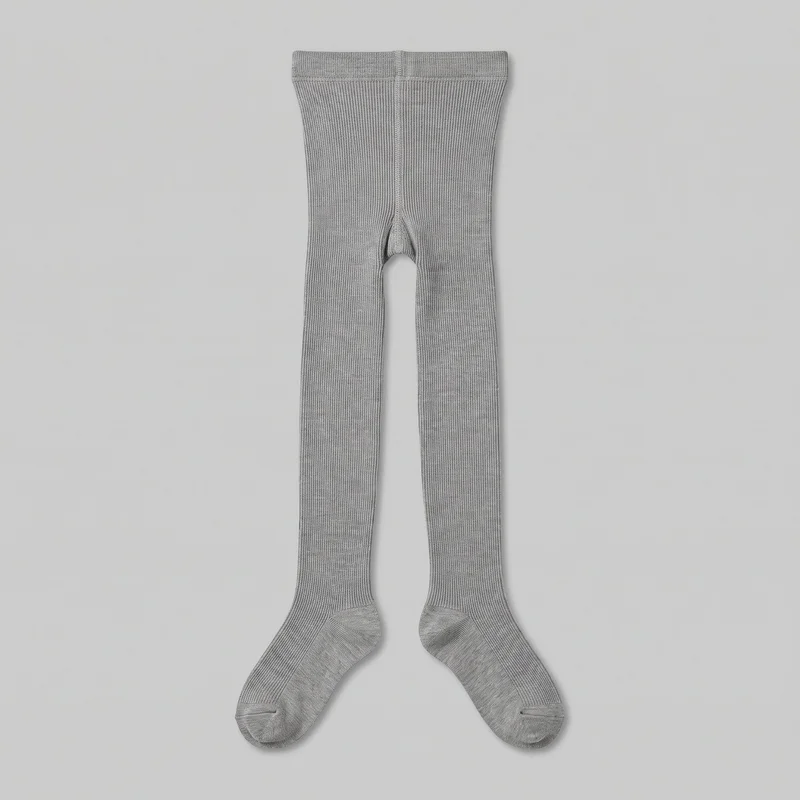 Grey Ribbed TightsNude Seamless Knickers
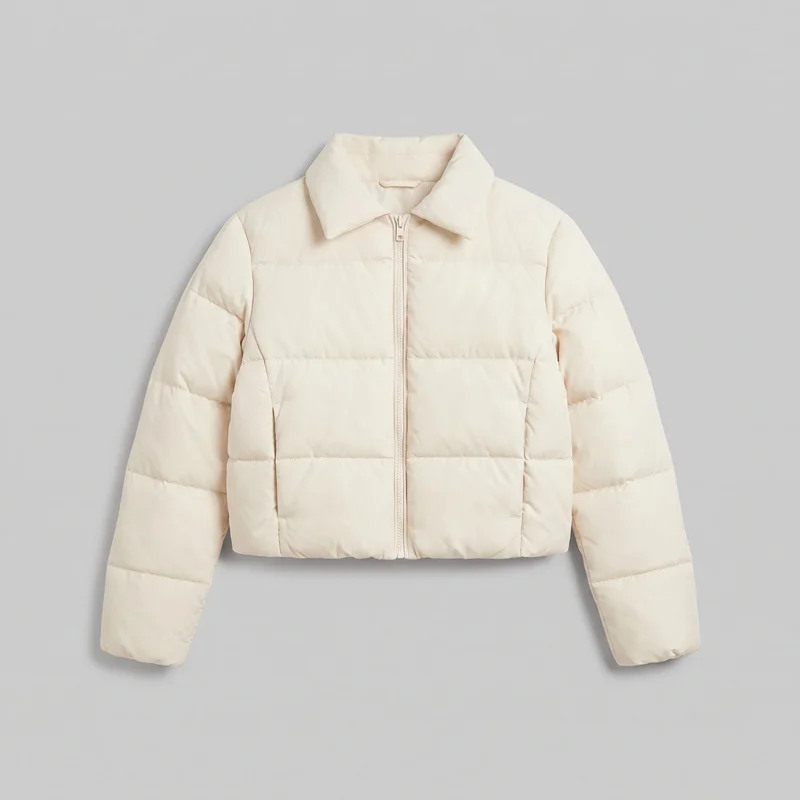 Women's Cream Cropped Puffer Jacket
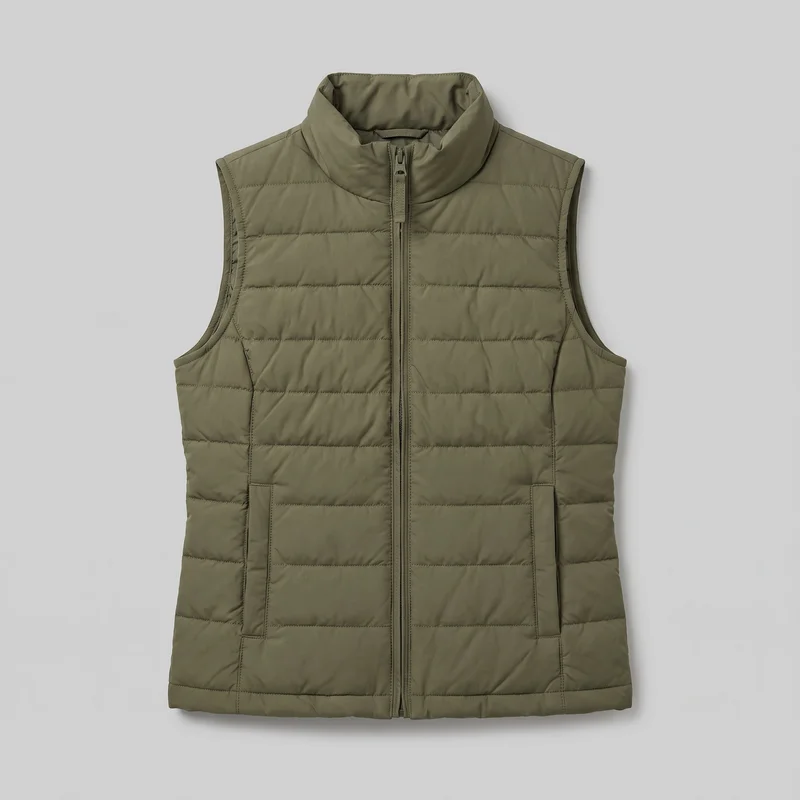 Women's Olive Gilet
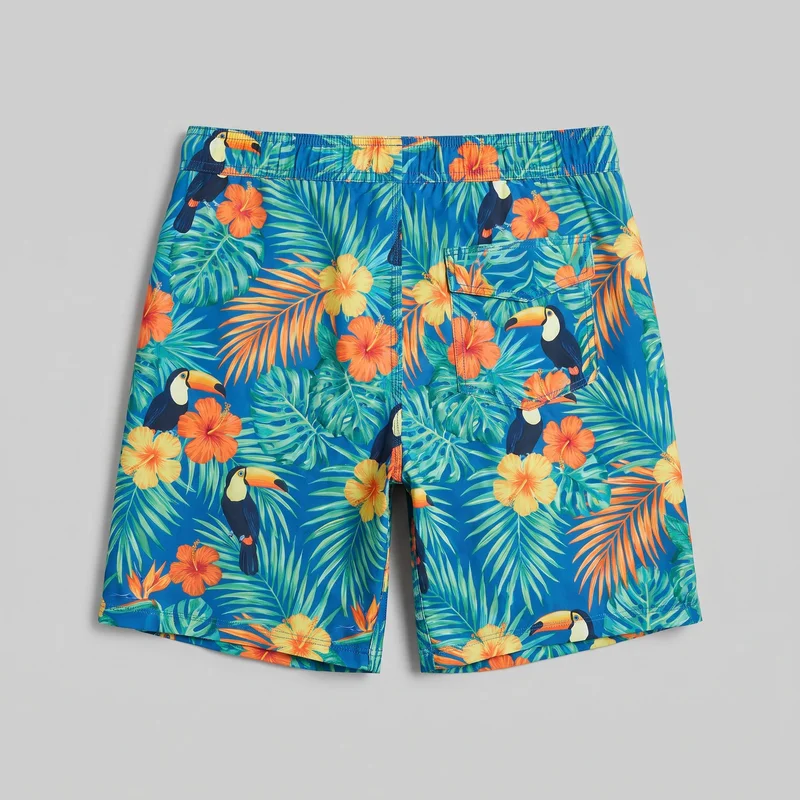 Tropical Print Board Shorts
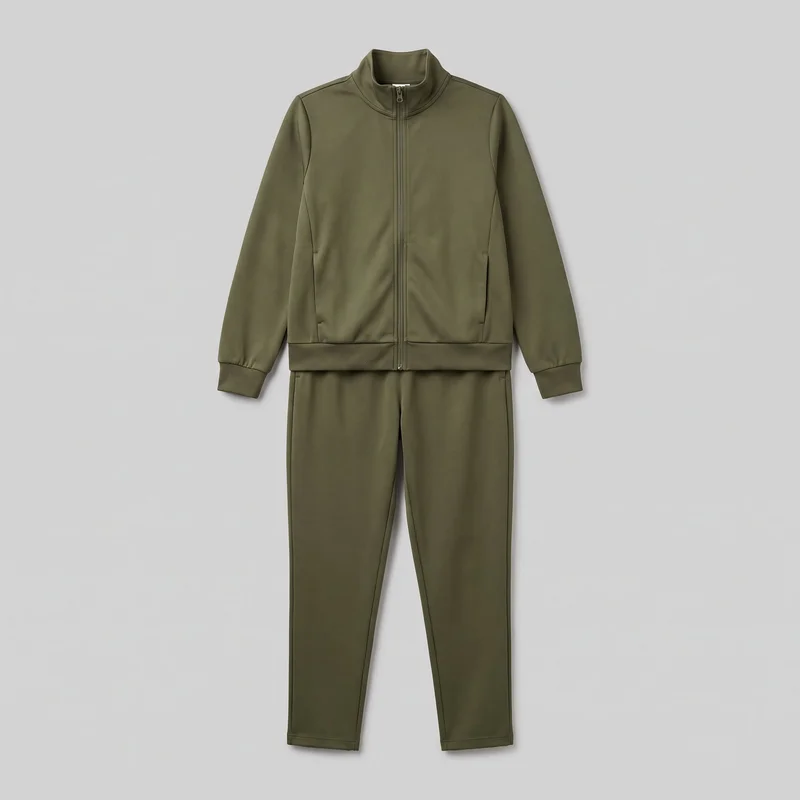 Women's Olive Tracksuit
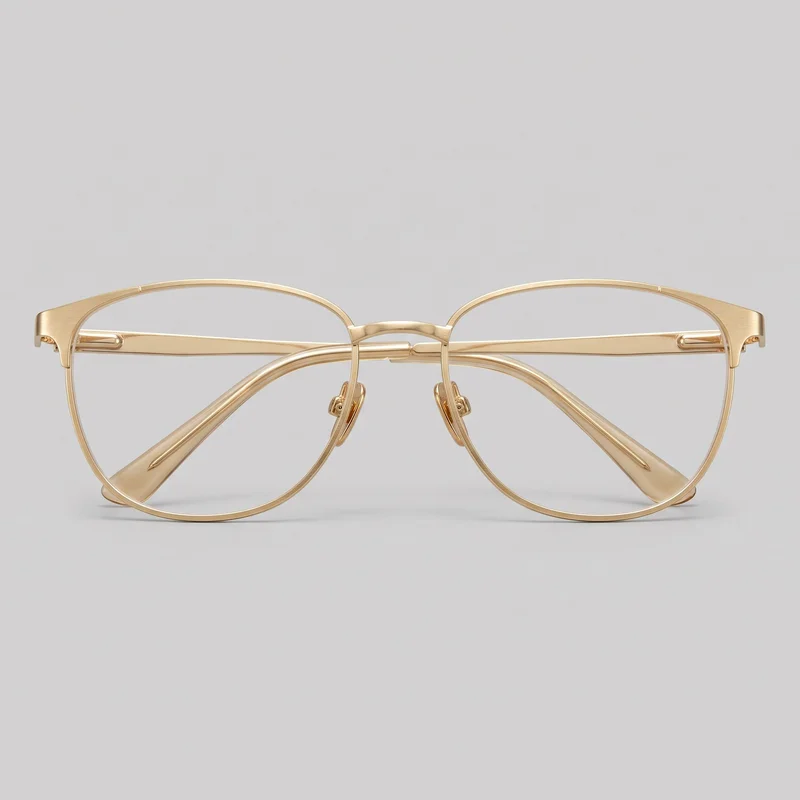 Women's Gold Metal Optical Frame
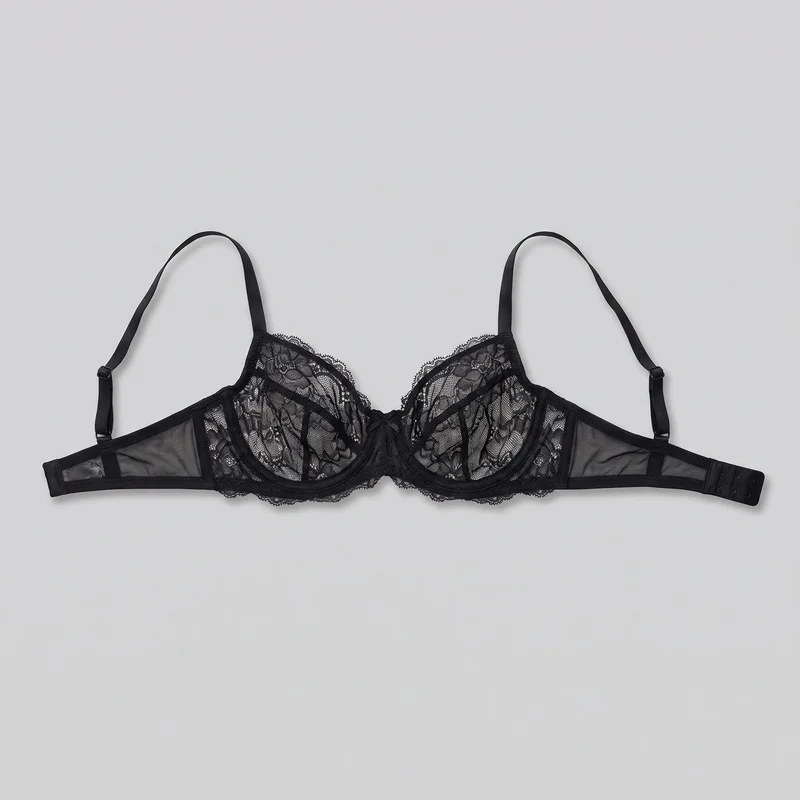 Black Lace Bra
Showing 24 of 807
Catalog
Browse the catalog
By product
Consistency
Change motion, keep your product still central
RAWSHOT turns the approved still into motion while keeping the product image central to the clip. You choose the vertical framing, camera movement, frame-matched model action and video resolution, so the treatment suits the social placement you need.
You change one
- Frame
- Pose
- Camera view
- Model
The rest holds
Product image
The approved on-model still remains the source for the clip.
Vertical framing
The selected frame supports the social placement format.
Camera movement
Motion follows the direction selected for the scene.
Who it's for
Do TikTok clips fit your social team?
A perfect fit
This fits you as a social media manager if approved product imagery needs short motion content for recurring TikTok posts, stories or ads.
Work it handles well
- You can animate approved on-model product stills
- You can direct motion for vertical social placements
- You can make paid social motion variants
Rights
You own every image. Every image says what it is.
Yours
- Full commercial rights to every image, permanently.
- No recurring licence fees on any model in the library.
- Every model is a synthetic composite, so there is no real-person likeness.
Labelled
- C2PA content credentials on every image.
- AI-labelled output, aligned with EU AI Act Article 50.
Checked
- Every image is checked against your model, frame, view and pose before delivery; one that misses is made again.
- A safety filter screens every upload and blocks nude or explicit images.
EU-based hosting, GDPR-compliant handling.
- Aligned with EU AI Act Article 50
- C2PA
- Full commercial rights
- Quality-checked images
- Safety-filtered uploads
- GDPR-compliant handling
- EU-based hosting
Questions
What brands ask before TikTok clips?
What are TikTok-ready product motion clips for approved campaign imagery?
TikTok-ready product motion clips are short vertical videos made from an approved on-model product still. They give a social team movement for posts, stories and ads while keeping the original product image central to the composition. You direct the vertical frame, camera movement, model action and video resolution so the clip stays aligned with the approved styling, outfit, light and camera view. Start with the still your team has already signed off for the product.
Which teams and channels need vertical TikTok product clips?
New-drop posts, weekly TikTok slots, story placements and paid-social tests suit vertical product clips built from approved imagery. Social media managers can add motion to an existing product asset when a scheduled post needs more than a static image, while performance marketers can create motion variants for campaign testing. The source still remains the visual foundation, so the product, model and composition stay recognisable across channels. Choose clips for short social placements that need controlled movement around an approved product image.
Which vertical ratios work for TikTok posts, Stories and ads?
9:16 vertical frames work for TikTok posts, Stories and most full-screen social ad placements. That full-height frame keeps the approved on-model product image prominent on a phone screen while leaving room for the selected camera movement and frame-matched action. Check the finished set for the intended vertical framing, visible product, camera direction and motion treatment before scheduling it. Select 9:16 when the clip is intended to fill a mobile social placement rather than sit inside a wider editorial layout.
How does RAWSHOT turn an approved still into a TikTok clip?
RAWSHOT starts with your approved on-model product image and turns it into a short vertical motion clip. You select the vertical frame, camera movement, frame-matched model action and video resolution, then use the finished clip in your existing social publishing workflow. The approved still remains central, so the product, styling, light and composition have a clear source rather than being invented from text. Generated images are automatically checked against the chosen model, frame, view and pose; failed images are regenerated before delivery. Begin with the approved still for the post or ad.
How is RAWSHOT different from a studio shoot or smartphone video?
RAWSHOT is different from a studio shoot or smartphone video because it creates short motion from an approved on-model still instead of recording new footage. You do not need to organise a new set, model, camera crew or physical product session for every social variant. Instead, you direct the vertical frame, camera movement and action that fits the source composition. It is designed for product-led TikTok posts, stories and ads, not for replacing a production that requires new scenes or unrestricted performance. Use it when approved imagery is the starting point.
What are the practical limits of TikTok clips from approved stills?
These clips are for short, frame-matched product motion, not long-form video footage or scenes created from text alone. The selected action needs to suit the approved still’s framing, so movement cannot contradict the source camera view or composition. The automated review catches clear image mistakes and is measured against hand-checked examples, but it does not guarantee every possible defect; natural pose variation and small crop differences can pass. Use a new video production when you need extended narrative footage, major scene changes or unrestricted action.
Who owns RAWSHOT TikTok clips and can my brand use them commercially?
You get full commercial rights to every image, permanently, with no recurring licence fee. Every image carries C2PA content credentials and is labelled as AI-generated.
Get started
Make TikTok clips from stills in RAWSHOT
Start with a 7-day free trial including 50 tokens, then move to the plan that matches your production volume.