
Amazon product photography
Amazon product stills before your listing goes live.
Your Amazon listing needs clean on-model images of the actual product before it can go live. You can now create product-led stills for the listing from the product material you already have.
7-day free trial • 50 tokens (10 images) • Cancel anytime
- A 2K image in roughly 35 seconds
- AI-labelled with C2PA content credentials
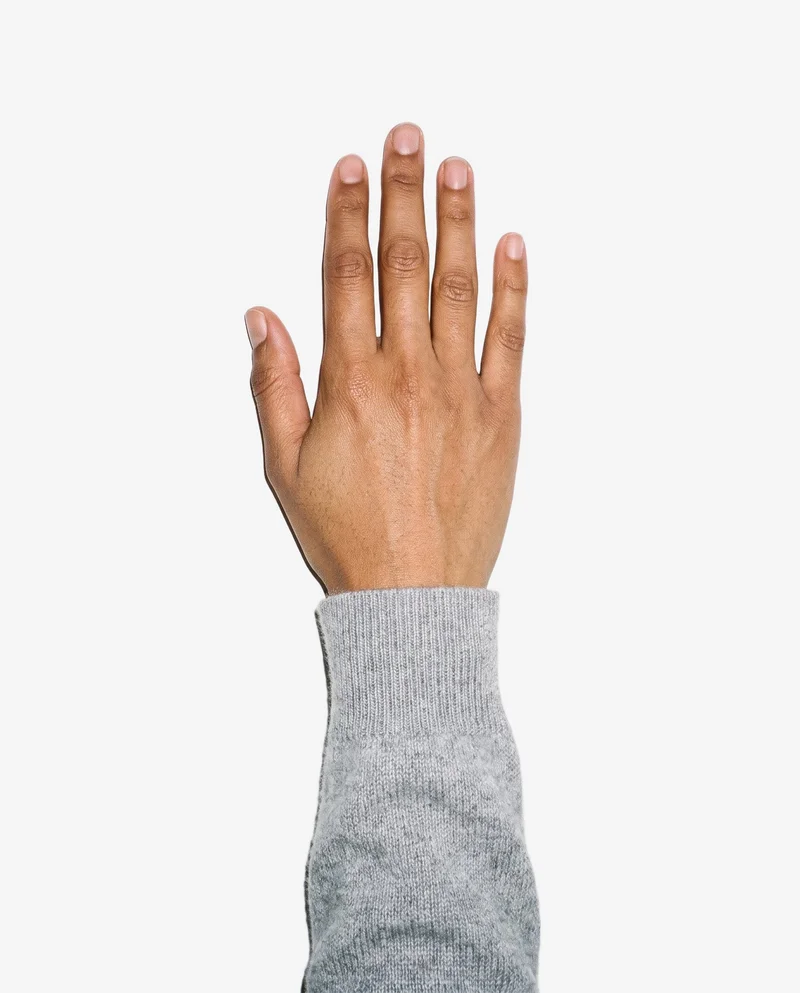
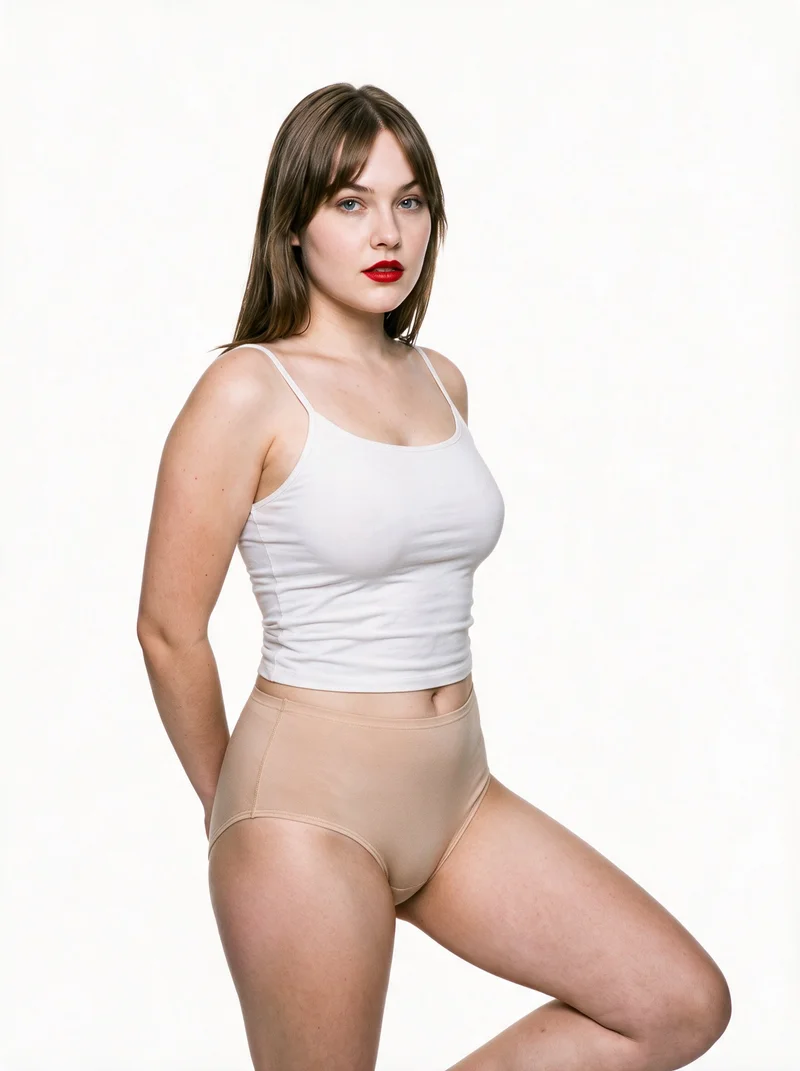

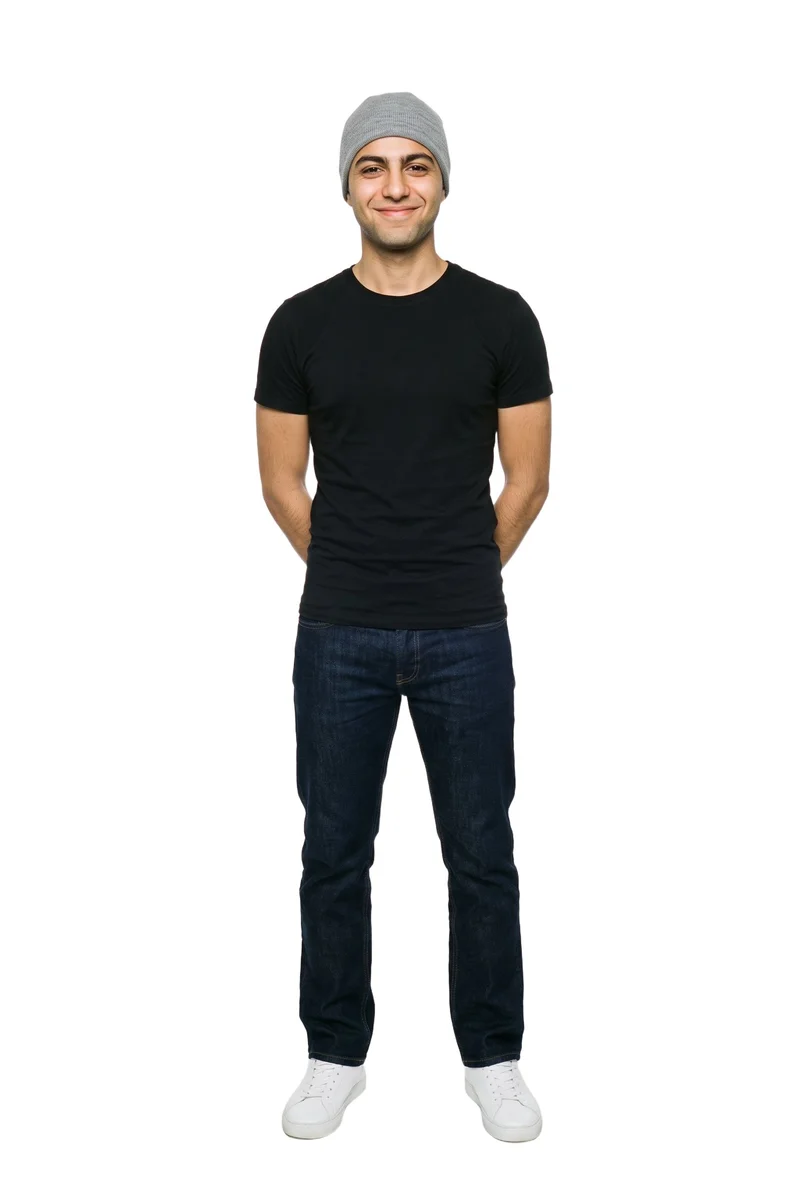
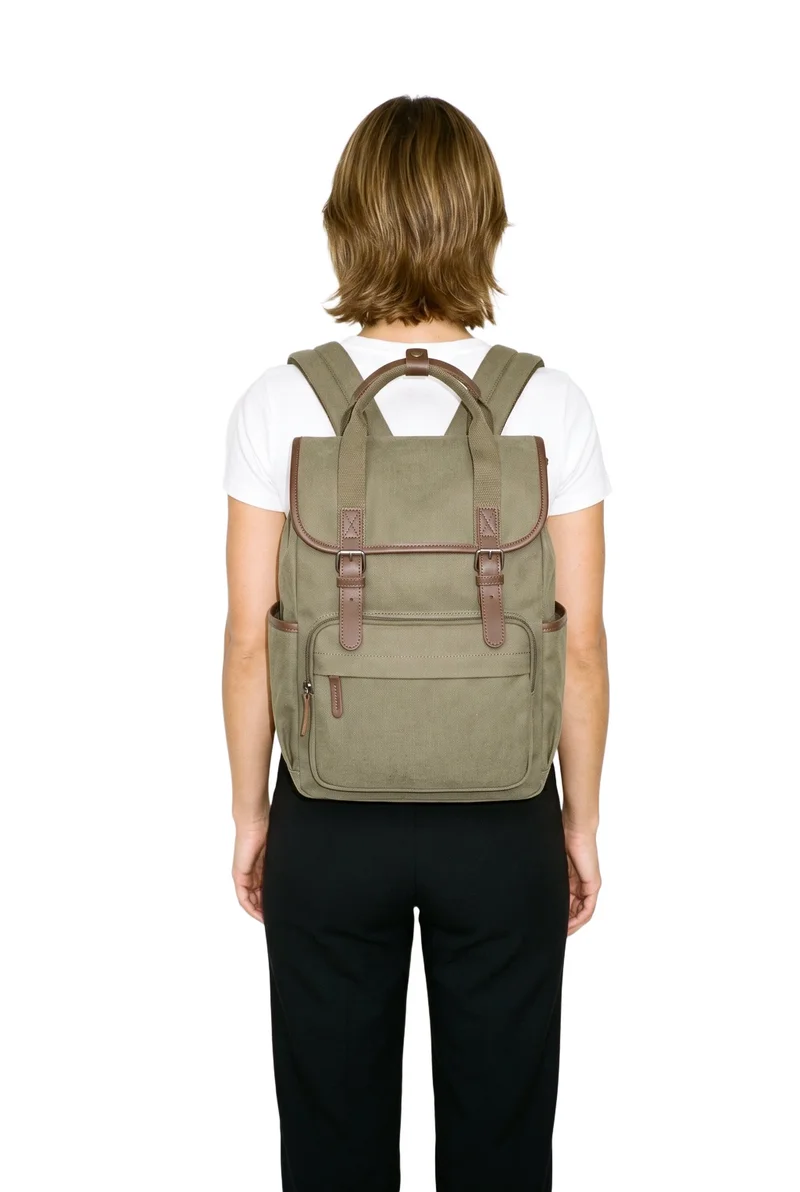
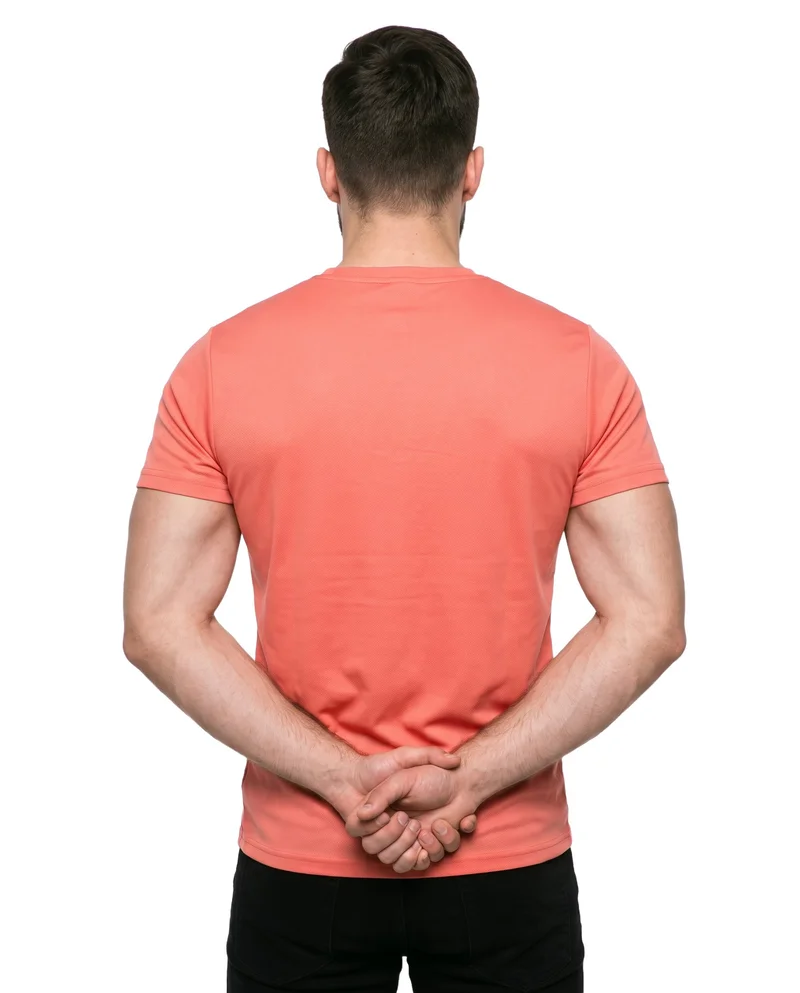
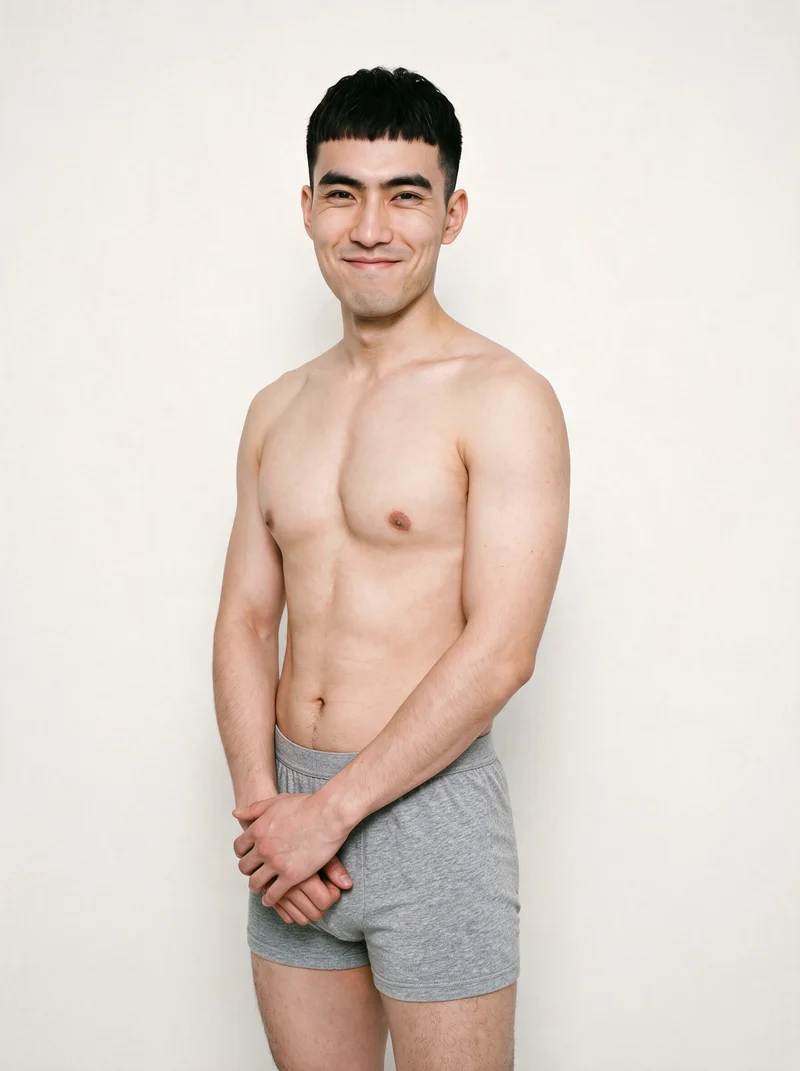
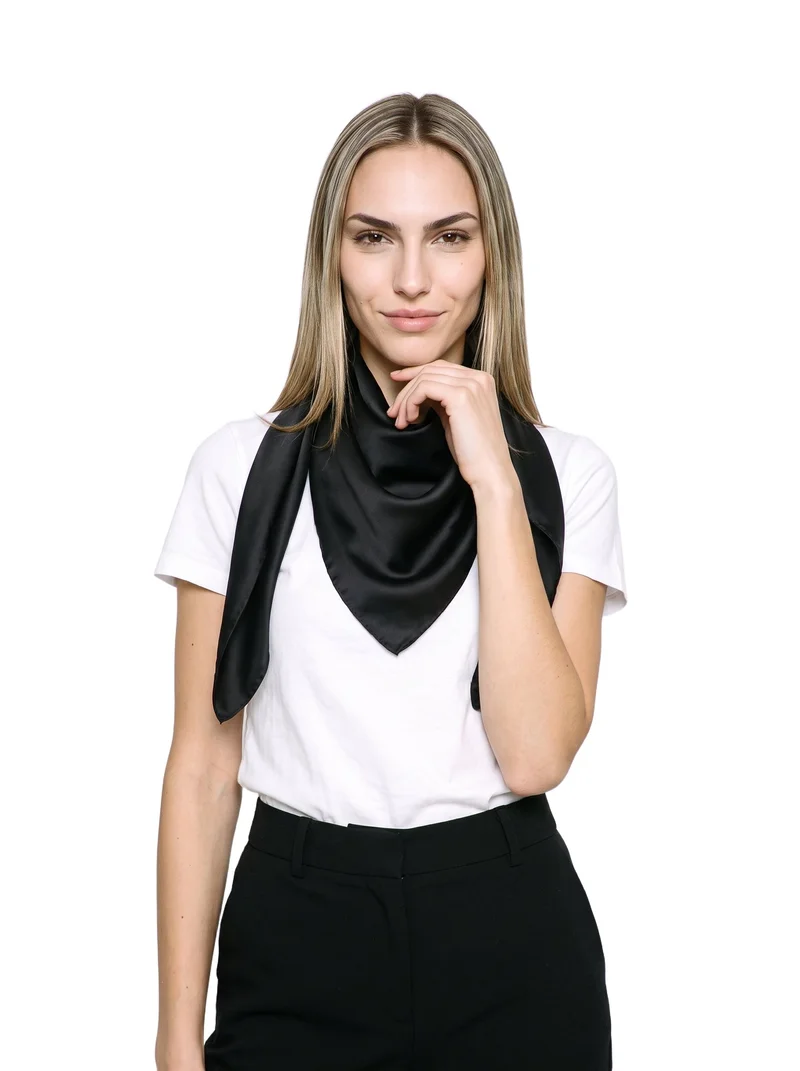
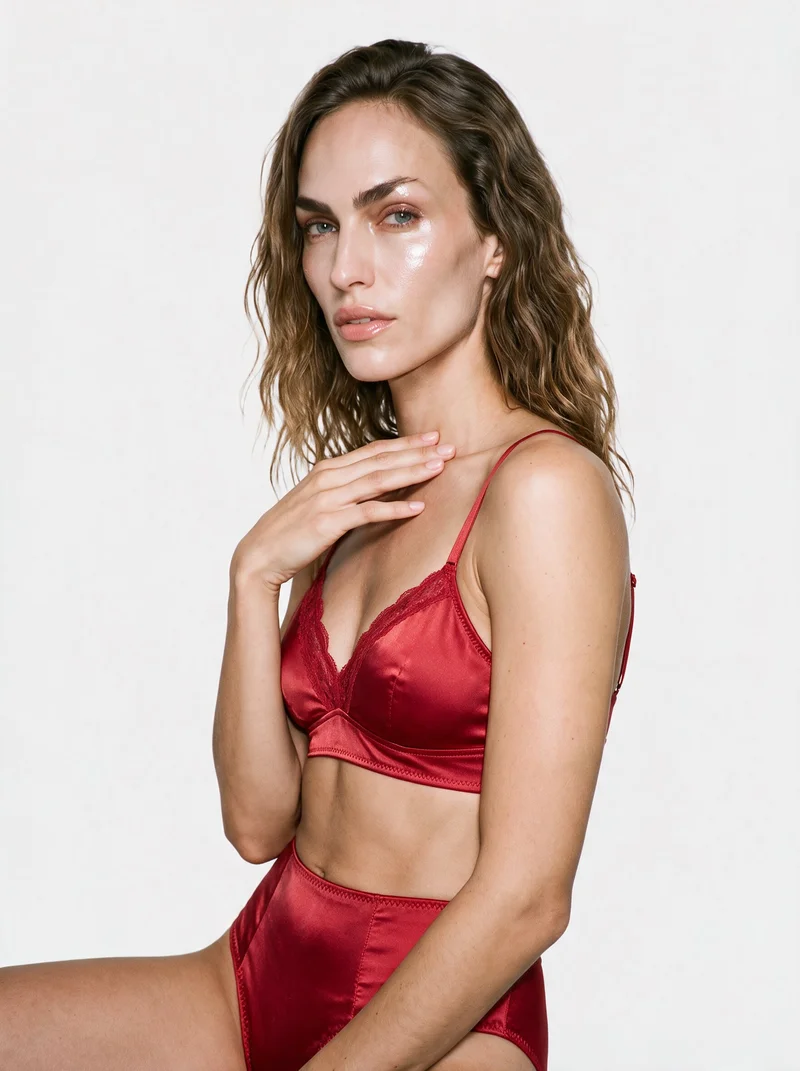
Showing 9 of 616, shot in RAWSHOT
Use cases
When Amazon listings need on-model product views
- 01
Fashion listing views
When your Amazon fashion listing needs front, back and side views, you direct the model, frame and camera view for product-page stills.
- 02
Colourways before launch
When preparing colourways for launch, you keep the model, pose and light aligned while shooting each product version.
- 03
Accessory detail images
When a jewellery, eyewear or footwear listing needs product detail imagery, you use a close frame and pose that keeps the item visible.
- 04
Source material on hand
When you only have a product photo, flat-lay, mockup or technical sketch, you create on-model listing stills around the actual item.
What you get
Amazon listing stills for product views and colourways
A listing-ready still image set that keeps the actual product at the centre. You can prepare on-model views, colourways and close product details for an Amazon product page before publication.
On-model product views
Front, back and side product views that show the actual item on a model for the main listing images.
Colourway images
Matching colourway images that keep the same model, pose and light while the product colour changes.
Product detail frames
Product-led close frames for footwear, jewellery, eyewear and accessories where the material, finish and hardware need attention.
Listing-ready stills
A focused still image set for your Amazon product page, built around the product views shoppers need to see.
Direct the shoot
Set your product frame, view, pose and light
Image frame
4
Pose
22 poses on this frame
Camera view
4
Format
9
Pose style
4
Facial expression
10
Photography direction
4
Create photoshoot
Step 7 of 7 · Composition
Image 1 · readyGallery image from this pageProduct
Your product
Model
From the library
Composition
Full Body · Front View · Catalog pose · Neutral
Delivery
2K · 1:1
Light
Studio Cutout
Total cost
5 tokens
AI fashion models
Choose who wears your Amazon product
1,197 licence-free grown models across ages and body types. Or build a private model from visible attributes.
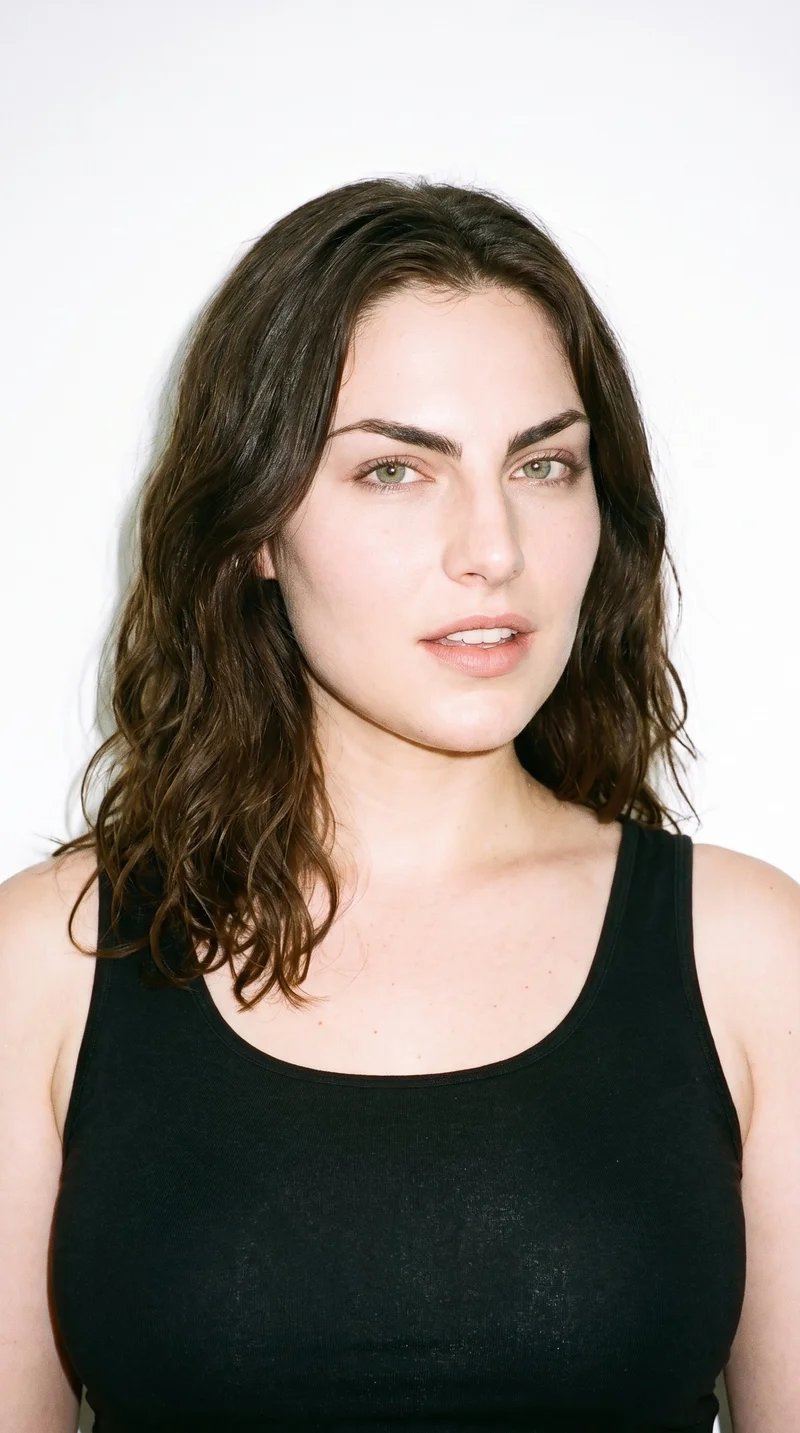
Female · 23
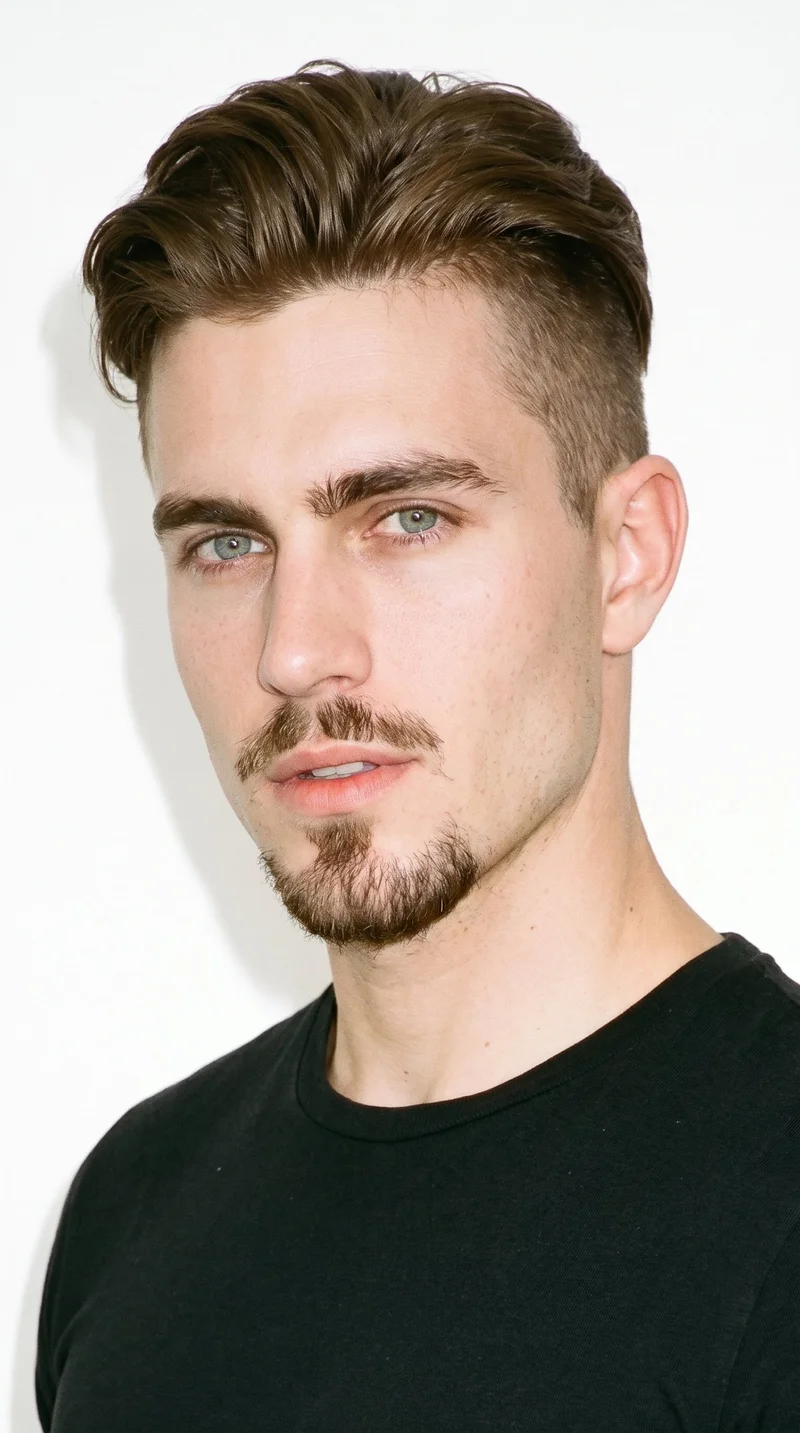
Male · 24
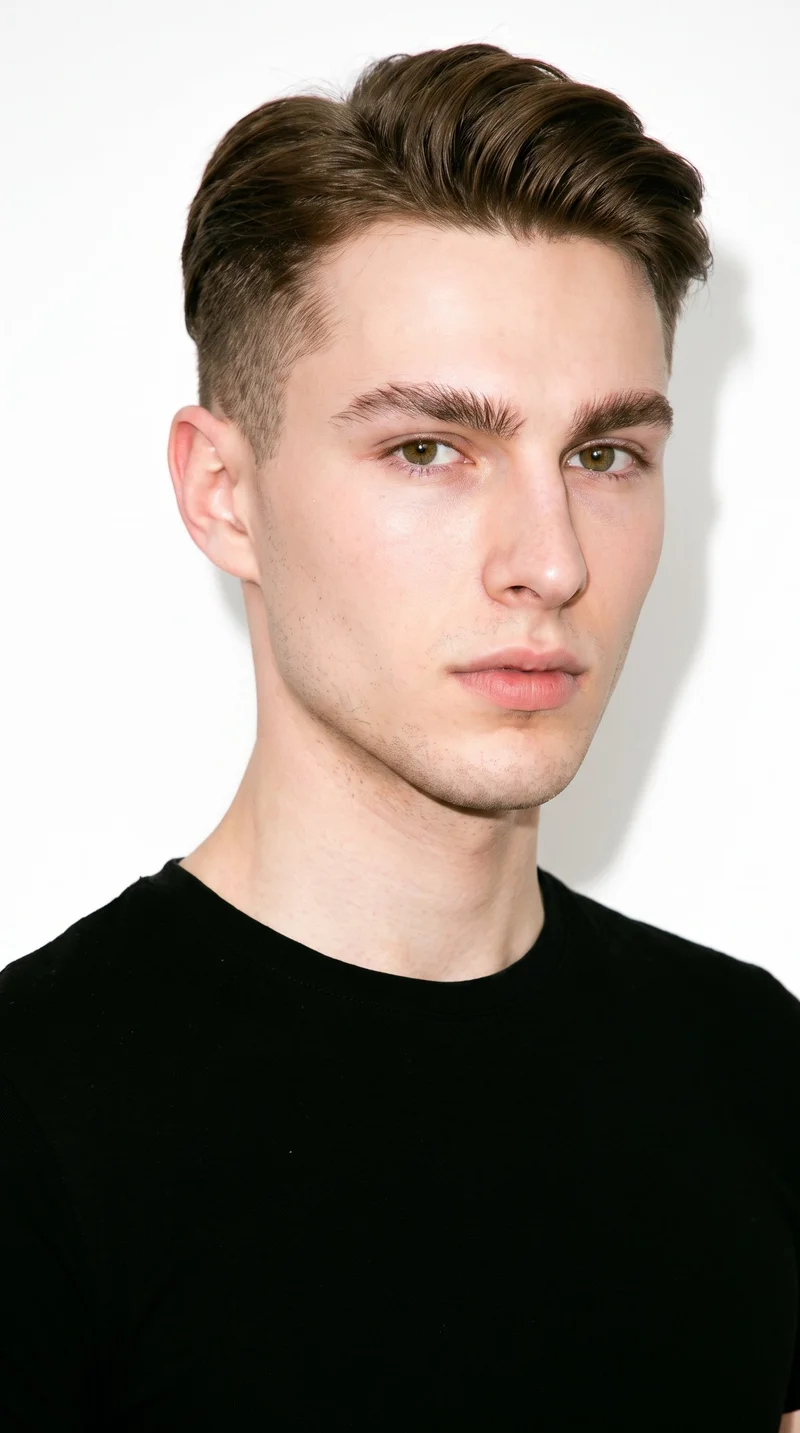
Male · 21

Male · 33
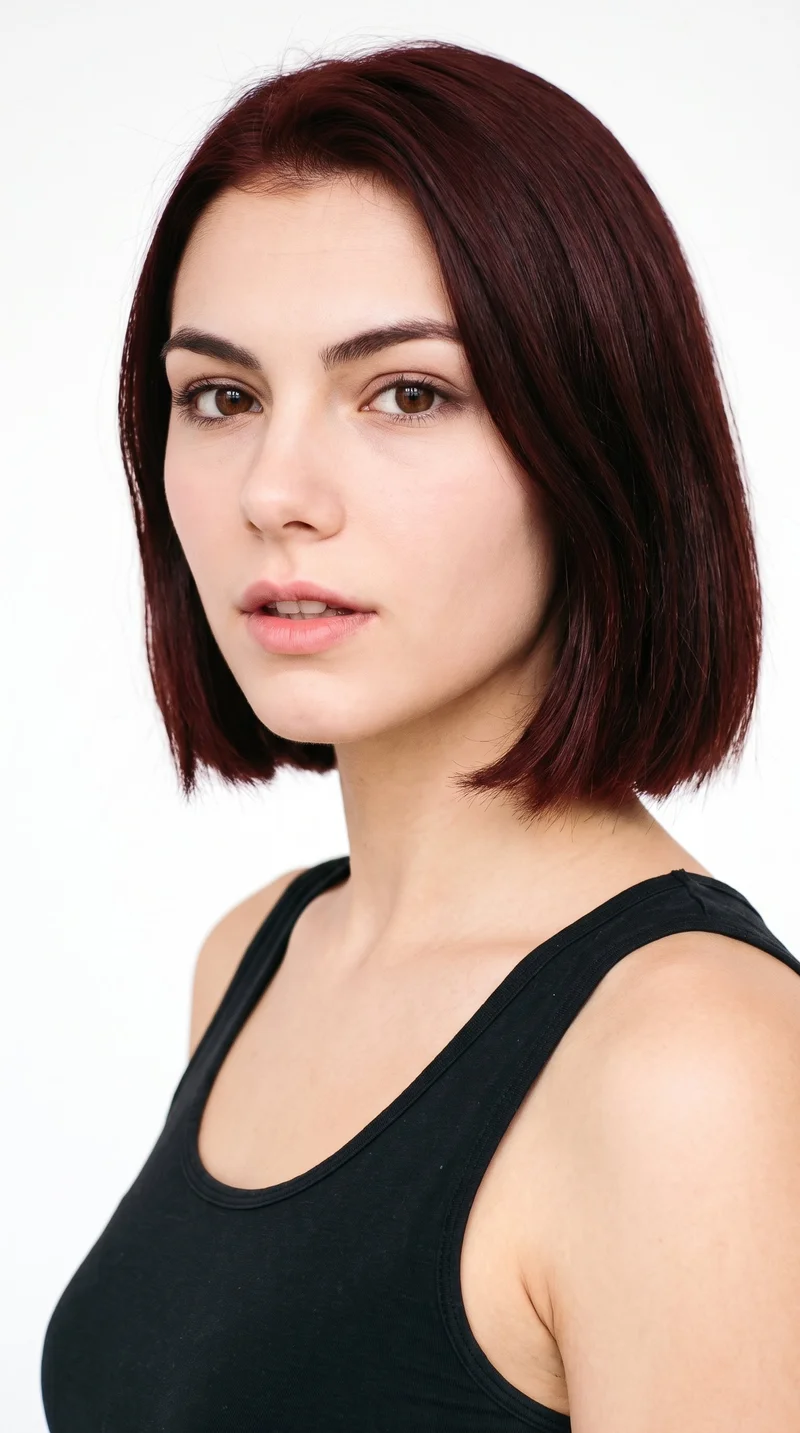
Female · 19
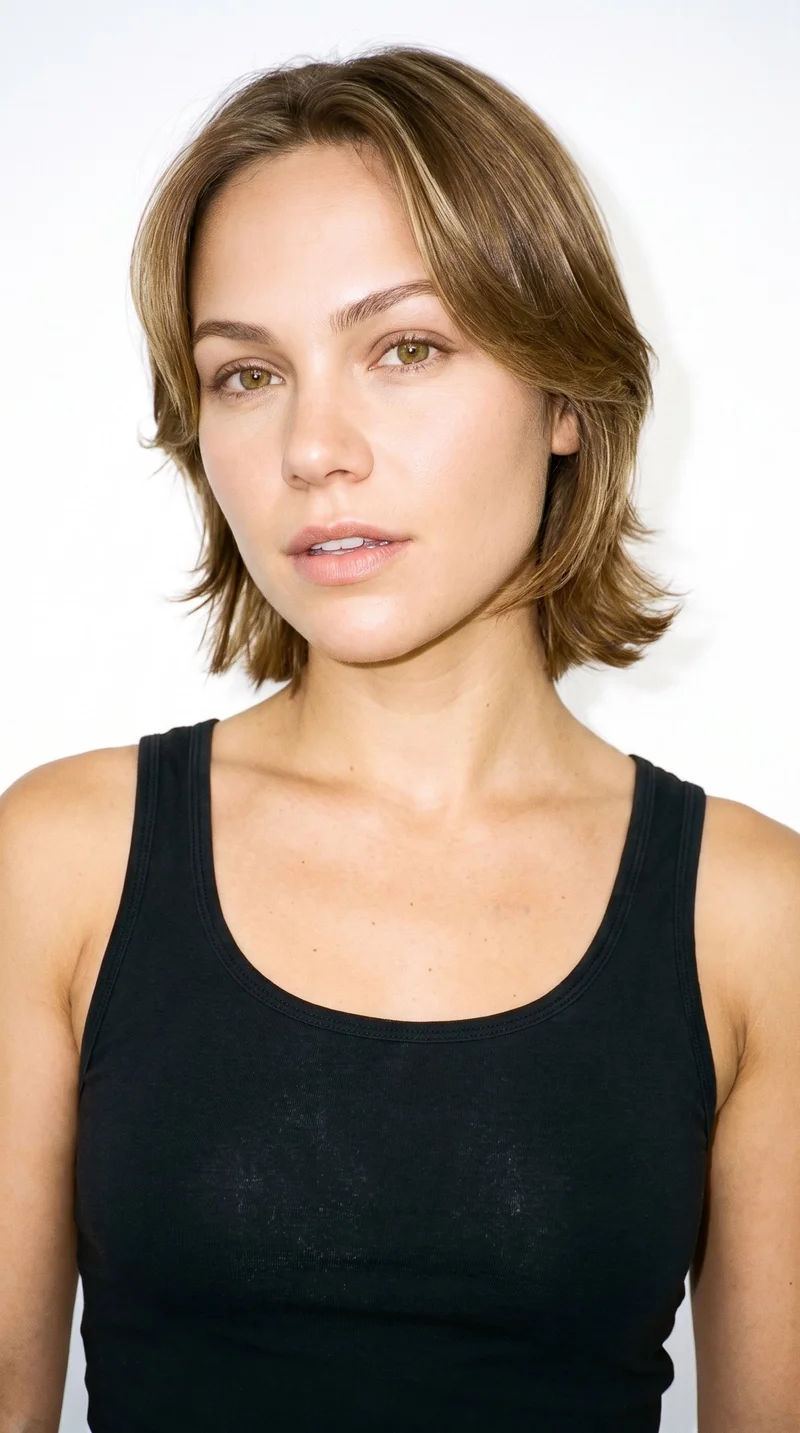
Female · 31

Male · 58
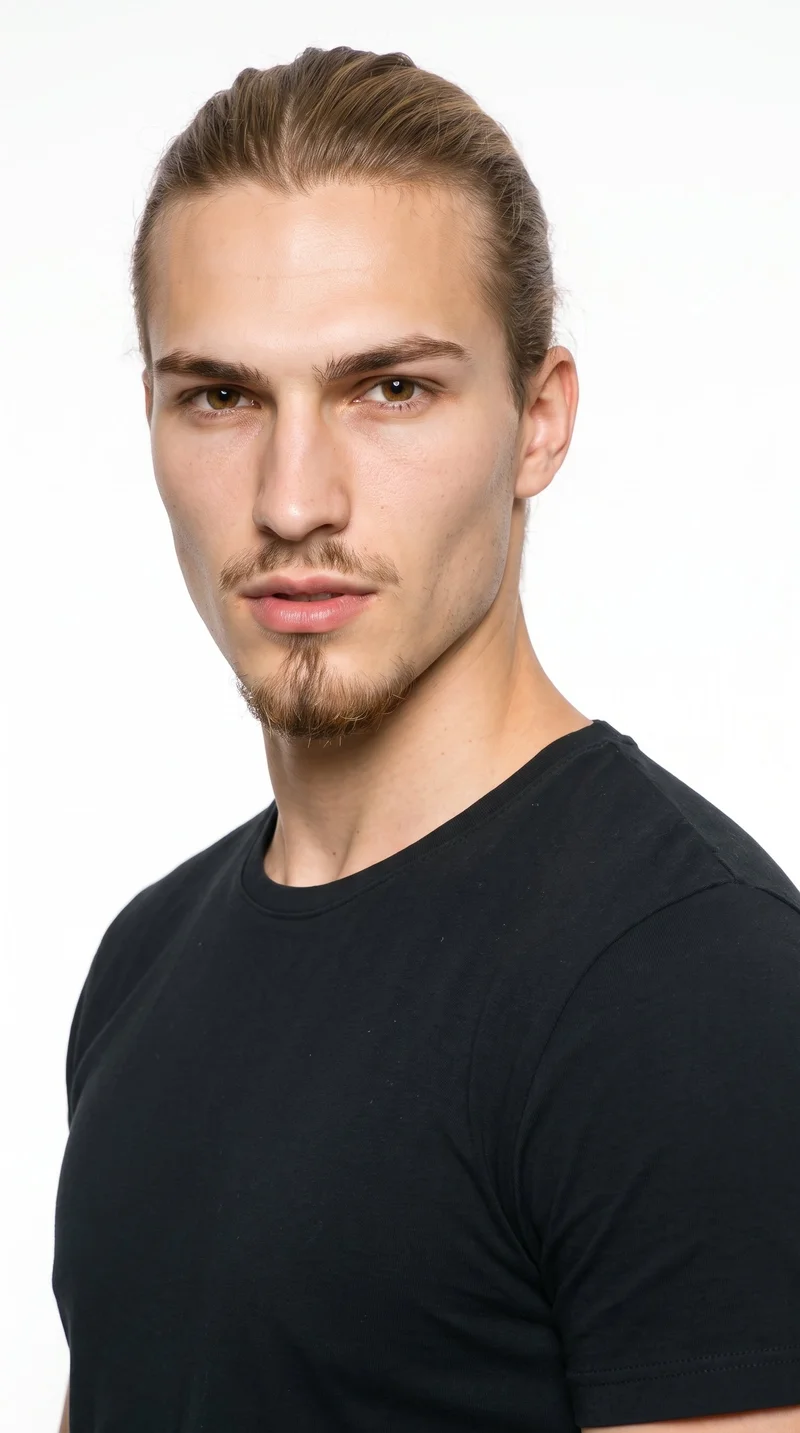
Male · 20
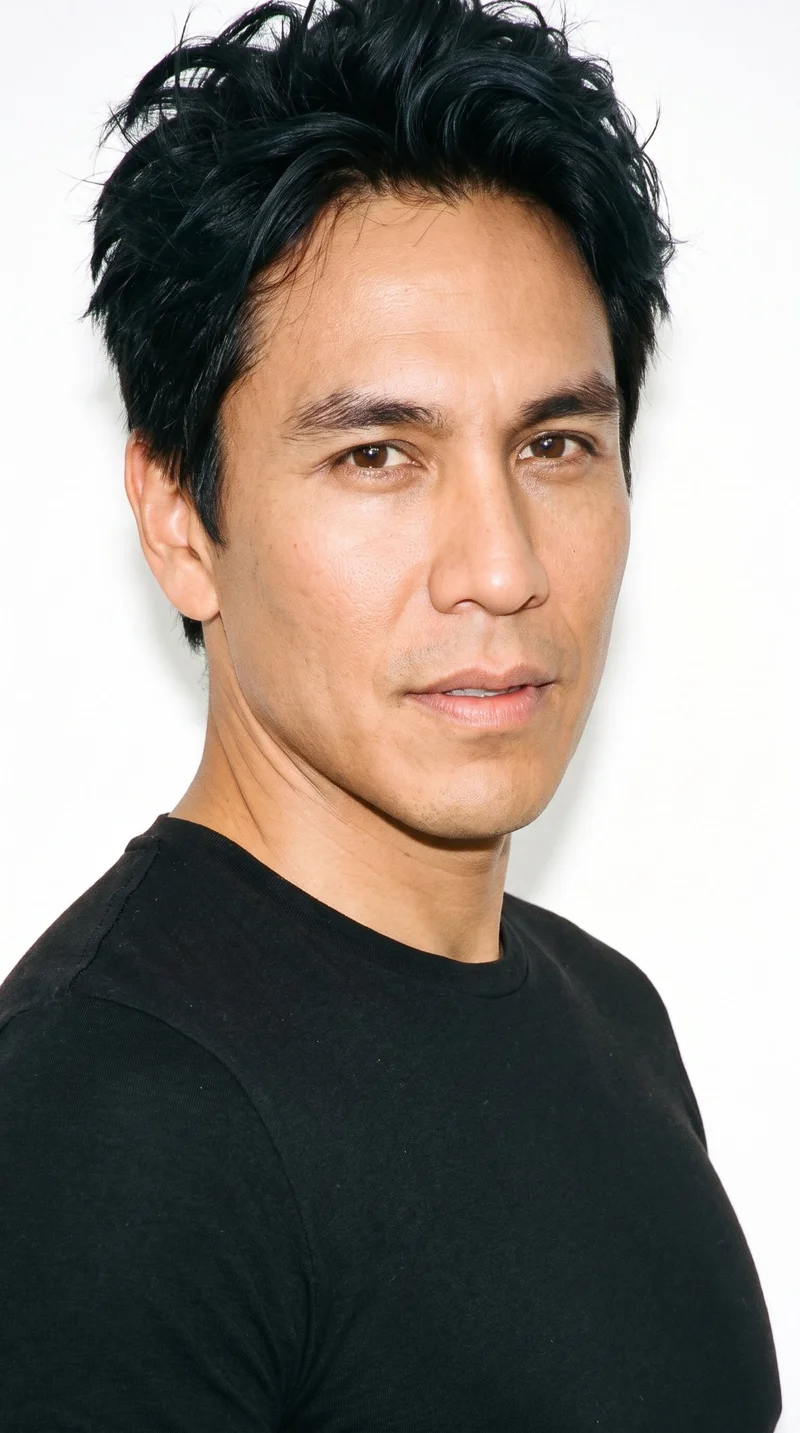
Male · 42

Male · 26
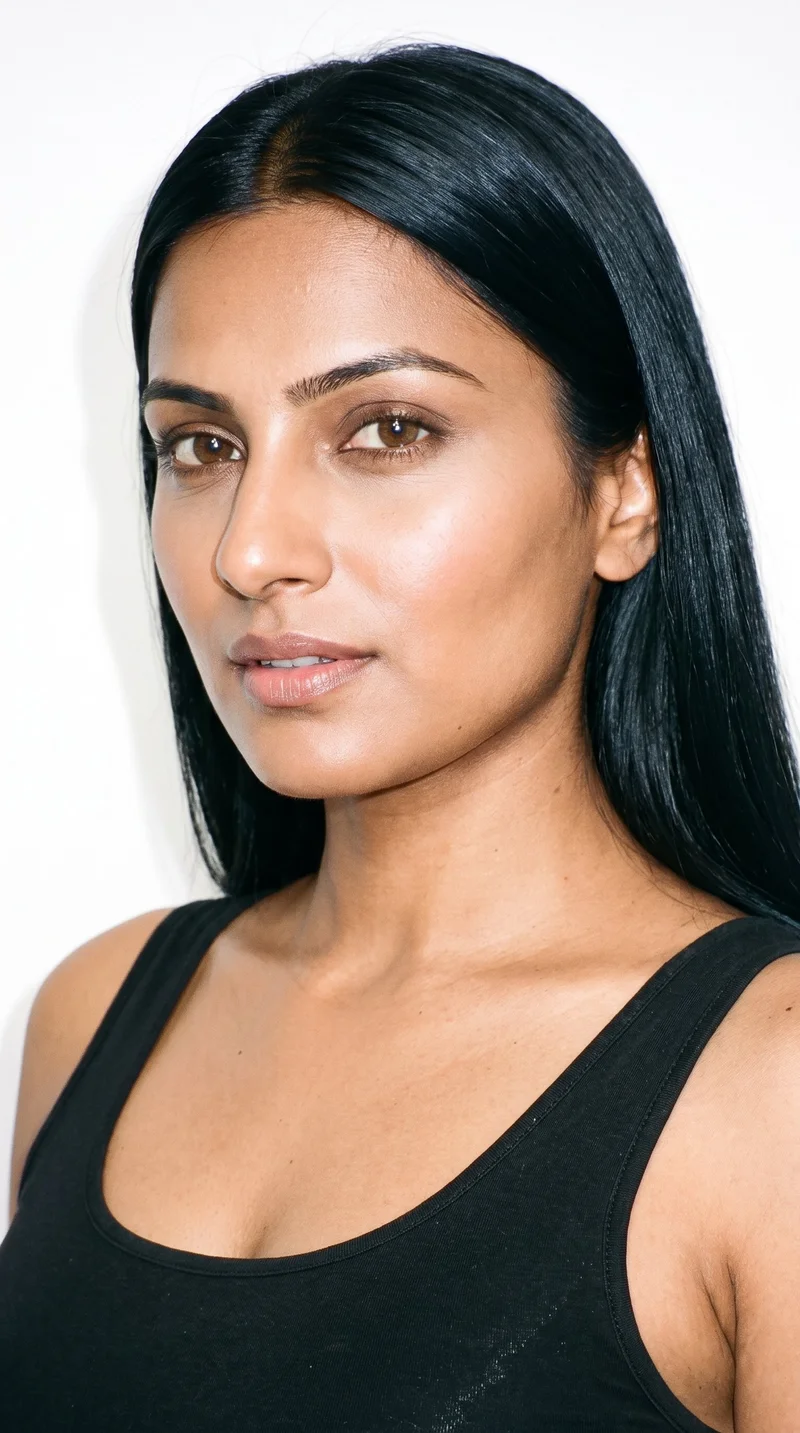
Female · 28
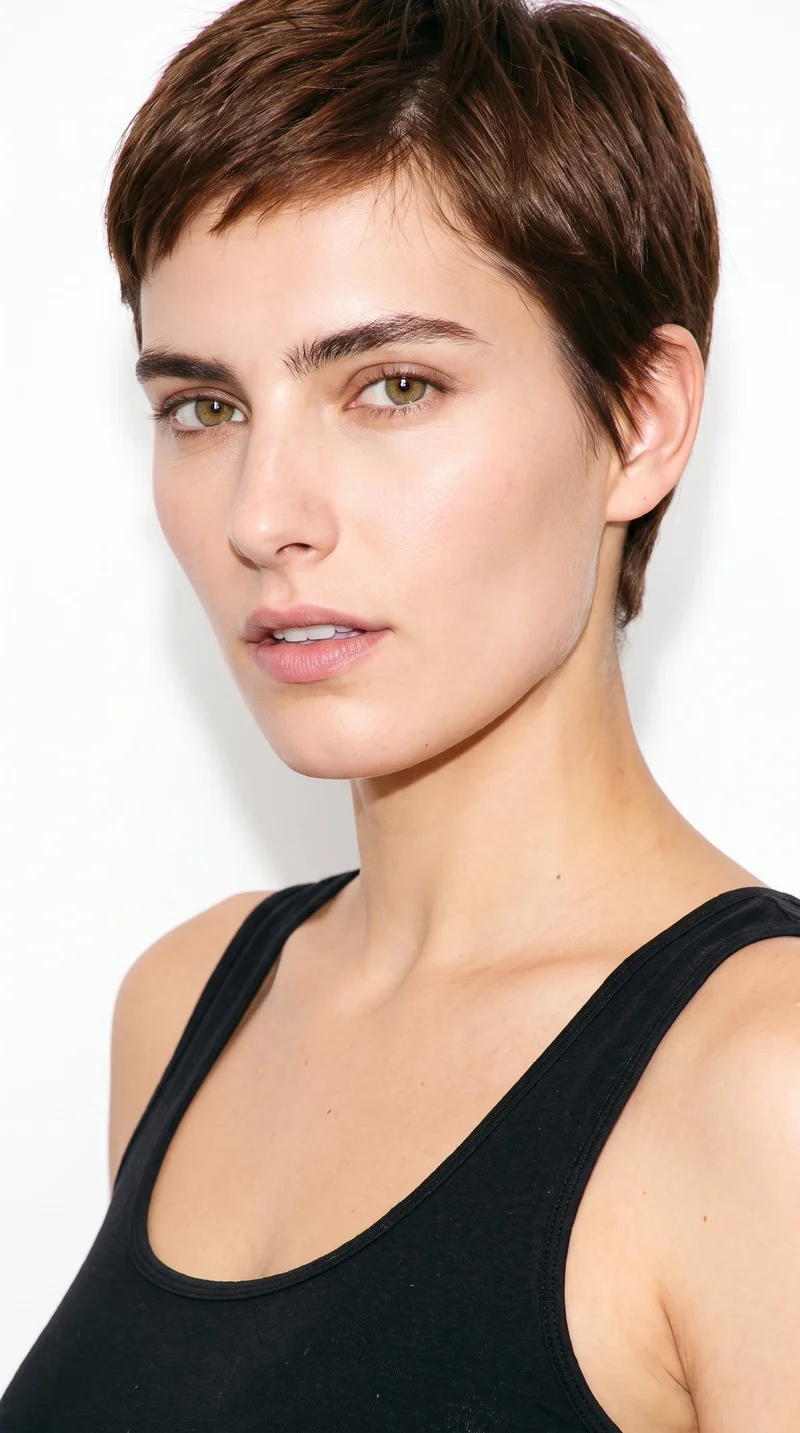
Female · 26
Showing 12 of 1,197
Cast your modelHow it works
One flat-lay in. A checked collection out.
Bring the product
A product photo, flat-lay or sketch is enough. Or start from a finished look and swap your piece in.
Direct the shoot
Every line of the shoot is a choice you click, from model to light. AI suggests a composition, you change any of it.
Get the whole collection, checked
Keep the setup and swap in the next style. Every image is checked against your choices, and one that misses is made again before you see it.
Gallery
Amazon listings with product-led model and detail views
See product-led on-model views, colourways and detail frames suited to an Amazon listing.
Looks & backgrounds
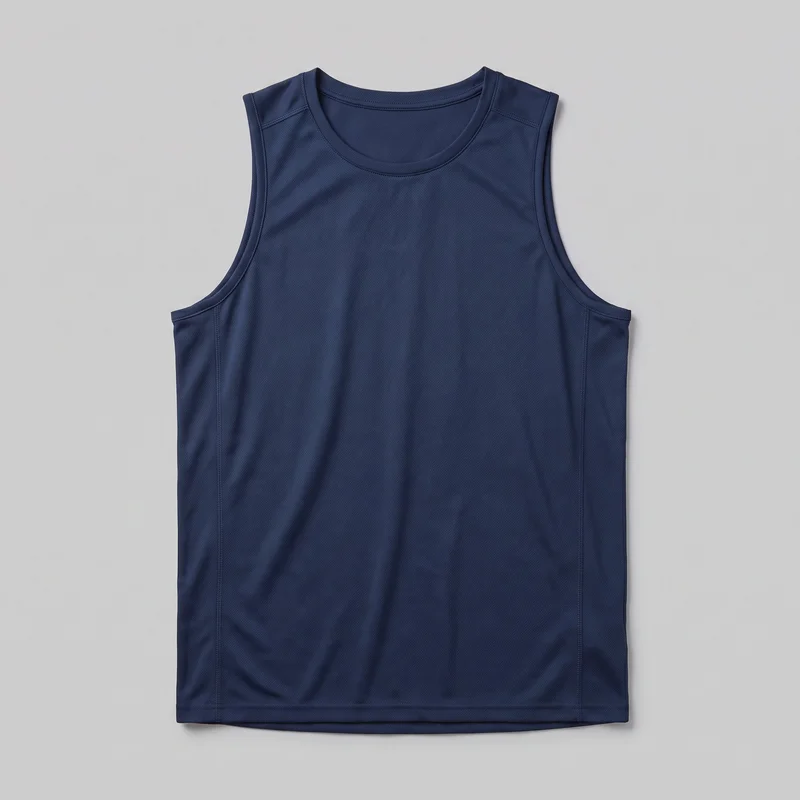 Men's Navy Training Tank
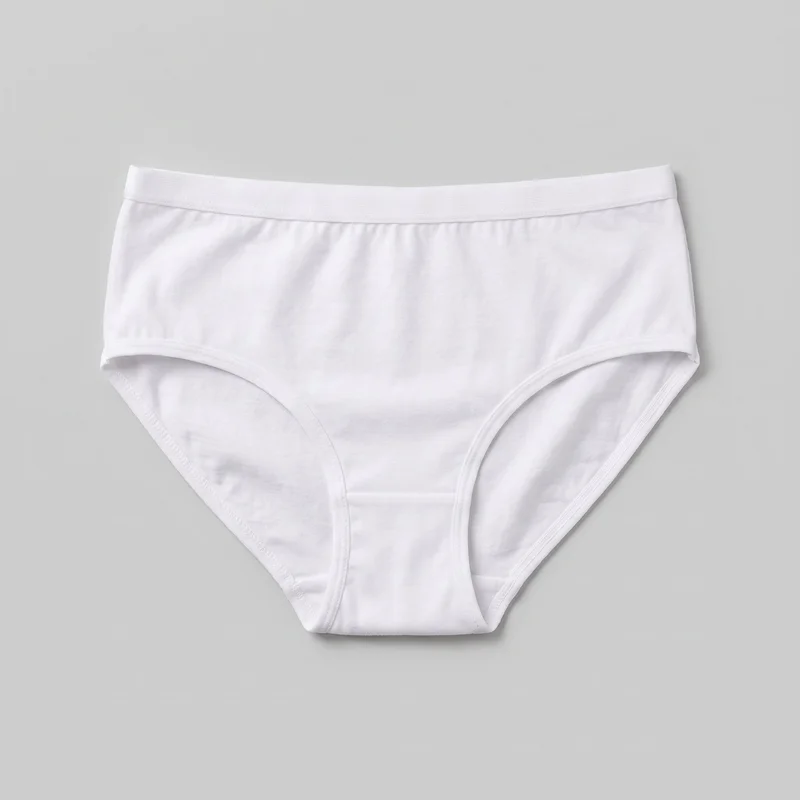 Women's White Cotton Briefs
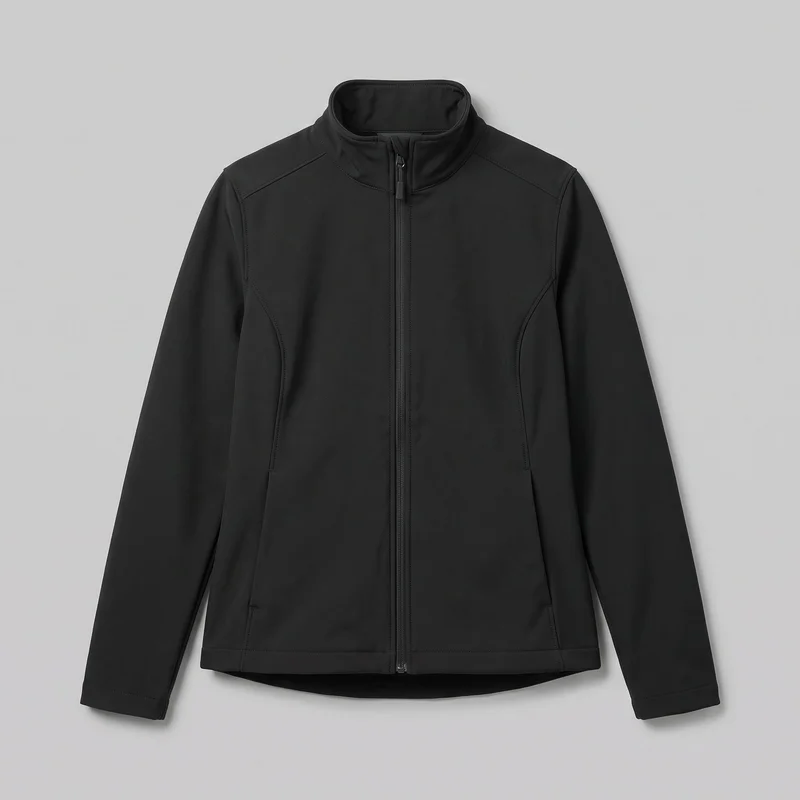 Women's Black Softshell Jacket
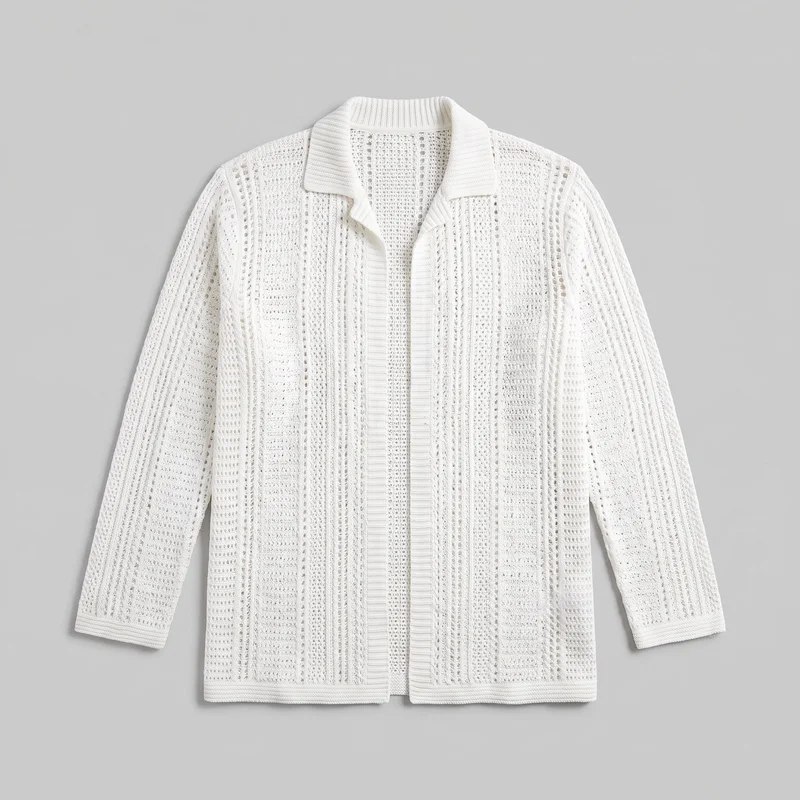 Men's White Crochet Cover-Up
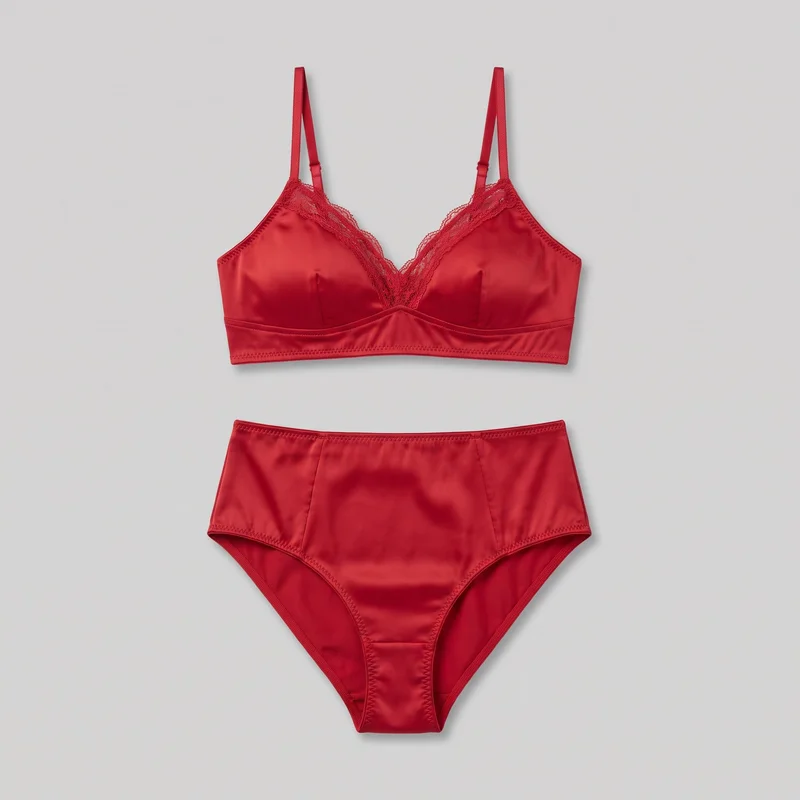 Red Satin Lingerie Set
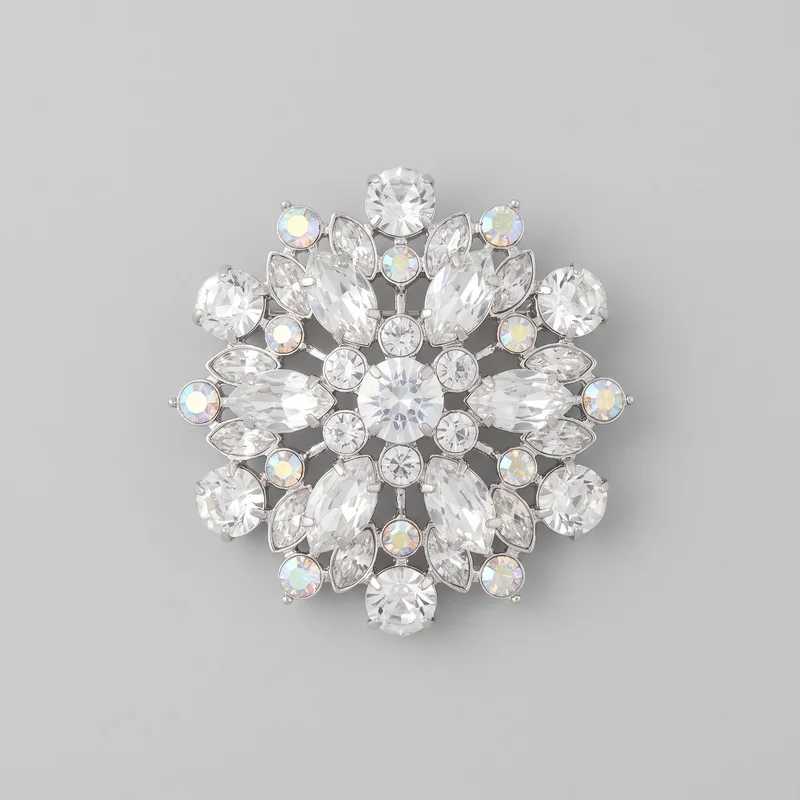 Women's Crystal Brooch
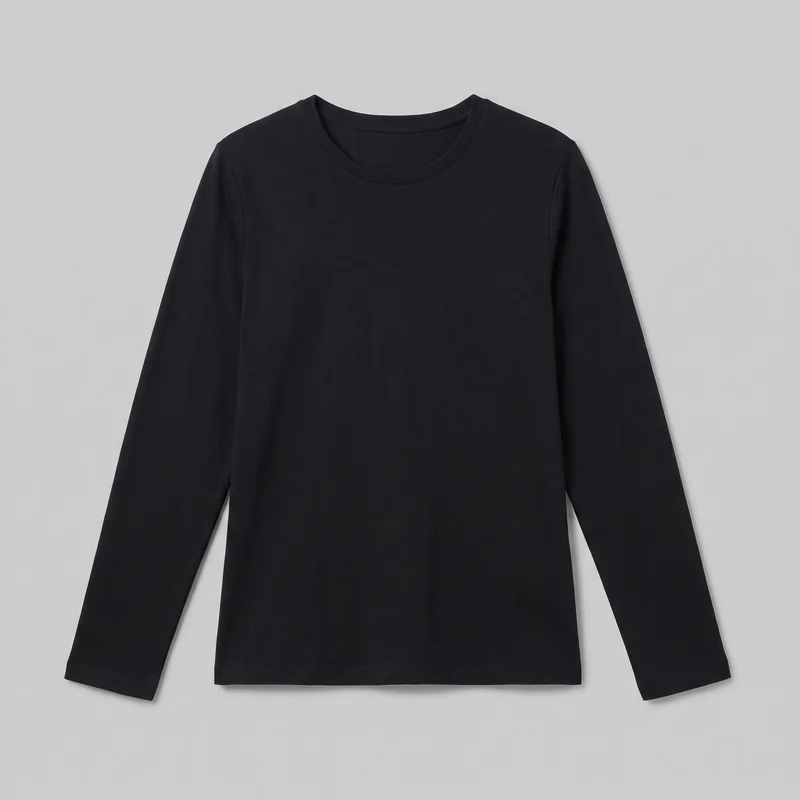 Women's Black Long-Sleeve Tee
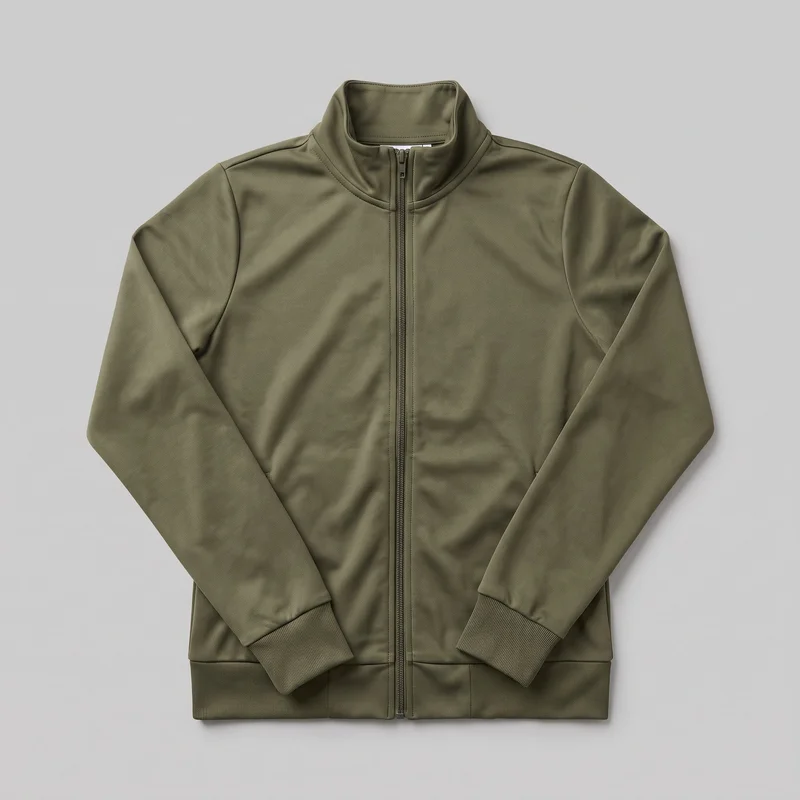 Women's Olive Tracksuit Top
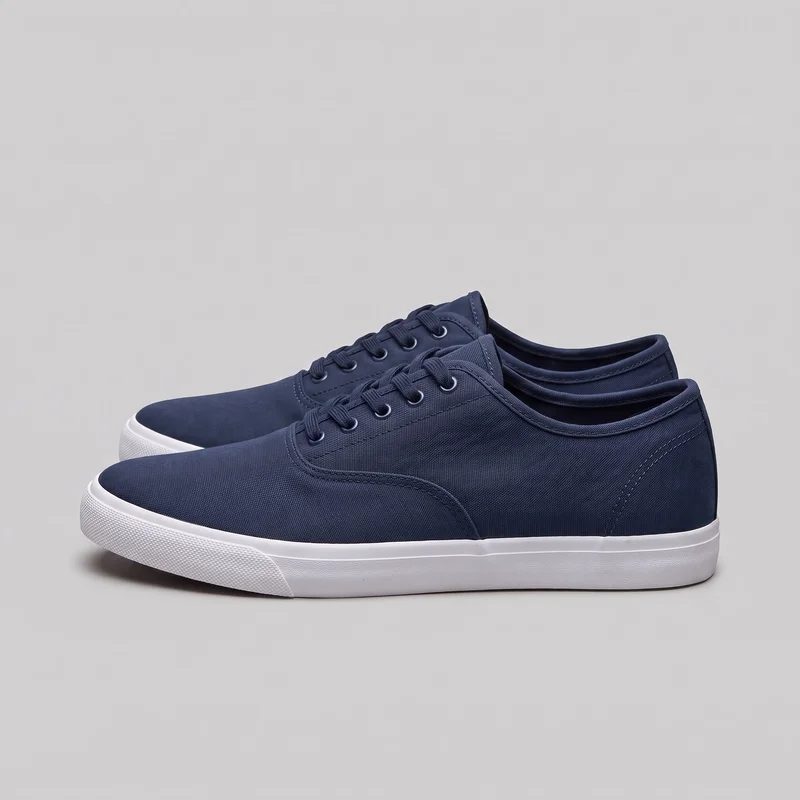 Women's Navy Canvas Sneakers
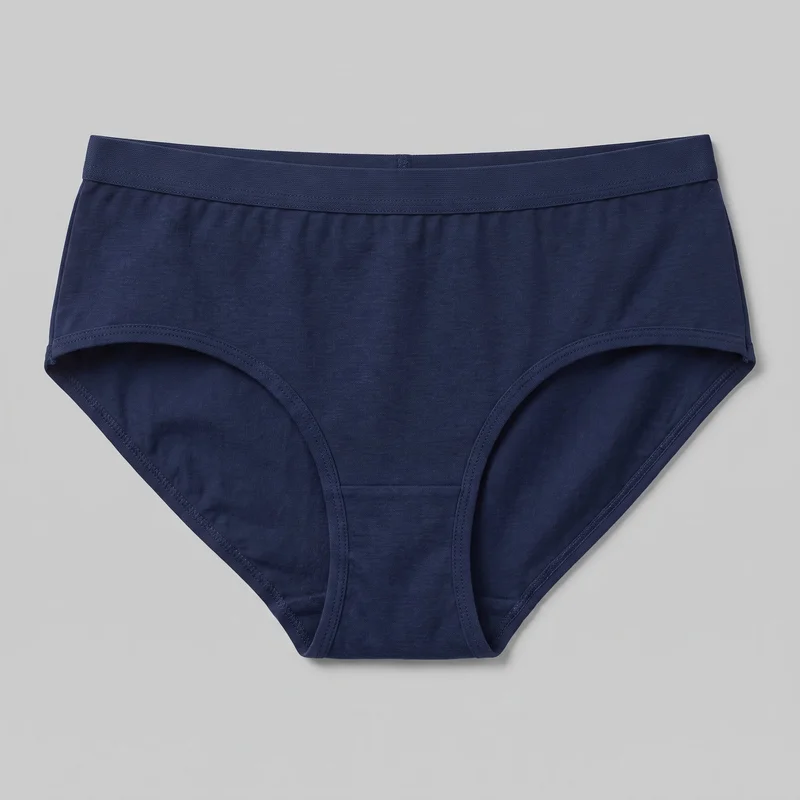 Women's Navy Briefs
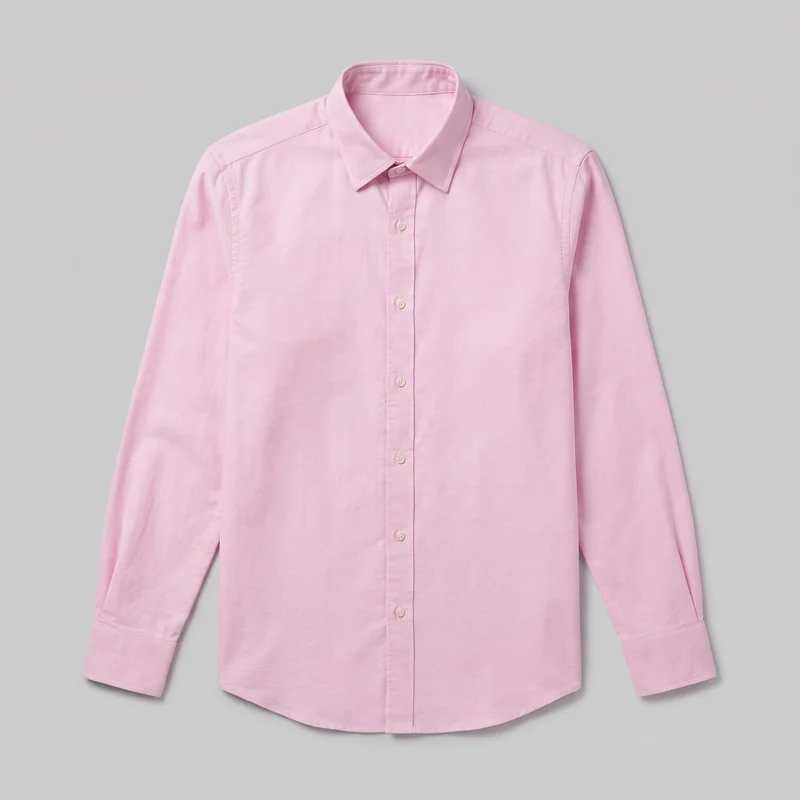 Pink Oxford Shirt
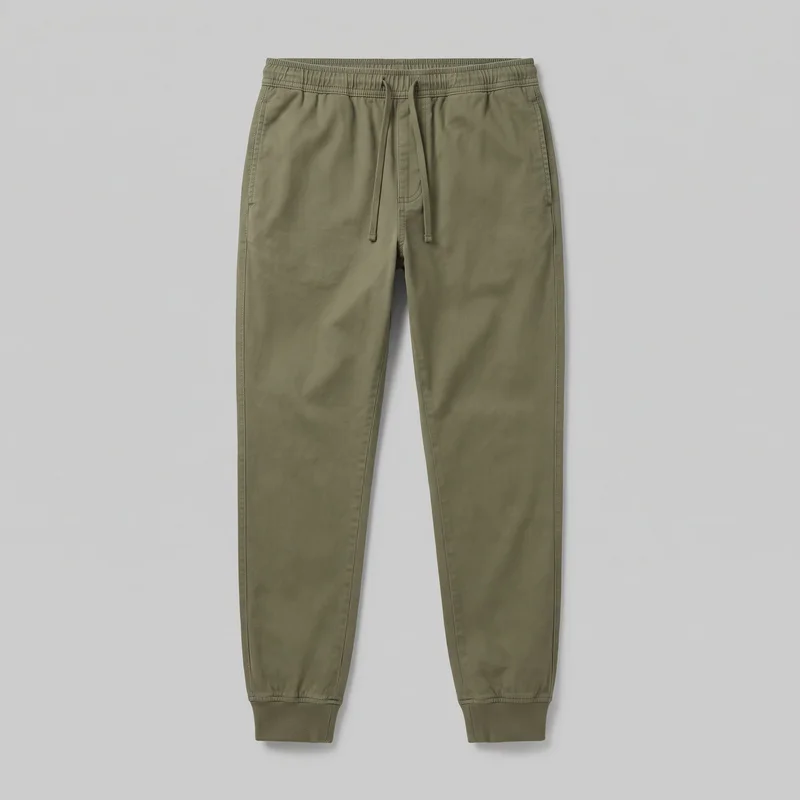 Men's Olive Cuffed Joggers
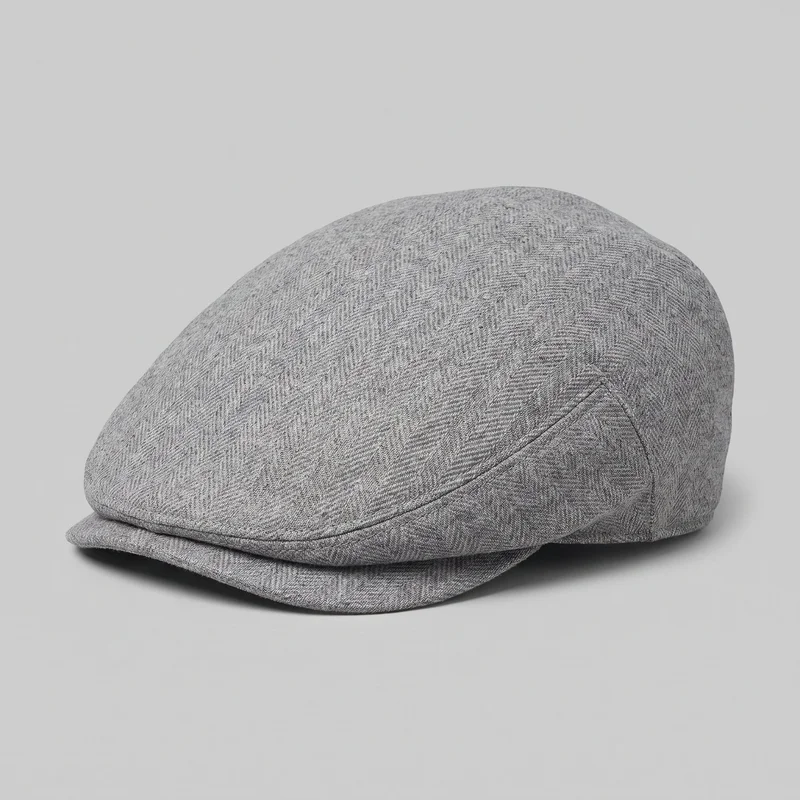 Women's Grey Wool Flat Cap
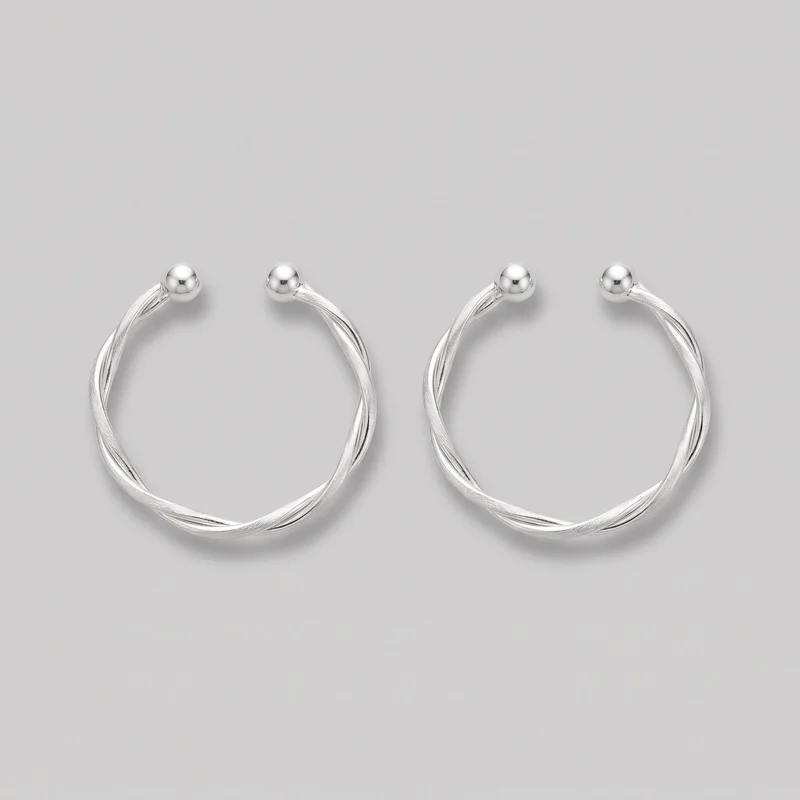 Women's Silver Ear Cuffs
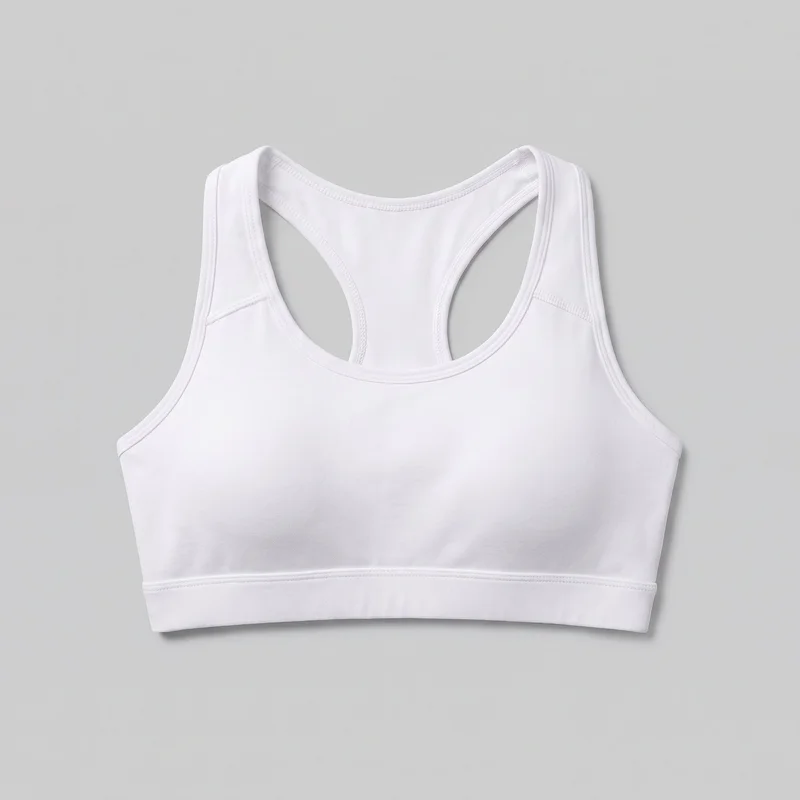 White Padded Sports Bra
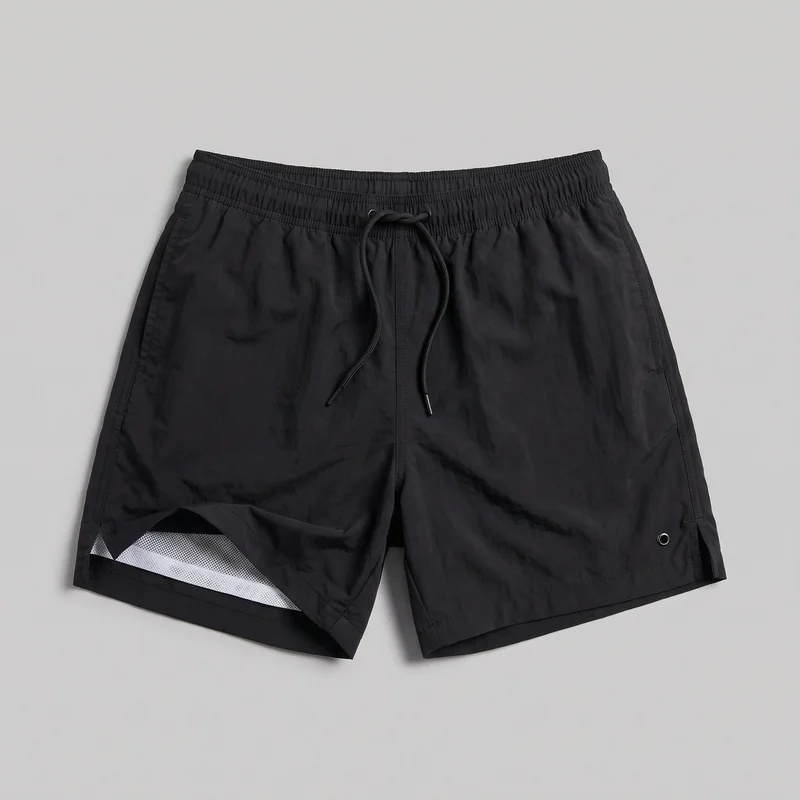 Black Swim Trunks
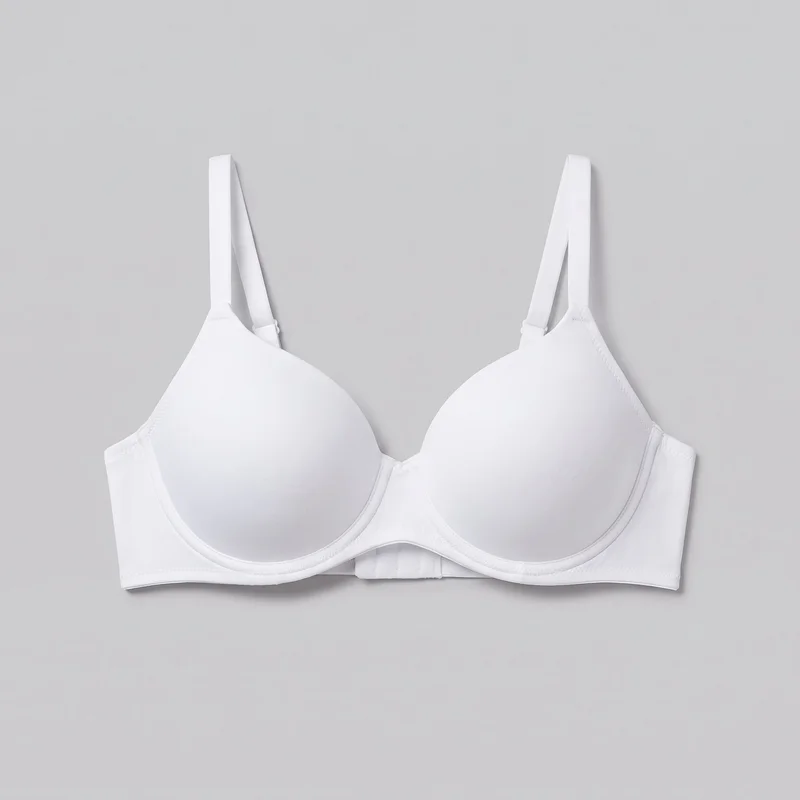 White T-Shirt Bra
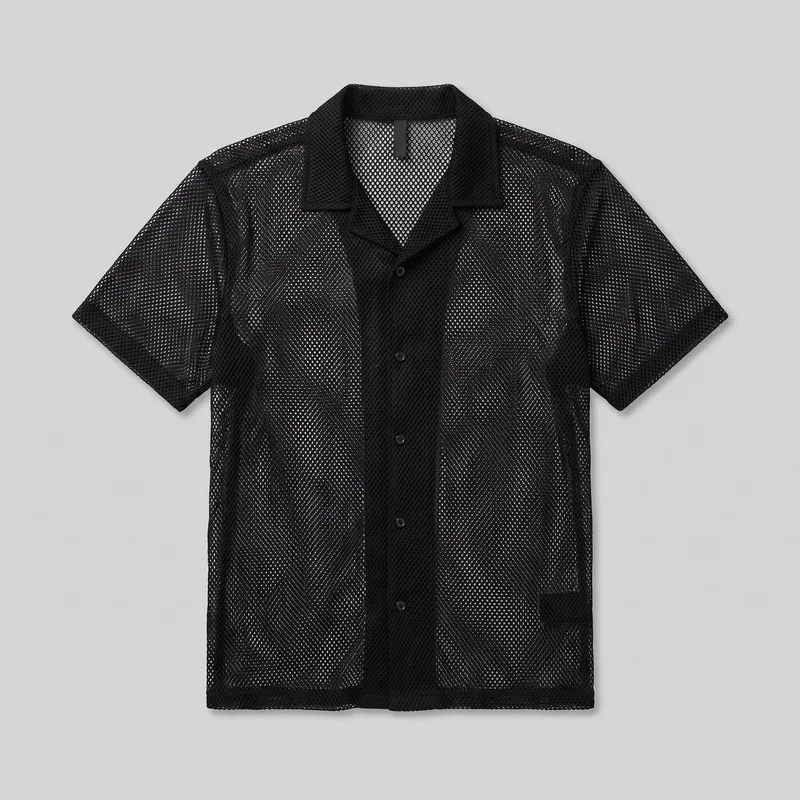 Men's Black Mesh Cover-Up
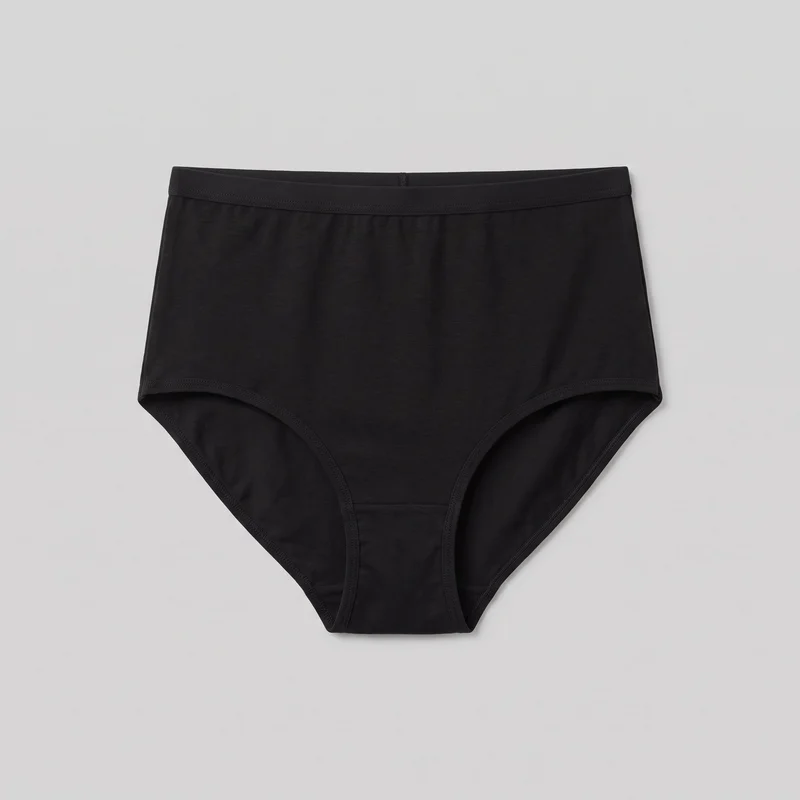 Black High-Waisted Knickers
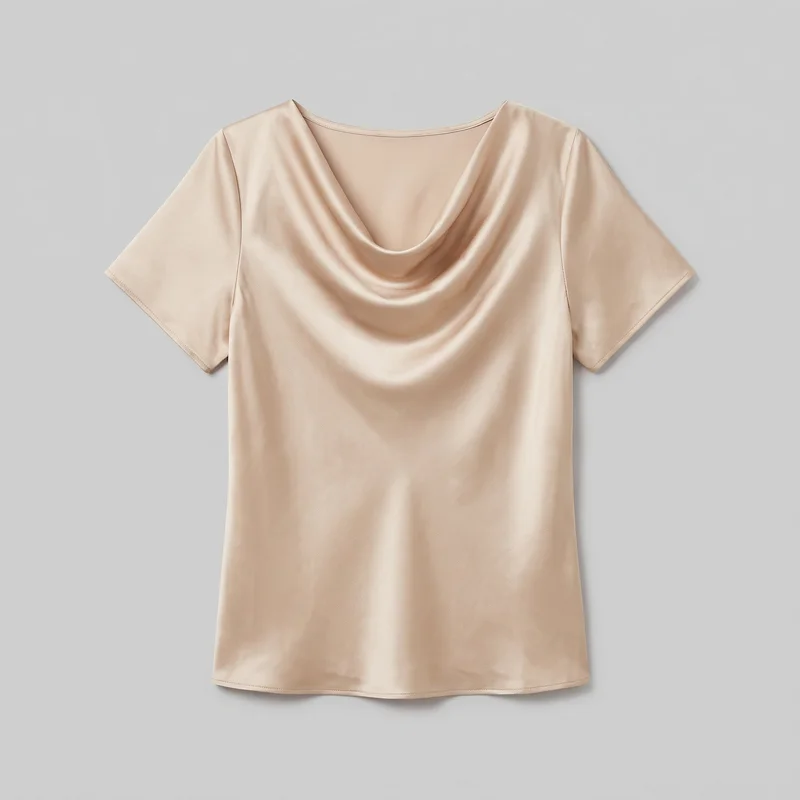 Champagne Satin Cowl-Neck Top
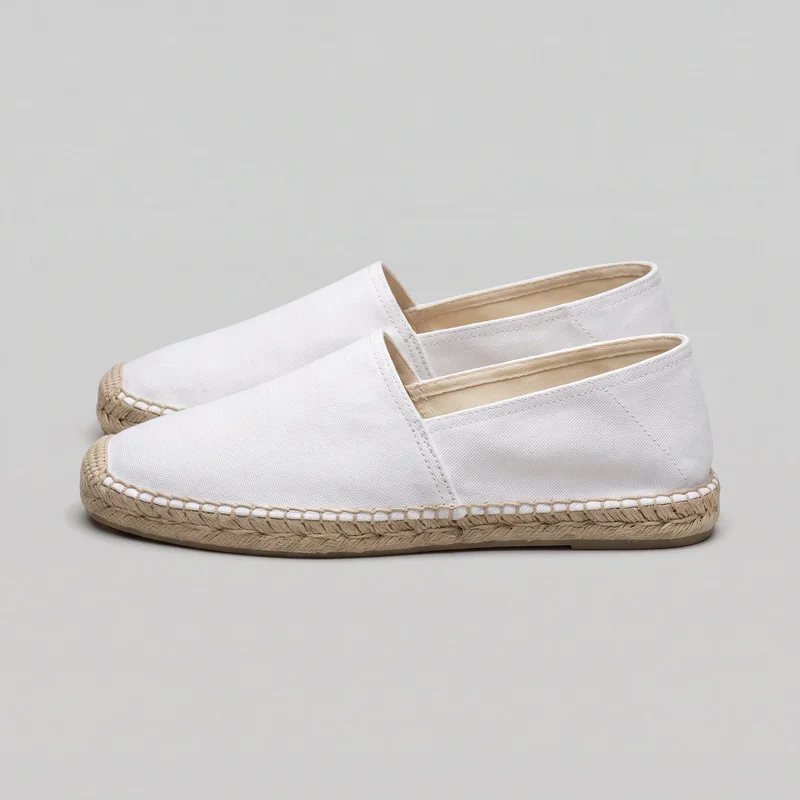 Men's White Espadrilles
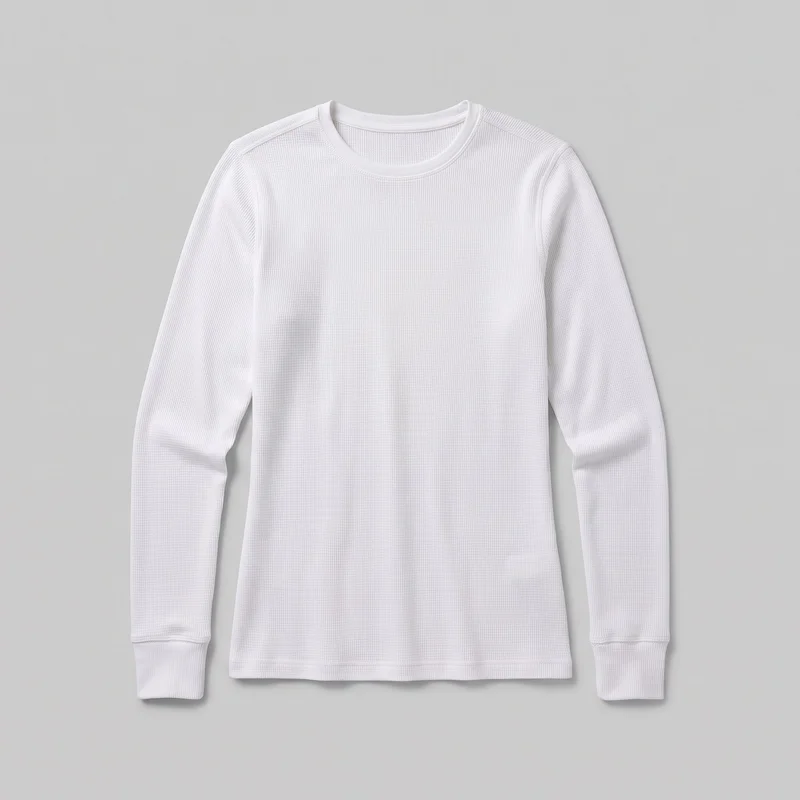 Women's White Base-Layer Thermal Top
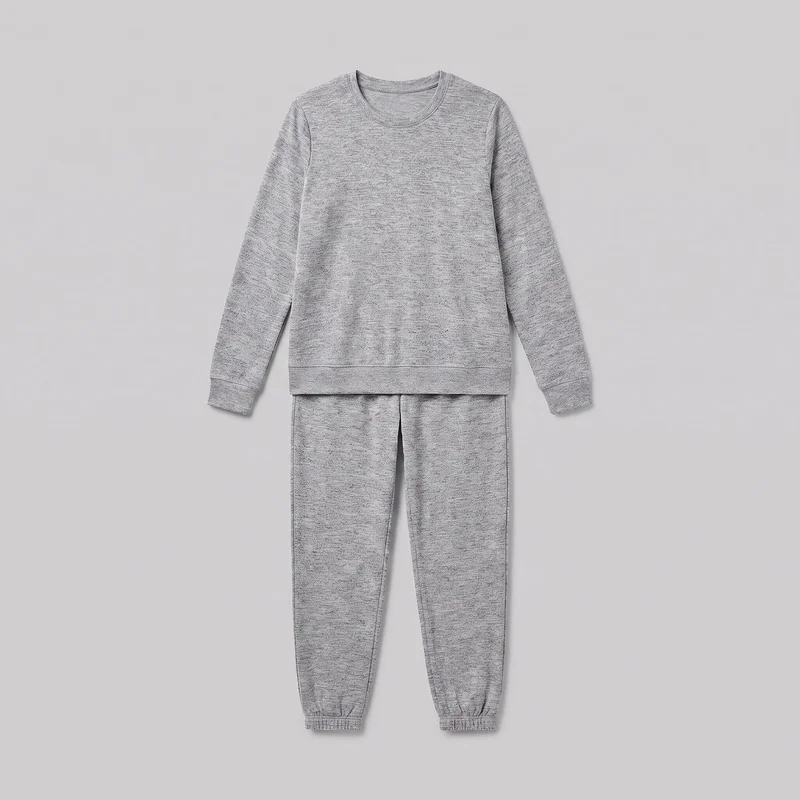 Women's Grey Marl Loungewear Set
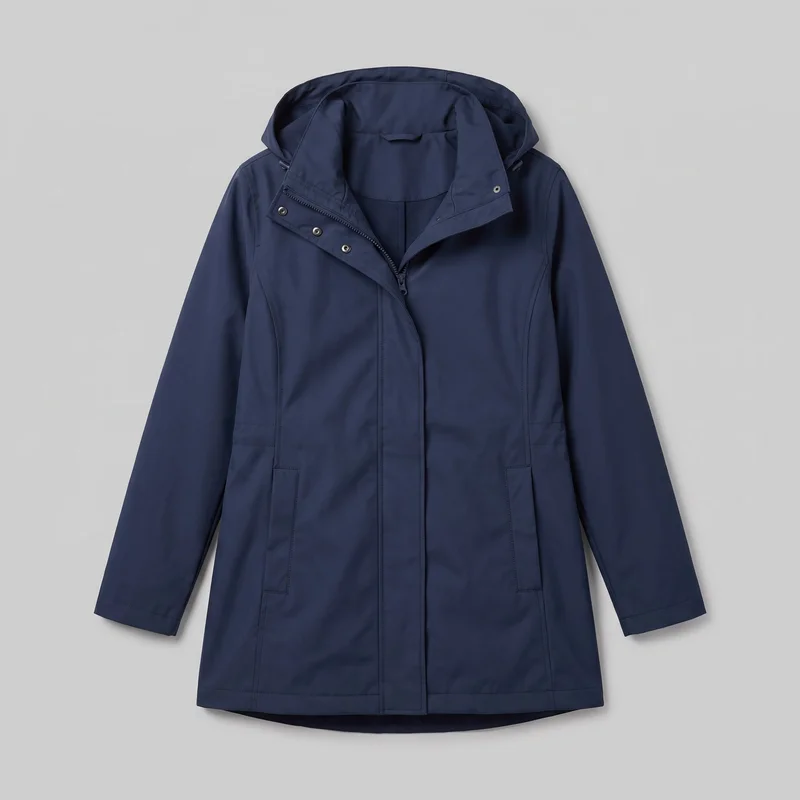 Women's Navy Waterproof Raincoat
Showing 24 of 616
Catalog
Browse the catalog
By product
Consistency
Change colourways, hold your Amazon listing composition
Change the product colourway while the rest of the composition holds: the same model, light, frame and pose. This gives related listing images a coherent product-page presentation while keeping each variant a new generation to review.
You change one
- Frame
- Pose
- Camera view
- Model
The rest holds
Model
Keep the same model across related product views.
Light
Keep the chosen light across colourway images.
Composition
Keep the frame and pose aligned across the set.
Who it's for
Do Amazon listing sellers need recurring stills?
A perfect fit
This fits when you need recurring Amazon listing stills from real fashion products, especially when colourways and product views need a shared presentation.
Work it handles well
- You can prepare listing views from existing product material
- You can align colourways for an e-commerce launch
- You can frame accessory details on the body
Rights
You own every image. Every image says what it is.
Yours
- Full commercial rights to every image, permanently.
- No recurring licence fees on any model in the library.
- Every model is a synthetic composite, so there is no real-person likeness.
Labelled
- C2PA content credentials on every image.
- AI-labelled output, aligned with EU AI Act Article 50.
Checked
- Every image is checked against your model, frame, view and pose before delivery; one that misses is made again.
- A safety filter screens every upload and blocks nude or explicit images.
EU-based hosting, GDPR-compliant handling.
- Aligned with EU AI Act Article 50
- C2PA
- Full commercial rights
- Quality-checked images
- Safety-filtered uploads
- GDPR-compliant handling
- EU-based hosting
Questions
What brands ask before Amazon listing stills?
What are on-model Amazon listing photos for fashion products?
On-model Amazon listing photos are still images that show your actual fashion product clearly in the views shoppers need before publication. They give your product page a consistent visual set rather than isolated product references, helping colourways, front and back views, and close details feel related. You direct the model, outfit, styling, light, frame, camera view and pose around the item. Use clear product material to create a product-led set for the listing.
Which Amazon listing jobs suit on-model fashion product photos?
Fashion listings, colourway launches and accessory detail pages suit these on-model stills. Use them for Amazon product pages that need front, back and side views, for related product versions that should retain the same model and light, and for footwear, jewellery or eyewear that needs a close product-led frame. They also work when your starting material is a product photo, flat-lay, mockup or technical sketch. Choose the views shoppers need to inspect before adding the set to your listing.
Which crops and ratios should Amazon listing and social product photos use?
Use 1:1 or 4:5 crops for Amazon product-page stills, and 9:16 for a supporting Story placement. A full or mid-length frame can show the product on the model, while a close frame keeps jewellery, eyewear, footwear, hardware or material detail visible. Select the frame and camera view for each listing purpose rather than stretching one image across every placement. Before publishing, check that the delivered crop, model, view and pose match the image role you selected.
How does RAWSHOT turn product references into Amazon listing photos?
RAWSHOT starts with the product material you already have, including a product photo, flat-lay, mockup or technical sketch, then creates stills around the actual item. You choose the model, outfit, styling, light, frame, camera view and pose, so the work can sit alongside your existing product-page preparation rather than replace it. Every generated image is automatically checked against the chosen model, frame, view and pose; clear failures are discarded and regenerated. Prepare clean source imagery and review each finished listing image before publication.
What does RAWSHOT cost for Amazon listing product photos?
RAWSHOT is self-serve: you choose a monthly plan and spend 5 per image, with plans starting from 9. A free trial lets you test the workflow before committing to a regular image volume. The cost stays tied to the images you generate, so you can build a small set of front, back, side and detail stills or extend it across colourways as needed. Pick the plan that matches your expected listing output and use tokens for the images you want to publish.
What should brands know before creating Amazon listing images with AI?
These stills work best from clear product references, but they cannot guarantee a pure RGB-white background or certify compliance with every Amazon image rule. Blurry, heavily shadowed or incomplete uploads reduce how faithfully the product can be represented, and size charts or fit information remain separate listing assets. A selected frame may also not support every camera view. Automated review targets obvious mistakes and is measured against hand-checked images, not a guarantee. Start with strong source photos and keep final Amazon compliance review with your team.
Who owns RAWSHOT Amazon listing images and can my brand use them commercially?
You get full commercial rights to every image, permanently, with no recurring licence fee. Every image carries C2PA content credentials and is labelled as AI-generated.
Get started
Make Amazon listing stills in RAWSHOT
Start with a 7-day free trial including 50 tokens, then move to the plan that matches your production volume.