
Etsy product photography
Your Etsy listing images are clear before publishing.
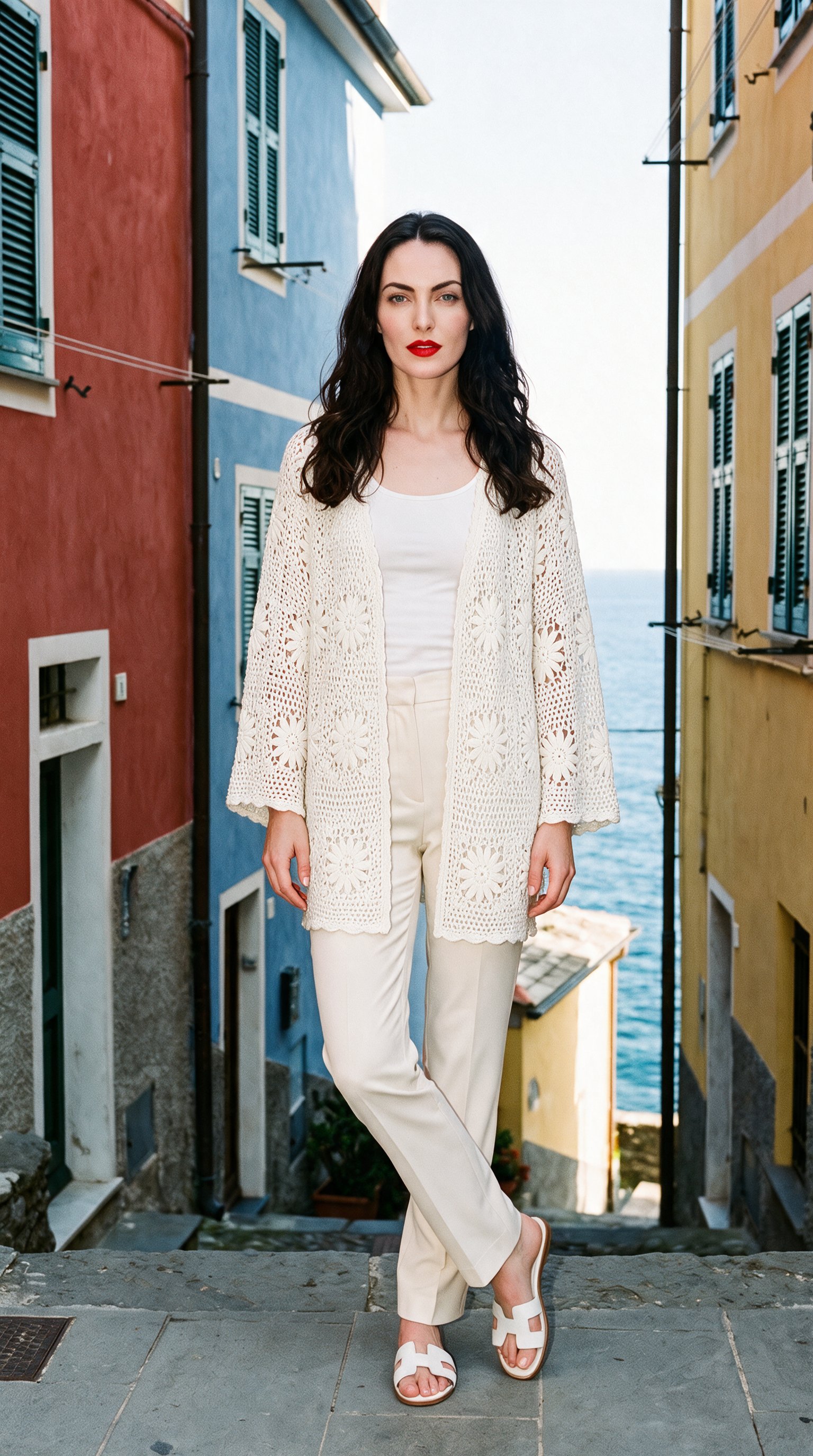
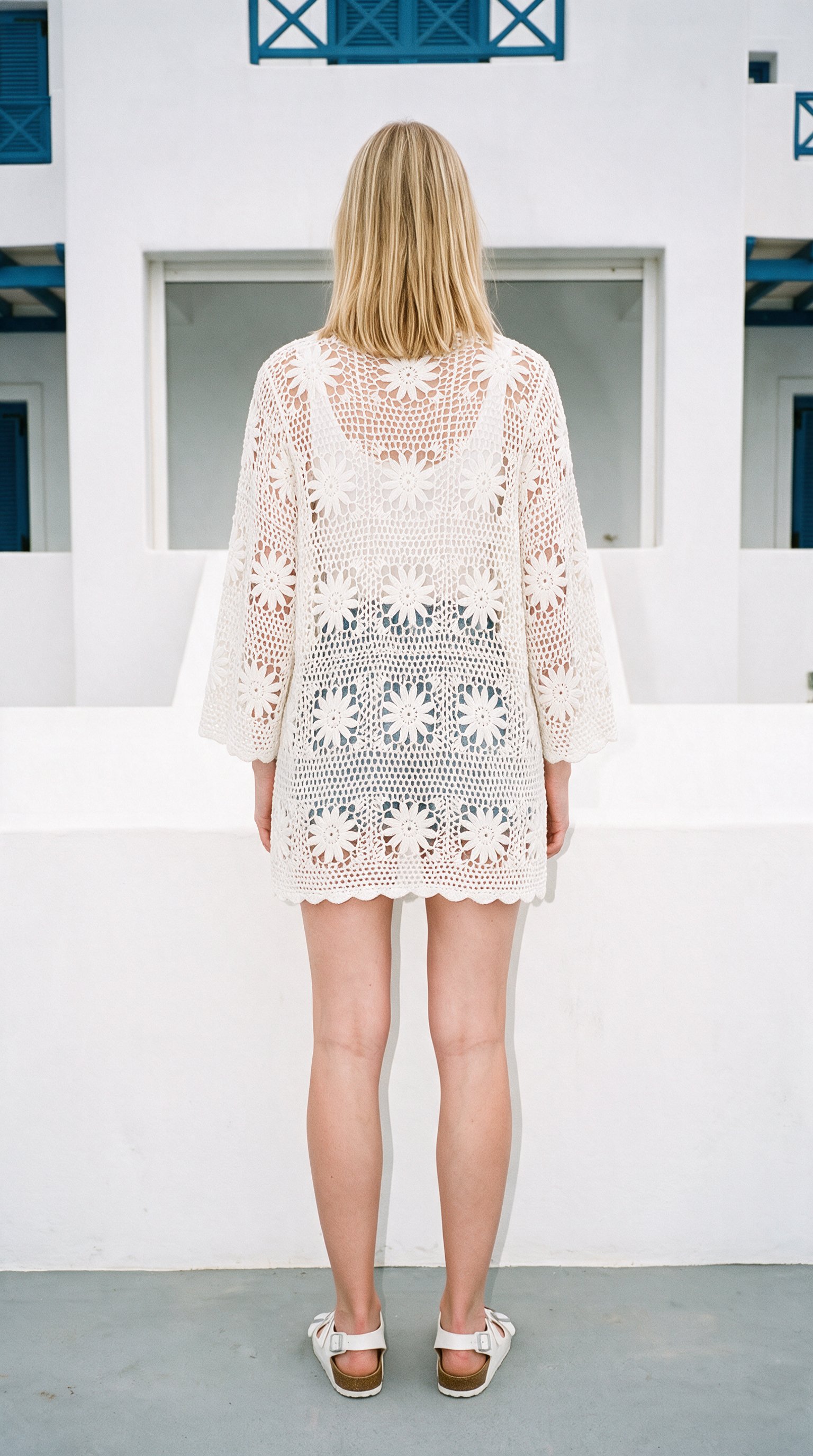
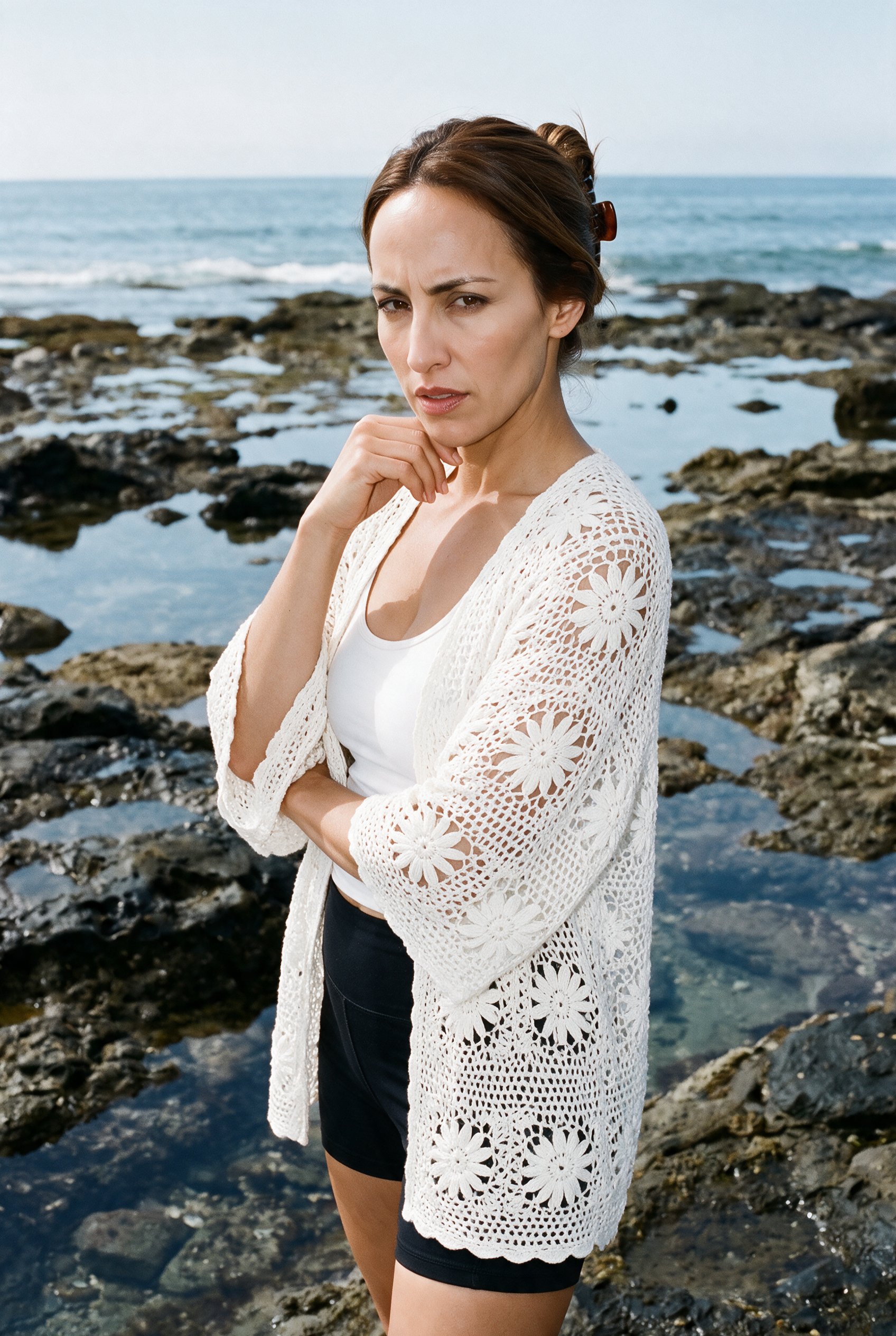
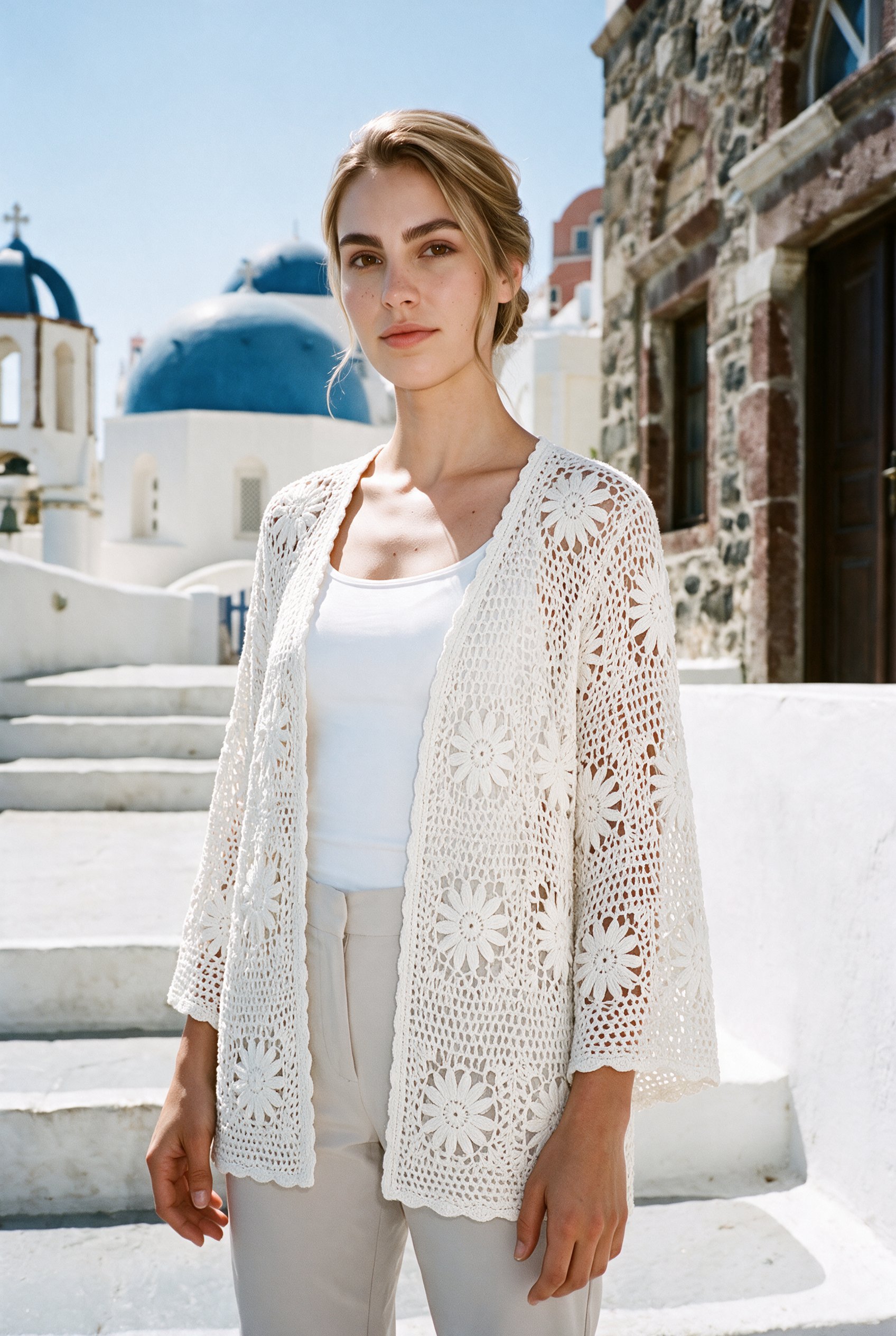
Your listing sits beside products that look much the same, and the item needs clearer presentation for publication. You can create on-model views of the actual piece, with a chosen background and light, ready to review for the listing.
7-day free trial • 50 tokens (10 images) • Cancel anytime
- A 2K image in roughly 35 seconds
- AI-labelled with C2PA content credentials
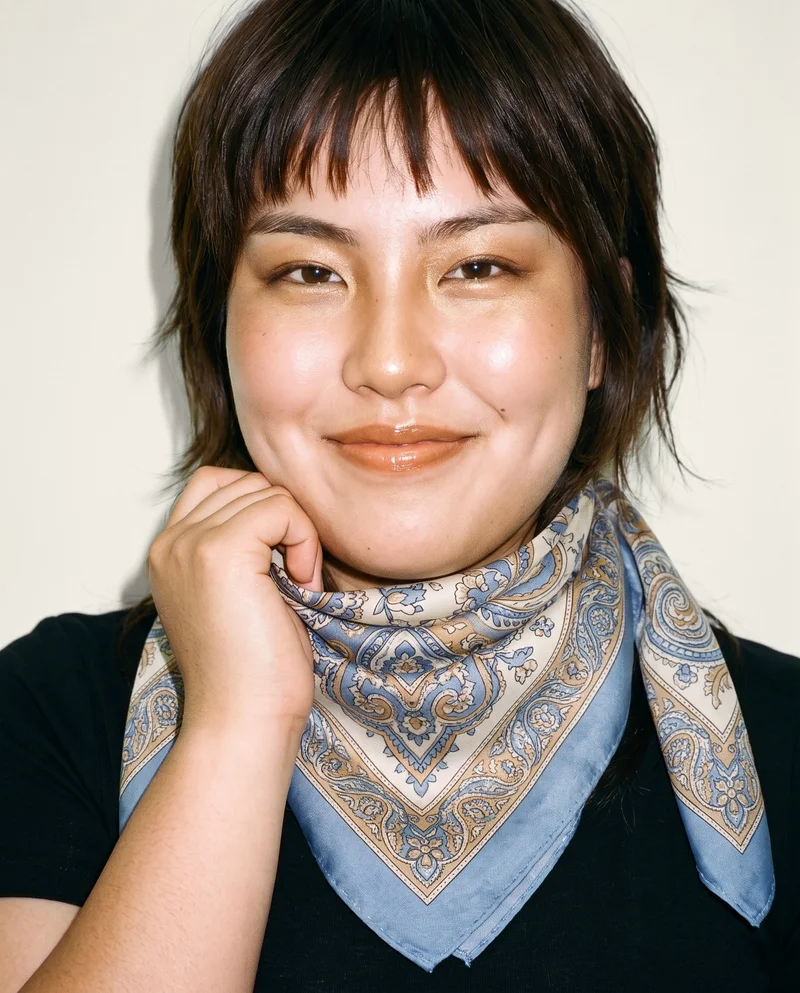
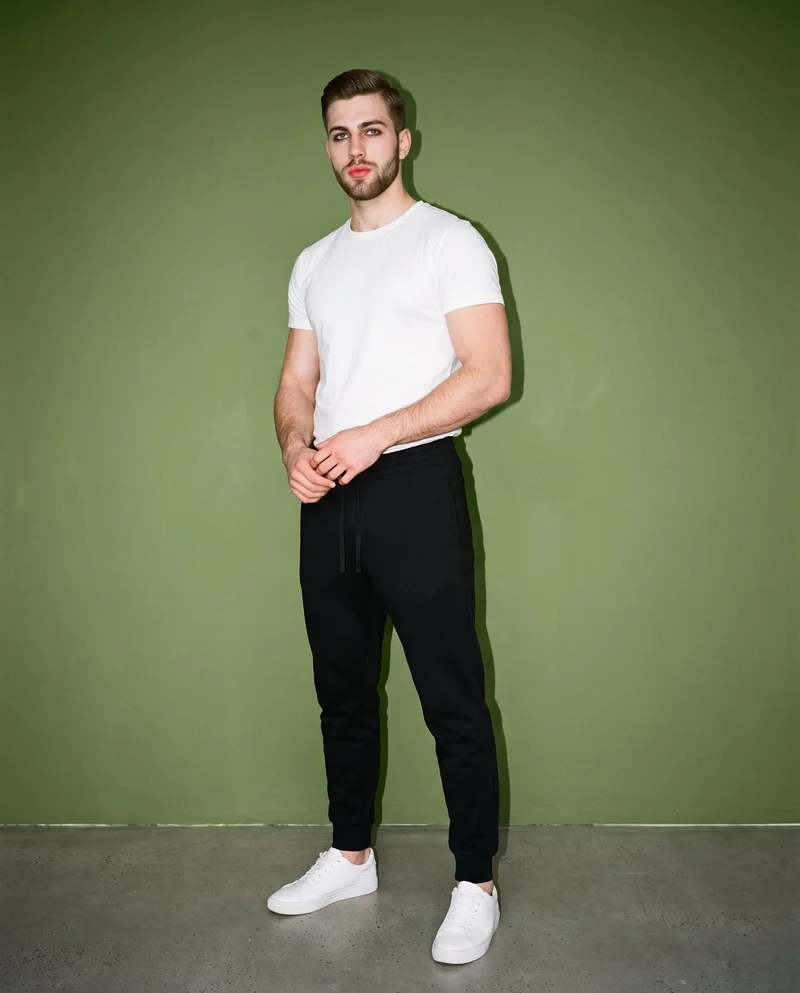
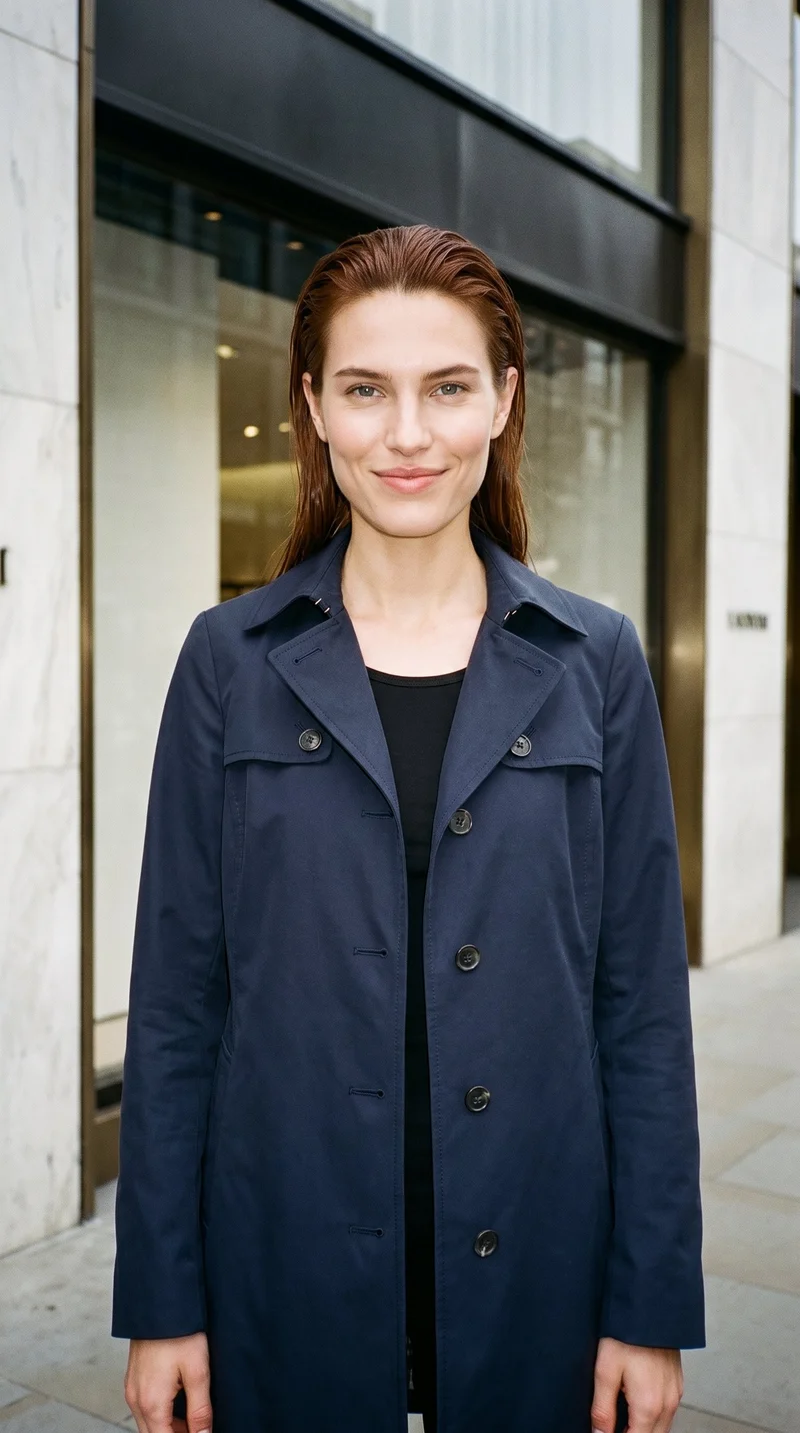
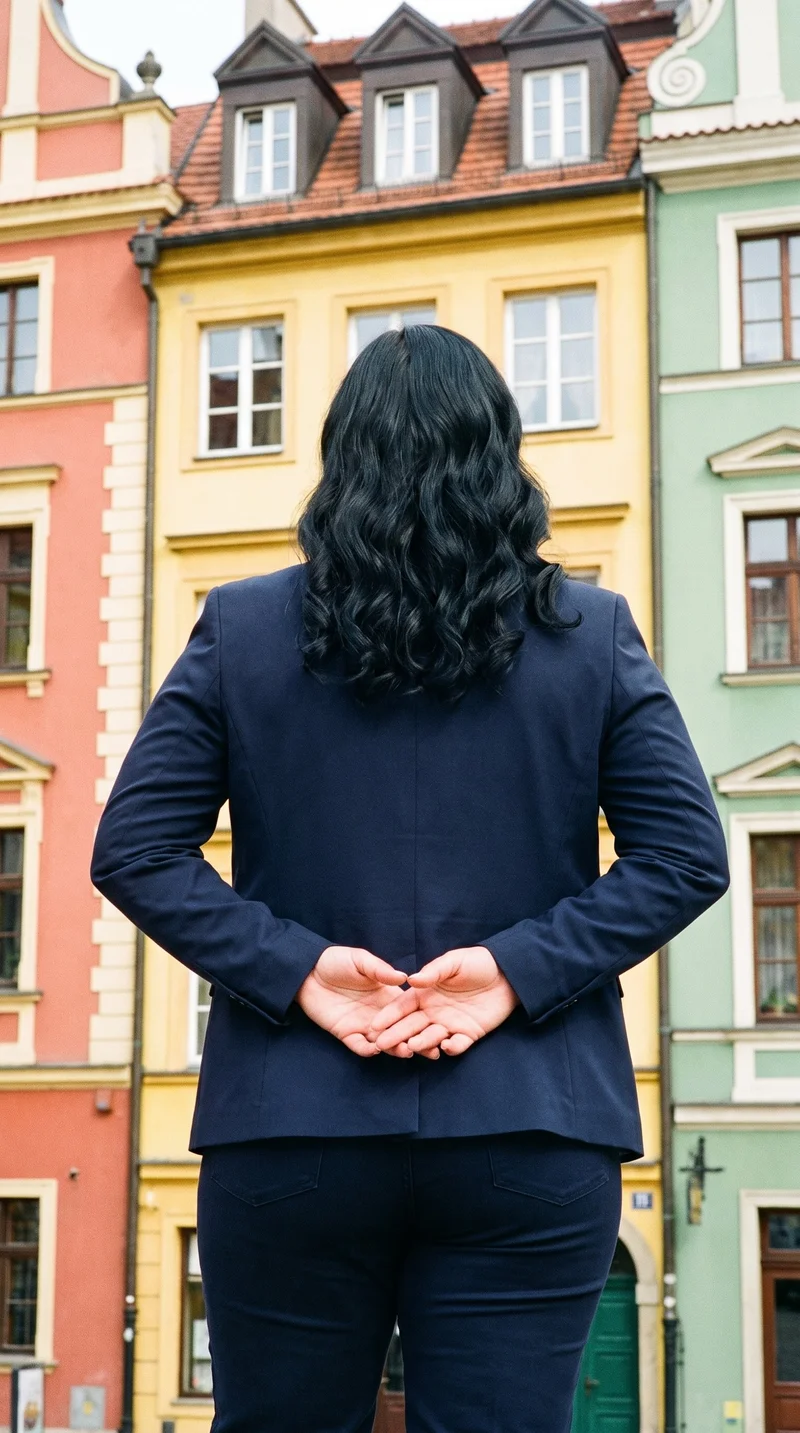
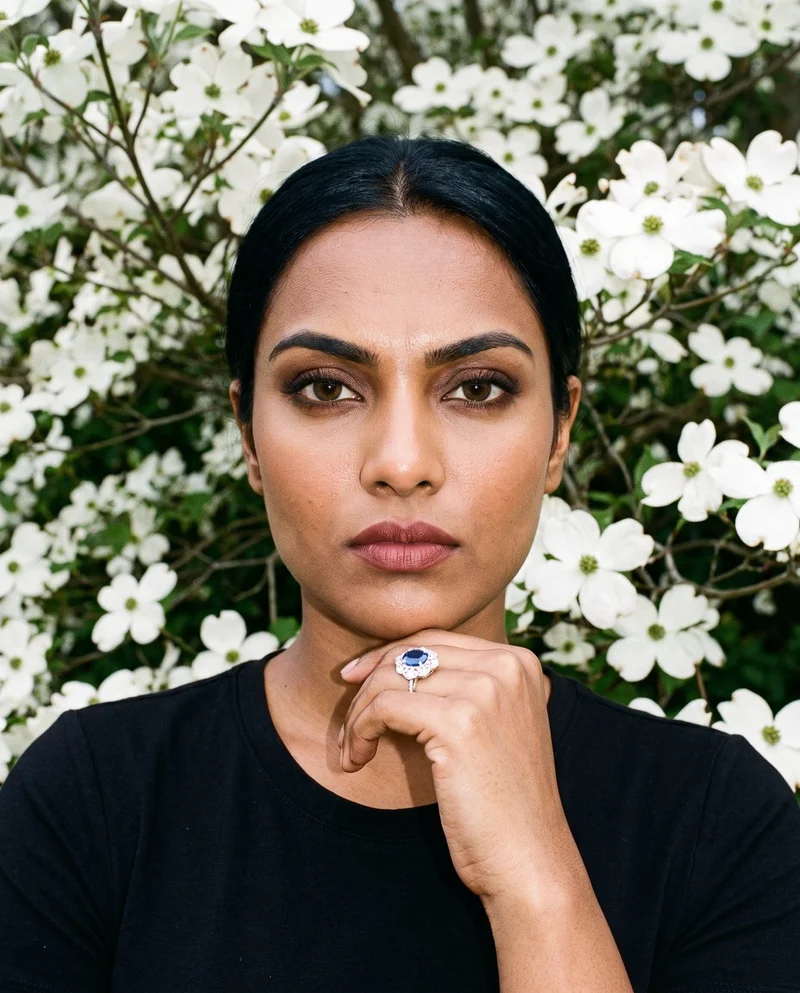
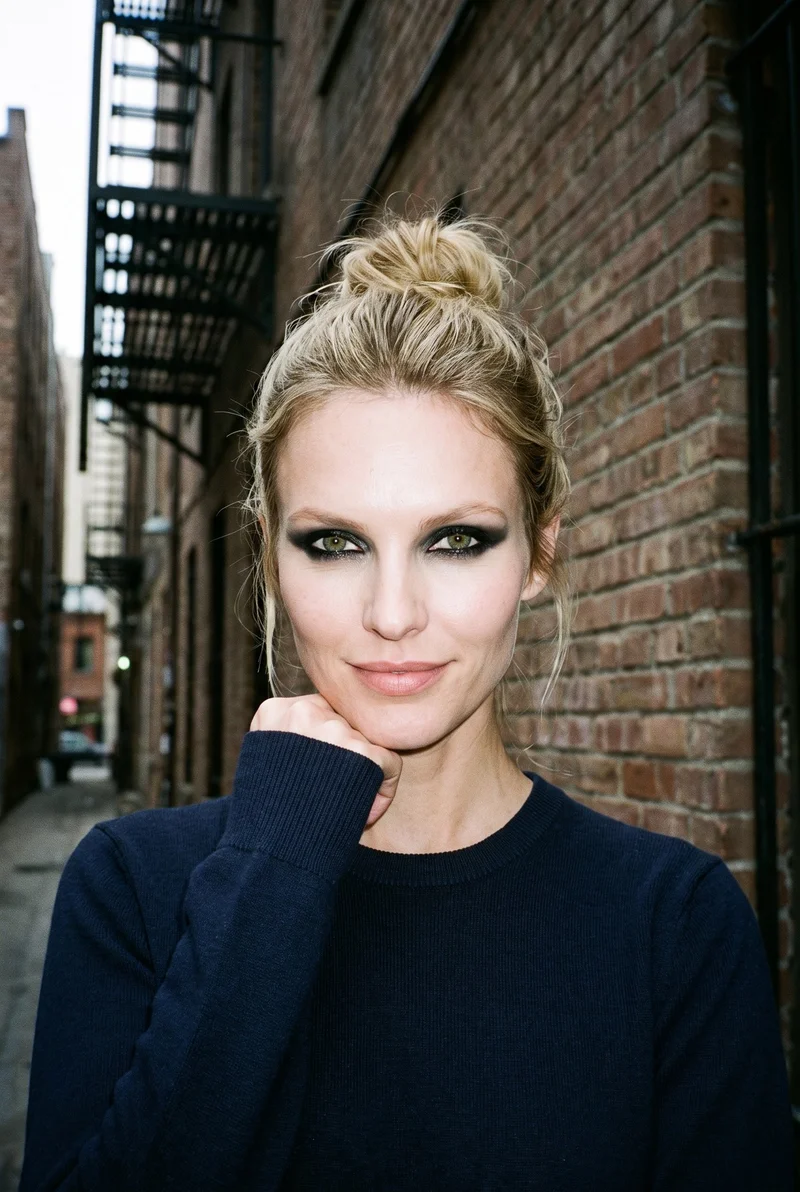
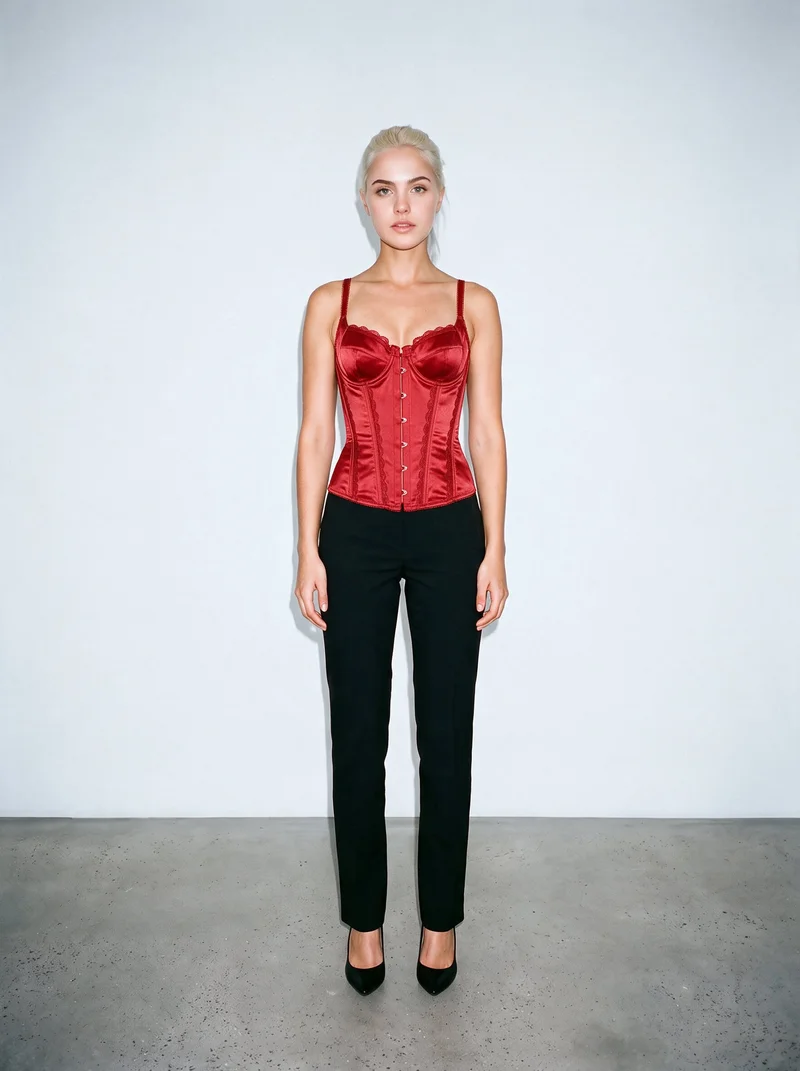
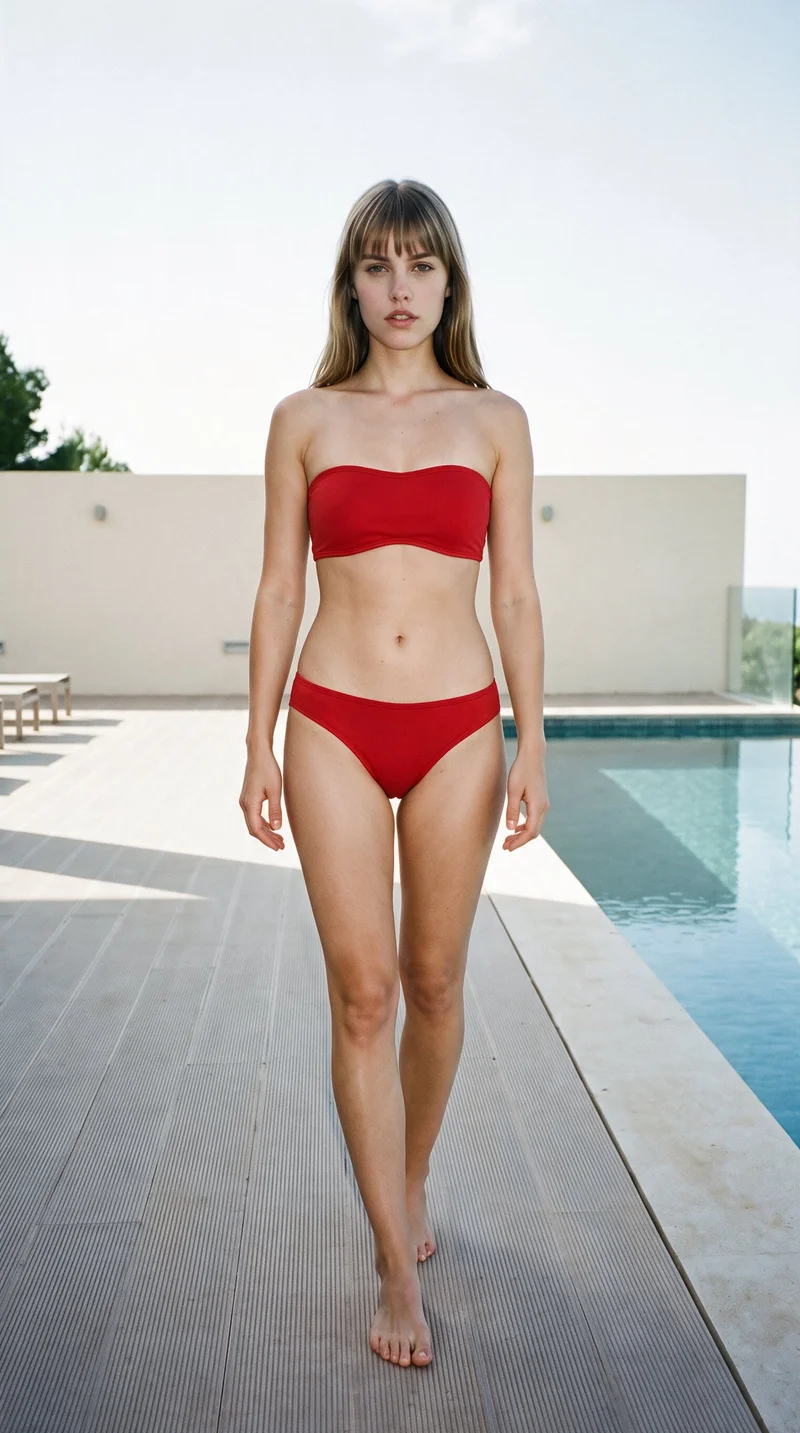

Showing 9 of 823, shot in RAWSHOT
Use cases
When Etsy listings blend into similar results
- 01
Resale garment lead image
When a resale garment needs a stronger Etsy lead image, you place the real piece on a model, set the frame and light, and create a listing-ready view.
- 02
Accessory scale views
When a handmade accessory needs clearer scale, you use body-context framing and a suitable pose to create detail images that show how the item is worn.
- 03
Flat-lay listing refresh
When you only have a flat-lay, you build on-model listing images around the actual item, selecting the background, composition, and catalogue-focused light for review.
- 04
New background variant
When a listing needs the same composition with a different background, you keep the item and framing in place and create a separate variant for the page.
What you get
On-model Etsy images for your listing page
A review-ready set of on-model listing images that shows the actual item clearly for publication. It gives your Etsy page a lead image, useful product views, and a variant composition when the listing needs another background.
Direct the shoot
Set your listing frame, view, pose and light
Image frame
4
Pose
22 poses on this frame
Camera view
4
Format
9
Pose style
4
Facial expression
10
Photography direction
4
Create photoshoot
Step 7 of 7 · Composition
Image 1 · readyGallery image from this pageProduct
Your product
Model
From the library
Composition
Full Body · Front View · Catalog pose · Neutral
Delivery
2K · 1:1
Light
Studio Cutout
Total cost
5 tokens
AI fashion models
Choose who wears your Etsy item
1,197 licence-free grown models across ages and body types. Or build a private model from visible attributes.

Male · 20

Male · 40
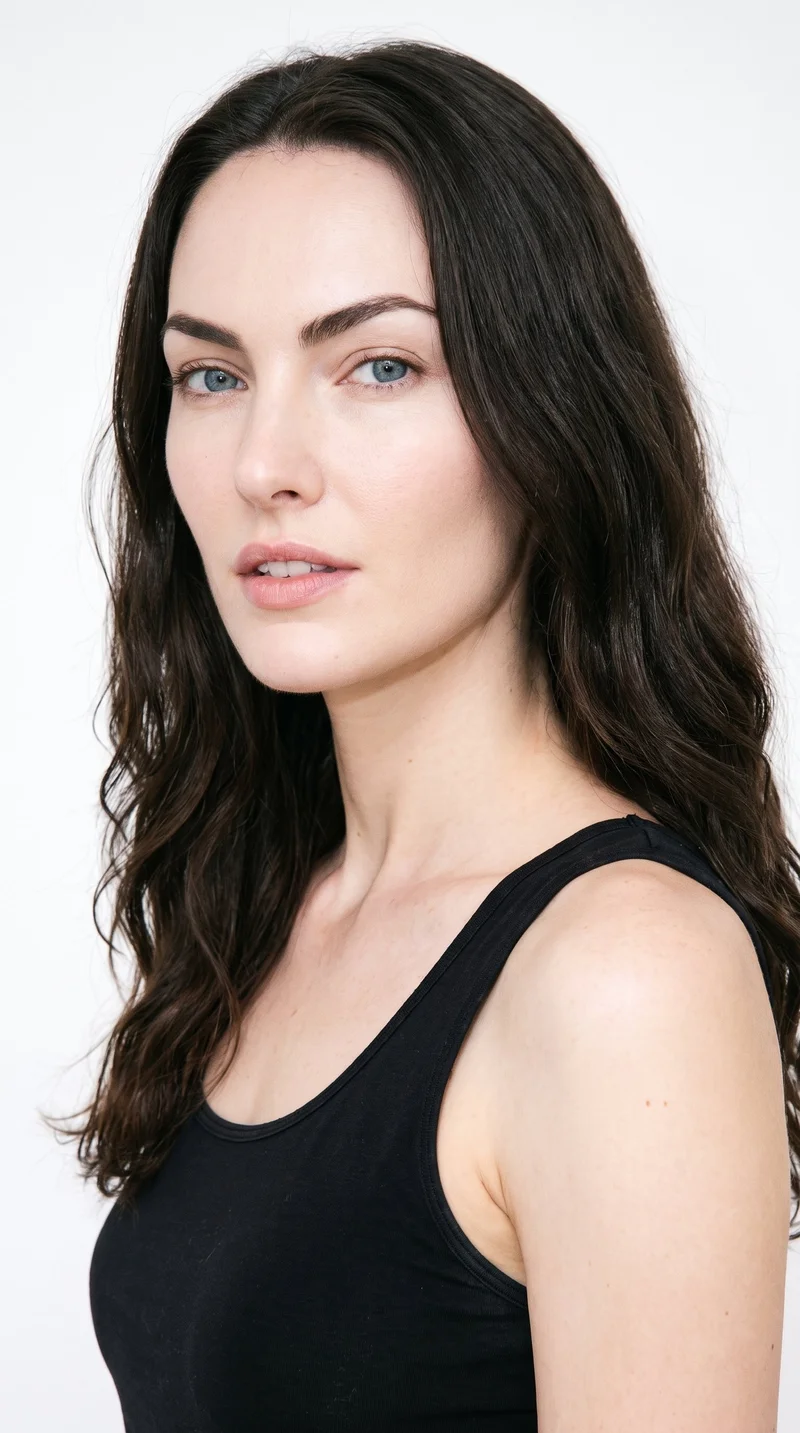
Female · 25
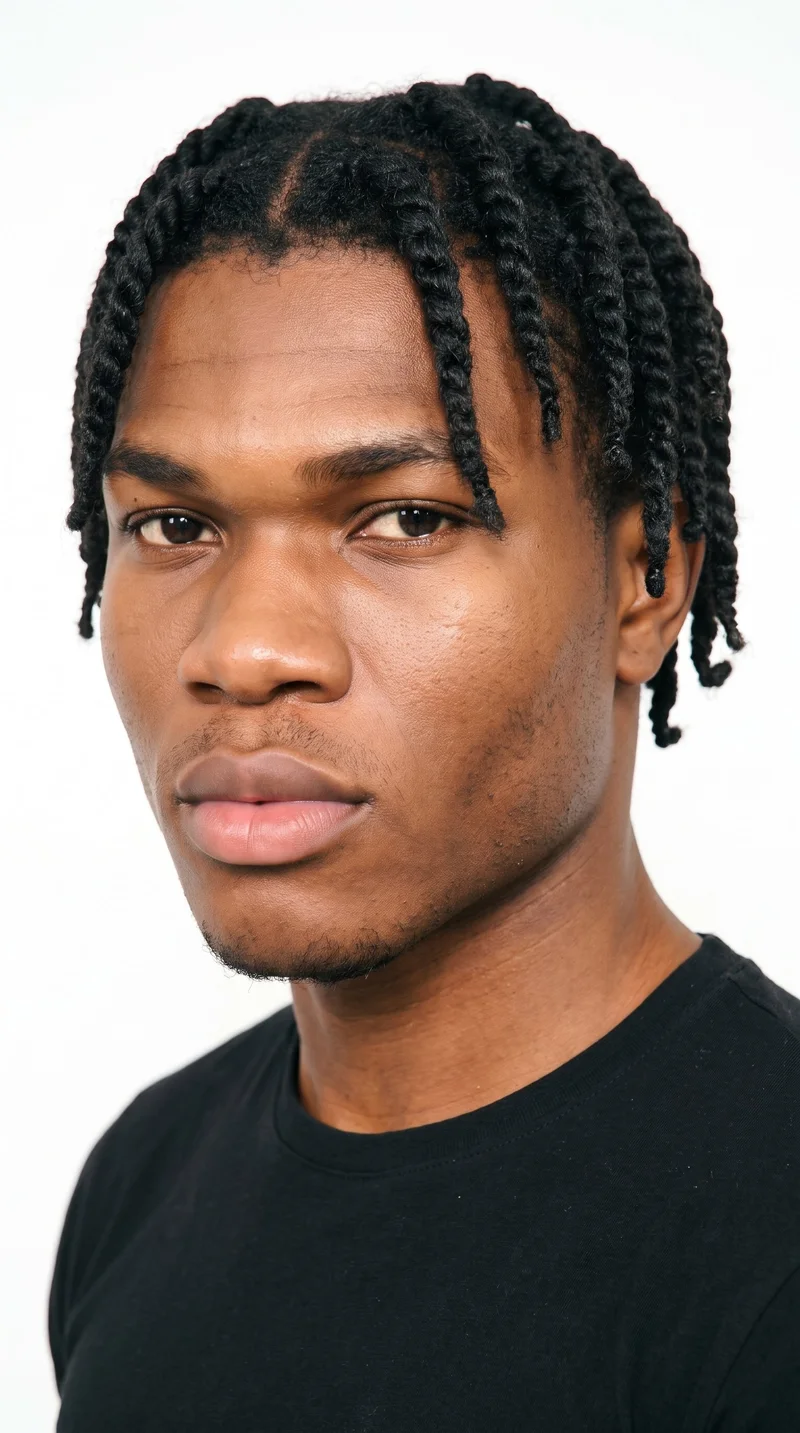
Male · 18
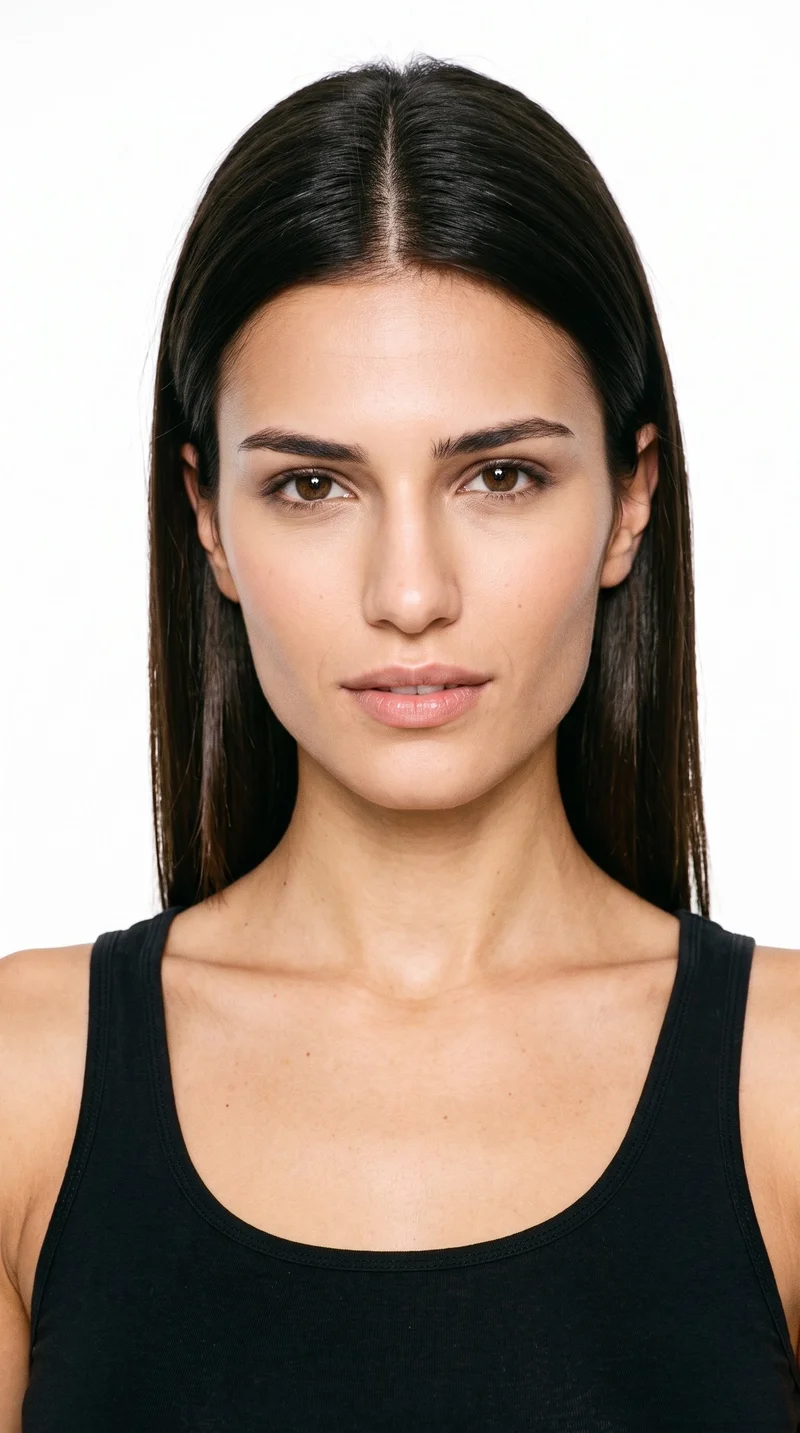
Female · 21

Male · 19

Male · 27

Male · 25
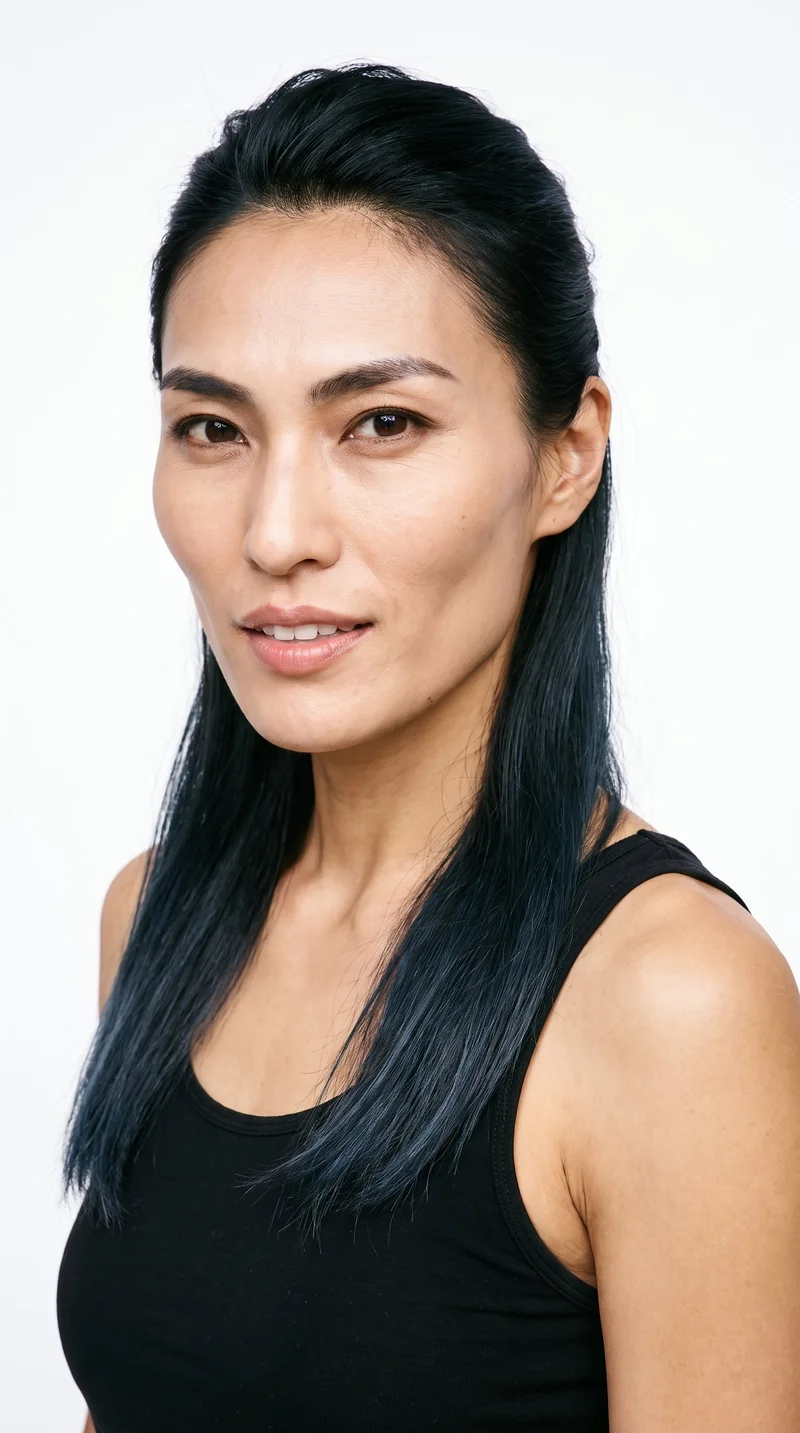
Female · 35

Male · 19

Male · 23
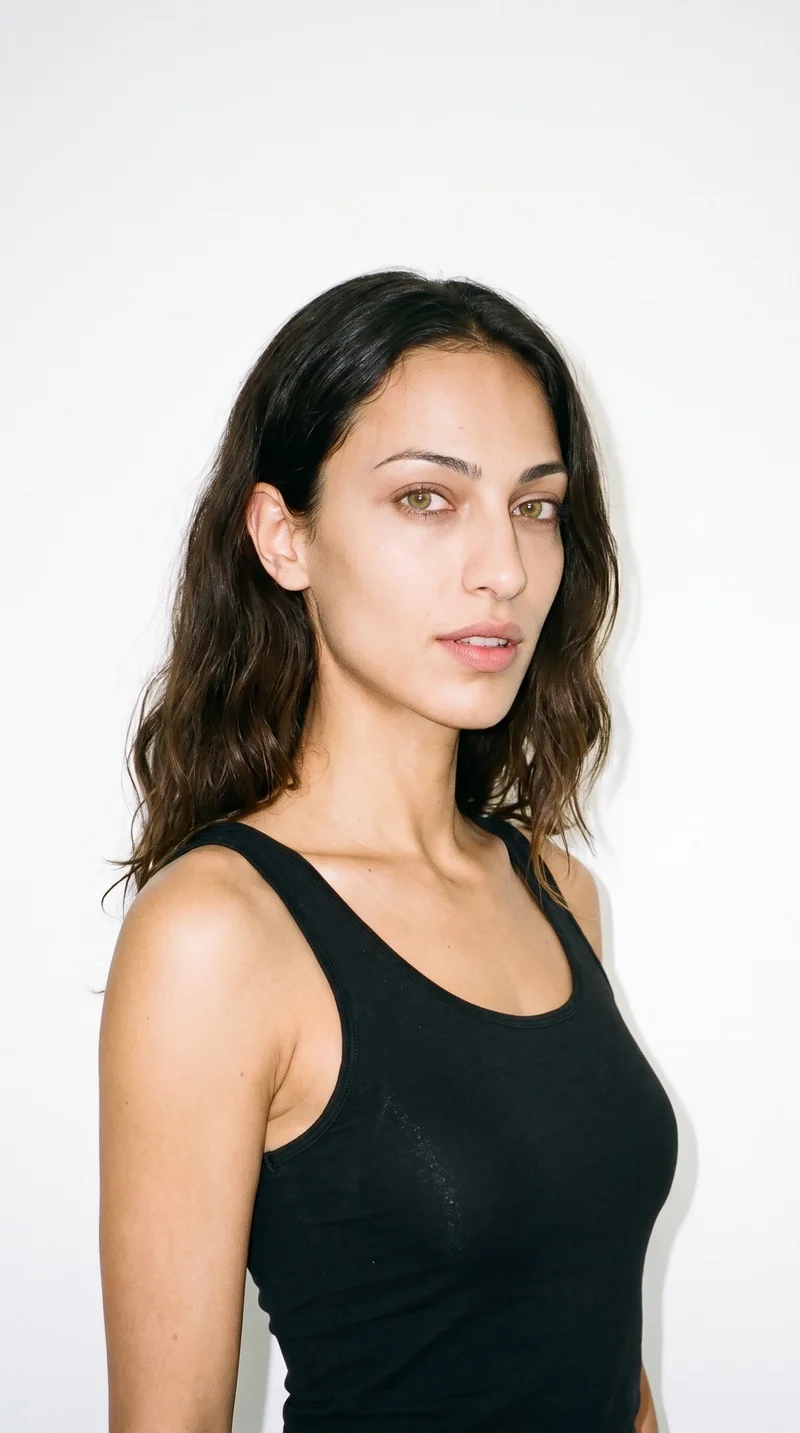
Female · 24
Showing 12 of 1,197
Cast your modelHow it works
One flat-lay in. A checked collection out.
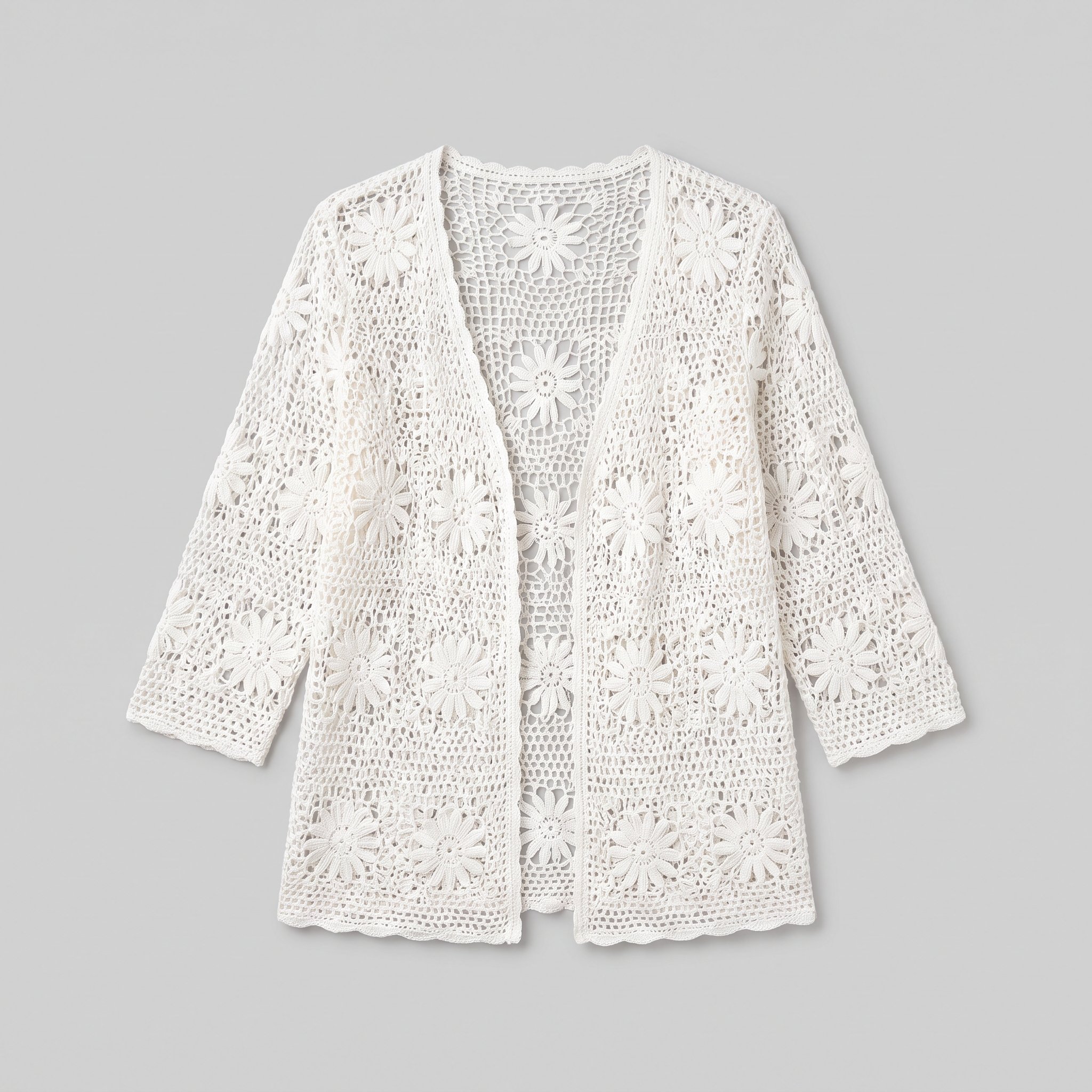 FrontBackSideDetail
Bring the product
A product photo, flat-lay or sketch is enough. Or start from a finished look and swap your piece in.
Direct the shoot
Every line of the shoot is a choice you click, from model to light. AI suggests a composition, you change any of it.
Get the whole collection, checked
Keep the setup and swap in the next style. Every image is checked against your choices, and one that misses is made again before you see it.
Gallery
Actual Etsy items in on-model listing views
Examples of on-model listing images that keep the real item central, from lead frames to body-context detail views.
Looks & backgrounds
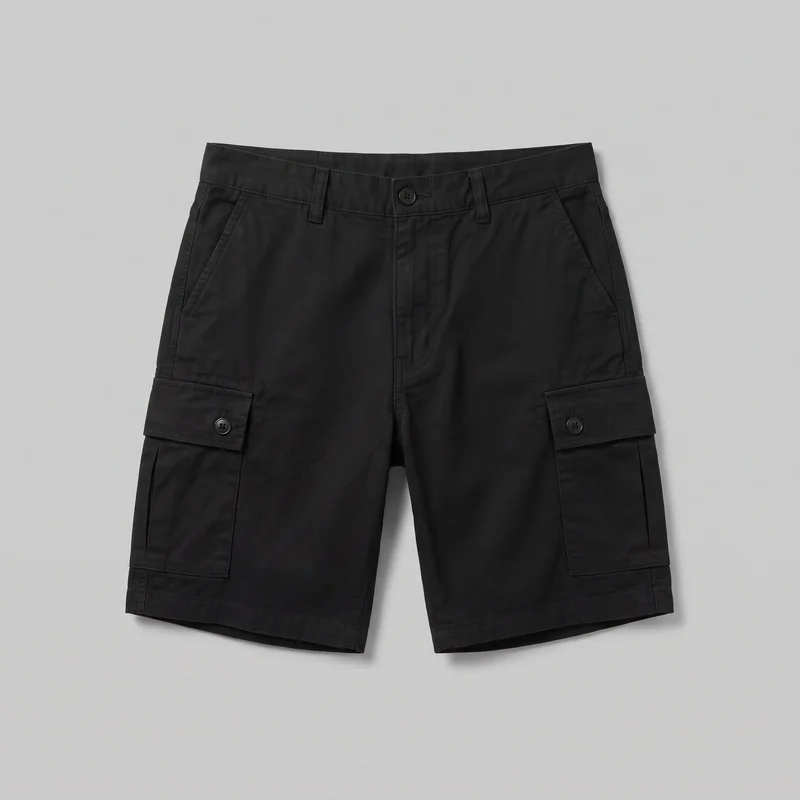 Men's Black Cargo Shorts
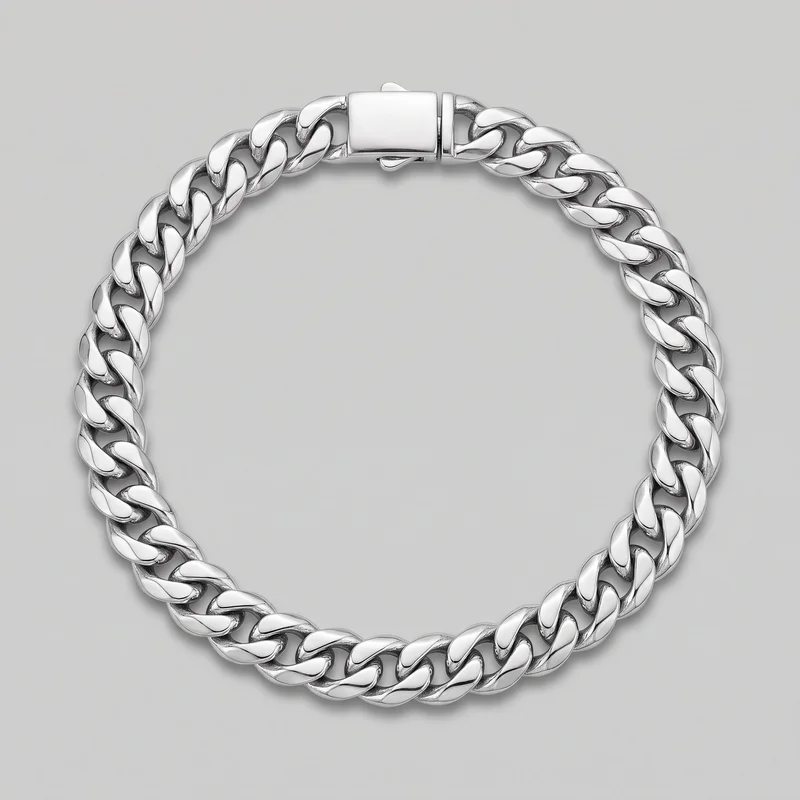 Men's Cuban Link Bracelet
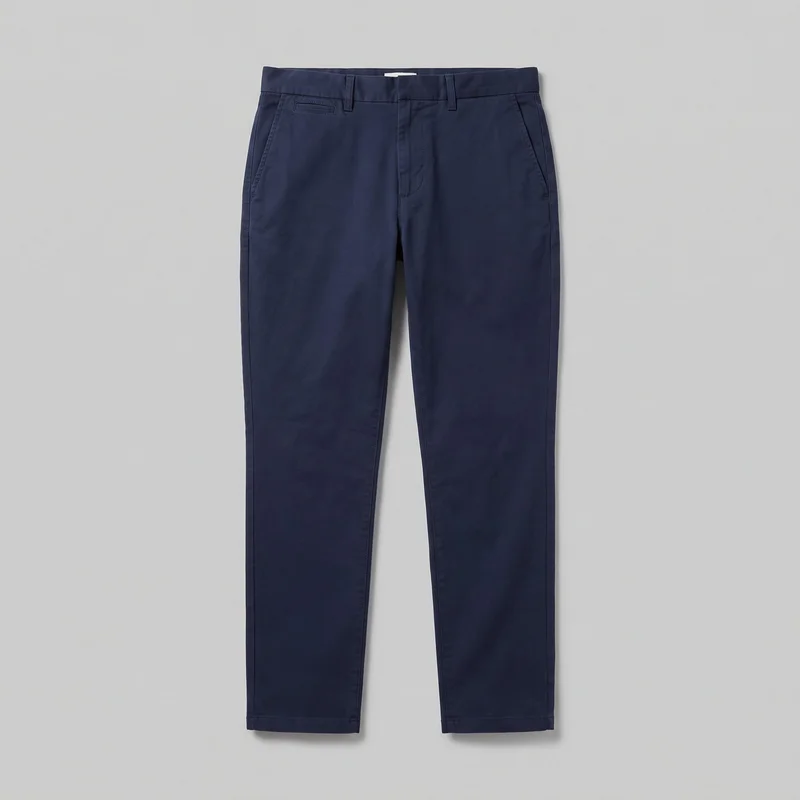 Men's Navy Chinos
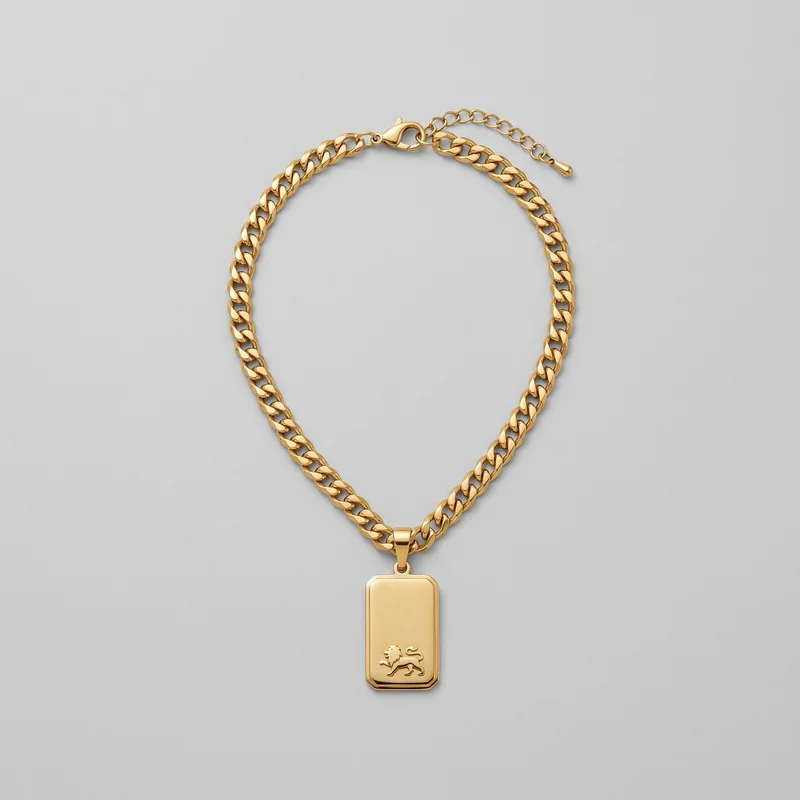 Men's Gold Pendant Necklace
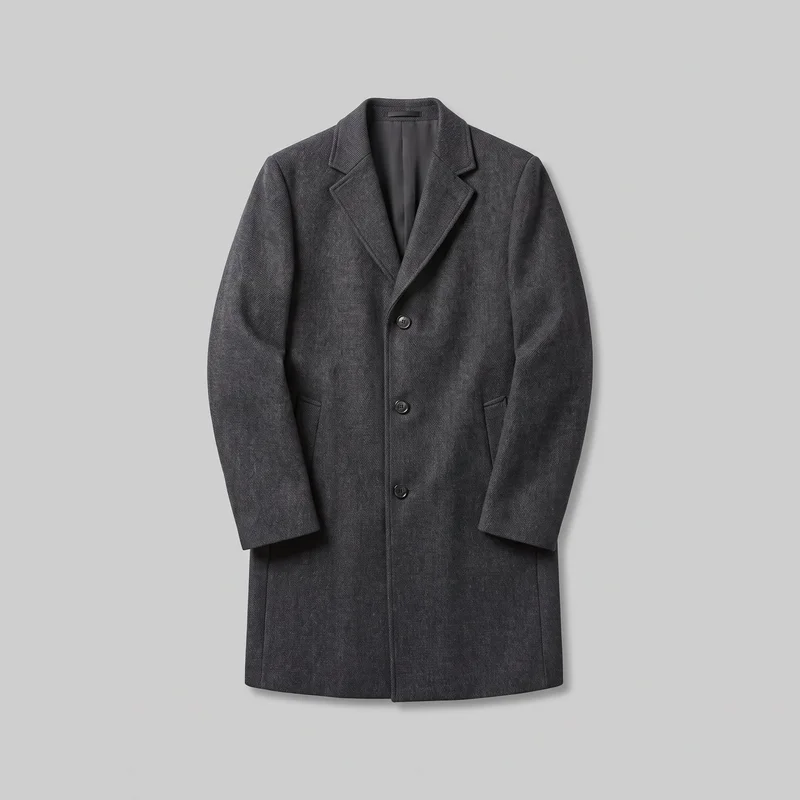 Men's Charcoal Overcoat
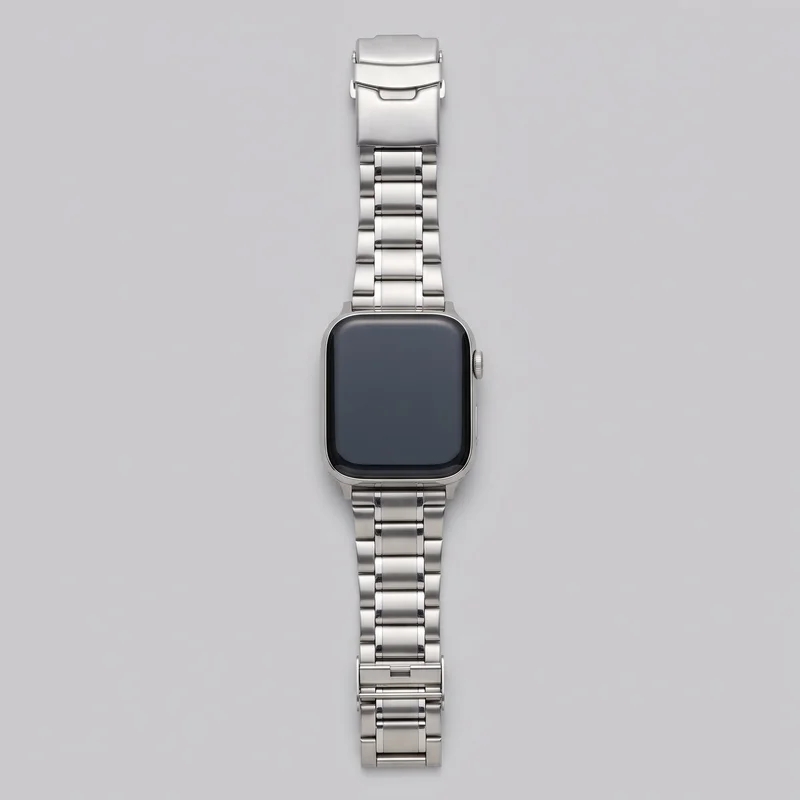 Men's Silver Smartwatch
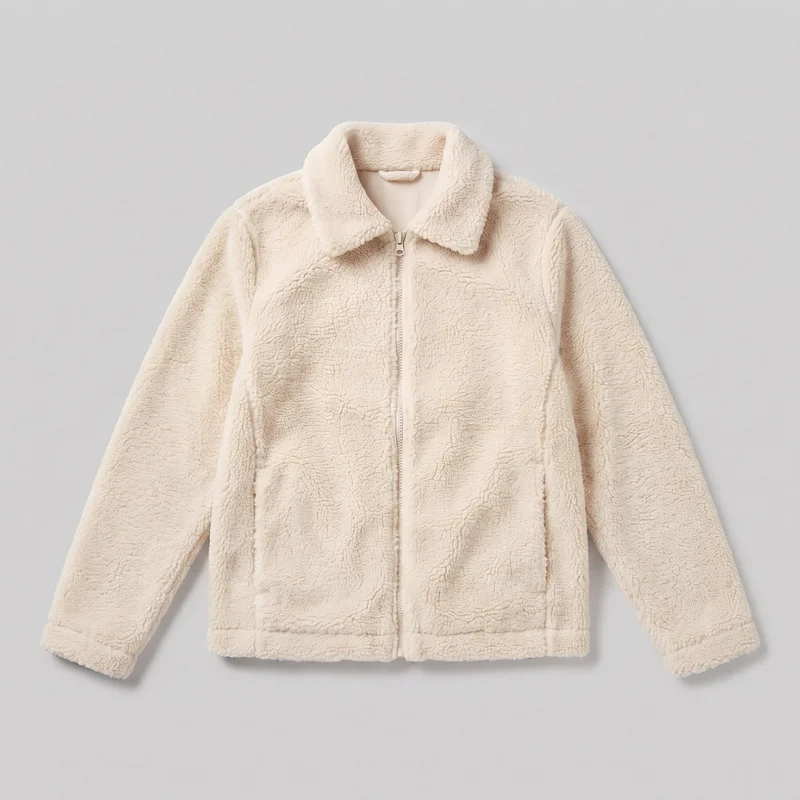 Women's Cream Sherpa Fleece Jacket
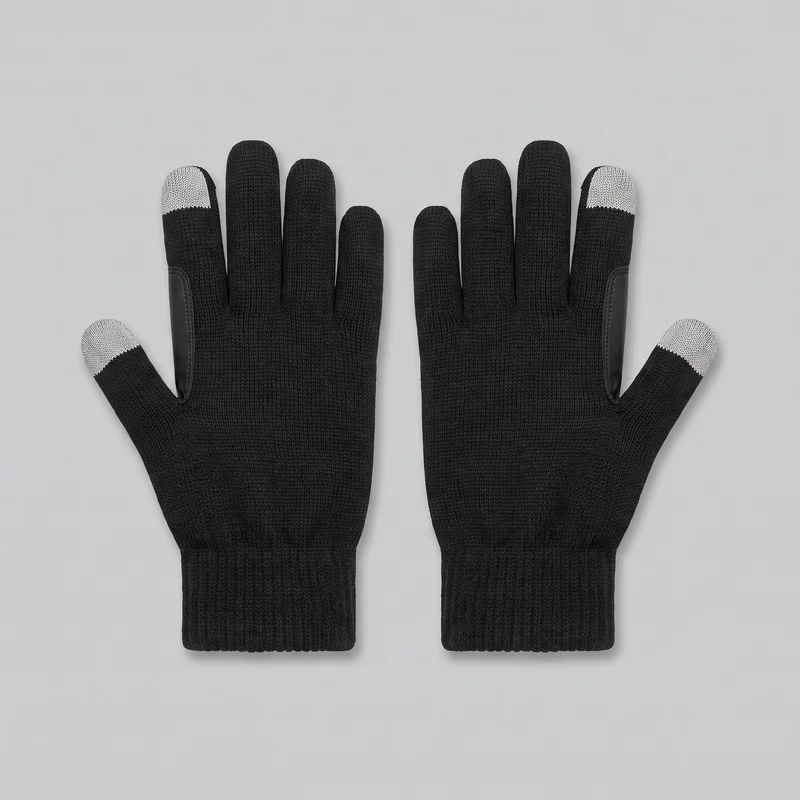 Men's Black Touchscreen Gloves
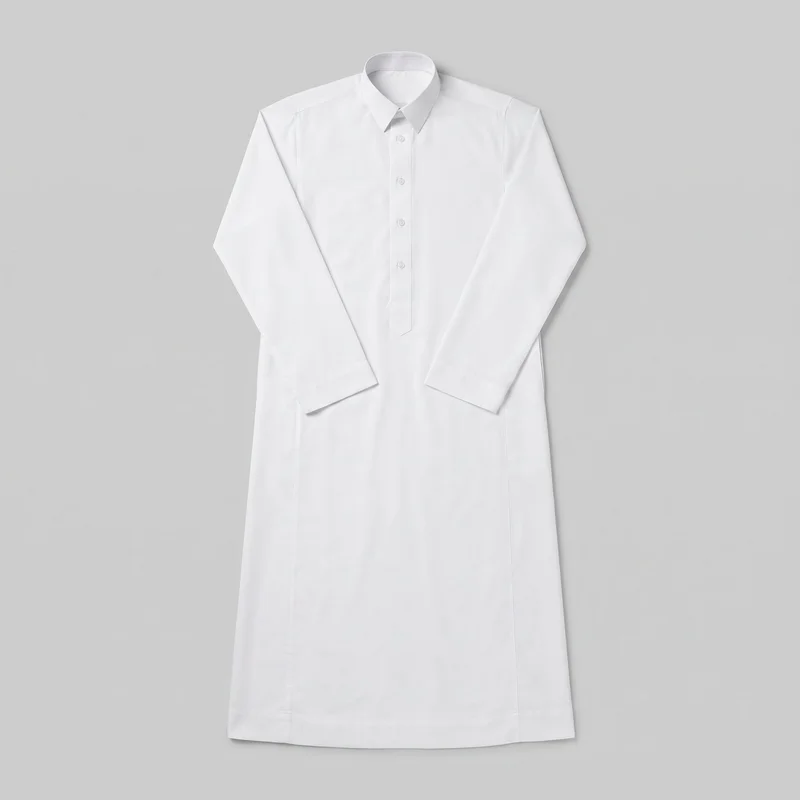 White Classic Thobe
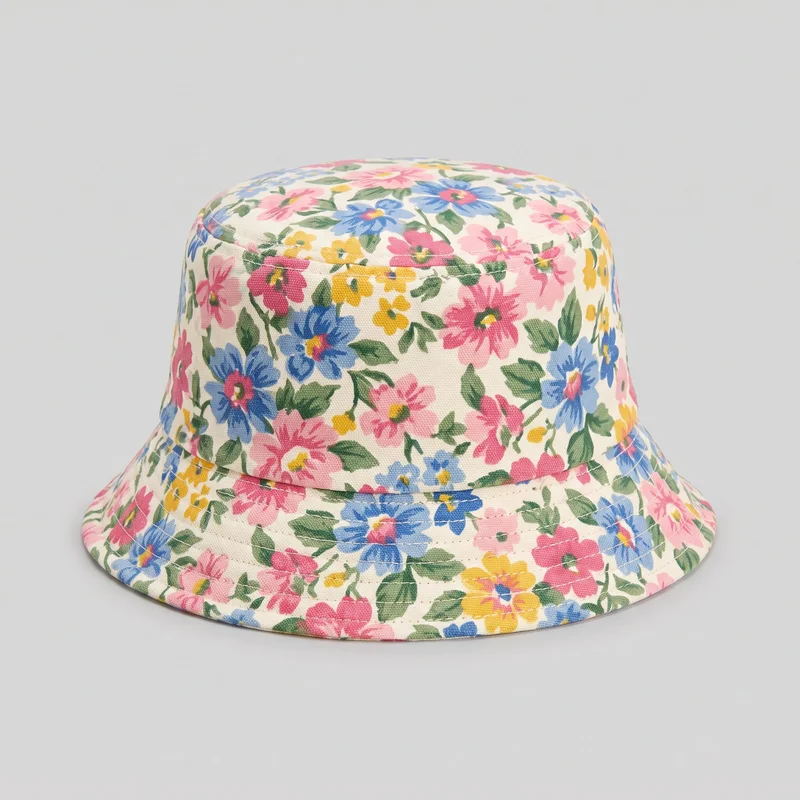 Women's Floral Print Bucket Hat
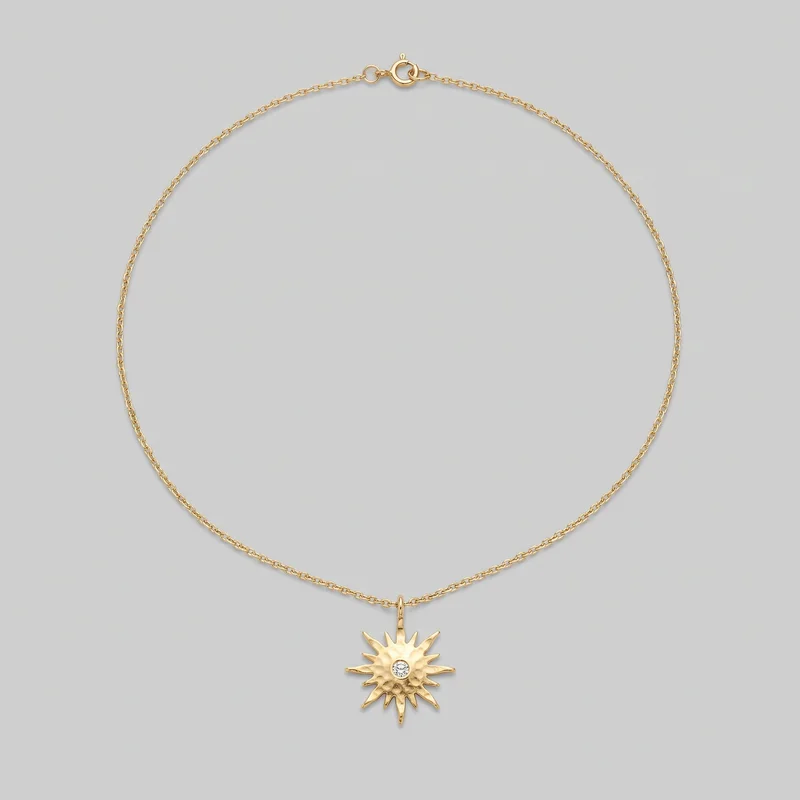 Women's Gold Pendant Necklace
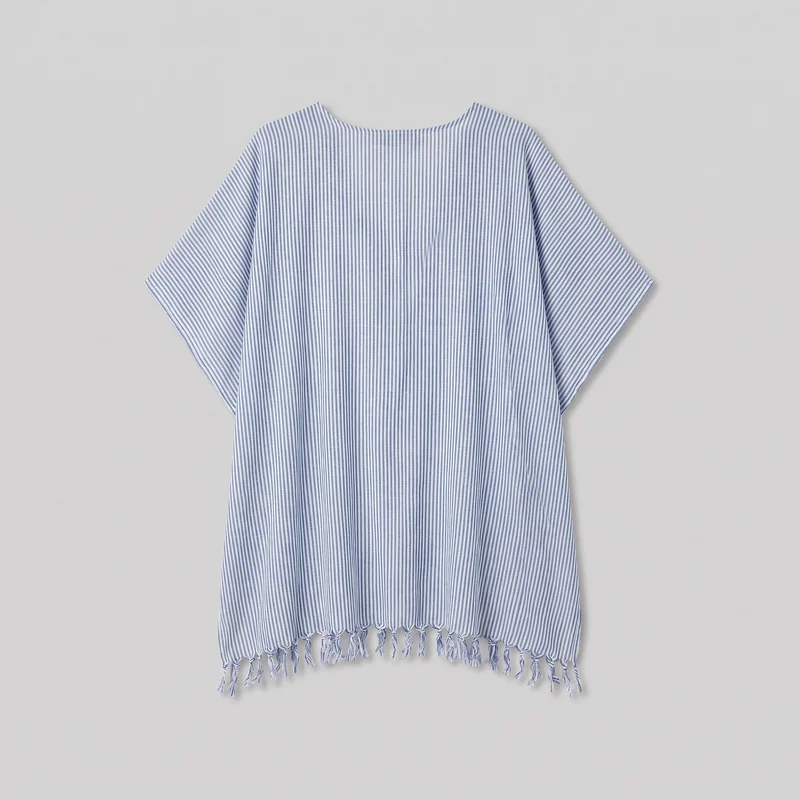 Women's Striped Beach Cover-Up
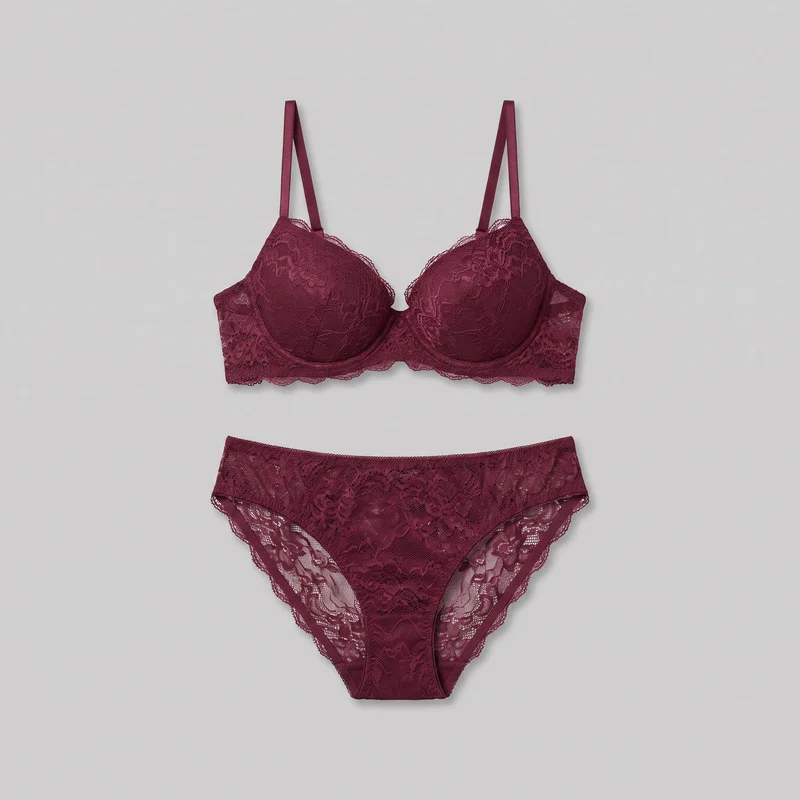 Burgundy Lingerie Set
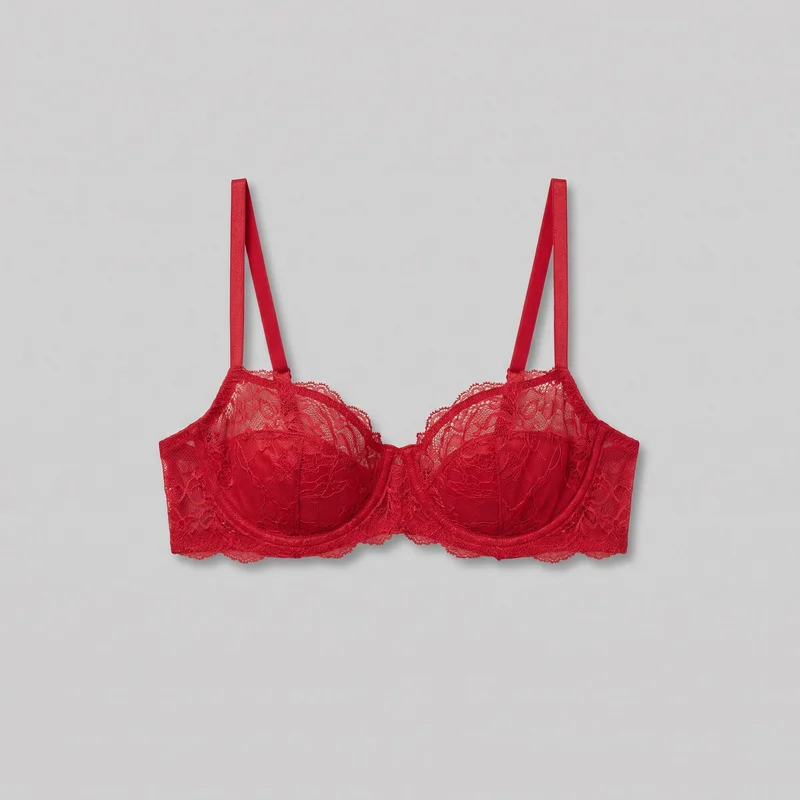 Red Balconette Bra
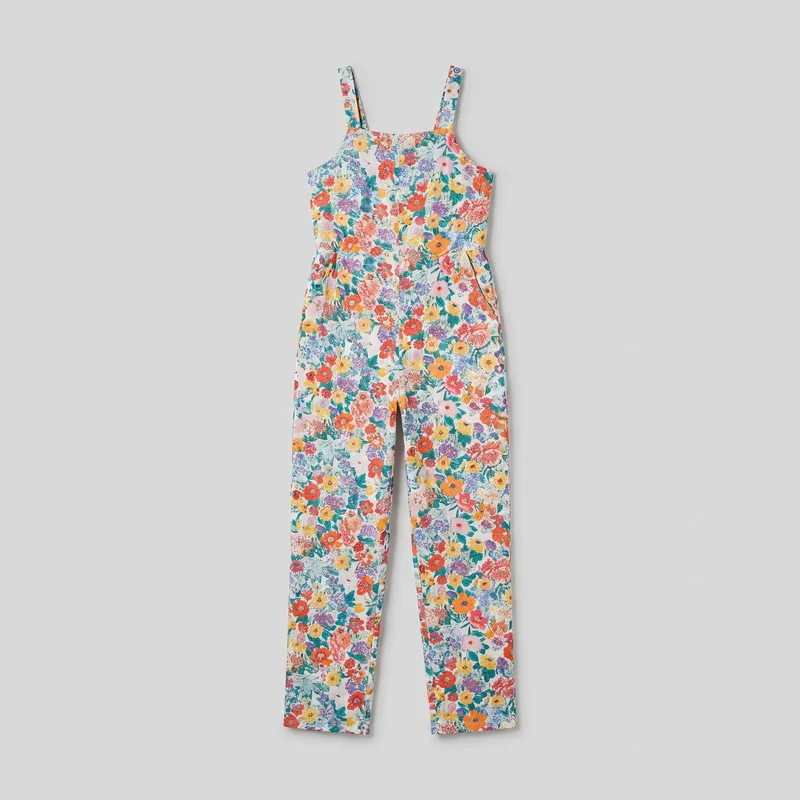 Floral Print Jumpsuit
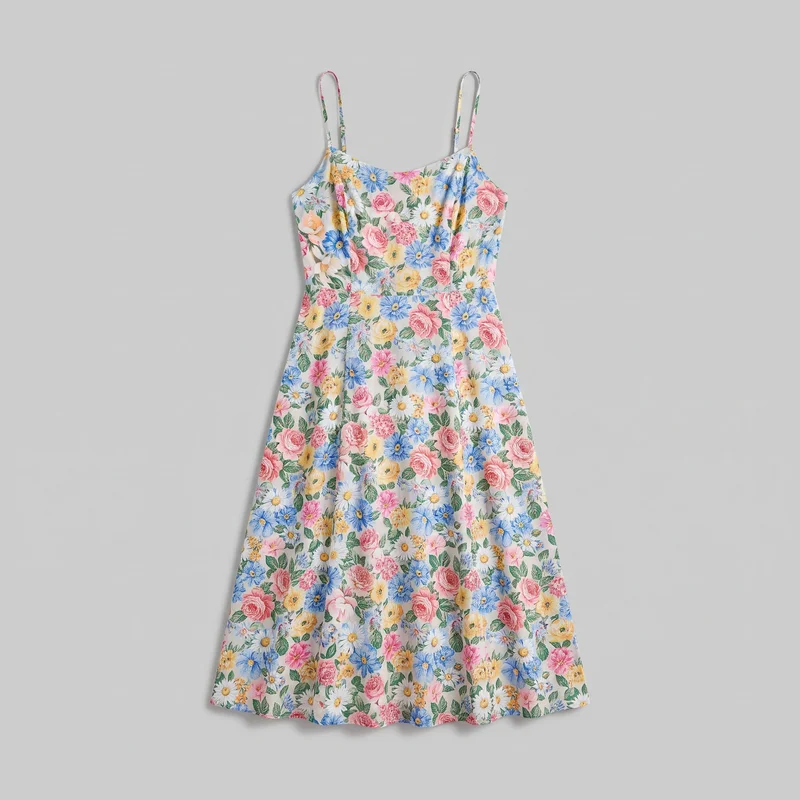 Floral Print Slip Dress
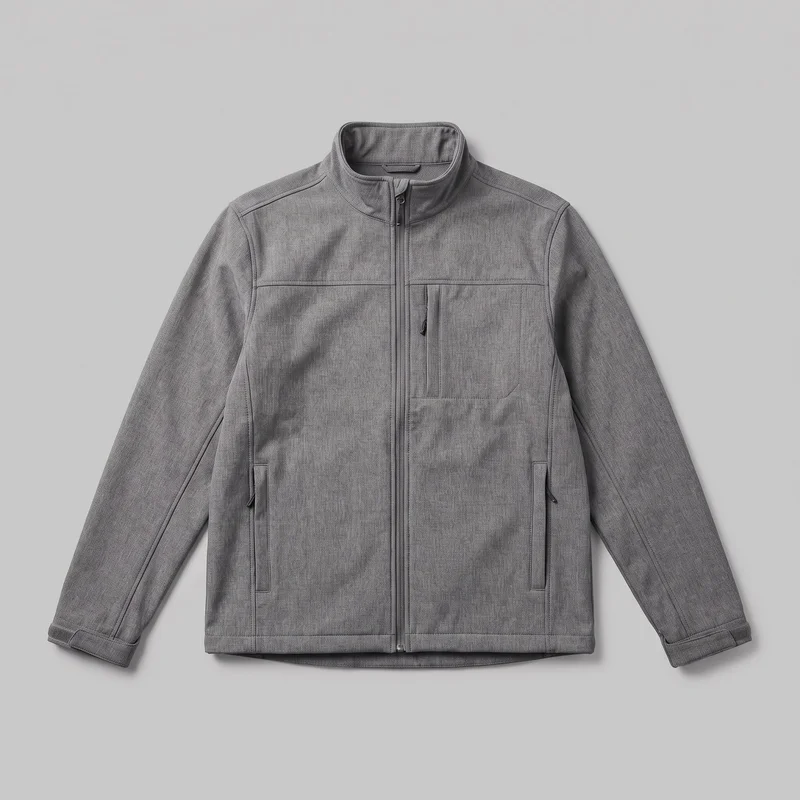 Men's Grey Softshell Jacket
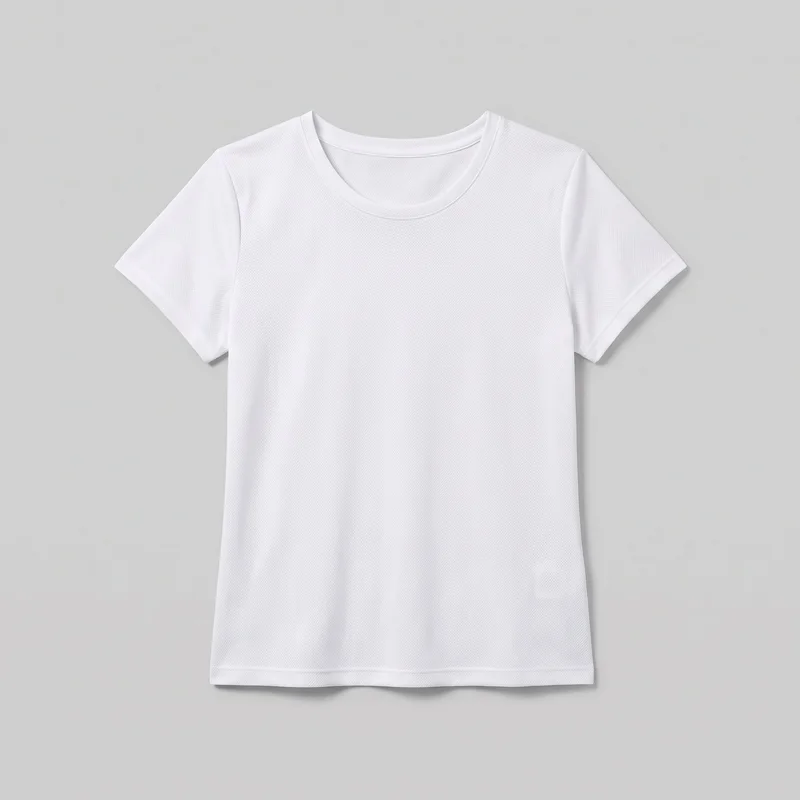 Women's White Mesh Performance Top
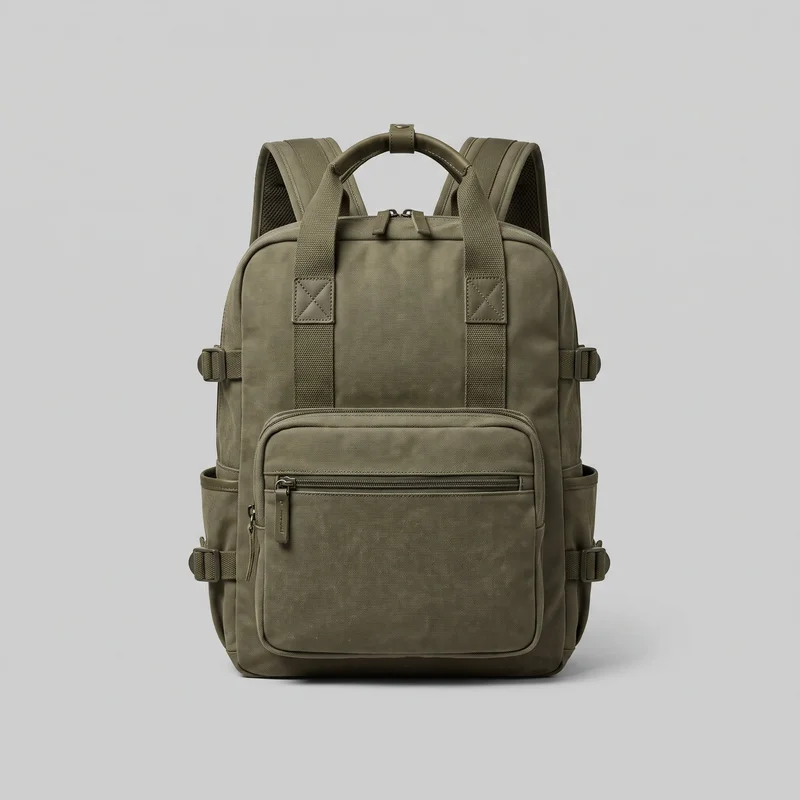 Men's Olive Utility Backpack
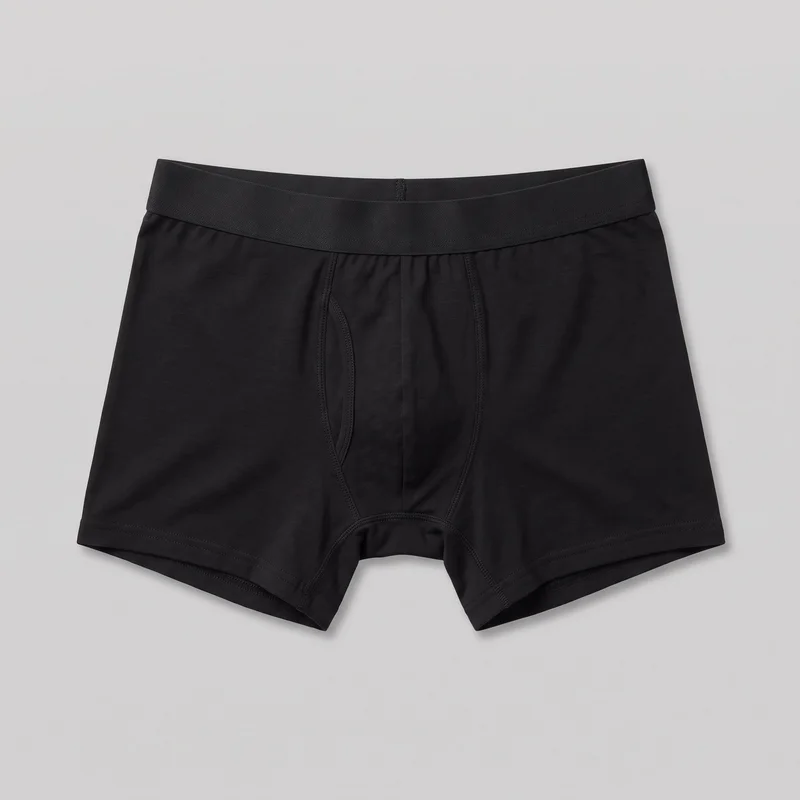 Black Boxers
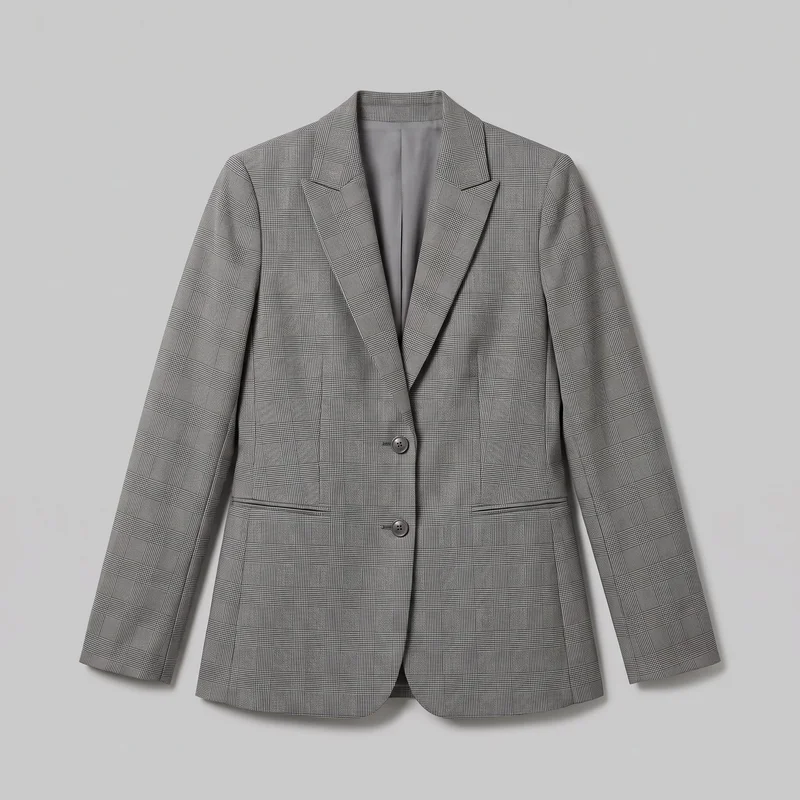 Women's Grey Checked Blazer
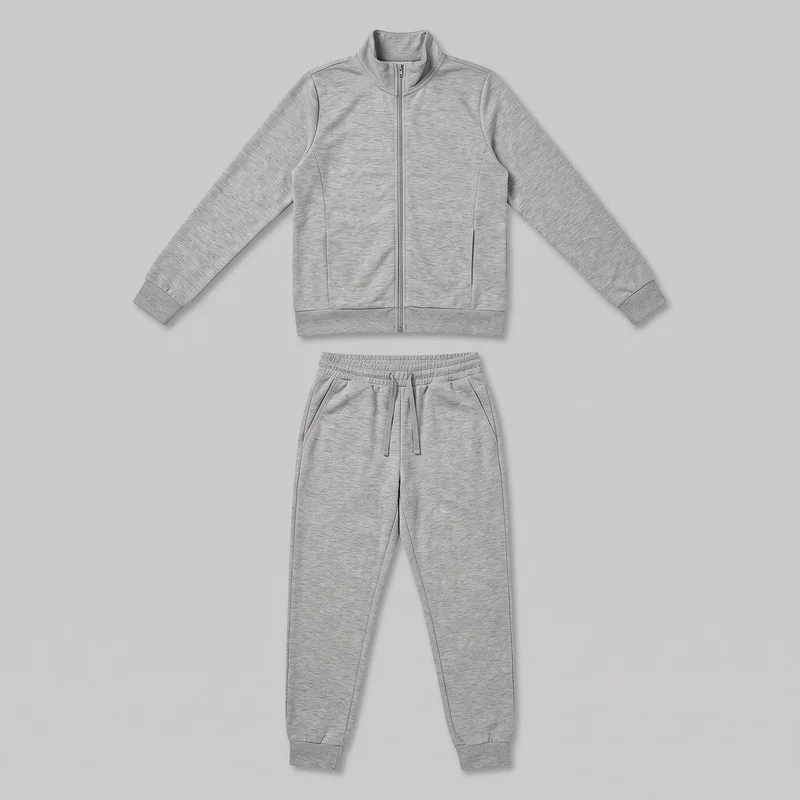 Women's Grey Marl Tracksuit
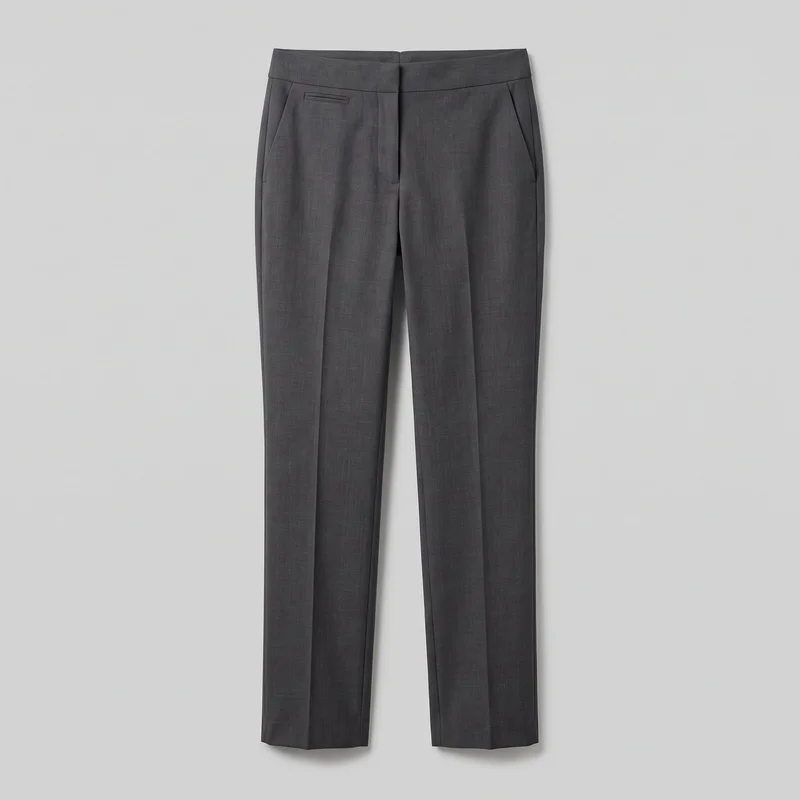 Women's Charcoal Suit Trousers
Showing 23 of 823
Catalog
Browse the catalog
By product
Consistency
Change backgrounds, keep item and framing
Choose a model, light, crop, and product framing for a listing variant. Review each generation for fine details and product accuracy for publication.
You change one
- Frame
- Pose
- Camera view
- Model
The rest holds
Item in view
Keep the actual piece central in the selected listing images.
Composition choices
Choose framing that supports the item details buyers need to inspect.
Light and framing
Select light and crop for related listing views.
Who it's for
Does this fit your Etsy listing work?
A perfect fit
This fits recurring Etsy listing work when you need clear on-model images from product photos, flat-lays, mockups, or technical sketches for publication.
Work it handles well
- You can show the actual item on a model.
- You can make body-context views for accessories.
- You can review listing variants for publication.
Rights
You own every image. Every image says what it is.
Yours
- Full commercial rights to every image, permanently.
- No recurring licence fees on any model in the library.
- Every model is a synthetic composite, so there is no real-person likeness.
Labelled
- C2PA content credentials on every image.
- AI-labelled output, aligned with EU AI Act Article 50.
Checked
- Every image is checked against your model, frame, view and pose before delivery; one that misses is made again.
- A safety filter screens every upload and blocks nude or explicit images.
EU-based hosting, GDPR-compliant handling.
- Aligned with EU AI Act Article 50
- C2PA
- Full commercial rights
- Quality-checked images
- Safety-filtered uploads
- GDPR-compliant handling
- EU-based hosting
Questions
What do Etsy sellers ask before publishing?
What are on-model Etsy listing photos for handmade and resale items?
On-model Etsy listing photos are still images that place your actual item on a chosen model for a clearer listing presentation. They give a garment, accessory, or resale piece body context while keeping the product central for shoppers inspecting the page. You can choose the model, outfit, styling, light, frame, camera view, pose, and background, then make a lead image, supporting product views, and a separate background variant. Prepare clear product references and review the finished details before publishing.
Which image crops work for Etsy listings and social product posts?
Use a 4:5 crop for a product-page image and 9:16 for a Story, then create matching still variants for the channels you plan to use. For Etsy, choose a lead-image frame that makes the item immediately legible and supporting crops that reveal useful garment, accessory, or hardware details. Keep the chosen model, light, camera view, and product framing aligned across related images. Check each delivered crop for visible details, hands, and clean framing before assigning it to the listing or social post.
How are RAWSHOT Etsy photos different from studio shoots and flat-lays?
RAWSHOT is different from a studio shoot, flat-lay, 3D render, or smartphone photo because it creates controlled on-model stills from your existing product reference. A studio shoot needs a physical setup and model; a flat-lay lacks body context; a render is not the photographed item; and a phone image offers less controlled presentation. You choose model, styling, light, frame, view, and pose for the Etsy listing. Each image is checked against the selected model, frame, view, and pose, with failed images regenerated automatically. Start from clear product imagery and inspect the final item details.
What does RAWSHOT cost for on-model Etsy listing images?
RAWSHOT is self-serve, with monthly plans and a token cost per generated image rather than a custom shoot quote. You can begin with the free trial, then choose a plan that fits the volume of Etsy listing stills you need: Starter is $9 per month and includes ~16 images, with additional images at $0.56 each. Plan tokens cover the images you generate, so you can make lead views, detail frames, and background variants as required. Start with the trial and select the monthly plan that matches your listing workload.
What are the practical limits of AI photos for Etsy listings?
AI listing photos are not measured fit guidance, and they still need a human publication review. Product accuracy begins with clear source images; unclear references can leave fine construction, hardware, texture, or item details uncertain. You cannot request a particular real person, and the shoot is intended for one accurate photographic style rather than a highly stylised treatment. Automated review catches clear mistakes but allows close crop, lighting, and natural pose variations, and it is tested against hand-checked images rather than guaranteed. Supply strong references, choose simple listing controls, and inspect every final image before publishing.
Who owns RAWSHOT Etsy listing images and can I use them commercially?
You get full commercial rights to every image, permanently, with no recurring licence fee. Every image carries C2PA content credentials and is labelled as AI-generated.
Get started
Create Etsy listing images in RAWSHOT
Start with a 7-day free trial including 50 tokens, then move to the plan that matches your production volume.