
Social content
Fashion social media content
A month of feed and story content stays moving.
Fashion social media content sits with you, but the posting calendar is already moving. Product images, story variations and short clips remain unfinished because a funded shoot is not scheduled.
7-day free trial • 50 tokens (10 images) • Cancel anytime
A 2K image in roughly 35 seconds · AI-labelled with C2PA content credentials
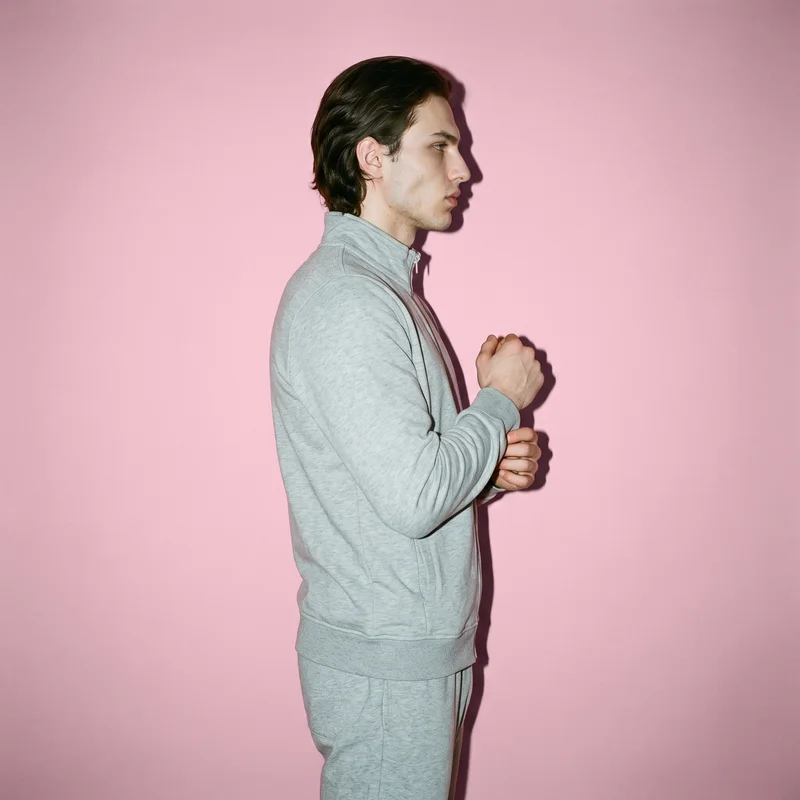
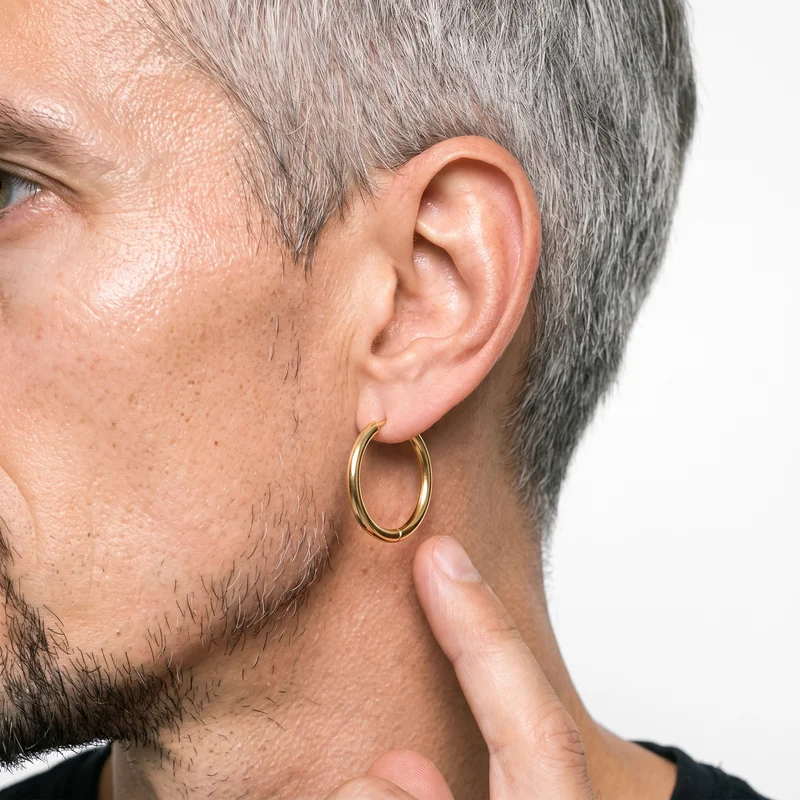
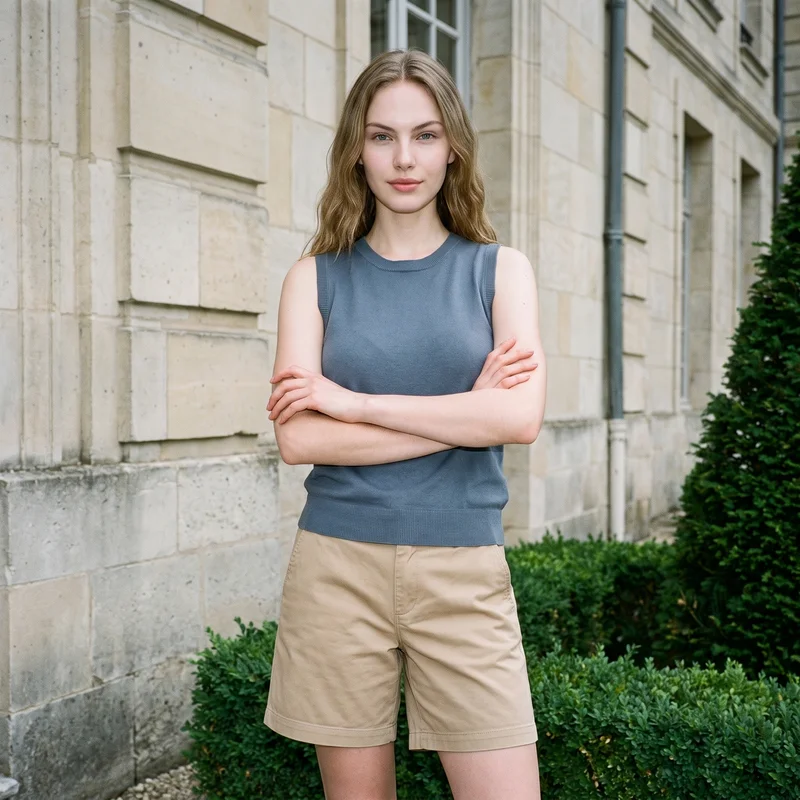
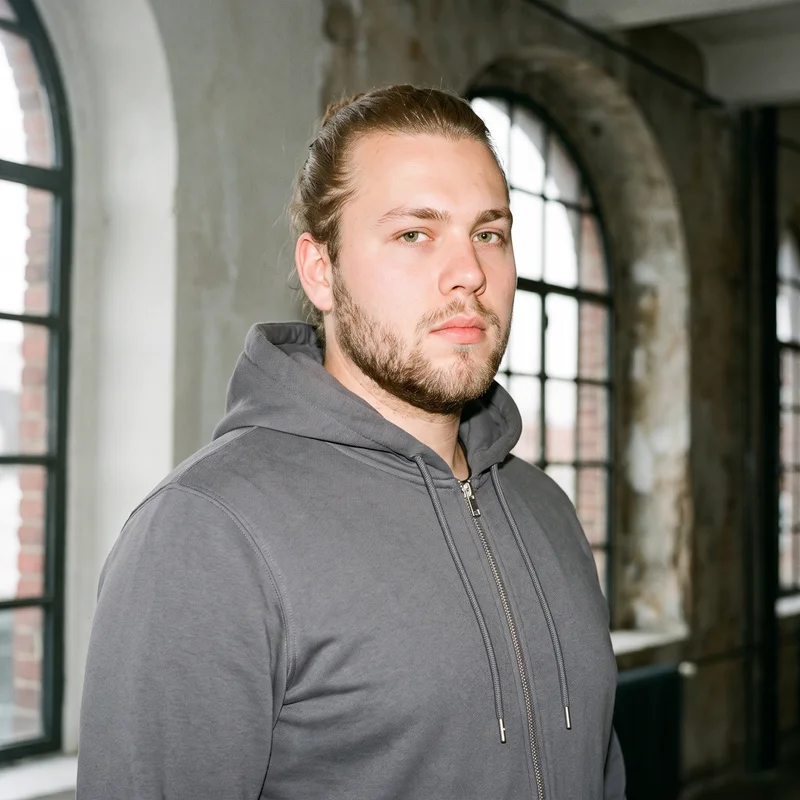
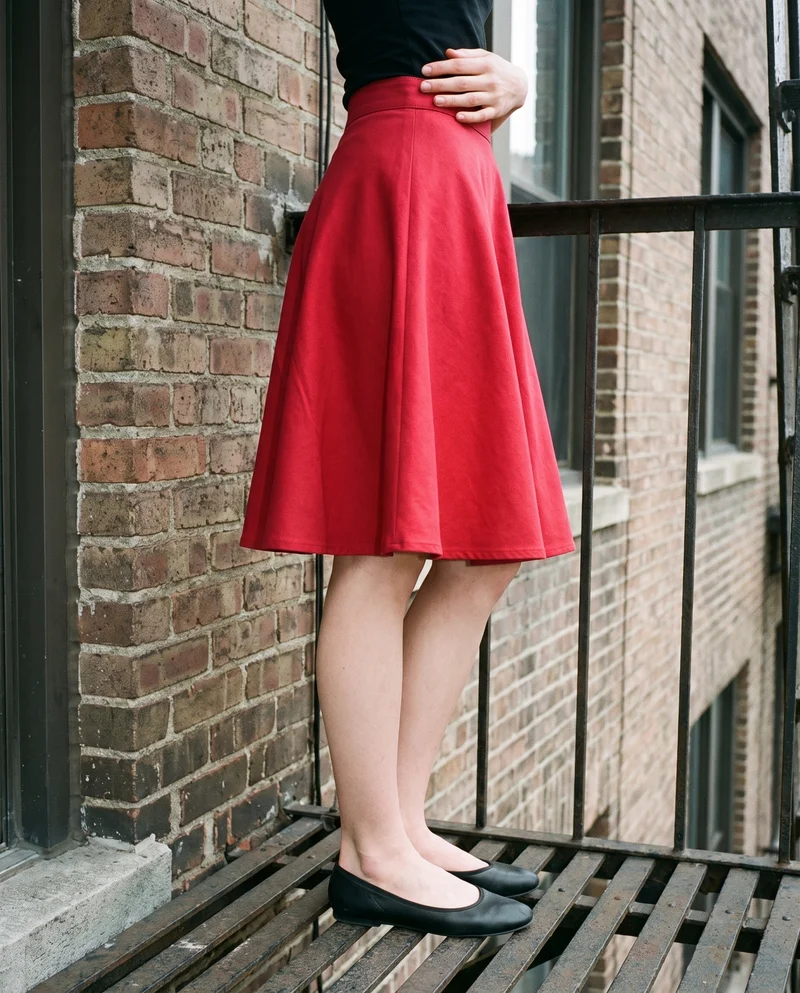
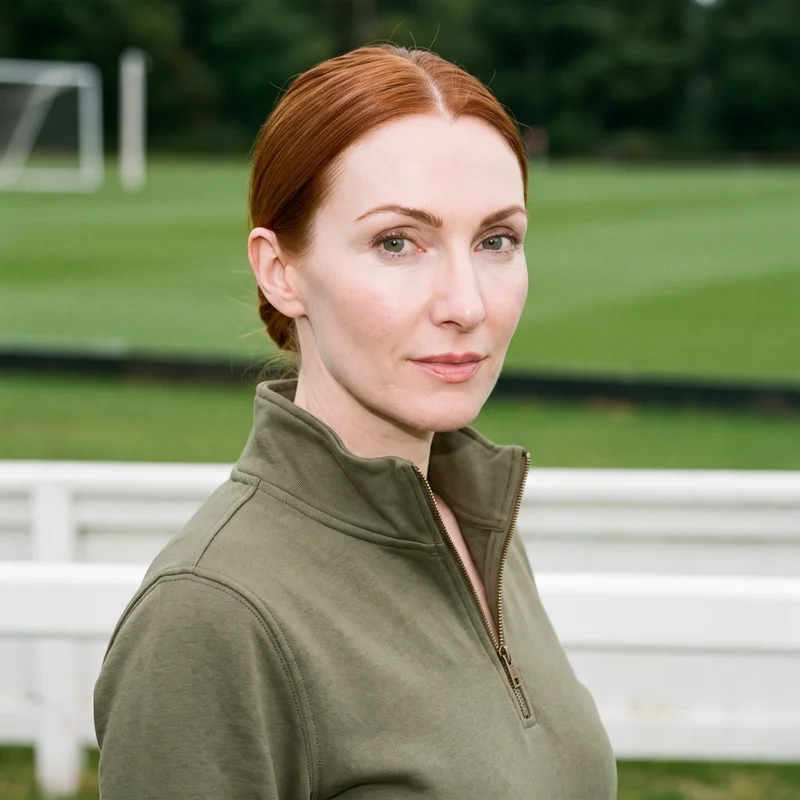
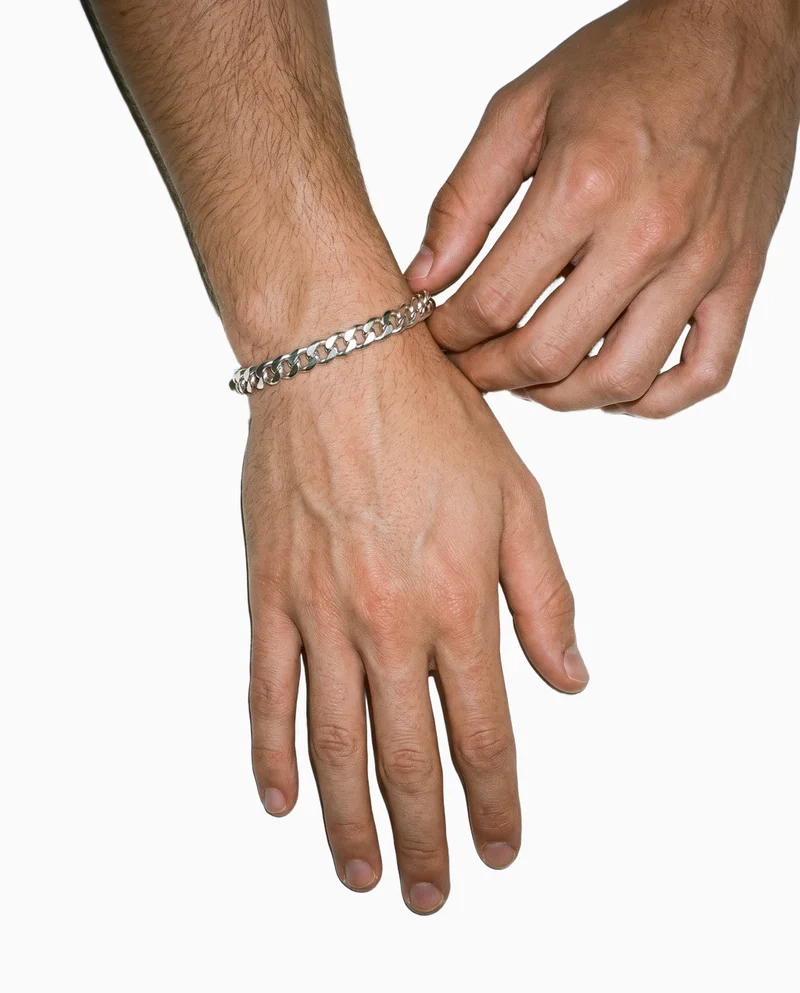
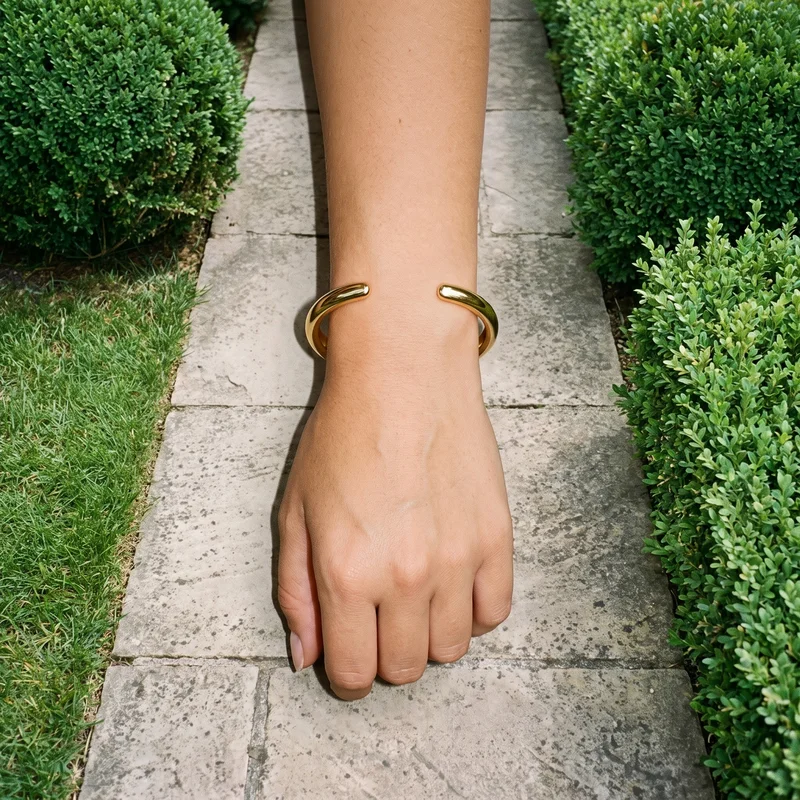
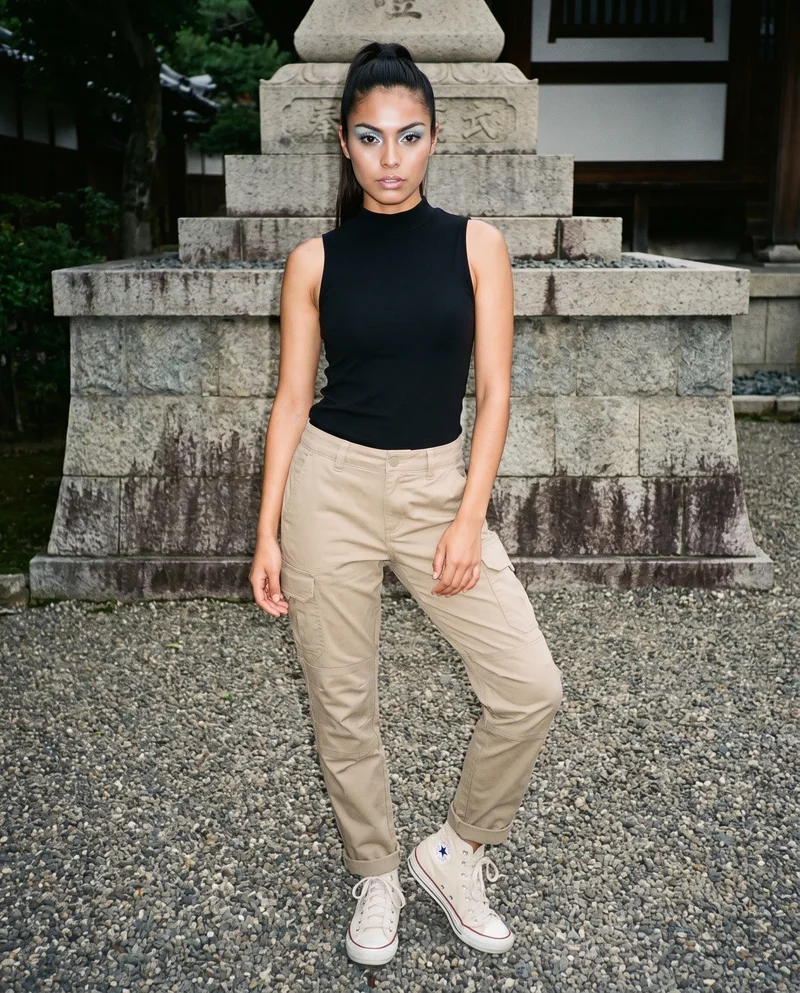
Showing 9 of 1,891, shot in RAWSHOT
Use cases
When the posting calendar moves before production.
Monthly Feed Planning
The situation
Approved product photos are ready, but the monthly feed calendar needs more product-led images before publishing starts.
With RAWSHOT
Set the model, frame, view, pose and format around each product. You get feed images that support a planned month of posts.
Weekly Story Drops
The situation
Weekly drops, launches and campaign reminders need story compositions that show the same products in fresh channel contexts.
With RAWSHOT
Set the composition and change the format or background for each story moment. You get story-ready product images that keep the selected visual decisions steady.
Paid-Social Variants
The situation
A paid-social test needs static variations built from the same product images before the campaign slot arrives.
With RAWSHOT
Change the product, model, background or composition while holding other selected choices steady. You get distinct static creatives for testing.
Launch Content Pack
The situation
An emerging brand needs launch content before a lookbook or pre-order page is ready for its posting schedule.
With RAWSHOT
Set the product, model, photography direction and background for the launch story. You get on-model images plus short clips for social placements and ads.
What you get
Approved products become posts, stories and short video.
Build a social content pack around approved products already in hand. You get feed and story images in channel-ready compositions, plus short clips for reels, stories and ads.
Feed Product Images
Approved product images shaped for feed placements, with selected model, frame, view, pose, light and format working together around the product.
Story-Ready Compositions
Vertical and other supported story compositions that give weekly drops, launches and campaign reminders a clear product-led visual.
Short Social Clips
Finished stills turned into short motion versions for reels, stories and ads, with camera movement and model action suited to the frame.
Approved Content Pack
A reviewed set of product images and clips ready for your posting calendar, paid-social placements and ongoing campaign planning.
Direct the shoot
Frame, view, pose and light shape each post.
Image frame
15
Pose
22 poses on this frame
Camera view
4
Format
9
Pose style
4
Facial expression
10
Photography direction
4
Create photoshoot
Step 7 of 7 · Composition
Image 1 · readyGallery image from this pageProduct
Your product
Model
From the library
Composition
Full Body · Front View · Catalog pose · Neutral
Delivery
2K · 1:1
Light
Studio Cutout
Total cost
5 tokens
AI fashion models
Who wears each product comes from 1,197 models.
1,197 licence-free adult models across ages and body types. Or build a private model from visible attributes.
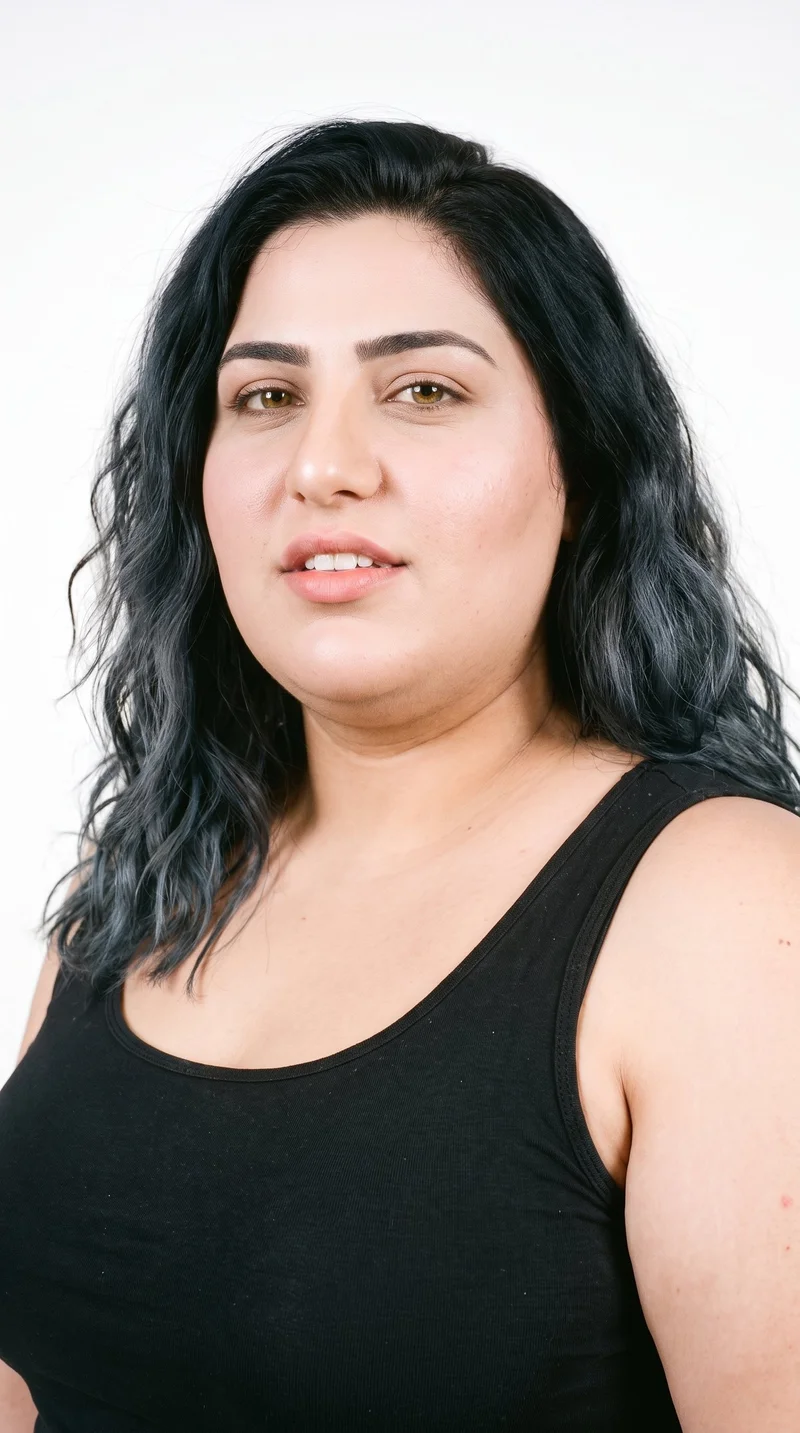
Female · 23
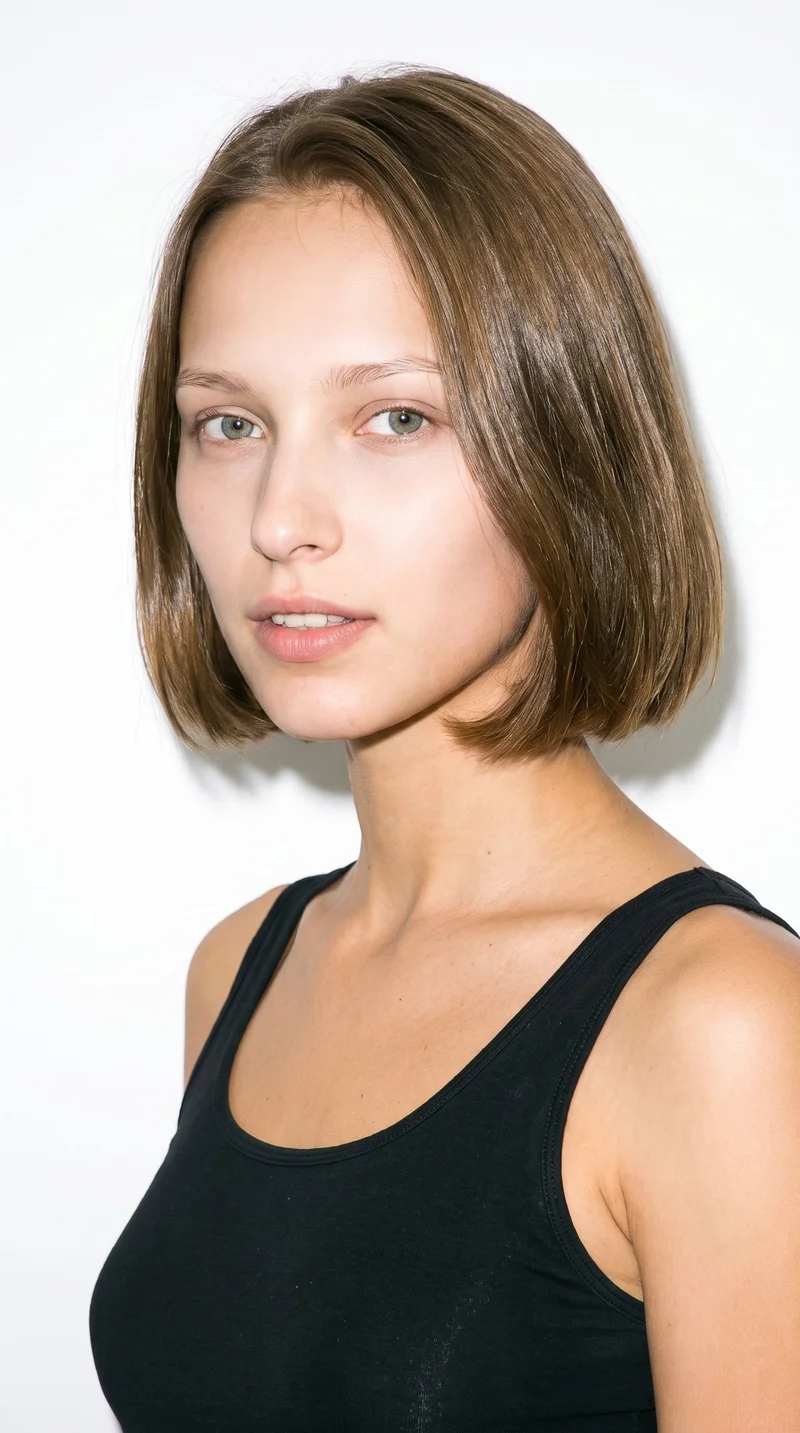
Female · 20
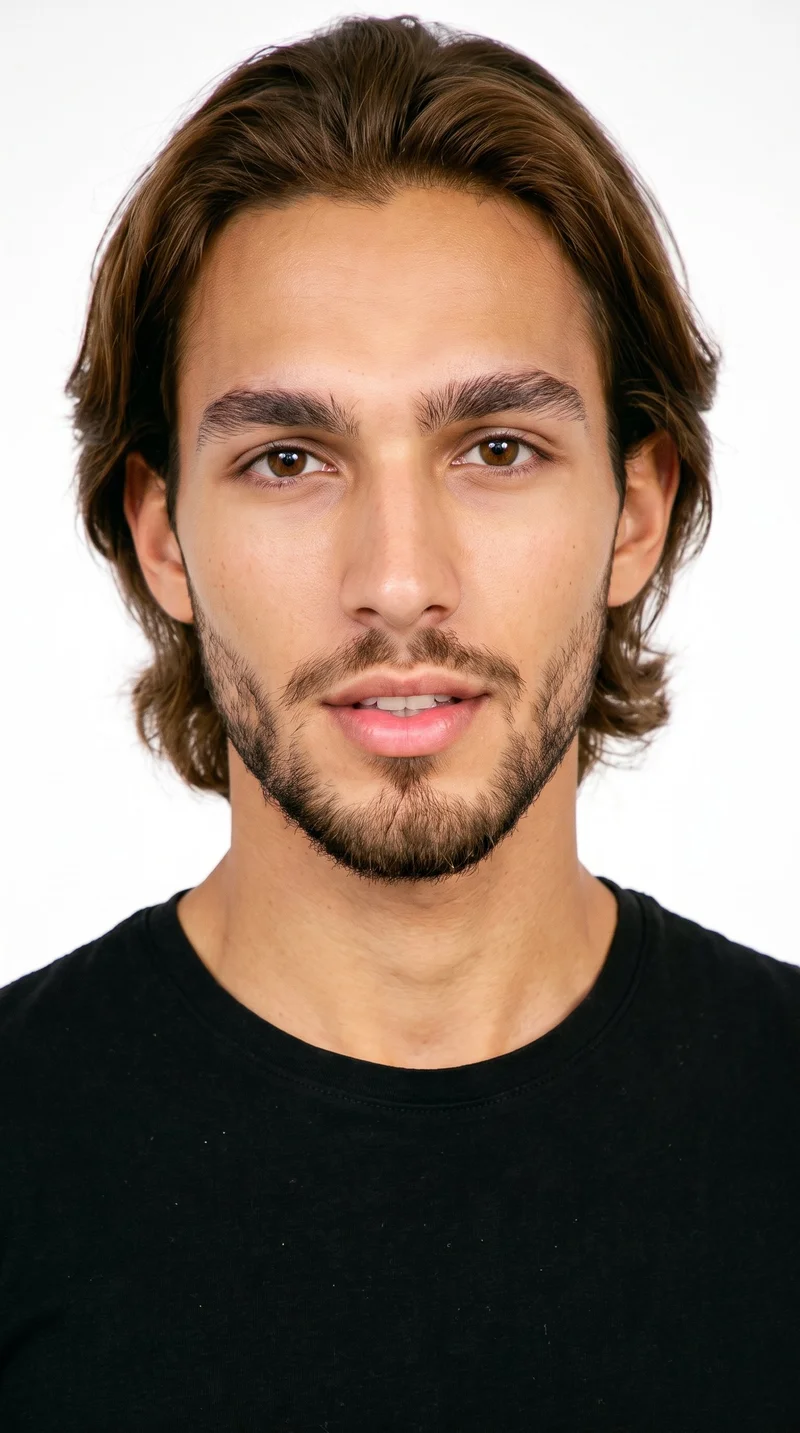
Male · 22
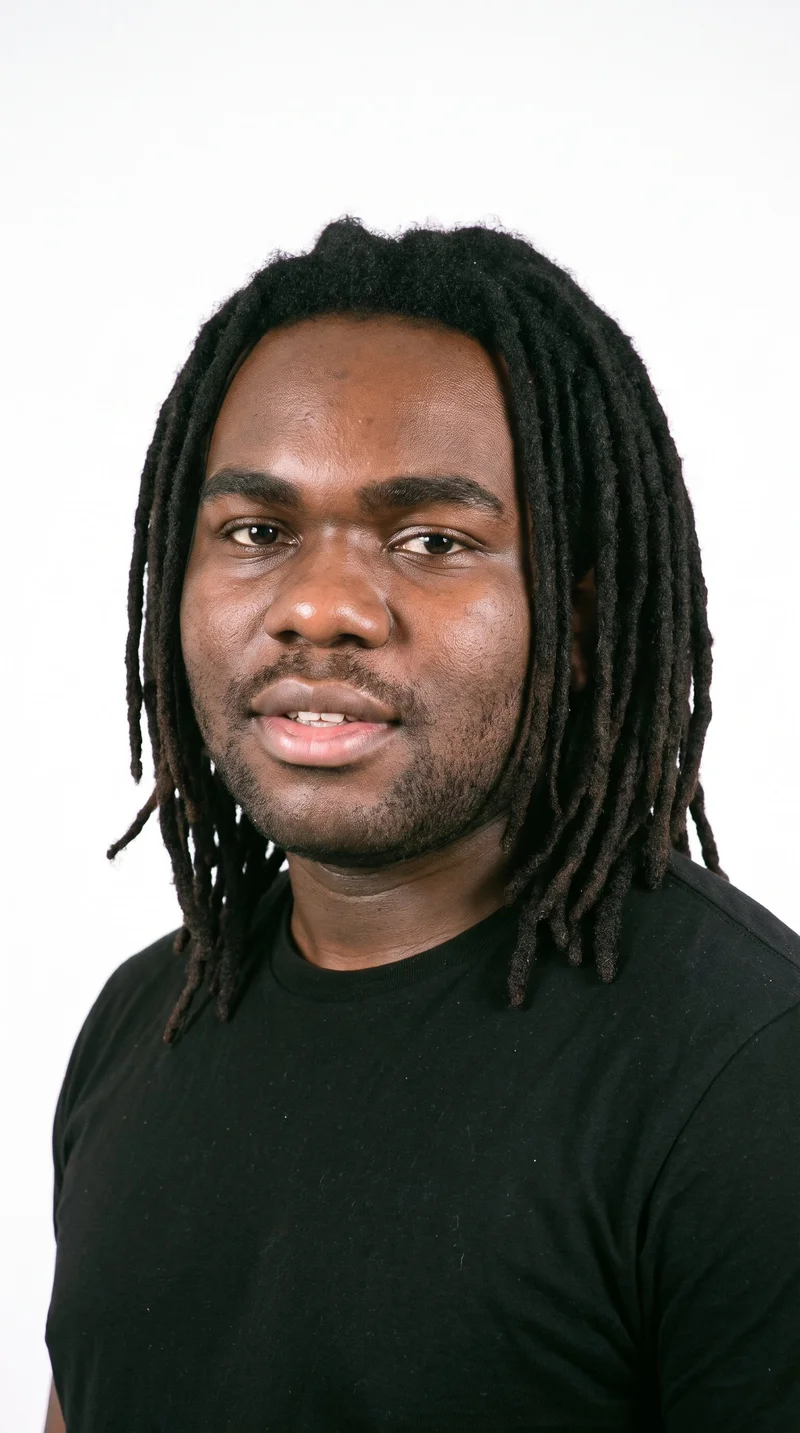
Male · 21
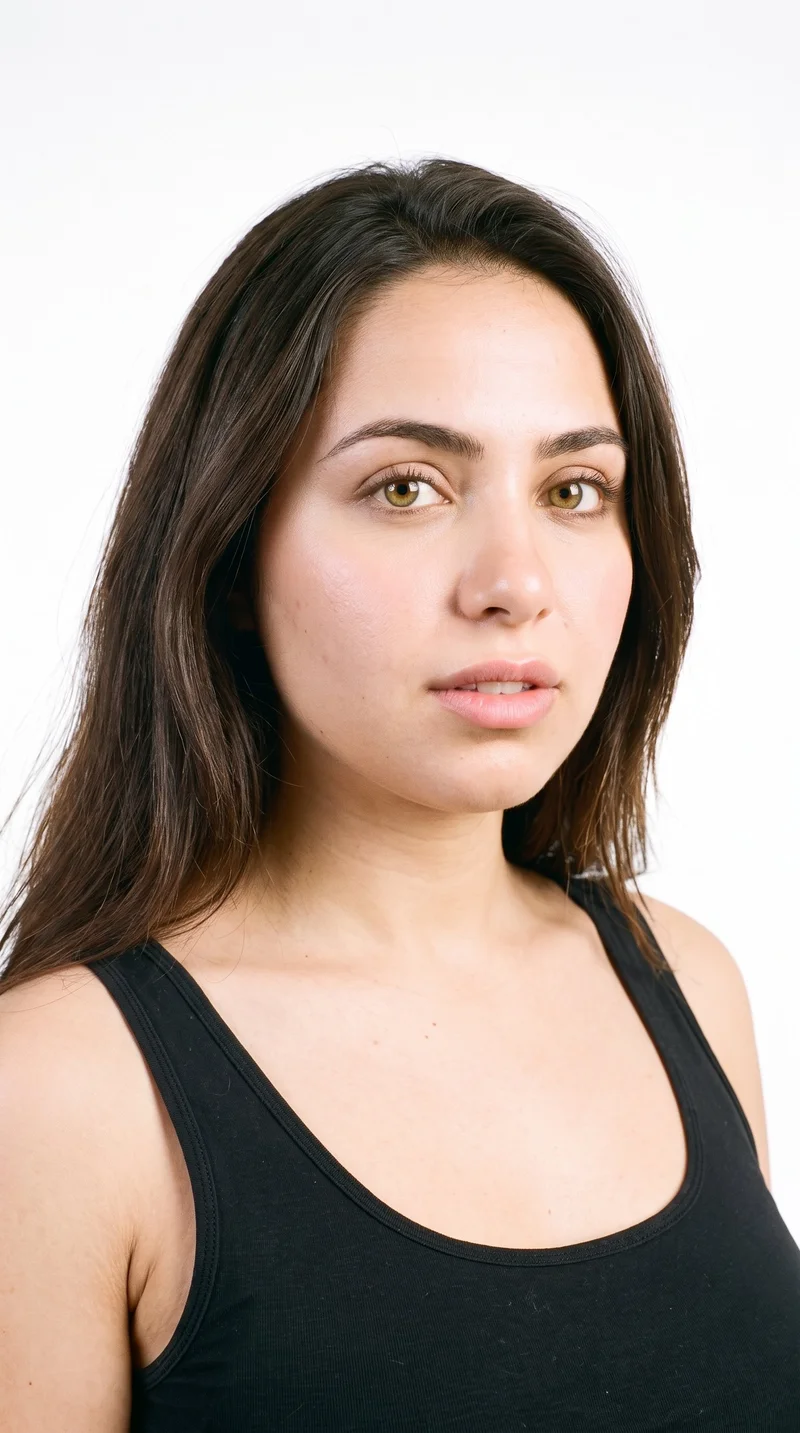
Female · 23
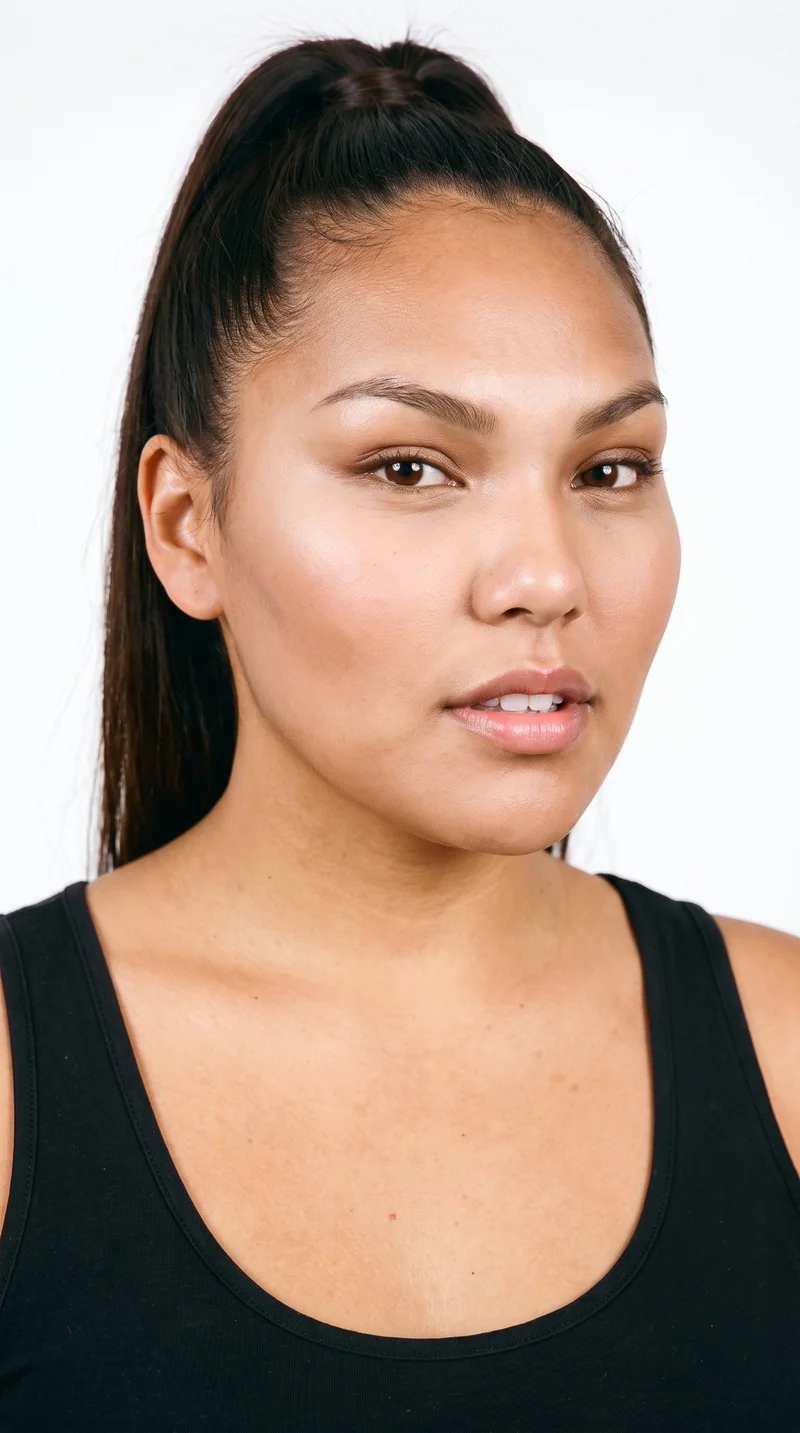
Female · 22
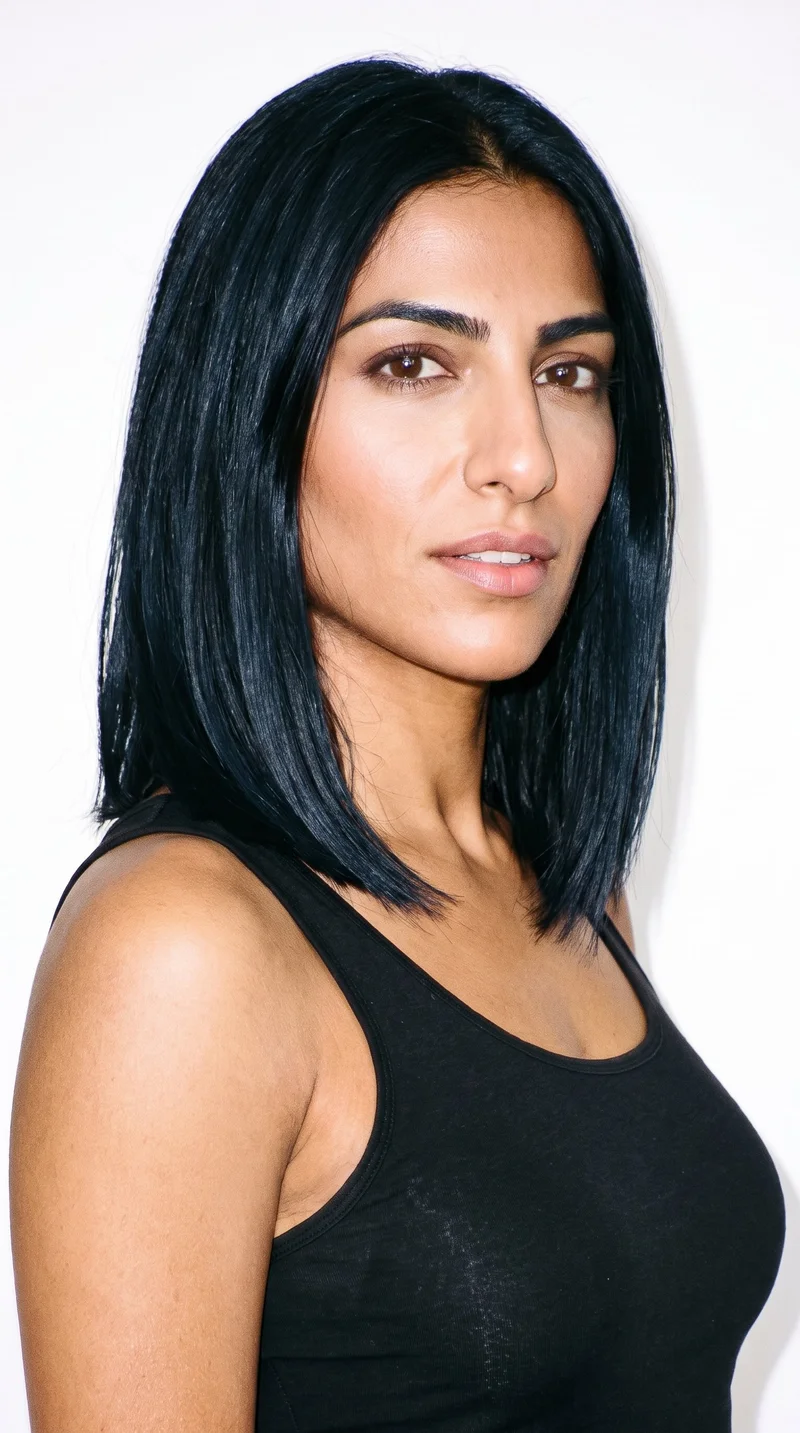
Female · 34
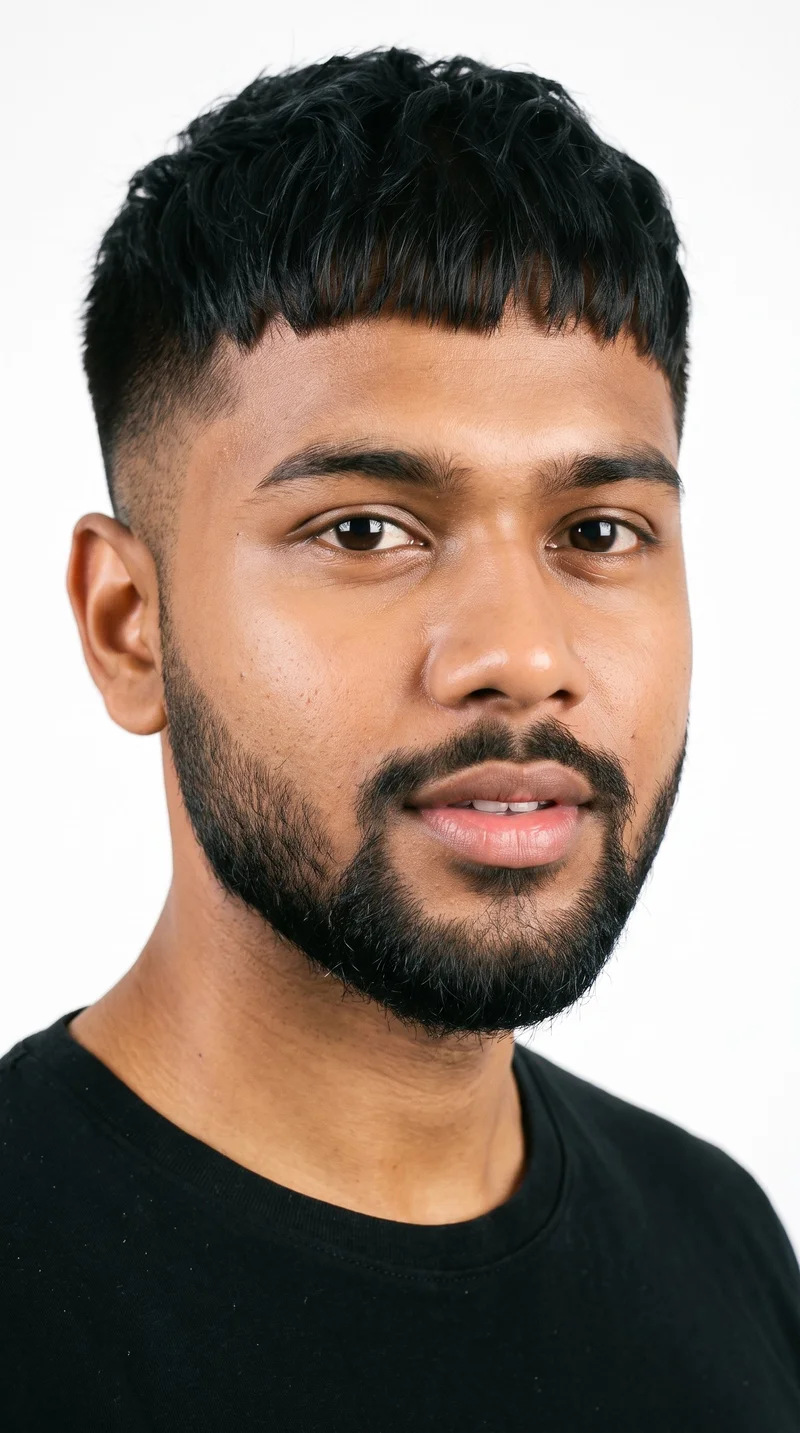
Male · 20
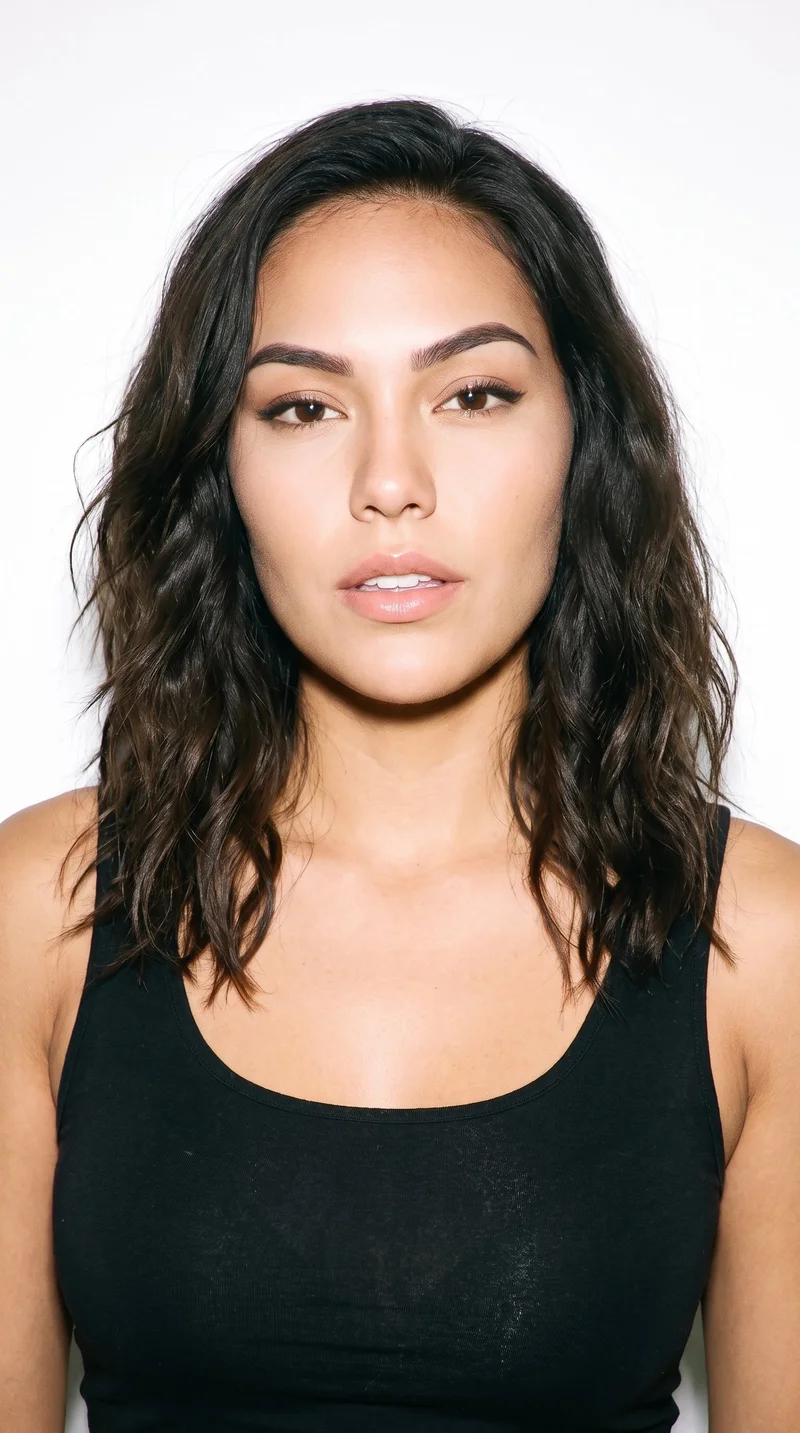
Female · 24
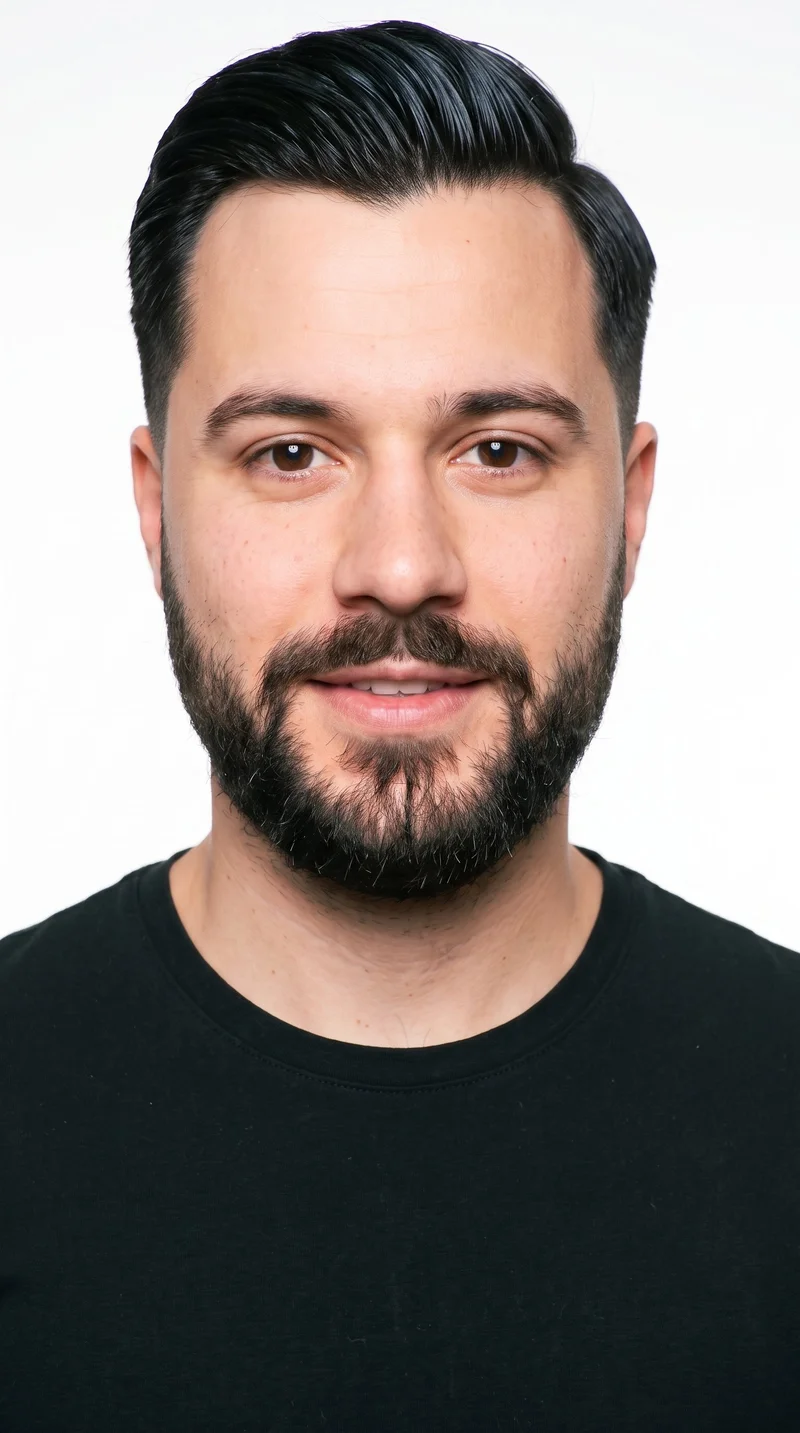
Male · 26
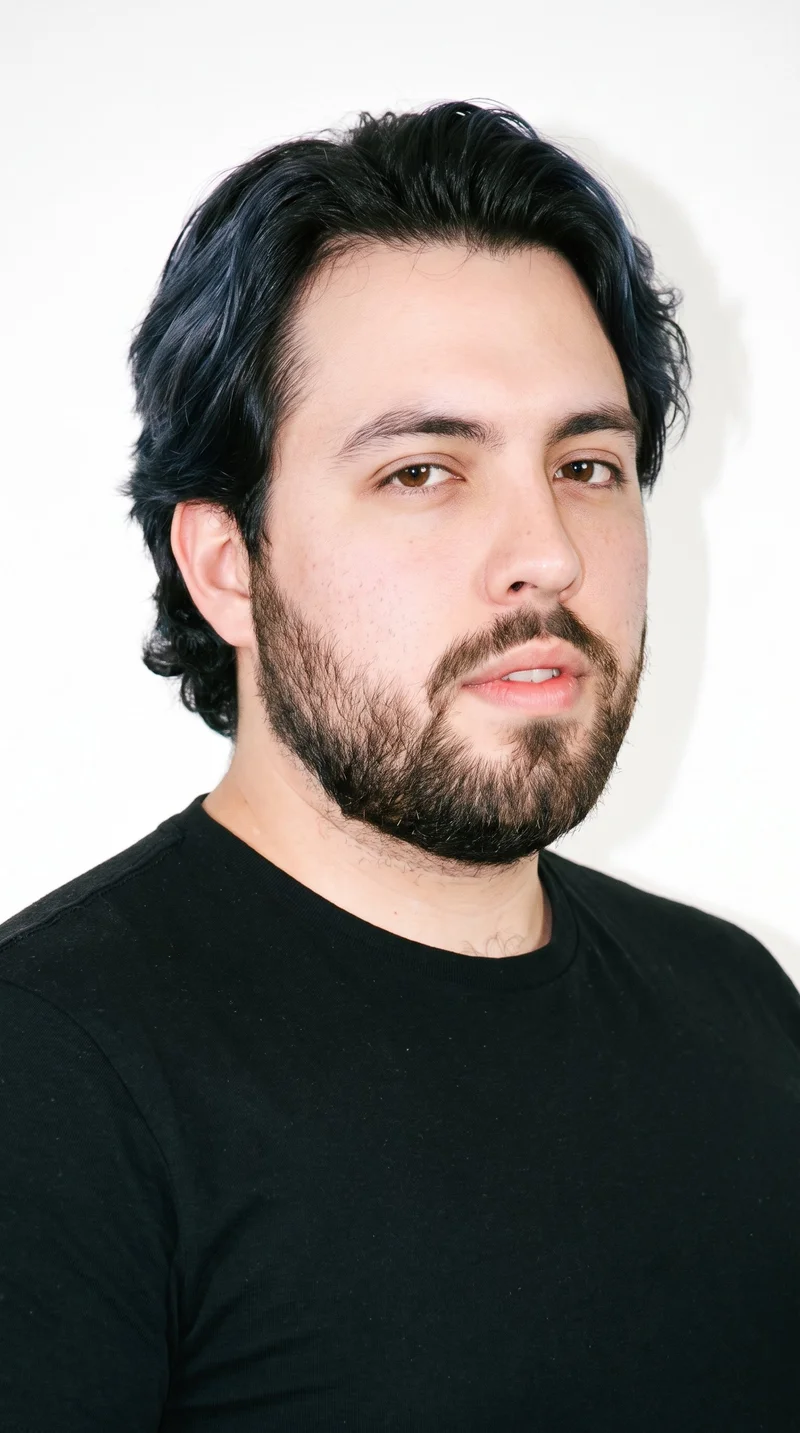
Male · 25
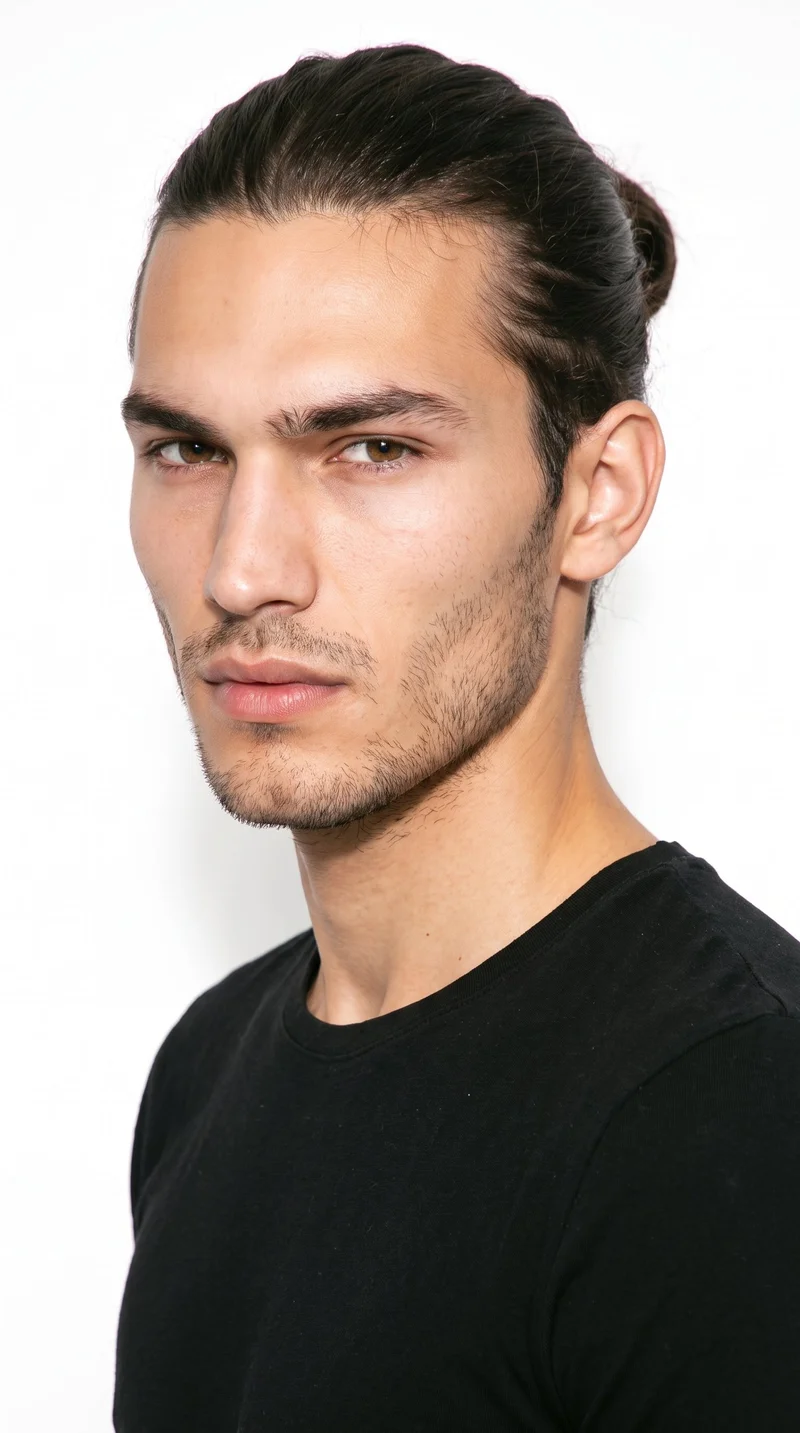
Male · 19
Showing 12 of 1,197
Cast your modelRawshot Features
RAWSHOT shapes product choices for recurring posts.
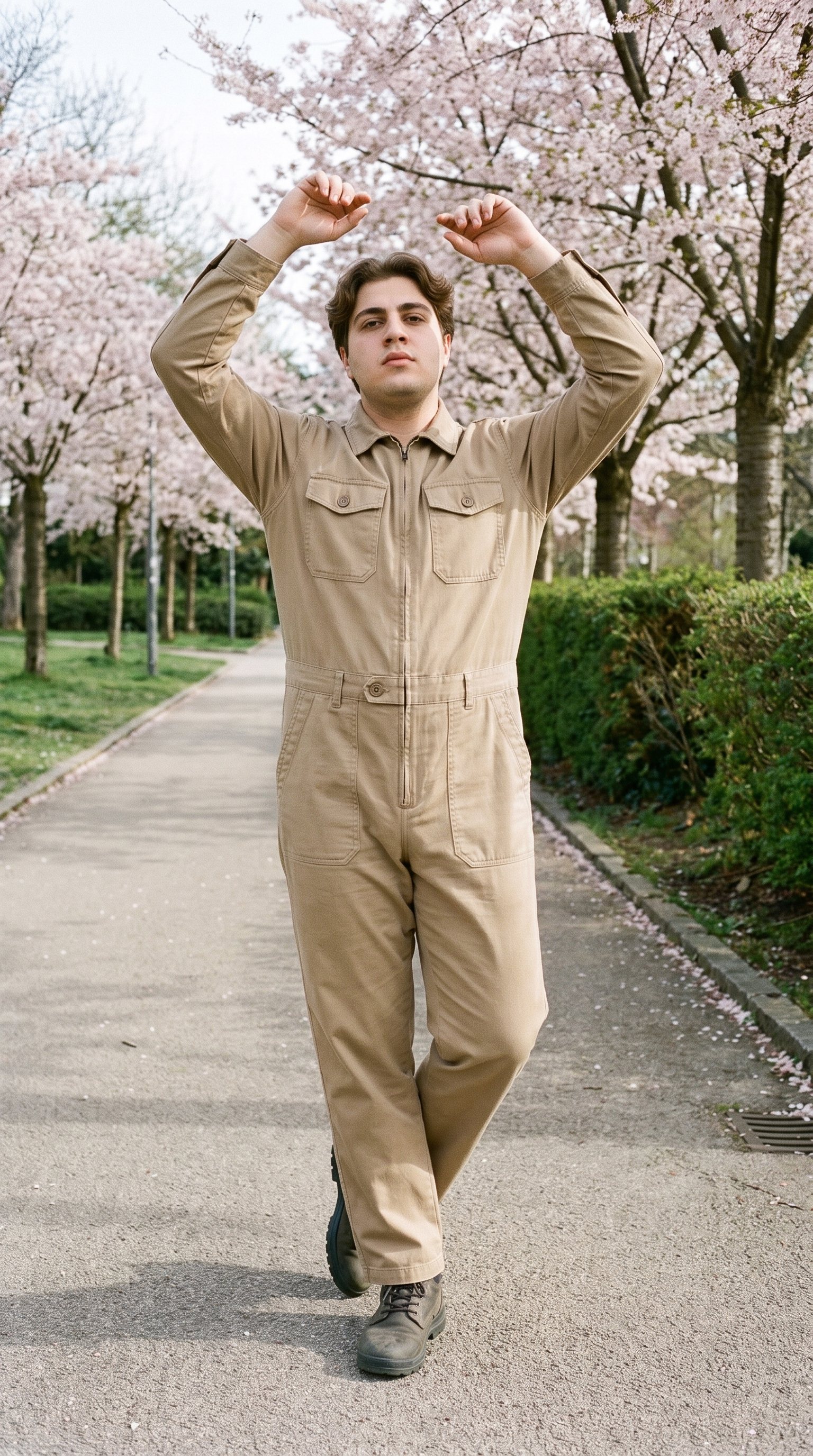
Fashion model poses
A controlled pose gives feed and story posts a deliberate product focus when a monthly calendar needs more than one static view.
22 poses on a full-body shot · 104 in total
See the feature →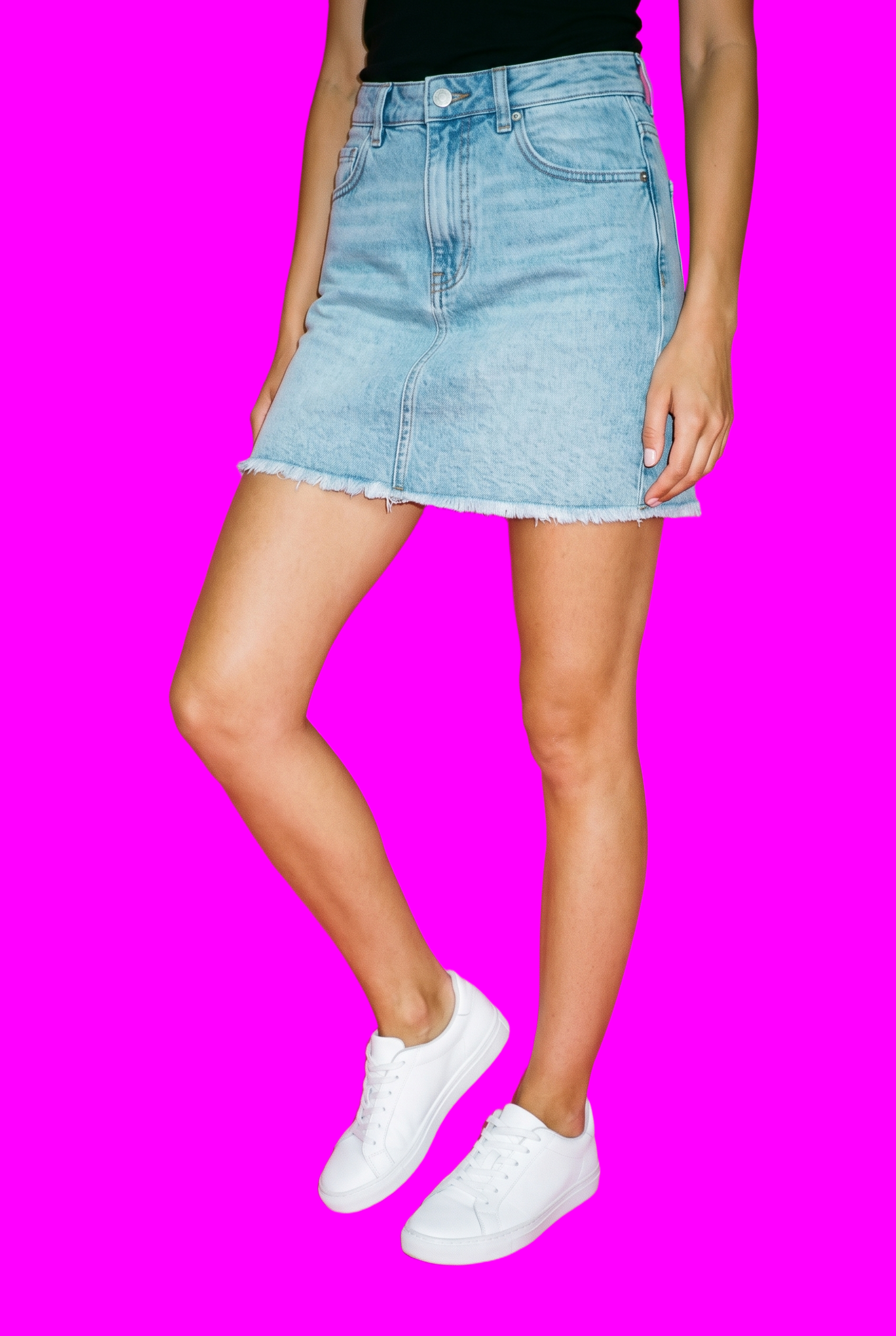
AI image to image generator
Changing one product or format lets you adapt a composition for another channel while keeping the selected visual decisions steady.
Change one decision and keep the rest of the composition stable.
See the feature →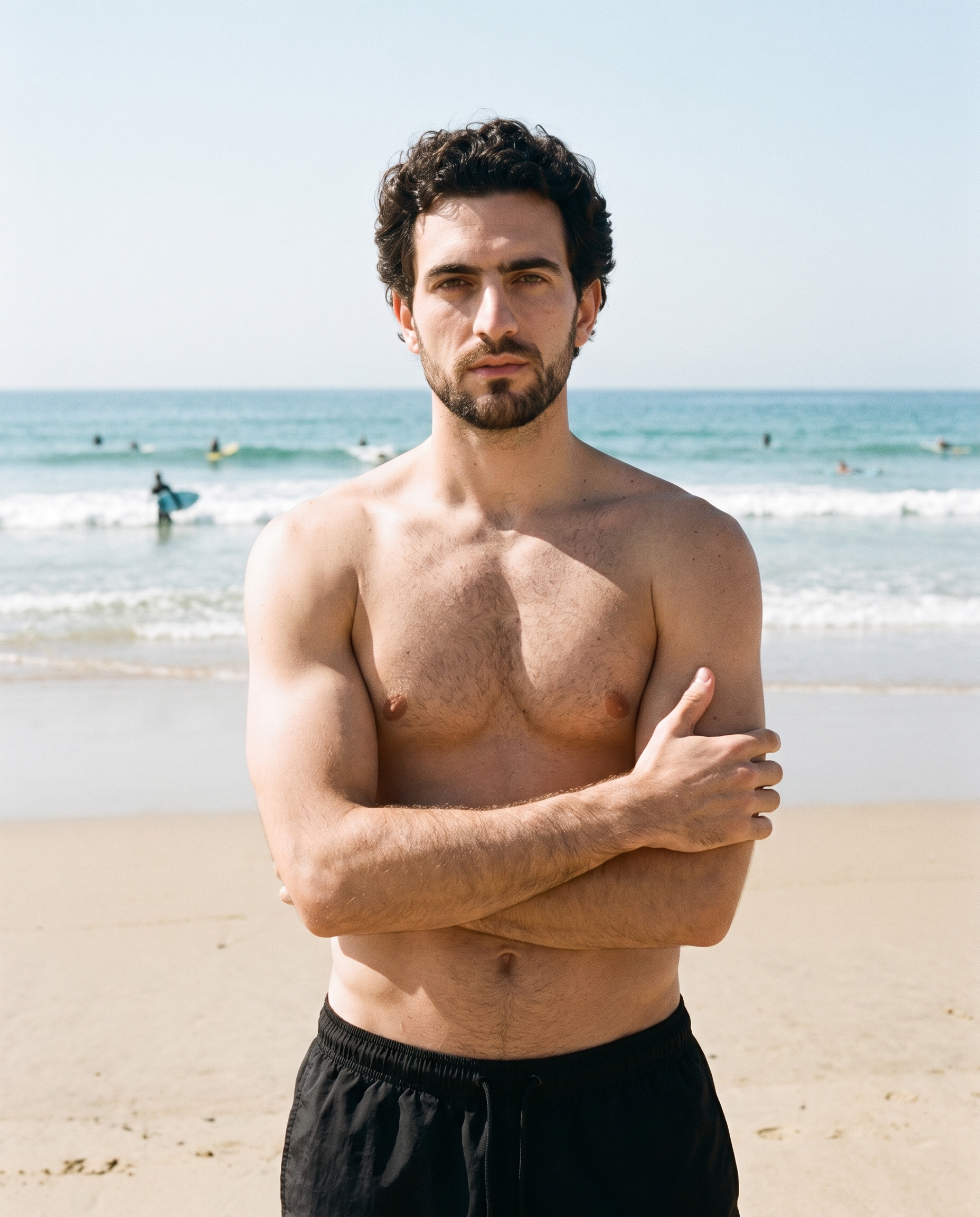
AI image to video generator
Motion versions extend finished stills into the short social placements due alongside static campaign content.
17 model actions on a full-body shot · 132 in total
See the feature →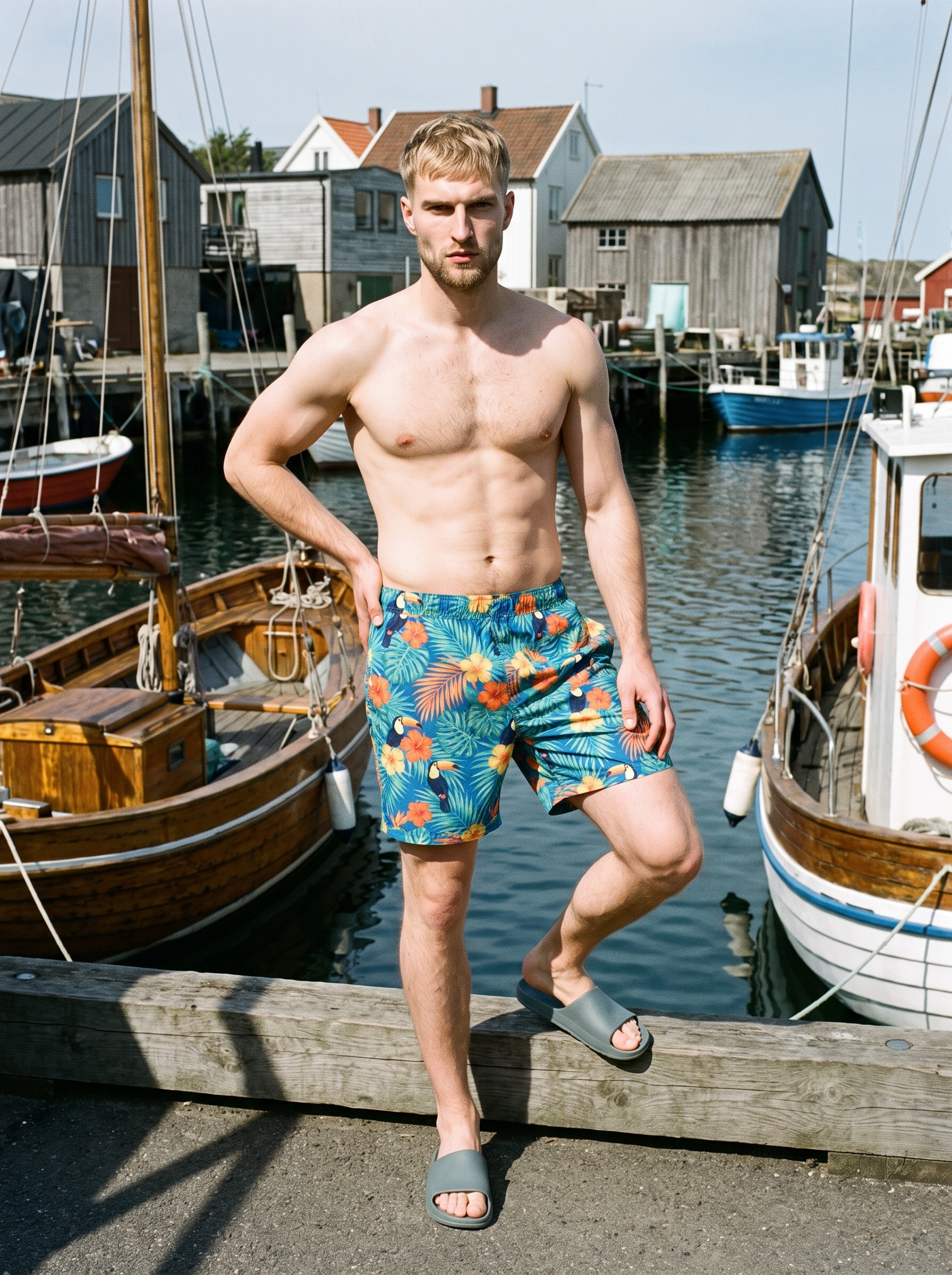
AI photo background generator
Different scene contexts help the same product support feed posts, launches and reminders while its composition stays recognisable.
Swap scene context while keeping model, product, and framing stable.
See the feature →AI makeup generator
Branch-aware named options applied without altering casting or scene setup.
AI model generator
Library filters plus private model building for consistent identity across the set.
AI outfit generator
Combine the main piece with neutral supporting items in one coherent frame.
AI suggestions
Preselected control values you can always override in the same configurator.
Garment styling
Choose how the garment is worn and keep brand presentation consistent.
Inspiration gallery
Load editable finished looks as fast starting points for new shoots.
Photography direction
4 named choices that set mood and shadow the same way across a shoot.
Product import and handling
Start from your real item and keep product fidelity while building the scene.
Gallery
Product views support feed and story posts.
Use the finished look as a visual starting point for product-led feed and story content.
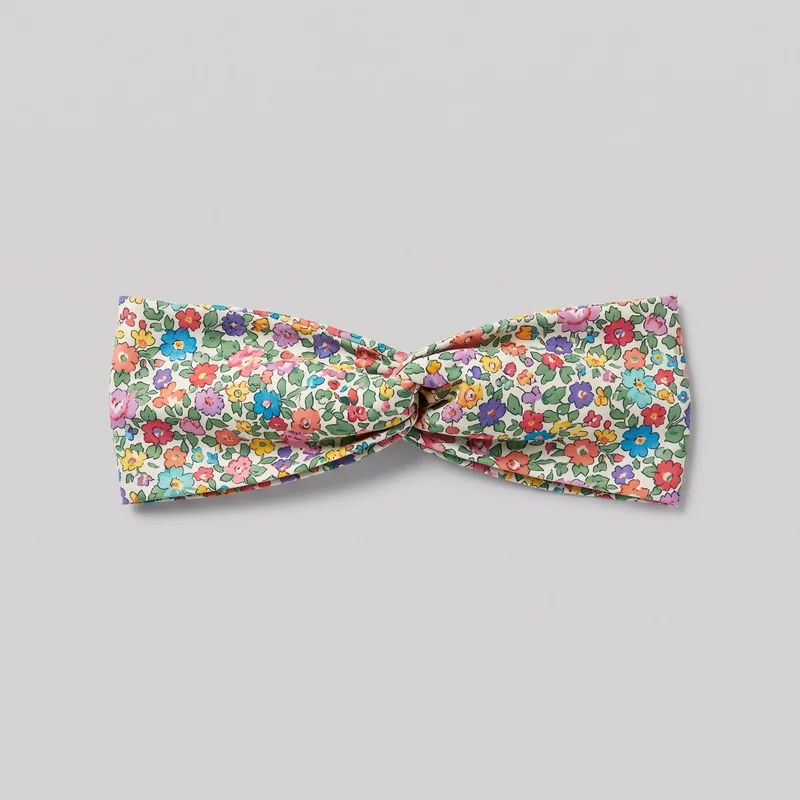 Floral Print Headband
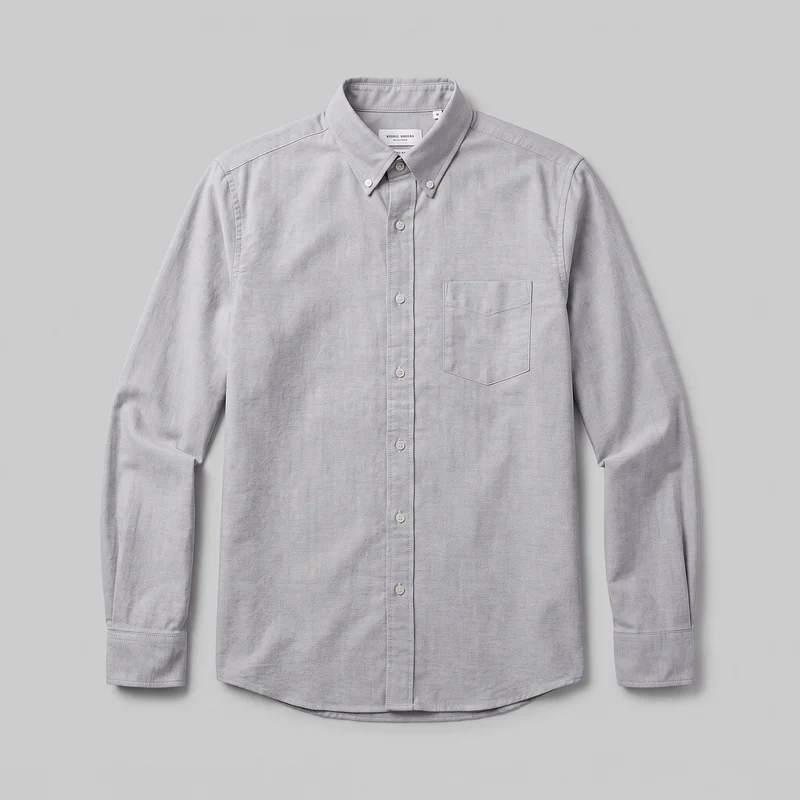 Grey Cotton Oxford Shirt
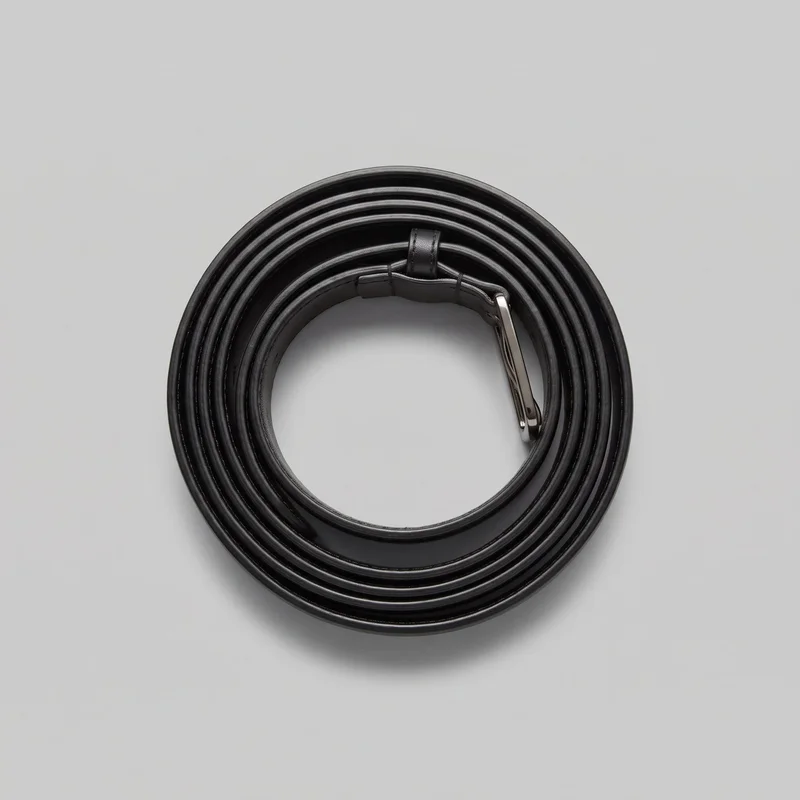 Women's Black Formal Belt
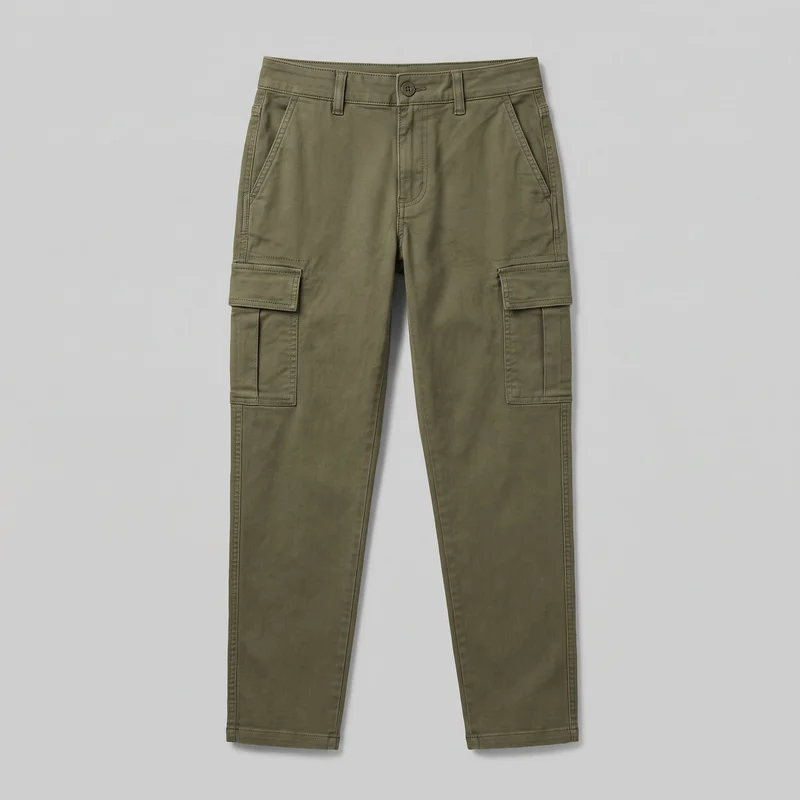 Women's Olive Utility Cargo Pants
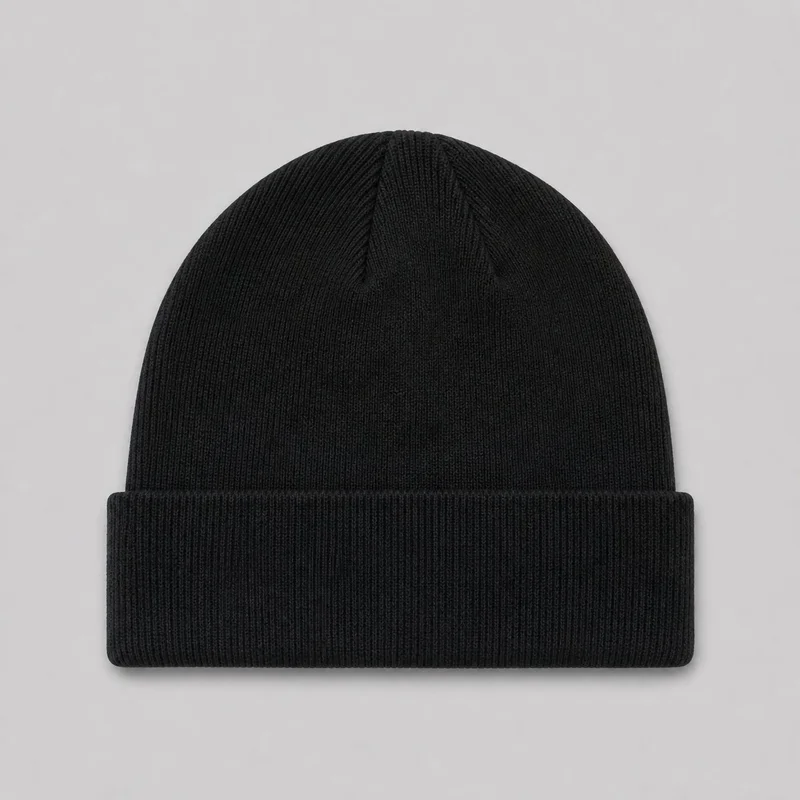 Men's Black Knit Beanie
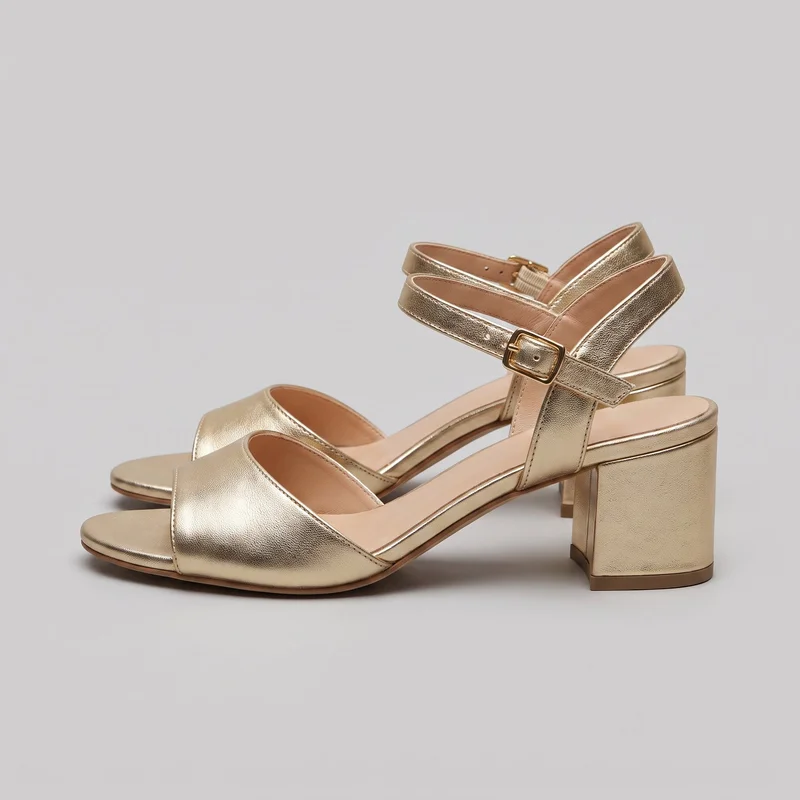 Men's Gold Heeled Sandals
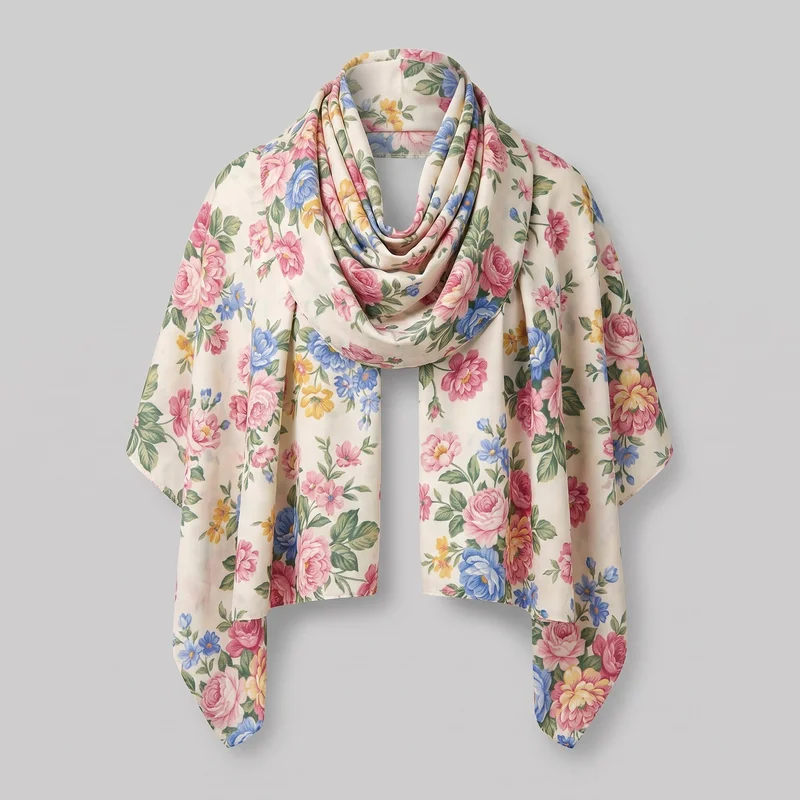 Floral Print Shawl
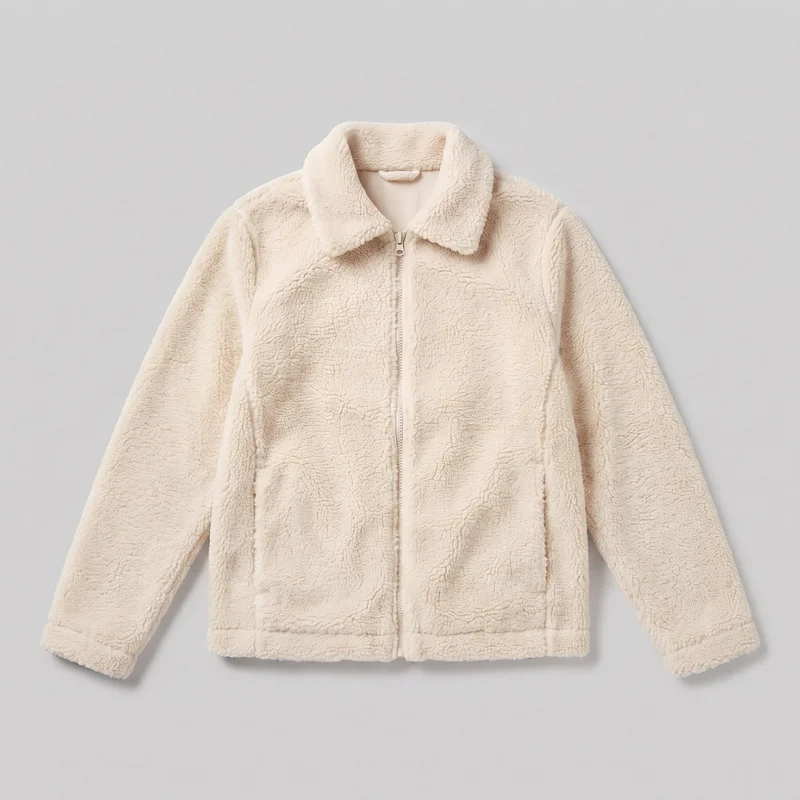 Women's Cream Sherpa Fleece Jacket
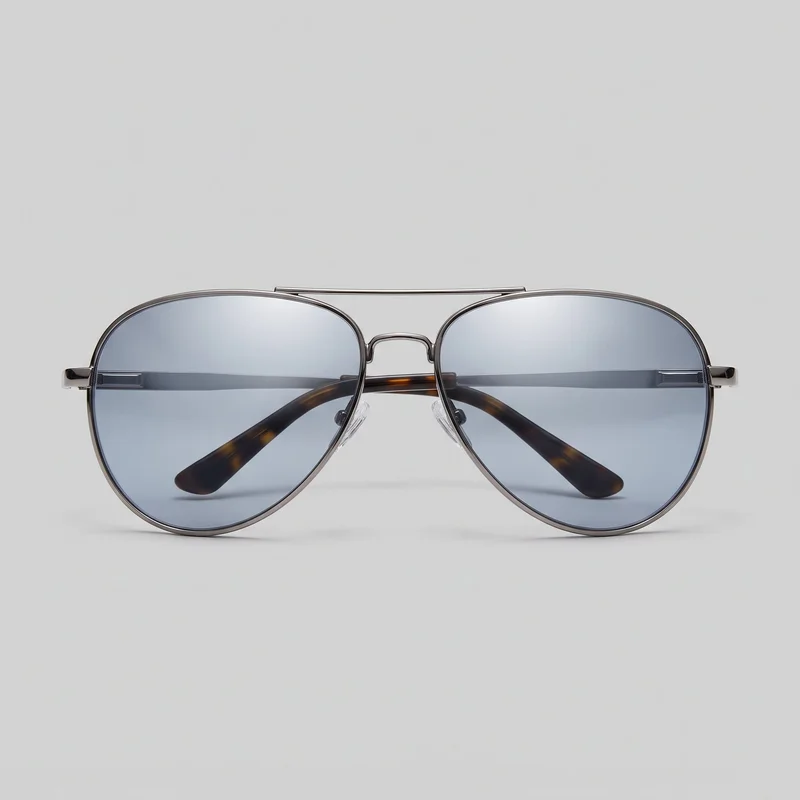 Men's Mirrored Sunglasses
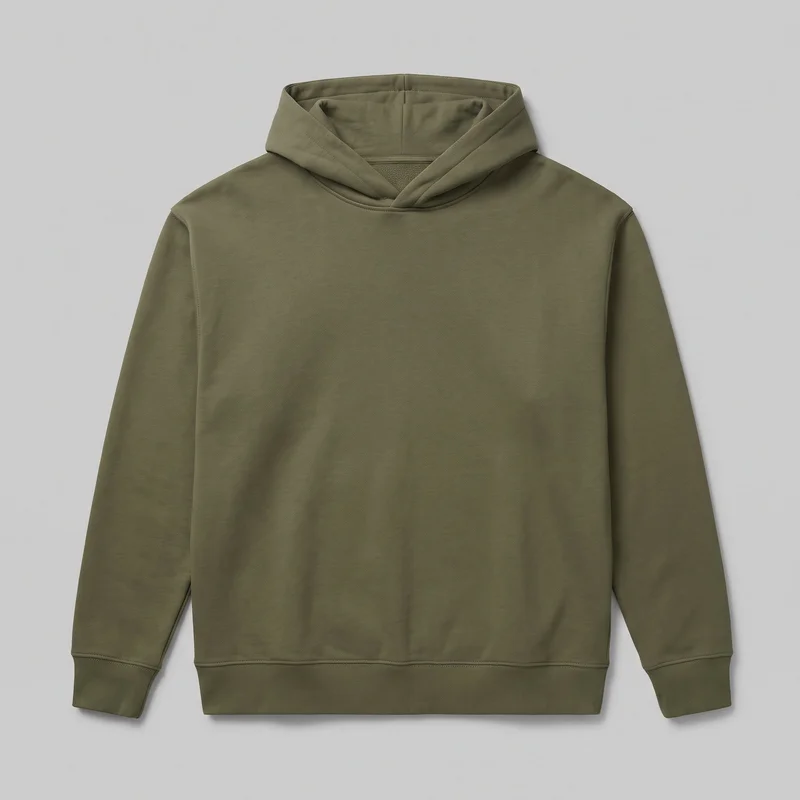 Men's Olive Oversized Pullover Hoodie
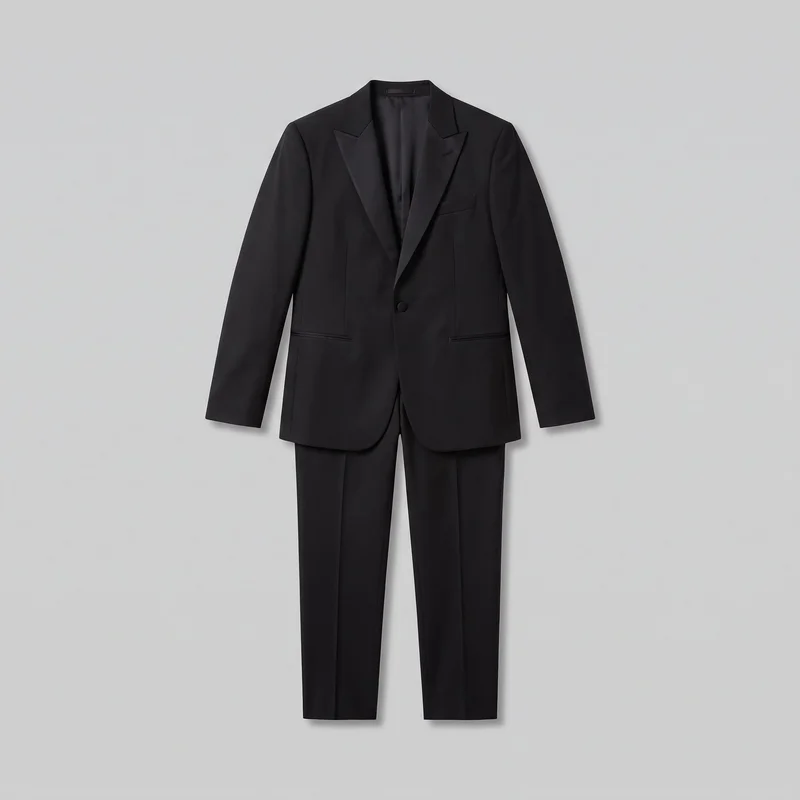 Black Classic Tuxedo
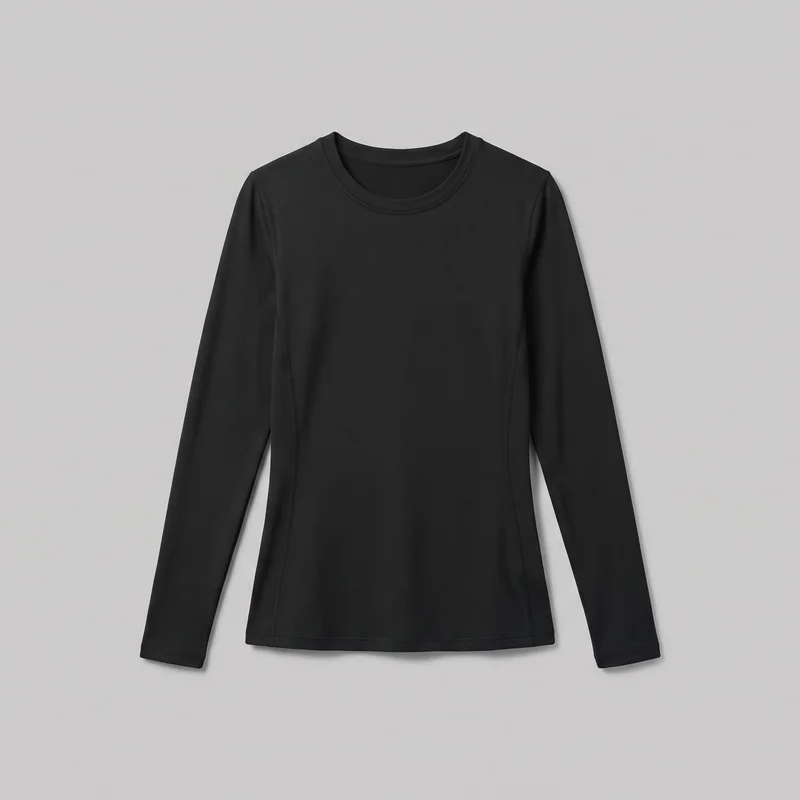 Women's Black Compression Base Layer
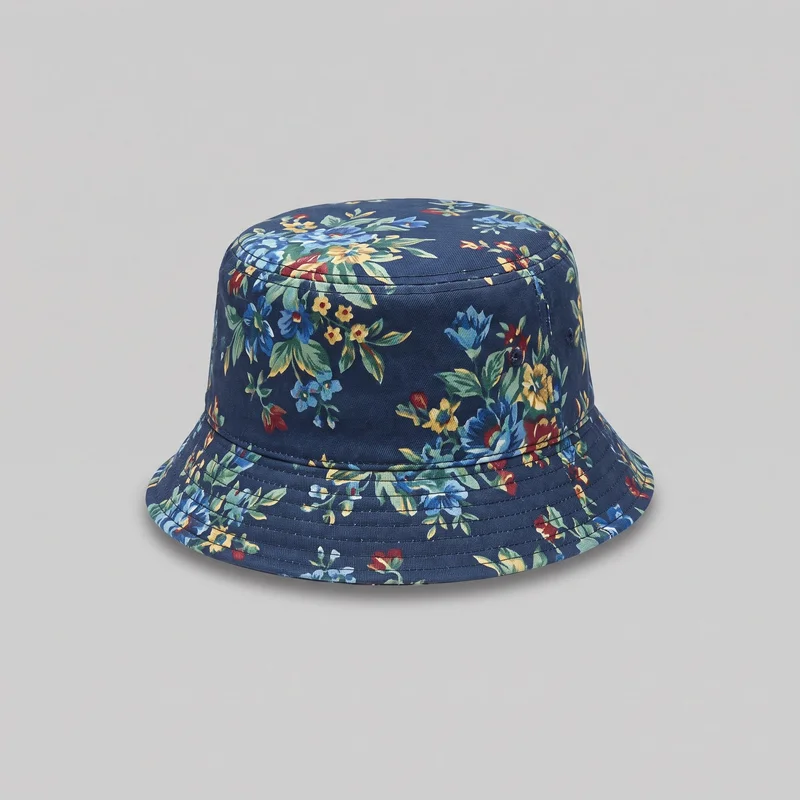 Men's Floral Print Bucket Hat
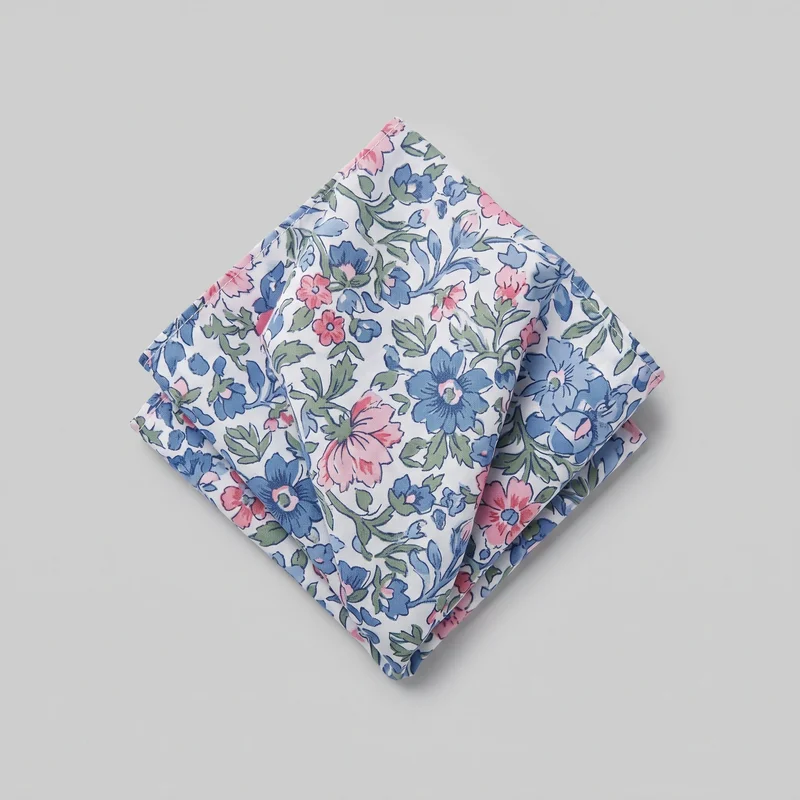 Floral Print Pocket Square
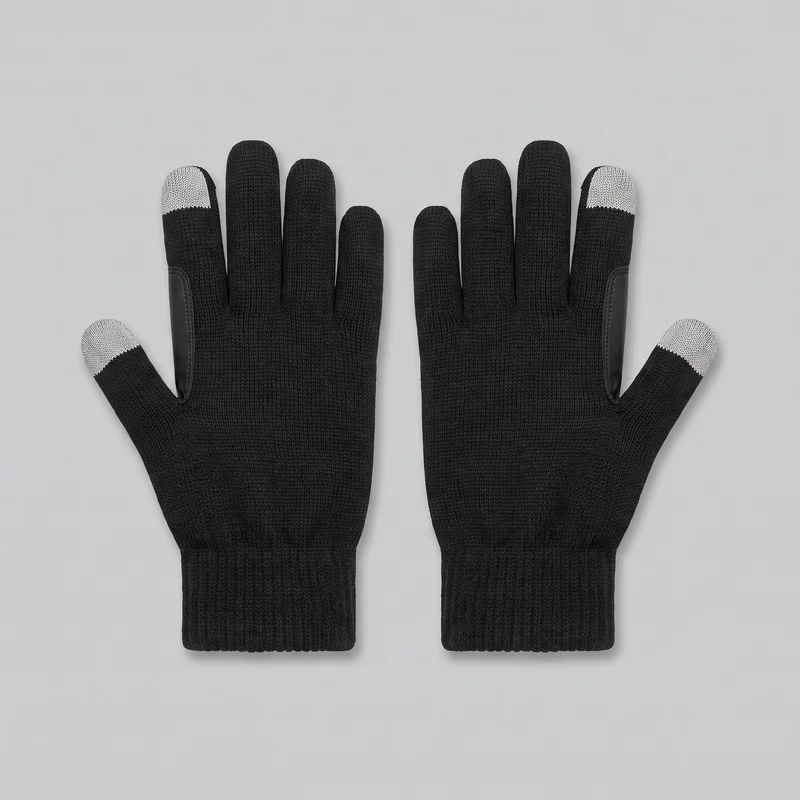 Men's Black Touchscreen Gloves
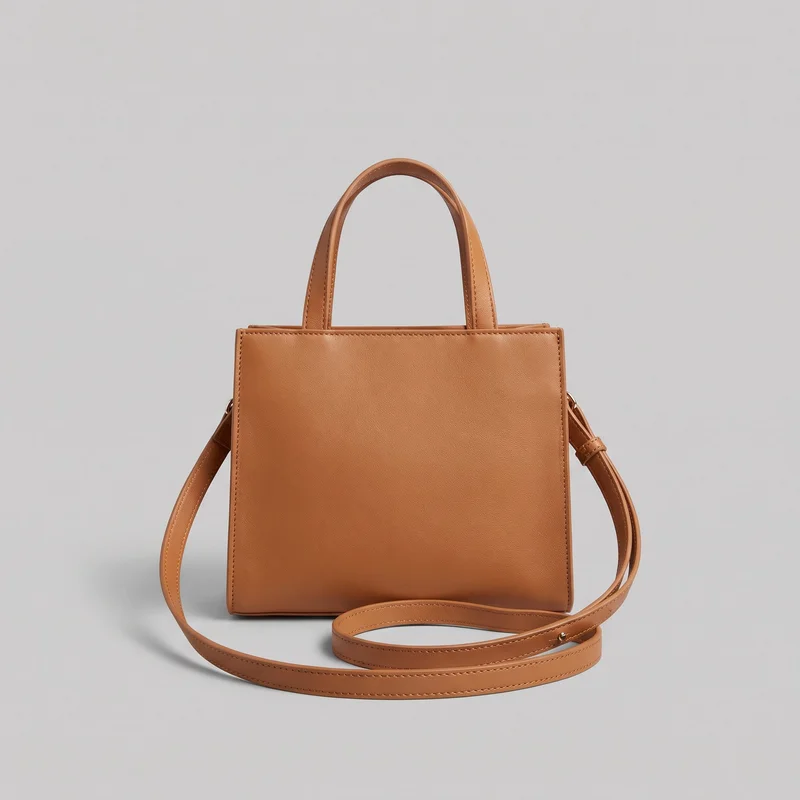 Women's Tan Crossbody Bag
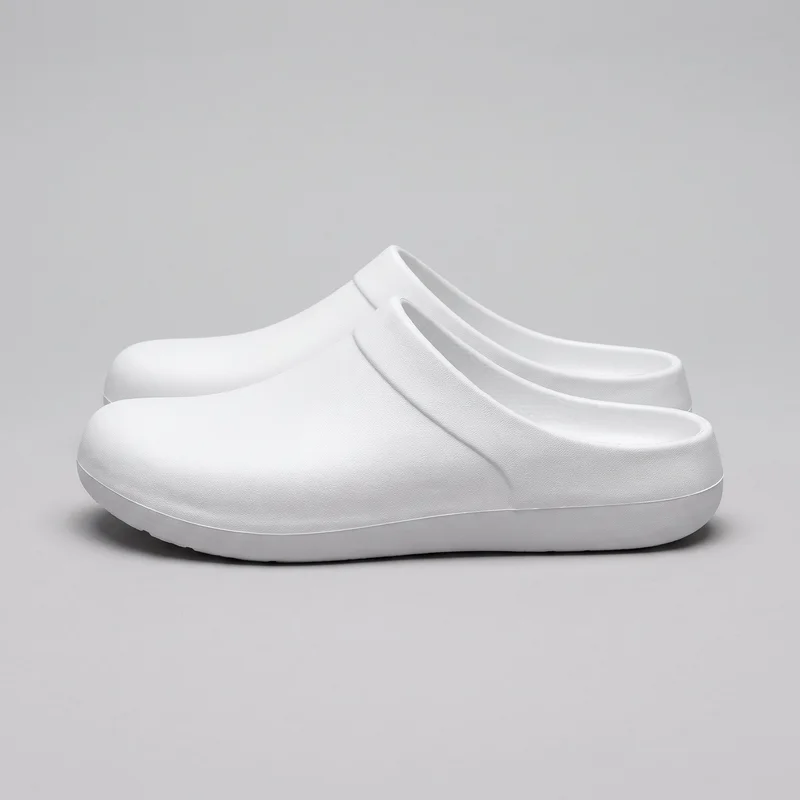 Men's White Clogs
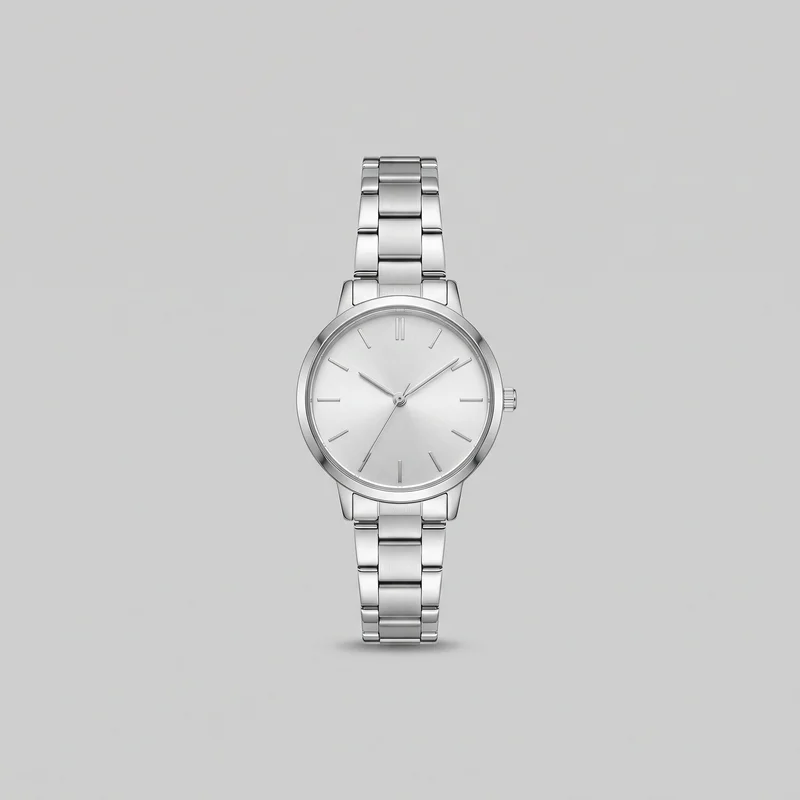 Women's Silver Analogue Watch
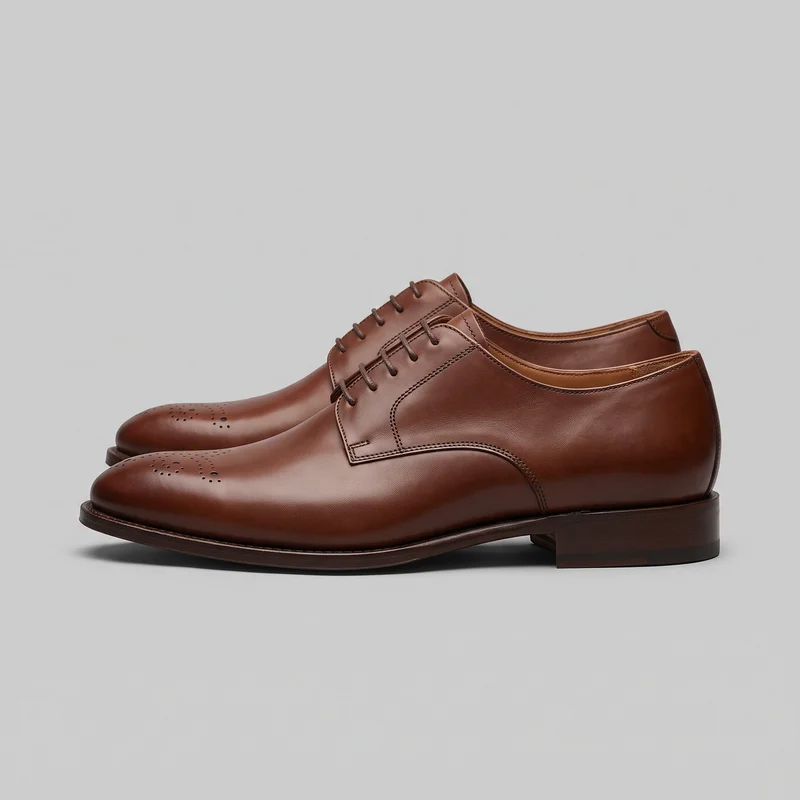 Brown Derby Shoes
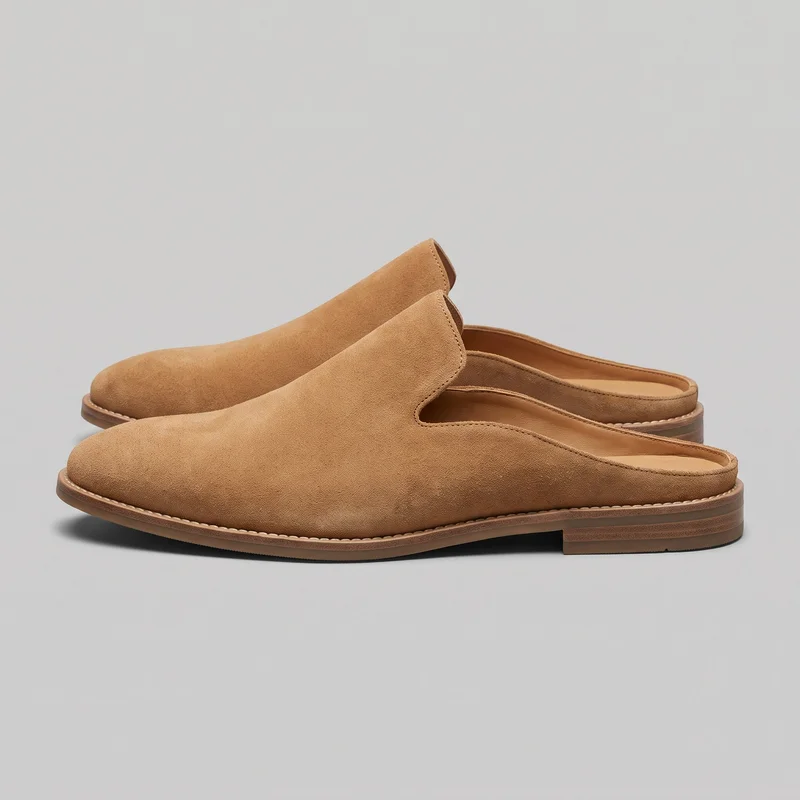 Men's Tan Suede Mules
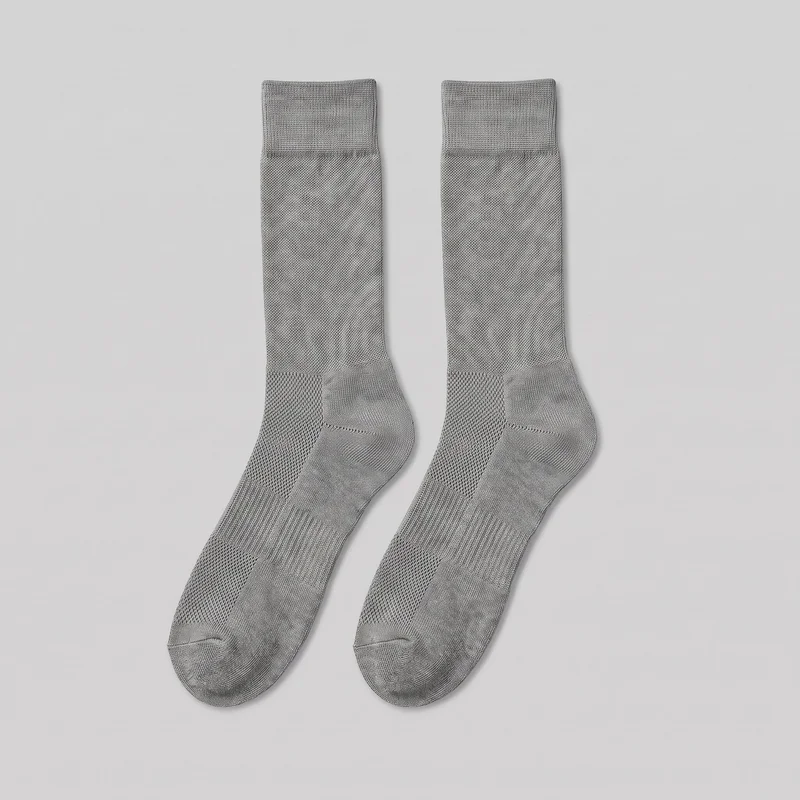 Men's Grey Performance Socks
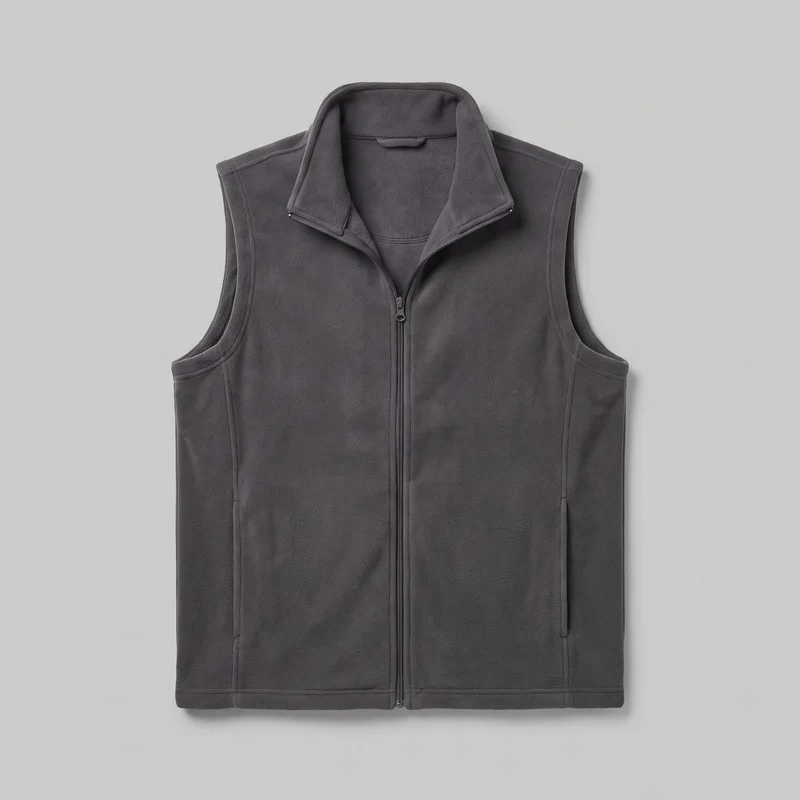 Men's Grey Fleece Gilet
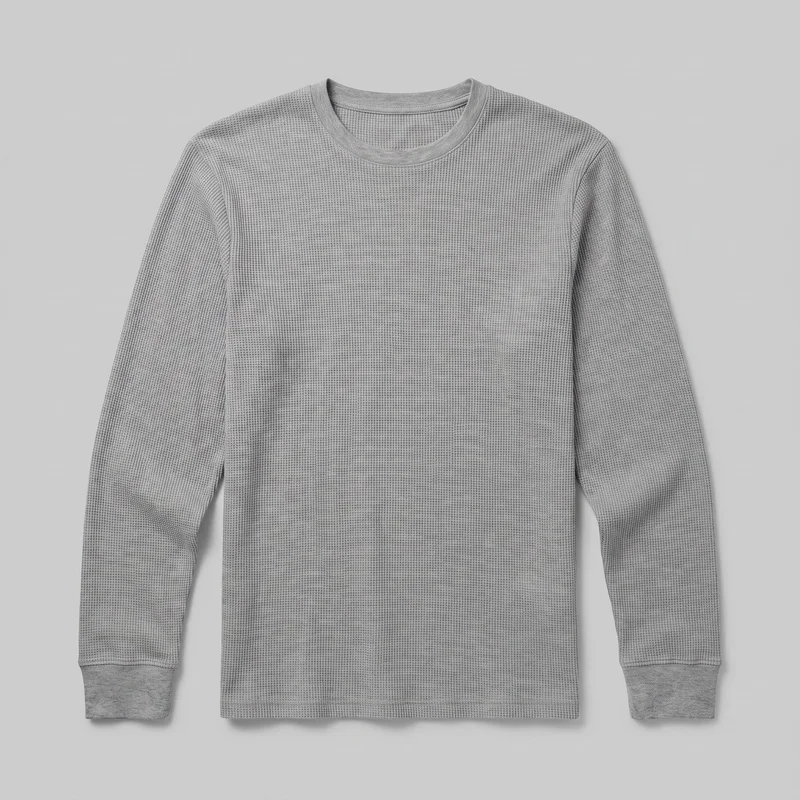 Men's Grey Waffle-Knit Long-Sleeve Tee
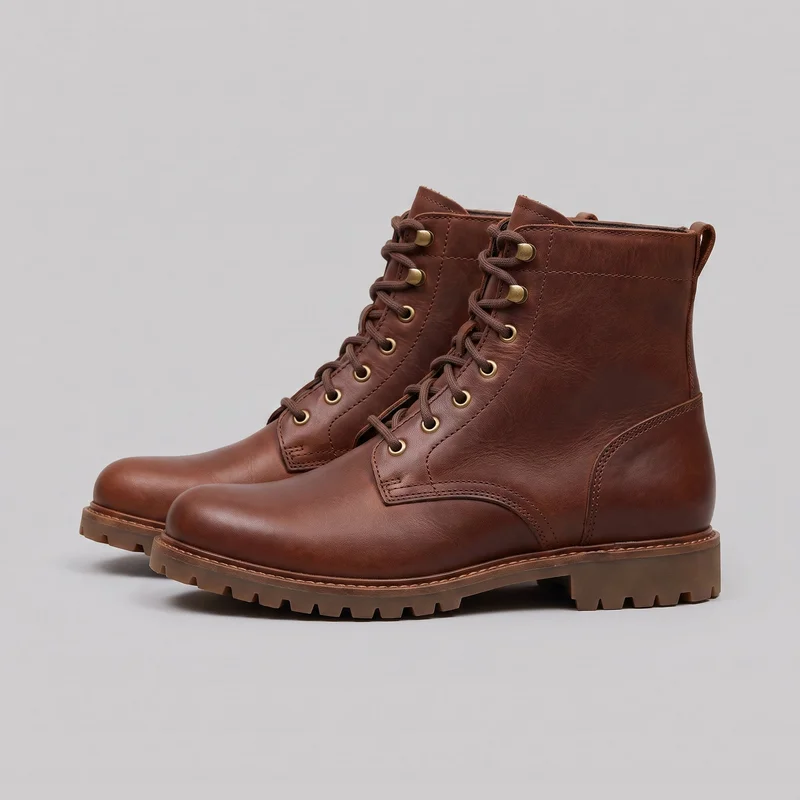 Men's Brown Lace-Up Boots
Showing 24 of 1,891
Consistency
One choice changes while the visual relationship holds.
Change the product, format or background while the selected model, light and crop hold where the composition supports it. That gives a social content pack a shared visual relationship without requiring every post to use the same scene.
You change one
- Frame
- Pose
- Camera view
- Model
The rest holds
Selected model
Keep the same model across related feed and story compositions.
Light direction
Keep the selected photography direction while other decisions change.
Composition
Hold the crop and framing while adapting the product context.
Who it's for
Is RAWSHOT right for recurring posts with defined limits?
A good fit
This fits you when recurring feed, story and short-clip work is due from real products and visible choices suit your process.
Work it handles well
- You can plan recurring feed and story work.
- You can direct model, frame and background choices.
- You can turn finished stills into social clips.
Outside this scope
It is limited when you need long-form video, unrestricted scenes, free-form styling or pixel-level edits to one image.
Where this stops
- You cannot create long-form video scenes.
- You need to choose from defined visual options.
- You need to review fine details before publishing.
Rights
You own every image. Every image says what it is.
Yours
- Full commercial rights to every image, permanently.
- No recurring licence fees on any model in the library.
- Every model is a synthetic composite, so there is no real-person likeness.
Labelled
- C2PA content credentials on every image.
- AI-labelled output, meeting EU AI Act Article 50.
EU-hosted, GDPR-compliant handling.
- EU AI Act Article 50
- C2PA
- Full commercial rights
- GDPR
- EU-hosted
Questions
Before your first monthly content pack.
Can RAWSHOT create a social content pack from approved products already in hand?
RAWSHOT can create a social content pack from approved product photos, with feed and story images plus short clips for reels, stories, and ads. You choose the model, outfit, styling, light, frame, camera view, pose, and background to shape the product-led direction. The result supports recurring publishing when a funded shoot is not scheduled, while keeping review focused on visible creative choices.
Which jobs and channels suit a social content pack for ongoing social publishing?
Monthly feed planning, weekly story drops, paid-social variants, and launch content packs are the main jobs and channels for social content. You can prepare product-led feed posts, story reminders, campaign tests, reels, and ads from approved imagery. Choose the model, frame, view, pose, background, and format for each context. Finished stills can become short motion versions for a posting calendar or paid placement.
Which crops and aspect ratios work for social feed, story, and ad content?
Feed frames, vertical story frames, and 4:5 or 9:16 crops work for social content, with short clips adapted to reels, stories, and ads. You can set composition, camera view, pose, background, and format around the product. Hold a chosen crop and framing across related assets, then change the format when a channel needs a different presentation.
What do I need to start a RAWSHOT social content pack from approved products?
Approved product photos, a clear product selection, and your preferred model, frame, view, pose, light, and background choices are enough to start social content work. Share source images with the product visible, then direct the visual choices you want held across related assets. You can review feed and story compositions, refine selections, and turn approved stills into short clips for reels, stories, or ads.
How does RAWSHOT compare with a studio shoot for social content production?
RAWSHOT gives you a directed social content workflow from approved product imagery, while a studio shoot requires organising a physical set, crew, products, styling, and capture session. You can control model, outfit, light, frame, pose, background, and camera view through defined visual choices. This suits recurring feed and story work when you need channel-ready material without scheduling a full production.
How can RAWSHOT keep social variants consistent across products, models, and placements?
RAWSHOT can keep the selected model, light direction, and crop consistent across related social variants while you change the product, format, background, or composition. This supports a shared visual relationship across feed and story work without forcing every post into one scene. Review every newly generated variant for product details, garment behavior, framing, and suitability before publishing.
What can't RAWSHOT do for social content when production control matters?
RAWSHOT does not support extended video narratives, open-ended environments, unconstrained styling, or detailed retouching of a single social image. You work within defined visual options for model, frame, background, light, pose, and camera view. Variants are newly generated, so inspect product details and composition before publishing. It suits directed social production, not fully controlled set work or fine post-production edits.
What usage rights apply when you publish RAWSHOT social content for feed, stories, and ads?
You get full commercial rights to every image, permanently, with no recurring licence fee. Every image carries C2PA content credentials and is labelled as AI-generated.
Get started
Your first pack starts with approved products.
Start with a 7-day free trial including 50 tokens, then move to the plan that matches your production volume.