
Sizes and bodies
Hire a model for photoshoot
Your range appears across adult bodies and age groups.
You need to hire a model for photoshoot work, but the range calls for adult bodies and age groups beyond a small casting budget. The collection still needs clear, consistent on-model imagery for a lookbook or launch.
7-day free trial • 50 tokens (10 images) • Cancel anytime
A 2K image in roughly 35 seconds · AI-labelled with C2PA content credentials
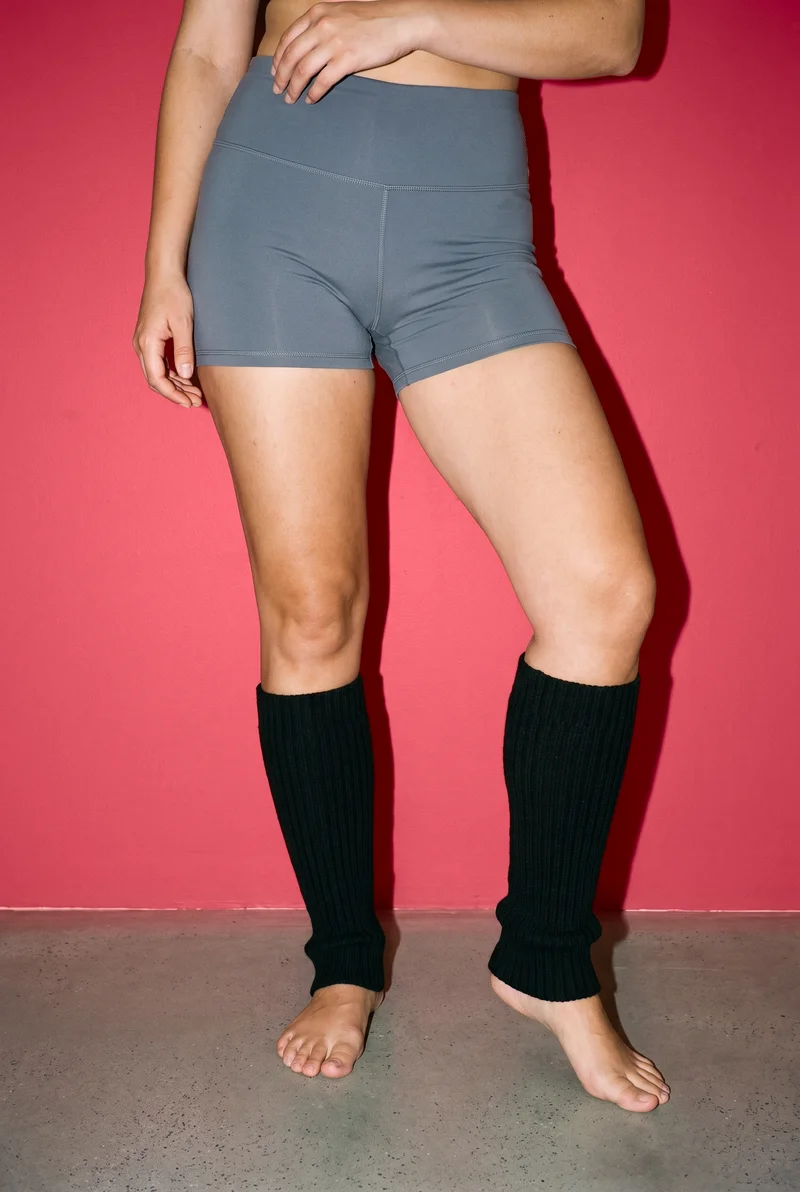
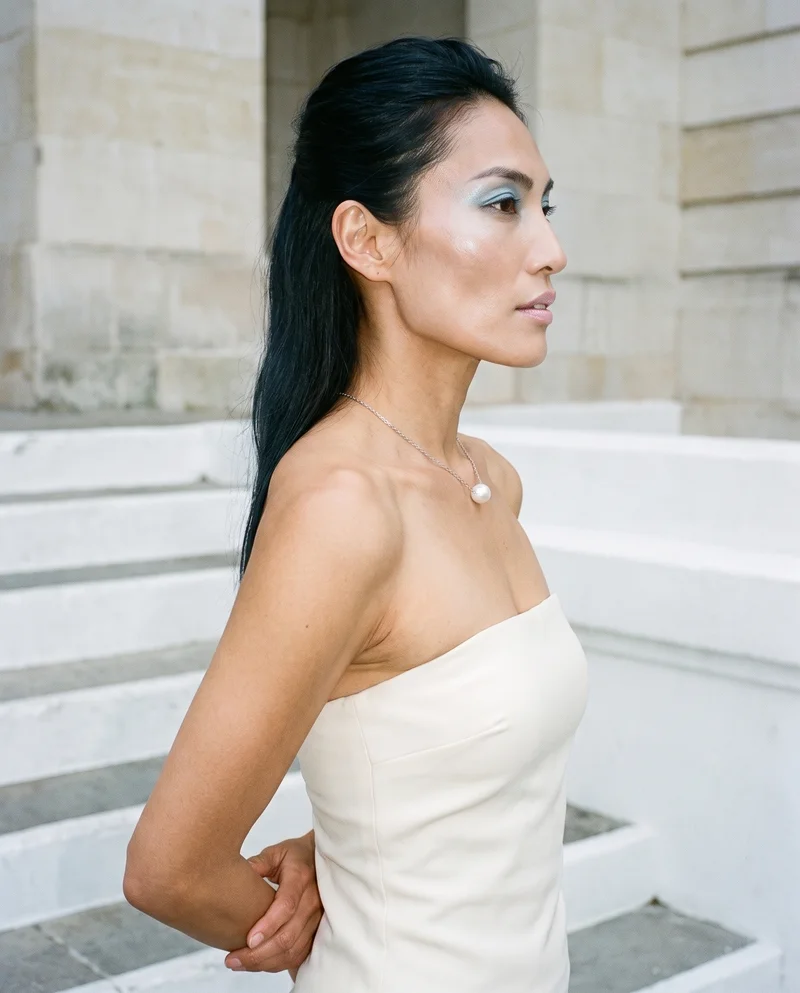
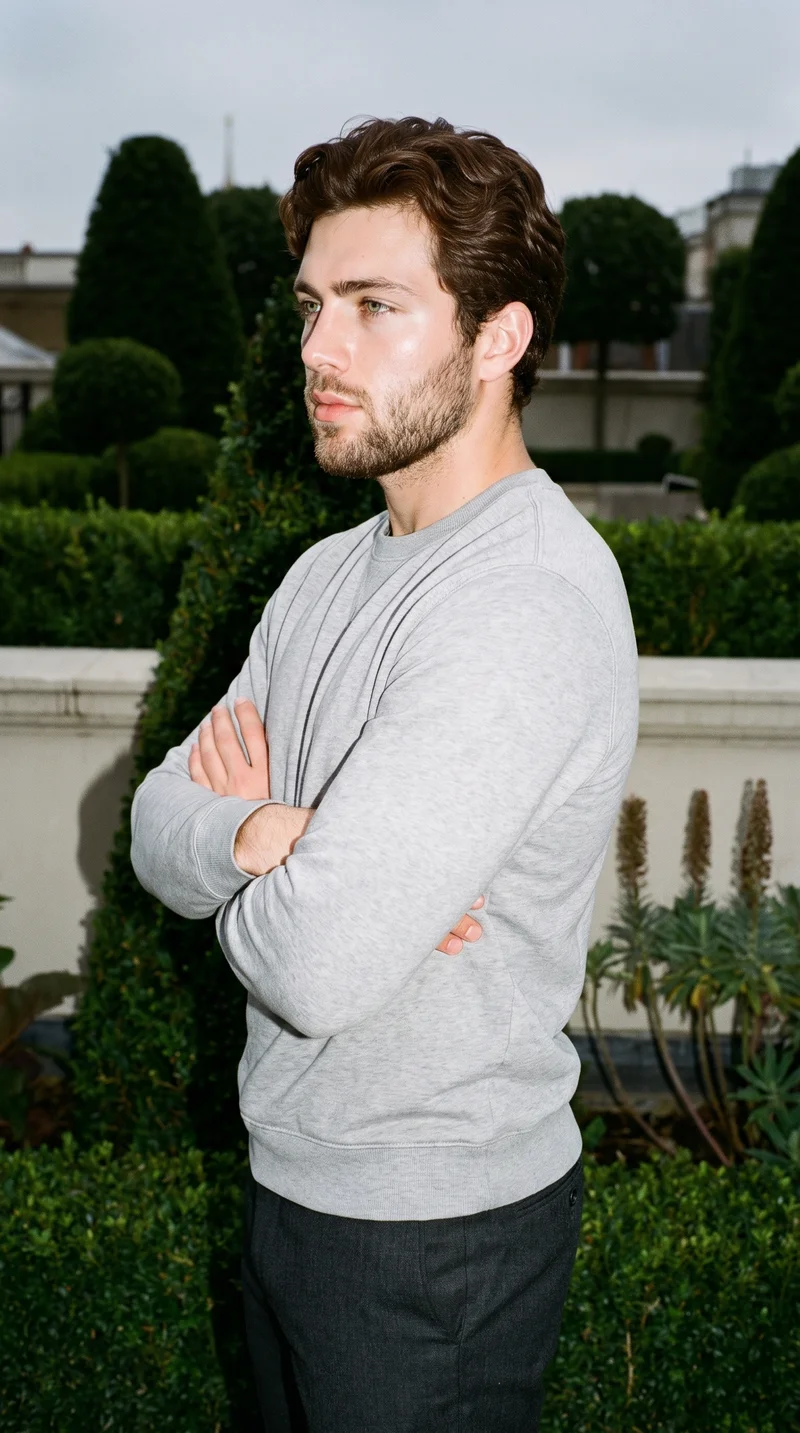
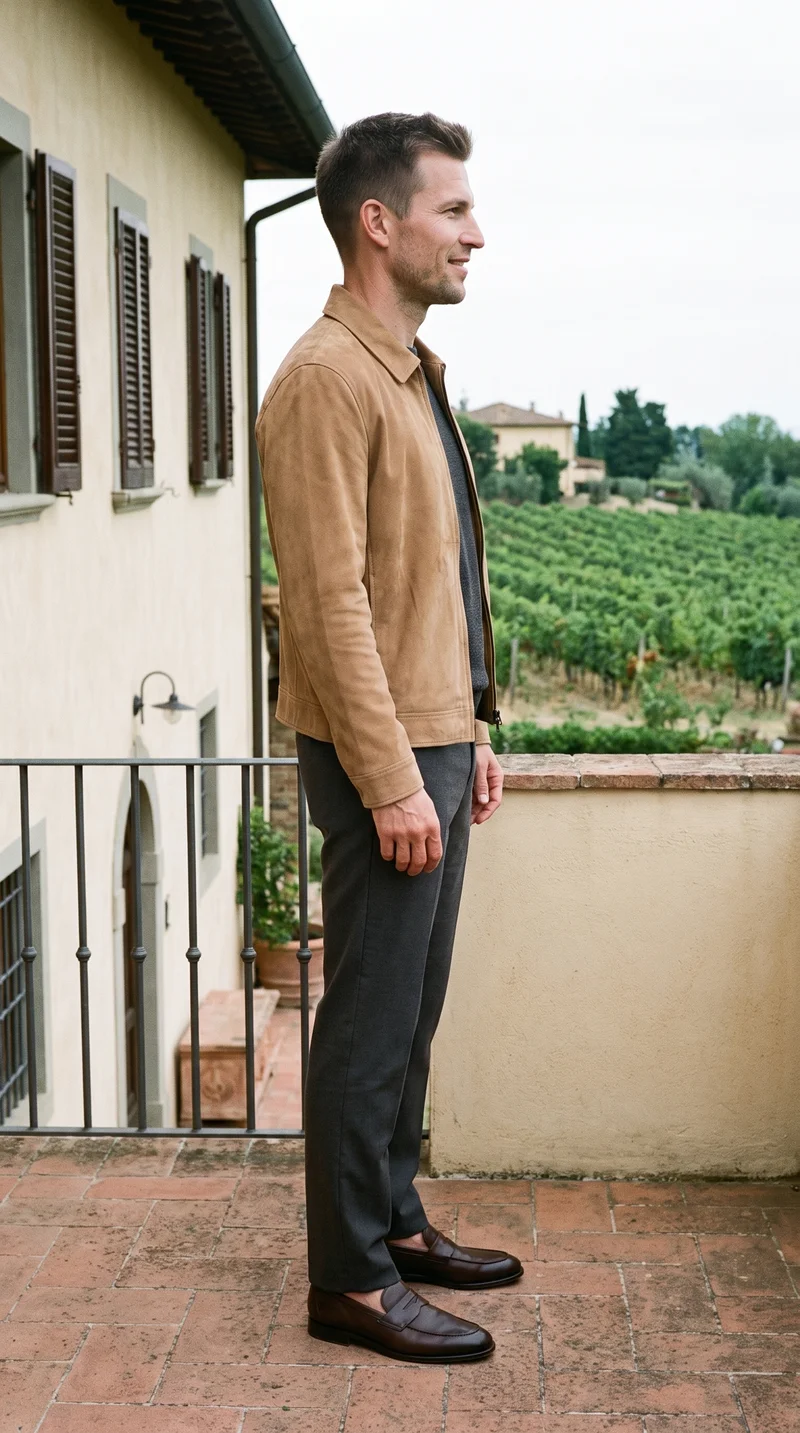
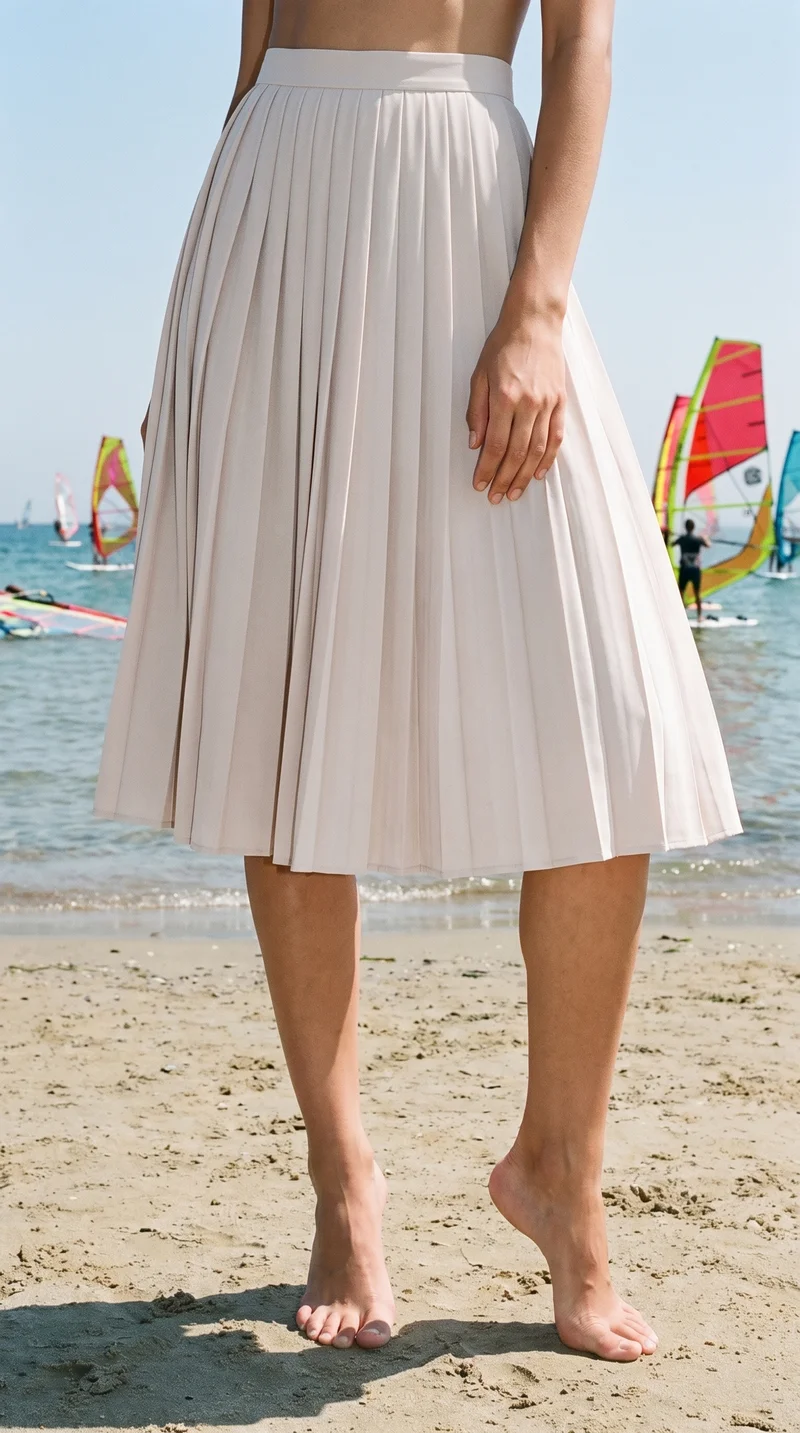
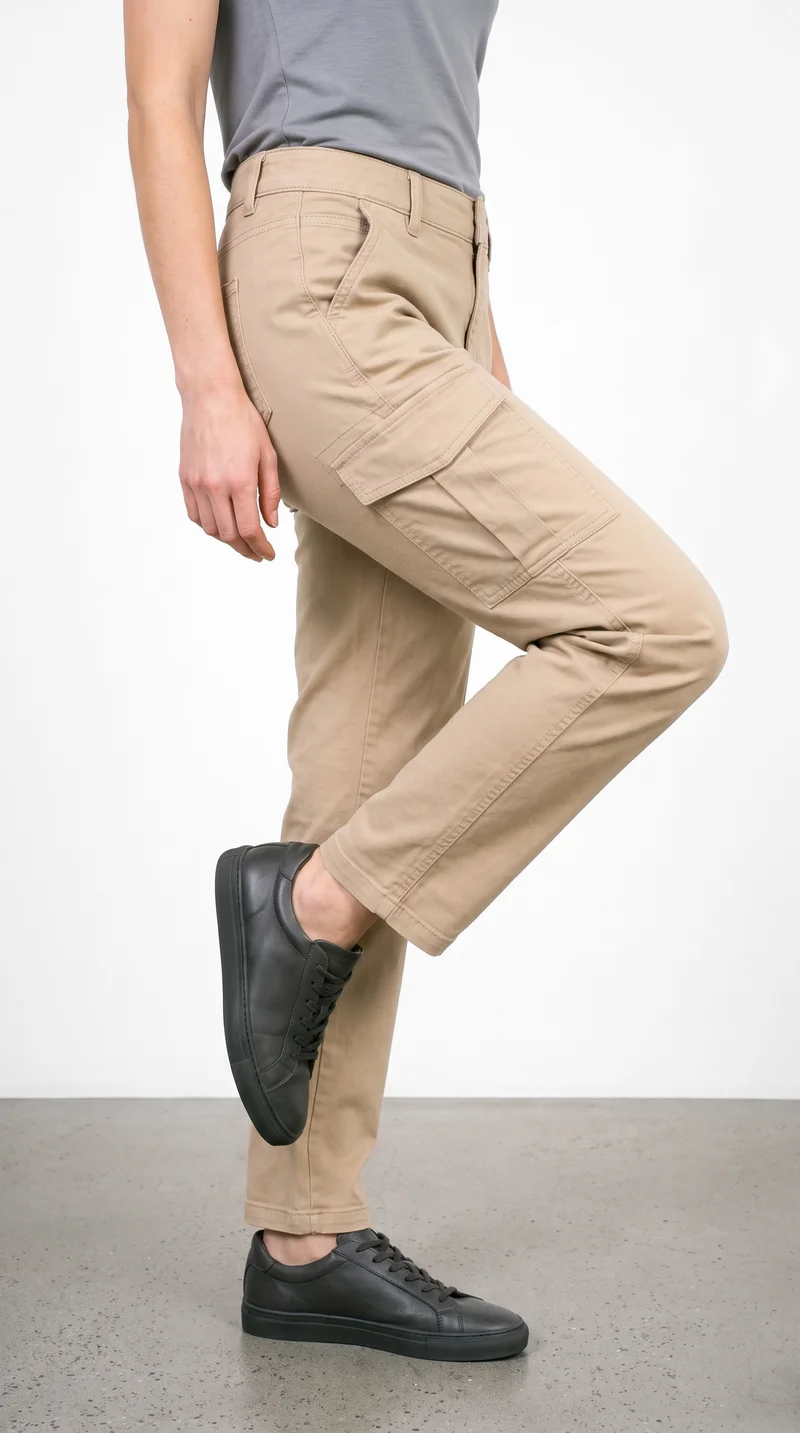
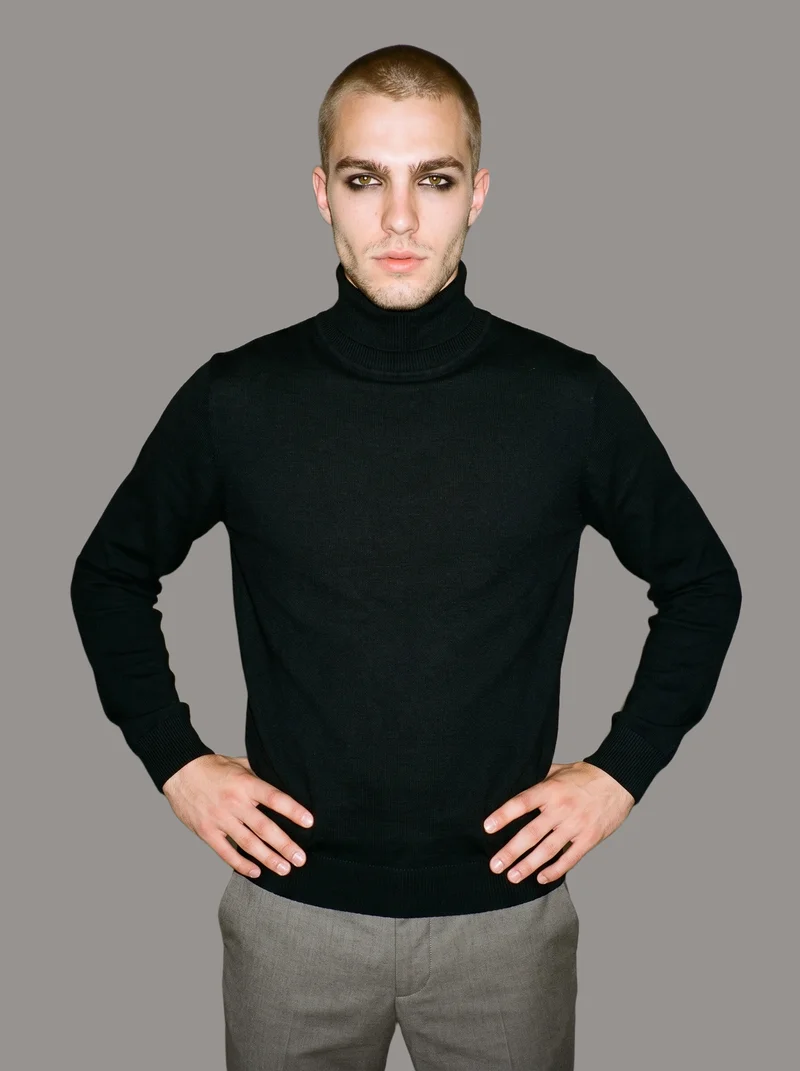
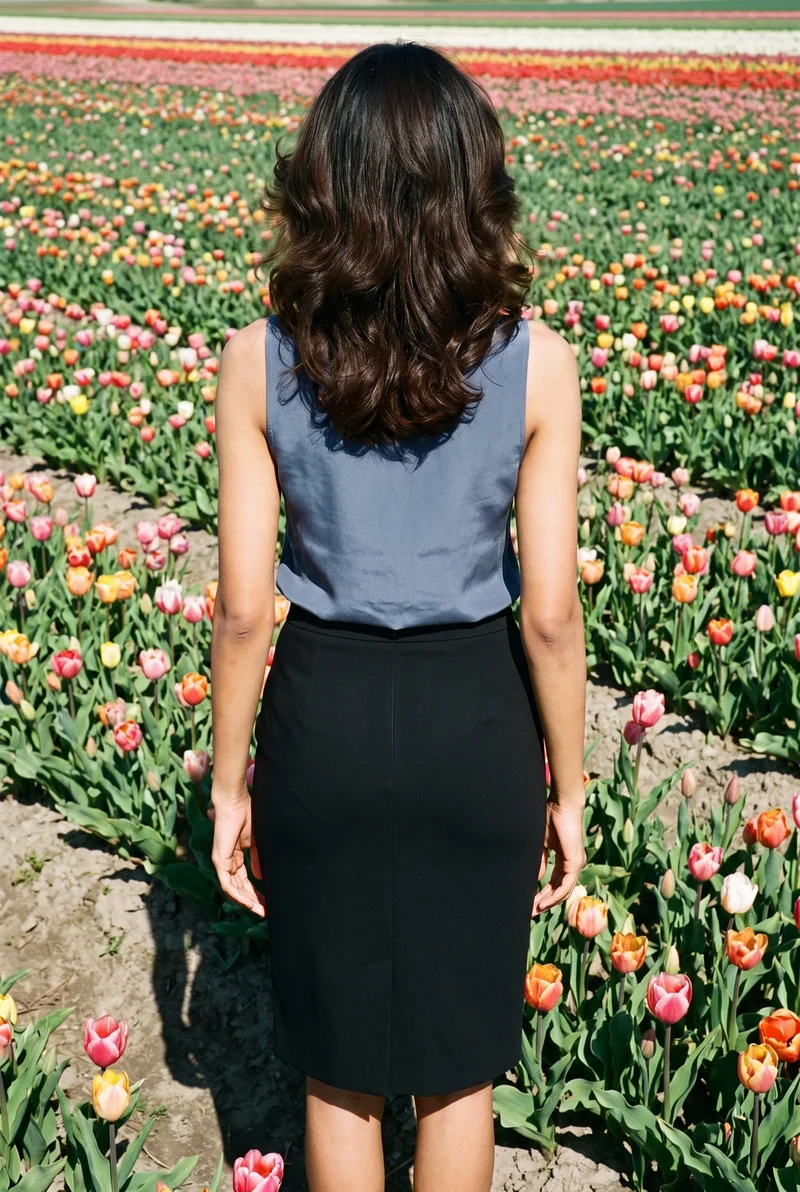
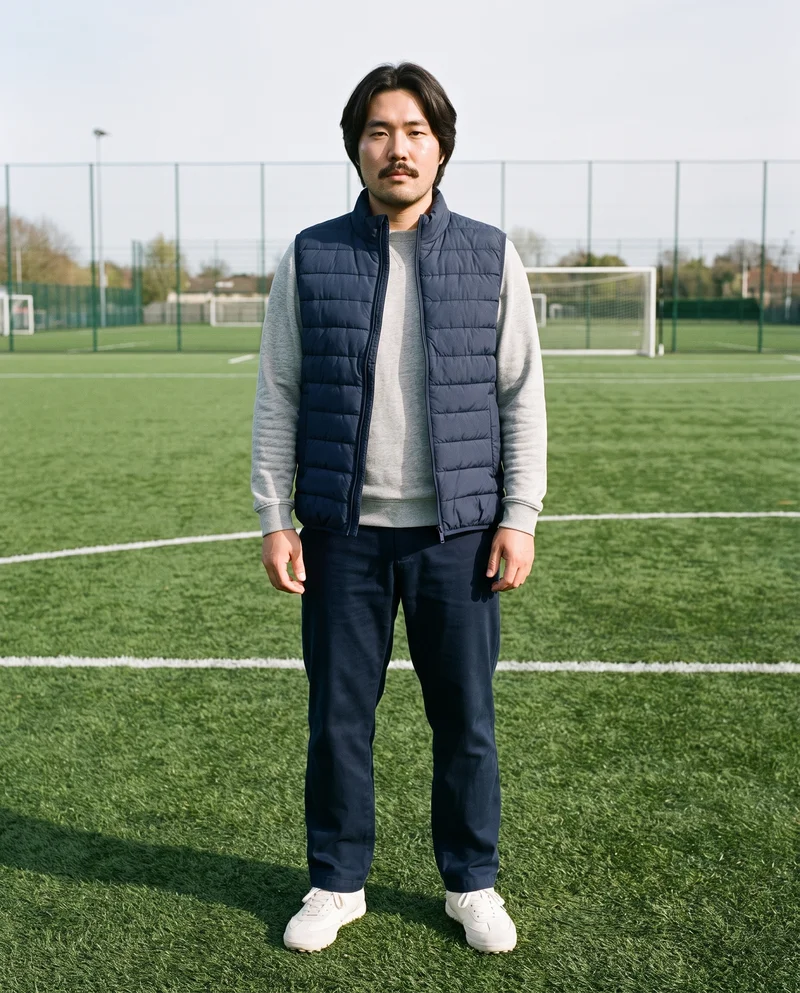
Showing 9 of 3,629, shot in RAWSHOT
Use cases
When your range outgrows a small casting budget.
Inclusive Lookbook Range
The situation
A launch lookbook needs varied adult body types, but the available casting budget cannot cover the full range.
With RAWSHOT
Choose the model profile, frame, camera view, pose and expression for each collection story. You get directed on-model imagery that presents the range with a considered visual relationship.
Age-Range Pre-Order Launch
The situation
A pre-order launch needs the collection shown across adult age groups before a wider cast is available.
With RAWSHOT
Set the age group, model, product and photography direction for each image. You get an on-model product set that gives the launch a clear casting point of view.
Broader Collection Casting
The situation
An inclusive collection needs broader representation than the budget allows for a conventional production.
With RAWSHOT
Select suitable body profiles and direct full-body, three-quarter or detail frames around the product. You get imagery that shows the collection on a broader adult cast with deliberate composition.
Recognisable Seasonal Face
The situation
A seasonal range needs a recognisable private model across individual shoots and changing products.
With RAWSHOT
Build the private model, select the product and set the same visual direction for each image. You get a recognisable face across the seasonal range while each composition remains adjustable.
What you get
A consistent image set for lookbooks, launches and product pages.
A consistent on-model product image set for a lookbook or launch, with adult models chosen for the range and a recognisable visual direction. Each image presents the real collection through deliberate casting, framing, posing and product context.
Representative Model Casting
Select adult models by body type and age group so the collection appears on bodies that better reflect the people you design for.
Recognisable Brand Face
Build a private model when the label needs a familiar face across individual images and future seasonal work.
Directed Product Imagery
Use the real product with deliberate frames, camera views, poses and expressions for a clear on-model lookbook or launch set.
Channel-Ready Image Set
Keep the chosen composition stable while comparing models and preparing the finished images for lookbook, product page and campaign placements.
Direct the shoot
Set the model, frame, view, pose and light.
Library
Synthetic, adult and licence-free
1,197
Preselected
2
Private model
Build your own from 31 attributes, used only by your brand
31
Create photoshoot
Step 2 of 7 · Model
Female
Model
From the library
Rights
Licence-free, no real-person likeness
Next: outfit, styling, background
Rawshot Features
Keep casting, product and composition aligned.
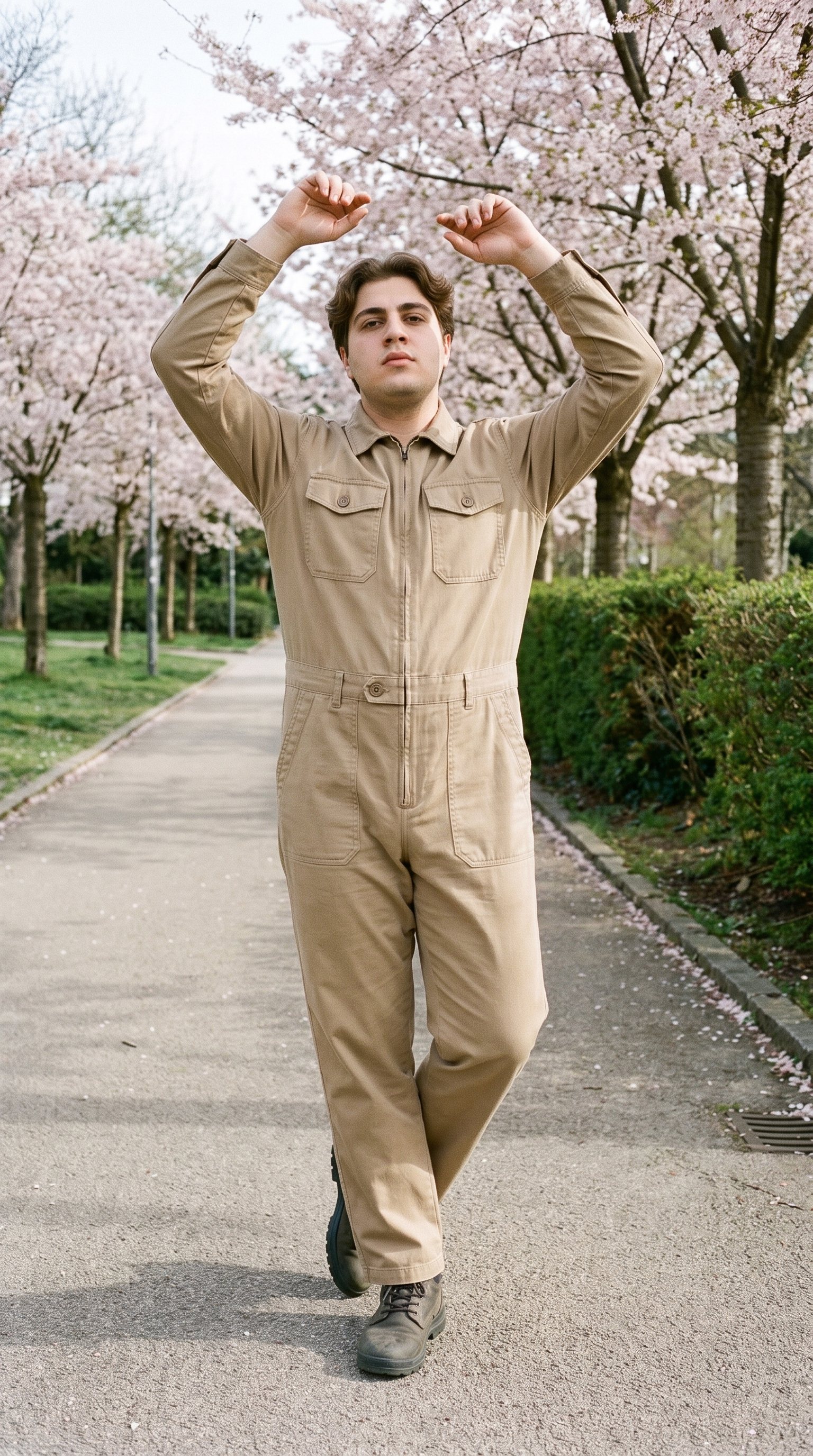
Fashion model poses
Direct each body profile with purposeful framing and posing, so the range reads clearly across product views and lookbook imagery.
22 poses on a full-body shot · 104 in total
See the feature →
AI model generator
Choose adult age groups and body types that reflect the collection, or build a recognisable private model for recurring brand imagery.
Library filters plus private model building for consistent identity across the set.
See the feature →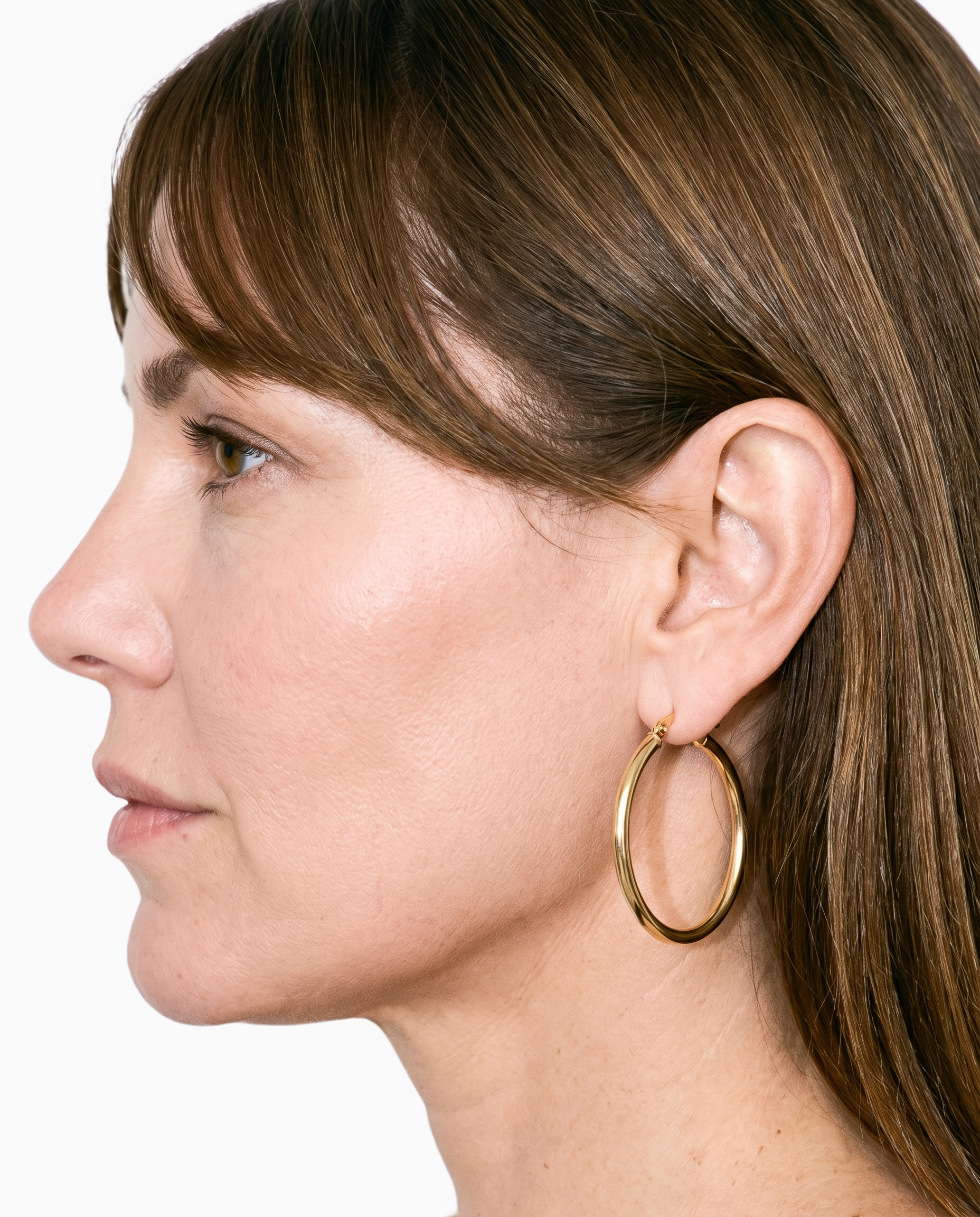
Product import and handling
Put the real piece on the selected model from the product source you have, keeping the collection visible even when samples are unavailable.
Start from your real item and keep product fidelity while building the scene.
See the feature →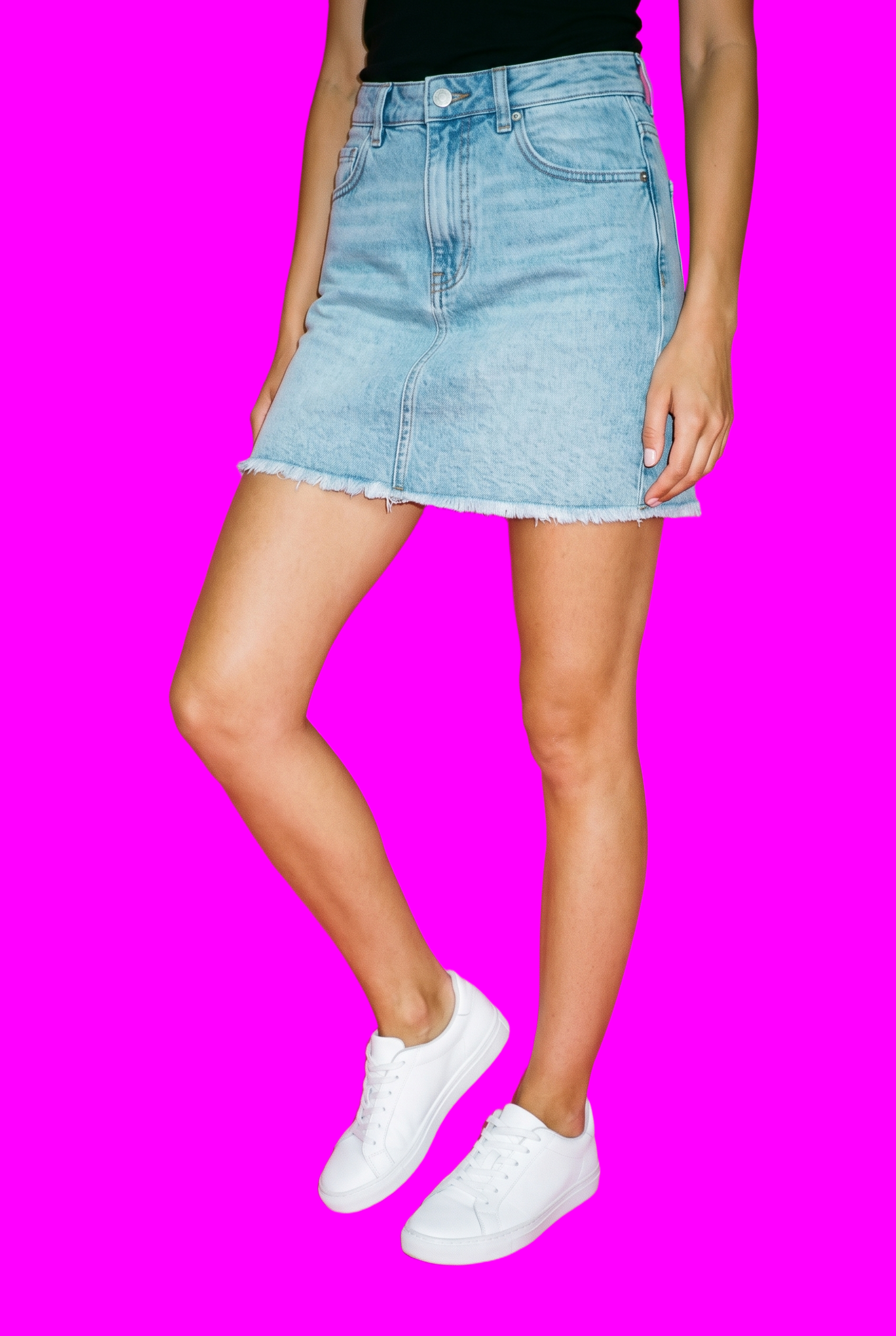
AI image to image generator
Compare casting choices while holding the rest of the composition steady, and prepare the selected imagery for the channels you use.
Change one decision and keep the rest of the composition stable.
See the feature →AI image to video generator
17 model actions on a full-body shot · 132 in total
AI makeup generator
Branch-aware named options applied without altering casting or scene setup.
AI outfit generator
Combine the main piece with neutral supporting items in one coherent frame.
AI photo background generator
Swap scene context while keeping model, product, and framing stable.
AI suggestions
Preselected control values you can always override in the same configurator.
Garment styling
Choose how the garment is worn and keep brand presentation consistent.
Inspiration gallery
Load editable finished looks as fast starting points for new shoots.
Photography direction
4 named choices that set mood and shadow the same way across a shoot.
Gallery
Shot in RAWSHOT, varied casting stays aligned.
Explore on-model compositions for varied adult casting, real products, deliberate poses and consistent lookbook direction.
Looks & backgrounds
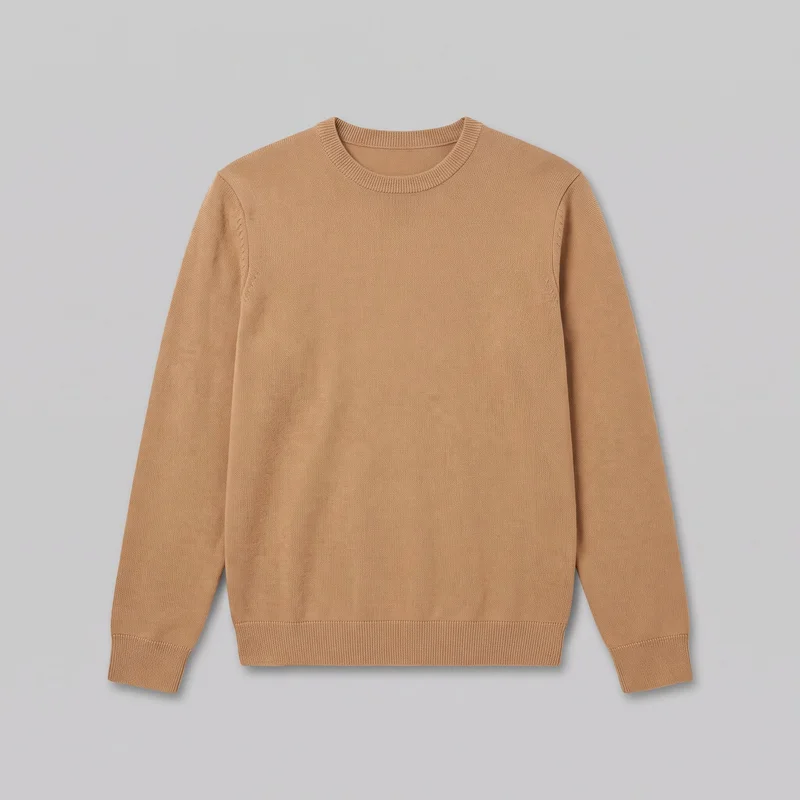 Men's Camel Knit Pullover Jumper
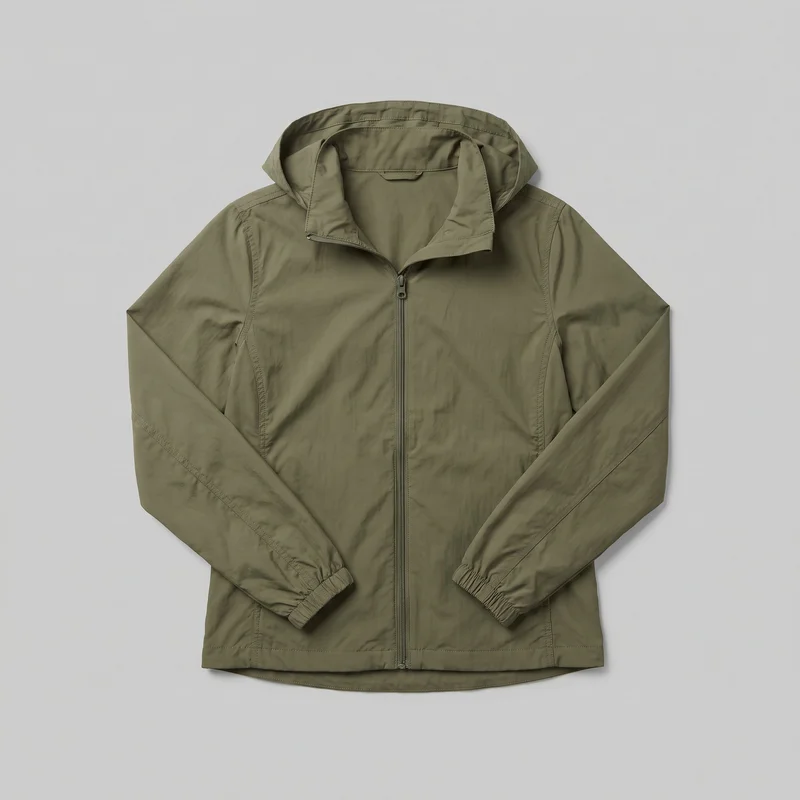 Women's Olive Packable Windbreaker
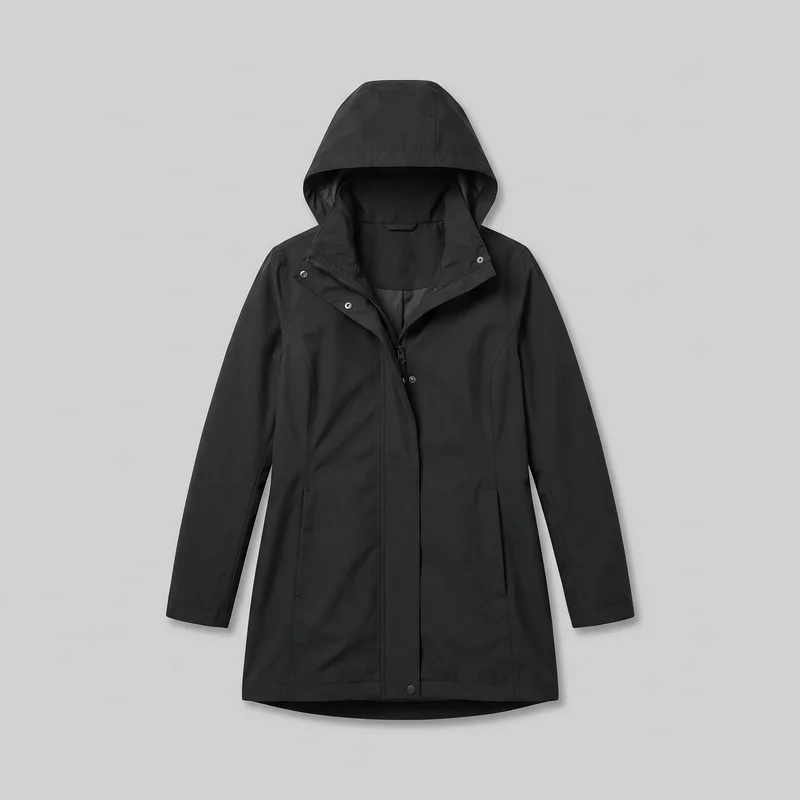 Women's Black Hooded Raincoat
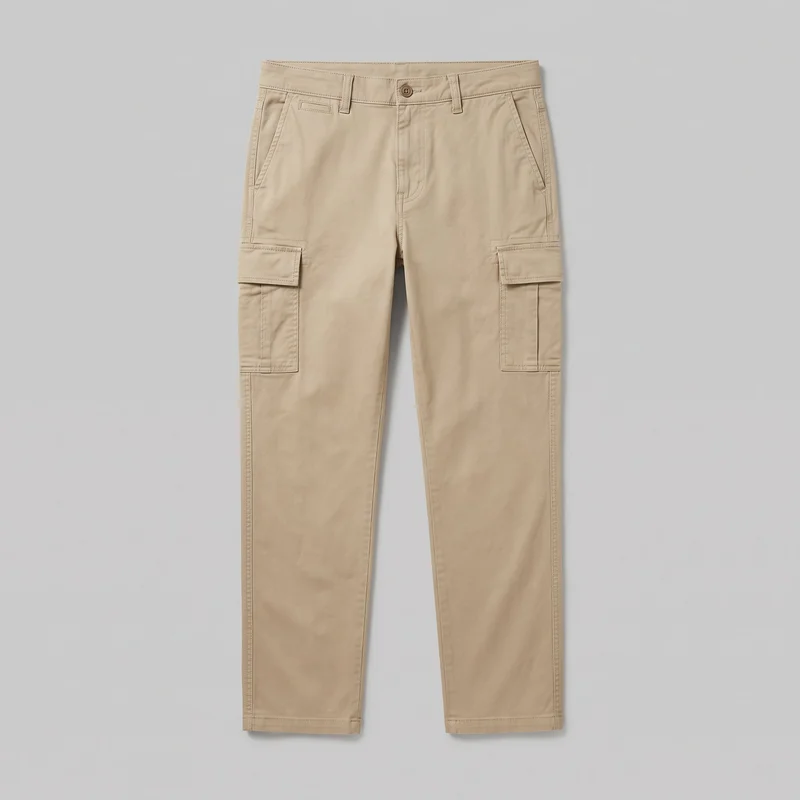 Men's Beige Cargo Pants
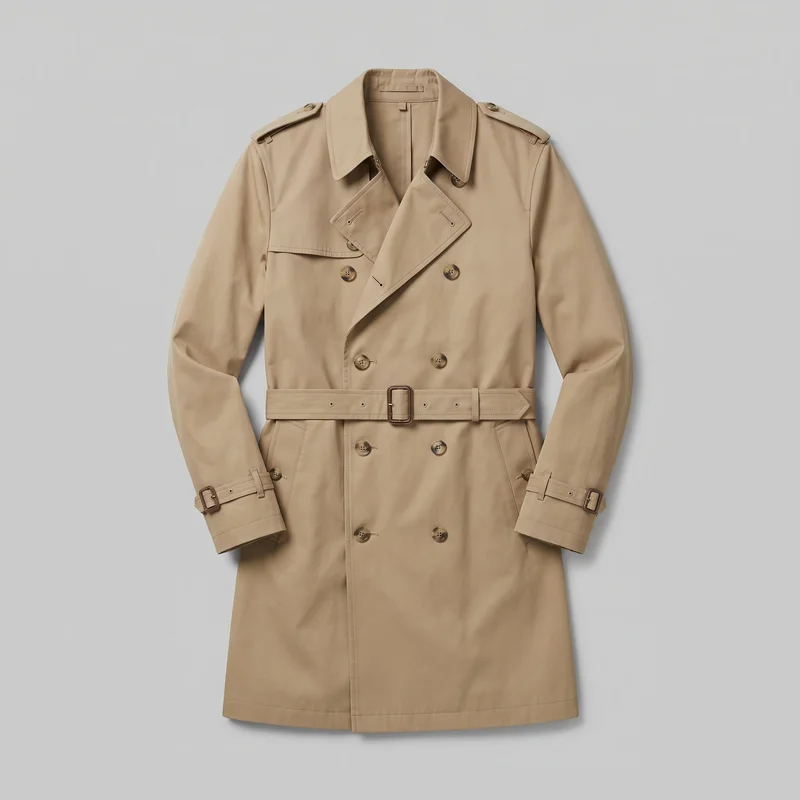 Men's Khaki Belted Trench Coat
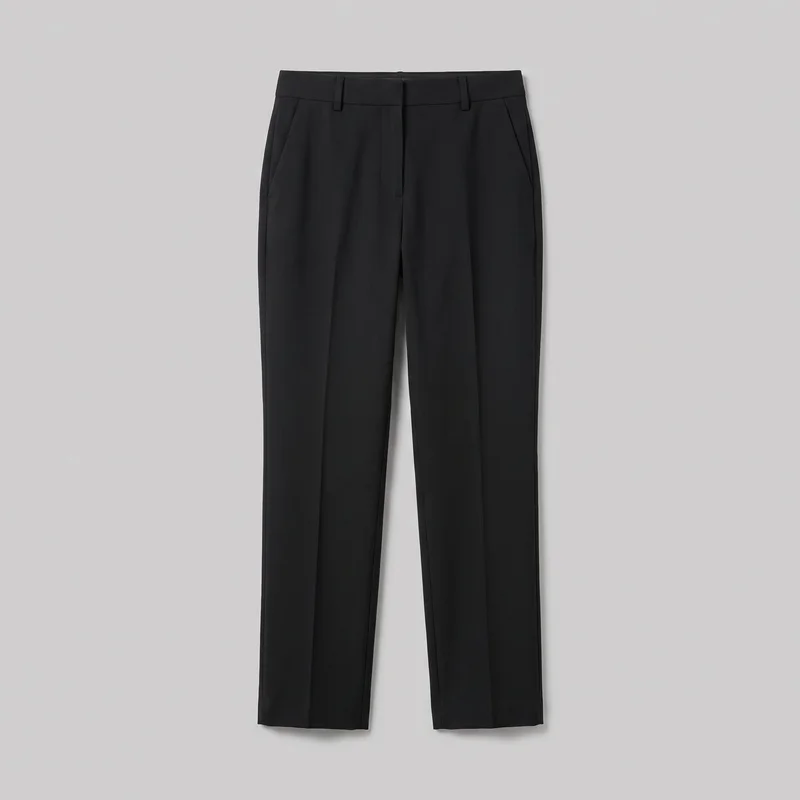 Women's Black Suit Trousers
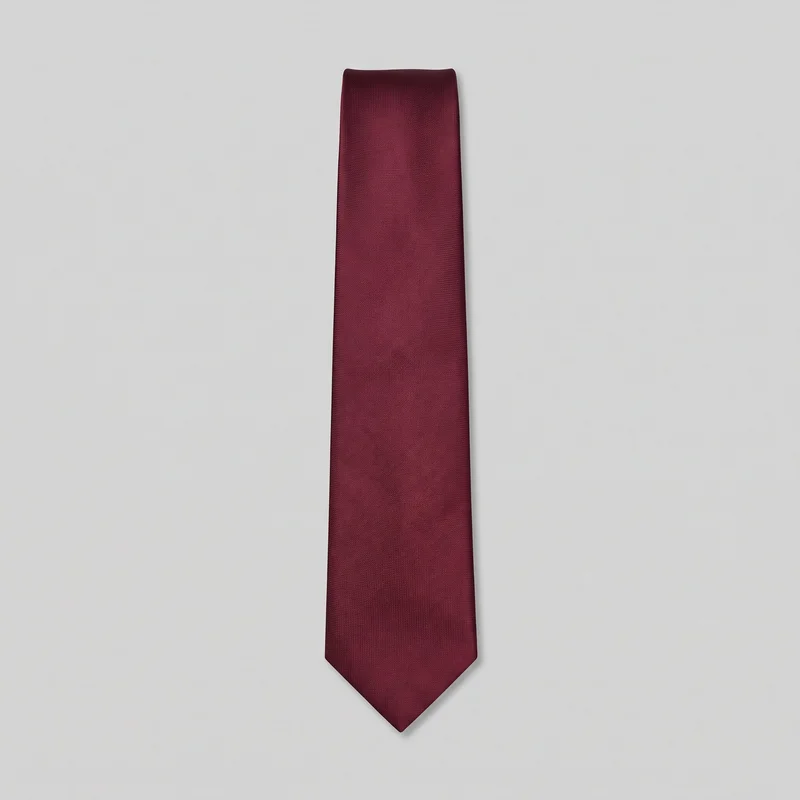 Burgundy Tie
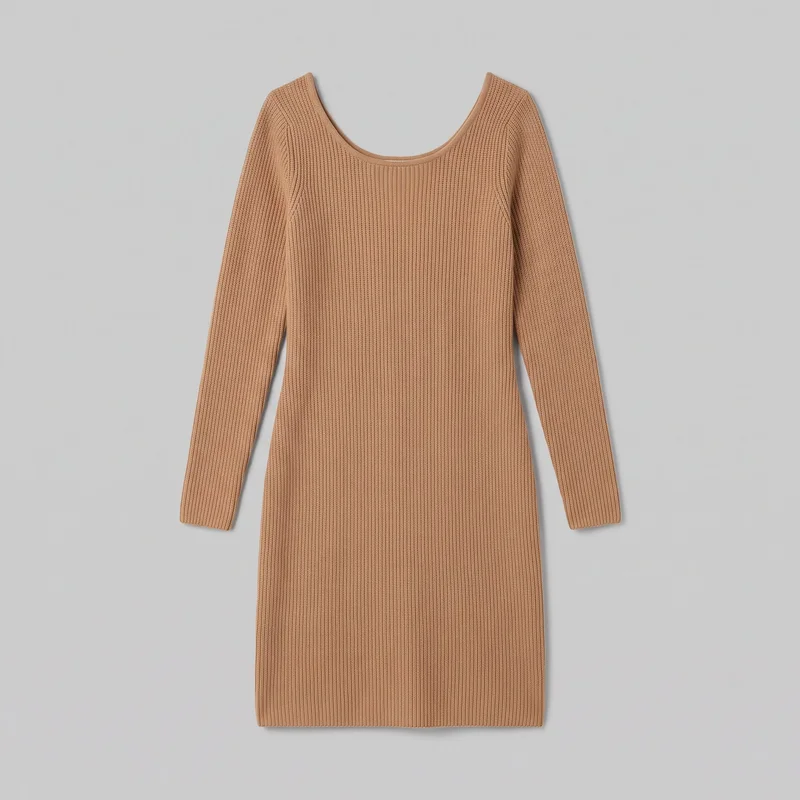 Camel Knit Dress
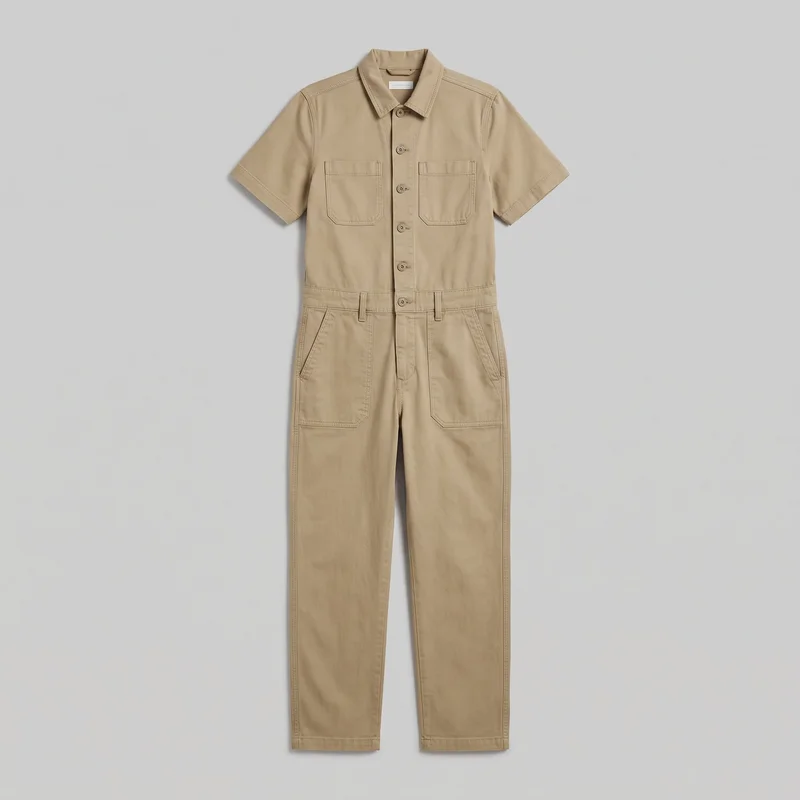 Khaki Utility Jumpsuit
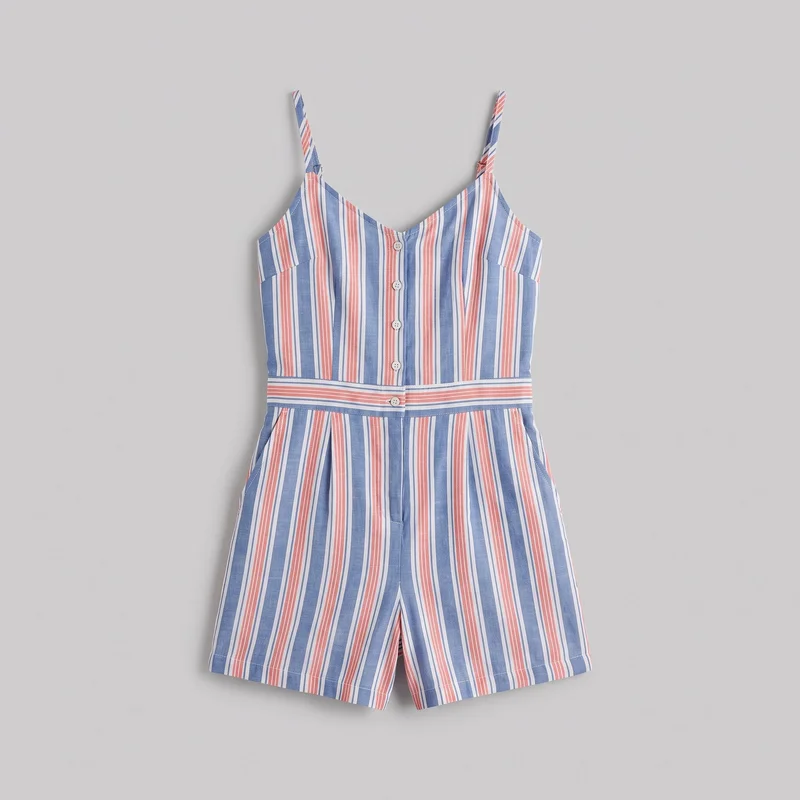 Striped Playsuit
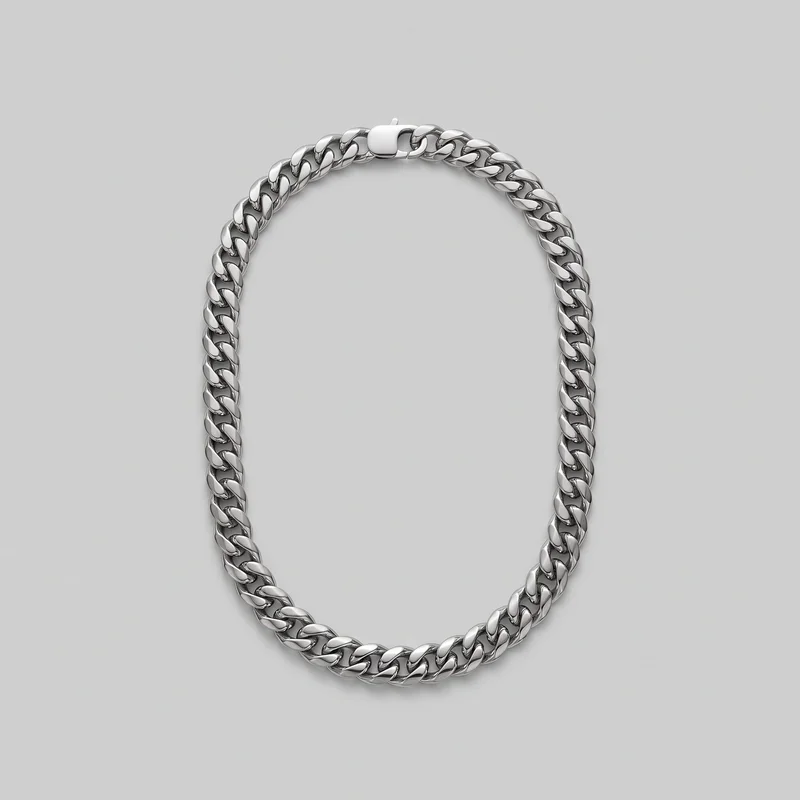 Men's Cuban Link Chain
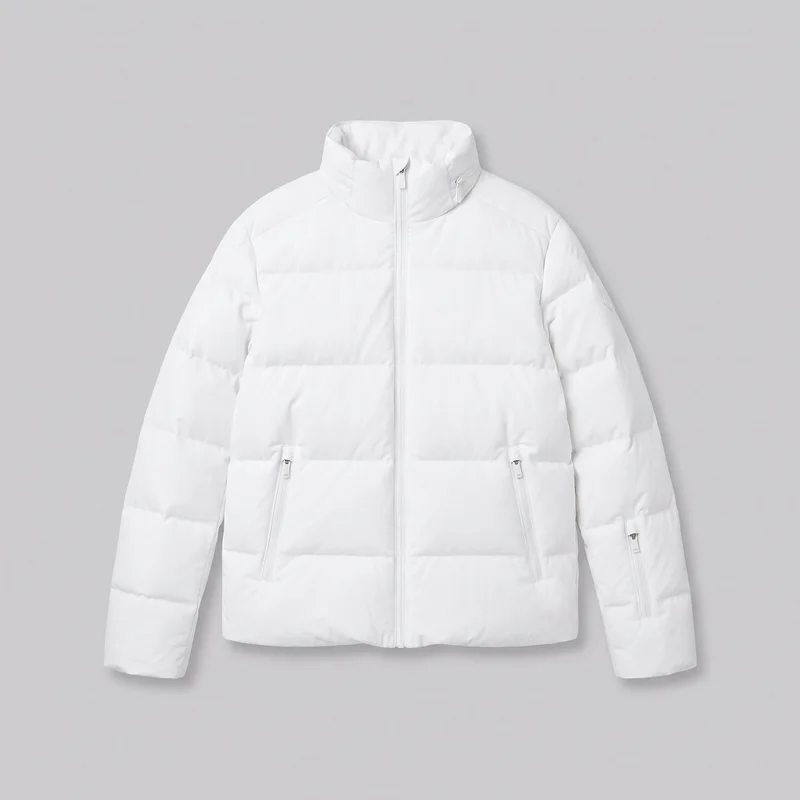 Men's White Padded Ski Jacket
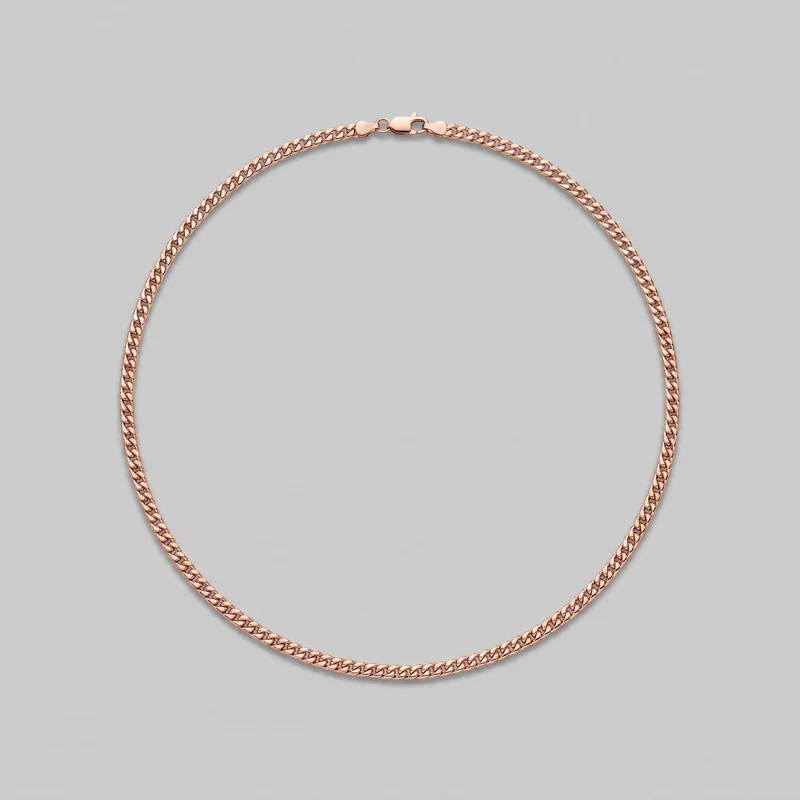 Men's Rose Gold Chain
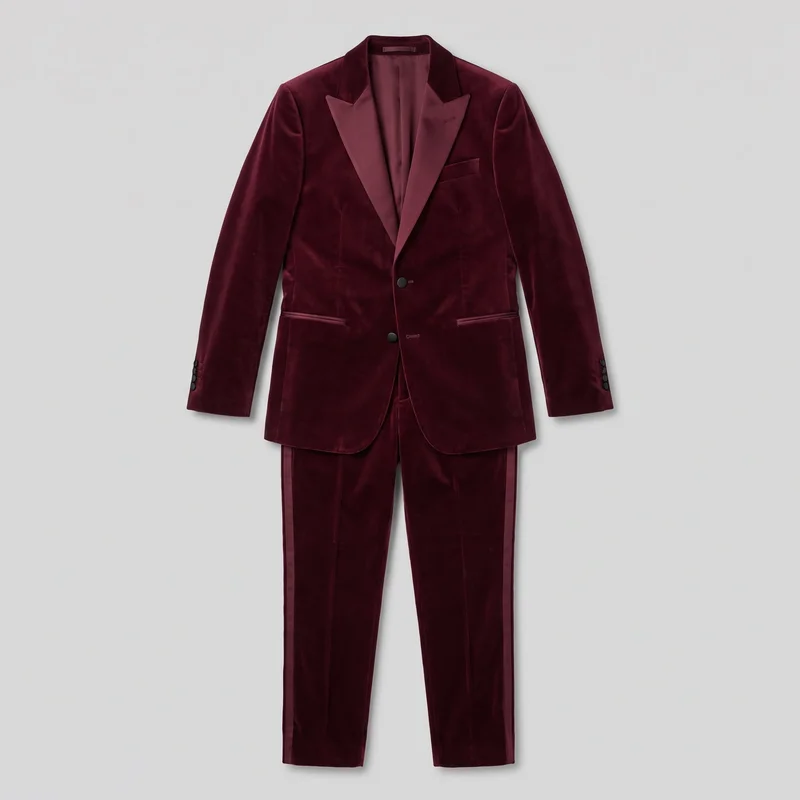 Burgundy Velvet Tuxedo
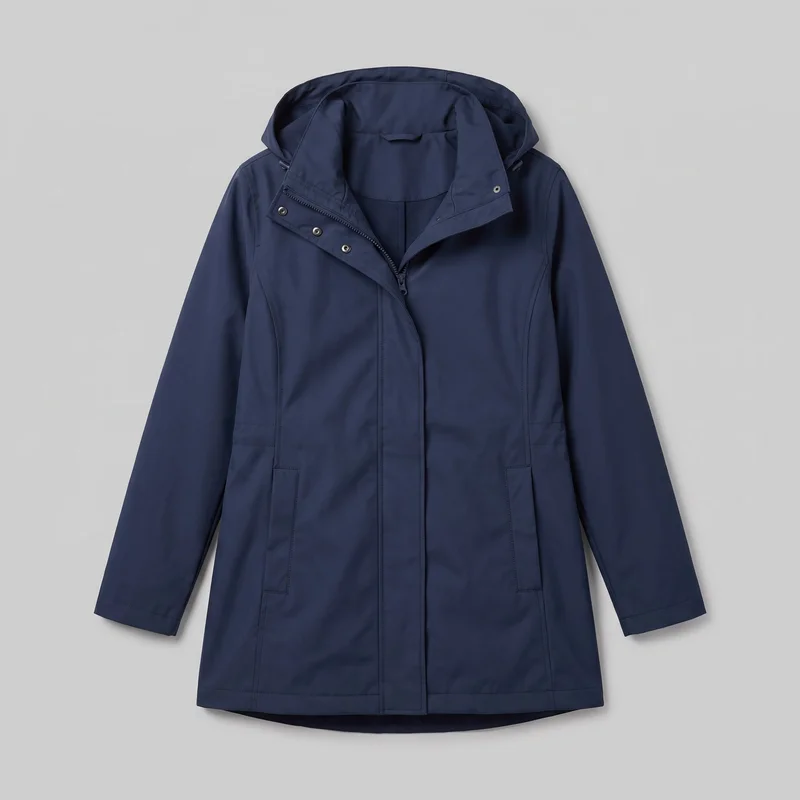 Women's Navy Waterproof Raincoat
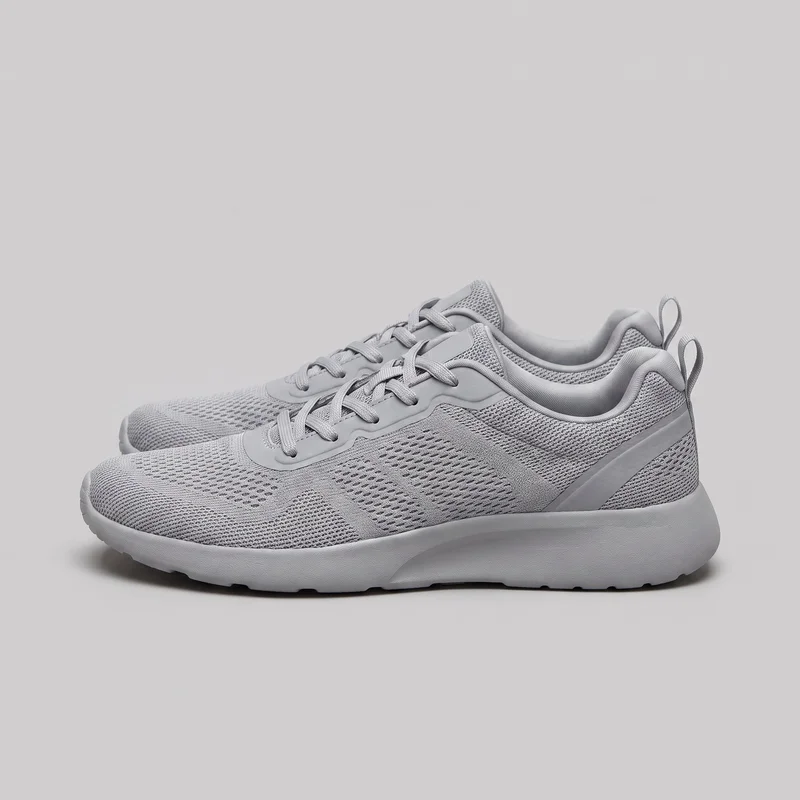 Women's Grey Mesh Trainers
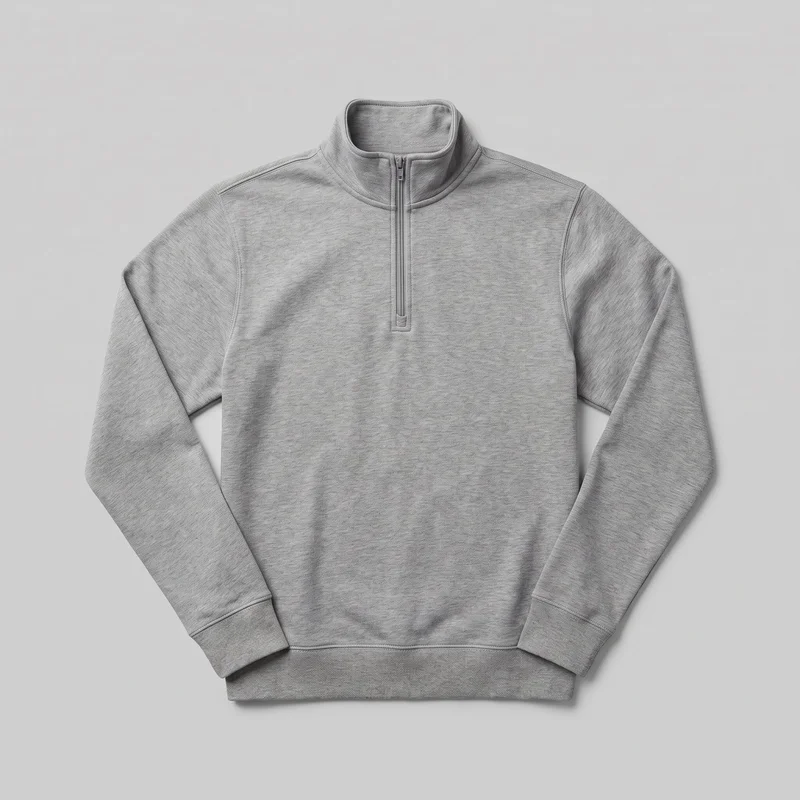 Men's Grey Quarter-Zip
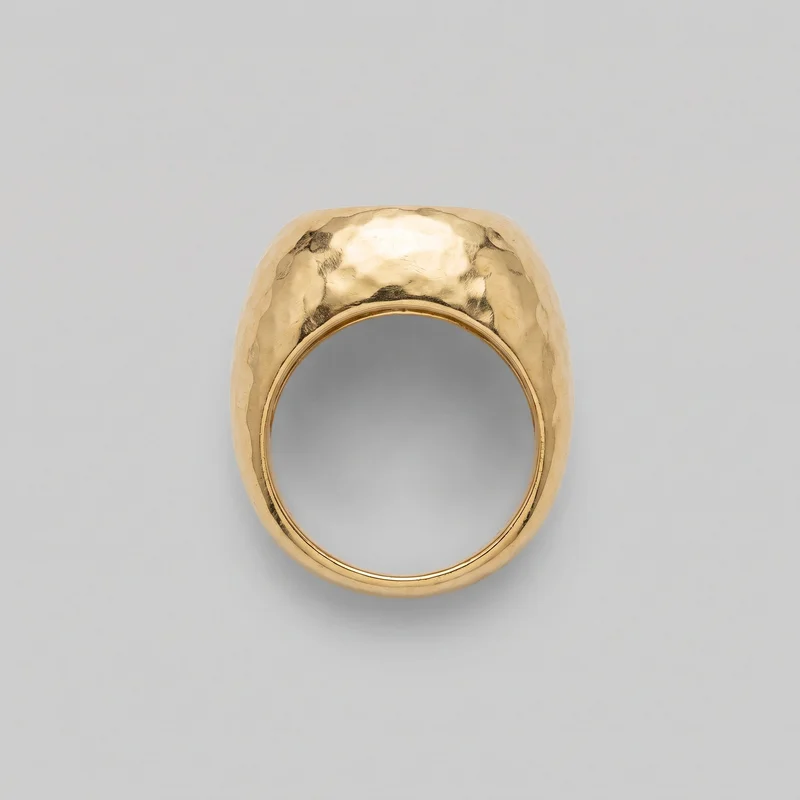 Chunky Gold Ring
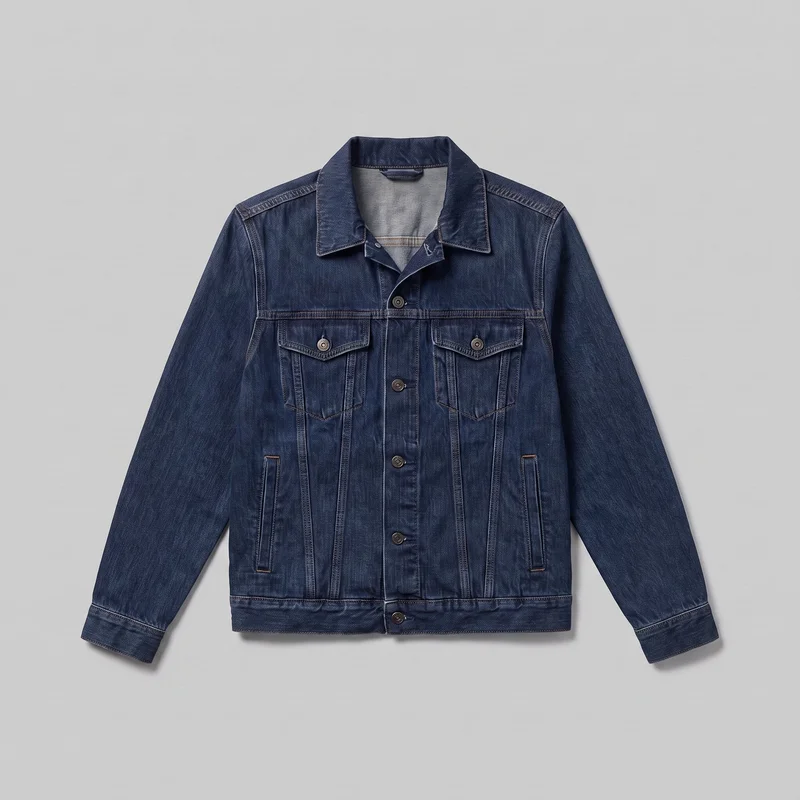 Men's Indigo Denim Jacket
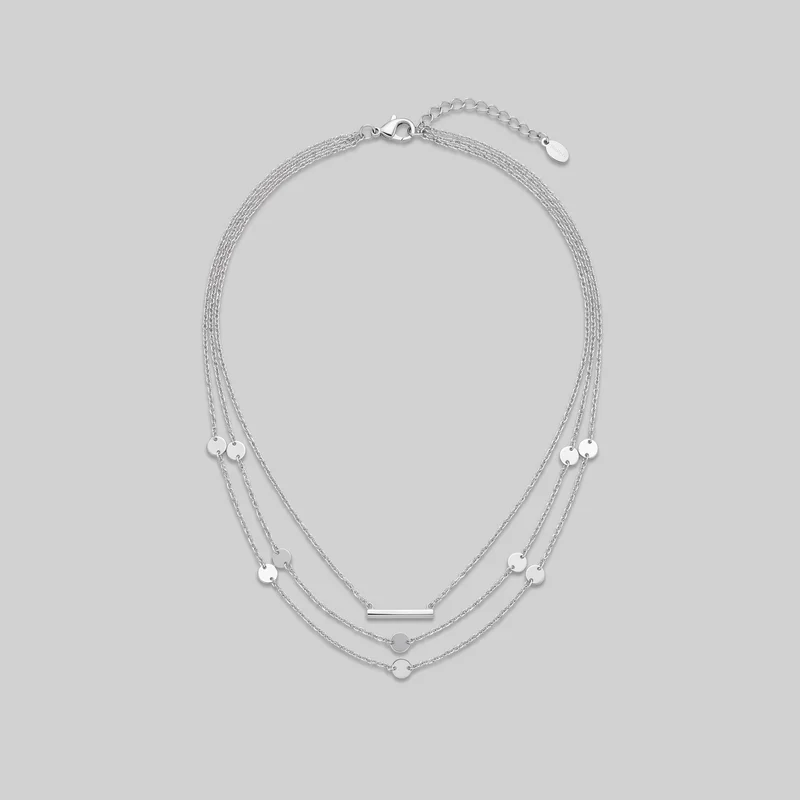 Women's Silver Layered Necklace
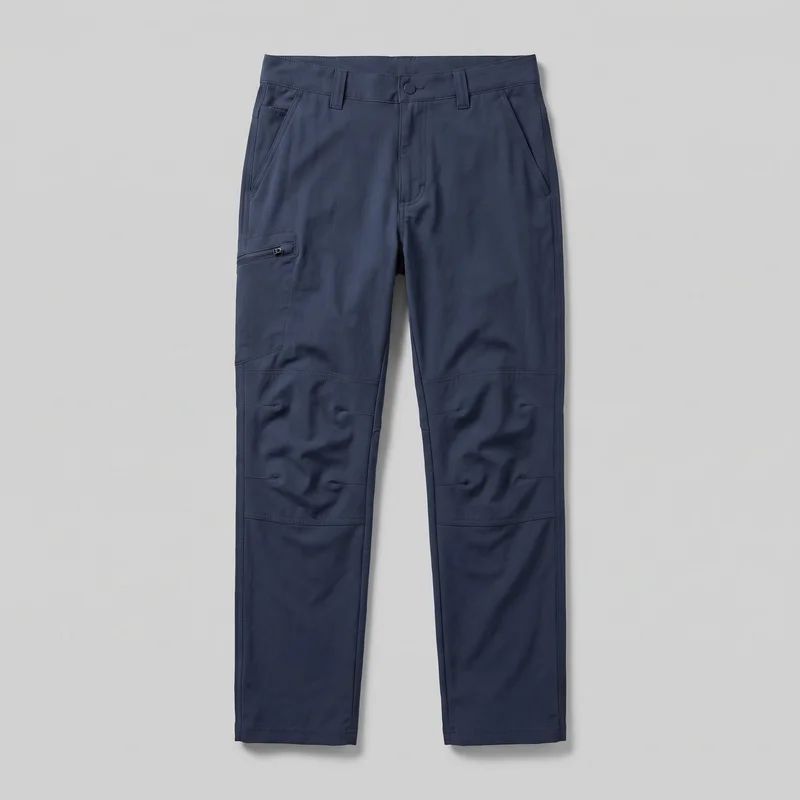 Men's Navy Hiking Trousers
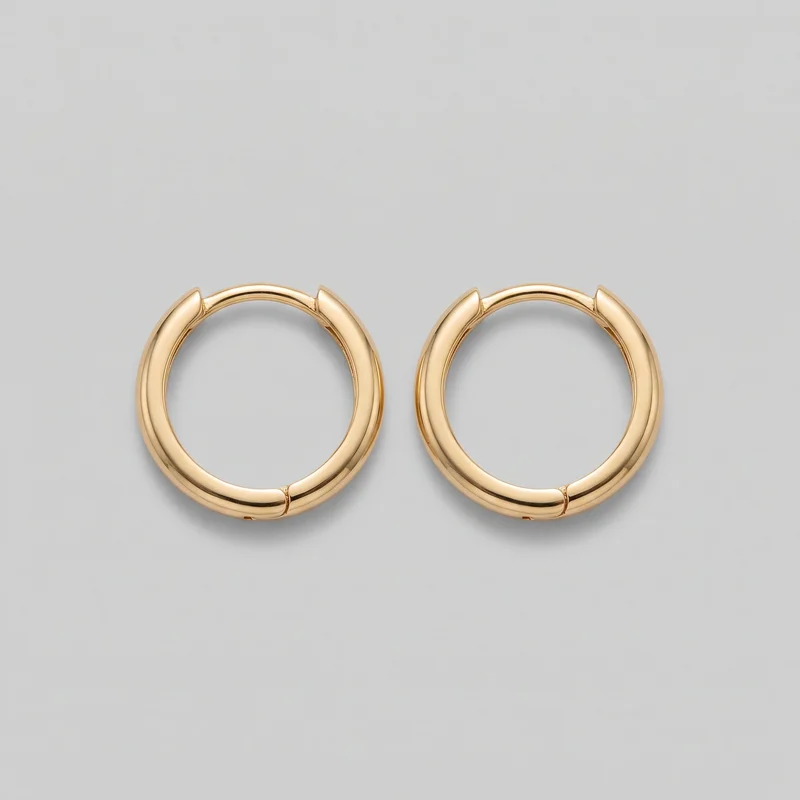 Women's Huggie Hoop Earrings
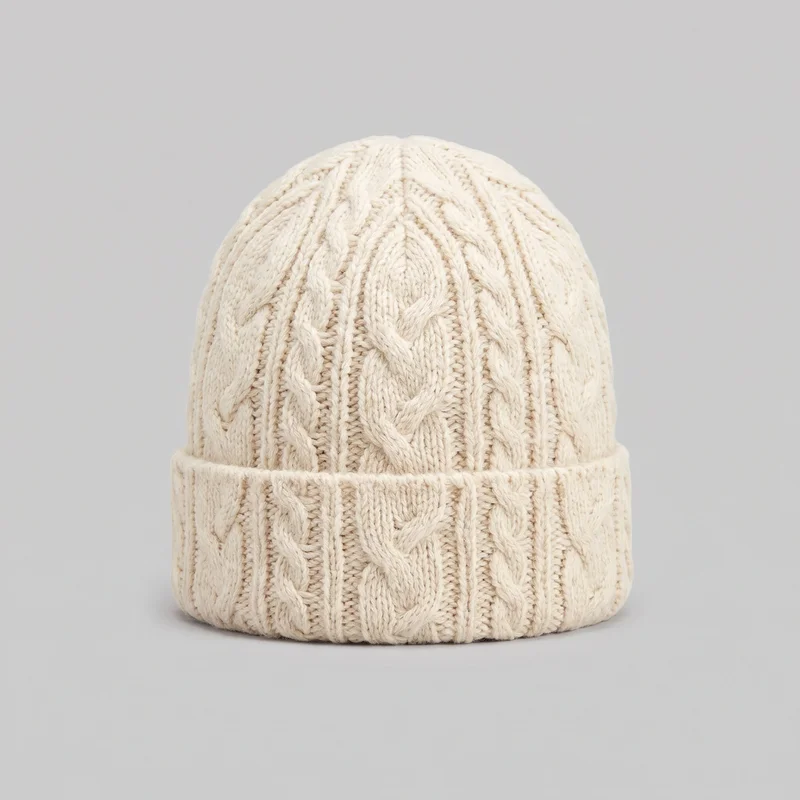 Men's Cream Cable-Knit BeanieBurgundy Velvet Tuxedo
Showing 24 of 3,629
Catalog
Browse the catalog
By product
Consistency
Change casting while product and frame stay aligned.
Change the model or another composition choice while the rest of the selected setup holds. That gives a lookbook a recognisable relationship between products, casting, frame, camera view and light, while each new image still deserves a review.
You change one
- Frame
- Pose
- Camera view
- Model
The rest holds
Model identity
Keep a recognisable private model across individual seasonal images.
Product presentation
Keep the real product central while changing casting or composition choices.
Frame and view
Use matching crops and camera views to make the range read together.
Who it's for
Is RAWSHOT right when body context is not measured fit?
A good fit
This fits you as an indie designer or emerging brand when recurring collections need representative adult on-model imagery from visible choices.
Work it handles well
- You can show a collection across representative adult bodies.
- You can keep a recognisable model across seasonal imagery.
- You can direct frames, views, poses and expressions.
Outside this scope
It is not suited to measured garment-fit decisions, real-person likenesses, uploaded reference poses or styling beyond the defined options.
Where this stops
- You cannot verify measured garment fit from body type.
- You cannot use a specific real person's likeness.
- You need to choose from defined pose and styling options.
Rights
You own every image. Every image says what it is.
Yours
- Full commercial rights to every image, permanently.
- No recurring licence fees on any model in the library.
- Every model is a synthetic composite, so there is no real-person likeness.
Labelled
- C2PA content credentials on every image.
- AI-labelled output, meeting EU AI Act Article 50.
EU-hosted, GDPR-compliant handling.
- EU AI Act Article 50
- C2PA
- Full commercial rights
- GDPR
- EU-hosted
Questions
Before your first lookbook or launch set.
Can RAWSHOT create an on-model product image set for body-types lookbooks and launches?
RAWSHOT can create a consistent on-model product image set for body-types lookbooks and launches using real collection inputs. You choose adult model profiles, age groups, product context, framing, camera view, pose and expression to establish a recognisable visual direction. A private model can carry that identity across seasonal imagery while each composition remains adjustable. This suits an indie designer or emerging brand that needs representative casting without arranging a full conventional production.
Which jobs and channels suit a RAWSHOT body-types image set for collection launches?
Lookbooks, product pages, campaign placements and pre-order launches are suitable jobs and channels for a body-types image set. You can present an inclusive collection, show an age range before a wider cast is available, or support broader collection casting with directed on-model imagery. The same visual relationship can carry through ecommerce, wholesale review and seasonal launch work. Select the product, model profile and photography direction for each placement.
What do you need to start a RAWSHOT body-types lookbook image set?
You need a real product photo, flat-lay, mockup or technical sketch plus your preferred body profile, age group and visual direction to start a RAWSHOT body-types lookbook image set. Define the model, outfit, styling, light, camera view, frame, pose and expression you want to explore. A private model is available when you need a familiar face across seasonal work. Review each result for product presentation and composition.
How does RAWSHOT compare with a studio shoot for body-types launch imagery?
RAWSHOT gives you directed body-types launch imagery from selected product and casting inputs, while a studio shoot gives you physical production control on set. You can adjust the model profile, outfit, styling, light, frame, camera view, pose and expression without coordinating every scene as a live shoot. This is useful when a collection needs broader adult representation or a recognisable visual direction. A studio remains better for physical fit checks and unrestricted set decisions.
How does RAWSHOT keep body-types model and product variants consistent across a lookbook?
RAWSHOT keeps body-types variants consistent by holding the selected model identity, product presentation, frame, camera view and light direction while you change a defined composition choice. You can compare adult models, age groups, outfits, poses or expressions around the same collection story. This creates a recognisable relationship across seasonal images without forcing every image into an identical arrangement. Each result still needs review for product accuracy, styling and the intended visual direction.
What can't RAWSHOT do for a body-types image set when fit must be verified?
RAWSHOT cannot verify measured garment fit from a body-types image set or guarantee how a garment performs on a specific body. It also cannot reproduce a real person's likeness, accept uploaded reference poses, or provide styling beyond its defined options. Use the tool for directed representation, casting choices and product context rather than technical fit approval. Review the garment presentation carefully, especially when construction, grading or physical wear testing is essential.
What usage rights apply when you publish a RAWSHOT body-types lookbook image set?
You get full commercial rights to every image, permanently, with no recurring licence fee. Every image carries C2PA content credentials and is labelled as AI-generated.
Get started
Prepare your range for its first image set.
Start with a 7-day free trial including 50 tokens, then move to the plan that matches your production volume.