
Product photography
Your product photography set, before the page goes live.
You have a product image and need a complete set for a live product page. You can create on-model stills, detail frames, and images around the piece you already have.
7-day free trial • 50 tokens (10 images) • Cancel anytime
- A 2K image in roughly 35 seconds
- AI-labelled with C2PA content credentials
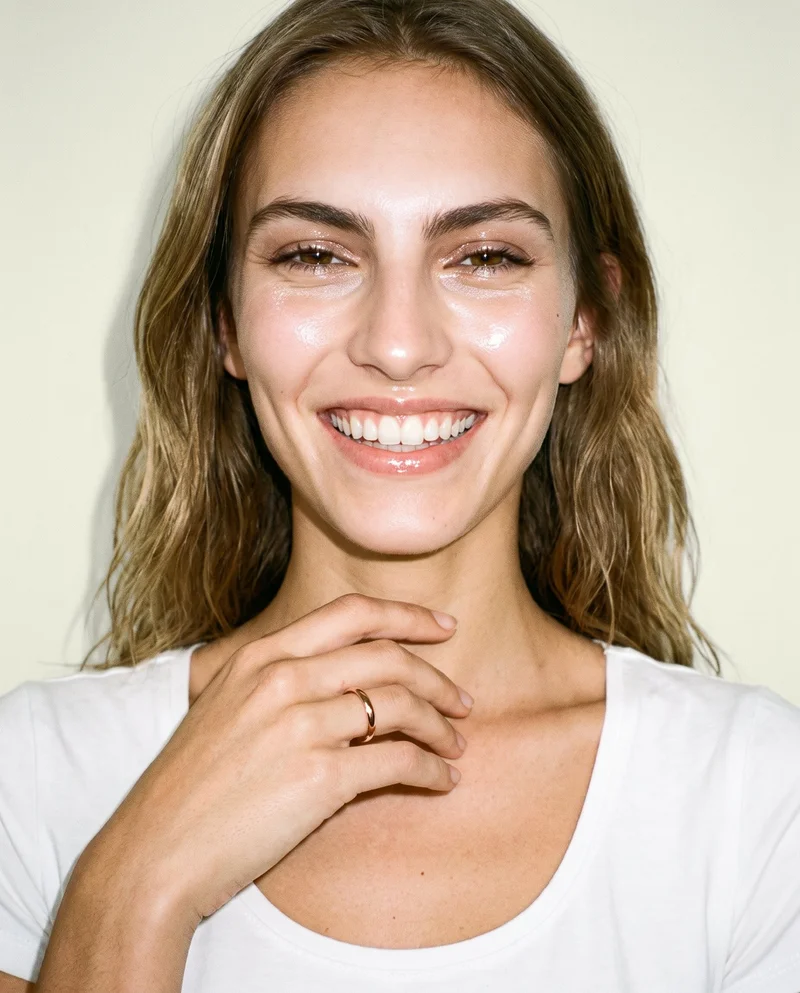
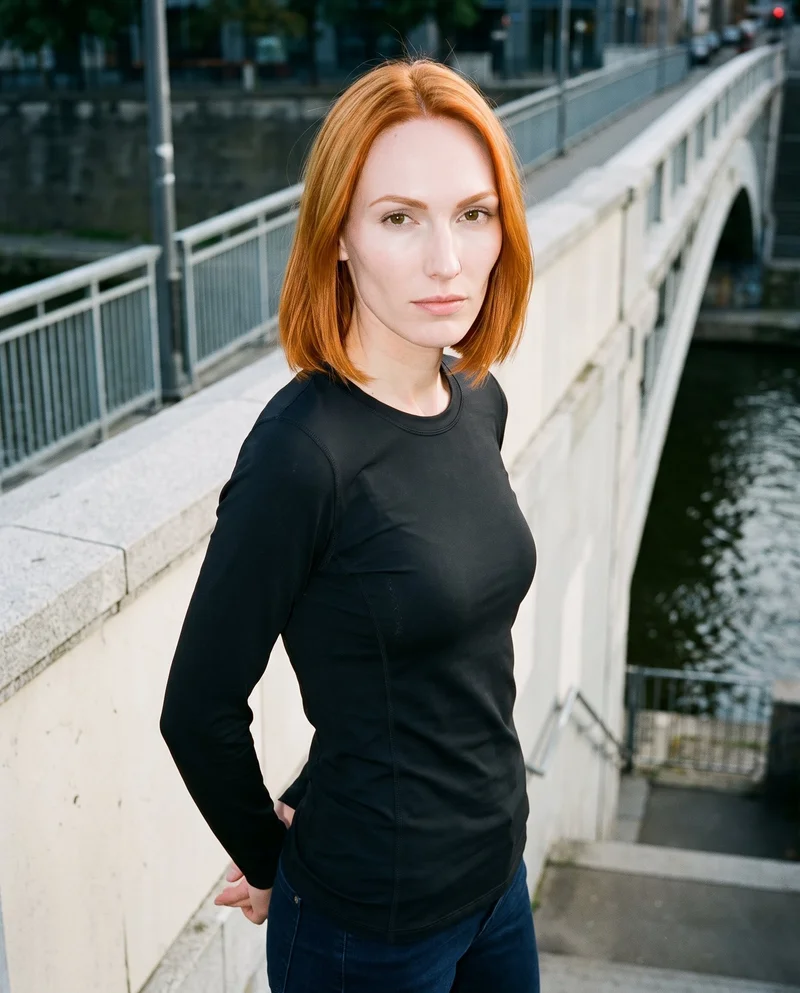

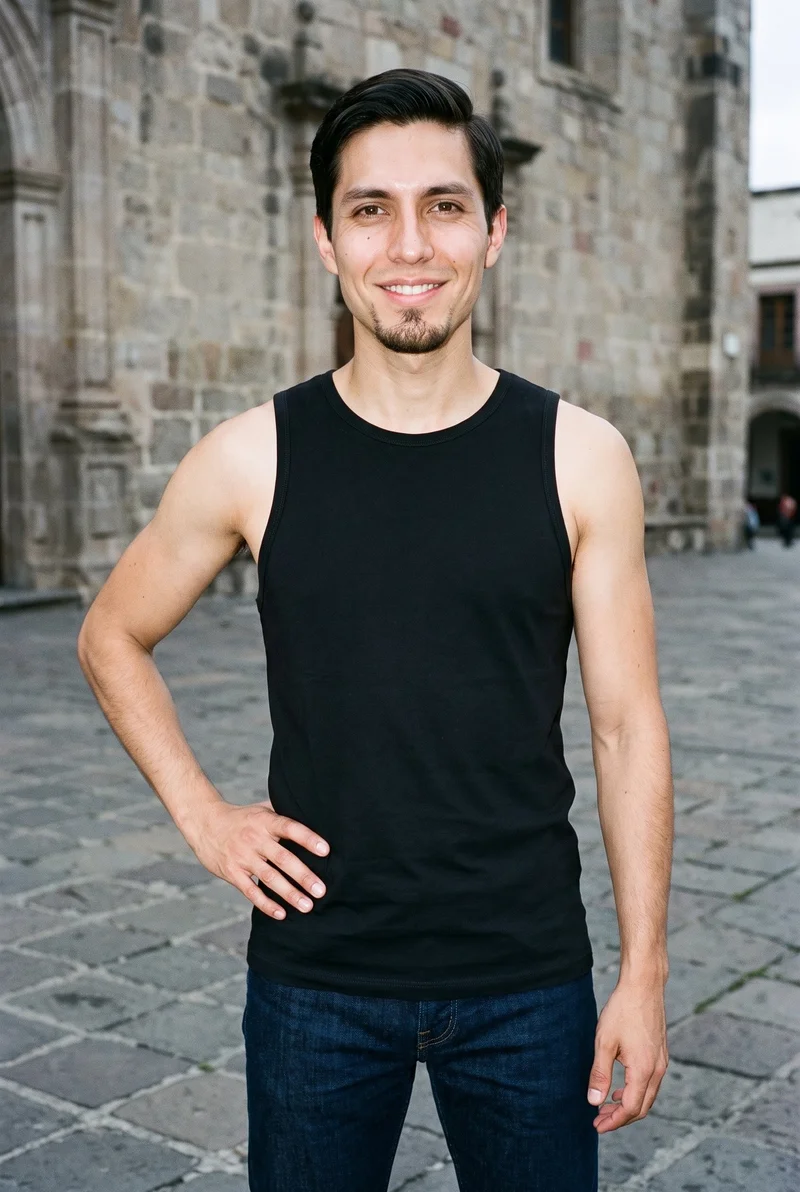
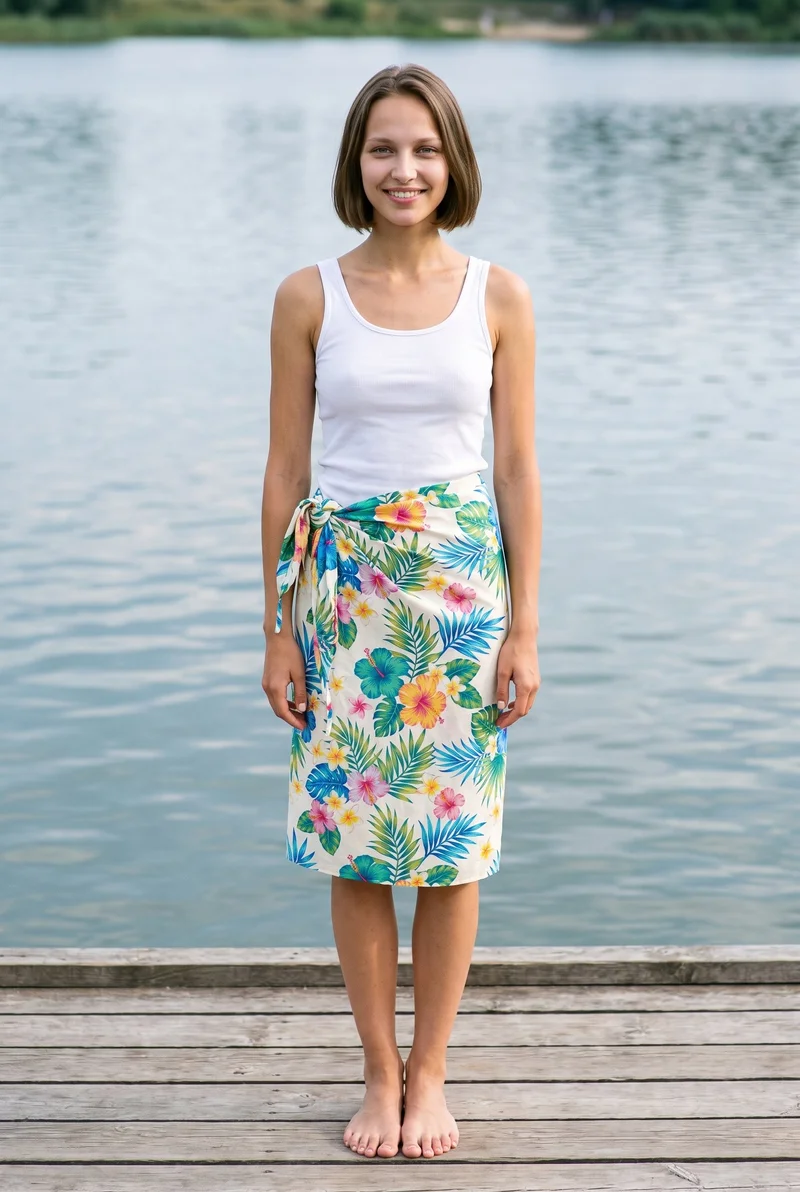
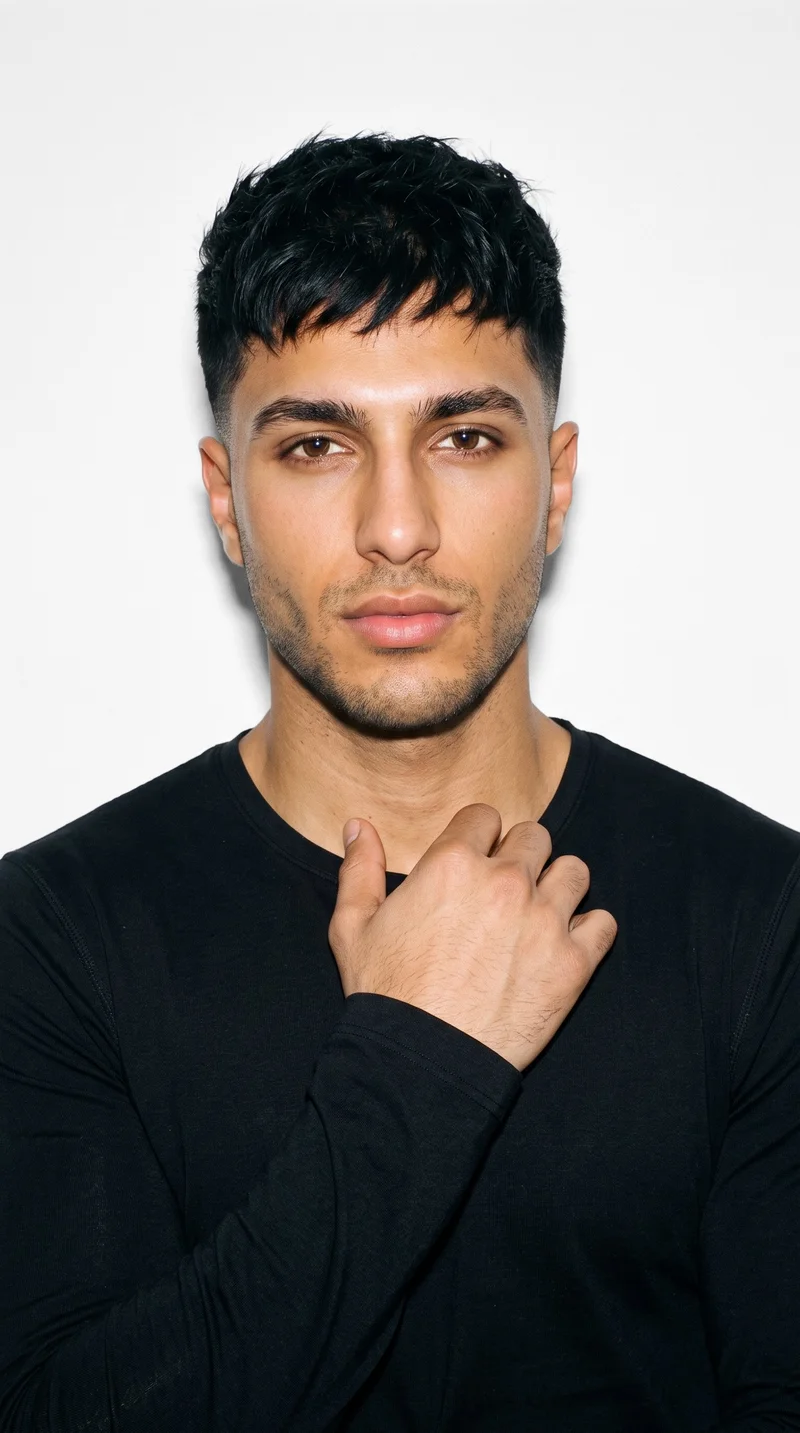
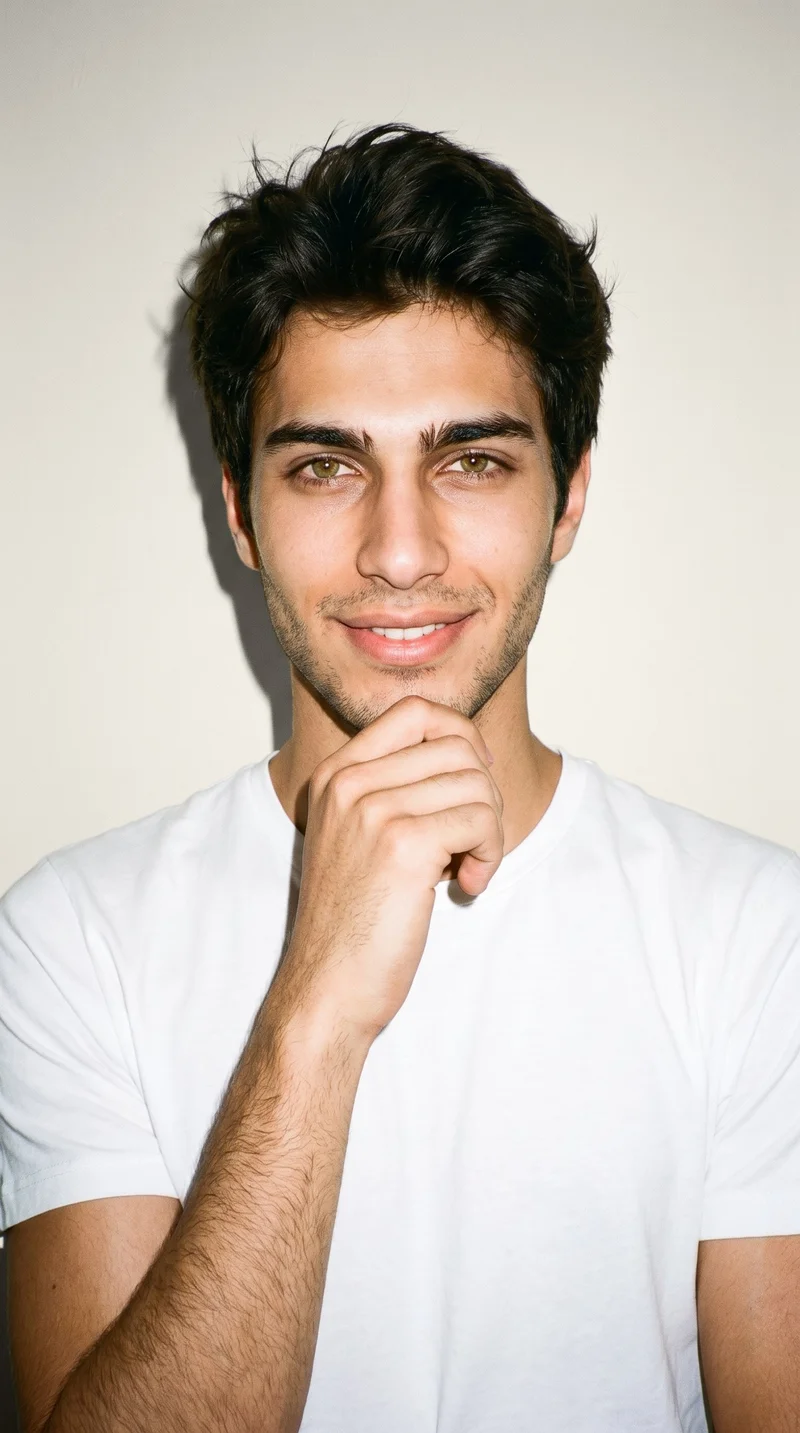
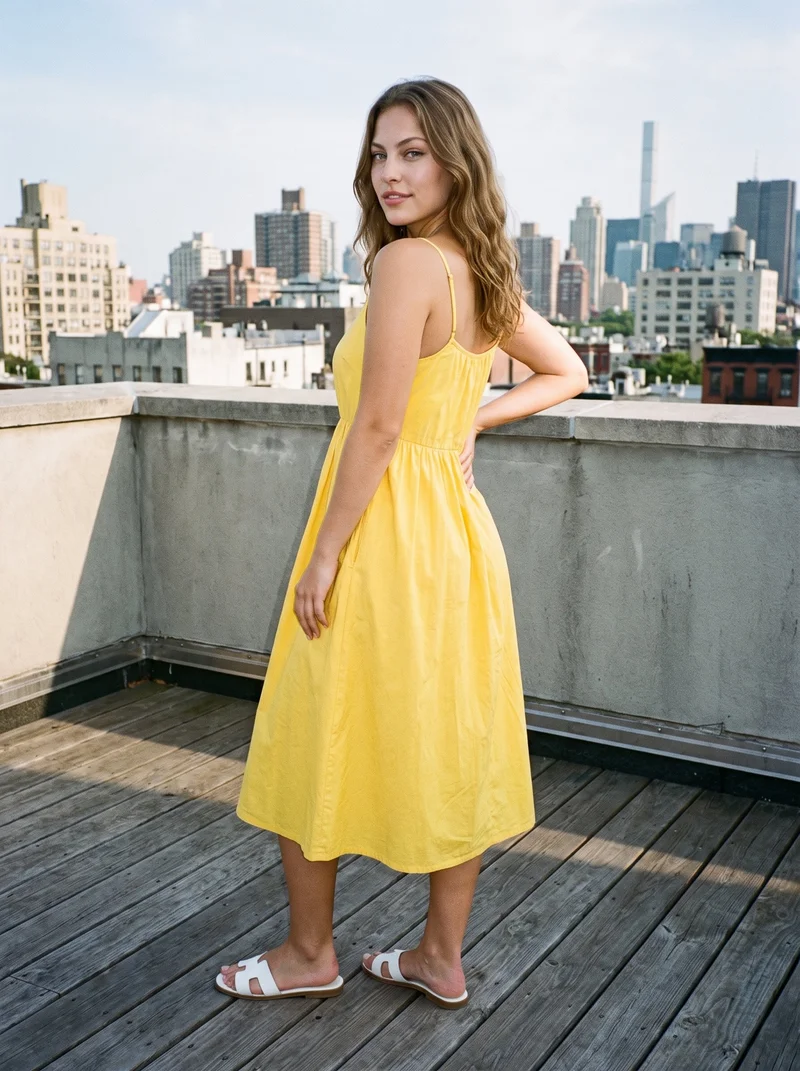
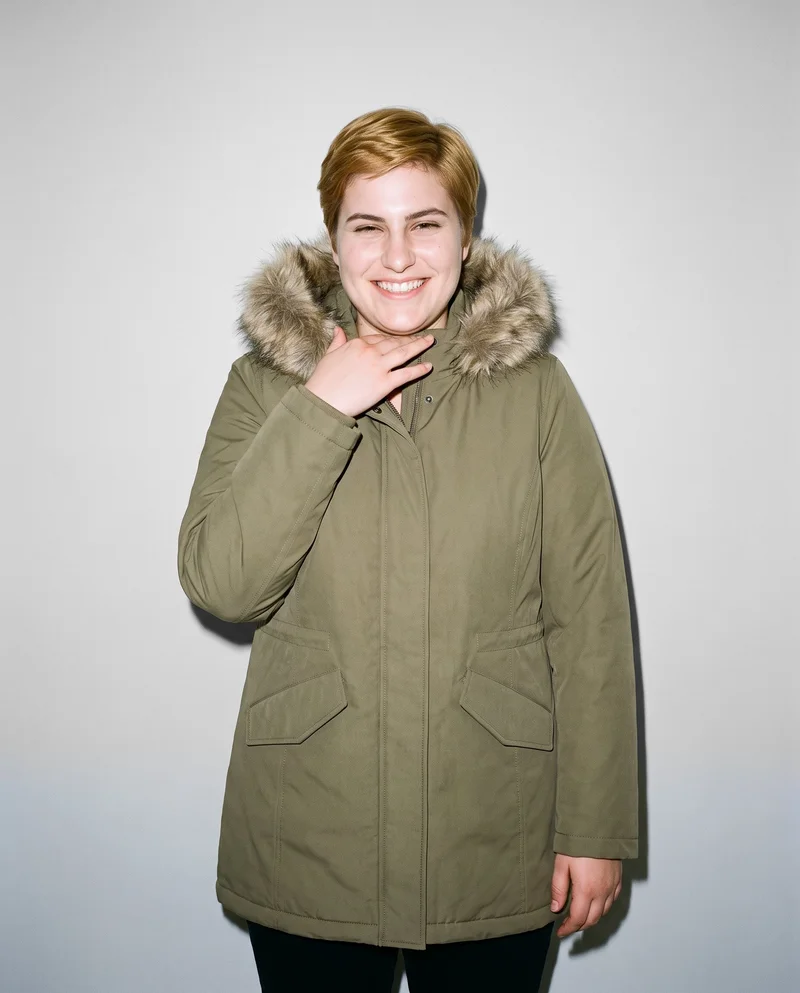
Showing 9 of 823, shot in RAWSHOT
Use cases
When your product page needs photos
- 01
Product page from a flat lay
When you are an indie designer building a product page from a flat lay, you set the model, light, frame, and pose for on-model stills.
- 02
Mockup page imagery
When you are a maker with a mockup for a listing, you choose the background, camera view, and pose to create a complete page set.
- 03
Pre-order collection page
When you are an emerging brand creating a pre-order page, you direct model, light, frame, and view to create coherent stills for the collection.
- 04
Listing details
When you are a marketplace and resale seller adding a listing, you use close frames and product-handling poses to create detail images for the page.
What you get
Still product-page views and details
A still image set for a product page, built around your real piece. It gives you on-model views, close detail frames, and a coherent presentation for publishing.
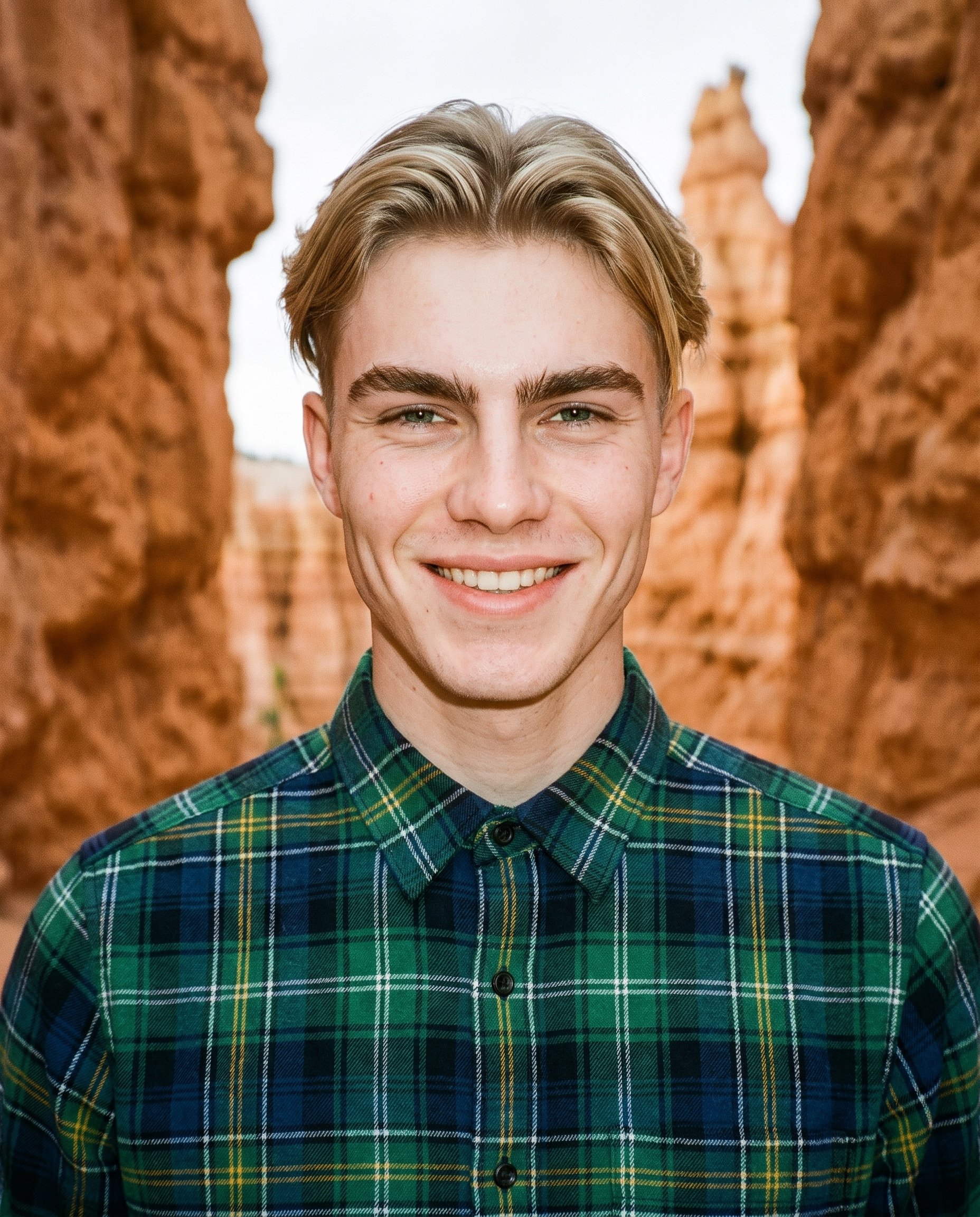
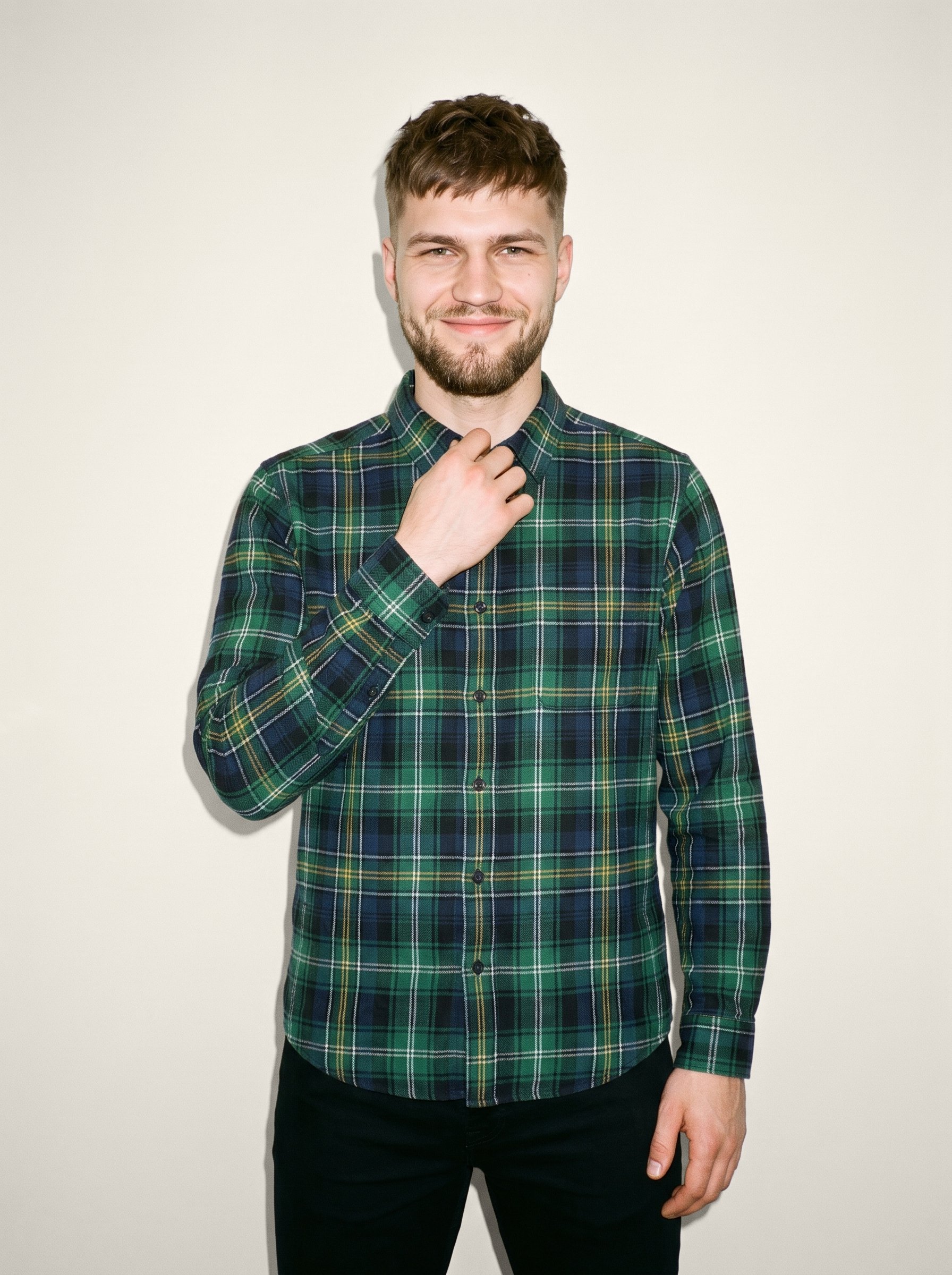
Direct the shoot
Direct frames, views, poses and light
Image frame
4
Pose
22 poses on this frame
Camera view
4
Format
9
Pose style
4
Facial expression
10
Photography direction
4
Create photoshoot
Step 7 of 7 · Composition
Image 1 · readyGallery image from this pageProduct
Your product
Model
From the library
Composition
Full Body · Front View · Catalog pose · Neutral
Delivery
2K · 1:1
Light
Studio Cutout
Total cost
5 tokens
AI fashion models
Pick a model for your piece
1,197 licence-free grown models across ages and body types. Or build a private model from visible attributes.
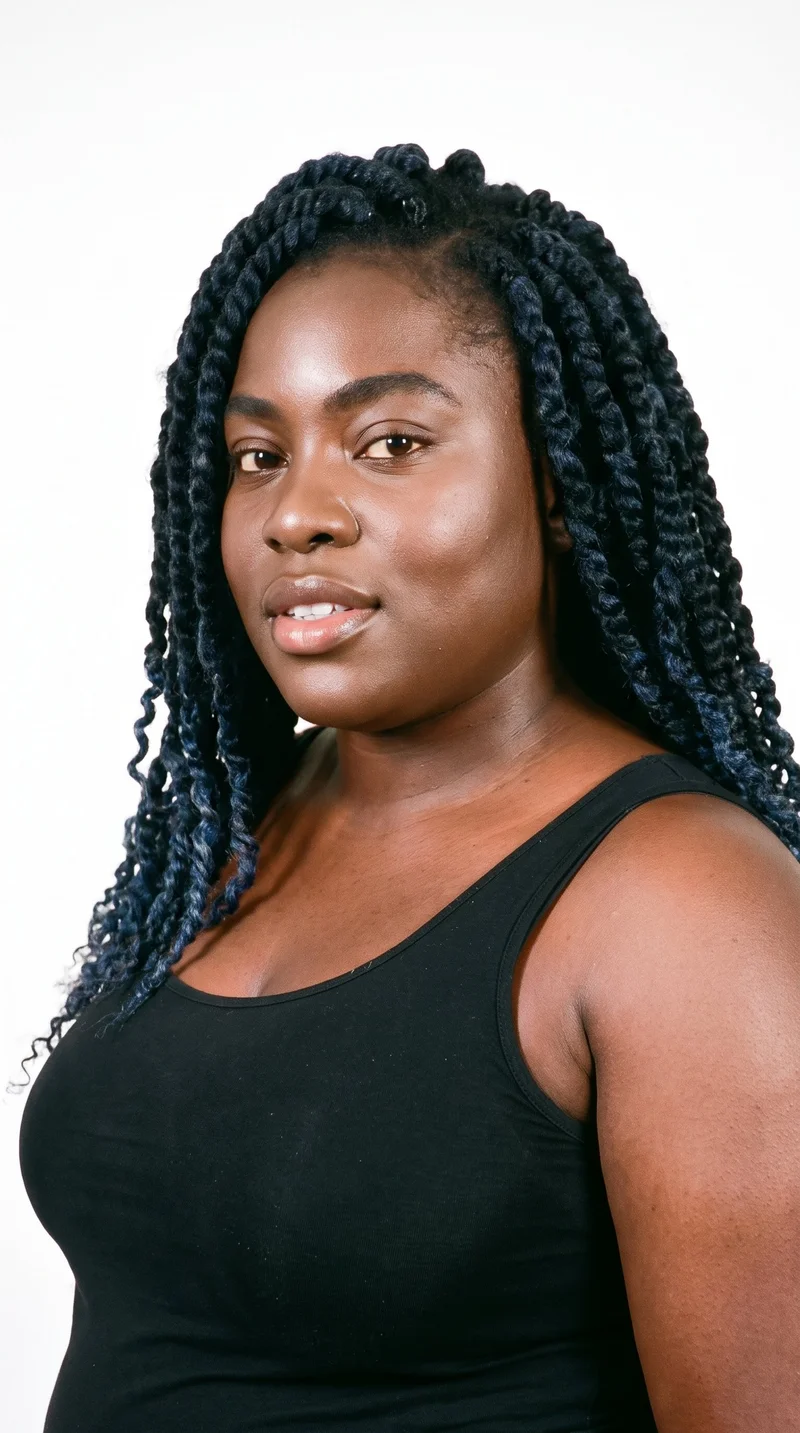
Female · 33
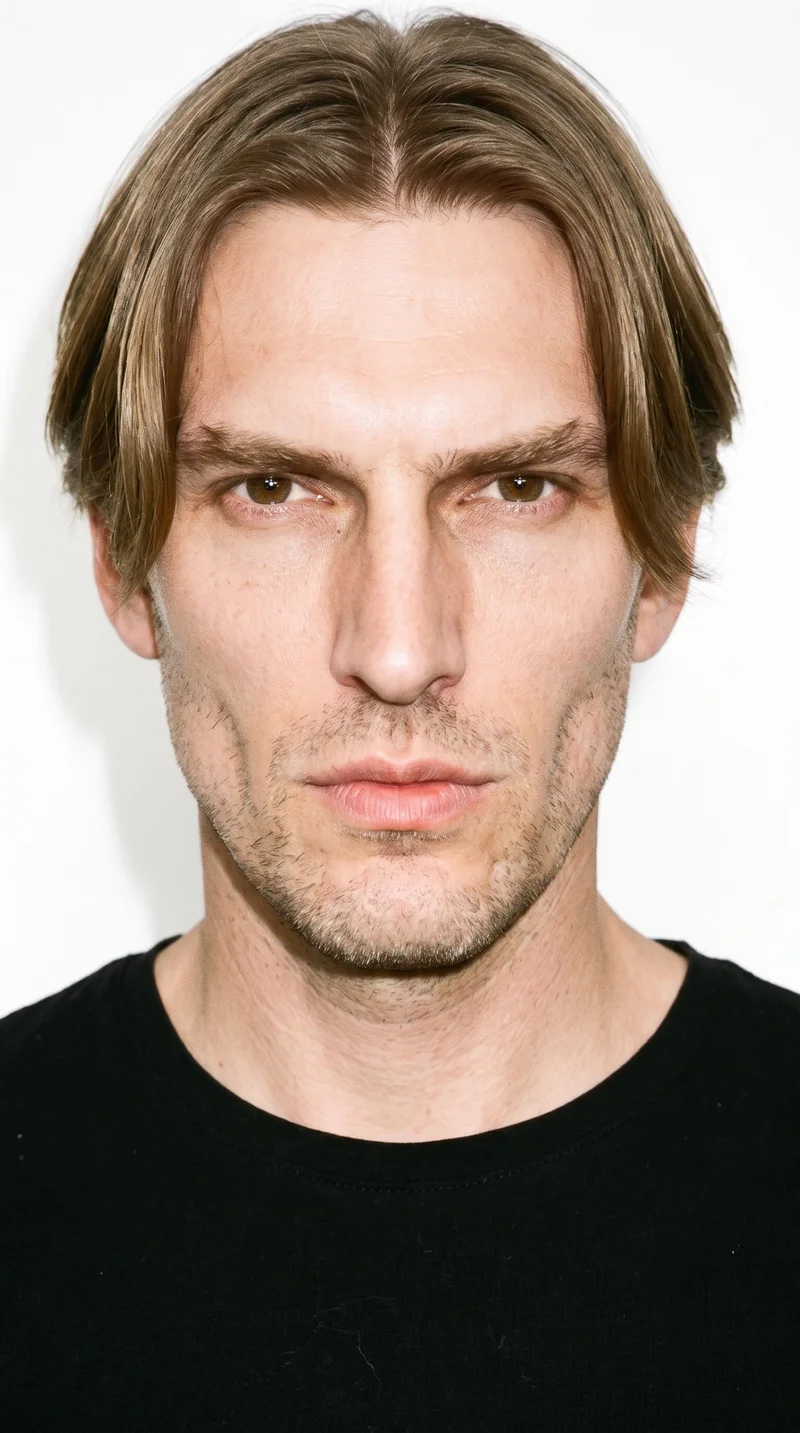
Male · 41
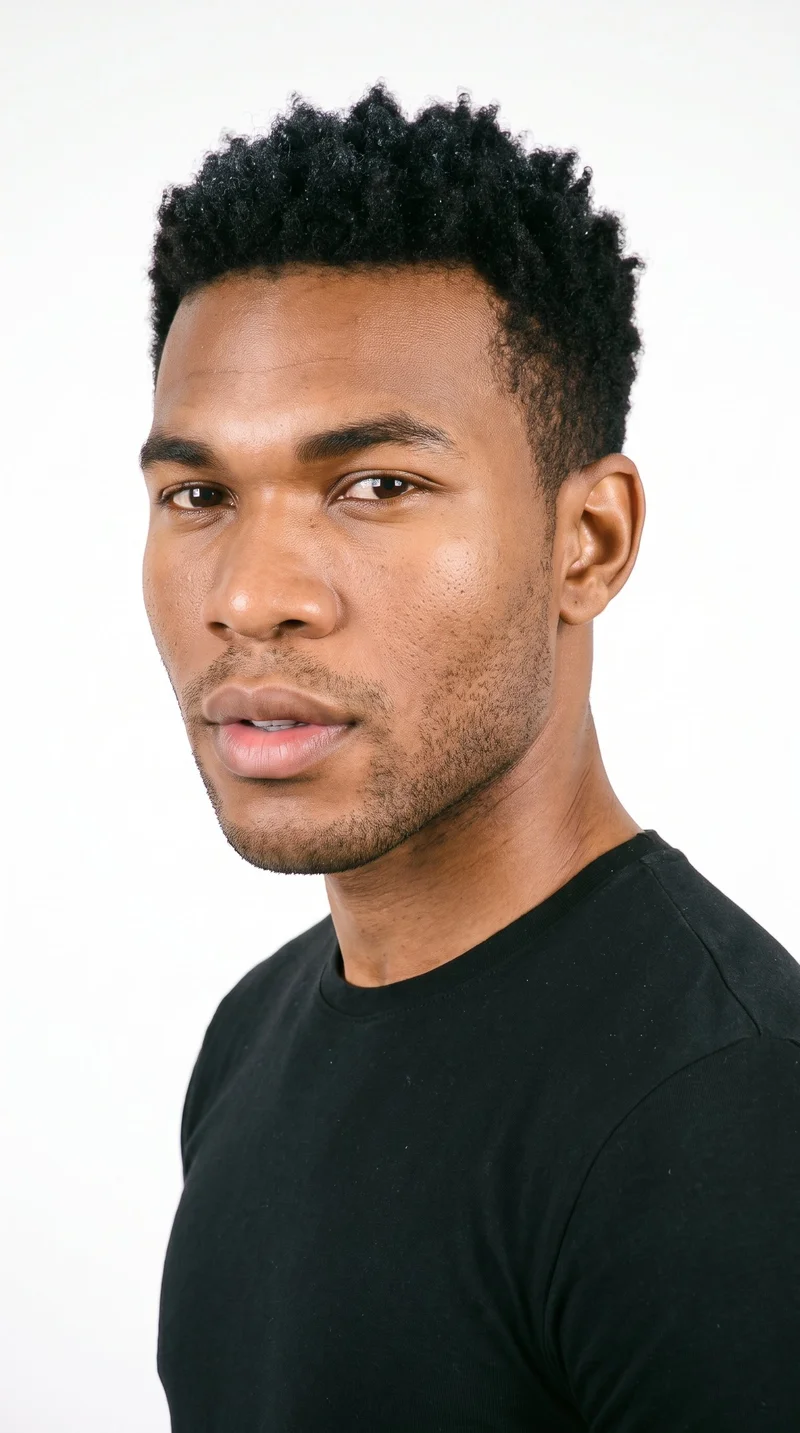
Male · 28
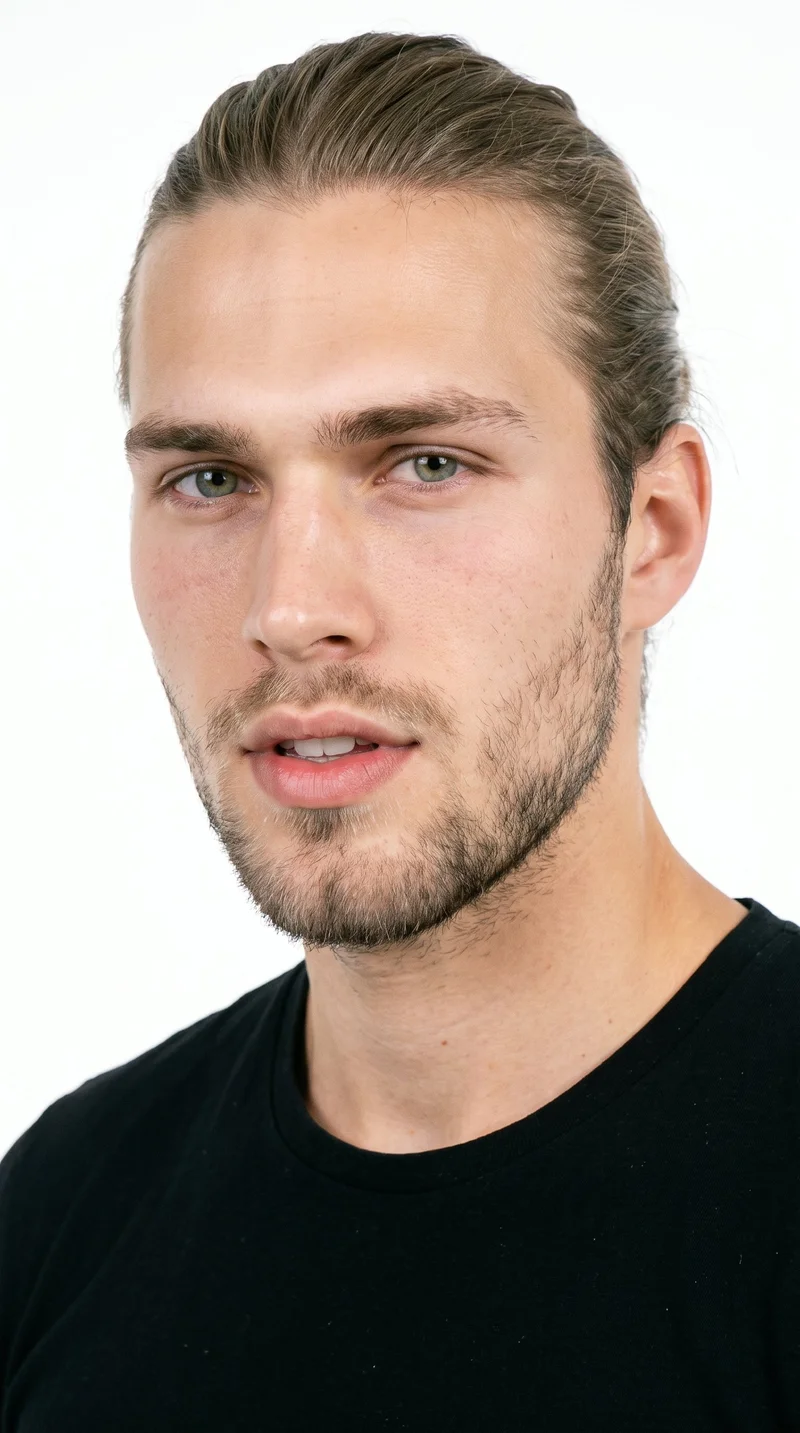
Male · 19
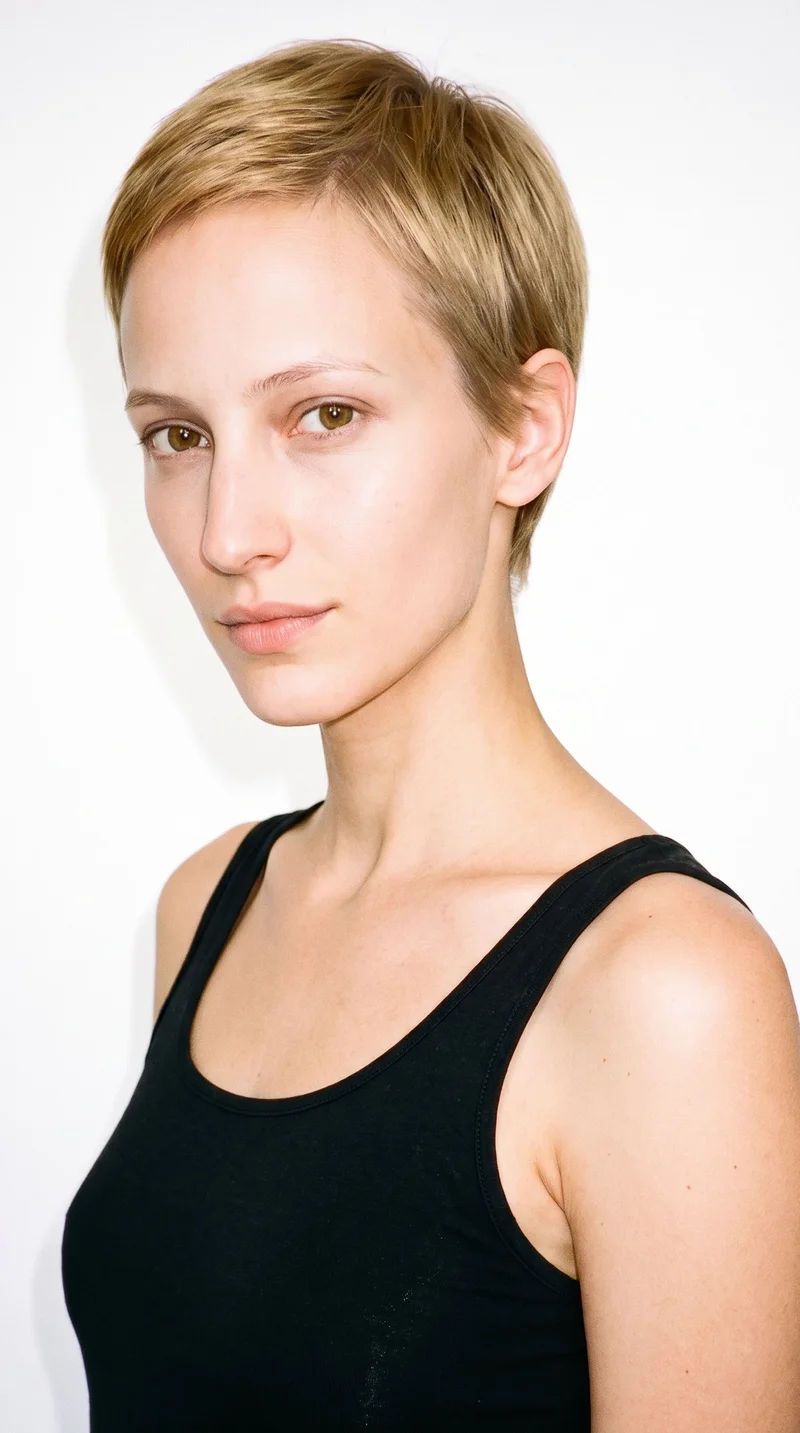
Female · 25
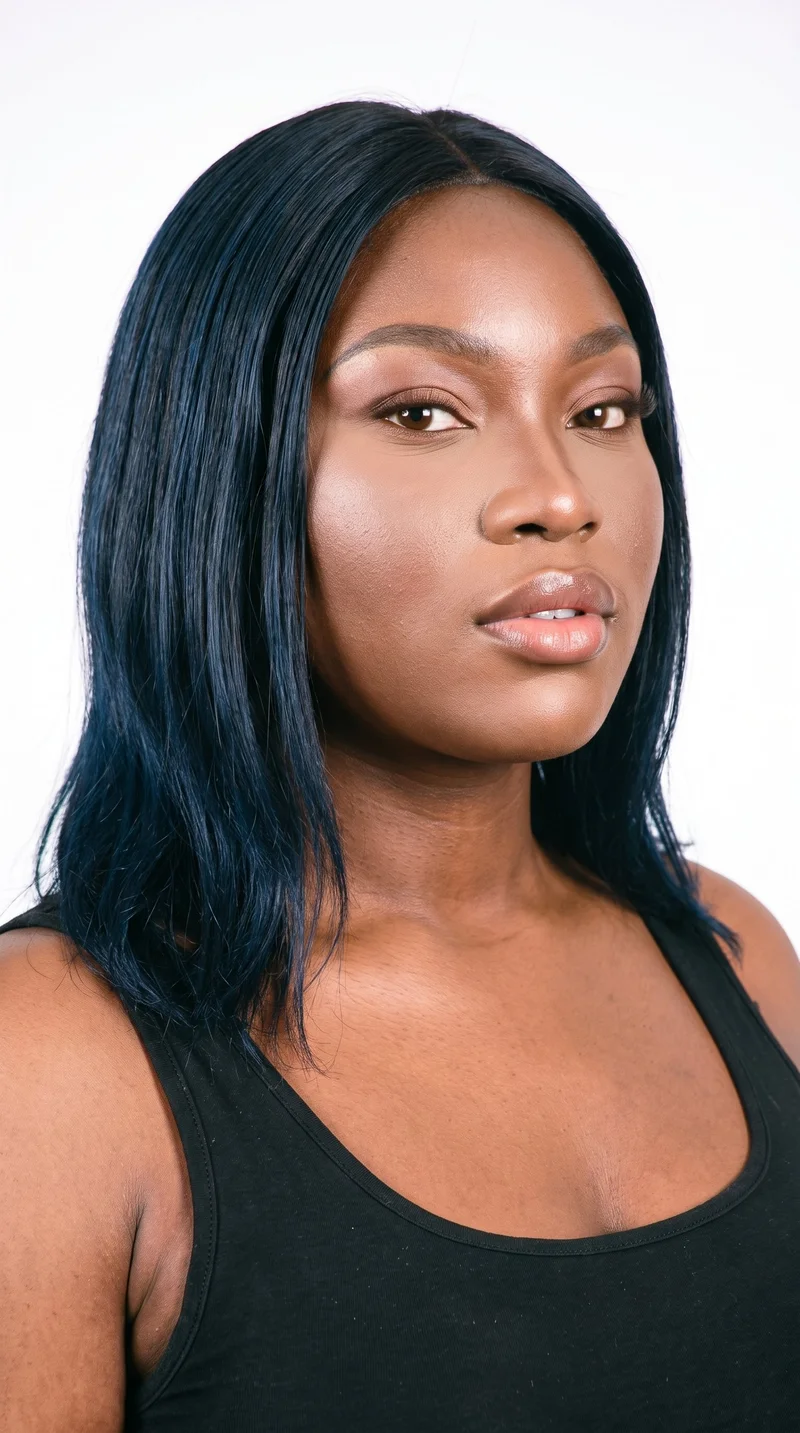
Female · 21
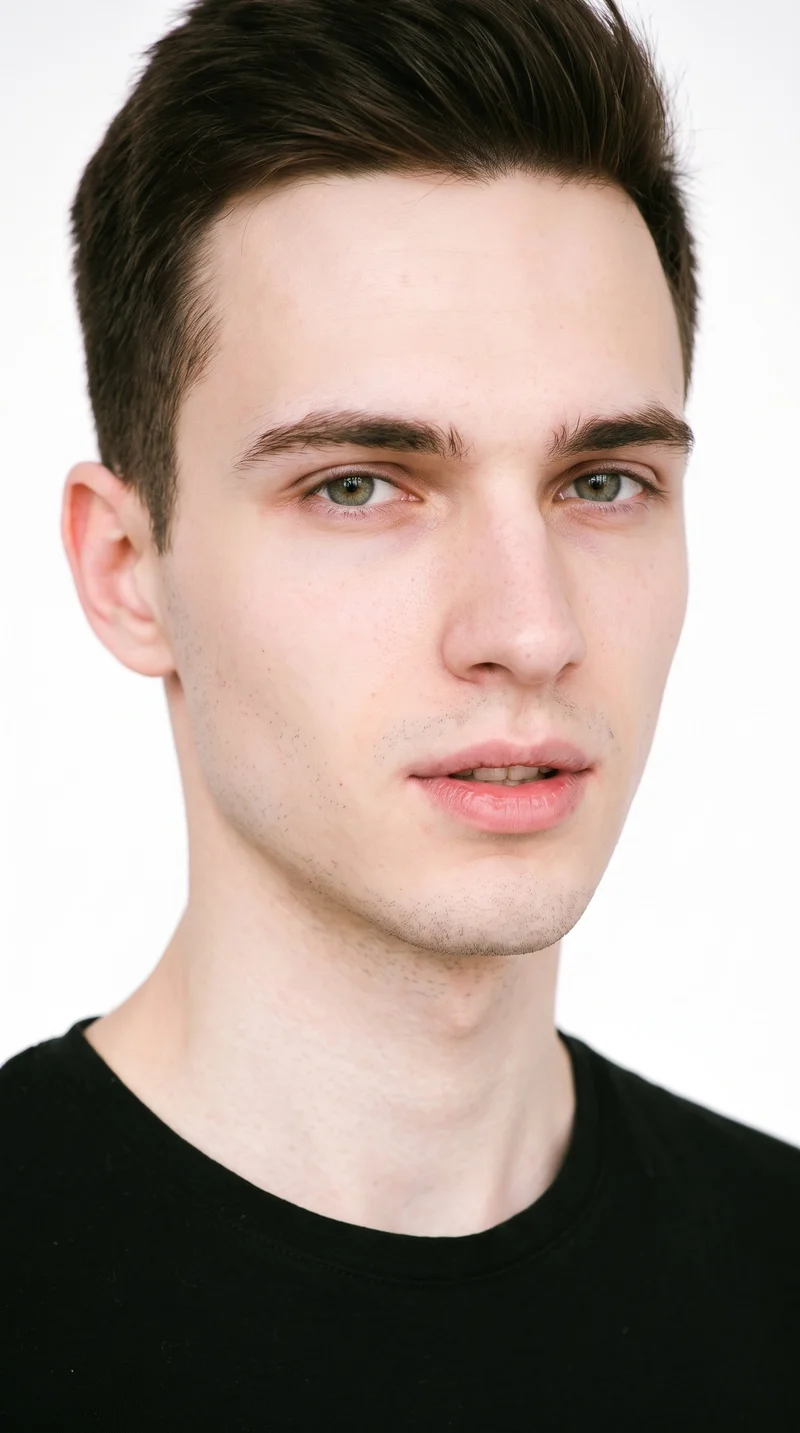
Male · 21
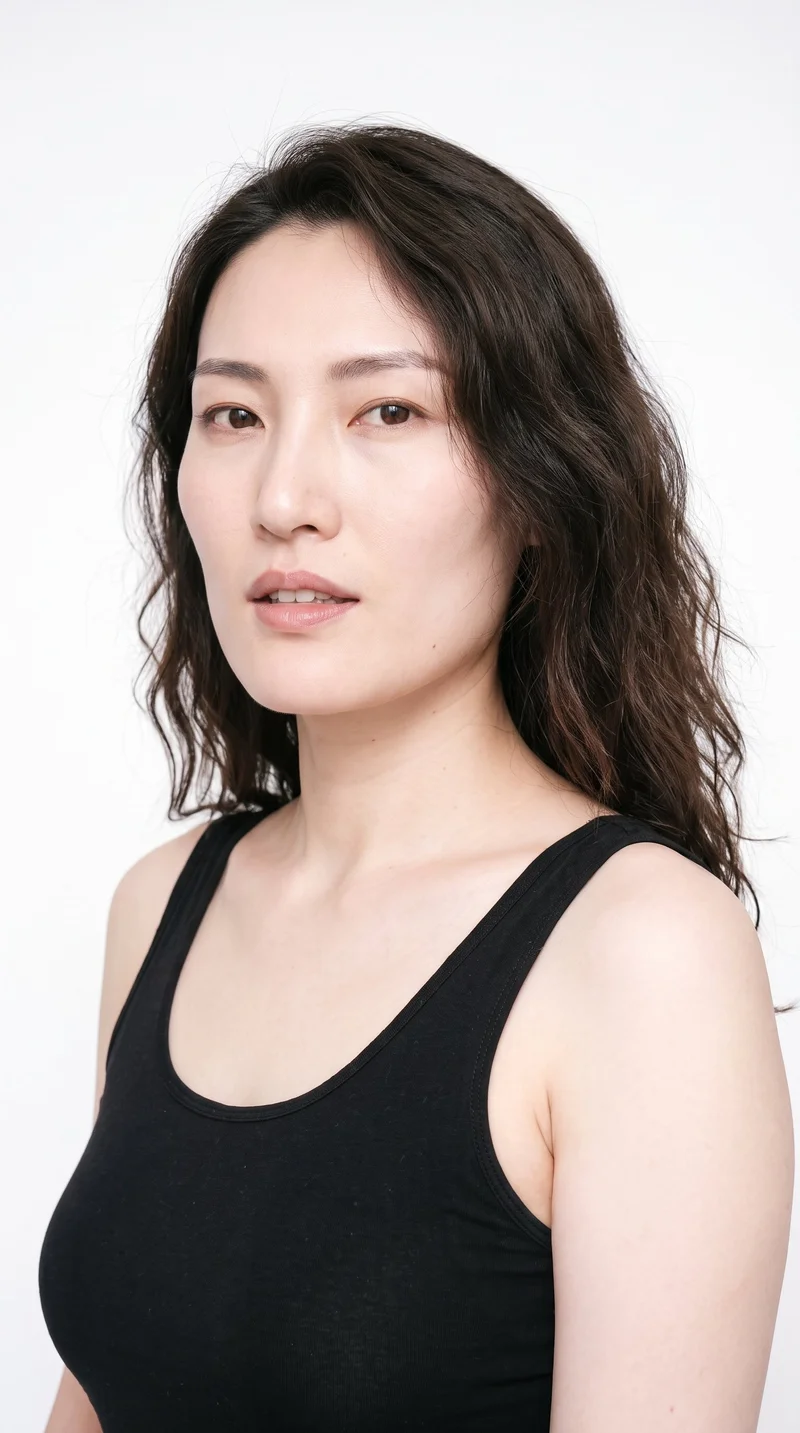
Female · 32
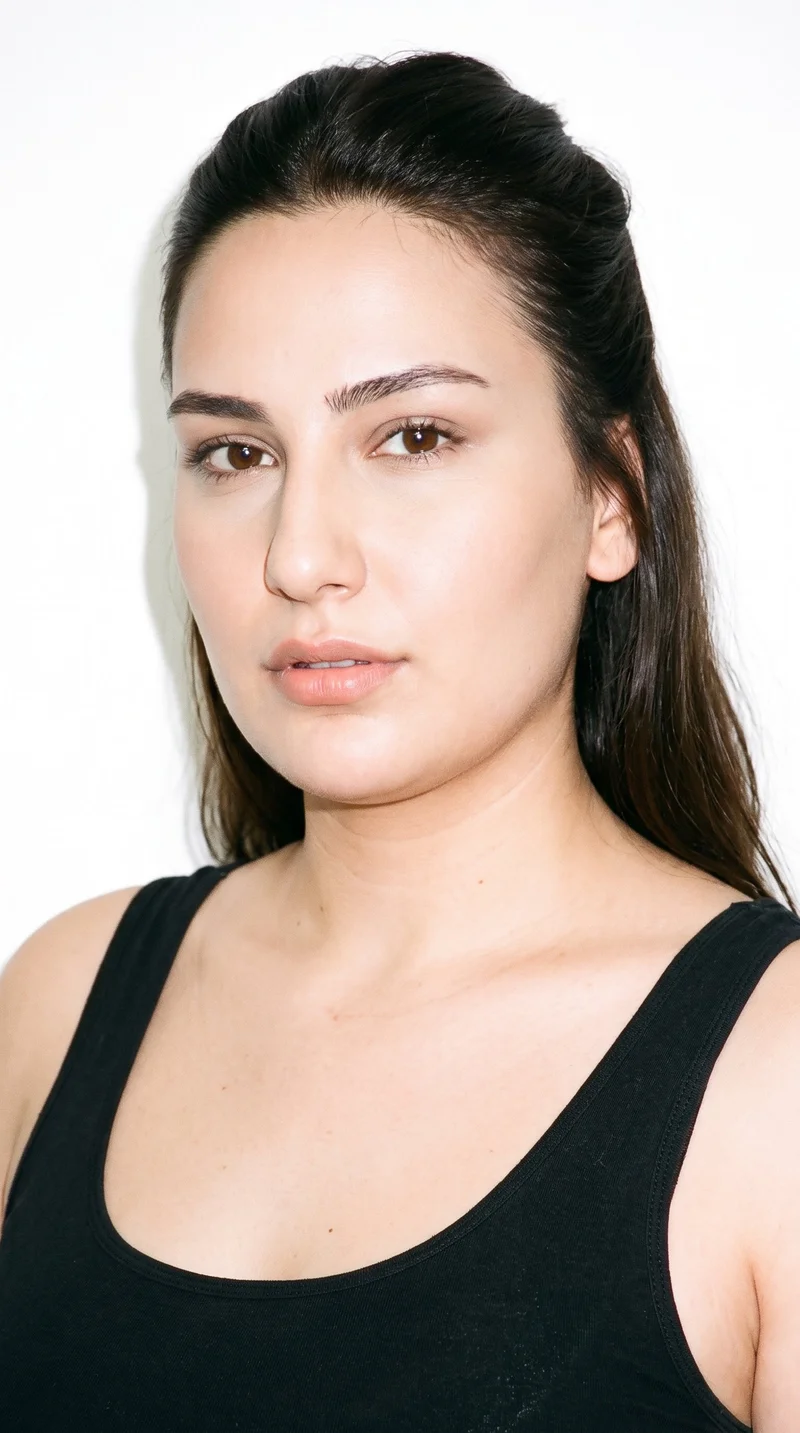
Female · 24
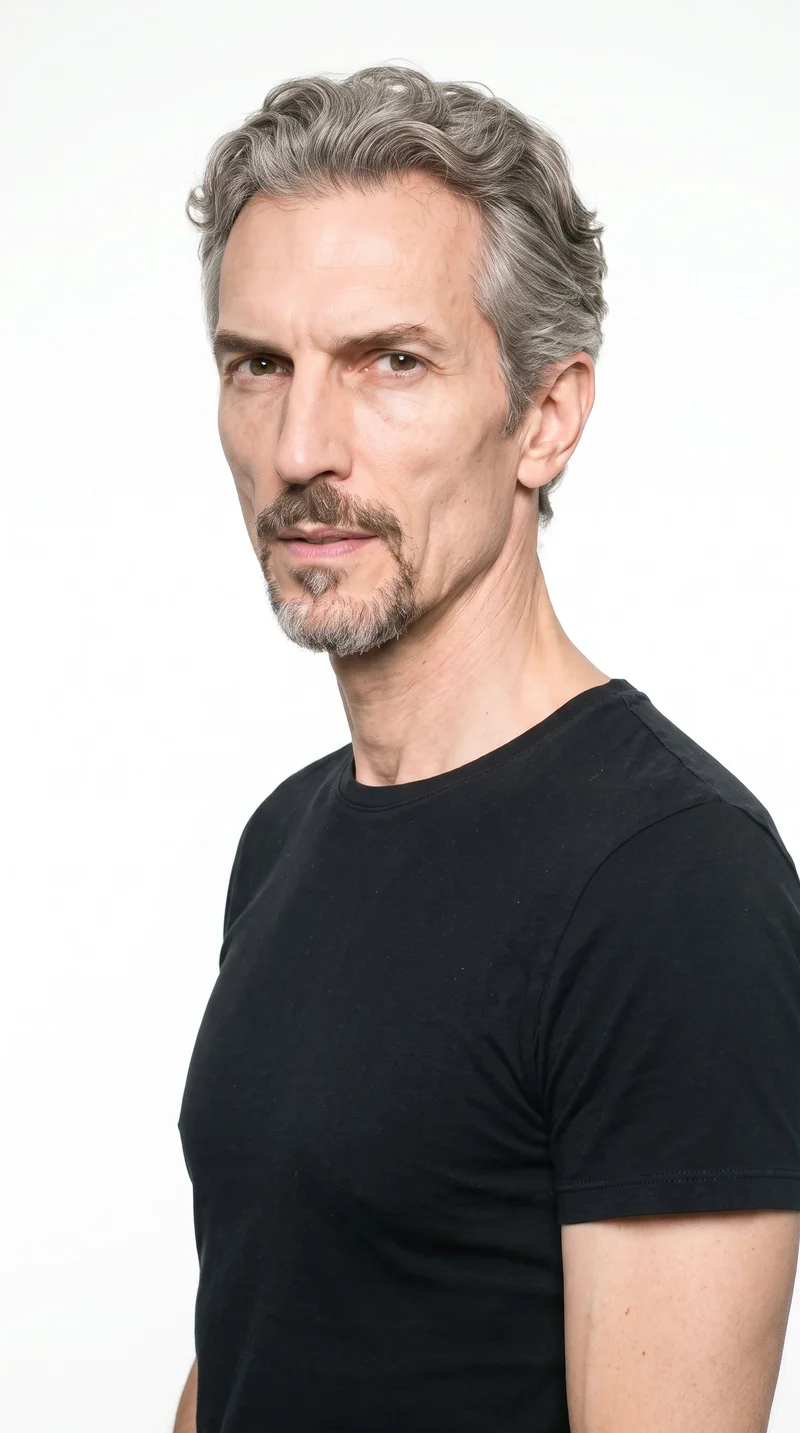
Male · 55
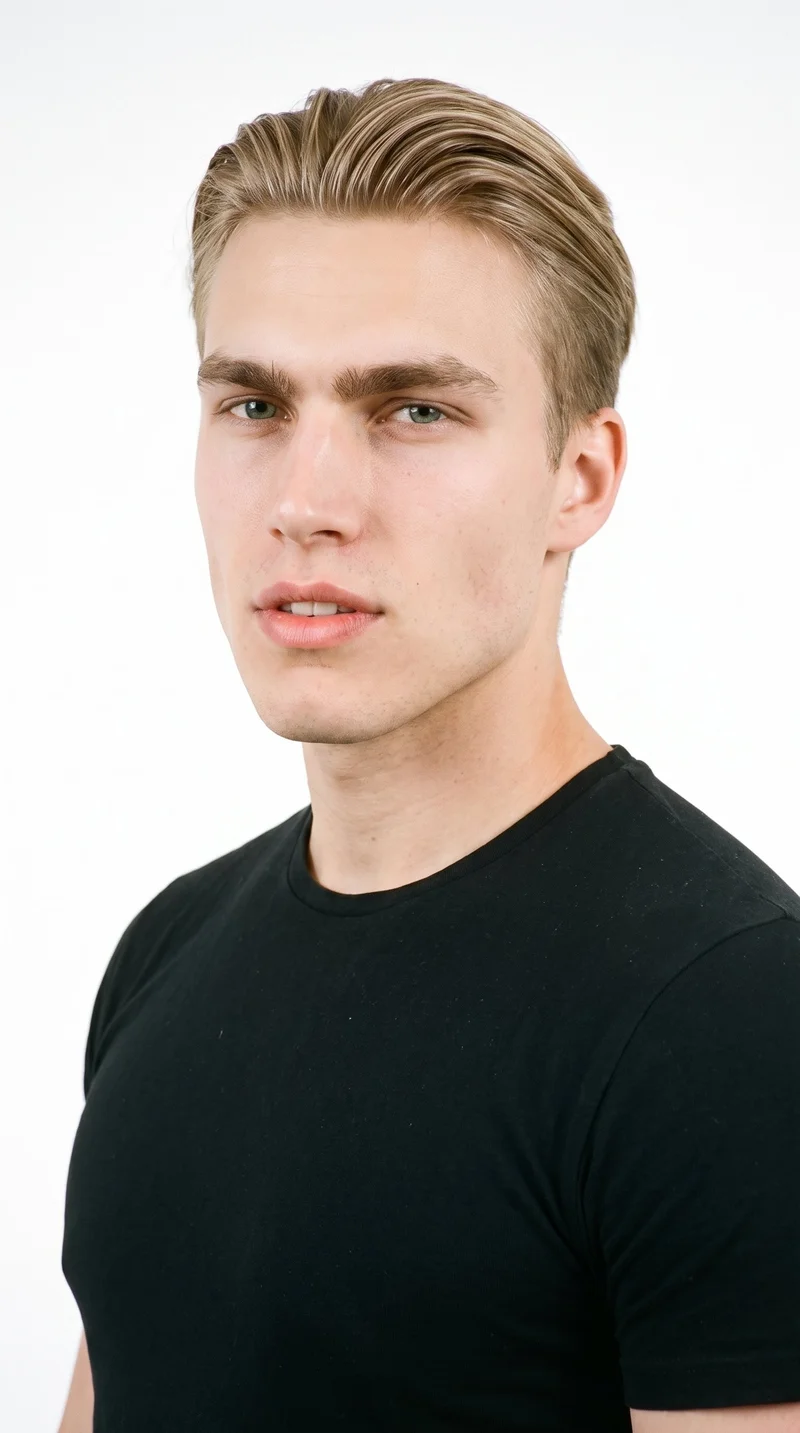
Male · 19
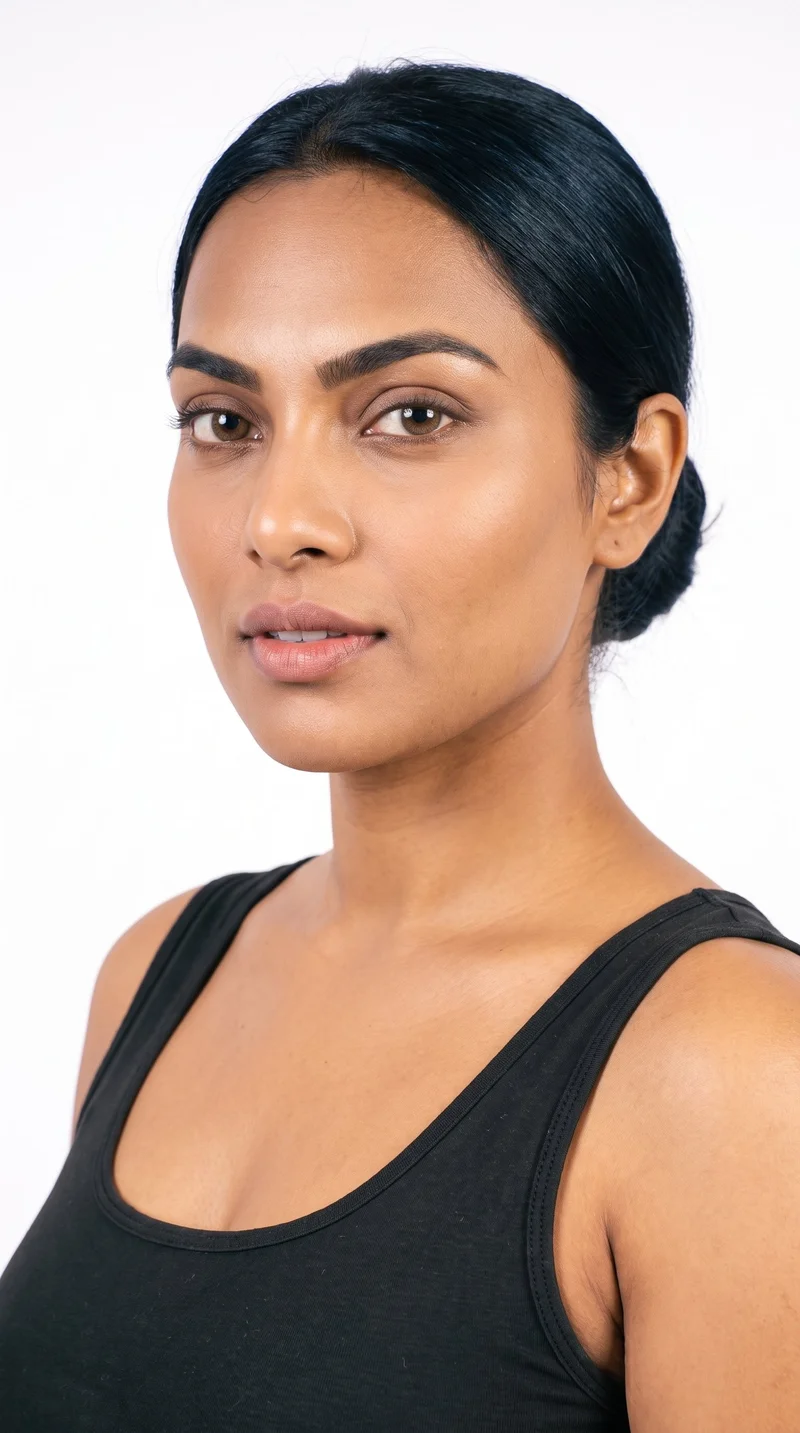
Female · 28
Showing 12 of 1,197
Cast your modelHow it works
One flat-lay in. A checked collection out.
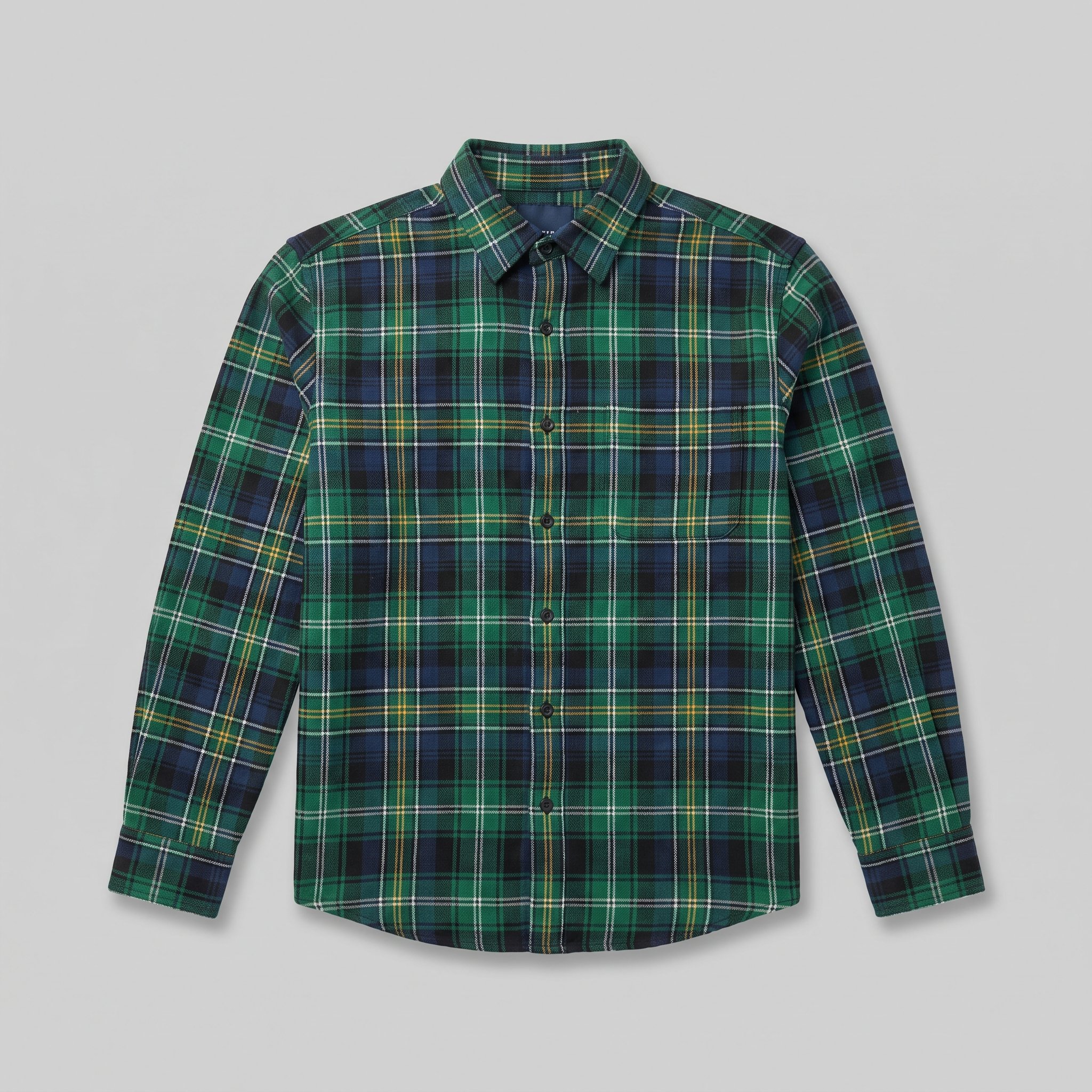 FrontDetail
Bring the product
A product photo, flat-lay or sketch is enough. Or start from a finished look and swap your piece in.
Direct the shoot
Every line of the shoot is a choice you click, from model to light. AI suggests a composition, you change any of it.
Get the whole collection, checked
Keep the setup and swap in the next style. Every image is checked against your choices, and one that misses is made again before you see it.
Gallery
See frames for your product page
See product-page compositions that can inform the framing, light, and setting for your own piece.
Looks & backgrounds
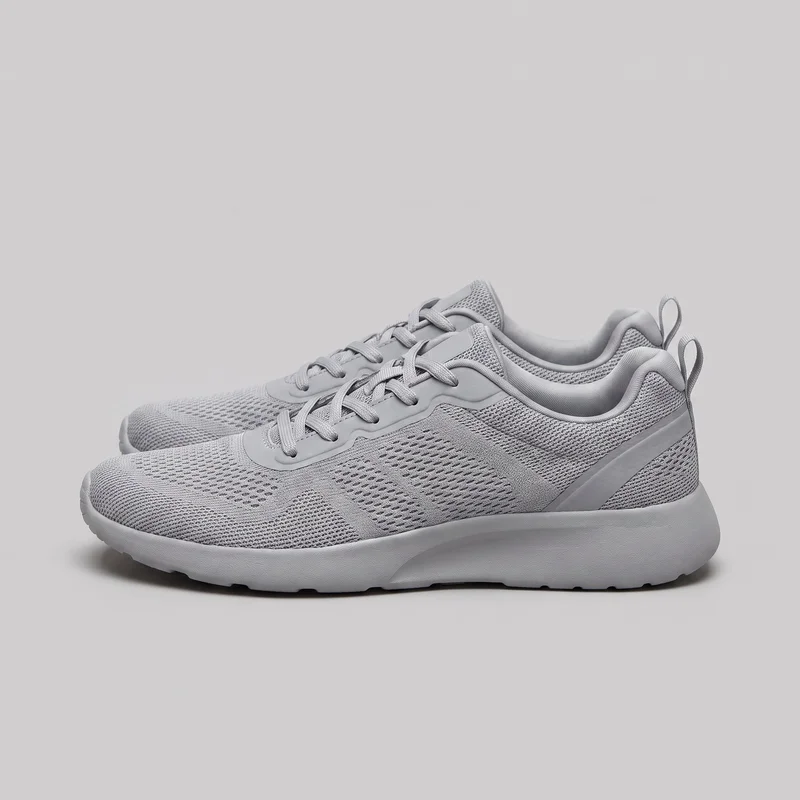 Women's Grey Mesh Trainers
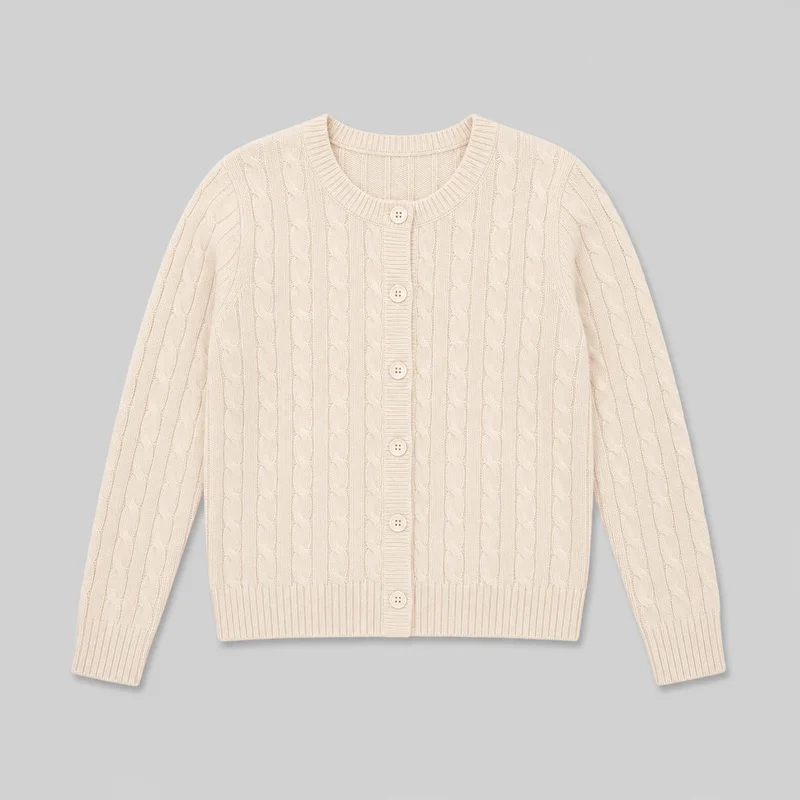 Women's Cream Cable-Knit Cardigan
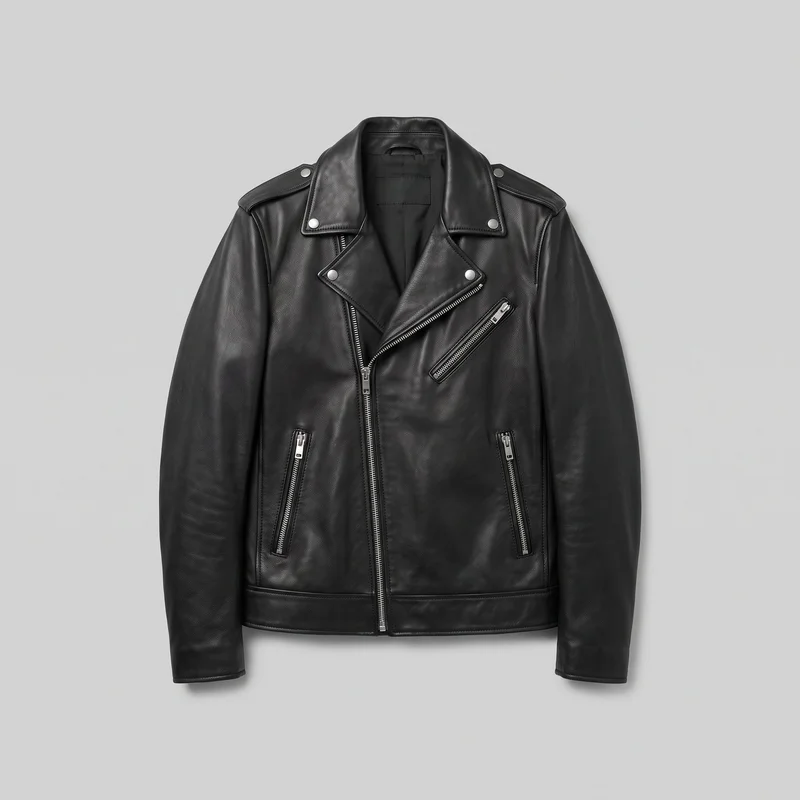 Men's Black Biker Leather Jacket
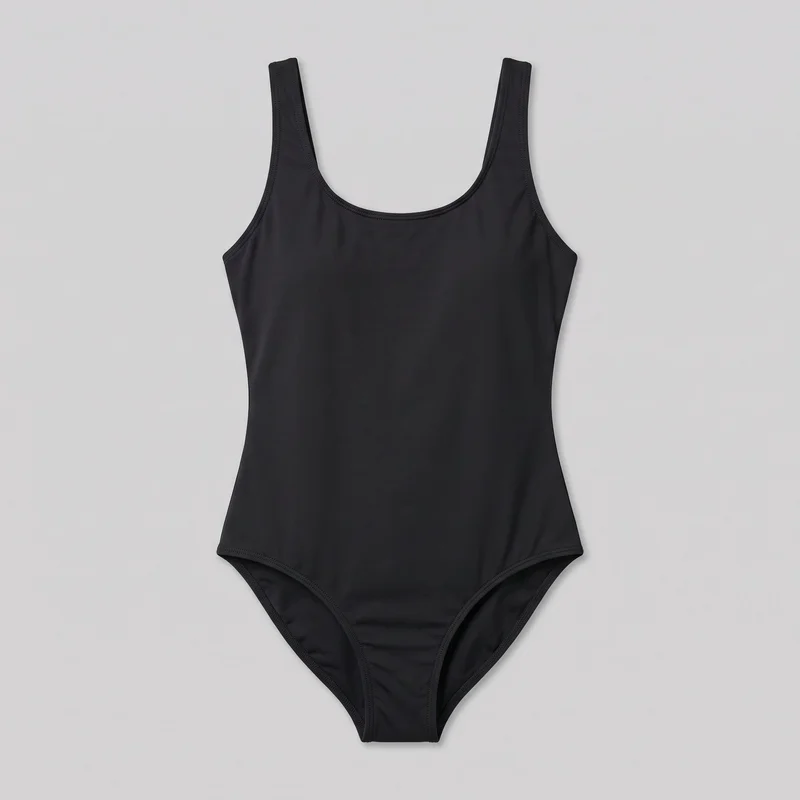 Black One-Piece Swimsuit
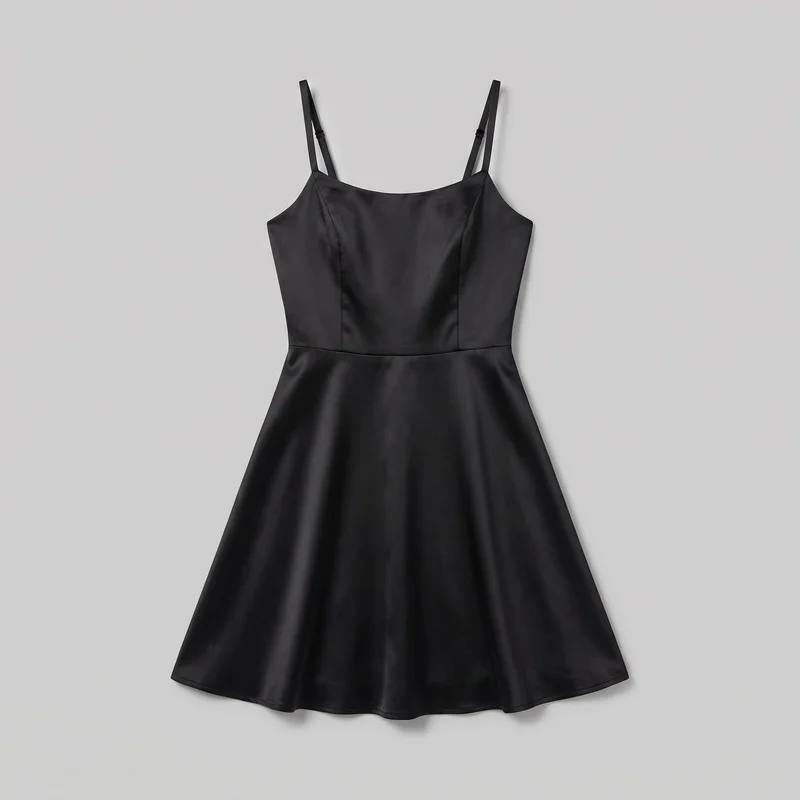 Black Satin Cocktail Dress
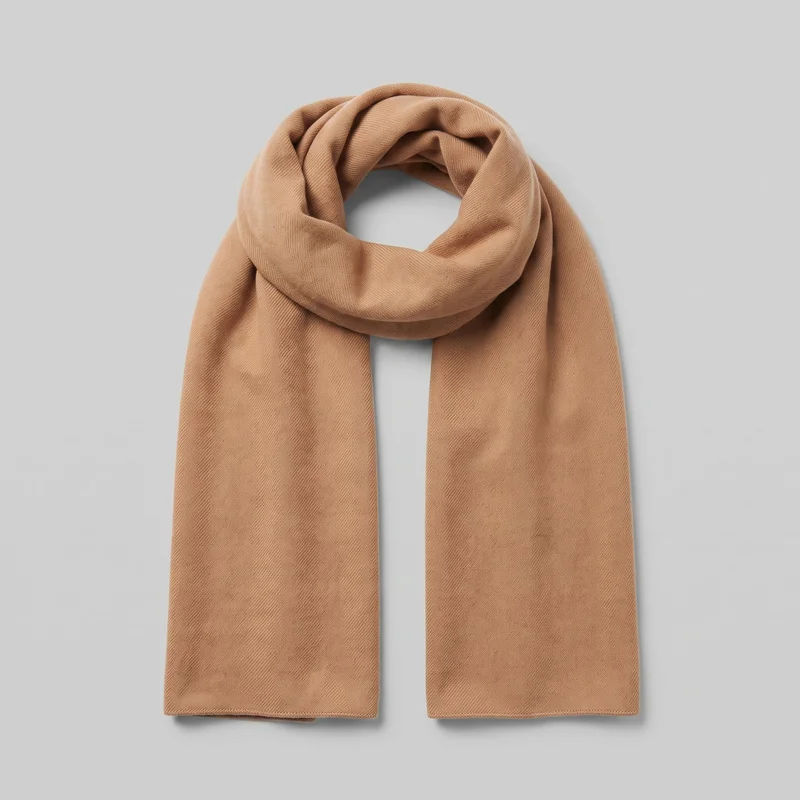 Men's Camel Cashmere Scarf
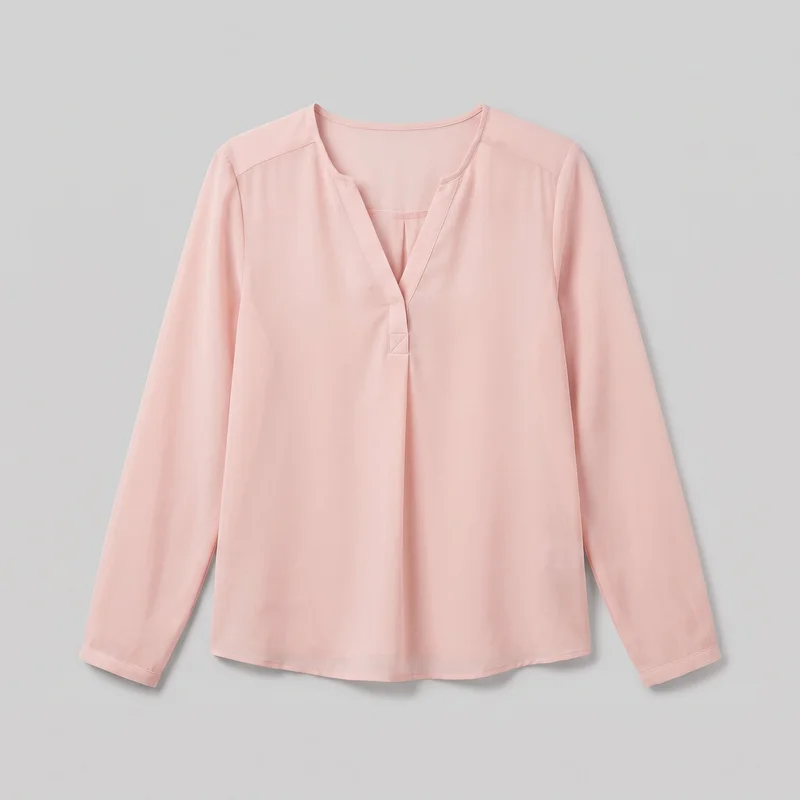 Blush Pink Chiffon Blouse
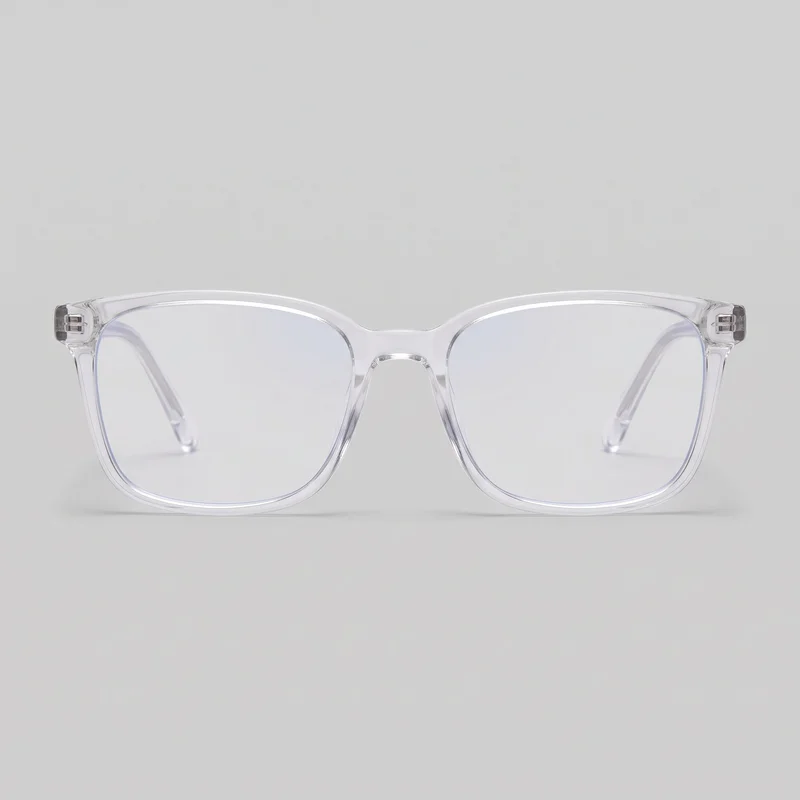 Women's Clear-Frame Blue-Light Glasses
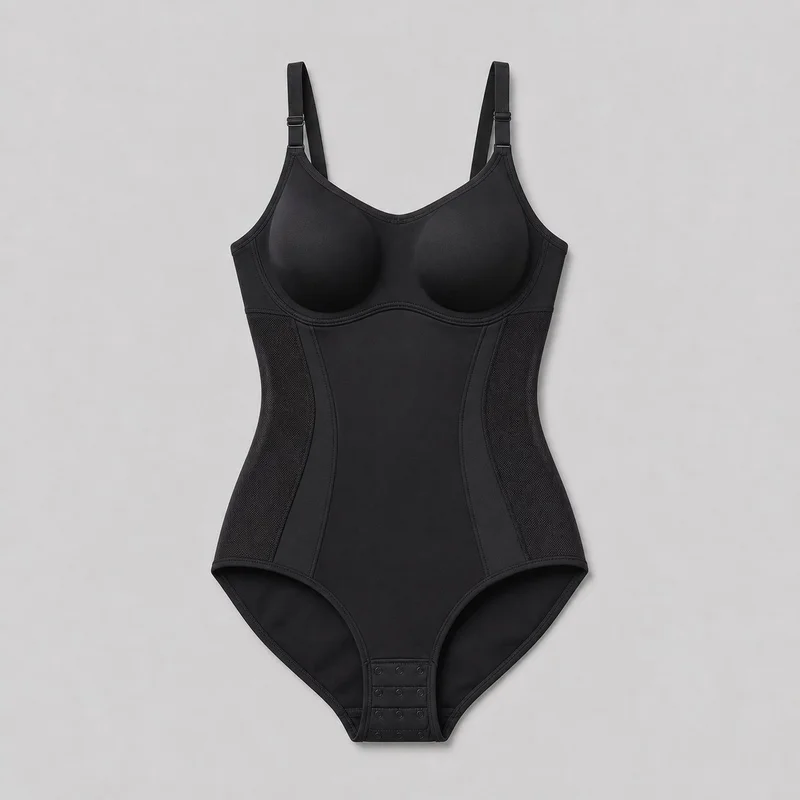 Black Bodysuit Shapewear
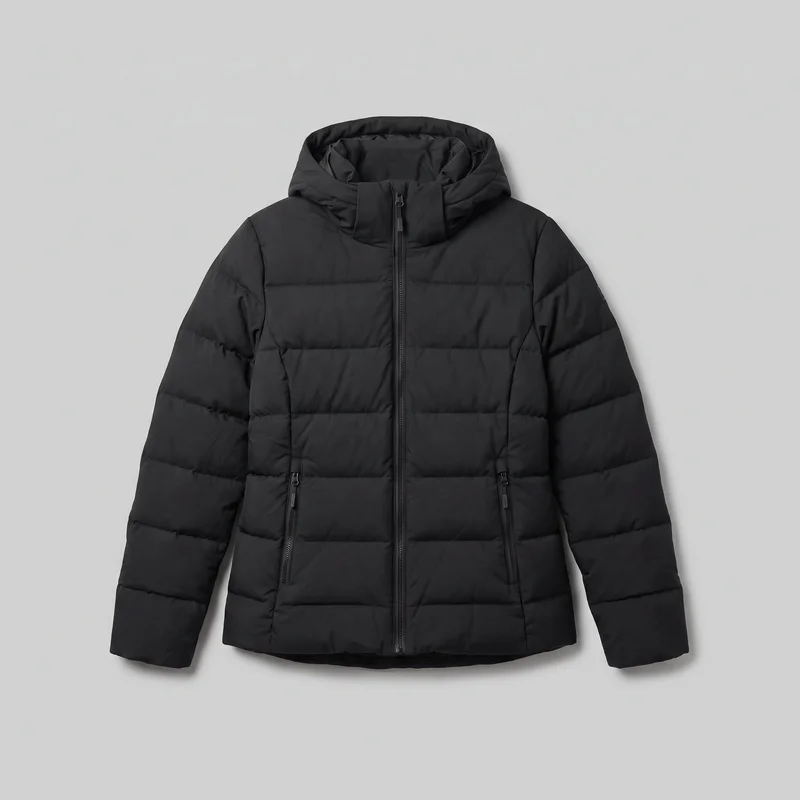 Women's Black Down Jacket
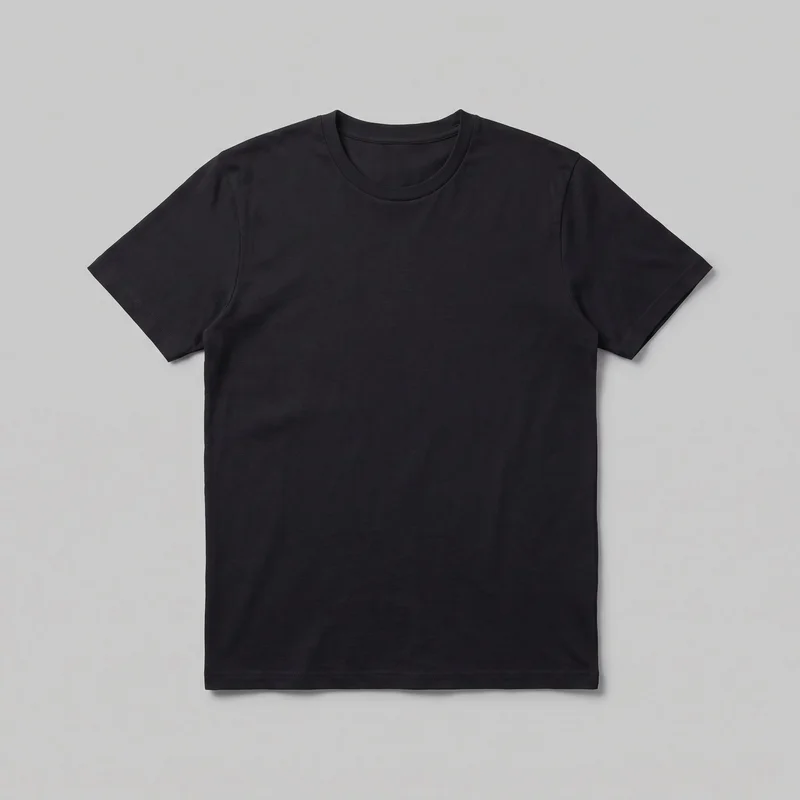 Men's Black T-shirt
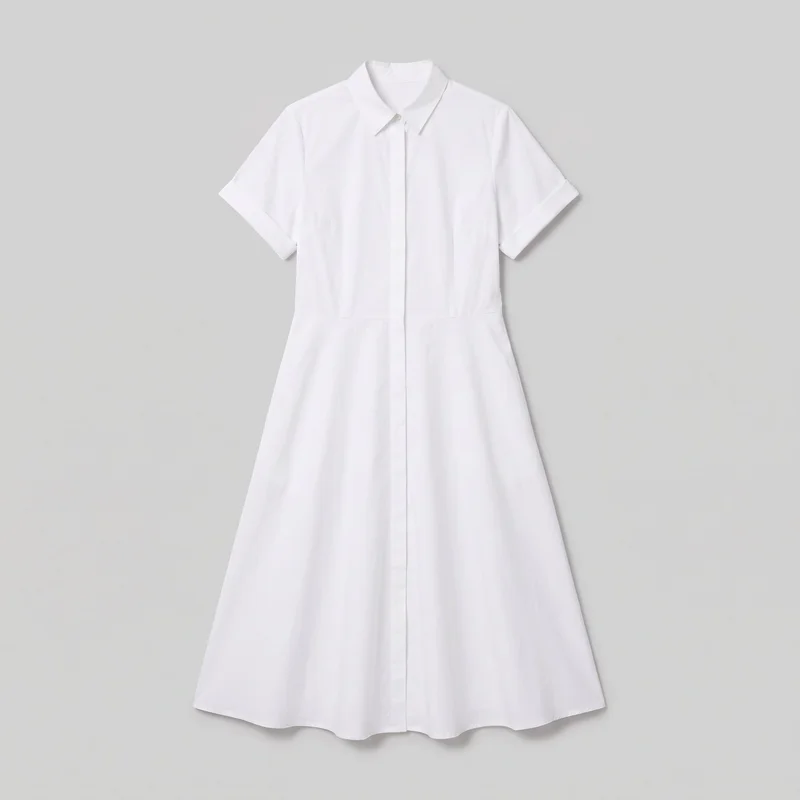 White Cotton Shirt Dress
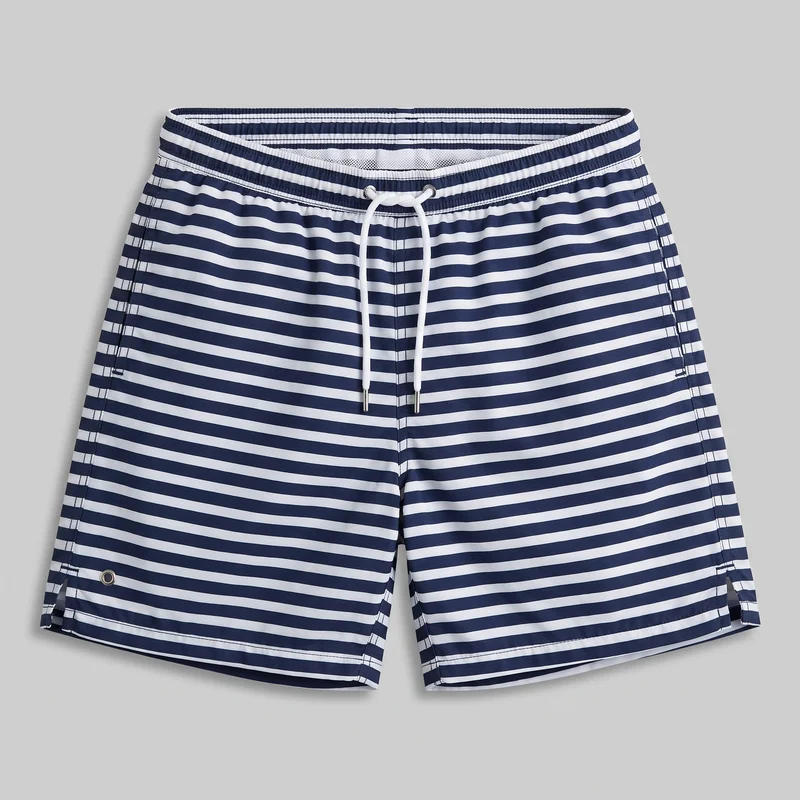 Striped Swim Shorts
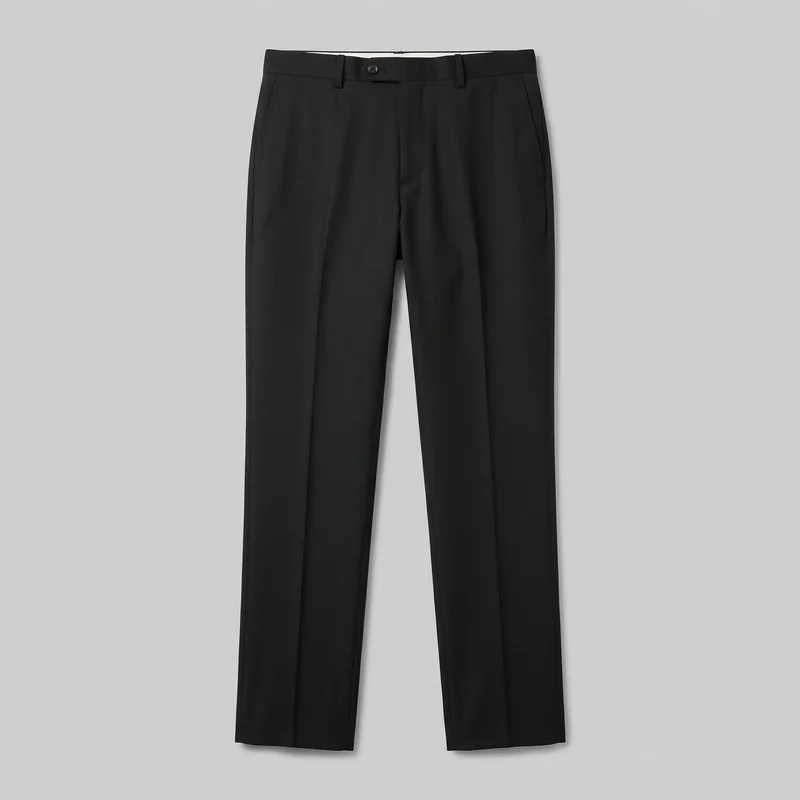 Men's Black Tailored Trousers
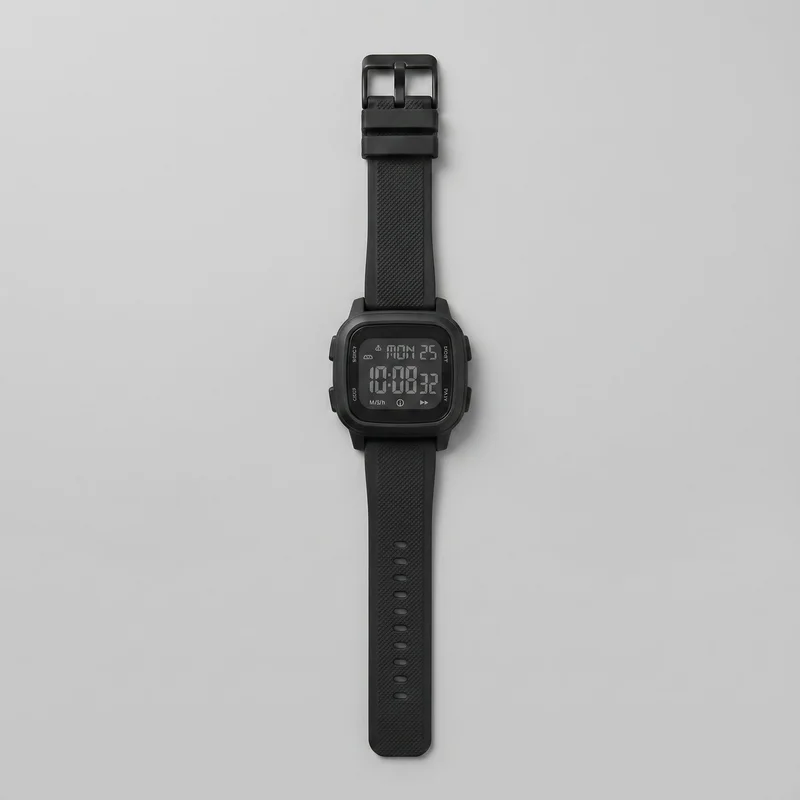 Men's Black Digital Sports Watch
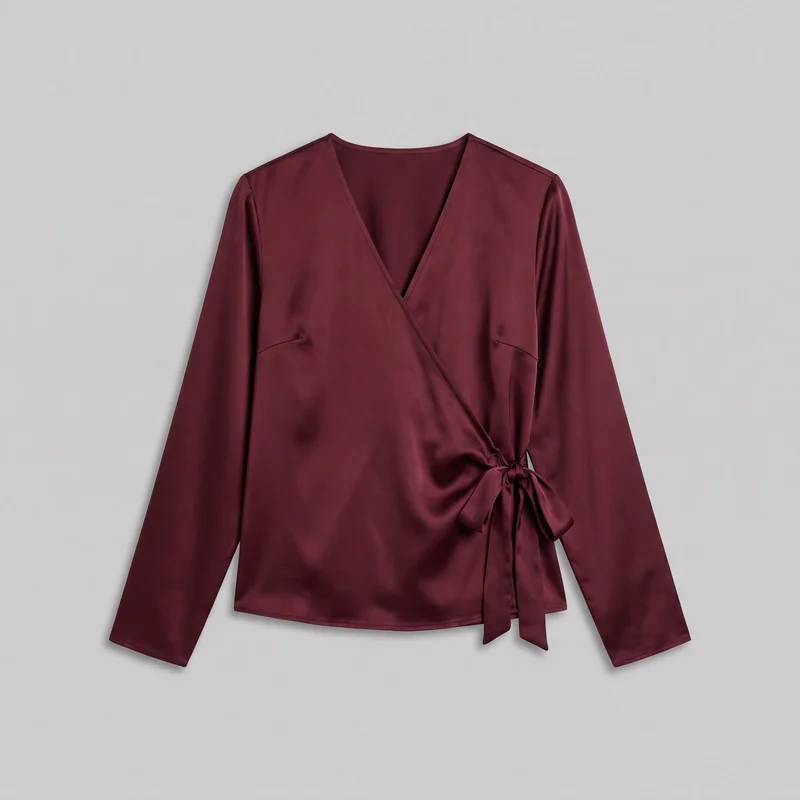 Burgundy Satin Wrap Top
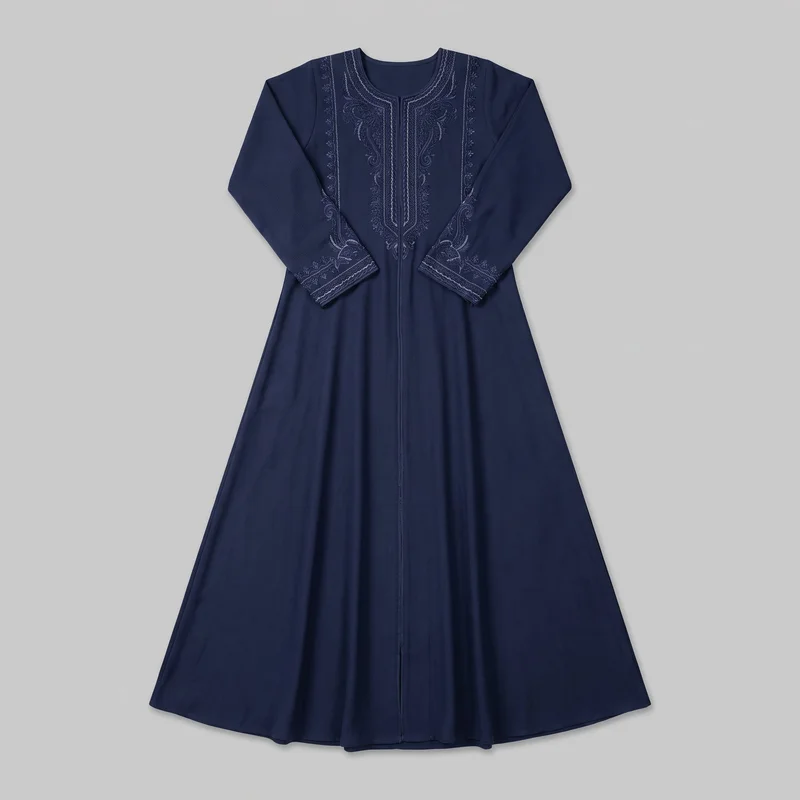 Navy Embroidered Abaya
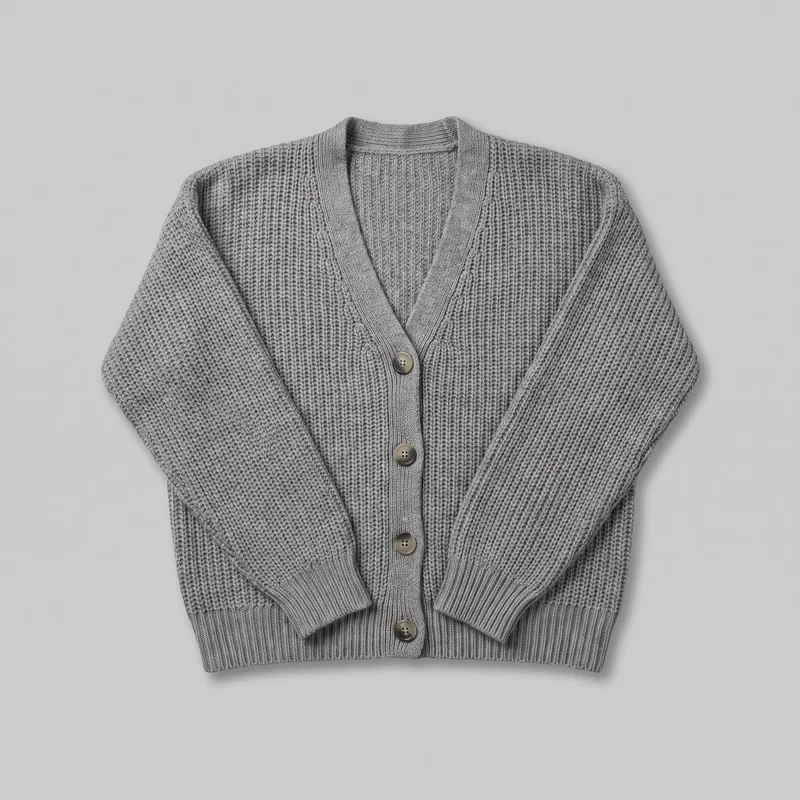 Women's Grey Knit Cardigan
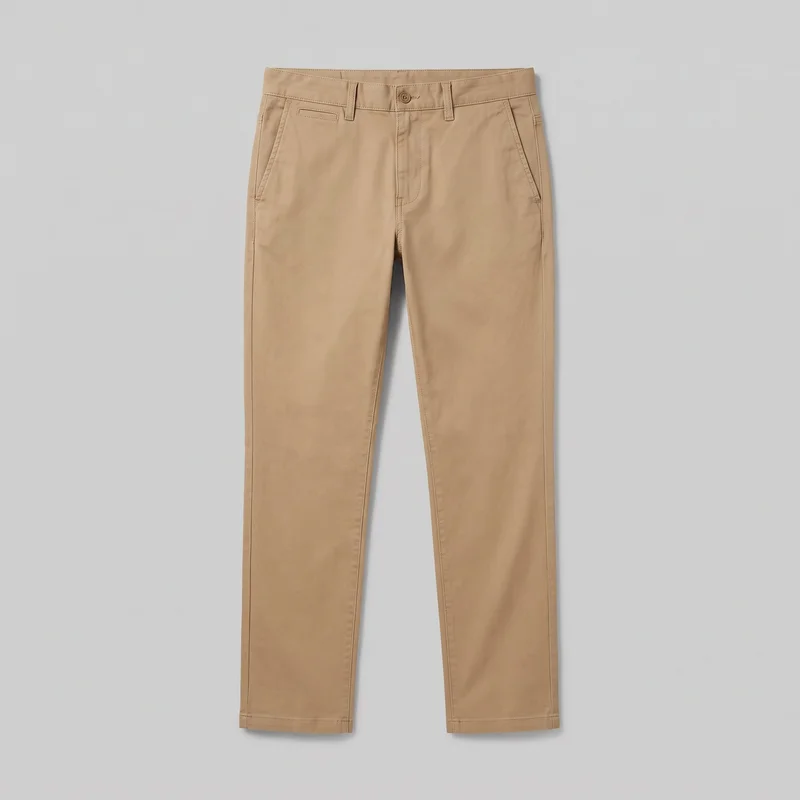 Men's Khaki Chinos
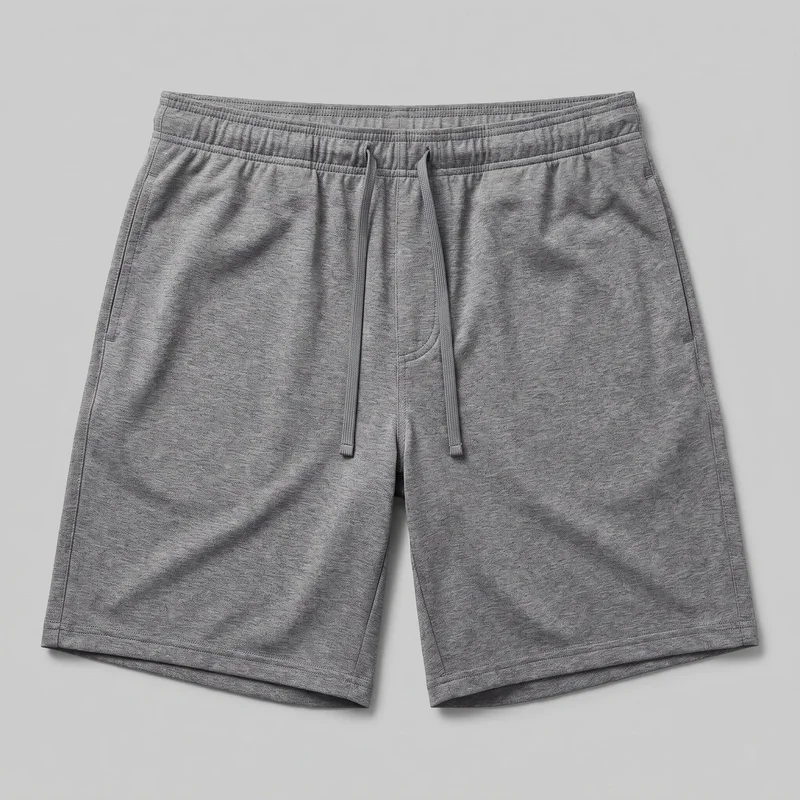 Men's Grey Gym Shorts
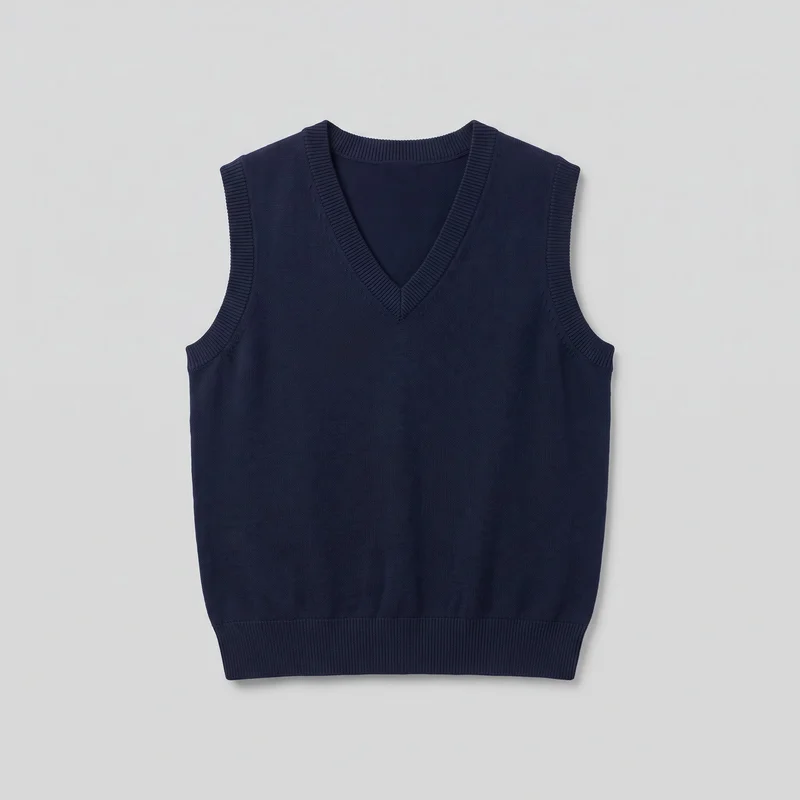 Women's Navy Knit Sweater Vest
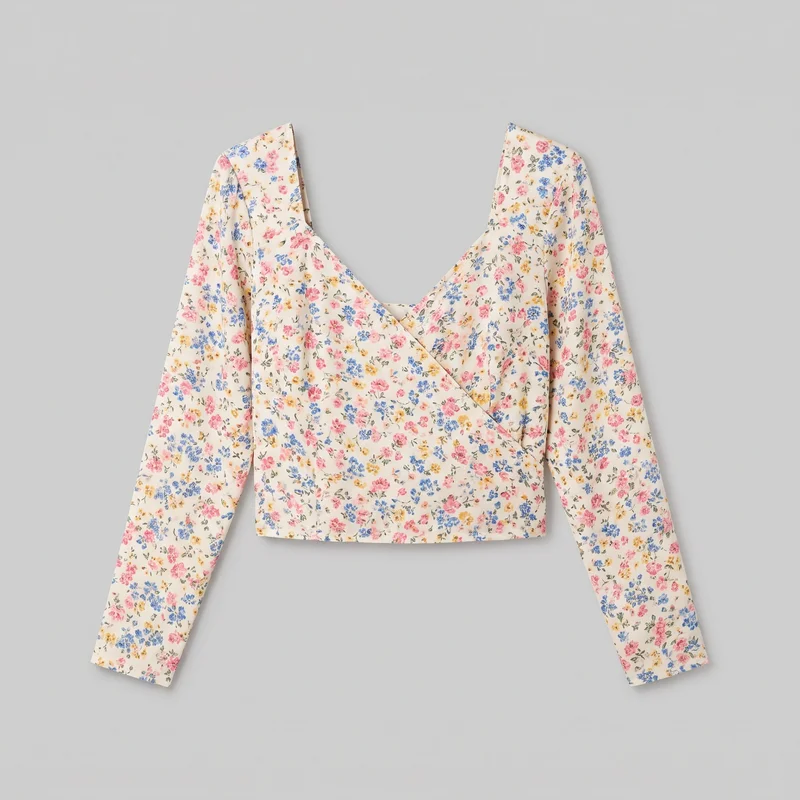 Floral Print Wrap Top
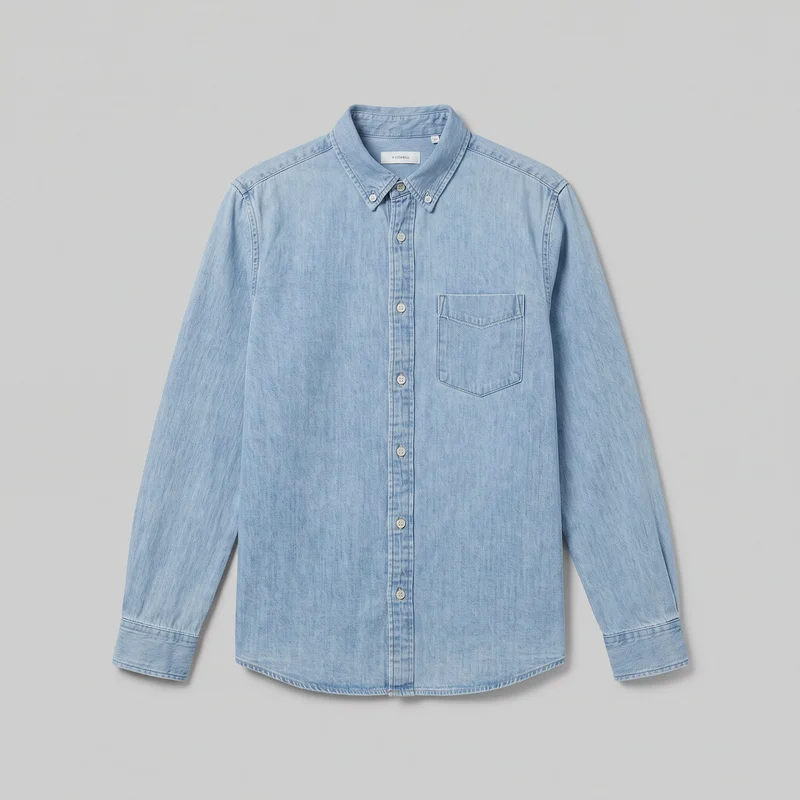 Light Wash Denim Shirt
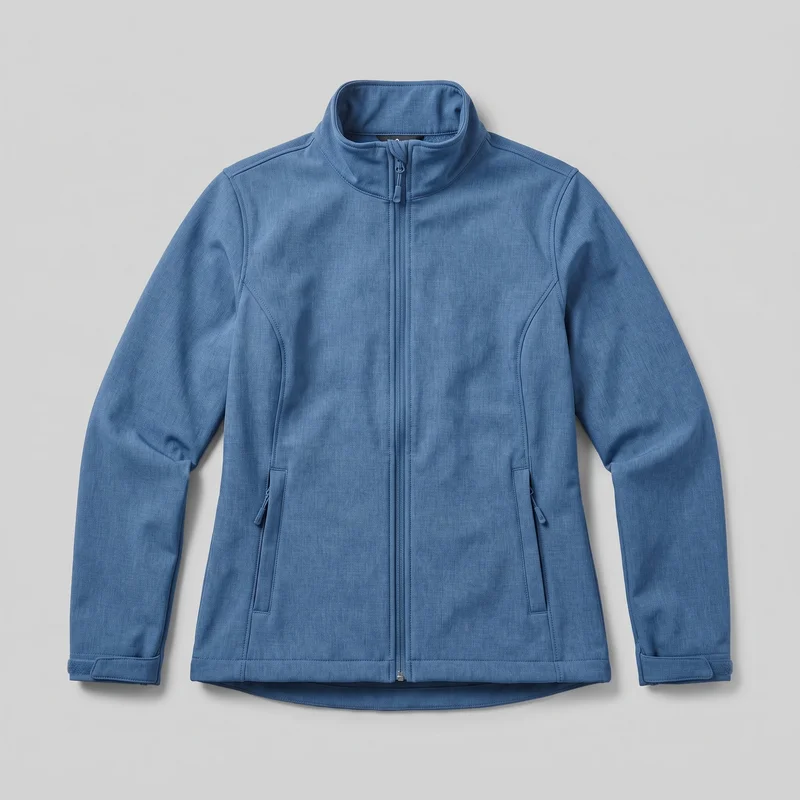 Women's Blue Softshell Jacket
Showing 24 of 823
Catalog
Browse the catalog
By product
Consistency
Change one detail, keep the composition
Change one element and the rest of the composition holds, so the product page can keep its model, light, and framing while you develop the still image set.
You change one
- Frame
- Pose
- Camera view
- Model
The rest holds
Model
The selected model stays in place while you adjust another decision.
Light
The chosen photography direction holds across related images in the shoot.
Frame
Your selected framing remains in place when another element changes.
Who it's for
Does this fit your product-page work?
A perfect fit
This fits when you are an indie designer, marketplace seller, or e-commerce manager building product-page stills from real fashion products.
Work it handles well
- You can build complete product-page image sets
- You can direct on-model views and details
- You can keep related stills visually coherent
Rights
You own every image. Every image says what it is.
Yours
- Full commercial rights to every image, permanently.
- No recurring licence fees on any model in the library.
- Every model is a synthetic composite, so there is no real-person likeness.
Labelled
- C2PA content credentials on every image.
- AI-labelled output, aligned with EU AI Act Article 50.
Checked
- Every image is checked against your model, frame, view and pose before delivery; one that misses is made again.
- A safety filter screens every upload and blocks nude or explicit images.
EU-based hosting, GDPR-compliant handling.
- Aligned with EU AI Act Article 50
- C2PA
- Full commercial rights
- Quality-checked images
- Safety-filtered uploads
- GDPR-compliant handling
- EU-based hosting
Questions
What designers ask before product-page photos?
What does a product photography set add to a product page?
A product photography set gives your product page on-model views, close detail frames, and a coherent group of still images built around your real piece. It helps shoppers see the cut, colour, pattern, material, hardware, and overall presentation without a disconnected mix of images. You choose the model, photography direction, frame, camera view, pose, and styling while keeping related stills aligned. Use it to build the core image sequence for a product page before publishing.
Which retail jobs and channels suit product photography stills?
Product pages, marketplace listings, pre-order collection pages, and resale listings suit these product photography stills. They work for indie designers, makers, e-commerce teams, and sellers who have a real fashion product shown in a flat lay, product photo, or mockup and need a clearer listing presentation. Use on-model views for the overall item, then add close frames or product-handling poses where material, construction, accessories, or hardware need attention. Build the set around the destination page you plan to publish.
Which image ratios should I create for product pages and stories?
Use 4:5 for a product-page image, 1:1 for a square catalogue or marketplace tile, and 9:16 for a story placement. Choose the frame and camera view around the channel so an on-model image leaves room for the full piece, while a close detail frame keeps hardware or fabric visible. The finished set can be checked against your selected frame and view before delivery; images with clear mismatches are regenerated automatically. Decide your publishing placements first, then make the corresponding still crops.
How does RAWSHOT turn my product reference into product-page photos?
RAWSHOT takes your product photo, flat lay, mockup, or technical sketch and turns it into directed still images around that piece. Select a model, photography direction, frame, camera view, pose, styling, and background, then develop related images while the chosen model, light, and framing hold in place. Every generated image is reviewed automatically against your selected model, frame, view, and pose before it reaches your library, with clear failures regenerated. Import your best product reference, then set the decisions for your first page image.
What does RAWSHOT cost for product-page photography stills?
RAWSHOT is self-serve, with monthly plans from 9 to 179 and a token cost of 5 per image. Choose a plan based on the volume of on-model views and close detail stills you need for product pages, listings, or collection launches, then generate images as you build the set. There is no studio quote or production scoping step: your plan provides tokens for the images you create. Review the available monthly plans and select the one that fits your publishing volume.
What should I check before making product-page photos from my product images?
Check that your source image clearly shows the real product and that your requested model, frame, view, and pose are available choices. The images can present the piece on a model and support product-page decisions, but they do not provide measured fit, size-chart information, a specific real person, or a pose uploaded from your own reference. Automated review targets clear mistakes and is tested against hand-checked images, not guaranteed to catch every possible issue. Use a strong product reference and review the delivered stills for your own page requirements.
Who owns my product photography images and can I use them commercially?
You get full commercial rights to every image, permanently, with no recurring licence fee. Every image carries C2PA content credentials and is labelled as AI-generated.
Get started
Make product-page stills in RAWSHOT
Start with a 7-day free trial including 50 tokens, then move to the plan that matches your production volume.