
Product variant photography
Variant stills that match when colourways arrive late.
Your new colourways arrive months after the original shoot, and the product-page grid no longer lines up. You can create on-model stills for every uploaded real variant with the chosen model, composition, and light.
7-day free trial • 50 tokens (10 images) • Cancel anytime
- A 2K image in roughly 35 seconds
- AI-labelled with C2PA content credentials
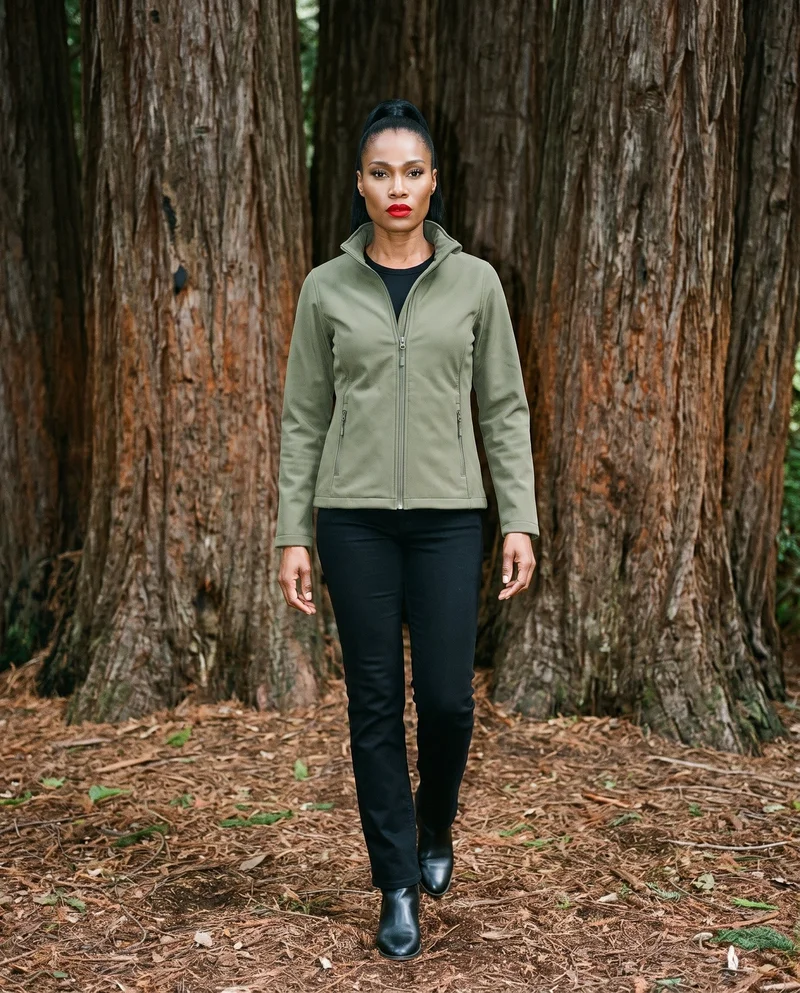
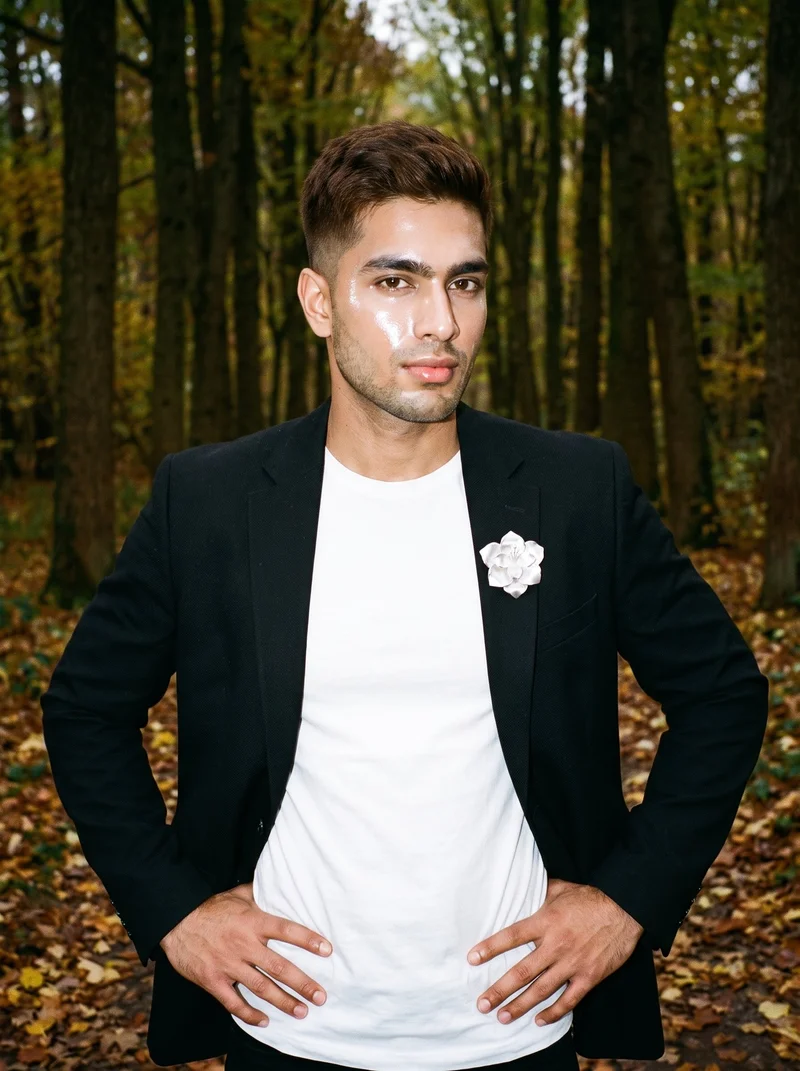
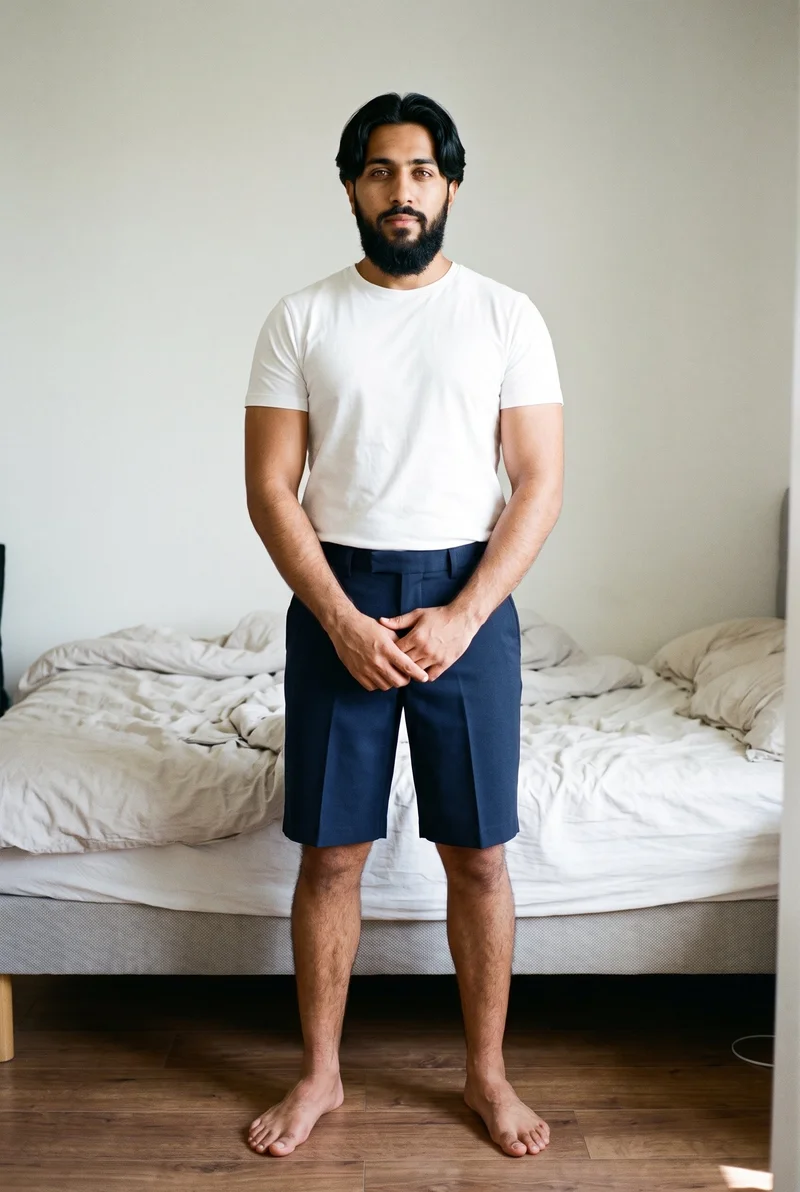
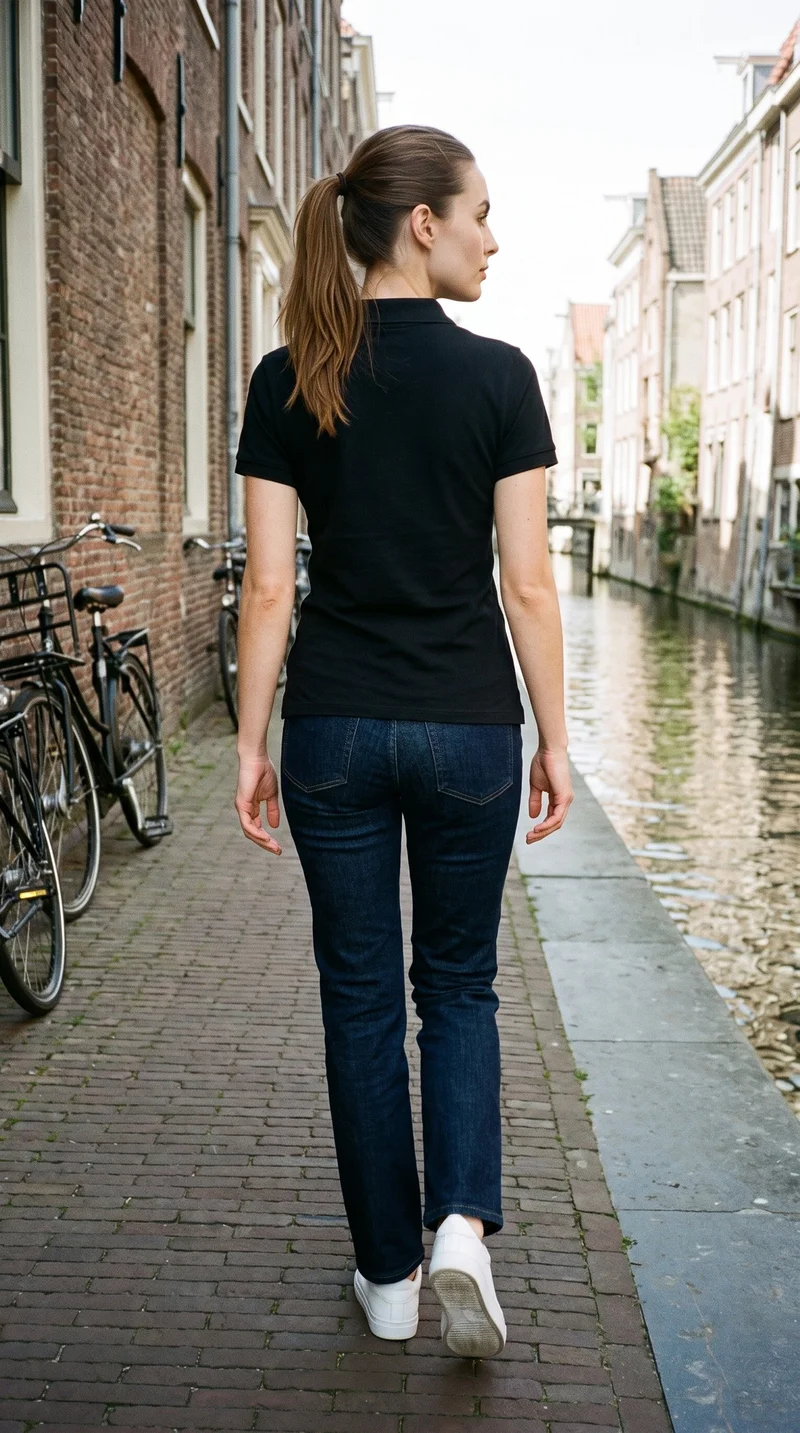
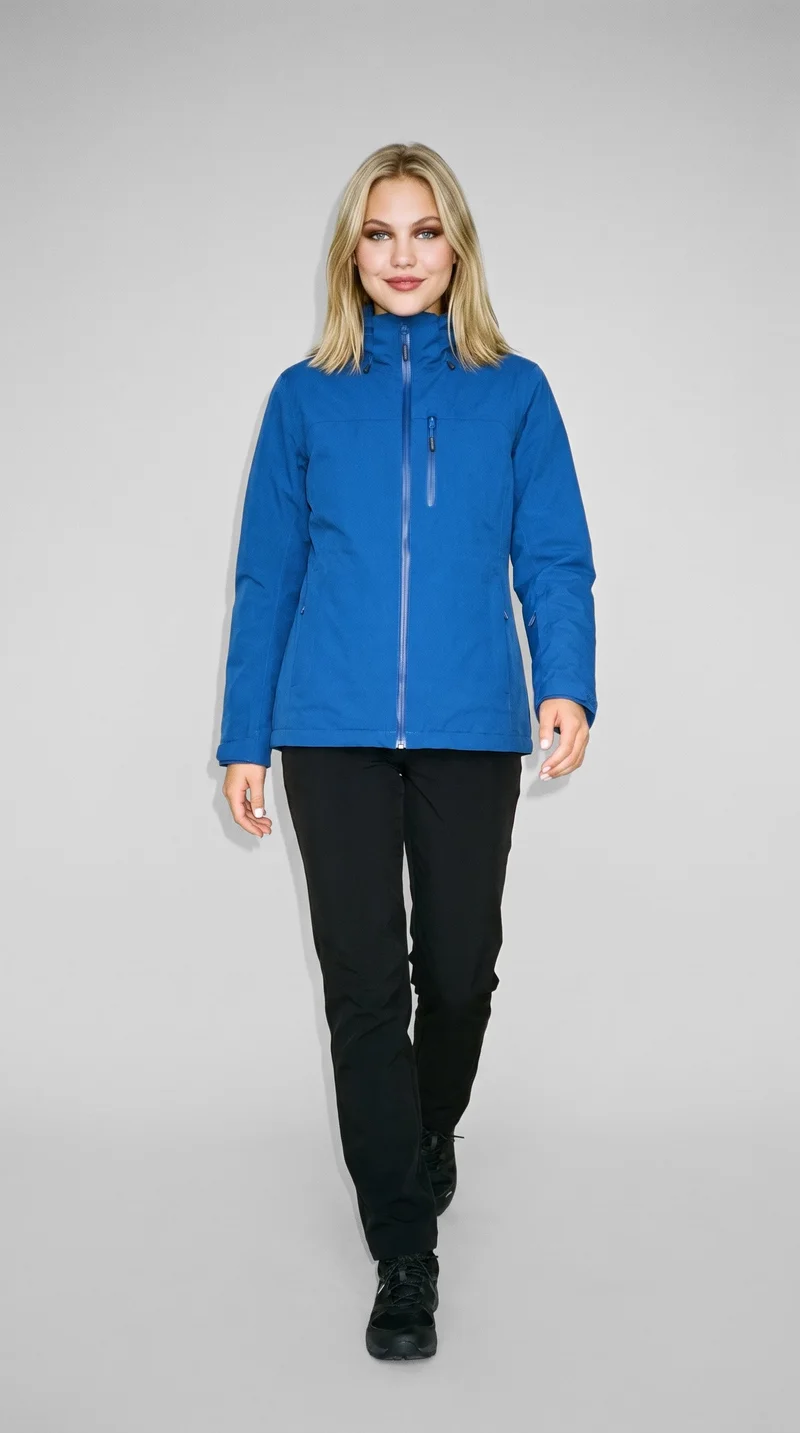
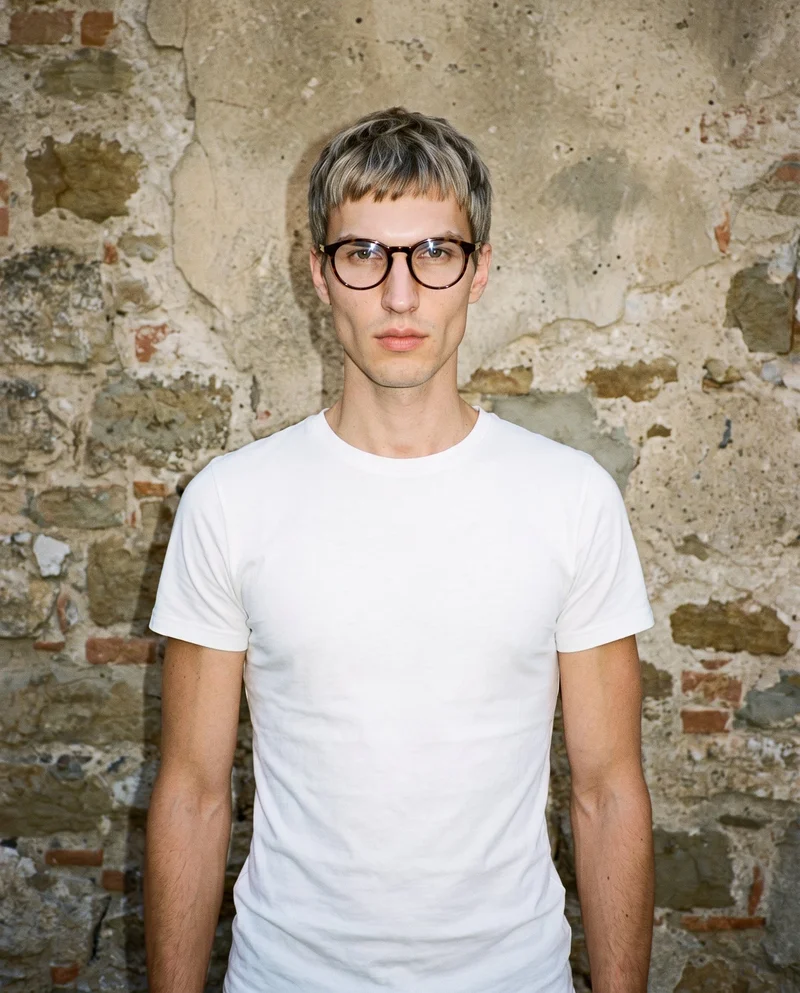
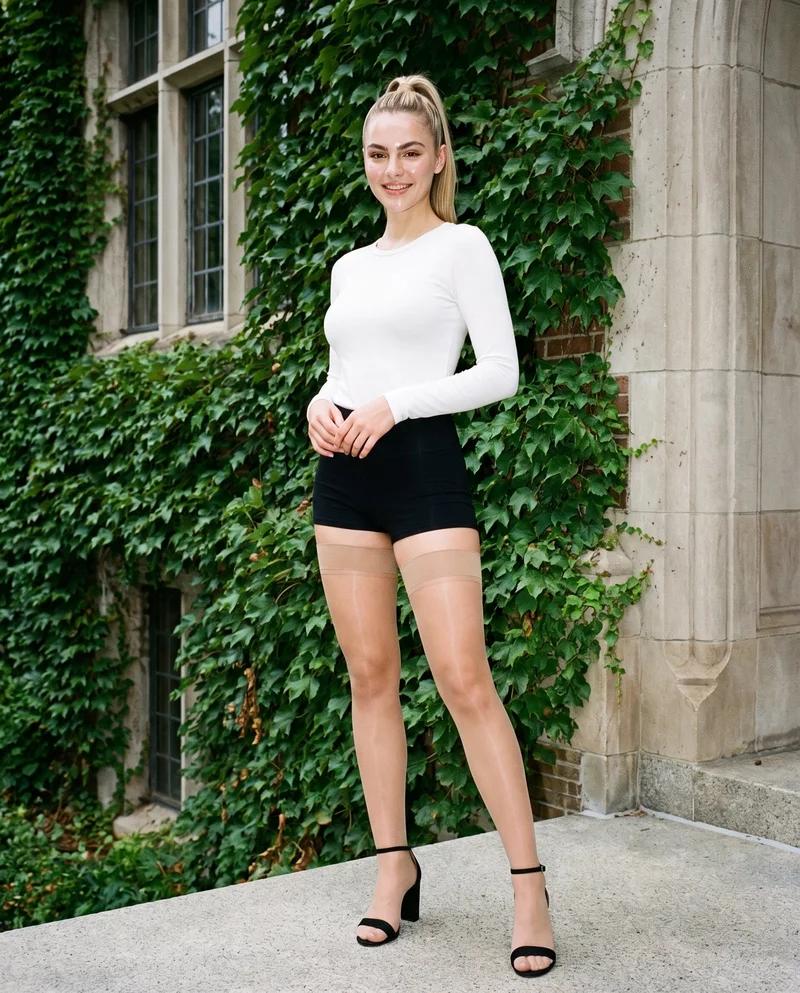
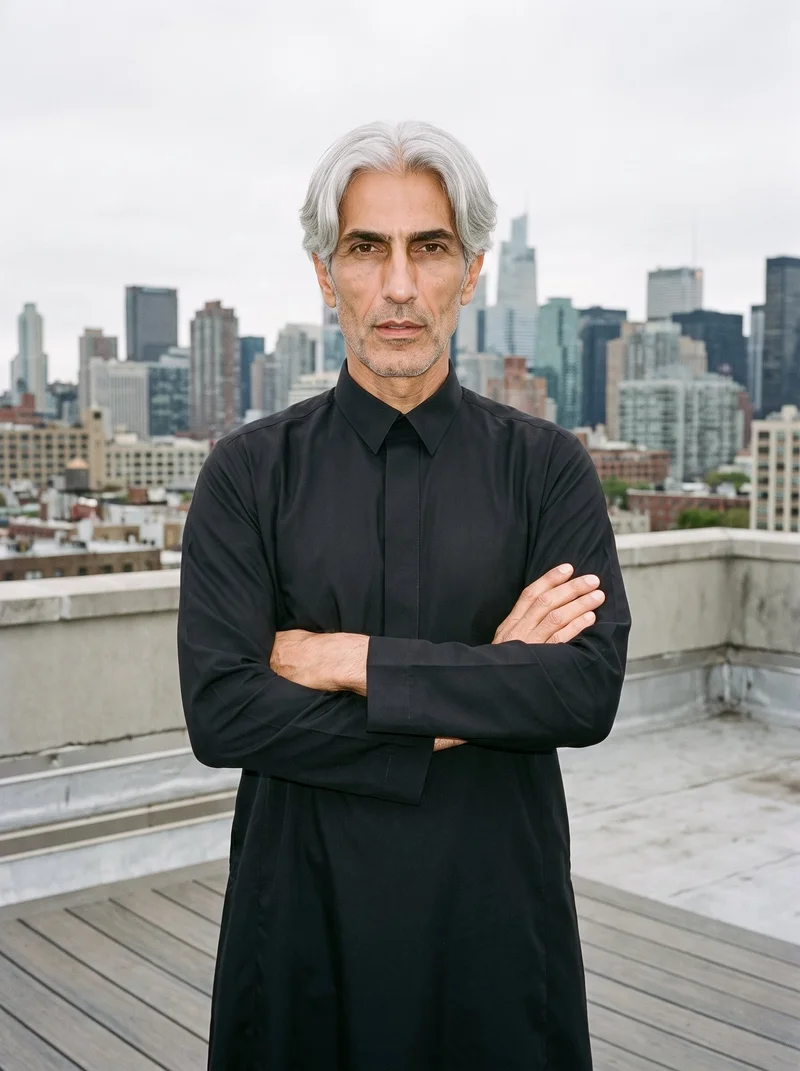
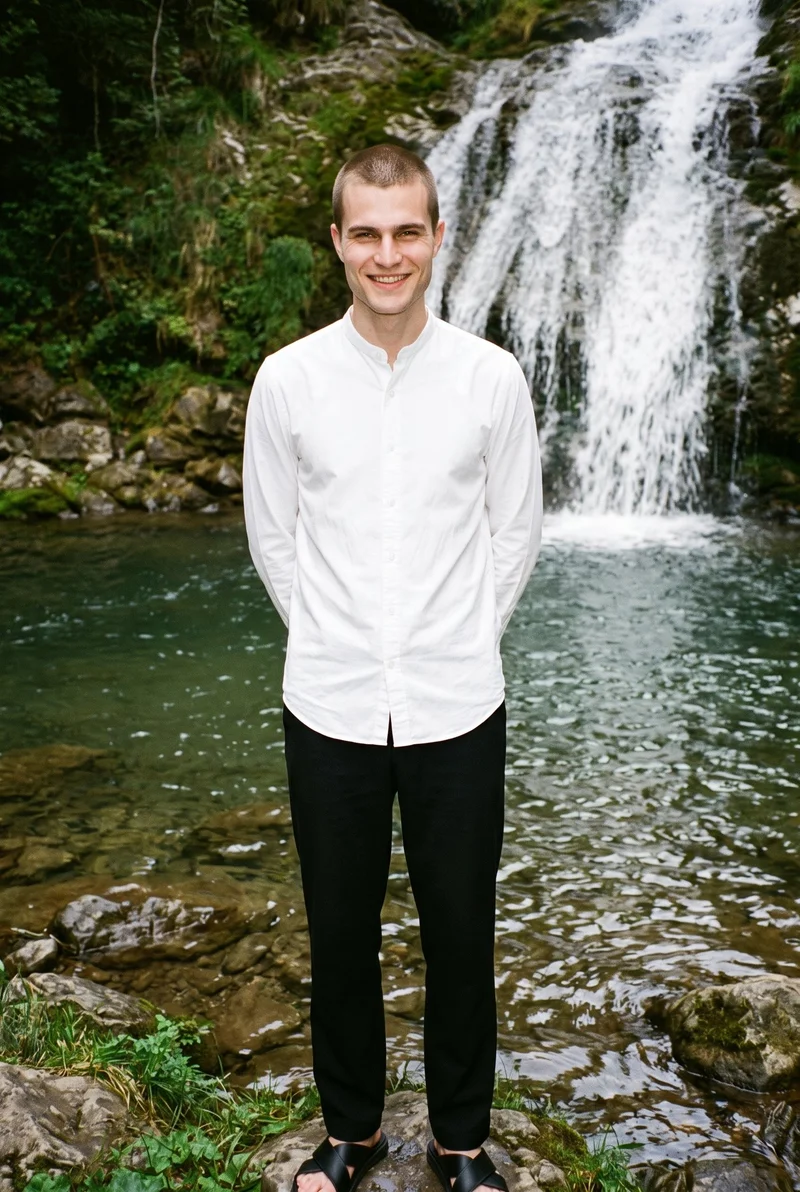
Showing 9 of 822, shot in RAWSHOT
Use cases
When later colourways join your product-page grid
- 01
Seasonal colour
When a seasonal colour joins an established product-page grid, e-commerce managers can create imagery with the chosen model, stance, and photography direction.
- 02
Restocked colourway
When a restocked colourway needs matching imagery, merchandising managers can use the established model, frame, camera view, and light.
- 03
Core colours
When core colours join the range, wholesale managers can create on-model stills that retain the selected composition and photography direction.
- 04
Expanding range
When a range expands, indie designers can create imagery for each uploaded variant with the chosen model, camera view, and photography direction.
What you get
Colourway stills for your product-page grid
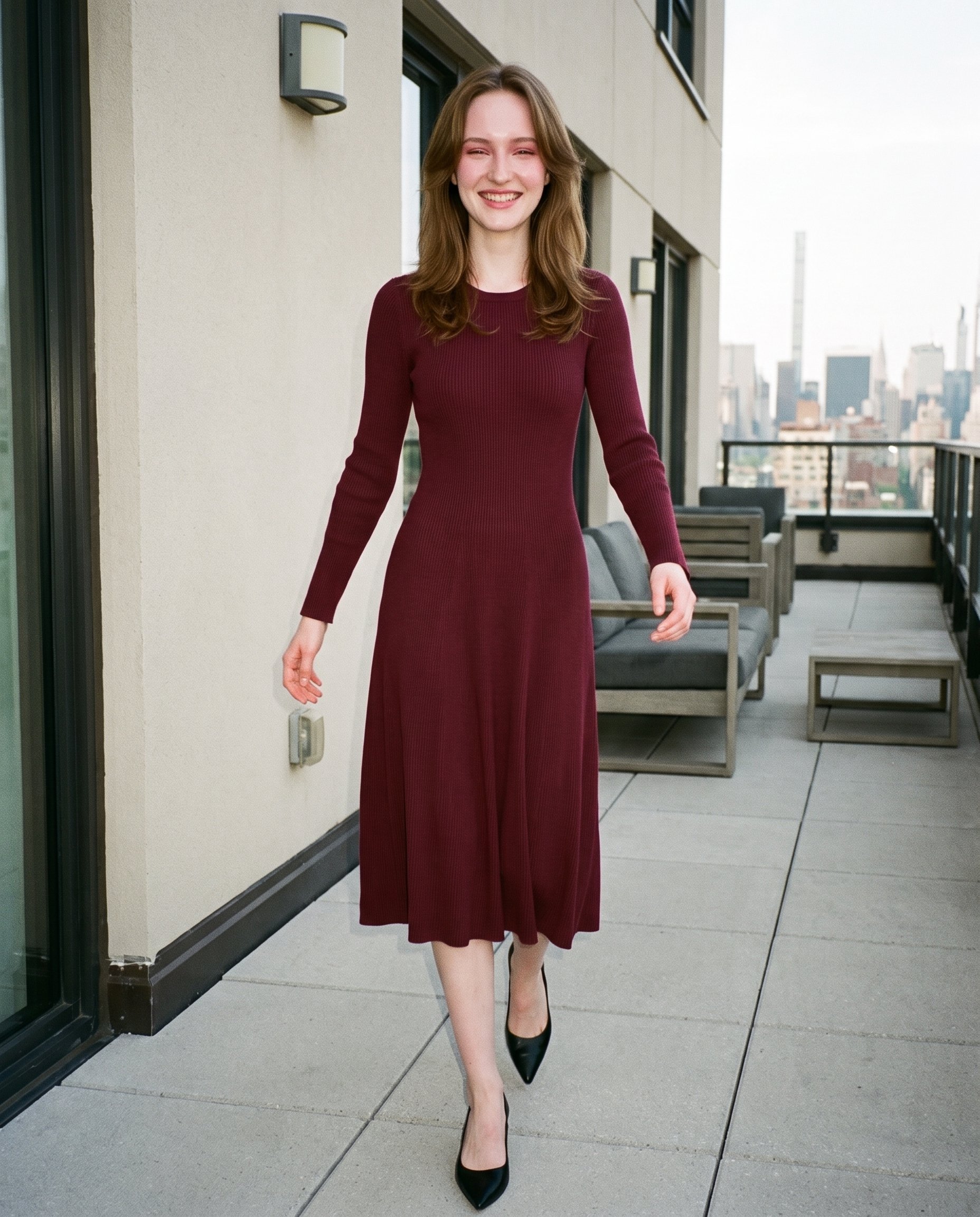
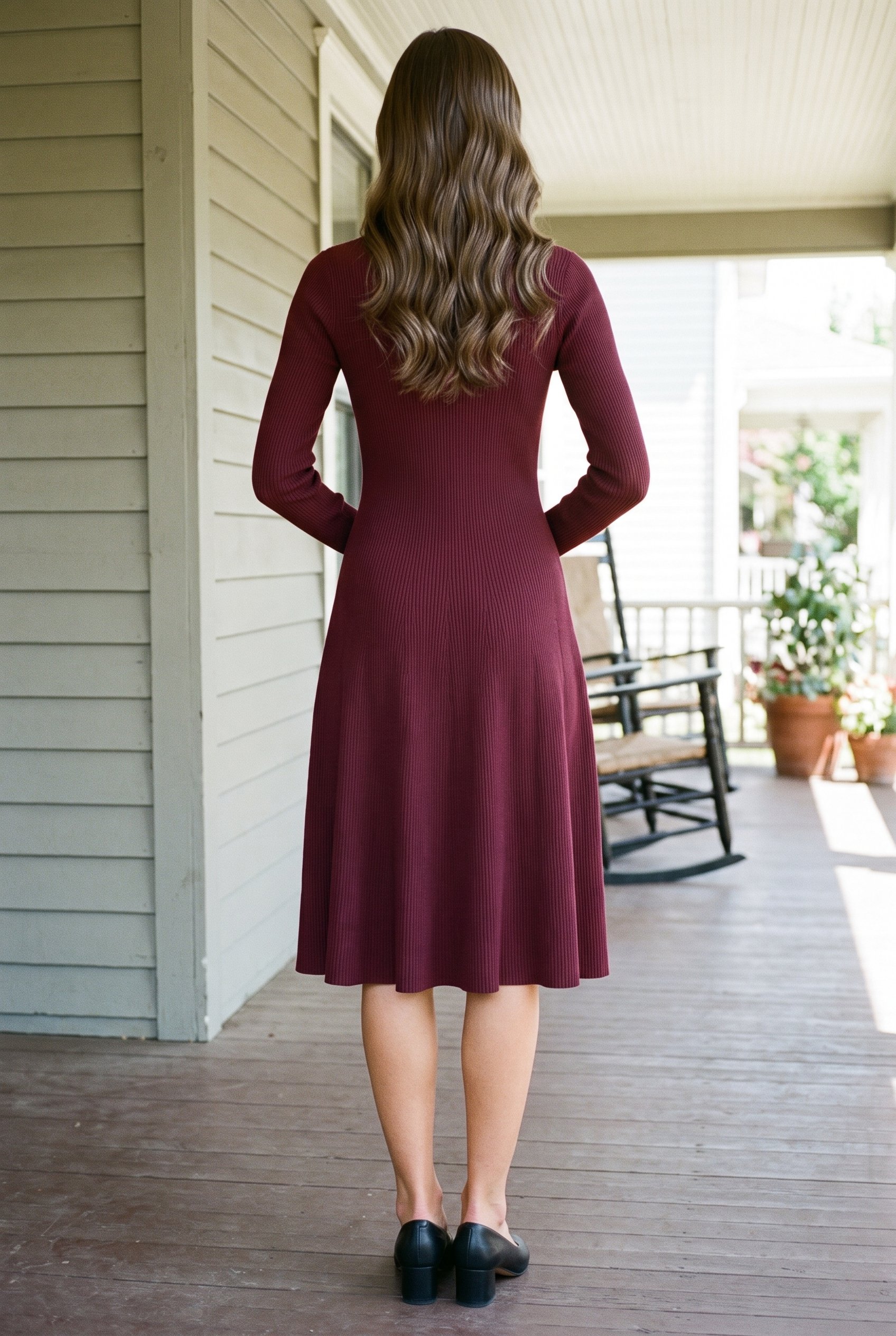
A colourway product-image set for product pages, built around every real uploaded variant. The stills keep attention on the colour, cut, and details while the chosen composition stays aligned.
Direct the shoot
Choose the frame, view, pose and light
Image frame
4
Pose
22 poses on this frame
Camera view
4
Format
9
Pose style
4
Facial expression
10
Photography direction
4
Create photoshoot
Step 7 of 7 · Composition
Image 1 · readyGallery image from this pageProduct
Your product
Model
From the library
Composition
Full Body · Front View · Catalog pose · Neutral
Delivery
2K · 1:1
Light
Studio Cutout
Total cost
5 tokens
AI fashion models
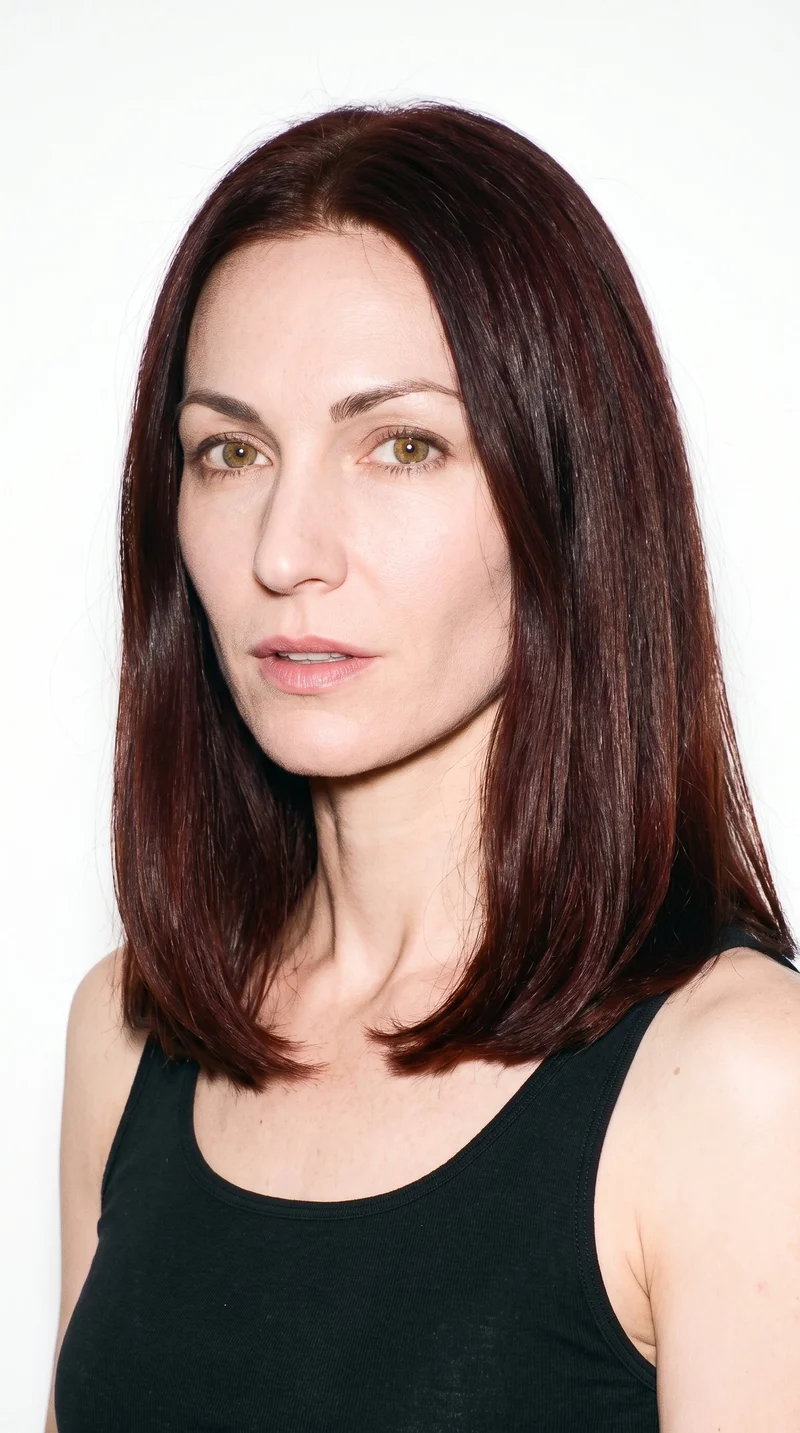
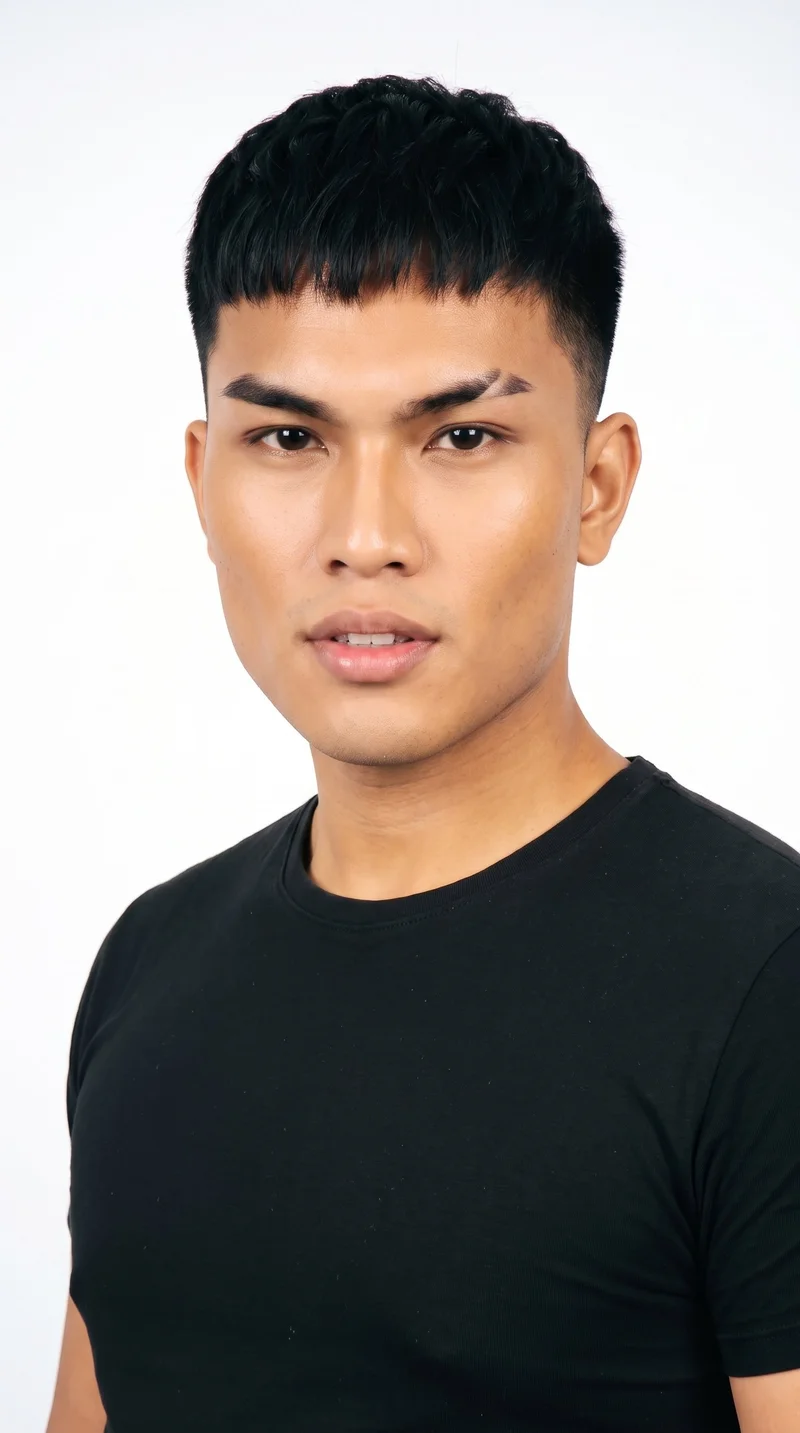
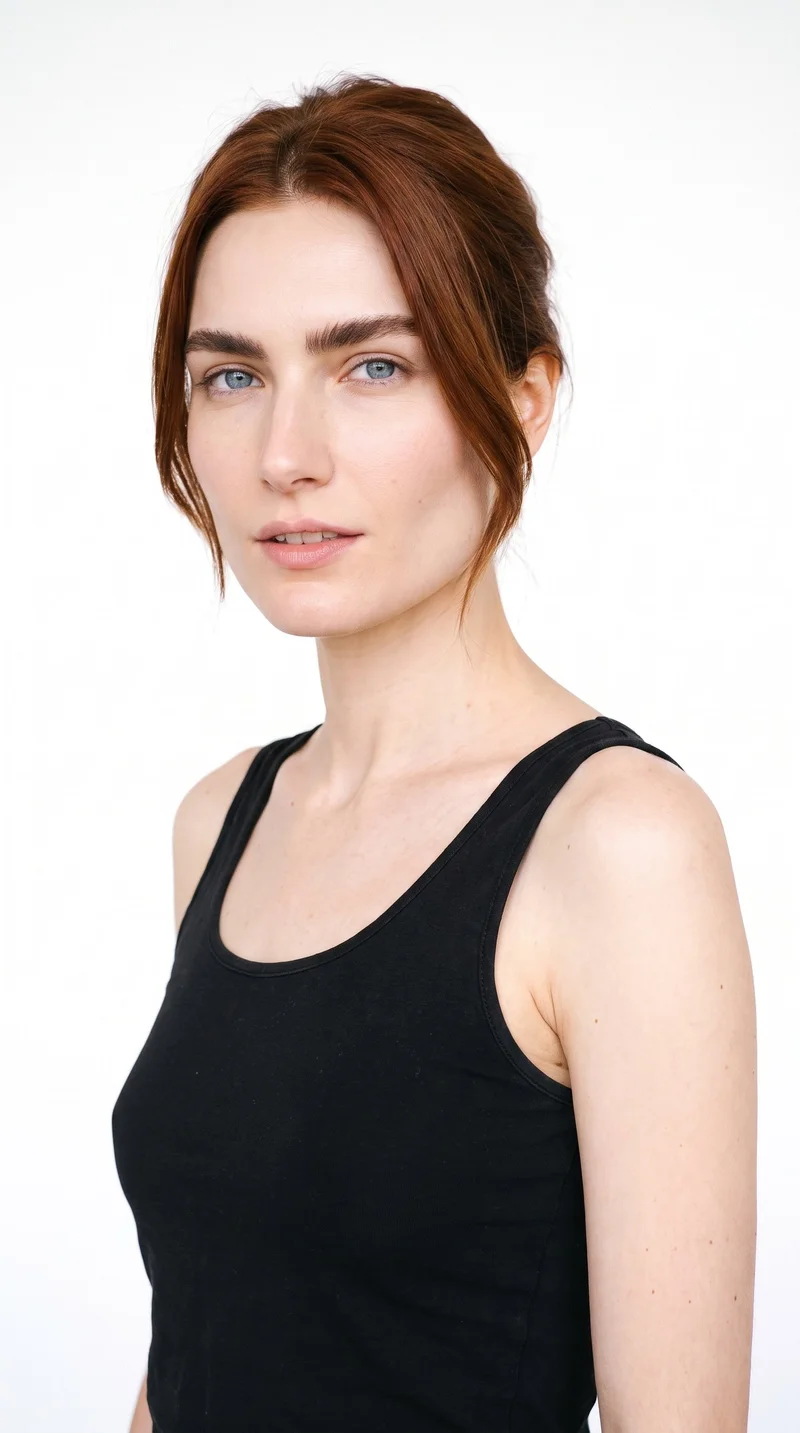
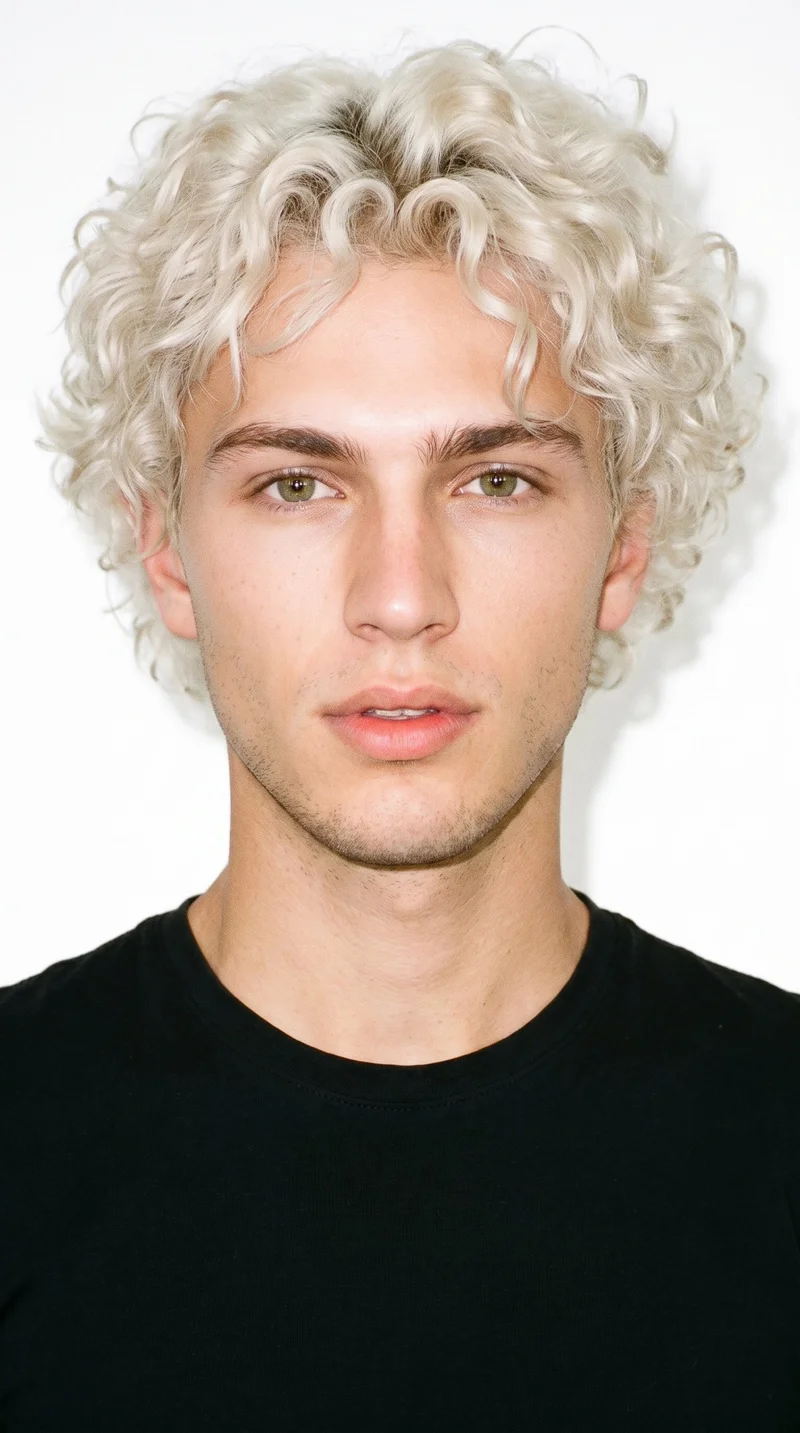
Match your piece with one of 1197 models
1,197 licence-free grown models across ages and body types. Or build a private model from visible attributes.
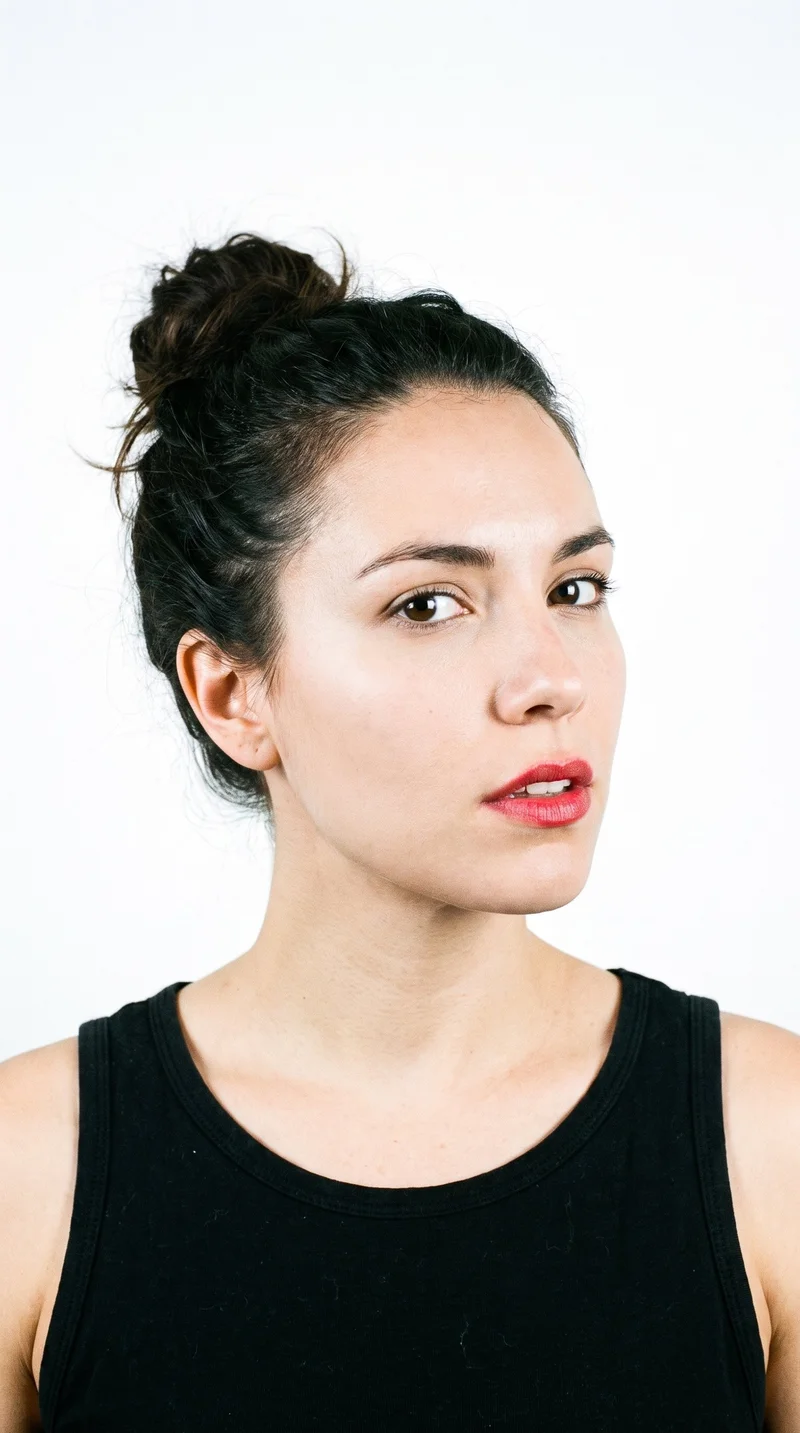
Female · 45
Female · 36
Male · 21
Female · 26
Male · 19
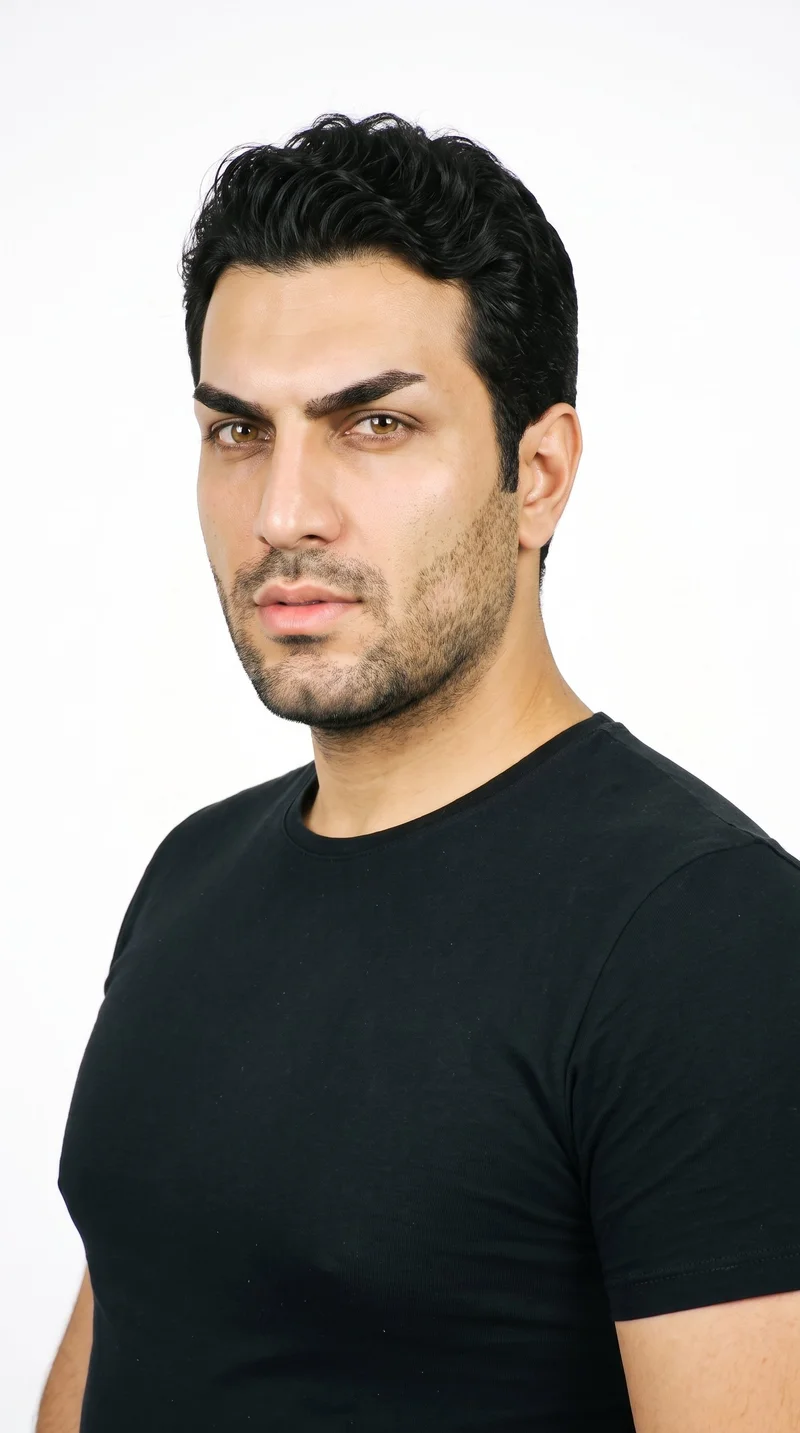
Male · 35
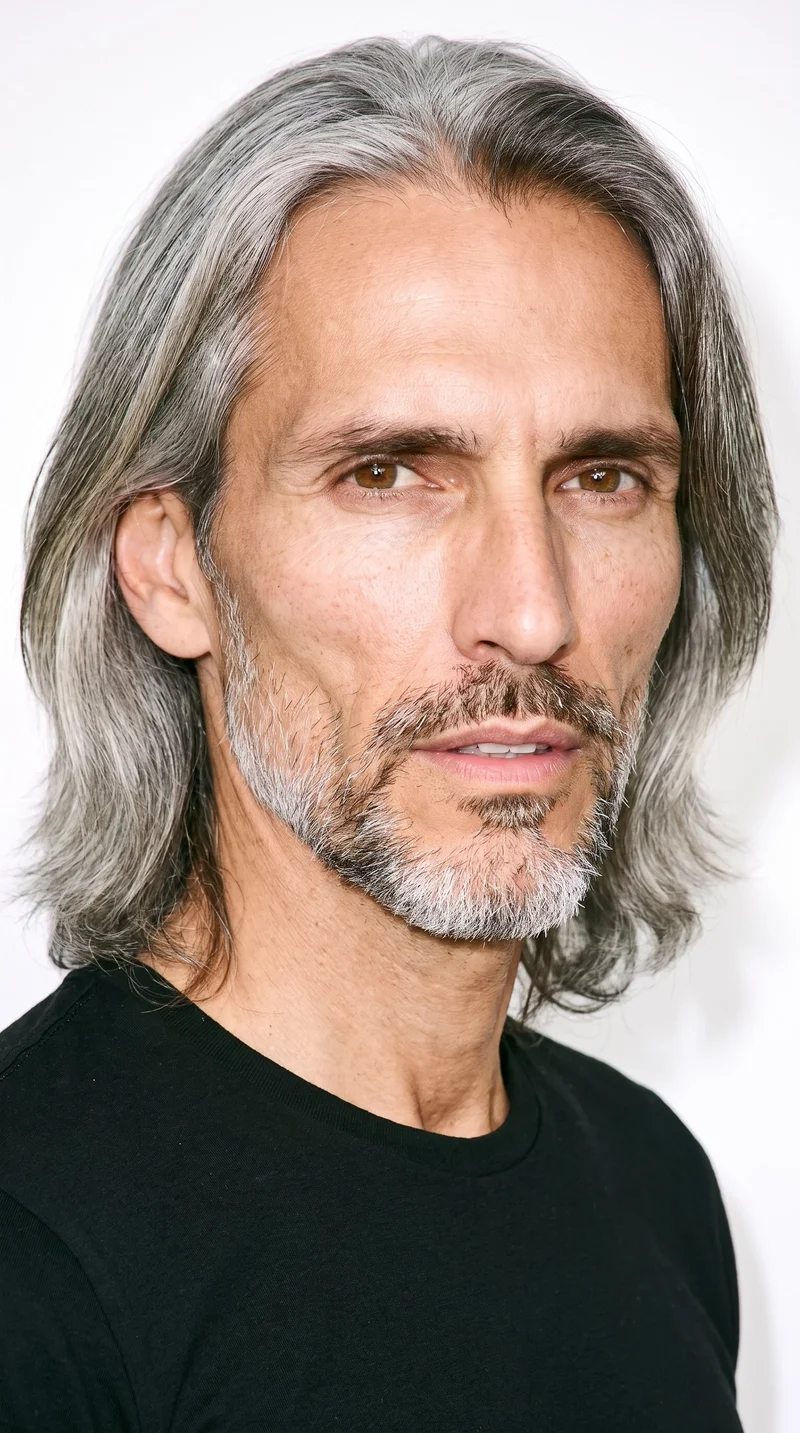
Male · 47
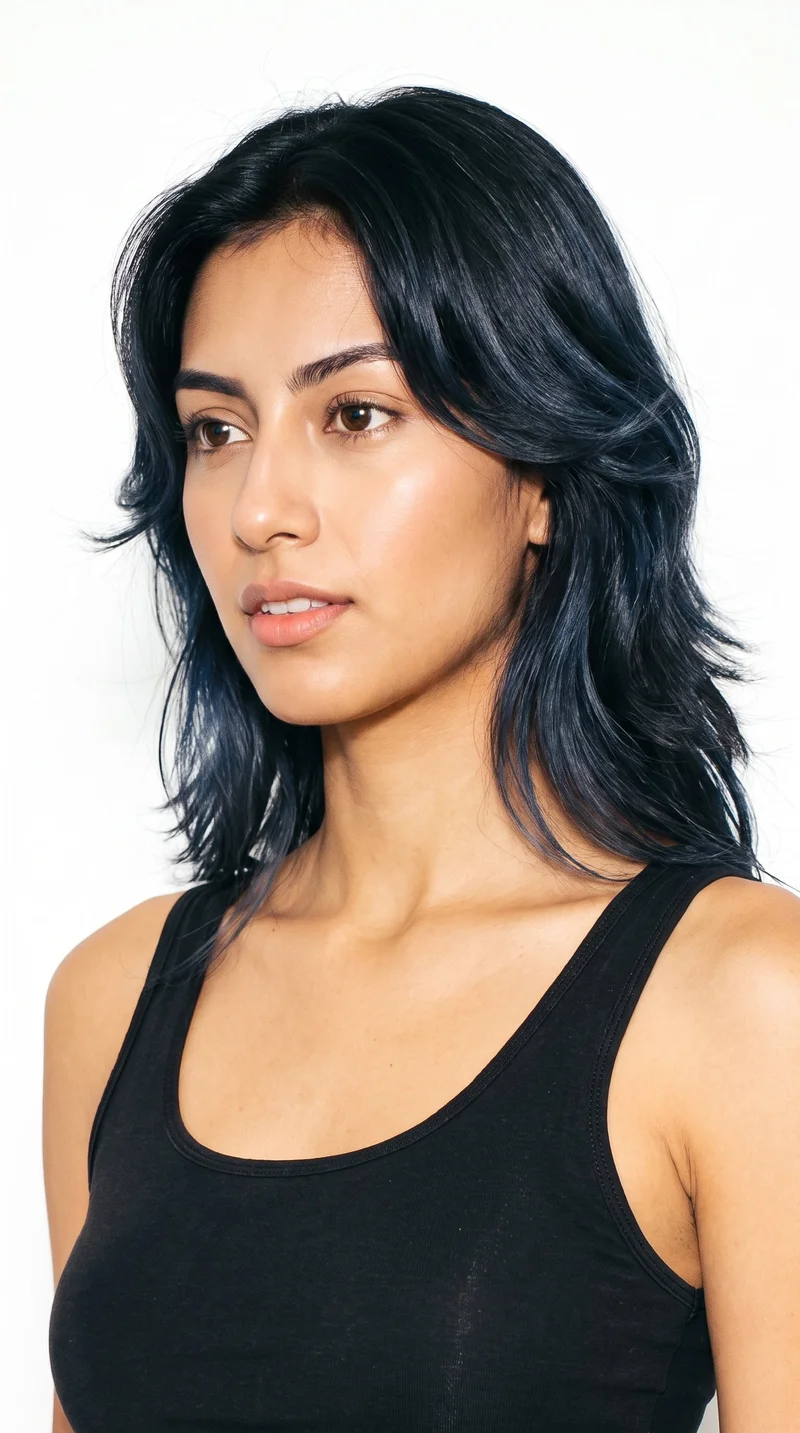
Female · 20
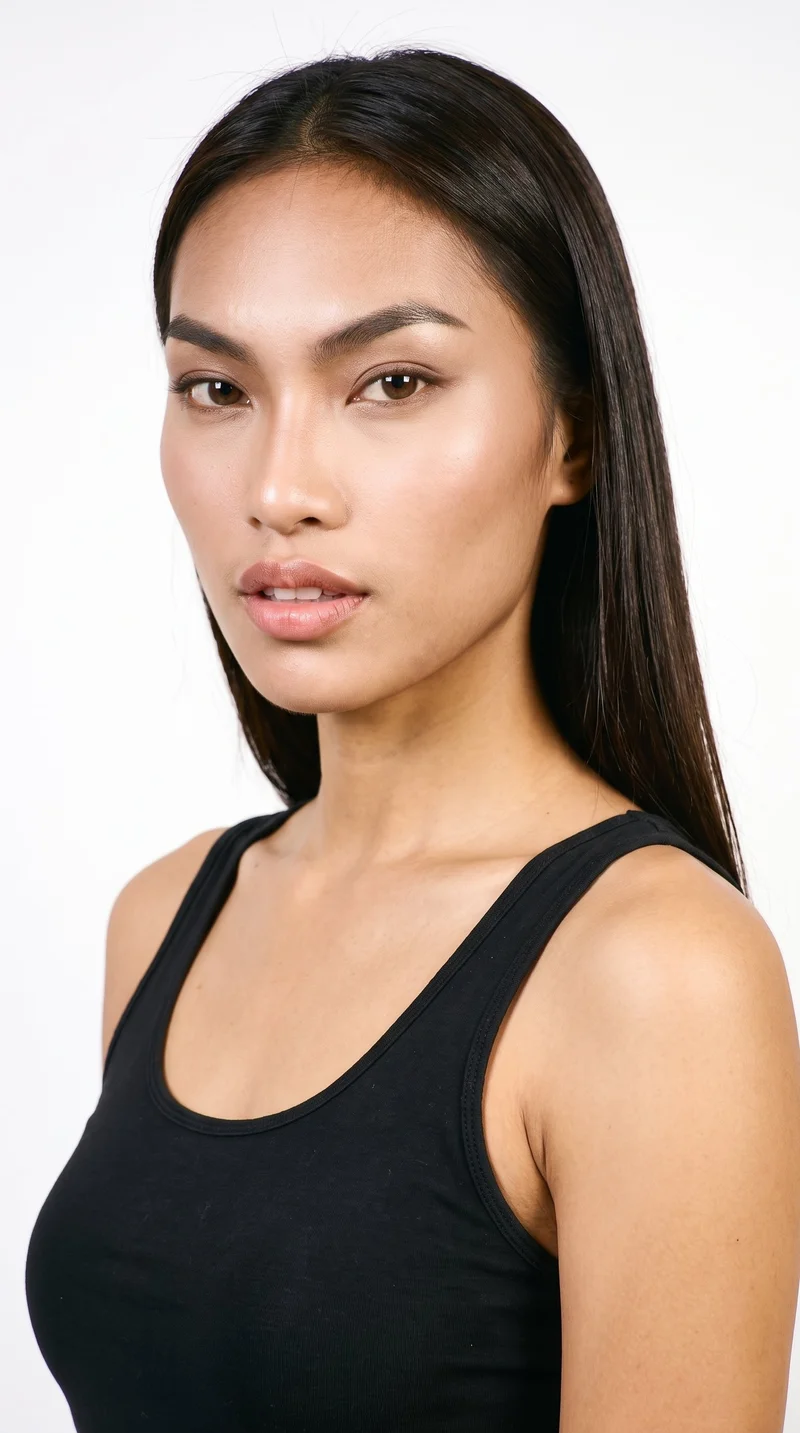
Female · 18
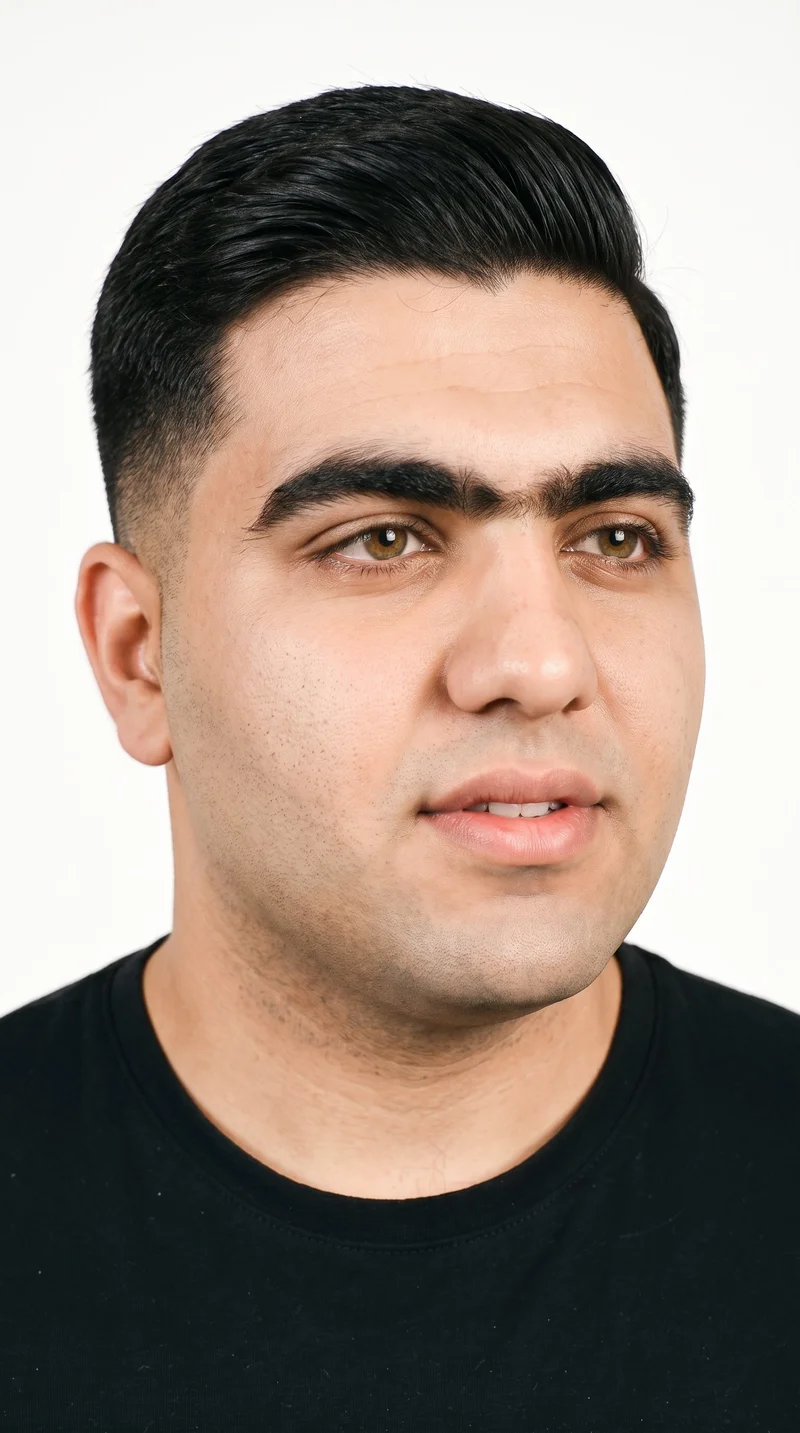
Male · 21
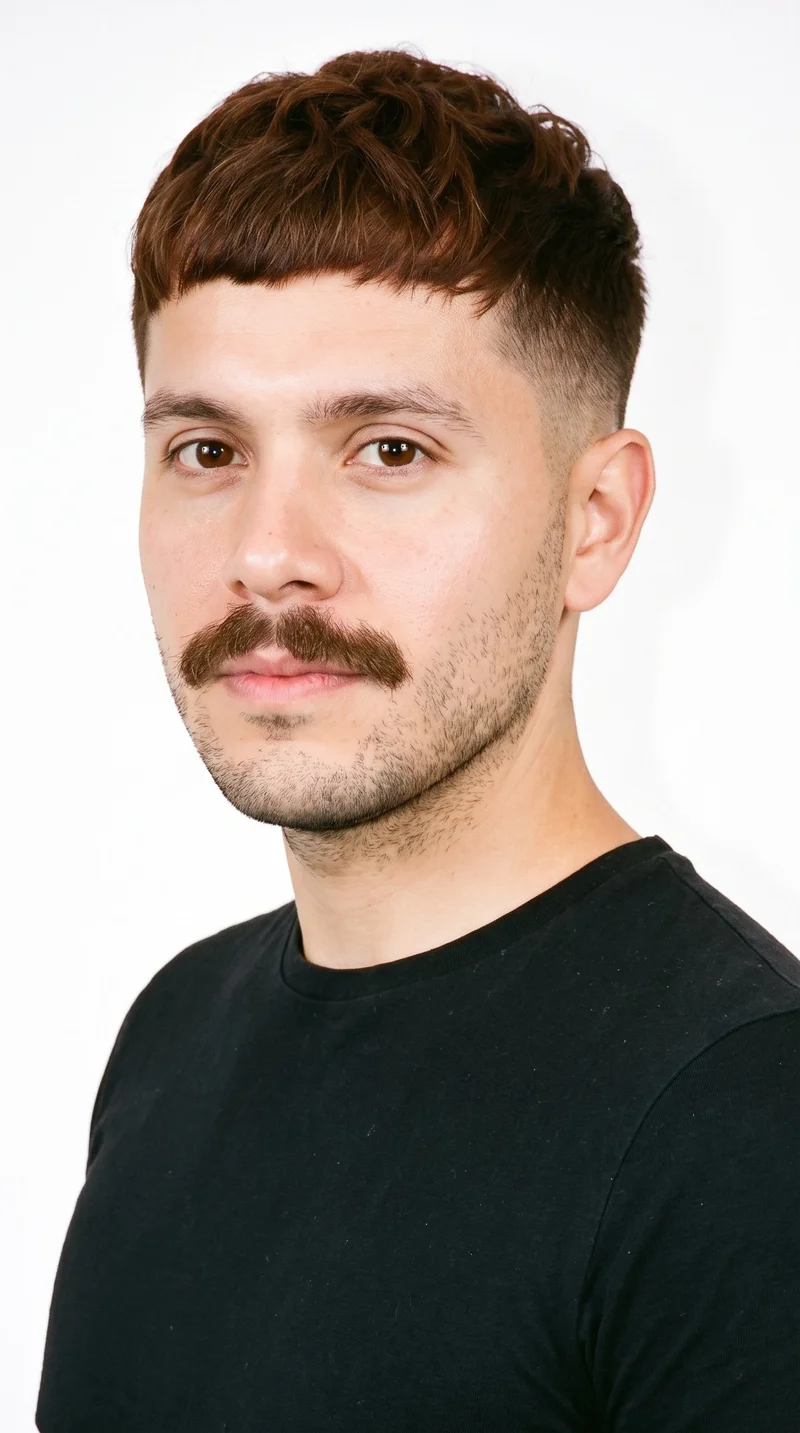
Male · 29
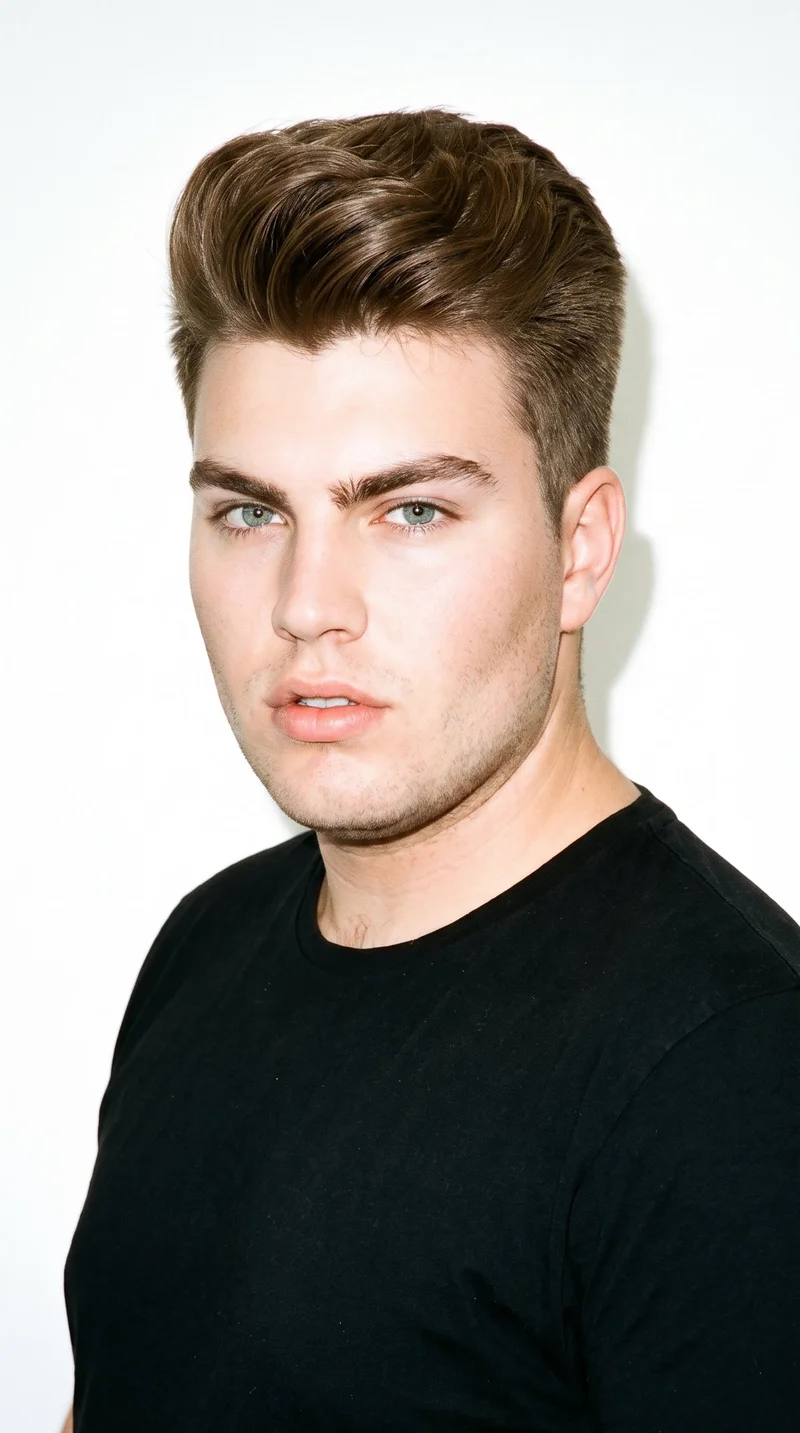
Male · 20
Showing 12 of 1,197
Cast your modelHow it works
One flat-lay in. A checked collection out.
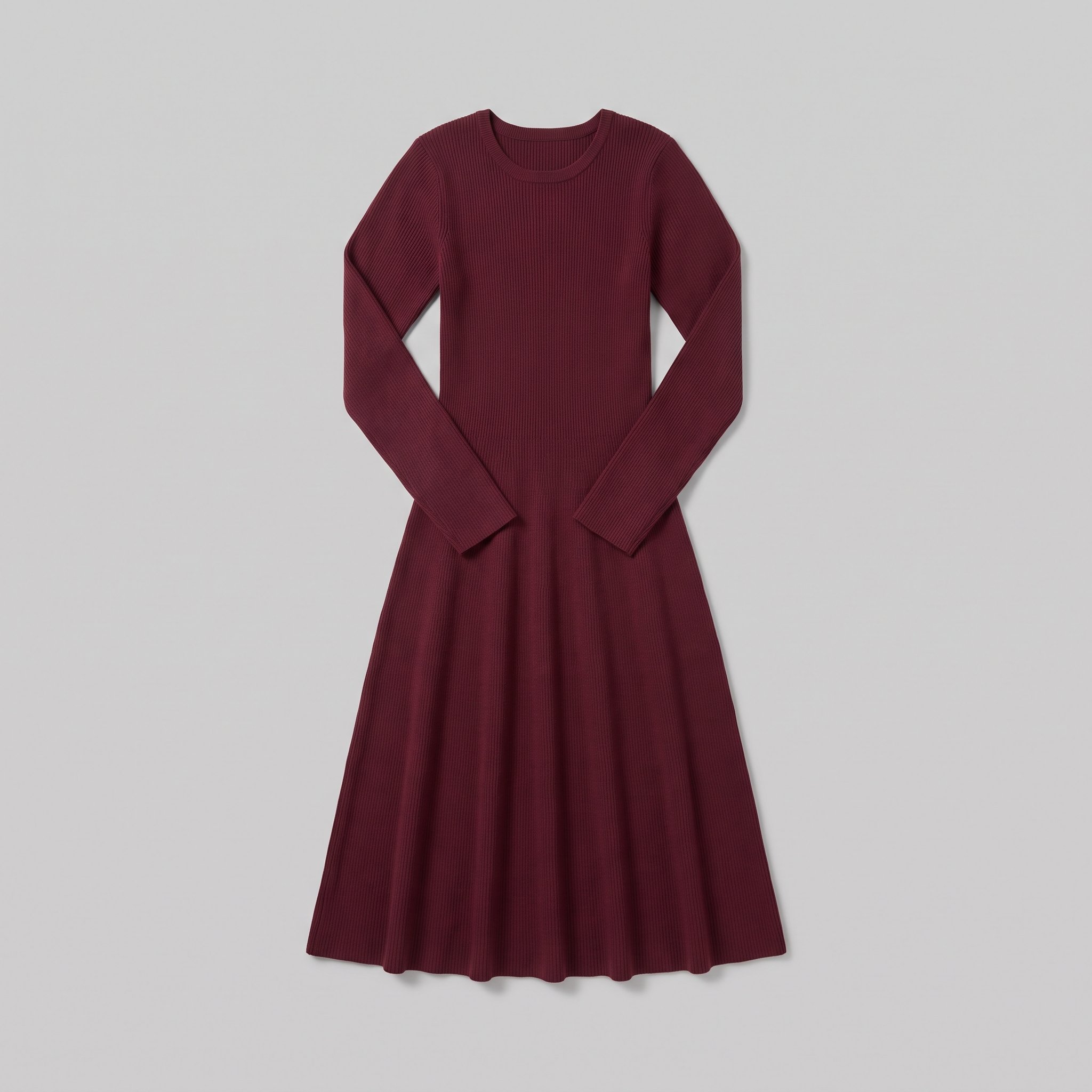 FrontBack
Bring the product
A product photo, flat-lay or sketch is enough. Or start from a finished look and swap your piece in.
Direct the shoot
Every line of the shoot is a choice you click, from model to light. AI suggests a composition, you change any of it.
Get the whole collection, checked
Keep the setup and swap in the next style. Every image is checked against your choices, and one that misses is made again before you see it.
Gallery
Colourways shown in one product-page view
A product-page view that keeps attention on the colourway as additions join the range.
Looks & backgrounds
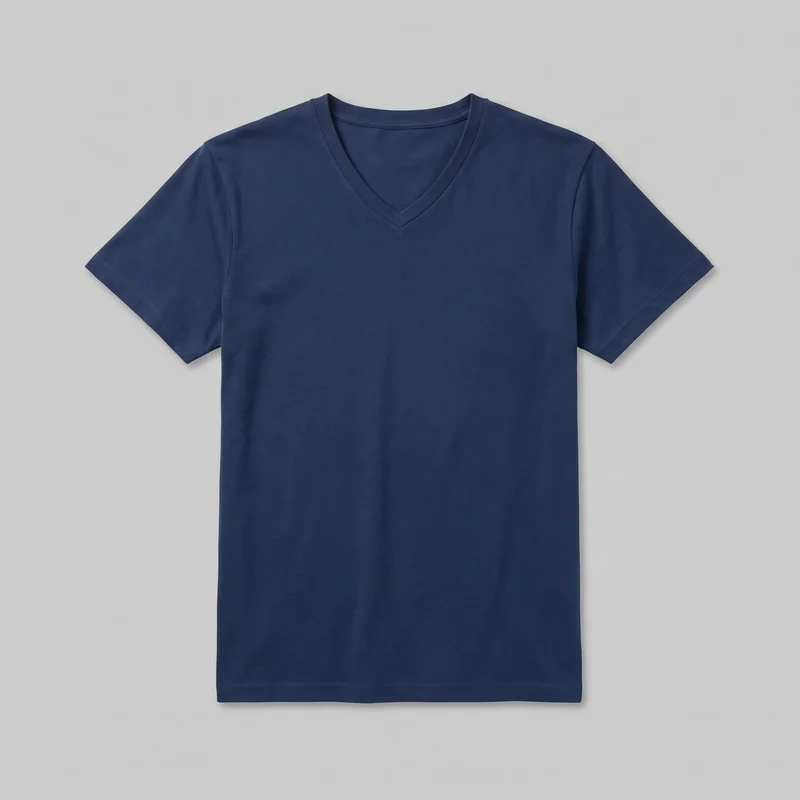 Men's Navy V-Neck T-shirt
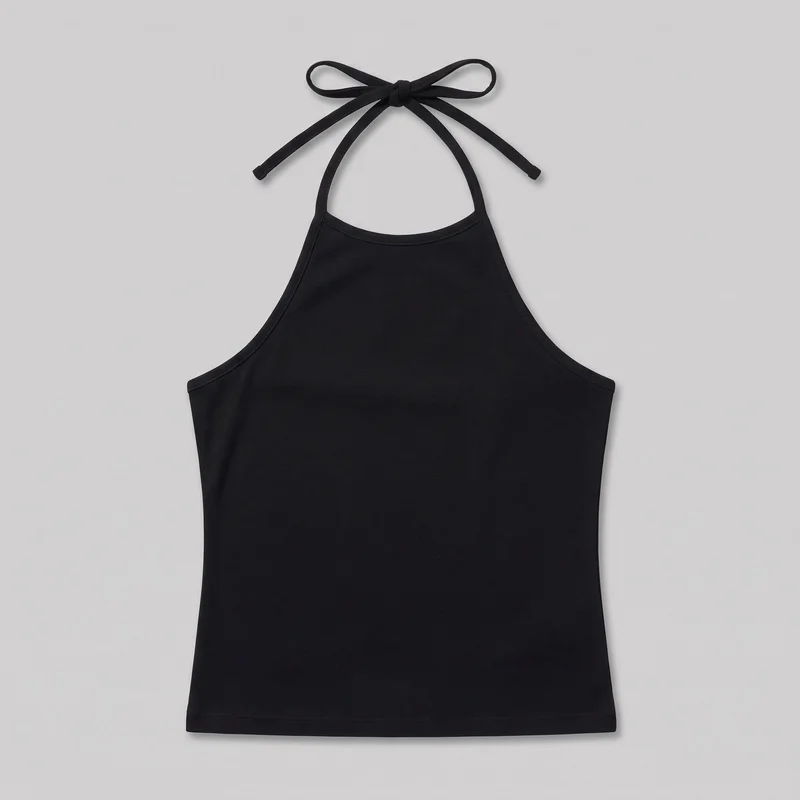 Black Halter Top
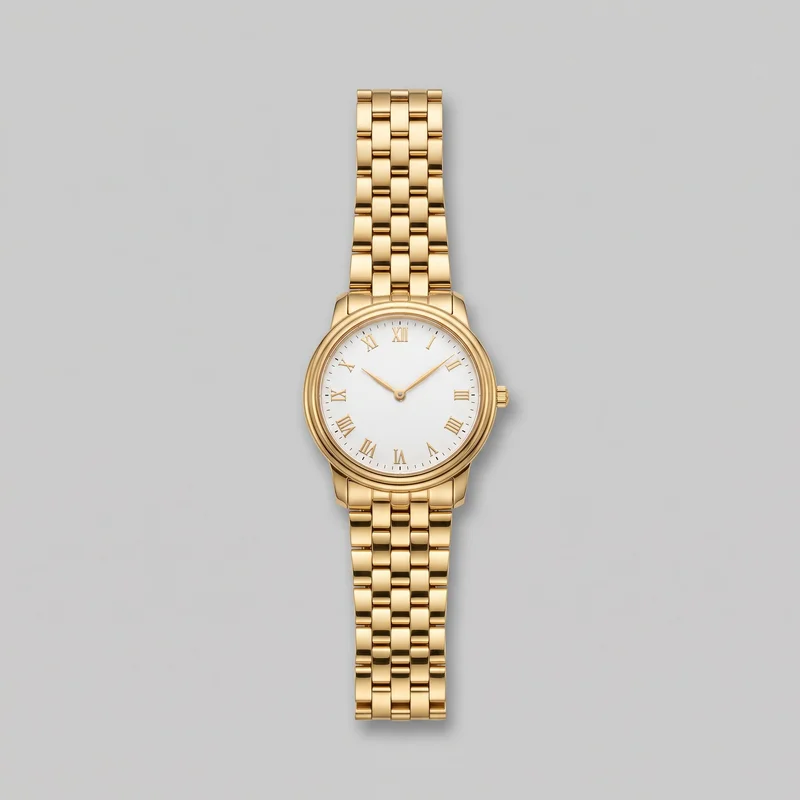 Men's Gold Dress Watch
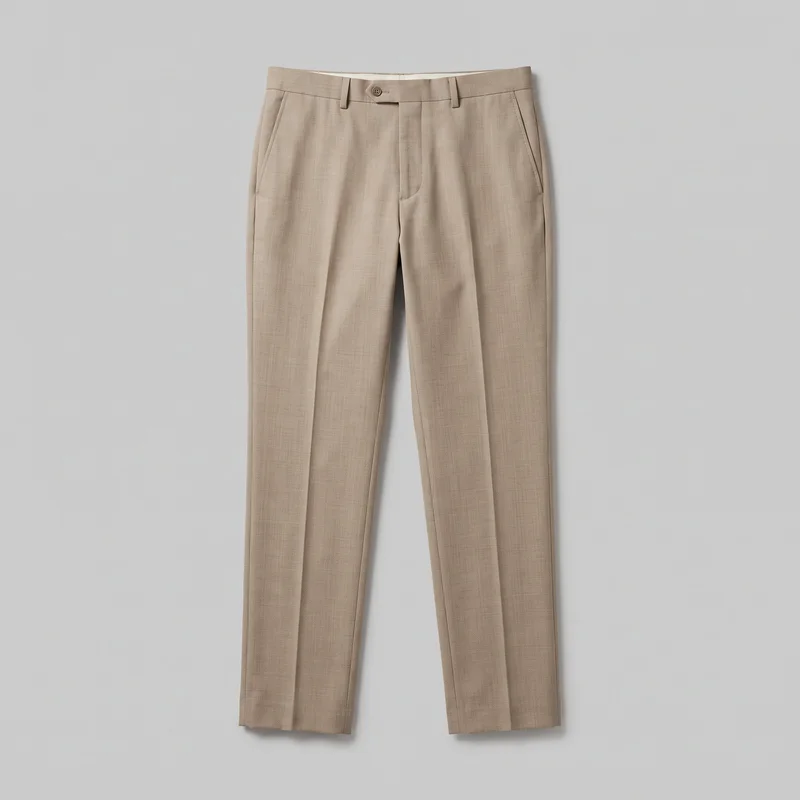 Men's Beige Suit Trousers
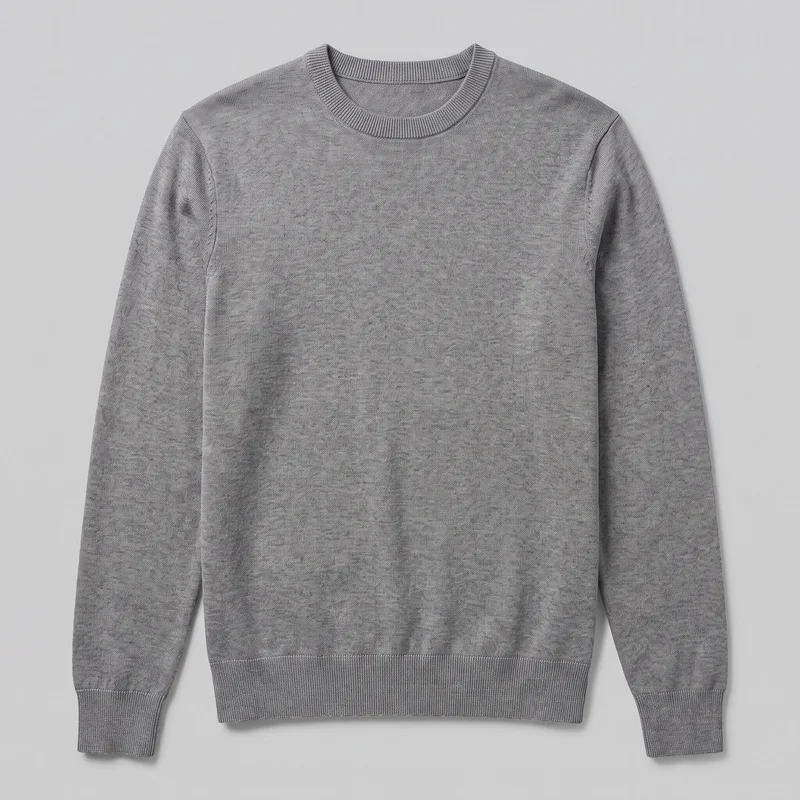 Men's Grey Crewneck Pullover Jumper
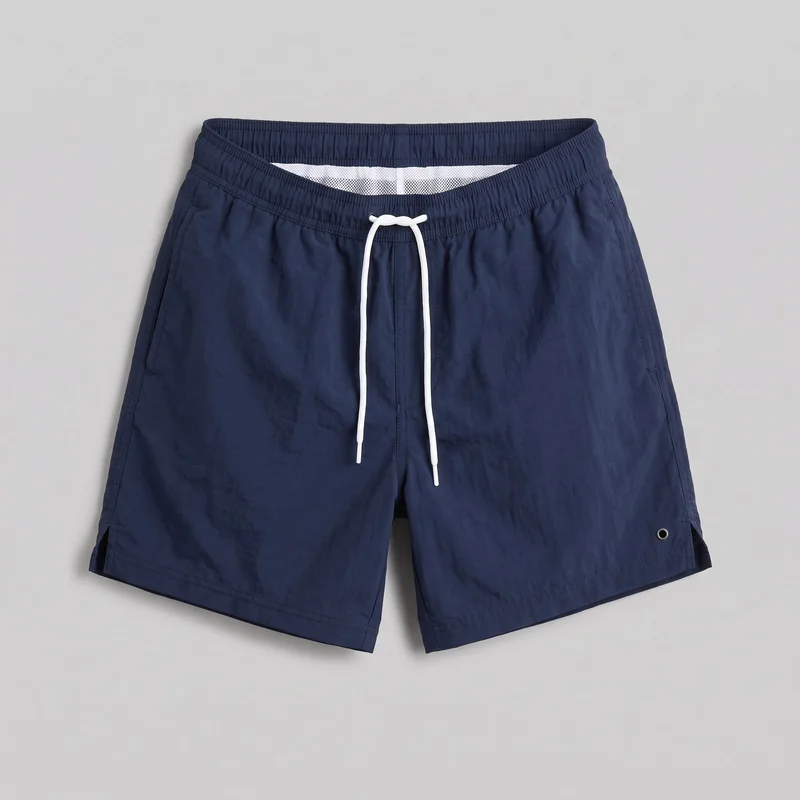 Navy Swim Shorts
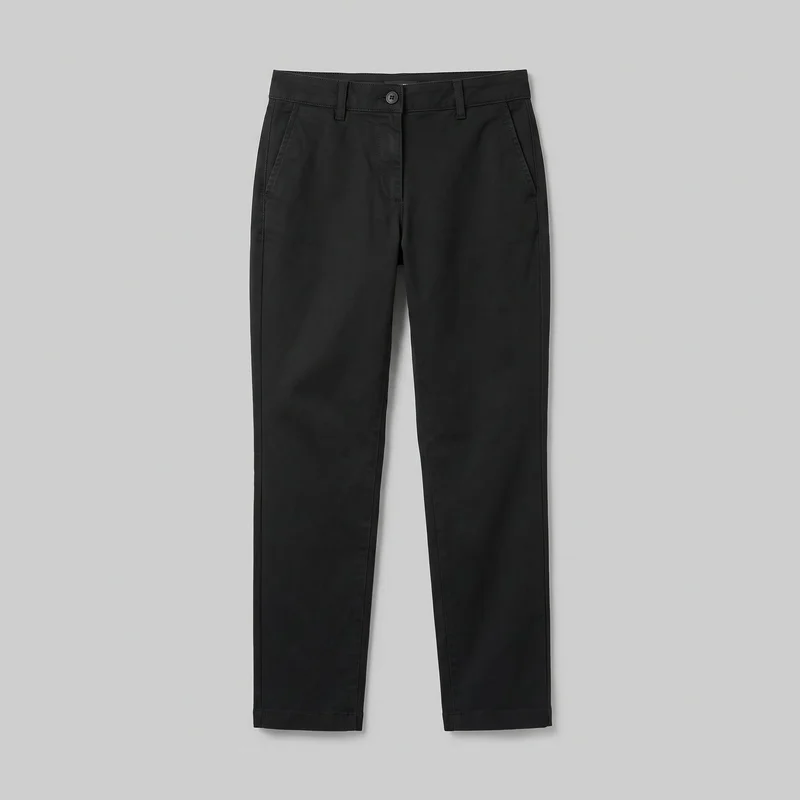 Women's Black Chinos
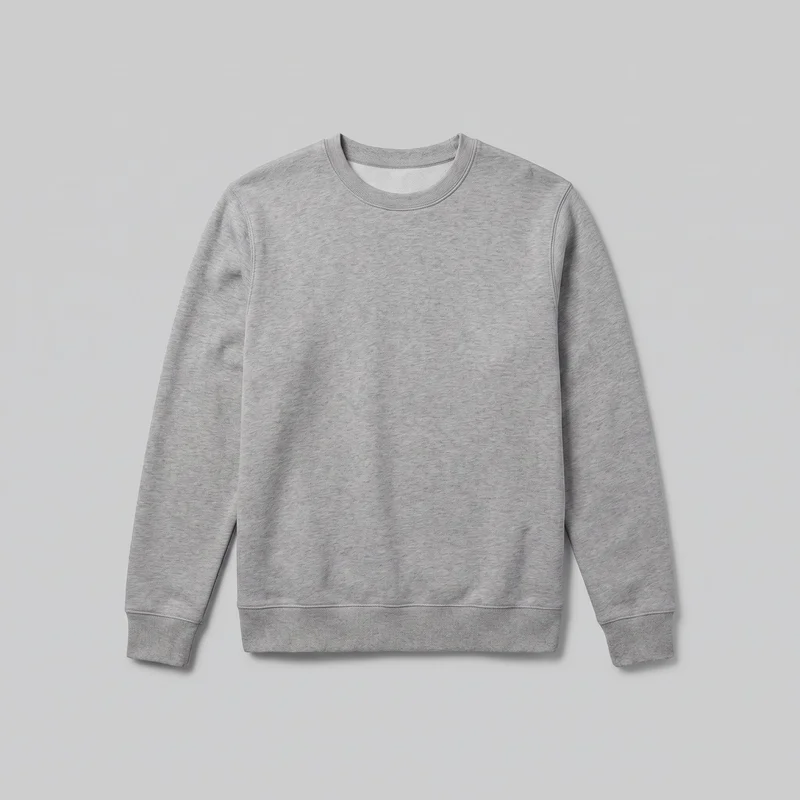 Men's Grey Crewneck Sweatshirt
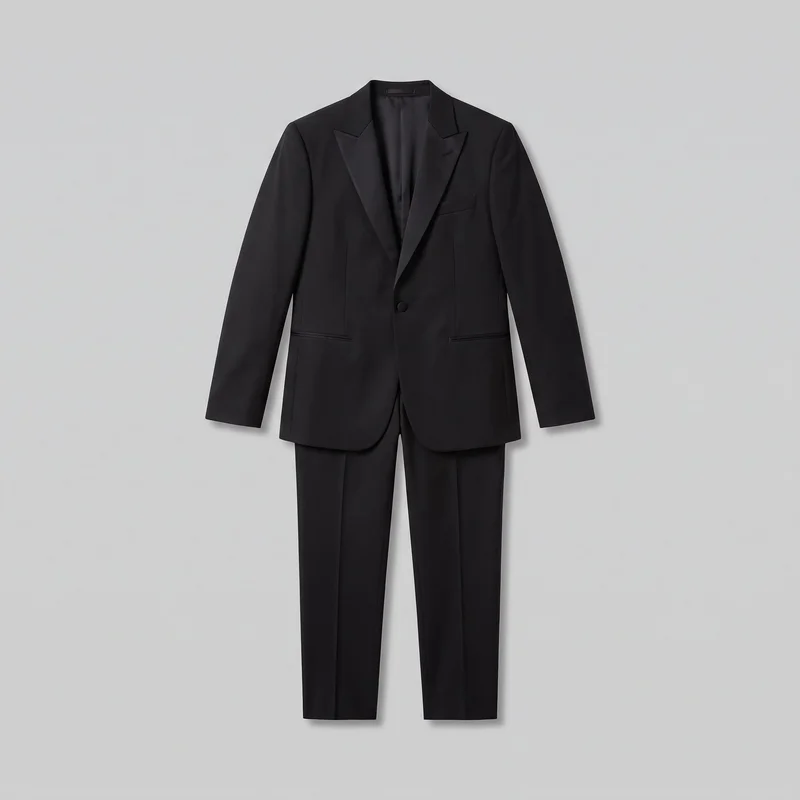 Black Classic Tuxedo
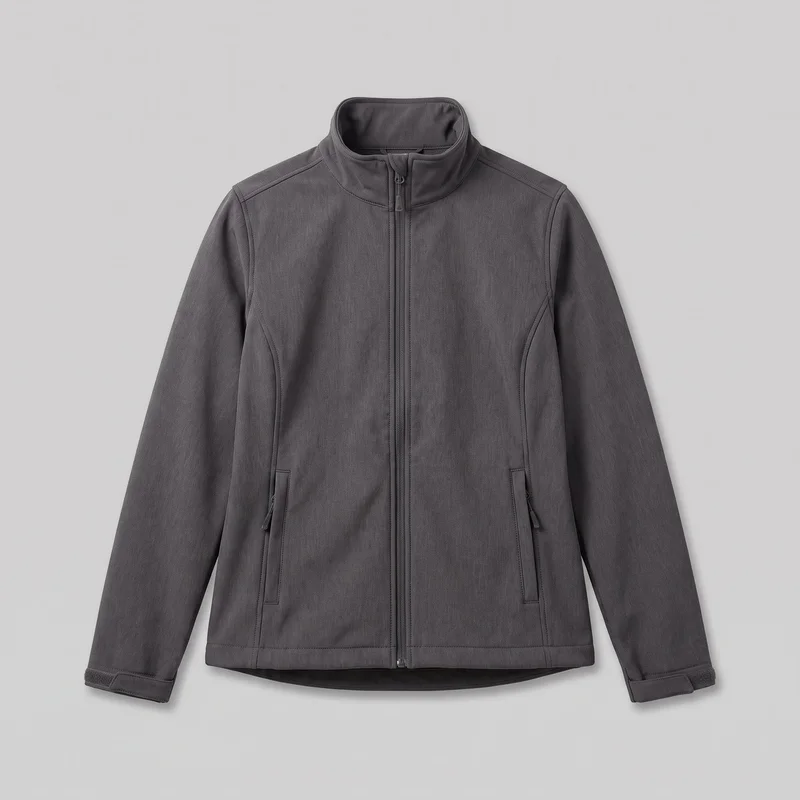 Women's Grey Softshell Jacket
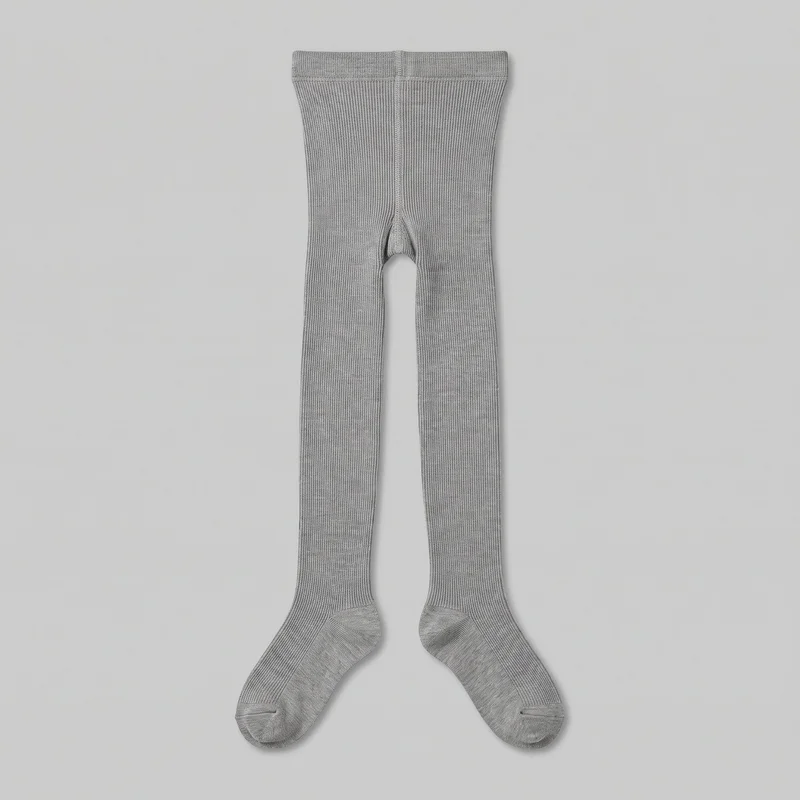 Grey Ribbed Tights
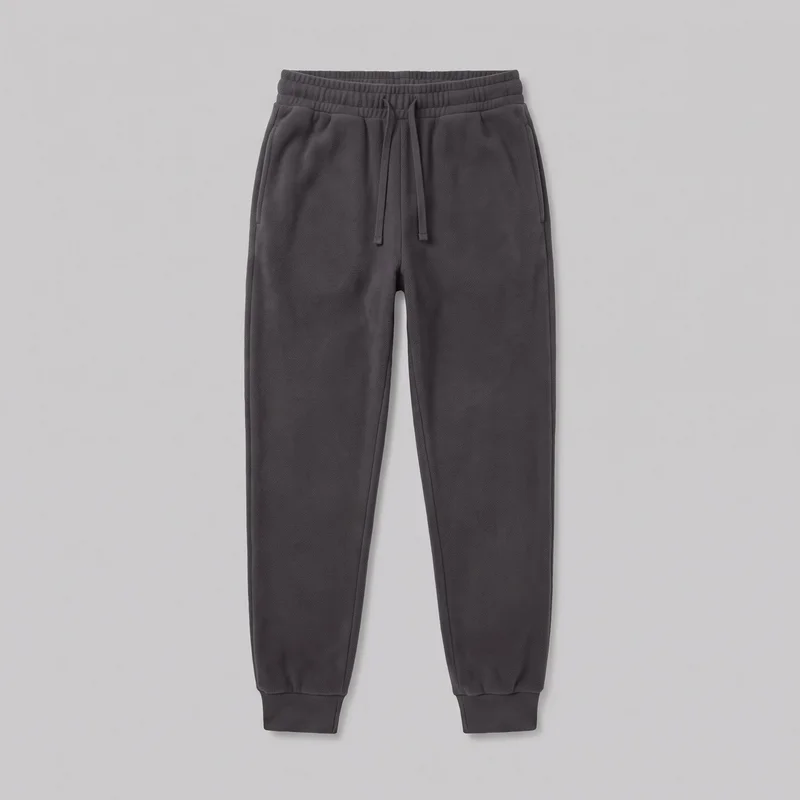 Women's Charcoal Fleece Joggers
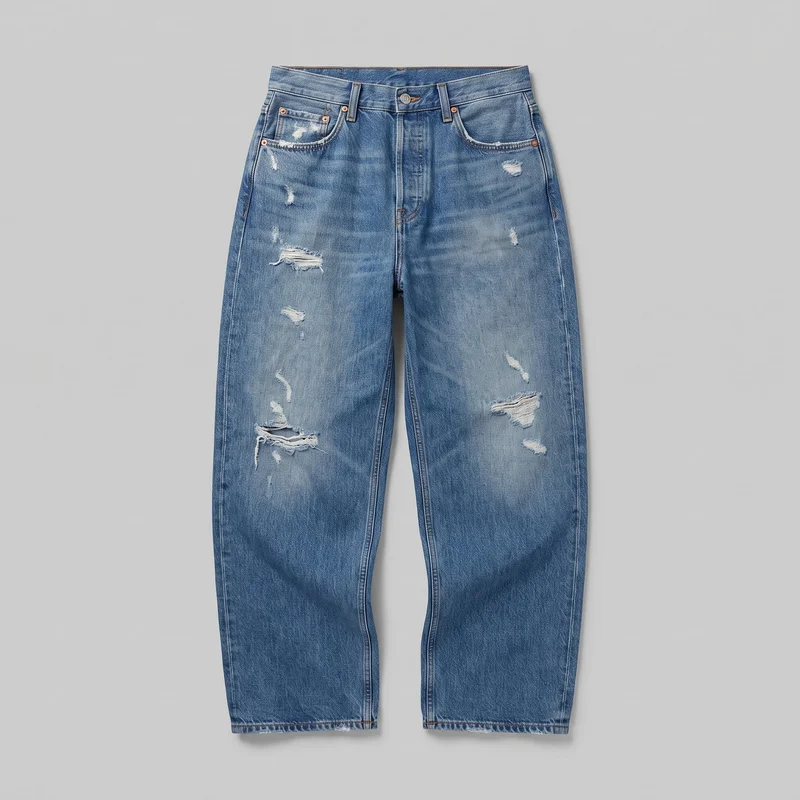 Men's Distressed Boyfriend Jeans
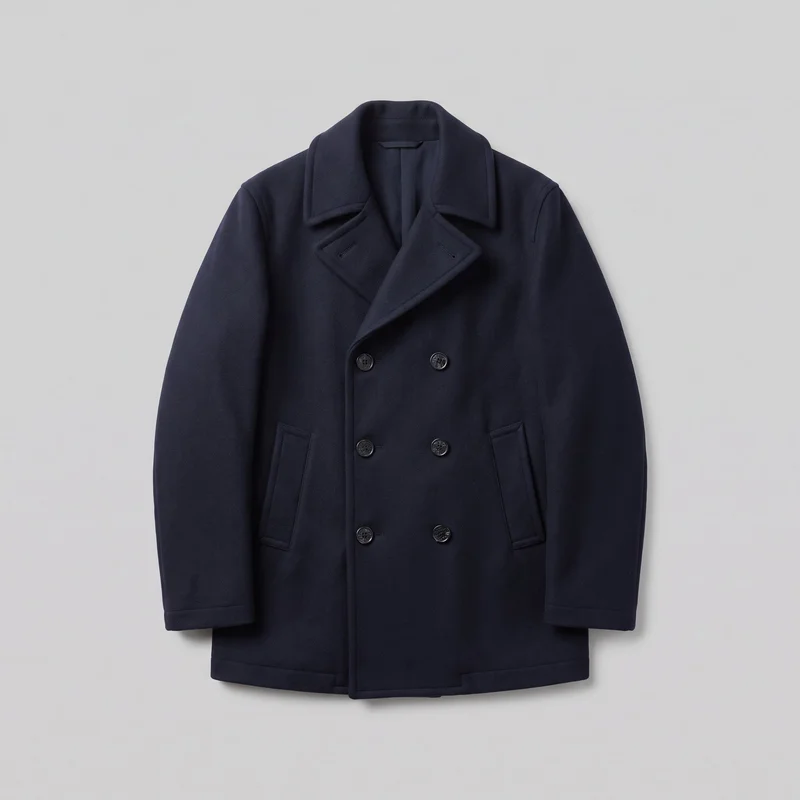 Men's Navy Double-Breasted Wool Coat
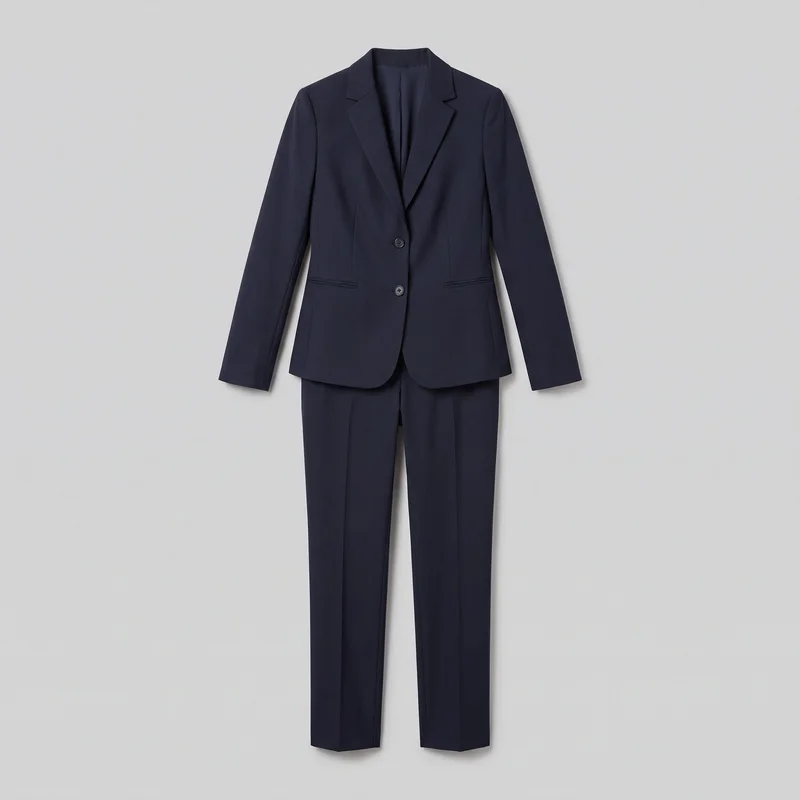 Women's Navy Two-Piece Suit
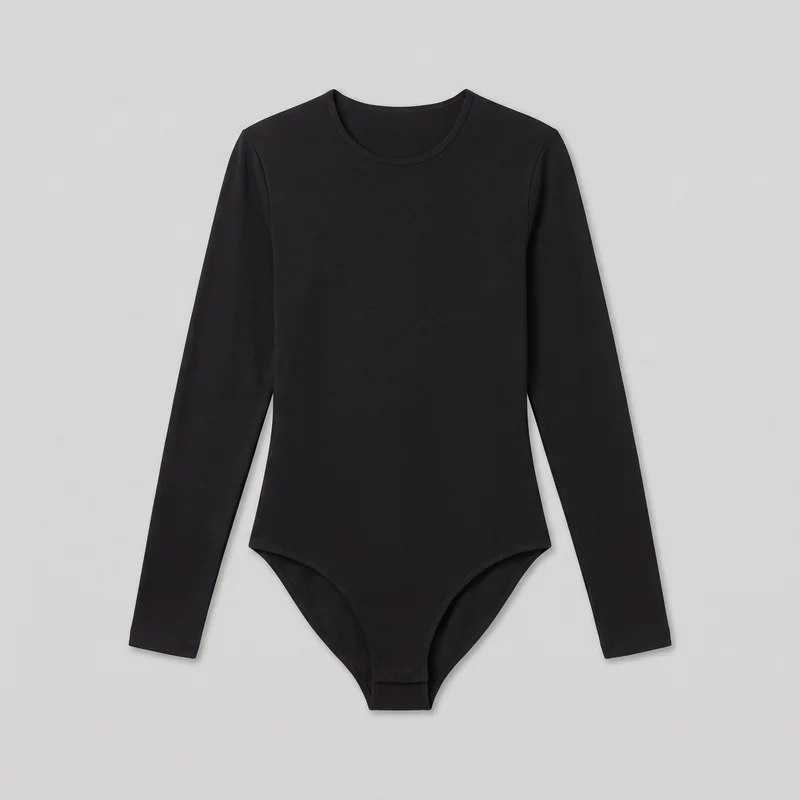 Long-Sleeve Black Bodysuit
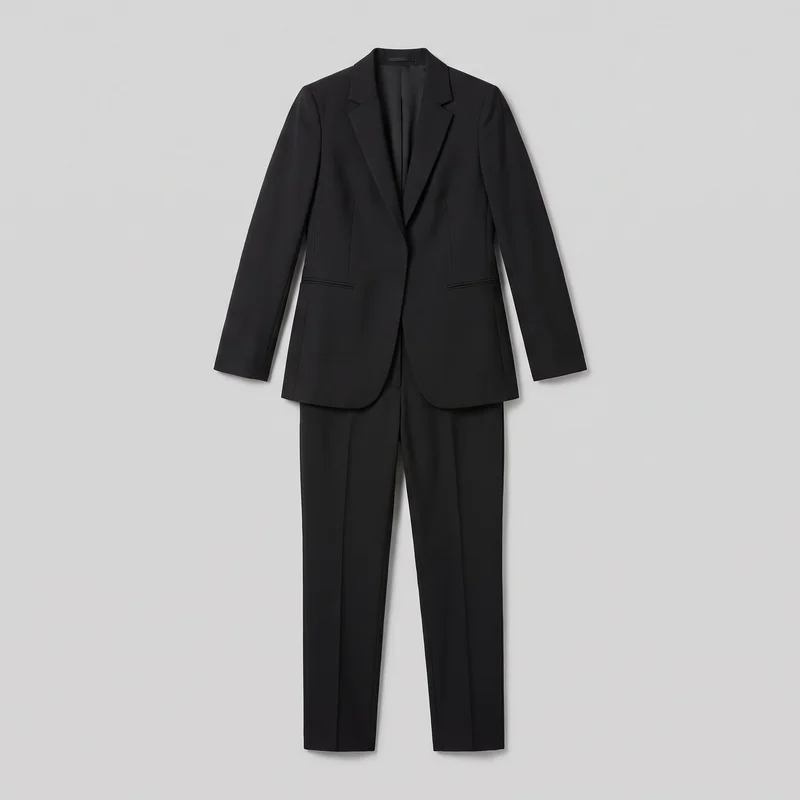 Black Tailored Trouser Suit
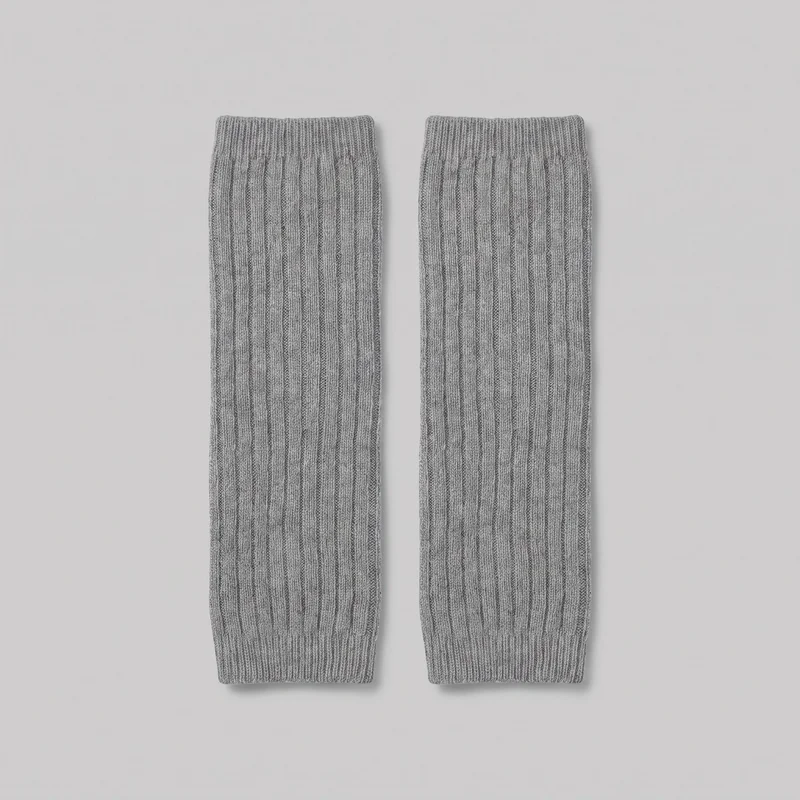 Grey Ribbed Leg Warmers
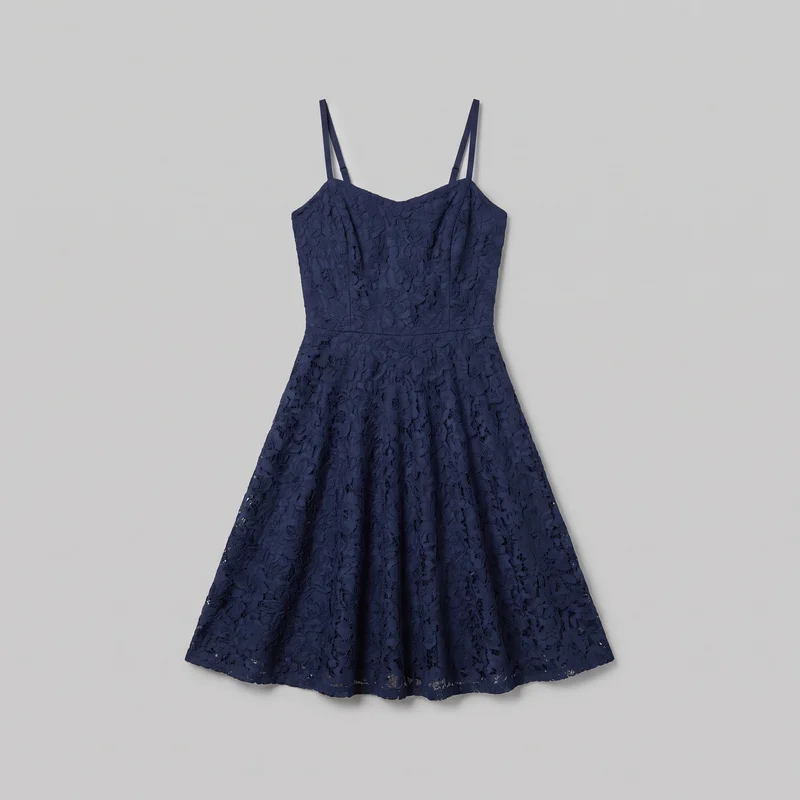 Navy Lace Cocktail Dress
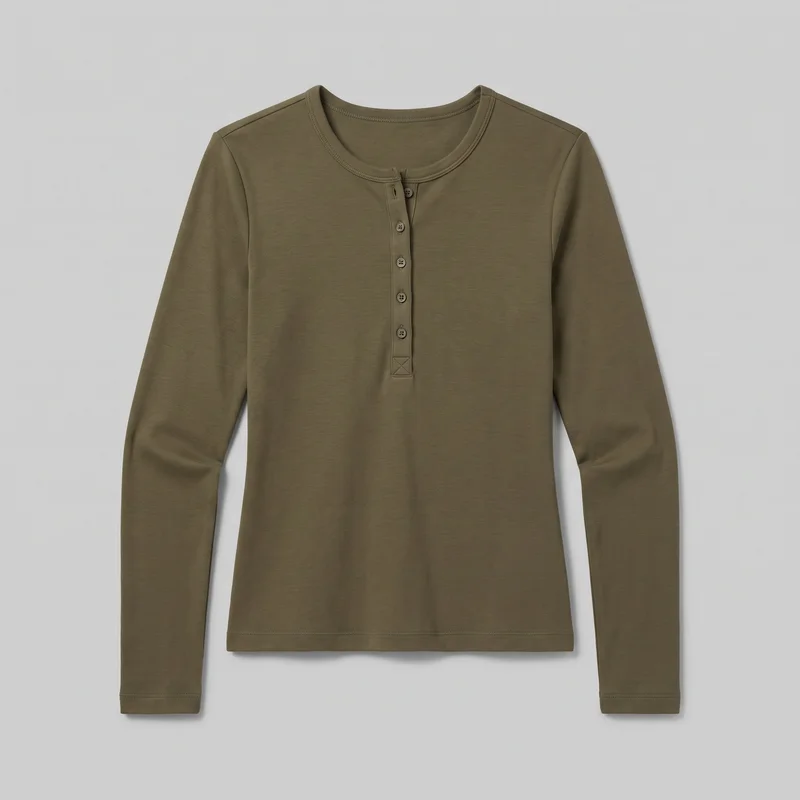 Women's Olive Long-Sleeve Henley Top
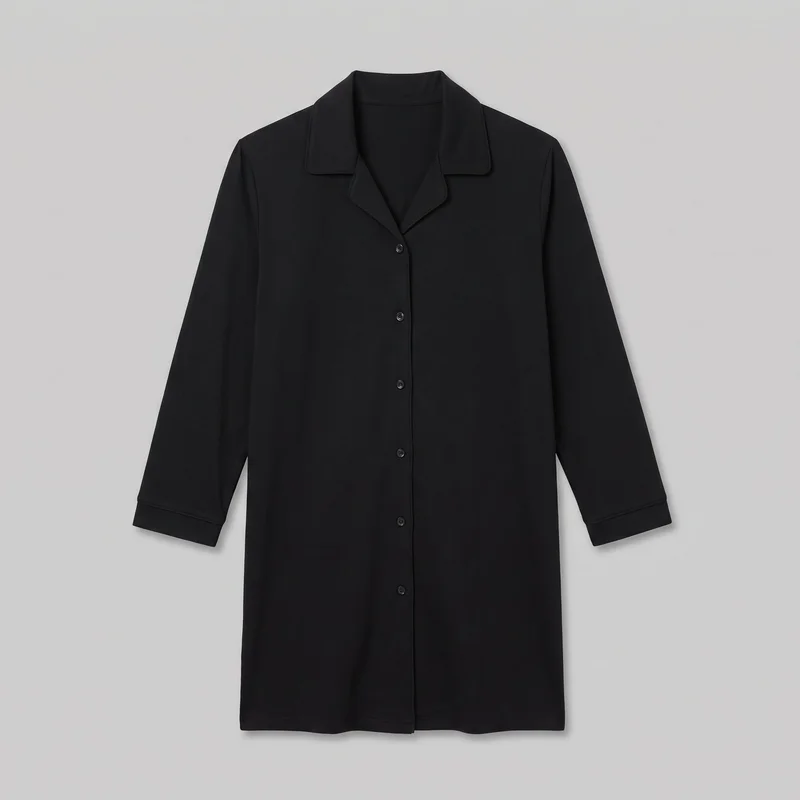 Black Nightshirt
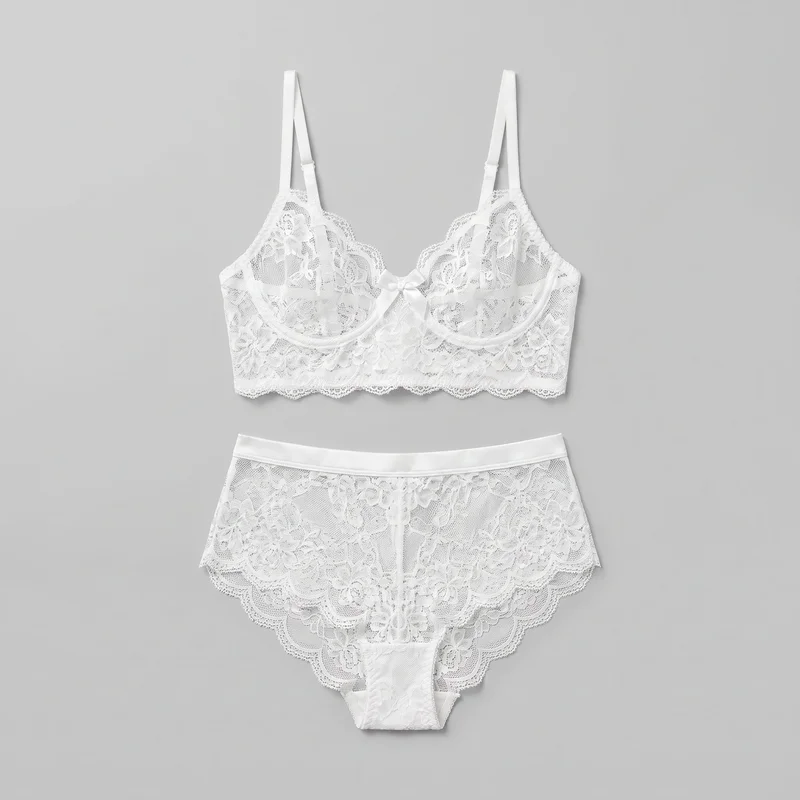 White Bridal Lingerie Set
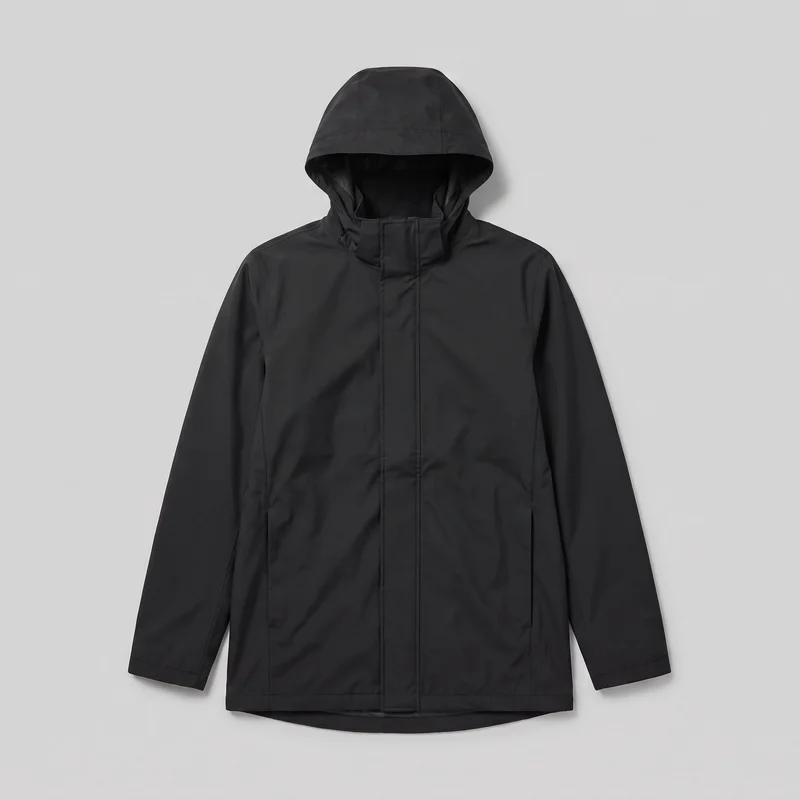 Men's Black Hooded Raincoat
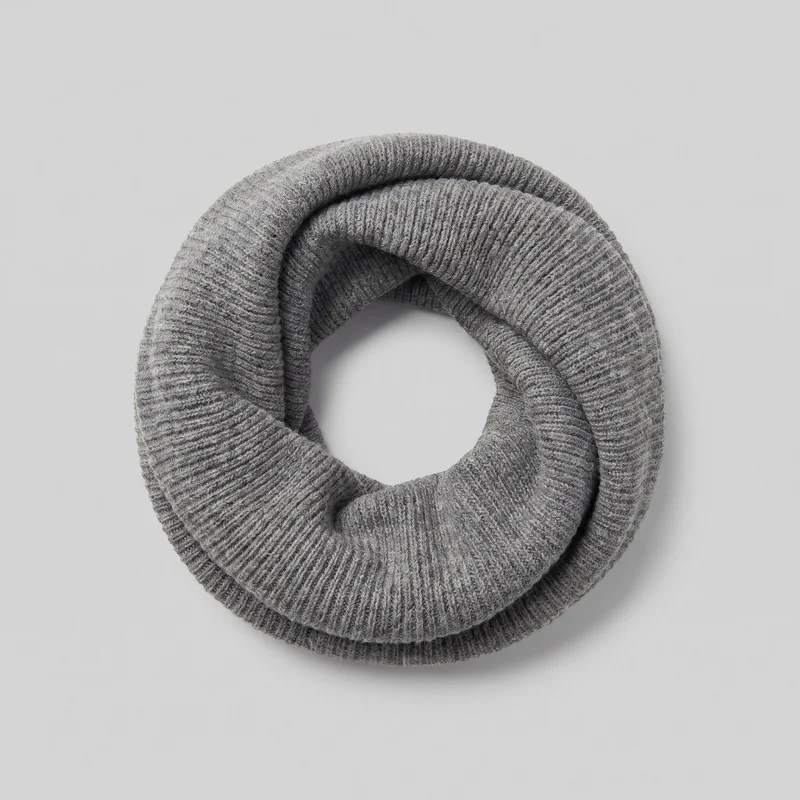 Men's Grey Knit Snood
Showing 24 of 822
Catalog
Browse the catalog
By product
Consistency
Keep your setup as variants change
RAWSHOT keeps the composition focused on the product: use the selected model, frame, camera view, and photography direction for each uploaded colourway. It does not recolour products; every variant is a separate generation, and you review fine details before publishing.
You change one
- Frame
- Pose
- Camera view
- Model
The rest holds
Model
The selected model remains the reference across colourways.
Composition
Frame, camera view, and on-model stance hold around the uploaded product.
Photography direction
The named light direction carries through the chosen composition.
Who it's for
Are colourway stills right for your product pages?
A perfect fit
This fits e-commerce, merchandising, or wholesale managers when colourways need on-model stills alongside existing product pages.
Work it handles well
- You can add real colourways to product pages.
- You can keep model and composition aligned.
- You can review variant details before publishing.
Rights
You own every image. Every image says what it is.
Yours
- Full commercial rights to every image, permanently.
- No recurring licence fees on any model in the library.
- Every model is a synthetic composite, so there is no real-person likeness.
Labelled
- C2PA content credentials on every image.
- AI-labelled output, aligned with EU AI Act Article 50.
Checked
- Every image is checked against your model, frame, view and pose before delivery; one that misses is made again.
- A safety filter screens every upload and blocks nude or explicit images.
EU-based hosting, GDPR-compliant handling.
- Aligned with EU AI Act Article 50
- C2PA
- Full commercial rights
- Quality-checked images
- Safety-filtered uploads
- GDPR-compliant handling
- EU-based hosting
Questions
What should your brand ask before colourway stills?
What does a colourway photo set add to clothing product pages?
A colourway photo set gives each real product variant an aligned on-model still for its product page. It keeps attention on the colour, cut and visible details while the selected model, frame, camera view, stance and photography direction remain consistent across the grid. That helps new, restocked and core colours sit beside existing listings without a mismatched composition. Upload a clear source image for every colourway, then choose the visual setup you want to carry through the set.
Which retail jobs suit on-model colourway images for product pages?
E-commerce updates, merchandising refreshes, wholesale range additions and product-page launches suit on-model colourway images. They are useful when a seasonal shade, restocked variant or expanded range needs still photography that aligns with an established listing grid. The work is designed for product pages where shoppers need to see the actual colourway, cut and key details on a selected model. Use a separate clear upload for each real variant and set the model, composition, view and light to match your existing presentation.
Which image ratios should colourway product photos use for each channel?
Use 4:5 for product-page imagery and feed placements, 1:1 for square catalogue grids, and 9:16 for story-led placements. Start with the frame your product page uses so every colourway lines up in the listing grid, then create channel-specific crops where your publishing workflow needs them. You can check the finished set for the chosen frame, camera view and pose before it reaches your library; images that clearly fail those selections are regenerated automatically. Choose the ratios your storefront and campaign channels actually publish.
How does RAWSHOT create matching photos from each colourway upload?
RAWSHOT creates a new on-model still from every real uploaded colourway rather than recolouring another source. You provide a clear product image, select the model, frame, camera view, stance and photography direction, and generate images that fit the product-page workflow already in use. Before delivery, every image is checked automatically against the chosen model, frame, view and pose; clear failures are discarded and regenerated. Review the finished product details, especially hands and hardware, before publishing each variant.
How are RAWSHOT colourway photos different from studio shoots or flat-lays?
RAWSHOT colourway photos are different from a studio shoot or flat-lay because they create aligned on-model stills from each uploaded real variant without needing to reshoot the full range. A studio shoot can capture a specific real person and physical styling session, while a flat-lay shows the garment without its on-body fit or stance. RAWSHOT lets you select the model, frame, camera view, pose and light direction, and checks each image against those choices before delivery. Upload each colourway separately and review fine details before use.
What does RAWSHOT cost for colourway product-page photo sets?
RAWSHOT is self-serve, with monthly plans and a token cost for each generated image. You can start with a free trial, then choose a plan that suits the volume of colourway stills your product-page workflow requires; the Starter plan is $9 per month and includes 80 tokens, with images from $0.56. Each uploaded variant is a separate generation, so plan for every colourway you need. Select a monthly plan based on your expected image volume.
What should I review before publishing AI colourway product photos?
Review every generated colourway for accurate visible product details, especially hands, hardware, colour presentation and the edges of the garment. RAWSHOT cannot recolour a product from another source, so each variant needs its own clear upload; it also cannot deliver a specific real person from a lookalike reference. Automated review catches clear mismatches in model, frame, view, pose and technical defects, but it is measured against hand-checked images rather than a guarantee. Check close calls and fine details yourself before publishing.
Who owns RAWSHOT colourway images and can my brand use them commercially?
You get full commercial rights to every image, permanently, with no recurring licence fee. Every image carries C2PA content credentials and is labelled as AI-generated.
Get started
Add colourway stills in RAWSHOT
Start with a 7-day free trial including 50 tokens, then move to the plan that matches your production volume.