
Professional product photography
Professional product photography before your pages go live.
Your product pages look homemade beside competing shops, and the range does not yet read as one considered set. You can direct on-model stills with shared light, framing and views for the pages you need to publish.
7-day free trial • 50 tokens (10 images) • Cancel anytime
- A 2K image in roughly 35 seconds
- AI-labelled with C2PA content credentials
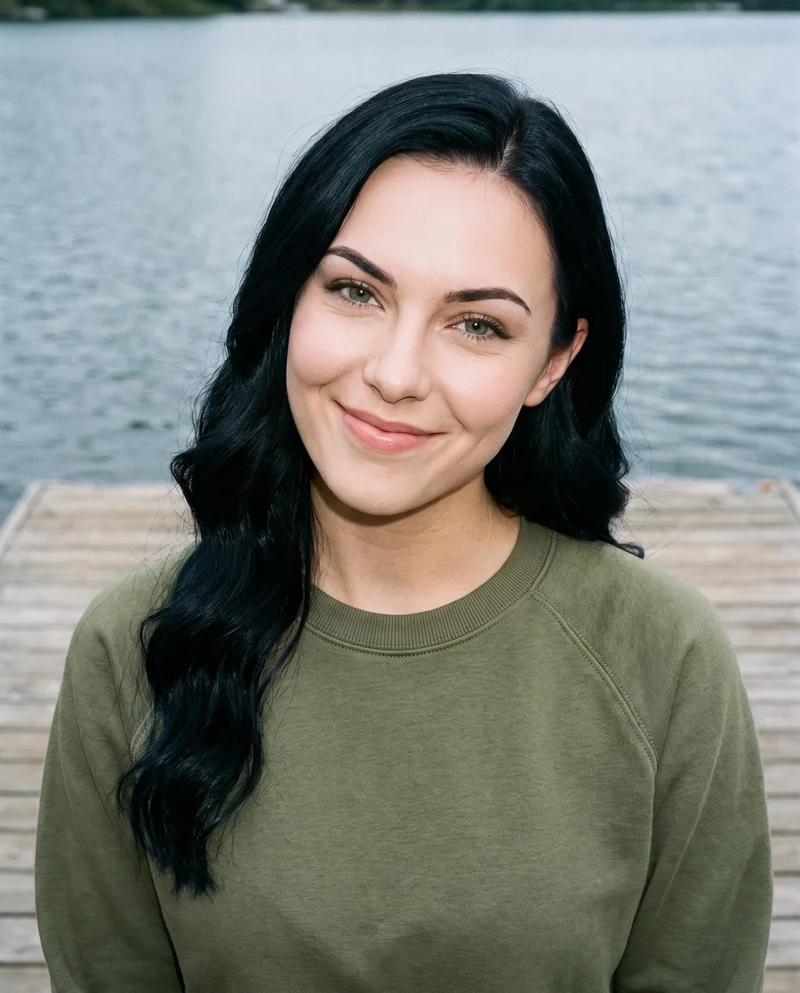
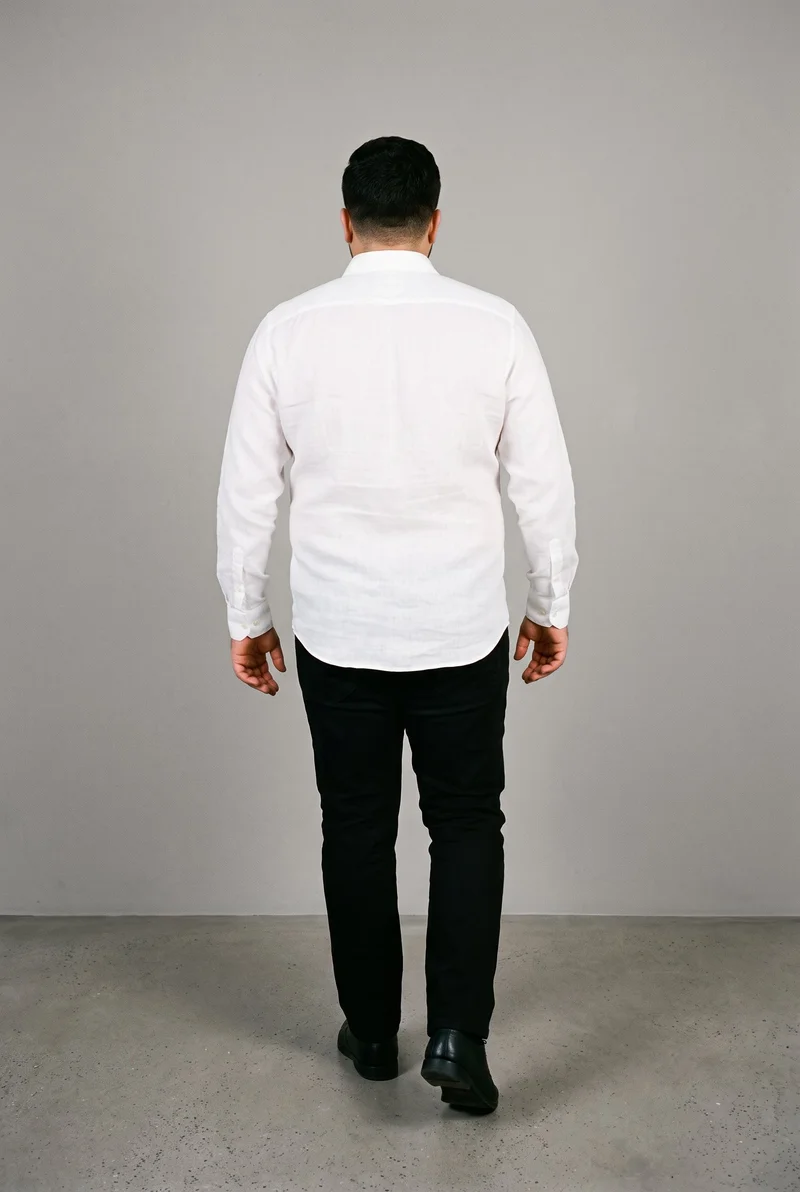
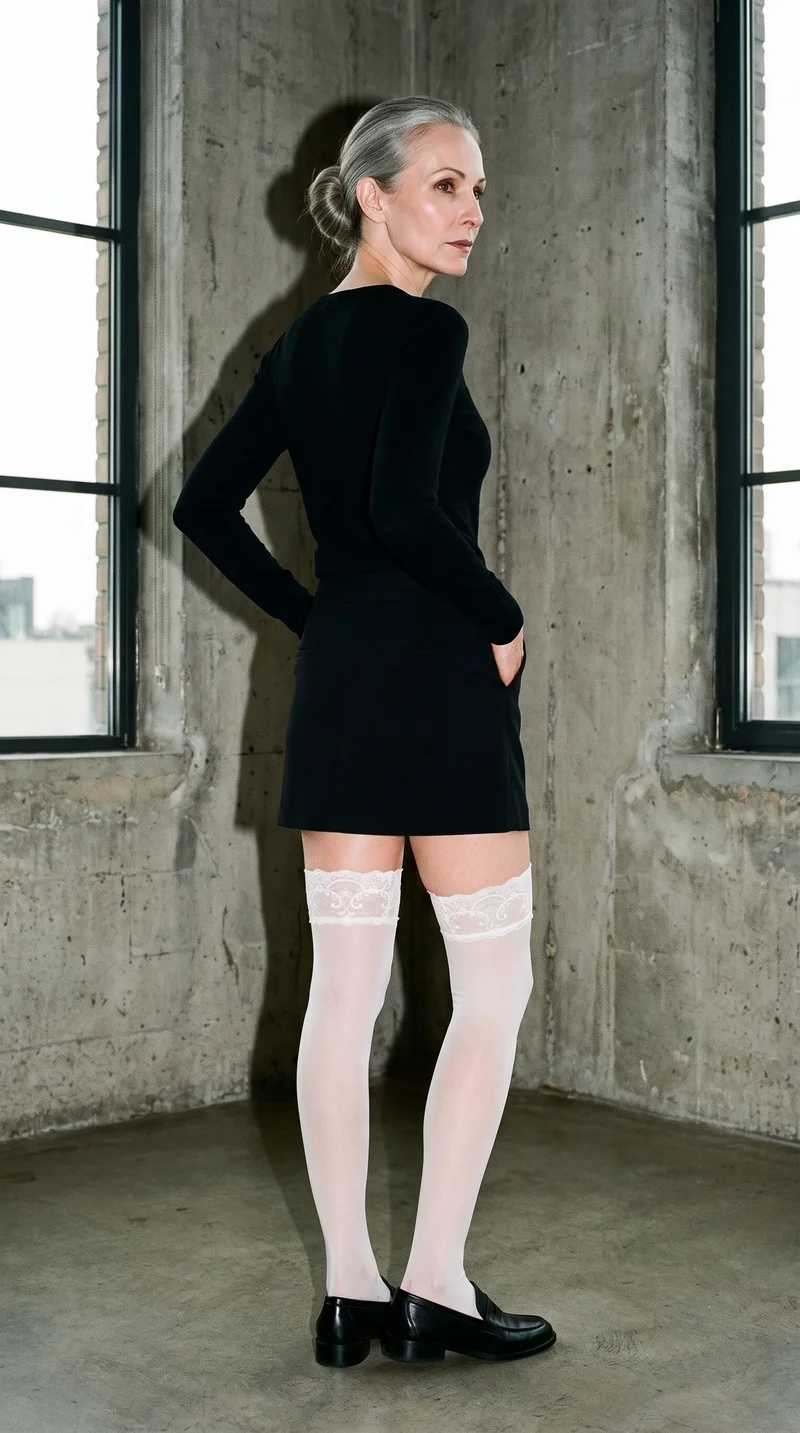
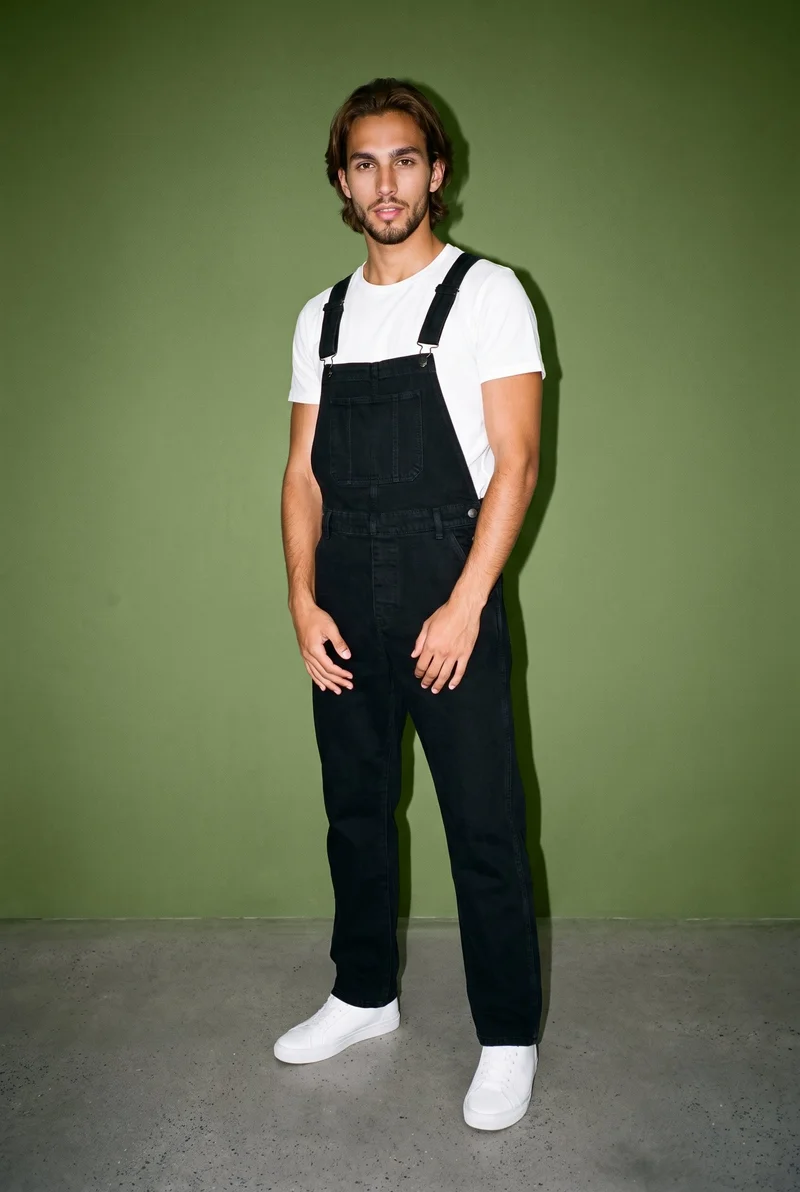
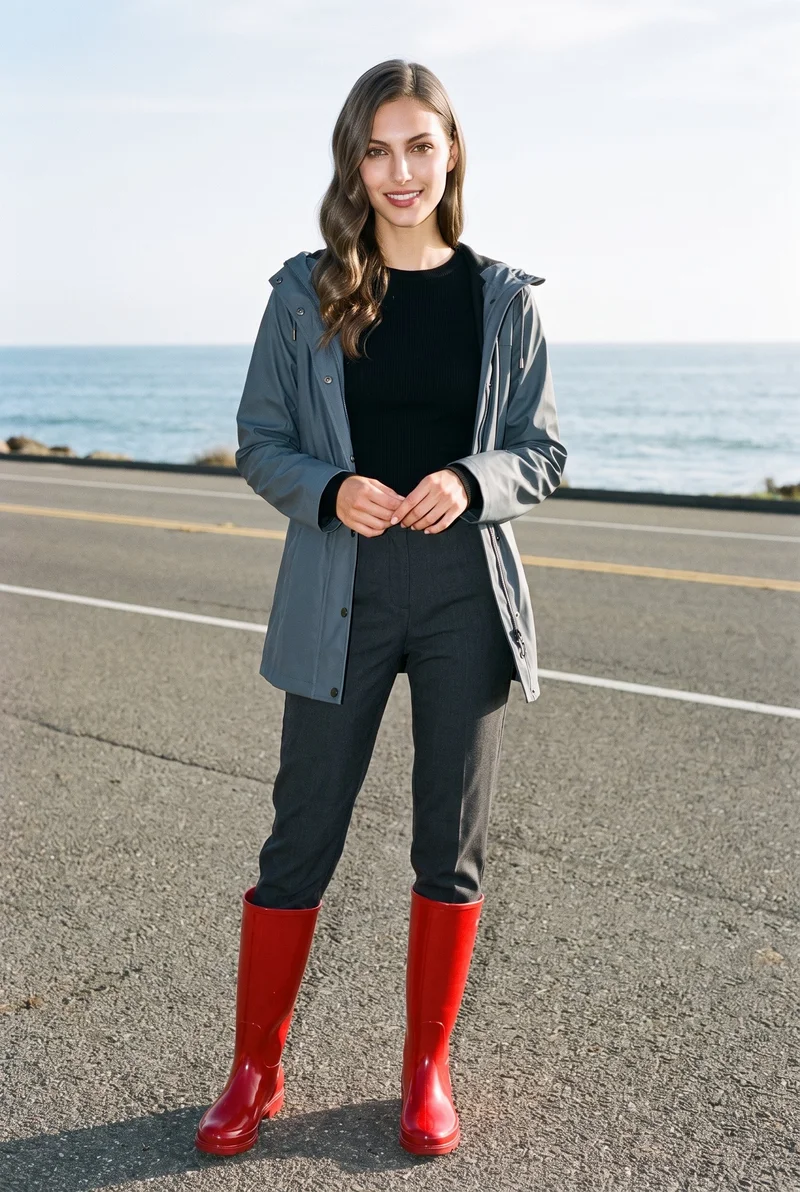
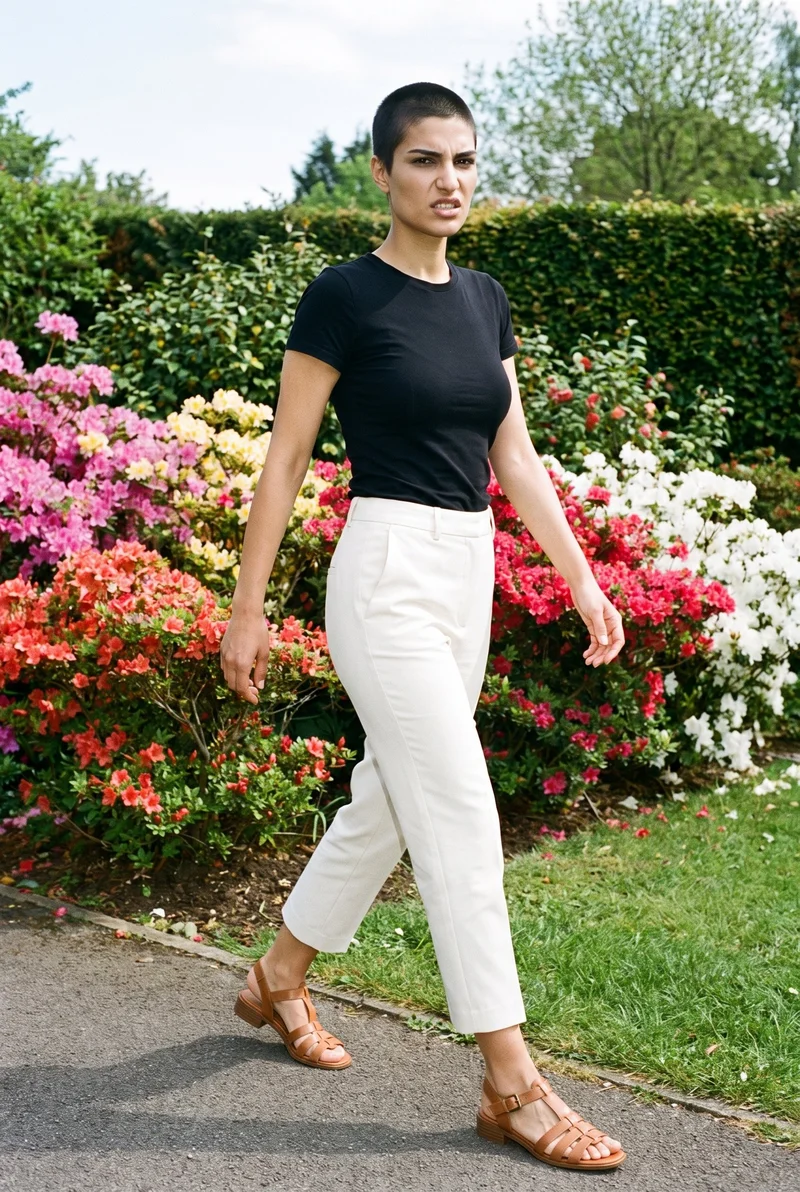
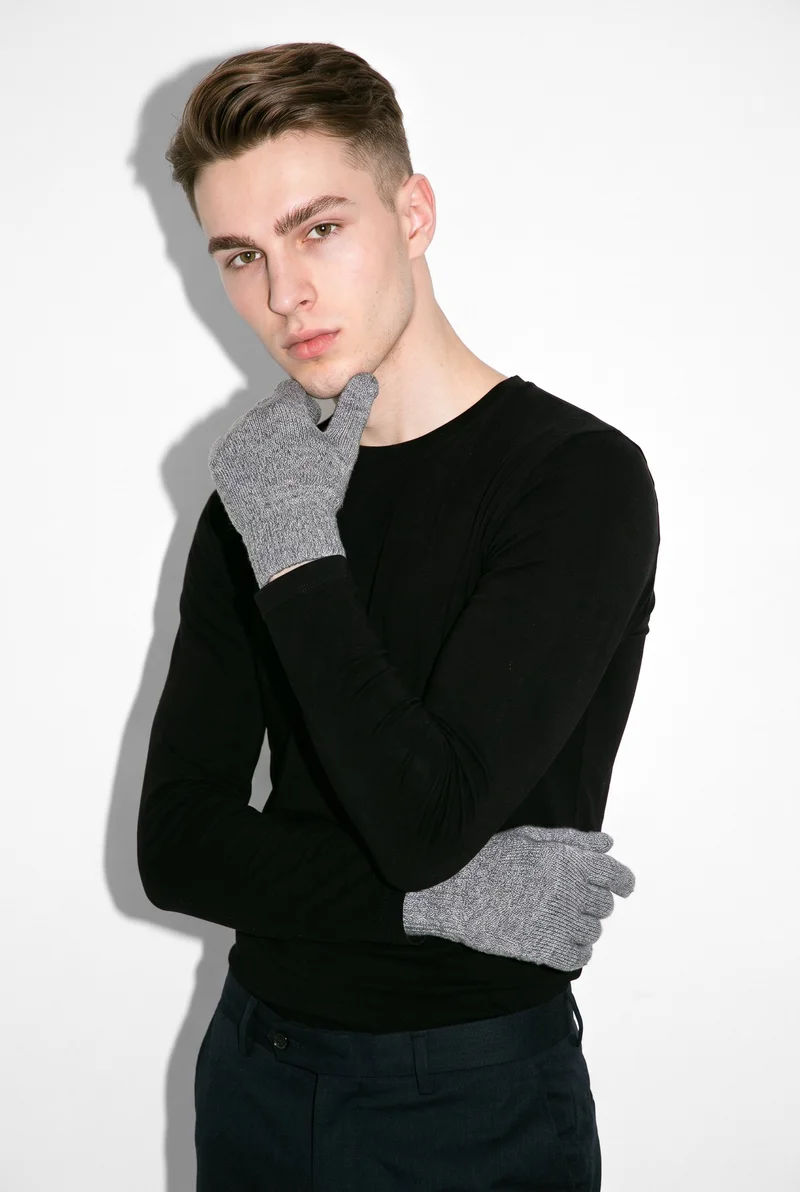

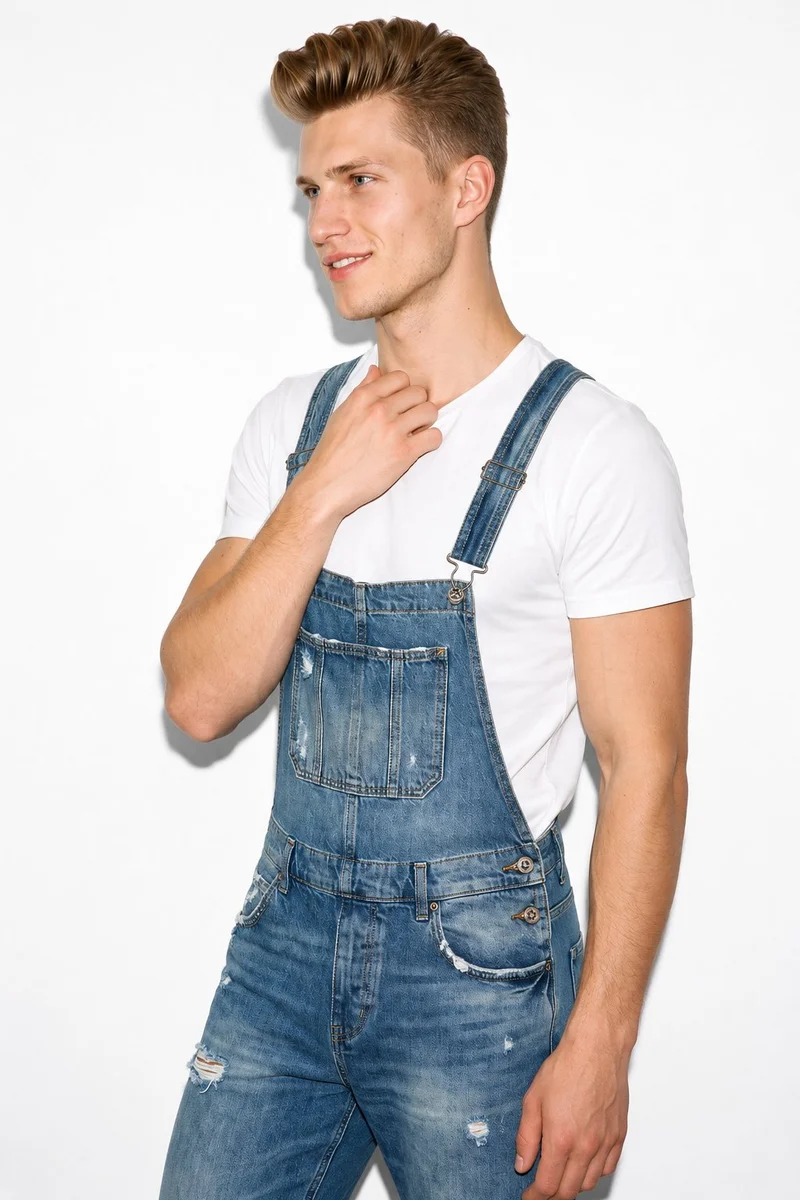
Showing 9 of 822, shot in RAWSHOT
Use cases
When your shop needs a professional shoot
- 01
Range refresh
When you refresh an inconsistent range, set the model, photography direction and frame for a shared product-page image set.
- 02
Pre-order collection
When you prepare a pre-order collection, use a flat-lay, model selection and camera views for on-model launch stills.
- 03
Listing update
When you update listings, use the product photo, model and framing to create clear on-model stills of each item.
- 04
Accessory collection drop
When an accessories brand prepares a collection drop, select the model, detail frame and camera view for body-worn product-page images.
What you get
Still product-page sets with every product view
A still-photo product-page set that shows each piece on a model from front, back, side and detail views. It gives your range a shared visual standard for a launch or a product-page refresh.
On-model product views
Front, back and side stills show the product from the angles shoppers use to assess a piece on the page.
Detail-focused images
Tighter frames give hardware, accessories and product features their own place in the product-page set.
Shared range composition
A selected model, light and framing hold across the shoot, helping related products read as part of one range.
Launch-ready stills
The finished set supports a product launch or refresh with clear views that make items easier to compare.
Direct the shoot
Set the frame, view, pose and light
Image frame
4
Pose
22 poses on this frame
Camera view
4
Format
9
Pose style
4
Facial expression
10
Photography direction
4
Create photoshoot
Step 7 of 7 · Composition
Image 1 · readyGallery image from this pageProduct
Your product
Model
From the library
Composition
Full Body · Front View · Catalog pose · Neutral
Delivery
2K · 1:1
Light
Studio Cutout
Total cost
5 tokens
AI fashion models
Pick who wears each product
1,197 licence-free grown models across ages and body types. Or build a private model from visible attributes.
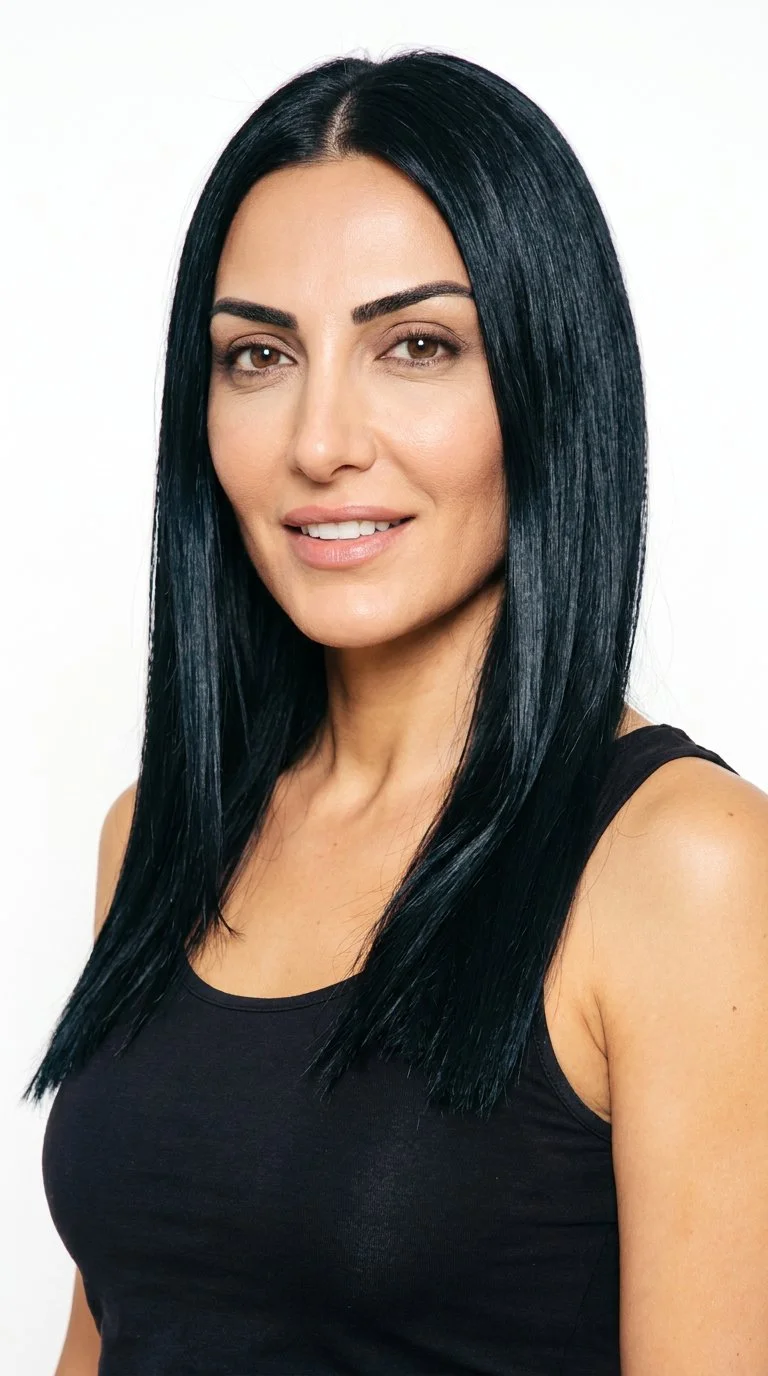
Female · 42
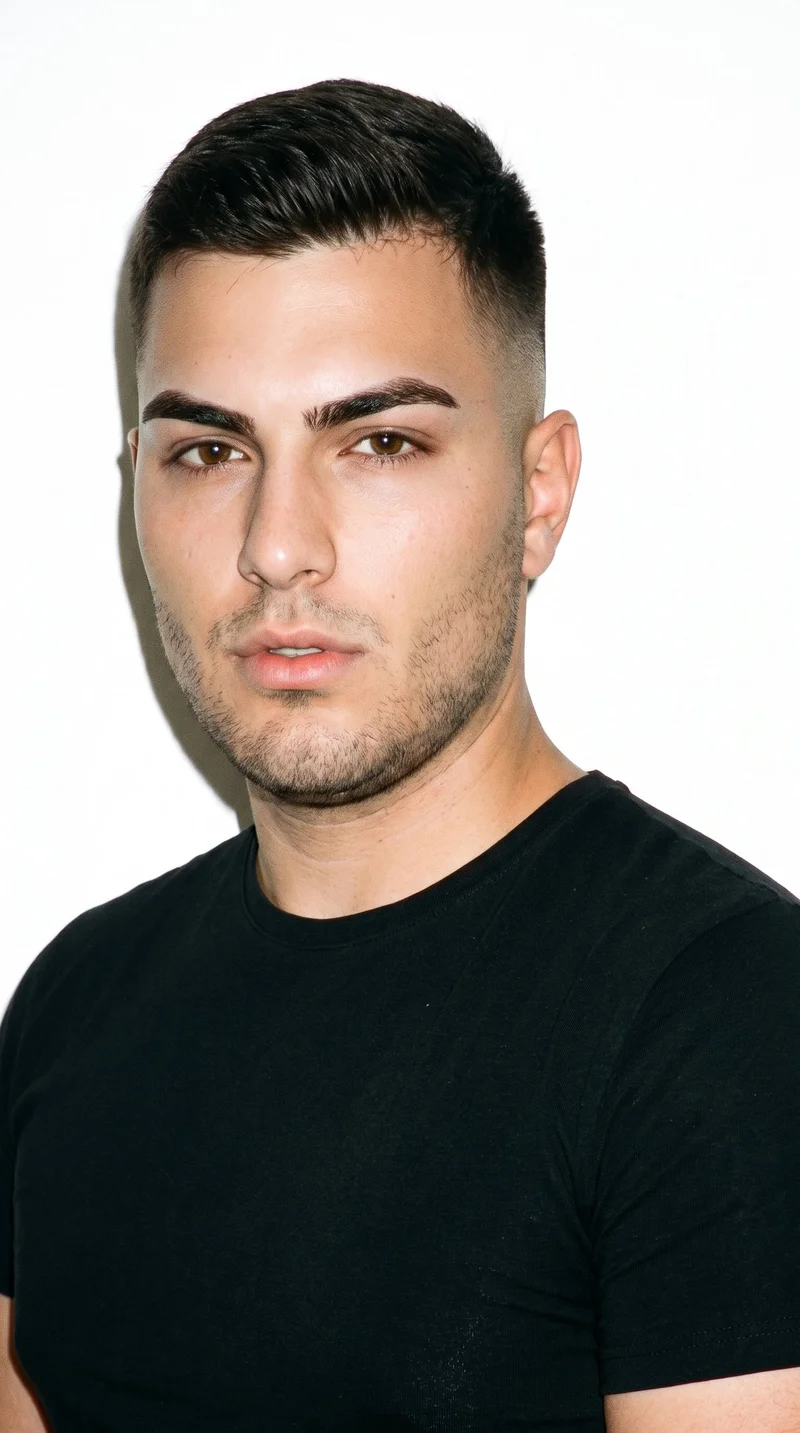
Male · 19
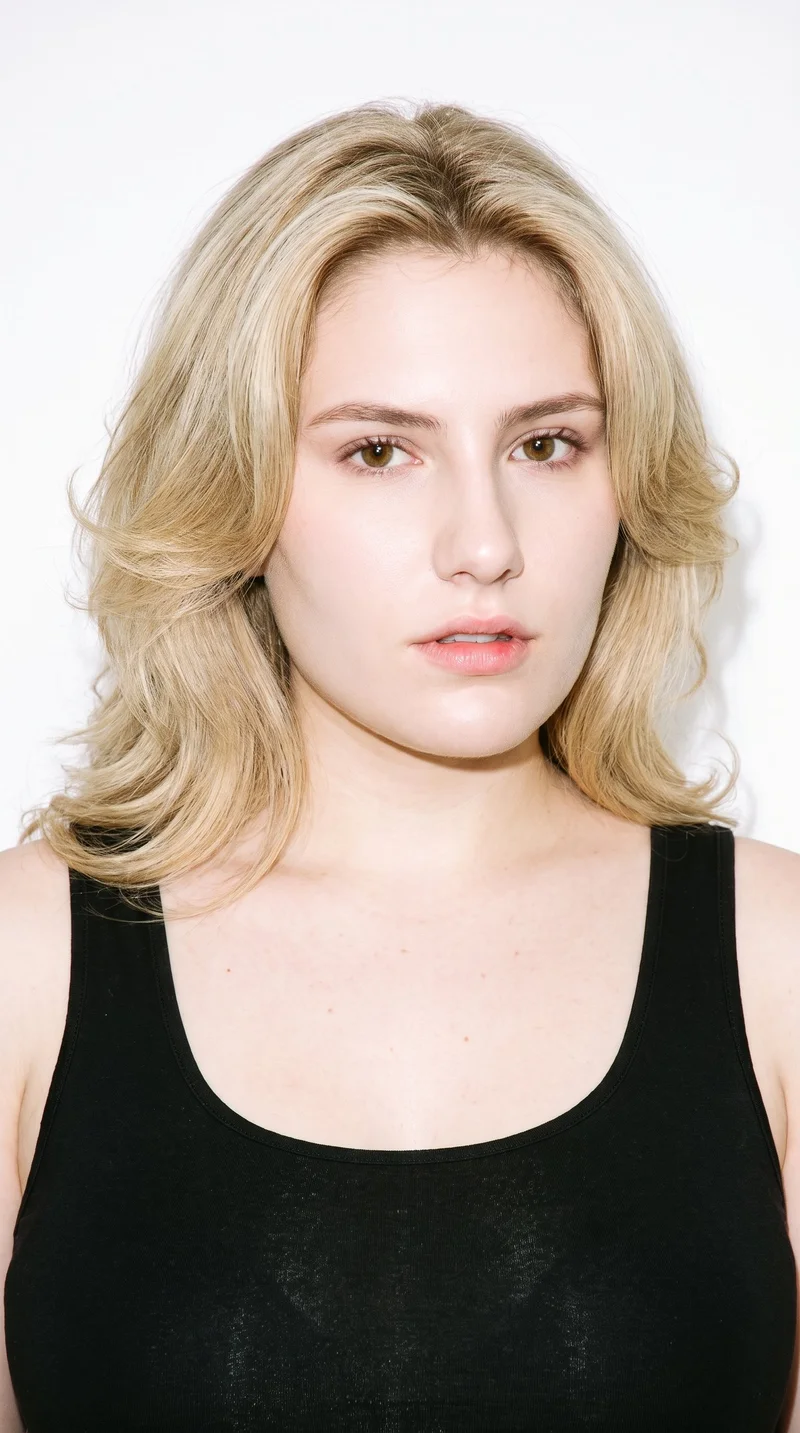
Female · 19
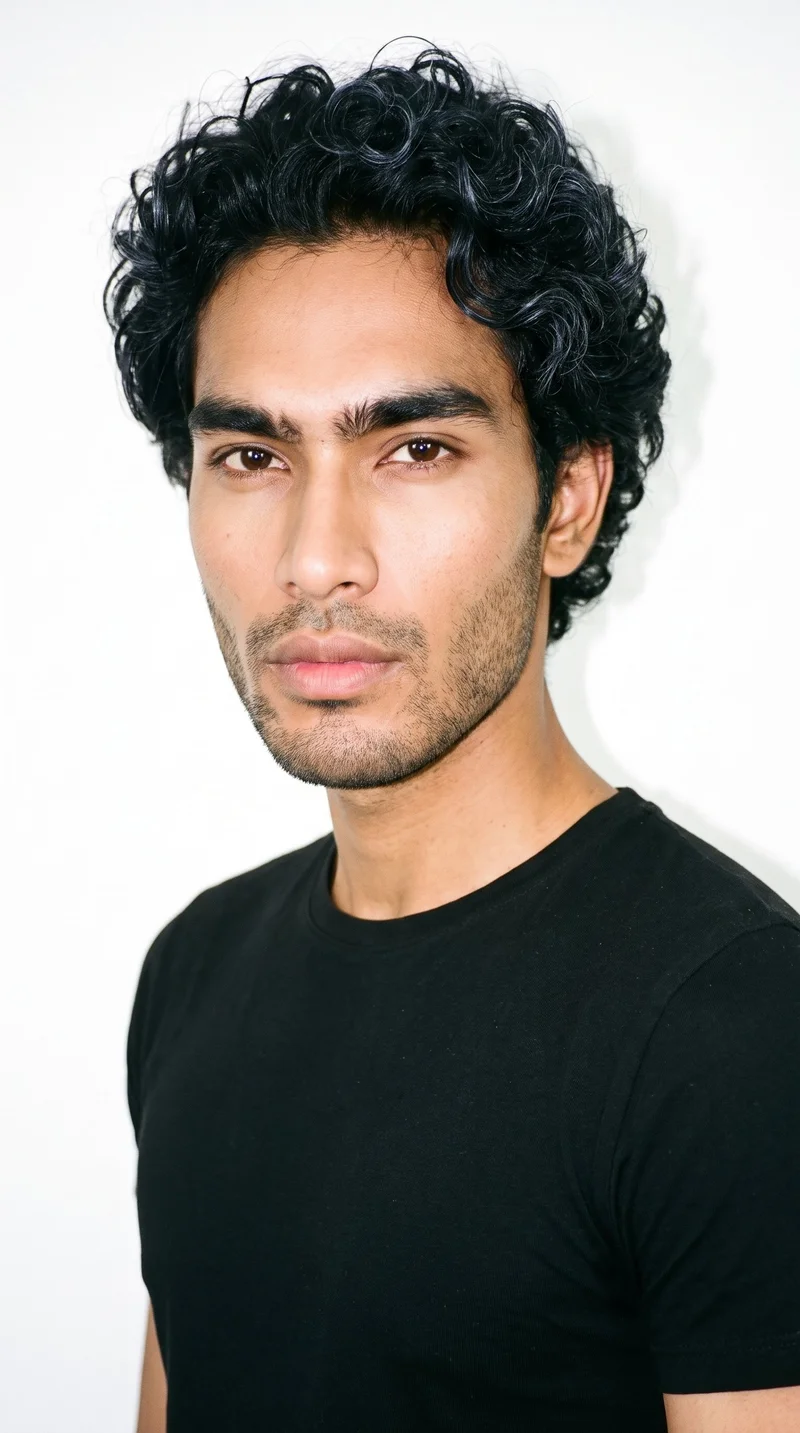
Male · 26
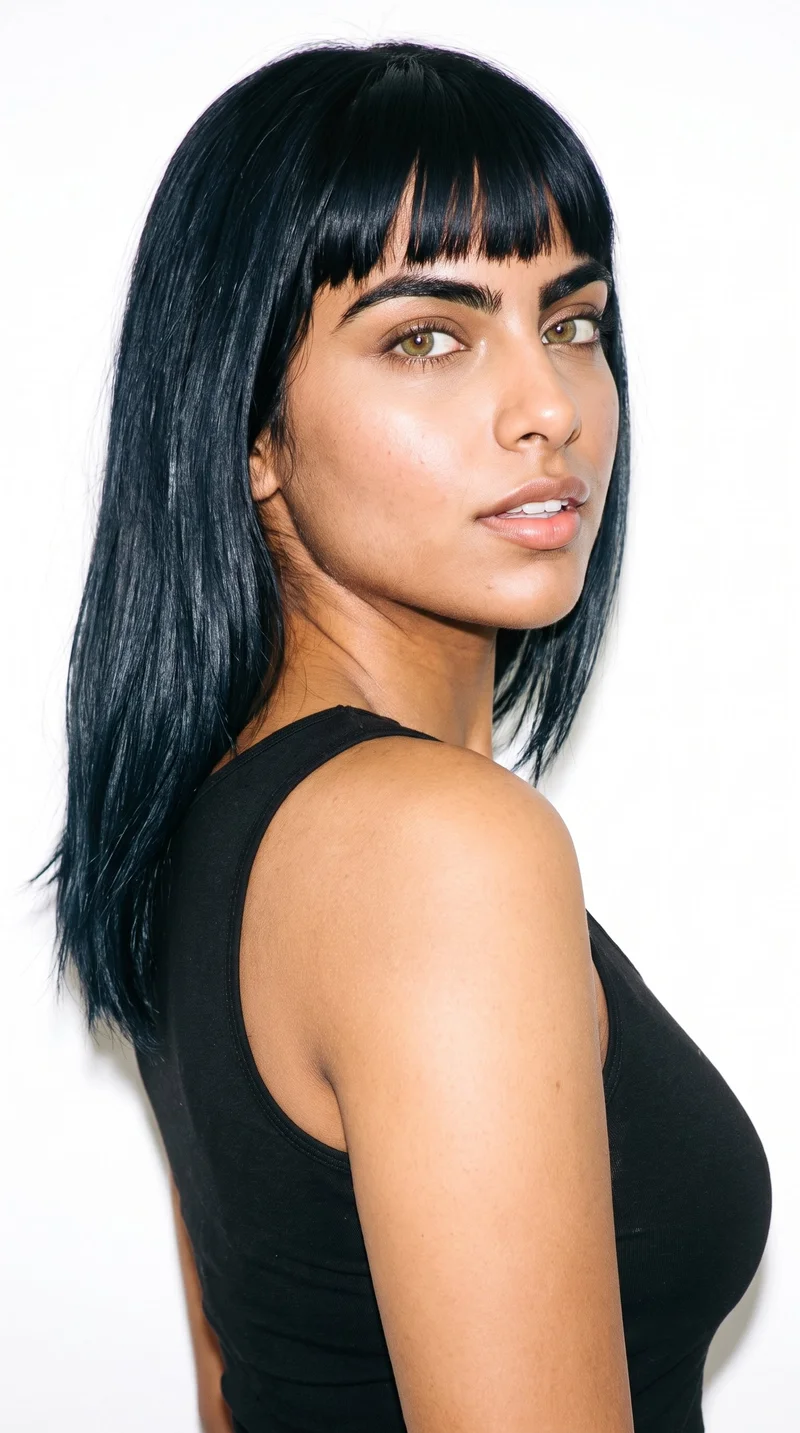
Female · 26
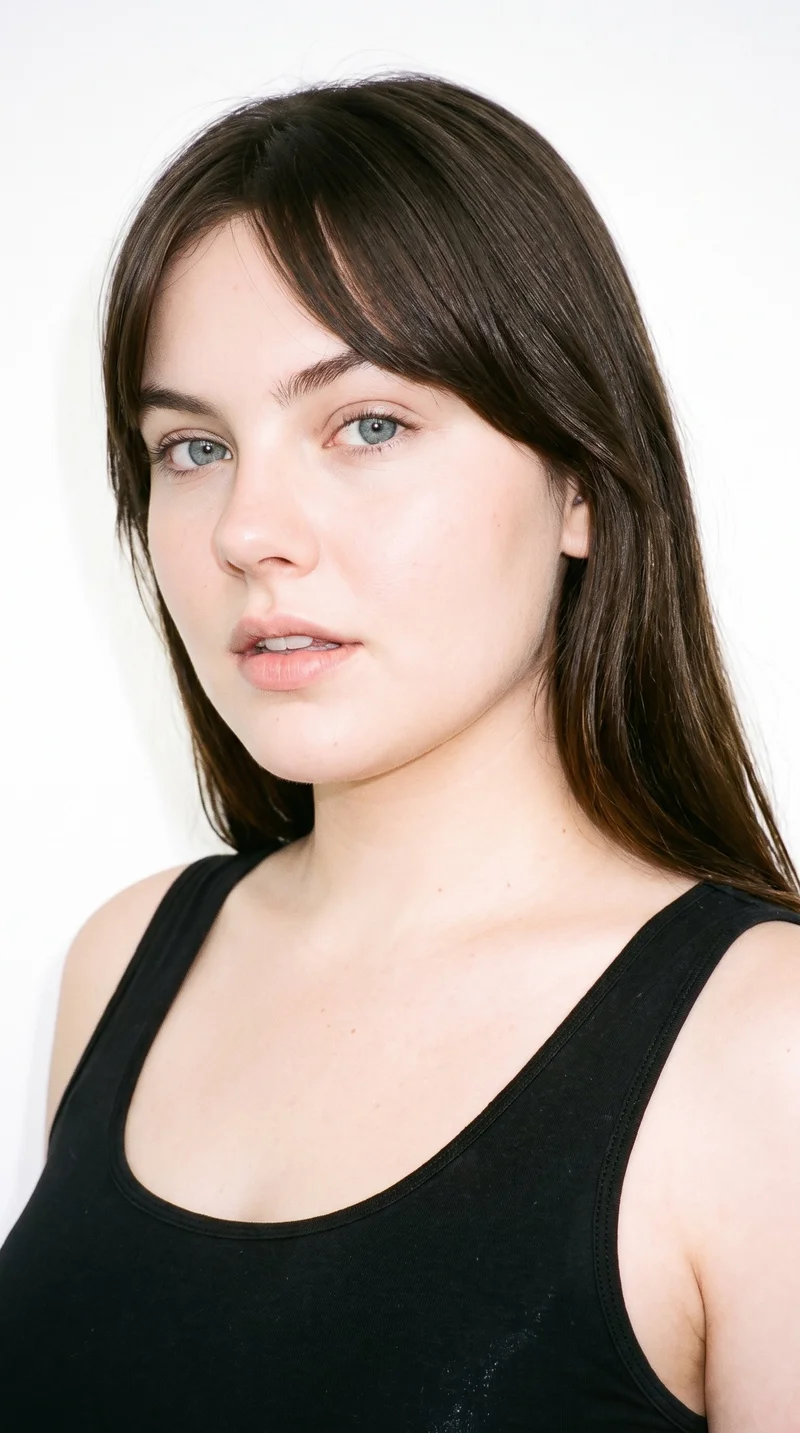
Female · 24
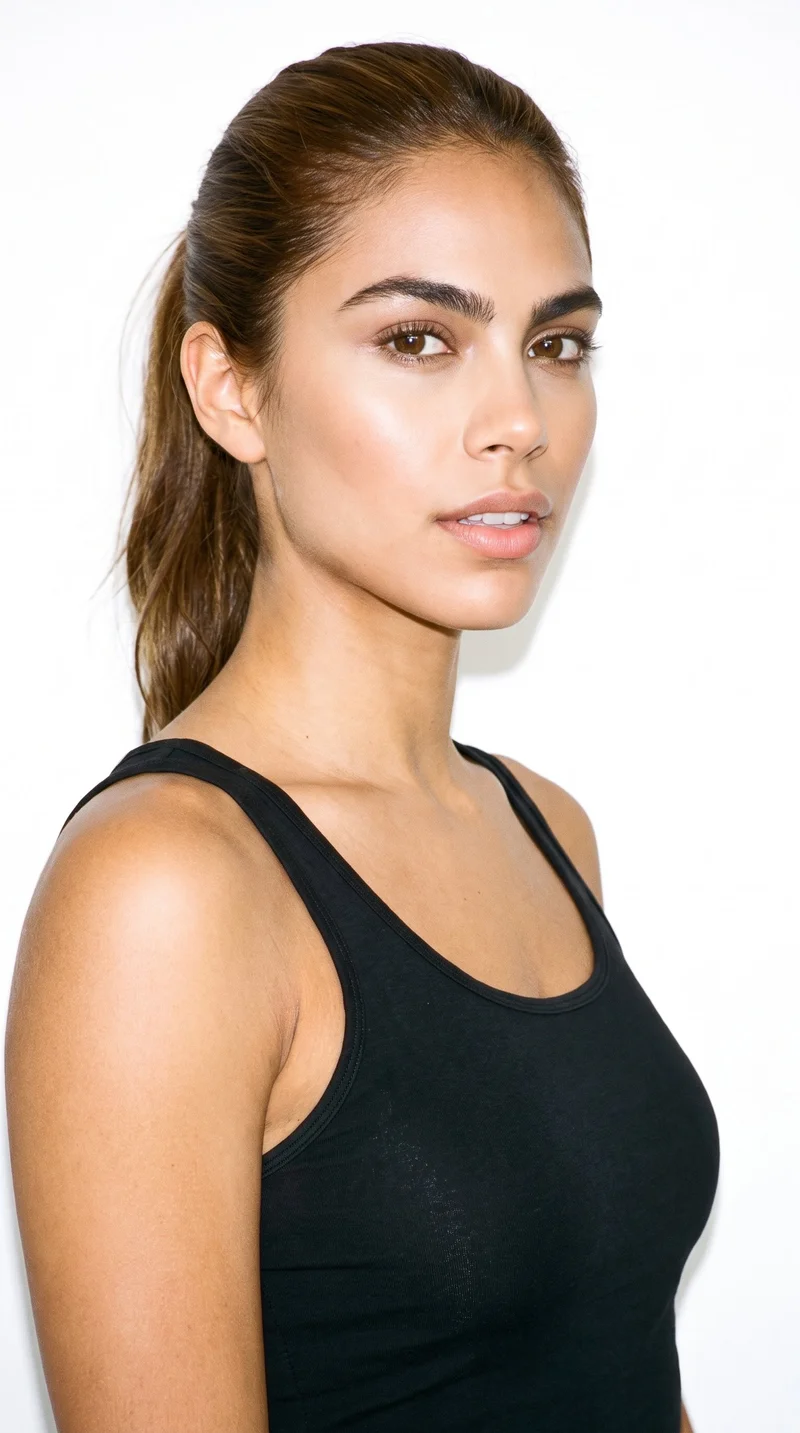
Female · 24
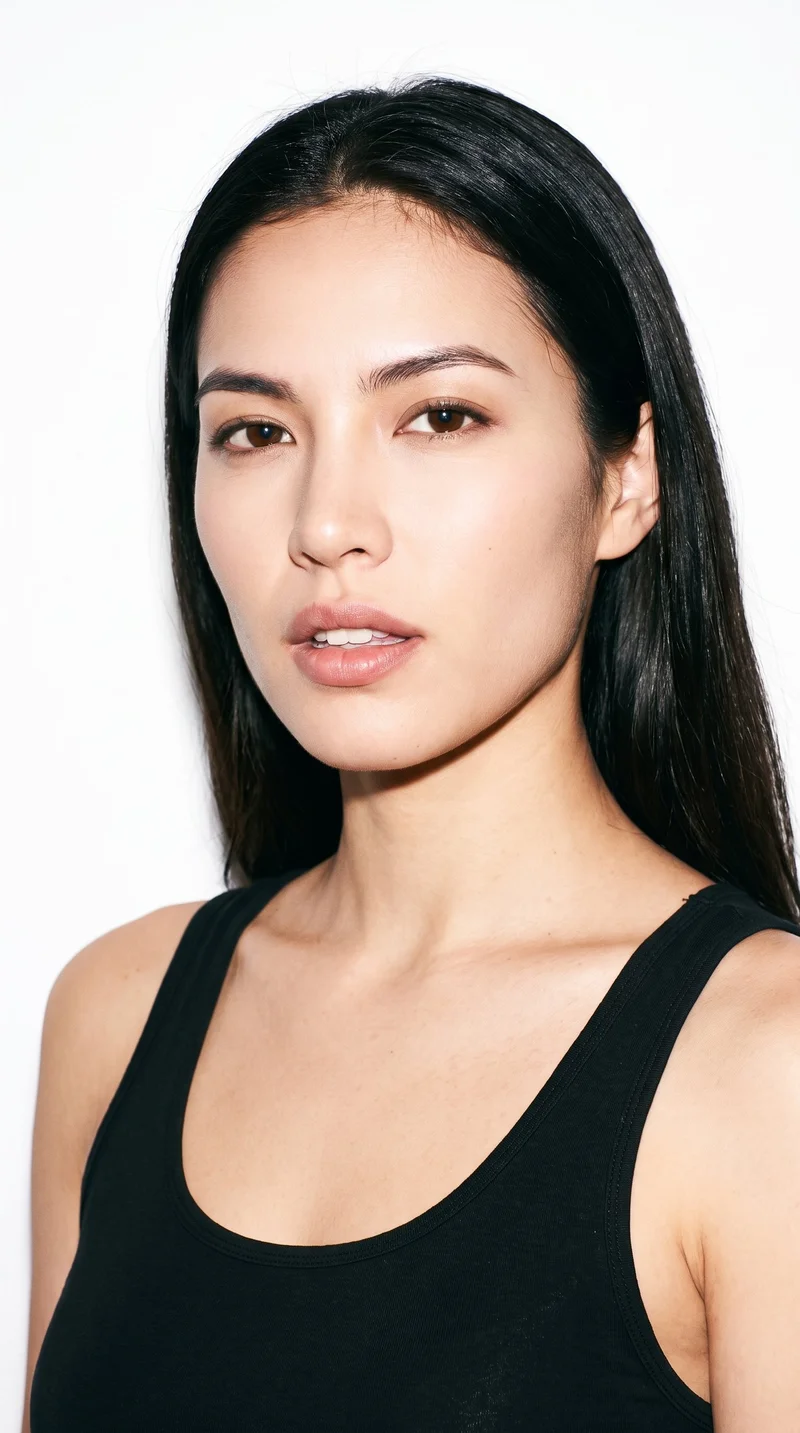
Female · 19
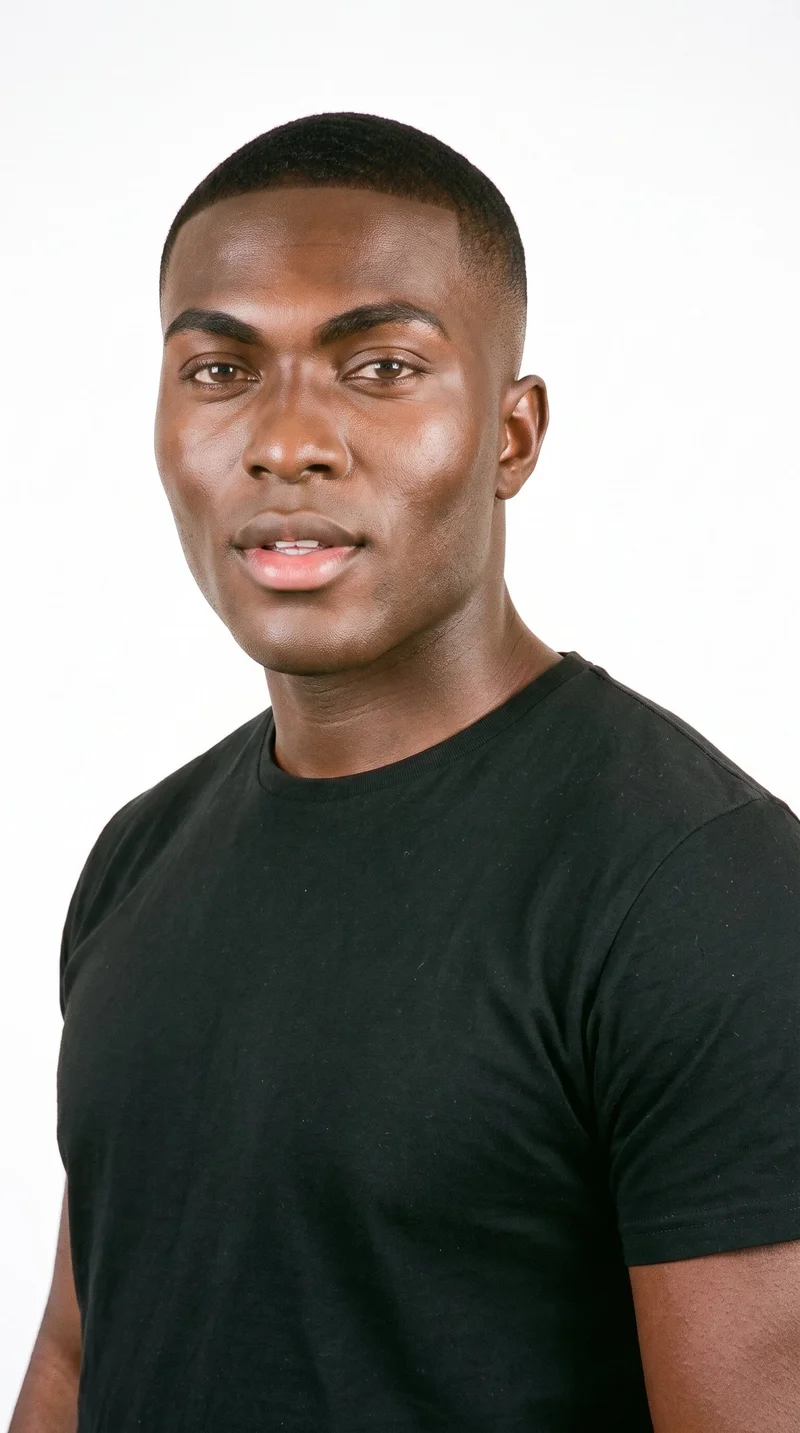
Male · 25
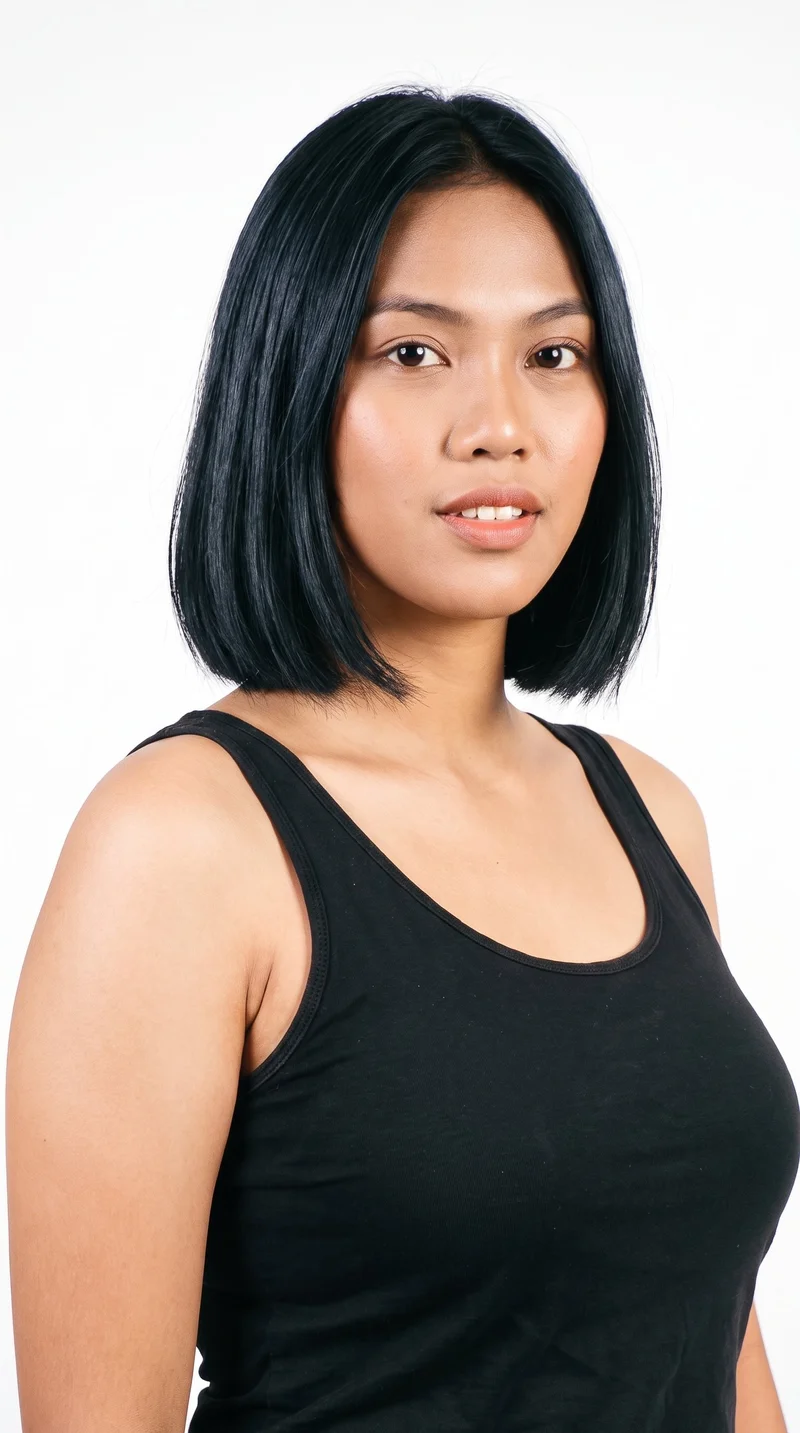
Female · 20
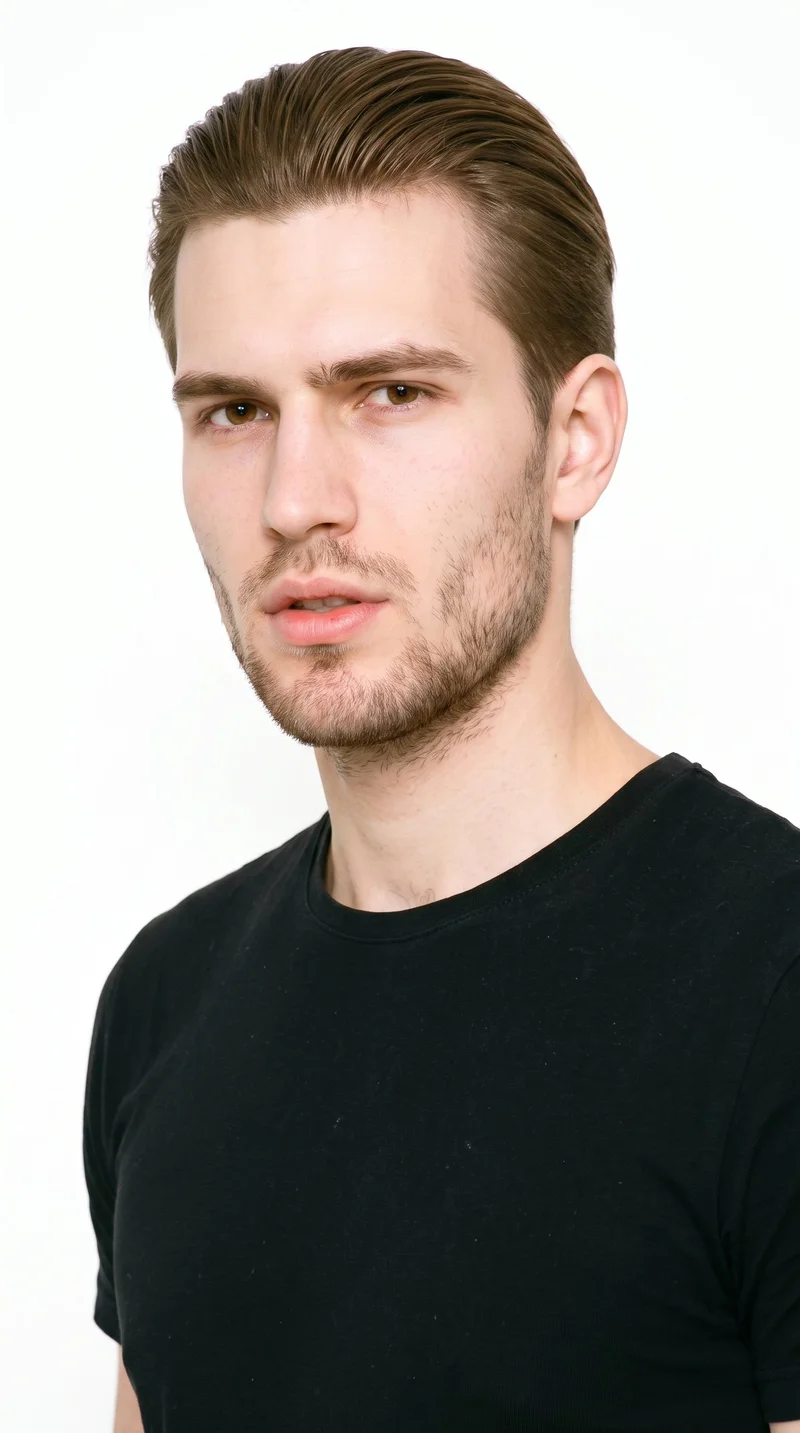
Male · 19
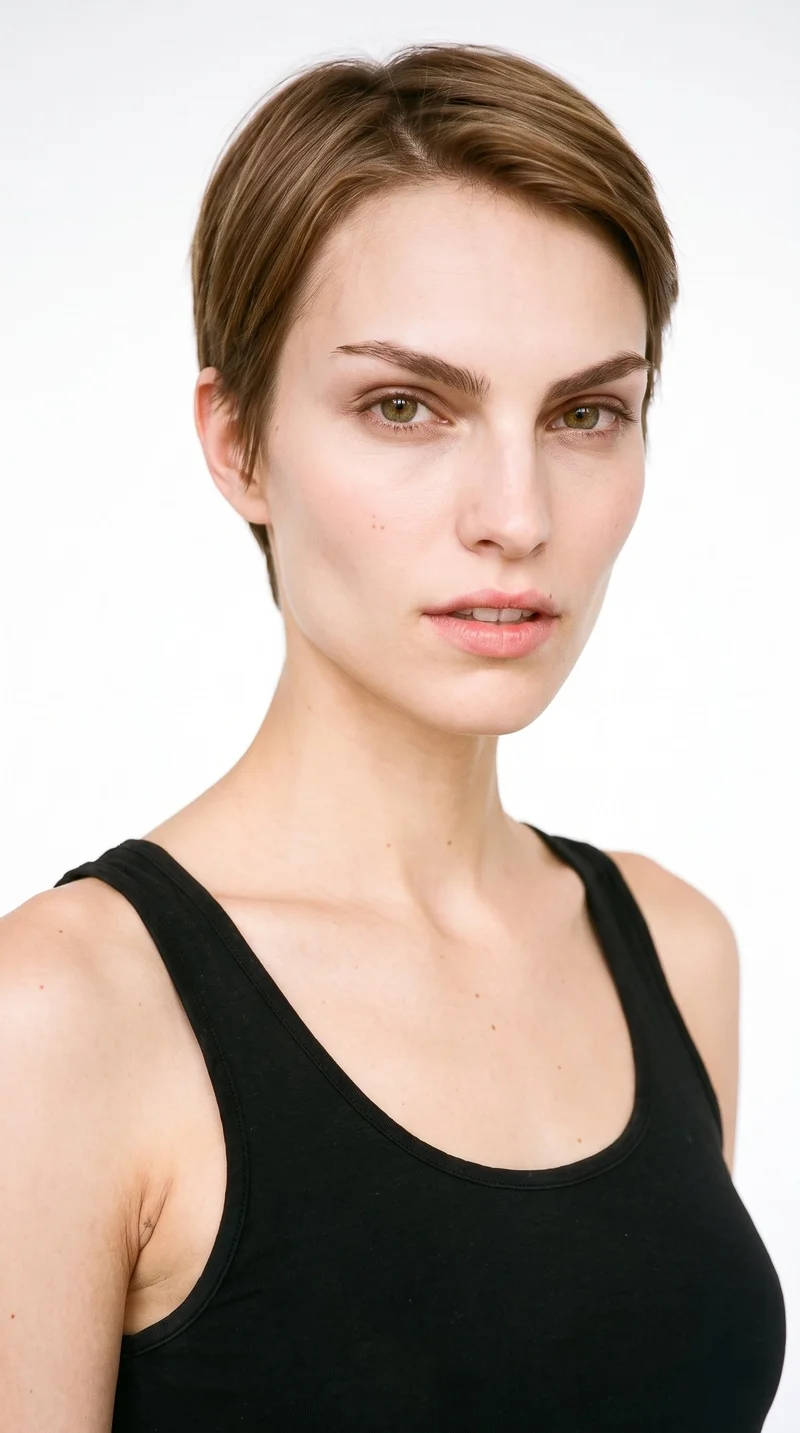
Female · 26
Showing 12 of 1,197
Cast your modelHow it works
One flat-lay in. A checked collection out.
Bring the product
A product photo, flat-lay or sketch is enough. Or start from a finished look and swap your piece in.
Direct the shoot
Every line of the shoot is a choice you click, from model to light. AI suggests a composition, you change any of it.
Get the whole collection, checked
Keep the setup and swap in the next style. Every image is checked against your choices, and one that misses is made again before you see it.
Gallery
On-model product views with detail framing
On-model stills for product pages, with product views and detail framing chosen for the piece.
Looks & backgrounds
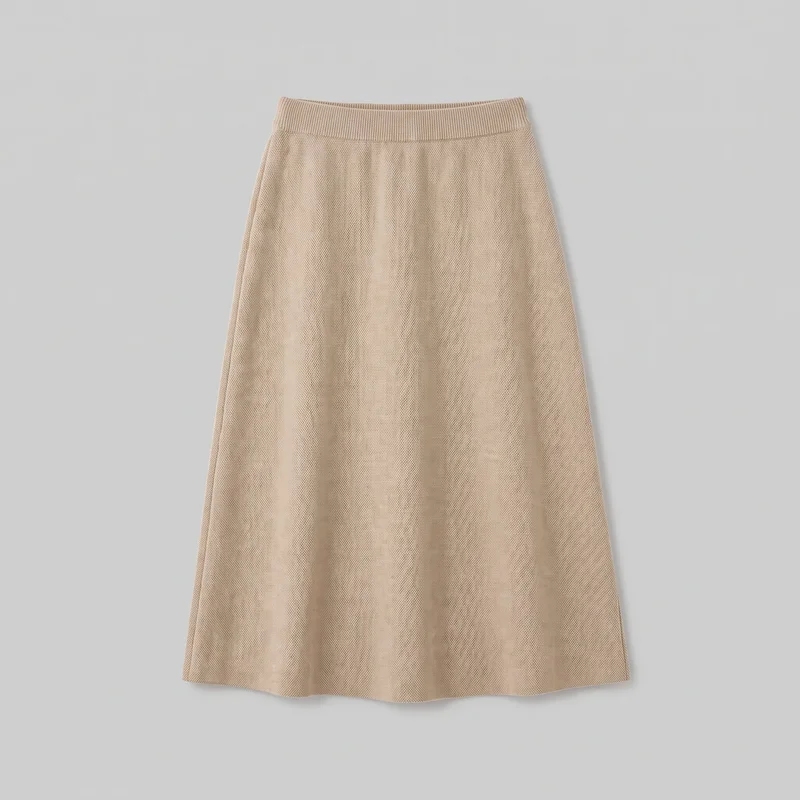 Beige Knit Midi Skirt
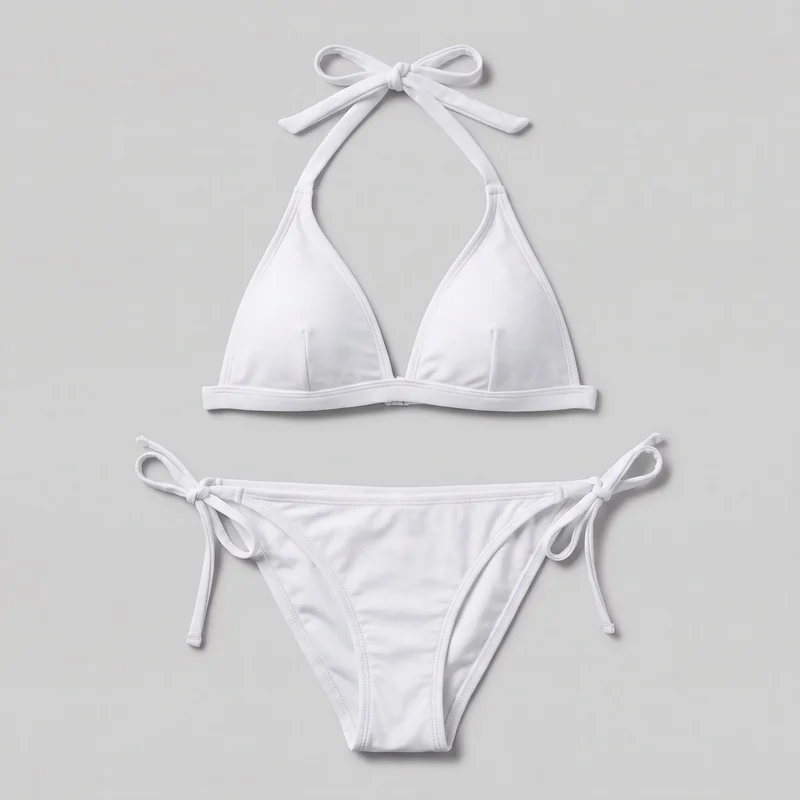 White Halter Bikini
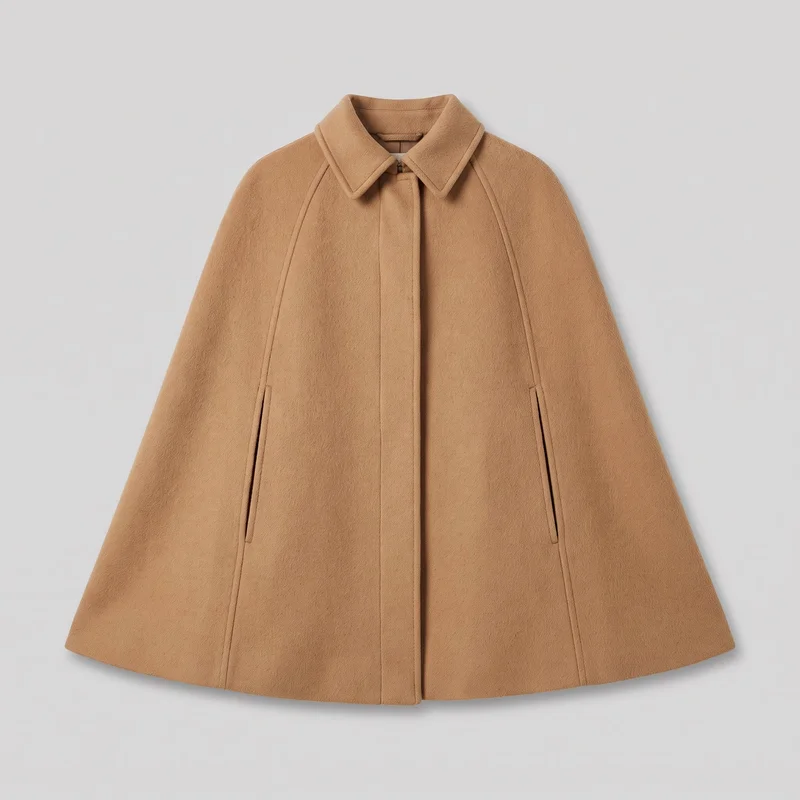 Camel Wool Cape
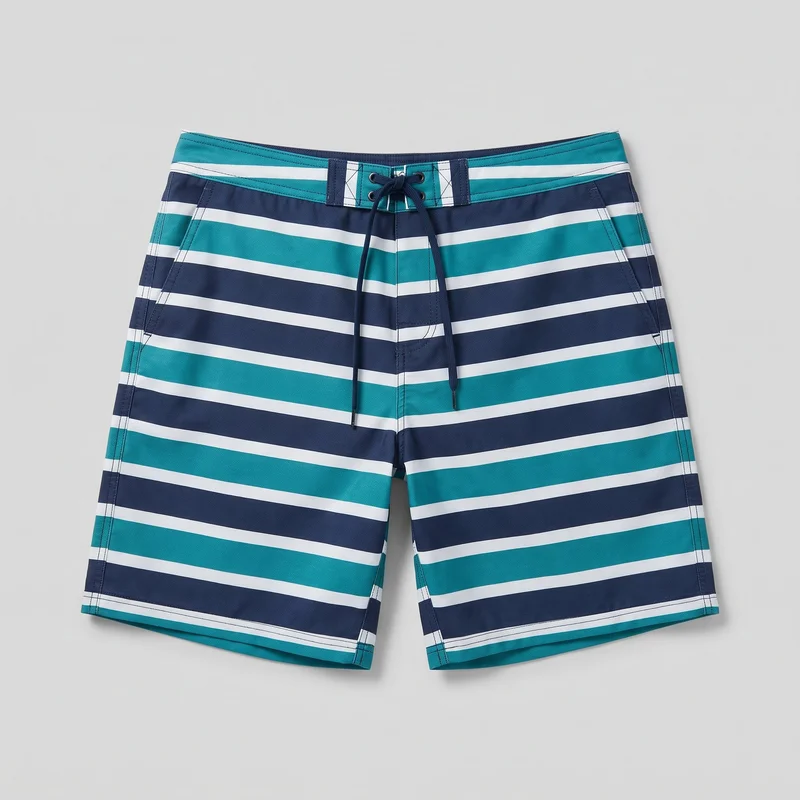 Striped Board Shorts
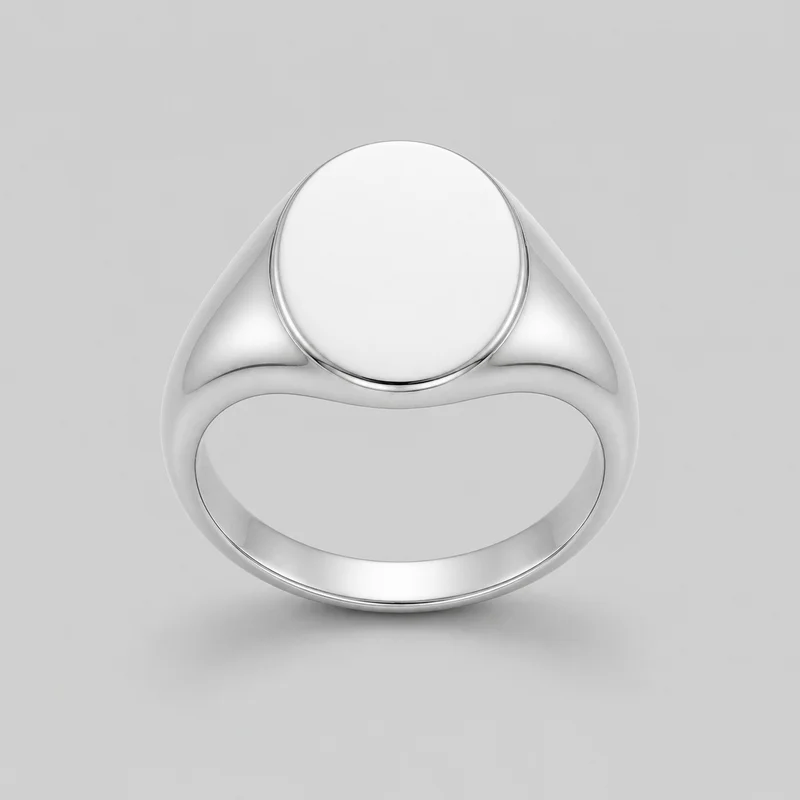 Silver Signet Ring
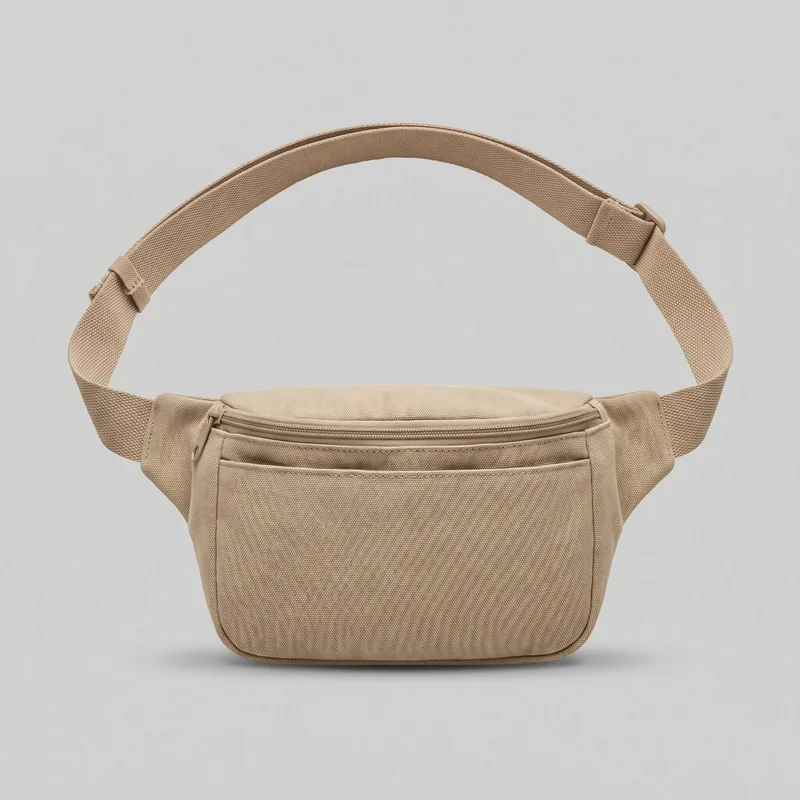 Men's Beige Belt Bag
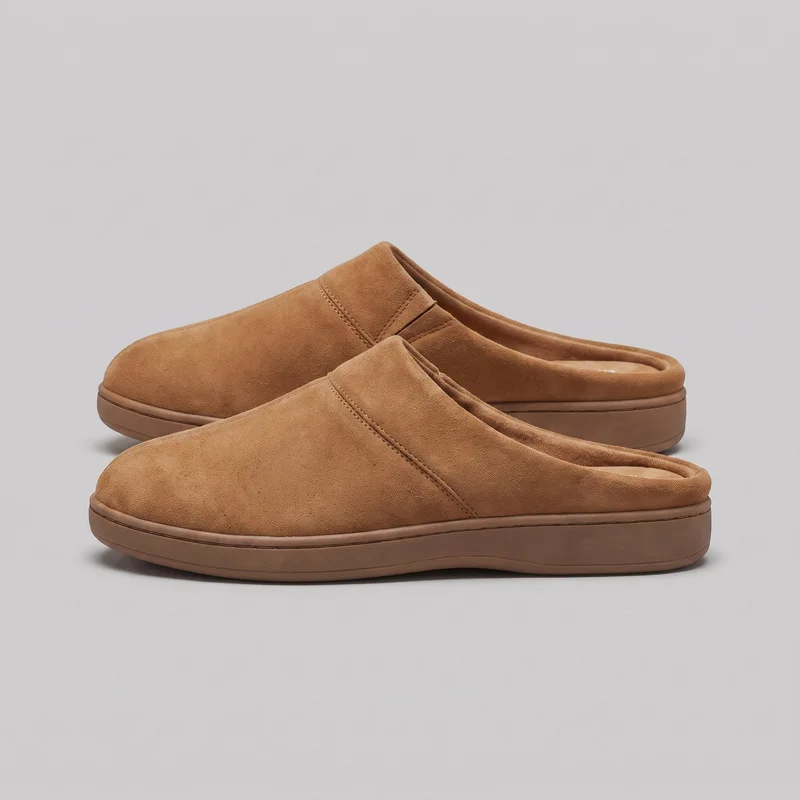 Women's Tan Suede Mules
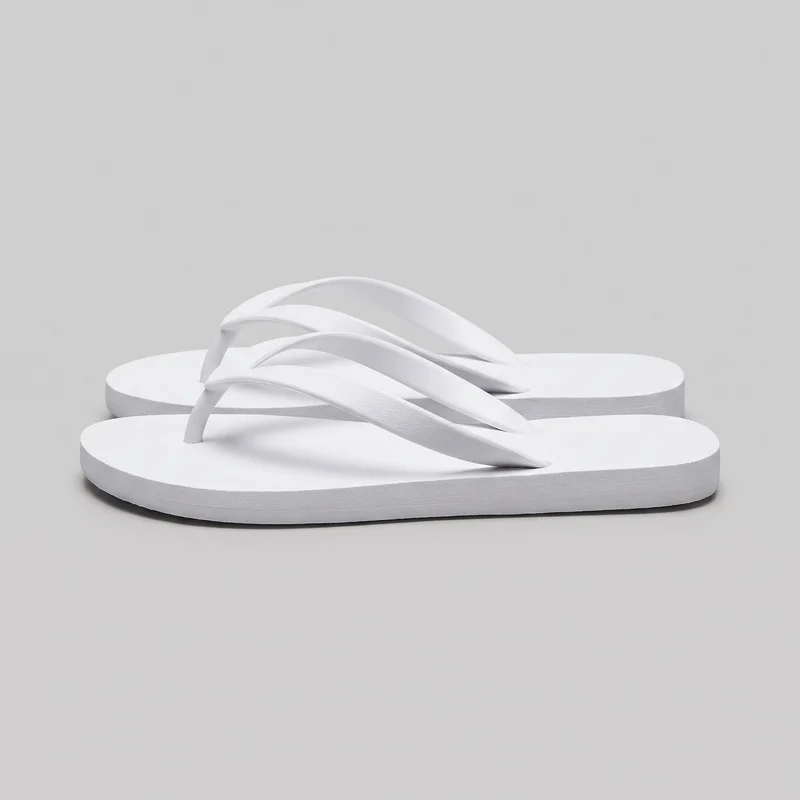 Women's White Flip-Flops
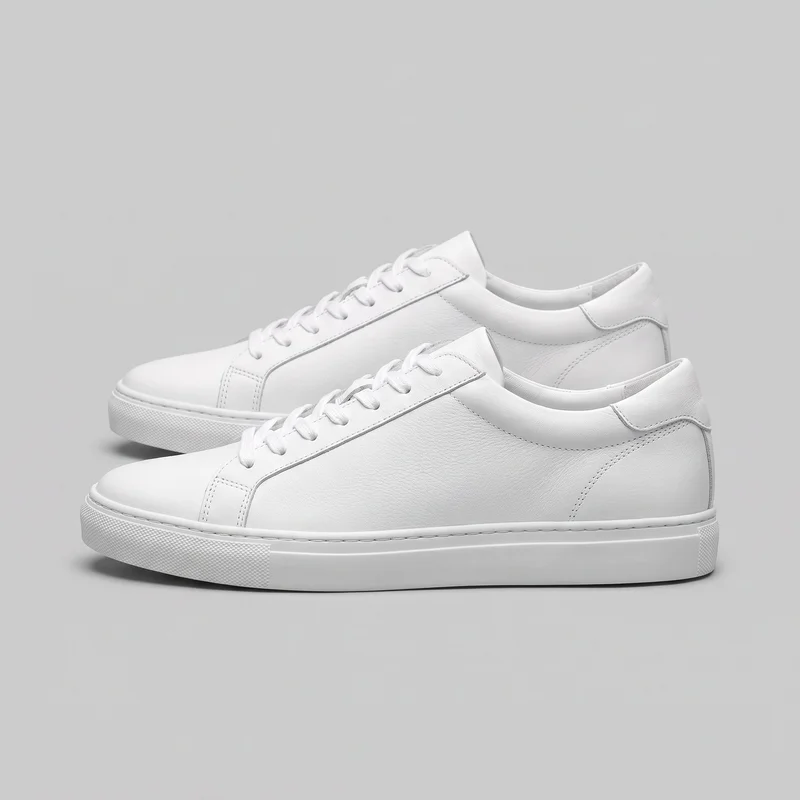 Women's White Leather Sneakers
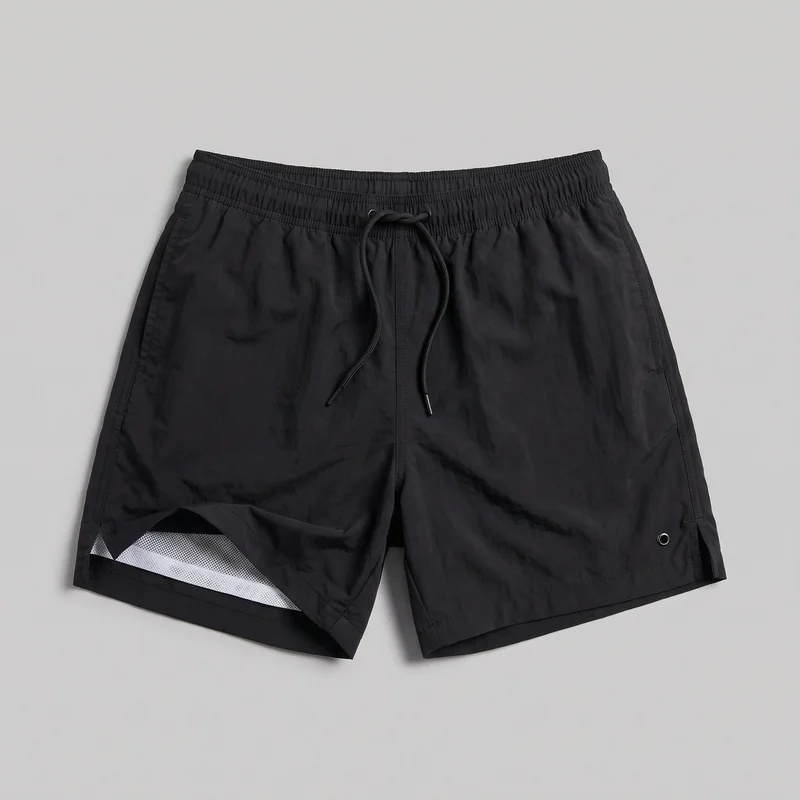 Black Swim Trunks
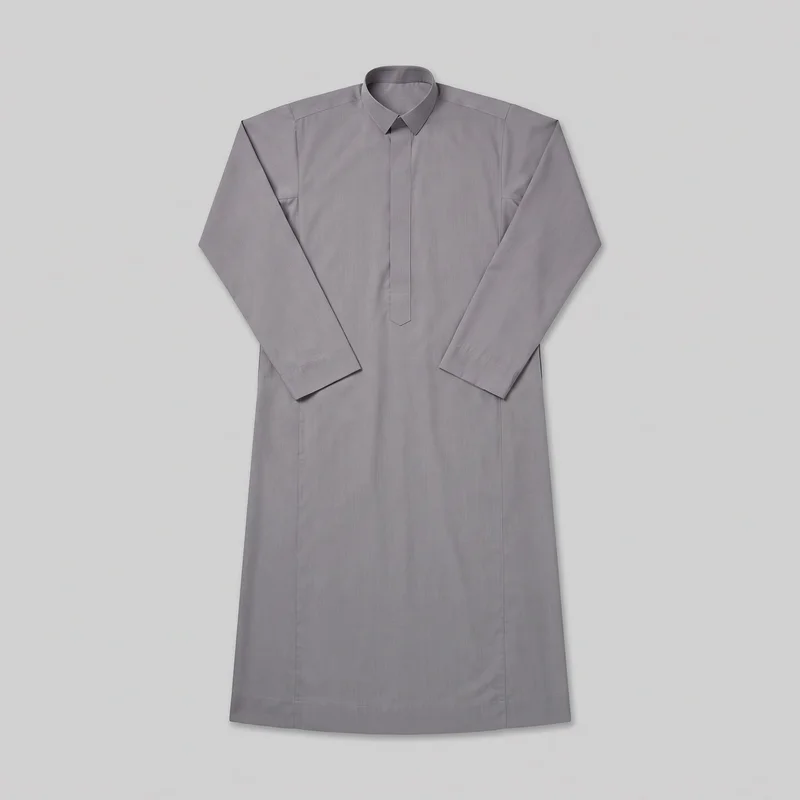 Grey Cotton Thobe
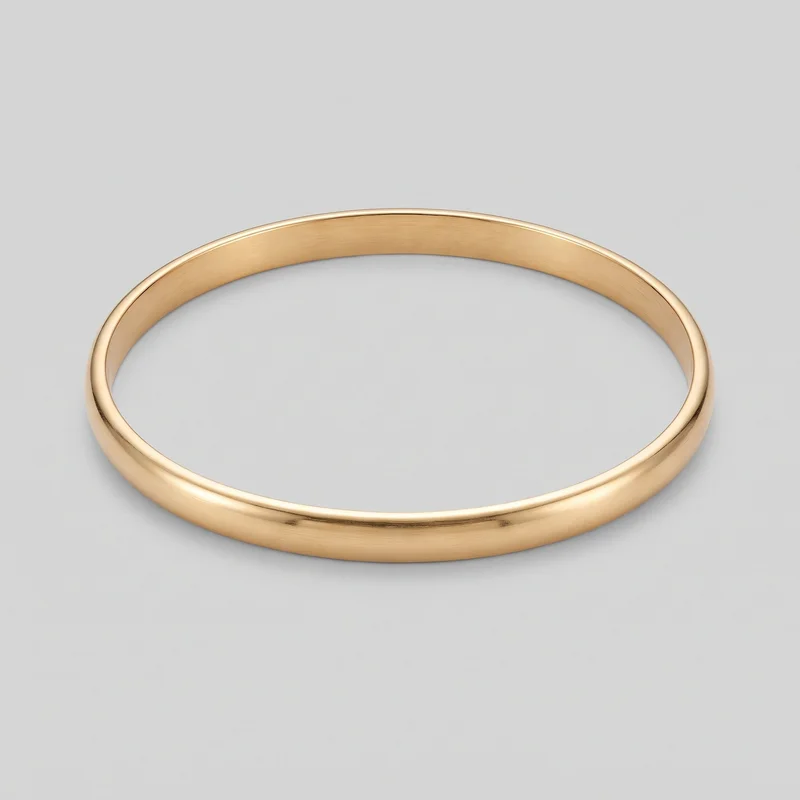 Gold Bangle
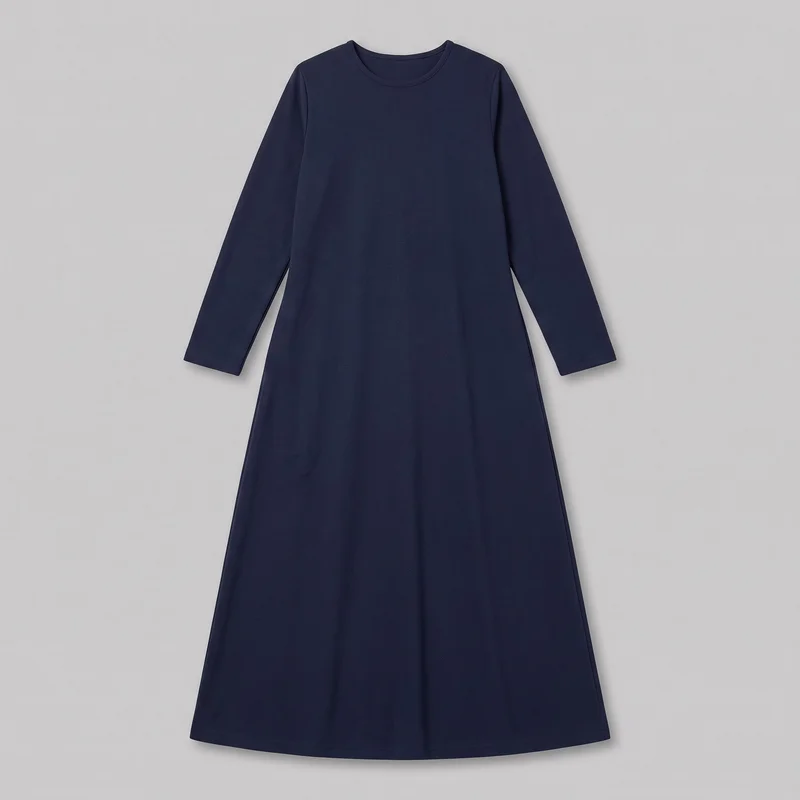 Navy Long-Sleeve Modest Dress
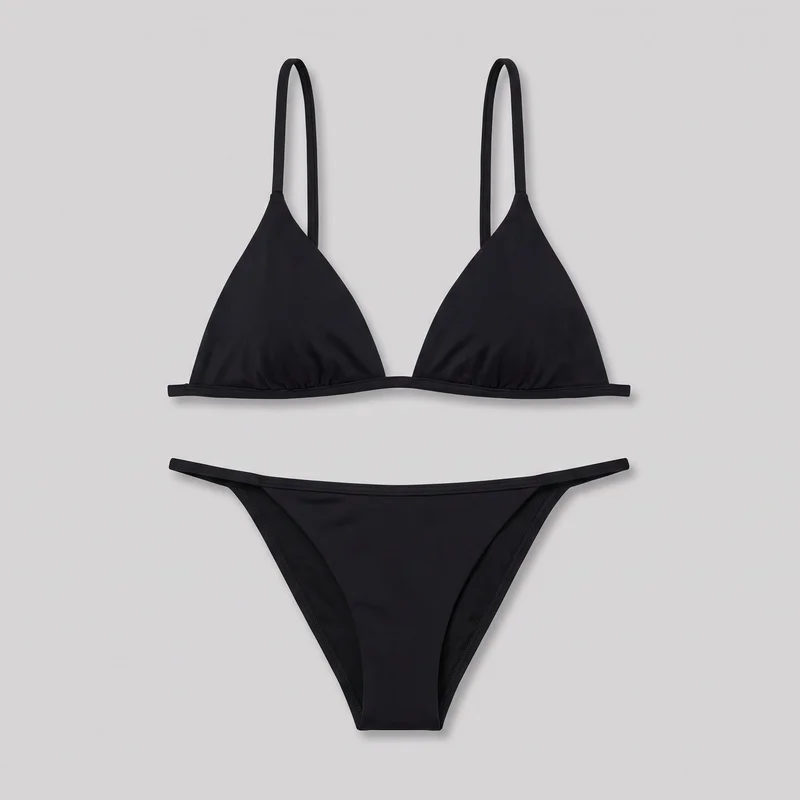 Black Triangle Bikini
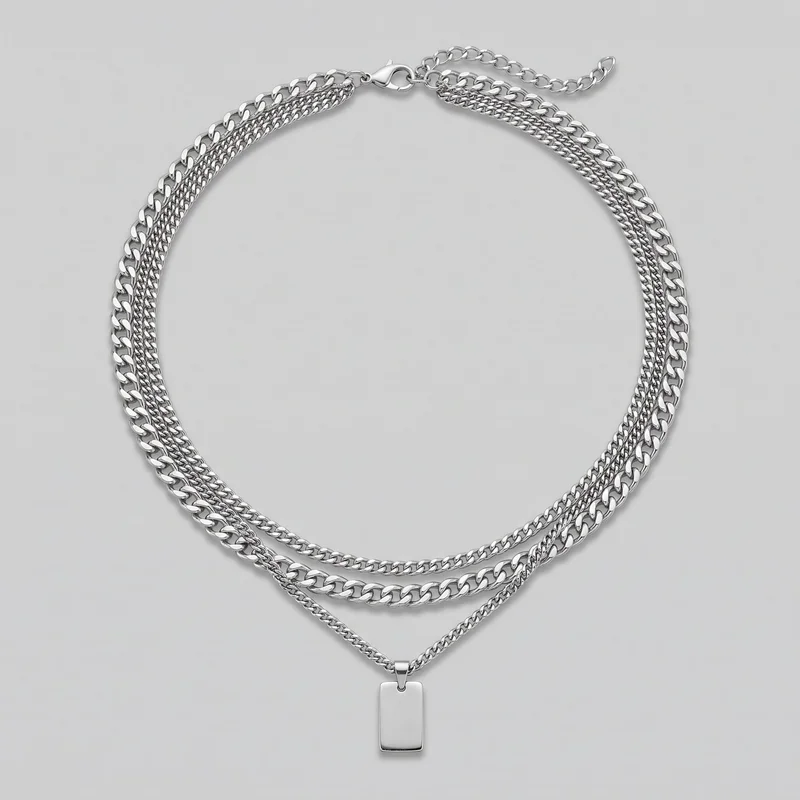 Men's Silver Layered Necklace
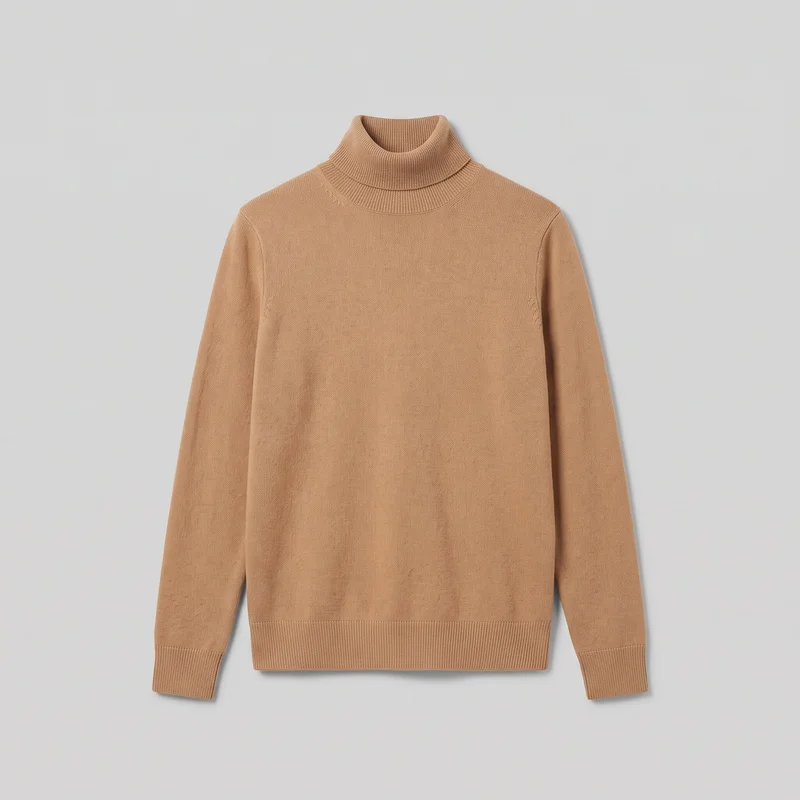 Women's Camel Roll-Neck
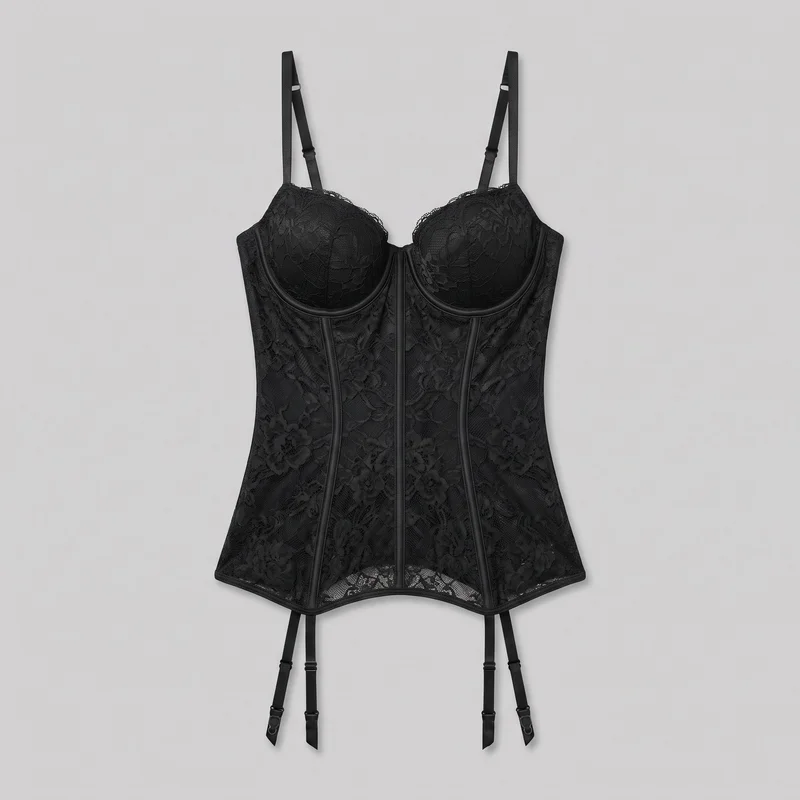 Black Lace Basque
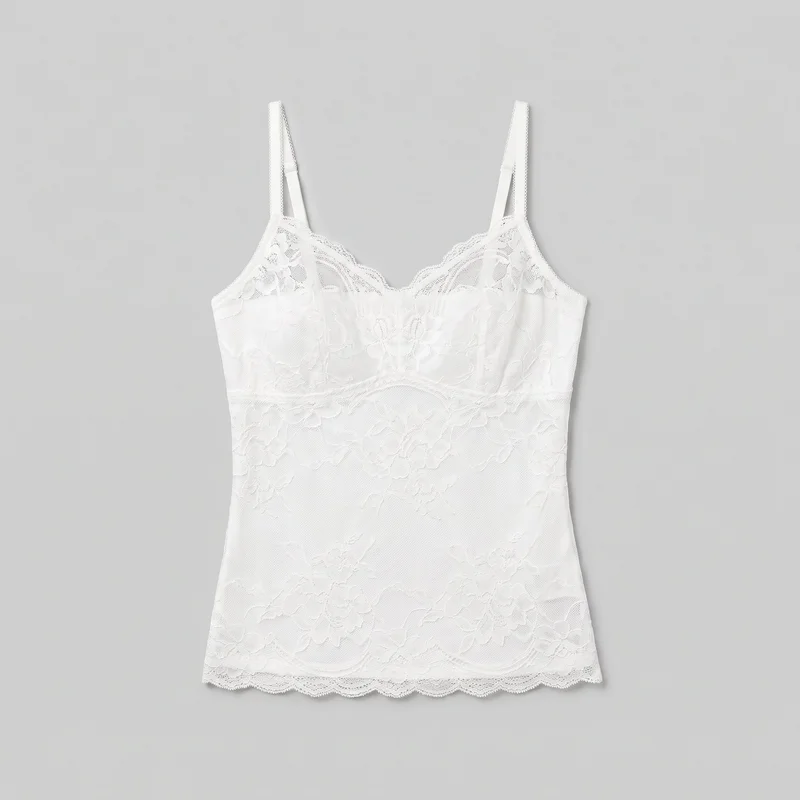 White Lace Camisole
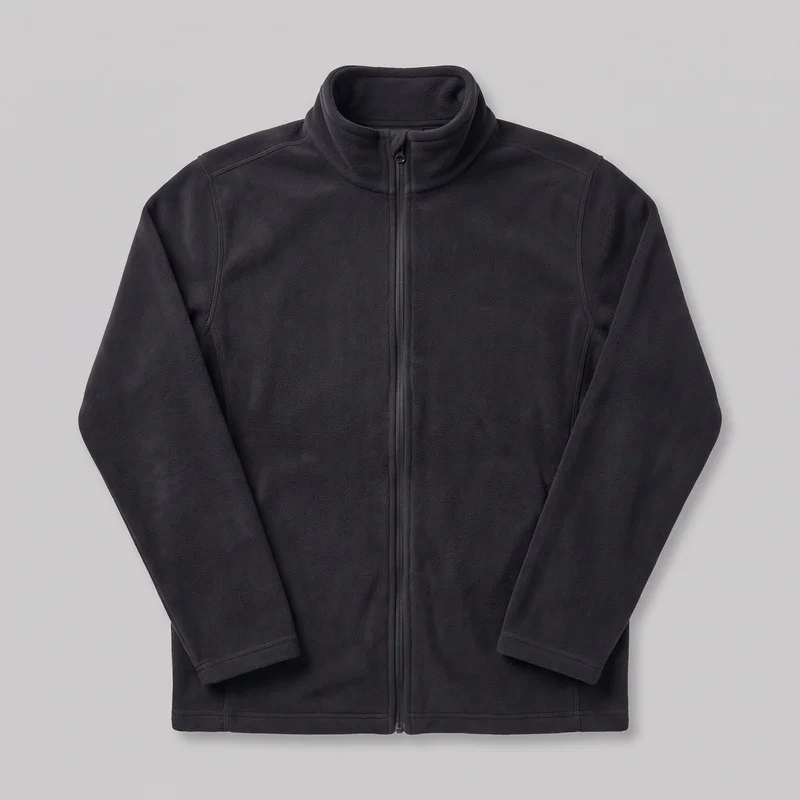 Men's Black Fleece Jacket
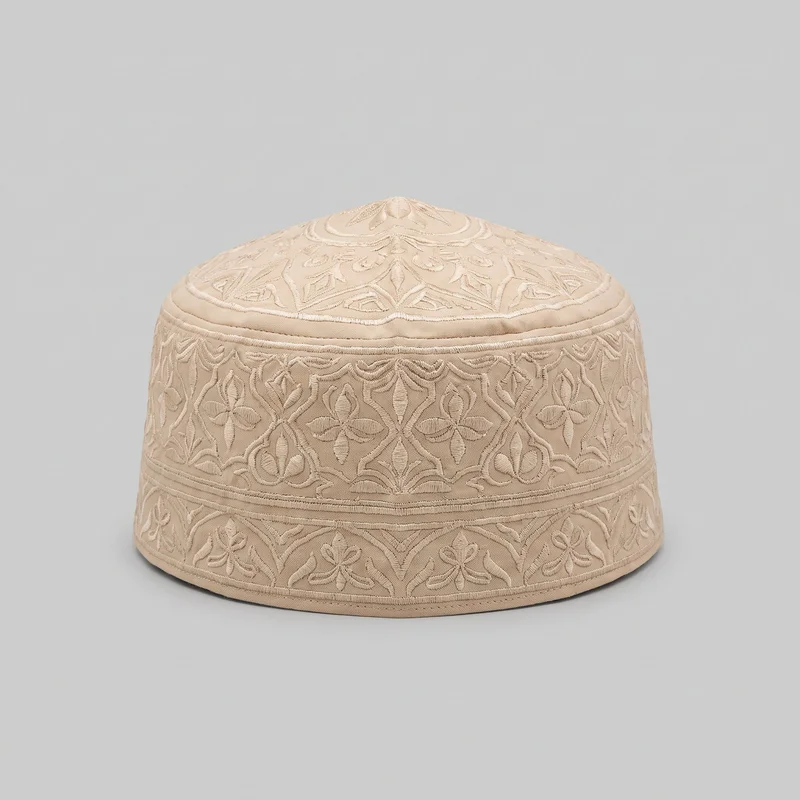 Beige Embroidered Kufi
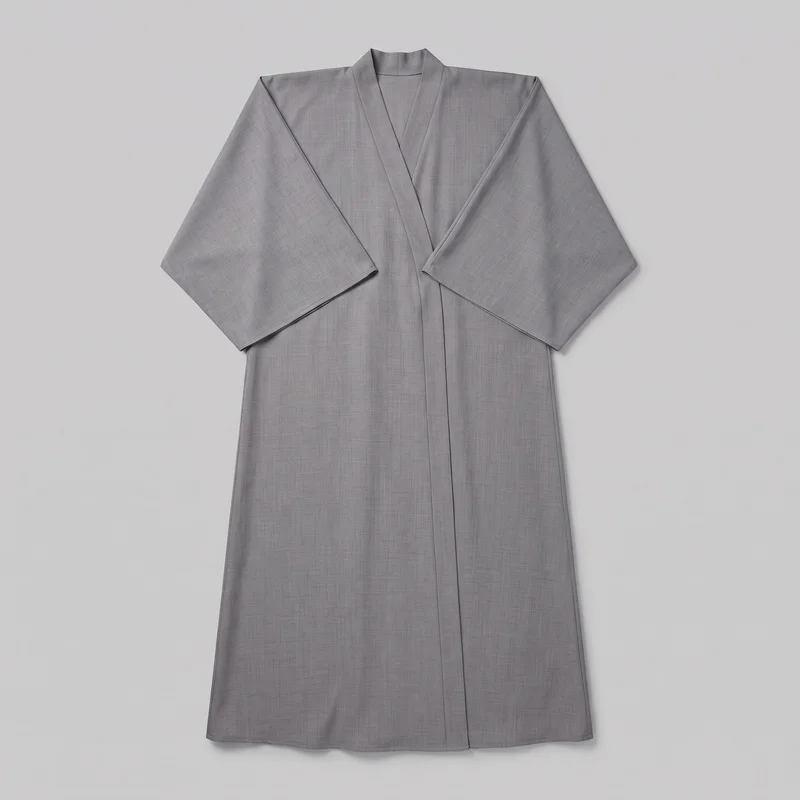 Grey Kimono Abaya
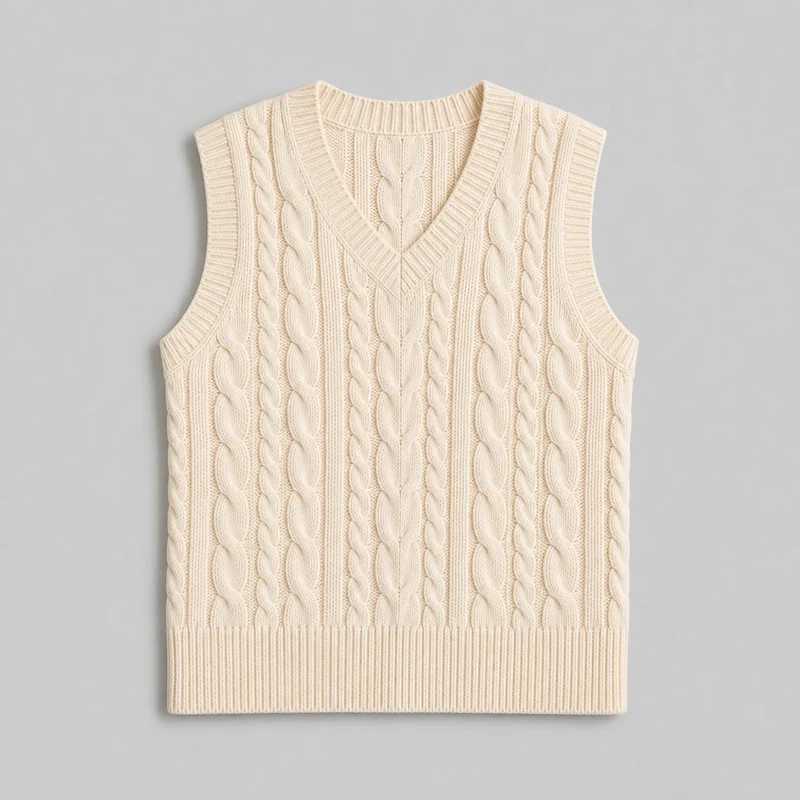 Women's Cream Cable-Knit Sweater Vest
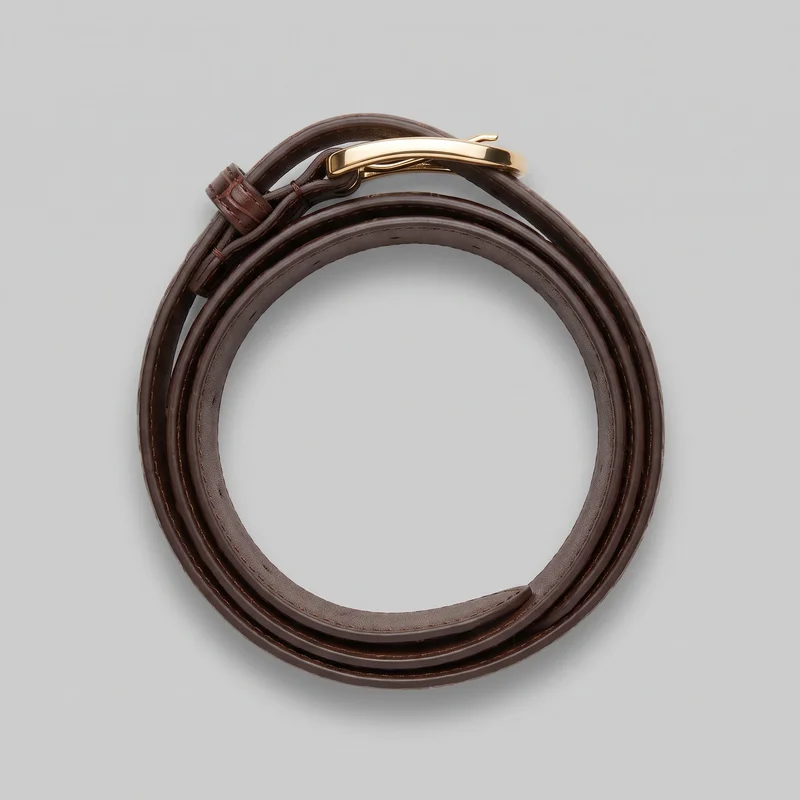 Croc-Effect Statement Belt
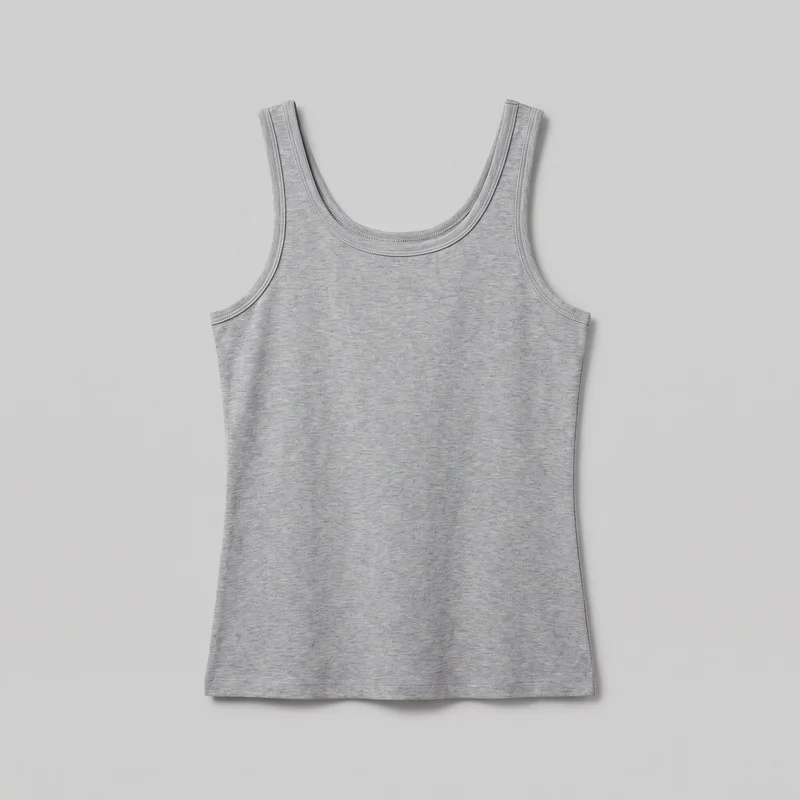 Women's Grey Tank Top
Showing 24 of 822
Catalog
Browse the catalog
By product
Consistency
Change colourways while composition stays aligned
RAWSHOT keeps the composition together when you change one element within a shoot. The model, light and crop can hold for related pieces or colourways, so the range reads as a considered product-page set.
You change one
- Frame
- Pose
- Camera view
- Model
The rest holds
Model
The selected model stays in place across related product views.
Light
Photography direction carries the same light through the shoot.
Frame
Shared framing helps shoppers compare products across the range.
Who it's for
Does this fit your product-page work?
A perfect fit
You fit if you are an e-commerce manager, indie designer, or marketplace seller preparing recurring product pages with shared model, light and framing.
Work it handles well
- You can build shared product-page views
- You can keep one model across ranges
- You can direct recurring launch stills
Rights
You own every image. Every image says what it is.
Yours
- Full commercial rights to every image, permanently.
- No recurring licence fees on any model in the library.
- Every model is a synthetic composite, so there is no real-person likeness.
Labelled
- C2PA content credentials on every image.
- AI-labelled output, aligned with EU AI Act Article 50.
Checked
- Every image is checked against your model, frame, view and pose before delivery; one that misses is made again.
- A safety filter screens every upload and blocks nude or explicit images.
EU-based hosting, GDPR-compliant handling.
- Aligned with EU AI Act Article 50
- C2PA
- Full commercial rights
- Quality-checked images
- Safety-filtered uploads
- GDPR-compliant handling
- EU-based hosting
Questions
What do brands ask before product pages start?
What does on-model product photography give my product pages?
On-model product photography gives your product pages a consistent still-image set that shows each item as shoppers assess it. You can present front, back, side and detail views with a selected model, shared photography direction and matching framing across a range. That makes a launch or catalogue refresh read as one considered collection rather than a mix of unrelated images. Use it to build clear product-page views for each SKU and keep the visual standard consistent across related pieces.
Which retail jobs and sales channels suit on-model product stills?
Range refreshes, pre-order launches, listing updates and accessory collection drops suit on-model product stills for e-commerce product pages and marketplace listings. They work when you need shoppers to see clothing or body-worn accessories from useful angles without making every page feel different. Start from a product photo or flat-lay, then select the model, camera views, framing and photography direction that fit the range. Use the resulting stills where consistent product presentation helps shoppers compare items.
Which image crops work best for product-page photos and stories?
Use 4:5 crops for product-page imagery and 9:16 for story placements, choosing a frame that keeps the garment or accessory readable. Full-body frames suit front, back and side views, while tighter detail frames give hardware and product features room to show. Keep the selected frame consistent across related products so shoppers can compare them easily. Before publishing, check that each delivered still has the requested frame, camera view and pose, then prepare the crop needed for each channel.
How does RAWSHOT turn product photos into on-model product-page images?
RAWSHOT starts with your product photo or flat-lay and turns it into directed on-model stills in the browser application. Select a model, photography direction, frame, camera view and pose, then create the front, back, side and detail images needed for the page. The automated review runs without a setting to switch on and checks every image against your chosen model, frame, view and pose before it reaches your library. Add your source images, set the shared direction, and generate the views for each product.
How is RAWSHOT different from a studio shoot for product pages?
RAWSHOT is different from a studio shoot because you direct product-page stills from your existing product source in a self-serve browser workflow. Rather than arranging a physical set, you choose the model, light direction, framing, view and pose for related products or colourways. Every generated image is checked against the selected model, frame, view and pose before delivery, and failed images are regenerated automatically. Use RAWSHOT when shared on-model coverage is the goal; choose a studio route when you need a specific real person or custom lighting positions.
How much does RAWSHOT cost for on-model product-page photos?
RAWSHOT uses self-serve monthly plans, a token cost per generated image and a free trial, so you can choose a plan that matches your product-page workload. Plans run from 9 to 179 per month, and each image costs 5 tokens. Your monthly plan includes a set token allowance and image capacity, while the per-image rate makes additional output clear. Start with the free trial, select the monthly plan that fits your range, and generate the views you need.
What are the limits of AI product photography for my catalogue?
AI product photography is not the right route when you need a specific real person, measured fit information, size charts, graded imagery or custom lighting positions. Clear source photos support more reliable product representation, while named photography directions and available controls guide the result rather than reproducing a lookalike reference. The automated review rejects clear mistakes, but small crop differences and natural pose variation can pass; it is measured against hand-checked images, not a guarantee. For sensitive products such as lingerie or swimwear, generation follows a dedicated path with capped output resolution. Check your source quality and required product detail before starting.
Who owns RAWSHOT product images and can I use them commercially?
You get full commercial rights to every image, permanently, with no recurring licence fee. Every image carries C2PA content credentials and is labelled as AI-generated.
Get started
Bring your product into RAWSHOT for stills
Start with a 7-day free trial including 50 tokens, then move to the plan that matches your production volume.