
Squareshot alternative
How Squareshot and RAWSHOT approach fashion imagery
Compare campaign direction, model options and collection workflows for fashion imagery made from product photos.
Published: Updated:
The short answer
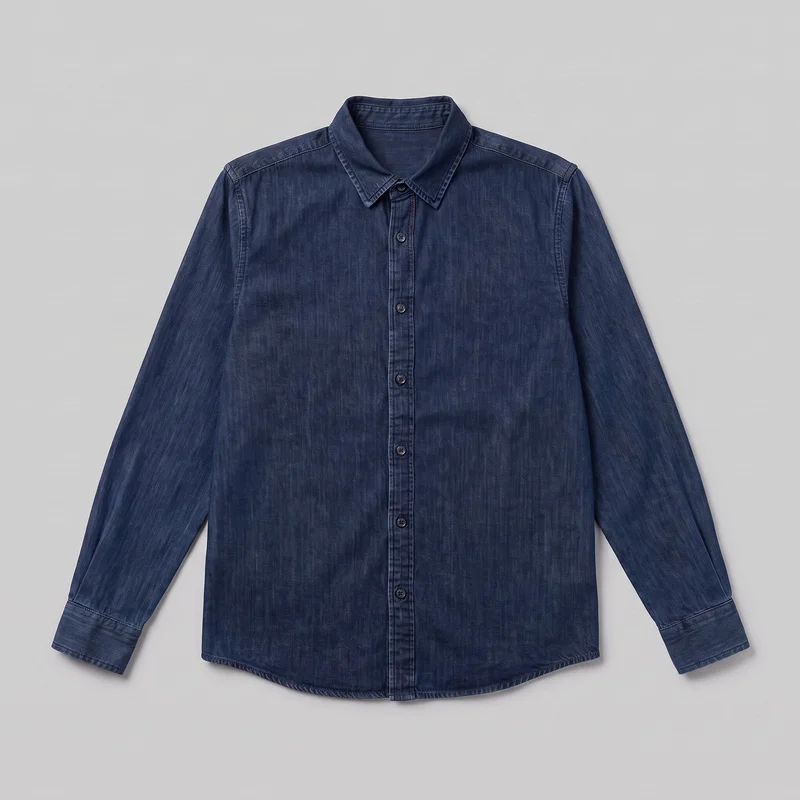
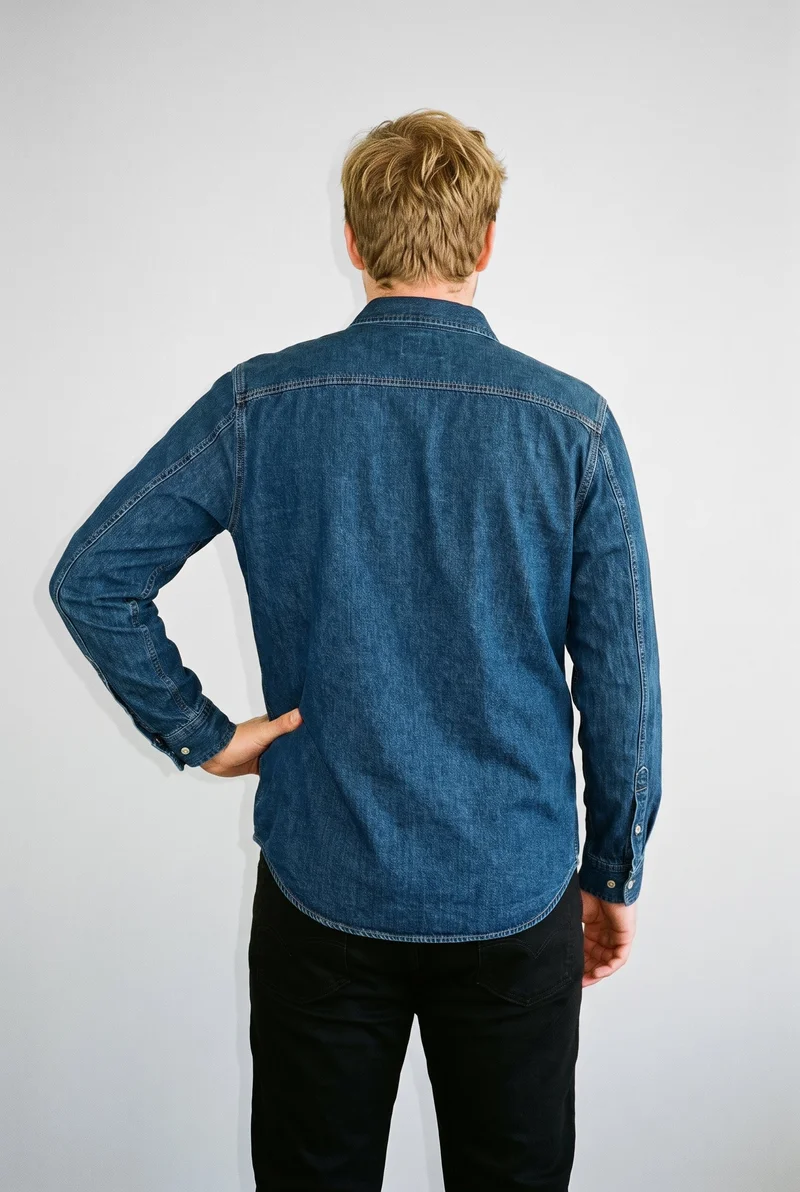
Both Squareshot and RAWSHOT start from clothing-item photos. Squareshot also documents a separate option to photograph a client’s own model; RAWSHOT uses synthetic models only. RAWSHOT supports collection consistency by holding the rest of a composition when one element changes, and every output carries C2PA content credentials.
- Squareshot is built for
- Teams creating art-directed campaign visuals from product shots and reviewing a direction before delivery.
- RAWSHOT is built for
- Teams configuring on-model fashion imagery with selectable creative controls and documented image provenance.
Squareshot facts checked on squareshot.com, 24 September 2026 · RAWSHOT facts from the app
Decide in three questions
Answer the three questions to see which workflow fits better.
Strengths
What Squareshot brings to a campaign shoot
Option to use your own model
Squareshot documents a “My model” option for clients who want to use their own model in separate model photography.
SourceCampaign direction with a review step
Squareshot's AI campaign process starts with product shots and a brief, generates visual directions, and includes a review to align on a direction before delivery.
SourceFashion-product coverage
Squareshot's AI visuals page presents clothing, jewelry, accessories, bags, and footwear.
SourceDifferences
More ways to direct a RAWSHOT composition
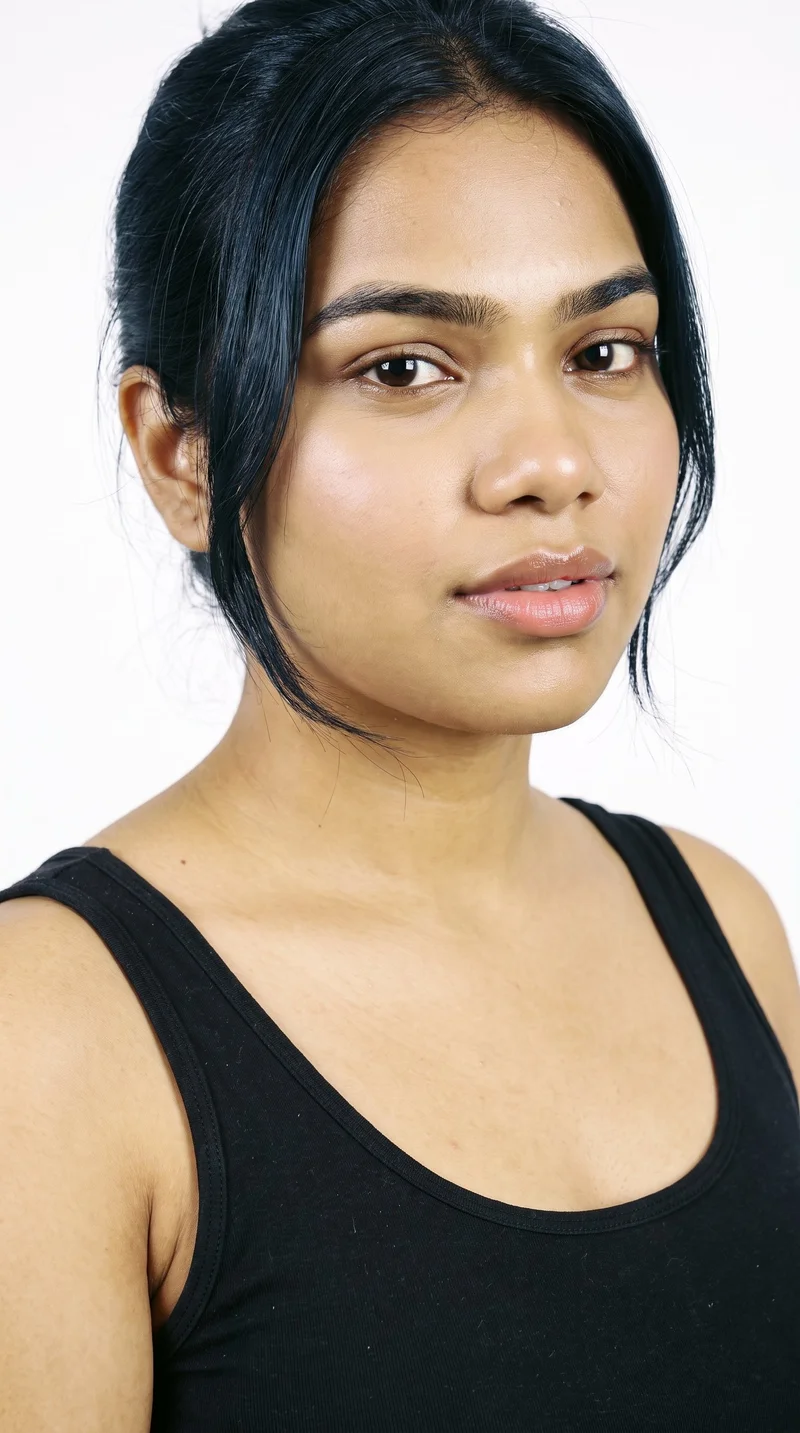
Configure a synthetic model
The private model builder offers published attributes for configuring a synthetic model.
See the feature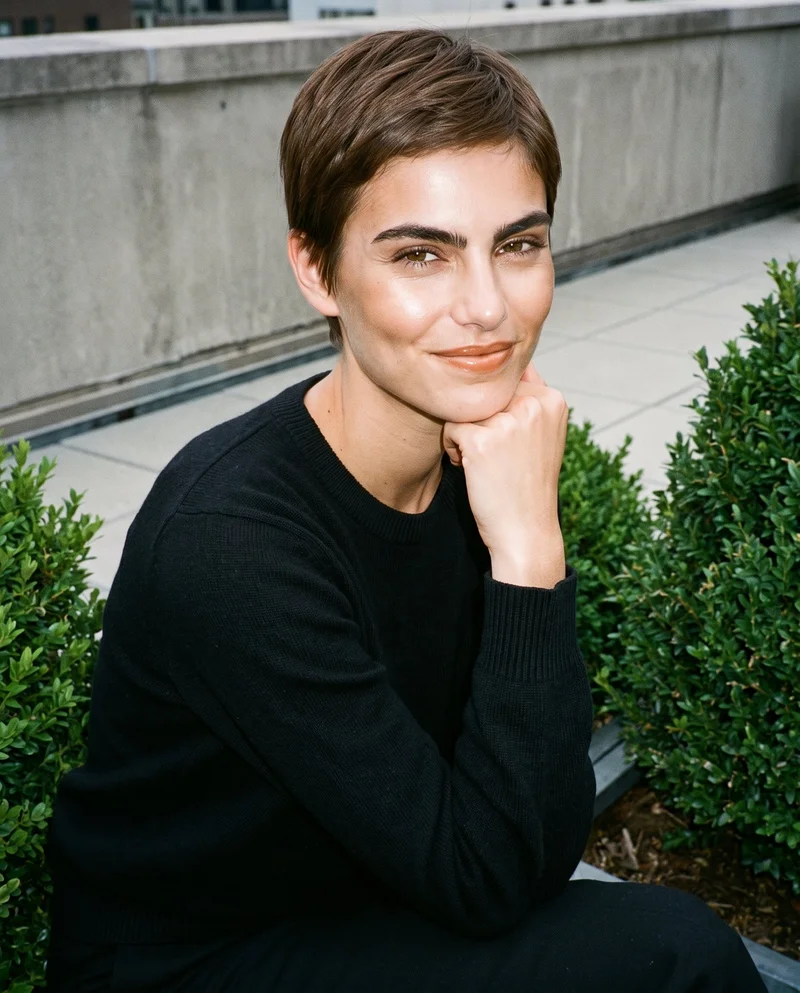
Adjust garment styling
Choose manual styling adjustments or automatic styling for the garment.
See the feature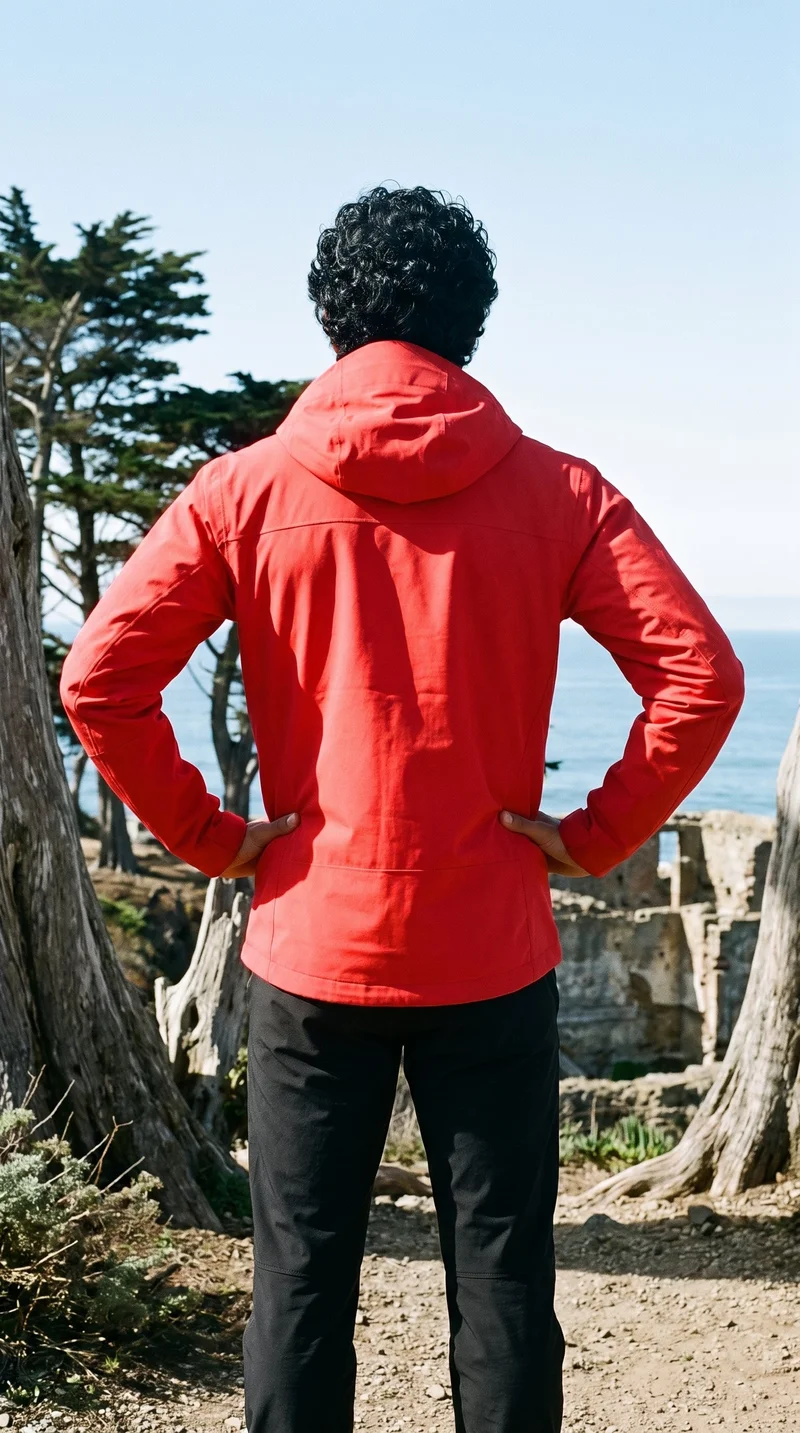
Continue a finished still in motion
Turn any finished still into a short video with selectable scenes and camera motion.
See the featureFrom the catalog
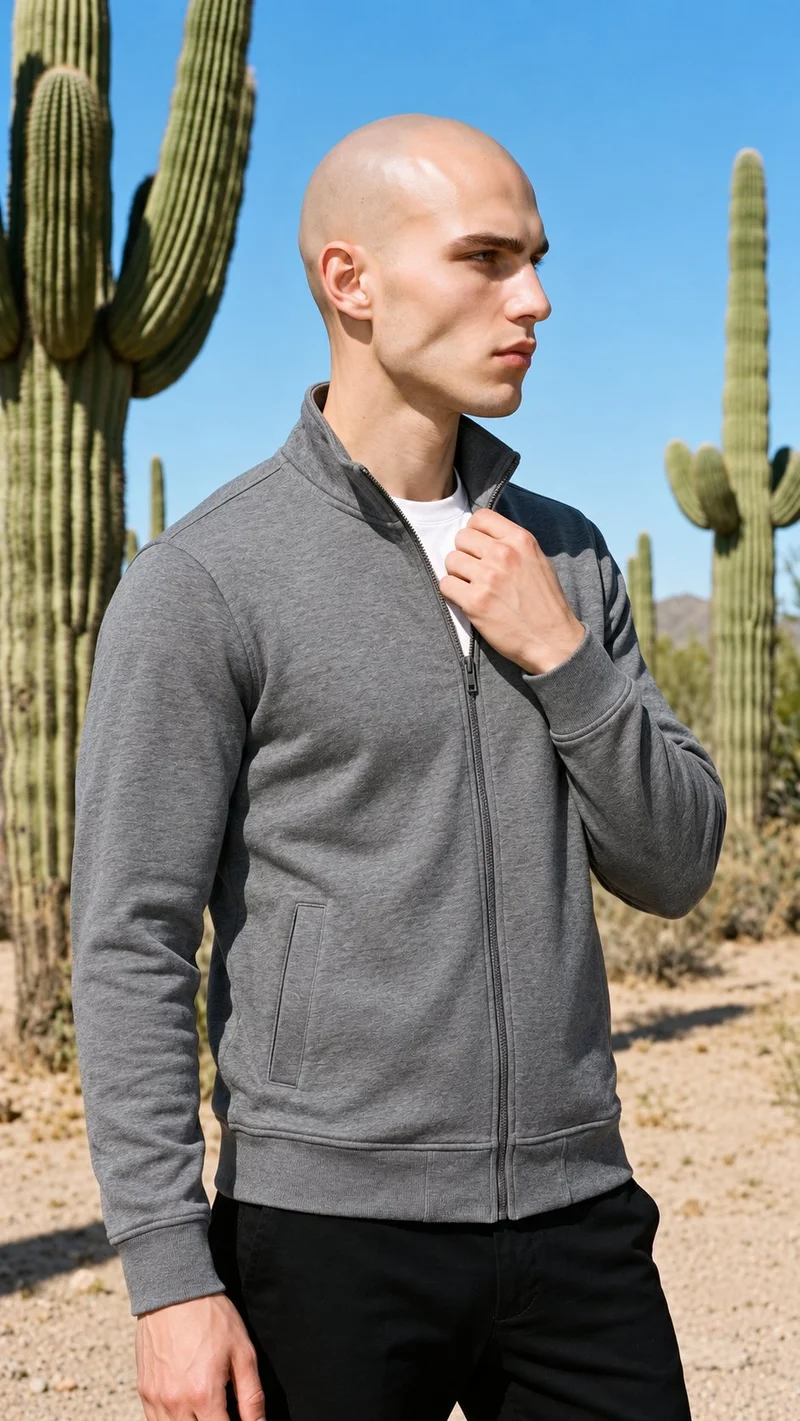
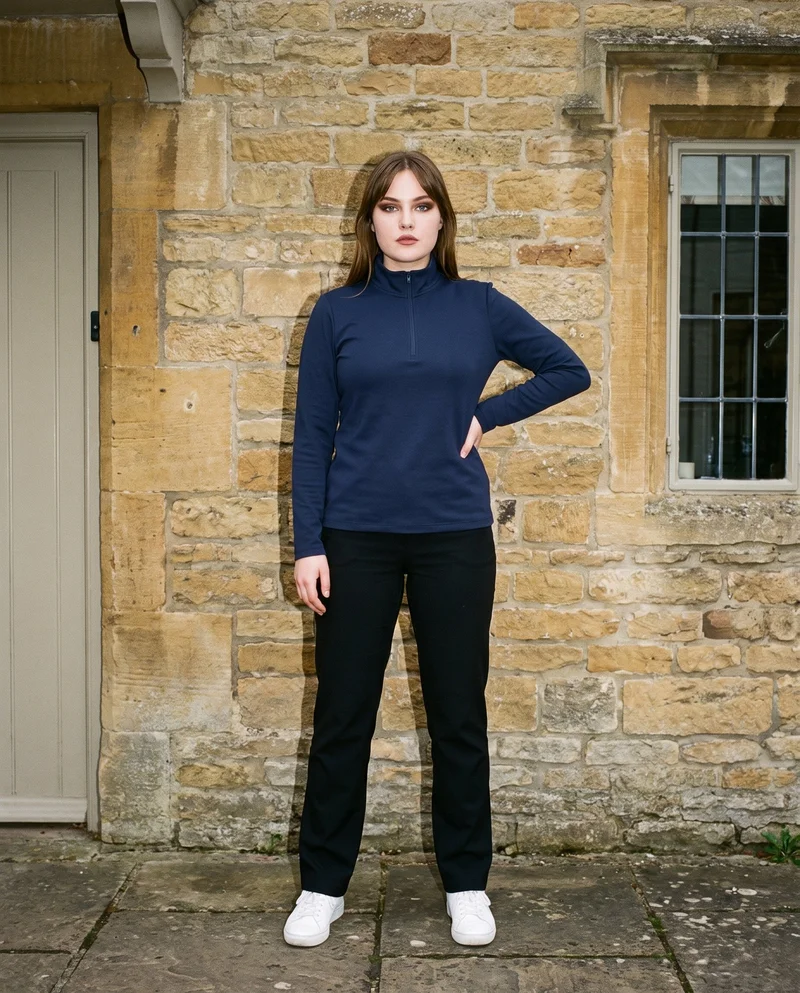
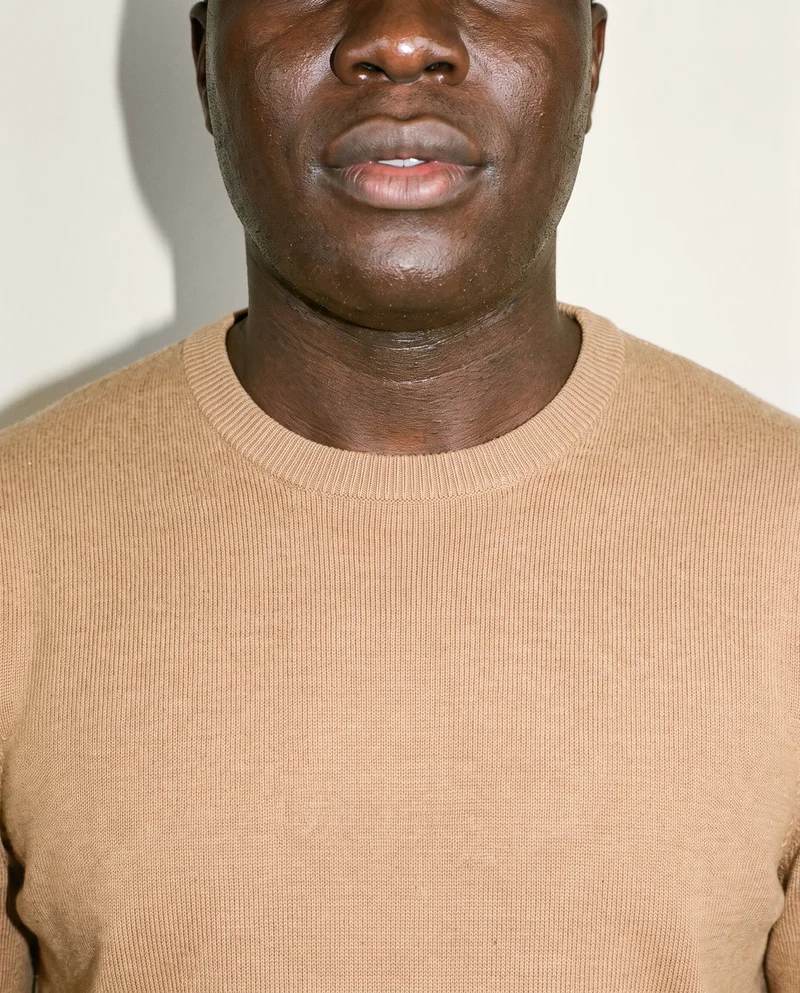
More finished shoots
Side by side
Is RAWSHOT a Squareshot alternative for fashion imagery?
A feature-by-feature view of published options, with unspecified details left open.
| Comparison | RAWSHOT | Squareshot |
|---|---|---|
| Starting point | Starts from a clothing-item photo; covers clothing, footwear, jewellery, bags, watches, eyewear, and accessories. | AI visuals begin with product shots; the page shows clothing, jewelry, accessories, bags, and footwear. |
| Creative controls | Click-based controls set the model, outfit, light, framing, and pose. | A brief generates visual directions, followed by a review to align on campaign direction. |
| Models | Uses synthetic models only; no real-person likenesses are referenced. | Separate model photography documents an option to use the client's own model. |
| Products per image | One composition can include up to four products. | The AI page does not specify multiple products in one image. |
| Video | Any finished still can be turned into video. | The reviewed AI service page describes image visuals; video outputs are unspecified. |
| Rights and provenance | Full and permanent commercial rights; C2PA content credentials on every output. | Terms retain submitted-content rights and grant Squareshot a license; output credentials are unspecified. |
Claims reflect Squareshot's cited service pages and terms; details those sources do not specify are identified as such.
Use cases
Teams and situations that fit each workflow
Marketing and brand managers
Squareshot
The campaign needs a review step to align on visual direction.
Squareshot documents generated visual directions and a review before delivery.
E-commerce managers filling product pages before a drop goes live
RAWSHOT
The team is preparing on-model product imagery for a collection.
RAWSHOT offers selectable model, styling, light, framing, and pose controls.
See the solutionPerformance marketers
RAWSHOT
The team wants to extend a finished fashion image into short video.
RAWSHOT can turn any finished still into video.
See the solutionWholesale and sales teams building lookbooks and linesheets before samples land
RAWSHOT
The team needs imagery from product inputs before physical samples arrive.
RAWSHOT accepts product photos, flat-lays, mockups, and technical sketches.
See the solutionMore options
Other ways to approach fashion imagery

Packshot
Compare Packshot and RAWSHOT for apparel imagery, collection consistency, model choice, creative control, video and content provenance.
Compare with RAWSHOT

The Line Studios
Compare The Line Studios’ documented production and AI extensions with RAWSHOT’s configurable fashion studio, synthetic models, and C2PA credentials.
Compare with RAWSHOT

StudioShot
Compare StudioShot and RAWSHOT for fashion imagery, from product-photo workflows and scene guidance to model options, video, rights, and content credentials.
Compare with RAWSHOT

Hyperblack Studios
Compare Hyperblack Studios’ studio-led fashion production with RAWSHOT’s configurable product shoots, including models, creative control, video, and rights.
Compare with RAWSHOT
Rights
You own every image. Every image says what it is.
Yours
- Full commercial rights to every image, permanently.
- No recurring licence fees on any model in the library.
- Every model is a synthetic composite, so there is no real-person likeness.
Labelled
- C2PA content credentials on every image.
- AI-labelled output, aligned with EU AI Act Article 50.
Checked
- Every image is checked against your model, frame, view and pose before delivery; one that misses is made again.
- A safety filter screens every upload and blocks nude or explicit images.
EU-based hosting, GDPR-compliant handling.
- Aligned with EU AI Act Article 50
- C2PA
- Full commercial rights
- Quality-checked images
- Safety-filtered uploads
- GDPR-compliant handling
- EU-based hosting
Questions
Questions about Squareshot and RAWSHOT
What is the difference between Squareshot and RAWSHOT for apparel photos?
Both workflows start with product imagery. Squareshot describes an AI campaign process with a brief, generated visual directions, and a review to align on a direction. RAWSHOT lets you configure a shoot through selectable controls. For apparel photos, choose the workflow that best suits how your team wants to direct the work.
When is Squareshot a better choice than RAWSHOT?
Squareshot may suit teams that want an art-directed campaign workflow with a review step to align on visual direction before delivery. Its AI campaign process describes product shots, a brief, generated directions, and review. If that guided direction-and-review process matches your team's needs, discuss the workflow with Squareshot.
Which models can I use in Squareshot and RAWSHOT?
Squareshot documents an option to use a client's own model for separate model photography. Its AI campaign page does not specify model options within that workflow, so ask Squareshot if you need a particular casting there. RAWSHOT uses synthetic models only, with no real-person likeness referenced. If a specific real person must appear, ask Squareshot about its documented option.
Can I use Squareshot and RAWSHOT images commercially?
Squareshot's terms say users retain rights to submitted content and grant Squareshot a license to use it; check the agreement for terms governing the outputs you plan to publish. RAWSHOT documents full and permanent commercial rights to every generation. RAWSHOT outputs also carry C2PA content credentials. Confirm the applicable usage terms for your planned publication before proceeding.
How do I switch from Squareshot to RAWSHOT?
Prepare the product files you want to use and configure a new photoshoot in RAWSHOT. It accepts product photos, flat-lays, mockups, and technical sketches. The reviewed Squareshot materials do not establish a transfer or migration process between services. Start with your product files, then review the RAWSHOT composition before generating.
Get started
Set up your next fashion shoot
Configure the product, model, styling, light, and composition in RAWSHOT, then review the image before deciding what comes next.