
The Line Studios alternative
How The Line Studios and RAWSHOT approach fashion production
Compare The Line Studios’ brand-guided production with RAWSHOT’s configurable studio for directing new on-model fashion imagery.
Published: Updated:
The short answer
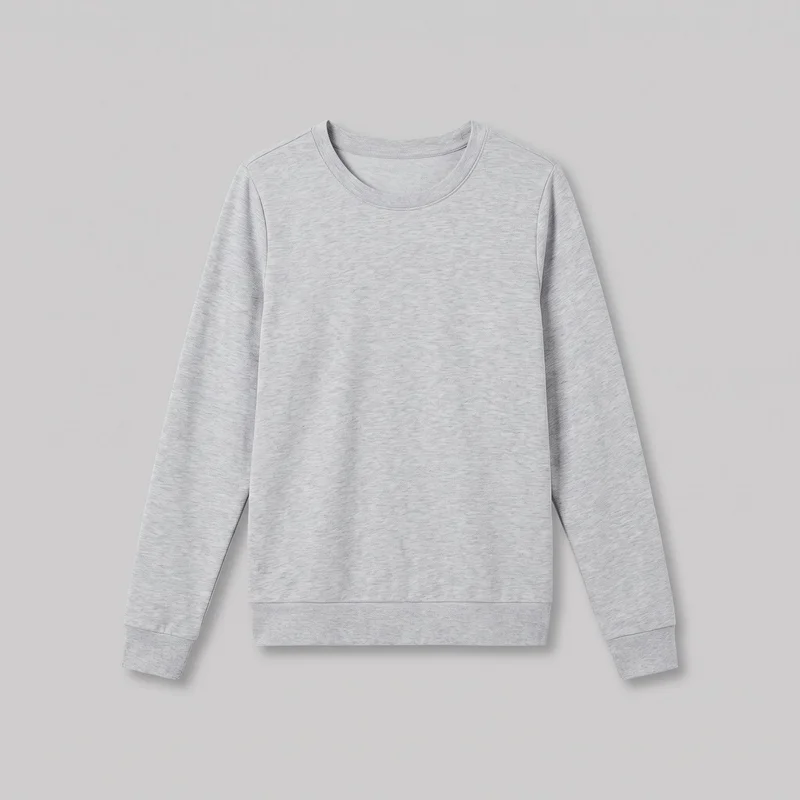
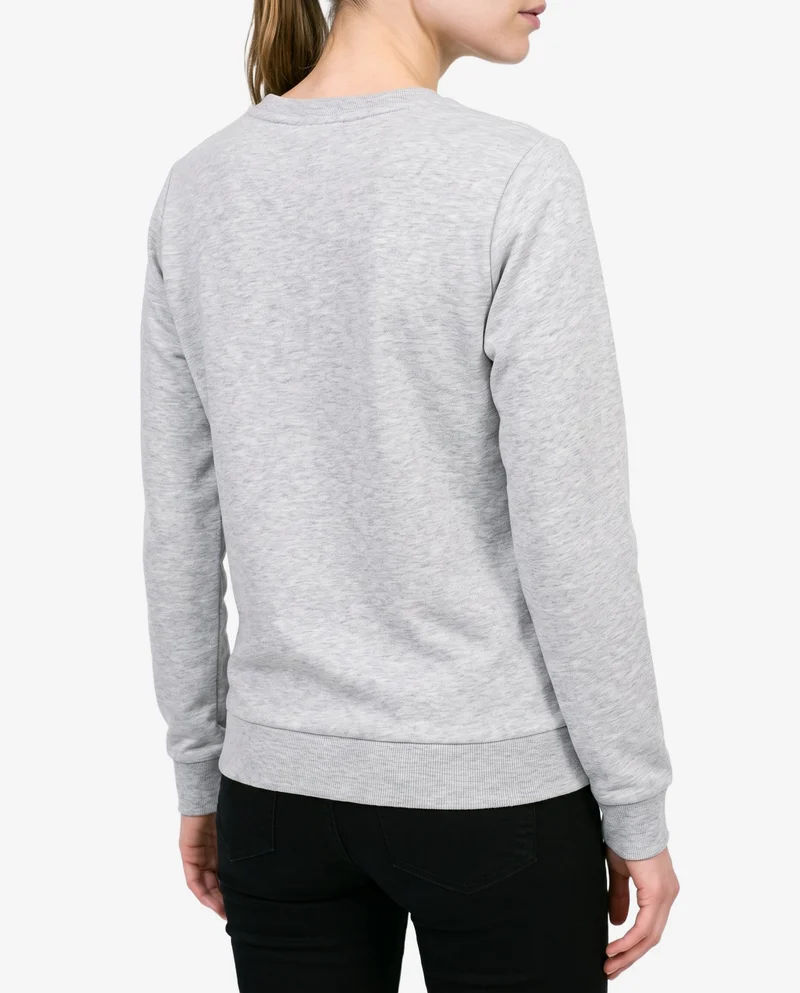
Both start from a clothing-item photo. The Line Studios can also extend approved imagery featuring a real person; RAWSHOT uses synthetic models only. RAWSHOT holds a collection’s composition as one element changes, and every output carries C2PA content credentials.
- The Line Studios is built for
- Extending approved product imagery through tailored, brand-guided production.
- RAWSHOT is built for
- Directing a new on-model product shoot with selectable composition controls.
The Line Studios facts checked on thelinestudios.com, 24 September 2026 · RAWSHOT facts from the app
Decide in three questions
Answer the three questions to see which workflow fits better.
Strengths
Where The Line Studios brings production depth
Extends approved imagery
The Line Studios says its AI-supported workflows can extend existing still-life, ghost, or on-model imagery grounded in real, approved product photography.
SourceCombines creative production and video
The Line Studios offers tailored creative production, on-model photography, and video, with AI workflows guided by brand standards.
SourcePortfolio includes apparel and accessories
Its portfolio documents apparel and accessories work, and the studio lists accessories among the industries it serves.
SourceDifferences
What you can direct in RAWSHOT
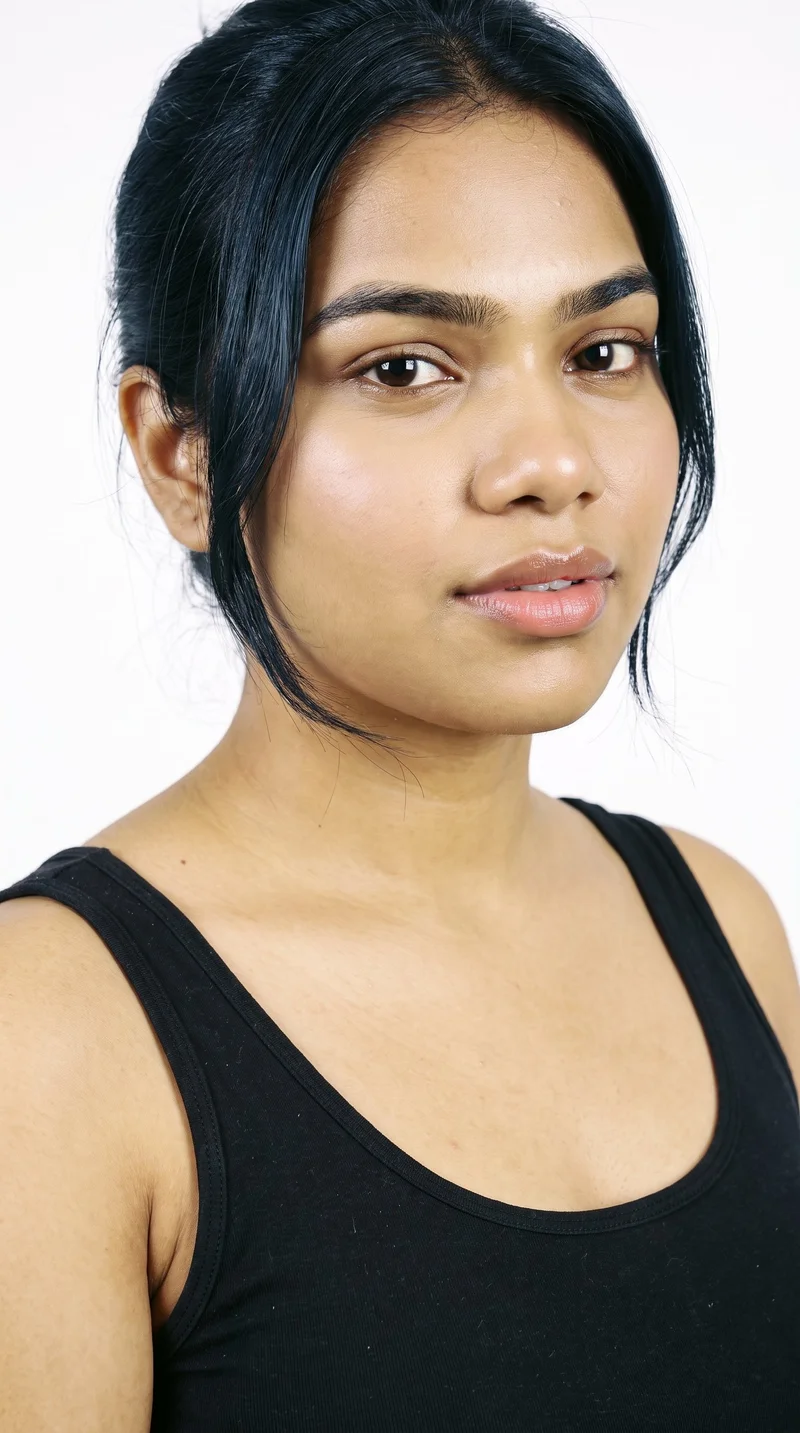
Select a model for the shoot
Choose from 1,197 models or build a private model. All models are synthetic composites; no real-person likeness is referenced.
See the feature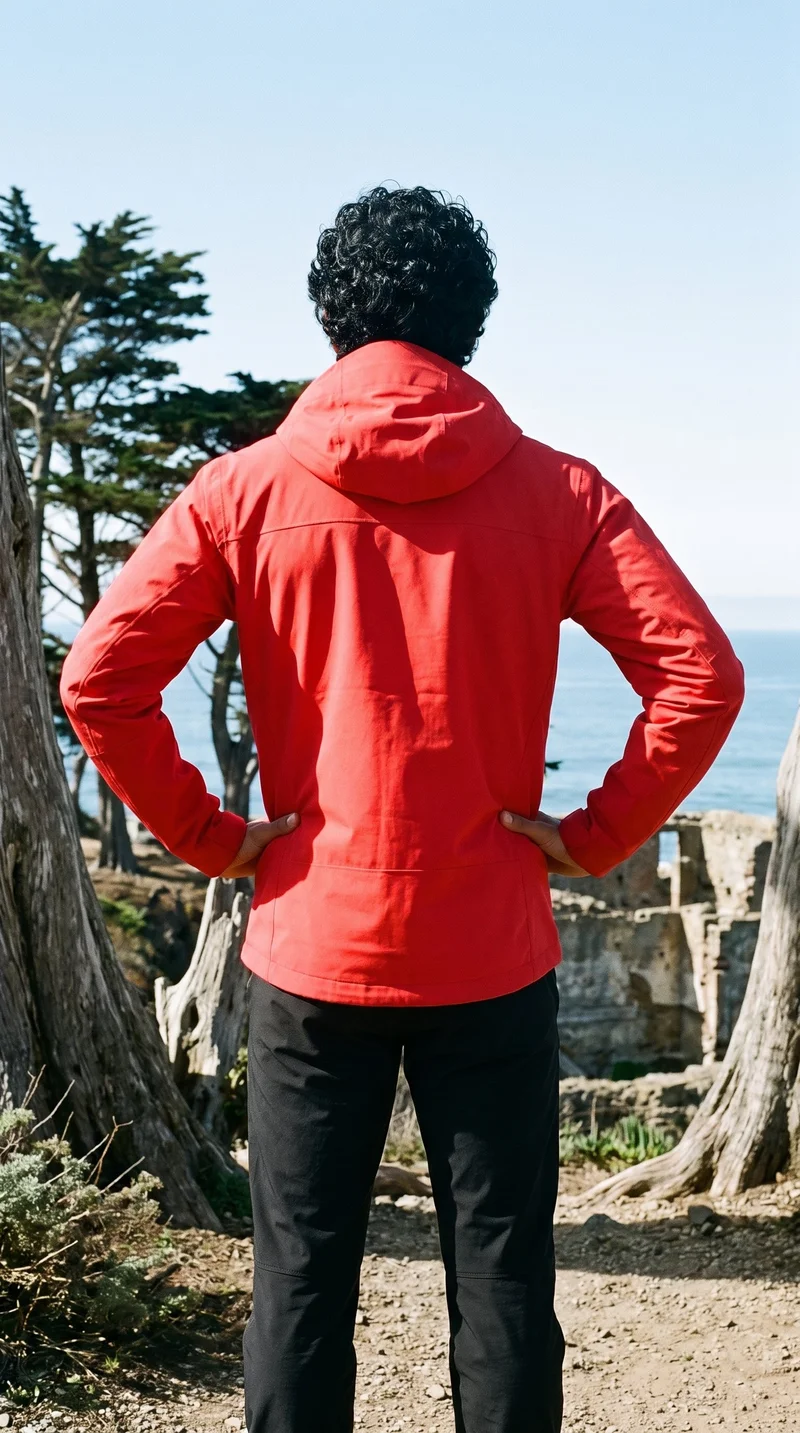
Combine products in one composition
Bring up to four products into one composition: one main product and three supporting pieces.
See the feature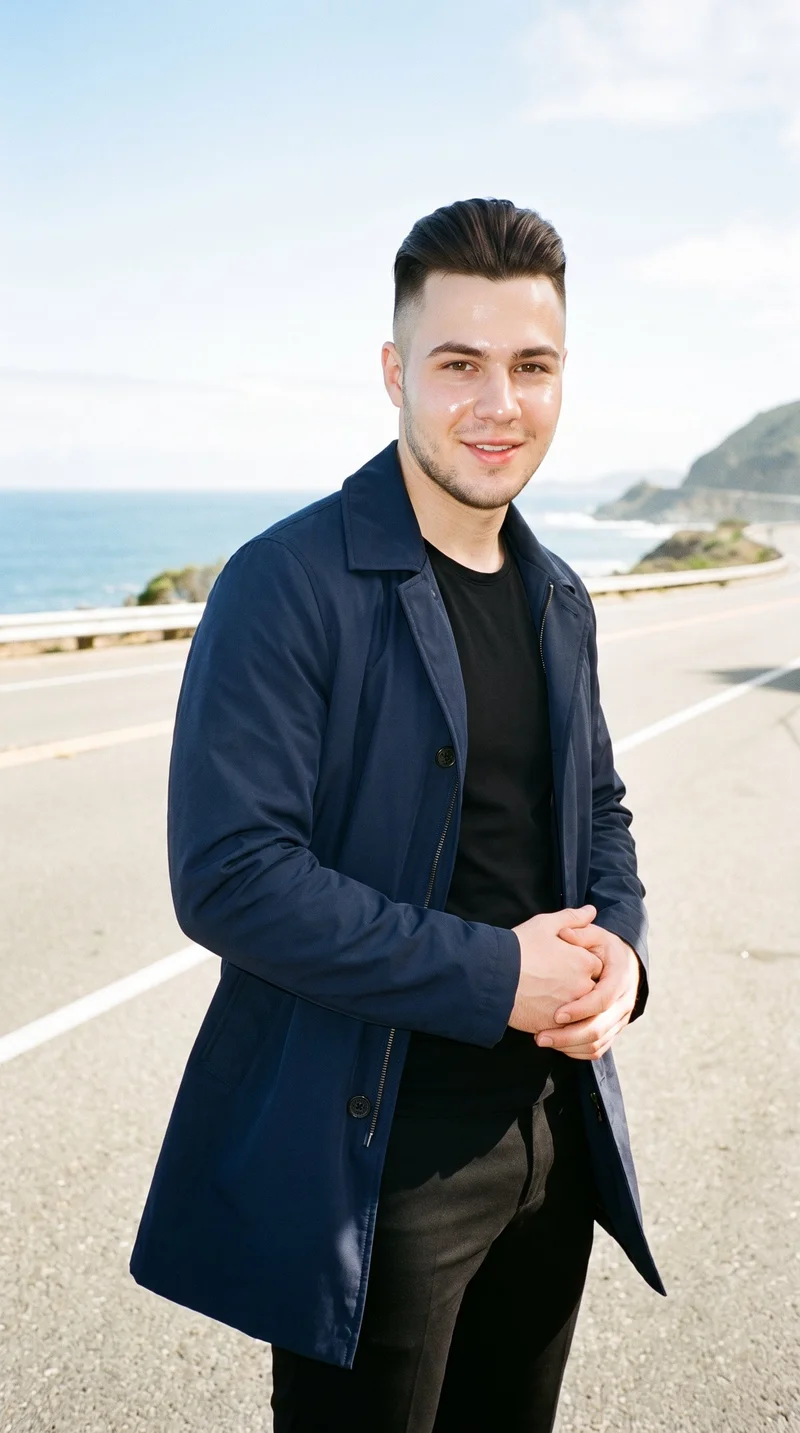
Turn a finished image into motion
Make short scenes from a finished image, with 17 model actions and camera motion available for video direction.
See the featureFrom the catalog
More finished shoots
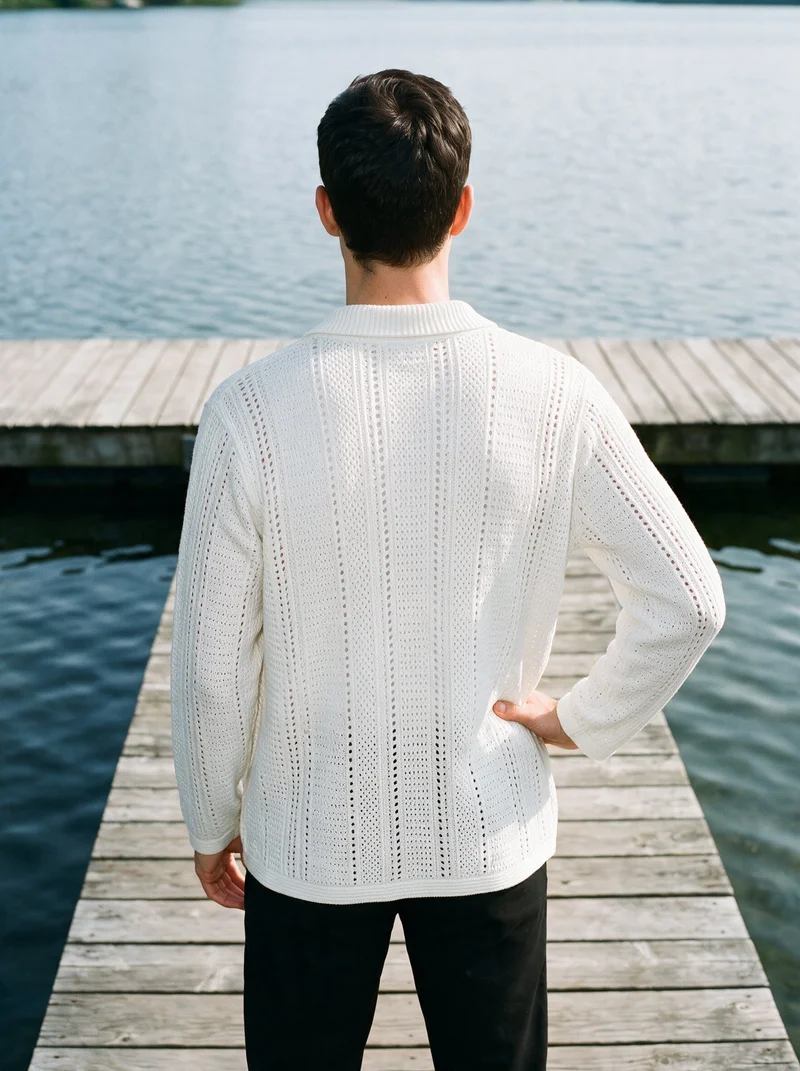
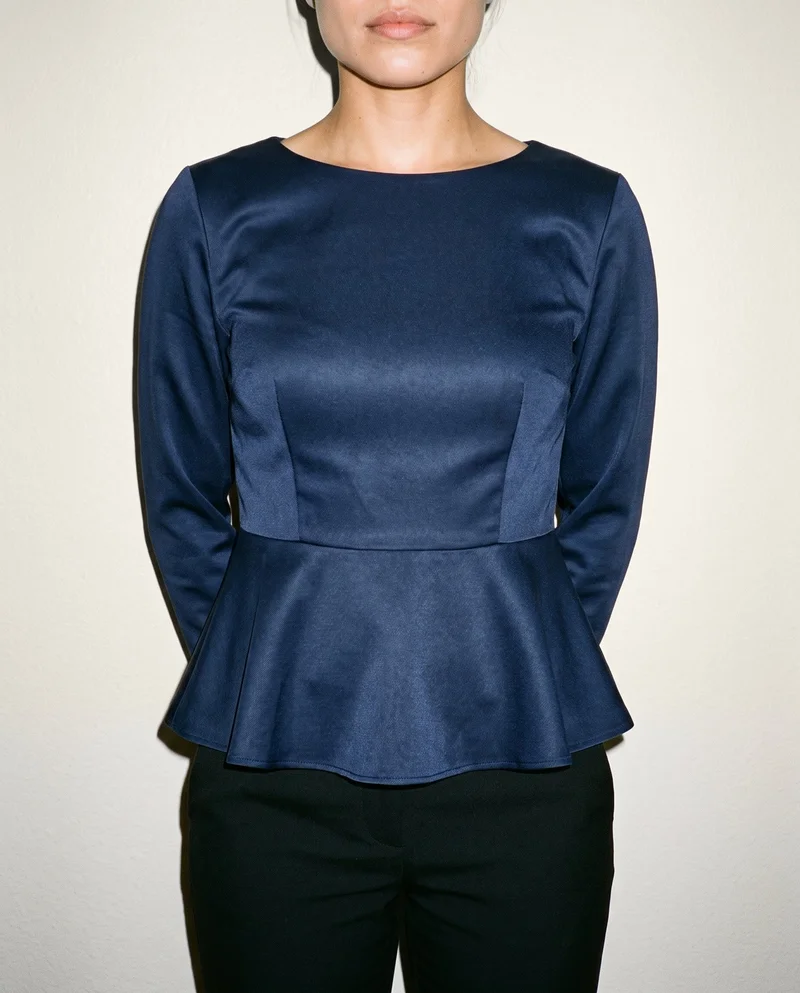
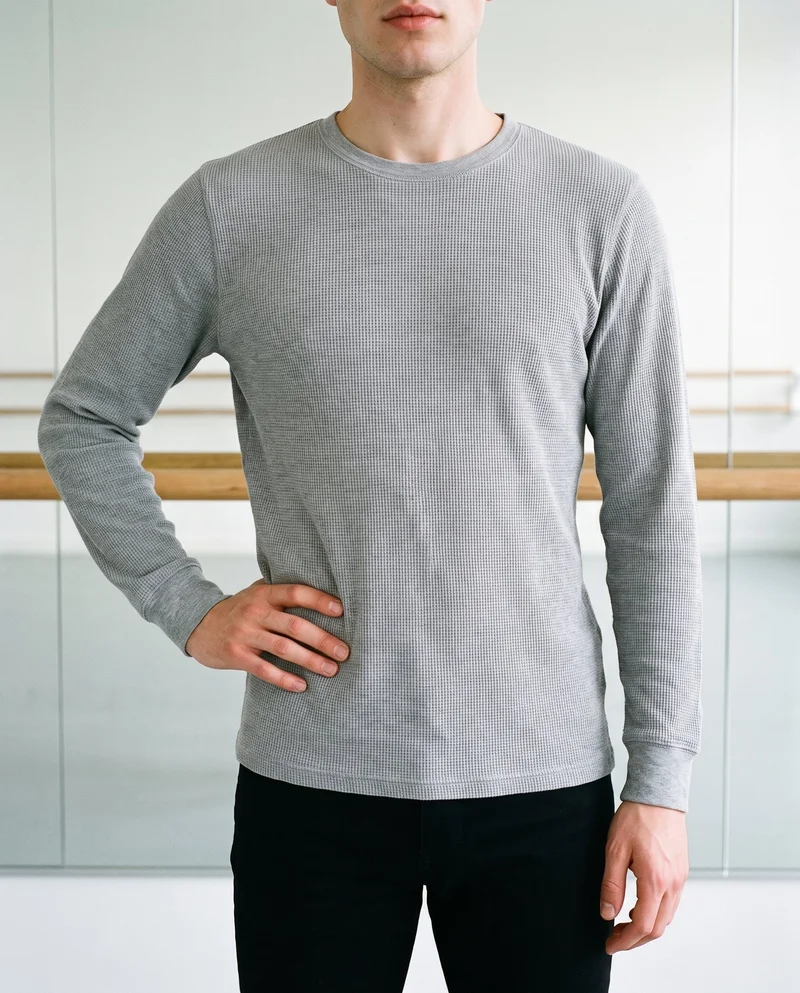
Side by side
Could The Line Studios alternative suit your fashion workflow?
The Line Studios documents creative production services and AI extensions; its public materials leave some individual workflow details unspecified.
| Comparison | RAWSHOT | The Line Studios |
|---|---|---|
| Starting point | Starts from product images, including product photos, flat-lays, mockups, or technical sketches. | Uses approved product imagery, including still-life, ghost, and on-model photography. |
| Creative controls | Visible controls configure styling, background, light, frame, camera view, and pose. | Tailored creative direction and brand-guided workflows; self-serve controls are not specified. |
| Models | Synthetic models only; no real-person likeness is referenced. | Offers on-model photography and extensions of existing on-model imagery; generated-model options are unspecified. |
| Products per image | Combines up to four products in one composition. | Production scopes products, images, and views; multiple products in one image are unspecified. |
| Video | Turns finished images into short scenes with camera motion and model actions. | Offers video production and documents motion extensions of still imagery. |
| Rights and provenance | Full and permanent commercial rights; C2PA content credentials on every output. | Project agreements set usage; digital use is typically defined-period, with additional licensing arranged as needed. |
The Line Studios details come from its about, portfolio, and contact pages. RAWSHOT details reflect its verified product facts.
Use cases
Roles and situations for each approach
Marketing and brand managers
The Line Studios
A project must extend imagery featuring a real model the team already works with.
The Line Studios documents extensions of existing on-model imagery.
E-commerce managers filling product pages before a drop goes live
RAWSHOT
A collection needs consistent compositions as individual products change.
RAWSHOT holds the rest of the composition when one element changes.
See the solutionPerformance marketers
RAWSHOT
The team needs fashion imagery and short video from product images.
RAWSHOT can turn a finished image into short video scenes.
See the solutionWholesale and sales teams building lookbooks and linesheets before samples land
RAWSHOT
The team needs to present products from existing product images.
RAWSHOT accepts product photos, flat-lays, mockups, or technical sketches.
See the solutionMore options
Other ways to approach fashion image production

Packshot
Compare Packshot and RAWSHOT for apparel imagery, collection consistency, model choice, creative control, video and content provenance.
Compare with RAWSHOT

StudioShot
Compare StudioShot and RAWSHOT for fashion imagery, from product-photo workflows and scene guidance to model options, video, rights, and content credentials.
Compare with RAWSHOT

Hyperblack Studios
Compare Hyperblack Studios’ studio-led fashion production with RAWSHOT’s configurable product shoots, including models, creative control, video, and rights.
Compare with RAWSHOT

Squareshot
Compare Squareshot and RAWSHOT for apparel imagery, from campaign direction and model options to collection consistency and image provenance.
Compare with RAWSHOT
Rights
You own every image. Every image says what it is.
Yours
- Full commercial rights to every image, permanently.
- No recurring licence fees on any model in the library.
- Every model is a synthetic composite, so there is no real-person likeness.
Labelled
- C2PA content credentials on every image.
- AI-labelled output, aligned with EU AI Act Article 50.
Checked
- Every image is checked against your model, frame, view and pose before delivery; one that misses is made again.
- A safety filter screens every upload and blocks nude or explicit images.
EU-based hosting, GDPR-compliant handling.
- Aligned with EU AI Act Article 50
- C2PA
- Full commercial rights
- Quality-checked images
- Safety-filtered uploads
- GDPR-compliant handling
- EU-based hosting
Questions
Questions about The Line Studios and RAWSHOT
What is the difference between The Line Studios and RAWSHOT for apparel photos?
Both can work from a clothing-item photo. The Line Studios describes AI-supported extensions of approved product photography, including on-model imagery. RAWSHOT starts from product images and lets you configure a new composition with synthetic models. Choose The Line Studios to extend approved existing imagery; choose RAWSHOT to direct a new composition from product photos.
When is The Line Studios a better choice than RAWSHOT?
The Line Studios may be a better fit when a project needs to extend imagery featuring a familiar real model. Its documented AI workflow can extend existing on-model imagery grounded in approved product photography, and its production is tailored and guided by brand standards. If that familiar model is essential, discuss the project scope with The Line Studios.
Which models can I use in The Line Studios and RAWSHOT?
The Line Studios offers on-model photography and extensions of existing on-model imagery; its public pages do not specify generated-model options. RAWSHOT uses synthetic models only, with 1,197 models and a private model builder. If an established real model is essential, discuss the scope with The Line Studios; if synthetic models suit the brief, choose RAWSHOT.
Can I use The Line Studios and RAWSHOT images commercially?
The Line Studios sets rights by project agreement; its materials say digital usage is typically for a defined period, with additional licensing arranged as needed. RAWSHOT provides full and permanent commercial rights to every generation, with no ongoing licensing fees on library models. Confirm intended usage and licensing in the relevant project terms.
How do I switch from The Line Studios to RAWSHOT?
Prepare a product image and configure a new shoot in the RAWSHOT browser application. RAWSHOT accepts product photos, flat-lays, mockups, or technical sketches; you can review the upload guidance before generating. Review RAWSHOT’s terms separately from any existing project agreement, then begin with a representative product image.
Get started
Direct a fashion shoot in RAWSHOT
Bring a product image, select the composition, and review the result in the browser.