
StudioShot alternative
StudioShot and RAWSHOT: two ways to direct fashion imagery
Compare product-photo enhancement and guided lifestyle scenes with a configurable, on-model fashion photoshoot.
Published: Updated:
The short answer
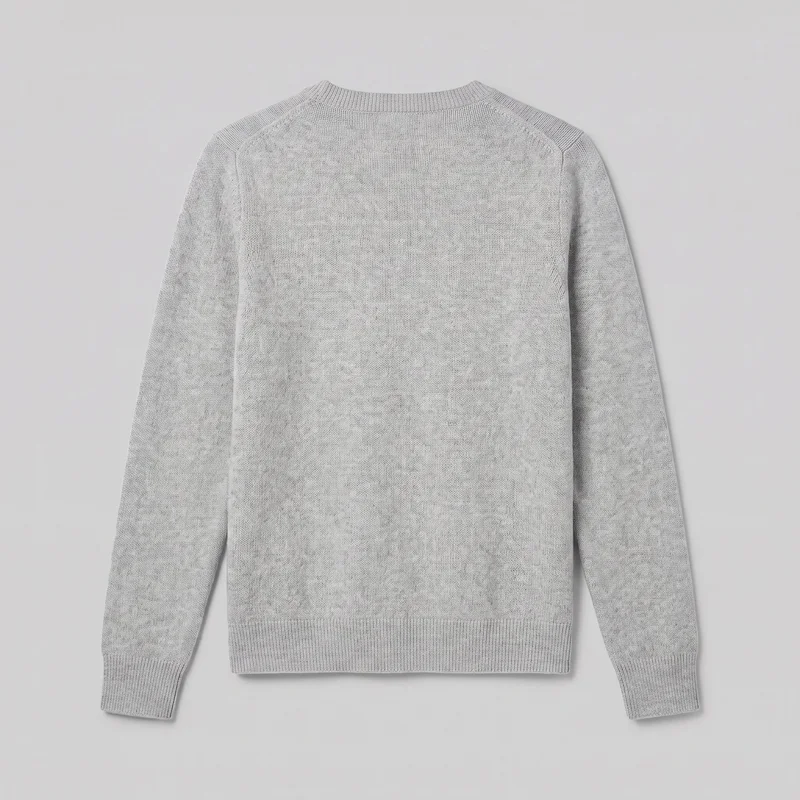
Both tools start from a clothing-item photo. A real person may be part of StudioShot imagery, but its reviewed listing does not document that input; RAWSHOT uses synthetic models. StudioShot documents product enhancement and guided scenes; RAWSHOT holds the selected composition when one element changes and adds C2PA content credentials to every output.
- StudioShot is built for
- Merchants shaping product photos into studio or lifestyle scenes guided by text or a reference image.
- RAWSHOT is built for
- Fashion teams configuring an on-model photoshoot with selectable composition controls.
StudioShot facts checked on studioshot.com, 24 September 2026 · RAWSHOT facts from the app
Decide in three questions
Answer the three questions to see which workflow fits better.
Strengths
Where StudioShot offers useful tools
Start with a product photo
StudioShot says merchants can upload a basic product photo and turn it into studio or lifestyle imagery.
SourceGuide lifestyle scenes
A written instruction or reference image can guide product placement in a chosen scene.
SourceEdit and vary product images
The listing describes image variations and angles, text-based editing, background removal, and product-clarity enhancement.
SourceDifferences
What a configured RAWSHOT shoot includes
Choose a synthetic model
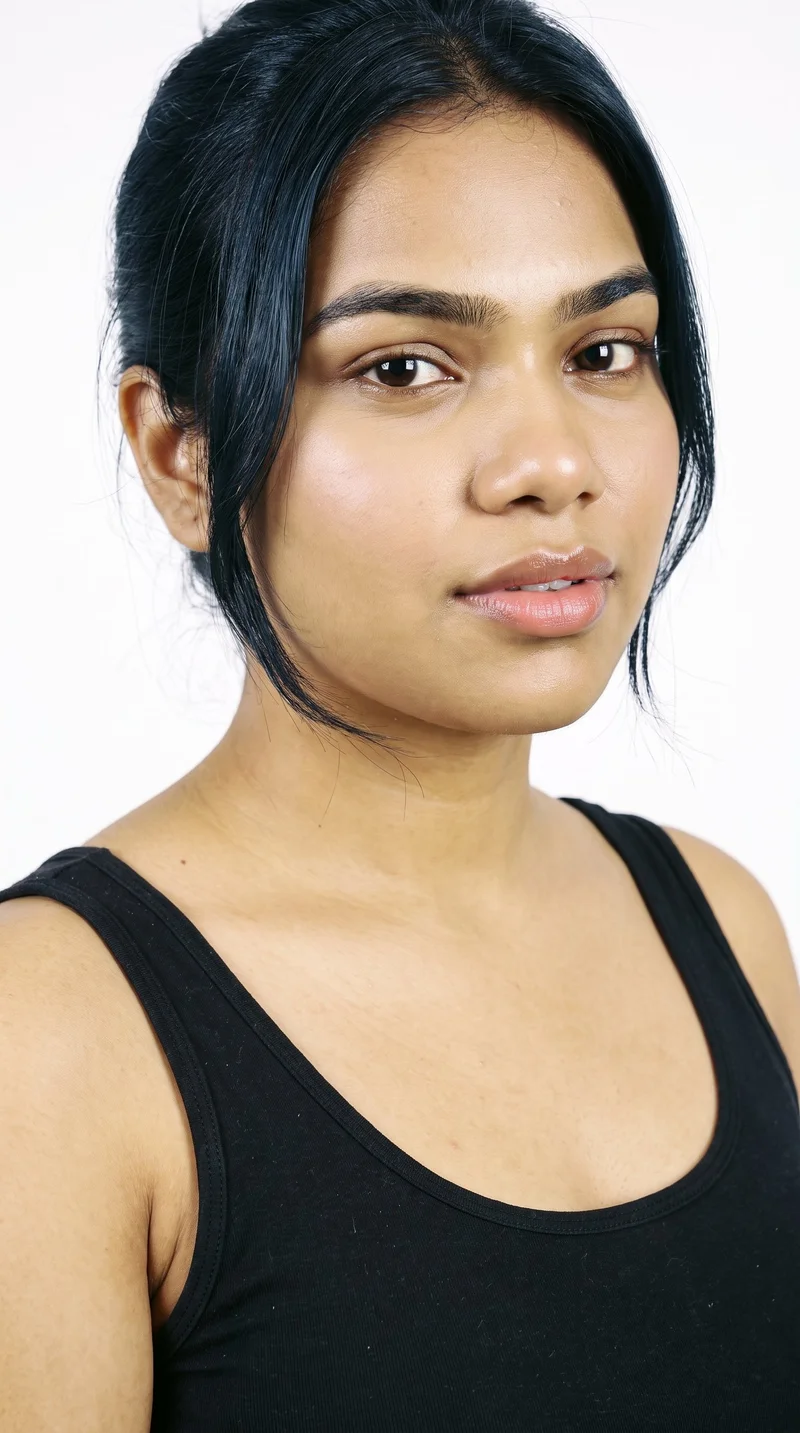
Choose from 1,197 models or use the private model builder. All models are synthetic composites; no real-person likeness is referenced.
See the feature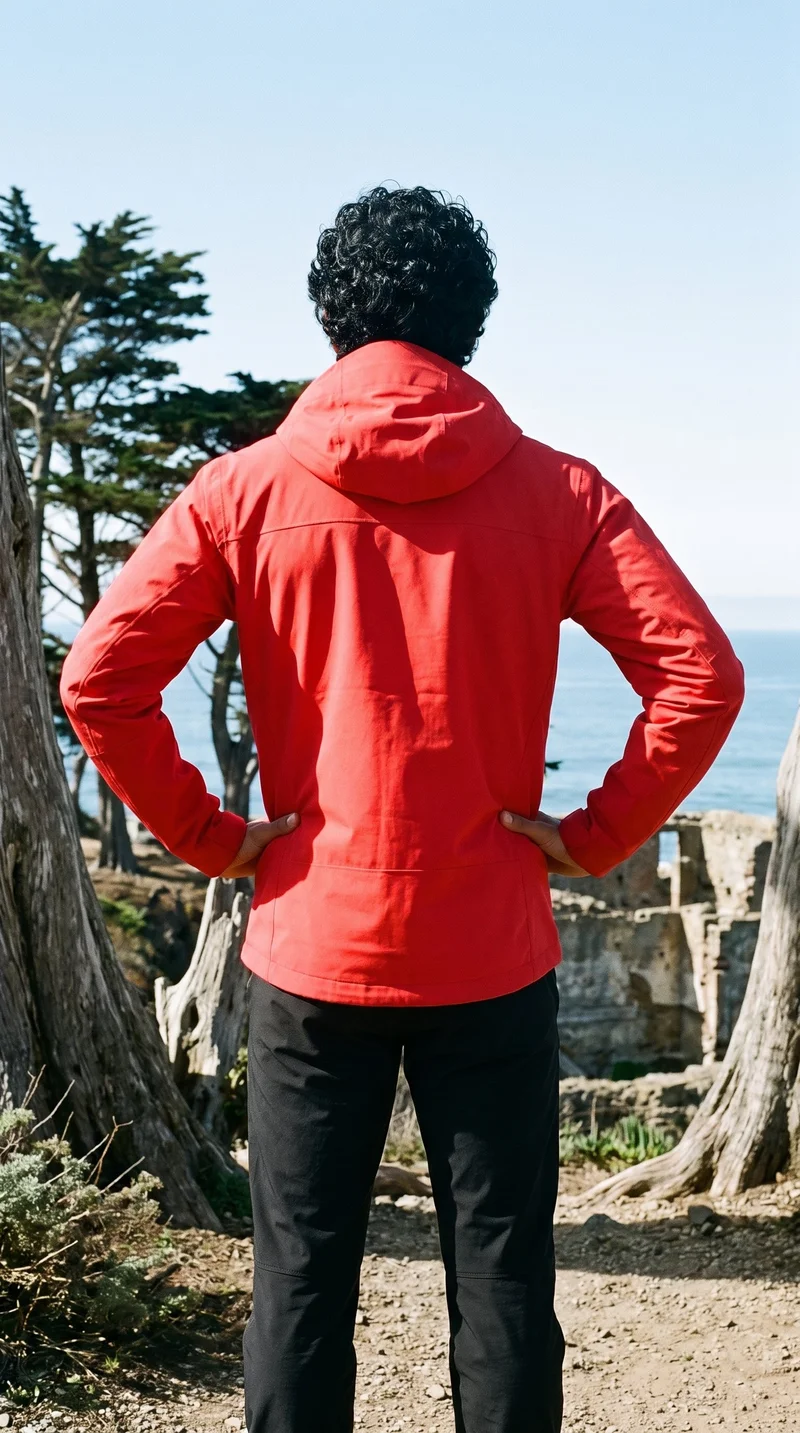
Hold the composition
Change one element and the rest of the composition holds, helping a collection keep a consistent visual setup.
See the feature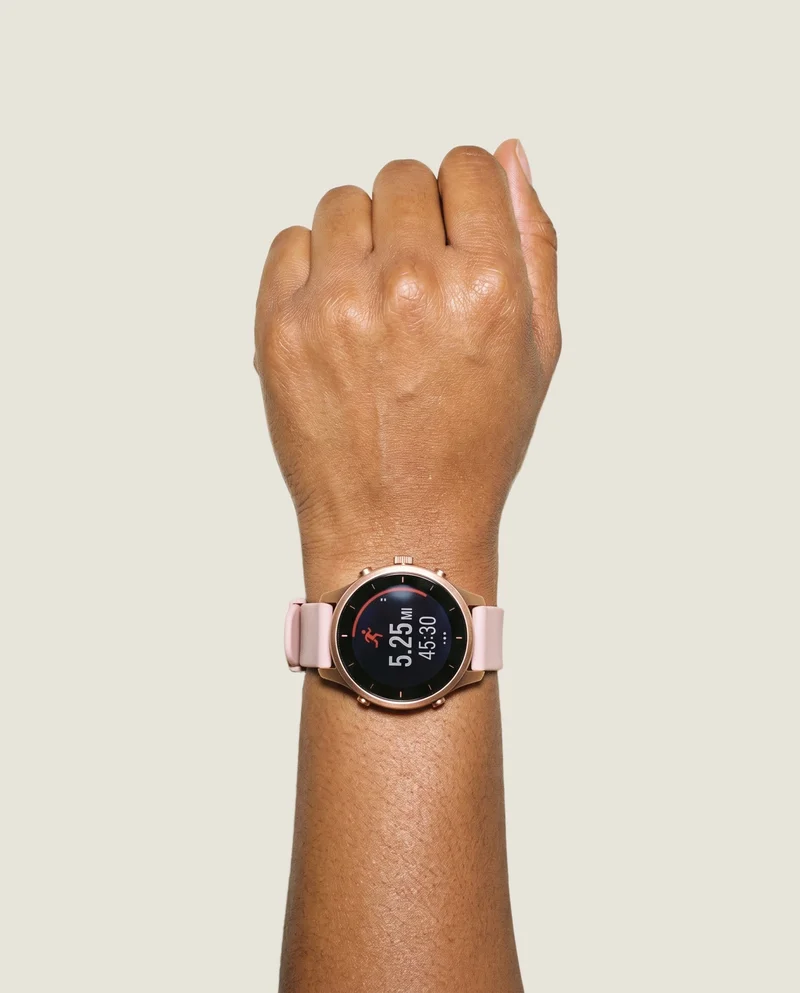
Bring products into the composition
Start from product photos, flat-lays, mockups, or technical sketches; combine up to four products in one composition.
See the featureFrom the catalog
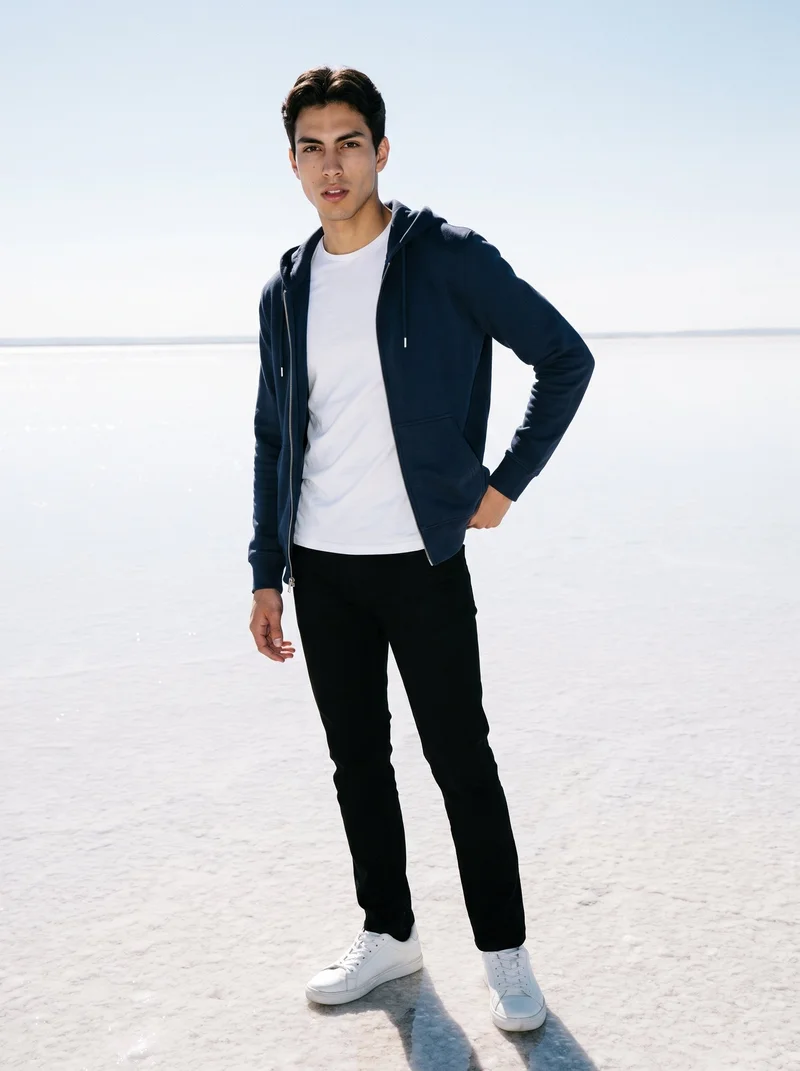
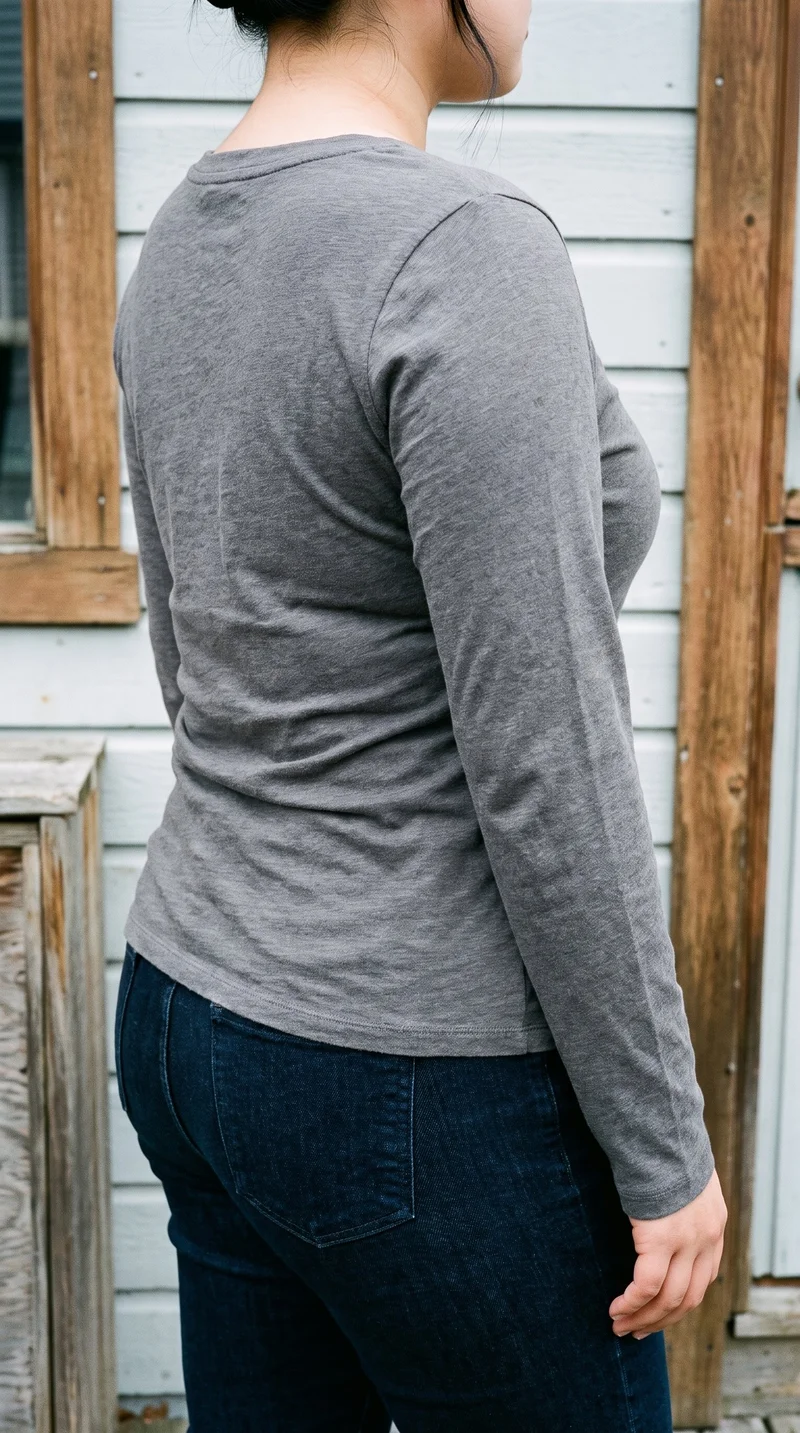
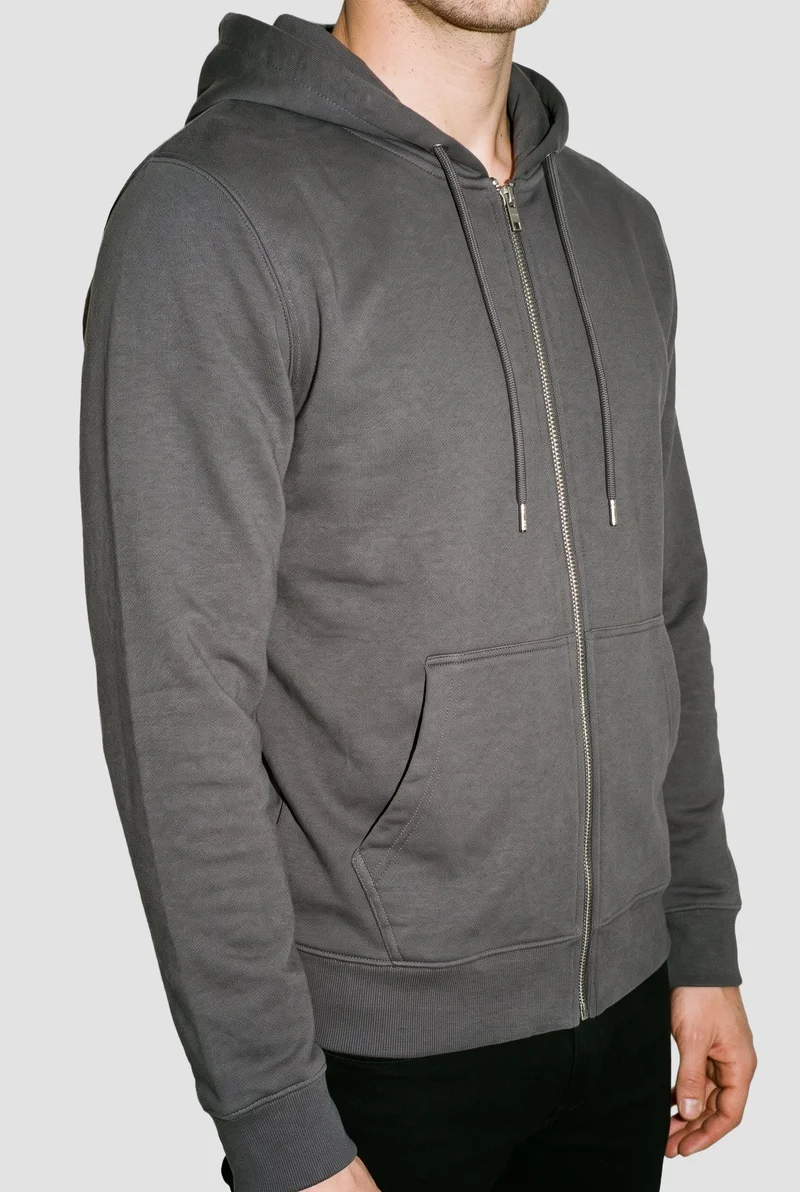
More finished shoots
Side by side
Could RAWSHOT be a StudioShot alternative for your fashion workflow?
StudioShot documents product-photo enhancement and guided scenes. RAWSHOT configures a fashion composition before generating an image.
| Comparison | RAWSHOT | StudioShot |
|---|---|---|
| Starting point | Product photos, flat-lays, mockups, or technical sketches. | A basic product photo is documented as an input. |
| Creative controls | Seven steps configure product, model, styling, background, light, and composition. | Text or a reference image can guide scenes; text edits are listed. |
| Models | 1,197 models; all are synthetic composites. | Model selection and real-person-photo input are not documented in the reviewed listing. |
| Products per image | Up to four products in one composition. | The reviewed listing does not specify how many products can appear in one image. |
| Video | Finished stills can become video: up to 3 scenes of 5 seconds. | Video generation is not documented in the reviewed product listing. |
| Rights and provenance | Permanent commercial rights; C2PA content credentials on every output. | Users retain rights to original images and processed outputs; credentials are undocumented in reviewed terms. |
The comparison uses StudioShot's Shopify listing and published terms. Capabilities not documented in those materials are identified as undocumented.
Use cases
Which workflow fits your team?
Marketing and brand managers
StudioShot
A campaign needs a lifestyle scene guided by a reference image.
StudioShot documents reference-guided scene creation from a product photo.
E-commerce managers filling product pages before a drop goes live
RAWSHOT
Product pages need on-model imagery prepared for an upcoming release.
RAWSHOT lets you configure the model, product, styling, light, and frame in a photoshoot.
See the solutionWholesale and sales teams building lookbooks and linesheets before samples land
RAWSHOT
A team needs to present a collection before physical samples arrive.
RAWSHOT can generate imagery from technical sketches as well as product photos.
See the solutionMore options
Other approaches to fashion imagery

Packshot
Compare Packshot and RAWSHOT for apparel imagery, collection consistency, model choice, creative control, video and content provenance.
Compare with RAWSHOT

The Line Studios
Compare The Line Studios’ documented production and AI extensions with RAWSHOT’s configurable fashion studio, synthetic models, and C2PA credentials.
Compare with RAWSHOT

Hyperblack Studios
Compare Hyperblack Studios’ studio-led fashion production with RAWSHOT’s configurable product shoots, including models, creative control, video, and rights.
Compare with RAWSHOT

Squareshot
Compare Squareshot and RAWSHOT for apparel imagery, from campaign direction and model options to collection consistency and image provenance.
Compare with RAWSHOT
Rights
You own every image. Every image says what it is.
Yours
- Full commercial rights to every image, permanently.
- No recurring licence fees on any model in the library.
- Every model is a synthetic composite, so there is no real-person likeness.
Labelled
- C2PA content credentials on every image.
- AI-labelled output, aligned with EU AI Act Article 50.
Checked
- Every image is checked against your model, frame, view and pose before delivery; one that misses is made again.
- A safety filter screens every upload and blocks nude or explicit images.
EU-based hosting, GDPR-compliant handling.
- Aligned with EU AI Act Article 50
- C2PA
- Full commercial rights
- Quality-checked images
- Safety-filtered uploads
- GDPR-compliant handling
- EU-based hosting
Questions
Questions about fashion imagery workflows
What is the difference between StudioShot and RAWSHOT for apparel photos?
Both tools start with a clothing-item photo. StudioShot documents product enhancement and lifestyle-scene creation, while RAWSHOT configures an on-model composition from product input. StudioShot also lists image variations, text editing, background removal, and product-clarity enhancement. Choose StudioShot for scene-led editing or RAWSHOT when you need to direct an on-model fashion shoot.
When is StudioShot a better choice than RAWSHOT?
StudioShot may suit a brief that depends on text- or reference-guided lifestyle scenes. Its listing documents those options alongside product-photo editing. The listing does not establish every workflow detail, so confirm any specific needs directly with StudioShot. If scene guidance from a product photo is central to your work, consider StudioShot.
Which models can I use in StudioShot and RAWSHOT?
StudioShot's reviewed listing does not document model selection or real-person-photo input. RAWSHOT offers 1,197 models and a private model builder; all models are synthetic composites, with no real-person likeness referenced. StudioShot's model workflow remains unconfirmed in the reviewed material. Verify the model options with StudioShot, or choose RAWSHOT when synthetic model selection is required.
Can I use StudioShot and RAWSHOT images commercially?
StudioShot's terms say users retain rights to original images and processed outputs; the reviewed terms do not document content credentials. RAWSHOT grants full and permanent commercial rights to every generation, with no ongoing licensing fees on library models, and includes C2PA content credentials on every output. Review the applicable terms for your intended use.
How do I switch from StudioShot to RAWSHOT?
The reviewed StudioShot materials do not establish an automatic transfer path to RAWSHOT. Keep your original product files and start a RAWSHOT photoshoot with the product and the composition choices you need. The listing documents product-photo input but does not say that a StudioShot scene or edit transfers as an editable RAWSHOT composition. Test with one product image, then configure the shoot in RAWSHOT.
Get started
Configure a fashion photoshoot in RAWSHOT
Start with a product and select the model, styling, background, light, and composition in the browser.